

View More
Filter
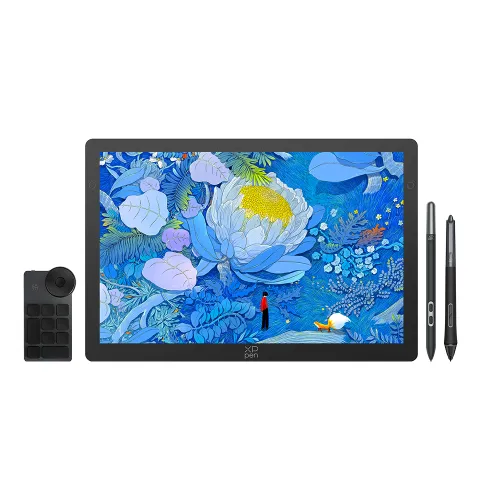
Artist Ultra 14 OLED
14-inch with 2.8K OLED screenUltra-Slim and Portable DesignX‑Touch solution with customizable touch areas and shortcut keysArtist ultra 14 requires connection to a computer or laptop to function.

1 Reviews(1)|0 Q & A0
AU$879.99
AU$999.99
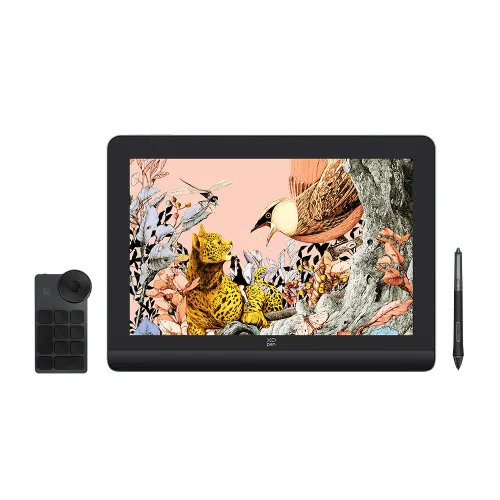
Artist Pro 16 (Gen 2) _Buy now get free 3 in 1 cable
2.5K high Resolution,Δ E<2.2,High color accuracy.X3 Pro chip-16K Pressure Levels.Built-in foldable stand,larger work area.Fully laminated screen,No parallax error.Artist Pro 16 (Gen 2) requires connection to a computer or laptop to function.

7 Reviews(7)|10 Q & A10
AU$591.99
AU$739.99
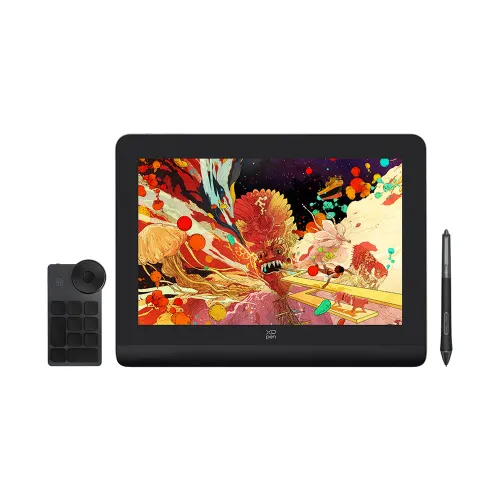
Artist Pro 14 (Gen 2) Buy now get free 3 in 1 cable
World First 16K Pressure Levels. Ultimate X-Paper Surface for Immersive Creation. TÜV SÜD certified, low blue light, easy for eyes. Δ E<2.2, high color accuracy. 99% sRGB, FHD 1920×1200 Resolution.Artist Pro 14 (Gen 2) requires connection to a computer or laptop to function.
2 Reviews(2)|2 Q & A2
AU$497.99
AU$599.99
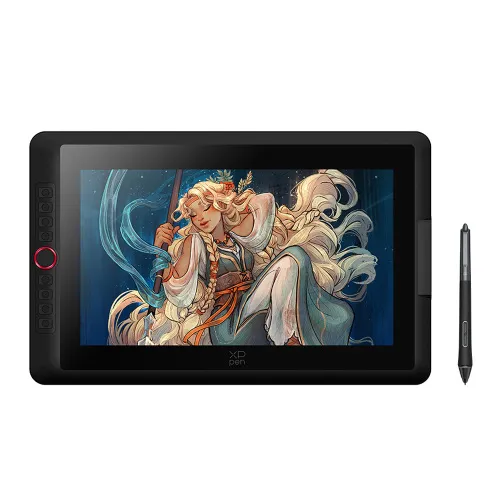
Artist 15.6 Pro V2
15.4-Inch Display I X3 Pro Smart Chip Stylus | 16K Pressure Levels | Red Dial Quick Keys;Artist 15.6 Pro V2 requires connection to a computer or laptop to function.

19 Reviews(19)|17 Q & A17
AU$349.99
AU$499.99
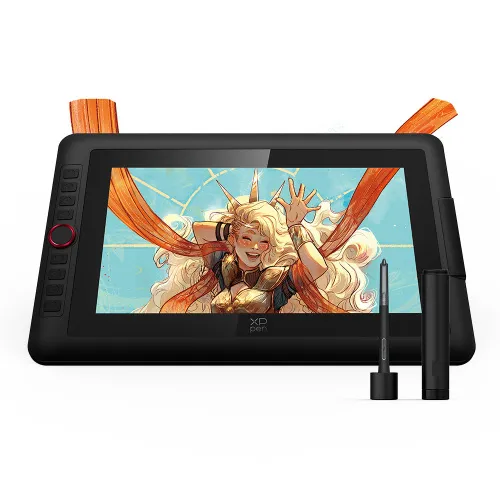
Artist 13.3 Pro V2
13.3-Inch Display | X3 Pro Smart Chip Stylus | 16K Pressure Levels | Red Dial Quick KeysArtist 13.3 Pro V2 requires connection to a computer or laptop to function.
11 Reviews(11)|14 Q & A14
AU$329.99
AU$439.99
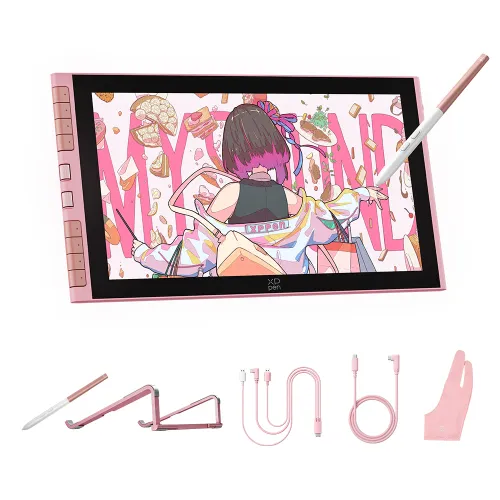
Artist 12 3rd (Pink Version)
X4 Smart Chip Stylus delivering 16K pressure levelsX-Dial + 8 customizable keys for seamless creationA foldable stand and single USB-C cable for both power and data transmissionArtist 12 3rd requires connection to a computer or laptop to function.
0 Reviews(0)|0 Q & A0
AU$299.69
AU$369.99

Artist 12 3rd
Upgraded X4 Smart Chip Stylus for smooth strokes.Customizable dial and shortcut keys for instant control.99% sRGB color gamutcoverage,full-laminated,come with a foldable stand.Artist 12 3rd requires connection to a computer or laptop to function.
1 Reviews(1)|3 Q & A3
AU$287.99
AU$359.99
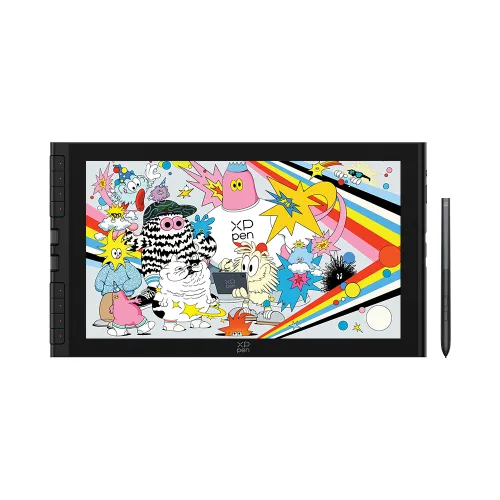
Artist 16 3rd
X4 Smart Chip Stylus with 16K pressure levels for natural, precise drawing;X-Dial & 8 customizable shortcut keys for faster, easier control;99% sRGB & anti-glare paper-like screen with eye protection.Artist 16 3rd requires connection to a computer or laptop to function.
0 Reviews(0)|0 Q & A0
AU$399.99
AU$499.99
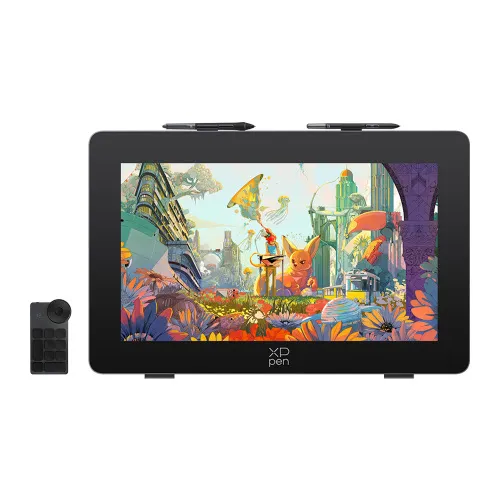
Artist pro 24 Gen 2 (4K Resolution)
4K Ultravision Display, No Drawing Details HiddenWorld-frst 16K Ultrasensitive Pressure LevelsFull-laminated AG Nano Etched Glass, No Visual Gap,Anti-GlareArtist Pro 24 gen2 requires connection to a computer or laptop to function.
5 Reviews(5)|2 Q & A2
AU$1,424.99
AU$1,899.99
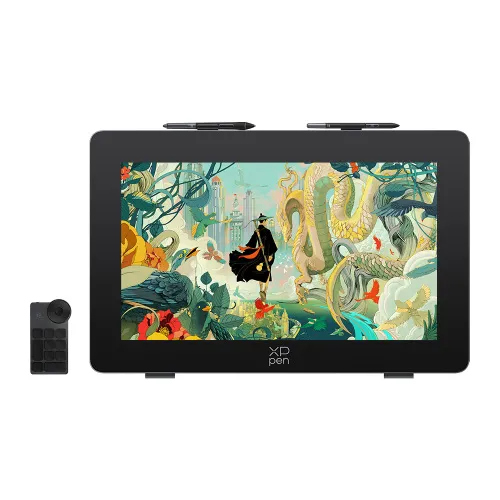
Artist Pro 24 (Gen 2) 165hz
165Hz Ultraspeed & 2.5K QHD Resolution Display Next-Gen SmoothnessCalman Verifed Turs-to-Lifs Color PerformanceFull-laminated AG Nano Etched Glass, No Visual Gap Anti-GlareDual X3 Pro Series Styli & ACK05 Wireless KeyboardArtist Pro 24 gen2 requires connection to a computer or laptop to function.
2 Reviews(2)|0 Q & A0
AU$1,199.99
AU$1,599.99
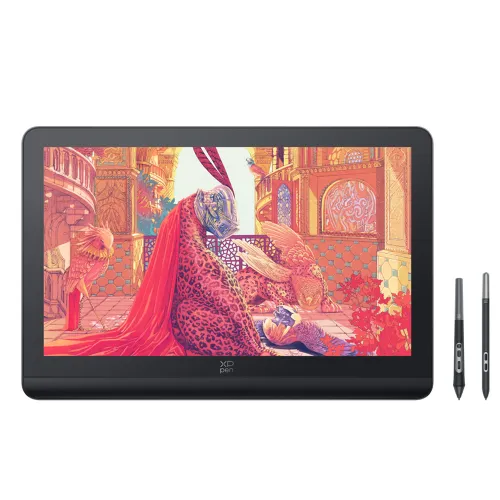
Artist Pro 19 (Gen 2) 4K Resolution
4K Ultravision 19-inch Display| Calman Verified | Dual 16K Ultrasensitive styli SeriesFull-laminated Display, No Visual Gap, Anti-reflection,Anti-fingerprintArtist Pro 19 (Gen 2) requires connection to a computer or laptop to function.
3 Reviews(3)|1 Q & A1
AU$1,124.99
AU$1,499.99
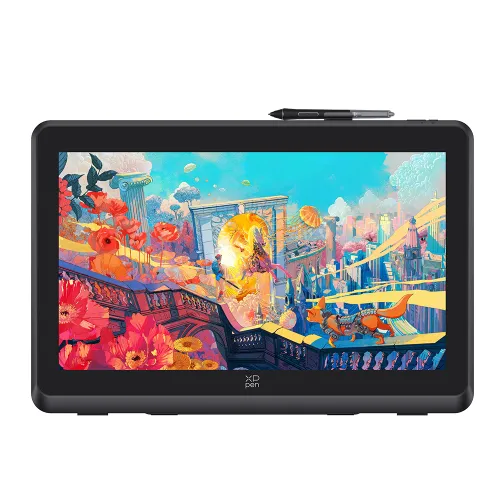
Artist 22 Plus
21.5-inch 1920*1080 display, 130% sRGB native color space;X3 Pro Roller Stylus,accuracy increases by 20%;Fully laminated screen, no parallax error and support full-featured USB-C to USB-C connection.Artist 22 Plus requires connection to a computer or laptop to function.
1 Reviews(1)|0 Q & A0
AU$591.99
AU$739.99
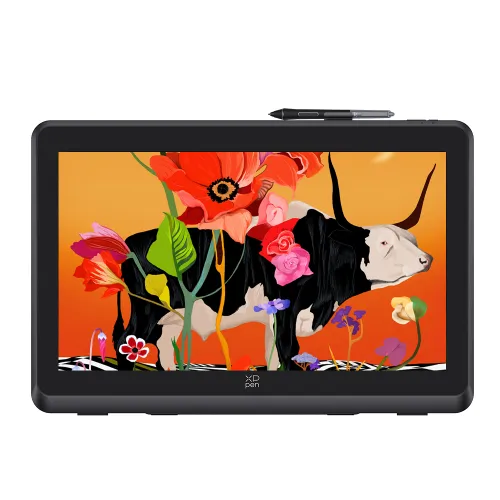
Artist Pro 22 (Gen 2) 2.5K resolution
2.5K QHD 22-inch display | 16K Pressure Levels | Calman VerifiedArtist pro 22 gen2 requires connection to a computer or laptop to function.
2 Reviews(2)|1 Q & A1
AU$934.99
AU$1,099.99
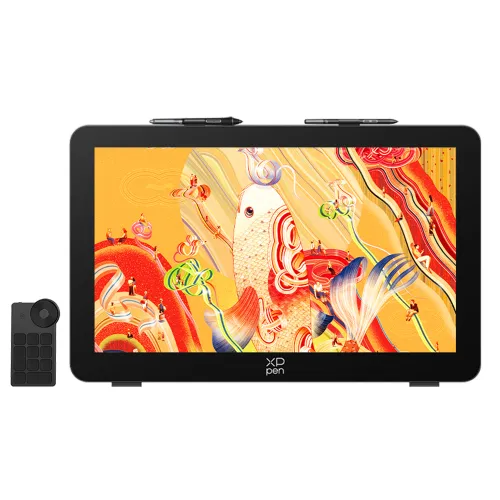
Artist Pro 27 (Gen2)
27-inch 4K mega display featuring a 120Hz high refresh rate;Ten-finger touch, customizable gestures, and floating menu for effortless workflow;Calman Verified with Delta E < 1 and 99% Adobe RGB coverage for true-to-life visuals;Artist Pro 27 (Gen2) requires connection to a computer or laptop to function.
0 Reviews(0)|0 Q & A0
AU$2,319.99
AU$2,899.99
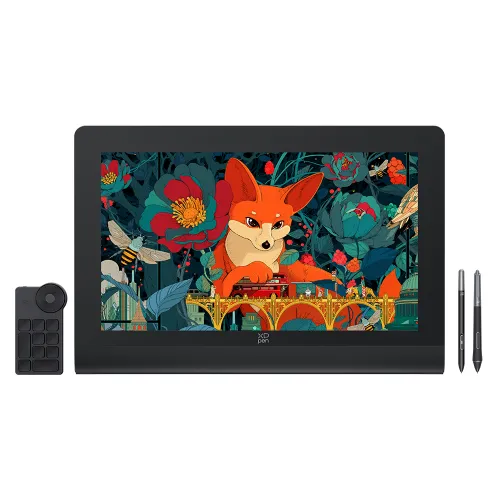
Artist Ultra 16 (4K OLED display)
4K OLED display, along with dual 16K pressure levels styli, X-touch solution enables intuitive canvas control with multi-finger gestures, It can display 1.07 billion native colors,Calman VerificationArtist Ultra 16 requires connection to a computer or laptop to function.
2 Reviews(2)|0 Q & A0
AU$1,229.99
AU$1,499.99
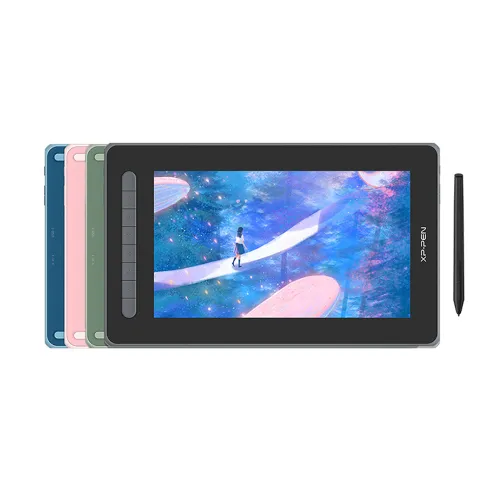
Artist 12 (2nd Gen)-Standard Edition
X3 smart-chip powered stylus, 3 grams* initial activation force 11.9-inch working area, 90% NTSC, 127% sRGB, 94% Adobe RGB Support Windows, Mac OS X, Chrome OS, Linux, and Android Black is selected by default, please choose your favorite.Artist 12 (2nd Gen) requires connection to a computer or laptop to function.
9 Reviews(9)|19 Q & A19
AU$247.99
AU$309.99
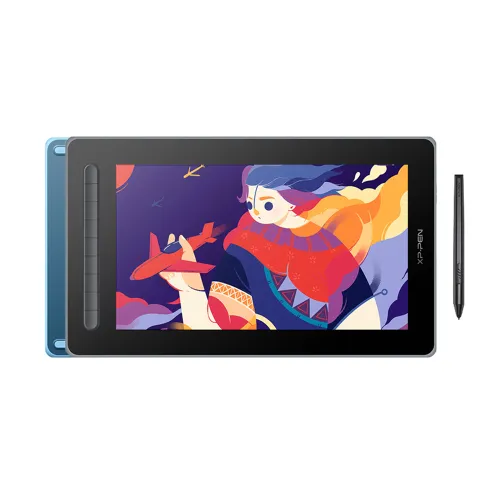
Artist 13 (2nd Gen)
13.3-inch fully-laminated screen, effortless portability New X3 technology, 3 grams initial activation force A wide color gamut, 96% Adobe RGB Available in four vibrant colors.Artist 13 (2nd Gen) requires connection to a computer or laptop to function.
2 Reviews(2)|2 Q & A2
AU$319.99
AU$399.99
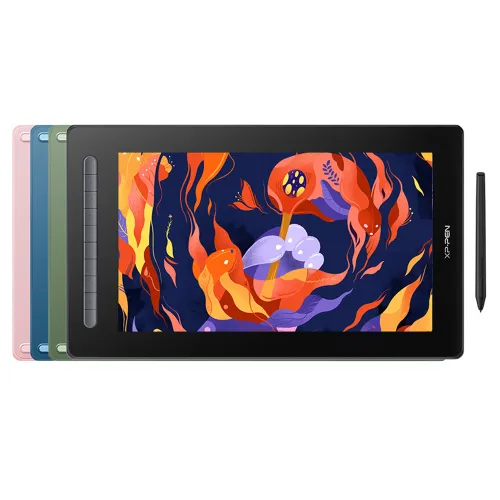
Artist 16 (2nd Gen)
Powered by X3 Smart Chip technology, 15.4 inch, 127% sRGB with Full lamination screen Supports connection with USB-C to USB-C cable.Artist 16 (2nd Gen) requires connection to a computer or laptop to function.
0 Reviews(0)|9 Q & A9
AU$365.99
AU$609.99
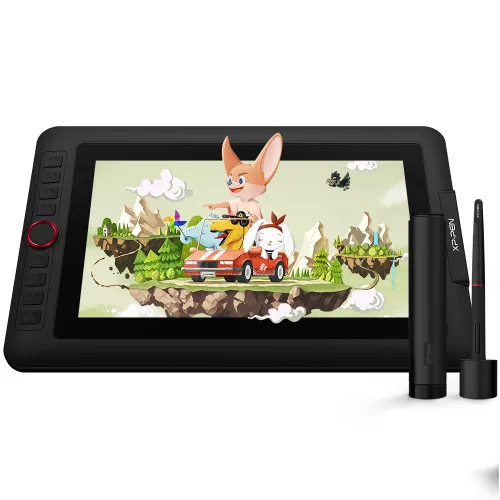
Artist 12 Pro
Red Dial interface combines 8 fully customizable shortcut keys Fully-laminated, 60 degrees of tilt function;Artist 12 Pro requires connection to a computer or laptop to function.
17 Reviews(17)|32 Q & A32
AU$287.99
AU$359.99
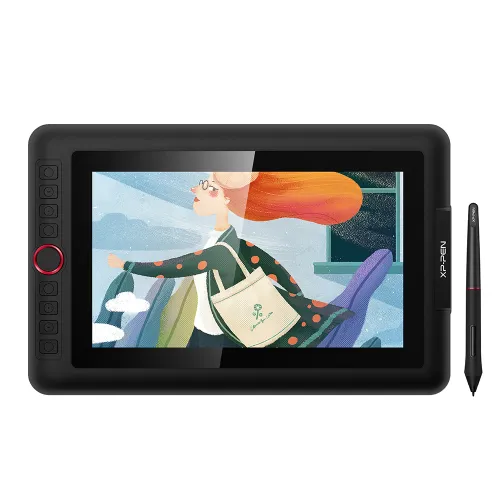
Artist 12 Pro Lite
11.6-inch fully-laminated IPS screenThe battery-free stylus supports 60° tilt and 8,192 pressure levelsA programmable Red Dial and 8 customizable shortcut keysArtist 12 Pro requires connection to a computer or laptop to function.
0 Reviews(0)|0 Q & A0
AU$224.99
AU$299.99
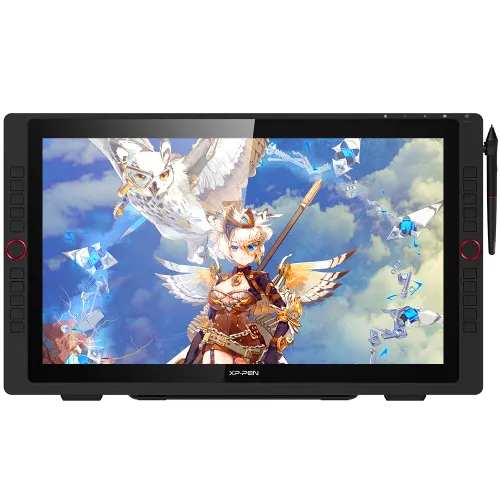
Artist 22R Pro
21.5-inch display supports a Type-C to Type-C connection;Artist 22R Pro requires connection to a computer or laptop to function.
15 Reviews(15)|14 Q & A14
AU$599.99
AU$899.99
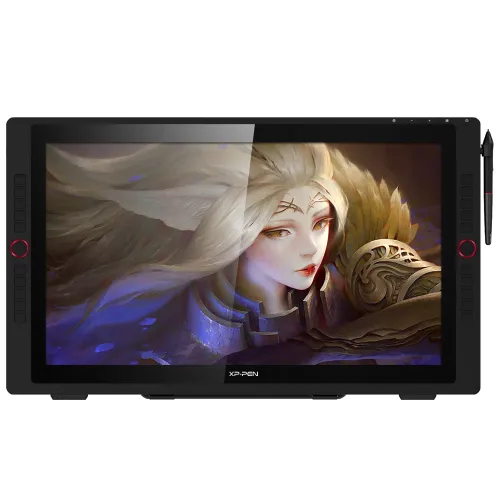
Artist 24 Pro 2.5K Resolution
23.8-inch working area, 2560X 1440 HD display Adobe® RGB≧90%, Support tilt function;Artist 24 Pro requires connection to a computer or laptop to function.
22 Reviews(22)|19 Q & A19
AU$974.99
AU$1,499.99