



Getting started with your
XP-Pen Artist display
1/9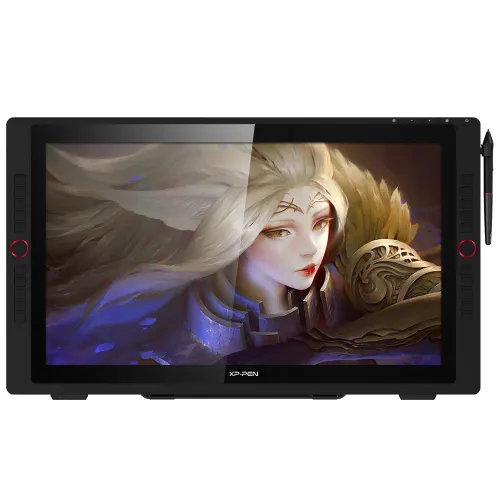
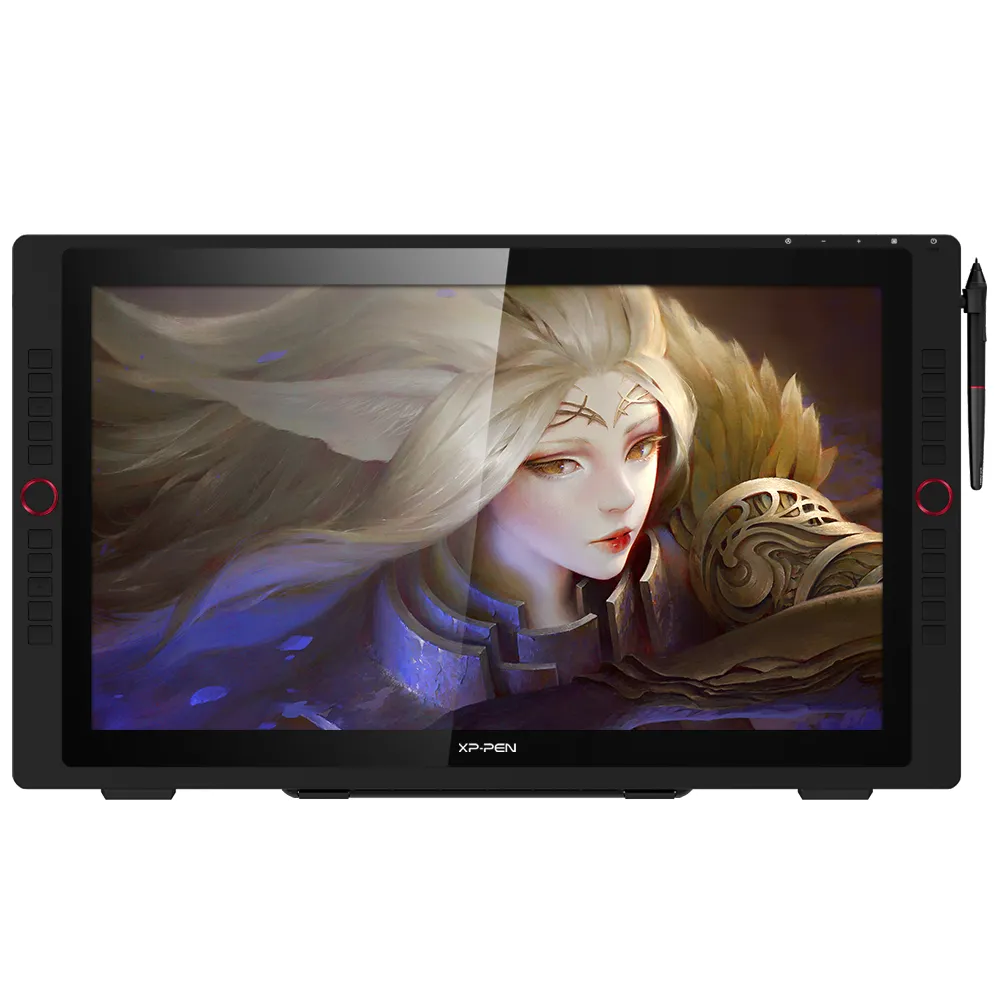
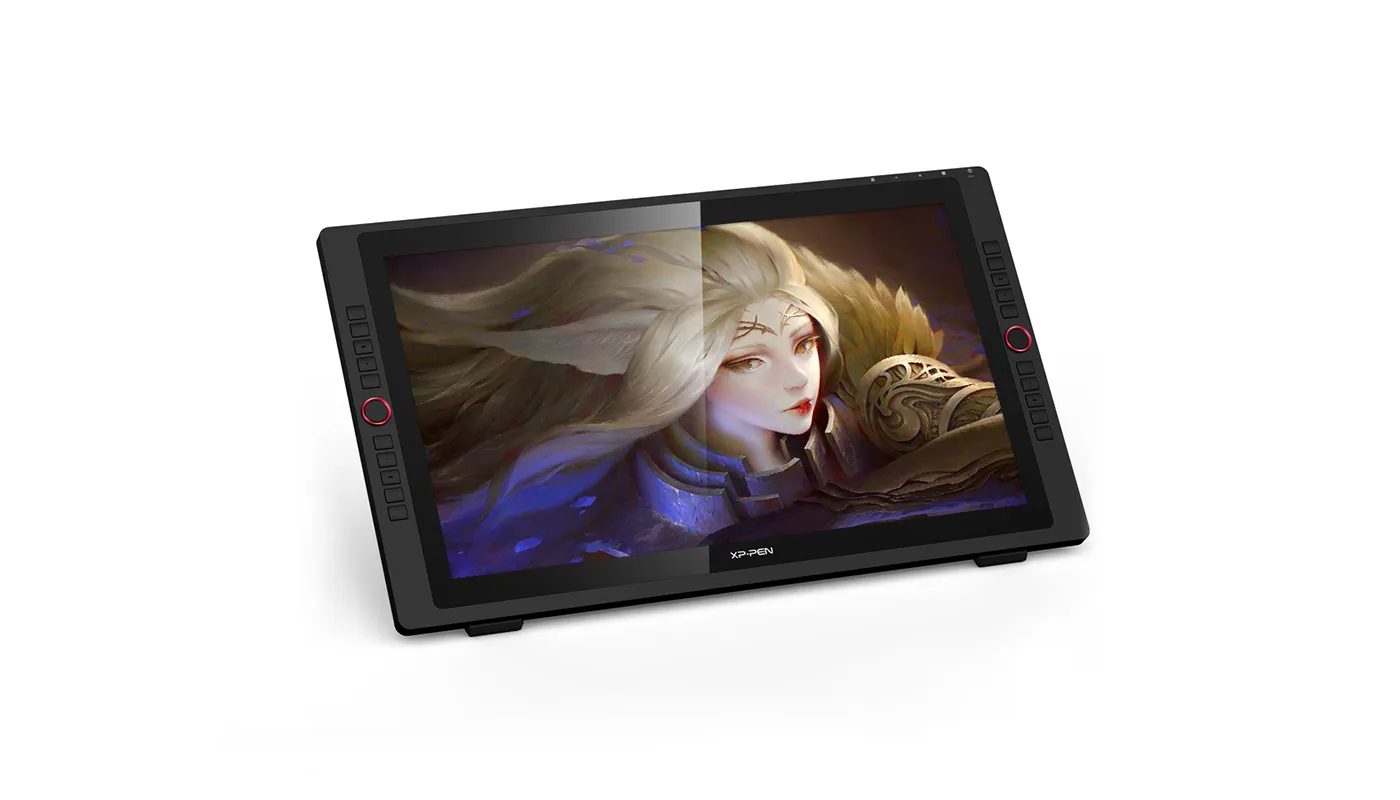
Artist 24 Pro 2.5K Resolution
23.8-inch working area, 2560X 1440 HD display Adobe® RGB≧90%, Support tilt function;
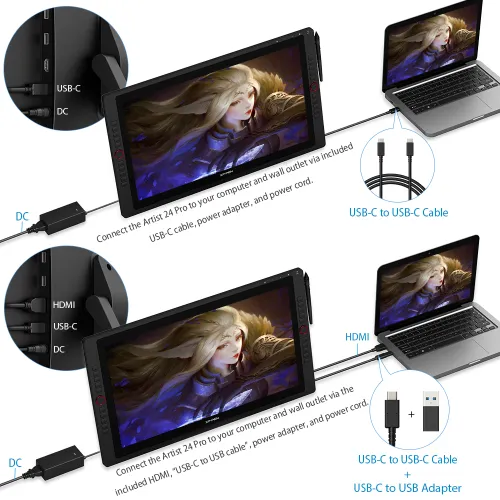
Artist 24 Pro requires connection to a computer or laptop to function.
AU$974.99AU$1,499.99
FREE DELIVERY
We offer free shipping
SECURE PAYMENT
Your payment information is processed securely
TECH SUPPORT
service@xp-pen.com
18-MONTH WARRANTY
18-month warranty only for official AU-store
Product Model:
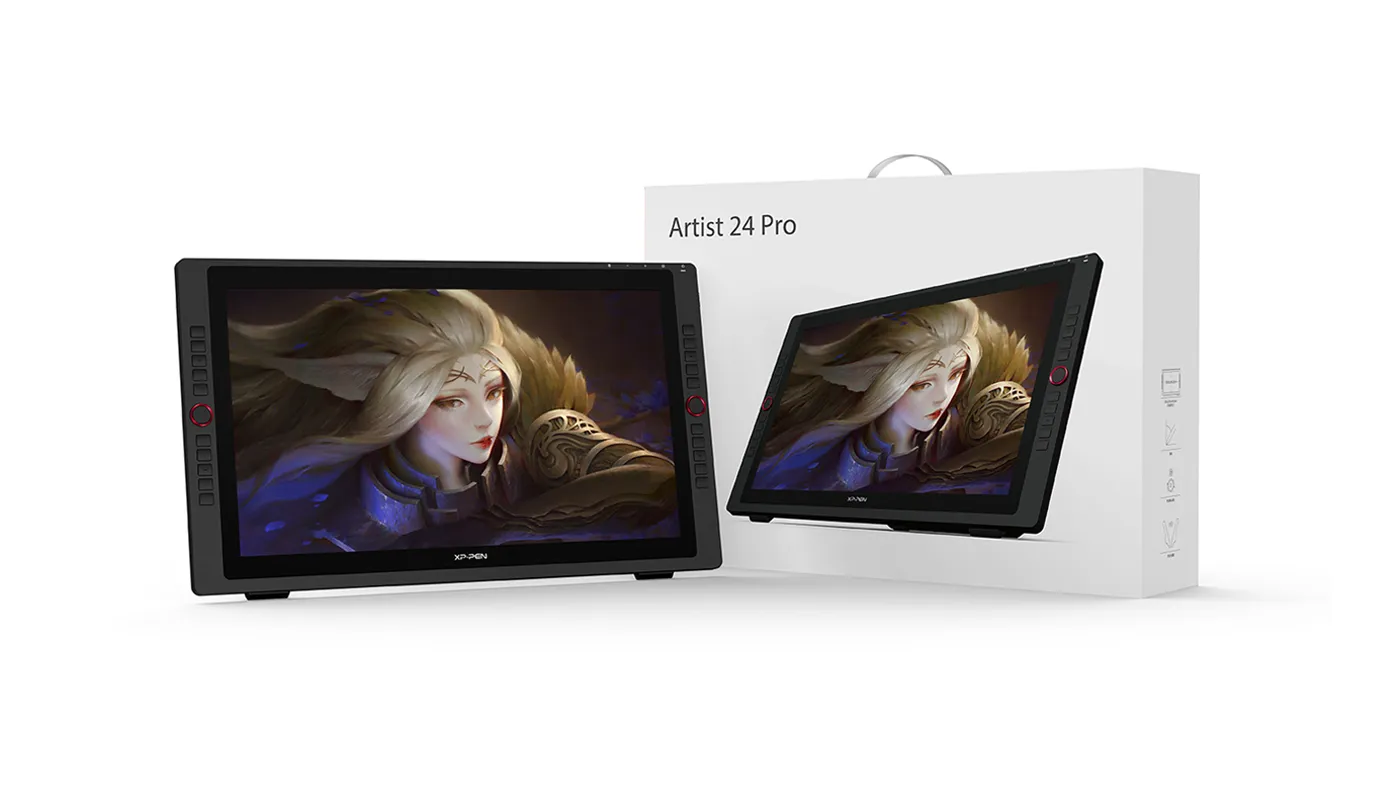
Artist 24 Pro
Extended Warranty:
N/A
+$100_Add 6 months extended warranty
+$150_Add 1 year extended warranty
Optional Accessories
Quantity:
Total
AU$0.00
 Log in and purchase to receive an estimated 0 X-Coins




Worry-Free Delivery® available with seel
Estimate:
Artist Display 24 Pro
Immense canvas,
immersive clarity
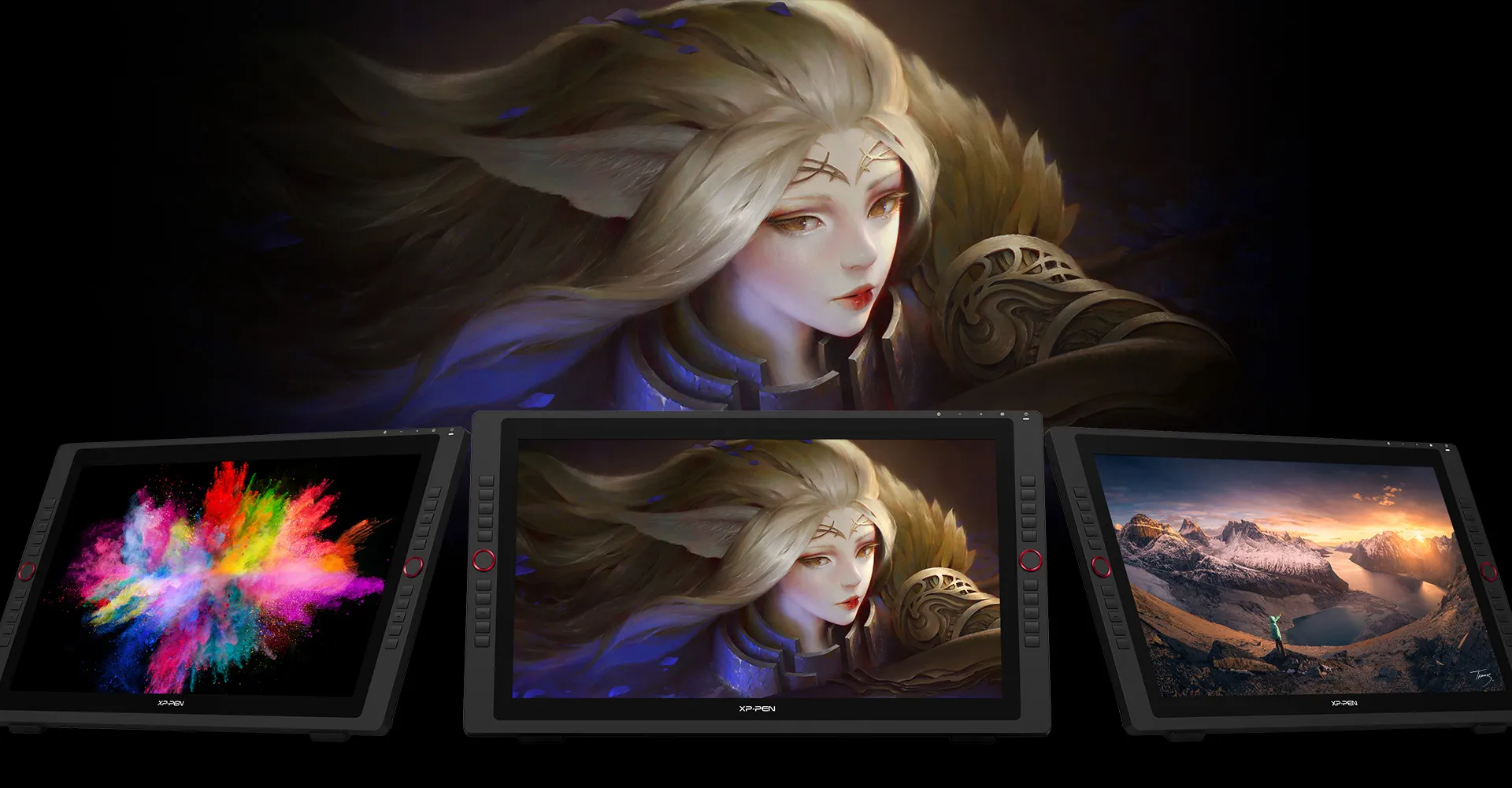
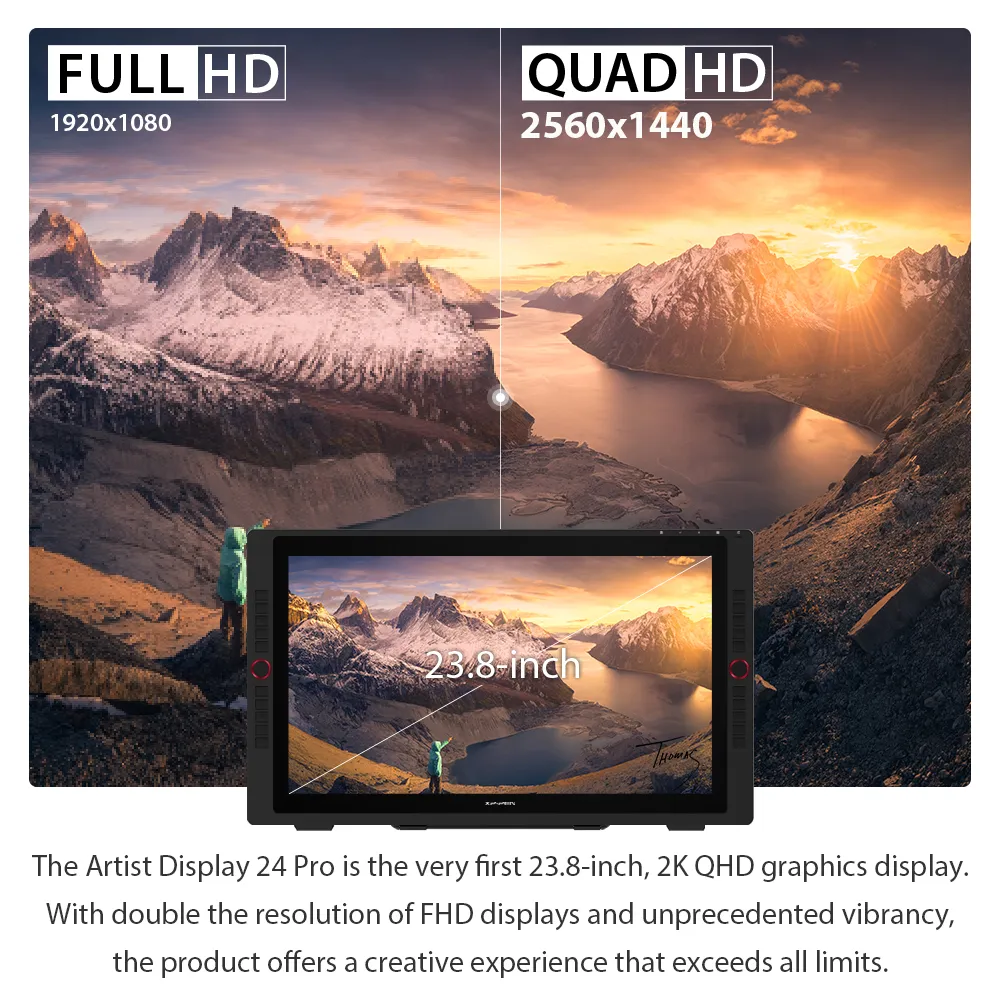
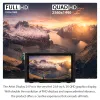
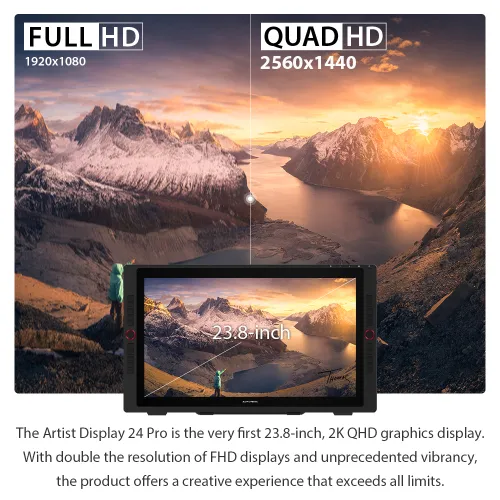
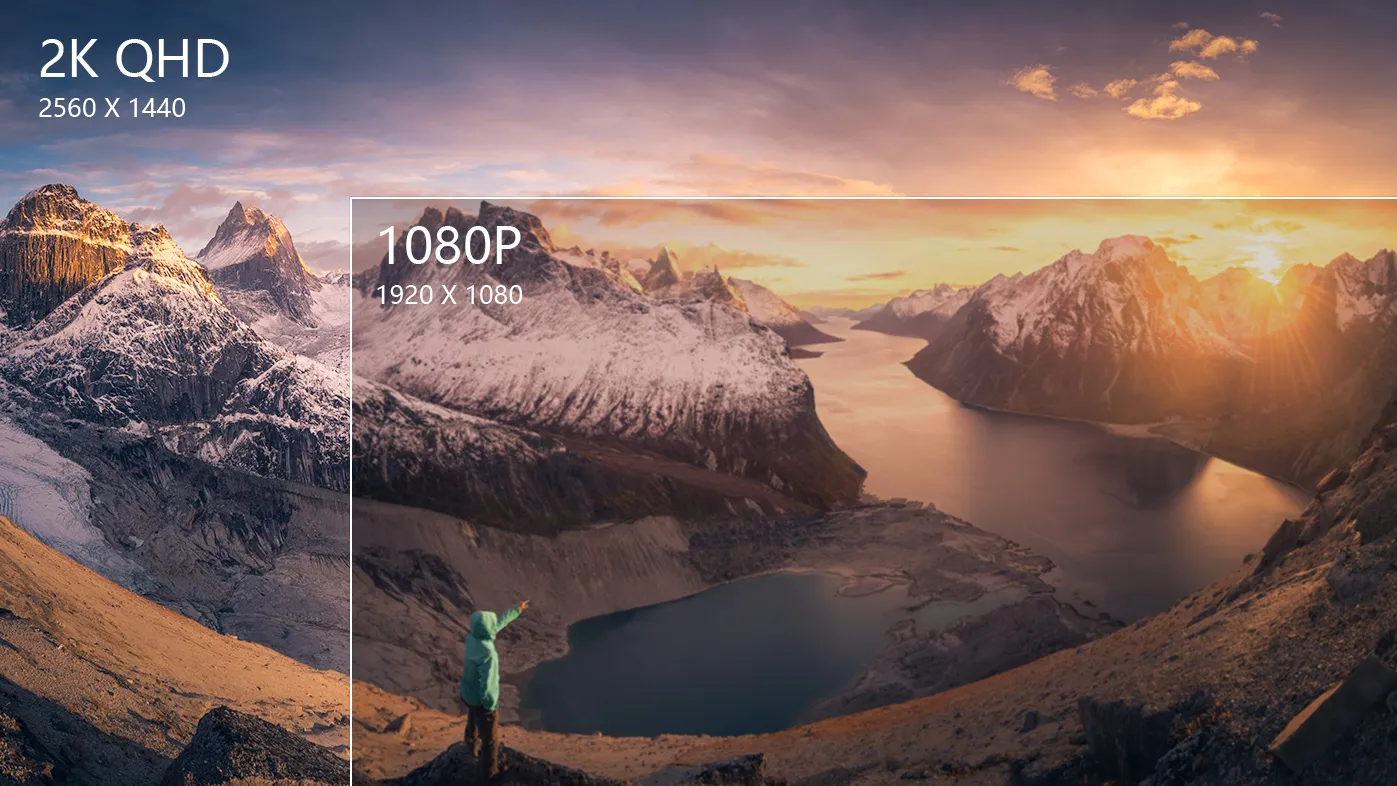
Create in 2K QHD (2560 X 1440)
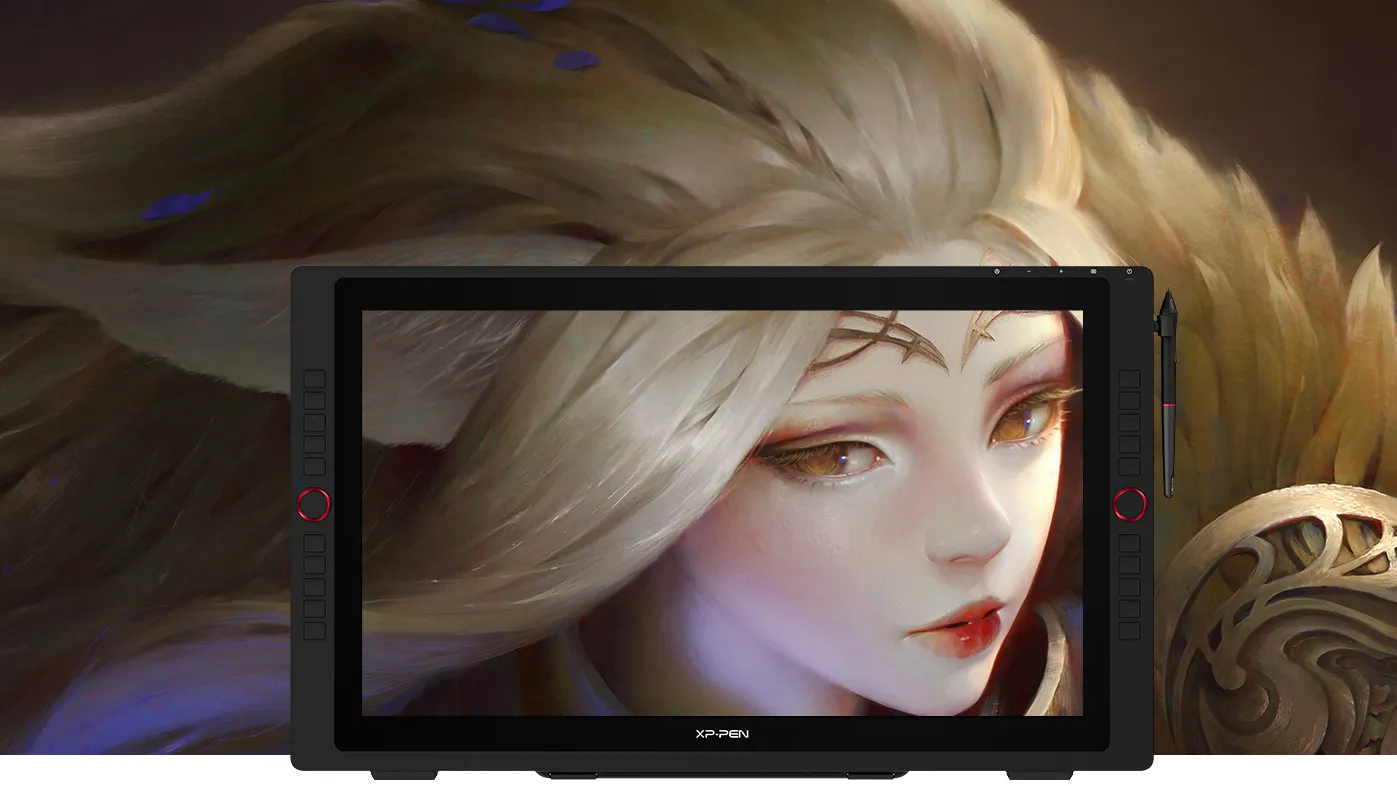
The Artist Display 24 Pro is the very first 23.8-inch 2K QHD graphics display. With double the resolution of FHD displays and unprecedented vibrancy, the Artist 24 Pro offers a creative experience that exceeds all limits.
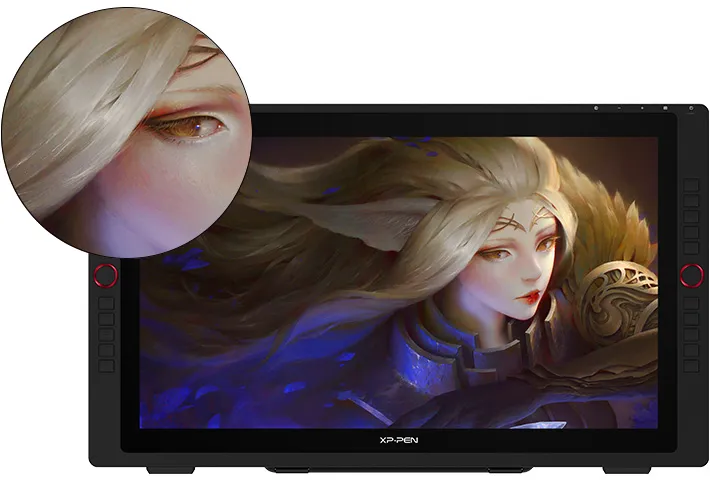
23.8-inch
2K QHD
Artist 24 Pro
2K QHD 2560 X 1440
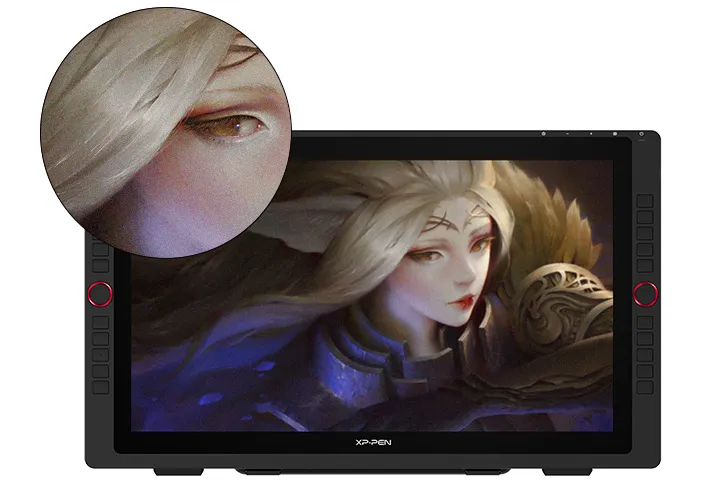
21.5-inch
FHD
Artist 22R Pro
FHD 1920 X 1080
What is 2K QHD?
What impact does 2K QHD have?
What is 2K QHD?
2K QHD is a type of display resolution. A screen's resolution is the number of pixels it has in relation to its surface area—the more pixels, the sharper the image. A display is considered to have 2K resolution if it has 2,000 pixels. With 2560 X 1440 pixels, the Artist 24 Pro fulfills this criterion.

Weimin (Thomas) Chu
Professional Photographer
Grand Prize Winner of the 2019 National Geographic Travel Photo Contest 3rd Place / Nature/Astrophotography/2019 International Photography Awards 2nd Place / Sports/Extreme sports/2018 International Photography Awards
Fuel your creativity
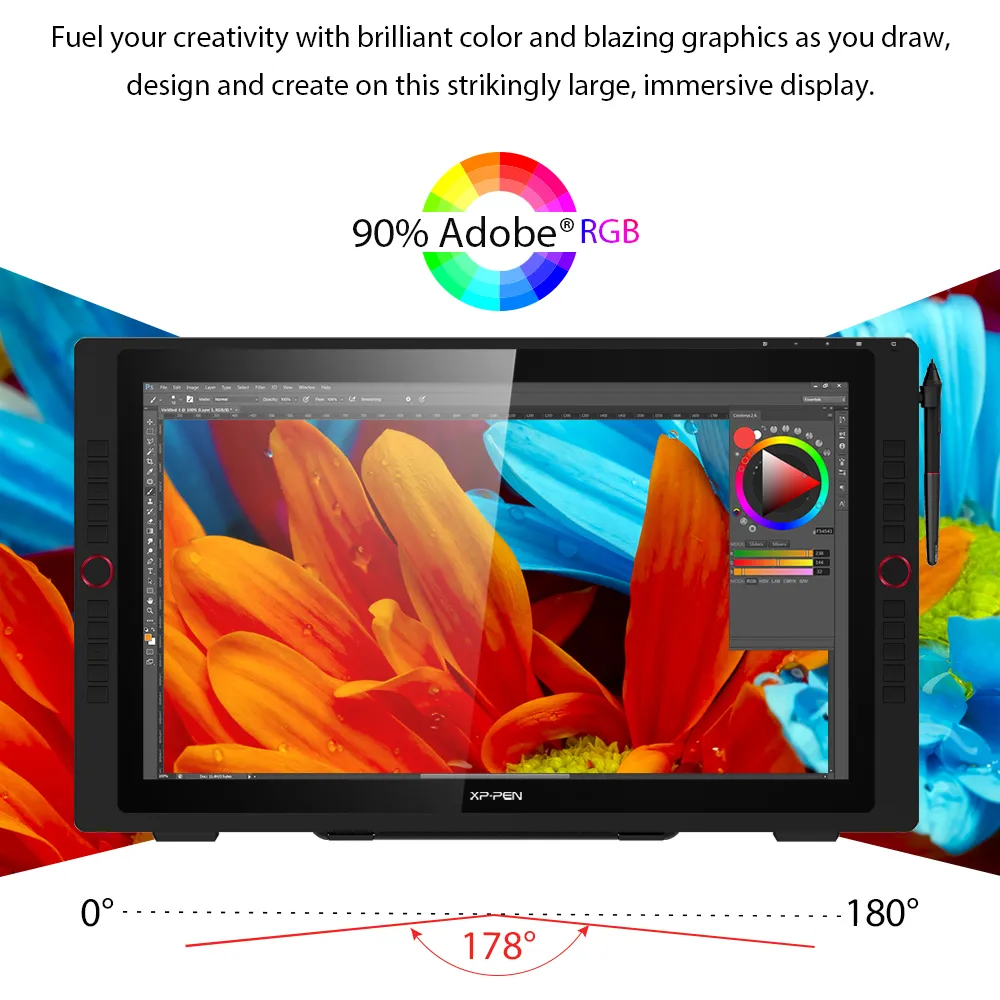
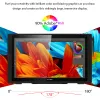
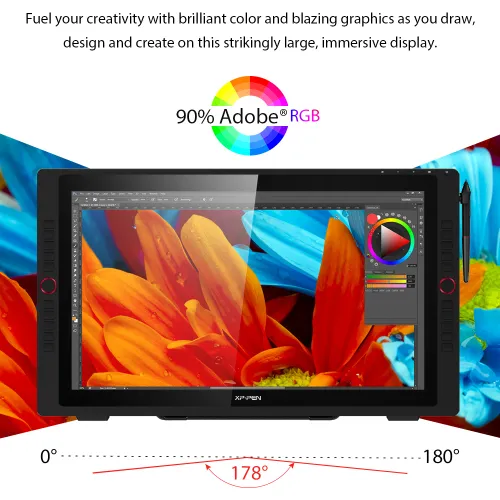
Fuel your creativity with brilliant color and blazing graphics as you draw, design and create on this strikingly large, immersive display.


90% Adobe®RGB
Ideal connections
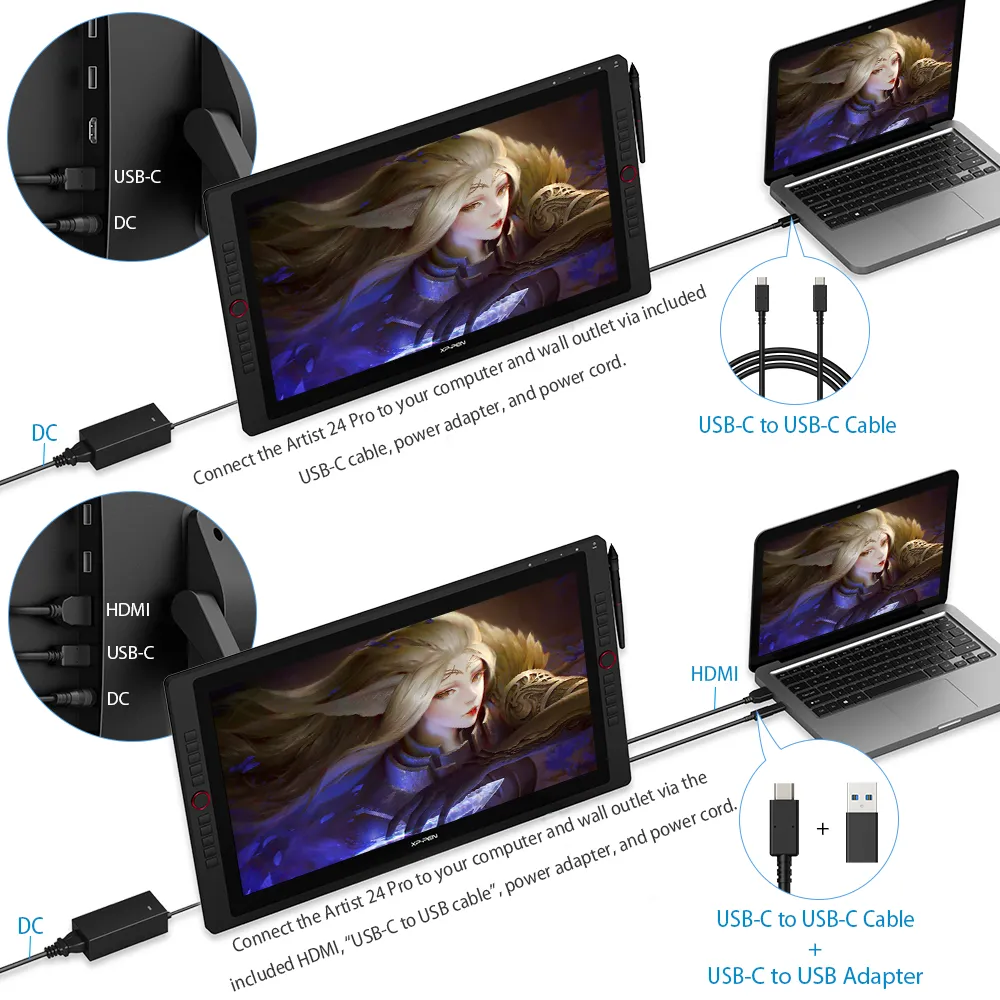
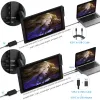
The Artist 24 Pro supports a USB-C to USB-C connection, allowing you to connect your iMac, Mac Book Pro or Windows computer without using an adapter.
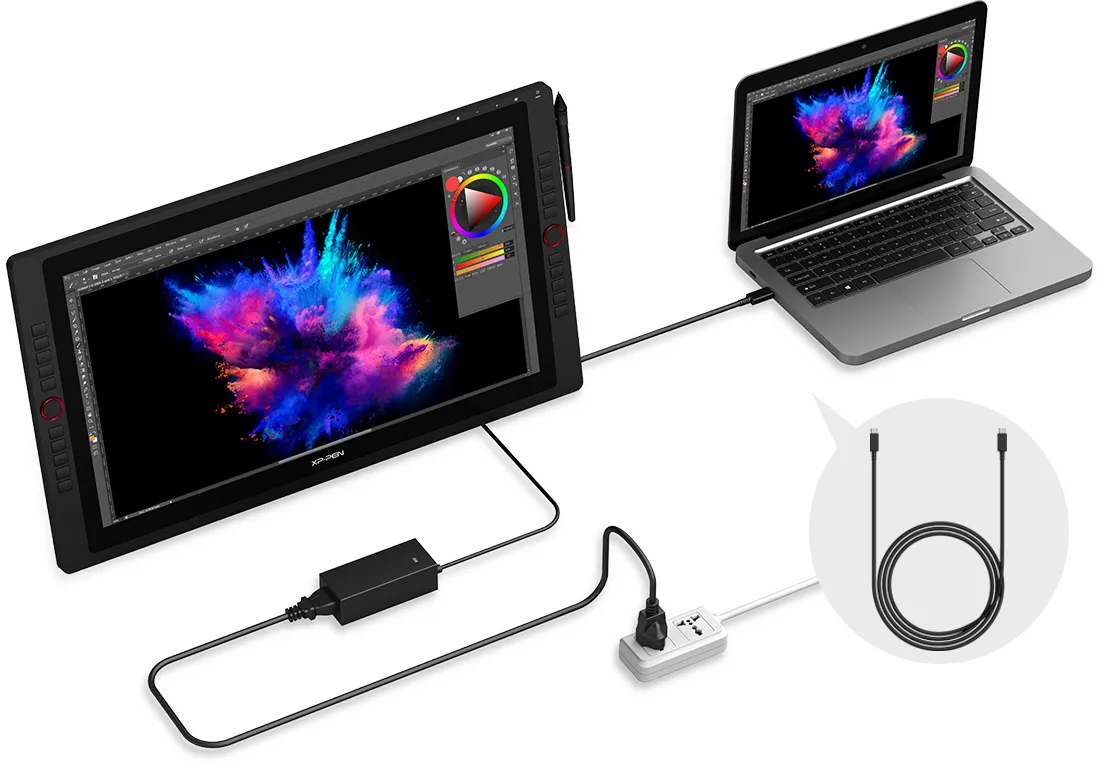
USB-C to
USB-C Cable
Discover new perspectives
Connect the Artist 24 Pro to your USB-C supported Android smartphone to add an extra digital canvas for your creation. Draw, paint, design, or create whatever you need more space for. With Bluetooth headsets or speaker, you can also watch your streaming shows on a big screen with ease.
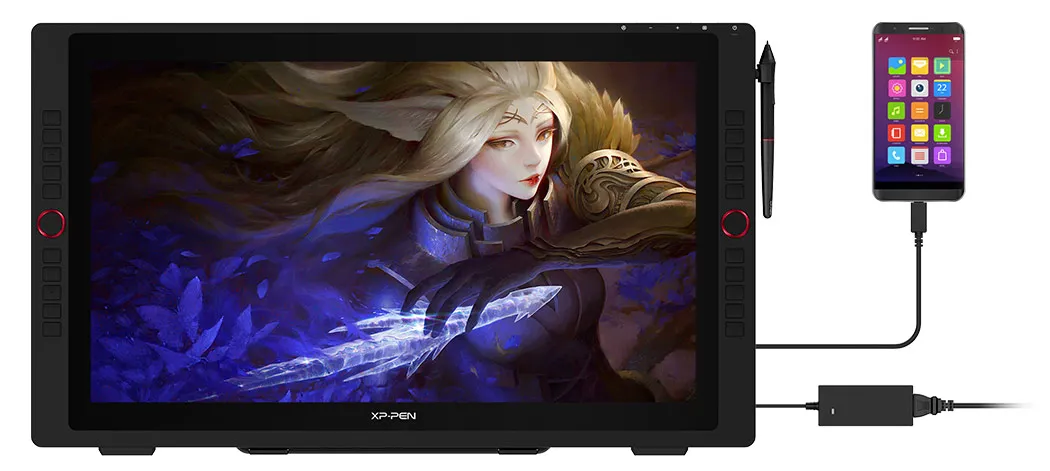
Note: The Artist 24 Pro is compatible with certain Android phones like Samsung, Huawei, etc.
Create more, more naturally
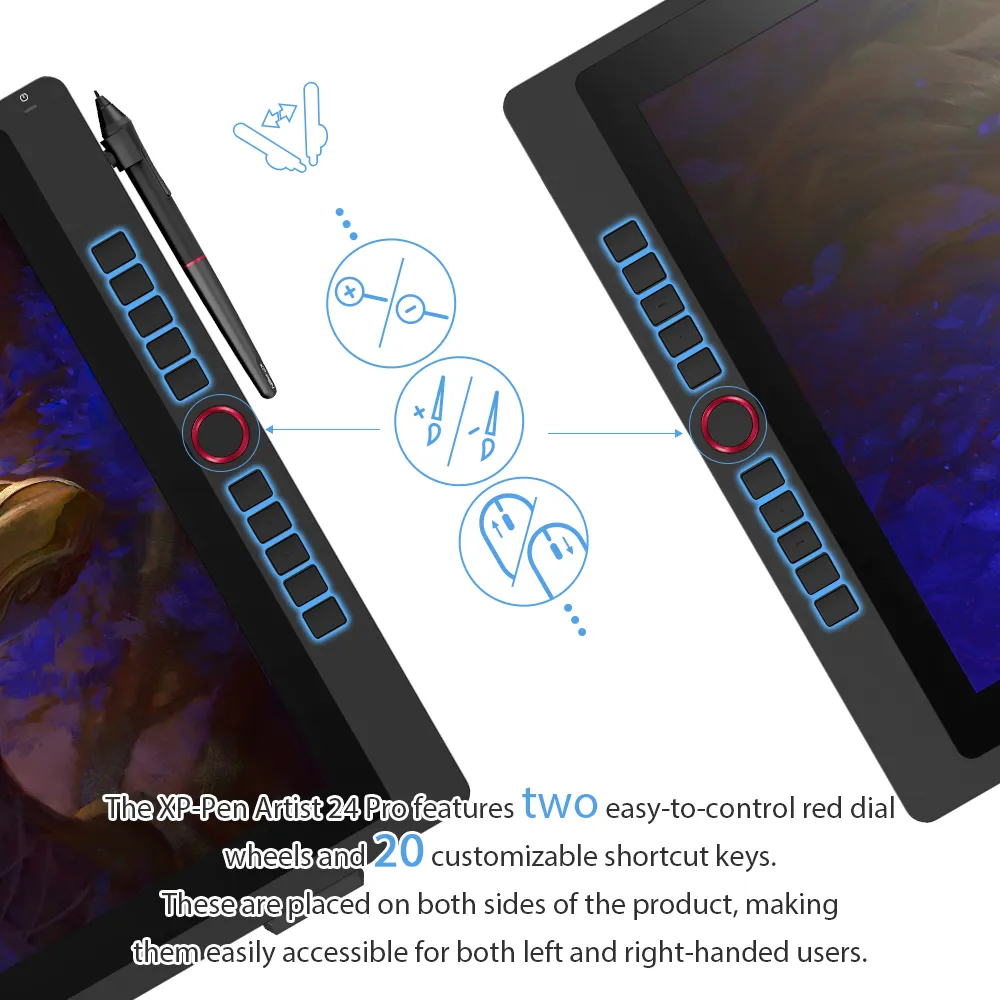
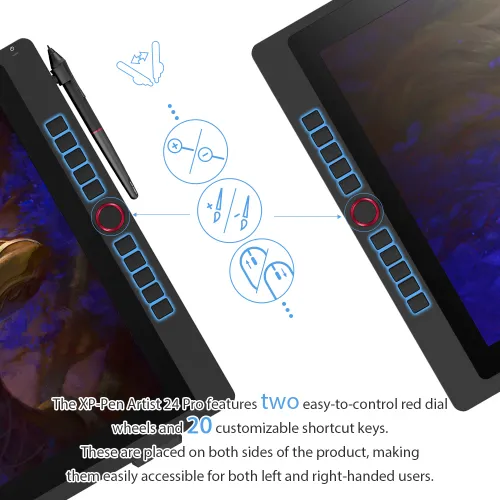
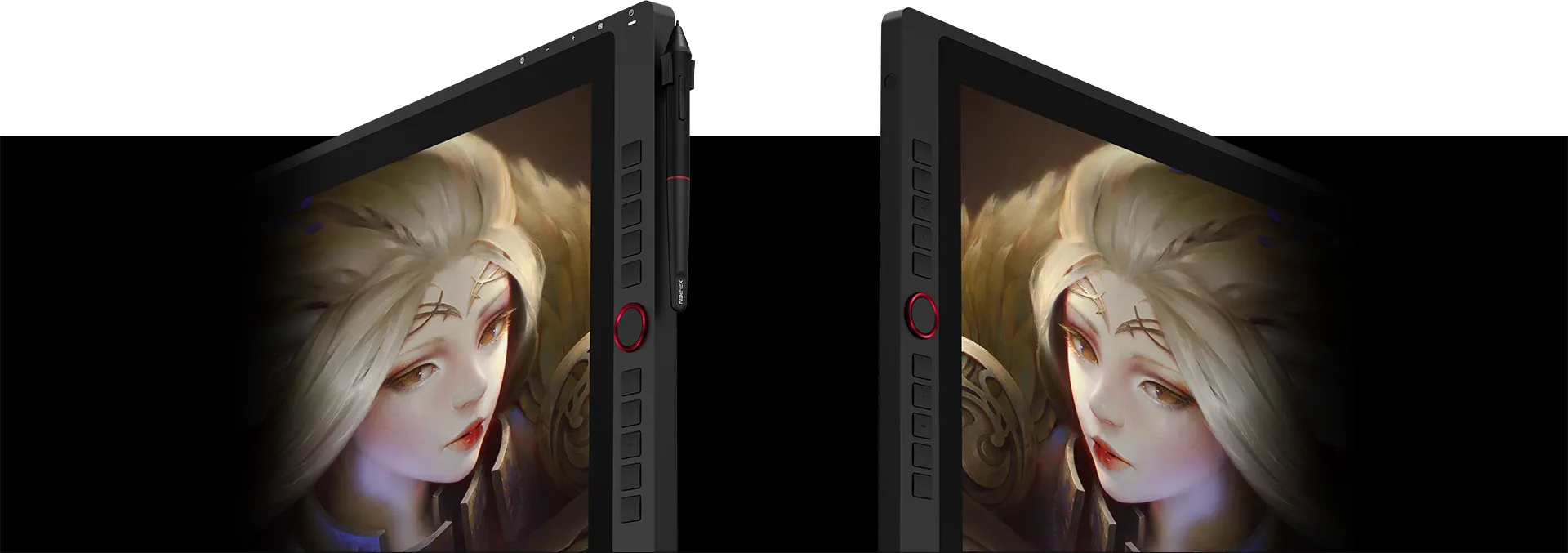
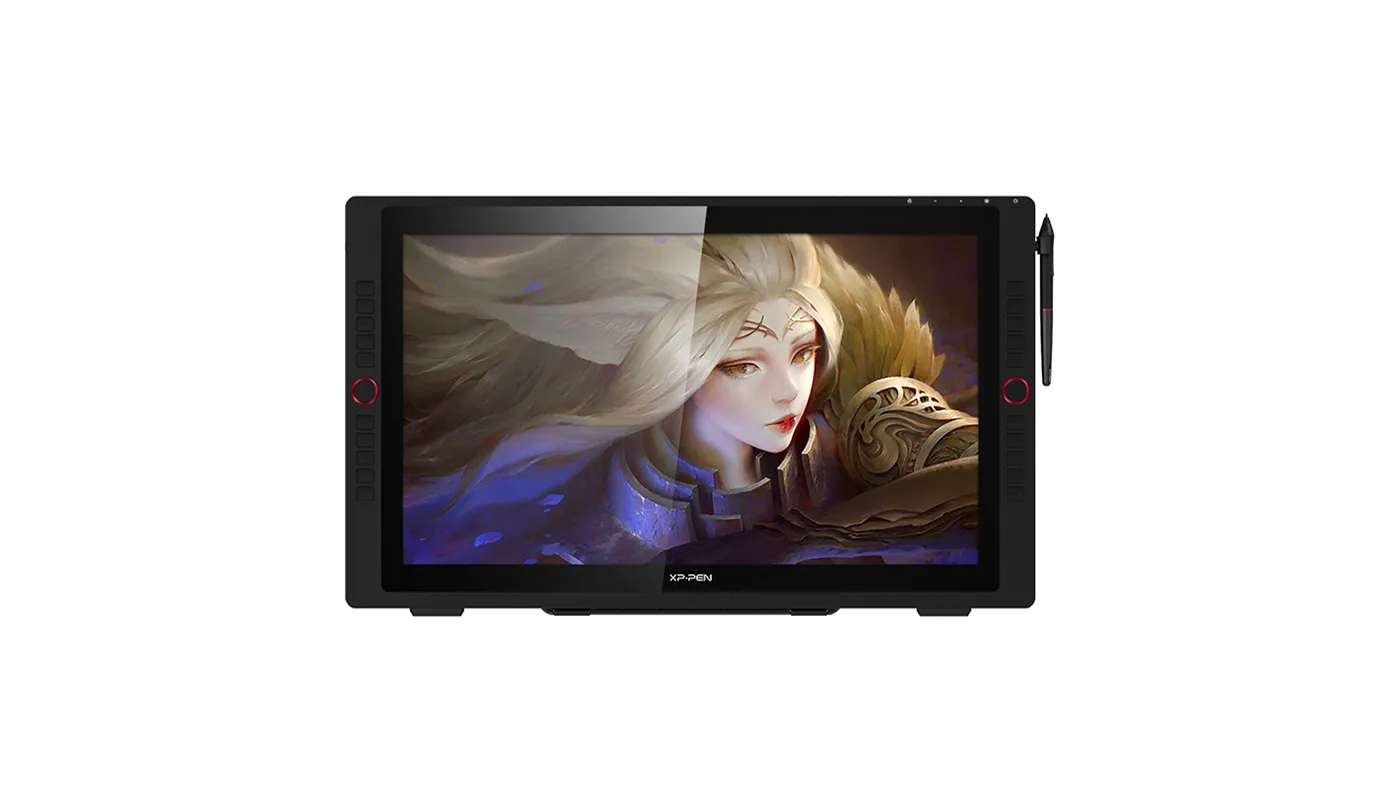
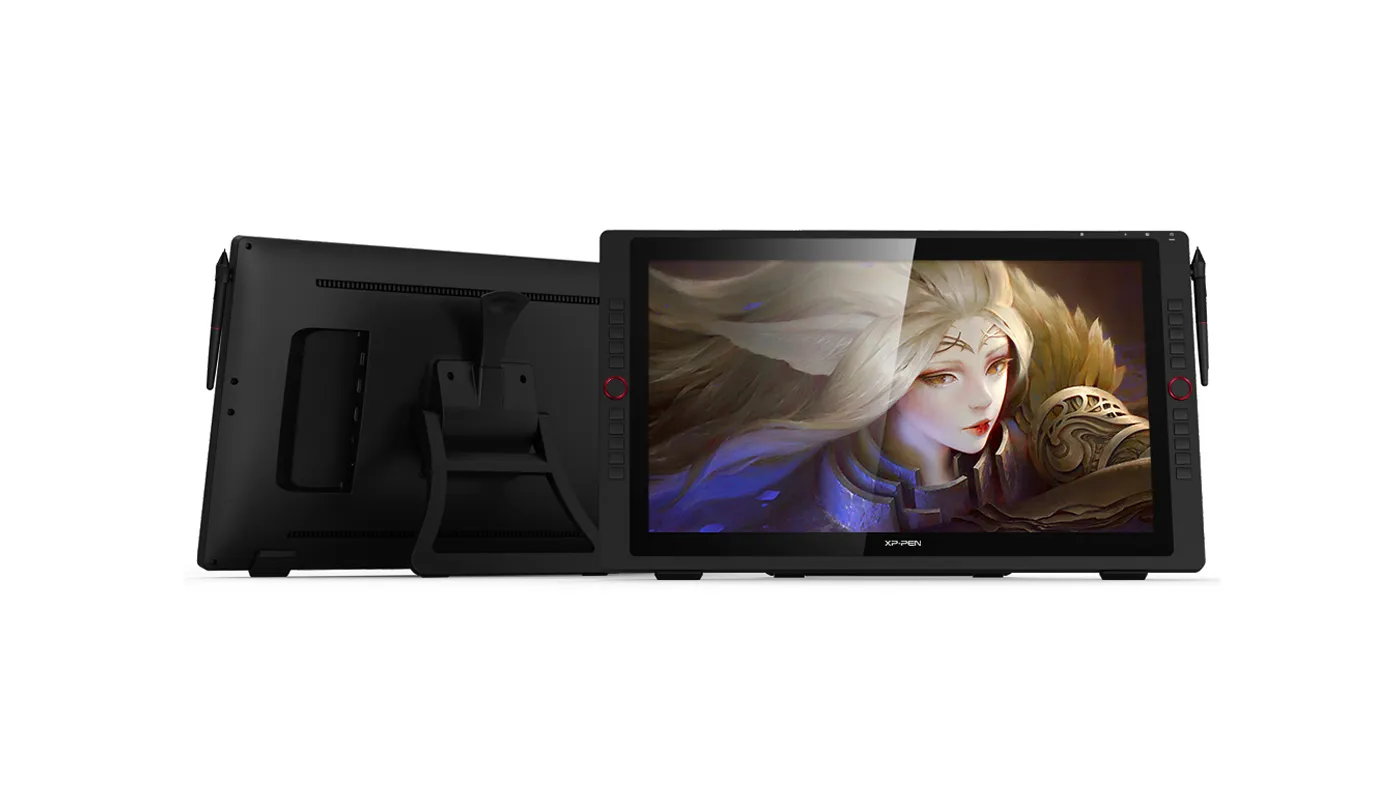
The XP-Pen Artist 24 Pro features two easy-to-control red dial wheels and 20 customizable shortcut keys. These are placed on both sides of the product, making them easily accessible for both left and right-handed users.
An intelligently designed stylus
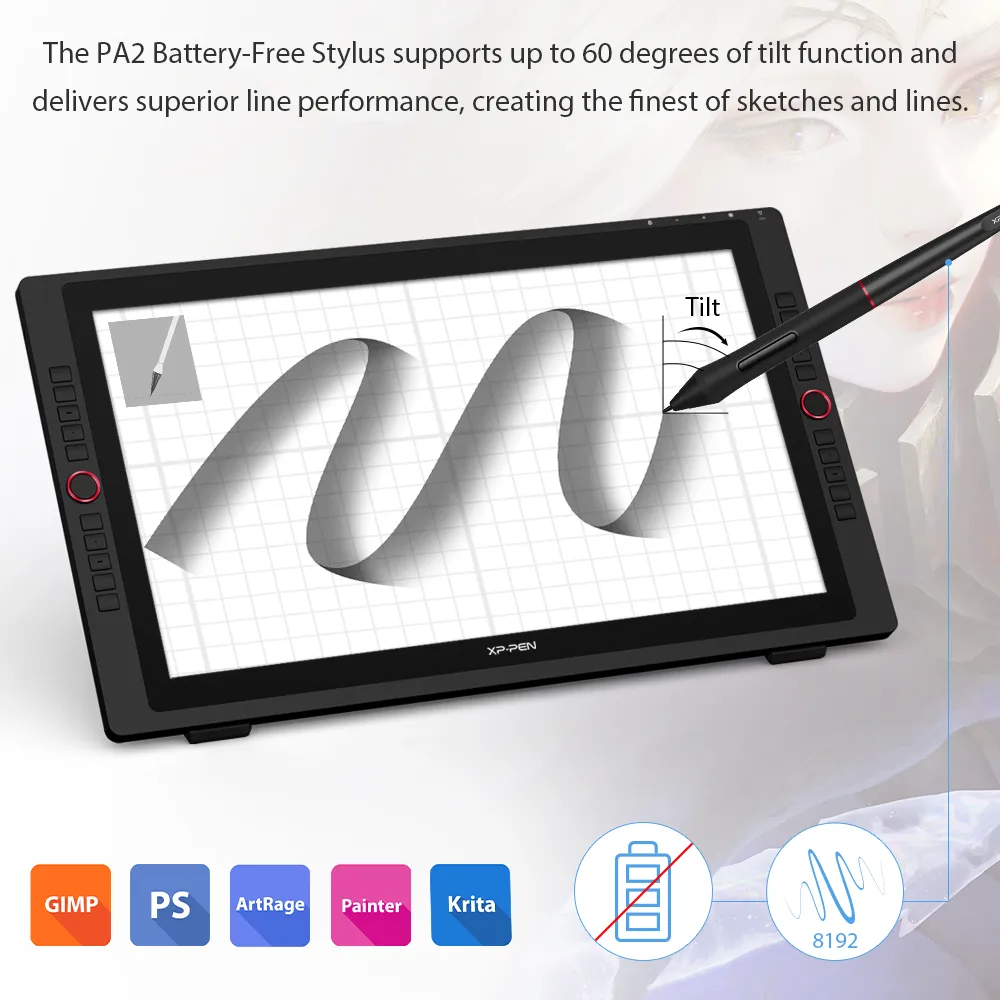
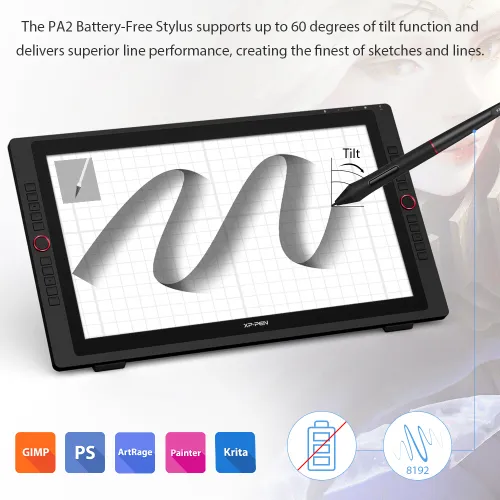
The PA2 Battery-Free Stylus supports up to 60 degrees of tilt function and delivers superior line performance, creating the finest of sketches and lines.
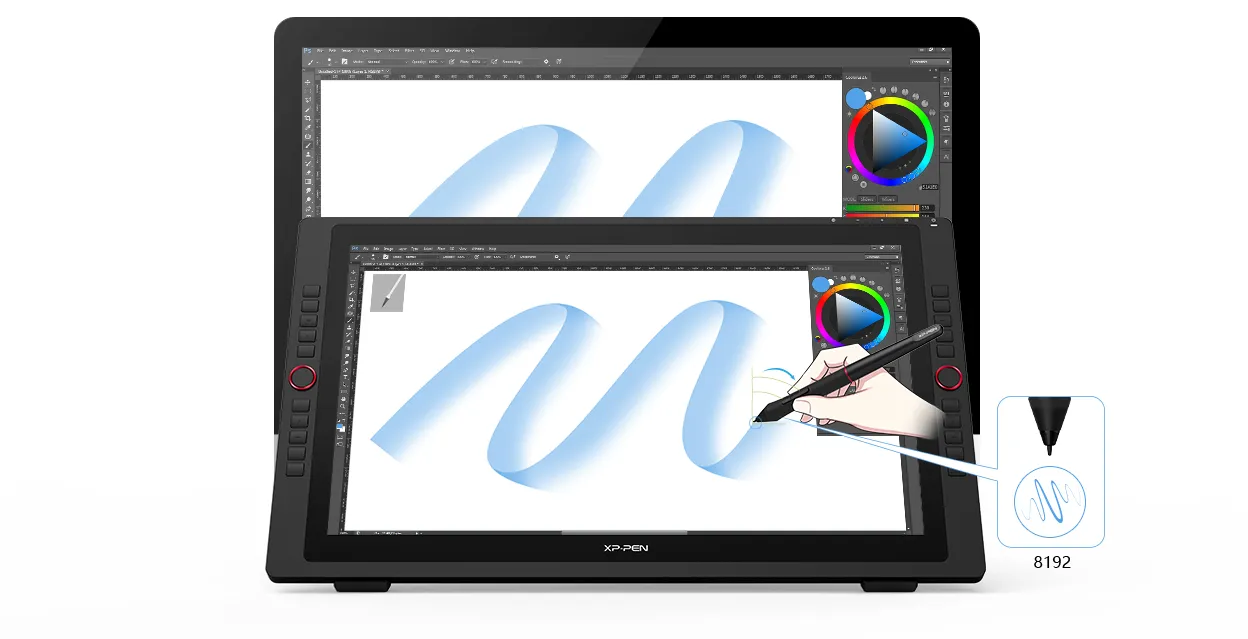
Tilt
Small details that make a big difference
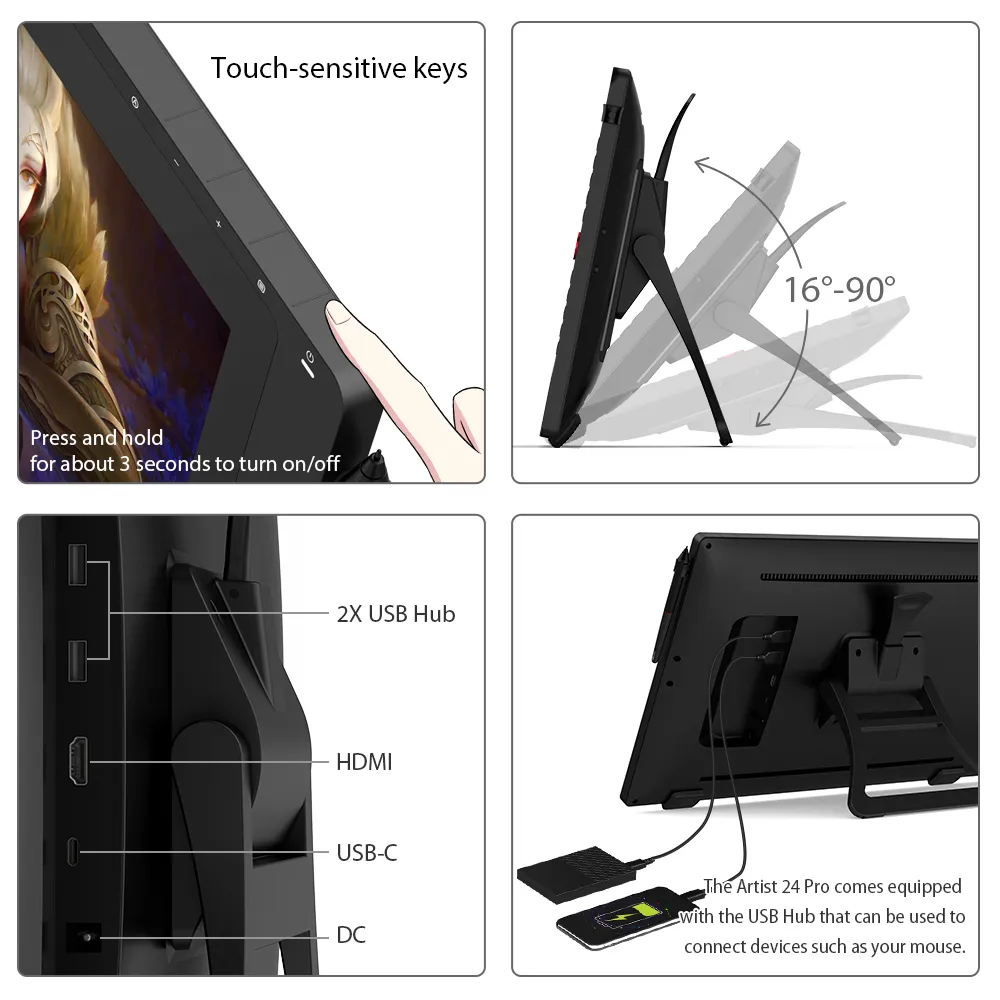
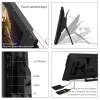
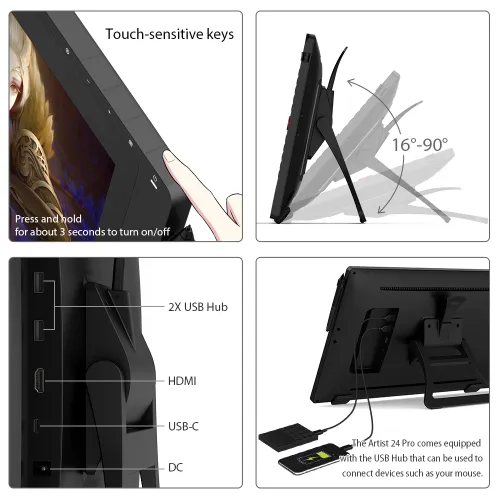
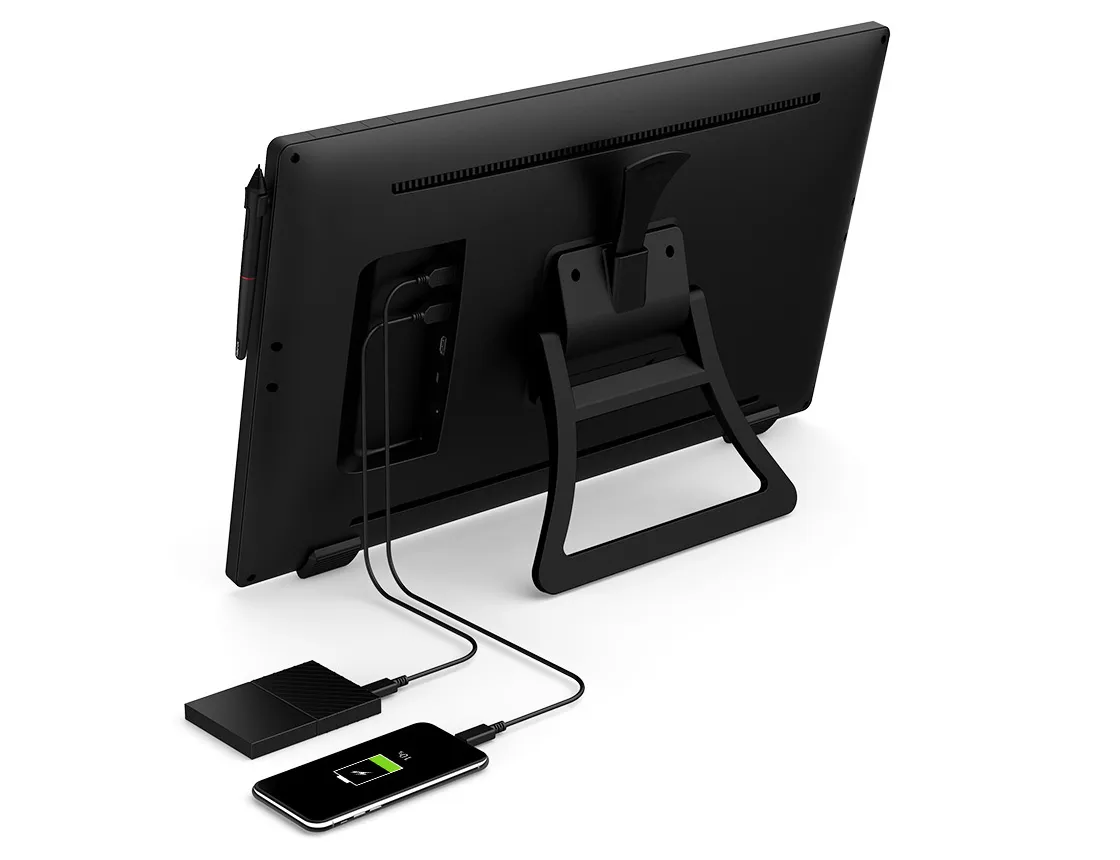
The Artist 24 Pro comes equipped with the USB Hub that can be used to connect devices such as your mouse. In addition, unlike most mechanical keys, the display’s touch-sensitive keys are specially designed to avoid sticking.
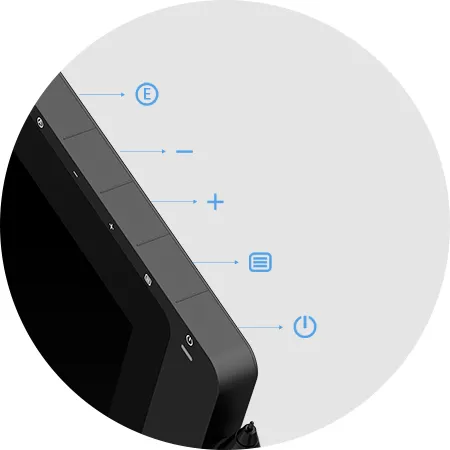
Back button
Button
Button
Menu button
Power button
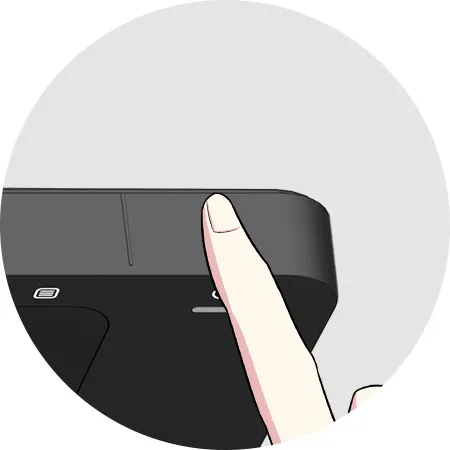
Touch
Convenience at its finest
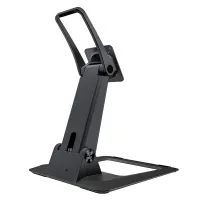
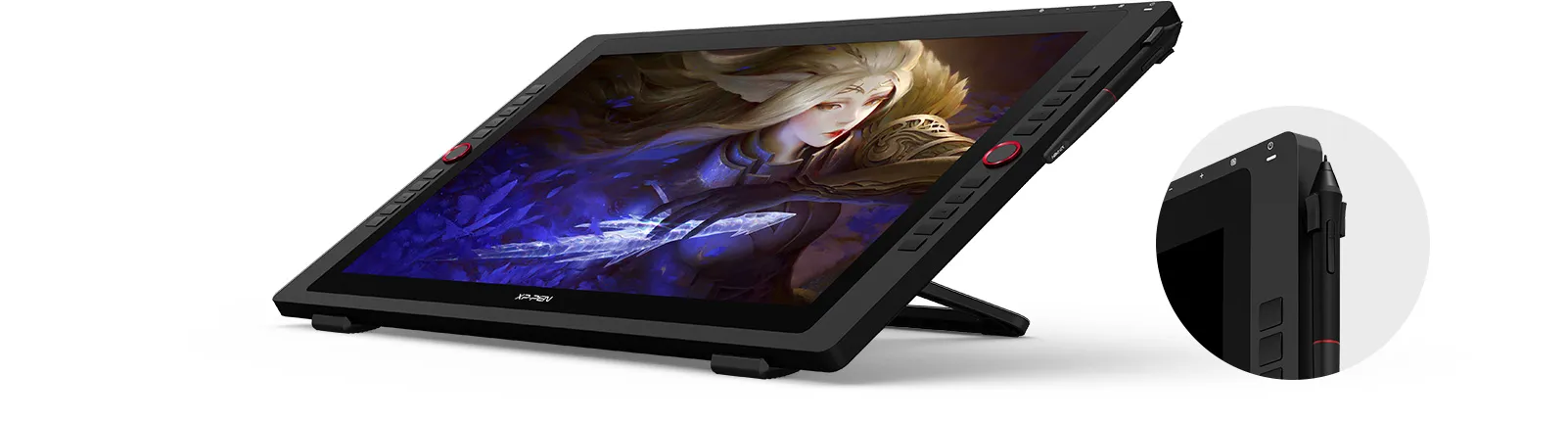
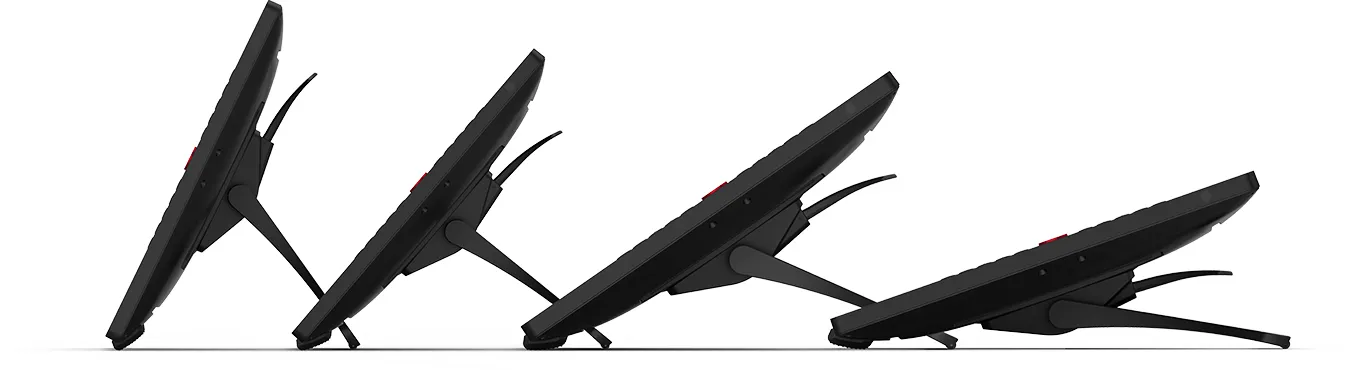
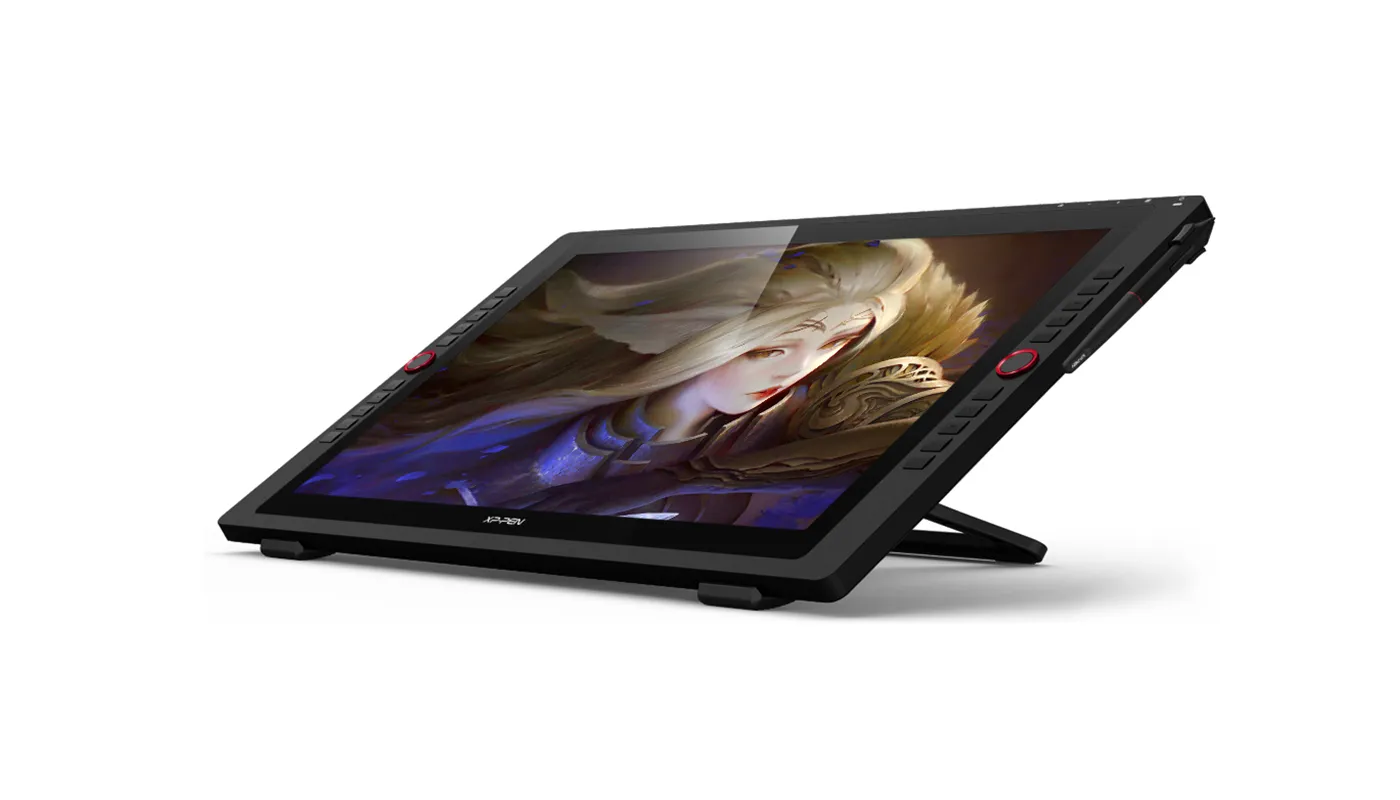
With the Artist 24 Pro’s adjustable stand, you can change the product’s angle to suit your needs, allowing you to create with ease. In addition, the product’s specially-designed pen slot provides quick access to your pen.
Incredibly versatile
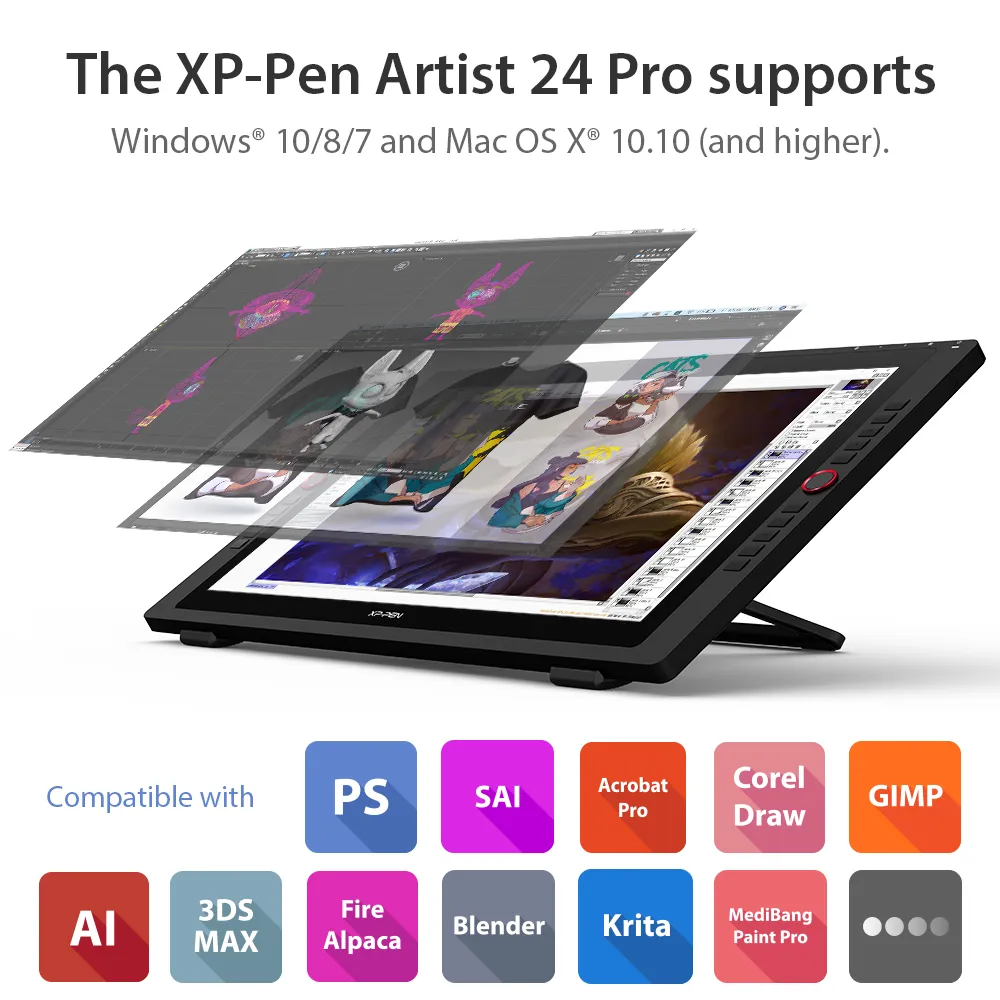
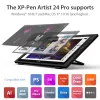
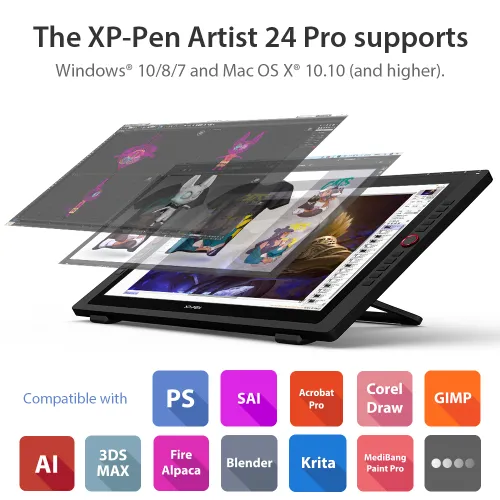
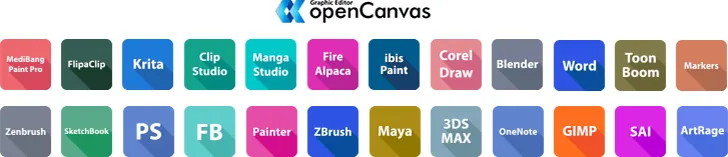
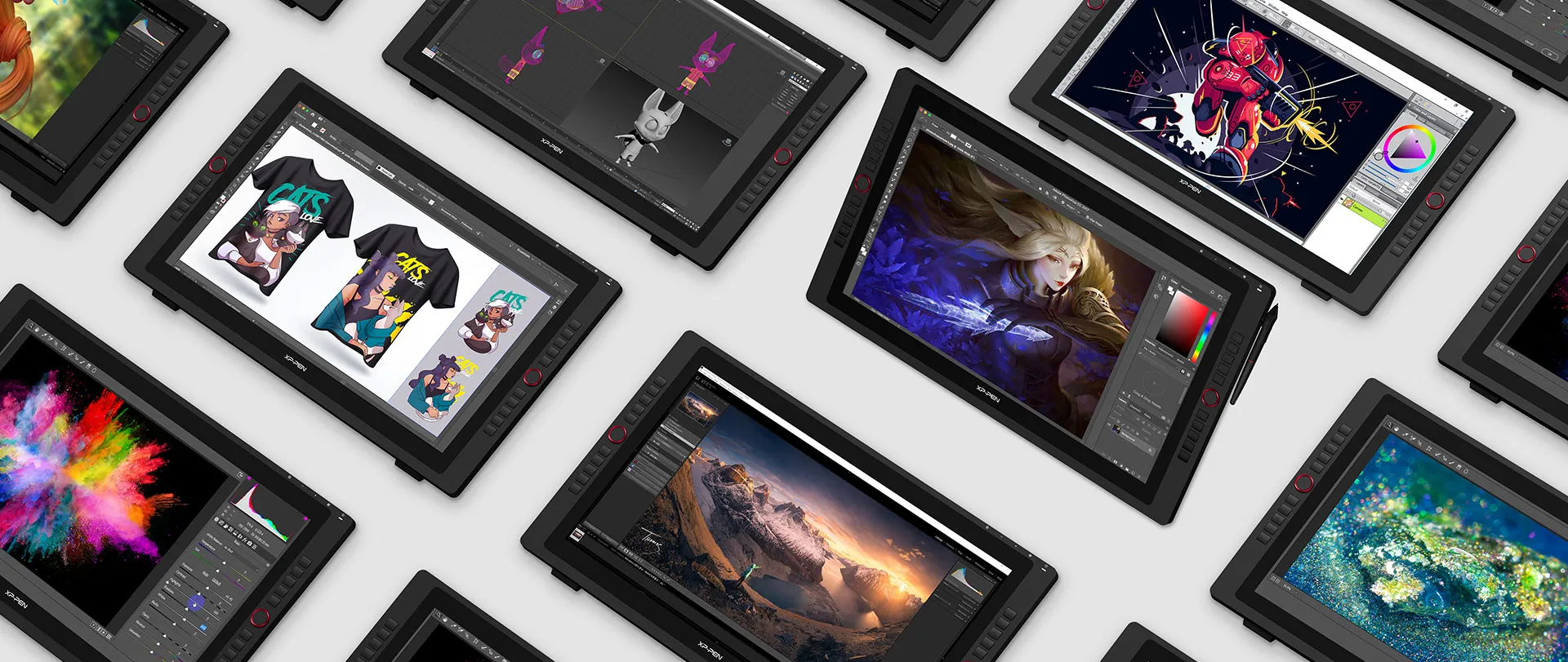
The XP-Pen Artist 24 Pro supports Windows® 10/8/7, Linux (Detailed versions) and Mac OS X® 10.10 (and higher). The product is also compatible with popular digital art software, such as Adobe® Photoshop®, Illustrator®, SAI®, CDR®, GIMP®, Krita®, Medibang®, Fire Alpaca® and Blender® 3D.
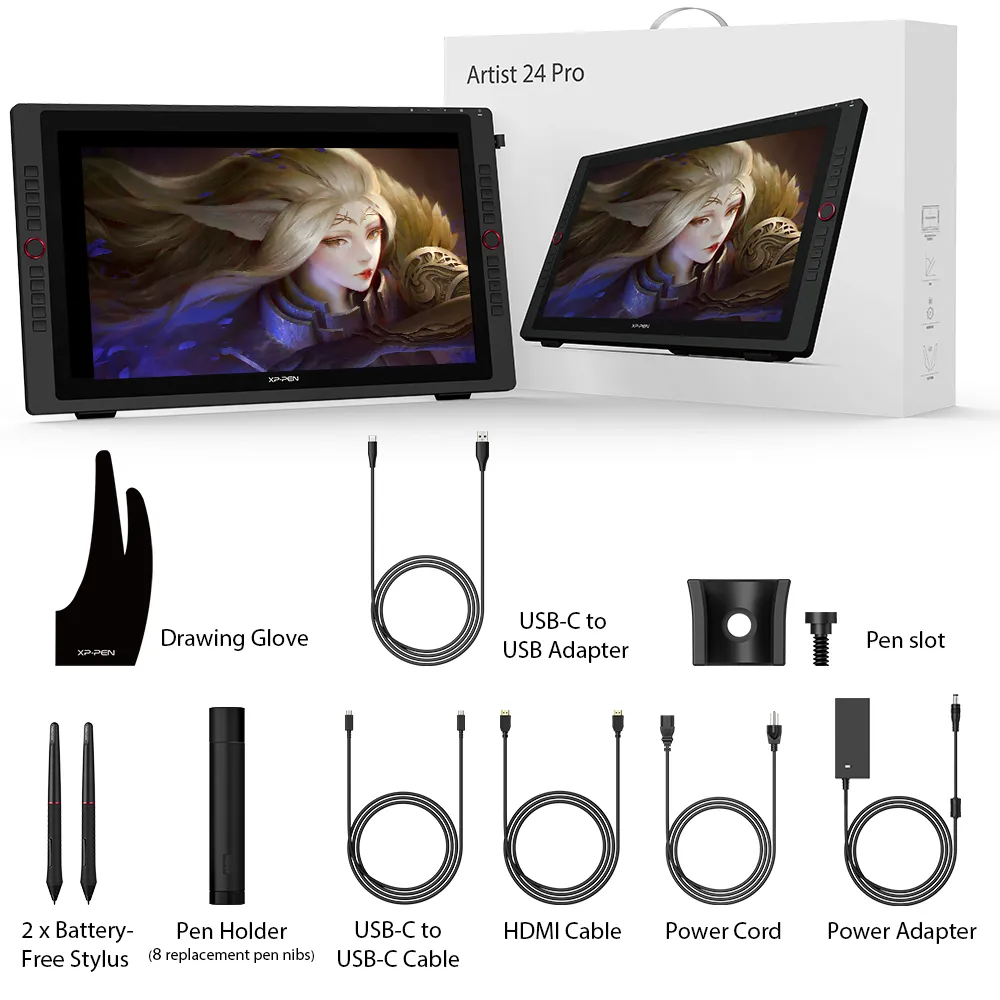
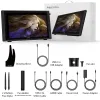
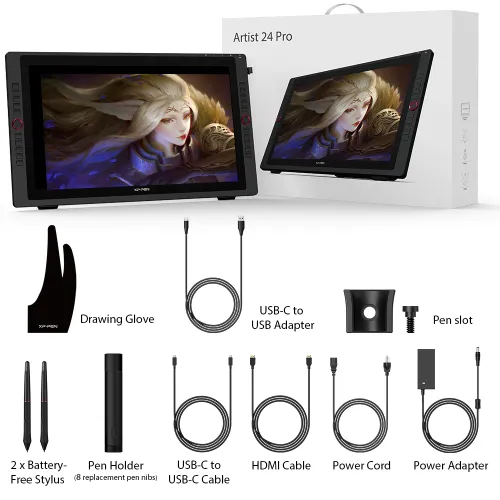
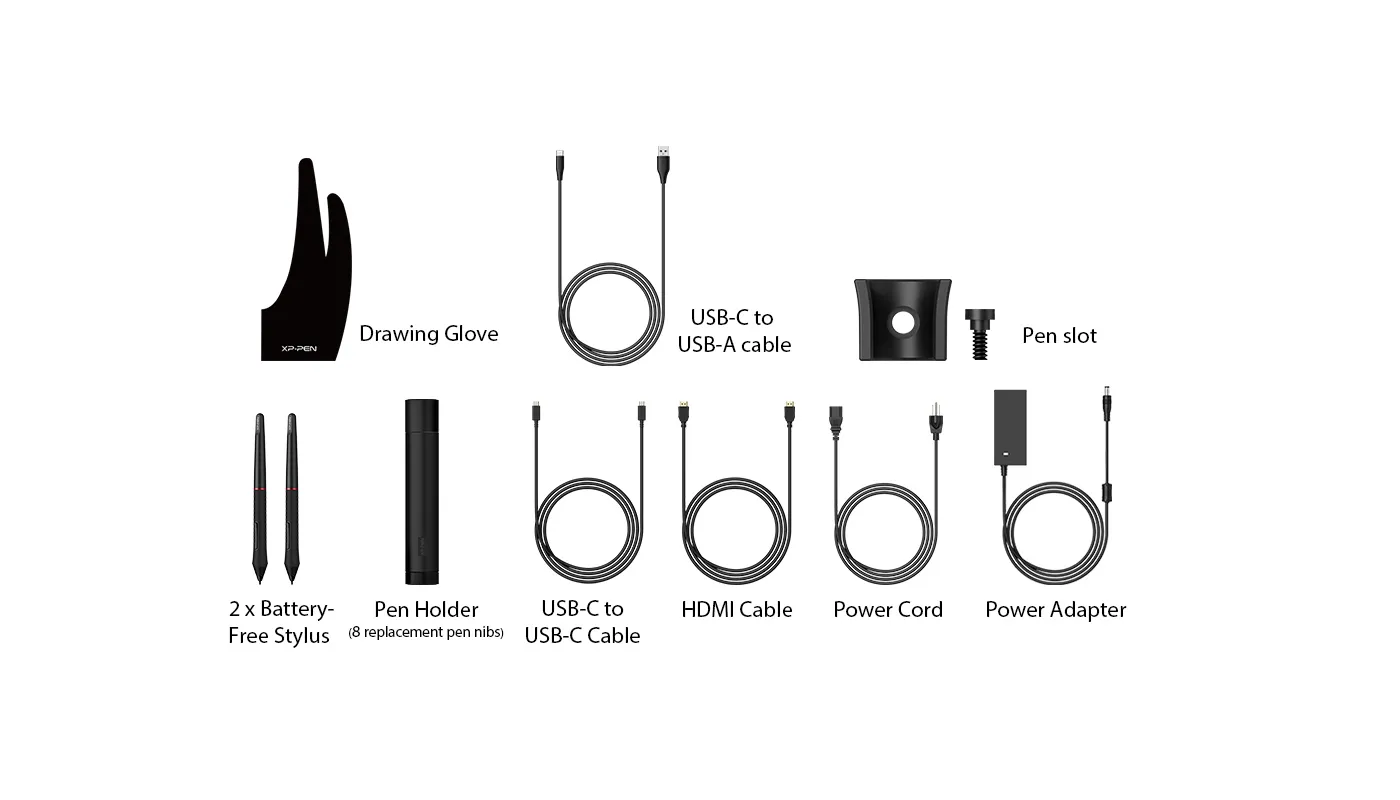
What's Included in Package


Specifications
Tutorials
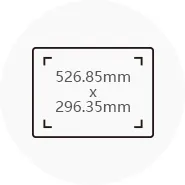
Dimensions
632x370x44.8mm
Display Resolution
2560x1440
Color Gamut
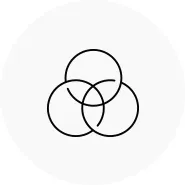
90% Adobe®RGB
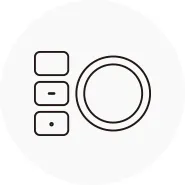
2 Red Dial Wheel
20 Shortcut Keys
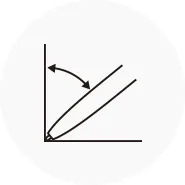
Battery-free Stylus
Tilt:60°
Show more

| Linux OS | Version | Package Format | Supported Software |
| Arch | Arch Linux2019.12.01(64-bit) | .deb, .sh | GIMP, Krita |
| Centos | Centos7.0(64-bit) | .rpm, .sh | GIMP |
| Centos8(64-bit) | .rpm, .sh | GIMP, Krita | |
| Debian | debian-9.5.0-amd64-netinst(64-bit) | .deb, .sh | GIMP, Krita |
| elementary OS | elementary OS 5.0(64-bit) | .deb, .sh | GIMP, Krita |
| ezgo Linux | ezgo14(64-bit) | .deb, .sh | GIMP, Krita |
| Fedora | Fedora32(64-bit) | .rpm, .sh | GIMP, Krita |
| Mageia | Mageia-7.1(64-bit) | .rpm, .sh | GIMP, Krita |
| Manjaro | manjaro-xfce-20.1.2-201019(64-bit) | .deb, .sh | GIMP |
| Mint | linuxmint-18.2-cinnamon-64bit | .deb, .sh | GIMP, Krita |
| OpenSUSE | openSUSE-Tumbleweed(64-bit) | .rpm, .sh | GIMP, Krita |
| Pop!_OS | pop-os_19.10(64-bit) | .deb, .sh | GIMP, Krita |
| Red Hat | Red Hat7(64-bit) | .rpm, .sh | GIMP |
| Ubuntu | Ubuntu14.04(64-bit) | .deb, .sh | GIMP, Krita |
| Ubuntu16.04(64-bit) | .deb, .sh | GIMP, Krita | |
| Ubuntu17.04(64-bit) | .deb, .sh | GIMP, Krita | |
| Ubuntu18.04(64-bit) | .deb, .sh | GIMP, Krita | |
| Ubuntu19.04(64-bit) | .deb, .sh | GIMP, Krita | |
| Ubuntu20.04(64-bit) | .deb, .sh | GIMP, Krita |
| Function | Krita 4.3.0 | Gimp 2.10.20 | Inkscape 0.92 |
| Pen Pressure Sensitivity | |||
| Tilt | |||
| Mouse Function | |||
| Eraser Button (Stylus:PH01, P06) | |||
| Switch between Pen and Eraser Modes | |||
| *If you have any further queries, please do not hesitate to contact us at service@xp-pen.com. | |||
Linux OS
Arch
Version
Arch Linux2019.12.01(64-bit)
Package Format
.deb, .sh
Supported Software
GIMP, Krita
Centos
Version
Centos7.0(64-bit)
Centos8(64-bit)
Centos8(64-bit)
Package Format
.rpm, .sh
.rpm, .sh
.rpm, .sh
Supported Software
GIMP
GIMP, Krita
GIMP, Krita
Debian
Version
debian-9.5.0-amd64-netinst(64-bit)
Package Format
.deb, .sh
Supported Software
GIMP, Krita
elementary OS
Version
elementary OS 5.0(64-bit)
Package Format
.deb, .sh
Supported Software
GIMP, Krita
ezgo Linux
Version
ezgo14(64-bit)
Package Format
.deb, .sh
Supported Software
GIMP, Krita
Fedora
Version
Fedora32(64-bit)
Package Format
.rpm, .sh
Supported Software
GIMP, Krita
Mageia
Version
Mageia-7.1(64-bit)
Package Format
.rpm, .sh
Supported Software
GIMP, Krita
Manjaro
Version
manjaro-xfce-20.1.2-201019(64-bit)
Package Format
.deb, .sh
Supported Software
GIMP
Mint
Version
linuxmint-18.2-cinnamon-64bit
Package Format
.deb, .sh
Supported Software
GIMP, Krita
OpenSUSE
Version
openSUSE-Tumbleweed(64-bit)
Package Format
.rpm, .sh
Supported Software
GIMP, Krita
Pop!_OS
Version
pop-os_19.10(64-bit)
Package Format
.deb, .sh
Supported Software
GIMP, Krita
Red Hat
Version
Red Hat7(64-bit)
Package Format
.rpm, .sh
Supported Software
GIMP
Ubuntu
Version
Ubuntu14.04(64-bit)
Ubuntu16.04(64-bit)
Ubuntu17.04(64-bit)
Ubuntu18.04(64-bit)
Ubuntu19.04(64-bit)
Ubuntu20.04(64-bit)
Ubuntu16.04(64-bit)
Ubuntu17.04(64-bit)
Ubuntu18.04(64-bit)
Ubuntu19.04(64-bit)
Ubuntu20.04(64-bit)
Package Format
.deb, .sh
.deb, .sh
.deb, .sh
.deb, .sh
.deb, .sh
.deb, .sh
.deb, .sh
.deb, .sh
.deb, .sh
.deb, .sh
.deb, .sh
Supported Software
GIMP, Krita
GIMP, Krita
GIMP, Krita
GIMP, Krita
GIMP, Krita
GIMP, Krita
GIMP, Krita
GIMP, Krita
GIMP, Krita
GIMP, Krita
GIMP, Krita
Function
Pen Pressure Sensitivity
Krita 4.3.0
Gimp 2.10.20
Inkscape 0.92
Tilt
Krita 4.3.0
Gimp 2.10.20
Inkscape 0.92
Mouse Function
Krita 4.3.0
Gimp 2.10.20
Inkscape 0.92
Eraser Button(Stylus:PH01, P06)
Krita 4.3.0
Gimp 2.10.20
Inkscape 0.92
Switch between Penand Eraser Modes
Krita 4.3.0
Gimp 2.10.20
Inkscape 0.92
*If you have any further queries, please do not hesitate to contact us at service@xp-pen.com.
4.8


Based on 22
86%(19)

9%(2)
5%(1)
0(0)
0(0)
XFANS6x1ck41o
Dec 31 ,2025 AM 11:28 Artist 24 Pro 2.5K Resolution
Artist 24 Pro 2.5K
Great product, very easy to set up and use, great response with very little lag, very happy A1!
Useful(0)+1
XFANS1oxzi1mo
Apr 07 ,2026 AM 09:14 Artist 24 Pro 2.5K Resolution
The best ever
This was my biggest investment and my pride and joy. The freedom of being able to draw on such a large surface with the accessibility to multiple customised short cut buttons and size wheels makes creating art a breeze. The monitor is true to colour and feels like you are drawing on silk. No delay, no stuttering. This tablet made me a loyal XP Pen fan. Love love love it!
Useful(1)+1
Brett Cardwell
Jun 10 ,2020 PM 15:24 Artist 24 Pro 2.5K Resolution
WOW the XP-PEN Pro 24 is a beast!
Thank you so much XP-Pen! I received my Pro 24 today to Melbourne Australia! It is HUGE! The QHD IPS display is beautiful and most of all it is amazing to draw on - tested with Photoshop, Illustrator and Toon Boon Harmony had no issues thankfully as animation will be it's main purpose. And one USB-C cable to my iMac 27 inch! This has replaced my Wacom 13HD cause I really needed a bigger display...And seriously...I wouldn't want any bigger. It is 18mm shorter in length compared to the iMac 27 inch - so buyers - make sure your desk is big enough.
Set up and calibration was straight forward enough once I worked out I needed to restart the iMac I can't wait to try Z Brush and also set up all of those function keys. I will be adding an initial review on my Cardytoons Studio channel on YouTube in the next 24 hours.
Useful(1)+1
Vinalon Sean
Jun 10 ,2020 PM 17:56
I\\\'m so excited to receive mine! How many days did you have to wait for yours to arrive?
Leanne Deering
Jun 14 ,2020 AM 01:13
You got the 24R in 1.5 weeks and i\\\'m so silly waiting 3.5 weeks for the 22R which I regret ordering because they won\\\'t answer me to upgrade 22R to 24R
Leanne Deering
Jun 26 ,2020 PM 15:58
after contacting them they ended up getting back to me and have been so fantastic with communication, I ended up getting the 24R and it was a really quick turnaround I got it in about 1.5 weeks too, and it is absolutely totally worth it, the tablet is incredibly huge and so beautiful to draw on!
Learn More
XFANS41u0euke
Nov 30 ,2025 PM 14:05 Artist 24 Pro 2.5K Resolution
Will there be a slimmer stylus option like the newer releases get for these older tablets in the future? Or is there slimmer stylus that is compatible with the 24 pro up for purchase? Something like the X3 Pro Slim for these old ones would be nice
Reply0
XFANStewo19az
Jul 25 ,2024 PM 16:47 Artist 24 Pro 2.5K Resolution
Hi, I am considering this display tablet for its size and shortcut buttons. The function I am looking for is to be able to switch between monitors (switch monitor) with just a press of one of the shortcut buttons, is this function available for mac computers?
Reply0
XFANSnyrkdpxt
Jul 23 ,2024 AM 10:29 Artist 24 Pro 2.5K Resolution
how much warranty does it come with?
Reply0
WildfireProps
Aug 22 ,2023 PM 21:35 Artist 24 Pro 2.5K Resolution
Is the 24 Pro compatible with Mudbox &/or Fusion360/mesh & form? So its able to be used like in Blender.
Reply0
XFANS1bughagc
May 26 ,2023 PM 15:13 Artist 24 Pro 2.5K Resolution
Hi there,
I am trying buy a product that it can load pdf, images from an USB.
Can you please advise if Artist 24 Pro 2.5K Resolution can load the pdf/images and save all the notes/mark-up to the pdf/images
Thanks,
Tuan Lac
Reply1
XFANSyglcaevk
Dec 27 ,2023 PM 16:40
Hi, this product is JUST a Drawing Display. It is a computer monitor you can draw on. It must be used with an existing computer.
Reply to this review
XFANScvw5scn4
Oct 04 ,2022 AM 09:36 Artist 24 Pro 2.5K Resolution
Presales question, does the XP-Pen Artist 24 Pro allow touch, or can it only be used with the pen?
Reply0
blamo360E
Jan 13 ,2022 AM 06:56 Artist 24 Pro 2.5K Resolution
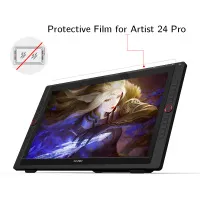
Does it come with a protective film applied?
Reply1
Official mall
Jan 13 ,2022 AM 11:26
Dear Customer,
Yes, a protective film will be pre-installed on the Artist 24pro.
Reply to this review
XFANSvmgmv3n2
Jul 11 ,2021 AM 11:14 Artist 24 Pro 2.5K Resolution
Hi team,
Can you please advise if the XP-Pen Artist 24 Pro is compatible with Capture one post processing software issues 20 and 21?
Thank you,
Scott.
Reply1
Official mall
Jul 14 ,2021 PM 15:32
Dear Customer,
Artist 24pro can compatible with Capture one post processing both software issues 20 and 21.
Have a nice day!
XP-PEN
Reply to this review
XFANSalj1dw7c
Jun 22 ,2021 AM 05:15 Artist 24 Pro 2.5K Resolution
Hey there, I am thinking about getting one of these, but I was just wanting to make sure, it is compatible with Clip Studio Paint, correct?
Reply1
Official mall
Jun 22 ,2021 PM 16:48
Dear Customer,
Yes, sure. 24pro can compatible with Clip Studio Paint.
Reply to this review
XFANSj477t3kp
Jun 11 ,2021 AM 08:32 Artist 24 Pro 2.5K Resolution
I'm from Australia. I'm assuming my item will arrive as estimated in 3-7 days? Should I expect any delays due to Covid etc? And also will this be sent from within Australia or overseas?
Reply1
Official mall
Jun 11 ,2021 AM 11:50
Dear Customer,
Thank you for your inquiry.
Once you place an order we will ship this item from warehouse in Sydney by AU post, usually it will spend 3-7 days to your address.
As for the delay, it depends on the local Australia Post.
Hope it is helpful to you.
Have a nice day!
XP-PEN
Reply to this review
Learn More