




Magic Note Pad
Three Color Modes for Reading, Writing and Note-taking
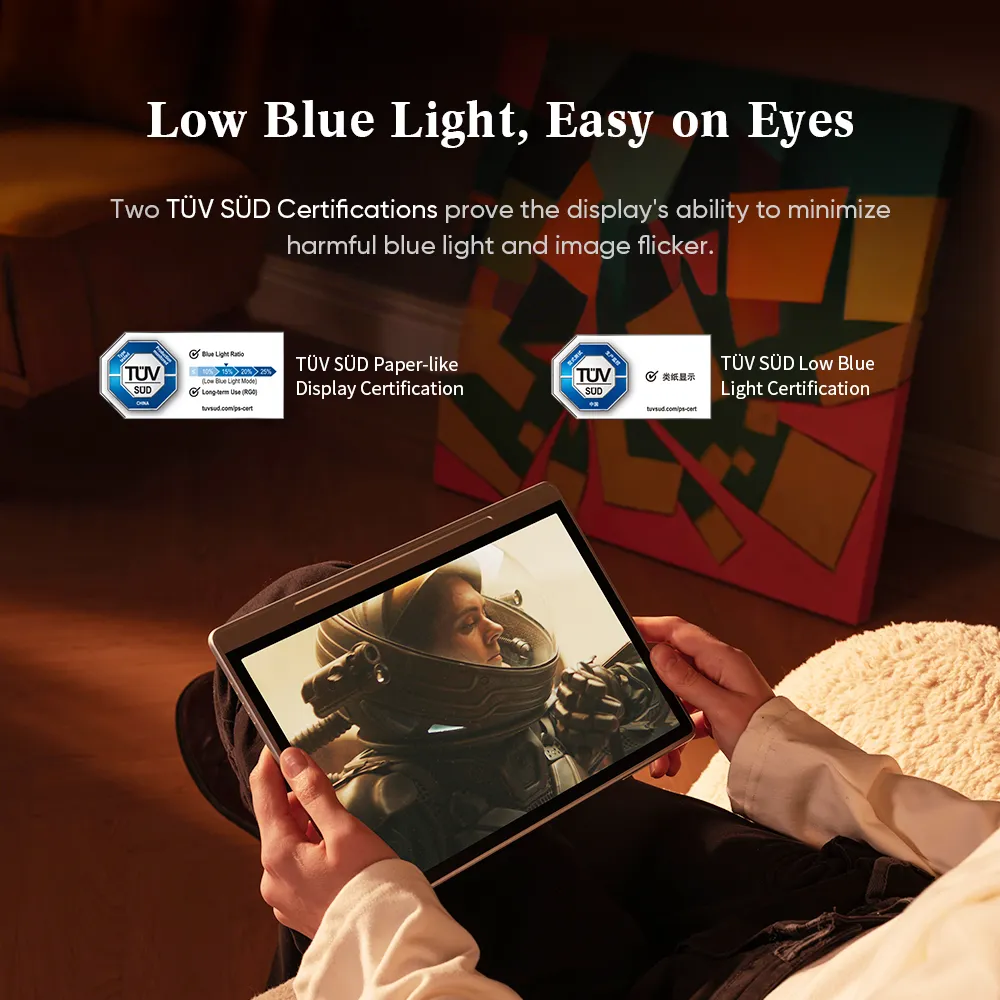
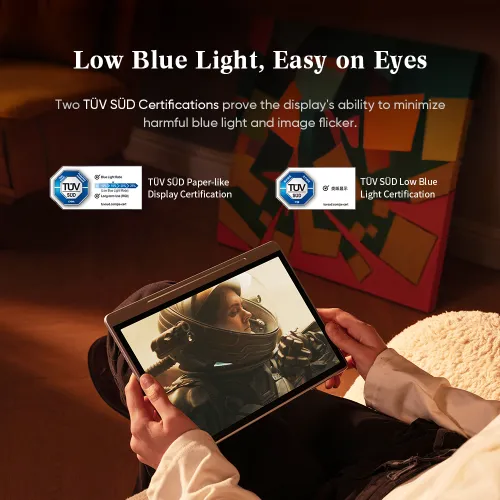
Low Blue Light, Easy on Eyes- TÜV SÜD Certification
Free professional note-taking app - XPPen Notes
FREE DELIVERY
We offer free shipping
SECURE PAYMENT
Your payment information is processed securely
TECH SUPPORT
service@xp-pen.com
18-MONTH WARRANTY
18-month warranty only for official AU-store
Optional Accessories
Quantity:
 Log in and purchase to receive an estimated 417 X-Coins




Worry-Free Delivery® available with seel
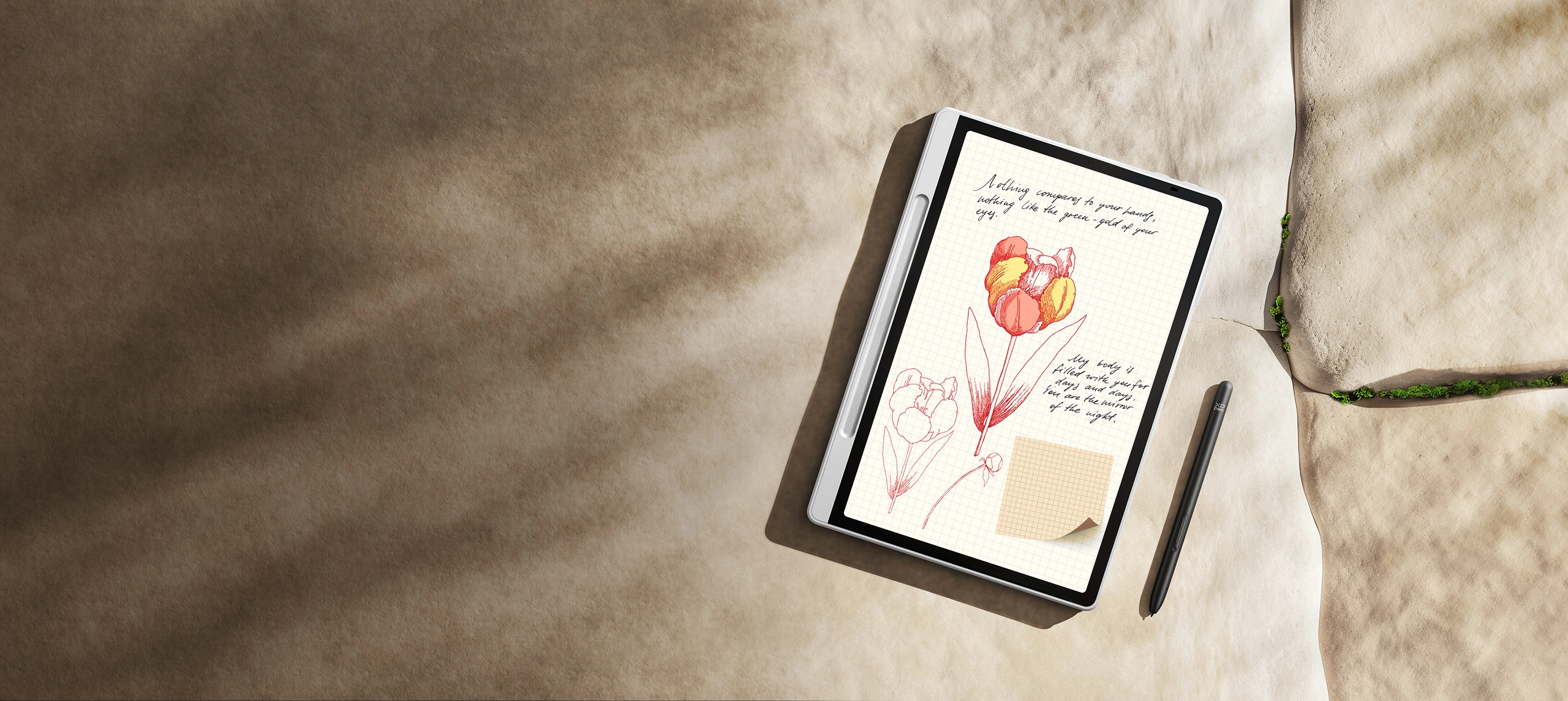
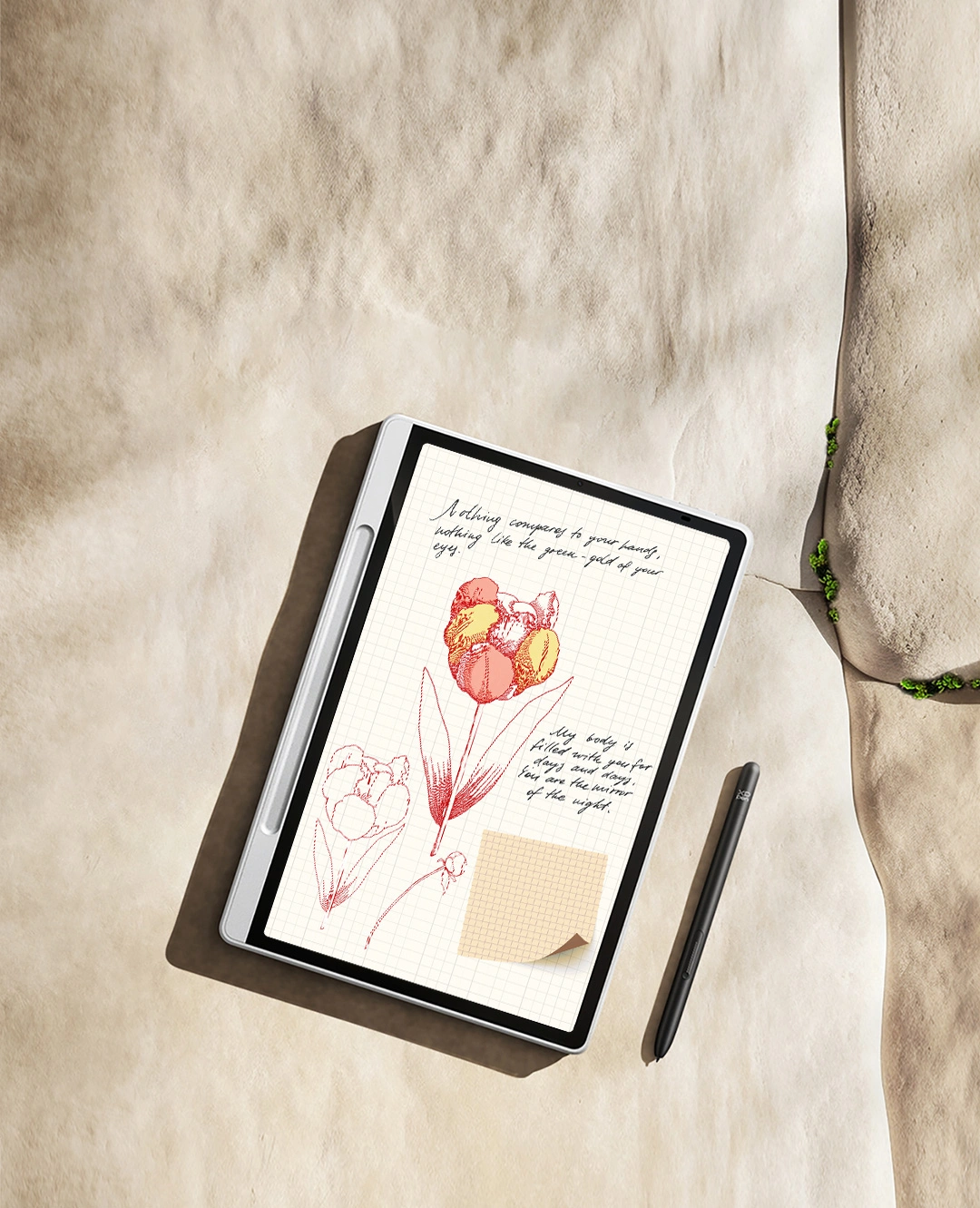
Magic Note Pad
Blended Color. Note Magic.
3-in-1 X-Paper | 16K Pressure Levels | XPPen Notes App
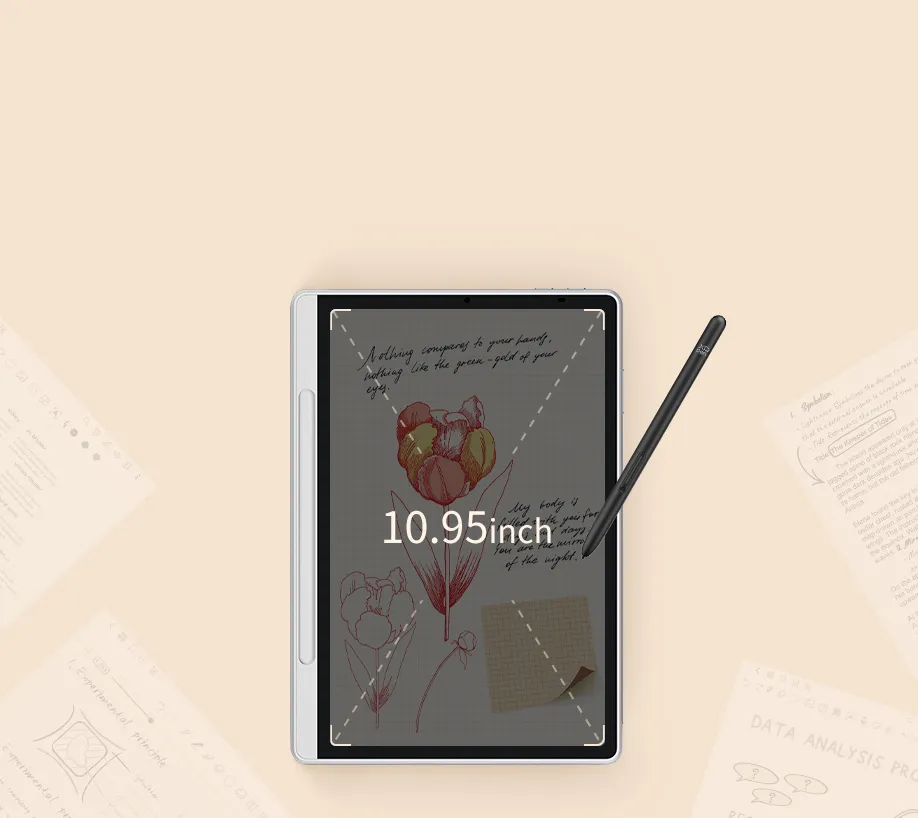
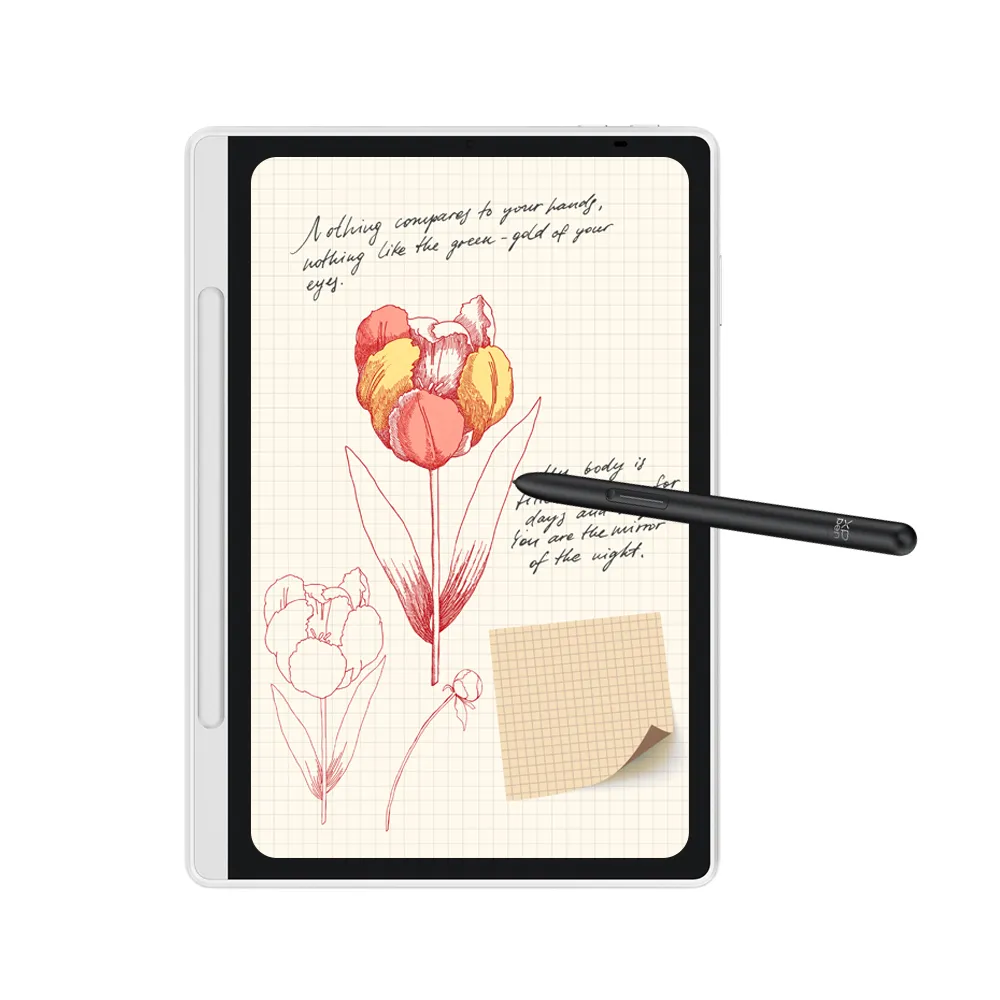
3-in-1 Color Note Pad
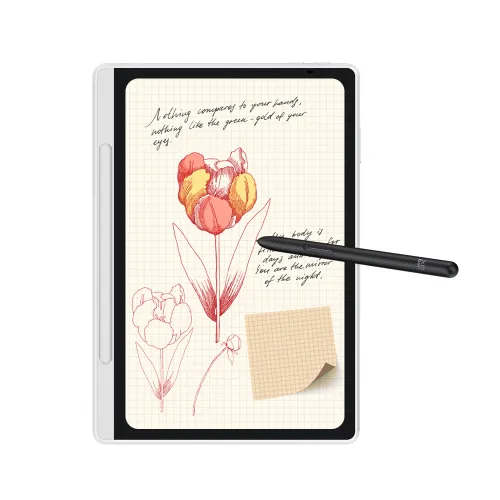
10.95" Paper-Like Display with 3-in-1 Color Modes for Reading, Writing, and Sketching
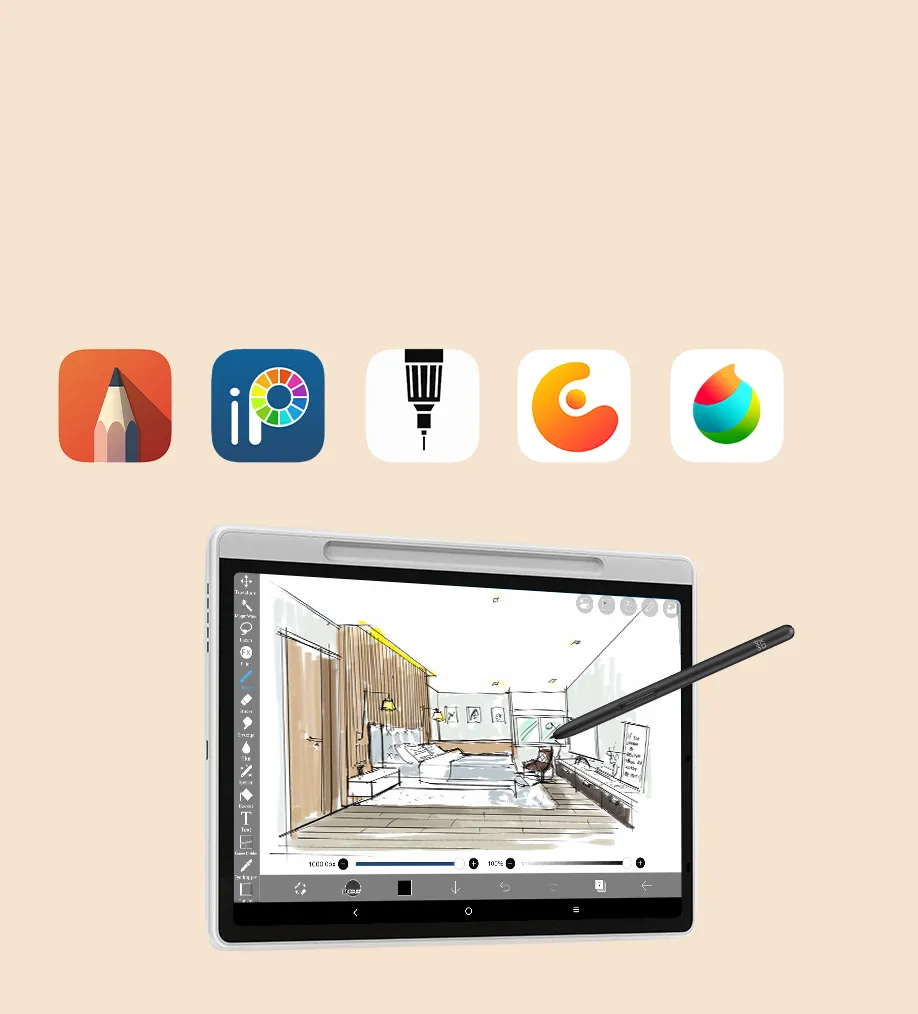
Drawing Anytime,
Anywhere
Portable, efficient, and perfect for sketching, designing, and grayscale art.
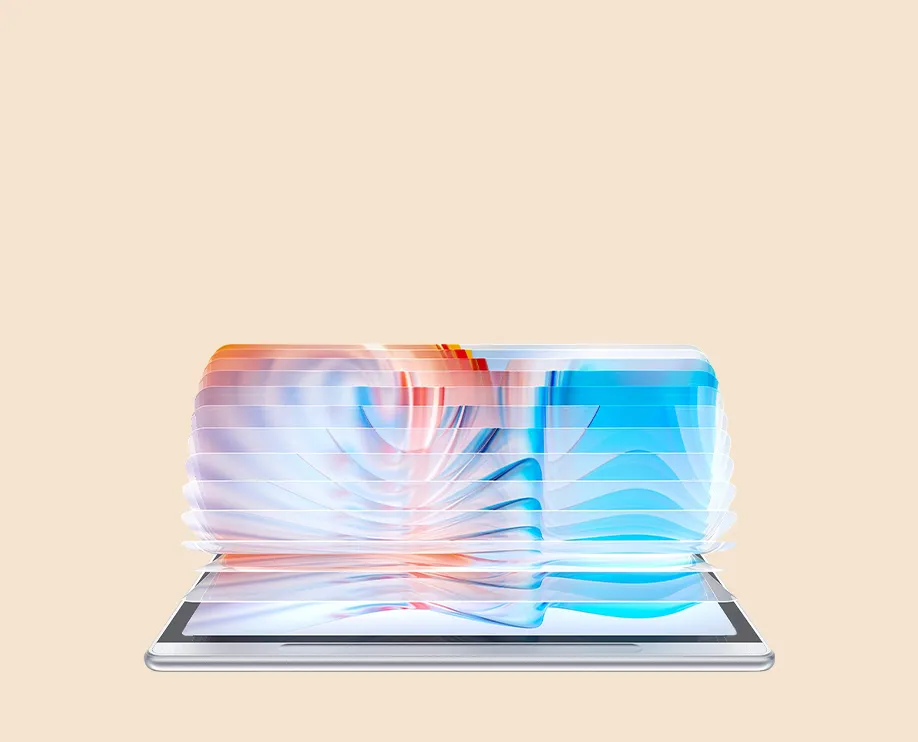
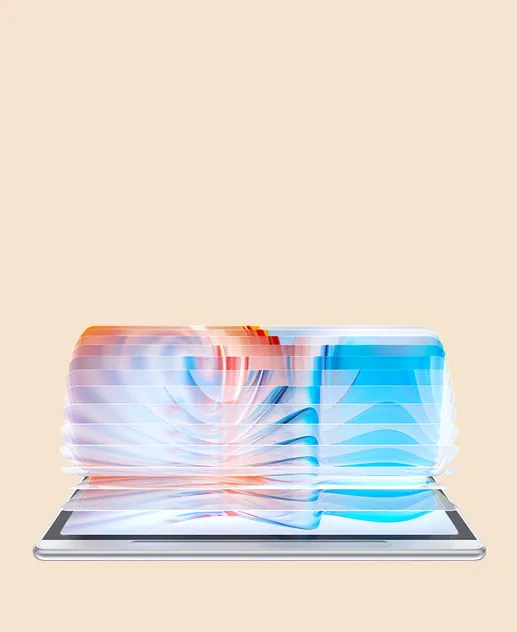
X-Paper Display
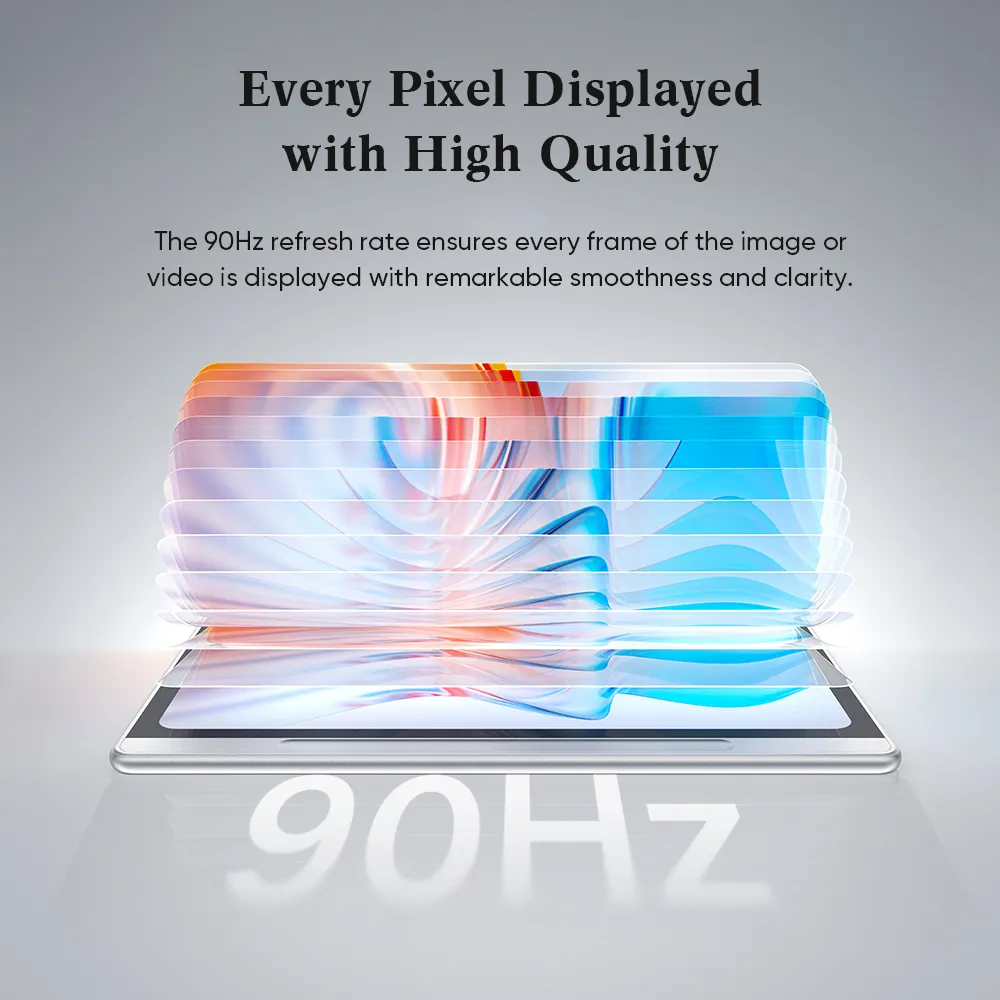
With AG Etched Glass, enjoy a paper-like feel. Features 90Hz Refresh Rate, 3-in-1 Viewing Modes, and 16.7M Colors on a Matte Anti-Glare Surface.
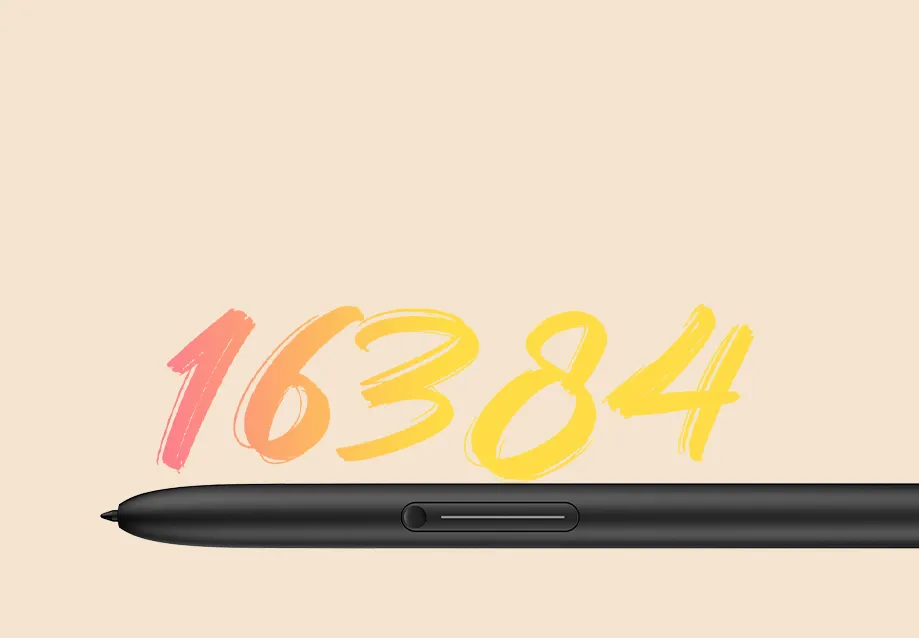
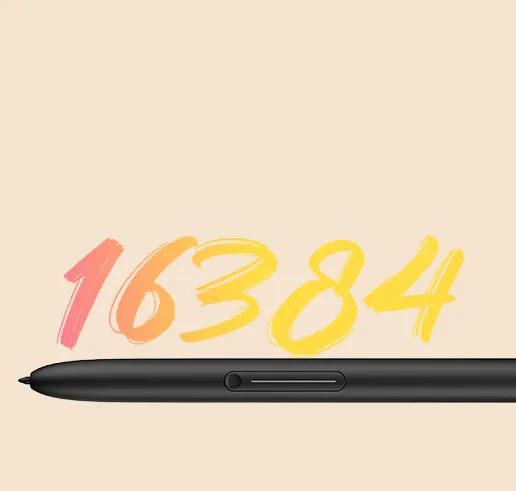
X3 Pro Pencil 2
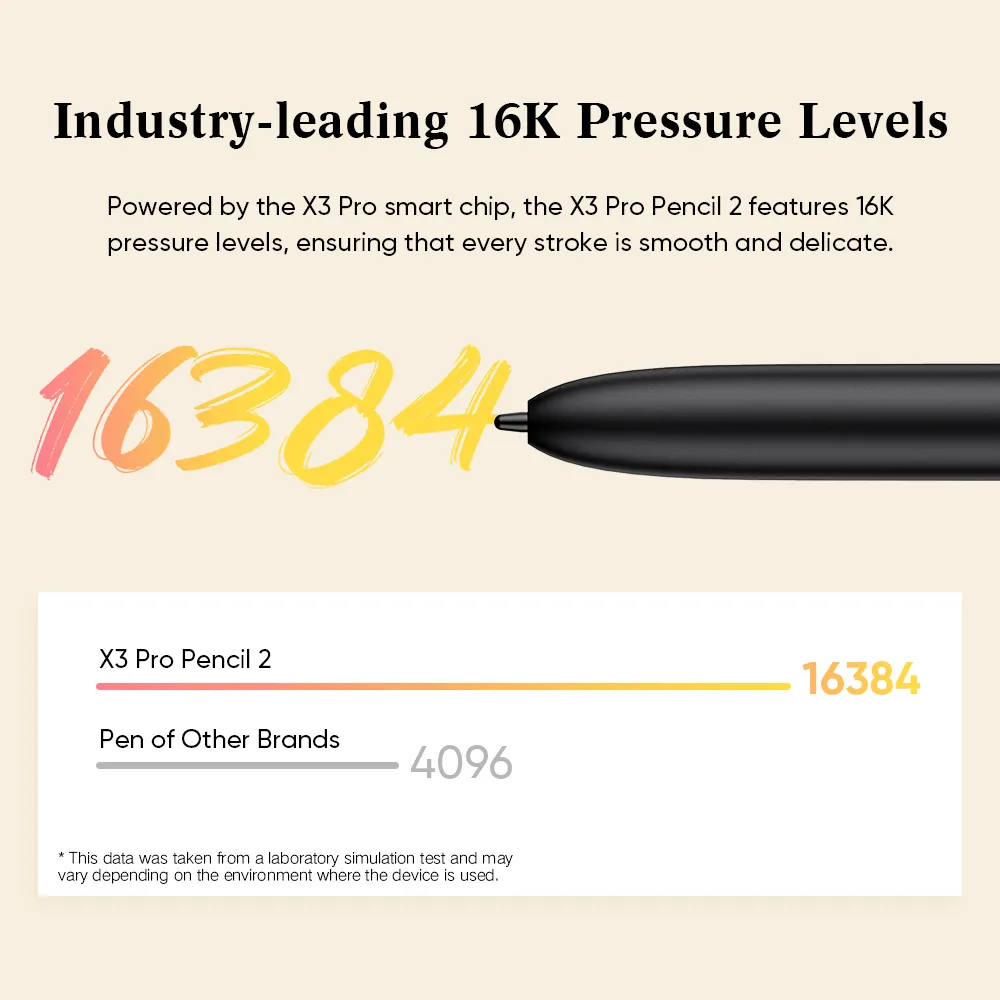
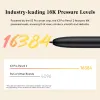
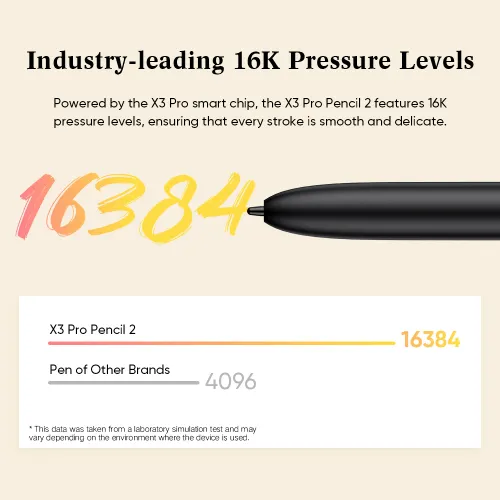
With 16,384 levels of pressure sensitivity, enjoy a whole new way to write and draw
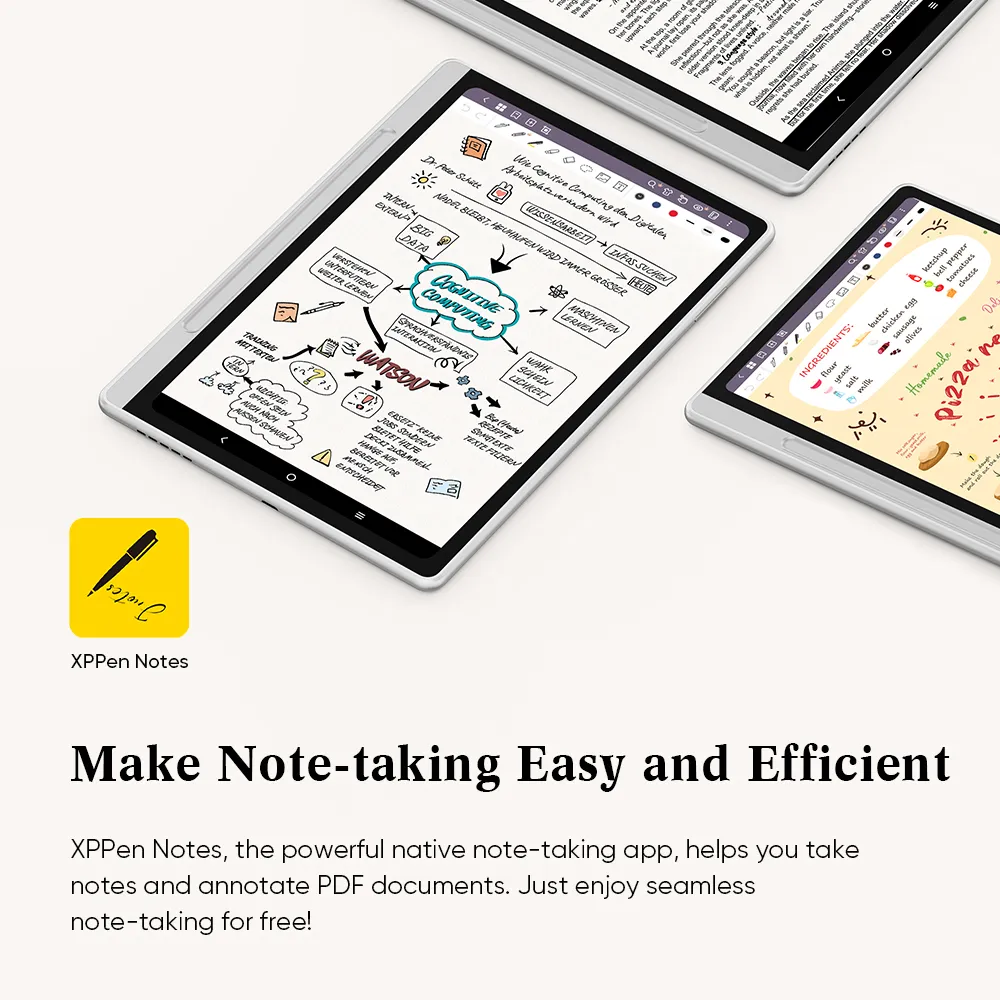
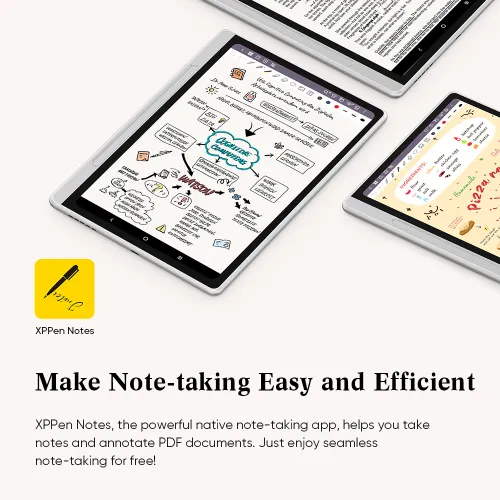
XPPen Notes App
XPPen Notes, co-developed with Jnotes,
lets you write, draw and annotate anytime.
No Limits, No Hassle
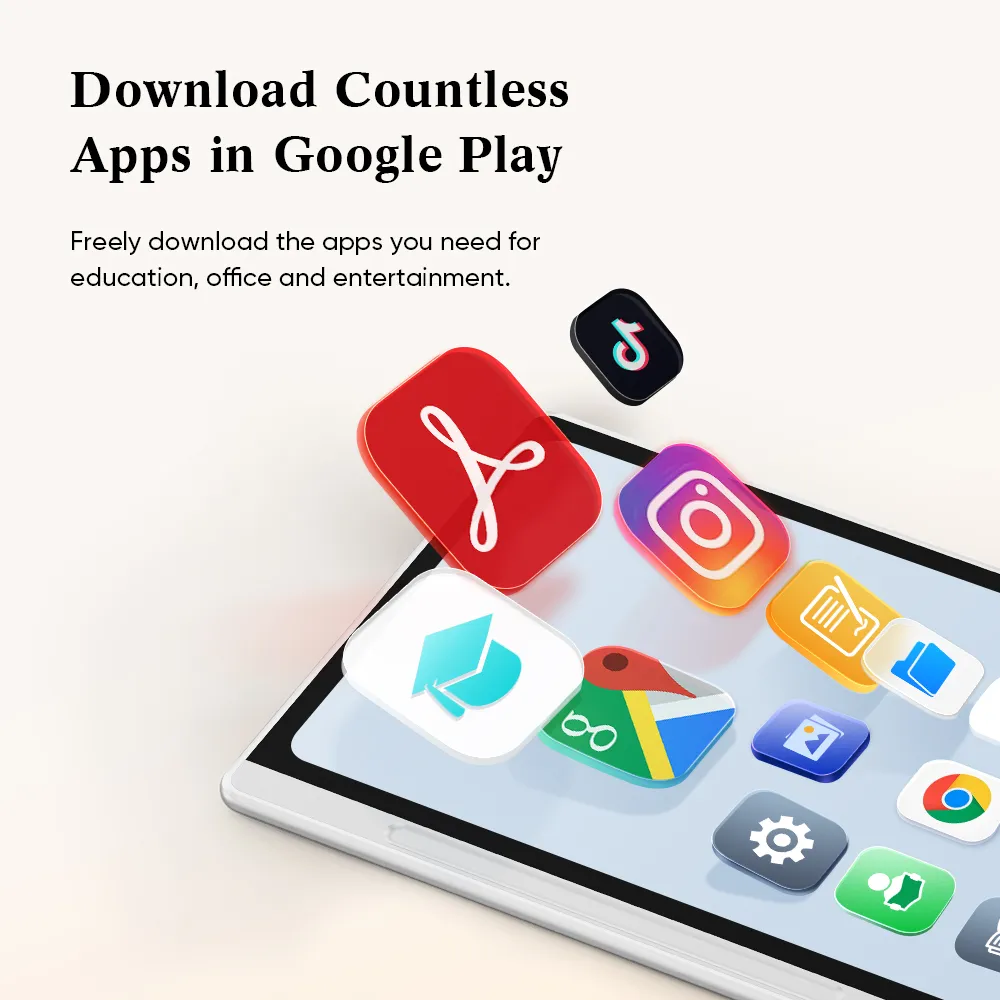
Your all-in-one app universe starts here. Install anything available on Android.

Easily meet diverse office needs and seamlessly compatible with Zoom, Microsoft Office, Google Drive, Trello, and more.

Make recording and collaboration more flexible, seamlessly compatible with Google Keep,Microsoft OneNote, Evernote, Notion and so on.

Extend your creativity without boundaries,compatible with Infinite Painter, Ibis Paint X,Sketchbook, Concepts, etc.
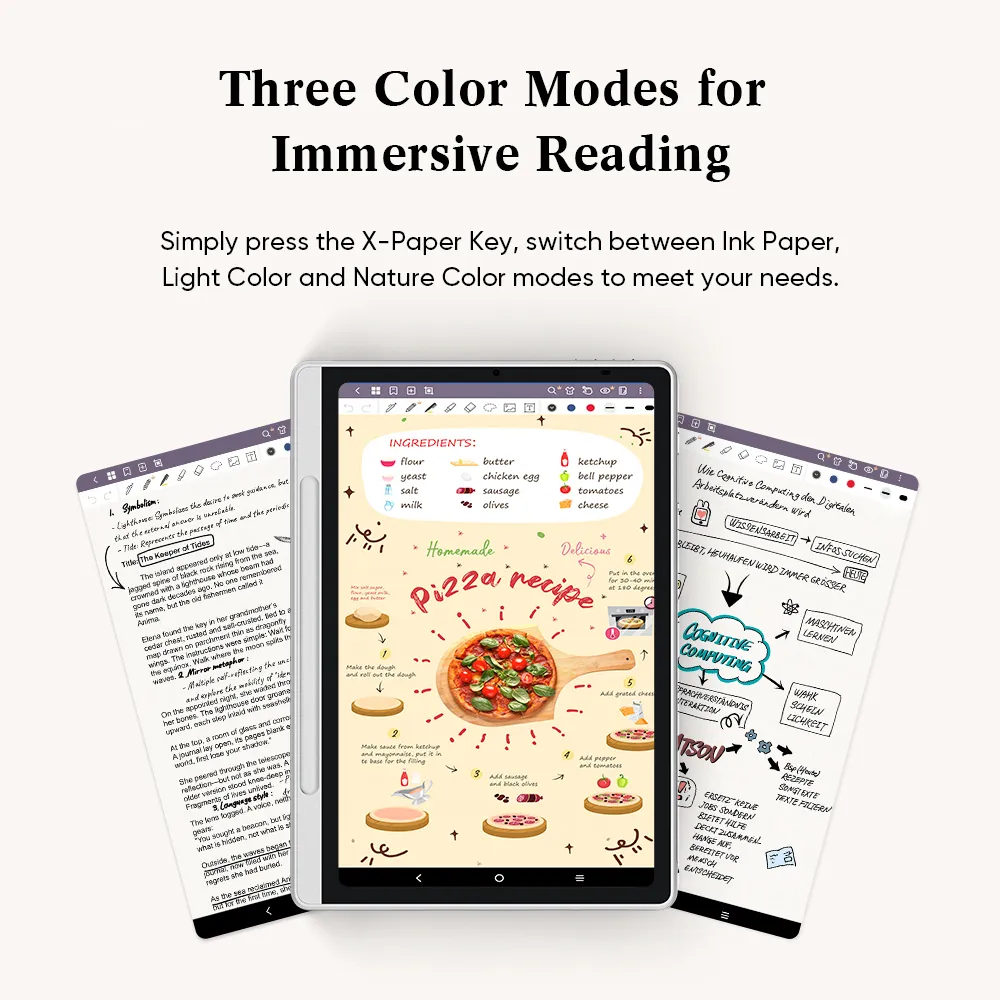
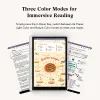
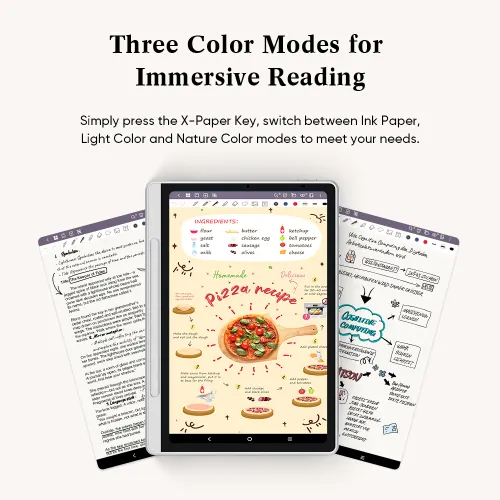
Three Color Modes for
Immersive Reading
Forget about the limited color of e-ink. Simply press the X-Paper Key, and you can easily switch between three color modes to meet different needs.
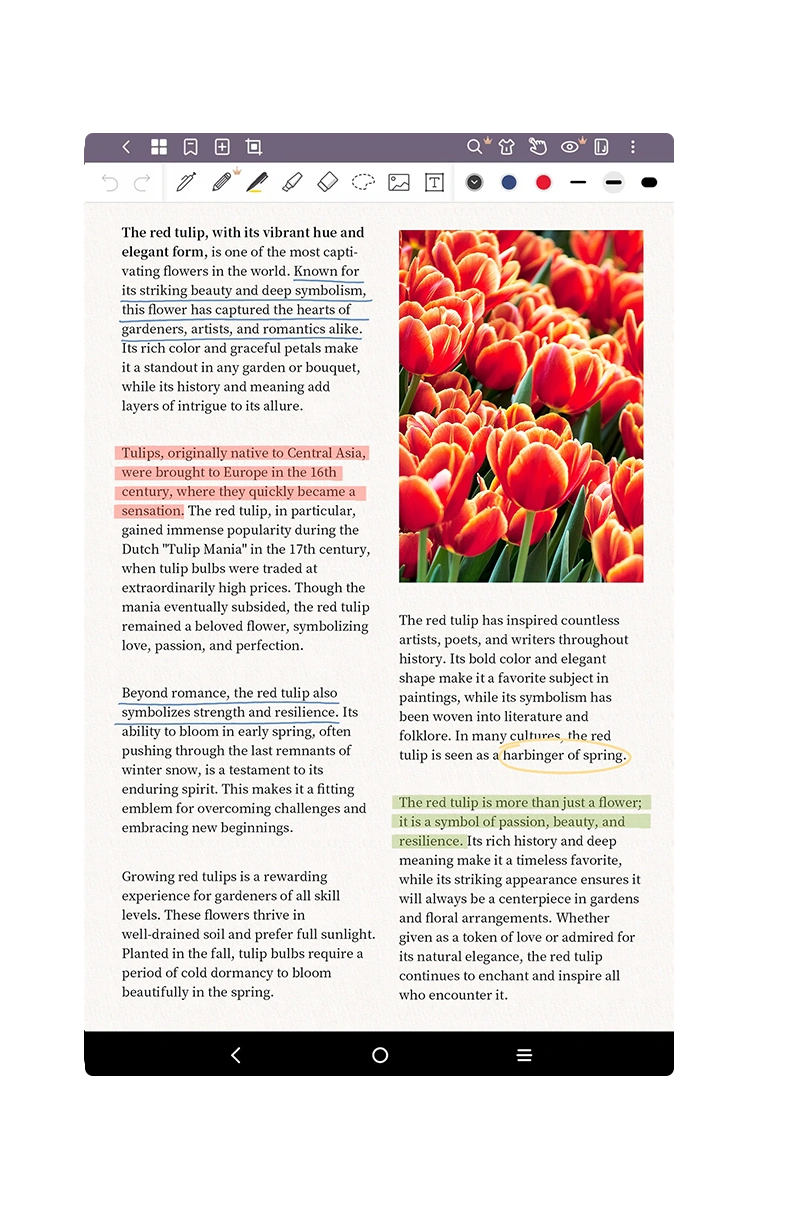
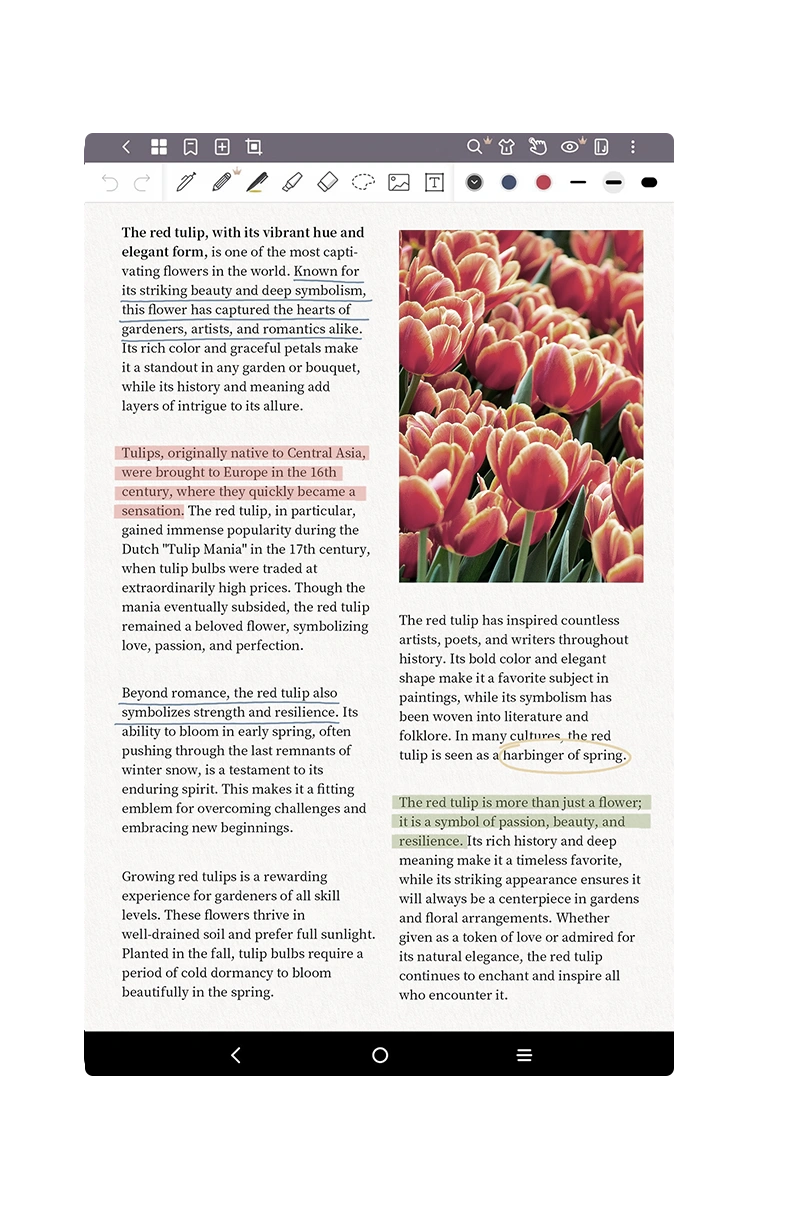
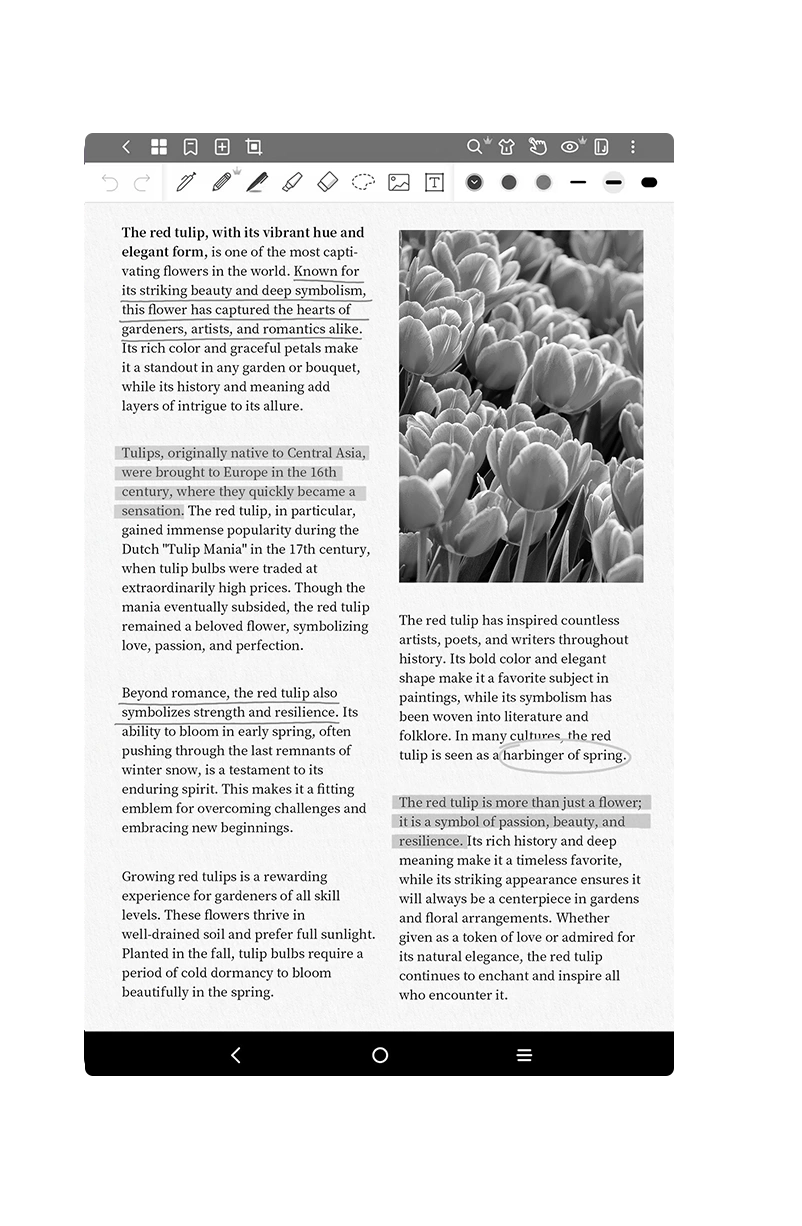
Nature Color ModePresent the original colors vividly and delicately
Light Color modeLow saturation color display, release eye fatigue
Ink Paper ModePaper-like black-and-white display for immersive reading
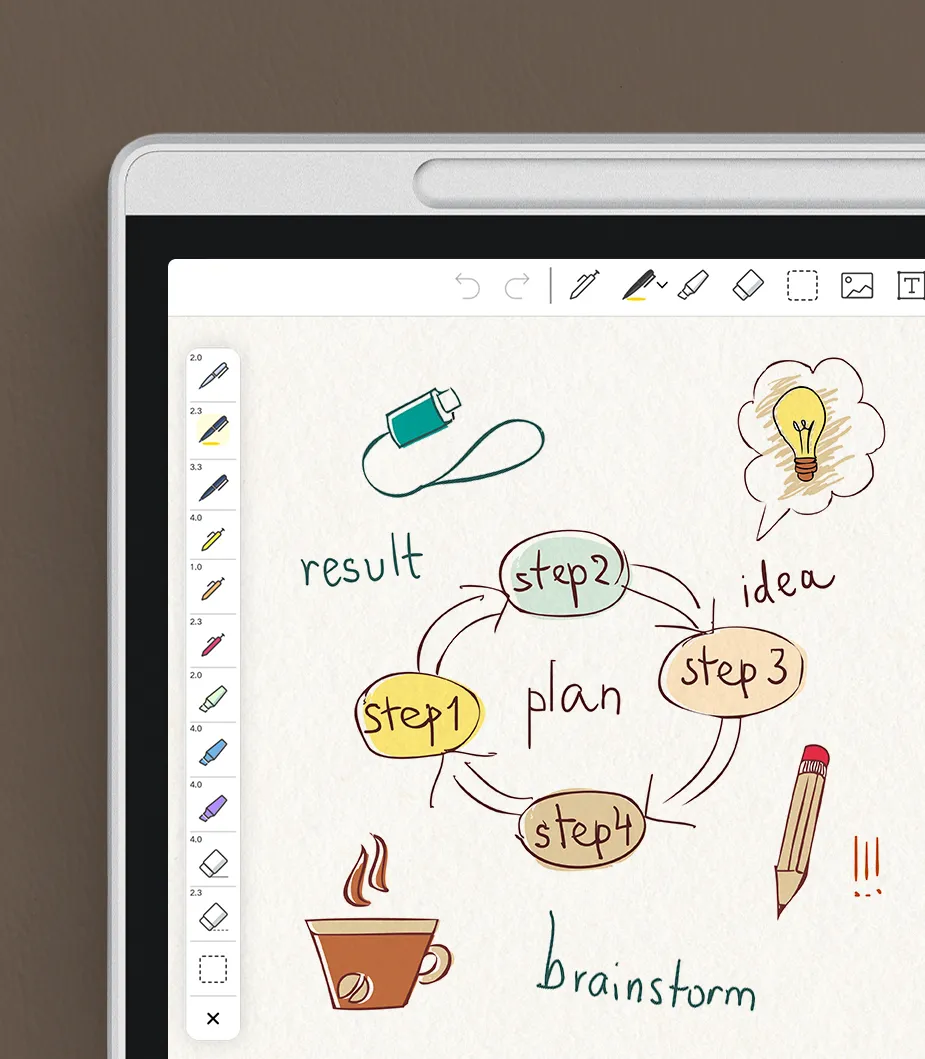
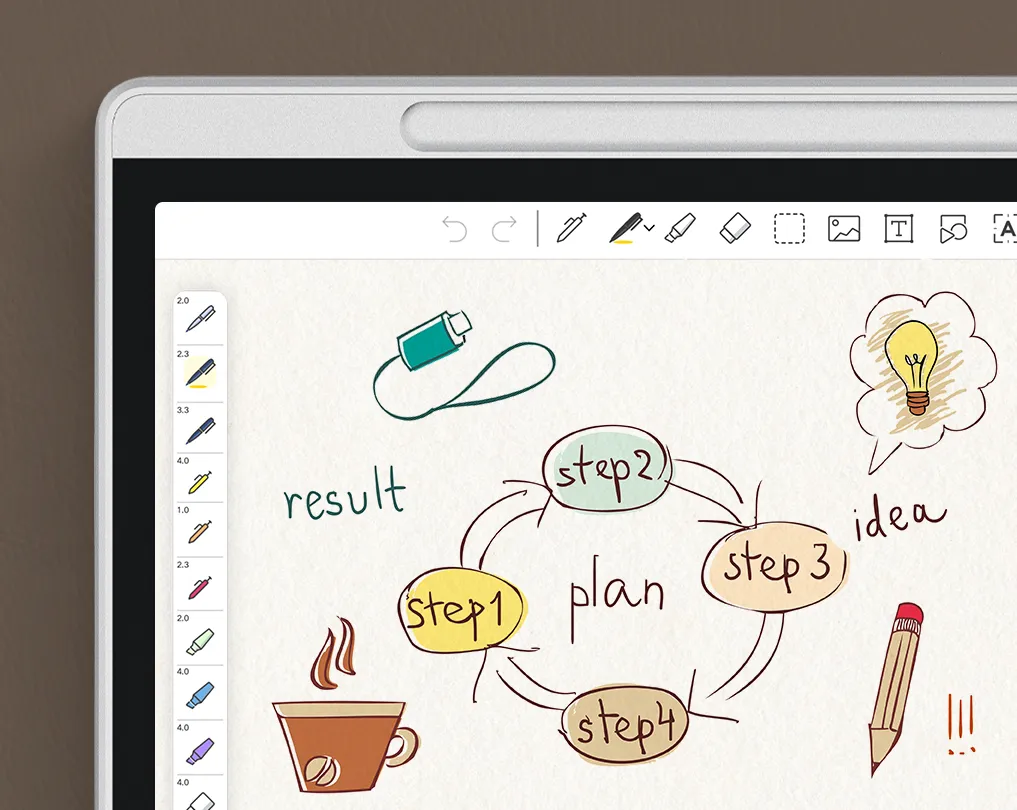
X-Paper Display – Smooth,
Eye-Safe, Paper-Like Display
Featuring AG Etched Glass for a natural writing feel. Born from the collaboration between XP-PEN and TCL NXTpaper, powered by cutting-edge NXTPAPER display technology—made for creators.

Ultra-smooth visuals:
90Hz Refresh Rate & DC Dimming

Versatile viewing modes:
X-Paper Key with 3-in-1 VersaView

Eye protection:
Reduces 75% harmful blue light

True-to-life color:
16.7 Million Colors

Readable anywhere:
Matte Anti-Glare Display

Built to last:
Smooth & Durable AF Glass

Battey-Free X3 Pro Pencil 2
Combined with the 16K ultrasensitive X3 Pro Pencil 2, you can capture your inspiration with remarkable smoothness and efficiency.
Ultra-Precise, Charge-Free Stylus for Endless Creativity
The X3 Pro Pencil 2 features 16384 pressure sensitivity and a charge-free tablet stylus pen design, delivering a seamless, uninterrupted creative experience anytime.
Draw with Greater Detail and Expression
The X3 Pro Pencil 2 enables artists to create precise, smooth, and natural strokes that respond to subtle pressure changes. This provides better control, richer shading, and realistic line variation, making digital artwork more expressive and professional.
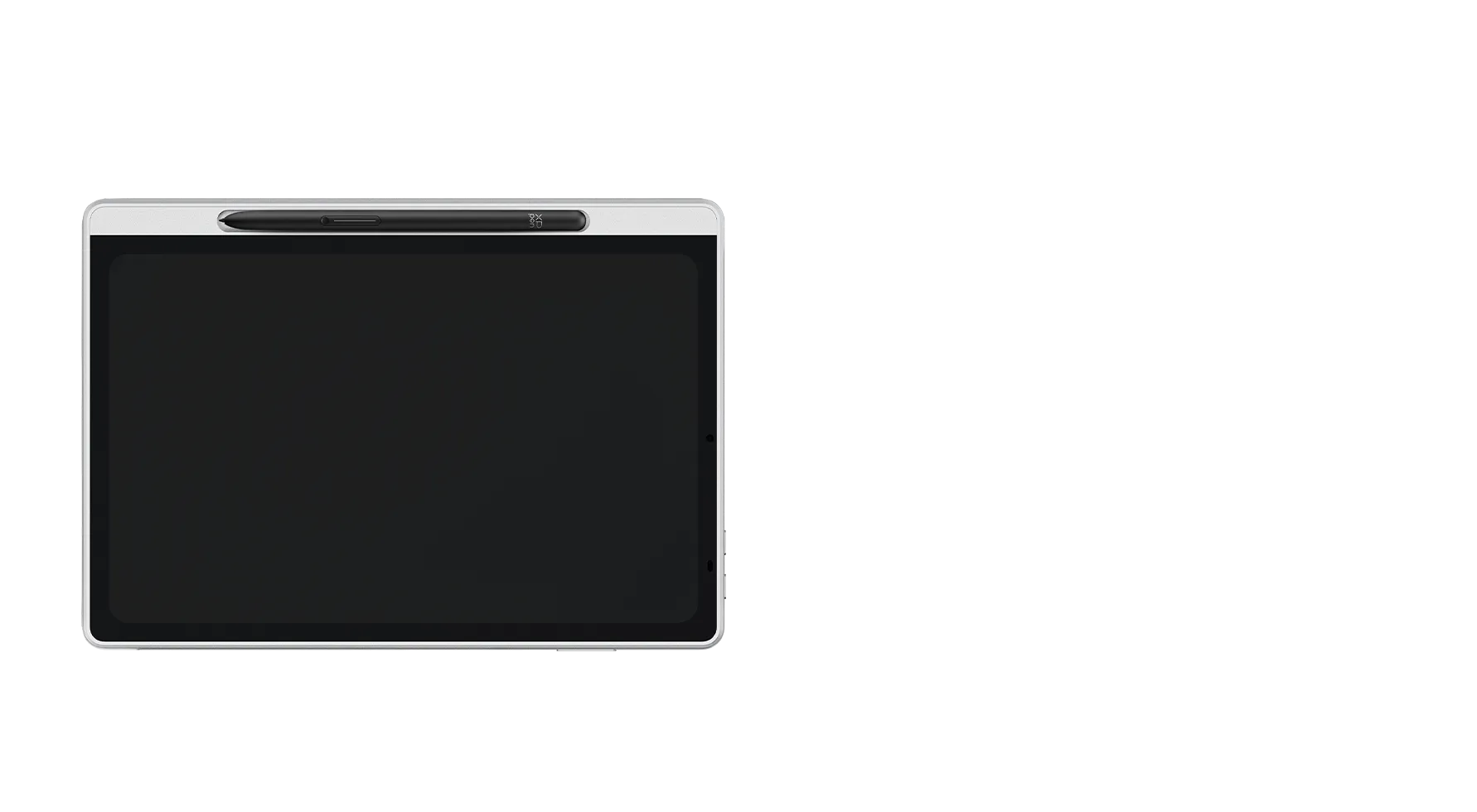
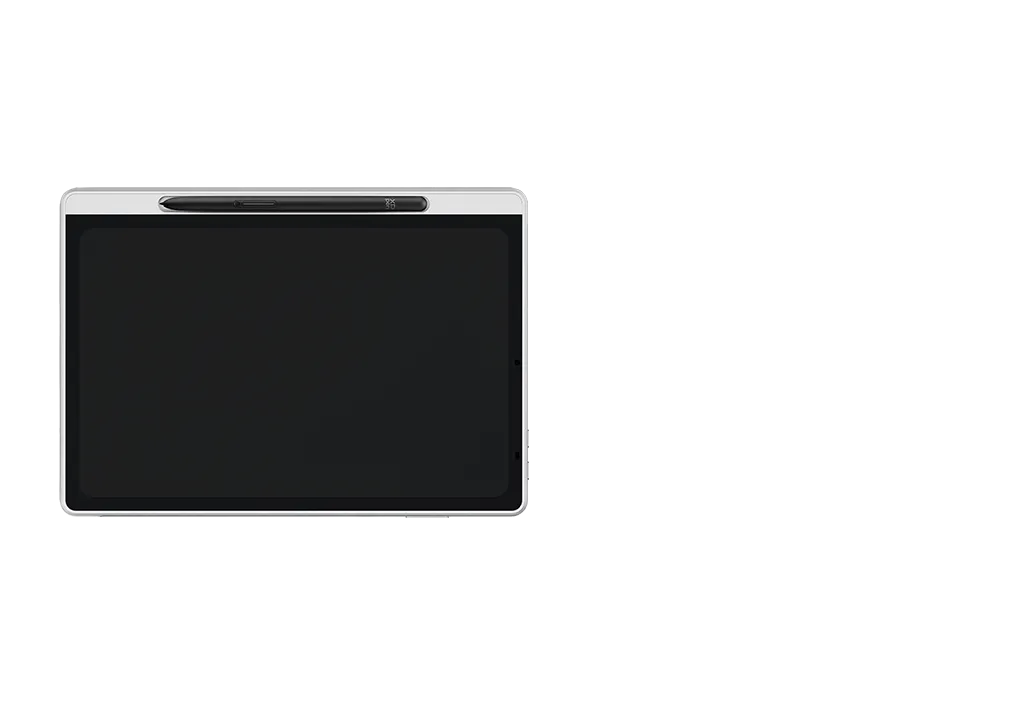
Magnetic Slot, Easy Packing and Storing
The X3 Pro Pencil 2 supports magnetic suction. You can put the pencil in the pen slot. There is no need for charging or pairing. You can capture your inspiration or take a break immediately.
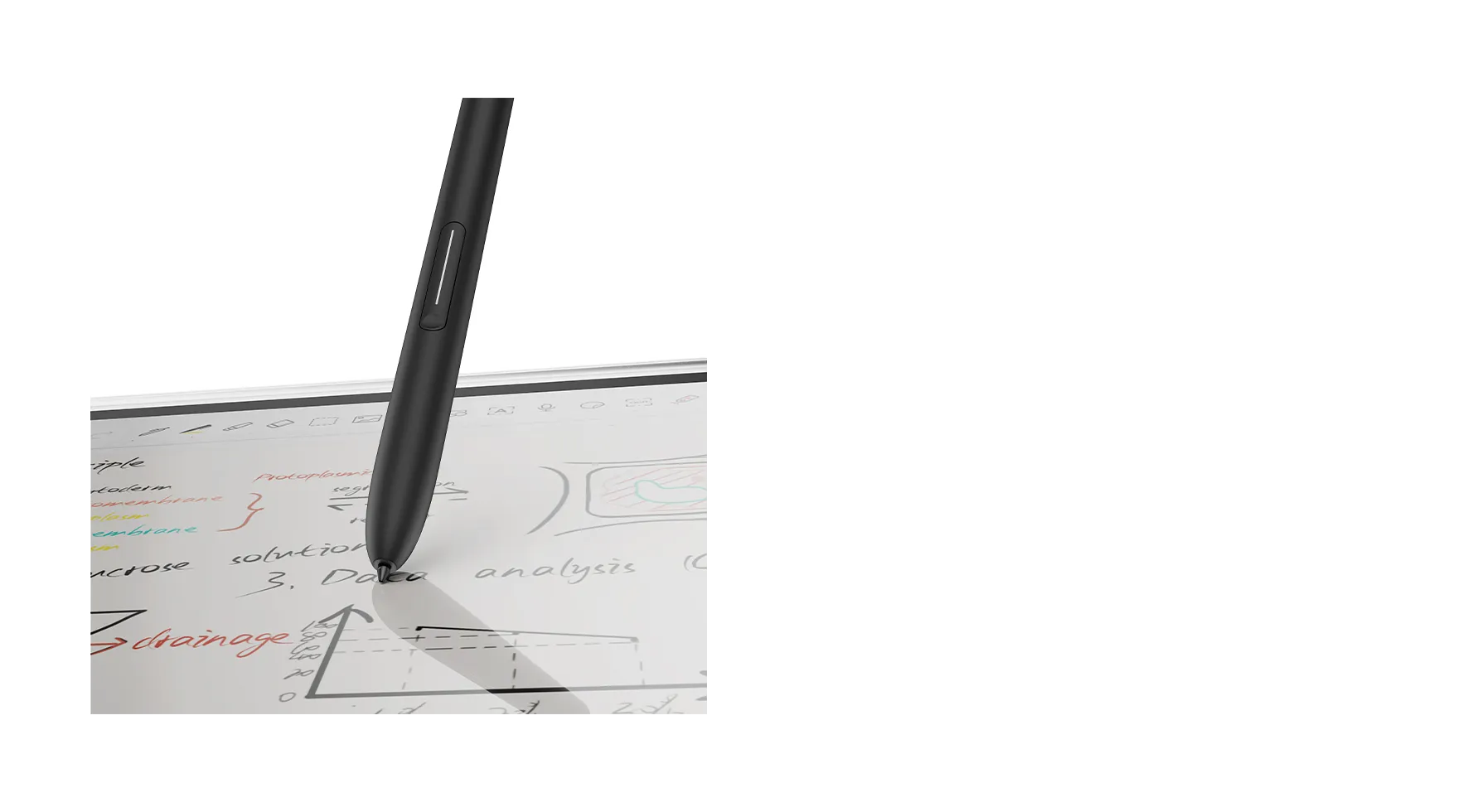
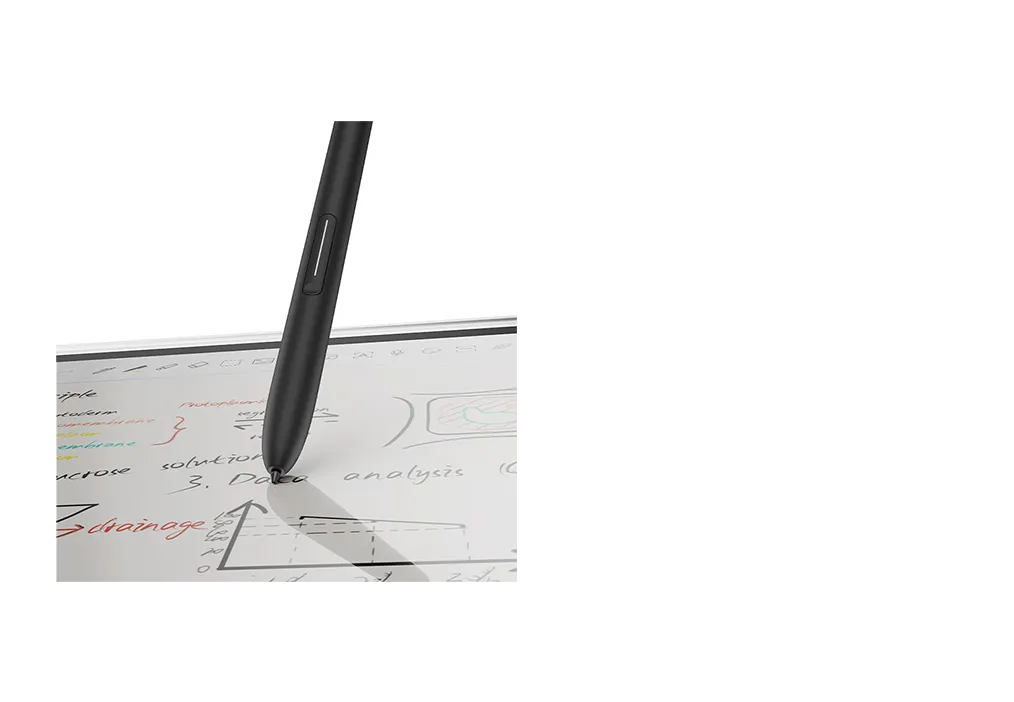
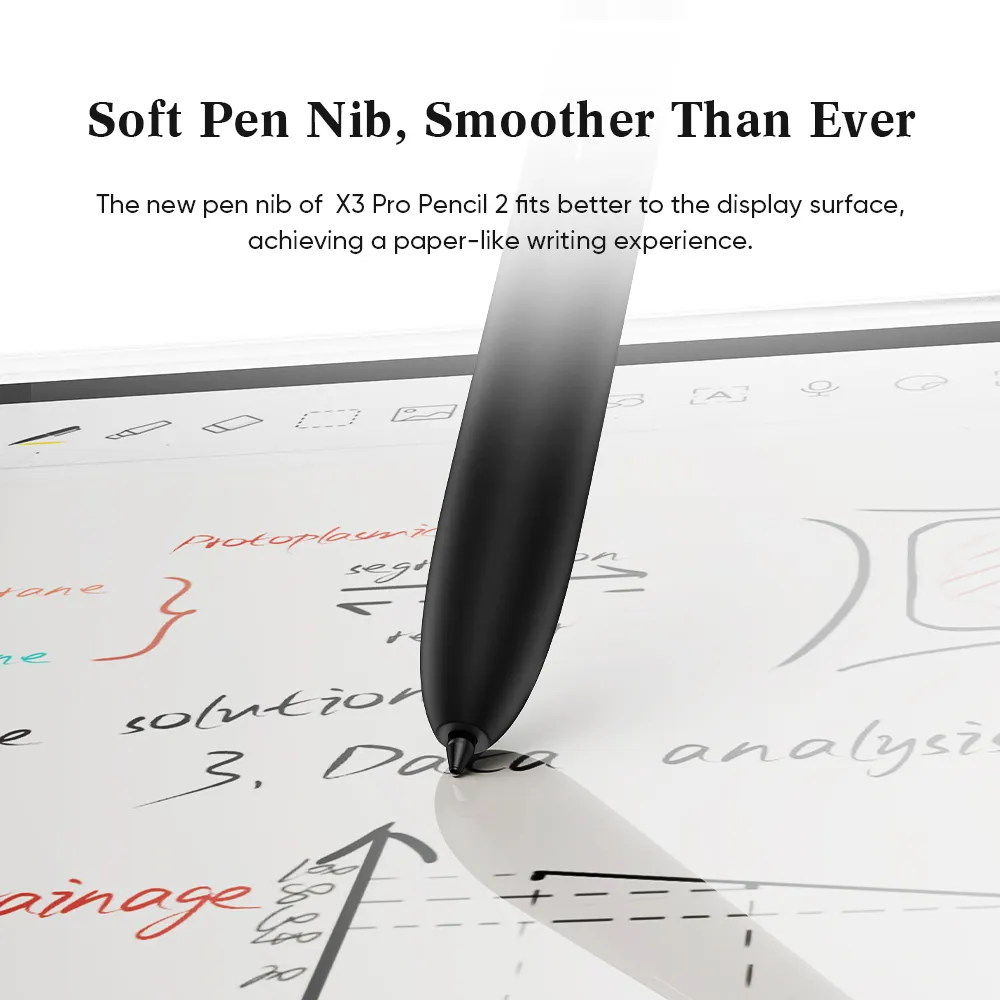
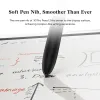
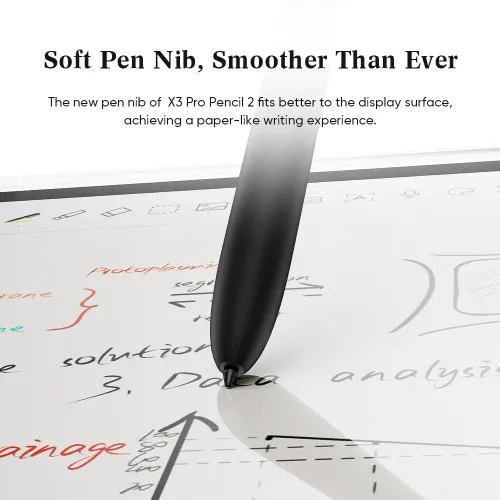
Soft Pen Nib, Smoother Than Ever
You've got a new soft pen nib. Its shape is similar to that of a gel pen, making it suitable for writing. The soft pen nib also fits better to the display surface, achieving a paper-like writing experience.
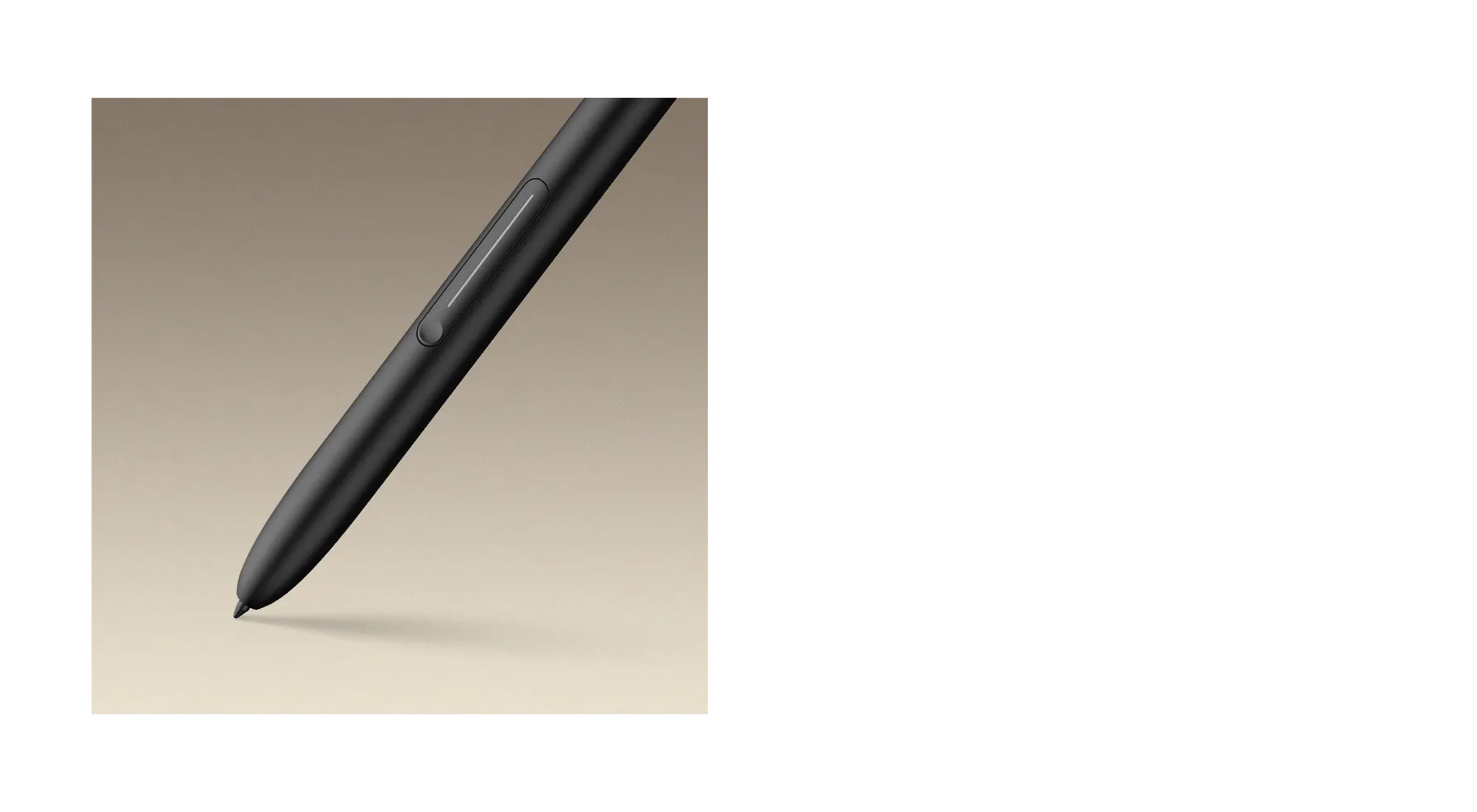
Customized Shortcut Keys, Boost Your Efficiency
The shortcut keys on the pencil allow for customization. You can quickly switch to the eraser function or set up additional functions, making your creative process more efficient.
Designed for Drawing Anytime
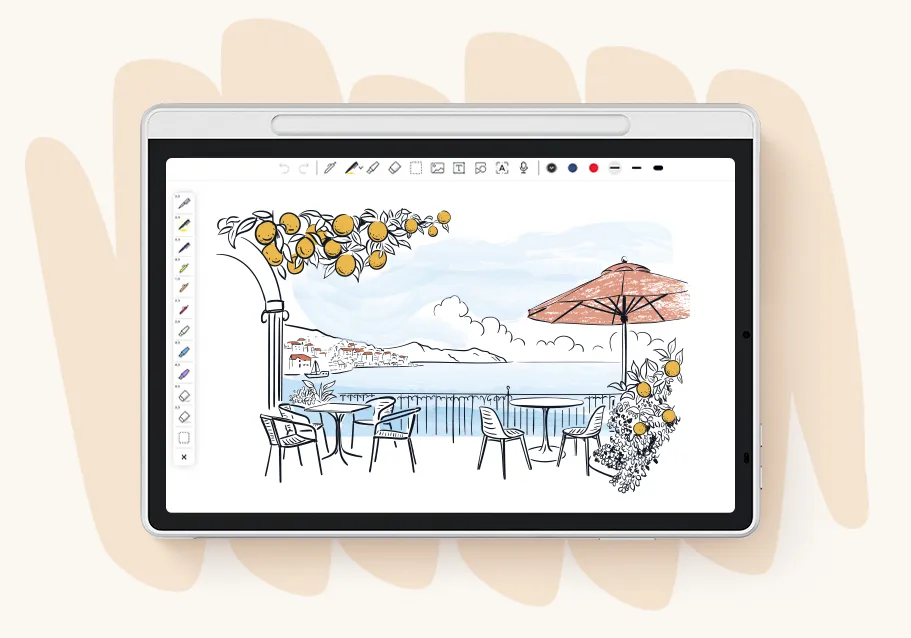
Sketch on the Go
At just 495g and 7mm thin, Magic Note Pad is perfect for quick sketches and line art anywhere. Ideal for designers and creators who draw wherever inspiration strikes.
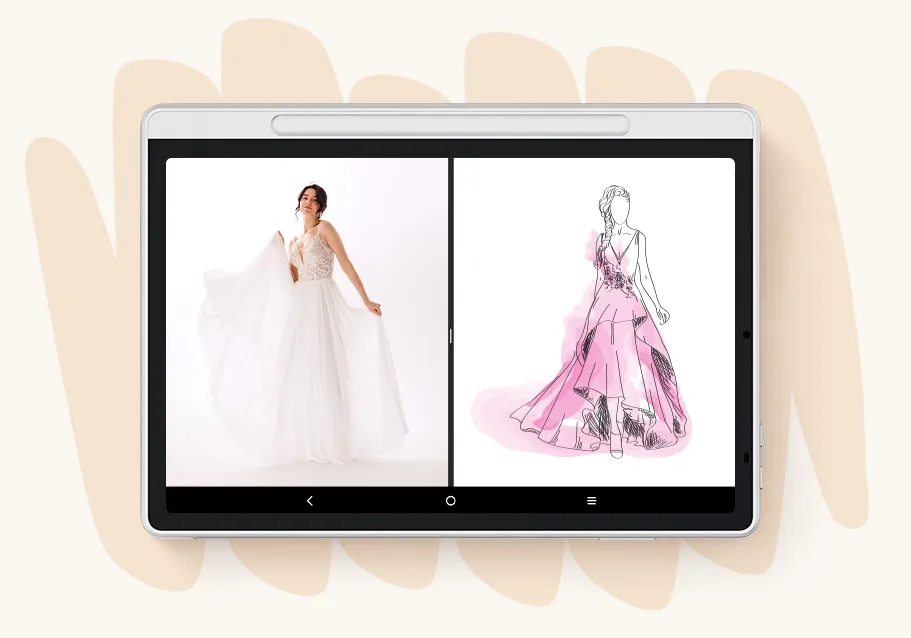
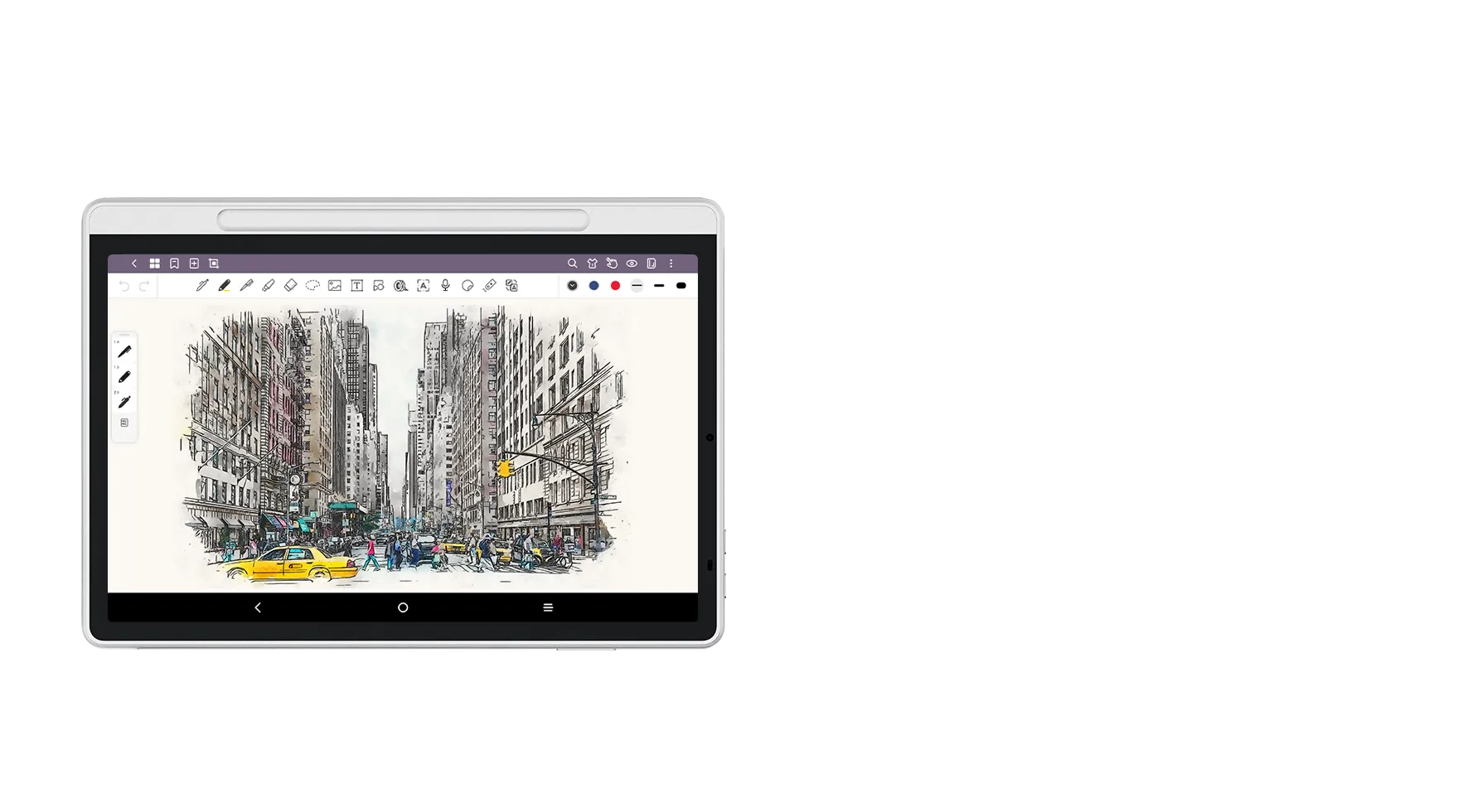
Draw with Reference Side by Side
Use the split-screen feature to view inspiration images while sketching. Great for poster design, concept art, or any task where visual reference boosts creativity.
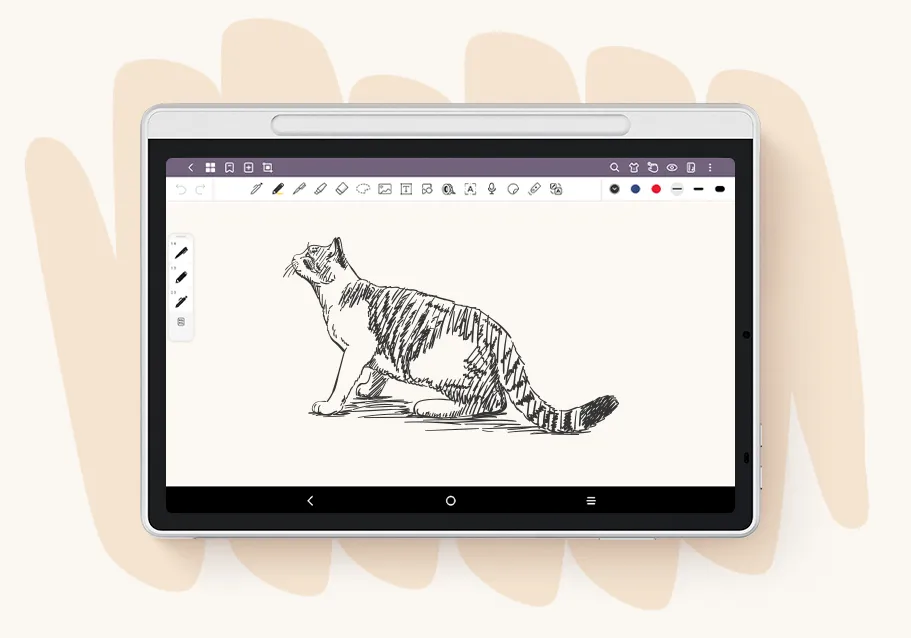
Perfect for Black & White Art
Switch to Black & White Mode for clearer grayscale transitions and sharper details. Ideal for comic panels, pencil sketches, and grayscale illustrations.
Discover More Magic with Magic Note Pad
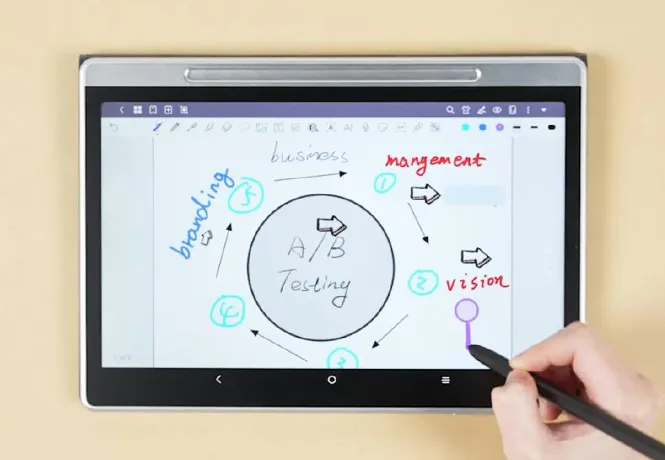
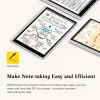
Instant Note-Taking
Whenever inspiration strikes, wake up the product with the X3 Pro Pencil 2 and write down your thoughts immediately.
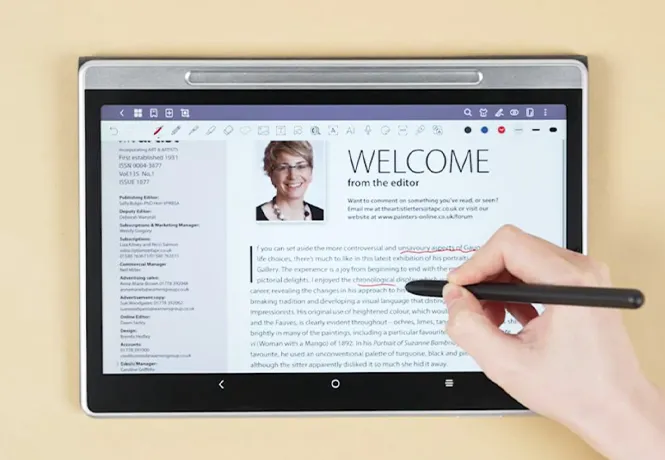
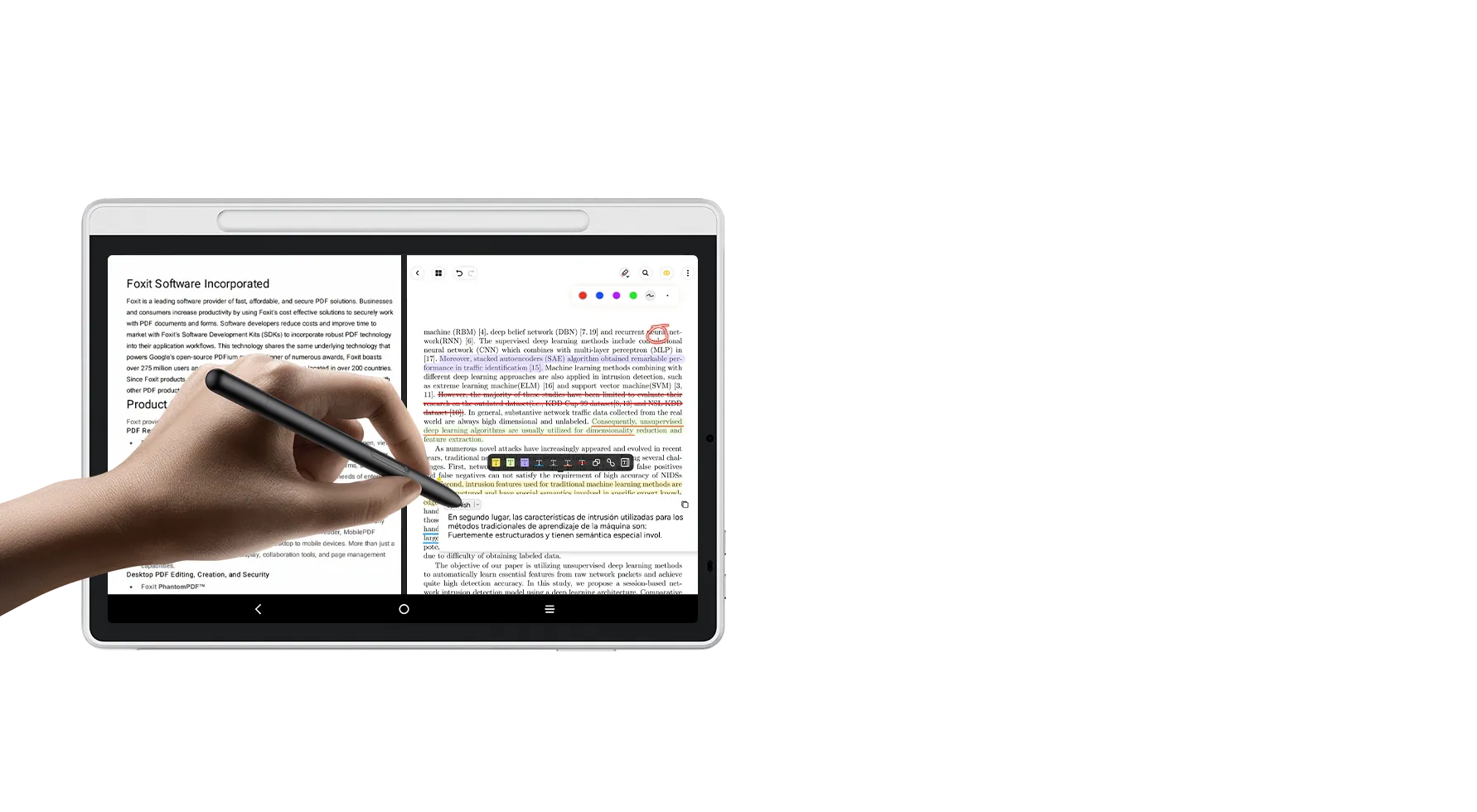
PDF Files import & Editing
PDFs can be imported into XPPen Notes, open the reading mode to markup, comment, translate and export.
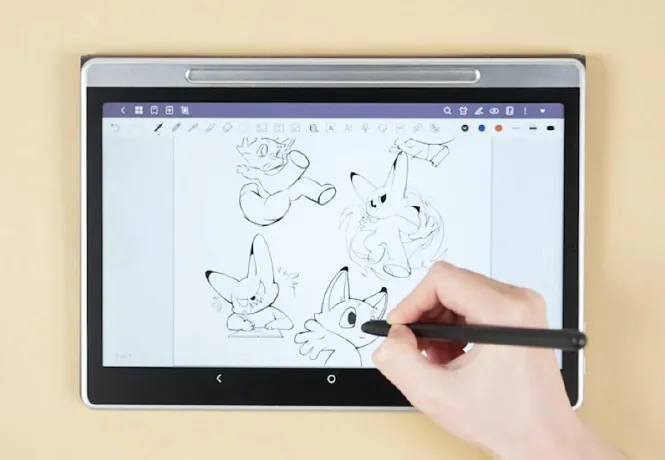
Creative Draft
Rich graphic templates and stickers are provided and you can use them to create more inspirational ideas.
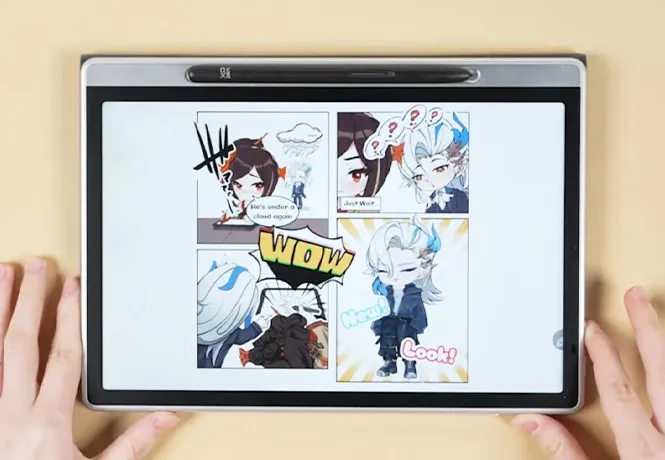
Digital Reading
The X-Paper display and three different color modes provide
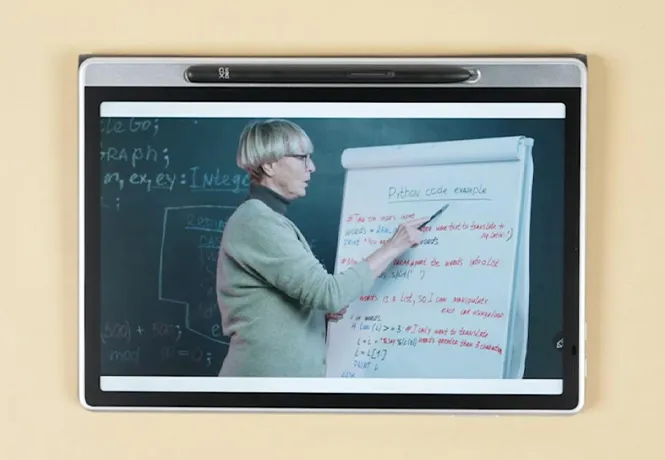
Movie & Entertainment
With 90Hz high refresh rates, you can smoothly enjoy your leisure time for movie, game and entertainment.
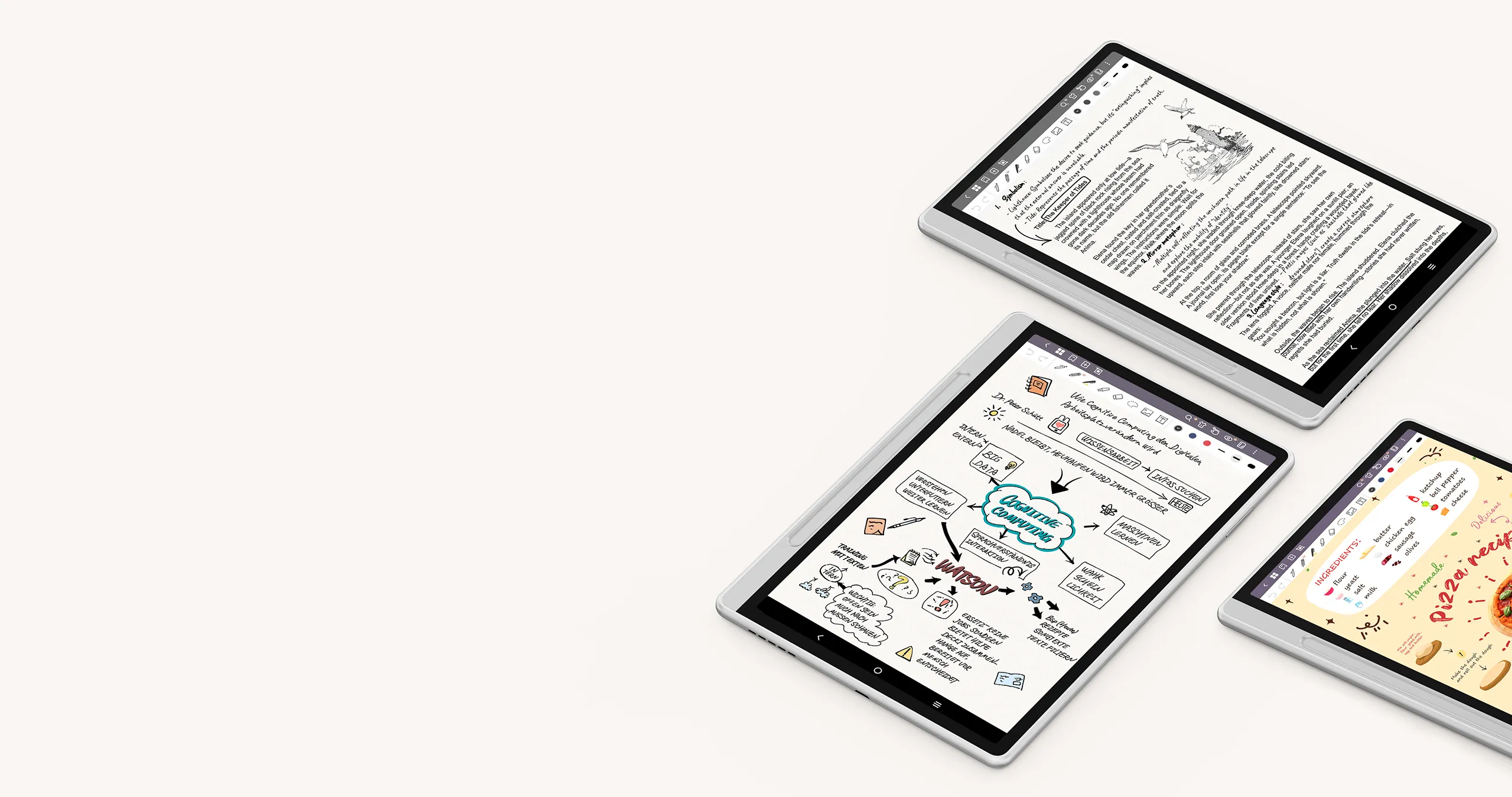
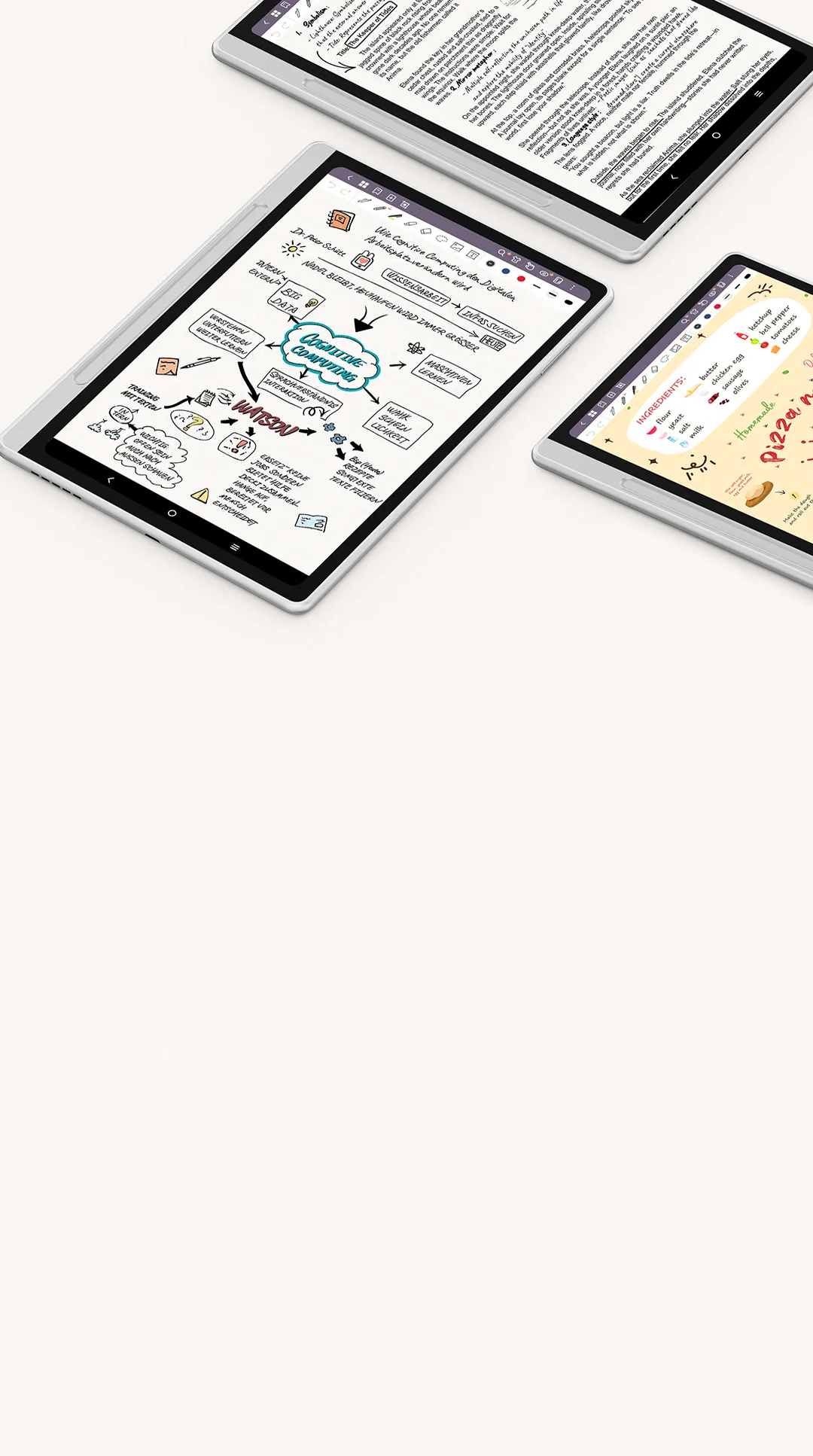
XPPen Notes
Make Note-taking Easy and Efficient

Convert
Handwriting to Text

Recording Follows
Handwriting

PDF Files
Import & Editing

Screen Splitting

Device & Cloud
Storage

Wake Inspiration
by One Click

Multiple Pen Brushes
Selection

Tap to Screenshot
and Annotate

Pen Floating
Button
More Functions to Power
Your Inspiration
You can operate the Magic Note Pad with the X3 Pro Pencil 2, your fingers and gestures for more convenience and efficiency.
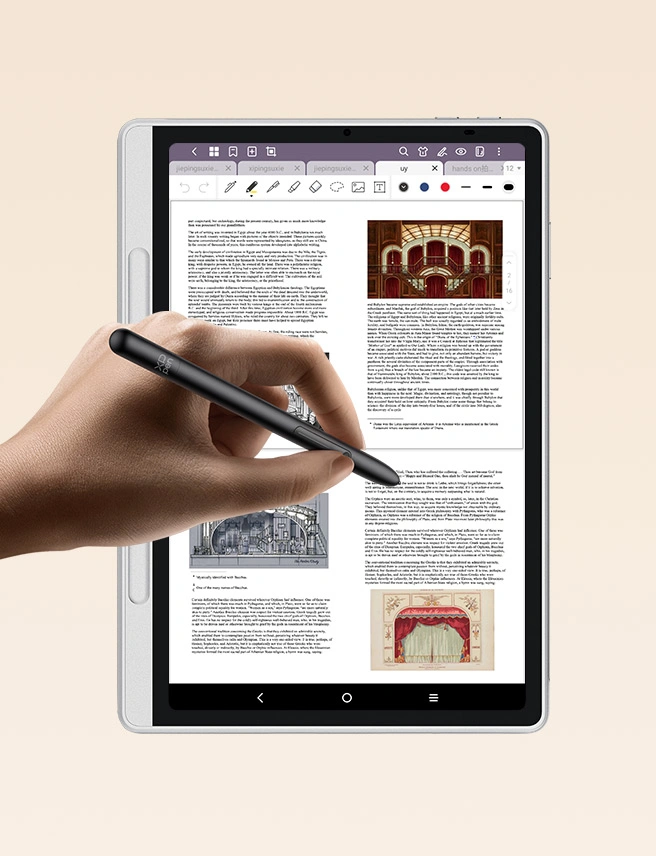
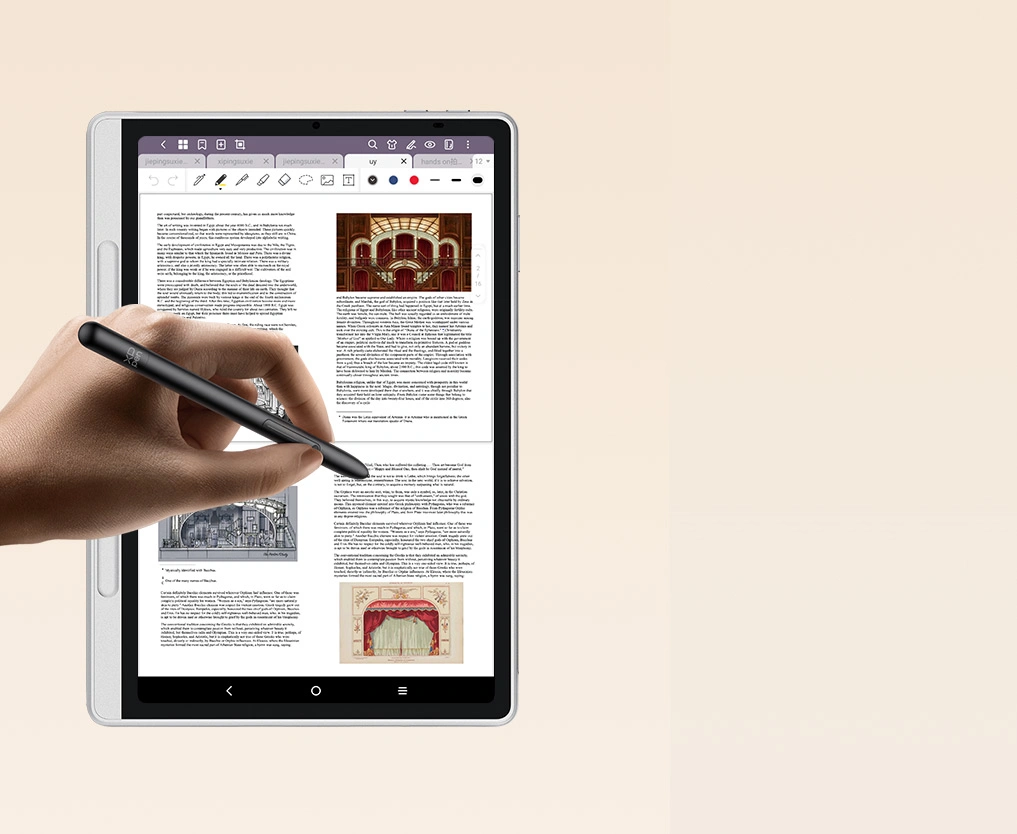
Tap to Screenshot and Annotate
To take a screenshot, press the button on the pencil and tap on the screen once, screenshot will be captured immediately. You can then annotate the screenshot directly in XPPen Notes.
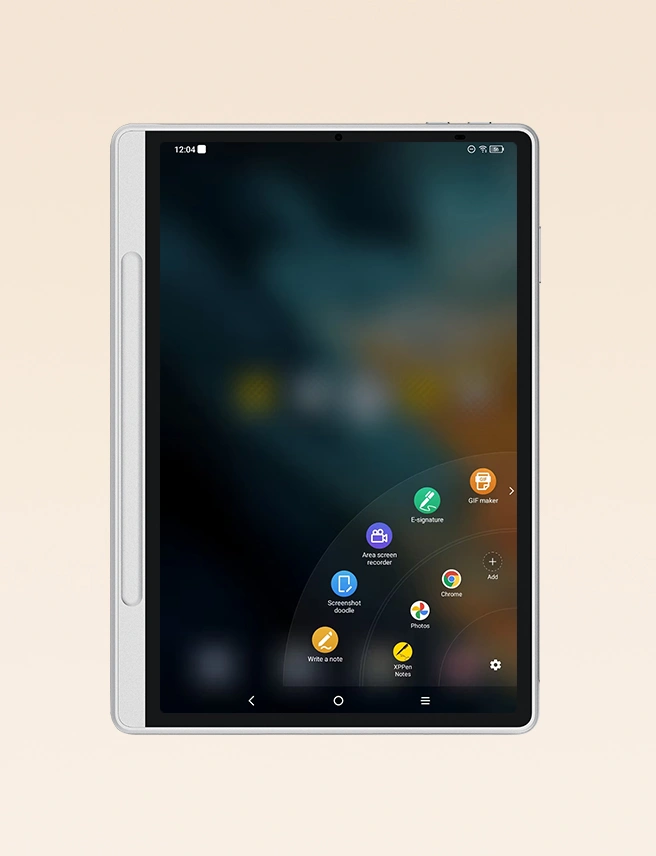
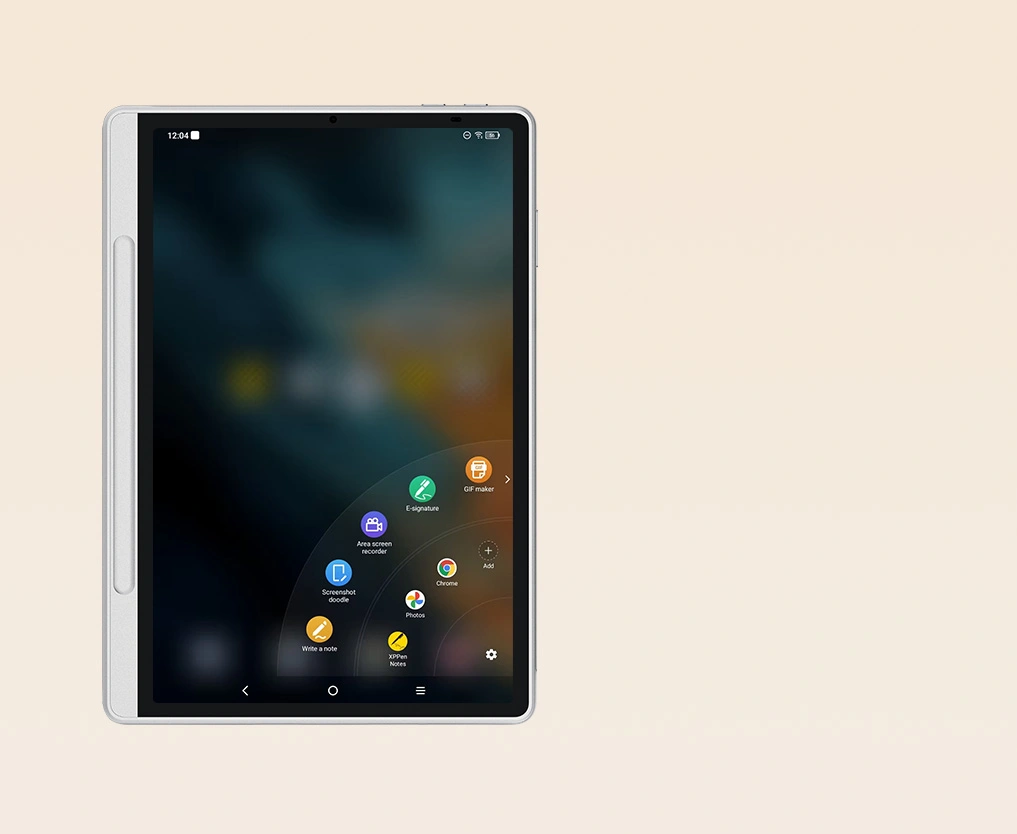
Pen Floating Button
Tap the pen floating button on right side of the display to open the shortcut panel for quick actions.
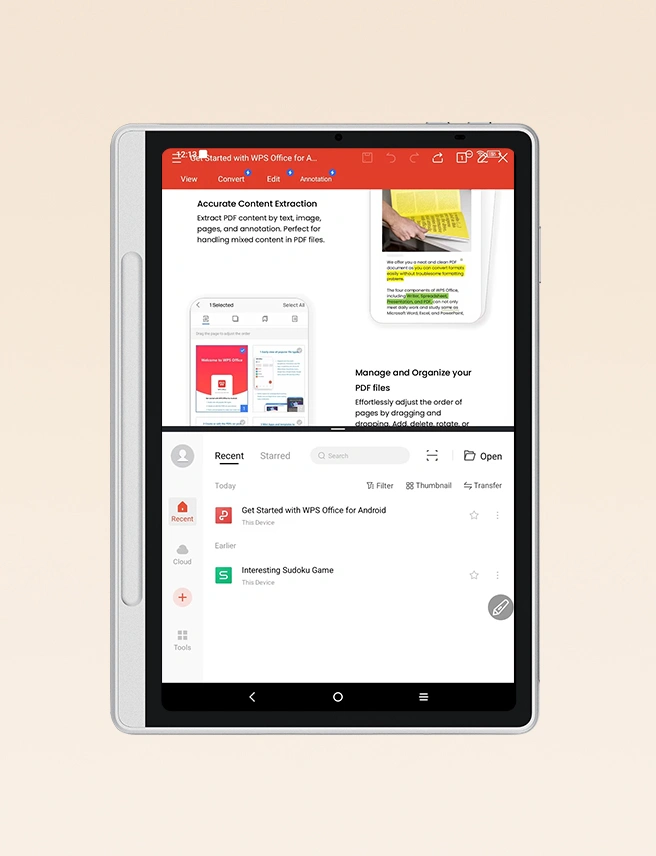
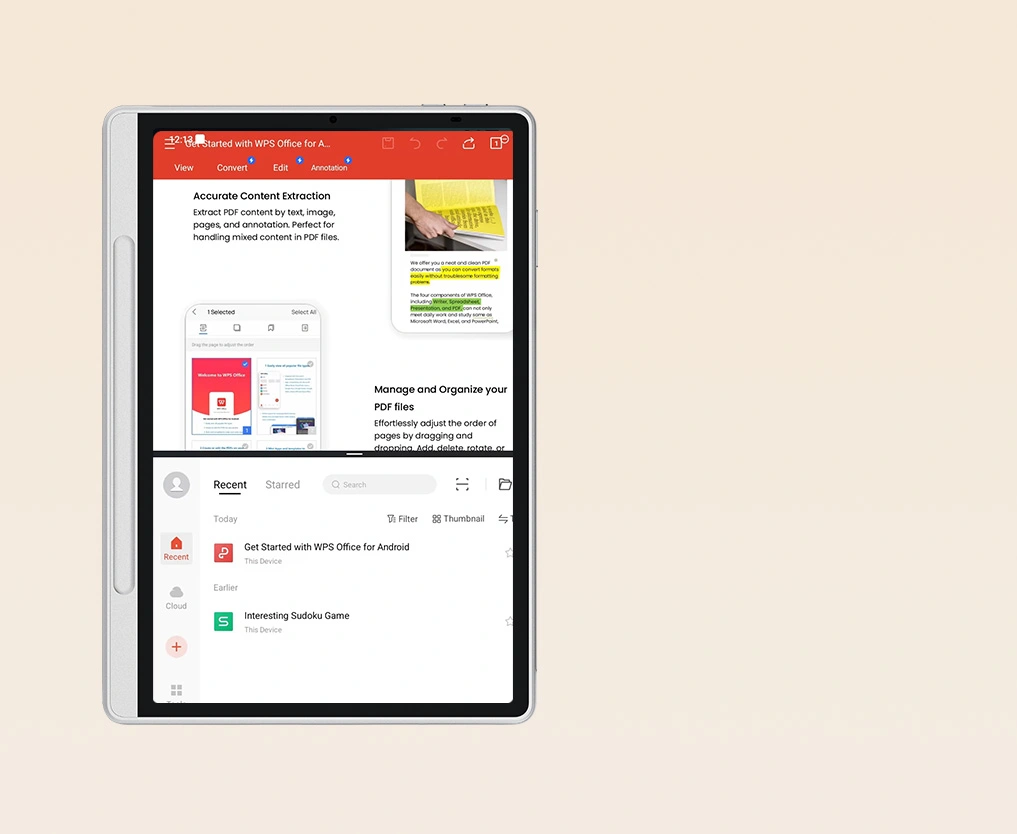
Screen Splitting
When using an app, if you need to split the screen to view content from another app at the same time, you can click the split screen function in the pen floating button. The system will automatically enable the split-screen feature for both apps.ac
Your Go-to Productivity Tool
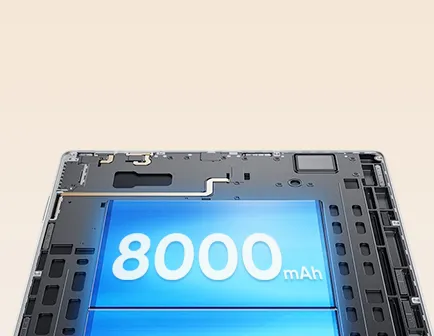
8000mAh Battery
& 20W Charger
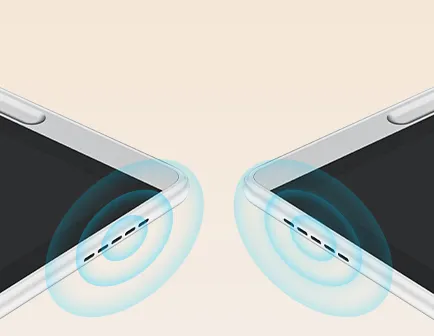
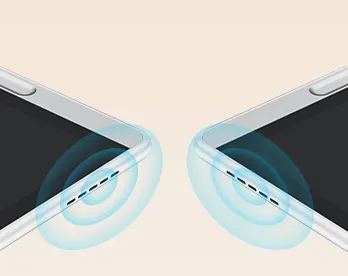
2 Microphones + 2 Speaker


13MP Front Camera
6GB + 128GB
Bluetooth Wi-Fi
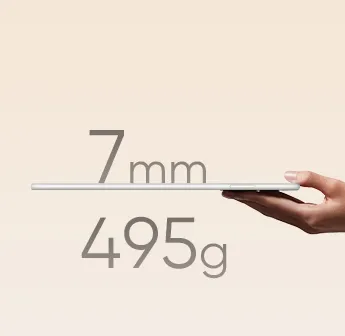
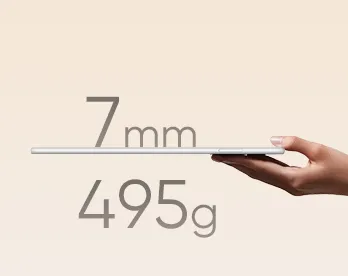
495g 7mm
XPPen Notes
– Lifetime Membership
TÜV SÜD Low Blue
Light Certification
Android 14 System
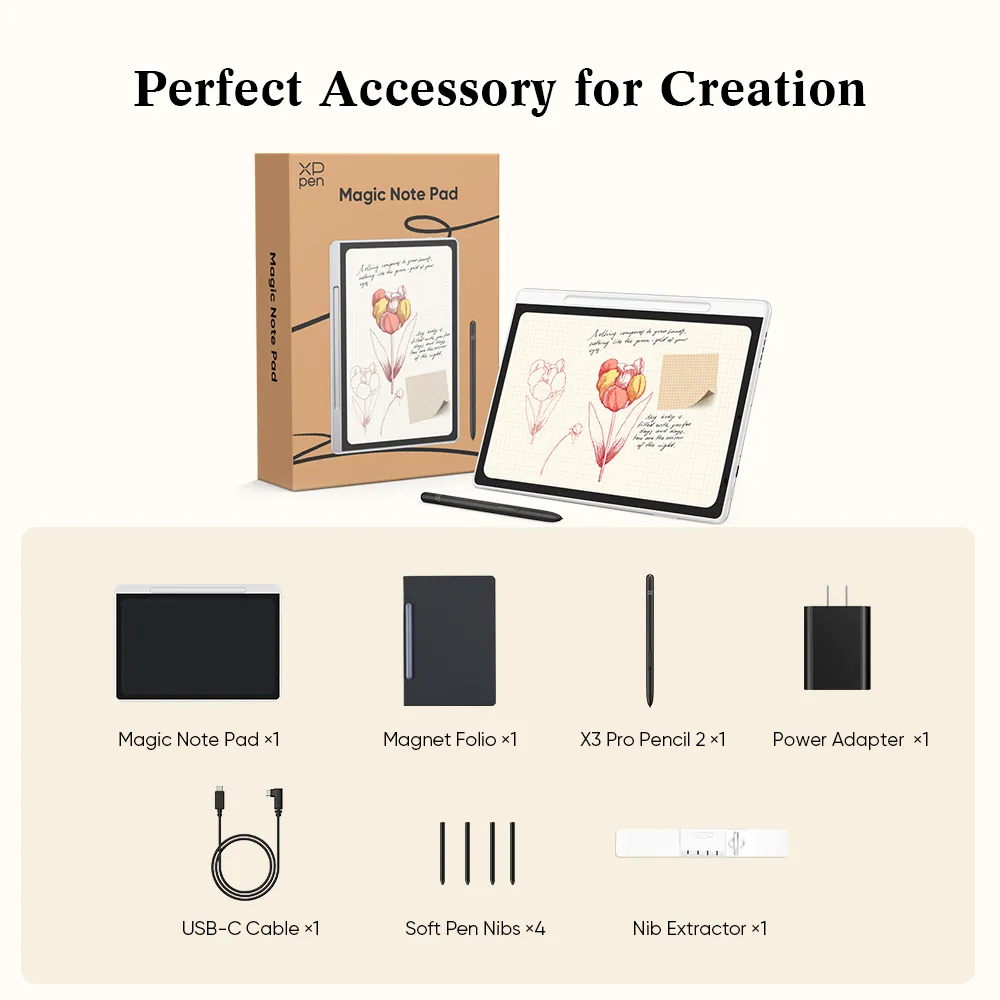
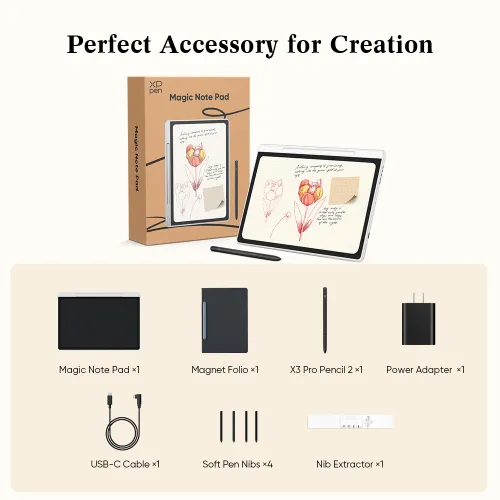
In the Box
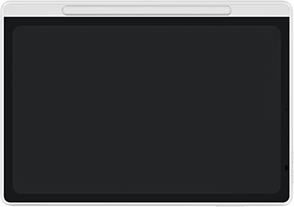
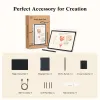
Magic Note Pad ×1
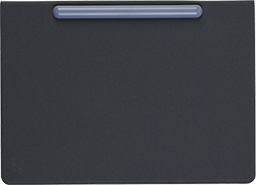
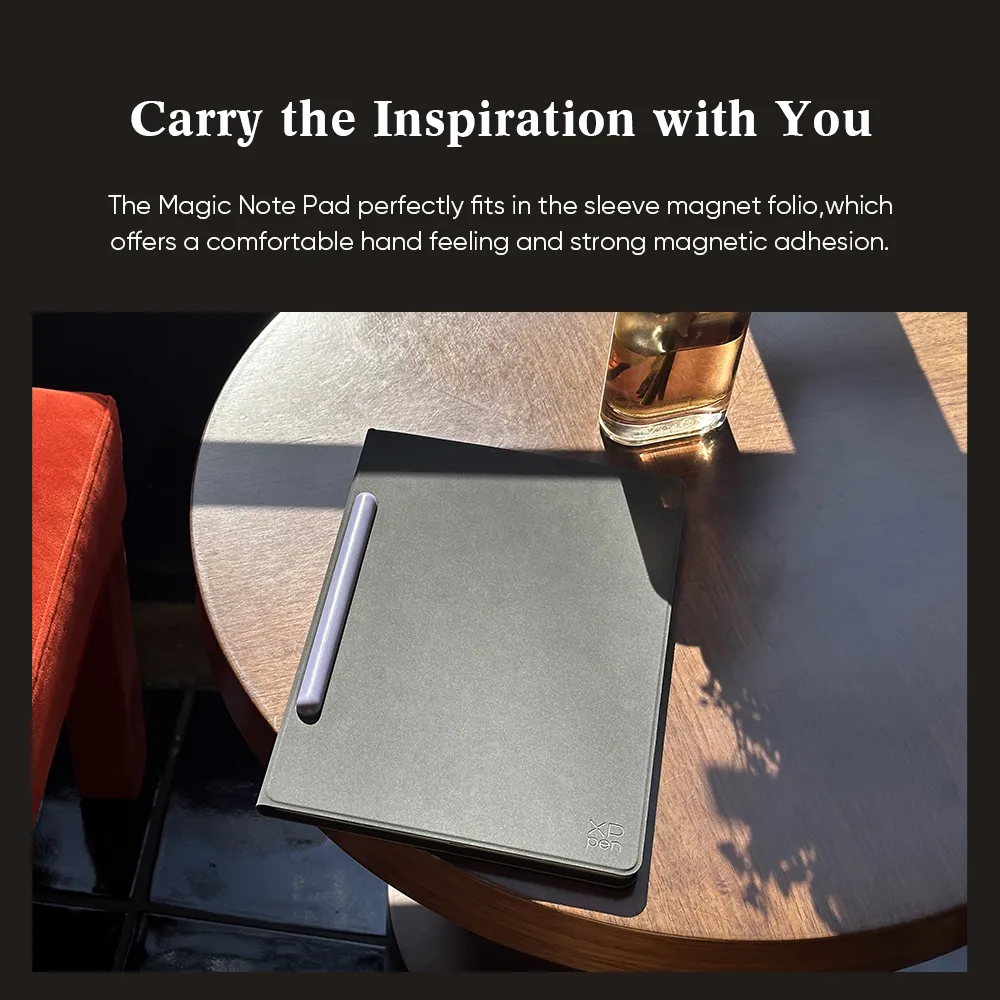
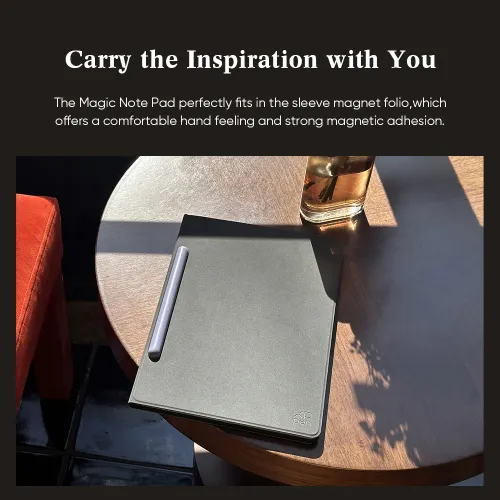
Magnet Folio ×1

X3 Pro Pencil 2 ×1
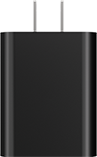
Power Adapter ×1
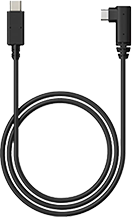
USB-C Cable ×1
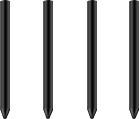
Soft Pen Nibs ×4

Nib Extractor ×1
Specifications
| Product Name | Magic Note Pad | |
| Product Model | MNP1095 | |
| Color | Silver White | |
| Dimensions | 182 x 259 x 7 mm | |
| Work Area | 148 x 236 mm | |
| Net Weight | 495 g | |
| Thickness | 7mm | |
| CPU | MT8781, 8-core processor | |
| Display Resolution | 1920*1200 Pixels | |
| Refresh Rate | 90Hz | |
| Color Gamut Coverage Ratio (typical) | sRGB 95% | |
| Display Color | 16.7 Million | |
| Full Lamination | Yes | |
| Brightness (typical) | 400nit | |
| RAM | 6GB | |
| ROM | 128GB | |
| WIFI | 802.11a/b/g/n/ac, 2.4GHz/5GHz | |
| Audio | Speaker*2, Mircophone *2 | |
| Stylus | X3 Pro Pencil 2 | |
| Pressure Levels | 16384 | |
| Initial Activation Force | 3g | |
| Accuracy | ±0.4 mm (center) ±1.5 mm(corner) | |
| Reading Height | 10mm (center) | |
| Resolution | 5080LPI | |
| Power Input | PD 9V⎓ 2.22A or 5V⎓3A | |
| Power Adapter | 20W | |
| Power Cord | 3A, USB-C to USB-C | |
| Operating system | Powered by Android 14™ | |

