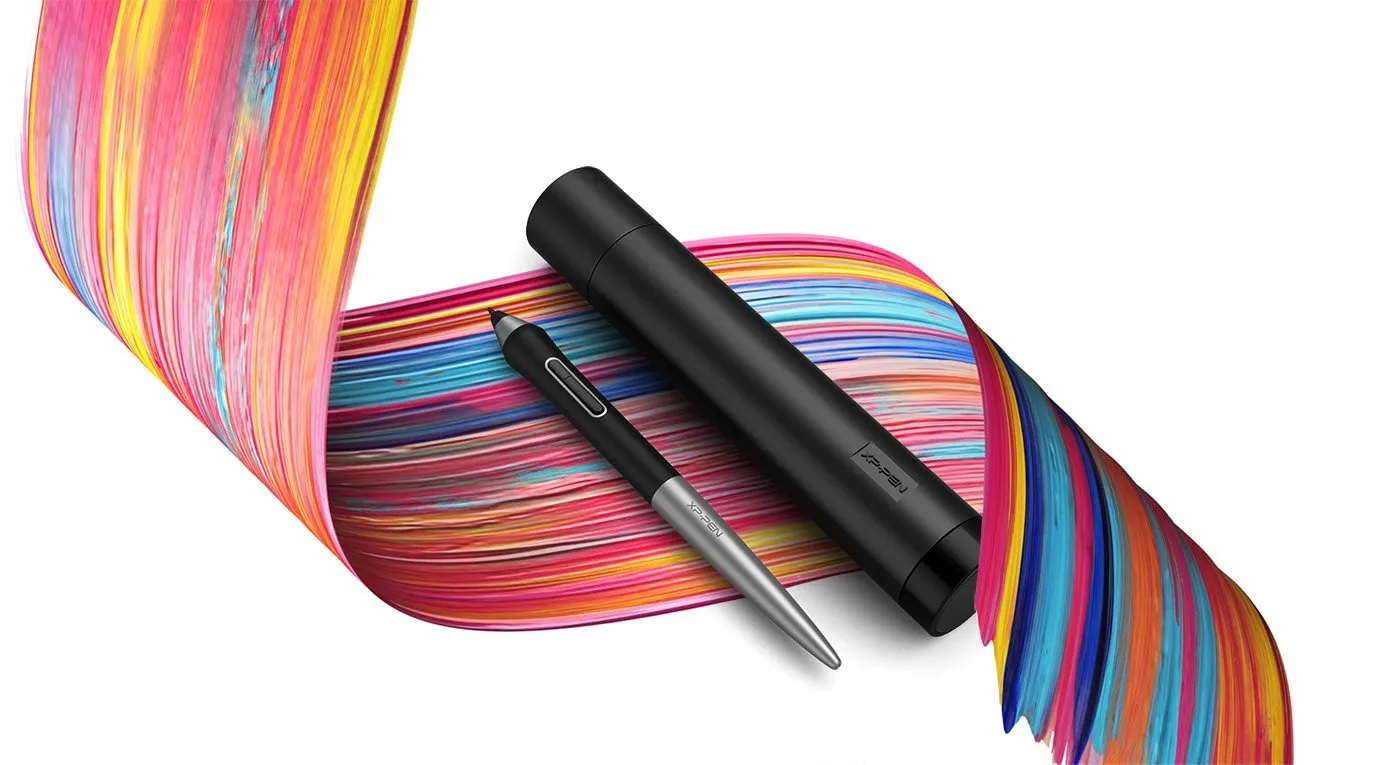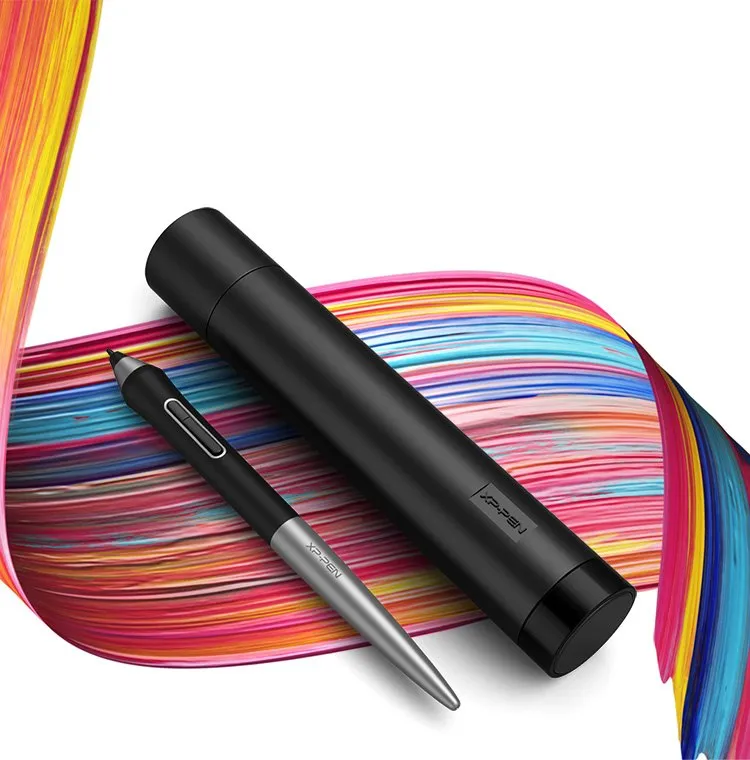

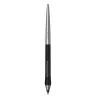
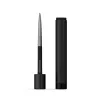
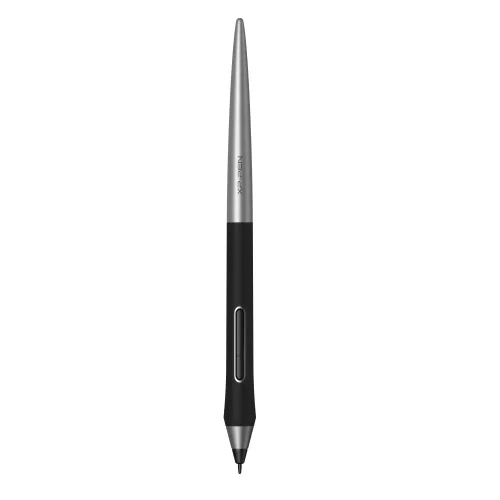
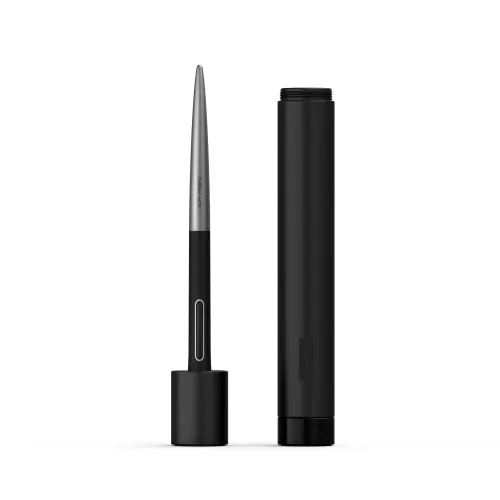
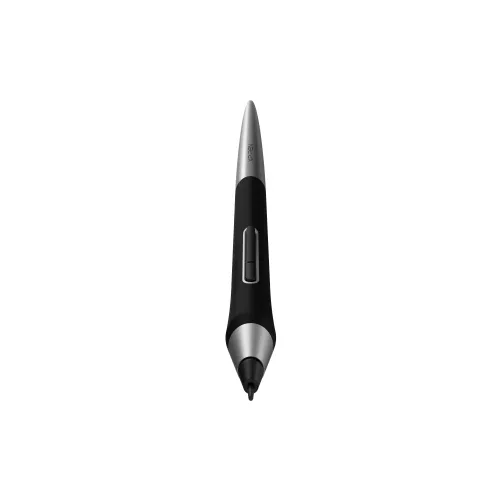
PA1 Battery-free Stylus

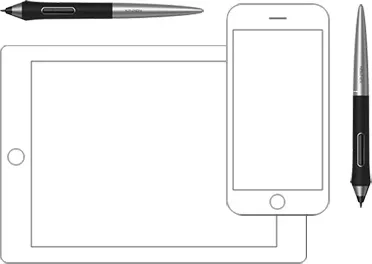
PA1 stylus only suits for Deco Pro S/M & Deco Pro SW/MW

AU$29.99

FREE DELIVERY

We offer free shipping

SECURE PAYMENT

Your payment information is processed securely

TECH SUPPORT

service@xp-pen.com

18-MONTH WARRANTY

18-month warranty only for official AU-store

Quantity:

Payment icon 0Payment icon 1Payment icon 2Payment icon 3
seel-icon

Worry-Free Delivery® available with seel

Estimate:
image
image

PA1 Battery-free Stylus

image
image

Newly designed battery-free stylus.

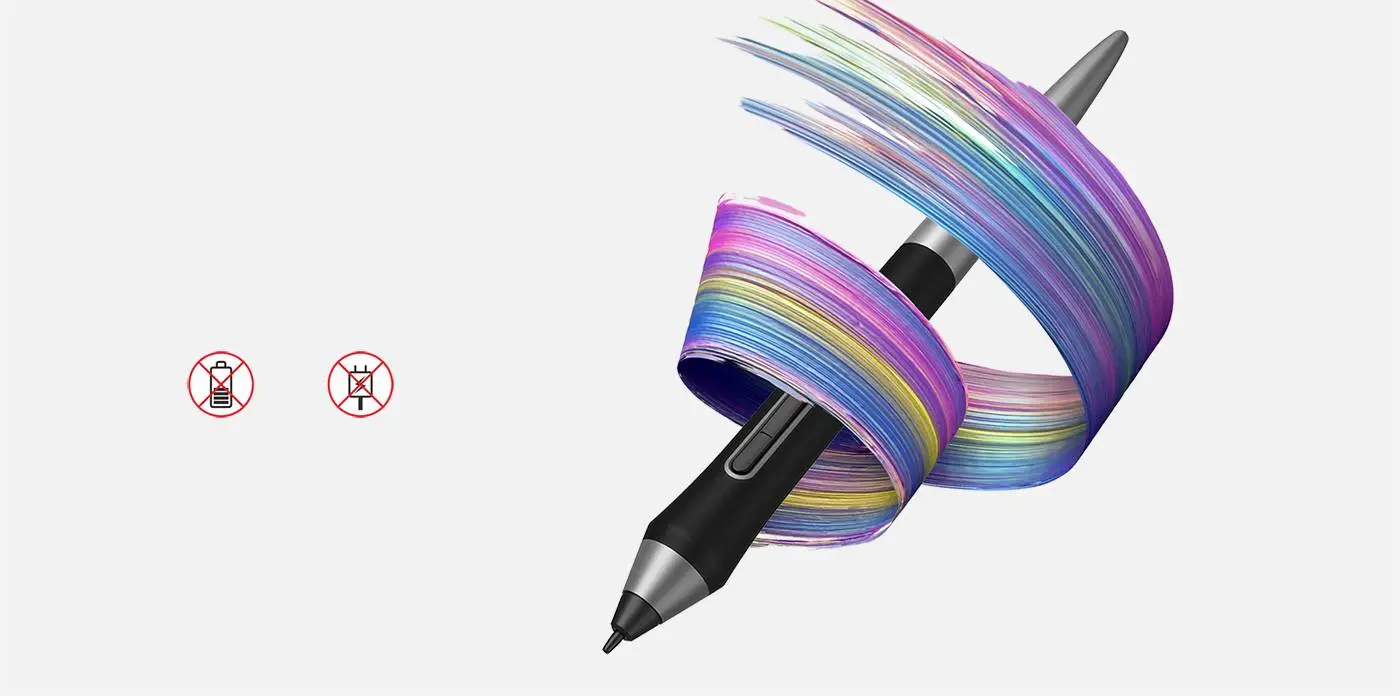
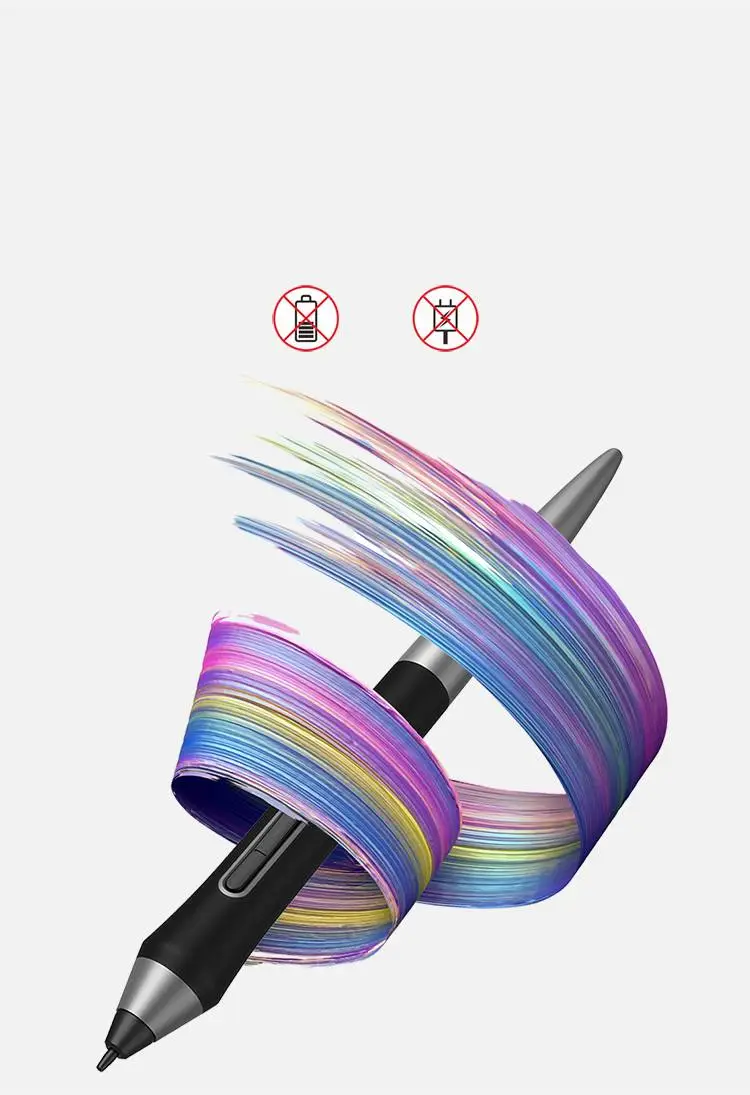
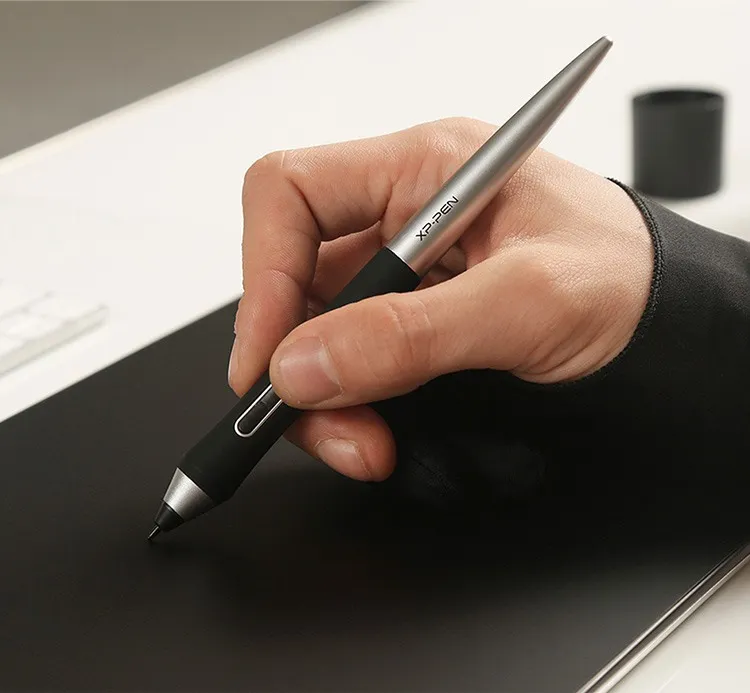
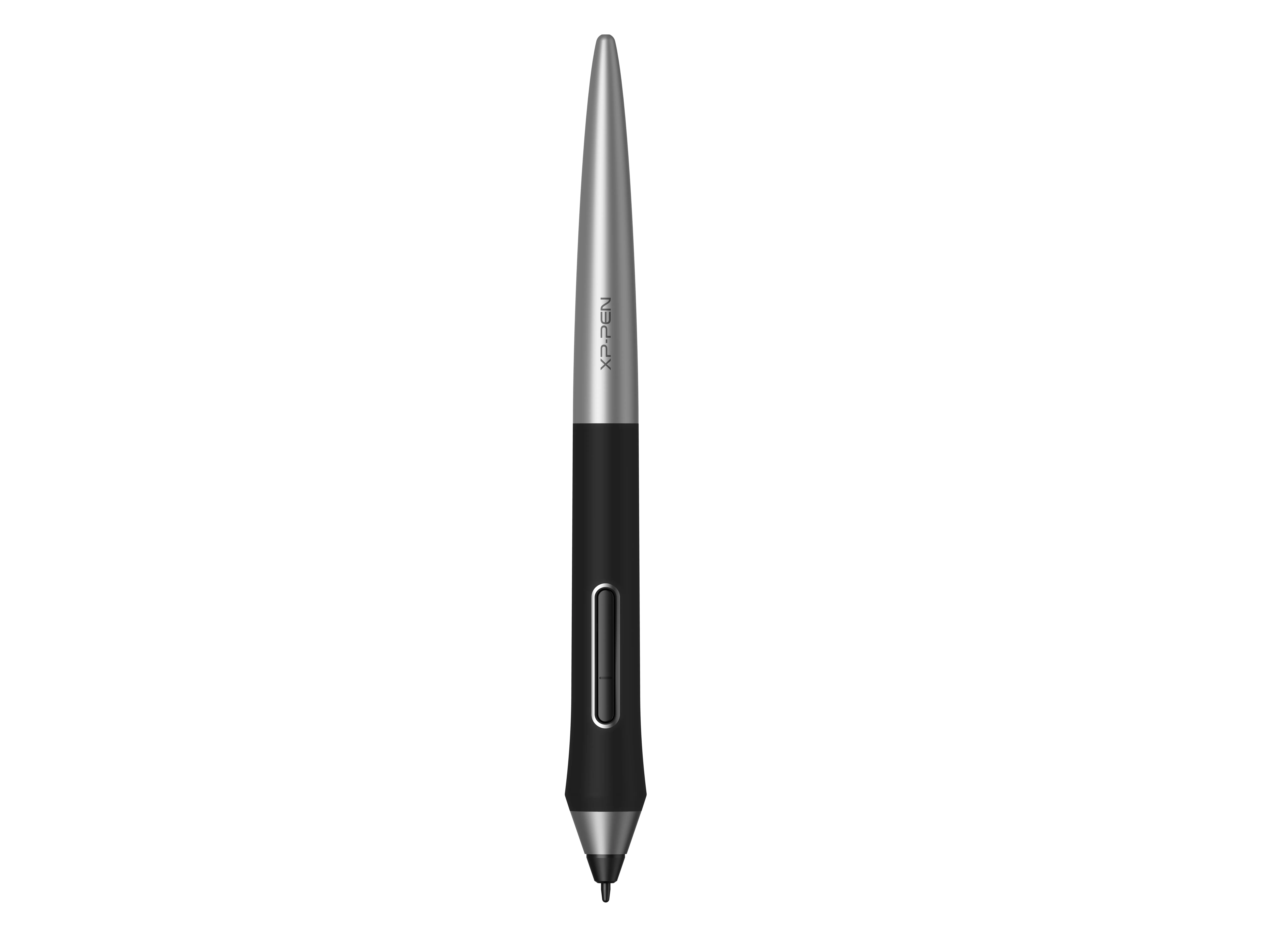
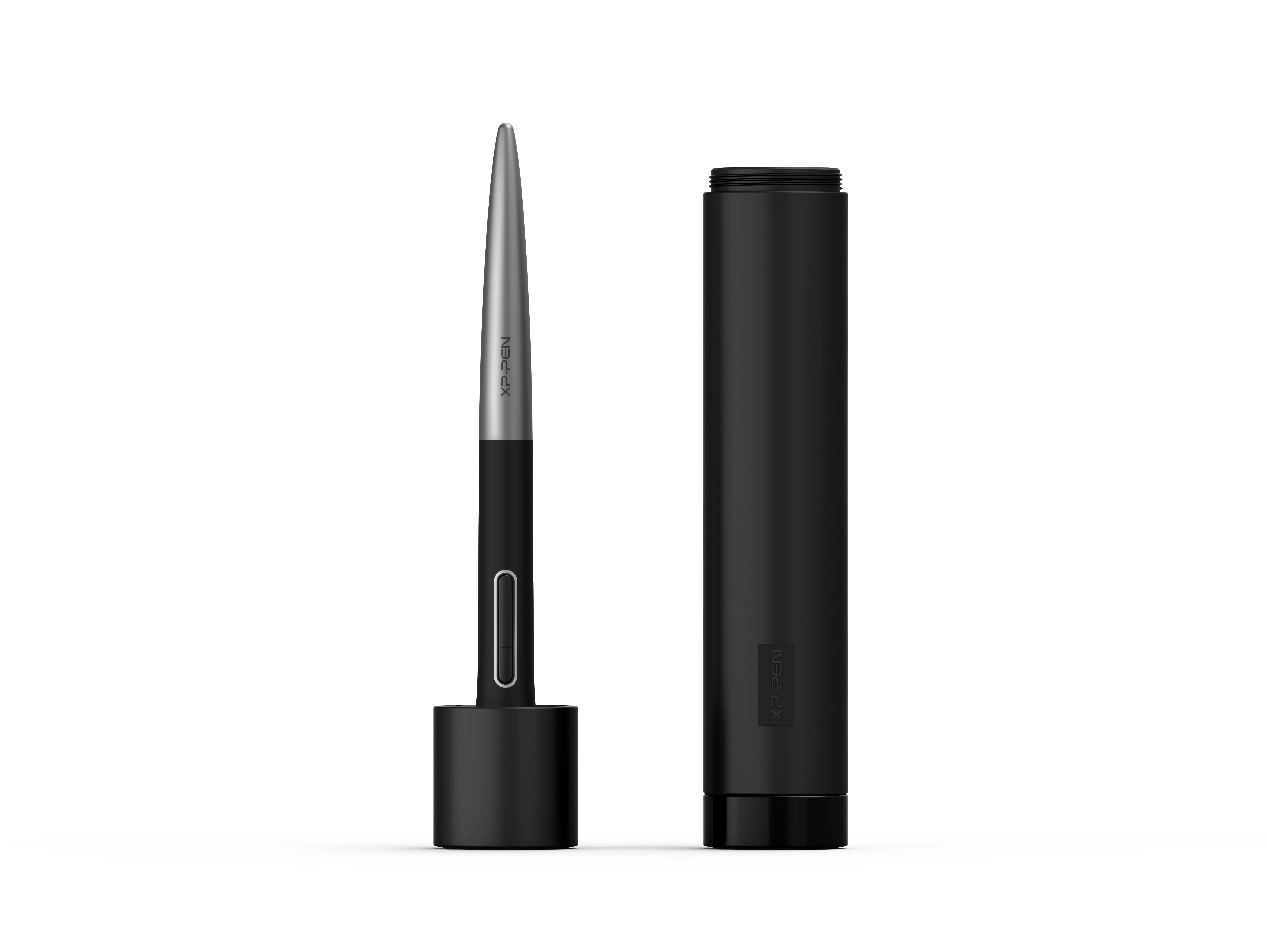
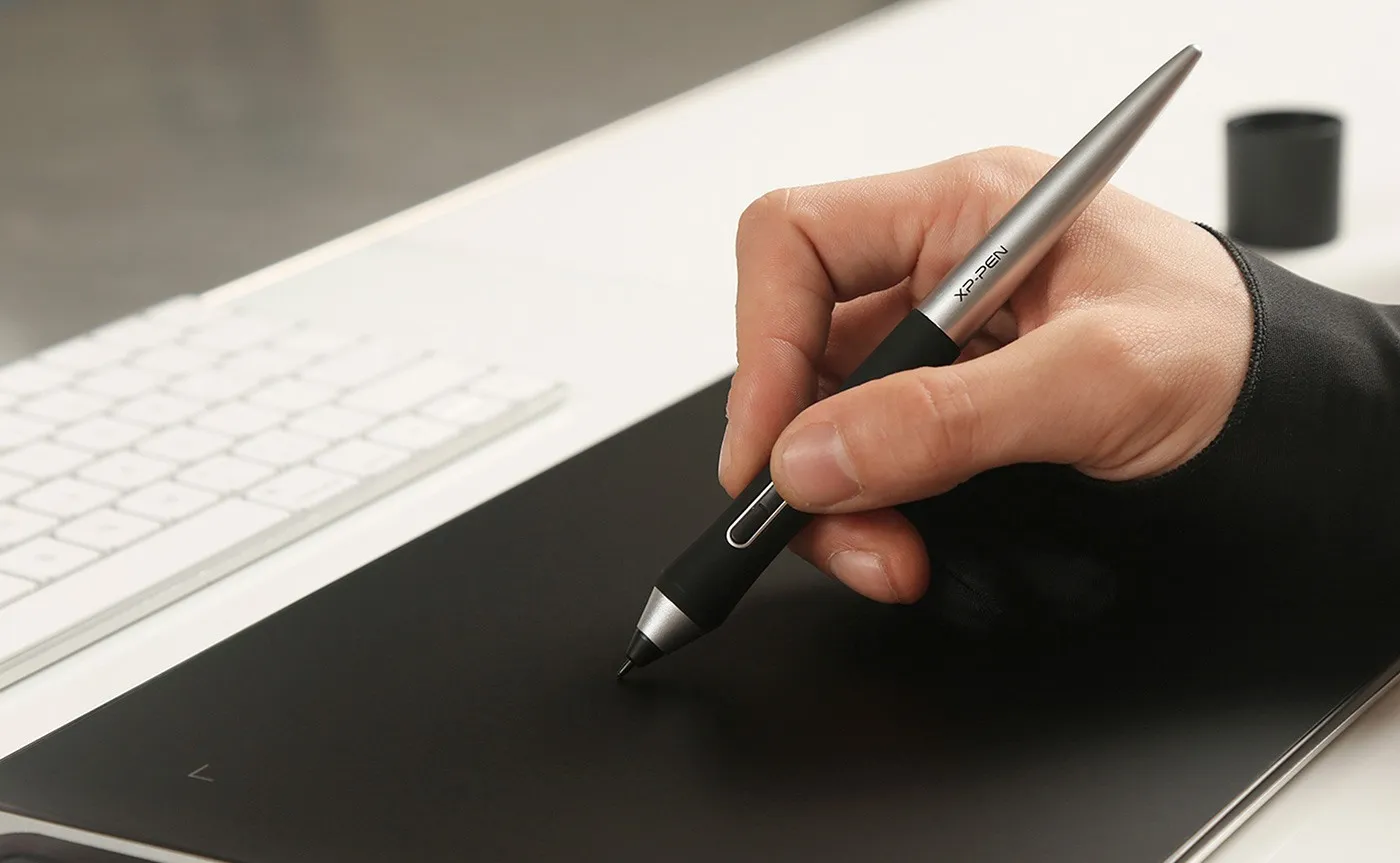
The new PA1 stylus is battery-free and features a nice black and silver design with a sleek pointed end. There are no batteries or clumsy cords for charging and no extra cost for an extra pen!

NO battery

No need charging
image
image

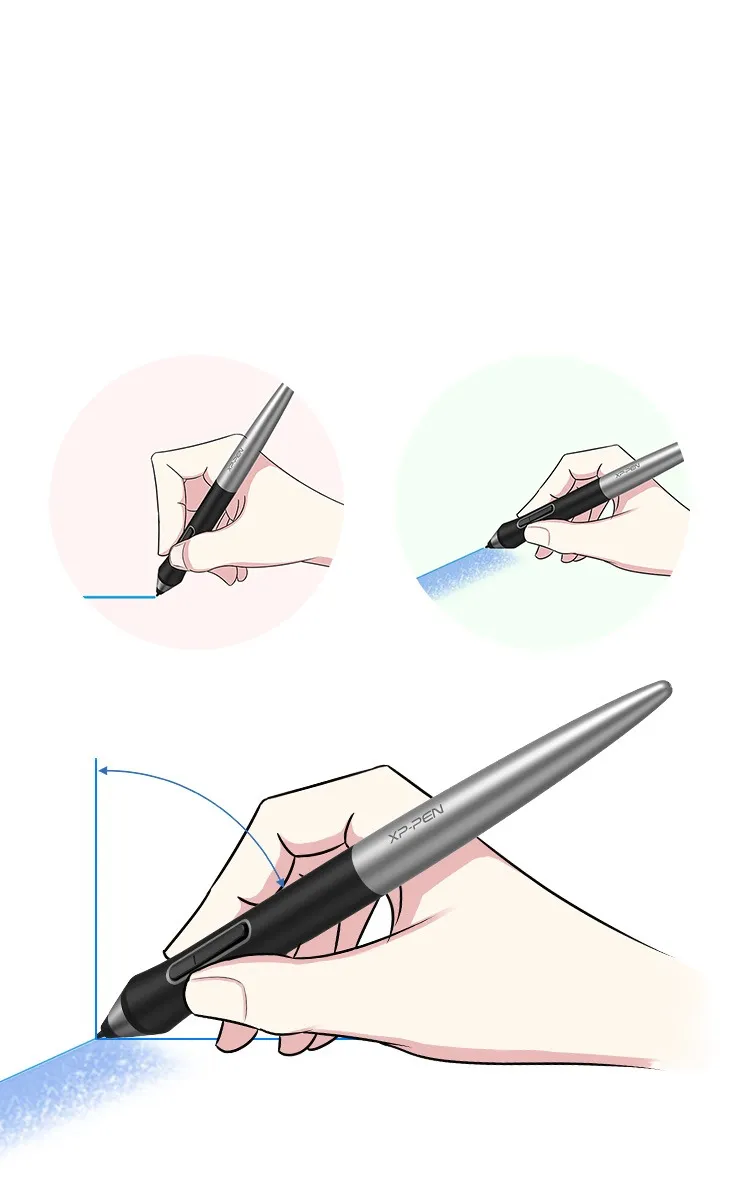
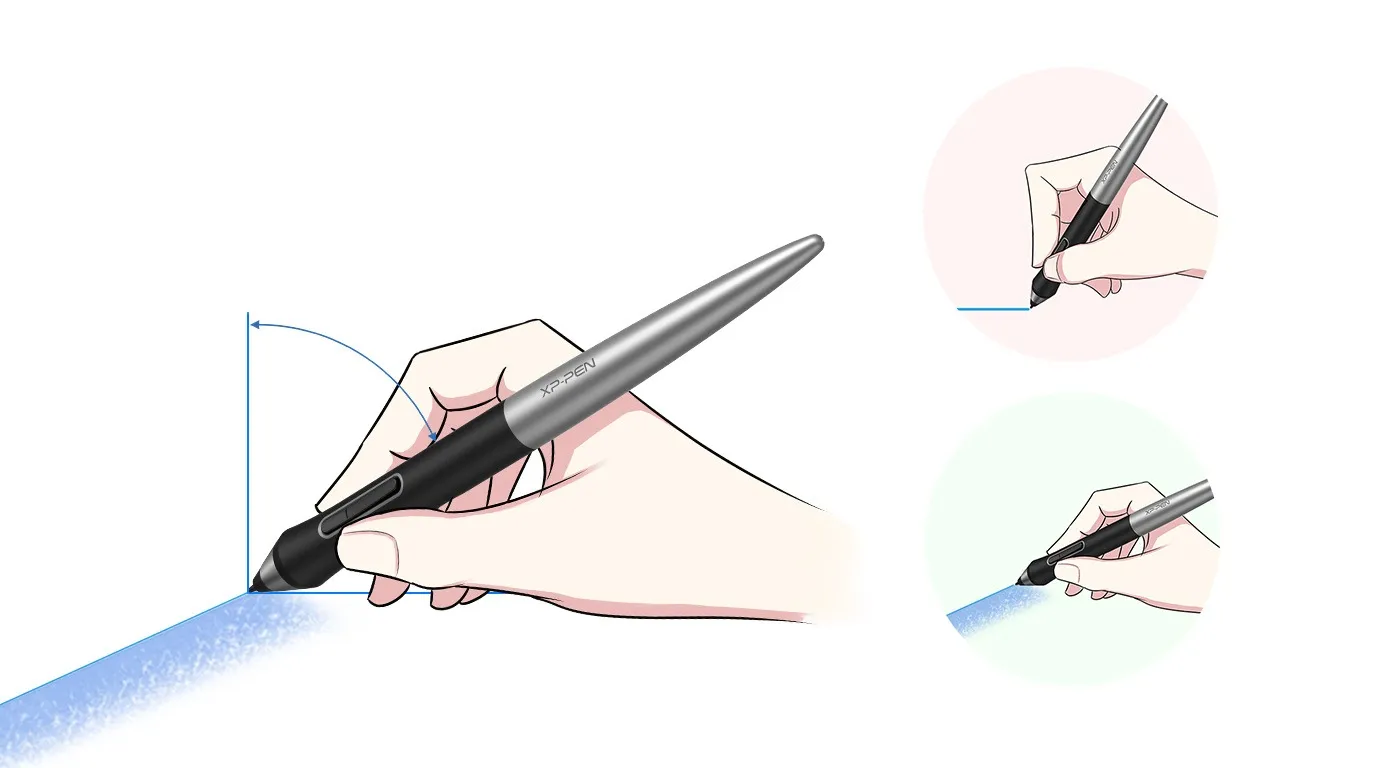
60 degrees of tilt brush effect supported.

The XP-Pen PA1 stylus supports up to 60 degrees of tilt brush effect and delivers smoother and more natural lines and strokes, while also giving you the ability to add shading to your creation and offering a more natural writing and drawing experience.

60° Tilt

Virtually No Lag

Sensitively Tilt for Shading
image
image
image
image

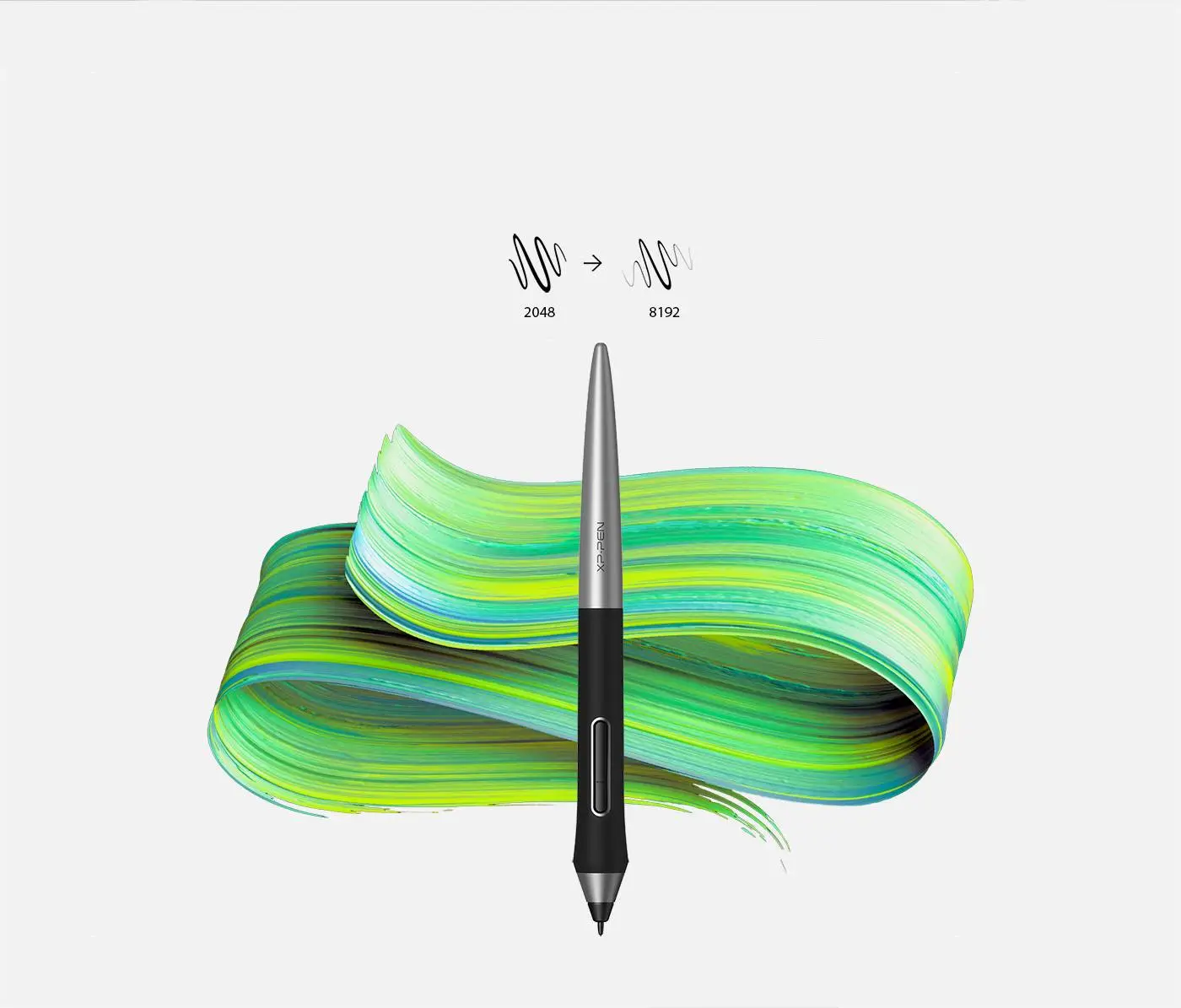
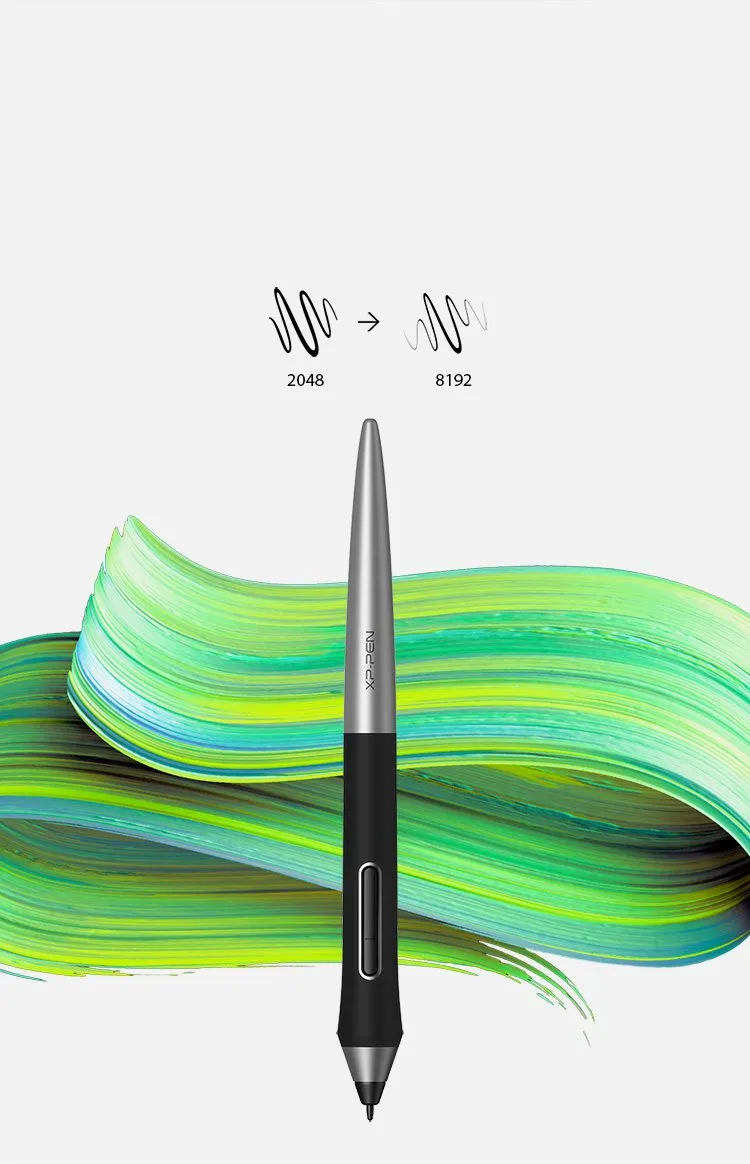
8192 levels of pressure sensitivity.

With up to 8,192 levels of pressure sensitivity, the PA1 stylus provides you with precise control and accuracy. Create fine lines in a fluid and incredibly natural experience.
image
image

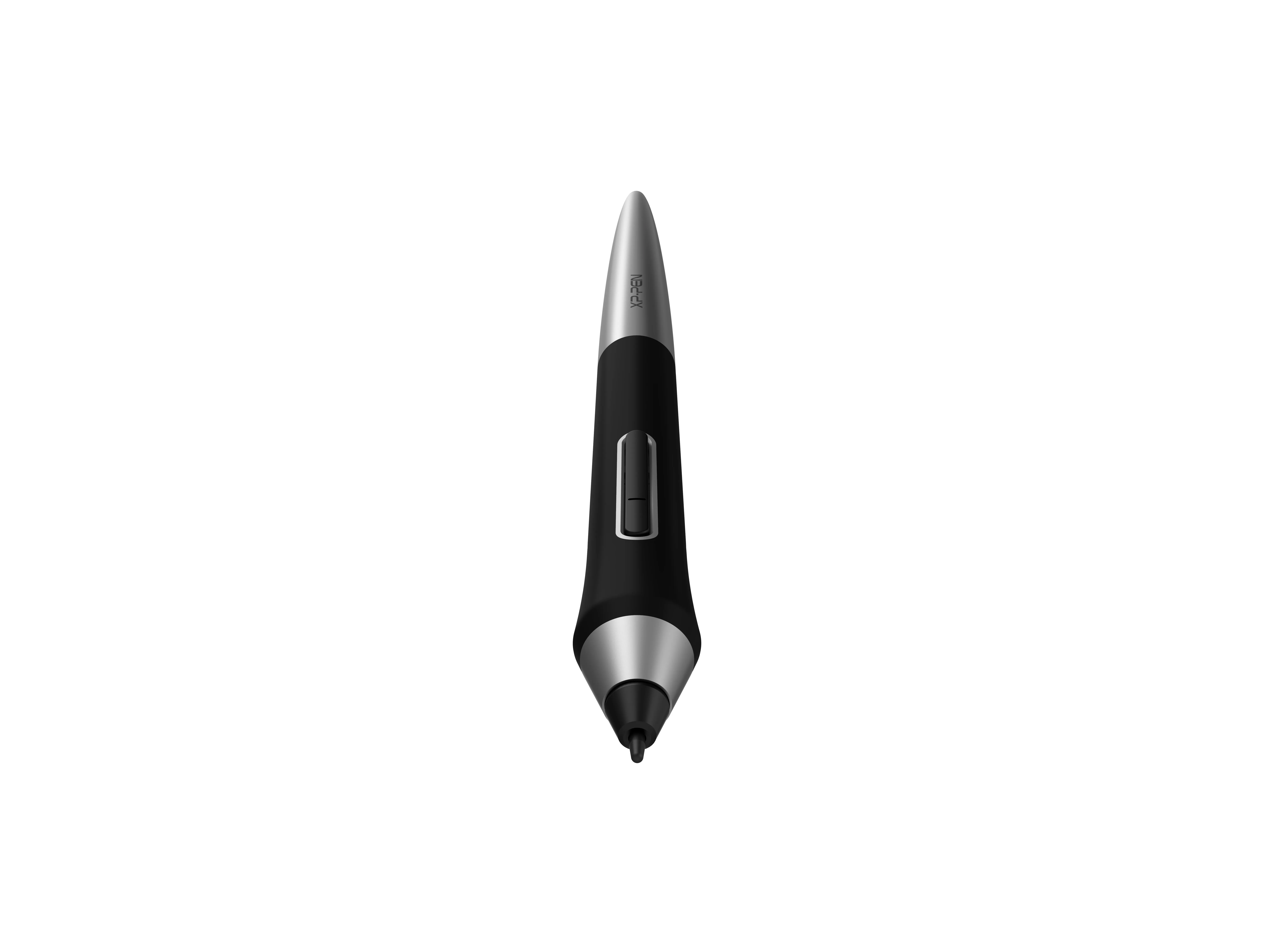
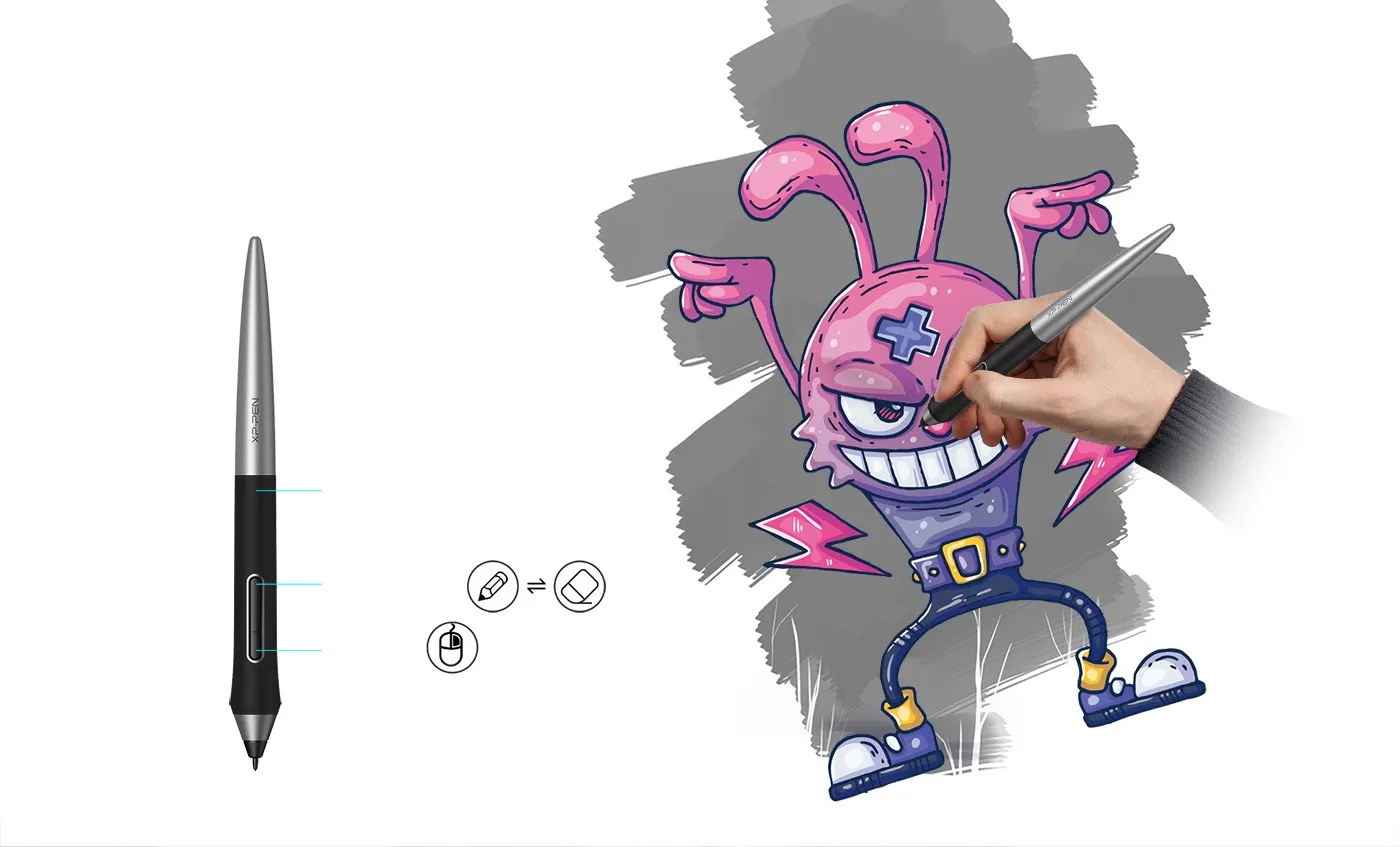
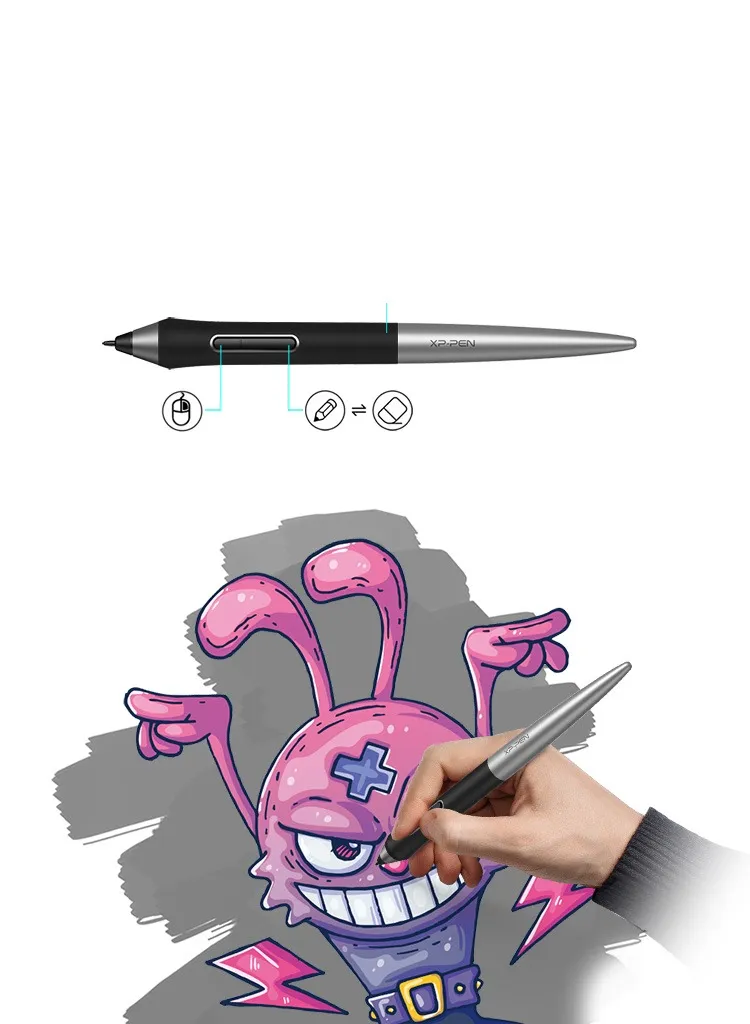
Efficient One-click toggle.

The one-click toggle allows you to switch between pen and eraser modes instantly, creating a more efficient and less frustrating work flow.

Non-slip rubber design

One-click toggle

Right click

image
image

Specification

Net weight(g)

13.3

Power

Battery free

image

Compatibility

Deco Pro Series

Ratio

image
Reviews
1.0
starstarstarstarstar
Based on 1
starstarstarstarstar
0(0)
starstarstarstarstar
0(0)
starstarstarstarstar
0(0)
starstarstarstarstar
0(0)
starstarstarstarstar
100%(1)
chiirii
starstarstarstarstar
Sep 29 ,2026 PM 12:17 PA1 Battery-free Stylus
i got a spare pen hoping it would work better.
I recently bought the deco pro M- I was super happy and excited to buy it since my old tablet no longer worked anymore, after playing around with the Deco pro M i noticed the lines kept breaking every time i drew, it wasnt constant but it was here and there and it bugged me, i contacted and waited 3 days to hear something back and didnt get anything back, maybe i put the wrong email in but still nothing was said sadly. so i bought this new pen for my tablet praying it was only the pen having the issue- anyways it finally arrived after waiting, and this pen is worse- i noticed it also is breaking lines while i draw BUT its also drawing without the pen TOUCHING the tablet- I changed the nib carefully and NOTHING, i changed the pen back to the old and then the new and NOTHING. it makes me sad because i now have no drawing tablet to actually draw with.
Useful(0)+1
Q & A
no-faq-new No consulting
Payment icon 0Payment icon 1Payment icon 2Payment icon 3

Copyright© 2025 HANVON UGEE (HK) TECHNOLOGY CO., LIMITED All Rights Reserved.

Payment icon 0Payment icon 1Payment icon 2Payment icon 3