


Getting started with your
XP-Pen Artist display
1/11
![https://resource.xp-pen.com/Uploads/ca/goods/20211203/dd7f5b040a155d9e1592b33897e99ce2.webp]()
![https://resource.xp-pen.com/Uploads/goods/20220322/2014694f88693aa081f83bc7d7795cb0_500_500.webp]()
![https://resource.xp-pen.com/Uploads/ca/goods/20210225/2f5b6eda20ca24adbe83110d2b0466a2_500_500.webp]()
![https://resource.xp-pen.com/Uploads/ca/goods/20210225/25dae94f38965b32c50aa5980b7afb40_500_500.webp]()
![https://resource.xp-pen.com/Uploads/ca/goods/20210225/c93697e9e95e95d8656c9b47c94541f7_500_500.webp]()
![https://resource.xp-pen.com/Uploads/ca/goods/20210225/0e09813275c3f48073d49a5f92a059b2_500_500.webp]()
![https://resource.xp-pen.com/Uploads/ca/goods/20210225/6e550548d82755fd2310fe3c54df7616_500_500.webp]()
![https://resource.xp-pen.com/Uploads/ca/goods/20210225/45d77d2ec5aab291296a267deb8b17c7_500_500.webp]()
![https://resource.xp-pen.com/Uploads/ca/goods/20210225/e1cec4f5d1f7159c2352a6e938cba2ac_500_500.webp]()
![https://resource.xp-pen.com/Uploads/thumb/goods_photo/113/33202c2ea29e8044b9c381c197d65382_thumb_500_500.webp]()
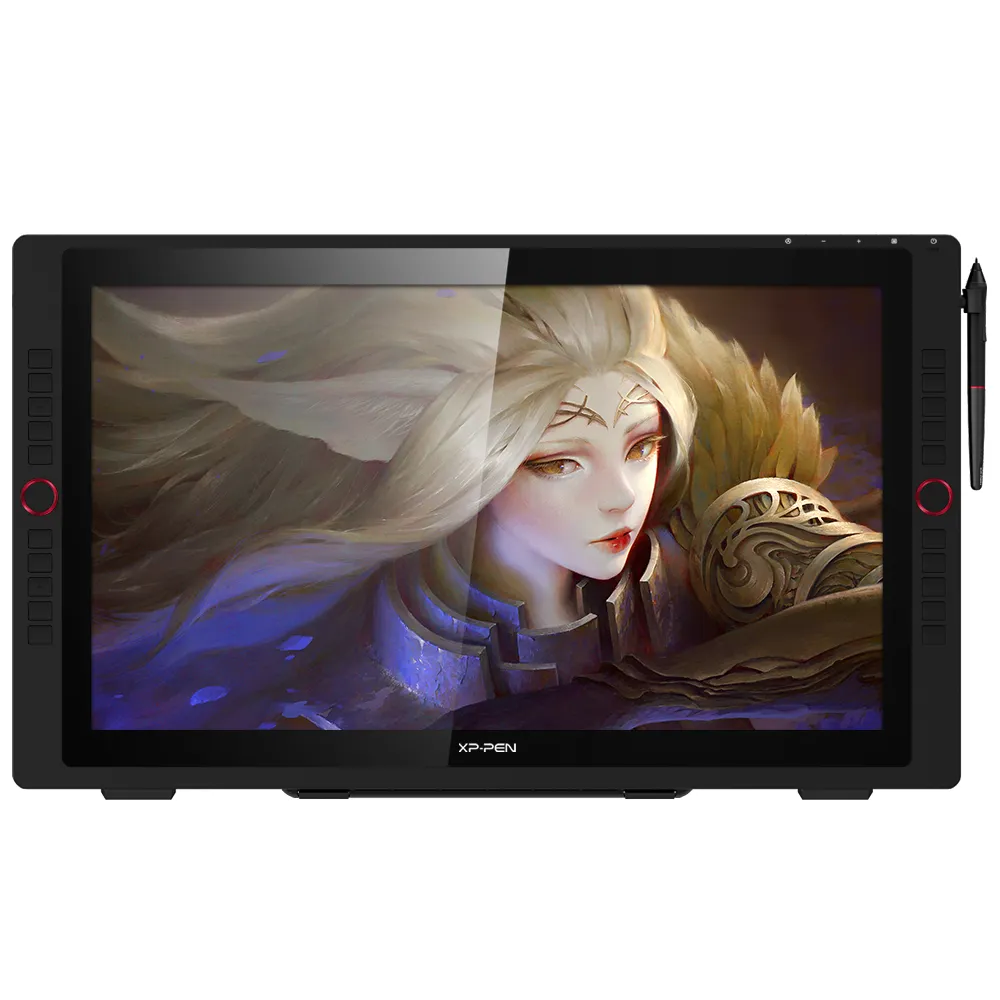
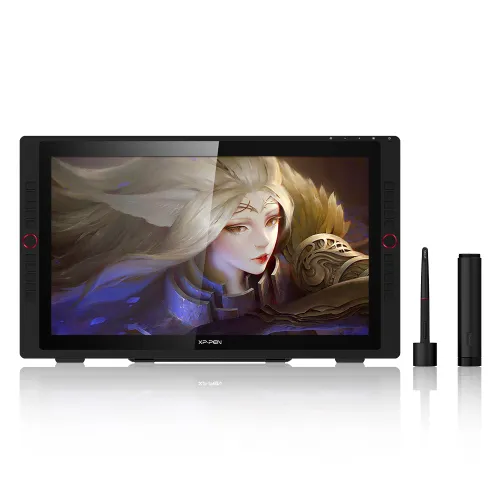
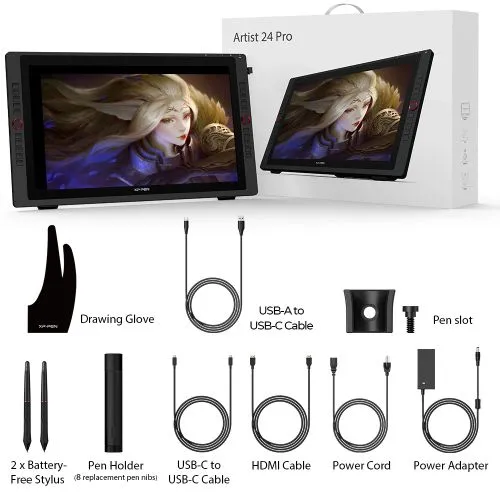
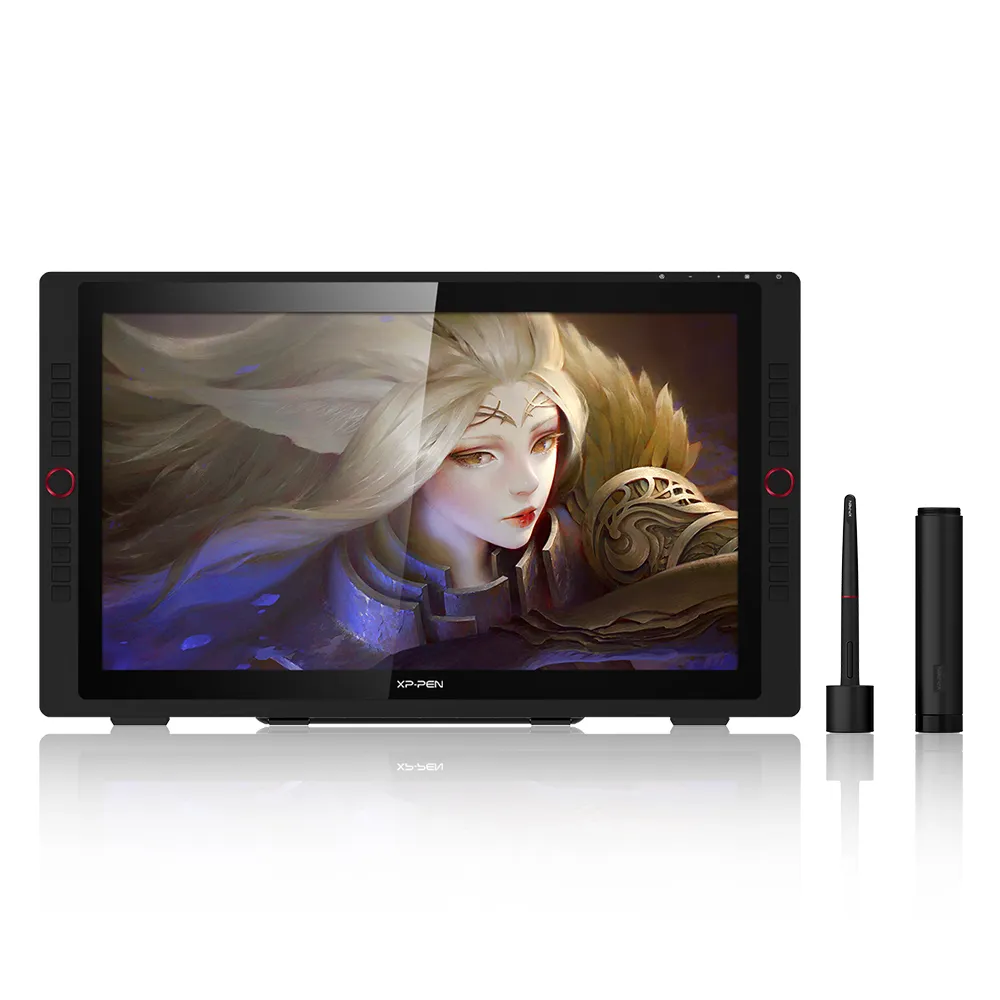
Artist Display 24 Pro
Key Features
2.5K QHD
23.8-Inch Display
16.7M Colors Depth
20 Shortcut Keys
Device Connection Required
CDN$829.99CDN$1299.99
❋Lifetime Technical Support❋
❋Paypal Pay in 4 interest-free payment❋
❋18-Month Warranty+ Free Shipping❋
❋Free Drawing Software Redemption❋
Extended Warranty:
N/A
1 Year Extended Warranty
Optional Accessories
Quantity:
Total
CDN$0.00
 Log in and purchase to receive an estimated 0 X-Coins







Worry-Free Delivery® available with seel
Estimate:
Feature Highlights
Artist 24 Pro 2.5K QHD
23.8" | 16.7M Colors Depth | 20 Shortcut Keys | PA2 Battery-Free Stylus
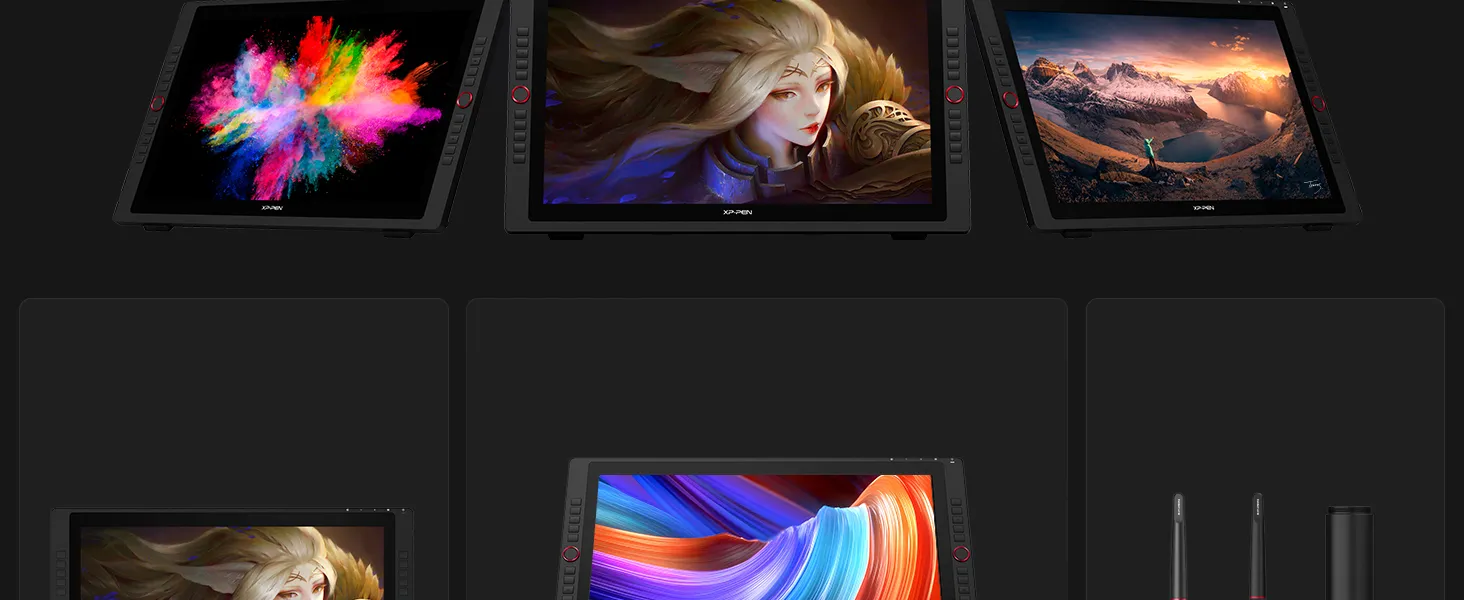
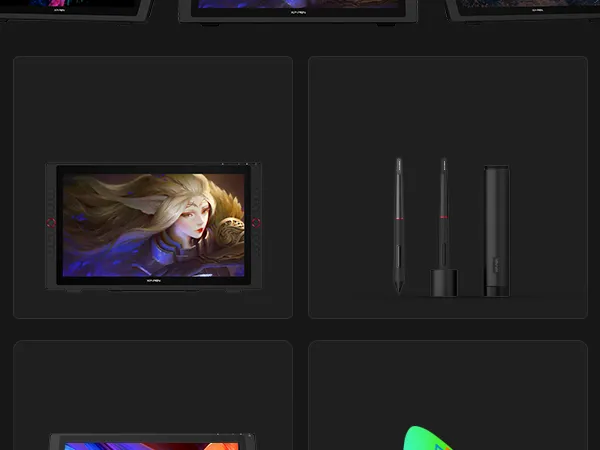
2.5K QHD Resolution
(2560 x1440)
16.7M Color Depther
118% sRGB
PA2 Battery-Free
Stylus
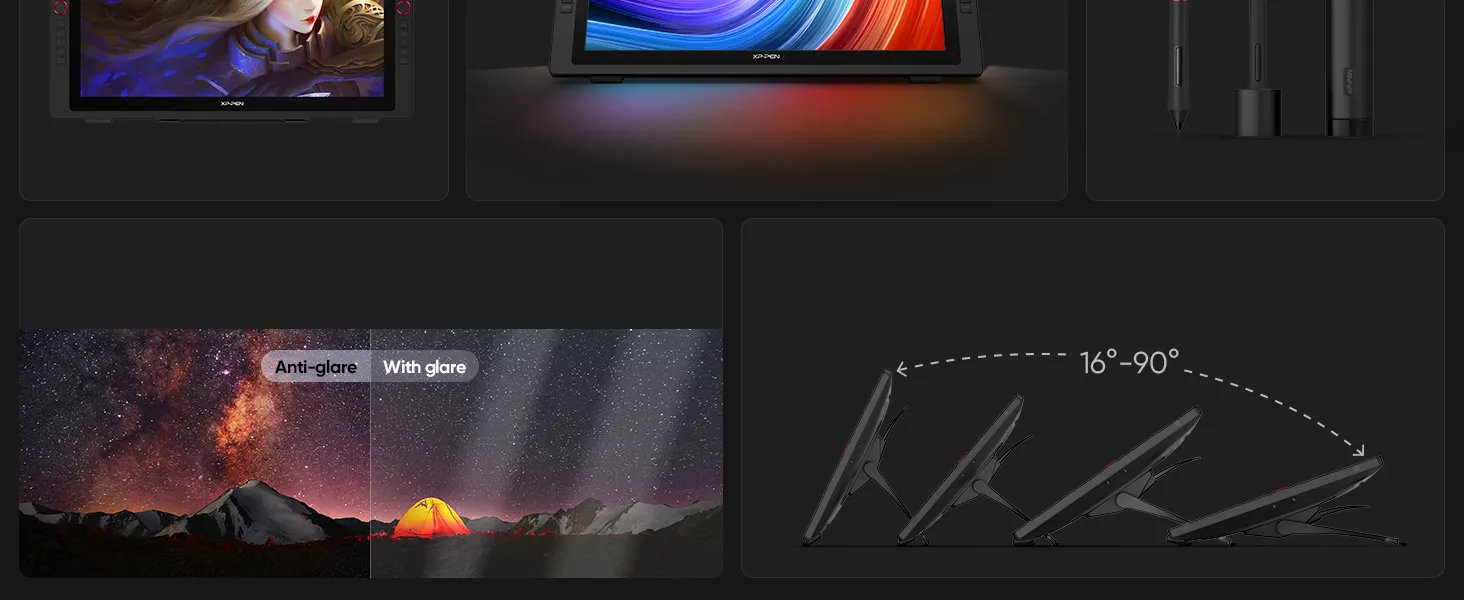
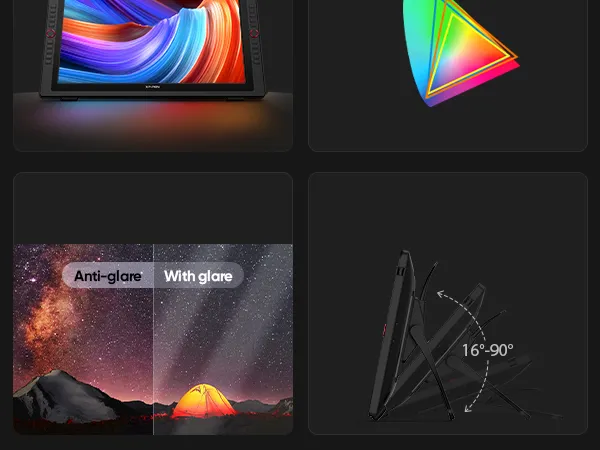
Anti-Glare Film
Adjustable Stand
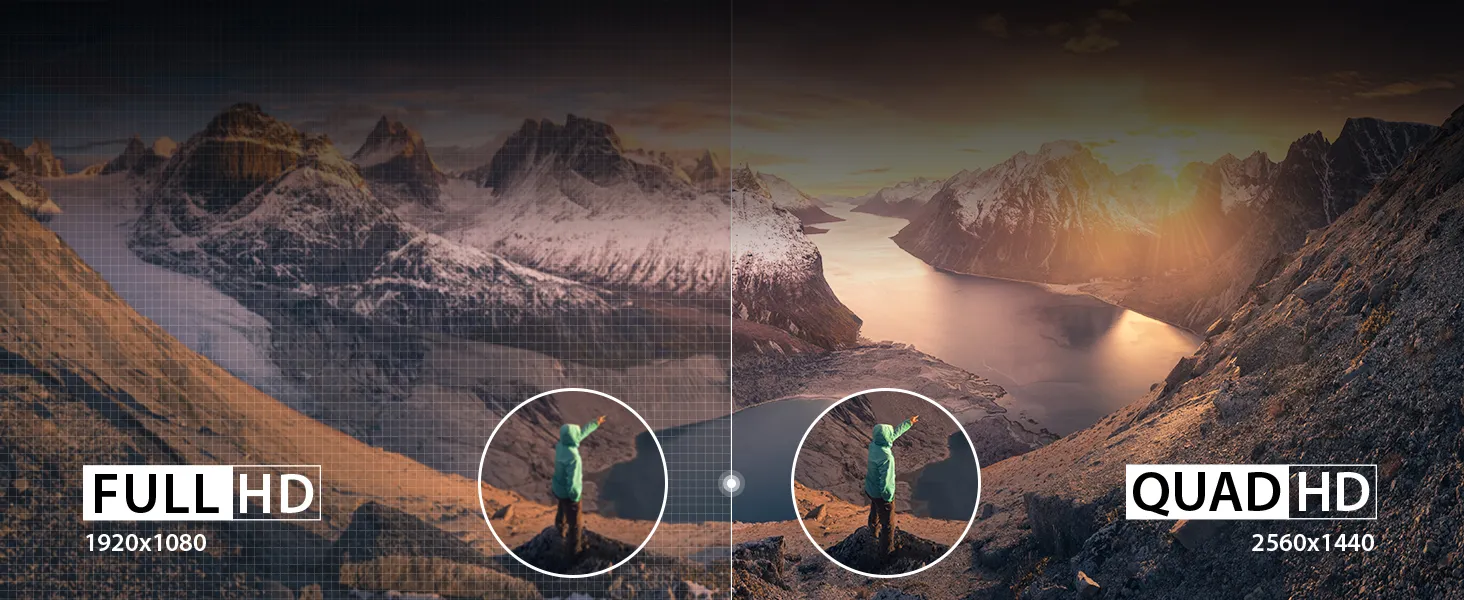
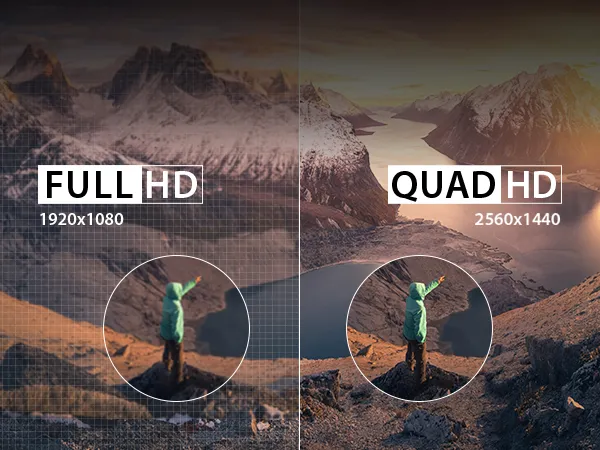
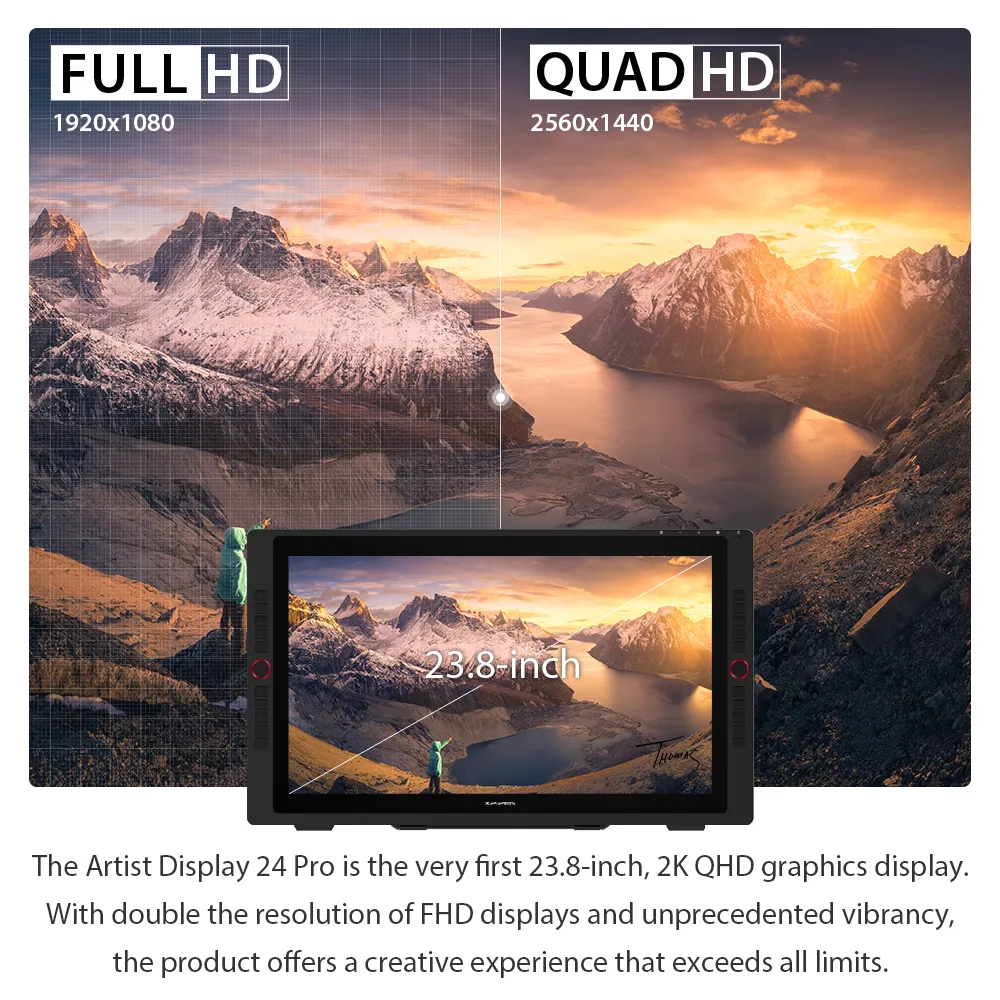
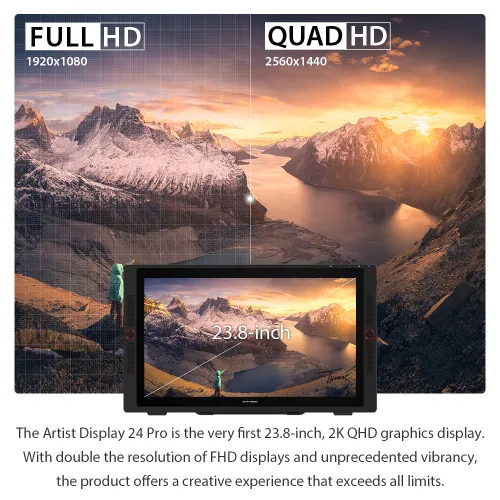
Create in 2K QHD (2560 X 1440)
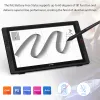
The Artist Display 24 Pro is the very first 23.8-inch 2K QHD graphics display. With double the resolution of FHD displays
and unprecedented vibrancy, the Artist 24 Pro offers a creative experience that exceeds all limits.
Artist Display 24 Pro: 23.8-inch 2K QHD display.
Double the resolution of FHD.
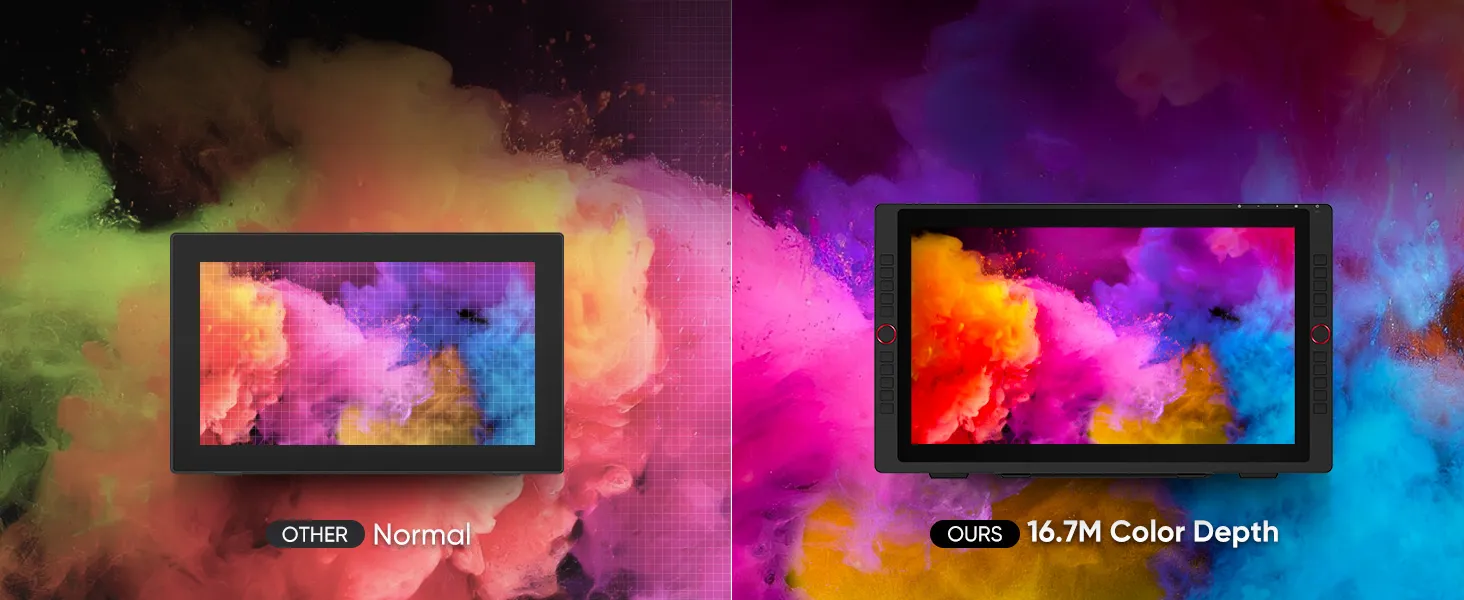
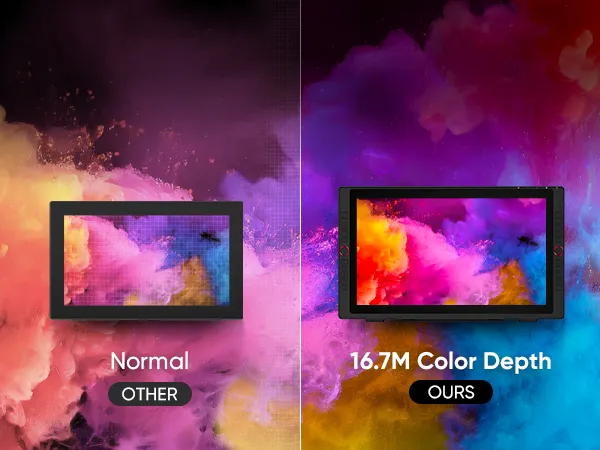
16.7M Color Depth, Creative Precision
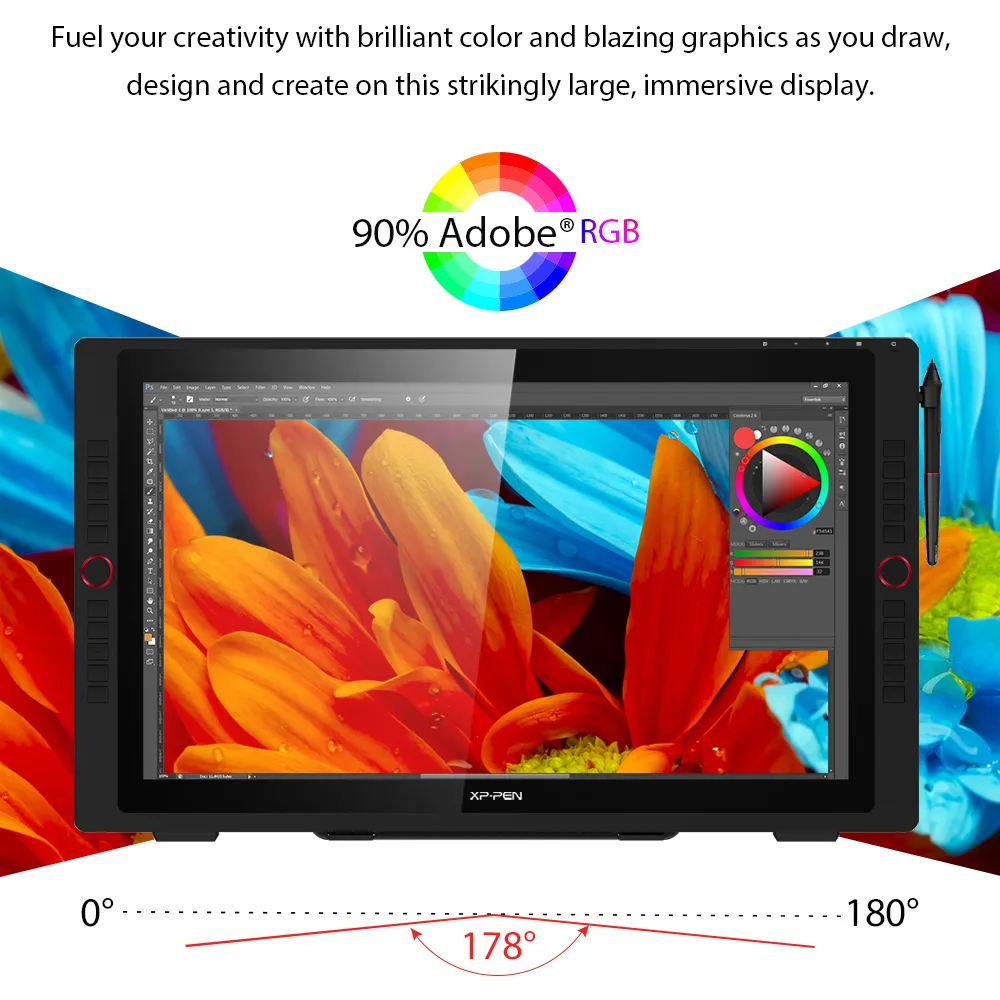
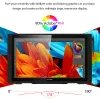
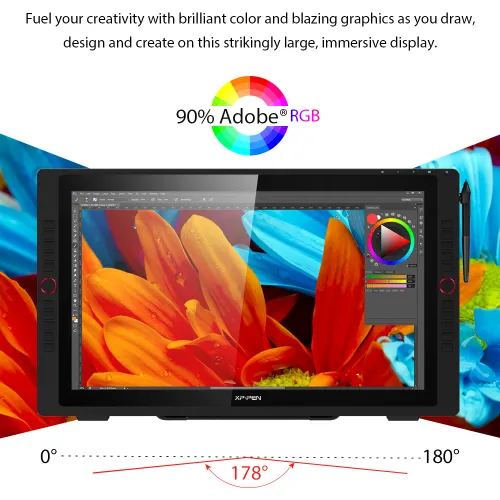
The XPPen 24 Pro delivers rich, accurate colors with 118% sRGB, 84% NTSC , and 90% Adobe RGB . Its 16.7M color depth and 1000:1 contrast ratio ensure smooth gradients and sharp detail, perfect for color grading, digital painting, and creative professionals seeking true-to-life visuals.
XPPen Artist 24 Pro: 118% sRGB, 84% NTSC, 90% Adobe RGB
coverage; 16.7M colors; 1000:1 contrast ratio.


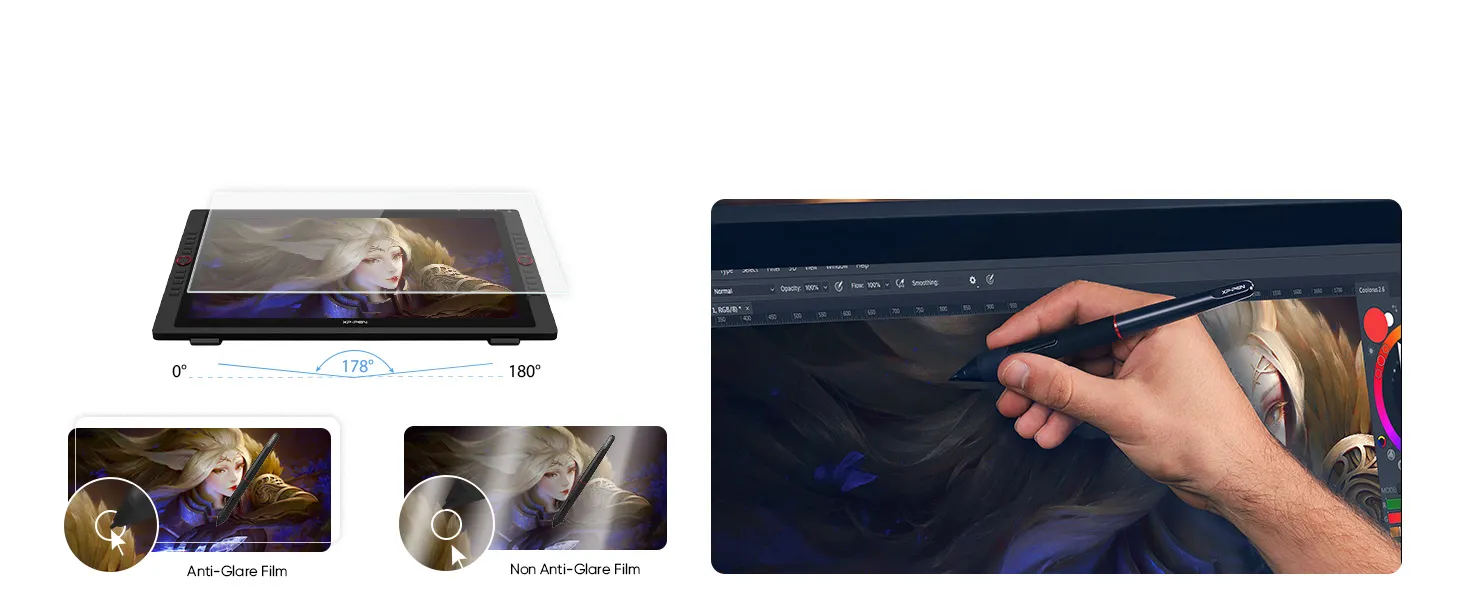
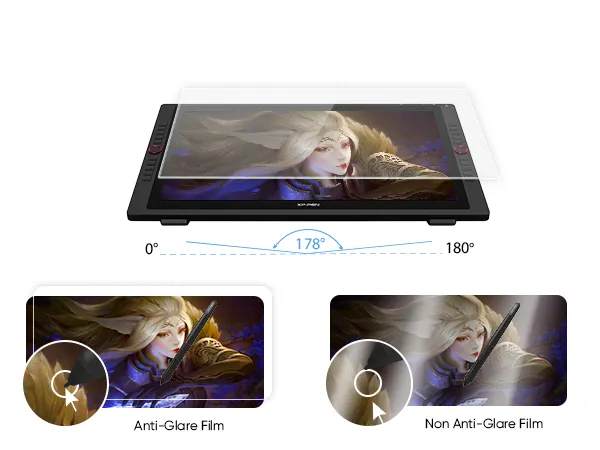
Anti-Glare Display and 178° Viewing Angle
Artist 24 Pro features an anti-glare screen and a 178° wide viewing angle, reducing reflections and ensuring sharp,
consistent visuals—perfect for artists, illustrators, animators, and video editors who value precision.
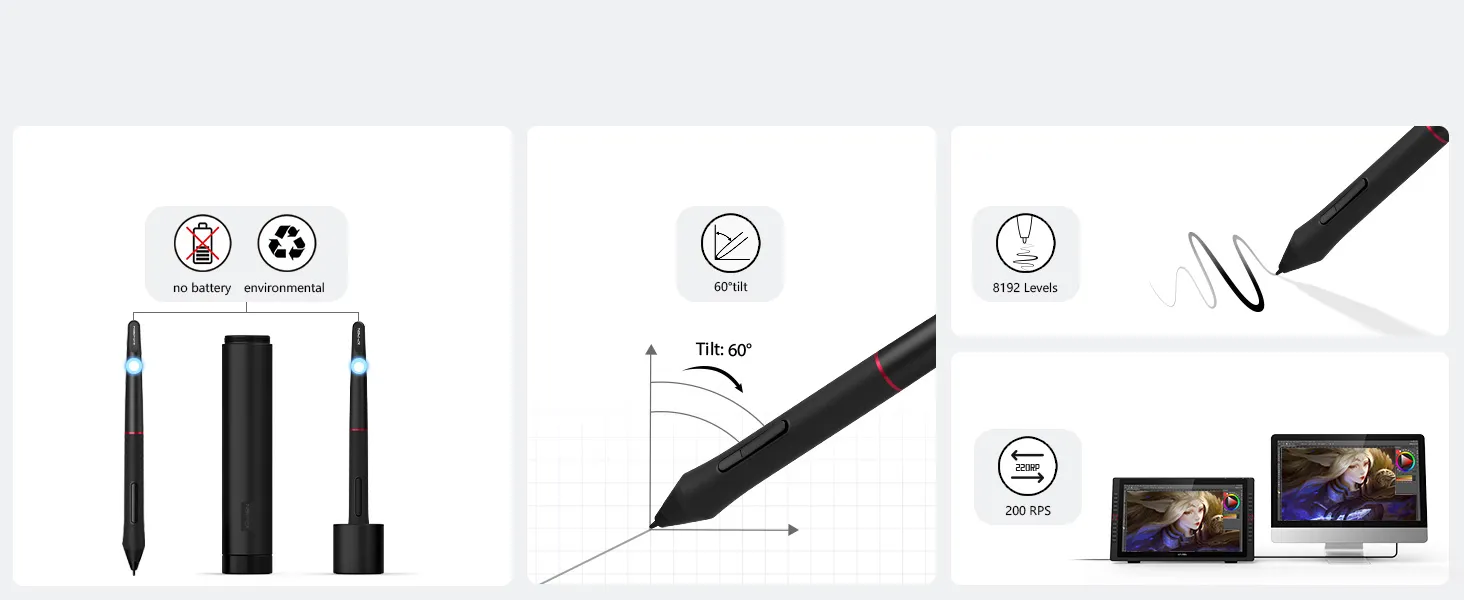
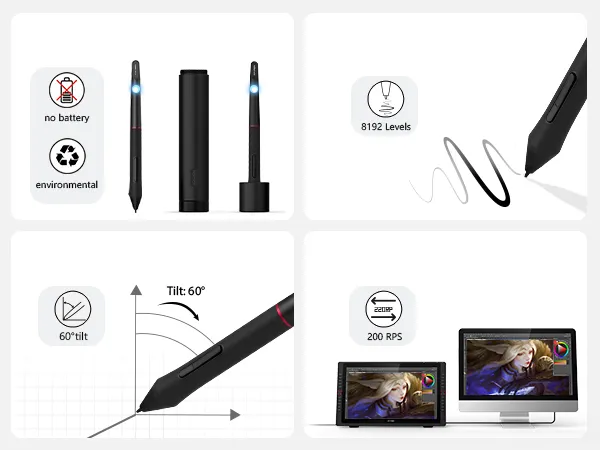
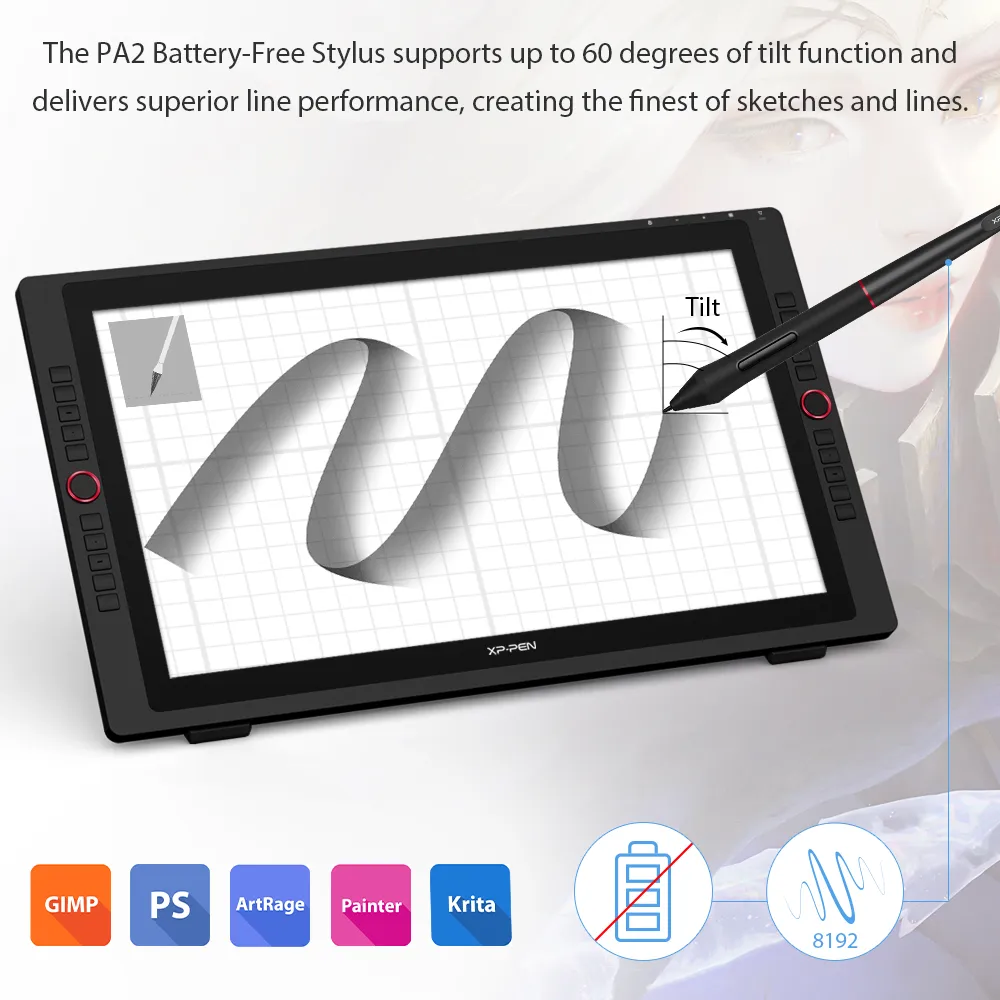
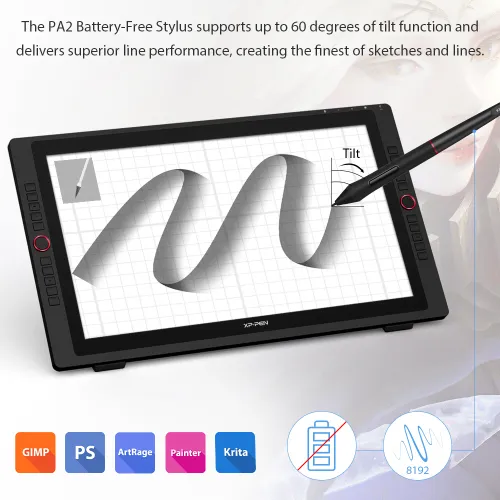
An intelligently designed stylus
60° Tilt Function
8192 pressure levels
200 RPS report rate
PA2 Battery-Free Stylus
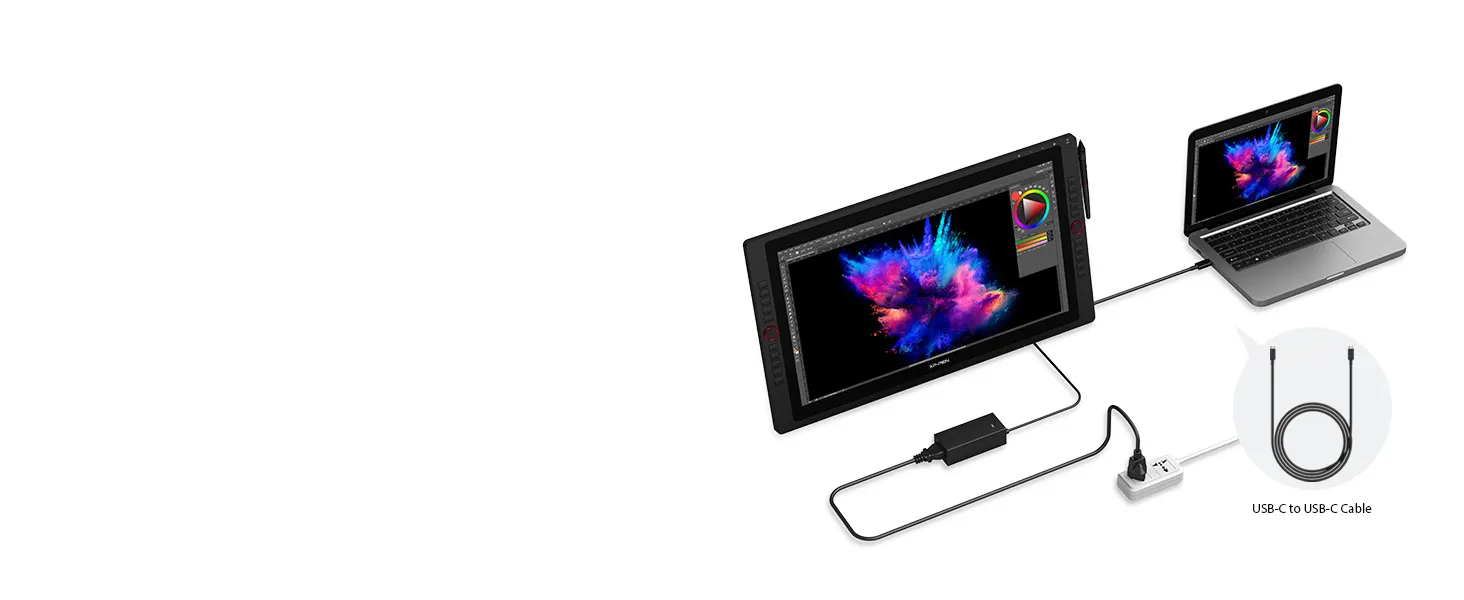
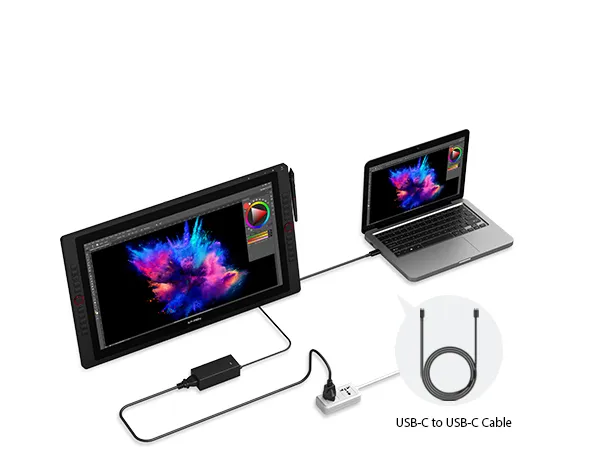
Versatile and Hassle-Free
Connections with Artist 24 Pro
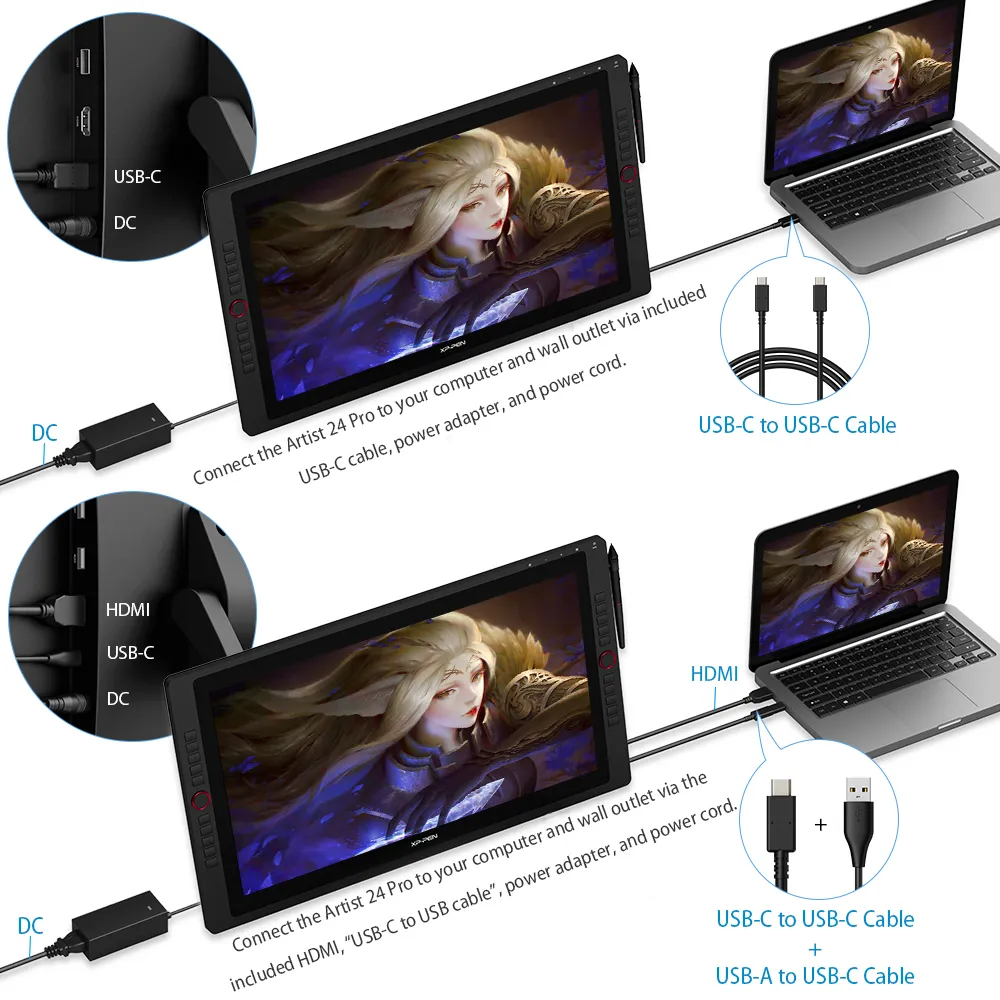
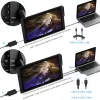
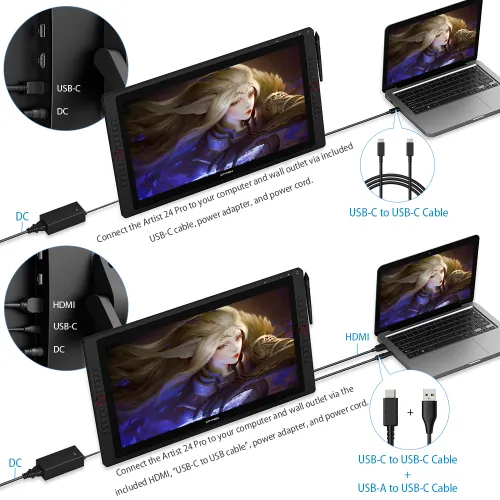
Enjoy flexible HDMI and USB-C connections, including
direct USB-C to USB-C support for iMac, MacBook Pro,
and Windows—no adapters required.
HDMI, USB-C; direct USB-C to USB-C for Mac/Windows (no adapter).
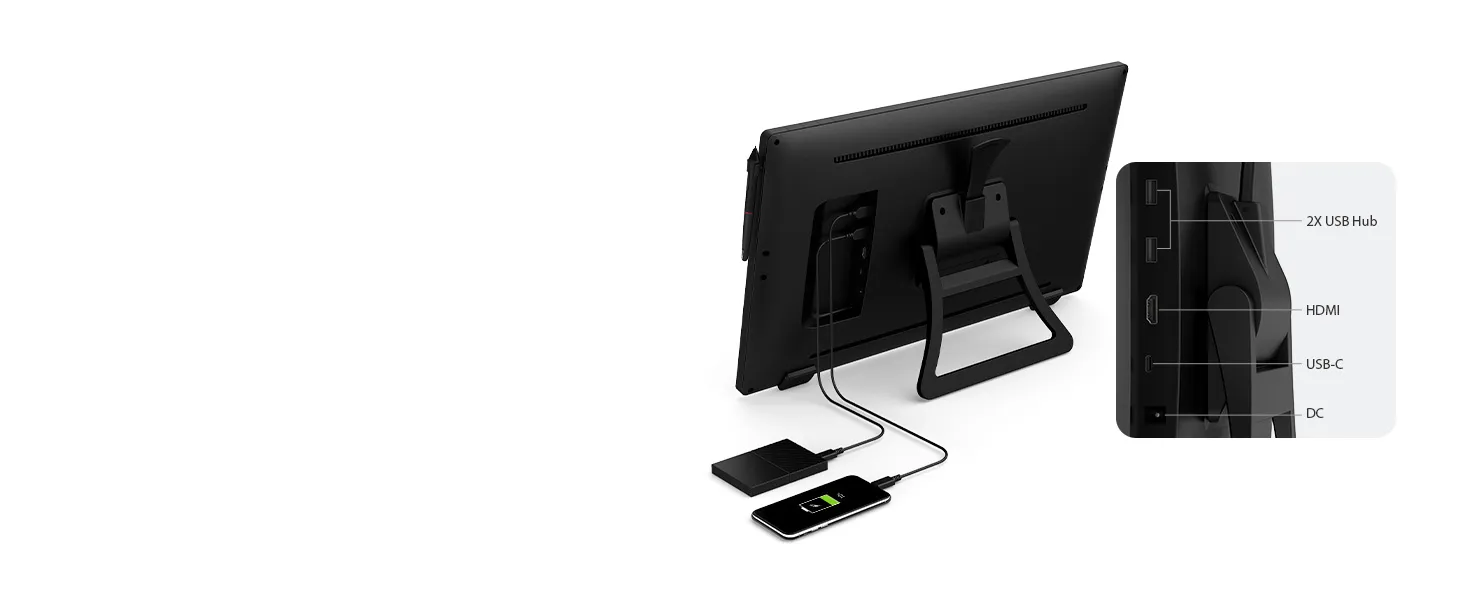
Versatile and Hassle-Free
Connections with Artist 24 Pro
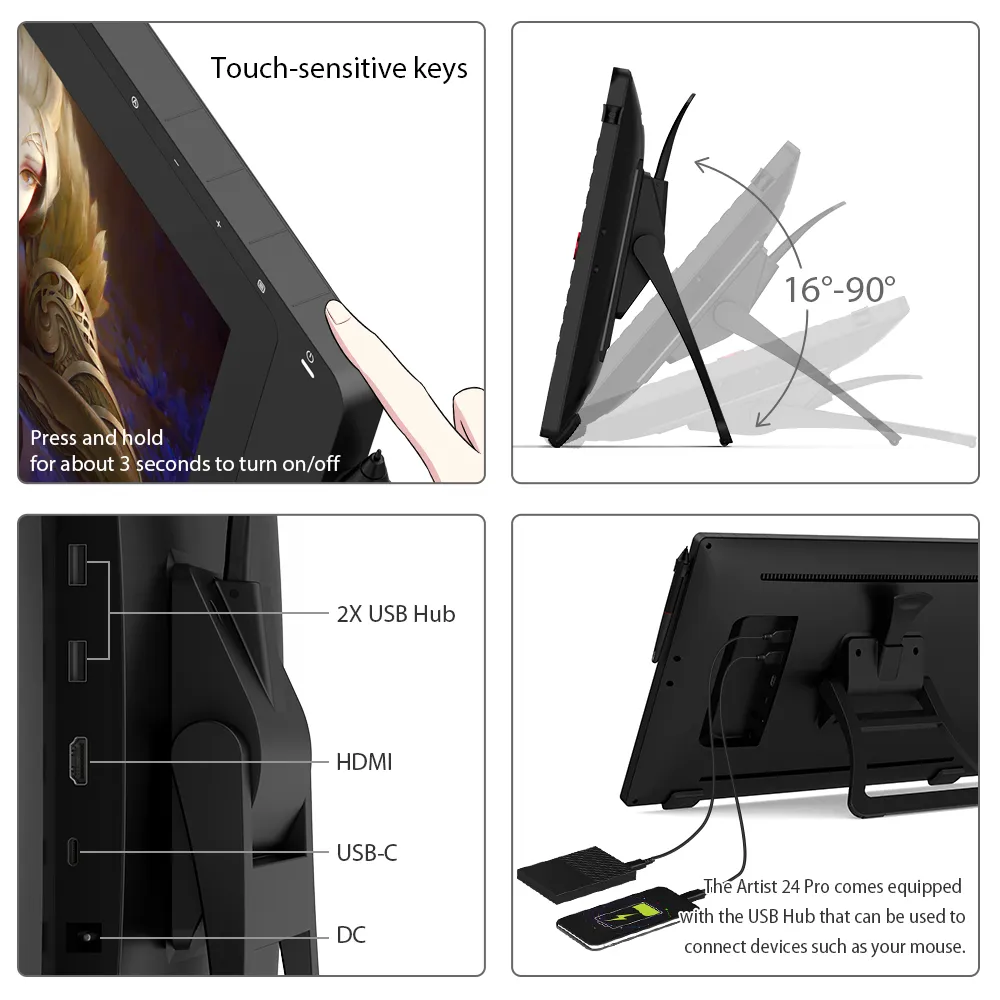
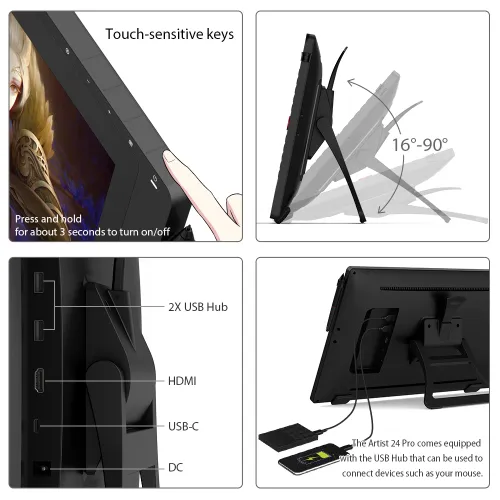
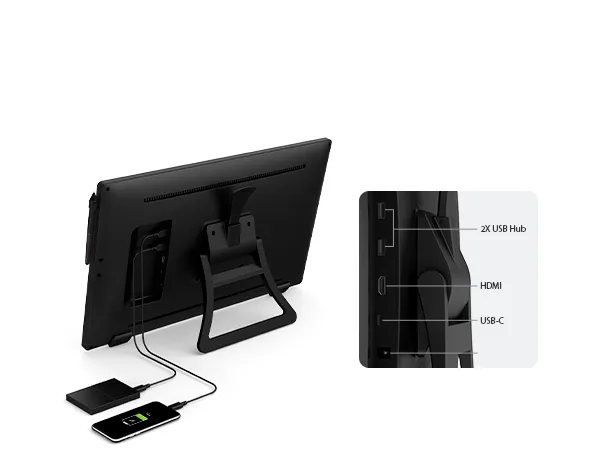
Built-in USB Hub allows easy connection of peripherals like
your mouse, while touch-sensitive keys ensure smooth,
stick-free control for a reliable creative workflow.
Support USB-C Cable, Easy Connectio


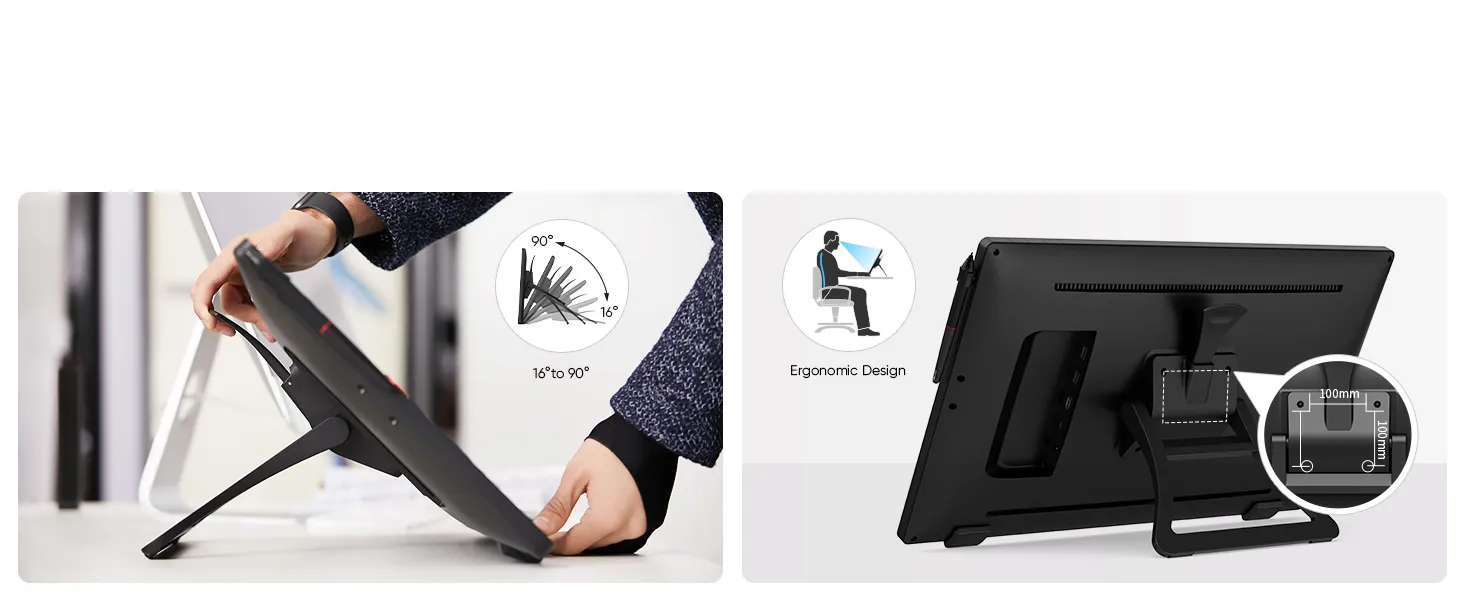
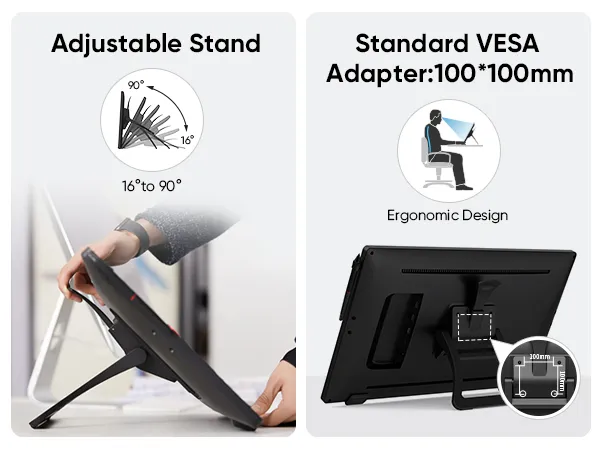
Ultimate Display for Creative Professionals
A 90° adjustable stand helps you find the perfect angle for long creative sessions,
while 100x100mm VESA mount support offers flexible setup options for any workspace.
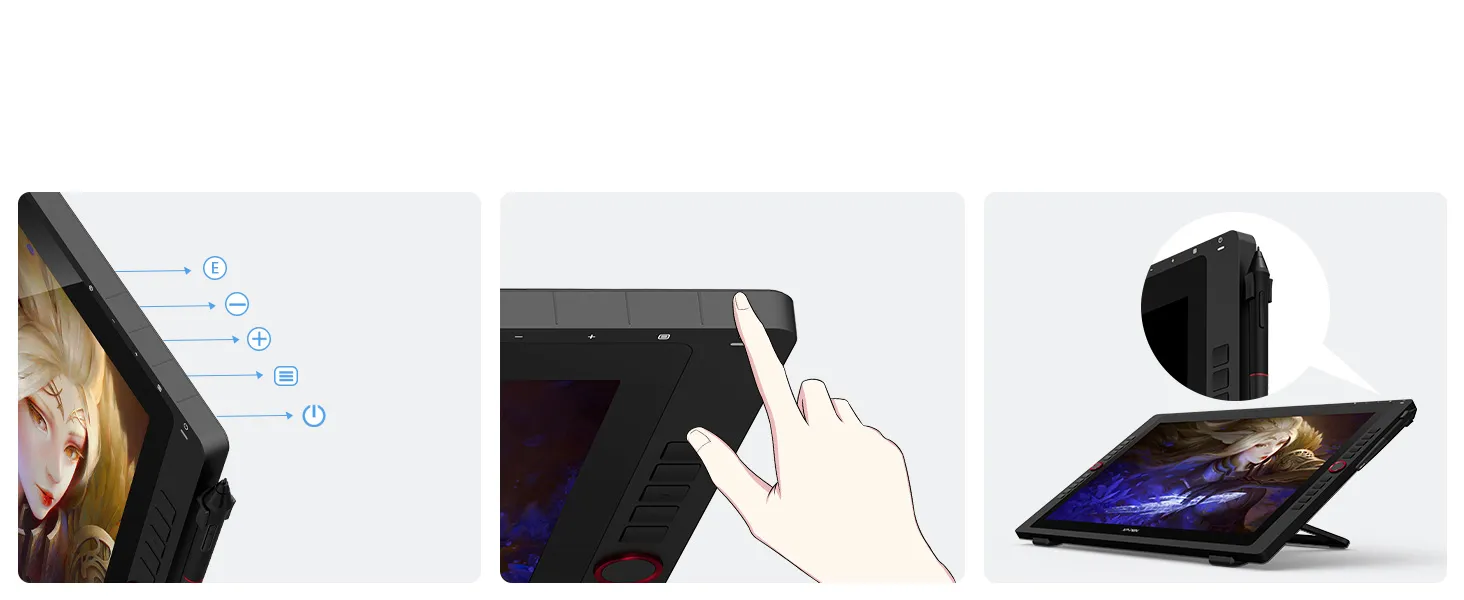
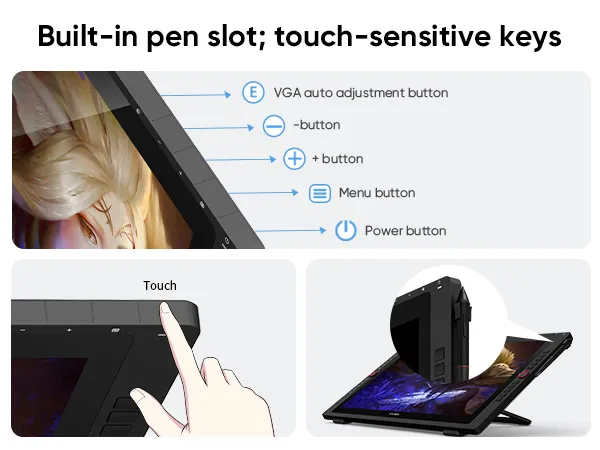
Ultimate Display for Creative Professionals
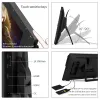
A built-in pen slot keeps your stylus within reach, while touch-sensitive keys prevent sticking for a smooth,
uninterrupted drawing experience.
VGA auto adjustment button
- button
+ button
Menu button
Power button
Touch
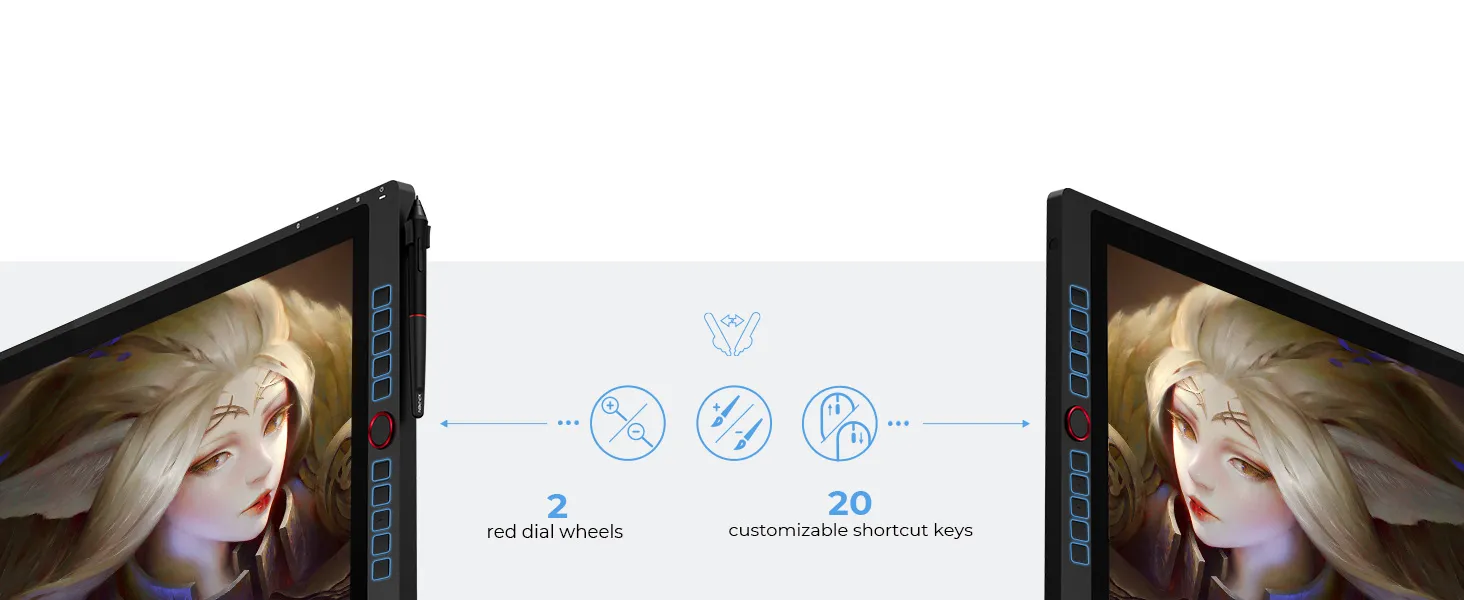
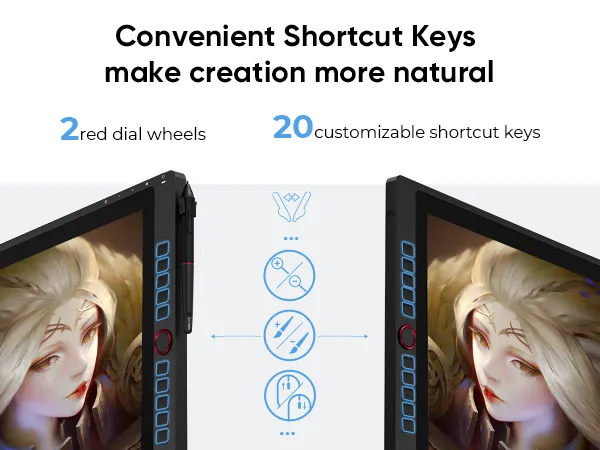
Ultimate Display for Creative Professionals
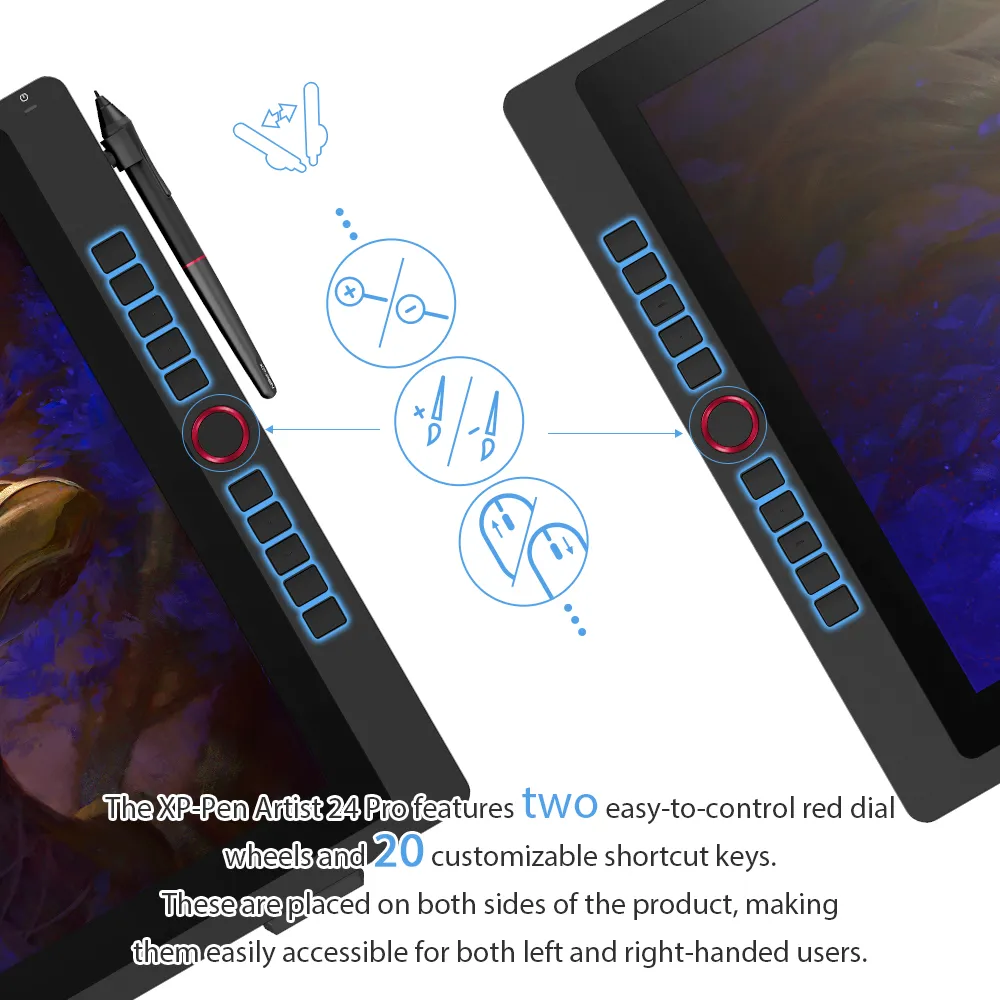
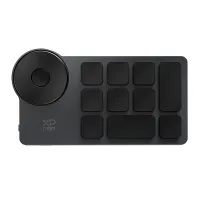
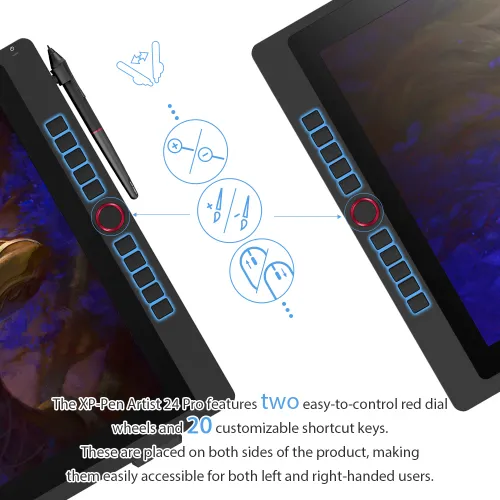
Includes 20 customizable shortcut keys and two red dial wheels—ideal for streamlining tasks in Photoshop and more.
High Compatiblity,
More Possibility
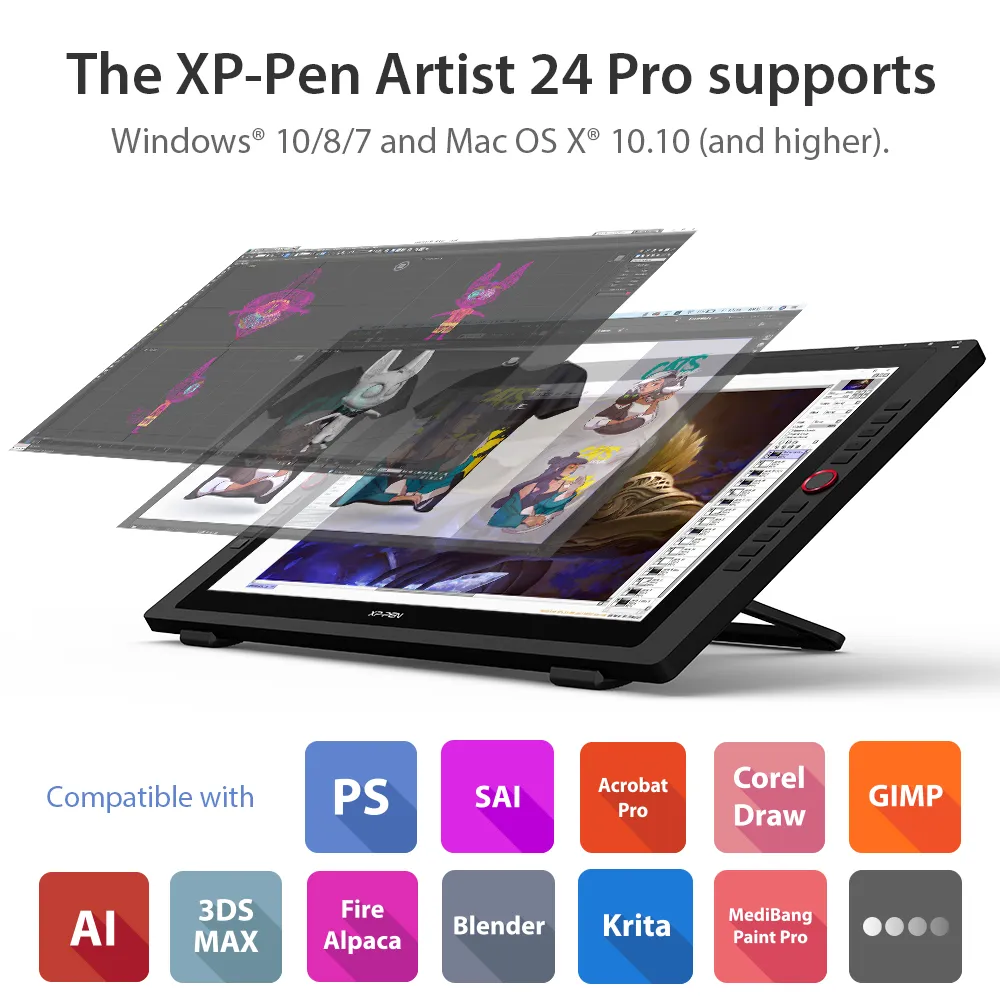
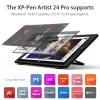
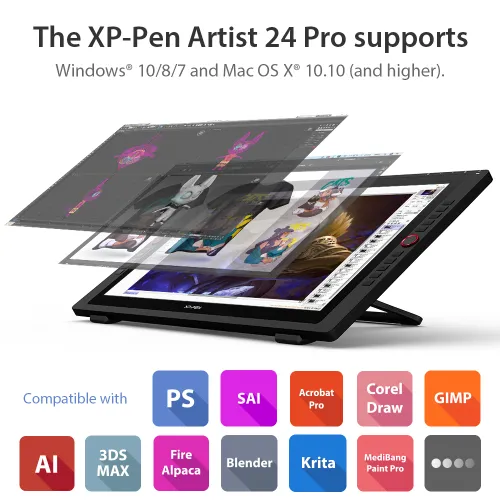
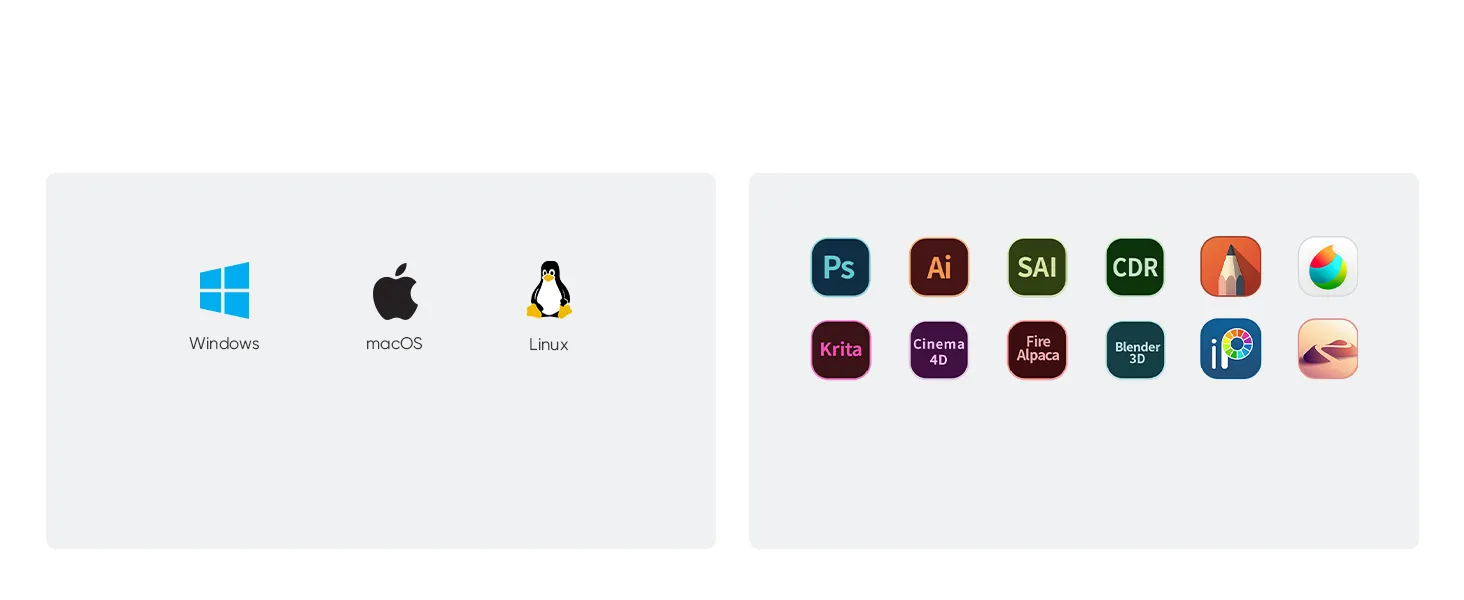
Works smoothly with various systems and software.
Windows 7 (or later), Linux (Detailed versions), macOS 10.10 (and higher)
Adobe® Photoshop®, Illustrator®, SAI®, CDR®, GIMP®, Krita®, Medibang®, Fire Alpaca® and Blender® 3D.
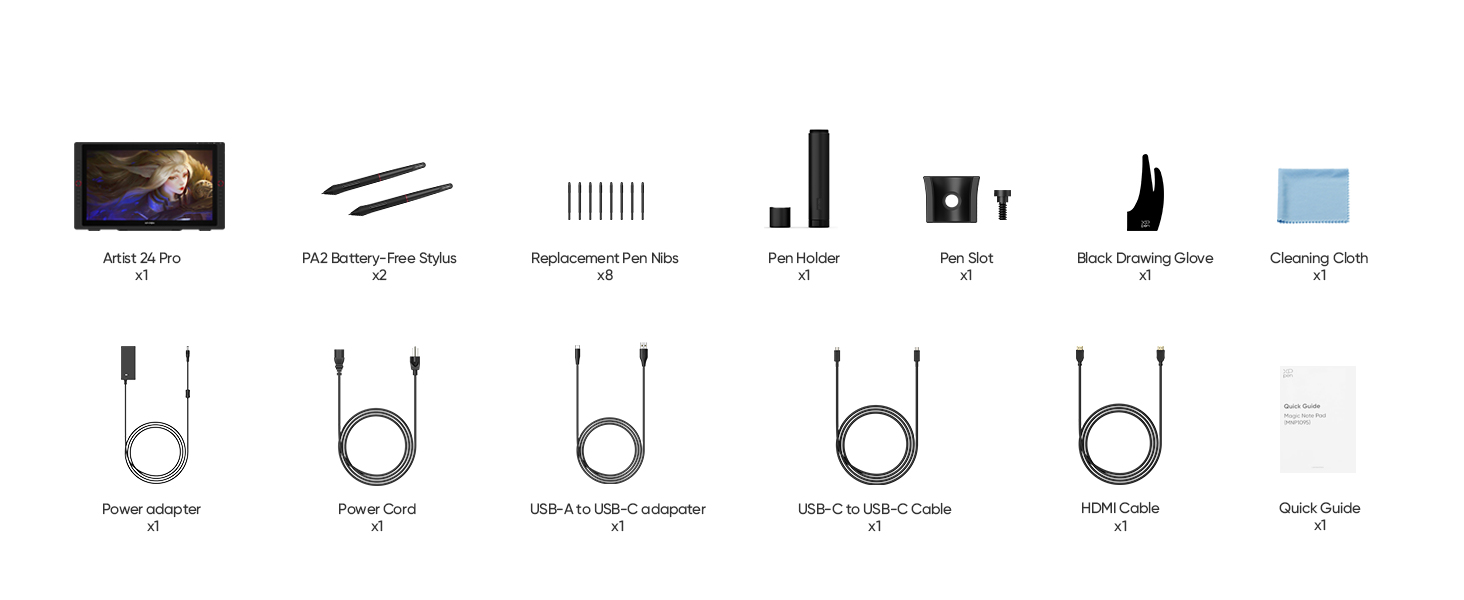
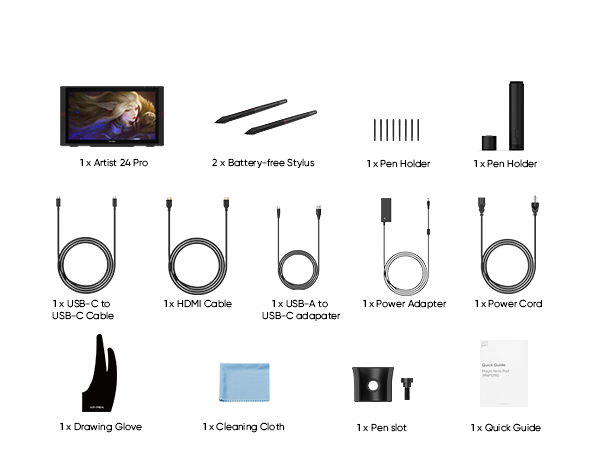
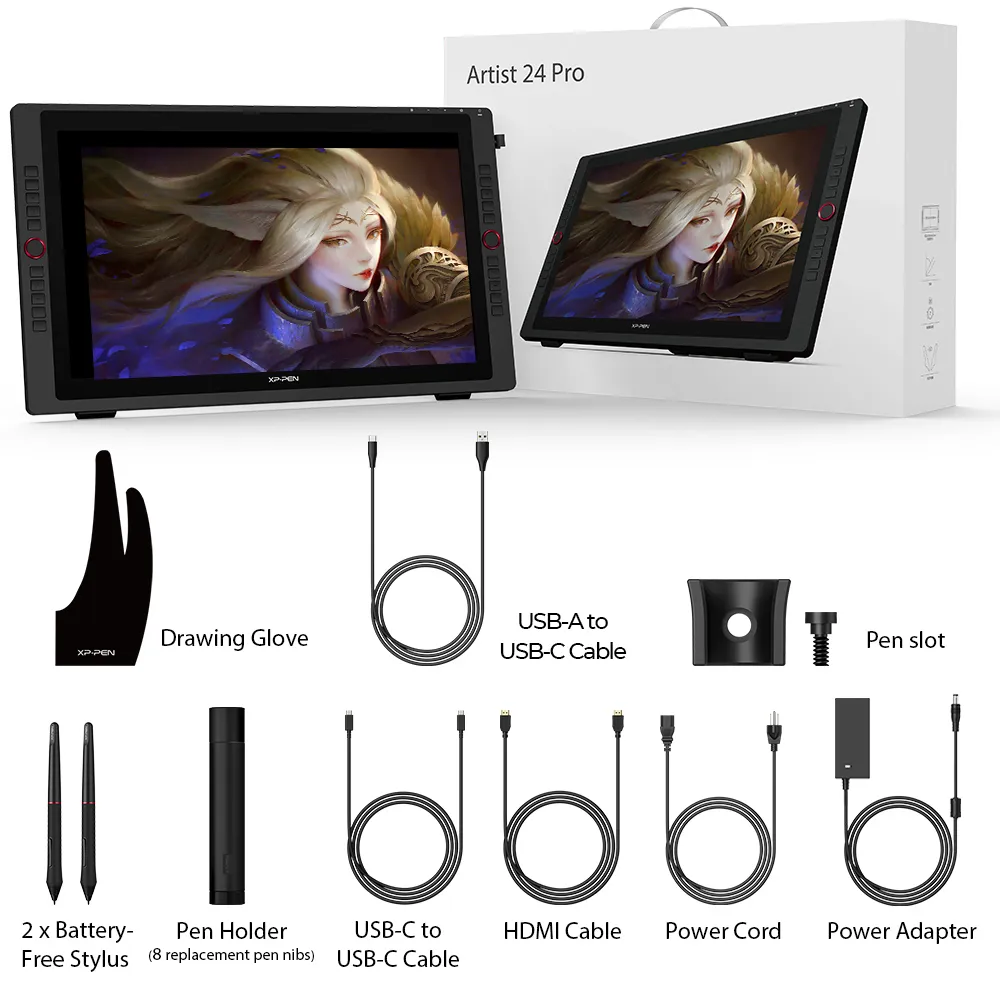
In the Box
Specifications
Tutorials
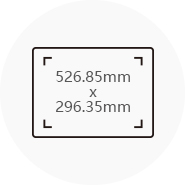
Dimensions
632x370x44.8mm
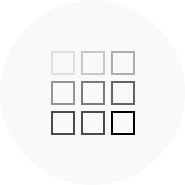
Display Resolution
2560x1440
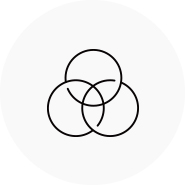
Color Gamut
90% Adobe®RGB
2 Red Dial Wheel
20 Shortcut Keys
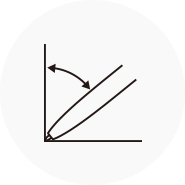
Battery-free Stylus
Tilt:60°
Show more
| Linux OS | Version | Package Format | Supported Software |
| Arch | Arch Linux2019.12.01(64-bit) | .deb, .sh | GIMP, Krita |
| Centos | Centos7.0(64-bit) | .rpm, .sh | GIMP |
| Centos8(64-bit) | .rpm, .sh | GIMP, Krita | |
| Debian | debian-9.5.0-amd64-netinst(64-bit) | .deb, .sh | GIMP, Krita |
| elementary OS | elementary OS 5.0(64-bit) | .deb, .sh | GIMP, Krita |
| ezgo Linux | ezgo14(64-bit) | .deb, .sh | GIMP, Krita |
| Fedora | Fedora32(64-bit) | .rpm, .sh | GIMP, Krita |
| Mageia | Mageia-7.1(64-bit) | .rpm, .sh | GIMP, Krita |
| Manjaro | manjaro-xfce-20.1.2-201019(64-bit) | .deb, .sh | GIMP |
| Mint | linuxmint-18.2-cinnamon-64bit | .deb, .sh | GIMP, Krita |
| OpenSUSE | openSUSE-Tumbleweed(64-bit) | .rpm, .sh | GIMP, Krita |
| Pop!_OS | pop-os_19.10(64-bit) | .deb, .sh | GIMP, Krita |
| Red Hat | Red Hat7(64-bit) | .rpm, .sh | GIMP |
| Ubuntu | Ubuntu14.04(64-bit) | .deb, .sh | GIMP, Krita |
| Ubuntu16.04(64-bit) | .deb, .sh | GIMP, Krita | |
| Ubuntu17.04(64-bit) | .deb, .sh | GIMP, Krita | |
| Ubuntu18.04(64-bit) | .deb, .sh | GIMP, Krita | |
| Ubuntu19.04(64-bit) | .deb, .sh | GIMP, Krita | |
| Ubuntu20.04(64-bit) | .deb, .sh | GIMP, Krita |
| Function | Krita 4.3.0 | Gimp 2.10.20 | Inkscape 0.92 |
| Pen Pressure Sensitivity | |||
| Tilt | |||
| Mouse Function | |||
| Eraser Button (Stylus:PH01, P06) | |||
| Switch between Pen and Eraser Modes | |||
| *If you have any further queries, please do not hesitate to contact us at service@xp-pen.com. | |||
Linux OS
Arch
Version
Arch Linux2019.12.01(64-bit)
Package Format
.deb, .sh
Supported Software
GIMP, Krita
Centos
Version
Centos7.0(64-bit)
Centos8(64-bit)
Centos8(64-bit)
Package Format
.rpm, .sh
.rpm, .sh
.rpm, .sh
Supported Software
GIMP
GIMP, Krita
GIMP, Krita
Debian
Version
debian-9.5.0-amd64-netinst(64-bit)
Package Format
.deb, .sh
Supported Software
GIMP, Krita
elementary OS
Version
elementary OS 5.0(64-bit)
Package Format
.deb, .sh
Supported Software
GIMP, Krita
ezgo Linux
Version
ezgo14(64-bit)
Package Format
.deb, .sh
Supported Software
GIMP, Krita
Fedora
Version
Fedora32(64-bit)
Package Format
.rpm, .sh
Supported Software
GIMP, Krita
Mageia
Version
Mageia-7.1(64-bit)
Package Format
.rpm, .sh
Supported Software
GIMP, Krita
Manjaro
Version
manjaro-xfce-20.1.2-201019(64-bit)
Package Format
.deb, .sh
Supported Software
GIMP
Mint
Version
linuxmint-18.2-cinnamon-64bit
Package Format
.deb, .sh
Supported Software
GIMP, Krita
OpenSUSE
Version
openSUSE-Tumbleweed(64-bit)
Package Format
.rpm, .sh
Supported Software
GIMP, Krita
Pop!_OS
Version
pop-os_19.10(64-bit)
Package Format
.deb, .sh
Supported Software
GIMP, Krita
Red Hat
Version
Red Hat7(64-bit)
Package Format
.rpm, .sh
Supported Software
GIMP
Ubuntu
Version
Ubuntu14.04(64-bit)
Ubuntu16.04(64-bit)
Ubuntu17.04(64-bit)
Ubuntu18.04(64-bit)
Ubuntu19.04(64-bit)
Ubuntu20.04(64-bit)
Ubuntu16.04(64-bit)
Ubuntu17.04(64-bit)
Ubuntu18.04(64-bit)
Ubuntu19.04(64-bit)
Ubuntu20.04(64-bit)
Package Format
.deb, .sh
.deb, .sh
.deb, .sh
.deb, .sh
.deb, .sh
.deb, .sh
.deb, .sh
.deb, .sh
.deb, .sh
.deb, .sh
.deb, .sh
Supported Software
GIMP, Krita
GIMP, Krita
GIMP, Krita
GIMP, Krita
GIMP, Krita
GIMP, Krita
GIMP, Krita
GIMP, Krita
GIMP, Krita
GIMP, Krita
GIMP, Krita
Function
Pen Pressure Sensitivity
Krita 4.3.0
Gimp 2.10.20
Inkscape 0.92
Tilt
Krita 4.3.0
Gimp 2.10.20
Inkscape 0.92
Mouse Function
Krita 4.3.0
Gimp 2.10.20
Inkscape 0.92
Eraser Button(Stylus:PH01, P06)
Krita 4.3.0
Gimp 2.10.20
Inkscape 0.92
Switch between Penand Eraser Modes
Krita 4.3.0
Gimp 2.10.20
Inkscape 0.92
*If you have any further queries, please do not hesitate to contact us at service@xp-pen.com.
4.8


Based on 81
83%(67)

16%(13)
0(0)
1%(1)
0(0)
Amazon Customer
Mar 26 ,2021 AM 00:00 Artist Display 24 Pro
A very good choice for the beginning pro
I test out and use technology daily as part of my IT job, but I also enjoy using it just as much in my personal life. I bought this as an alternative to the Wacom Cintique lineup of products. I have been using the Artist 22E pro and 15.6 pro units now for the last couple of years, and have been very pleased with the reliability and quality of the units. I decided to upgrade to a bigger canvas and higher resolution. I LOVE this display. It does what I need reliably.Pros:2K Resolution display23.8 inch working area (diagonally)Vibrant and accurate colorsReduced parallax compared to older 22 inch modelsUSB-C baby!!2 USB 3.0 ports for things like a keyboard or wireless mouse.Express keys and controls dials!PriceCons:- Not really a CON, but it's LARGE - I highly recommend a mounting arm if you can afford it. This will allow you to put it up out of the way. Otherwise you will need a lot of desk space to use it.- No cable strain relief. The older units did not have this either, but now that XP Pen has incorporated USB-C, it would be nice to keep the USB-C cable clipped to the rear bezel. This will limit the cable from flexing and moving in its slot. This port is crucial to controlling the display. So if that breaks I will cry!- Only one HDMI slotEverything else is going to be subjective to the user. For me it get's the job done. Wacom certainly has a SOLID competitor, and XP-Pen in only getting better.
Useful(0)+1
kalel71
Mar 11 ,2021 AM 00:00 Artist Display 24 Pro
Best value drawing tablet on the market
The size combined with the accuracy is a winning combination. Dollar for dollar, the best value for drawing and painting on tablet screen!
Useful(0)+1
hmmmm
Mar 06 ,2021 AM 00:00 Artist Display 24 Pro
for the price, this is terrific !
Thanks to XP-PEN for making such a nice tablet for this price range.There feels like no parallax. It feels/appears/works like a "laminated screen" or very close to it.The buttons are fine. The drivers are fine (windows, I have not tried Mac/etc).When you compare the value to a contiq, it's a no-brainer unless color reproduction is a major concern.9 out of 10!If I had 1 wish; I'd ask for a second HDMI connection as so I can switch between a laptop and desktop.. with or without tablet use. (aka: second screen, and easy use of second computer for tablet use).- I can't imagine it being very expensive to add an extra HDMI connection port to switch back and forth from one system to another.. with/without tablet feature. AKA: I can use a USB switch.. but I prefer to avoid after marlet HDMI switches as they tend to cause problems.THANKS AGAIN!
Useful(0)+1
Learn More
Common problem
Q1: Can the Artist Pro 24 be used without a computer? Can it connect to a phone?
Q2: What are the dimensions and weight of the Artist Pro 24?
Q3: What is the screen resolution of the Artist Pro 24?
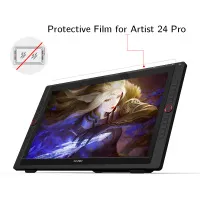
Q4: Is there a screen protector available for the Artist Pro 24?
Q5: Can I mount the Artist Pro 24 on a stand or arm?
Q6: Does the Artist Pro 24 stylus support brush rotation for elongated brushes?
Q7: Do I need to connect HDMI if I’m using USB-C with the Artist Pro 24?
Q8: How long are the USB-C cables for the Artist Pro 24?
Q9: Can I use the Artist Pro 24 as a second monitor when not drawing?
Q10: Is the Artist Pro 24 fully laminated? What’s the parallax distance?