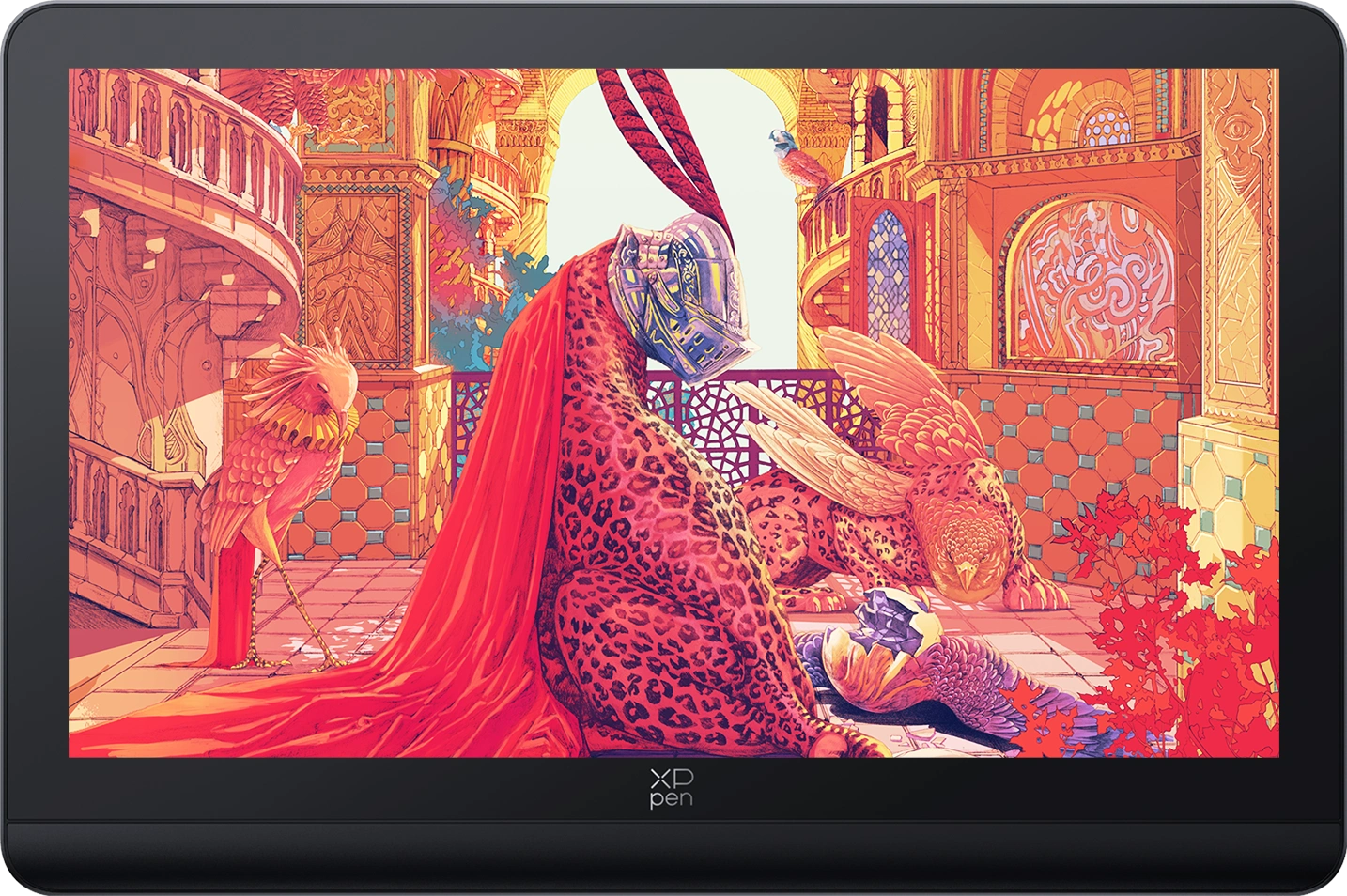
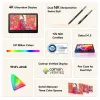



Ultravision Display
4K Display | Calman Verified |
Dual 16K Styli | Super Comfort

Key Features
4K Display
Calman Verified
Dual X3 Pro Series Styli
16K Pressure Levels
Device Connection Required
❋Lifetime Technical Support❋
❋Paypal Pay in 4 interest-free payment❋
❋18-Month Warranty+ Free Shipping❋
❋Free Drawing Software Redemption❋
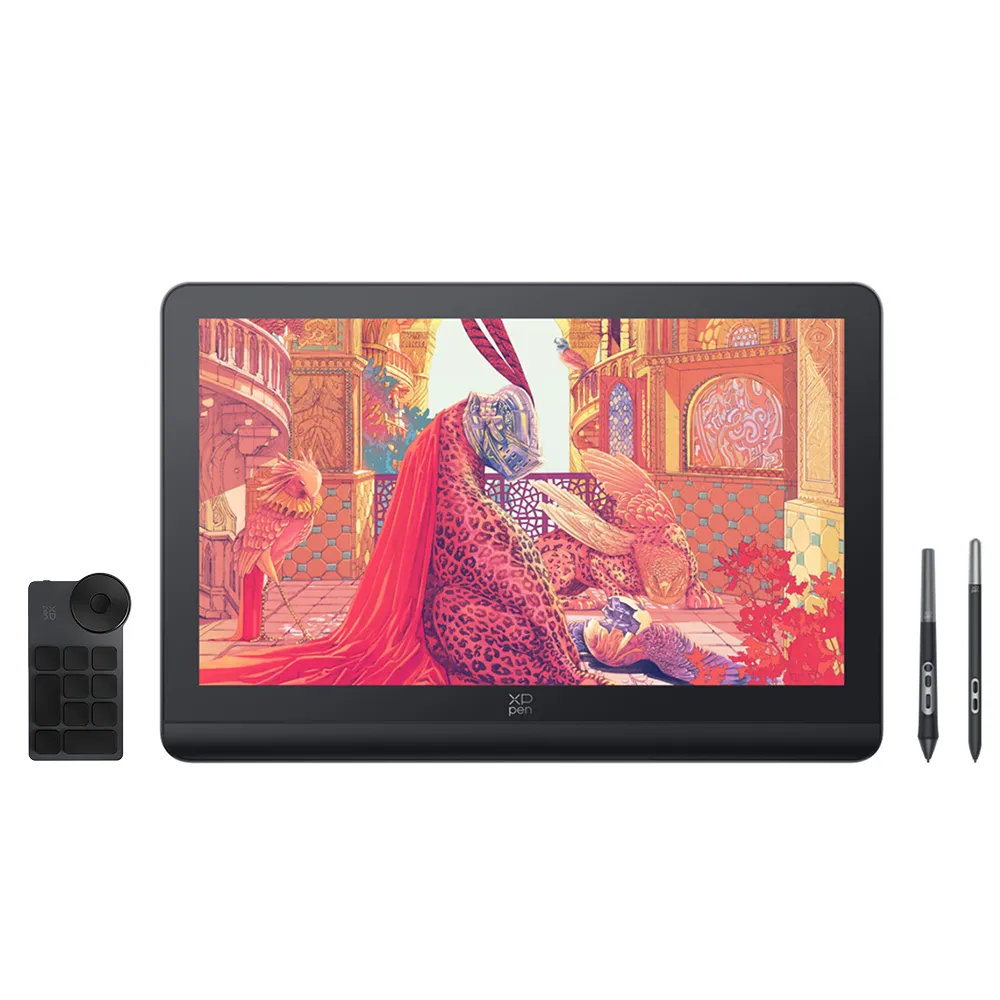 Artist Pro 19 (Gen 2)
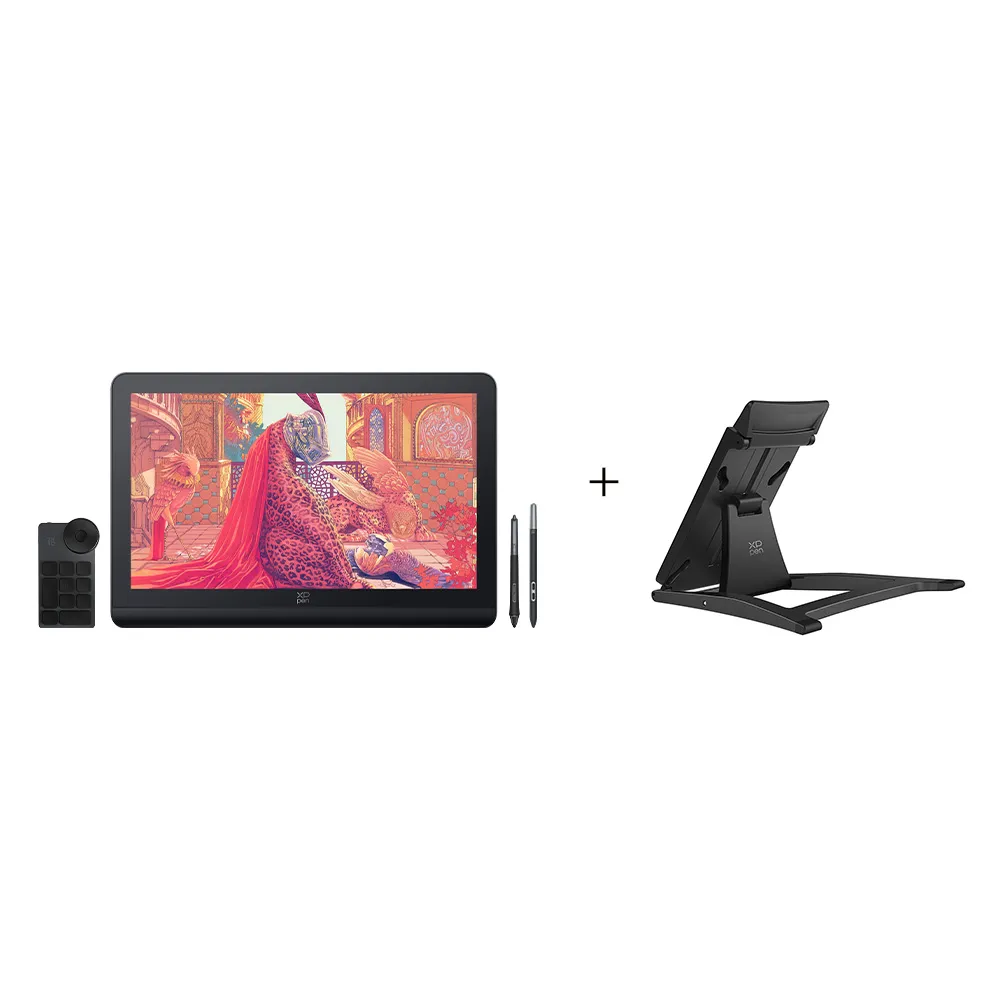 Artist Pro 19 (Gen 2) + ACS18 Adjustable Stand
Optional Accessories
Quantity:
 Log in and purchase to receive an estimated 0 X-Coins







Worry-Free Delivery® available with seel
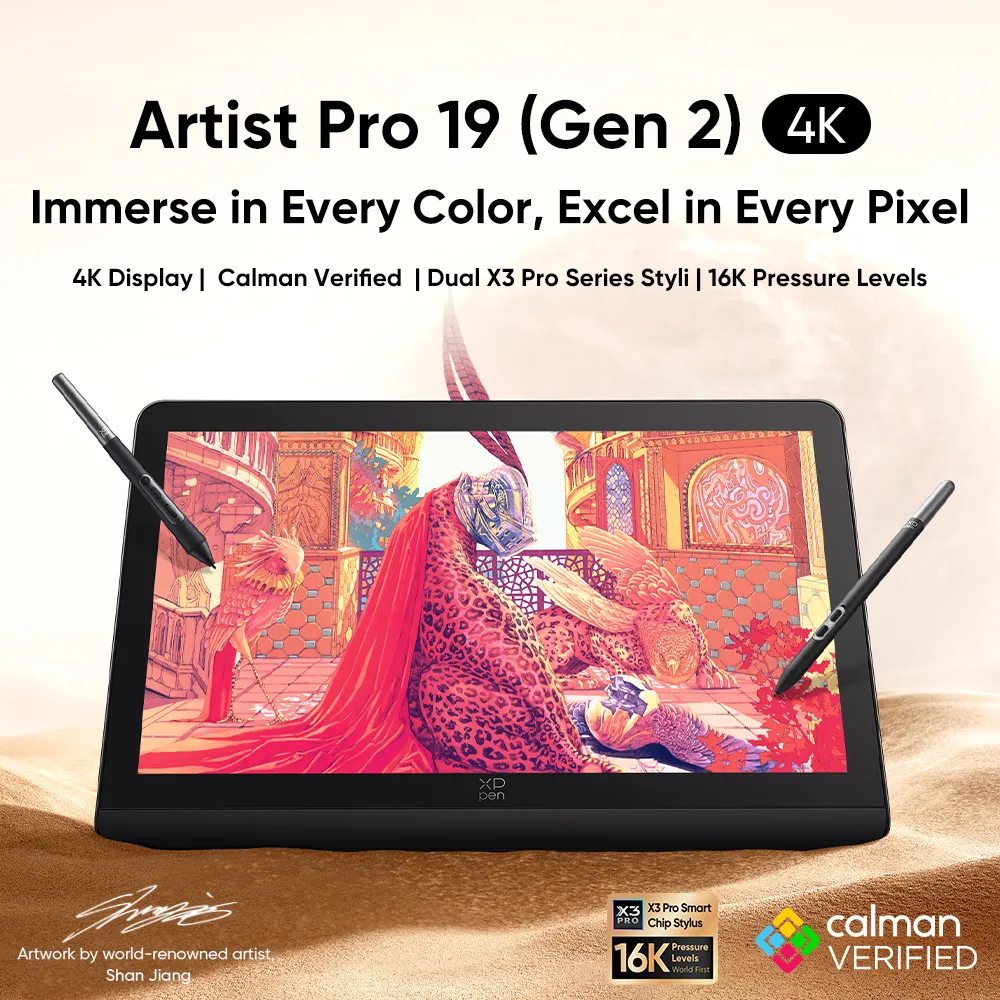
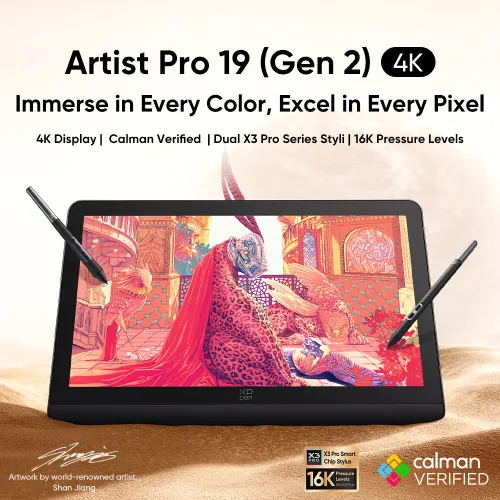
Immerse in Every Color, Excel in Every Pixel
4K Display | Calman Verified | Dual X3 Pro Series Styli | 16K Pressure Levels
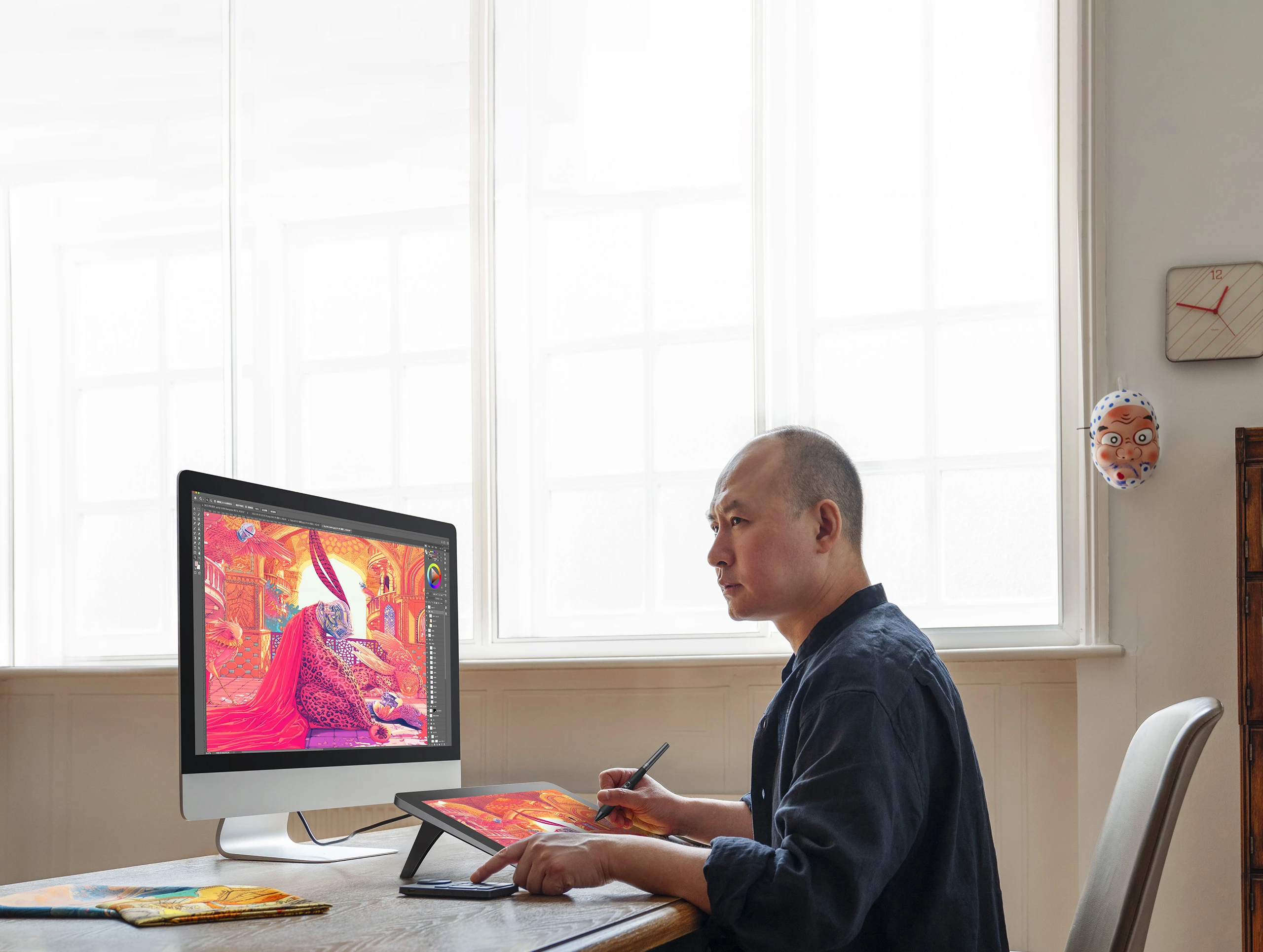
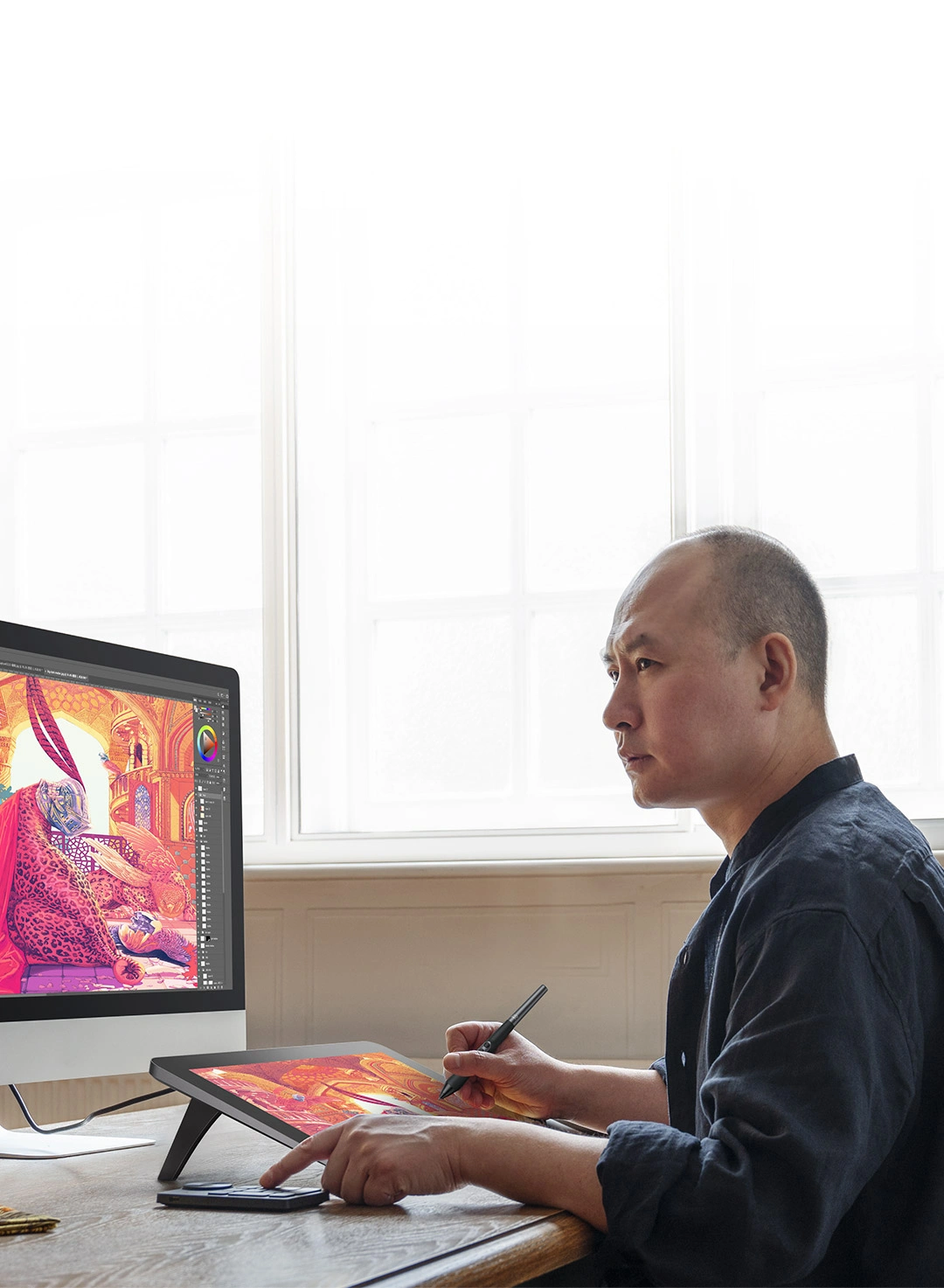
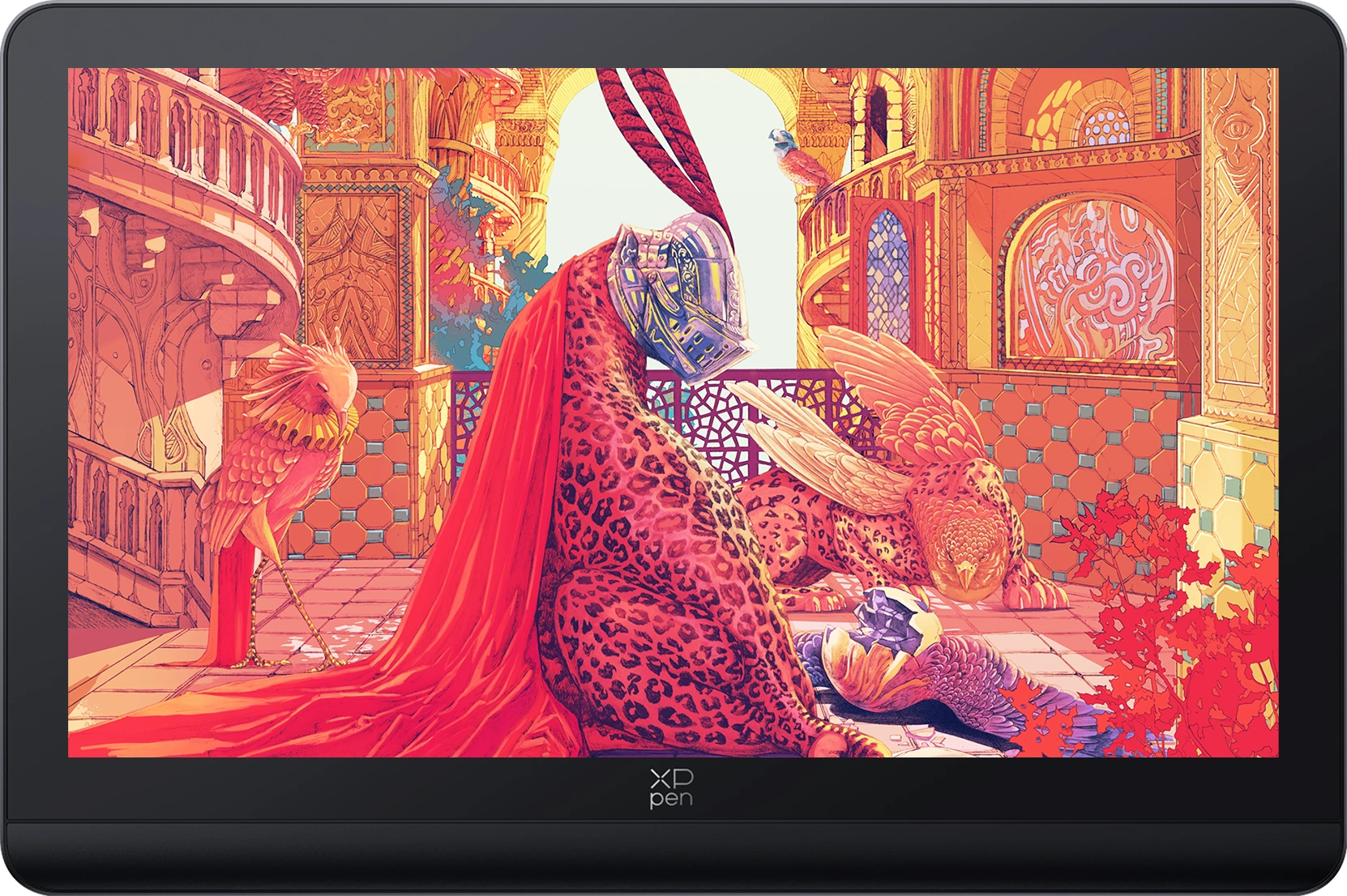
Artwork by world-renowned artist,
Shan Jiang
*Calman Verified Display
Art is eternal. Your artistic dreams deserve to be seen.
XPPen is born for dreamers and aims to pioneer new dimensions
in the creative industry.
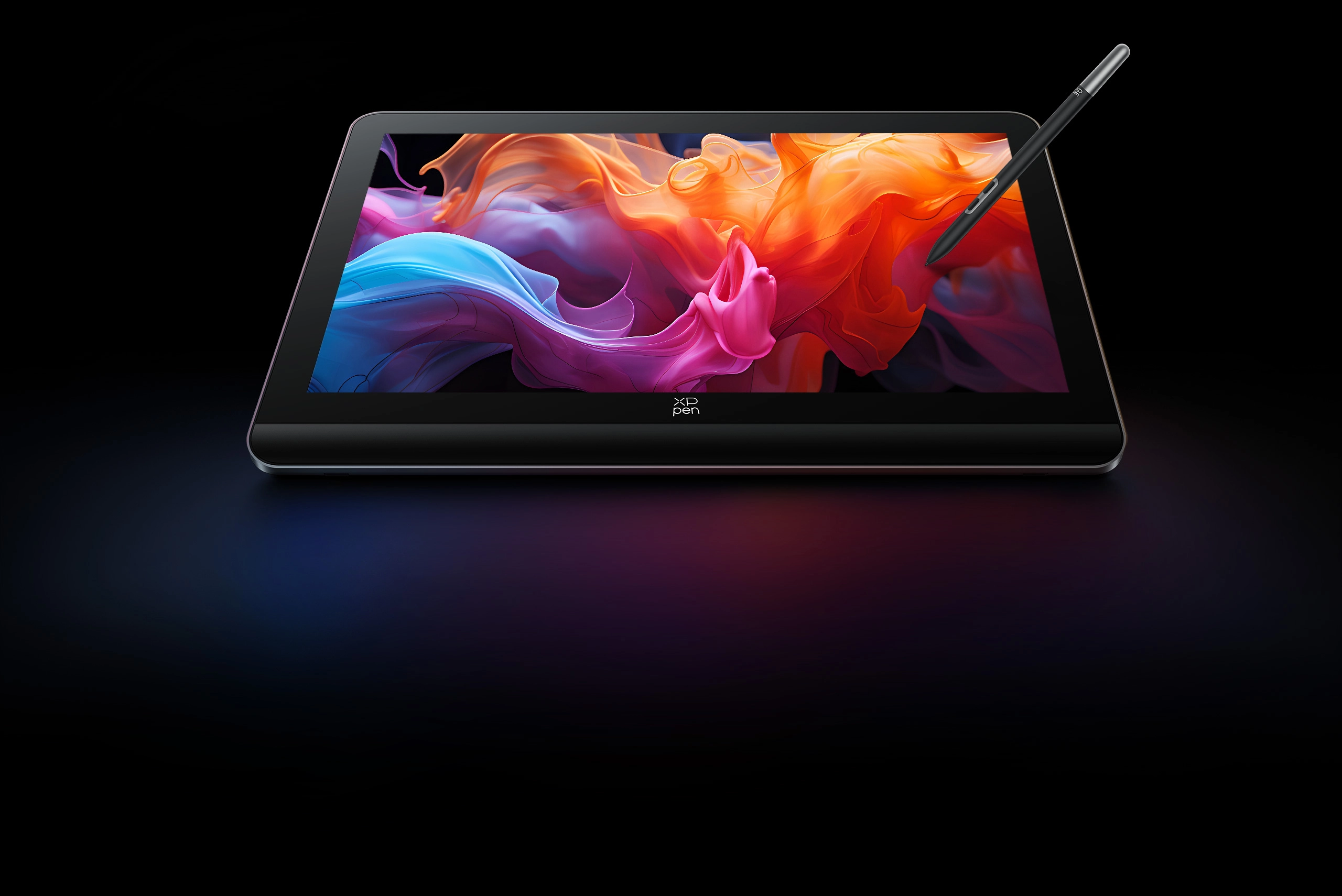
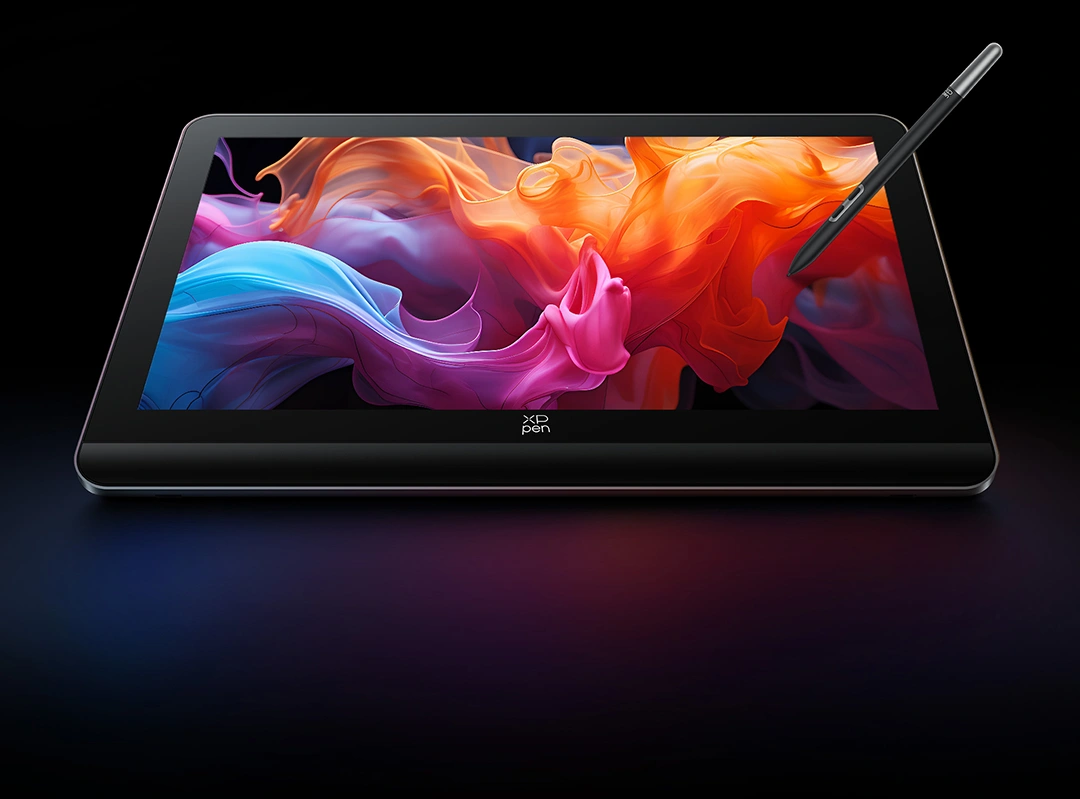
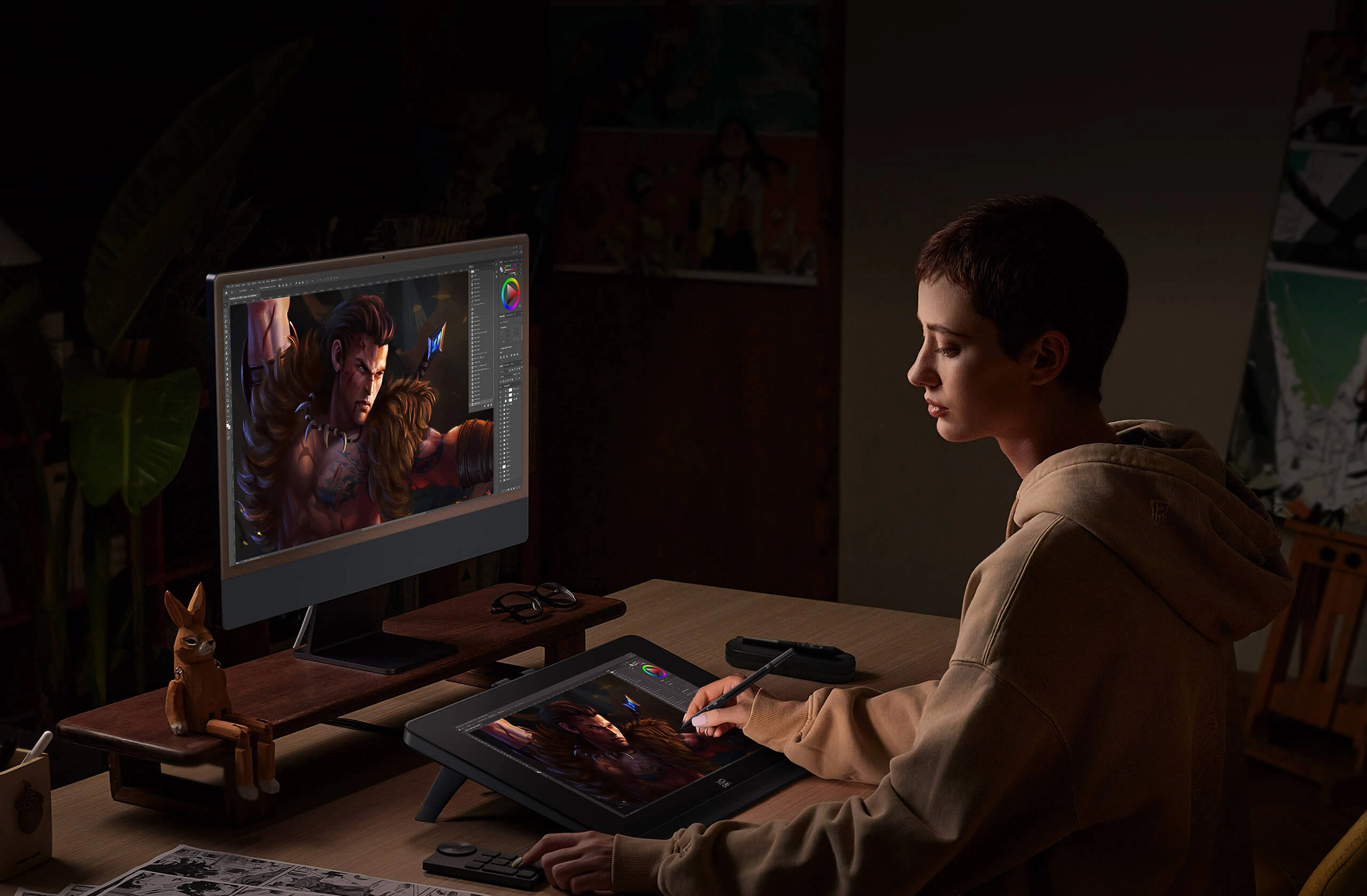
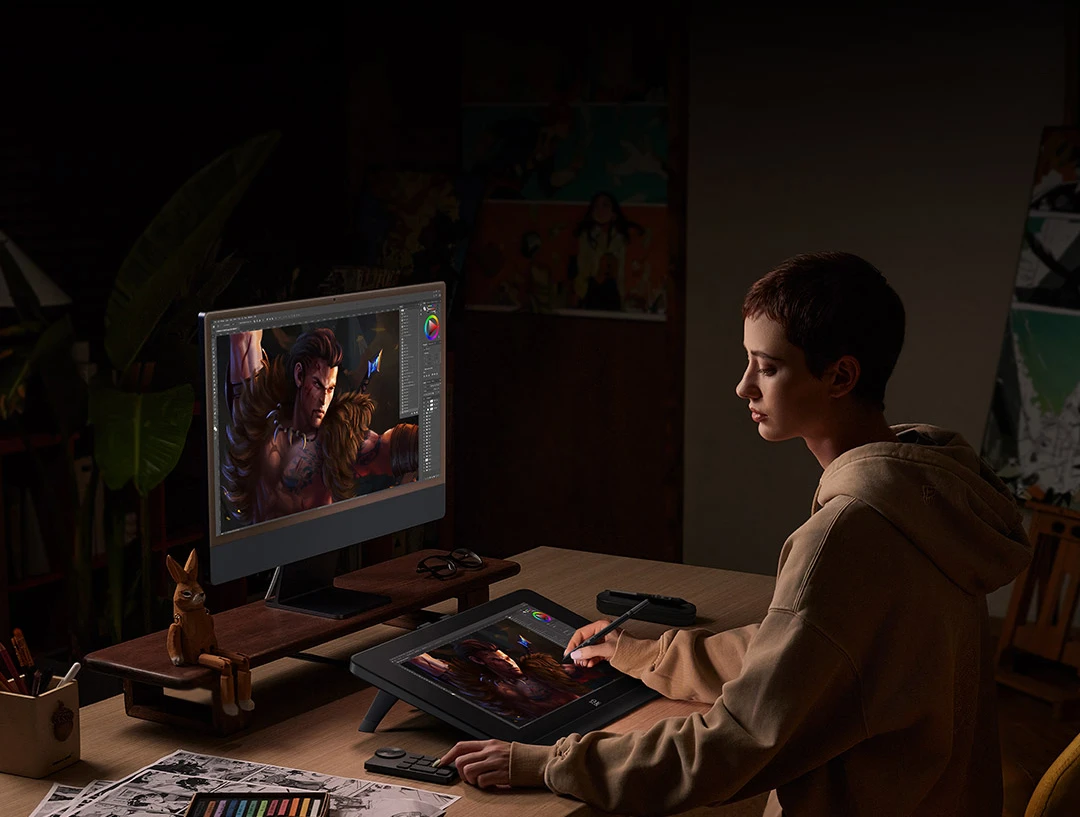
Here comes the stunning Artist Pro 19 (Gen 2).
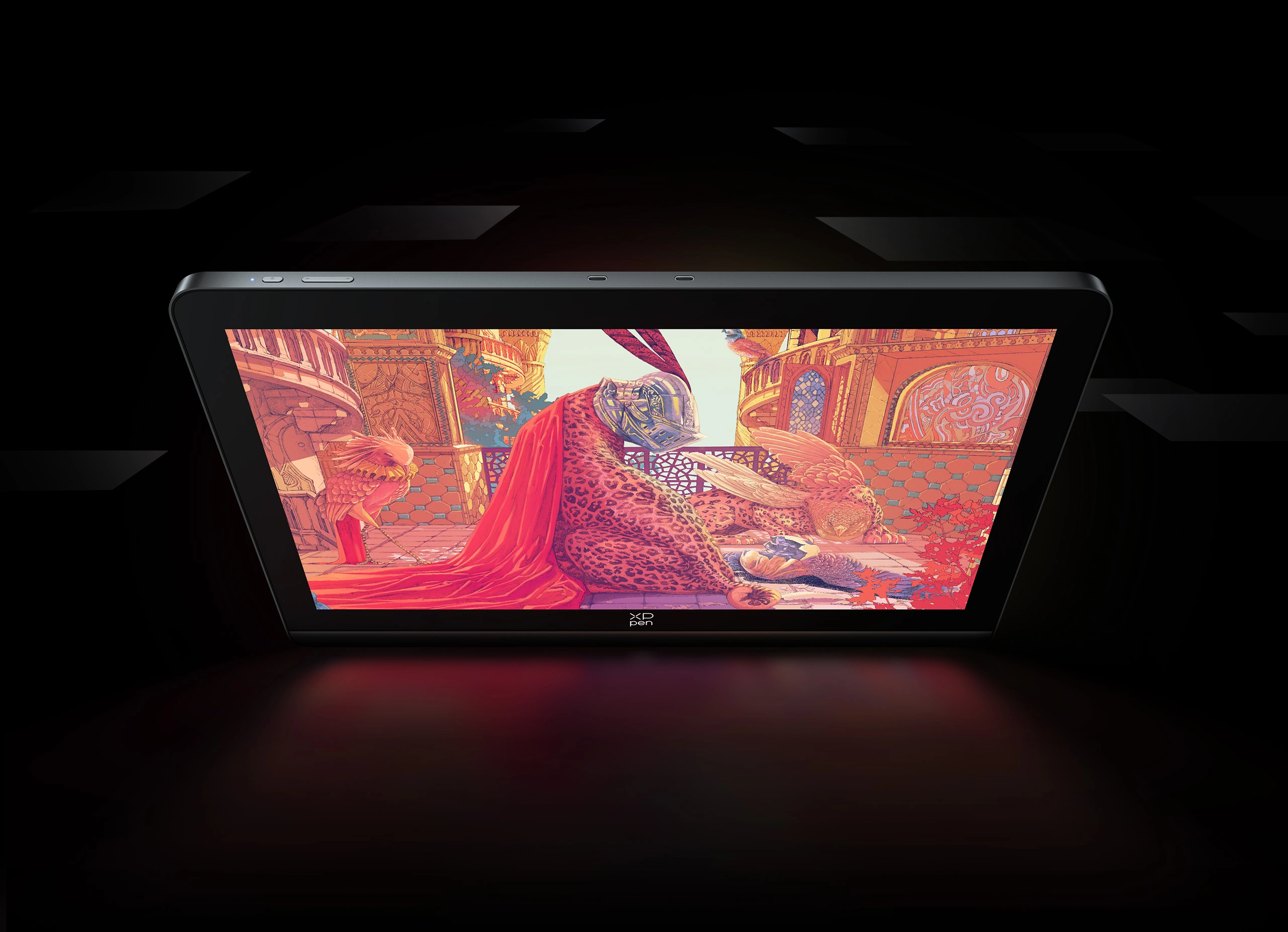
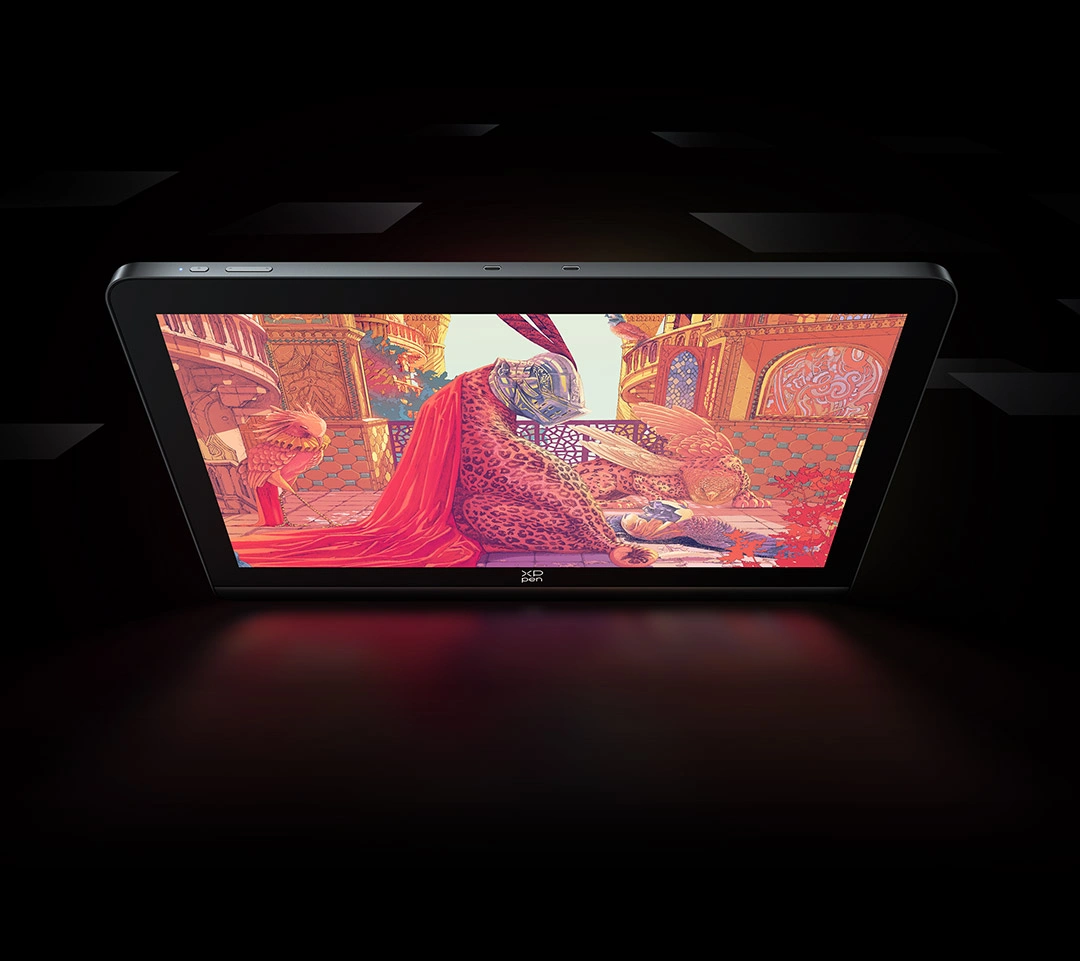
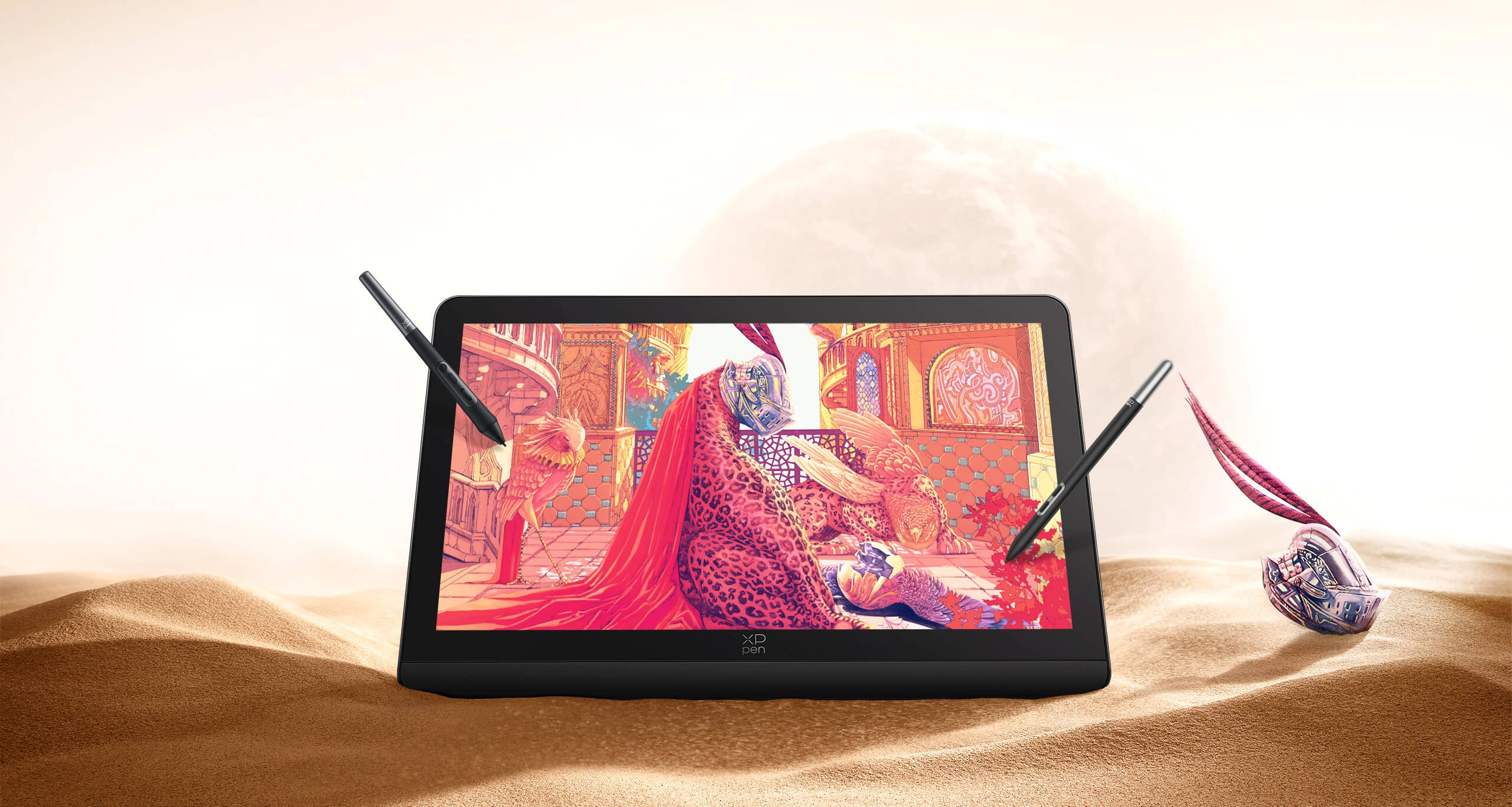
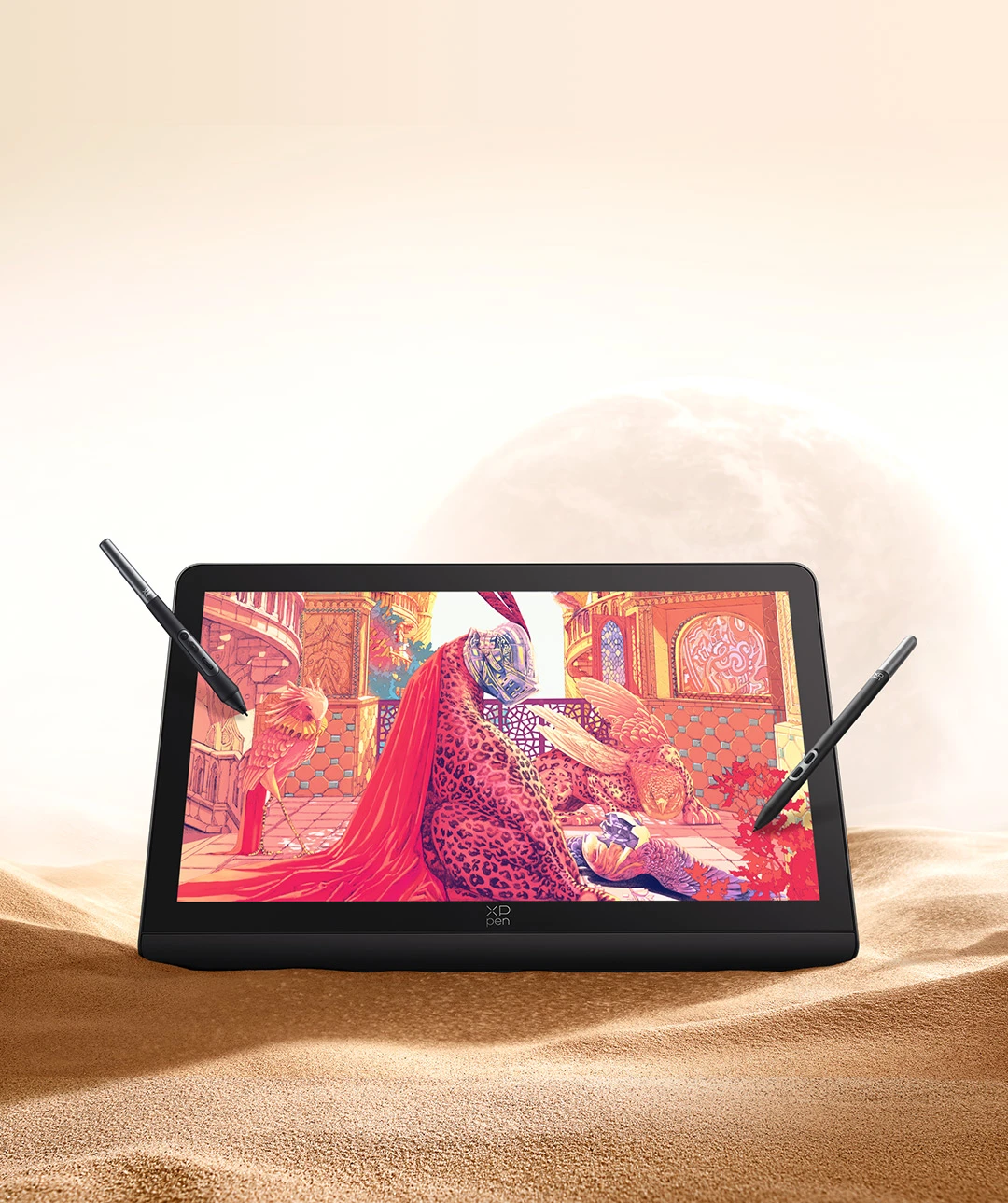
The 4K ultravision display perfectly restores the colorful art world.
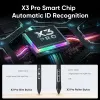
Equipped with X3 Pro Smart Chip stylus, Artist Pro 19 (Gen 2) brings
revolutionary changes to digital art creation, empowering artists
to create extraordinary masterpieces!
Ultravision Display
4K Display | Calman Verified |
Dual 16K Styli | Super Comfort
Calman Verified
Display
Master-level Color Performance
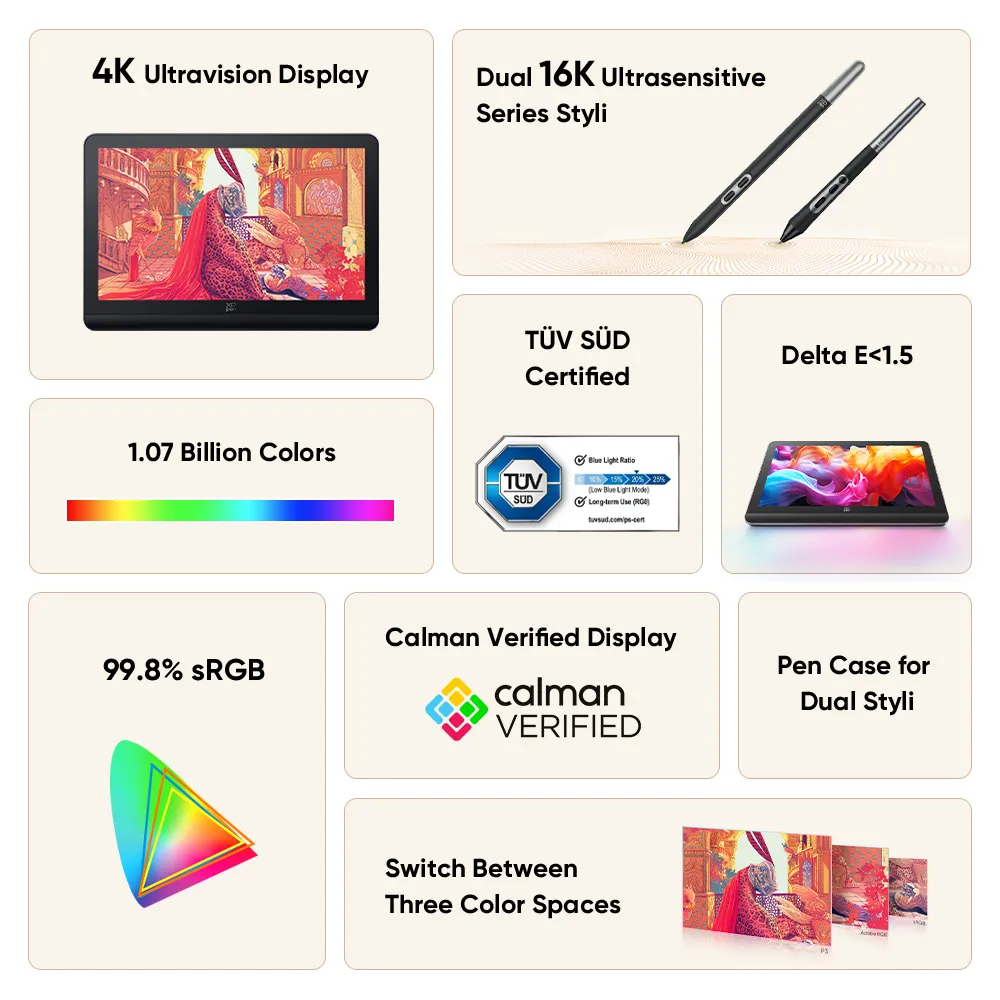
99.8% sRGB
Give Full Play to Stunning Colors
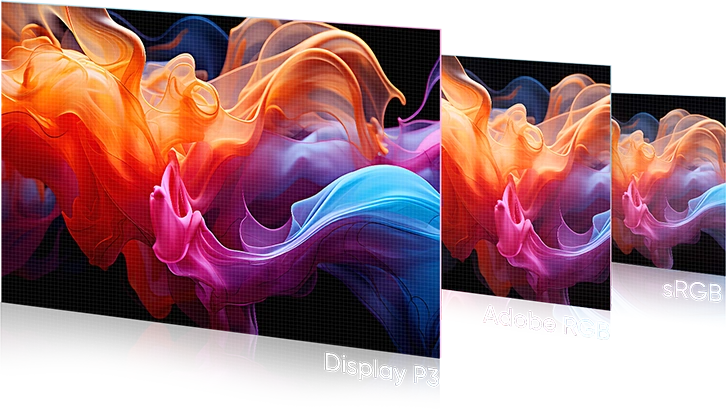
Switch Between Three Color Spaces
sRGB/Adobe RGB/Display P3
1.07 Billion Colors
Infinite Art Possibilities
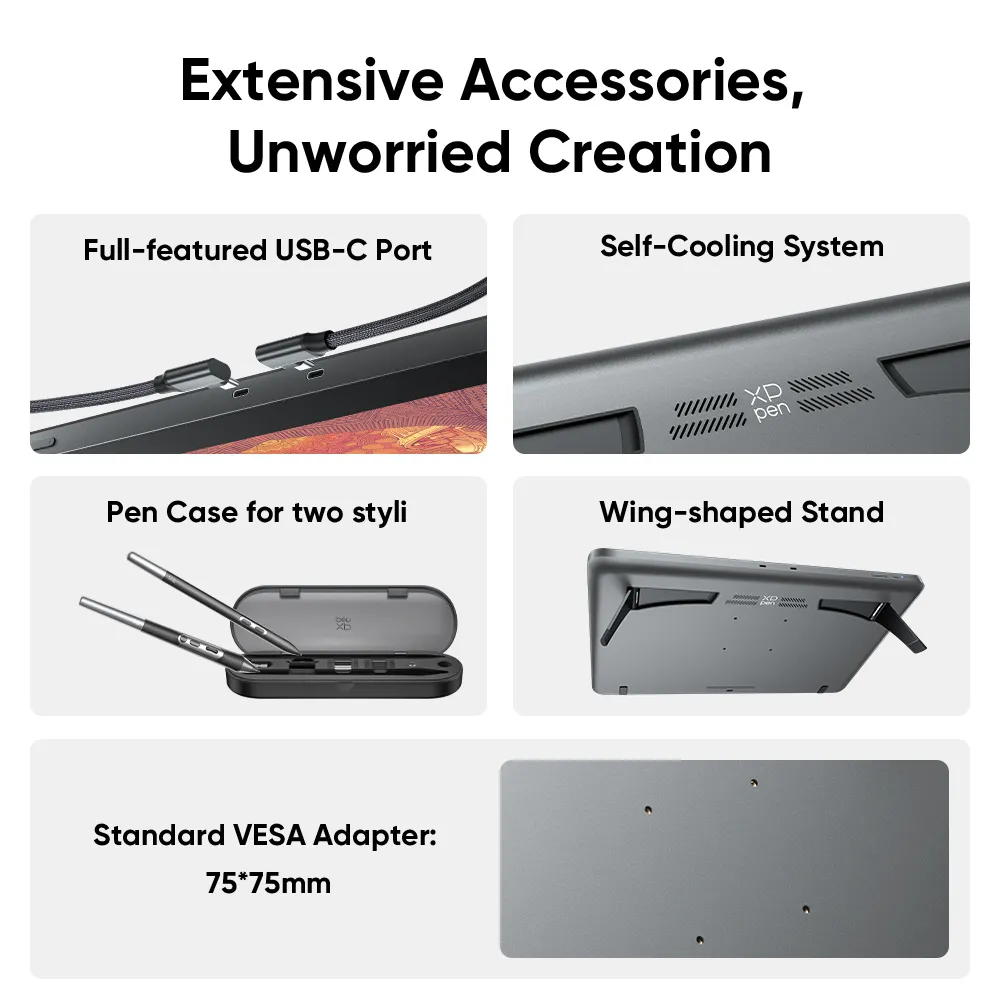
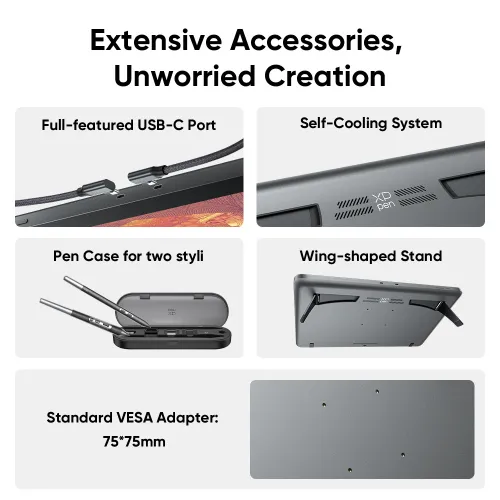
Convective Cooling System & Fanless Design
Uninterrupted Inspiration
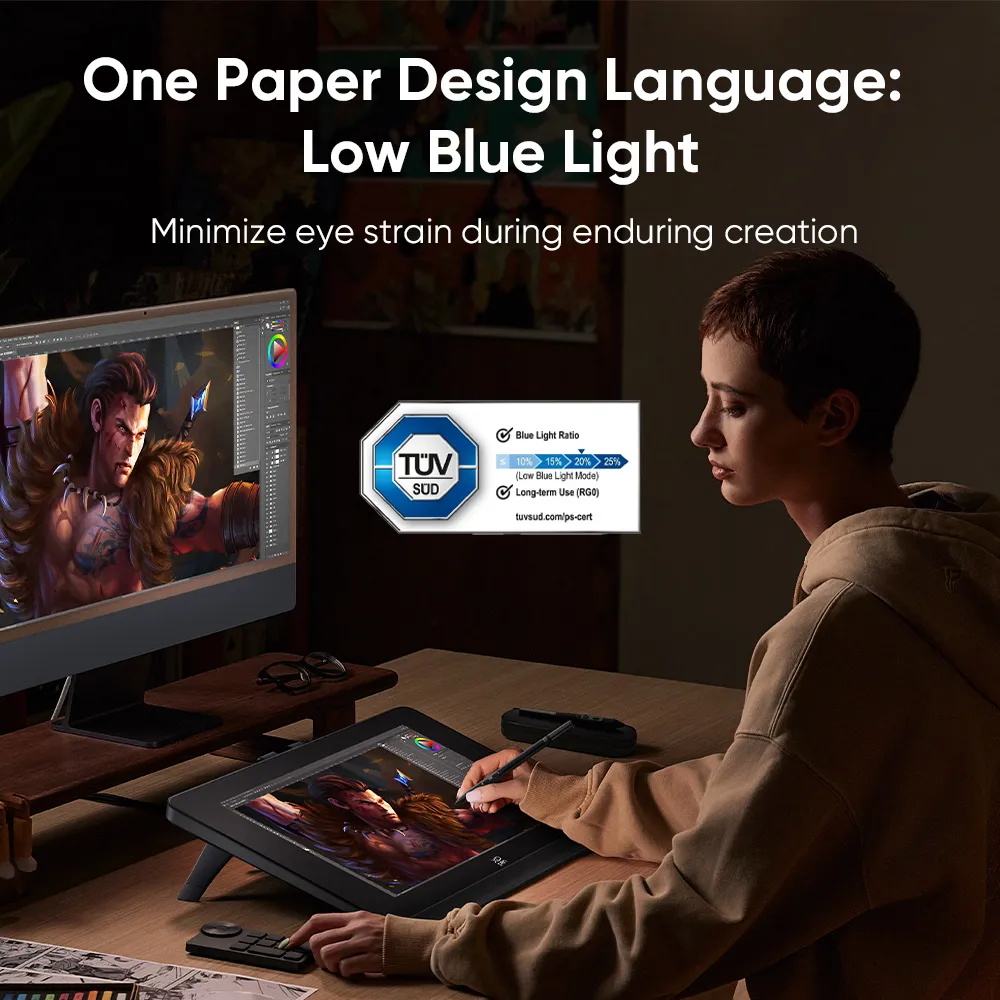
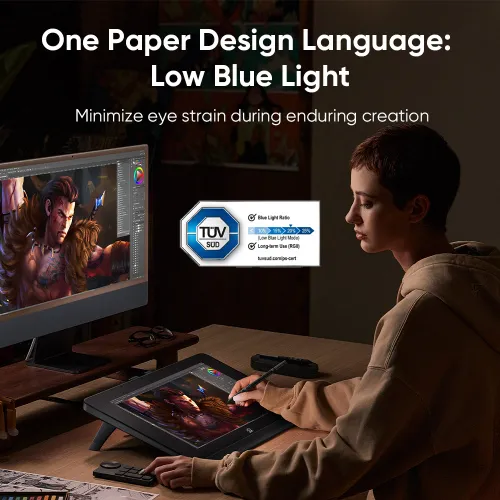
One Paper Design Language
No Fatigue, Just Create
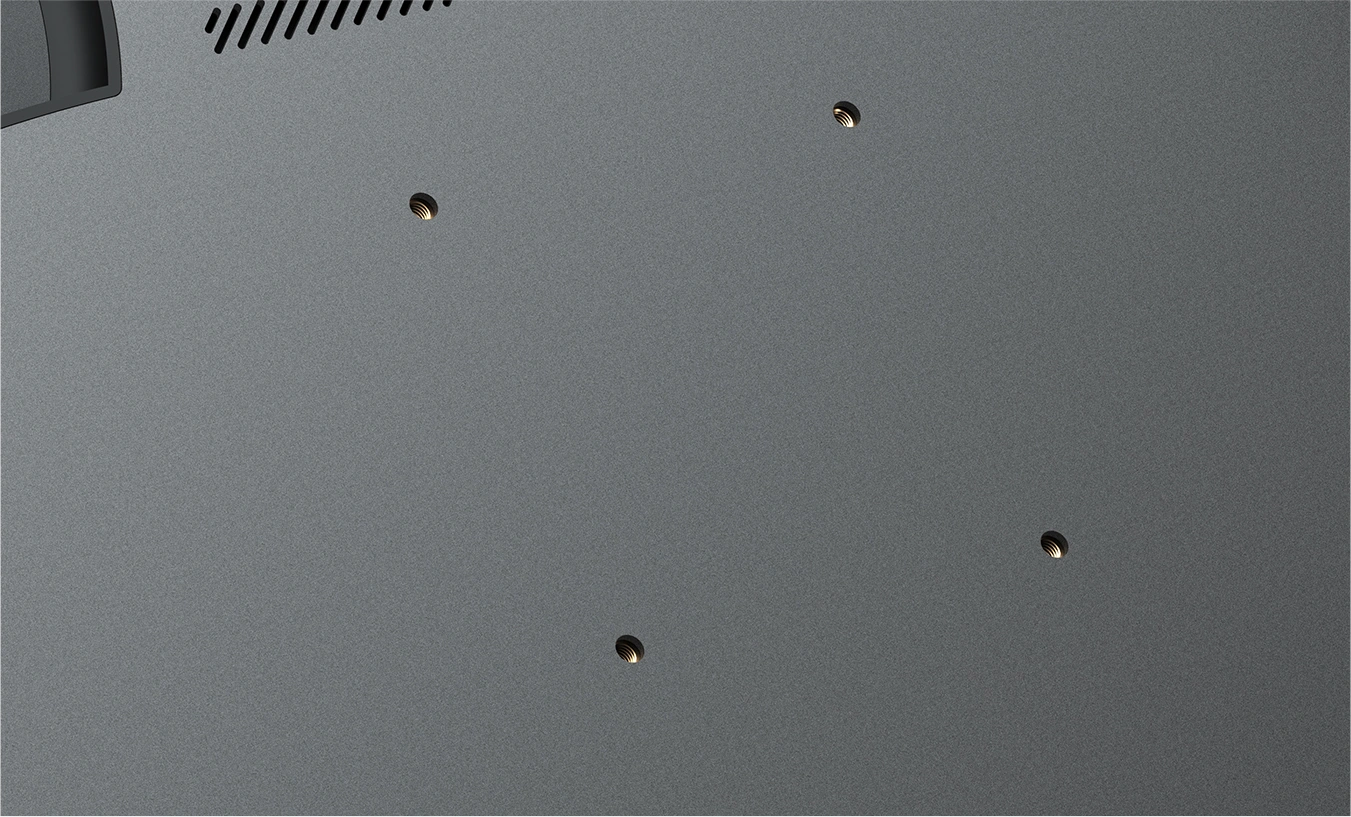
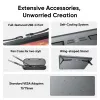
Standard VESA Port
(75*75mm)
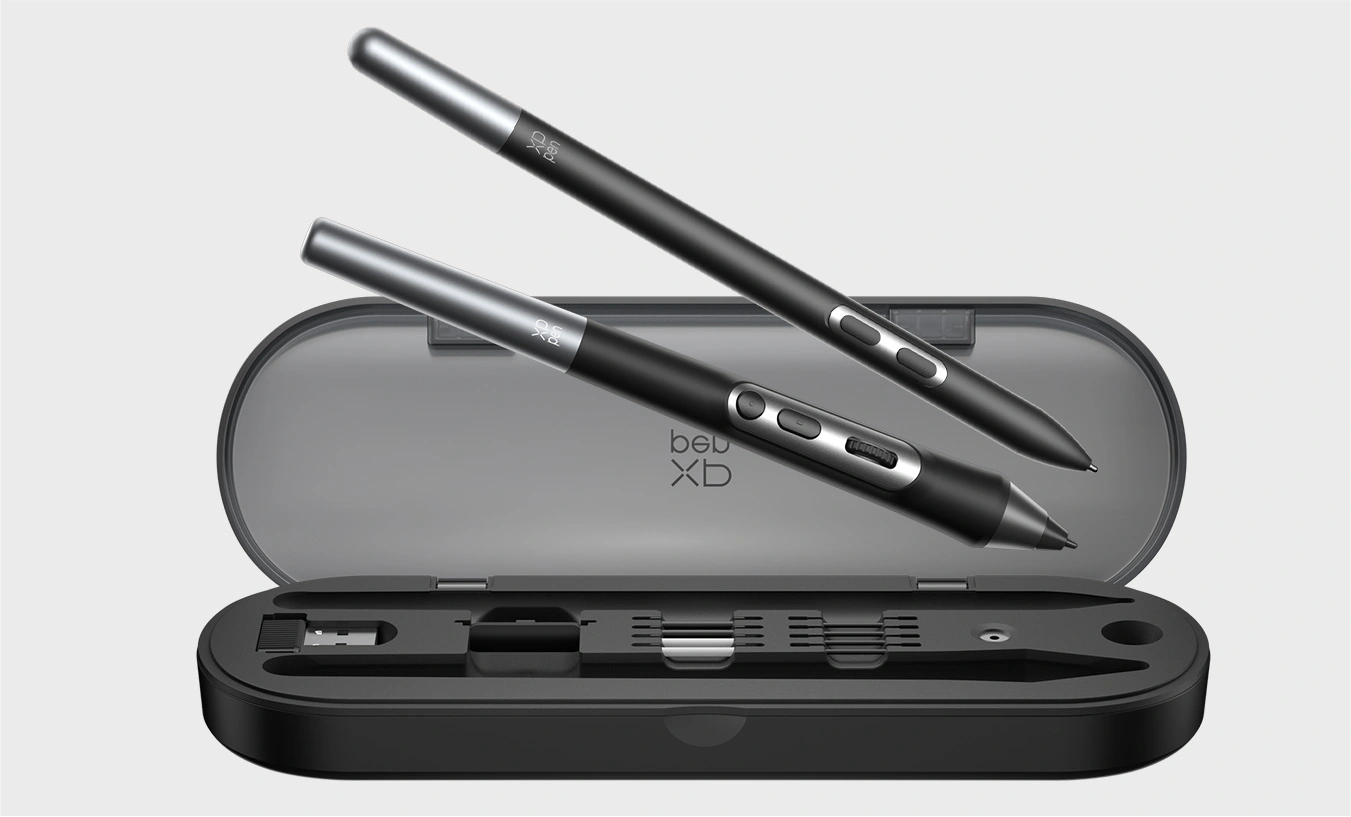
Pen Case for Dual Styli
Keep Styli Available and Organized
Dual 16K Ultrasensitive
Series Styli
X3 Pro Roller Stylus + X3 Pro Slim Stylus Smoothness in Hand
Delta E < 1.5
Restore the Beauty of Reality
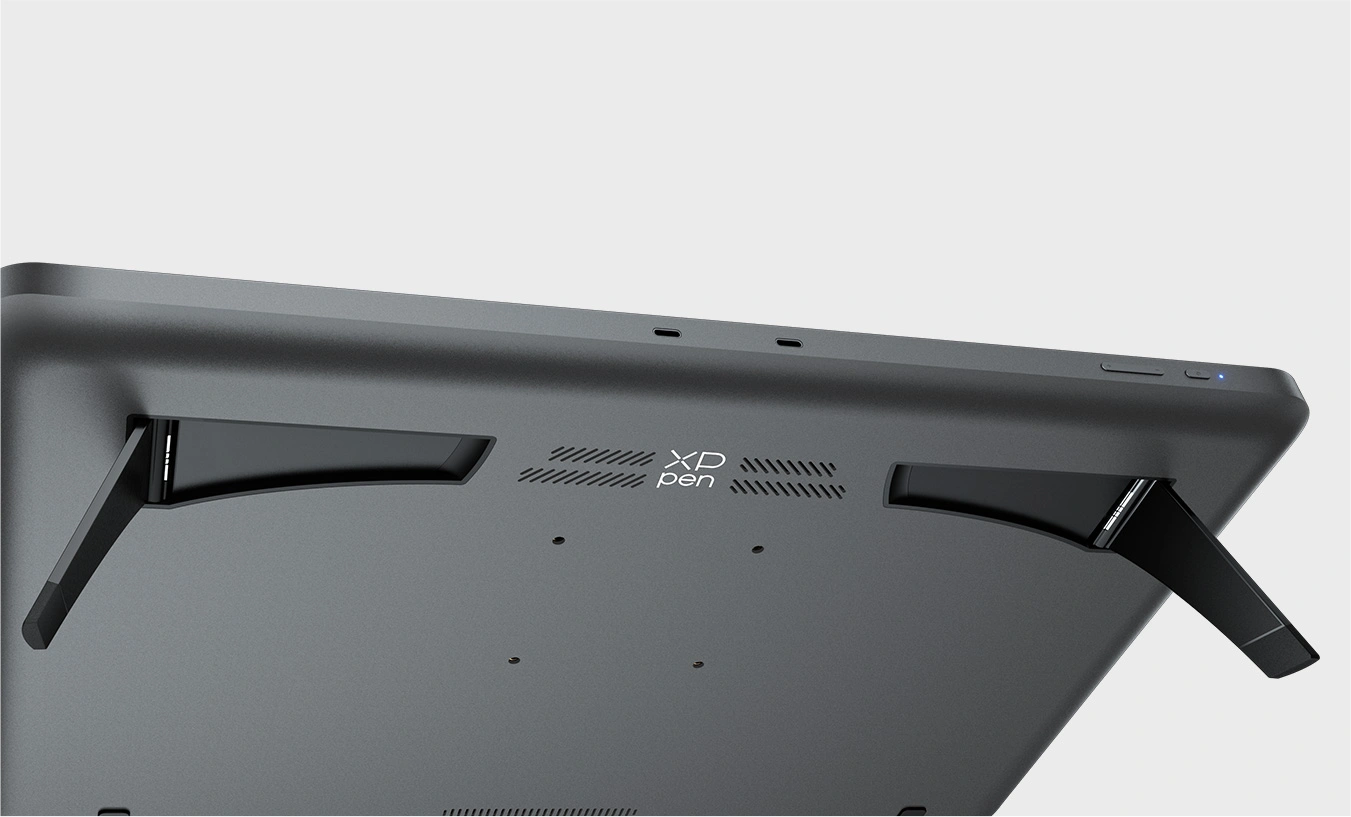
Built-in Wing-shaped Stand
Flexibility in Creation
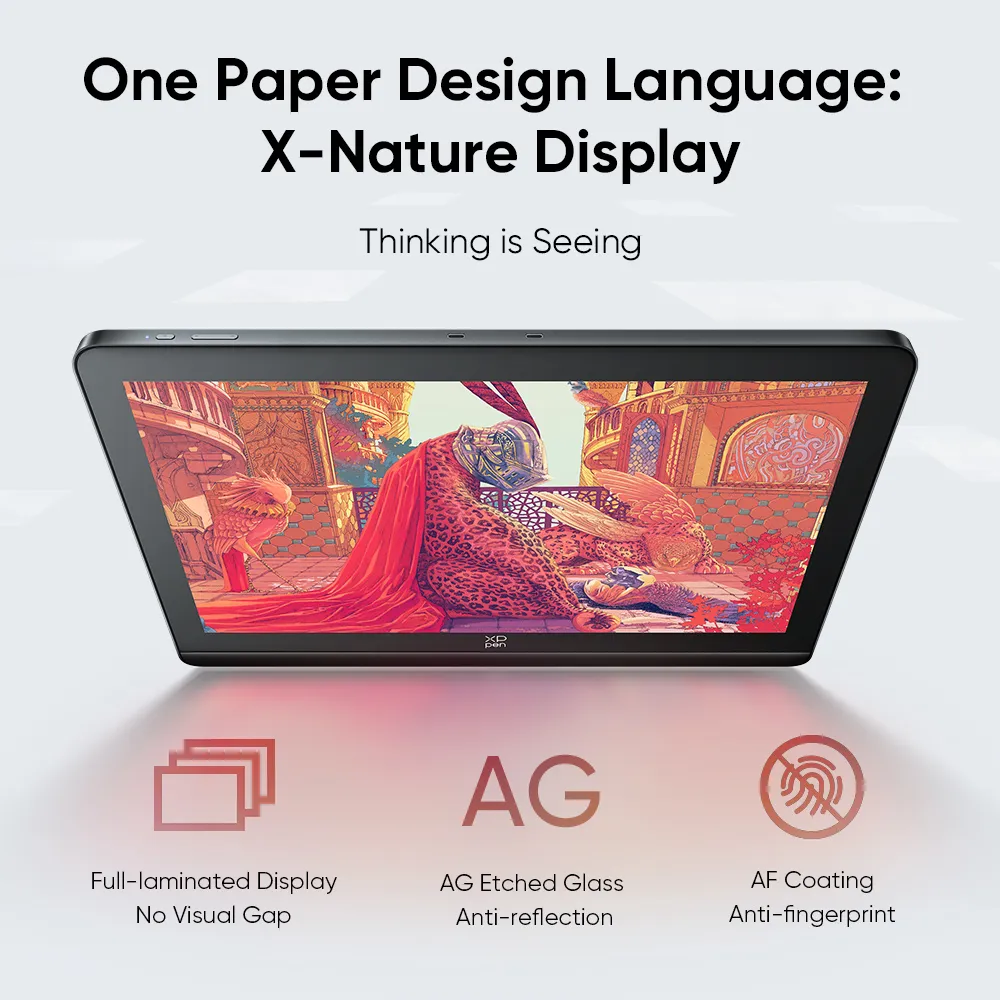
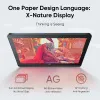
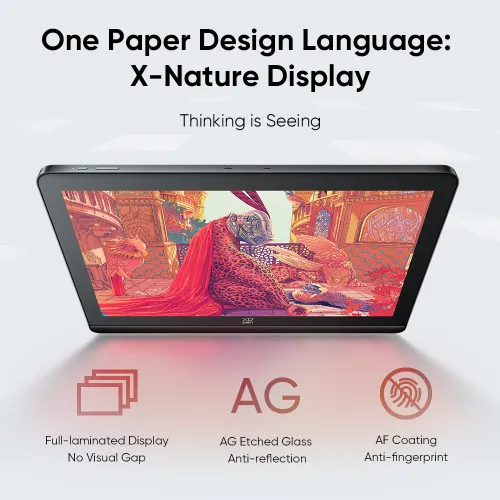
Full-laminated Display + AG Nano Etched Glass + AF Coating
No Visual Gap, Anti-reflection, Anti-fingerprint
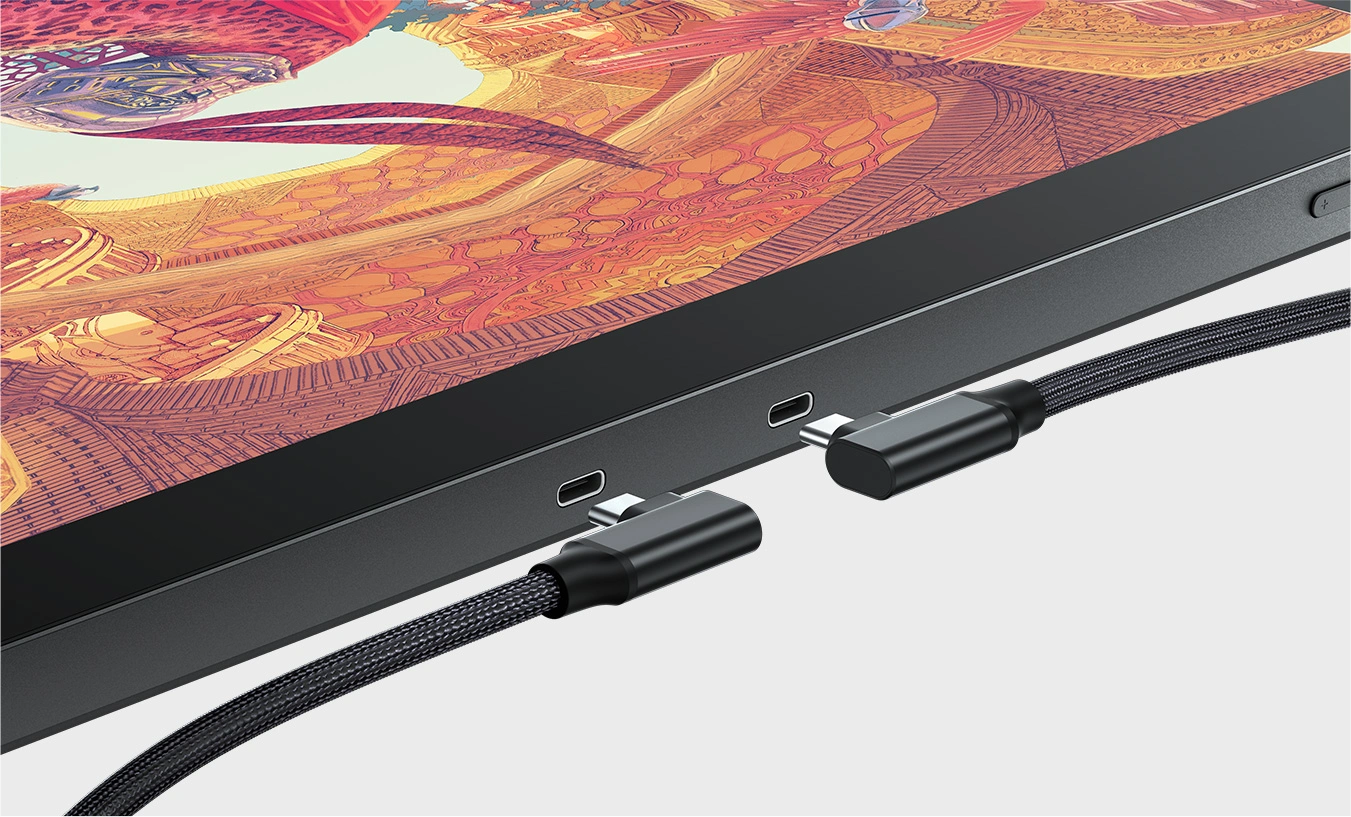
Dual USB-C Ports
Flexibility without Hassle
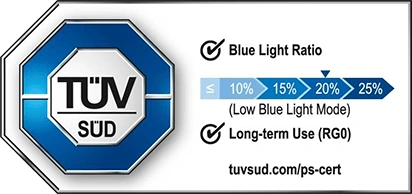
TÜV SÜD Certified
A world-renowned artist, illustrator, and designer who once cooperated with Apple and illustrated for Hermès in a global contest. And a Lion-winner of the Cannes Lions International Festival of Creativity 2014. His illustrations are a burst of emotions and boldness, packed with international cultural diversity and profound creative techniques, taking the audience to a spectacular imaginative world.
XPPen is honored to collaborate with Shan Jiang to break the boundary of art and technology as it launches the all-new Artist Pro 19 (Gen 2) Drawing Display.
4K
Ultravision Display
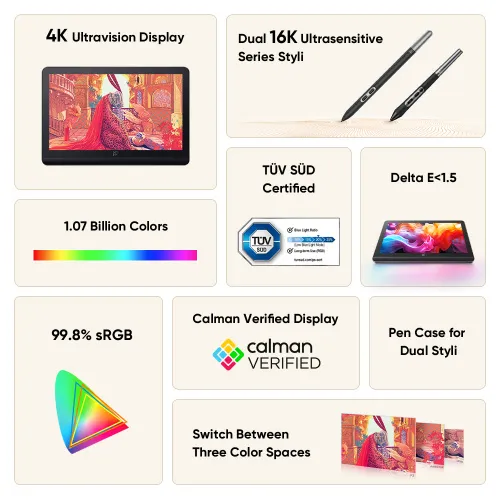
The 18.4-inch 4K display offers a resolution up to 3840 x 2160. Try drawing on it, and you will find every detail comes to life. Explore a more organic visual experience on the expanded drawing area with a perfect 16:9 aspect ratio. From now on, there is no boundary for your imagination.
Calman Verified
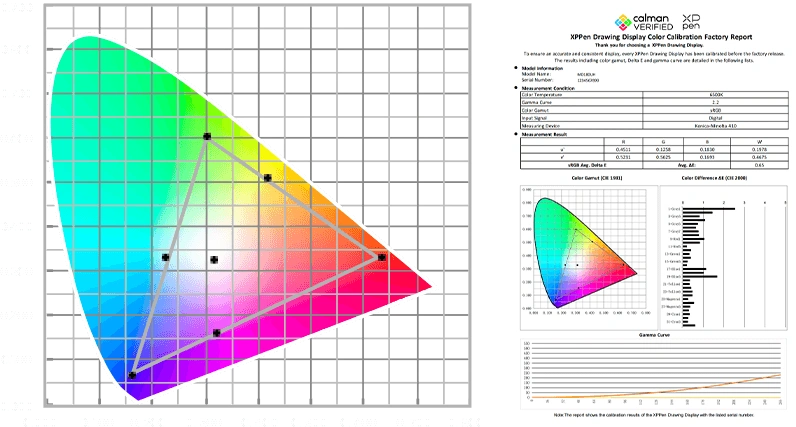
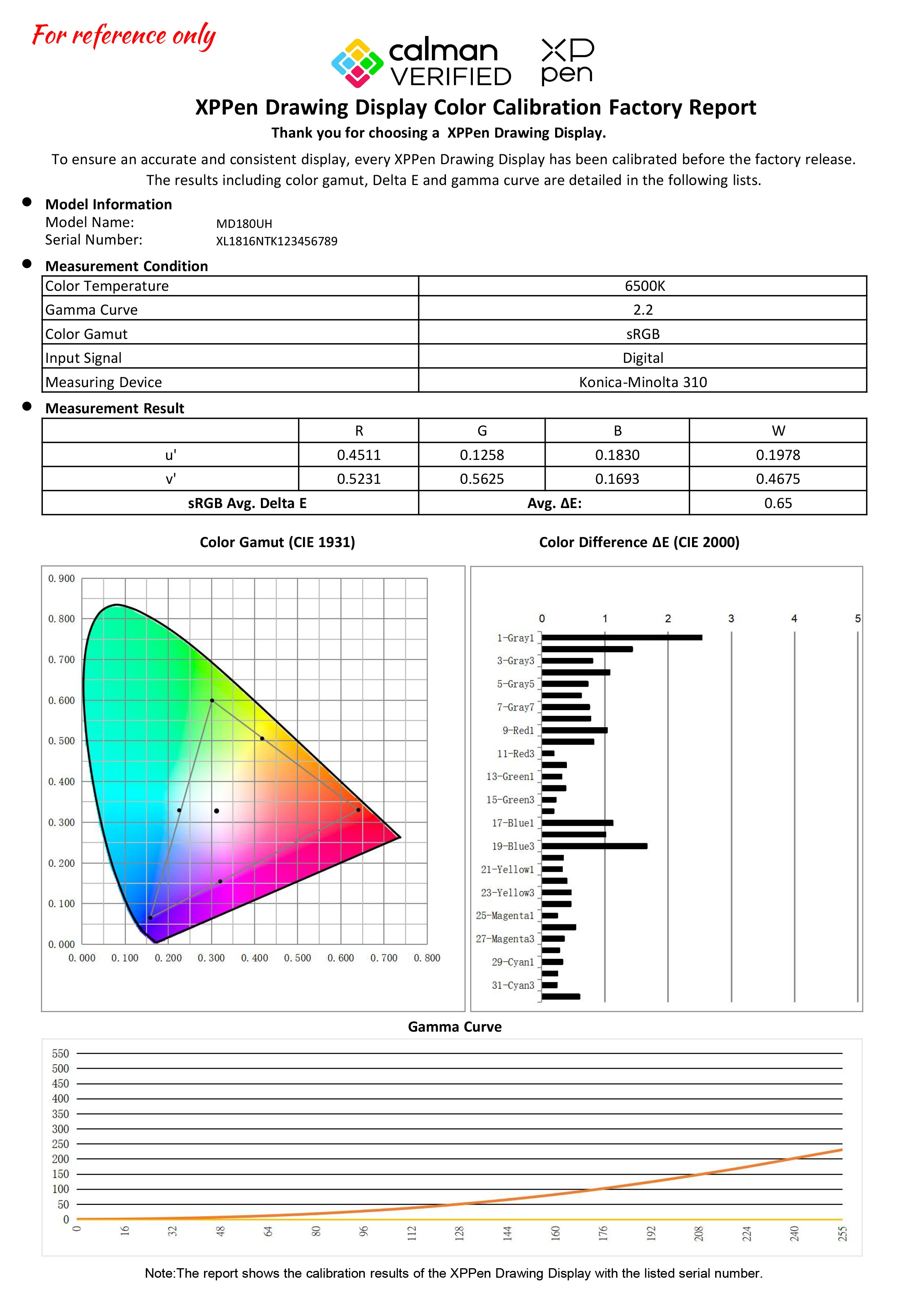
It is a Calman-verified display. With a 99.8% sRGB color gamut coverage ratio and 250cd/m² brightness, the display precisely reproduces the charm of natural colors. Every creation you make becomes a visually attractive work that perfectly matches your inspiration.
Calman Verified Display
10 bit* Color Depth
250cd/m² Brightness
Delta E < 1.5*
Elevate Art with
High Color Accuracy
The high color accuracy meets the high standards of creative professionals. Precise color alignment makes it possible to create top-quality designs and transform your wildest ideas into actual artwork.
* For the sRGB only
Switch Between
Three Color Spaces,
Professional Creativity
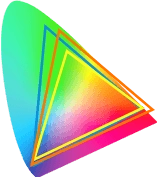
By supporting sRGB, Adobe RGB, and Display P3 professional color space switching* to meet various creative display requirements, Artist Pro 19 brings creators an exceptional drawing experience.
Color Gamut
Area Ratio
156% sRGB
Color Gamut
Coverage Ratio
99.8% sRGB
Color Blooms All Over the Display
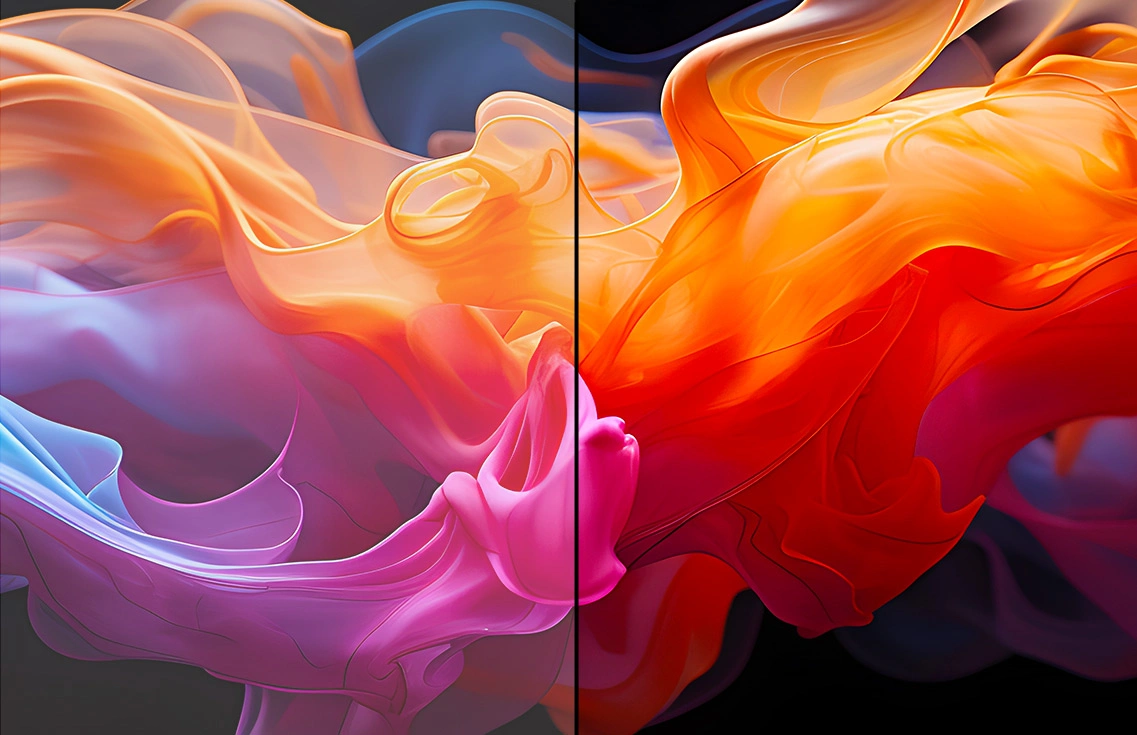
The ability to display 1.07 billion colors brings powerful color performance, ensuring dynamic and lifelike images with smooth and delicate color transition. For creative professionals, the drawing display embodies the ultimate pursuit of colors.
Normal
1.07 Billion
Colors
* 8bit+FRC
16K
Pressure Levels Stylus
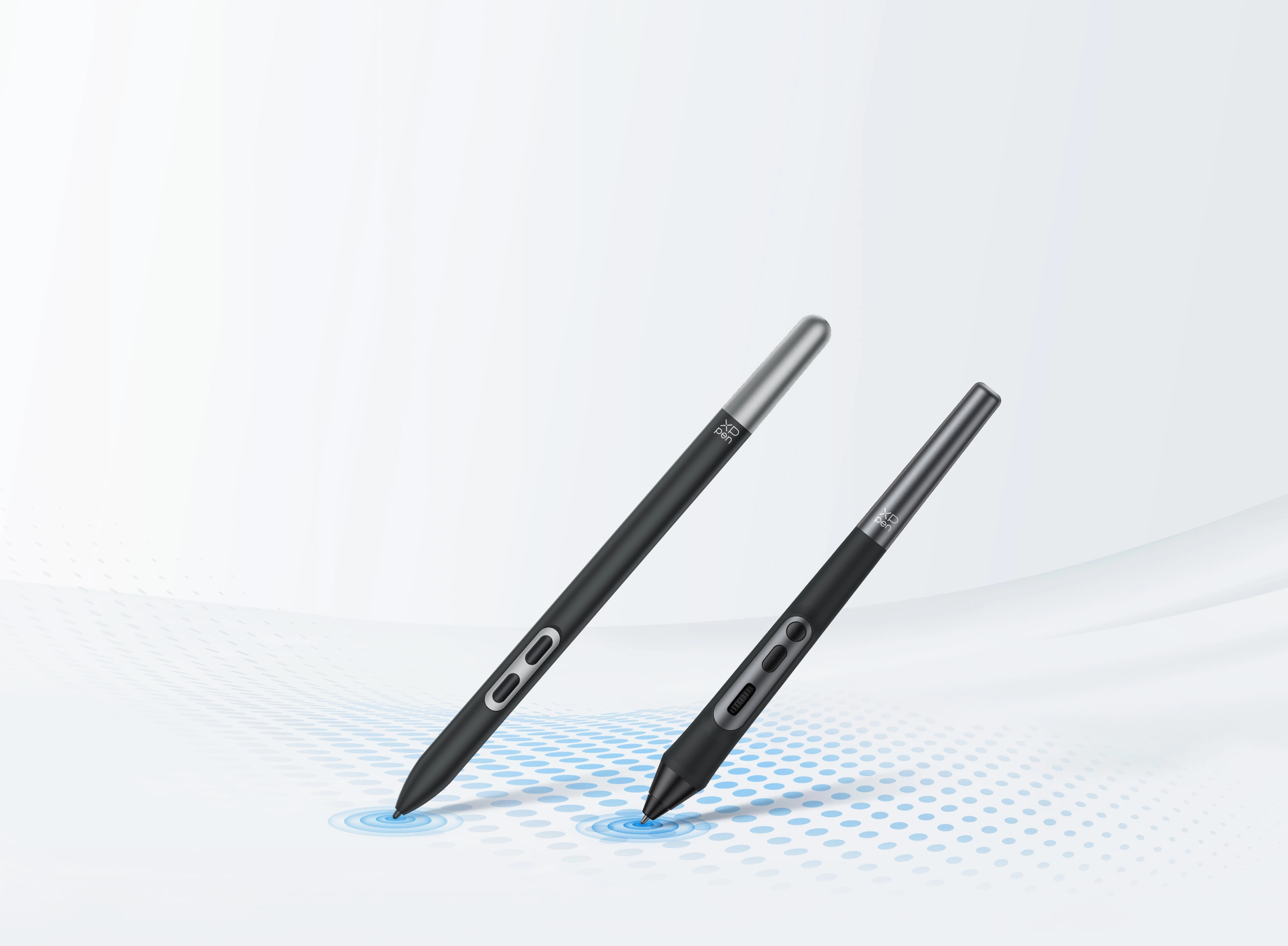
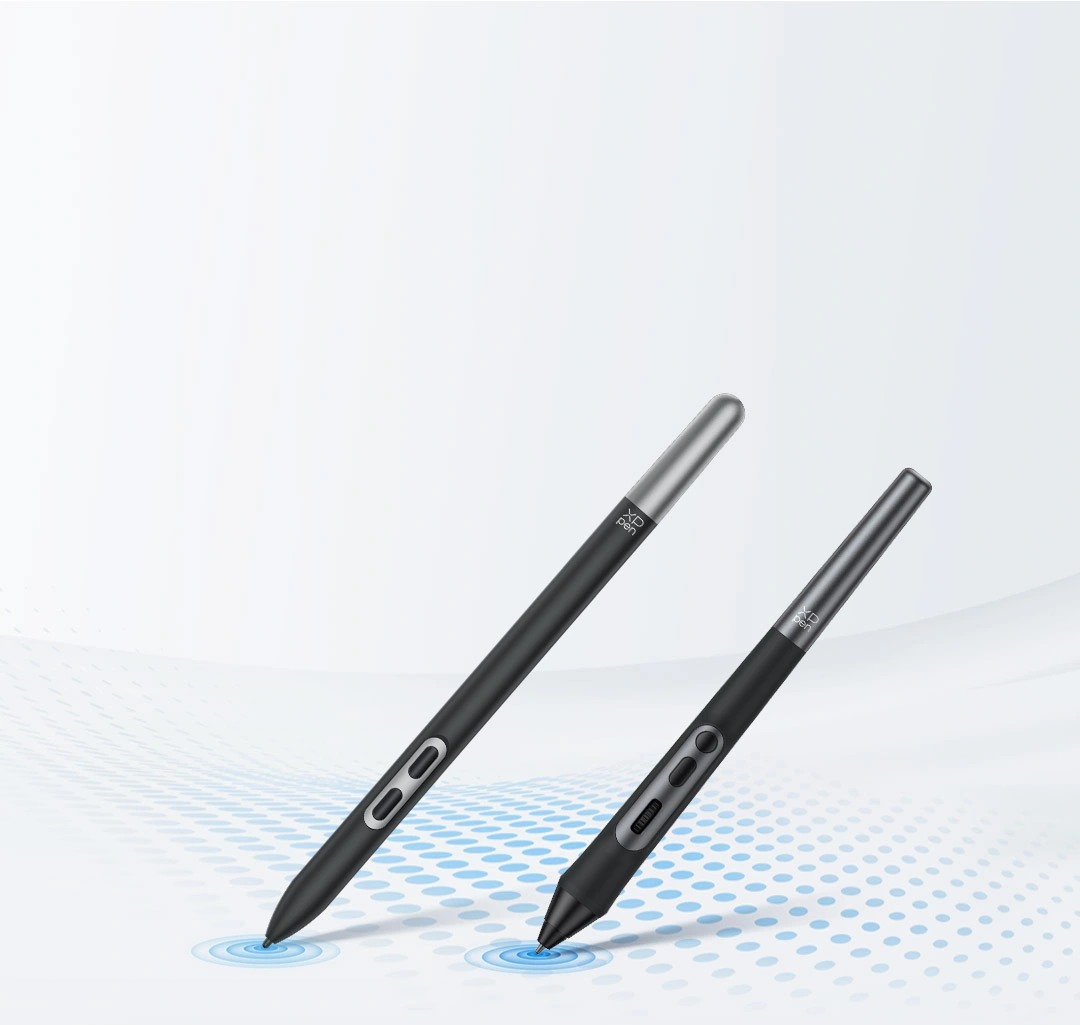
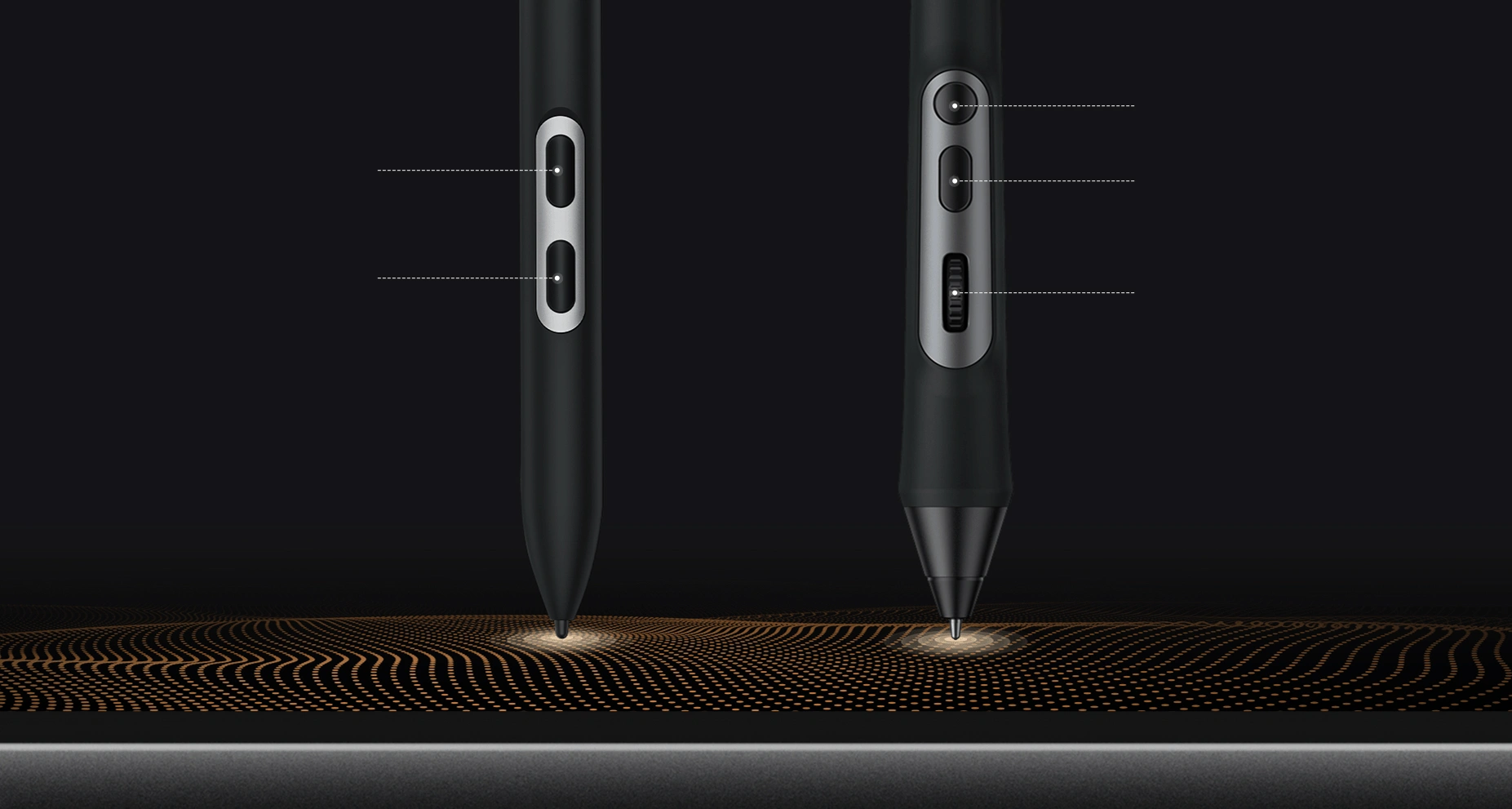
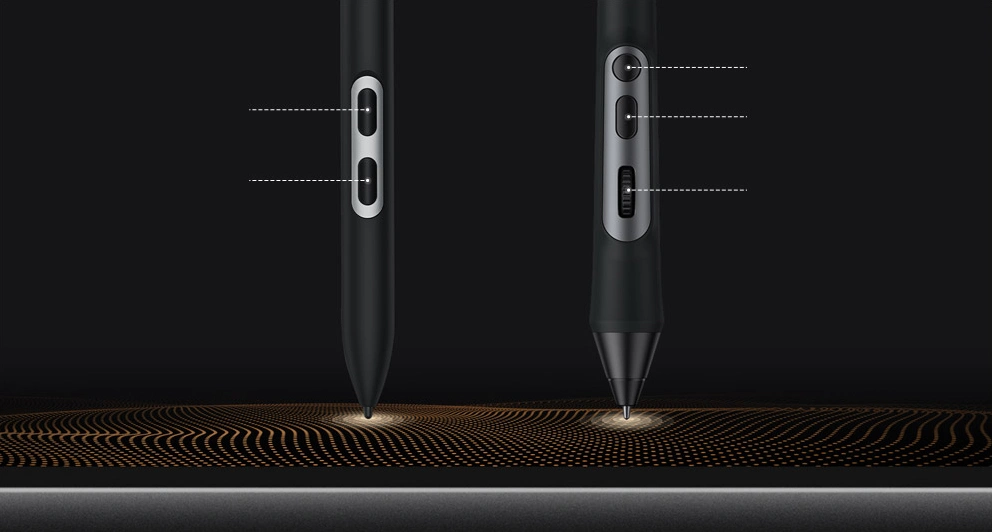
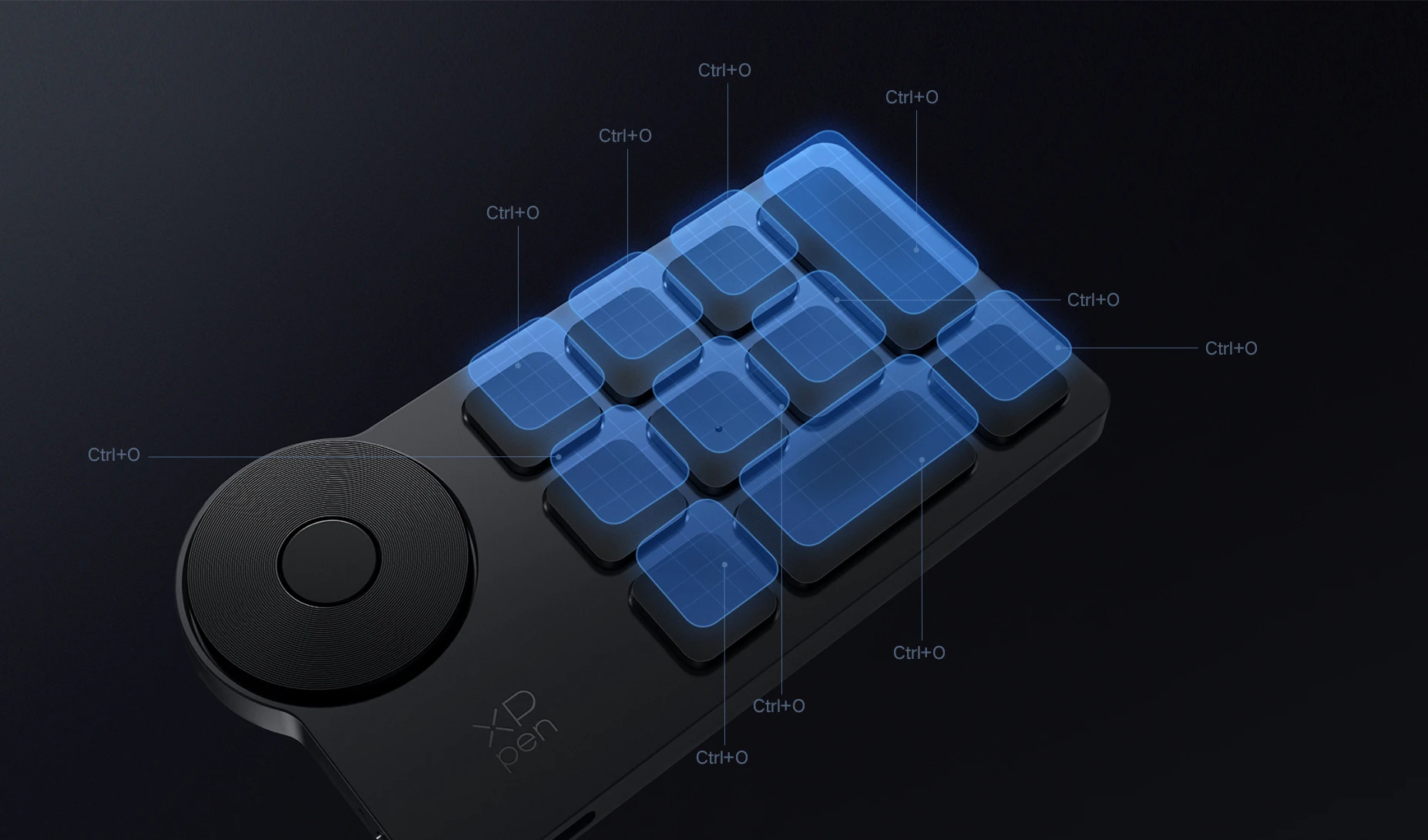
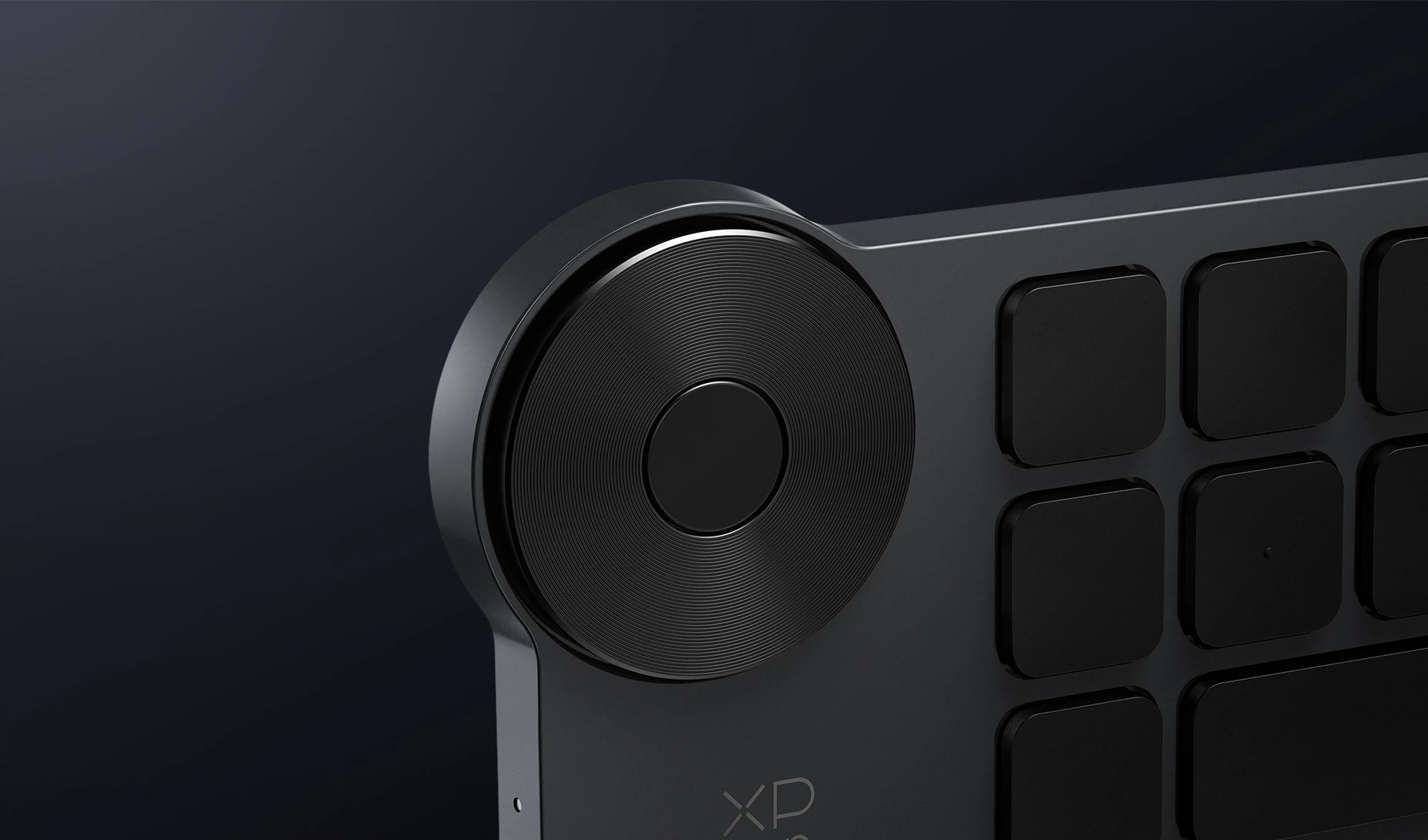
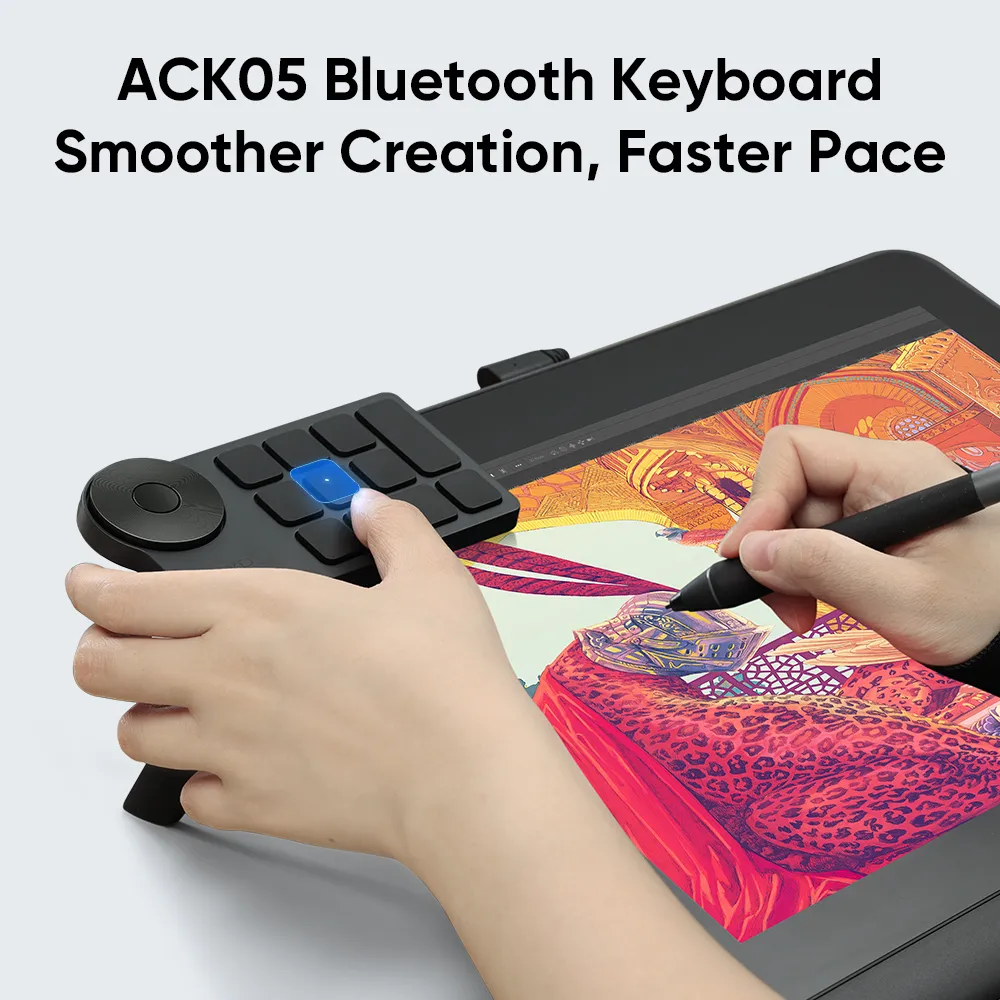
Not just X3 Pro Smart Chip and 16K pressure levels. It is equipped with a scroll wheel that can be personalized to rotate, zoom, swipe, and more. Together with customizable shortcut keys, it is the convenience at your fingerprint.
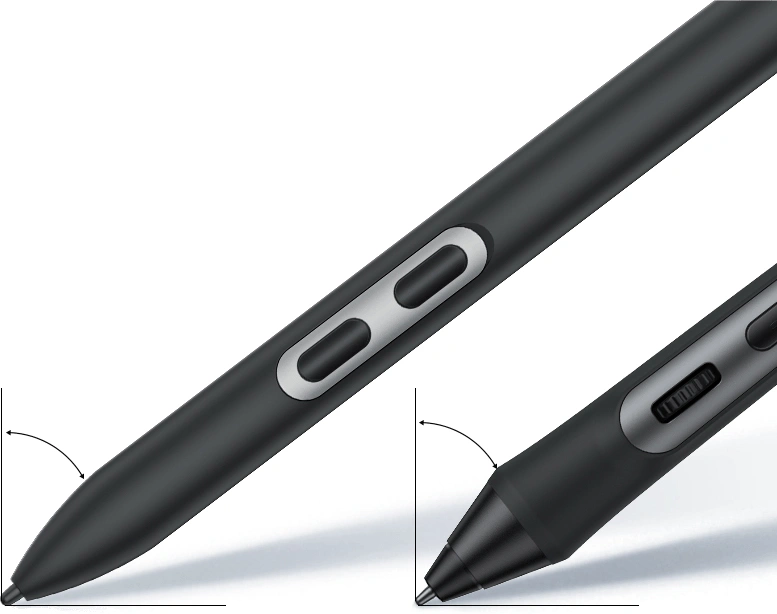
The first slim stylus with X3 Pro Smart Chip and 16K pressure levels. It is light, slim, but comfortable to grip. The two shortcut keys support flexible enablement. You can decide whether or not to activate them. Non-interference design brings higher efficiency.
Pressure Level 100% Increase
16384
X3 Pro Roller Stylus | X3 Pro Slim Stylus
8192
X3 Smart Chip Stylus
Recognition Accuracy 20% Increase
±0.4mm
(center)X3 Pro Roller Stylus | X3 Pro Slim Stylus
±0.5mm
(center)X3 Smart Chip Stylus
* This data was taken from a laboratory simulation test and may
vary depending on the environment where the device is used.
Creating shaded strokes and diverse line variations is as intuitive as drawing on paper.
60°
Tilt
≥220RPS
Report Rate
60° Tilt
60° Tilt
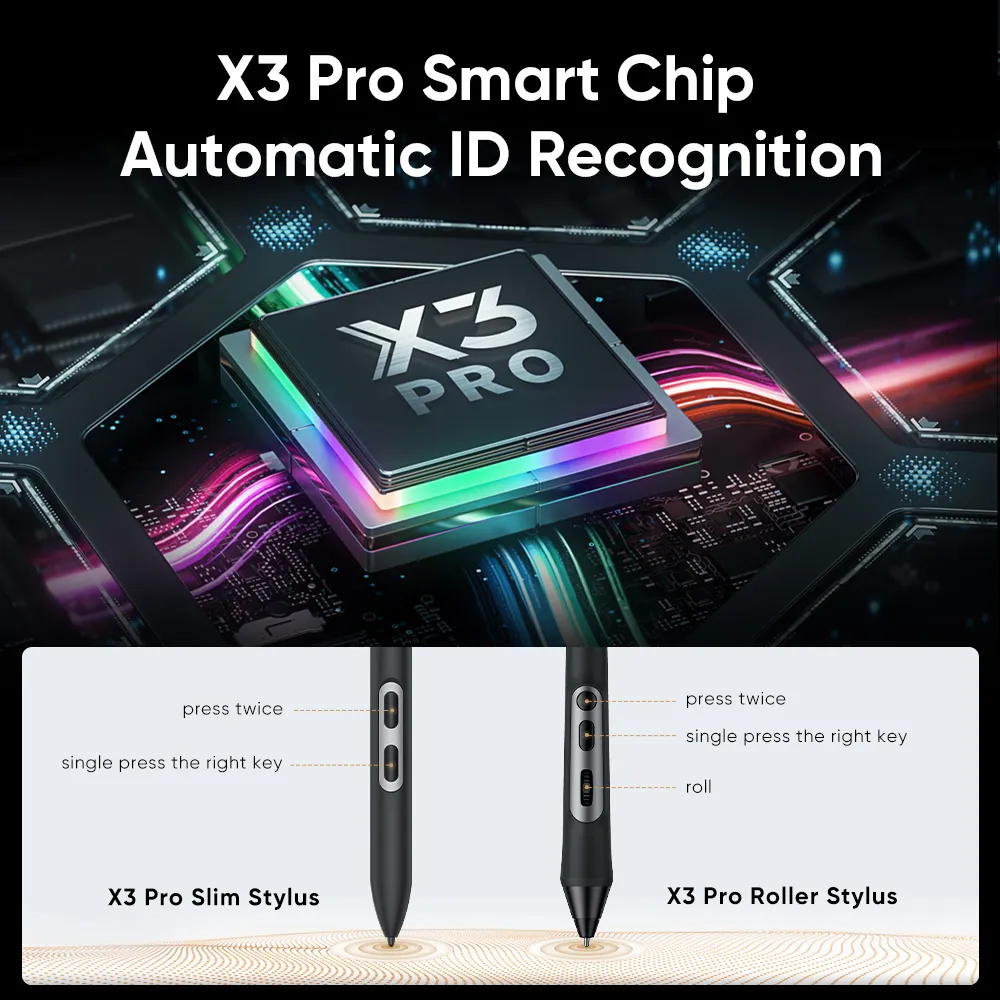
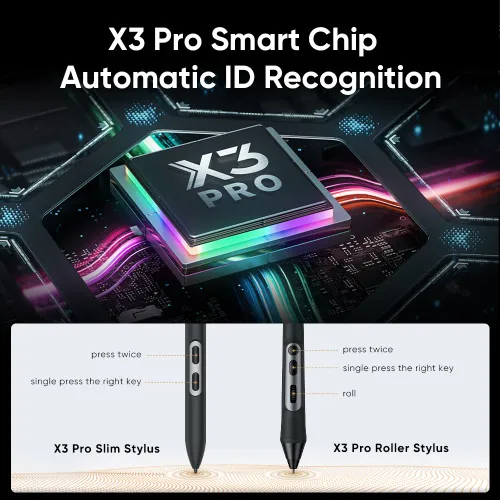
Thanks to the powerful X3 Smart Chip and X-INNOLAB's dedicated research, all the X3 Pro Series Stylus supports pen ID recognition. You can set up various shortcut keys to meet your personal needs. Just let the creativity flow with the stylus!
press twice
single press the right key
X3 Pro Slim Stylus
press twice
single press the right key
roll
X3 Pro Roller Stylus
Super Comfort
X-edge Wrist Rest
Edge-fitting for your hands. Reduce wrist fatigue
Full-laminated Display
No Visual Gap
AG Etched Glass
Anti-reflection
AF Coating
Anti-fingerprint
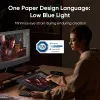
Minimize eye strain during enduring creation
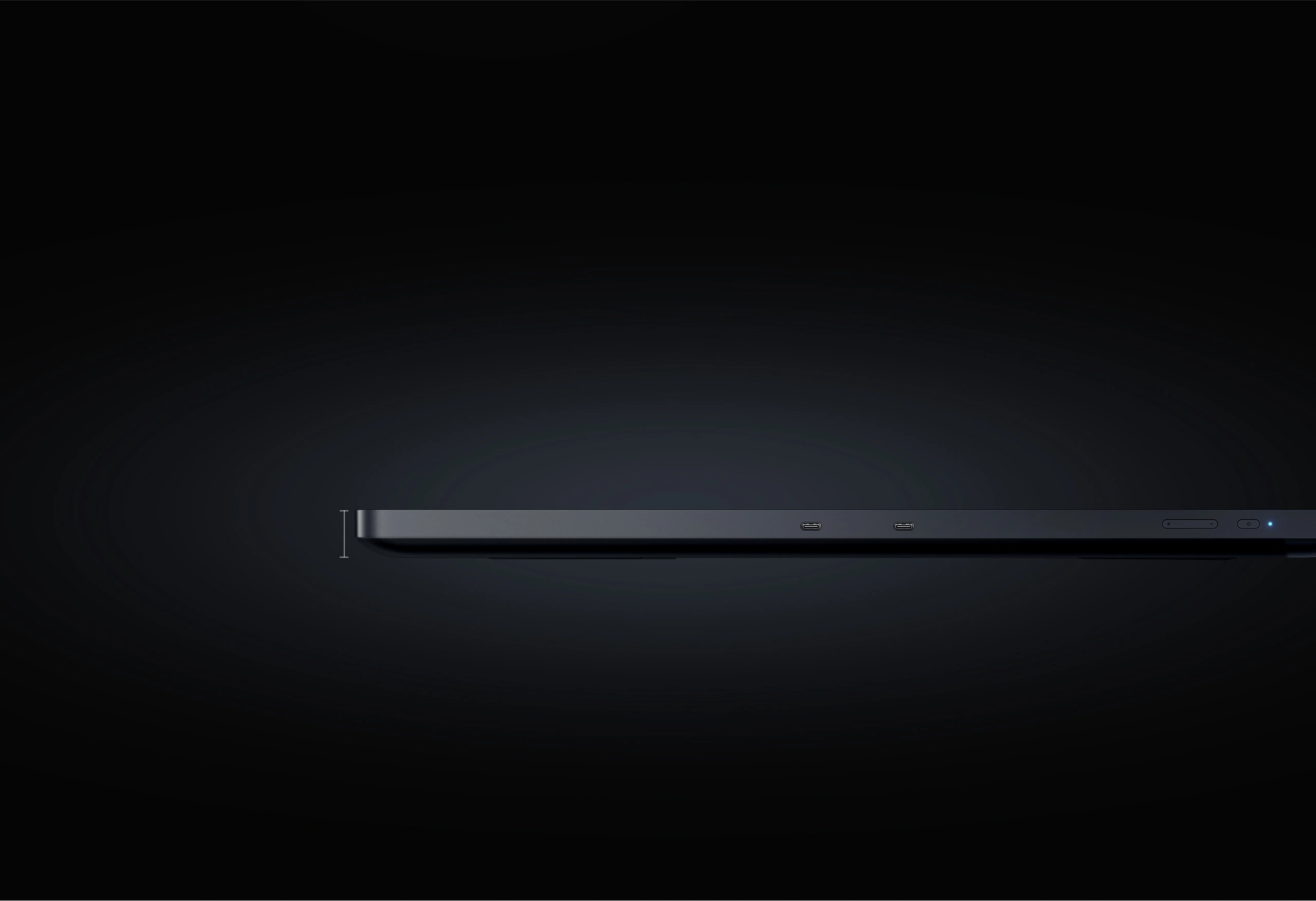
The 21.5mm ultra-slim edge is truly a breakthrough. Larger display, less desktop occupation, more engaging drawing experience.
21.5mm
21.5mm
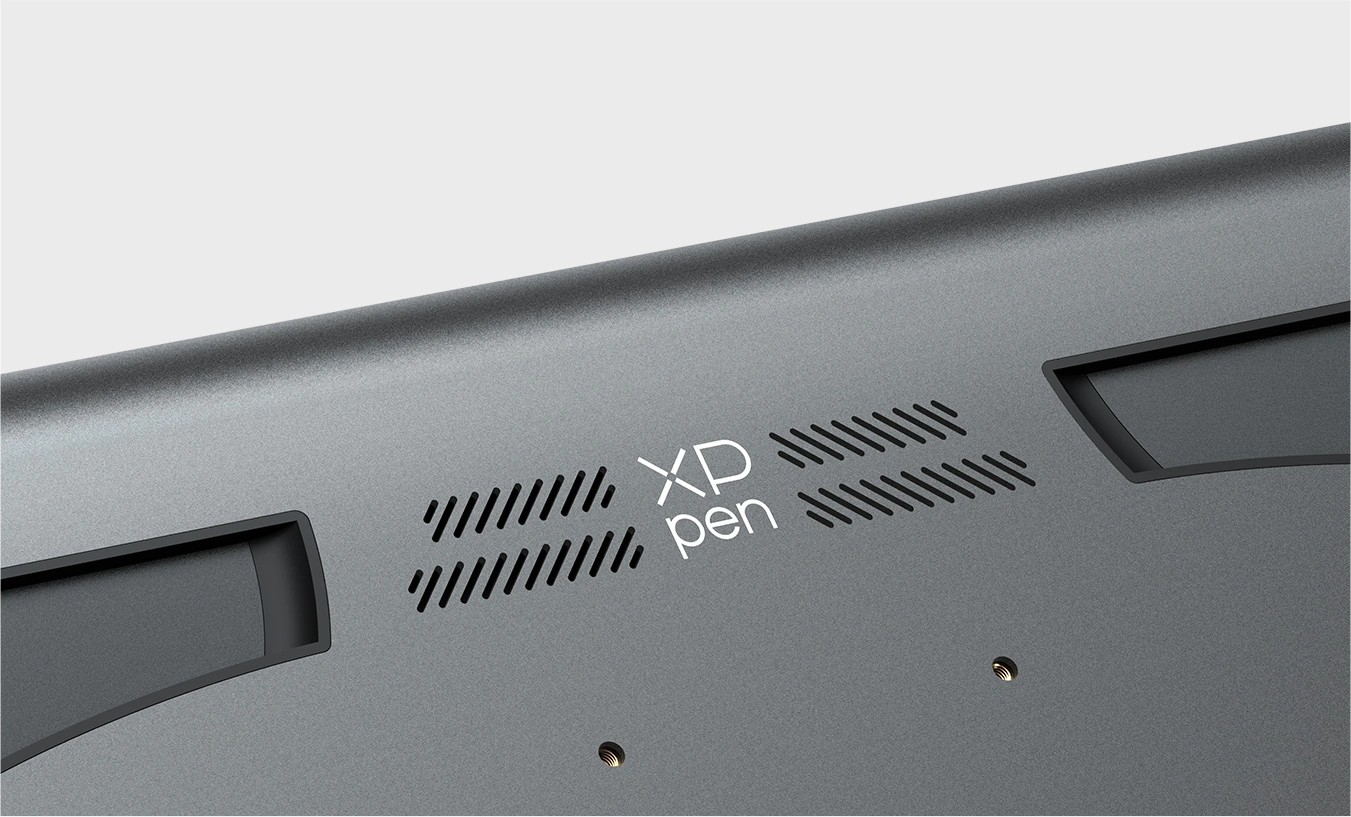
The self-cooling system controls the temperature of the working display to ensure maximum comfort. The fanless design prevents noise disruption, allowing you to focus better on creation.
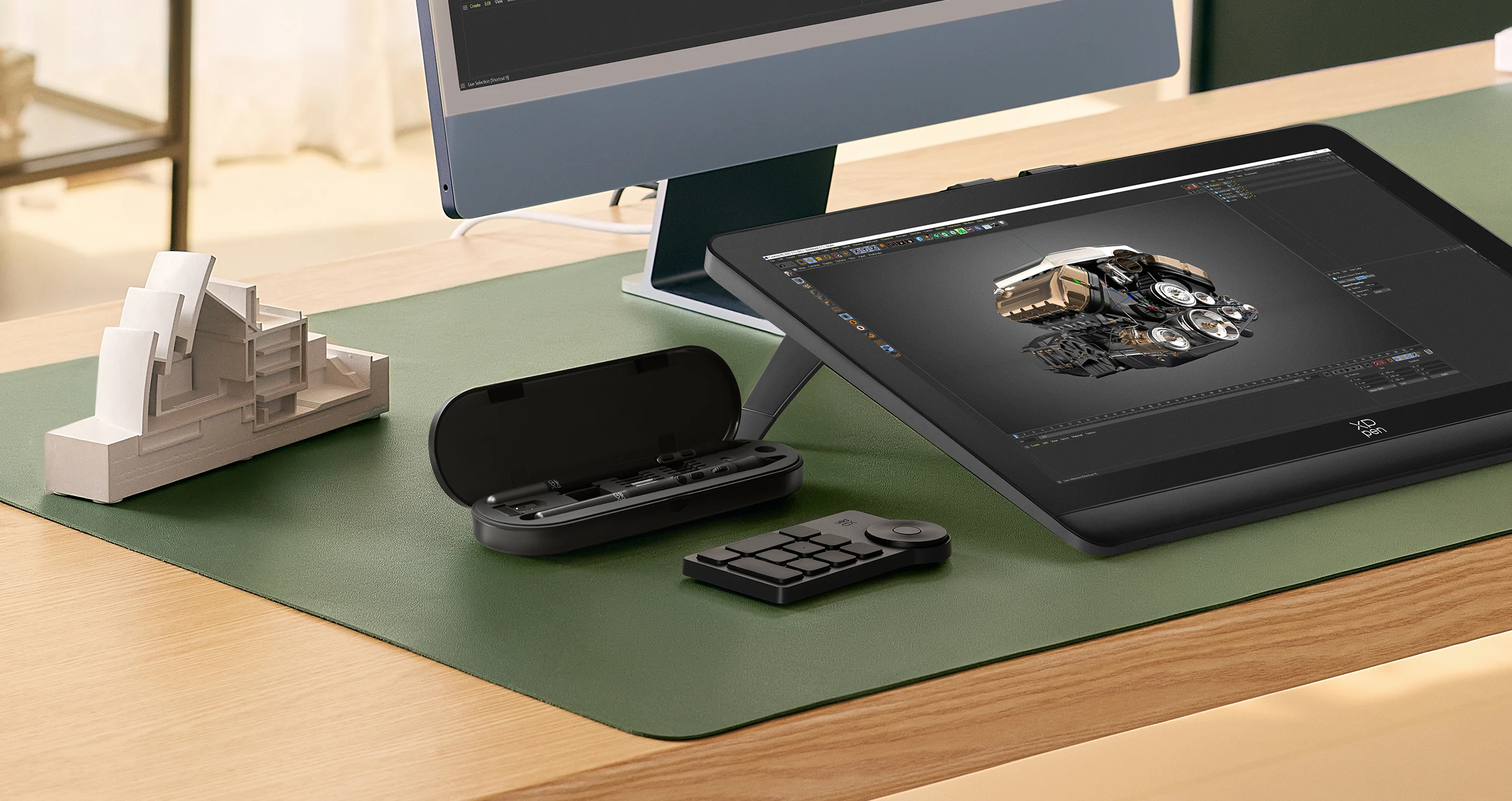
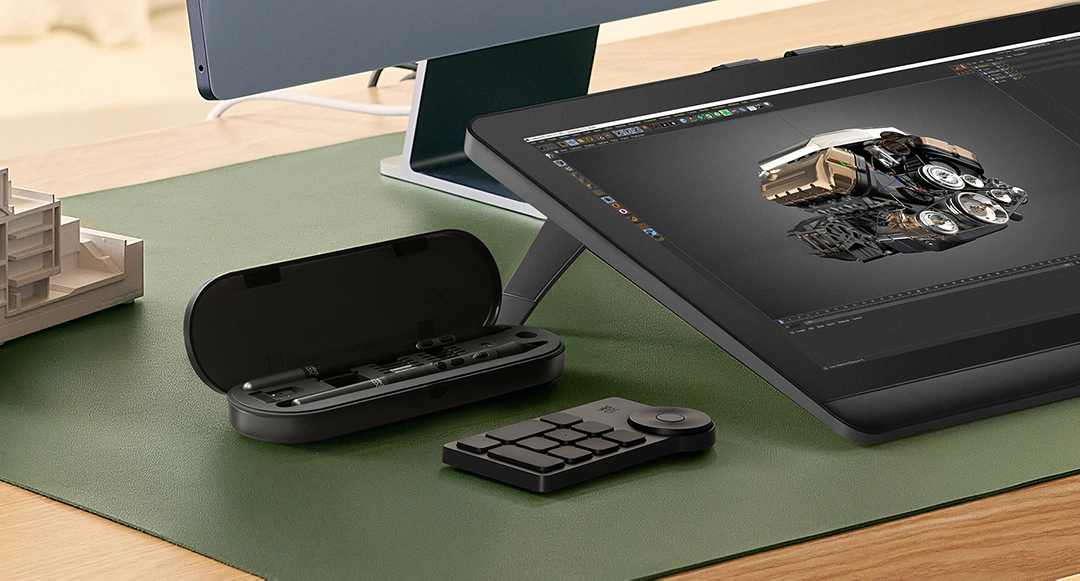
A pen case that is dust-proof and designed to store two Styli and other accessories. Convenient for outdoor creation. Fix the stylus when not in use.
Connect the drawing display to the computer using a full-featured USB-C or HDMI 3-in-1 cable. The dual USB-C port supports blind plugging to save time and prevent a cluttered desktop. This is the real creation comfort.
The drawing display can be placed on a variety of stands, including table clamp, perforated andwall-mounted stand, so you can adjust the tilt angle flexibly to save the space on the desktop.
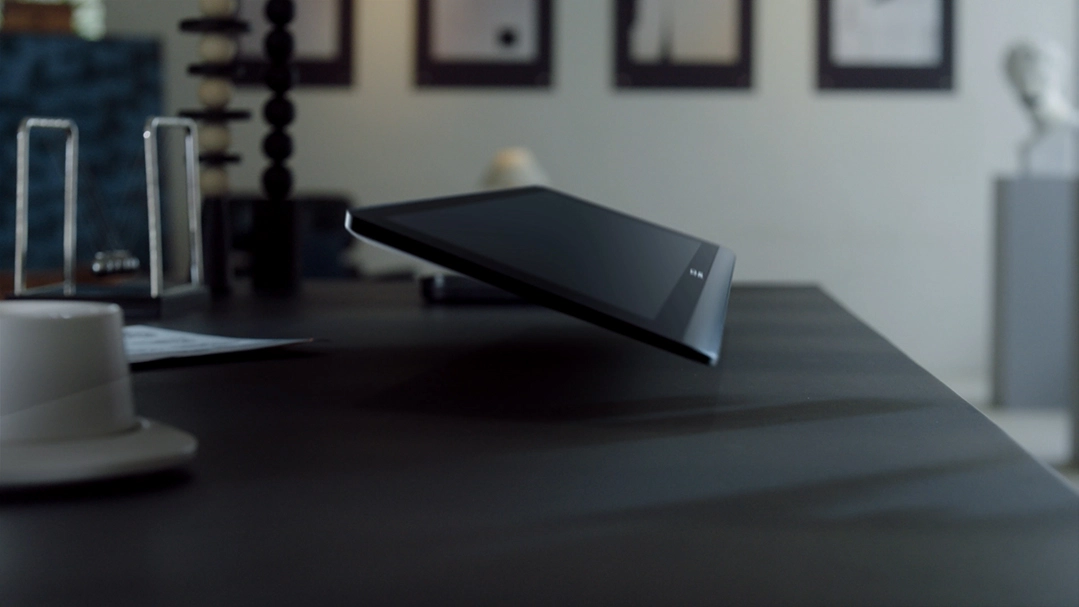
The wing-shaped built-in stand allows you to create at home, in the office, or wherever you feel inspired. The adjustable angle feature adds extra comfort to your creative process. With this setup, your imagination is limitless.
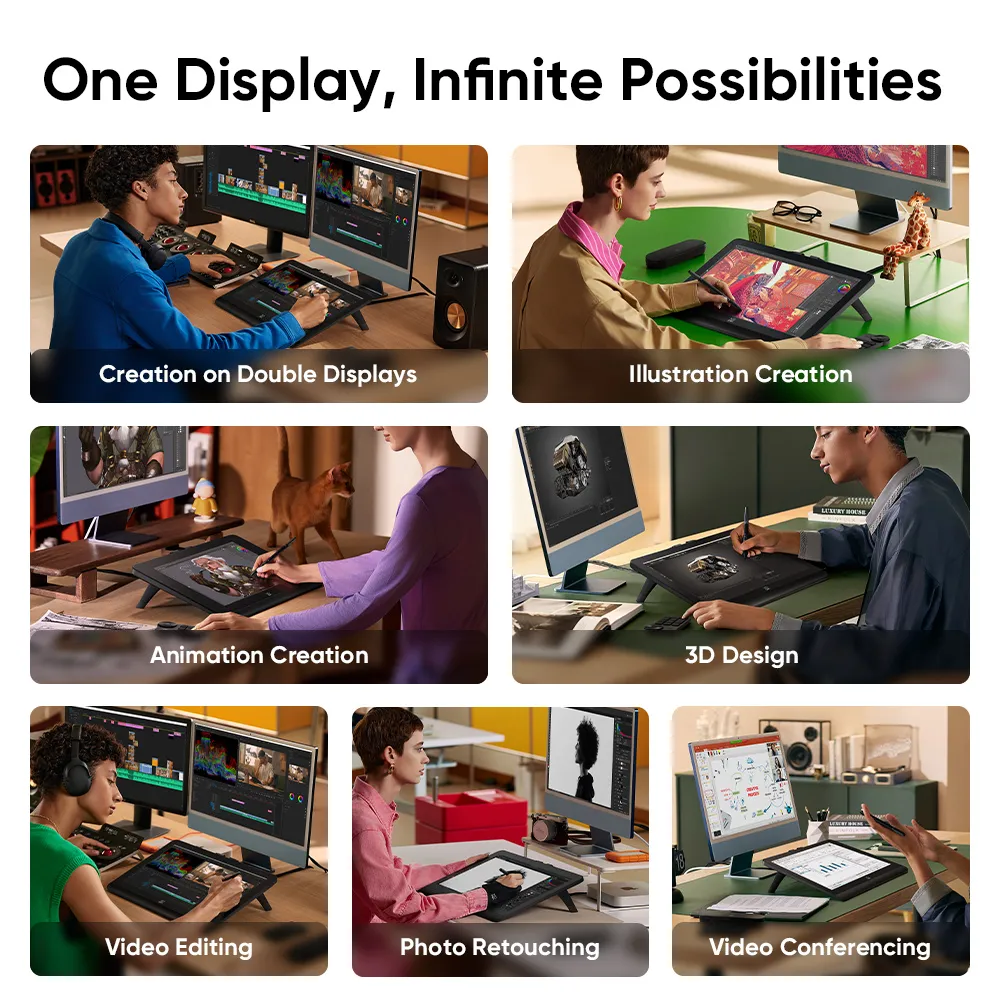
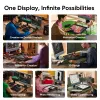
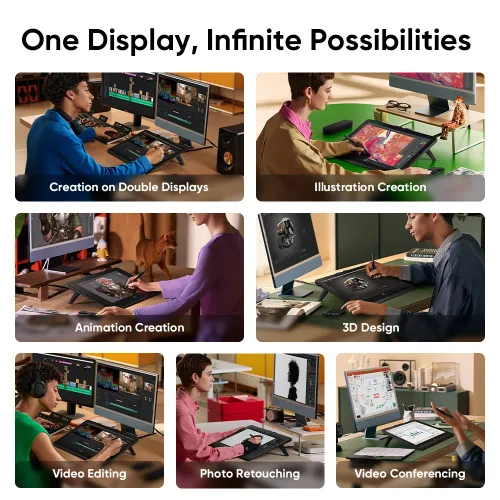
It is more than just a drawing display, but a high-quality monitor. With its 18.4-inch size, it is perfect as your second display for watching movies, gaming, and more.
Separate your creation into two displays for a larger field of view. Double the efficiency and unleash full creativity.
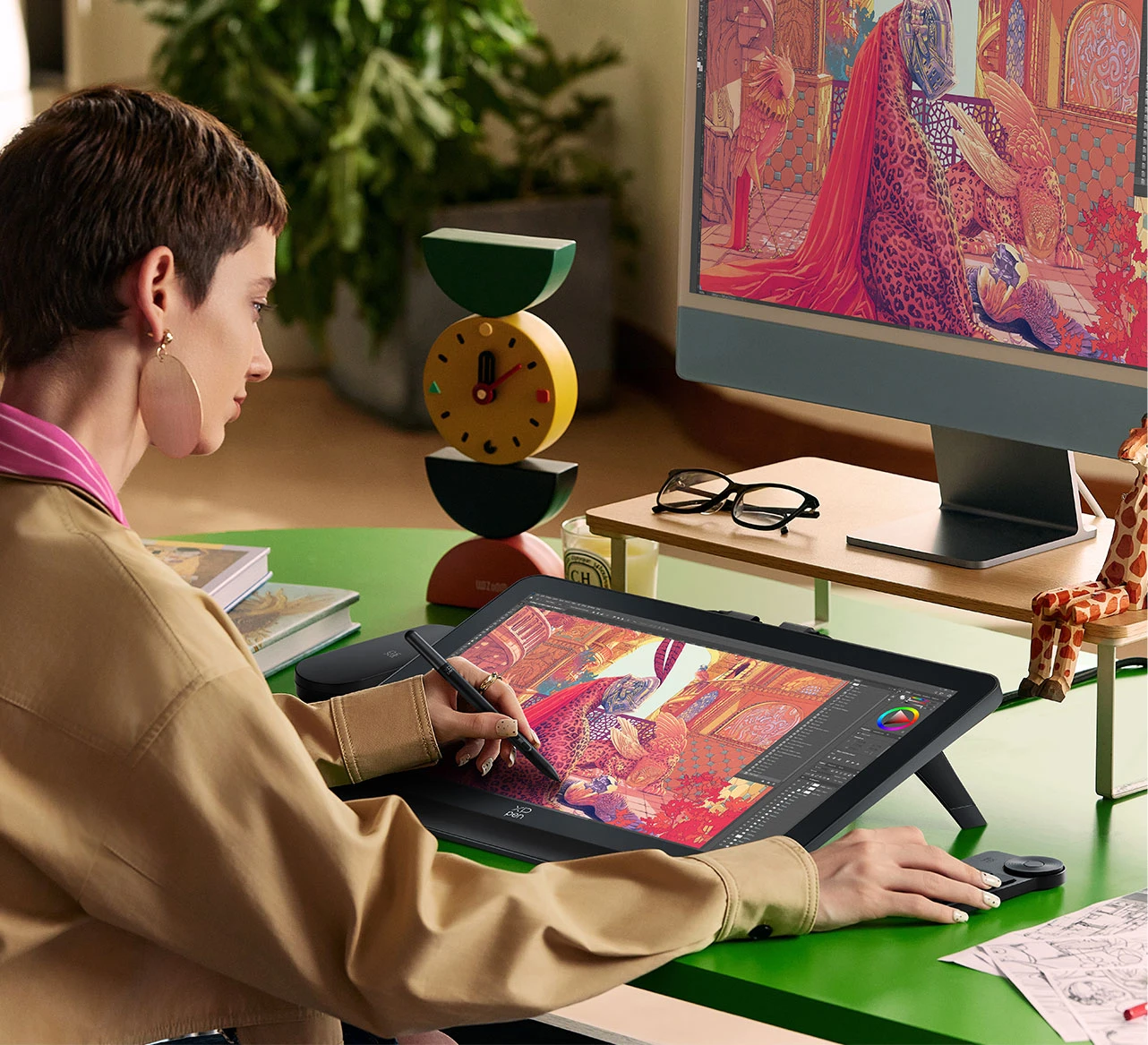
Delicate and smooth strokes make drawing natural and easy.
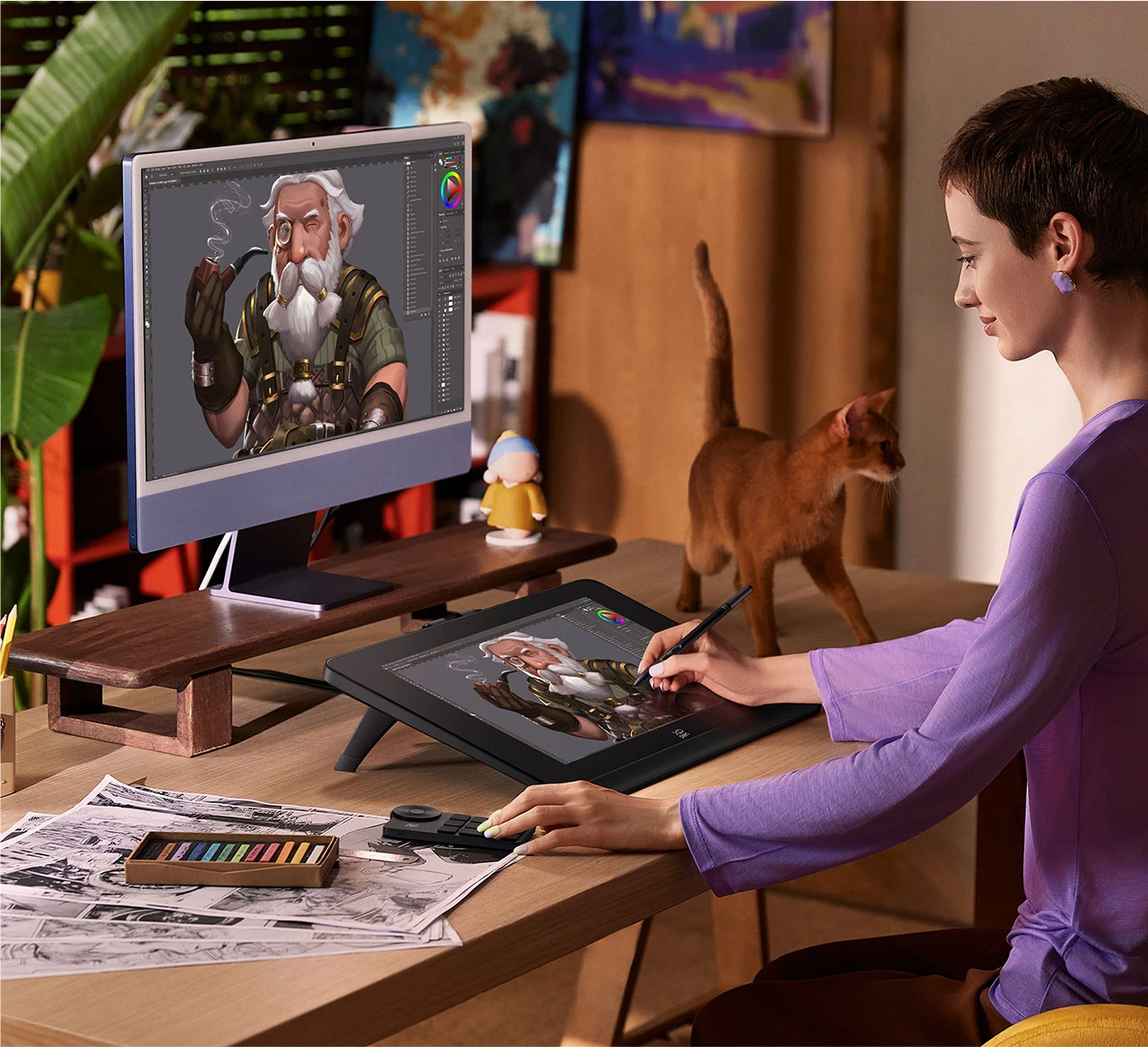
Excellent color performance that meets the concept designer's precise focus on colors and intricate details.
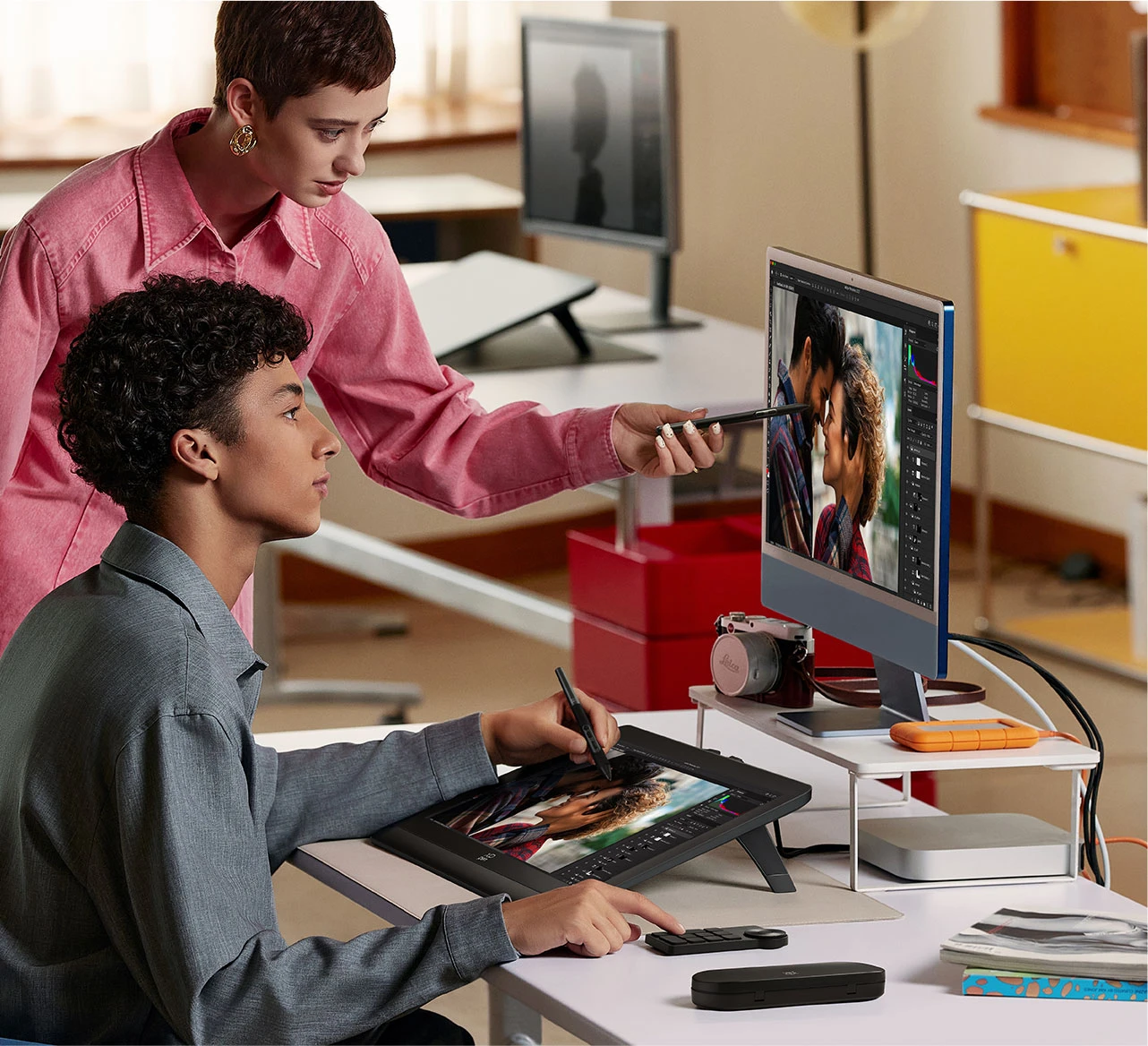
Direct and refined operation experience helps photographers complete retouching work quickly and accurately.
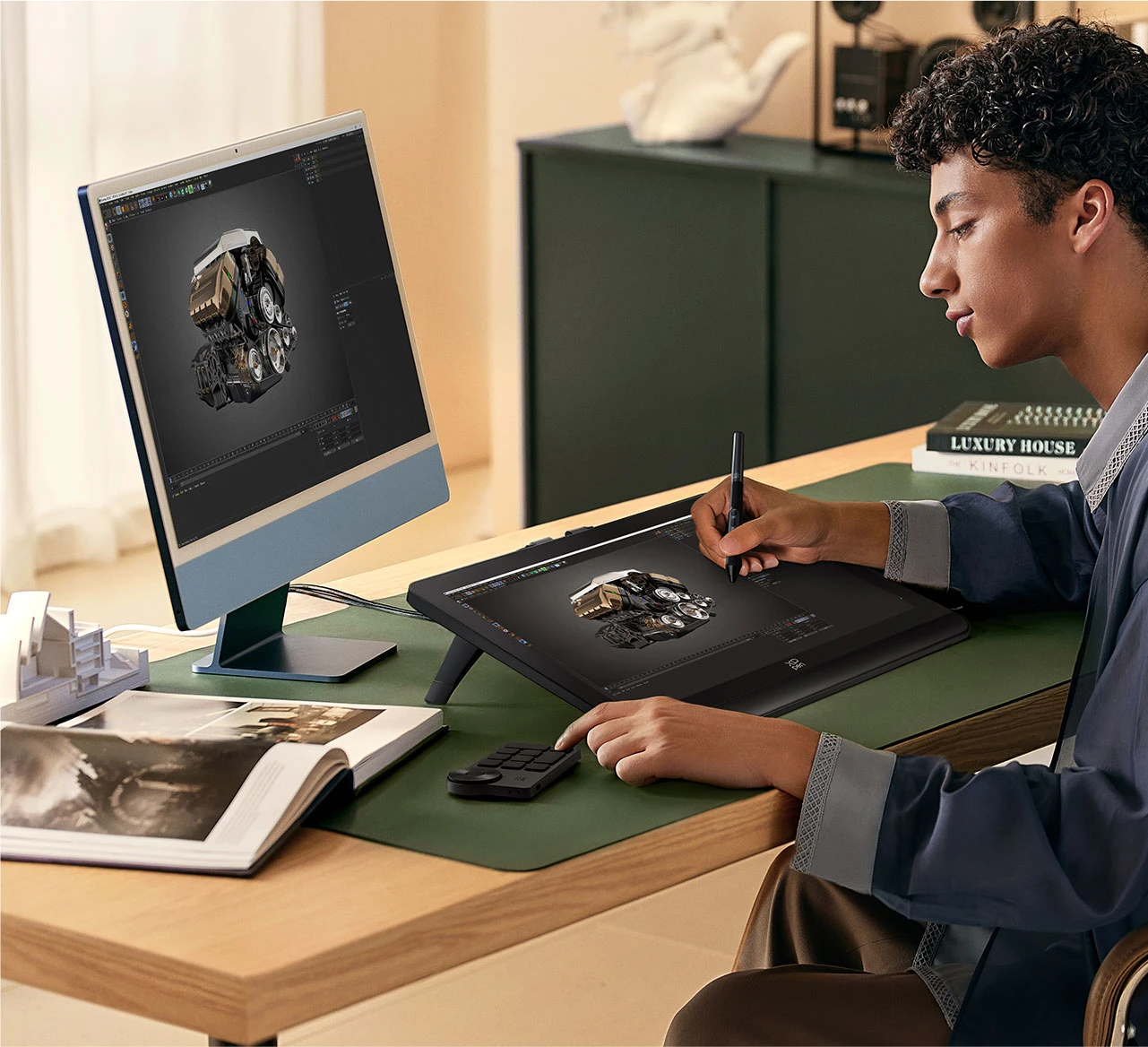
Simplify the workflow of 3D modeling with ease and efficiency.
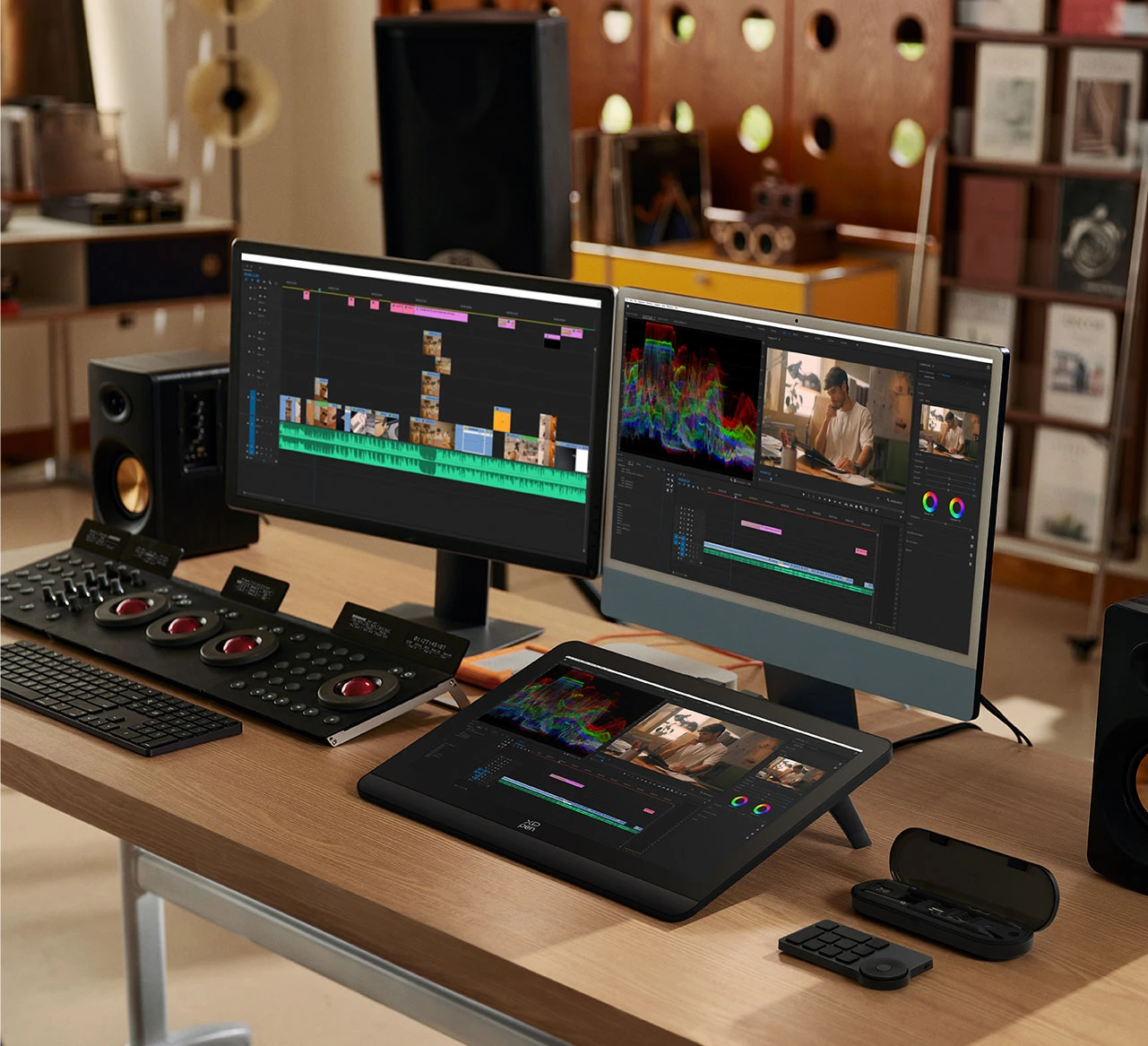
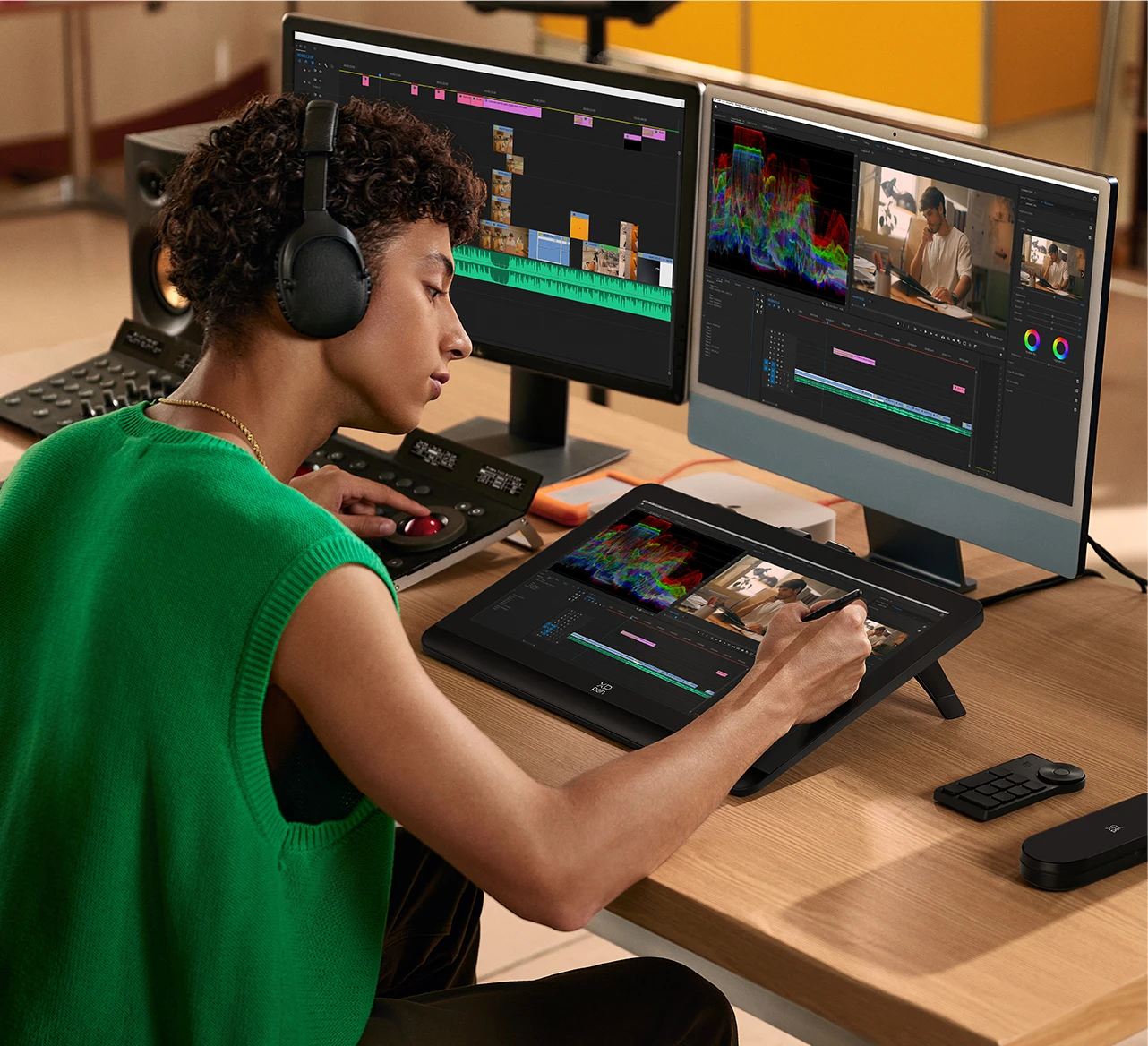
Easy to operate, accurate color reproduction, no delay or lagging of the stylus, precise processing of video details.
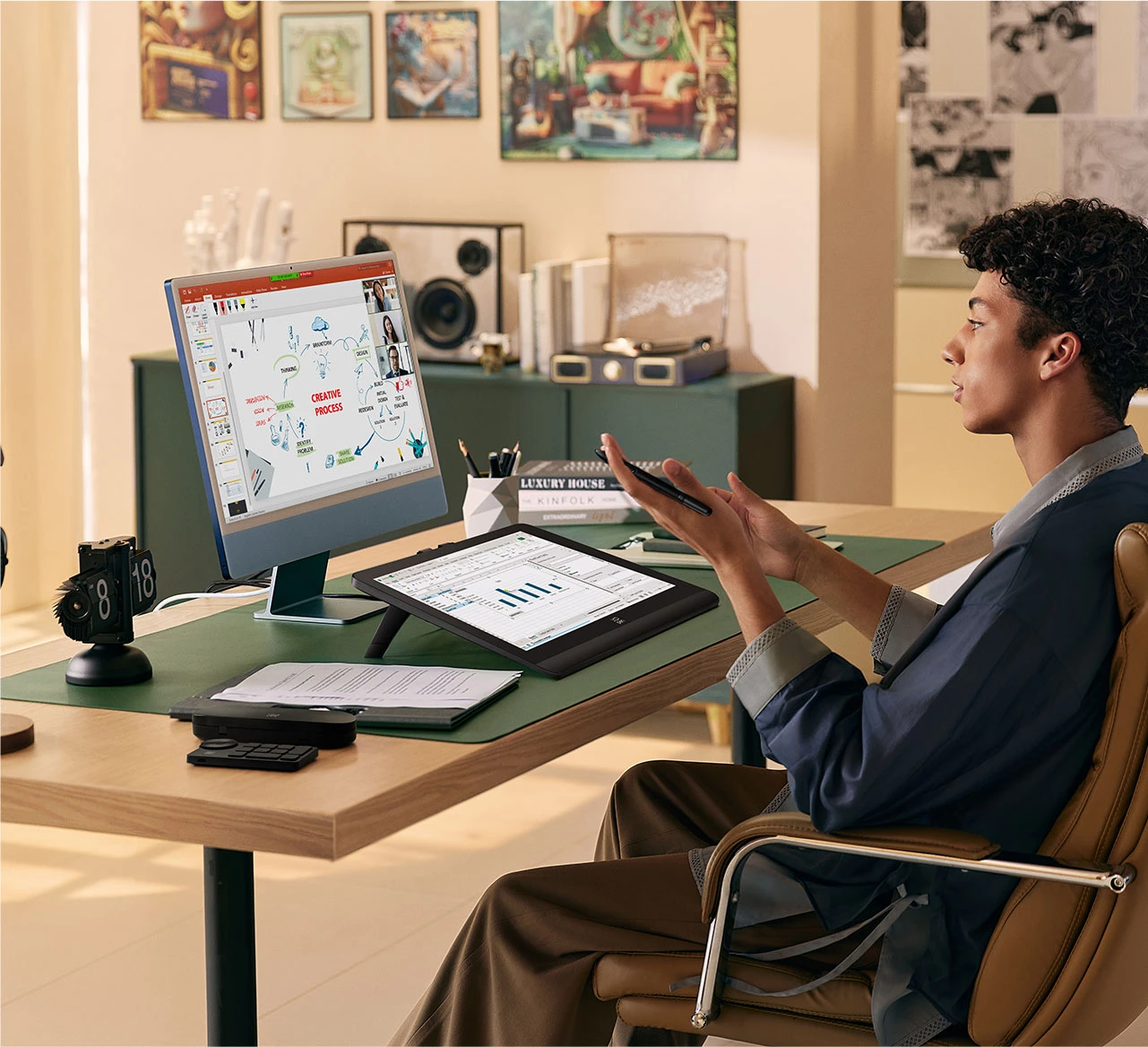
Support smart interaction, file presentation and online video communication to assist with remote work.
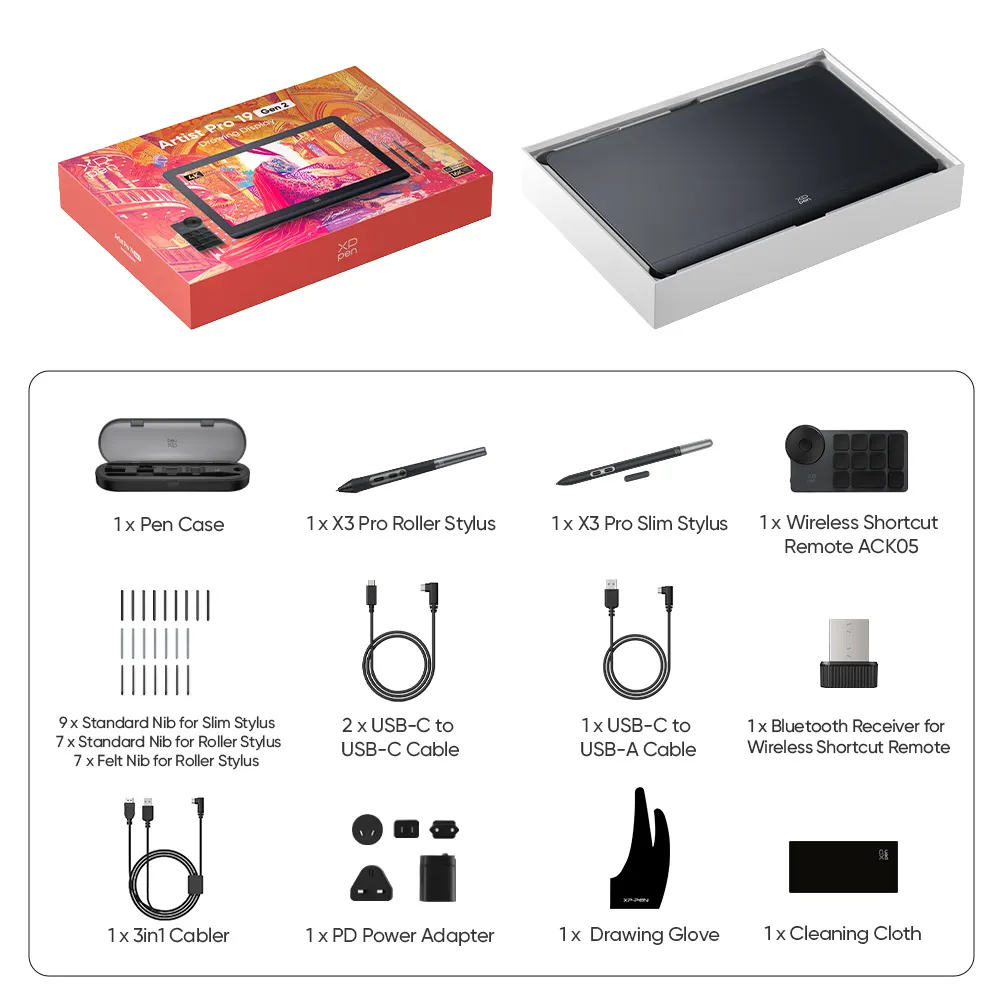
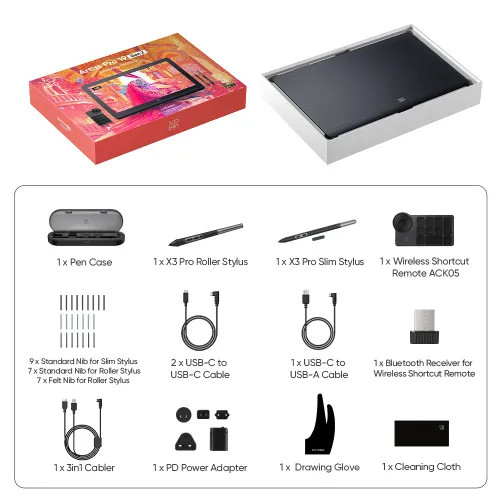
1 x Drawing Display
1 x 3in1 Cable
2 x USB-C to USB-C Cable
1 x USB-C to USB-A Cable
1 x PD Power Adapter
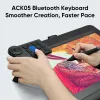
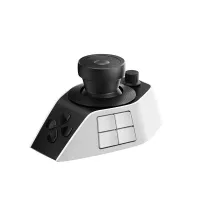
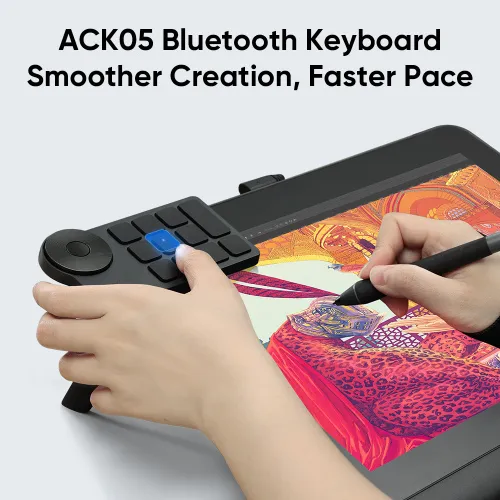
1 x Wireless Shortcut Remote ACK05
1 x Drawing Glove
1 x Cleaning Cloth
1 x H11 Pen Case (Built -in: X3 Pro Roller Stylus x 1, X3 Pro Slim Stylus x 1, Bluetooth Receiver for Wireless Shortcut Remote x 1, Replaceable Button Cap for Slim Stylus x 1, Standard Nib for Slim Stylus x 4, Standard Nib for Roller Stylus x 2, Felt Nib for Roller Stylus x 2, Nib Extractor x 1)
1 x Pen Nibs Bag (Built -in: Standard Nib for Slim Stylus x 5, Standard Nib for Roller Stylus x 5, Felt Nib for Roller Stylus x 5)
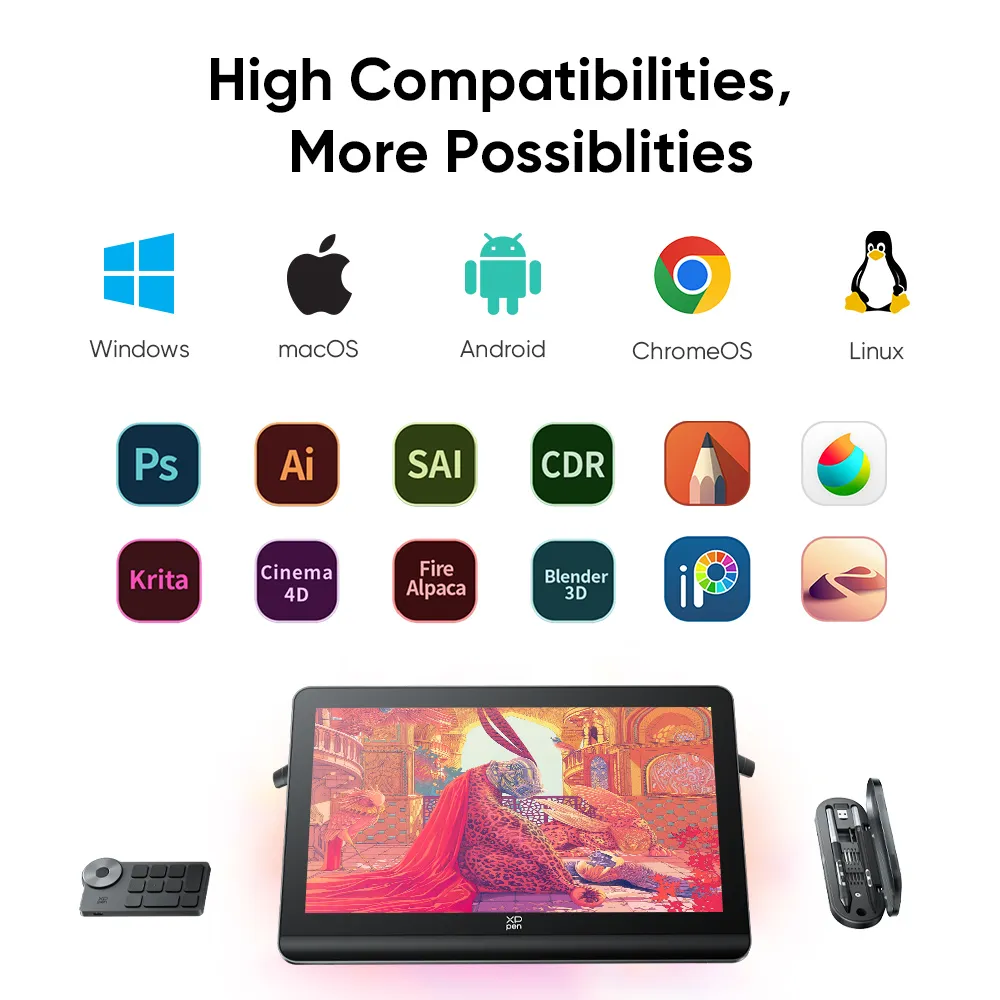
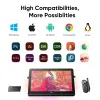
| List of compatible Android devices | |
| HUAWEI Mate 10 | HUAWEI Mate 10 Pro |
| HUAWEI Mate 20 | HUAWEI Mate 20 Pro |
| HUAWEI Mate 20 X | HUAWEI Mate 30 Pro |
| HUAWEI Mate 40 | HUAWEI Mate 40 pro |
| HUAWEI Mate 30E Pro 5G | HUAWEI P20 |
| HUAWEI P20 Pro | HUAWEI P30 |
| HUAWEI P30 Pro | HUAWEI P40 |
| HUAWEI P40 Pro | HUAWEI P40 Pro+ |
| HUAWEI Mate 50 | HUAWEI Mate 50 Pro |
| HUAWEI Mate 40E | HUAWEI Mate 40 Pro+ |
| HUAWEI P50 Pro | HUAWEI P50 |
| HUAWEI P50E | HUAWEI Mate X2 |
| HUAWEI Mate Xs2 | HUAWEI Mate 50E |
| HUAWEI Mate 40E Pro | HUAWEI Mate 40 RS |
| HUAWEI P50 Pocket | Honor Note10 |
| Honor V20 | Honor 30pro+ |
| Honor Magic4 | Honor Magic4 Pro |
| Samsung Galaxy A90 5G | Samsung Galaxy Note9 |
| Samsung Galaxy Note10 | Samsung Galaxy Note10+ 5G |
| Samsung Galaxy S8 | Samsung Galaxy S8+ |
| Samsung Galaxy S9 | Samsung Galaxy S9+ |
| Samsung Galaxy S10 | Samsung Galaxy S10+ |
| Samsung Galaxy S10e | Samsung Galaxy S20 |
| Samsung Galaxy S20+ | Samsung Galaxy S20 Ultra |
| Samsung Galaxy S20 FE 5G | Samsung Galaxy S21 |
| Samsung Galaxy S21 FE | Samsung Galaxy S21 ultra |
| Samsung Galaxy S22 | Samsung Galaxy S22 Ultra |
| Samsung Galaxy Note20 | Samsung Galaxy Note20 Ultra |
| Samsung Galaxy Tab S7 | Samsung Galaxy Tab S7 FE |
| Samsung Galaxy Tab S5e | Samsung Galaxy S21+ |
| Samsung Galaxy S22+ | Samsung Galaxy S23 |
| Samsung Galaxy S23+ | Samsung Galaxy S23 Ultra |
| Samsung Galaxy Z Fold4 | Samsung W23 |
| Samsung W22 | Samsung W21 |
| Samsung W20 | Samsung Galaxy Tab S8 |
| Samsung Galaxy Tab S8+ | Samsung Galaxy Tab S8 Ultra |
| Samsung Galaxy Tab S7+ | Samsung Galaxy Tab S6 |
| Linux OS | Version | Package Format | Supported Software |
| Arch | Arch Linux2019.12.01(64-bit) | .deb, .sh | GIMP, Krita |
| Centos | Centos7.0(64-bit) | .rpm, .sh | GIMP |
| Centos8(64-bit) | .rpm, .sh | GIMP, Krita | |
| Debian | debian-9.5.0-amd64-netinst(64-bit) | .deb, .sh | GIMP, Krita |
| elementary OS | elementary OS 5.0(64-bit) | .deb, .sh | GIMP, Krita |
| ezgo Linux | ezgo14(64-bit) | .deb, .sh | GIMP, Krita |
| Fedora | Fedora32(64-bit) | .rpm, .sh | GIMP, Krita |
| Mageia | Mageia-7.1(64-bit) | .rpm, .sh | GIMP, Krita |
| Manjaro | manjaro-xfce-20.1.2-201019(64-bit) | .deb, .sh | GIMP |
| Mint | linuxmint-18.2-cinnamon-64bit | .deb, .sh | GIMP, Krita |
| OpenSUSE | openSUSE-Tumbleweed(64-bit) | .rpm, .sh | GIMP, Krita |
| Pop!_OS | pop-os_19.10(64-bit) | .deb, .sh | GIMP, Krita |
| Red Hat | Red Hat7(64-bit) | .rpm, .sh | GIMP |
| Ubuntu | Ubuntu14.04(64-bit) | .deb, .sh | GIMP, Krita |
| Ubuntu16.04(64-bit) | .deb, .sh | GIMP, Krita | |
| Ubuntu17.04(64-bit) | .deb, .sh | GIMP, Krita | |
| Ubuntu18.04(64-bit) | .deb, .sh | GIMP, Krita | |
| Ubuntu19.04(64-bit) | .deb, .sh | GIMP, Krita | |
| Ubuntu20.04(64-bit) | .deb, .sh | GIMP, Krita |
| Function | Krita 4.3.0 | Gimp 2.10.20 | Inkscape 0.92 |
| Pen Pressure Sensitivity | |||
| Tilt | |||
| Mouse Function | |||
| Eraser Button (Stylus:PH01, P06) | |||
| Switch between Pen and Eraser Modes | |||
| *If you have any further queries, please do not hesitate to contact us at service@xp-pen.com. | |||
Linux OS
Function
*If you have any further queries, please do not hesitate to contact us at service@xp-pen.com.


Get the latest on XPPen products, free trials, and more.