



Getting started with your
XP-Pen Artist display
1/9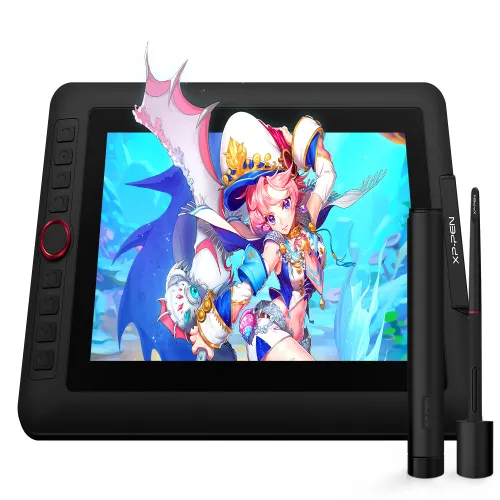
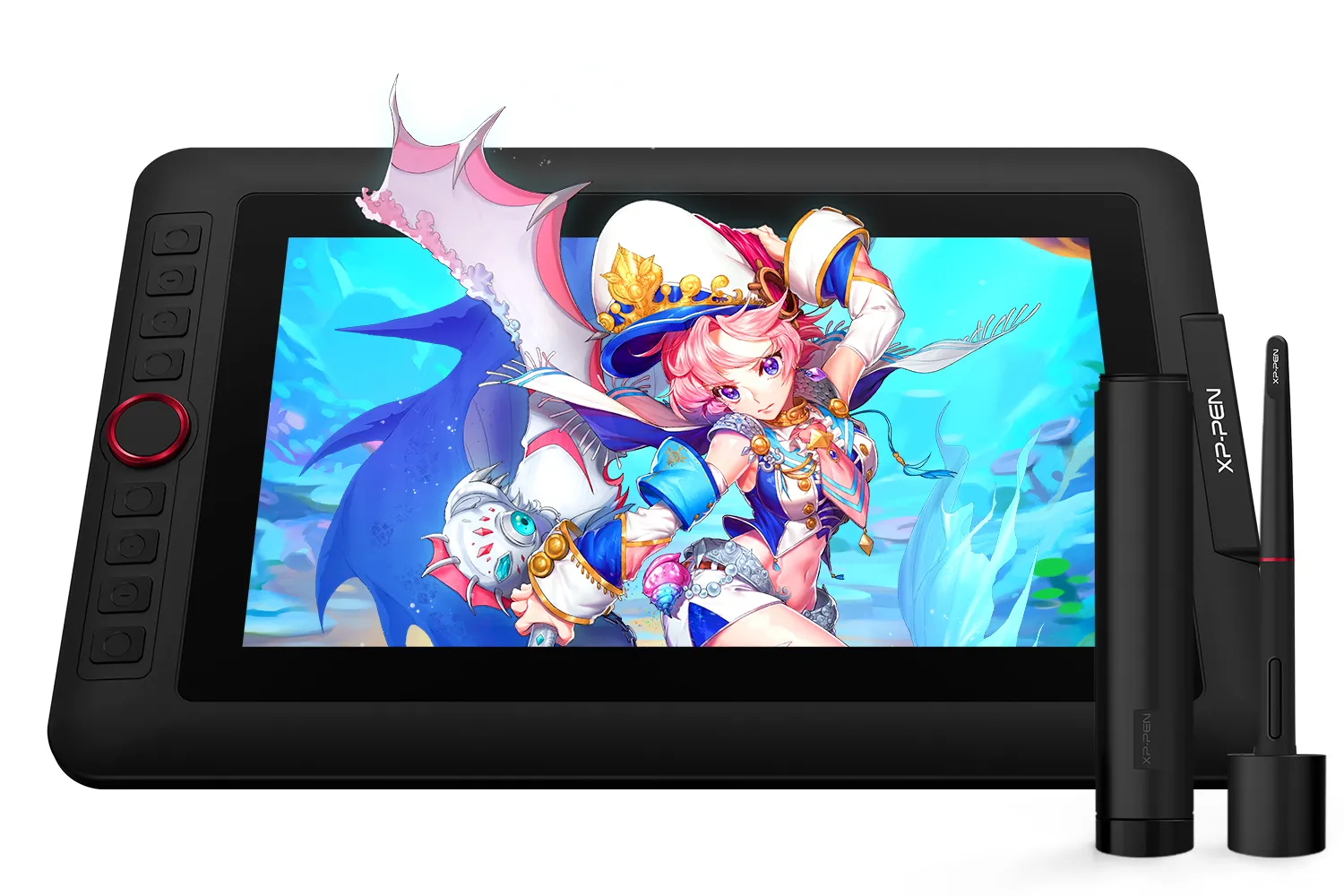
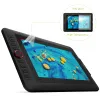
Artist 12 Pro
Red Dial interface combines 8 fully customizable shortcut keys Fully-laminated, 60 degrees of tilt function;
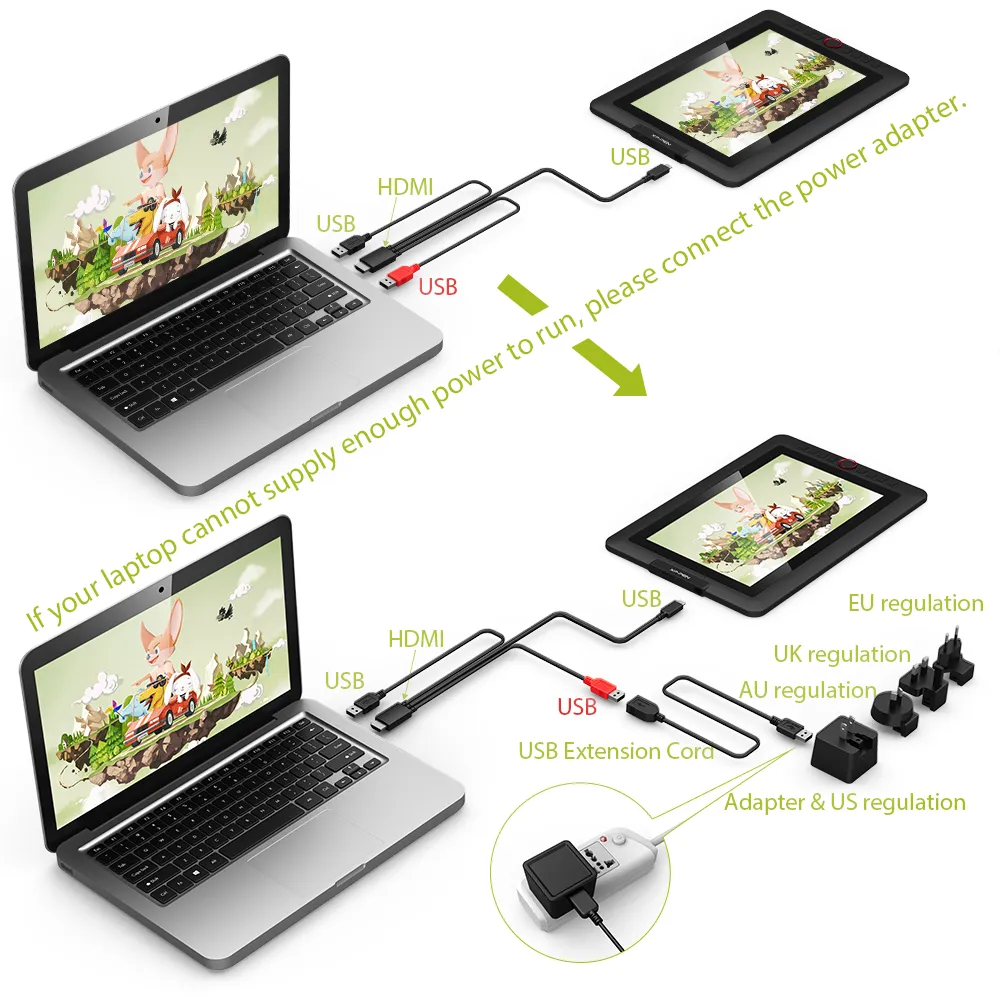
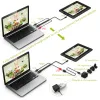
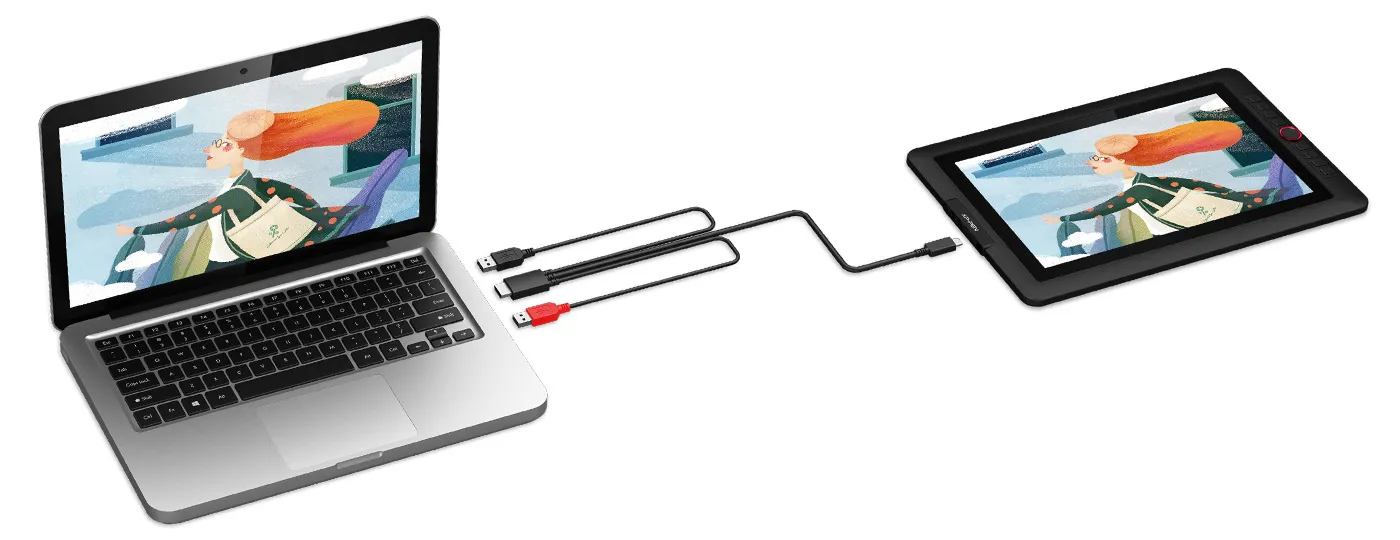
Artist 12 Pro requires connection to a computer or laptop to function.
AU$287.99AU$359.99
FREE DELIVERY
We offer free shipping
SECURE PAYMENT
Your payment information is processed securely
TECH SUPPORT
service@xp-pen.com
18-MONTH WARRANTY
18-month warranty only for official AU-store
Option:
 Artist 12 Pro
 Artist 12 Pro Lite
Optional Accessories
Quantity:
Total
AU$0.00
 Log in and purchase to receive an estimated 0 X-Coins




Worry-Free Delivery® available with seel
Estimate:
Artist Display 12 Pro
Creative Power is on Your Side.
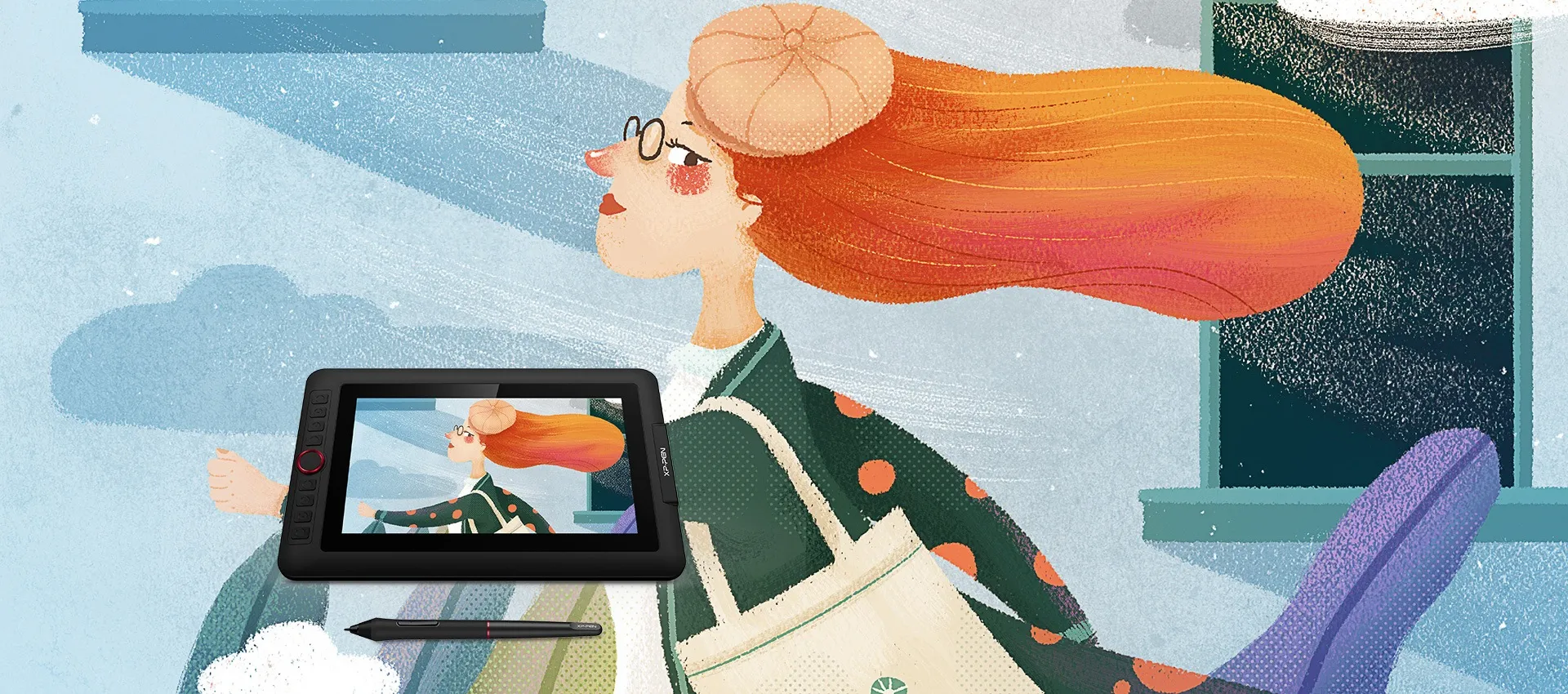
A perfect display that suits the beginner.
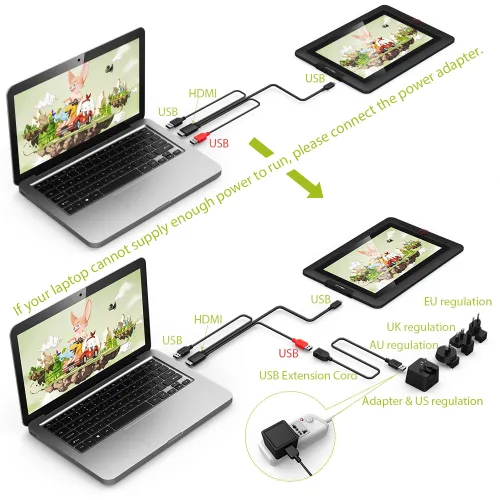
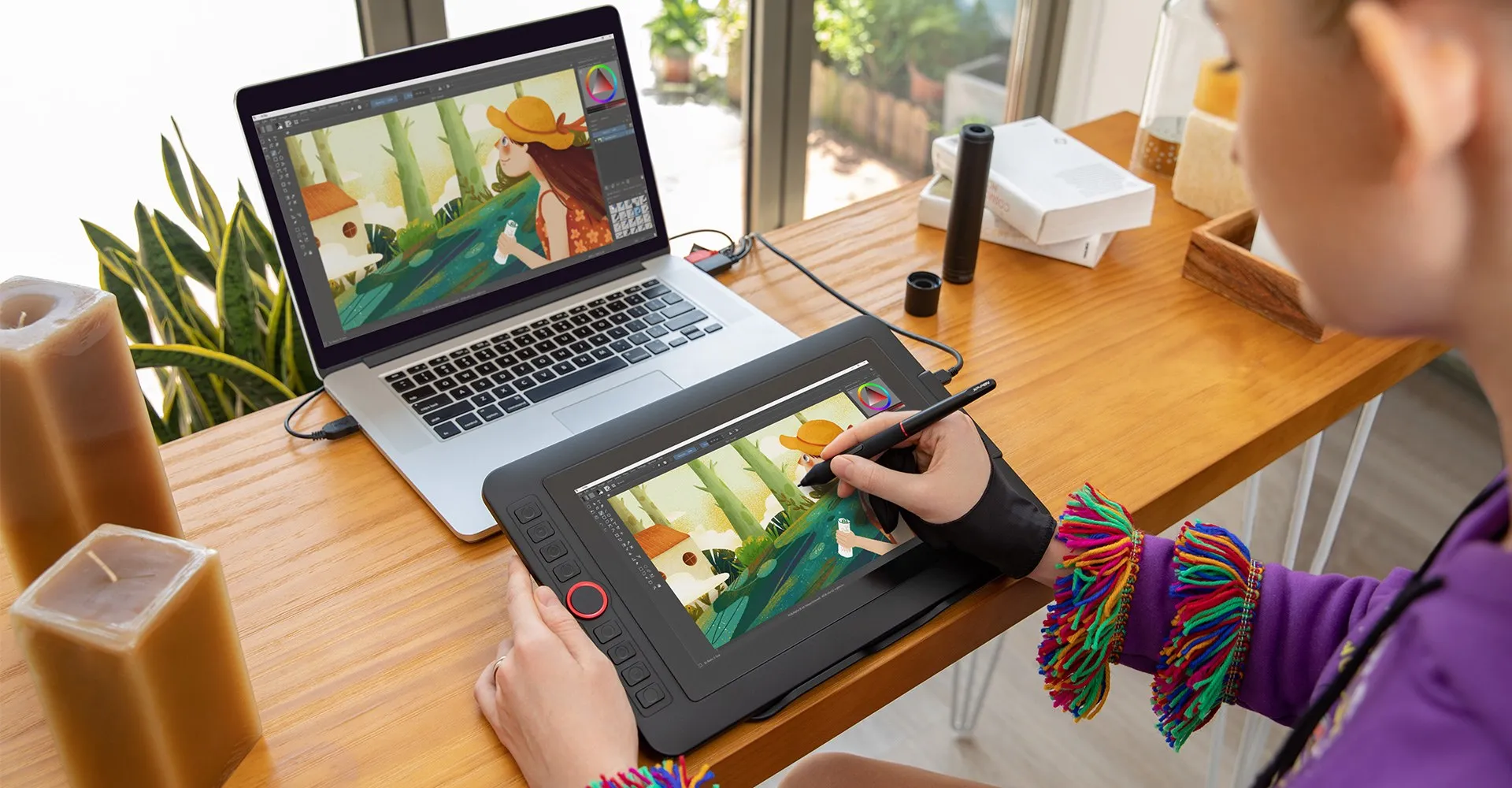
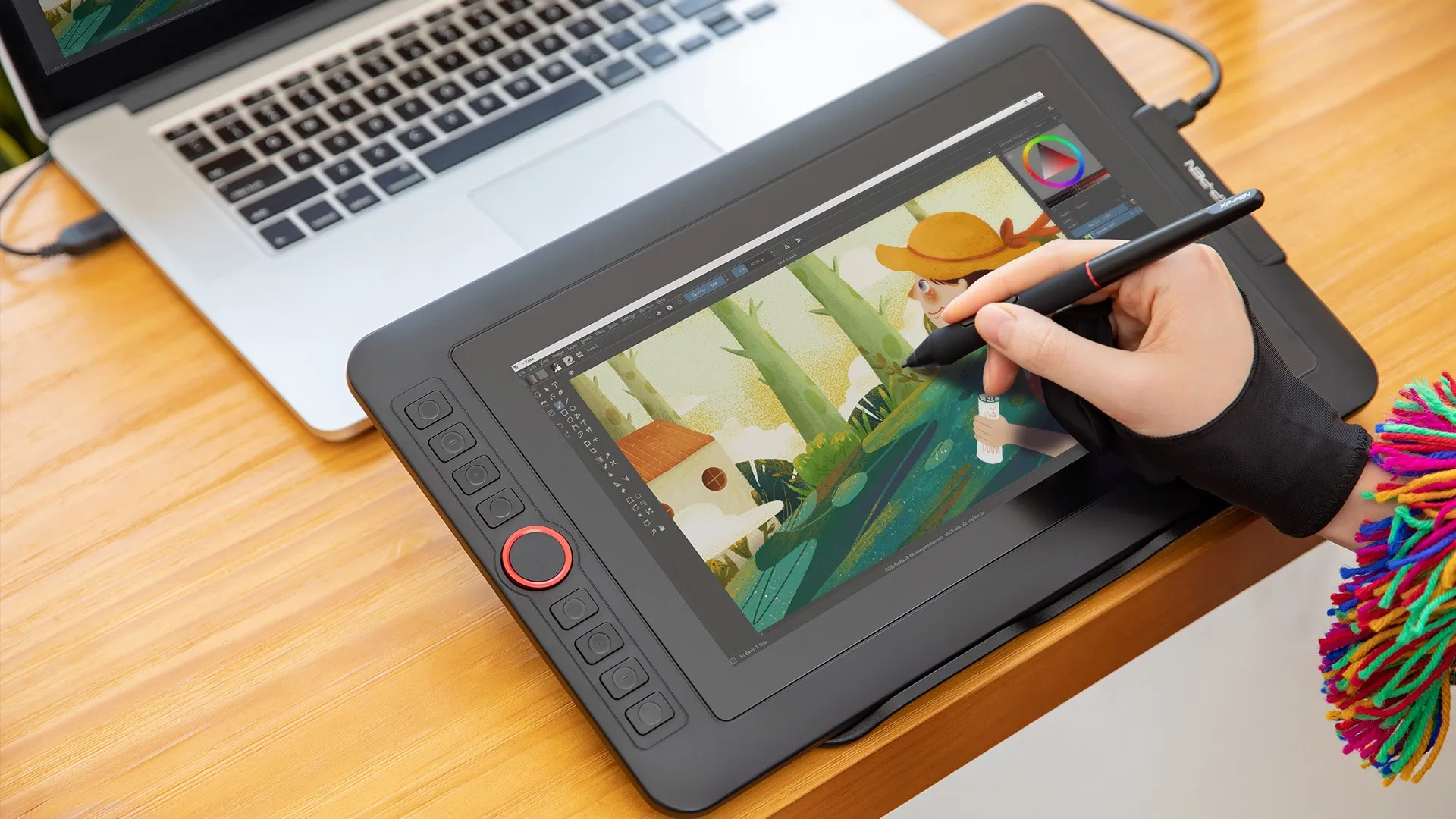
Features a super-portable screen with an 11.6-inch display area and a convenient 3-in-1 cable design. There's no need to use any adapter and it quickly connects to your computer. Start sketching, doodling, and drawing directly on Artist 12 Pro and begin your creative journey.
Smooth and sleek.
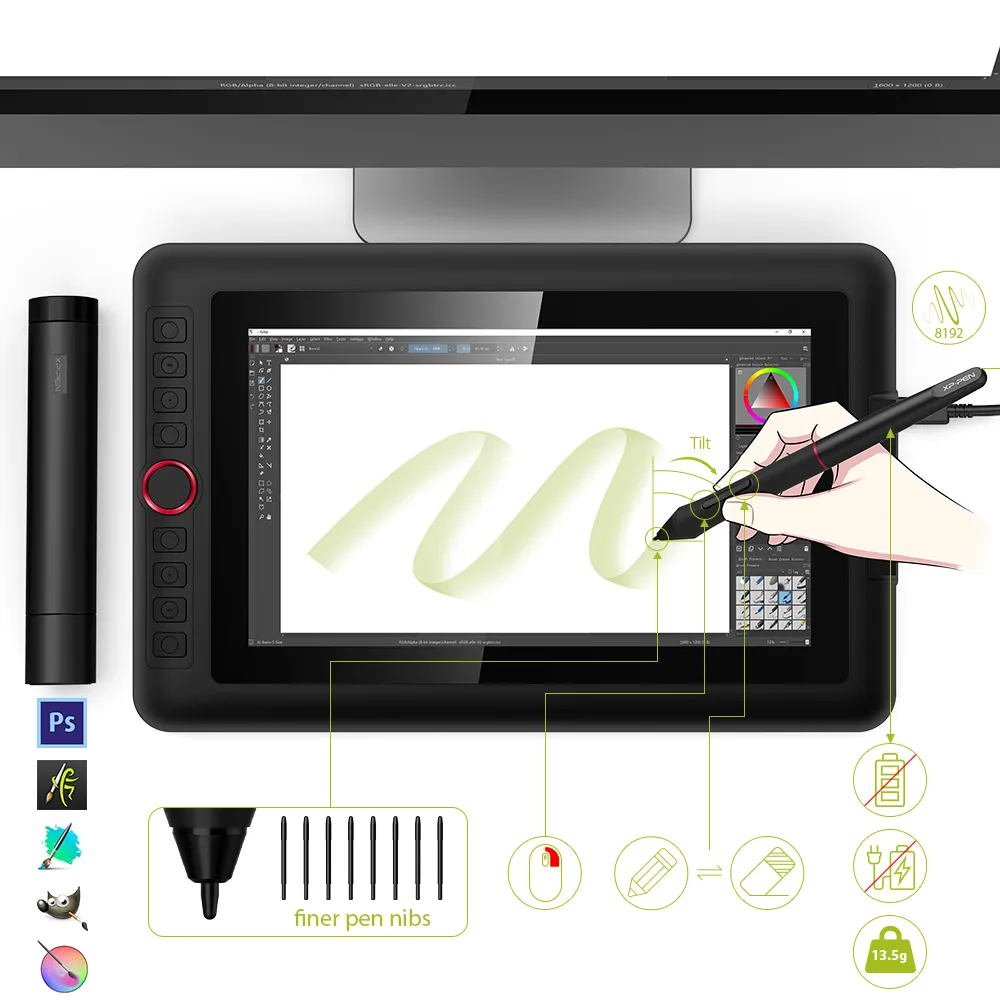
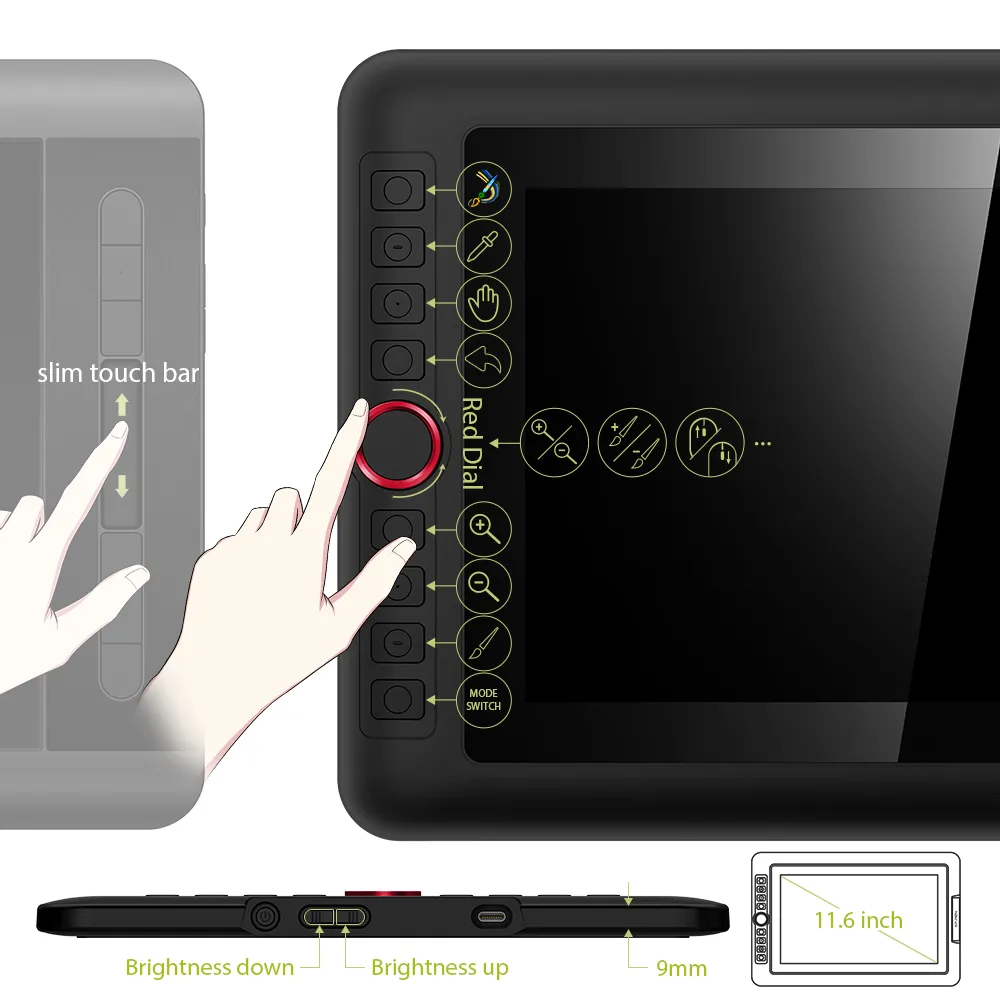
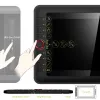
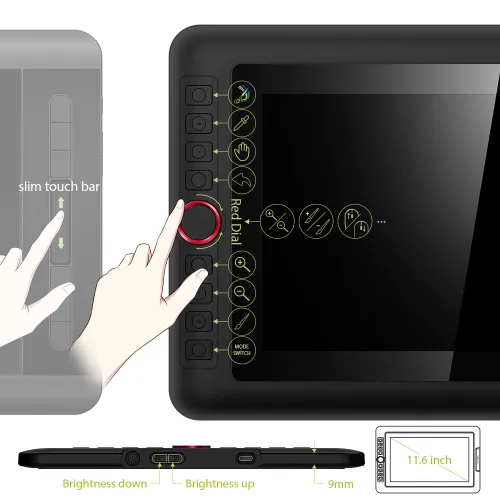
The Artist 12 Pro includes a sleek Red Dial interface to make your workflow as smooth as possible. The dial fits comfortably in your hand and can be programmed for more customization options. Compared to the Artist 12's slim touch bar, it's easier to control accurately and with more freedom with the 12 Pro's dial wheel, letting you capture and express your ideas faster and more easily.
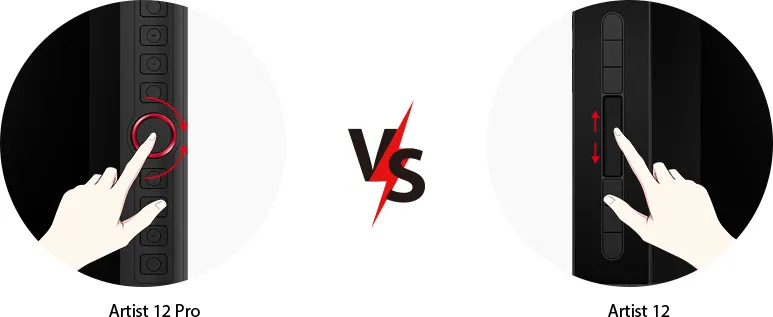
Dial Wheel
Slim Touch Bar
Natural Tilt Support.
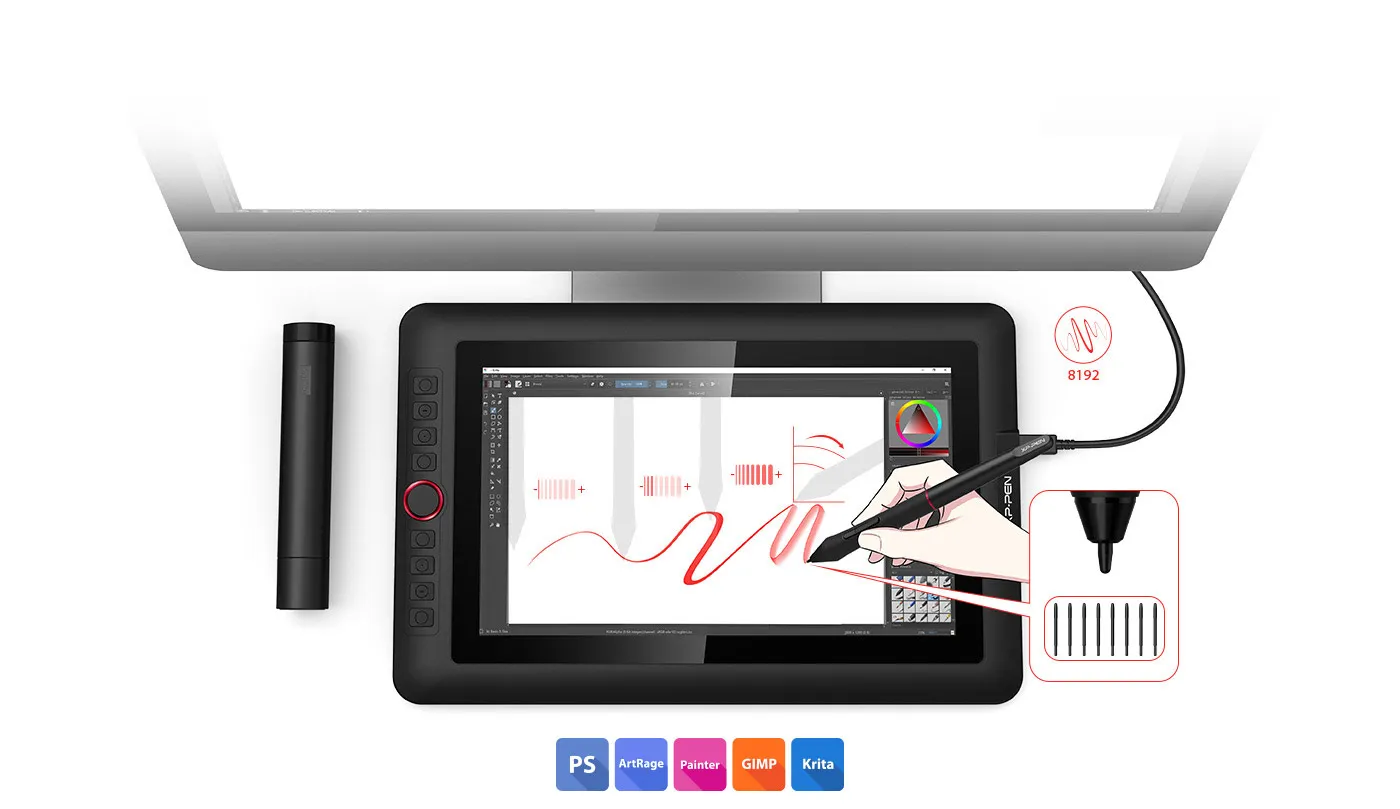
finer pen nibs
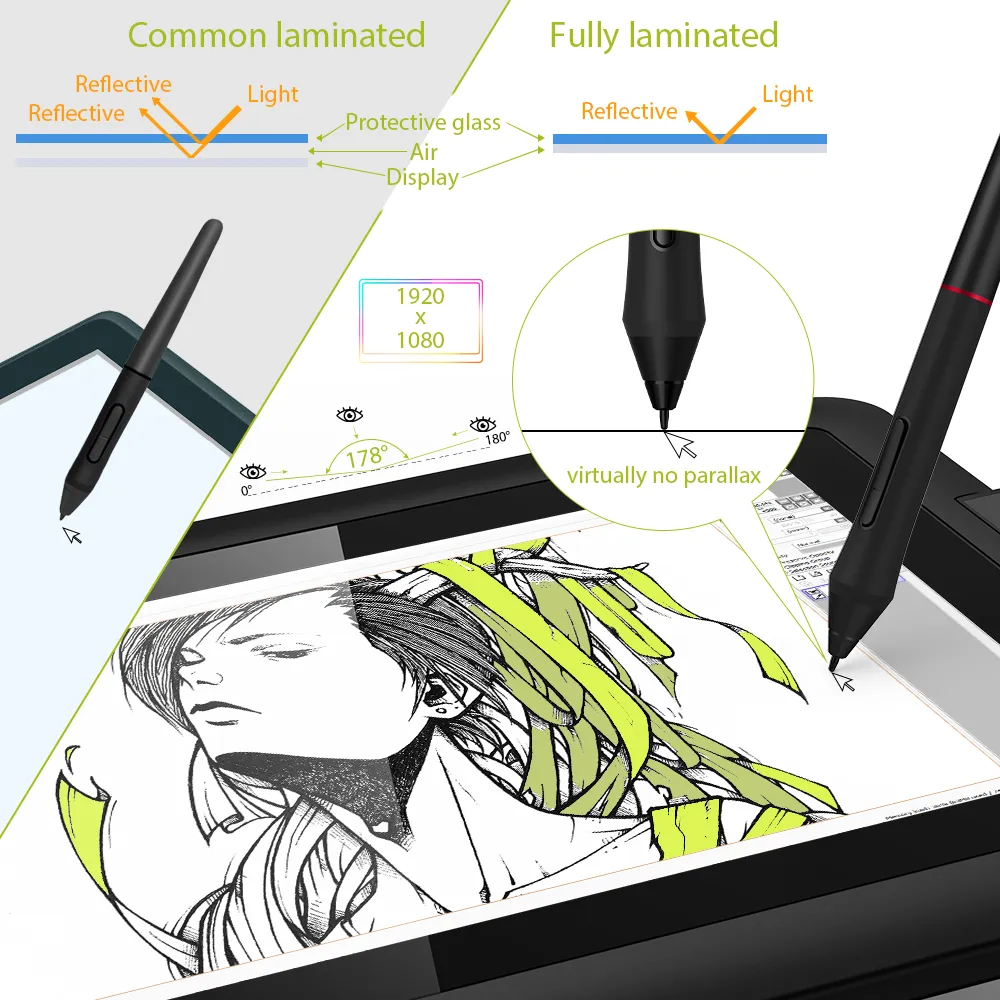
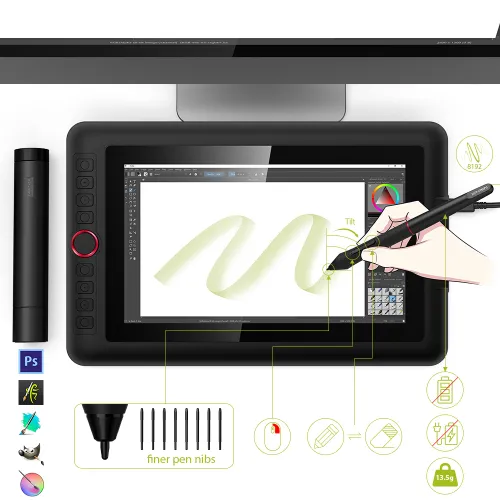
The XP-Pen Artist 12 Pro supports up to 60 degrees of tilt function, so now you don't need to adjust the brush direction in the software over and over again. Simply tilt to add shading to your creation and enjoy smoother and more natural transitions between lines and strokes.
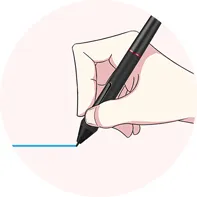
Virtually No Lag
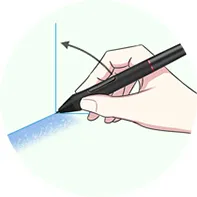
Sensitively Tilt for Shading
Easy on the eyes. Real to your imagination.
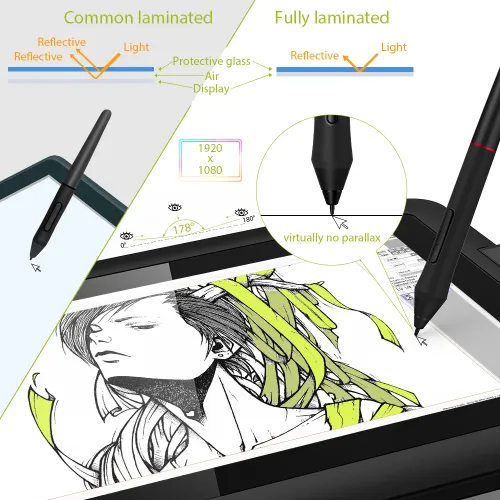
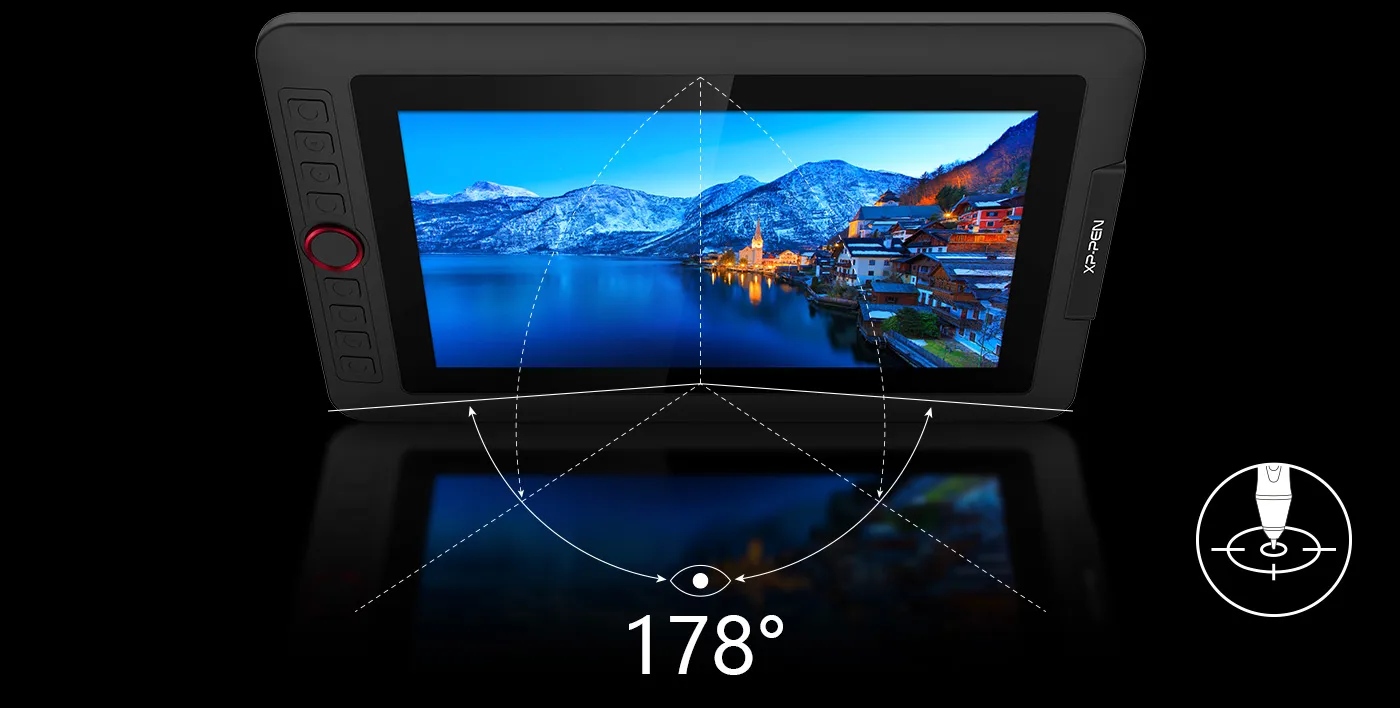
Adopting fully-laminated technology, the Artist 12 Pro seamlessly combines the glass and screen to create a distraction-free working environment. With virtually no parallax, your cursor appears exactly where you want it, offering a real paper-like feel while drawing on this 11.6 inch fully-laminated IPS Display with a 178-degree viewing angle and 1920*1080 high resolution.
Brings more customization options as you like.
Compared to the Artist 12, the Artist 12 Pro features 8 fully customizable shortcut keys and puts more customization options at your fingertips!
Artist 12 Pro
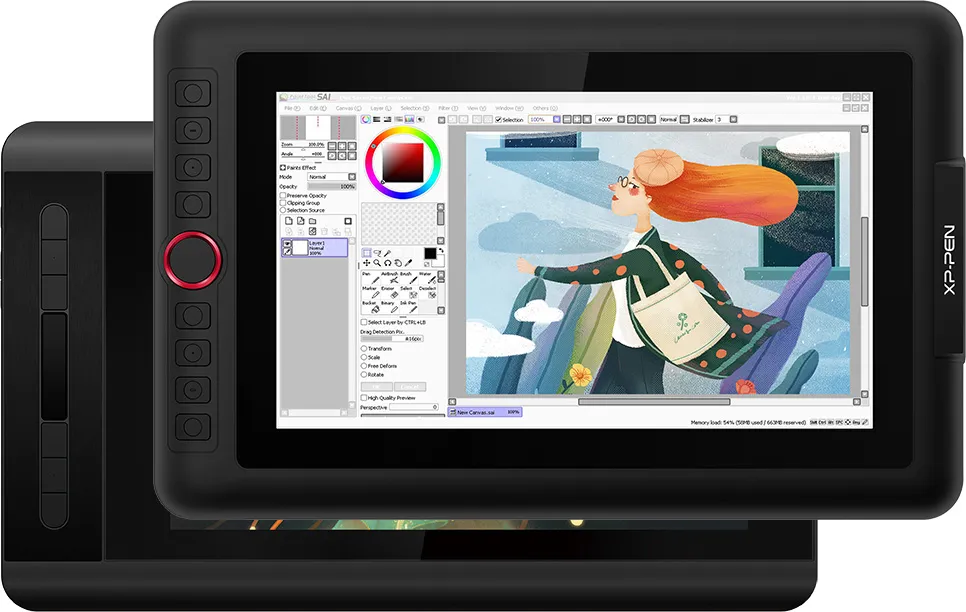
Artist 12
Fast, fluid performance.
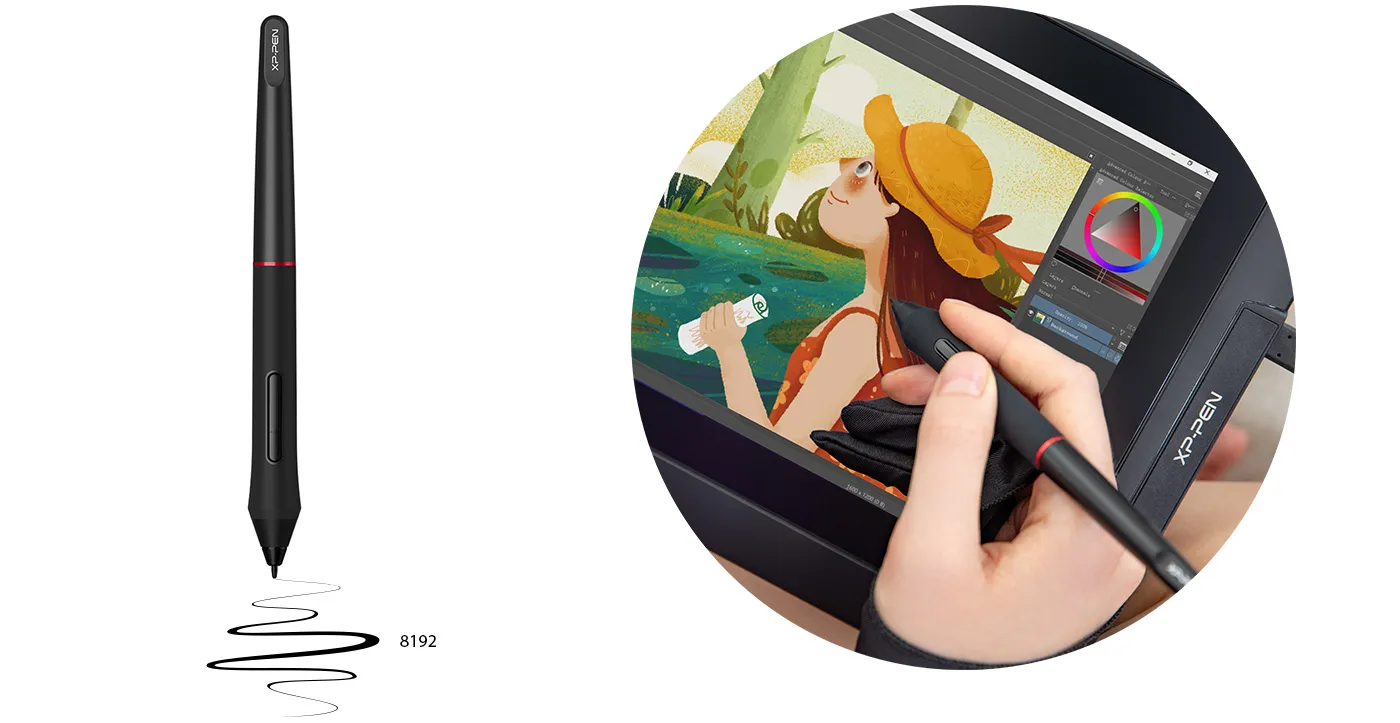
With up to 8,192 levels of pressure sensitivity, it provides you with increased accuracy and enhanced performance to create the finest sketches and lines, even down to the nuance of different hairs.
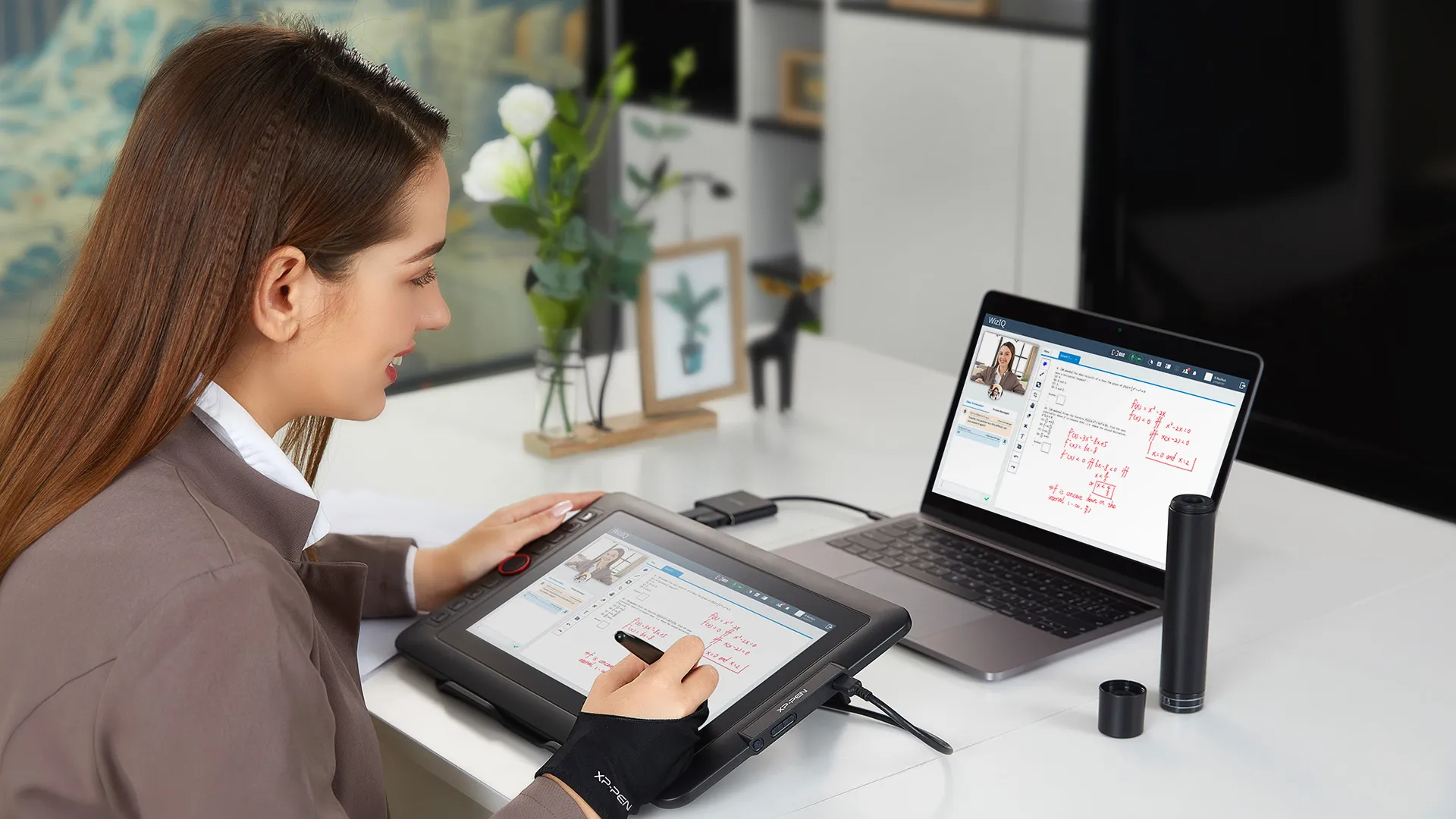
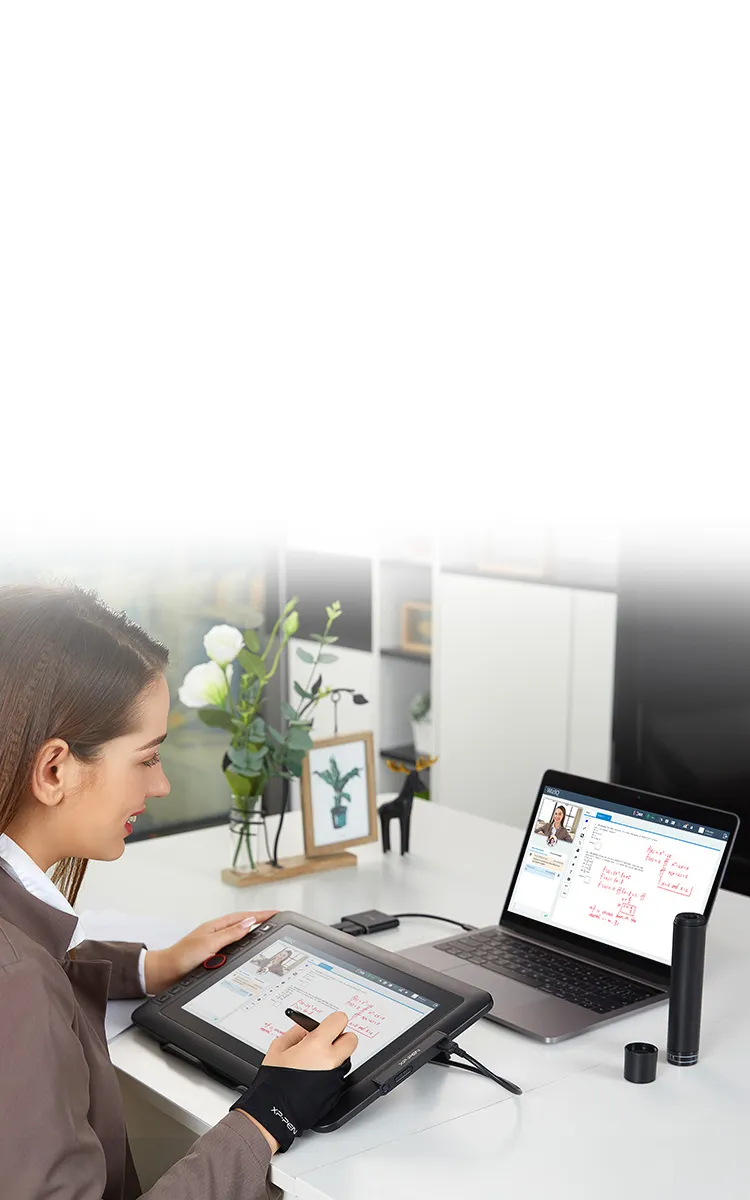
Ideal for your web conferencing or distance learning.
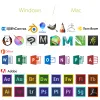
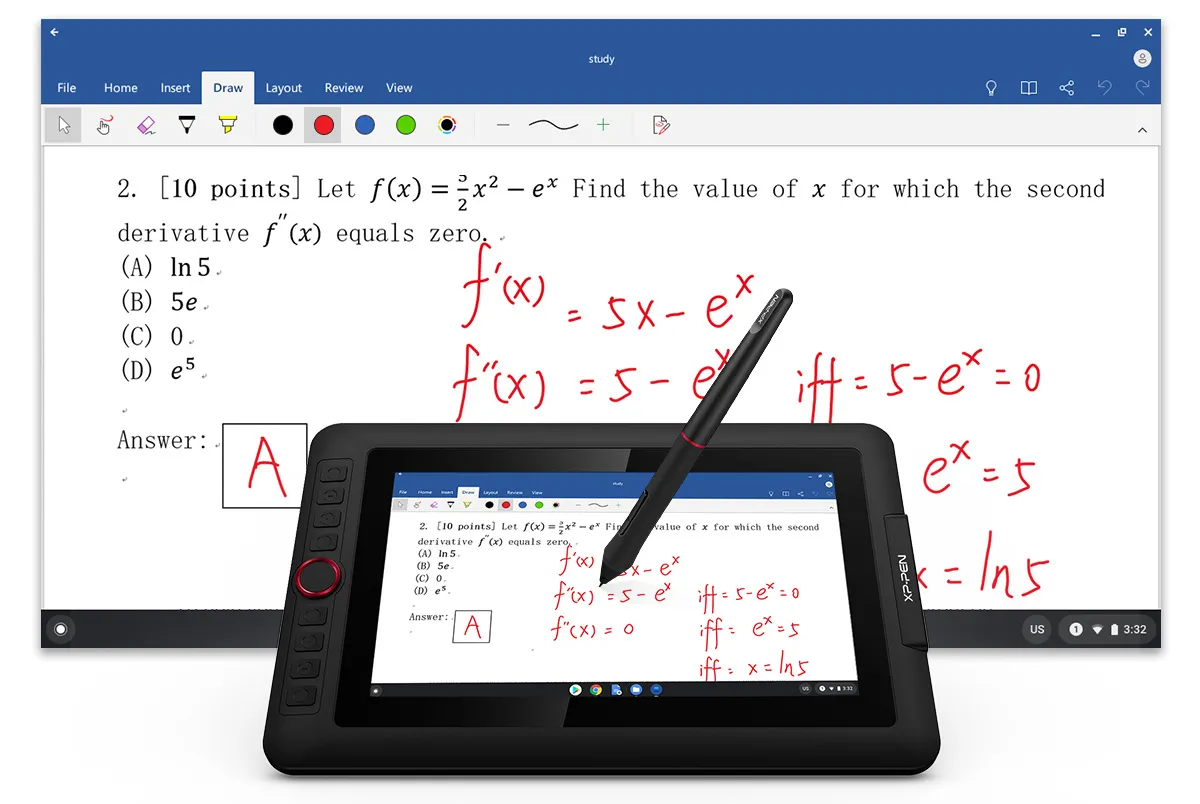
Simultaneous digital inking with an XP-Pen graphics tablet compatible with Microsoft Office apps like Word, PowerPoint, OneNote and more. Visually present your handwritten notes and signatures precisely – ideal for your web conferencing or online teaching needs.
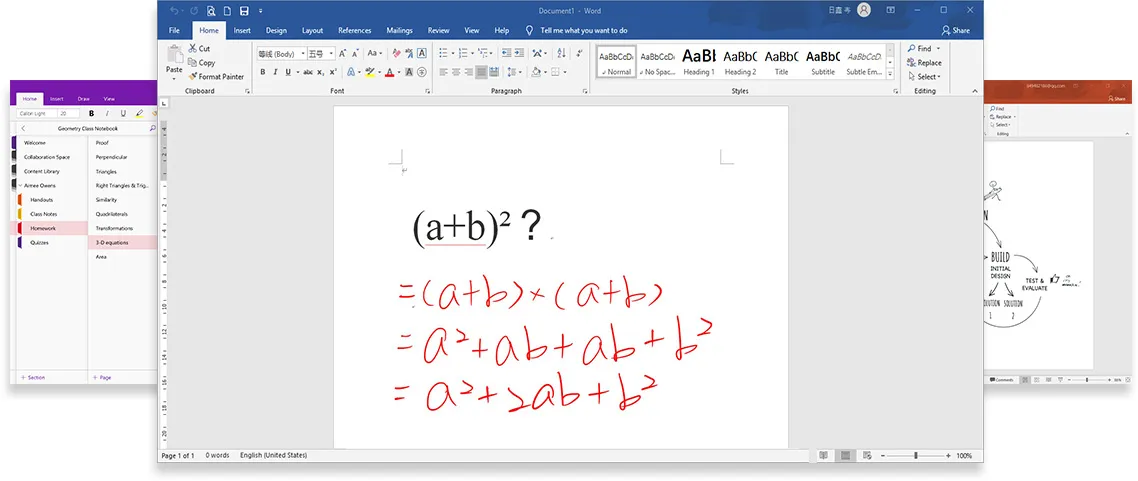
Engage, inspire, and immerse students and attendees like never before.
Teachers and speakers can create and explain interactive content visually by writing, editing, and annotating directly in files and sharing their screen in real time while streaming, broadcasting, or web conferencing. This flexibility allows the flow of creative ideas and the problem-solving process to be presented intuitively and efficiently.
Get started →
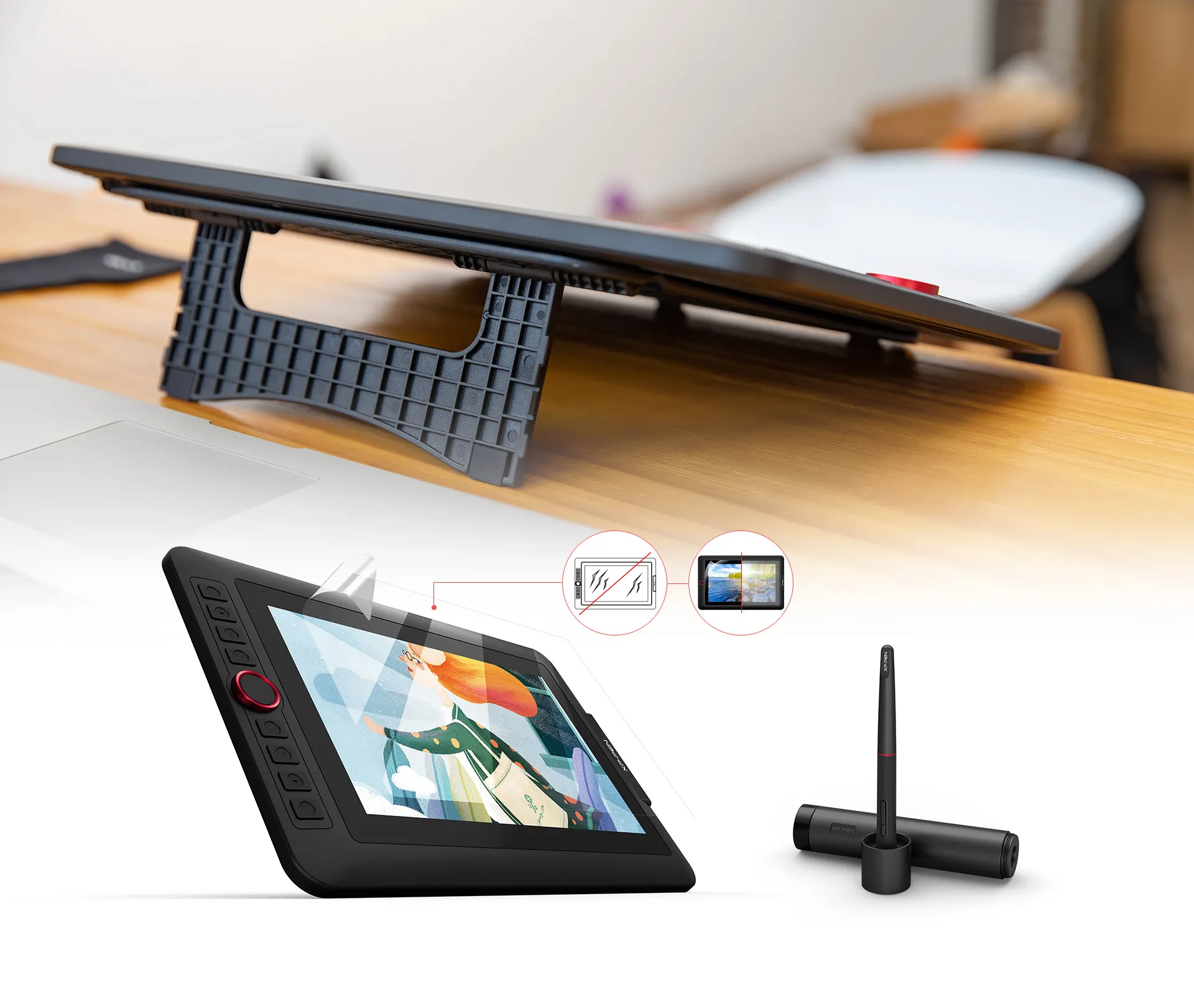
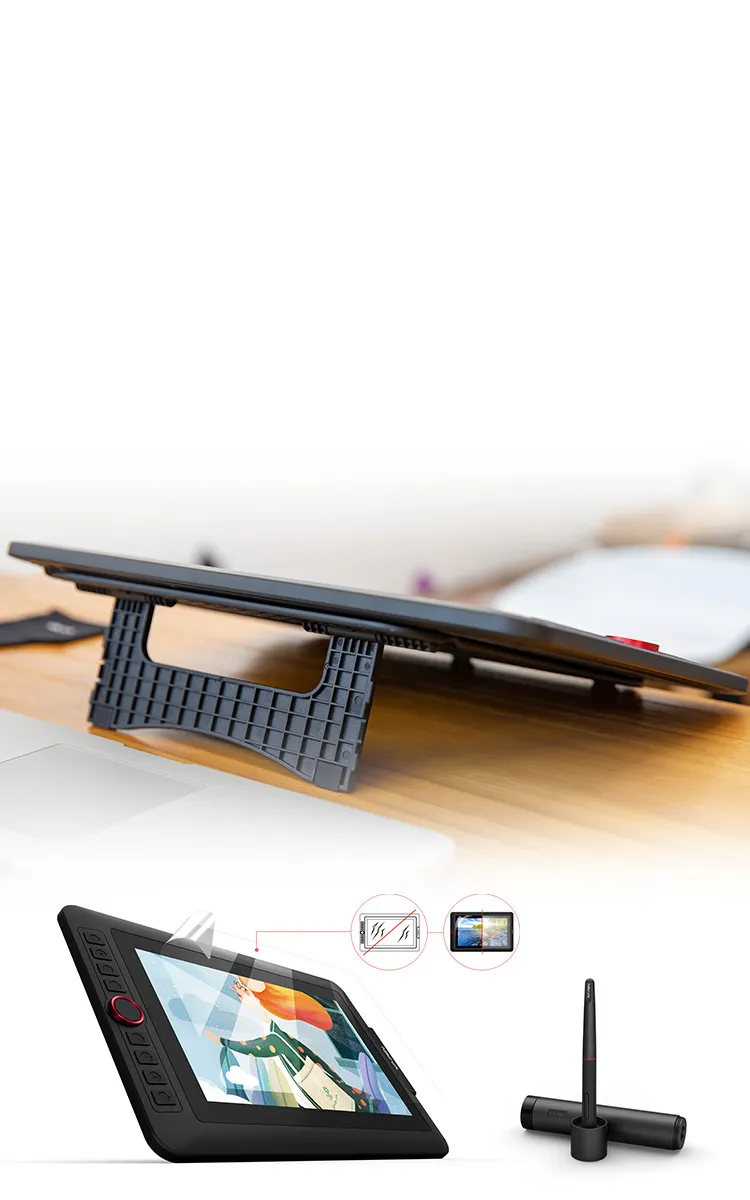
Accessories to complete your creation.
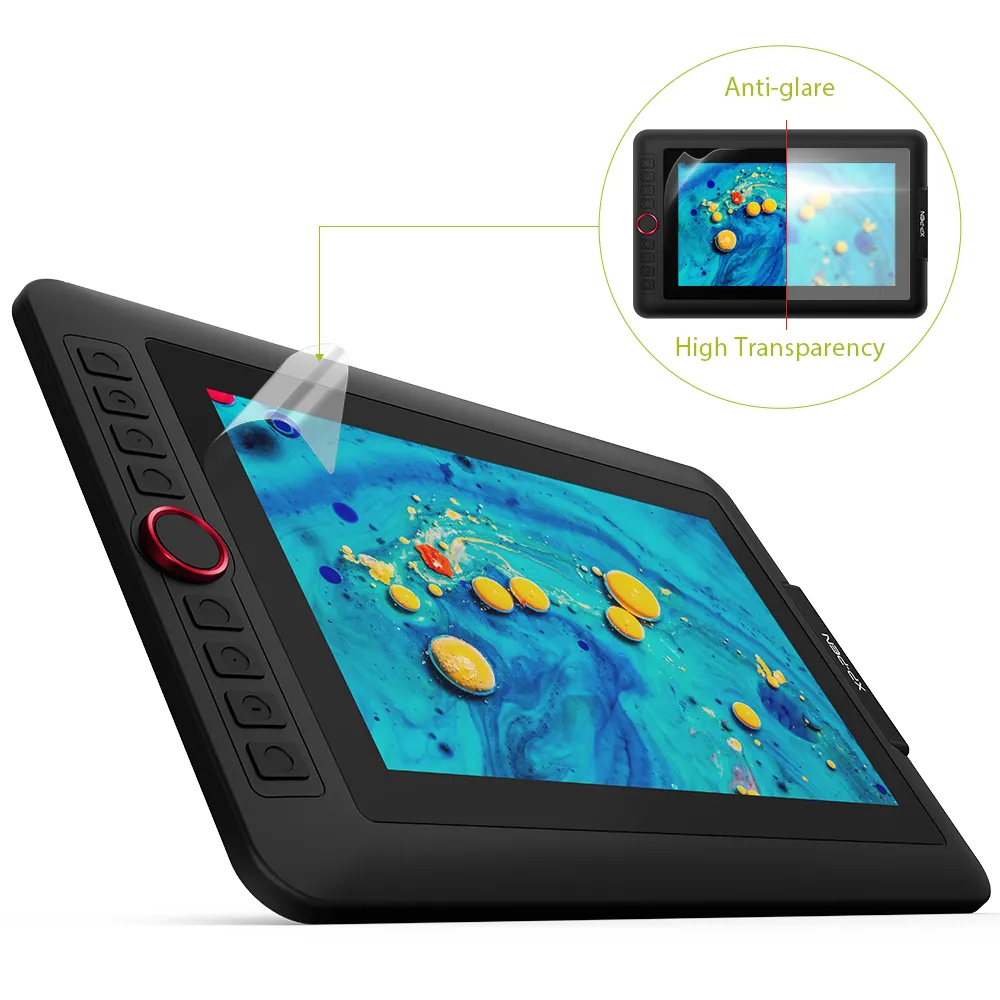
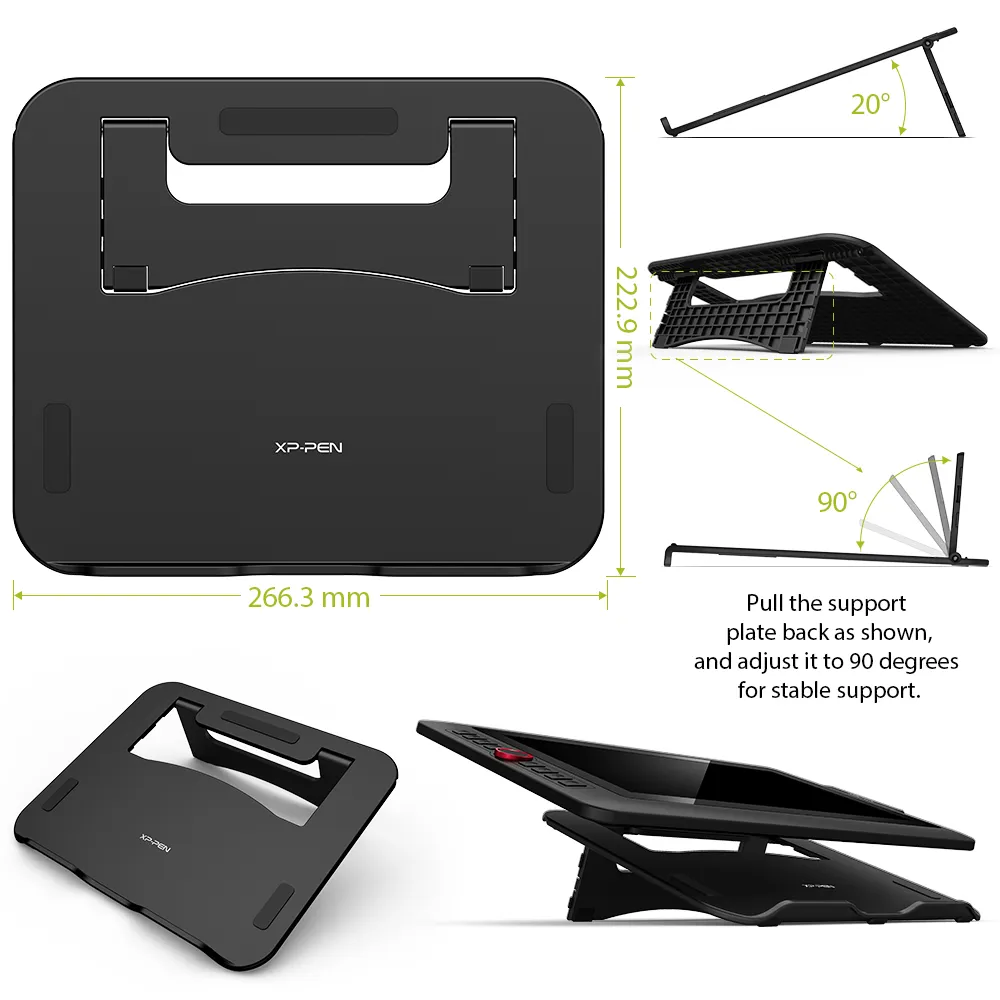
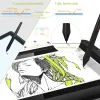
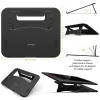
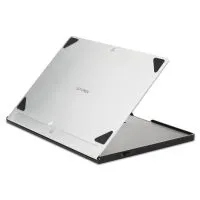
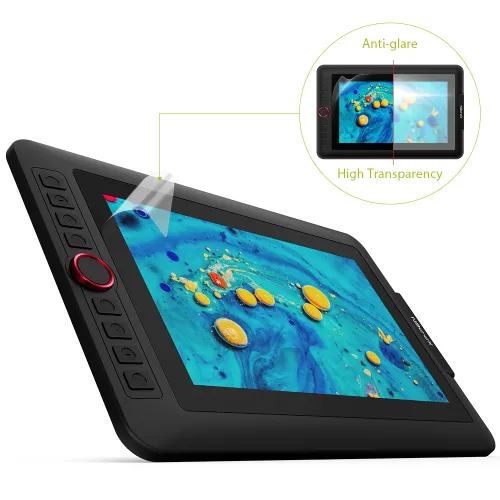
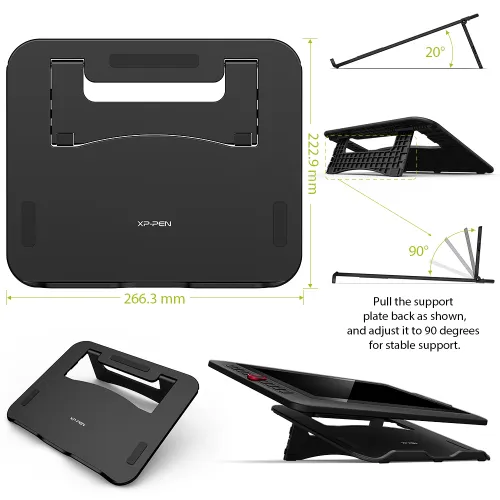
The portable stand is built to prevent shaking or sliding as well as relieve eye fatigue and hand stiffness. It also comes with a protective film to help protect your screen and reduce glare, while the pen holder keeps your pen and pen nibs safe and doubles as a pen stand or pen holder.
Scratch Resistance
Anti-glare
High Transparency
Versatility and Compatibility.
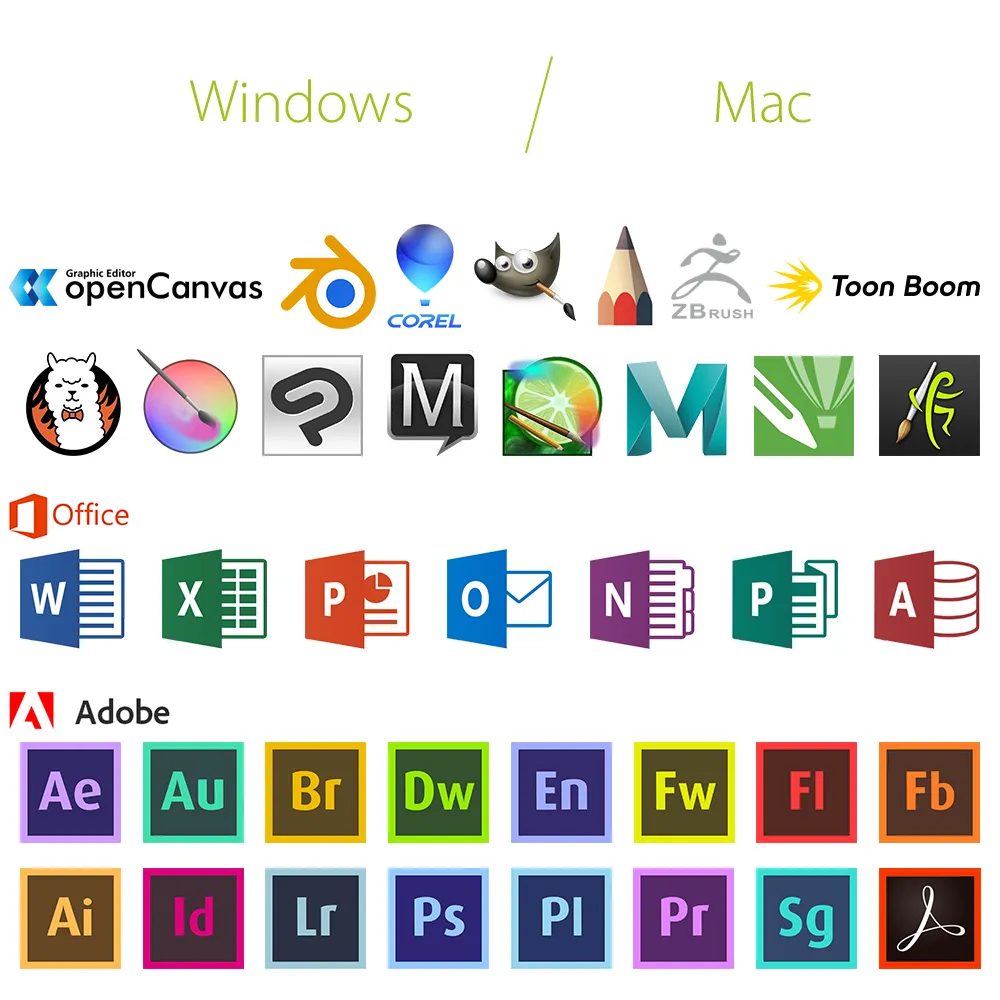
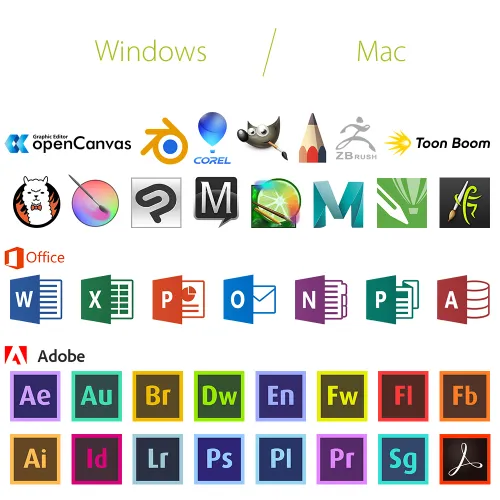
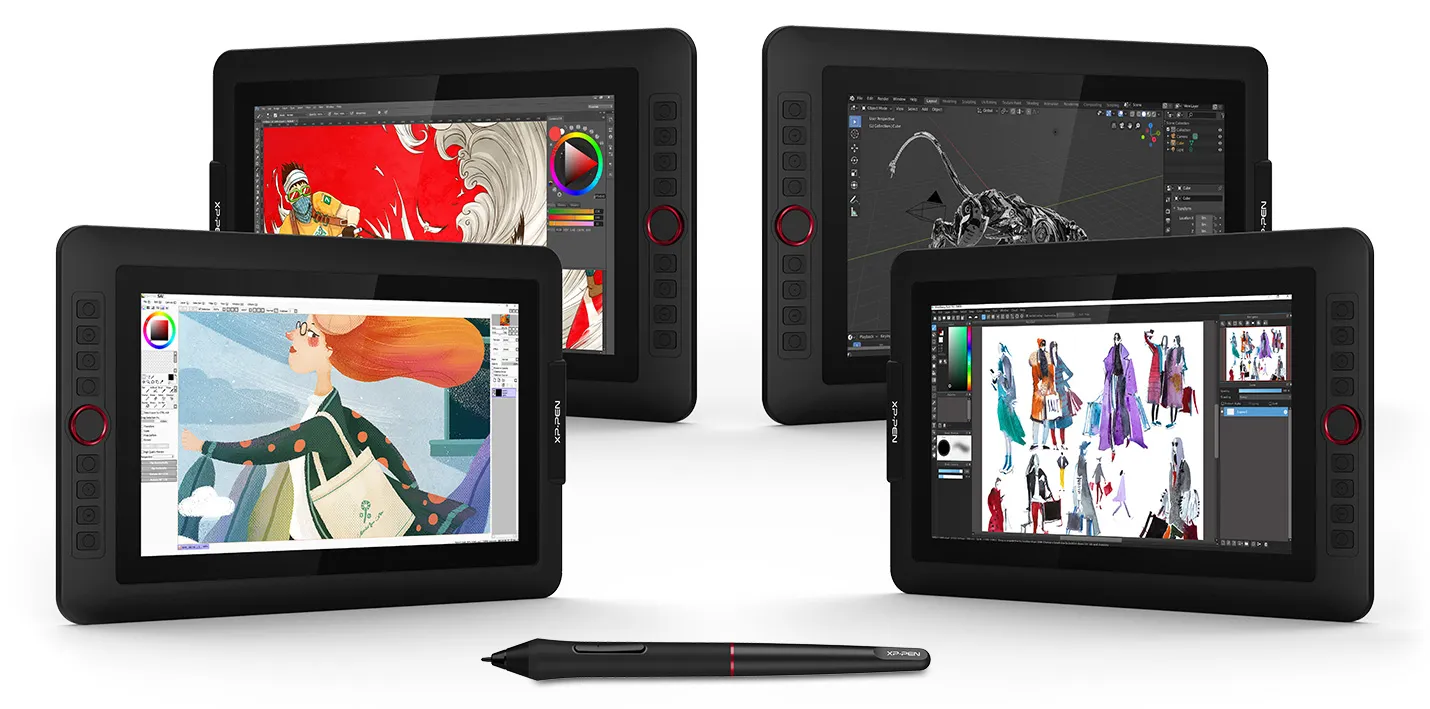
Supports Windows® 10/8/7(32/64bit), Linux (Detailed versions), Mac OS X® 10.10 and higher. Compatible with popular digital art software such as Adobe® Photoshop®, Illustrator®, SAI®, CDR®, GIMP®, Krita®, Medibang®, Fire Alpaca®, Blender® 3D and more. The XP-Pen Artist 12 Pro also works with web conferencing, online learning or broadcasting software including XSplit, Zoom, Twitch, Microsoft Teams, ezTalks Webinar, Idroo, Scribblar, Udemy, Ding Talk, and more.
Specification:
| Technology: | Electromagnetic |
| Dimension: | 351.52mm(L)*225.38mm(W)*12.9mm(H) |
| Display Area: | 256.32mm(H) x 144.18mm(V) |
| Display Resolution: | 1920x1080 pixels |
| Color Gamut: | 72% NTSC |
| Shortcut Keys: | 8 |
| Roller wheel: | 1 |
| Response Time: | 14ms |
| Pixel Pitch: | 0.1335*0.1335mm |
| Color Displays: | 16.7M |
| Contrast Ratio: | 1000:1 |
| Viewing Angle: | 178° |
| Pressure Levels: | 8,192 |
| Tilt: | 60 Degrees |
| Report Rate: | ≧200 |
| Resolution: | 5080 LPI |
| Accuracy: | ±0.01inch(center) |
| Reading Height: | 10mm |
| Supply Voltage: | DC 5V |
| USB Interface: | USB |
| Current consumption: | 2A |
| Power Consumption: | 10W |
| Compatibility: | Windows® 10/8/7 (32/64bit), Linux (Detailed versions), Mac OS X® 10.10 and higher |
Package Included:
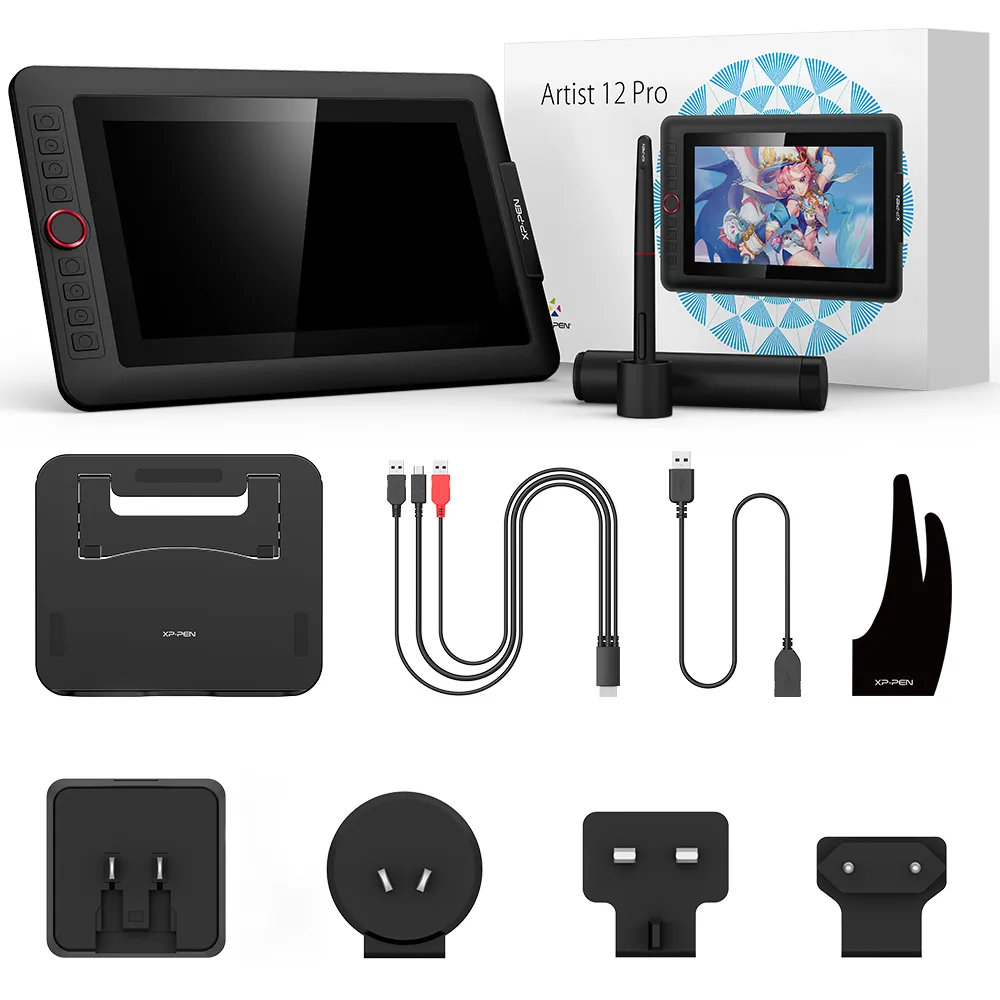
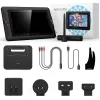
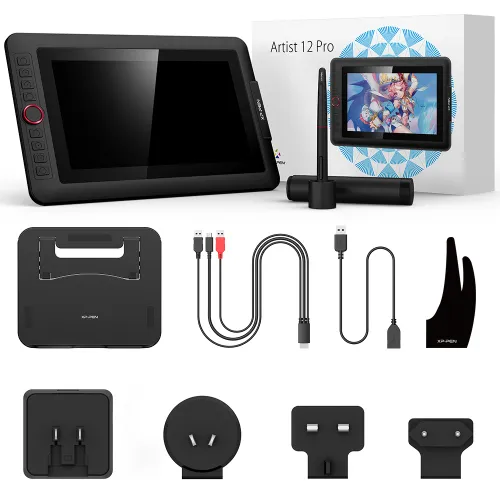
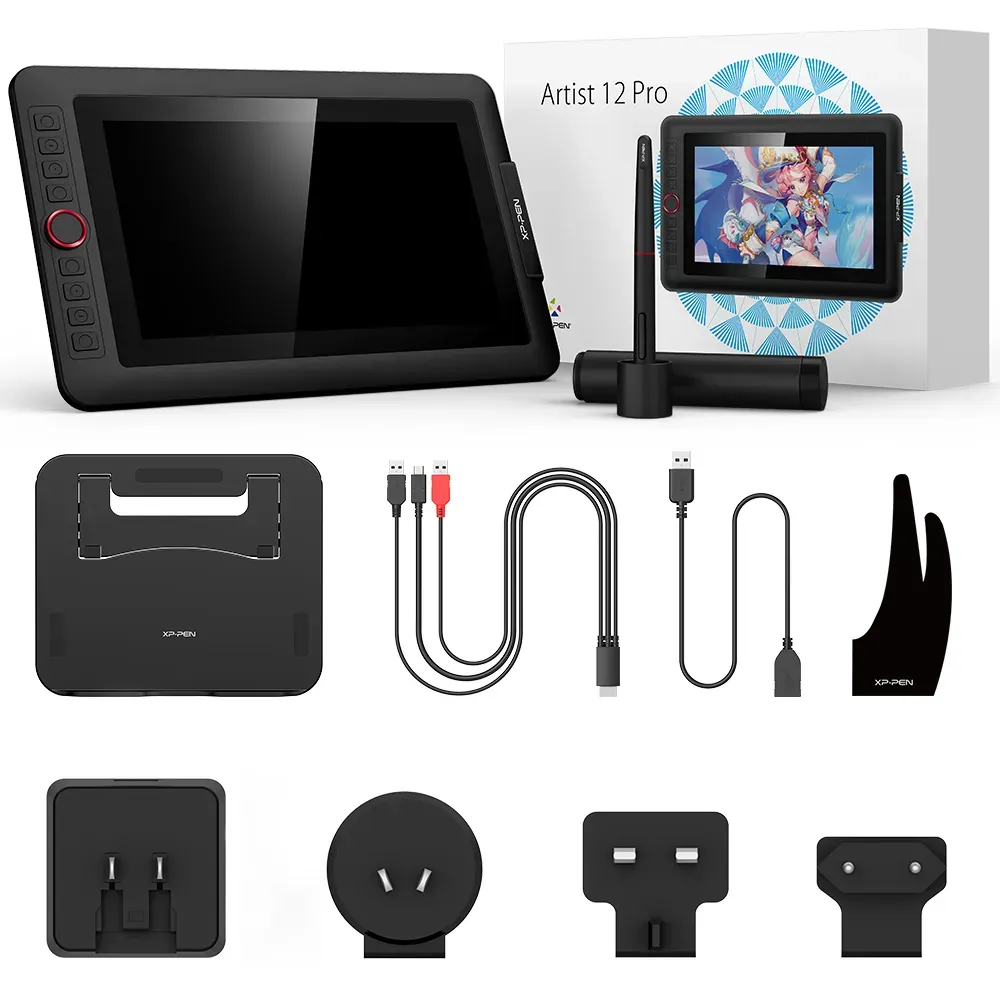
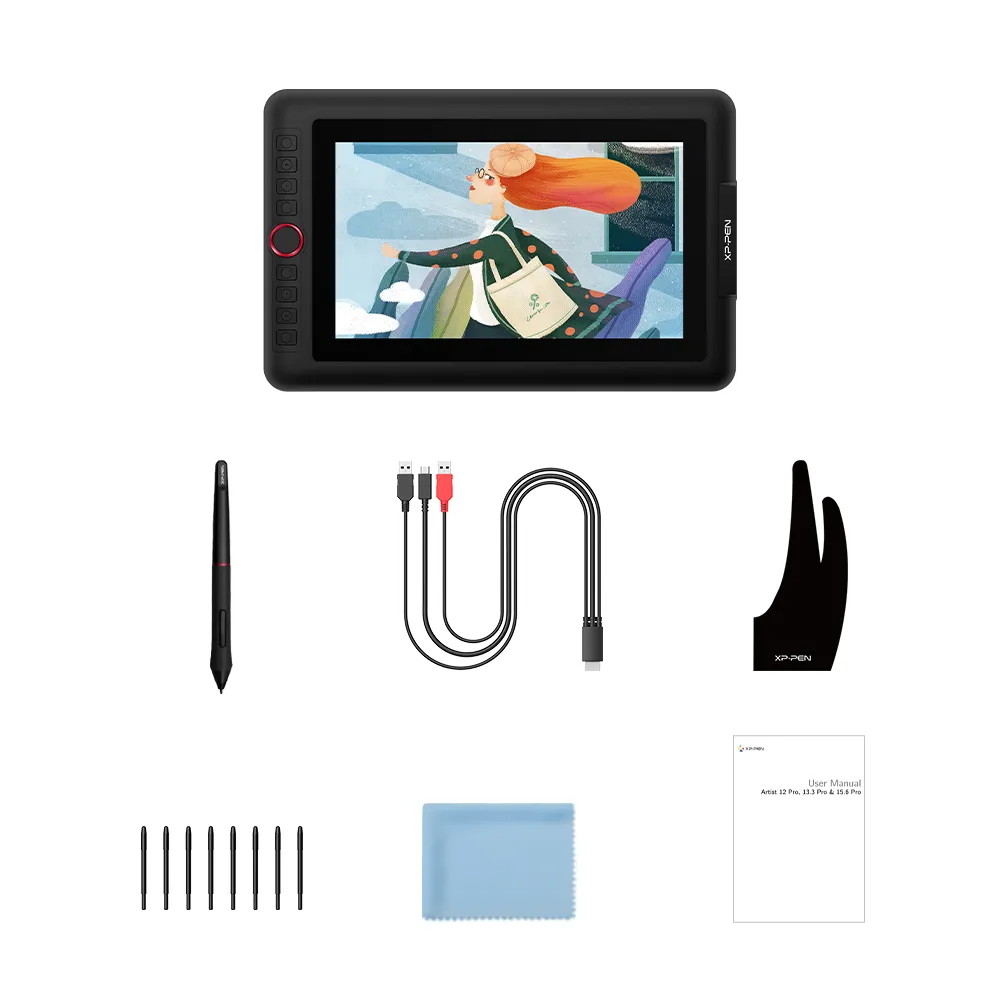
1x 11.6 Inch Display
1x Portable Stand
1 x Battery-free Stylus
8 x Replacement Pen Nibs
1 x Pen Holder
1 x Quick Guide
1x 3-in-1 USB Cable
1 x Cleaning cloth
1x USB Extension Cord
1 x Black Drawing Glove
1 x Power Adapter
| Linux OS | Version | Package Format | Supported Software |
| Arch | Arch Linux2019.12.01(64-bit) | .deb, .sh | GIMP, Krita |
| Centos | Centos7.0(64-bit) | .rpm, .sh | GIMP |
| Centos8(64-bit) | .rpm, .sh | GIMP, Krita | |
| Debian | debian-9.5.0-amd64-netinst(64-bit) | .deb, .sh | GIMP, Krita |
| elementary OS | elementary OS 5.0(64-bit) | .deb, .sh | GIMP, Krita |
| ezgo Linux | ezgo14(64-bit) | .deb, .sh | GIMP, Krita |
| Fedora | Fedora32(64-bit) | .rpm, .sh | GIMP, Krita |
| Mageia | Mageia-7.1(64-bit) | .rpm, .sh | GIMP, Krita |
| Manjaro | manjaro-xfce-20.1.2-201019(64-bit) | .deb, .sh | GIMP |
| Mint | linuxmint-18.2-cinnamon-64bit | .deb, .sh | GIMP, Krita |
| OpenSUSE | openSUSE-Tumbleweed(64-bit) | .rpm, .sh | GIMP, Krita |
| Pop!_OS | pop-os_19.10(64-bit) | .deb, .sh | GIMP, Krita |
| Red Hat | Red Hat7(64-bit) | .rpm, .sh | GIMP |
| Ubuntu | Ubuntu14.04(64-bit) | .deb, .sh | GIMP, Krita |
| Ubuntu16.04(64-bit) | .deb, .sh | GIMP, Krita | |
| Ubuntu17.04(64-bit) | .deb, .sh | GIMP, Krita | |
| Ubuntu18.04(64-bit) | .deb, .sh | GIMP, Krita | |
| Ubuntu19.04(64-bit) | .deb, .sh | GIMP, Krita | |
| Ubuntu20.04(64-bit) | .deb, .sh | GIMP, Krita |
| Function | Krita 4.3.0 | Gimp 2.10.20 | Inkscape 0.92 |
| Pen Pressure Sensitivity | |||
| Tilt | |||
| Mouse Function | |||
| Eraser Button (Stylus:PH01, P06) | |||
| Switch between Pen and Eraser Modes | |||
| *If you have any further queries, please do not hesitate to contact us at service@xp-pen.com. | |||
Linux OS
Arch
Version
Arch Linux2019.12.01(64-bit)
Package Format
.deb, .sh
Supported Software
GIMP, Krita
Centos
Version
Centos7.0(64-bit)
Centos8(64-bit)
Centos8(64-bit)
Package Format
.rpm, .sh
.rpm, .sh
.rpm, .sh
Supported Software
GIMP
GIMP, Krita
GIMP, Krita
Debian
Version
debian-9.5.0-amd64-netinst(64-bit)
Package Format
.deb, .sh
Supported Software
GIMP, Krita
elementary OS
Version
elementary OS 5.0(64-bit)
Package Format
.deb, .sh
Supported Software
GIMP, Krita
ezgo Linux
Version
ezgo14(64-bit)
Package Format
.deb, .sh
Supported Software
GIMP, Krita
Fedora
Version
Fedora32(64-bit)
Package Format
.rpm, .sh
Supported Software
GIMP, Krita
Mageia
Version
Mageia-7.1(64-bit)
Package Format
.rpm, .sh
Supported Software
GIMP, Krita
Manjaro
Version
manjaro-xfce-20.1.2-201019(64-bit)
Package Format
.deb, .sh
Supported Software
GIMP
Mint
Version
linuxmint-18.2-cinnamon-64bit
Package Format
.deb, .sh
Supported Software
GIMP, Krita
OpenSUSE
Version
openSUSE-Tumbleweed(64-bit)
Package Format
.rpm, .sh
Supported Software
GIMP, Krita
Pop!_OS
Version
pop-os_19.10(64-bit)
Package Format
.deb, .sh
Supported Software
GIMP, Krita
Red Hat
Version
Red Hat7(64-bit)
Package Format
.rpm, .sh
Supported Software
GIMP
Ubuntu
Version
Ubuntu14.04(64-bit)
Ubuntu16.04(64-bit)
Ubuntu17.04(64-bit)
Ubuntu18.04(64-bit)
Ubuntu19.04(64-bit)
Ubuntu20.04(64-bit)
Ubuntu16.04(64-bit)
Ubuntu17.04(64-bit)
Ubuntu18.04(64-bit)
Ubuntu19.04(64-bit)
Ubuntu20.04(64-bit)
Package Format
.deb, .sh
.deb, .sh
.deb, .sh
.deb, .sh
.deb, .sh
.deb, .sh
.deb, .sh
.deb, .sh
.deb, .sh
.deb, .sh
.deb, .sh
Supported Software
GIMP, Krita
GIMP, Krita
GIMP, Krita
GIMP, Krita
GIMP, Krita
GIMP, Krita
GIMP, Krita
GIMP, Krita
GIMP, Krita
GIMP, Krita
GIMP, Krita
Function
Pen Pressure Sensitivity
Krita 4.3.0
Gimp 2.10.20
Inkscape 0.92
Tilt
Krita 4.3.0
Gimp 2.10.20
Inkscape 0.92
Mouse Function
Krita 4.3.0
Gimp 2.10.20
Inkscape 0.92
Eraser Button(Stylus:PH01, P06)
Krita 4.3.0
Gimp 2.10.20
Inkscape 0.92
Switch between Penand Eraser Modes
Krita 4.3.0
Gimp 2.10.20
Inkscape 0.92
*If you have any further queries, please do not hesitate to contact us at service@xp-pen.com.
4.7


Based on 17
76%(13)

18%(3)
6%(1)
0(0)
0(0)
Barry Johnson
Sep 09 ,2019 PM 15:30 Artist 12 Pro
XP-Pen Artist 12 Pro
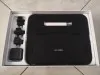
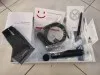
Upon un-boxing my new graphic monitor I can immediately see that it's of high quality, having the added stand is going to make life a lot easier for drawing, not only for slip resistance but also for wrist/hand fatigue management, the anti-smudge drawing glove is also a great addition...
Set up using the quick guide seem quite straightforward, however XP-Pen has a YouTube channel that also explains the setup procedure...
Can't wait to start drawing, I'm certainly very happy with my purchase.
Useful(6)+1
Stephen
Oct 22 ,2019 PM 14:51 Artist 12 Pro
XP-Pen Artist12 Pro Graphic monitor
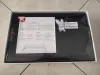
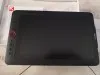
The screen is bright and colorful, there were no problems with the connection. Slightly larger than i expected, but it's even a plus. I liked it.
Useful(5)+1
Thomas Huckle
Nov 24 ,2019 PM 22:44 Artist 12 Pro
This is not bot comment nor xp pen employer.
It arrived in 4 days, good quality, does as it says, but the config should be more clear on infomation, but overall it is very nice.
Useful(2)+1
Learn More
XFANSuhljve4c
Dec 17 ,2024 PM 18:13 Artist 12 Pro
I am trying to connect artist 12 pro with MacBook air 2024 Sonoma 14.6 , I setup everything and it worked as just normal tablet but no display.
it does not say "no signal" and it shows Moiré pattern so I assume it is connected.
I use USB-c HDMI multiport adapter for HDMI and USB connection, and from that adapter I also connect USB-C Cable which going to main power supply to give more power to the adapter. It charge MacBook itself but still not showing anything on display on xp-pen tablet. when I press start button it turns to blue color and xp pen logo come up, and nothing after. I connected with MacBook Pro and display comes up straight away, but not with MacBook Air. What should I do ?
Reply0
XFANSy7mvfhjb
Feb 15 ,2024 AM 07:17 Artist 12 Pro
Is it compatible with a Mac OS Monterey 12.7.3?
Reply0
XFANSh81ejbfu
Sep 18 ,2023 PM 12:43 Artist 12 Pro
Hi I've just got my 12 pro and was curious if the anti scratch screen protector that tablet comes with is removable if my tablet gets too scratched?
Reply0
XFANSf95ydg7i
Mar 24 ,2023 AM 06:21 Artist 12 Pro
Can you draw on it without connecting to a laptop?
Reply1
XFANSr3ikhlbs
Aug 02 ,2023 AM 07:21
You can connect it to any device with a USB-C to USB-C type cord, if you were to buy a raspberry pi or something cheap it'd be more portable than a laptop, but then a laptop is really quite portable - it is not able to be used as a standalone product, you need to plug it into a device of some sort - it is not a computer in and of itself, it is a display.
Reply to this review
XFANSizetfo81
Nov 02 ,2022 PM 13:00 Artist 12 Pro
Hi I was wondering if Flipaclip is compatible with this tablet?
Reply0
XFANS01ln0kyp
May 02 ,2022 AM 01:41 Artist 12 Pro
Will this product require a step down transformer to use in australia
Reply1
Official mall
May 05 ,2022 AM 11:34
Hello:)
This product on AU Store has Australia's standard charger. Usually you don't need step down transformer.
Hope it helps:)
Best Regards,
XP-PEN
Reply to this review
XFANStn9j4std
Dec 30 ,2021 AM 06:19 Artist 12 Pro
I've lost the stylus and the case and all the nibs for artist pro 12 or 16. Where can I buy replacement
Reply1
Official mall
Jan 13 ,2022 AM 11:50
Dear Customer,
If you have Artist 12pro, here is the purchase link of this pen: https://www.xp-pen.com/au-store/buy/84.html
If you have Artist Pro 16, please see this link: https://www.storexp-pen.com.au/buy/144.html
Hope it is helpful to you.
Best Regards
XP-PEN
Reply to this review
XFANSuwi4en55
Dec 07 ,2021 PM 18:04 Artist 12 Pro
Hi, I've been wanting to buy this product for a while but I was wondering the products compatibility with certain laptops. I have a samsung galaxy s book and I really hope to connect it. A while back, I bought a wacom product but it wouldn't connect to my laptop so I want to know if it can connect before making the commitment.
Reply1
Official mall
Dec 09 ,2021 PM 14:24
Hello,
Artist 12 Pro is compatible with samsung galaxy s book.For the cable connection,if your laptop only has Type-c port, you may need to buy 3 in 1 USB-C Hub.
https://www.xp-pen.com/au-store/buy/101.html
Hope it helps
XP-PEN
Reply to this review
XFANSxpw8zf94
Nov 03 ,2021 AM 09:57 Artist 12 Pro
Hey just wondering if you have any products similar to this one but compatible for left-handed people. The shortcut buttons being on the left hand side is inconvenient, as well as the right-handed drawing glove.
Reply1
Official mall
Nov 03 ,2021 PM 13:13
Dear customer,
Our Artist12 pro and gloves are suitable for both right and left hand users.You can set the display to left hand mode through easy access,then physically pick up and rotate the display.That will get the buttons out of your way!
Hope it helps.
Best Regards,
Edie
Reply to this review
XFANShnbcfokj
Oct 19 ,2021 AM 11:13 Artist 12 Pro
I purchased the XP-Pen Artist 12 pro a couple months ago and the end of my usb cable it broken, is there a way to get a new capble without buying a new tablet?
Reply1
Official mall
Oct 20 ,2021 AM 09:48
Dear customer,
Sorry for the inconvenience brought to you.You can contact our service team by the Email :liangqiuyan@xp-pen.com
Show them your order and photo/video of the broken cable.They will send a replacement to you.
Best Regards,
XP-PEN
Reply to this review
Learn More