


Getting started with your
Artist 13.3 Pro V2.
1/10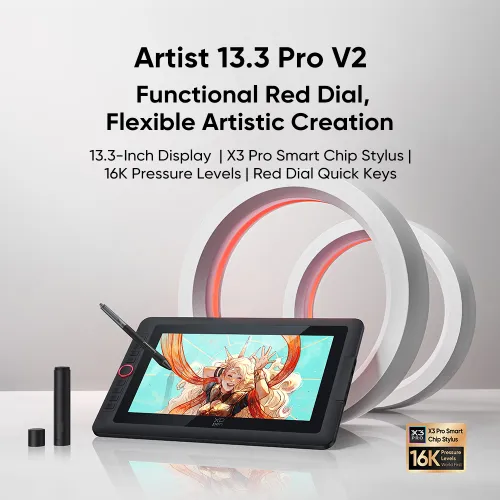
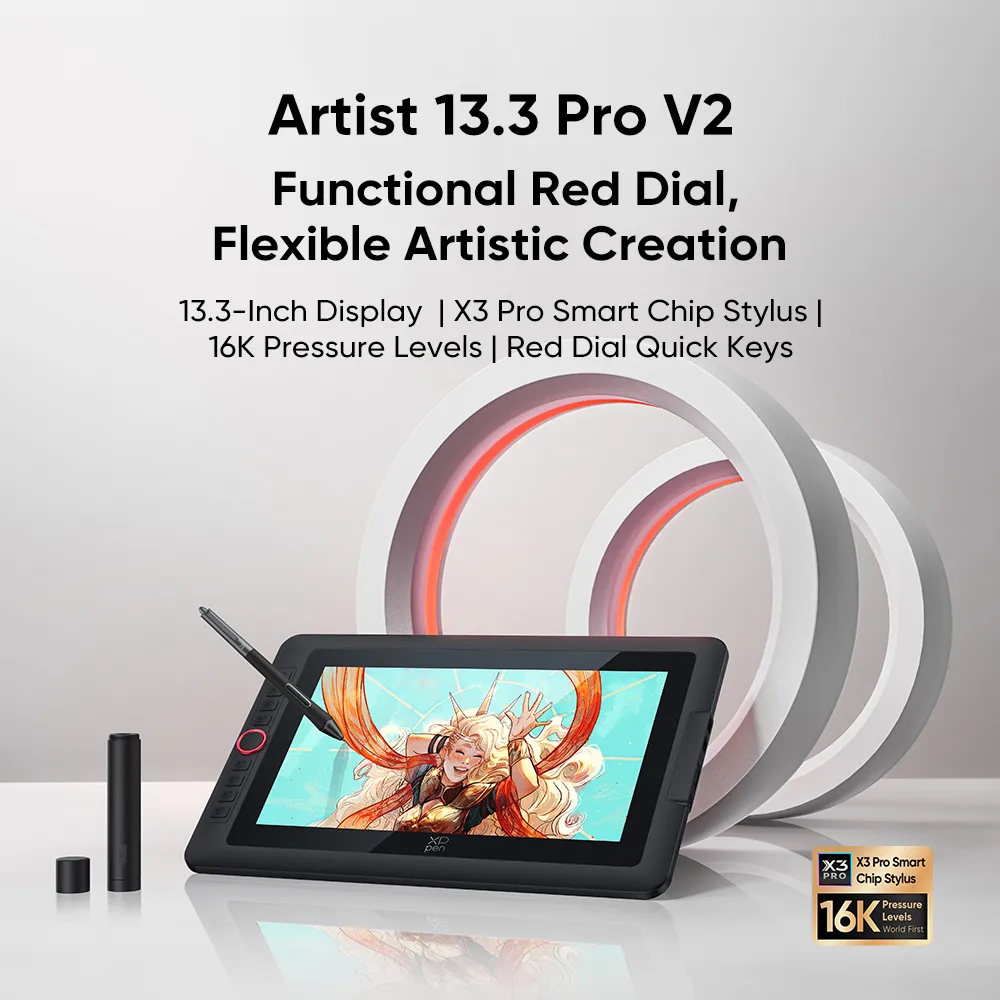
Artist 13.3 Pro V2
13.3-Inch Display | X3 Pro Smart Chip Stylus | 16K Pressure Levels | Red Dial Quick Keys
Artist 13.3 Pro V2 requires connection to a computer or laptop to function.
AU$329.99AU$439.99
FREE DELIVERY
We offer free shipping
SECURE PAYMENT
Your payment information is processed securely
TECH SUPPORT
service@xp-pen.com
18-MONTH WARRANTY
18-month warranty only for official AU-store
Optional Accessories
Quantity:
Total
AU$329.99
 Log in and purchase to receive an estimated 229 X-Coins




Worry-Free Delivery® available with seel
Estimate:
Artist 13.3 Pro V2
Functional Red Dial,
Flexible Artistic Creation
13.3-Inch Display | X3 Pro Smart Chip Stylus | 16K Pressure Levels | Red Dial Quick Keys
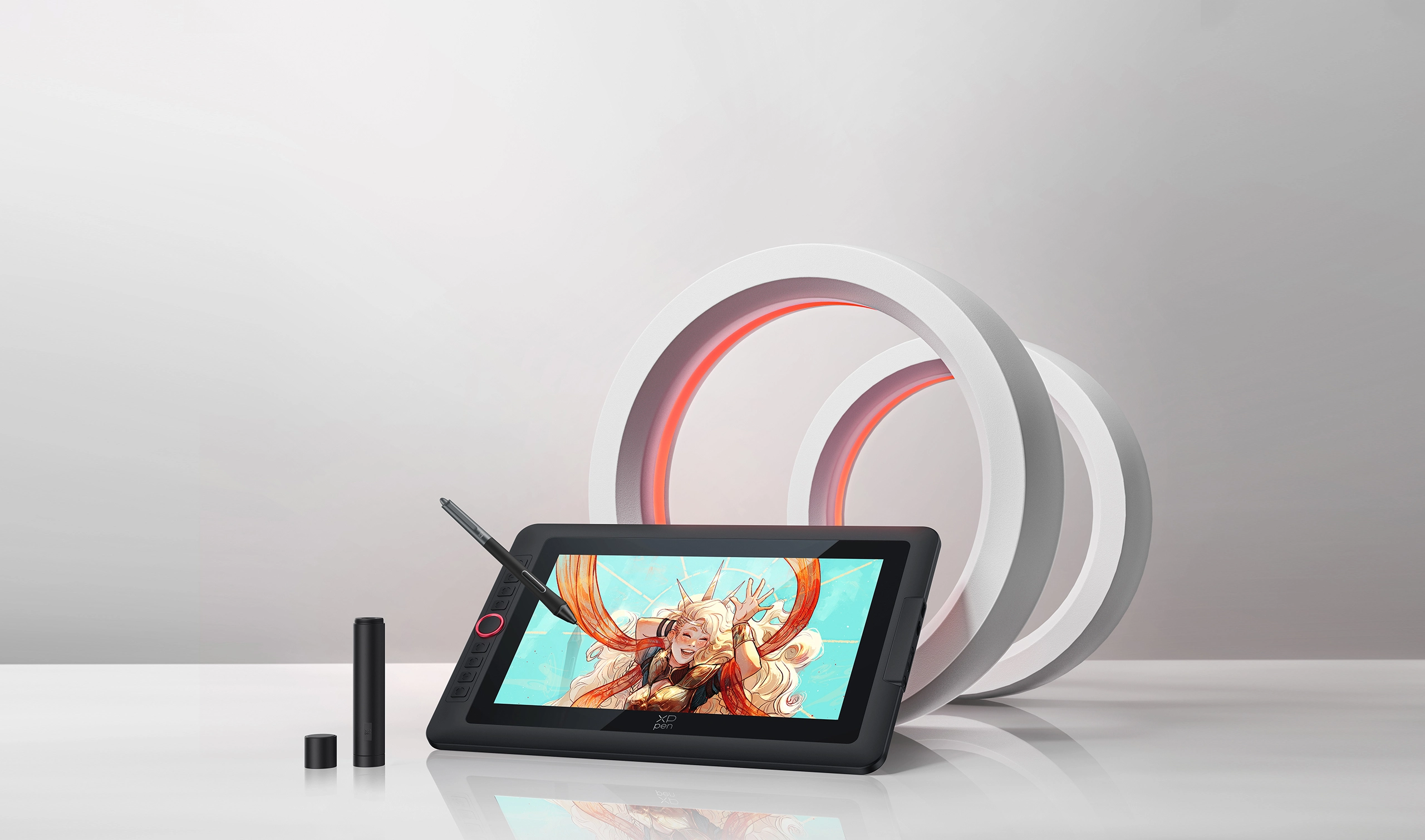
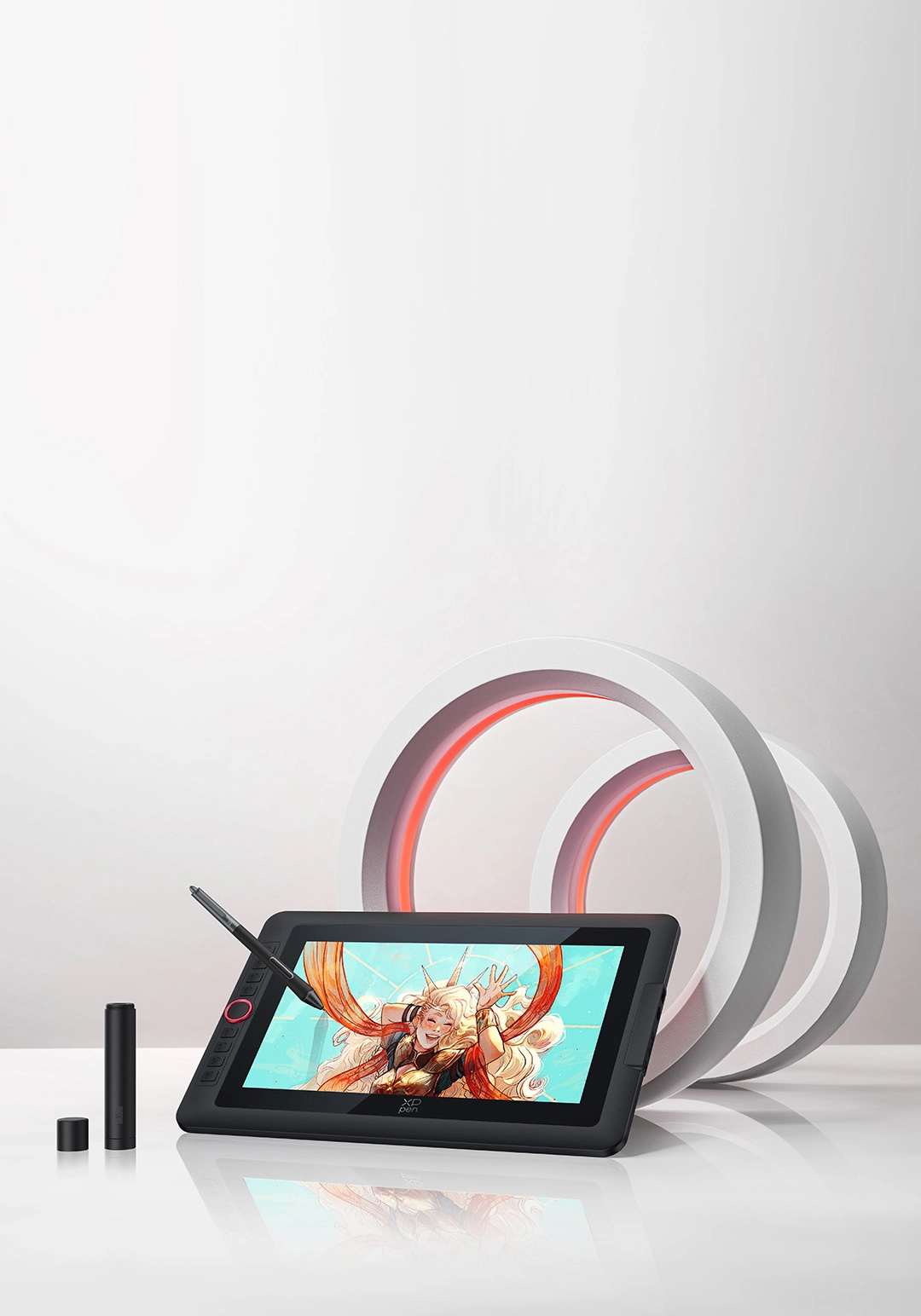
It's time to upgrade your Artist 13.3 Pro
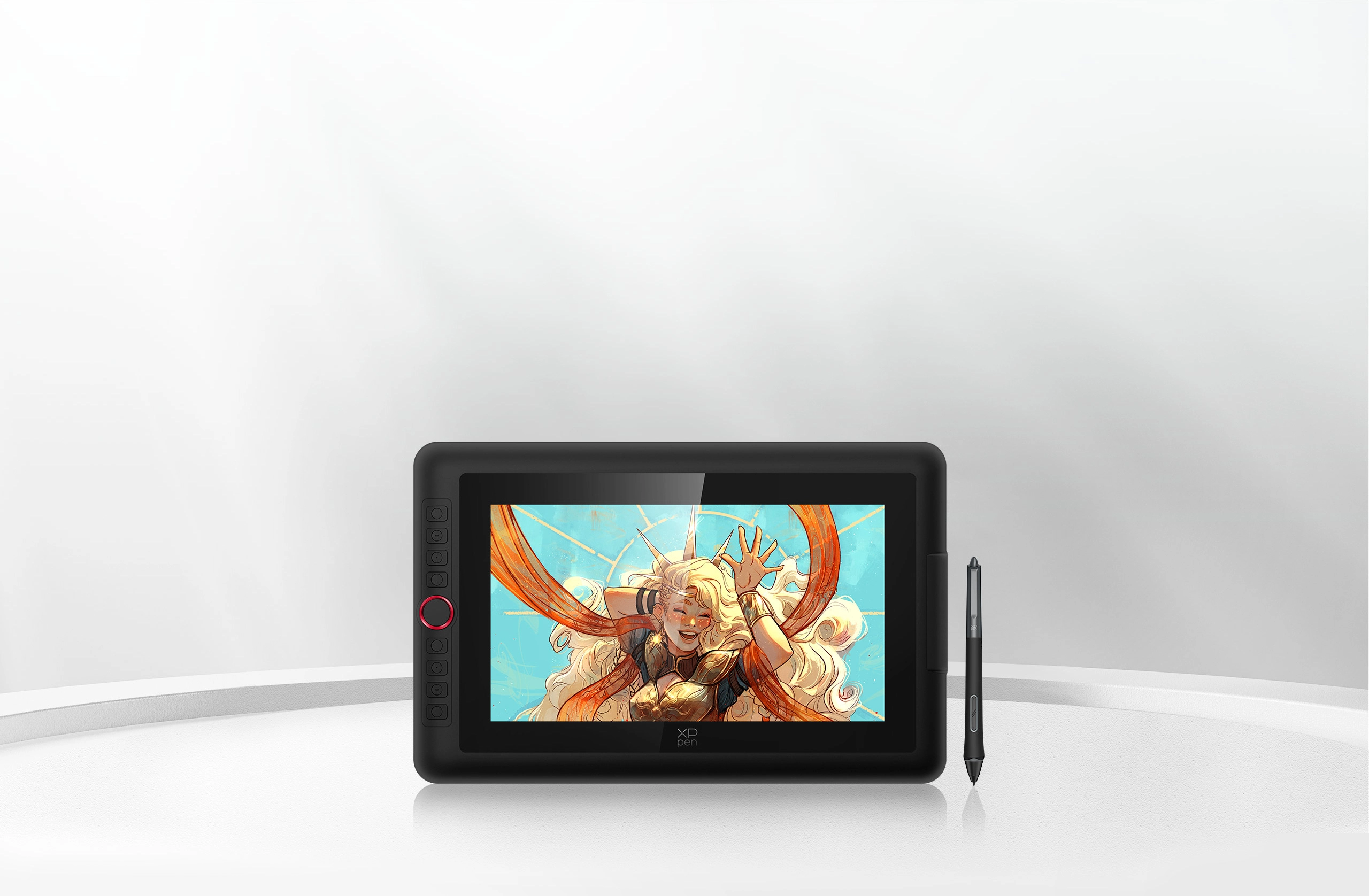
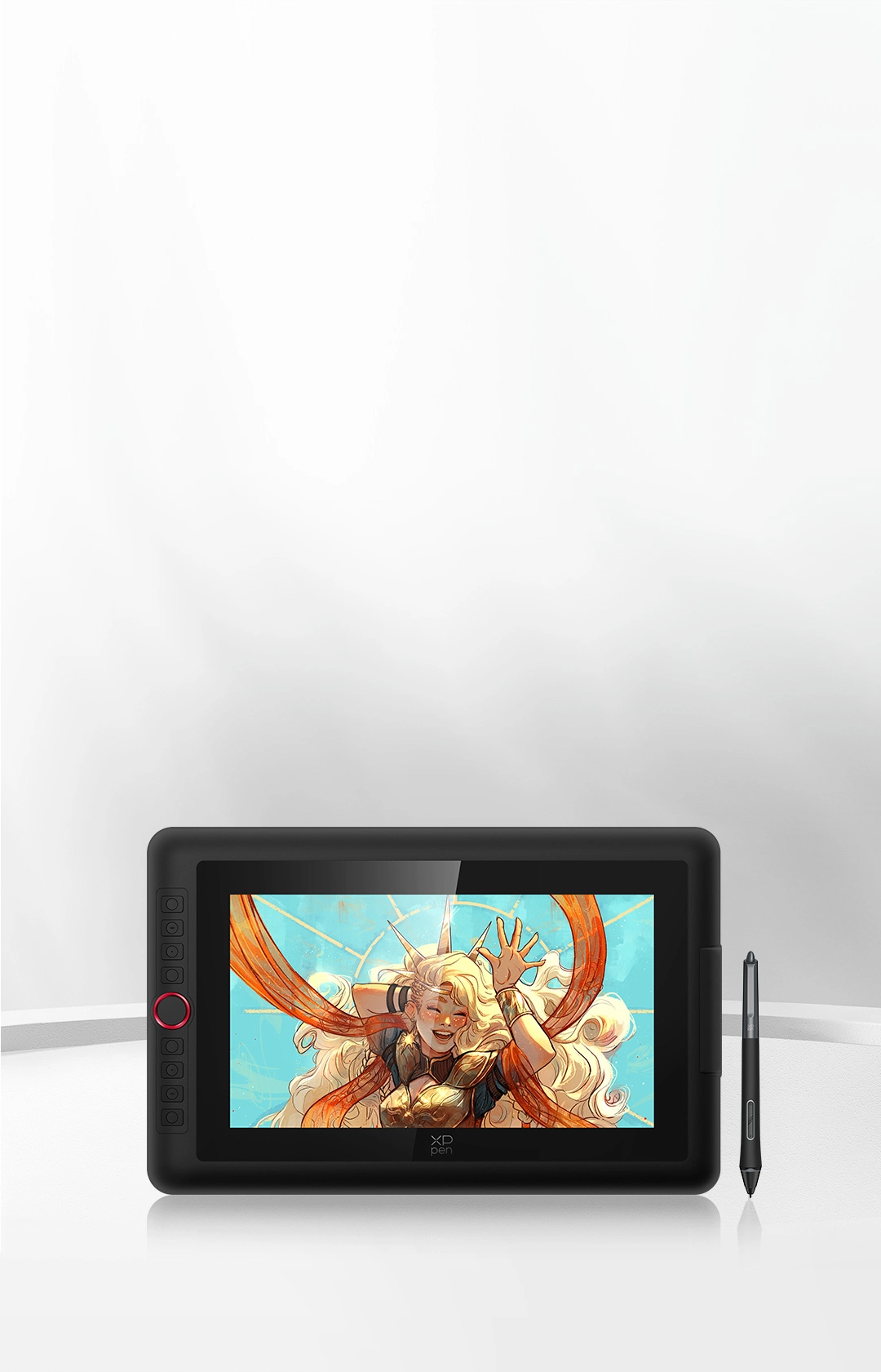
Inheriting the classic design of the Red Dial quick keys, Artist 13.3 Pro V2 is upgraded to work with X3 Pro Smart
Chip Stylus, aiming to empower artists worldwide. As the world-first 16K pressure level stylus,
it perfectly mimics the feeling of drawing on real paper, so you can transform your ideas into real masterpieces.
With its portable size, you can carry it anywhere and unleash your limitless creativity!
13.3-Inch Display
Travel with Your Inspiration
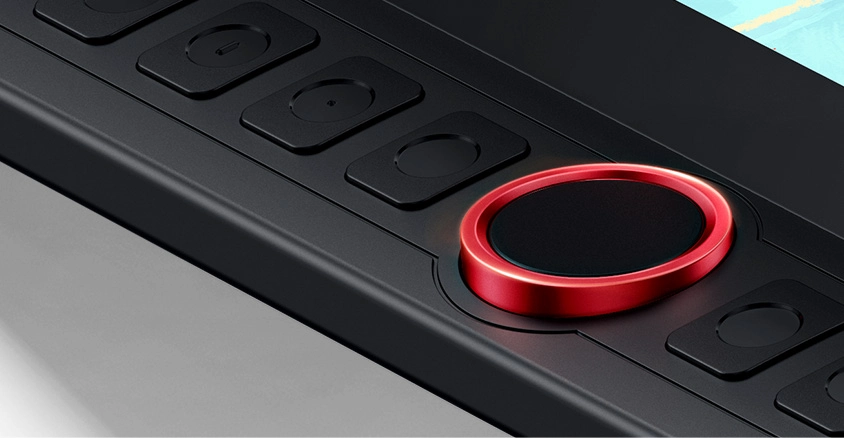
Red Dial Quick Keys
Smooth Creative Workflow
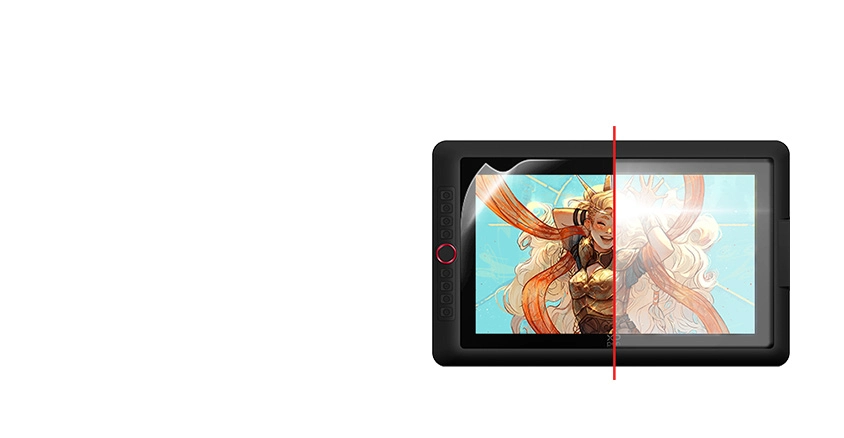
Full-laminated Display +
Anti-glare Film
No Visual Gap,
No Glare Interference
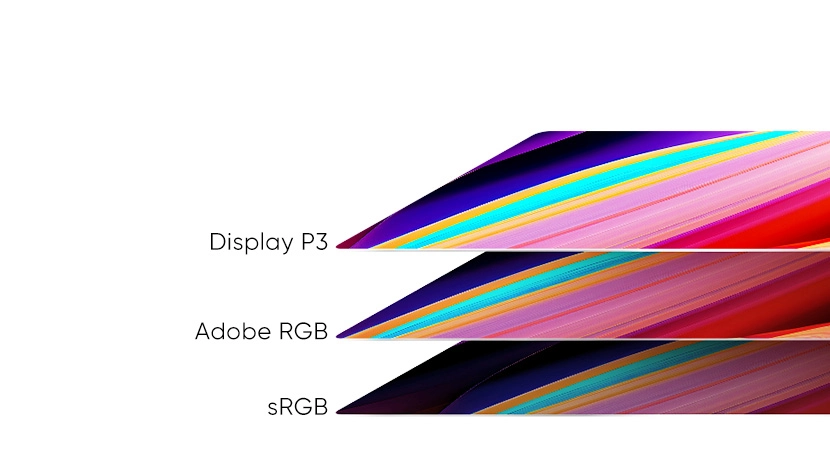
99% sRGB
Excellent Color Performance
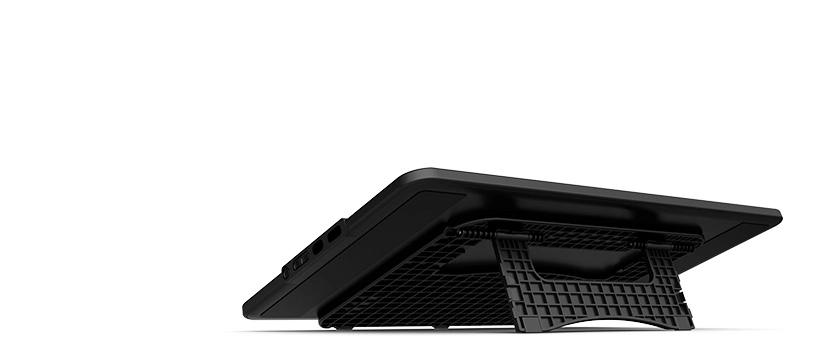
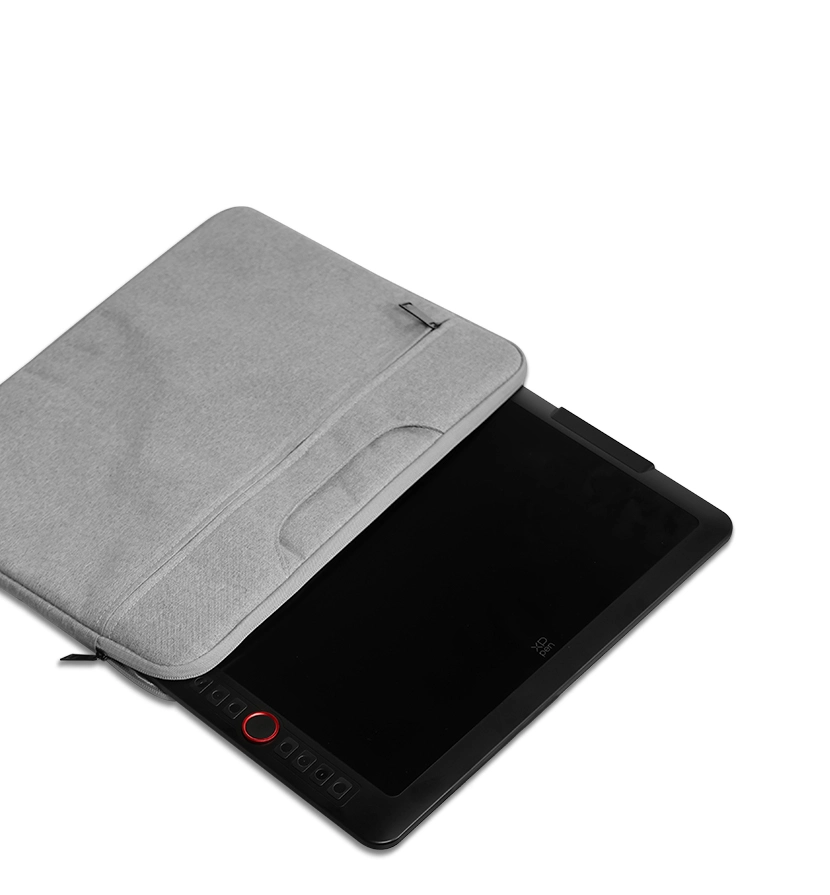
Portable & Foldable Stand
Keep the Drawing Display Safe and Stable
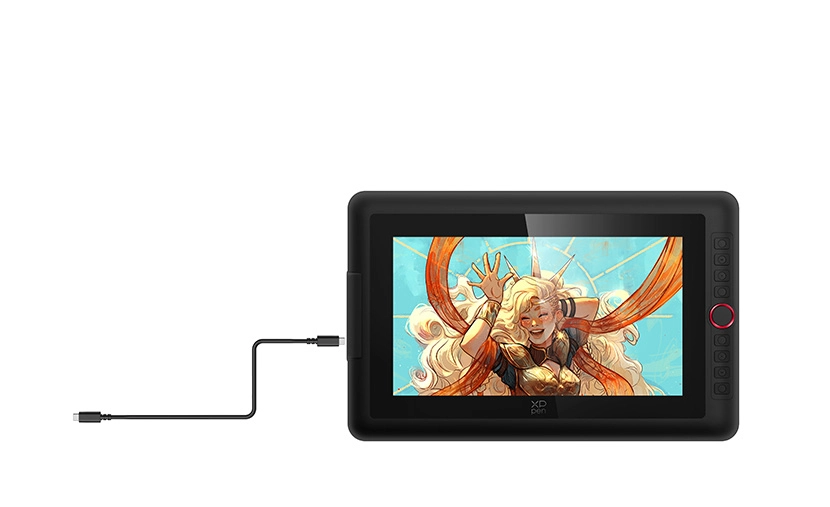
Full-featured USB-C Cable
Easy Connection, Effortless Efficiency
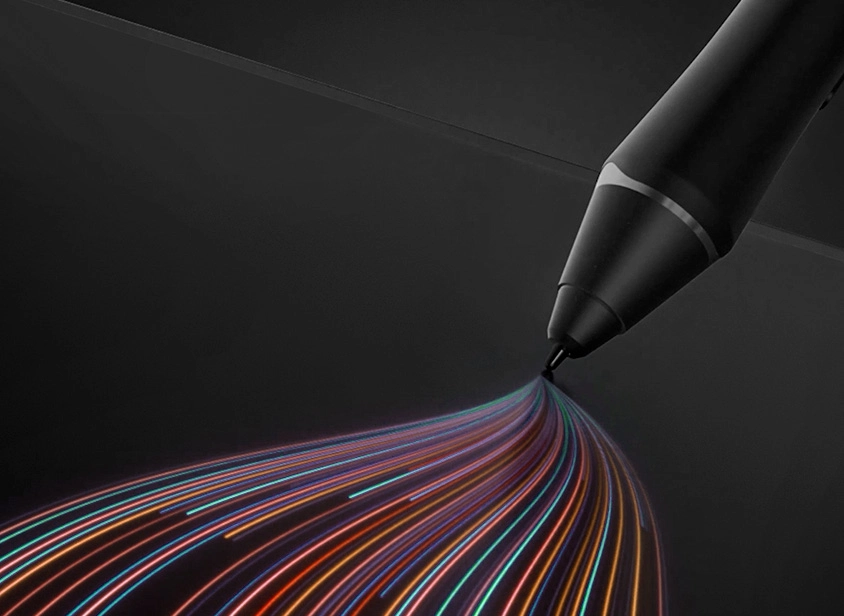
X3 Pro Smart Chip Stylus
World-first 16K Pressure Levels
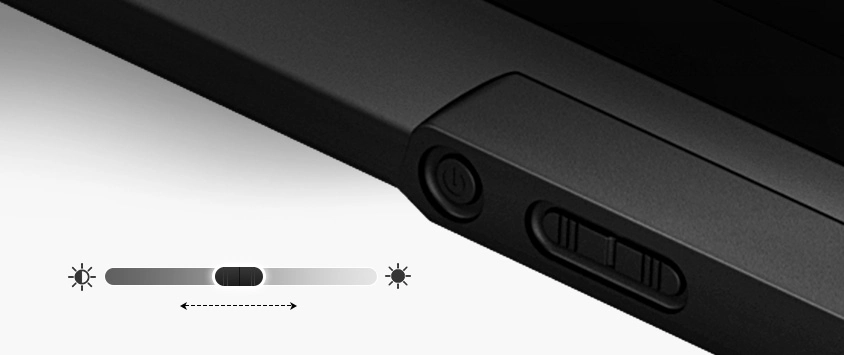
Adjustable Brightness Button
Draw Freely in Any Environment
Metal Backplate
Better Heat Dissipation and Superior Texture
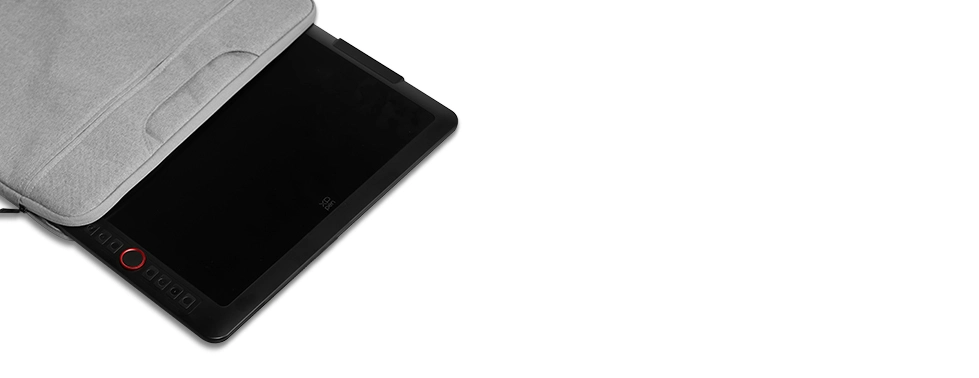
13.3-Inch Display
Travel with Your Inspiration
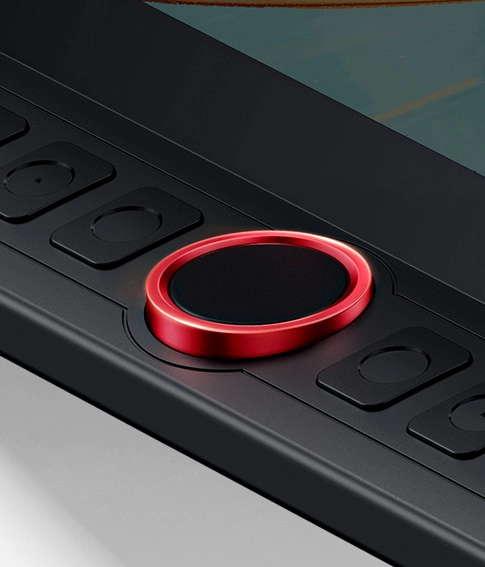
Red Dial Quick Keys
Smooth Creative Workflow
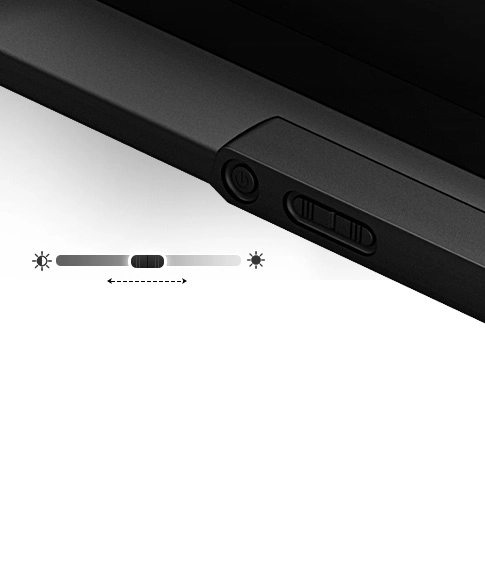
Adjustable Brightness Button
Draw Freely in Any Environment
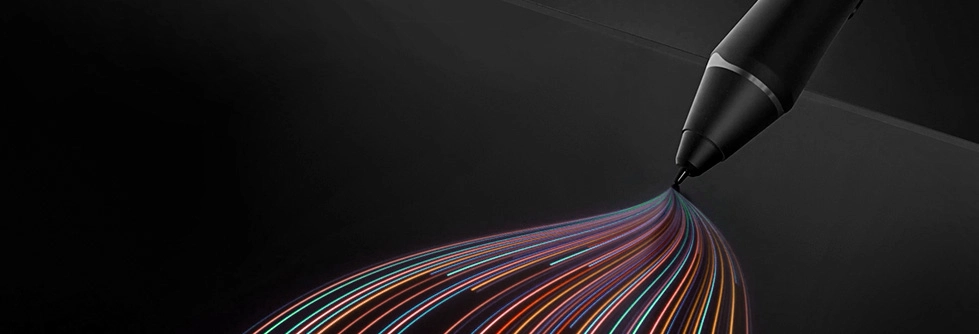
X3 Pro Smart Chip Stylus
World-first 16K Pressure Levels
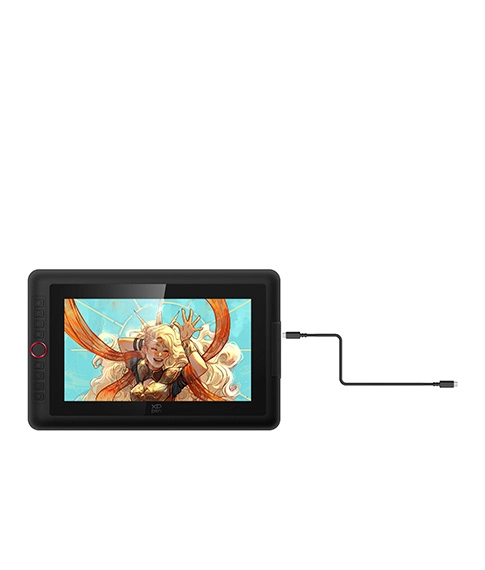
Full-featured USB-C Cable
Easy Connection, Effortless Efficiency
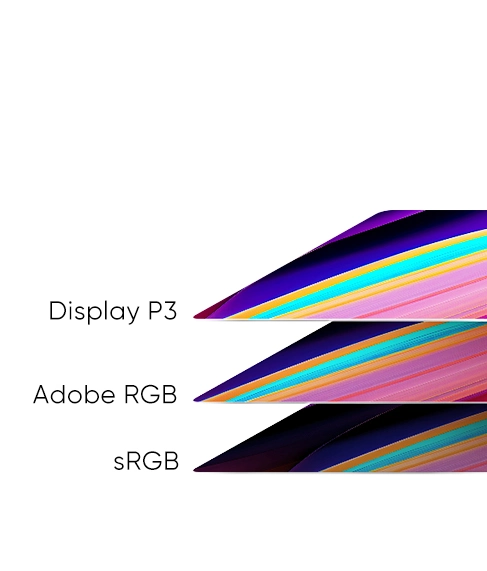
99% sRGB
Excellent Color Performance
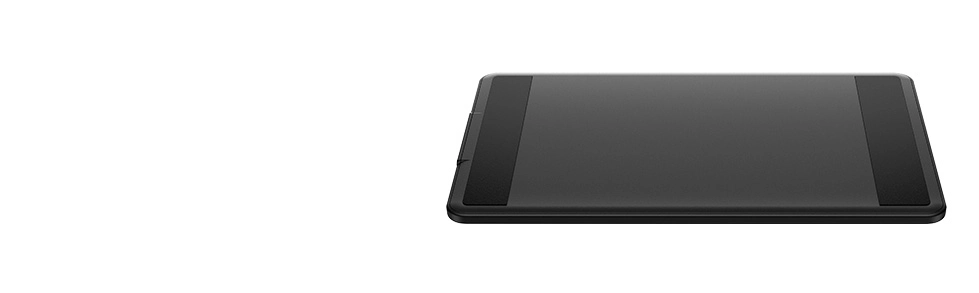
Metal Backplate
Better Heat Dissipation and Superior Texture
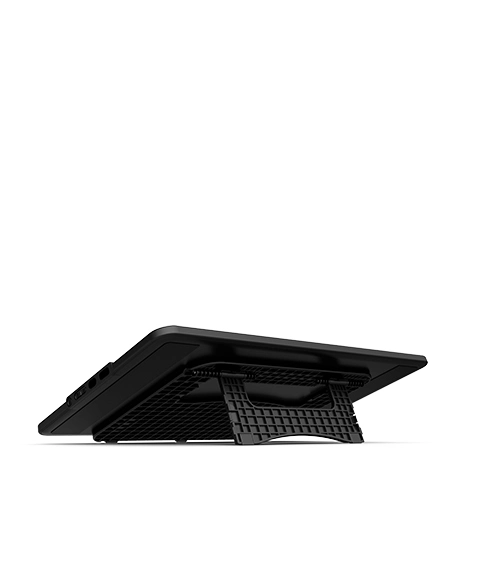
Portable & Foldable Stand
Keep the Drawing Display Safe and Stable
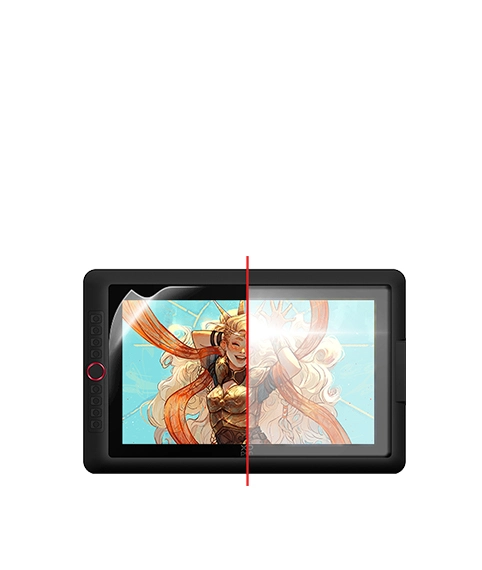
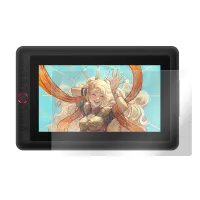
Full-laminated Display + Anti-glare Film
No Visual Gap,
No Glare Interference
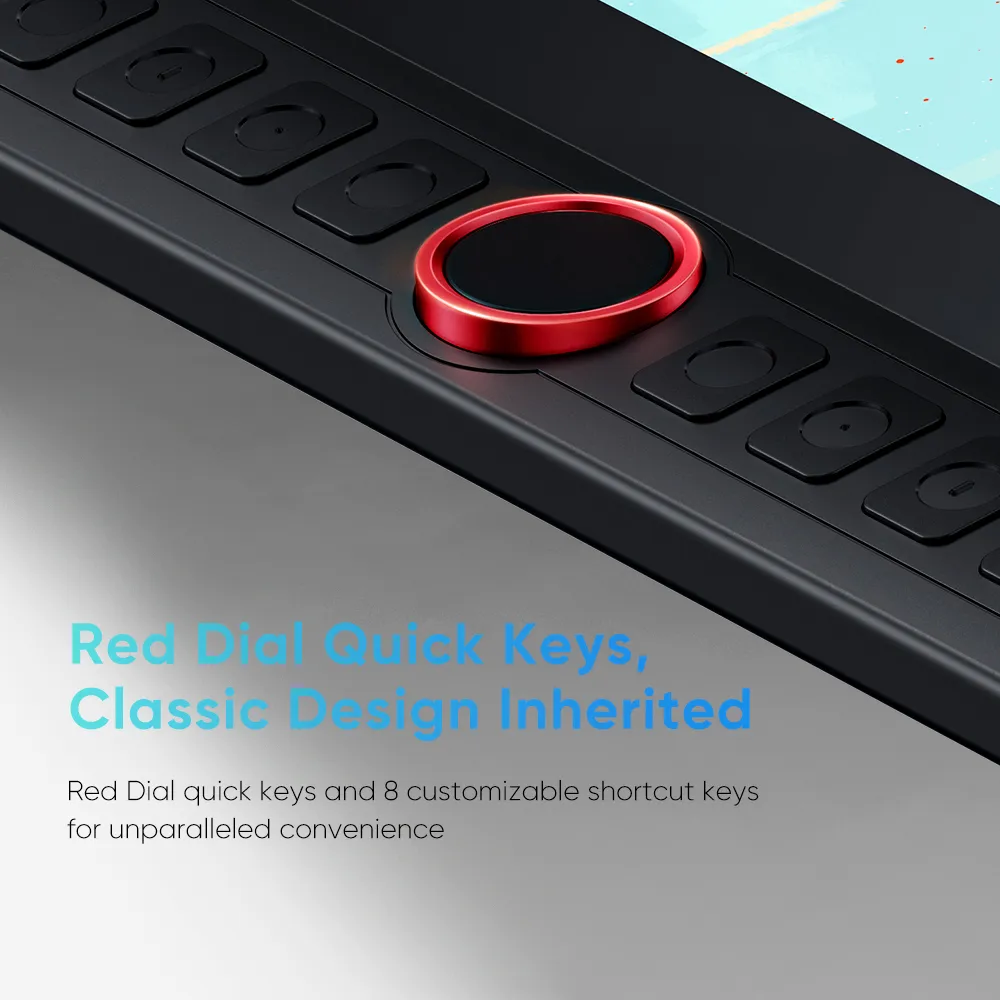
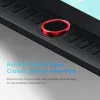
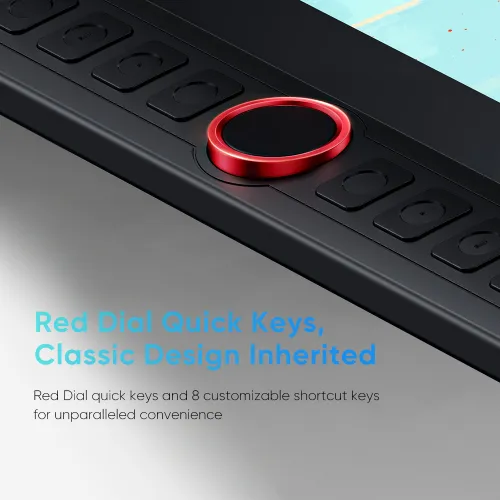
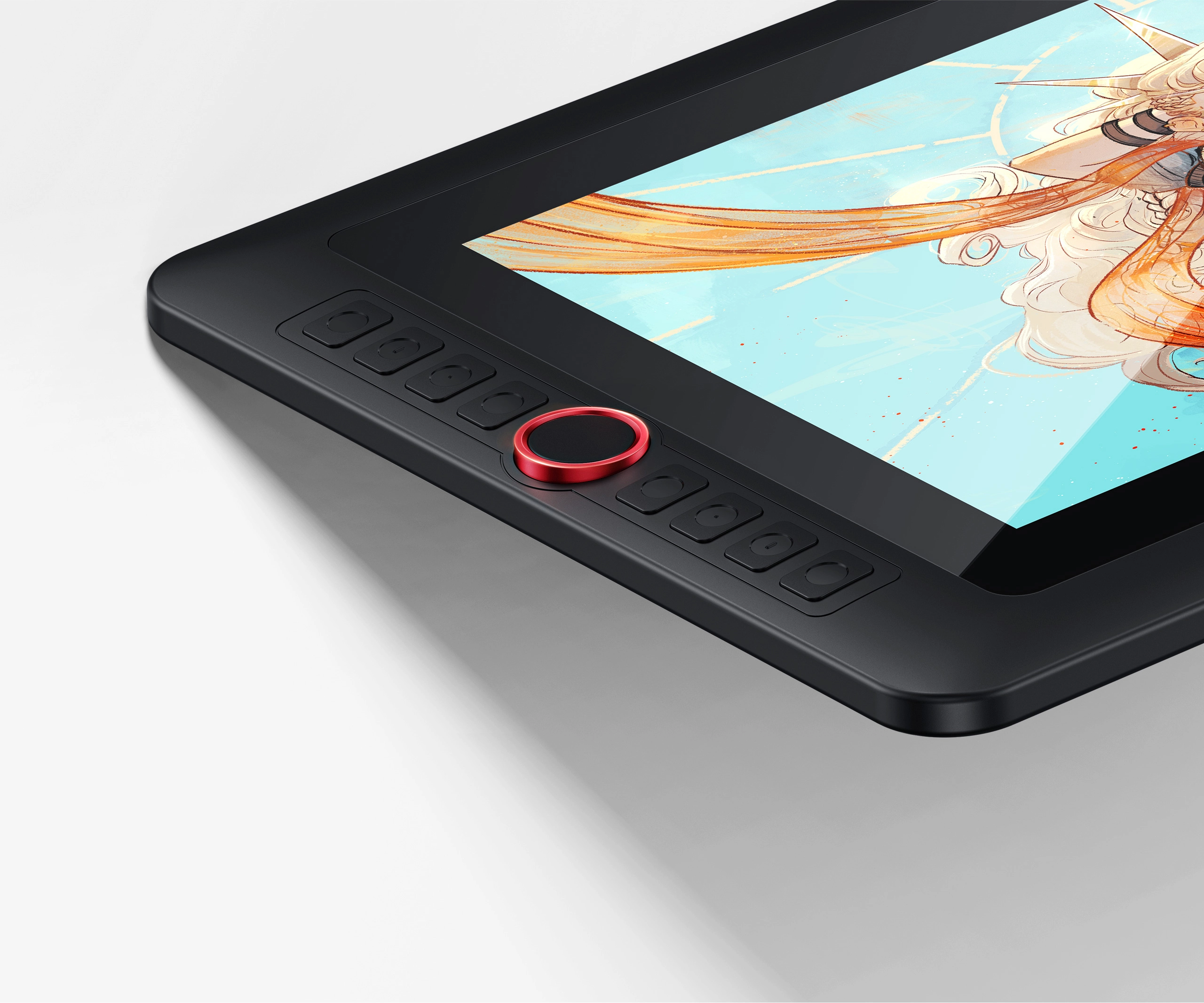
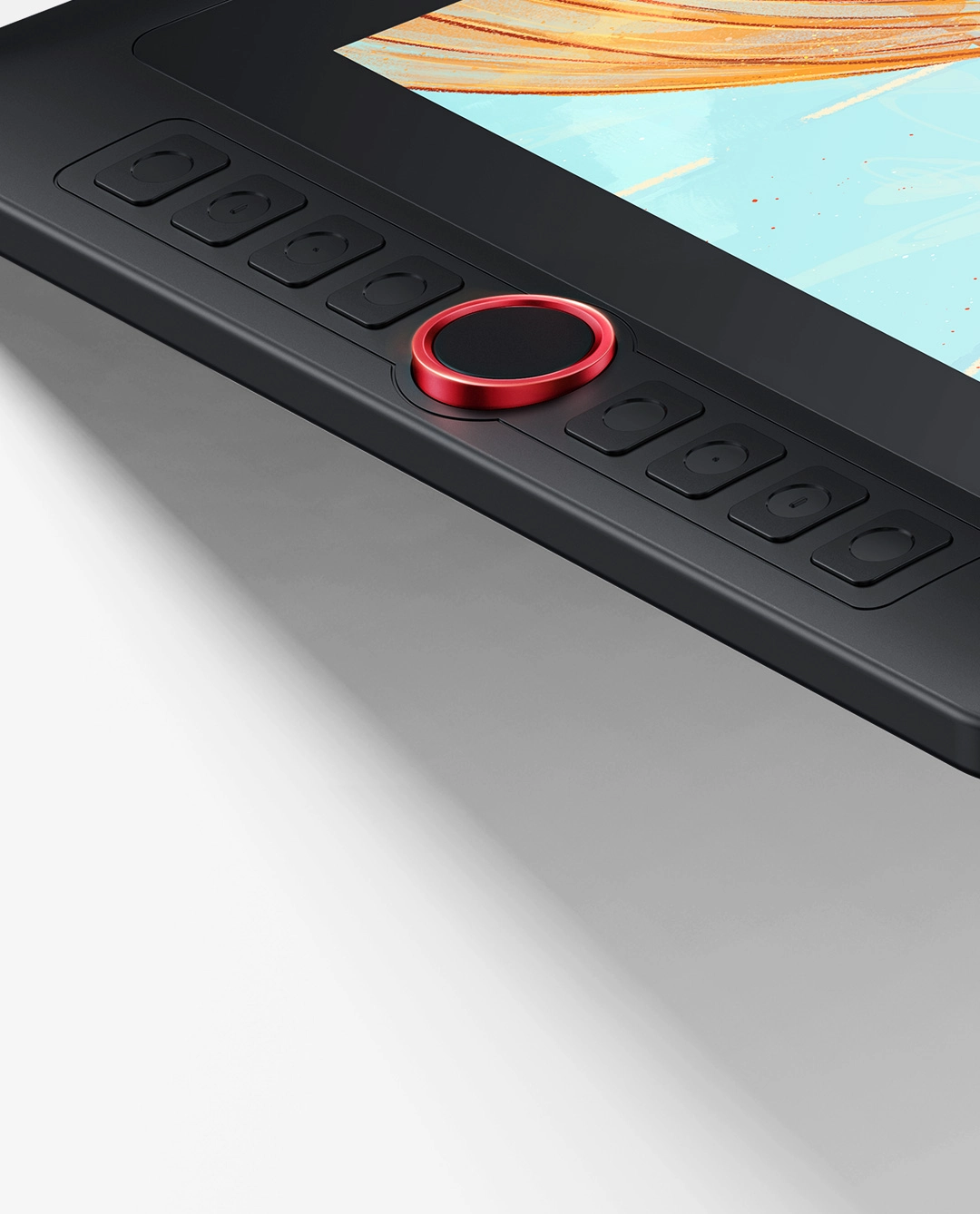
Red Dial Quick Keys,
Classic Design Inherited
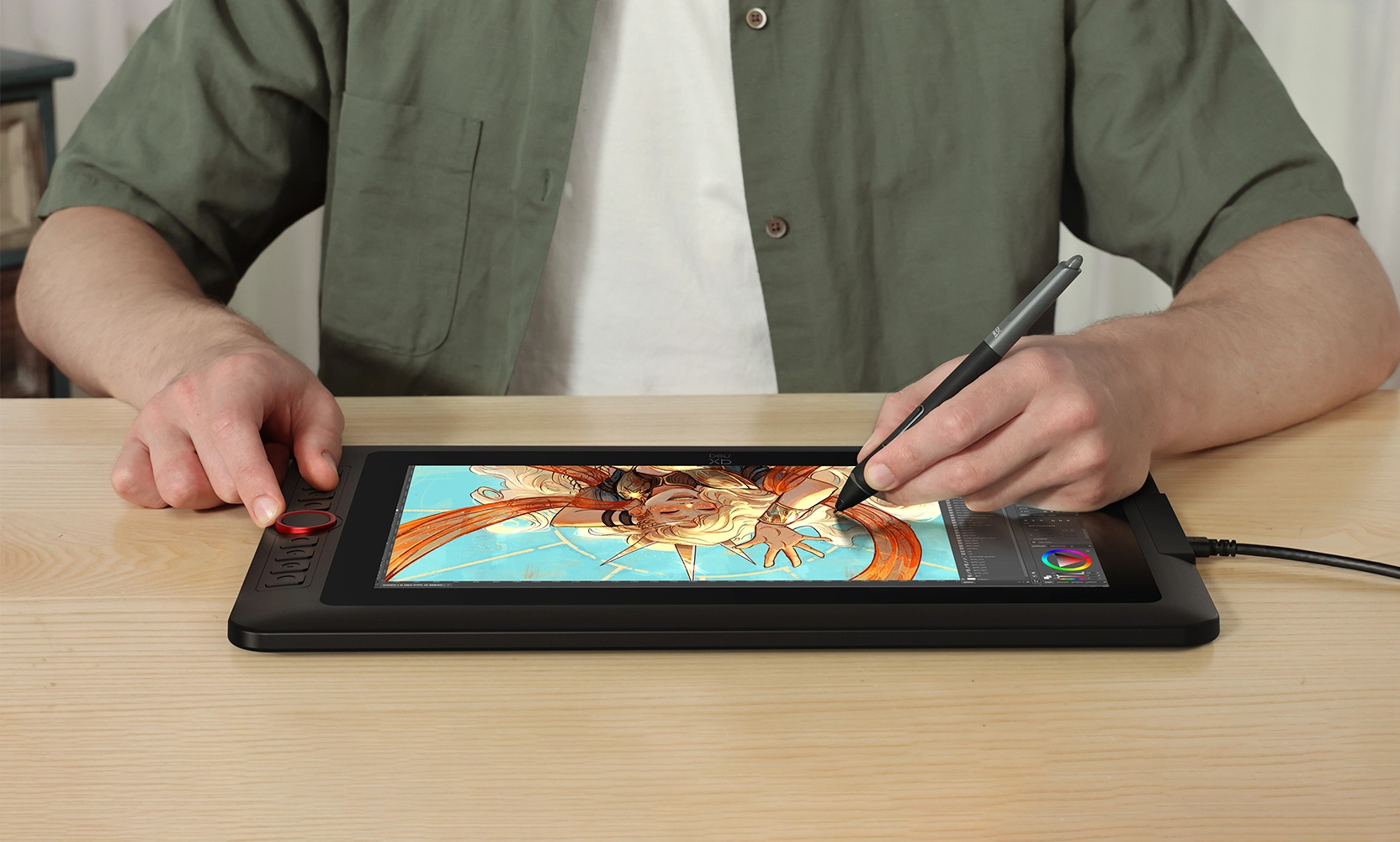
This drawing display boasts the sleek Red Dial quick keys and 8 customizable shortcut keys for unparalleled convenience, allowing for fast and easy creation whether on your tabletop or in other locations.
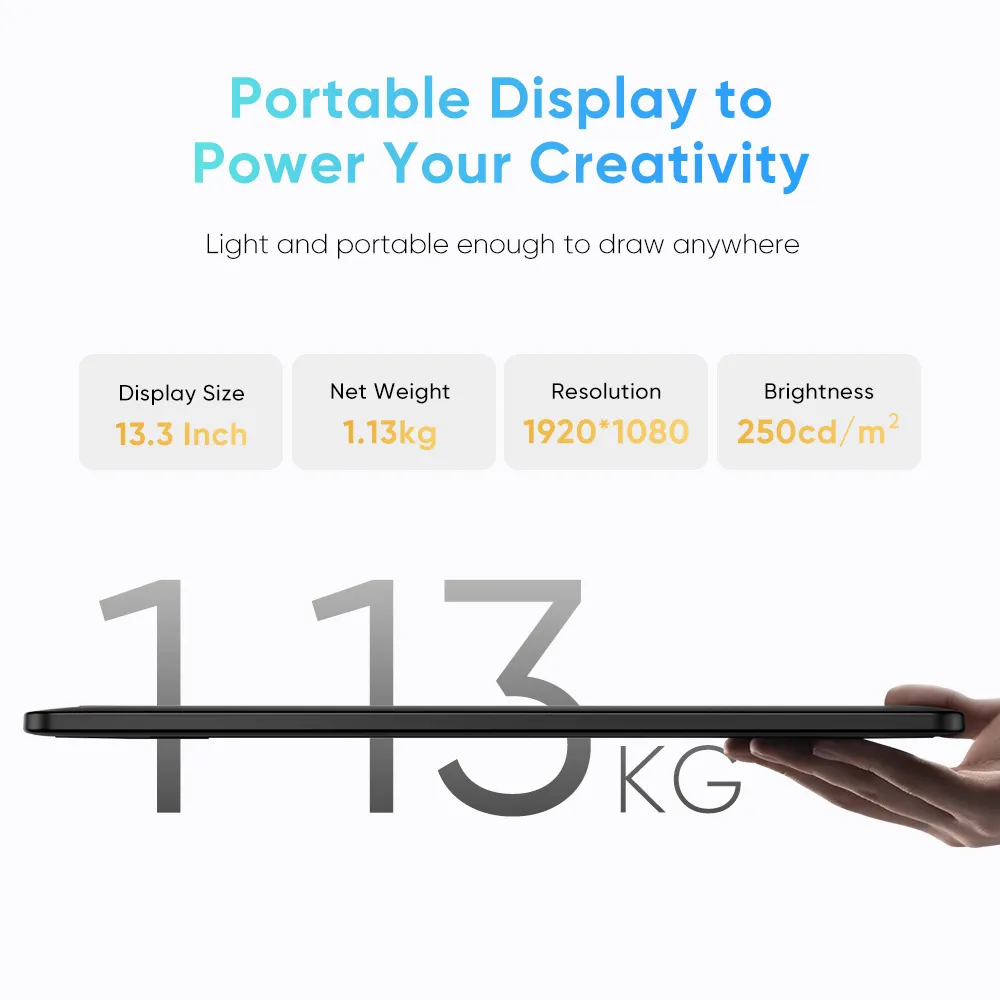
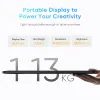
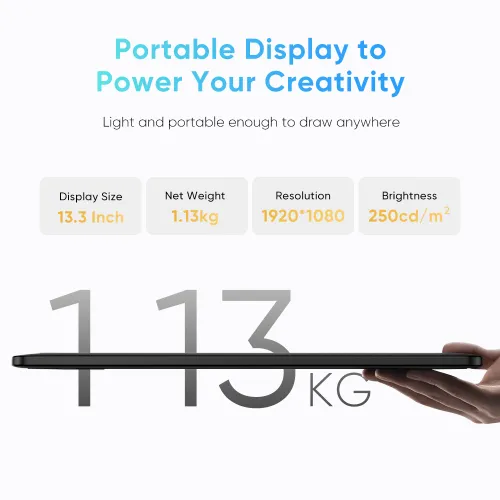
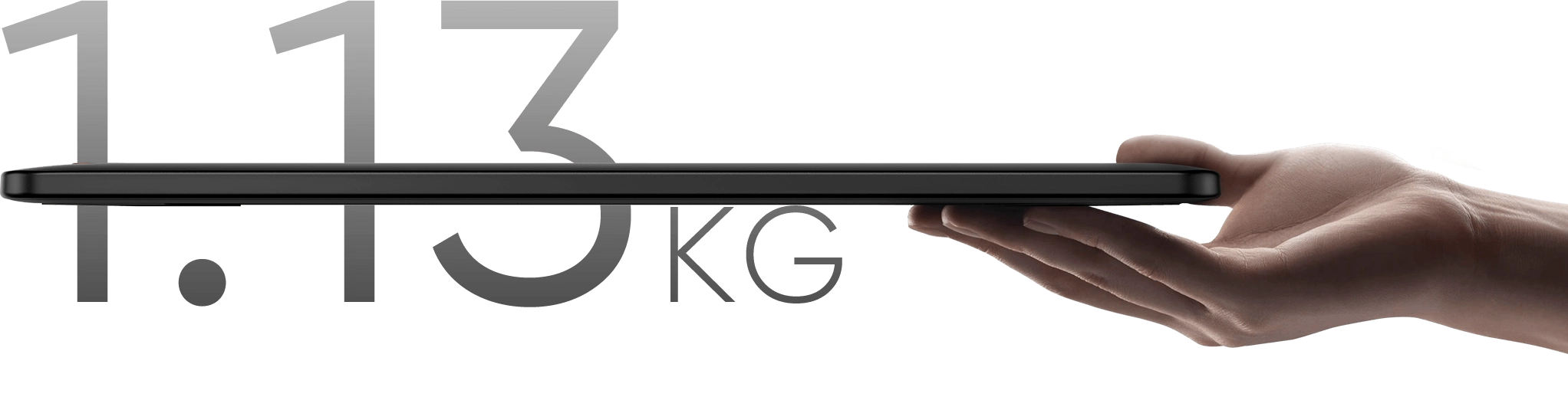
Portable Display to Power Your Creativity
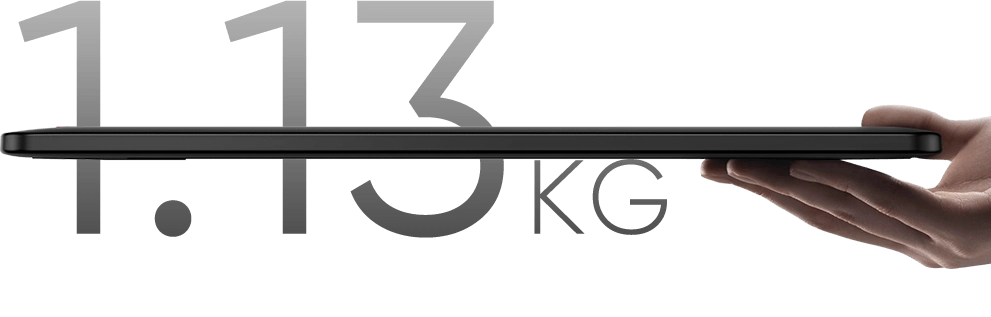
Weighing only 1.13 kg, this 13.3-inch device is highly portable. Its resolution is specifically crafted
to deliver an engaging drawing experience tailored to your needs!
Display Size
13.3 Inch
Net Weight:
1.139kg
Resolution
1920*1080
Aspect Ratio
16:9


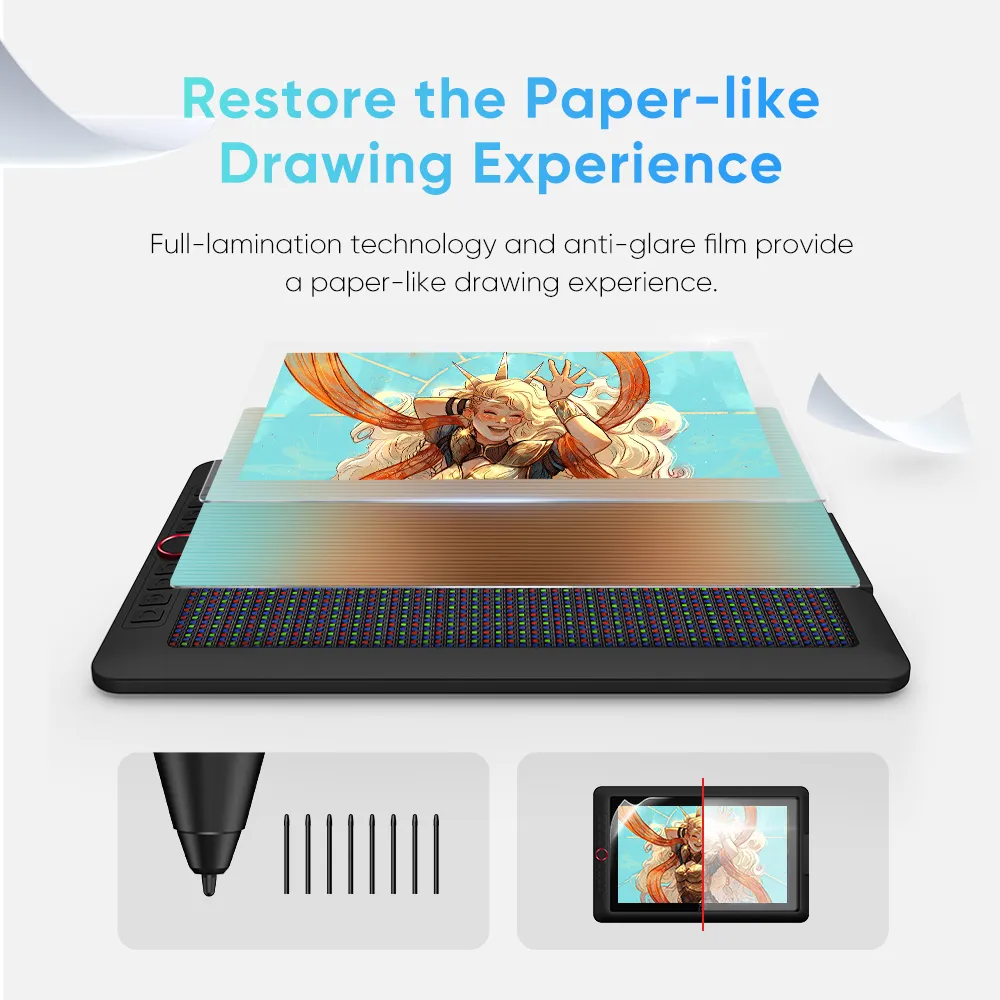
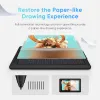
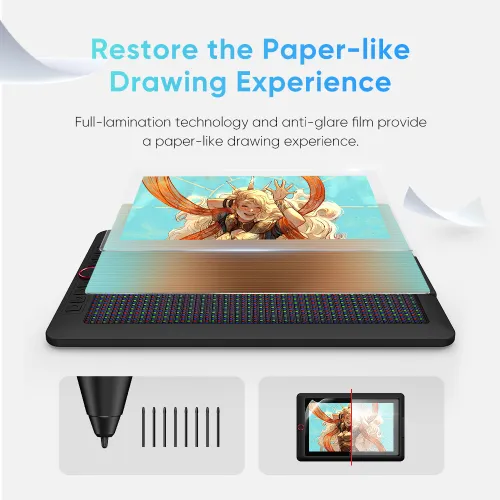
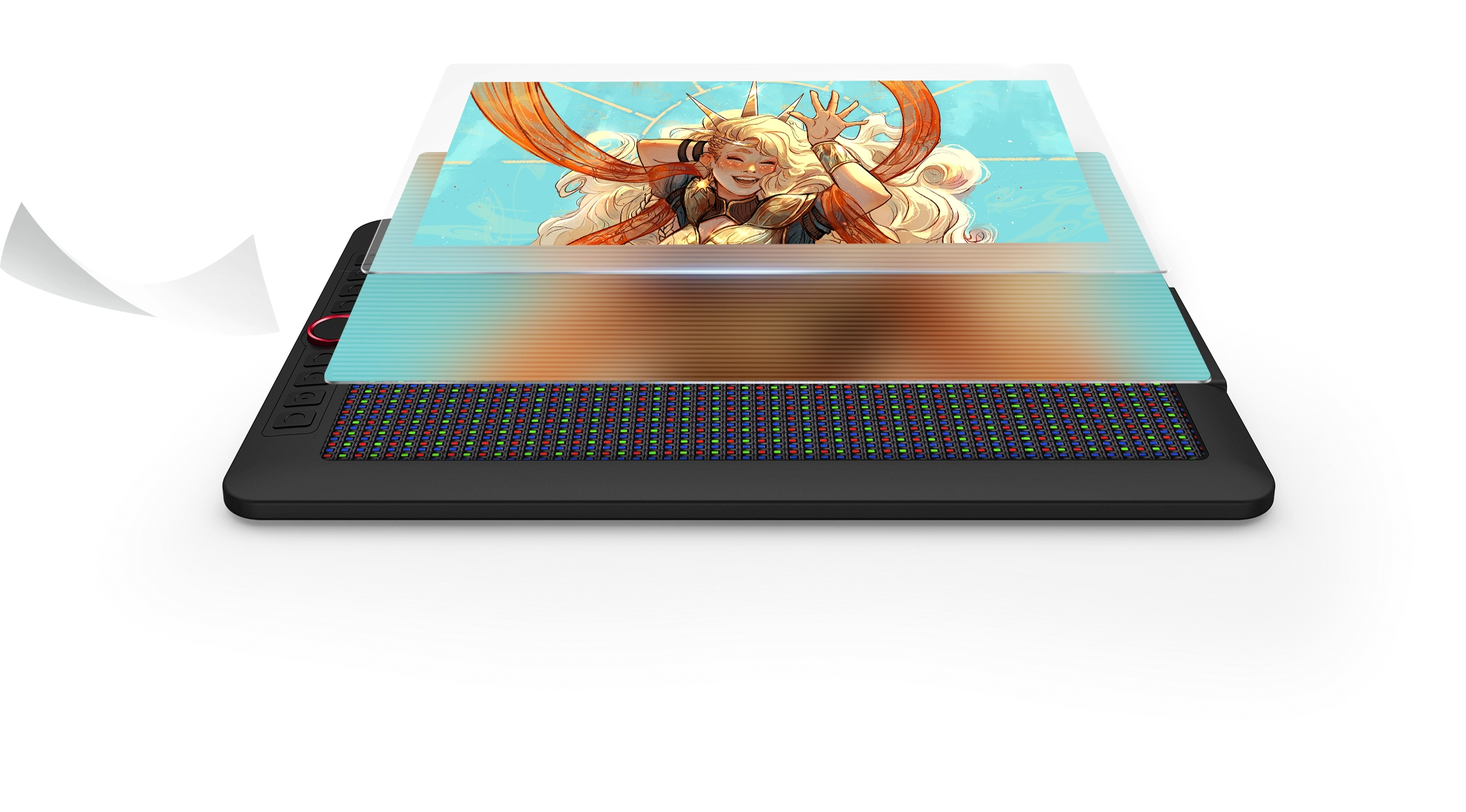
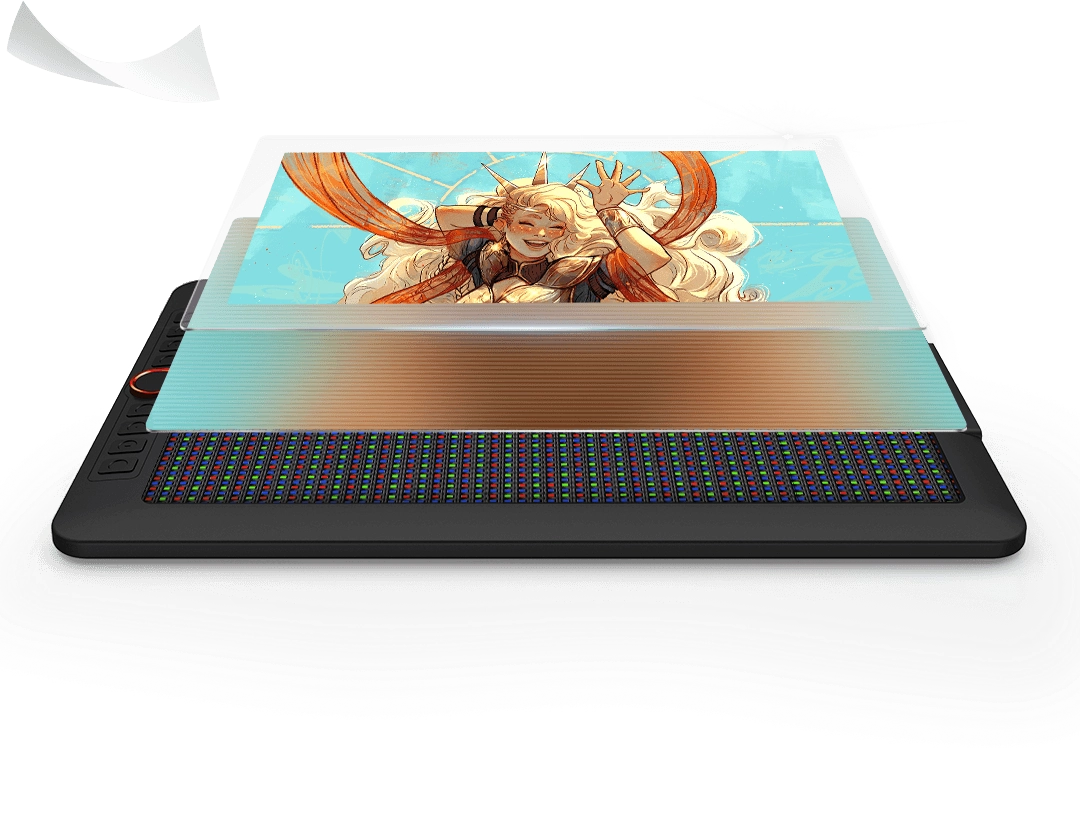
Restore the Paper-like Drawing Experience
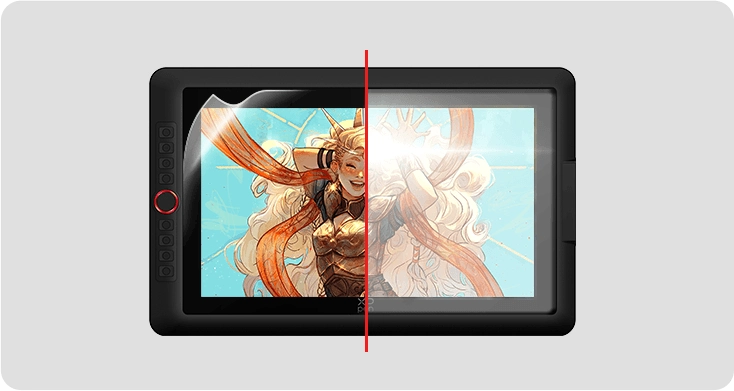
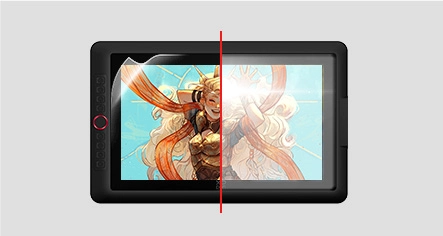
Full-lamination and anti-glare flim reduce the space between the pen nib and the display,
minimizing reflections for uninterrupted creative expression.
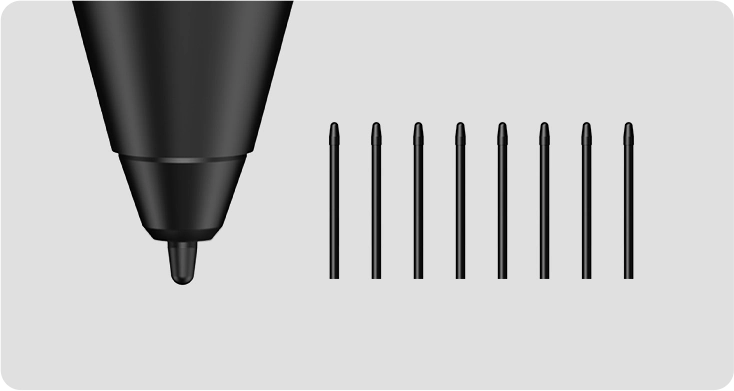
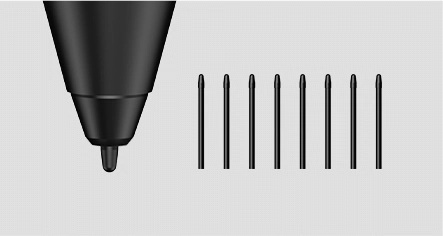
*Felt nib is an optional accessory.

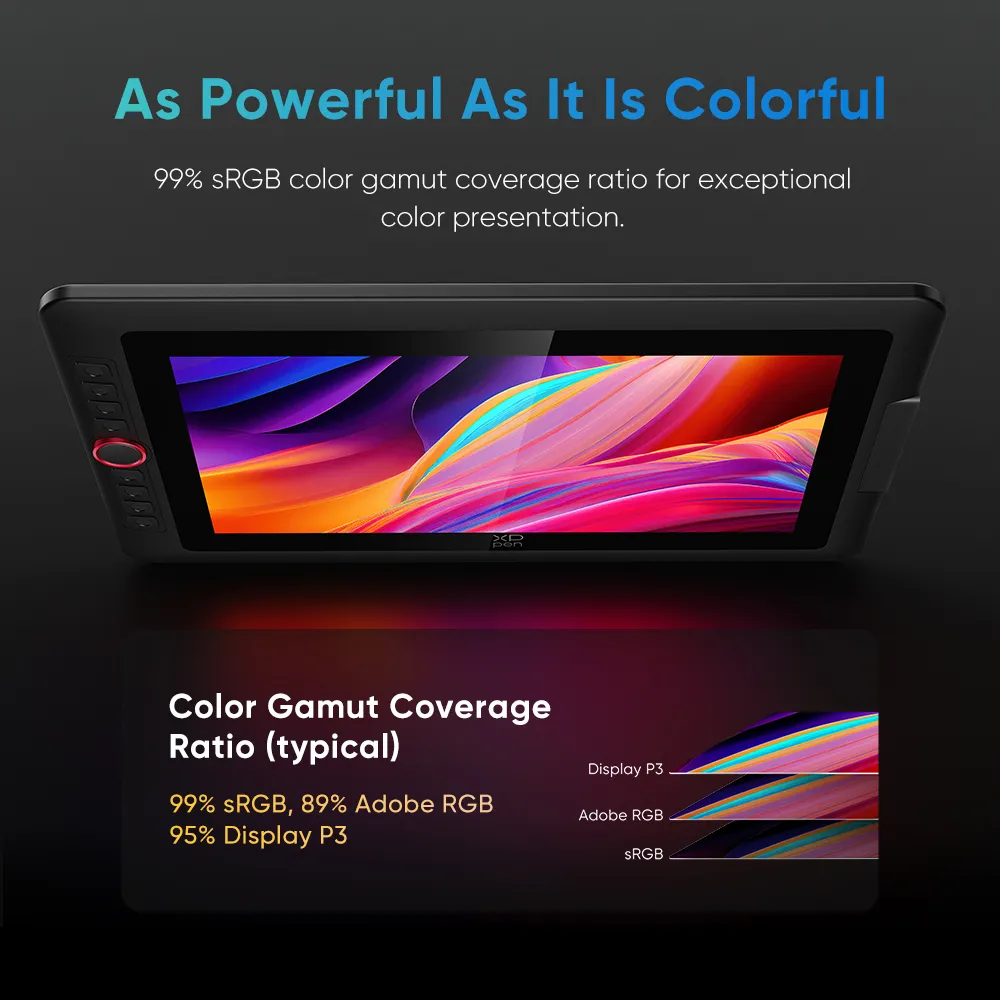
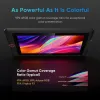
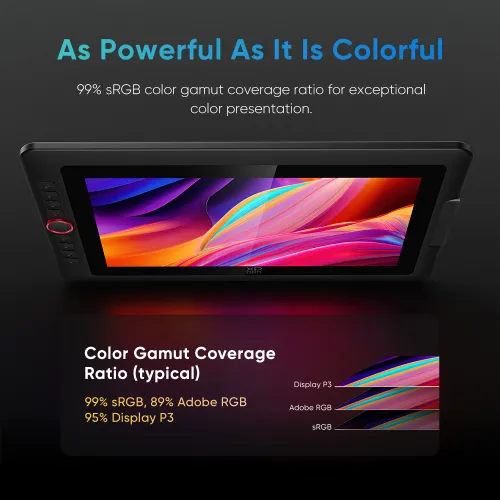
As Powerful As It Is Colorful
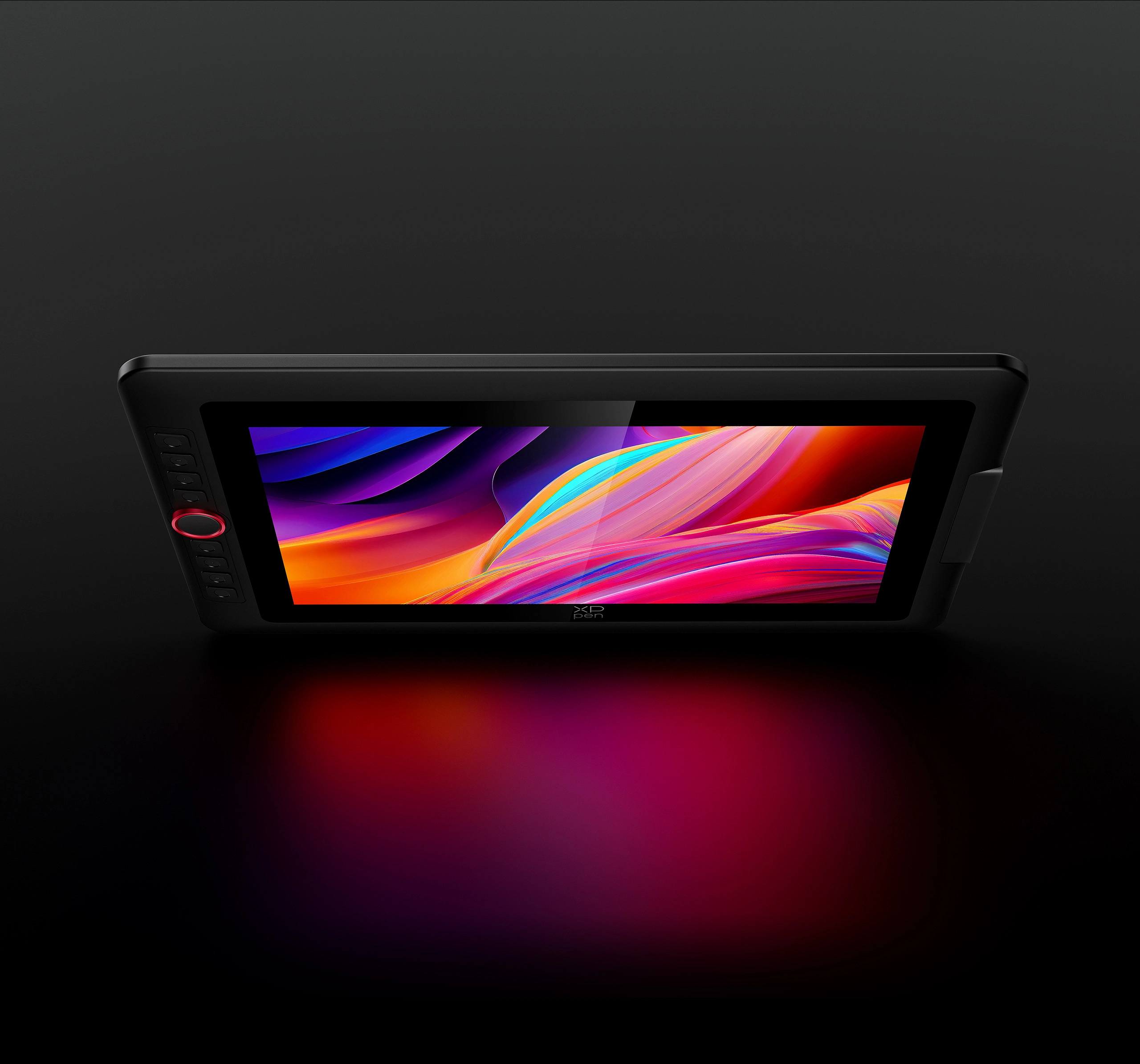
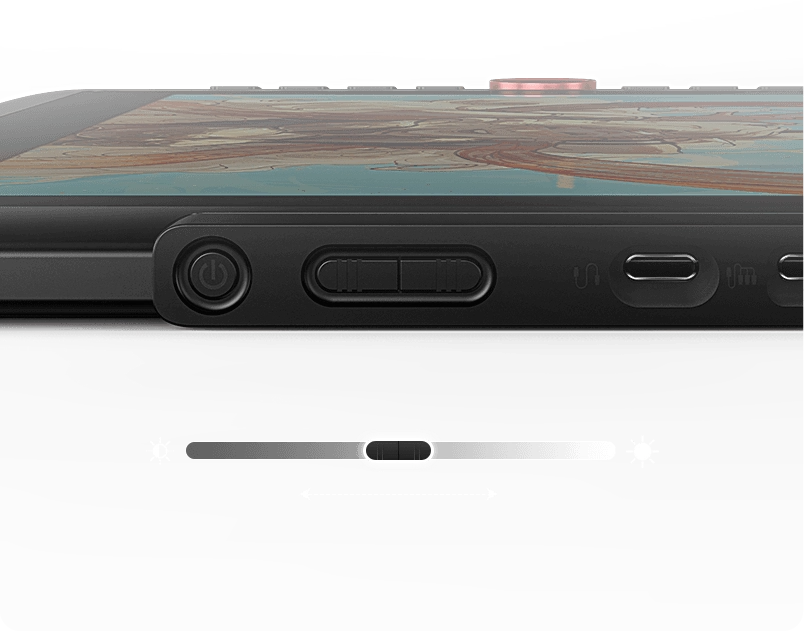
The display accurately reproduces the charm of natural colors with a 99% sRGB color gamut coverage ratio and 250 cd/m² brightness. A brightness adjustment button facilitates drawing in various settings, making your creations visually alluring and perfectly aligned with your inspirations.
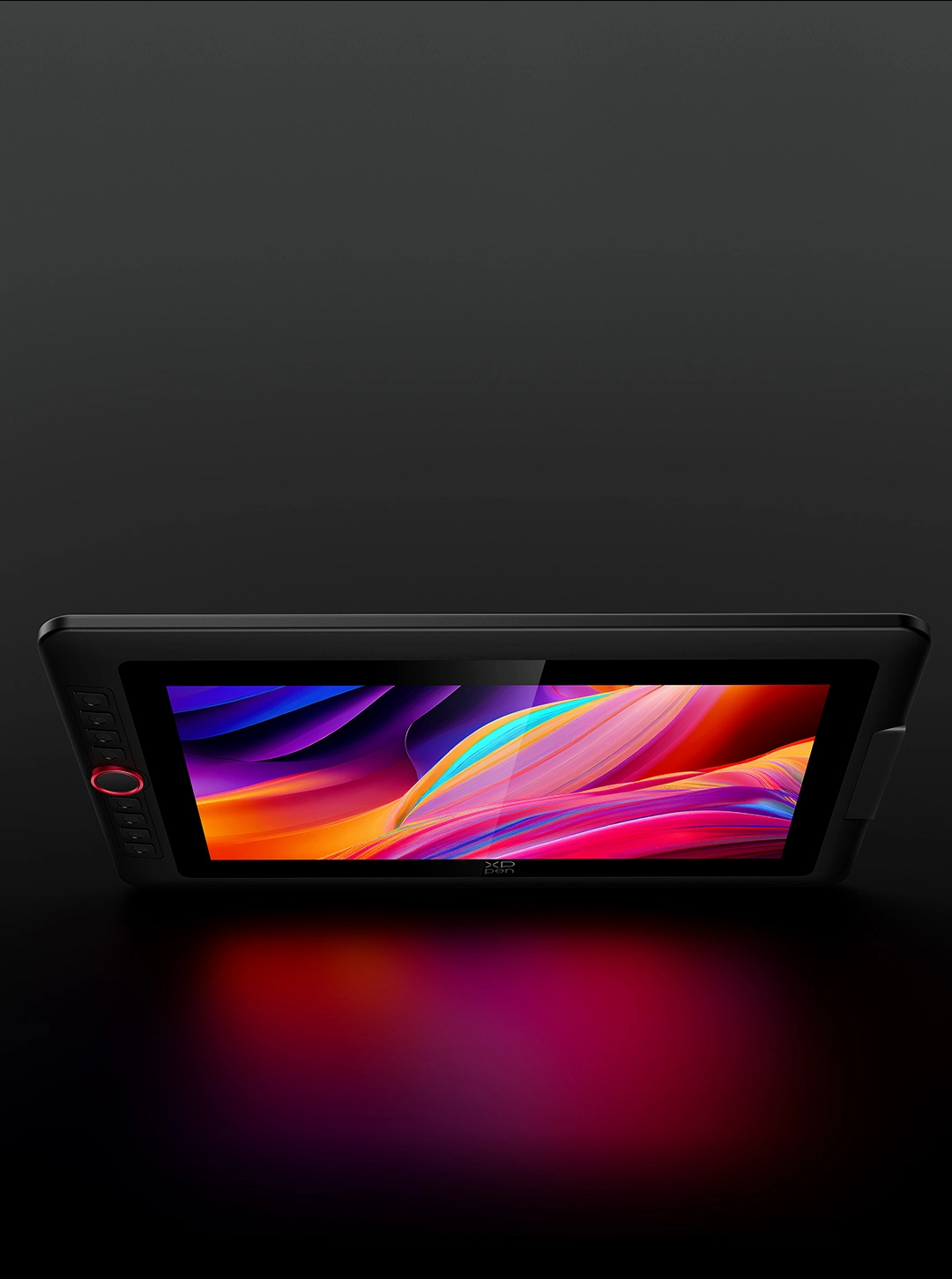
Brightness
250 cd/m²
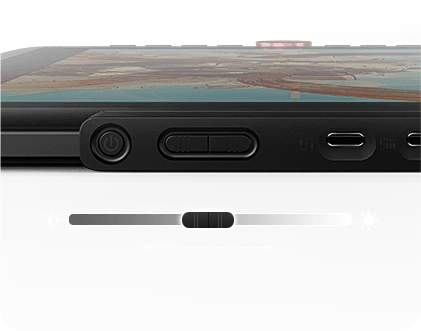
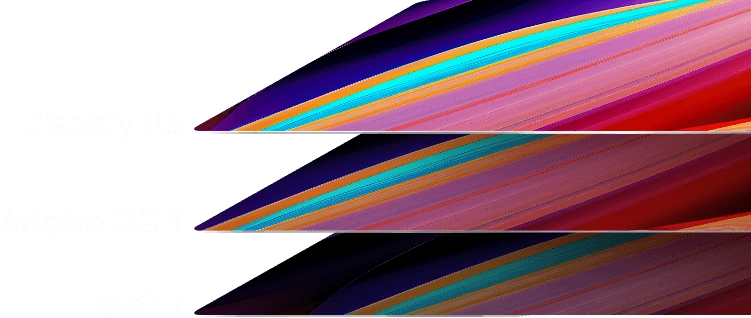
Color Gamut Coverage Ratio (typical)
99% sRGB, 89% Adobe RGB, 95% Display P3
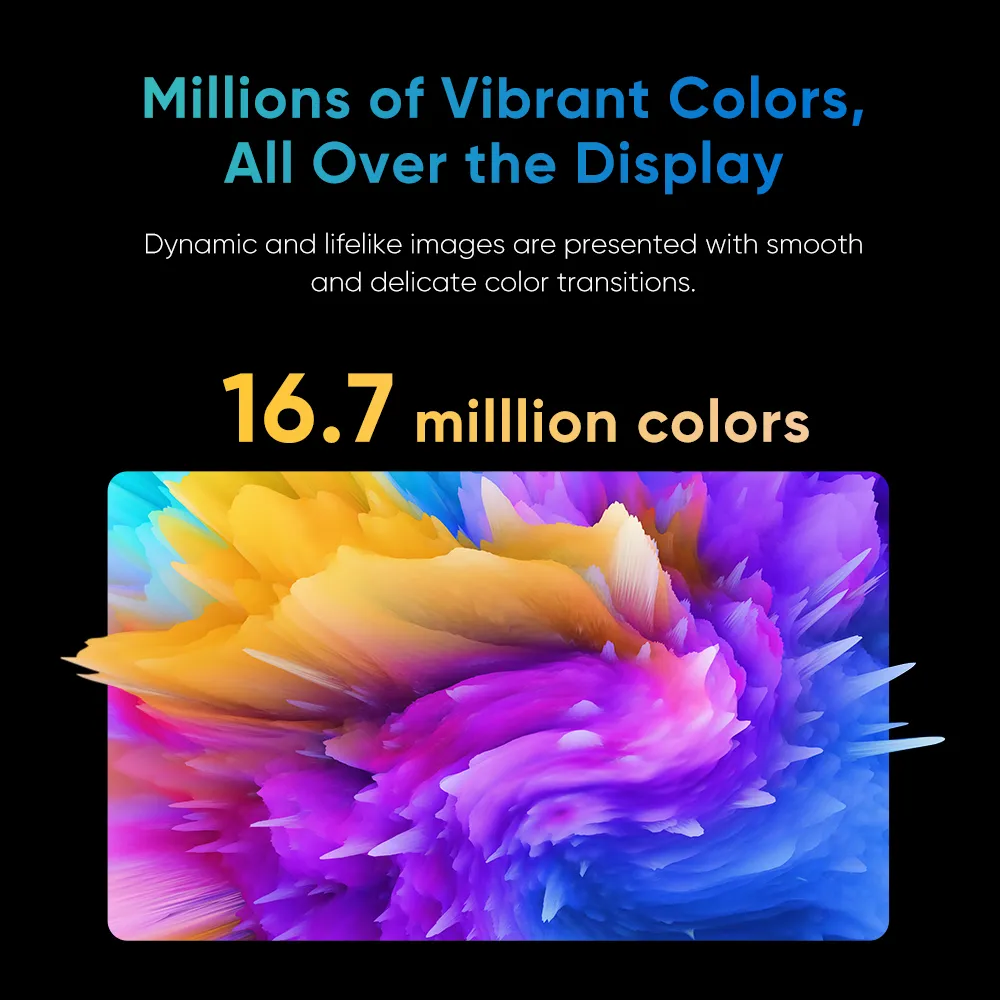
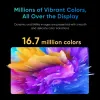
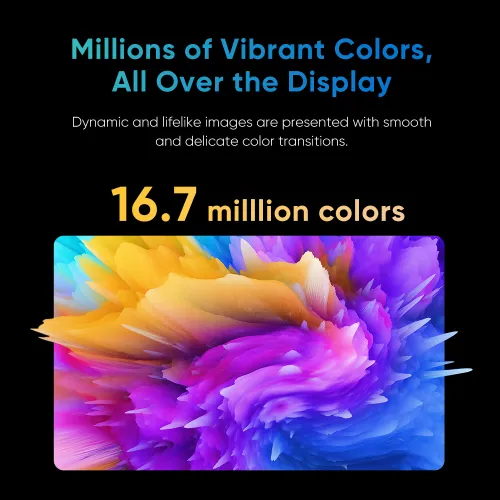
Millions of Vibrant Colors,
All Over the Display
This display supports 16.7 million colors, resulting in vibrant and true-to-life images with smooth and seamless color transitions.
16.7 milllion colors
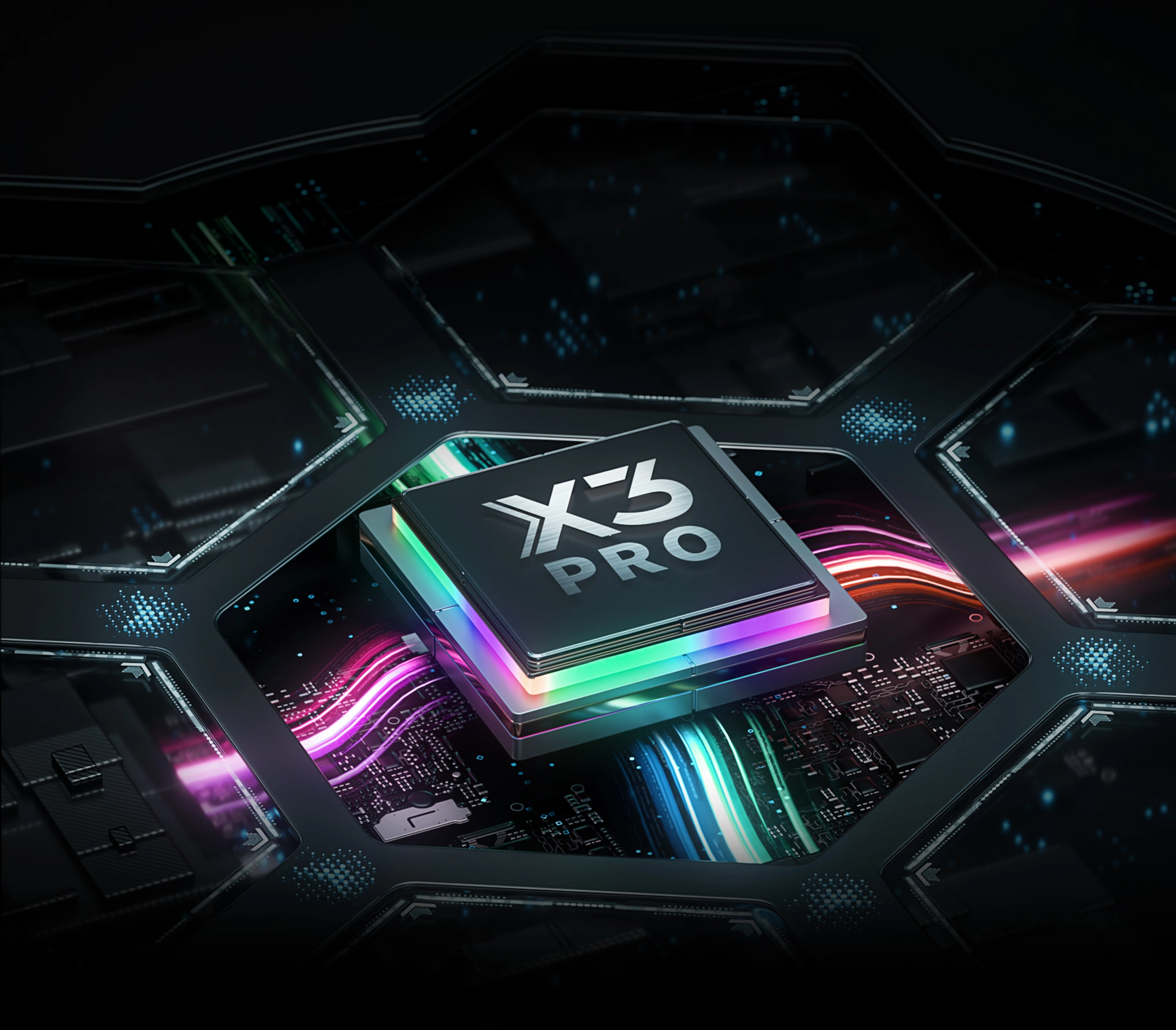
Upgraded X3 Pro Smart Chip,
Powerful Than Ever Before
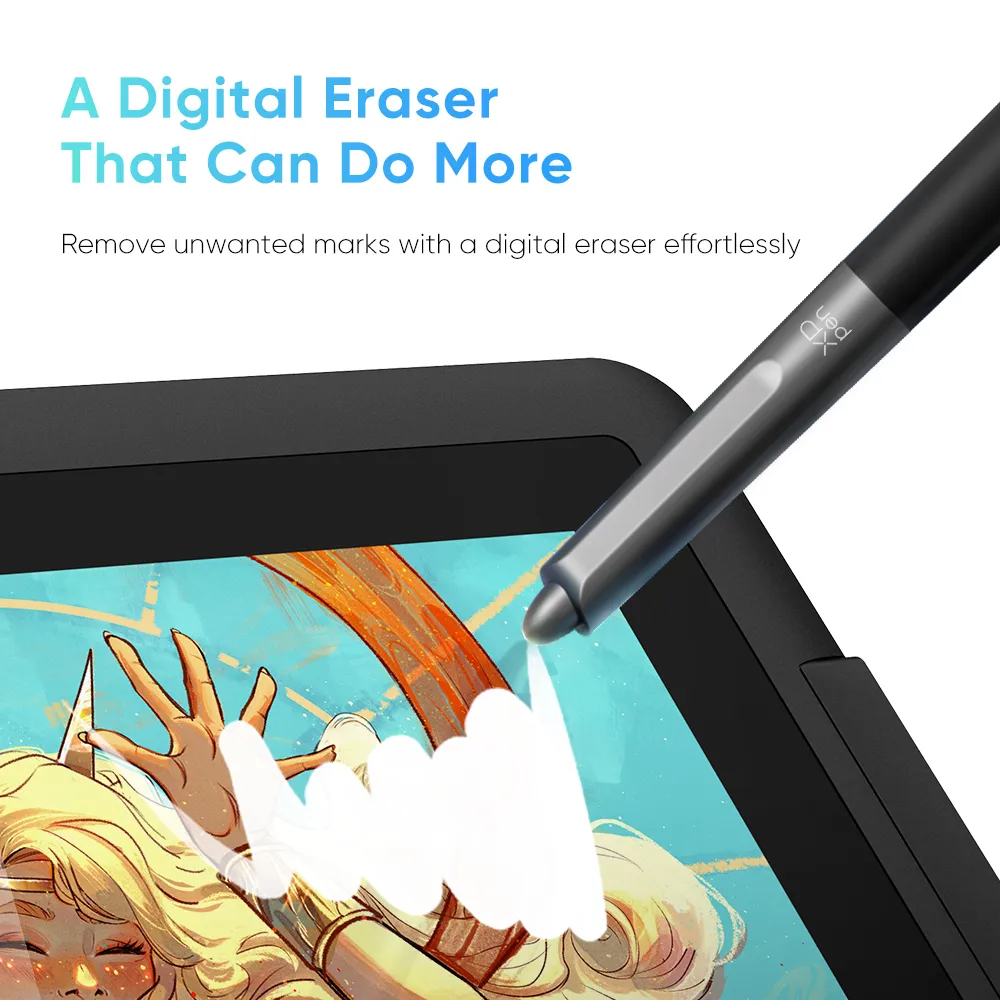
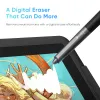
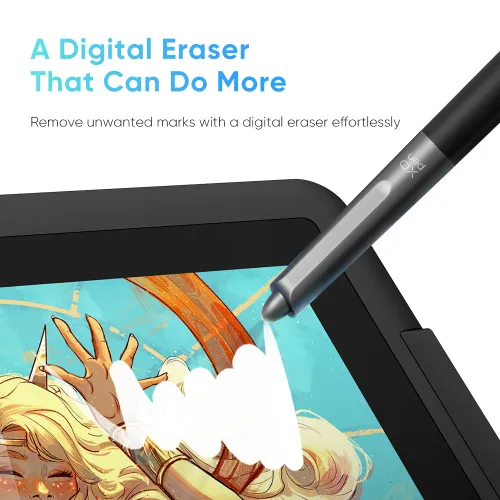
Your stylus is fully upgraded. Powered by X3 Pro Smart Chip, the X3 Pro Smart Chip Stylus delivers smooth, precise, and delicate strokes than ever before. The felt nibs replicate the feel of a pen on paper. The stylus also has two shortcut keys and a digital eraser, making it more effective for drawing and more comfortable with its silicone grip.
Pressure Level 100% Increase
16384
X3 Pro Smart Chip Stylus
8192
PA2 Battery-free Stylus
* This data was taken from a laboratory simulation test and
may vary depending on the environment where the device is used.
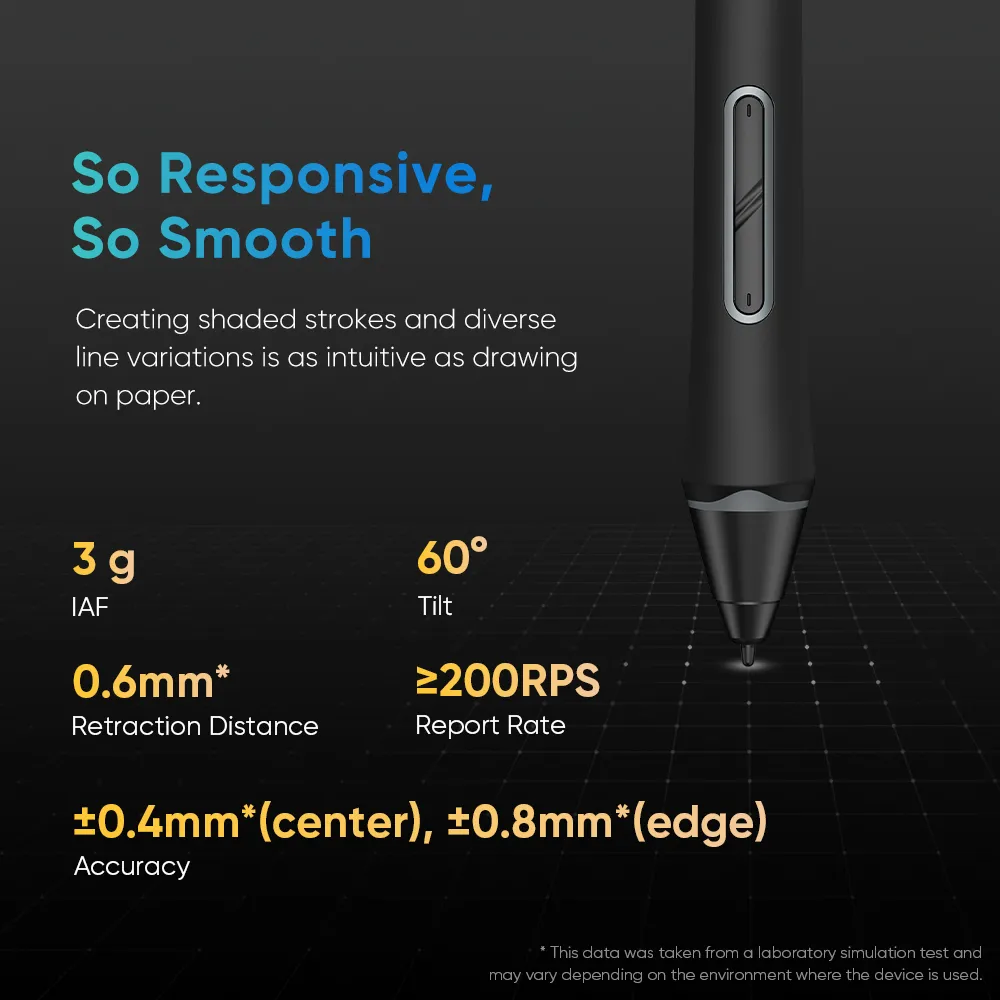
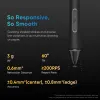
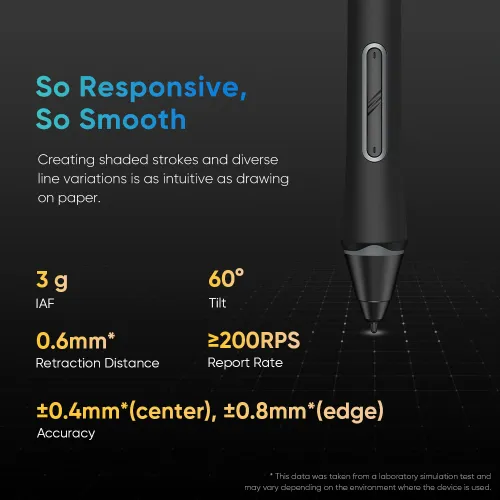
So Responsive, So Smooth
X3 Pro Smart Chip supports 60° tilt and has a high report rate. Creating shaded strokes and diverse line variations is as intuitive as drawing on paper.
3 g
IAF
60°
Tilt
0.6mm*
Retraction Distance
≥200 RPS
Report Rate
±0.4mm*(center), ±0.8mm*(edge)
Accuracy
* This data was taken from a laboratory simulation test and
may vary depending on the environment where the device is used.
X3 Pro Smart Chip
Automatic ID Recognition
The X3 Pro Smart Chip Stylus supports pen ID recognition. You can set up various shortcut keys to meet your personal needs. Just let the creativity flow with the stylus!
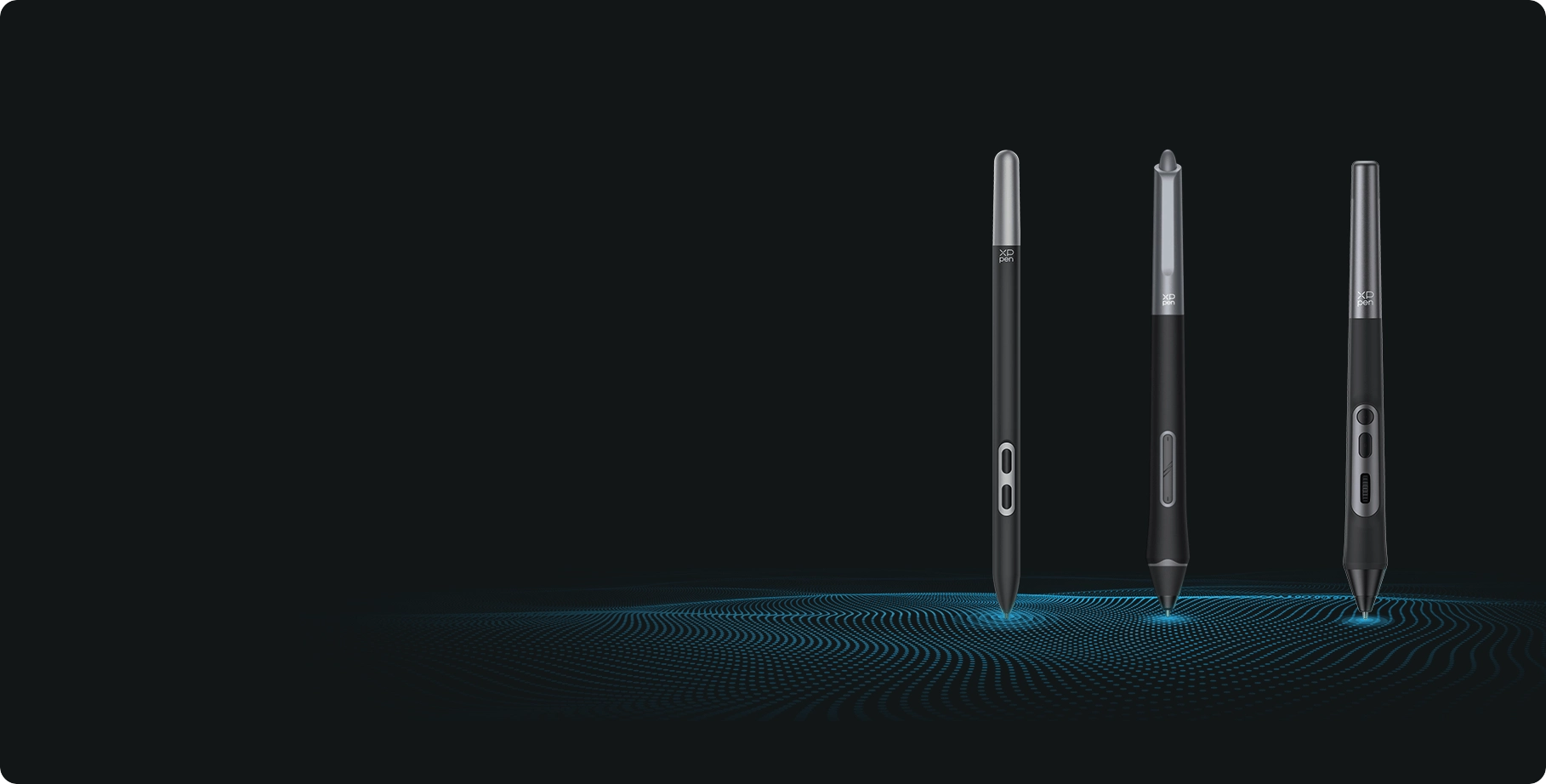
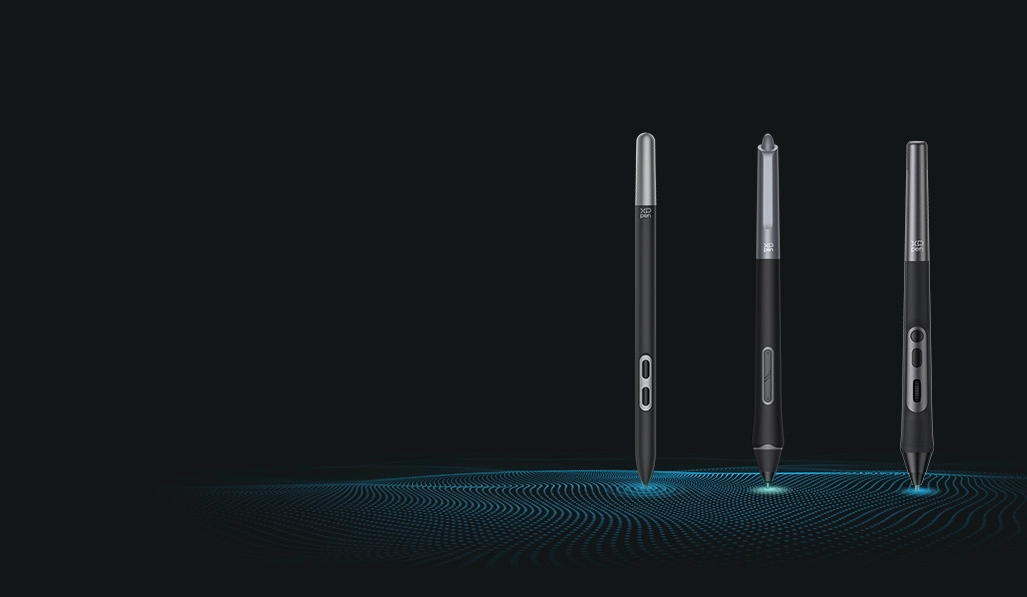
* Artist 13.3 Pro V2 is compatiable with X3 Pro Smart Chip Stylus series.
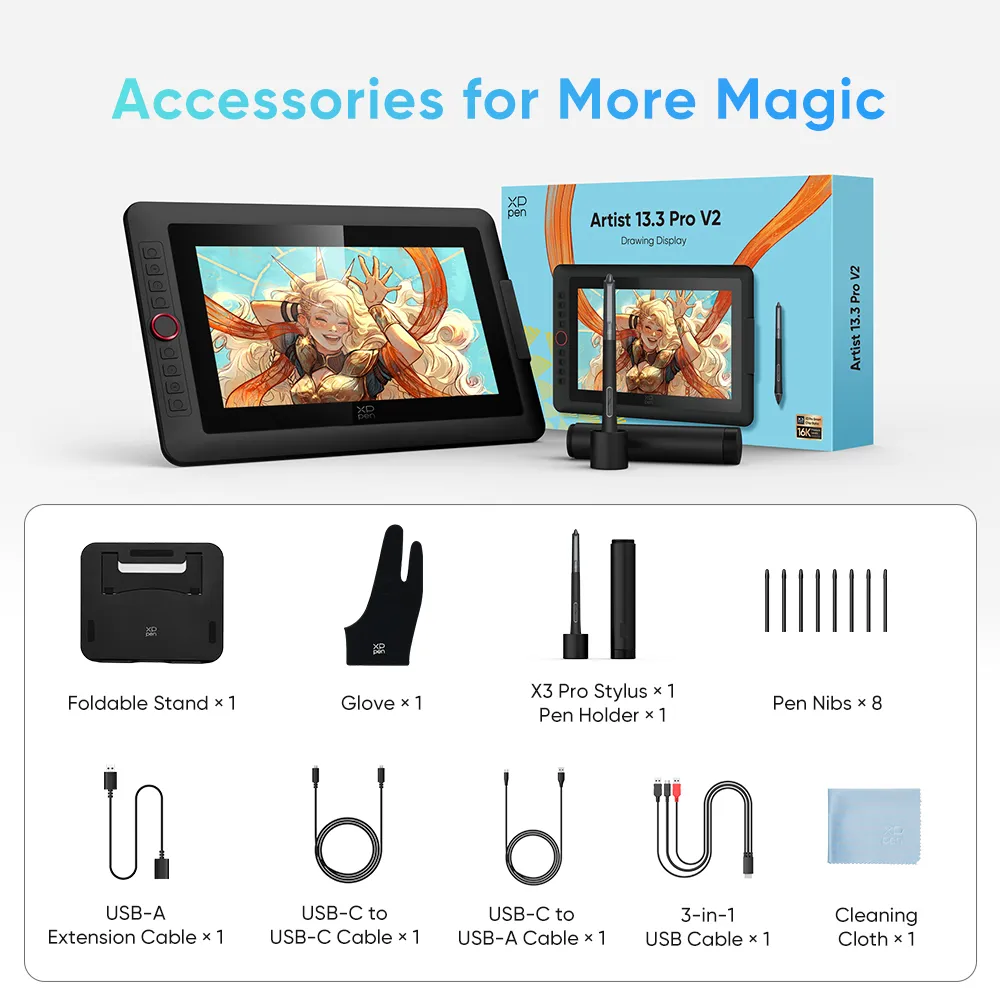
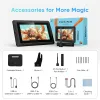
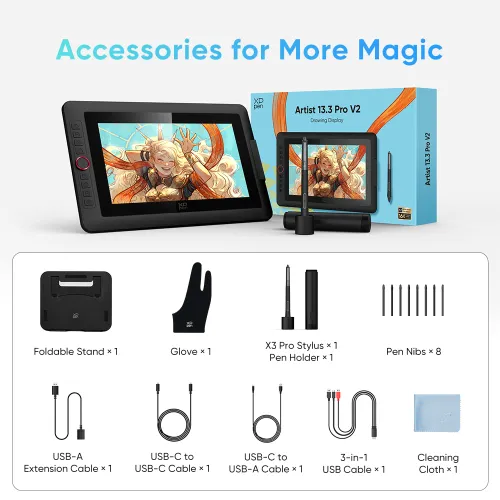
Accessories for More Magic
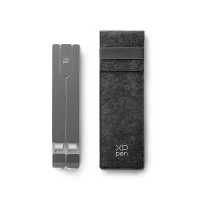
Portable and Foldable Stand
Prevent shaking or sliding and relieve eye fatigue and hand stiffness.

Pen Holder
Store and protect your stylus and pen nibs.

Full-featured USB-C Cable
No need for adapter, connect directly to your computer.

Comfort and Efficient for Both Hands
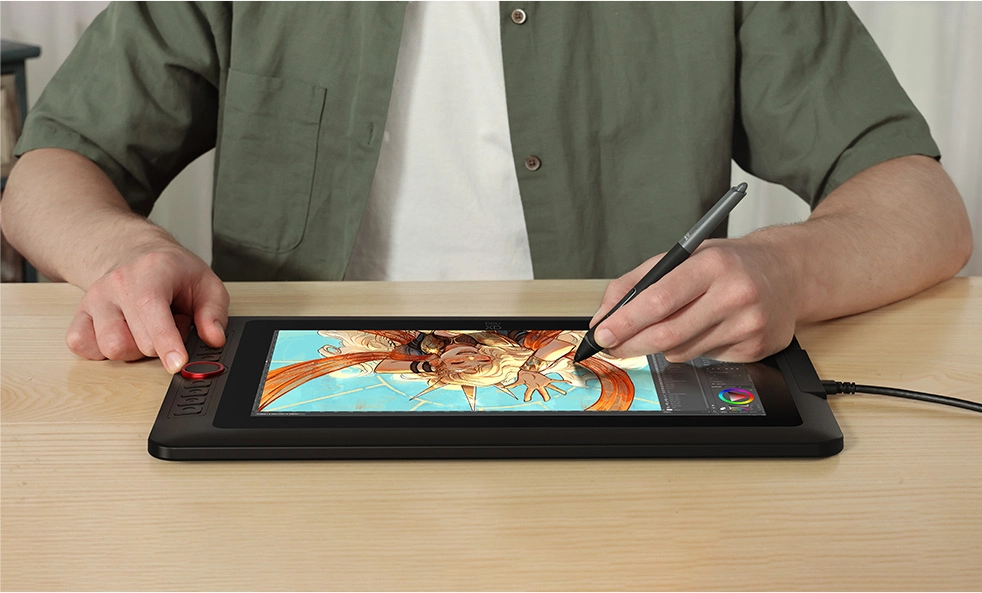
Don't worry if you are a left-hander. You can flip the drawing display through driver settings and set different shortcut keys to adapt to your dominant hand.
One Display, Infinite Possibilities
The Artist 13.3 Pro V2 is designed to meet the varied requirements of professionals and hobbyists. Its performance is focused on delivering an engaging creative experience for a wide range of artistic forms.
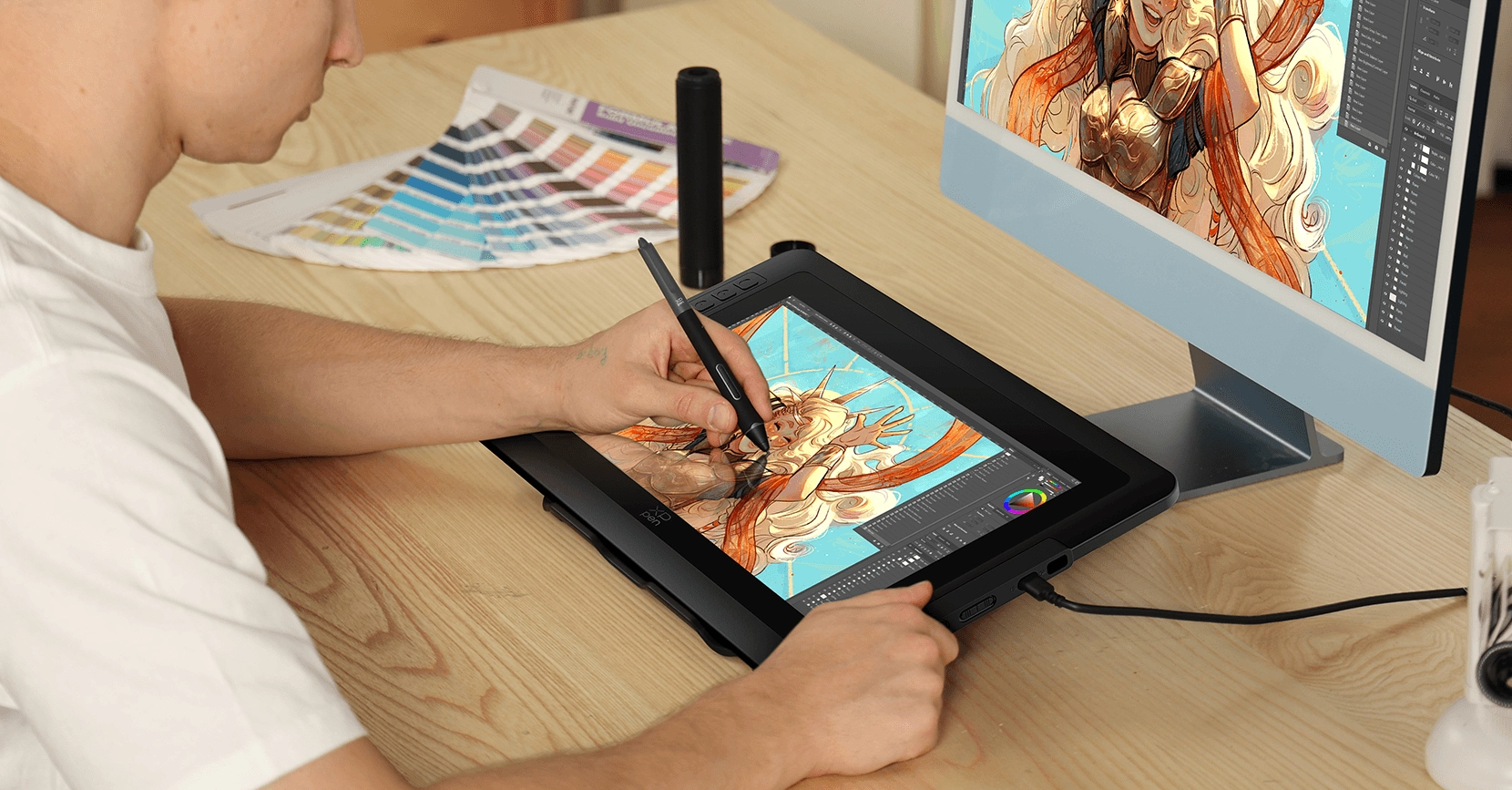

Illustration Creation
Thanks to the upgraded stylus, it delivers delicate and smooth strokes, making drawing feel natural and effortless.


Animation Creation
Excellent color performance that aligns with the concept designer's attention to colors and intricate details.


Photography and Photo Retouching
Relive every wonderful moment with your stylus and imagination.


3D Design
The Red Dial quick keys and eight shortcut keys significantly enhance the efficiency of 3D modeling in architectural design, enabling the seamless presentation of intricate details.


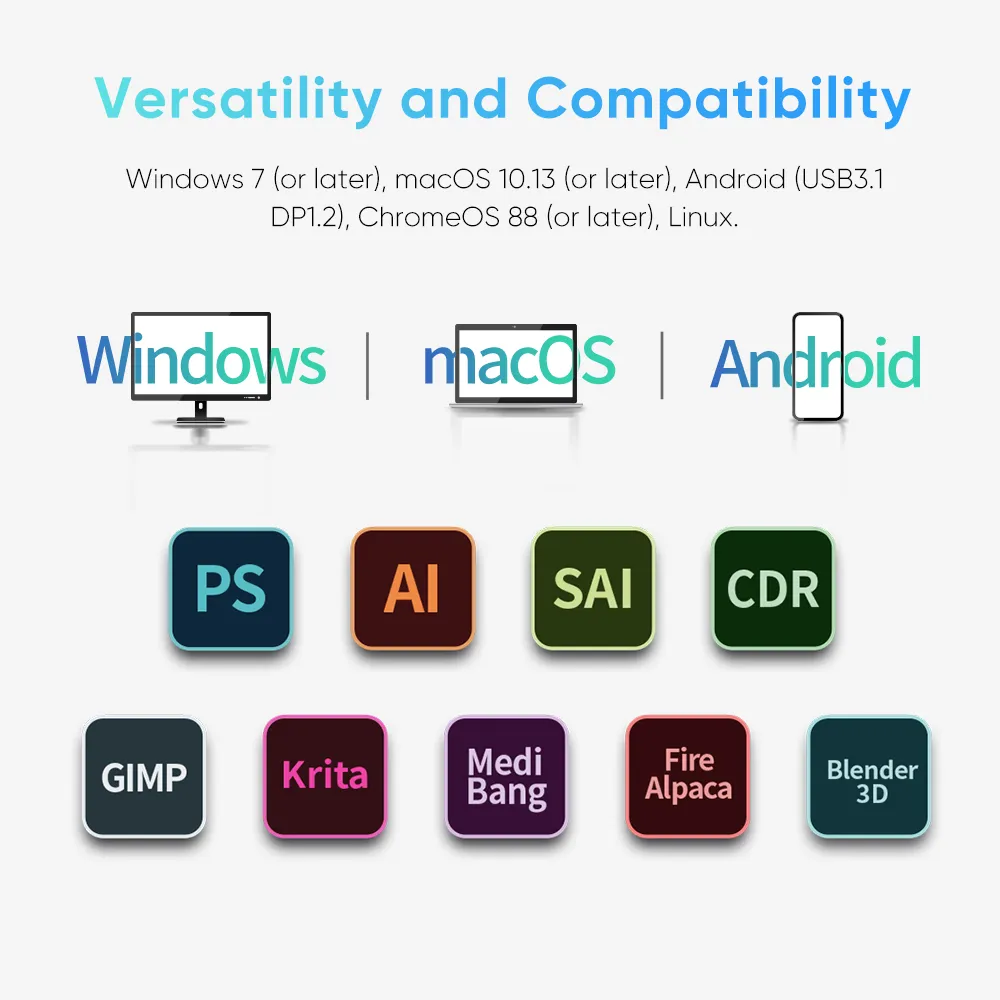
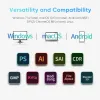
Versatility and Compatibility
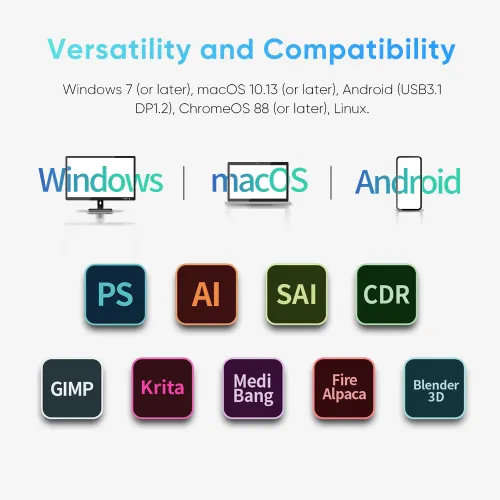
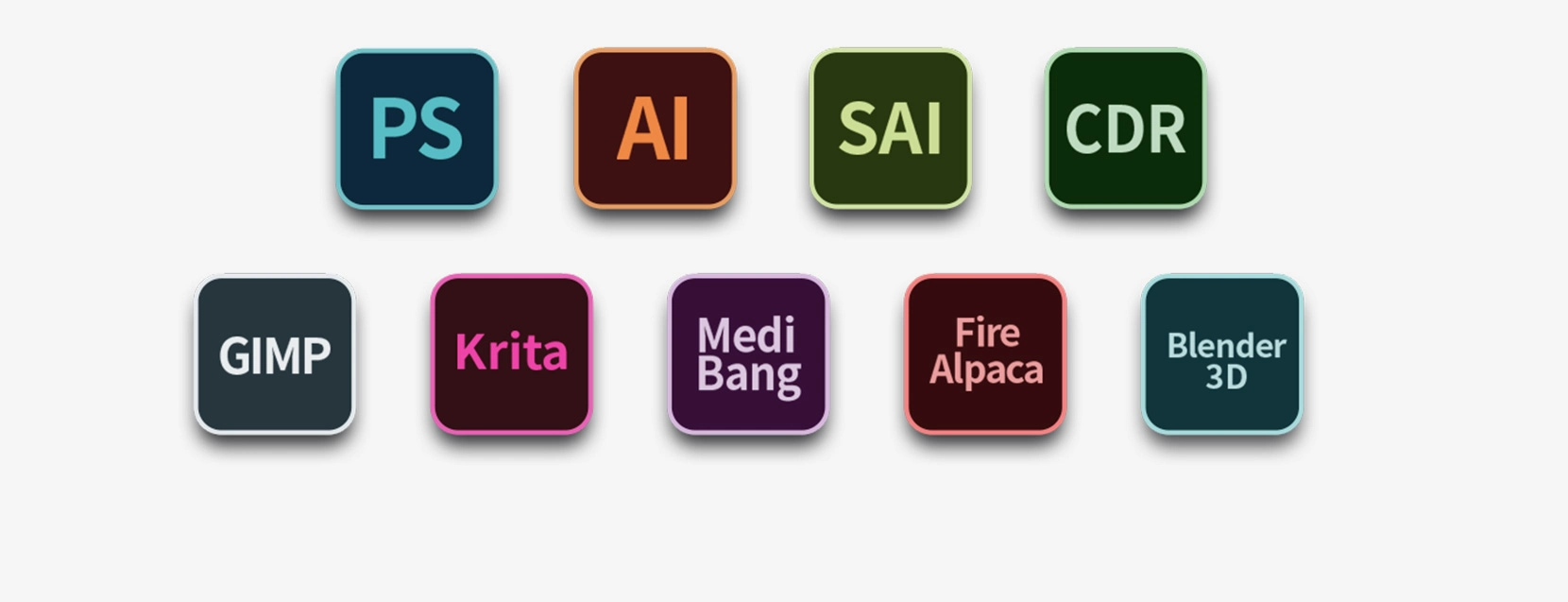
Supports Windows 7 (or later), Android (USB3.1 DP1.2), ChromeOS 88 (or later), Linux, and macOS X 10.13 (or later). Compatible with popular digital art software such as Adobe Photoshop, Illustrator, SAI, CDR, GIMP, Krita, Medibang, Fire Alpaca, Blender 3D and more.
Package Includes
Drawing Display*1
X3 Pro Stylus*1
Pen Holder*1
Pen Nibs*8
Foldable Stand*1
USB-C to USB-C Cable*1
USB-C to USB-A Cable*1
USB-A Extension Cable*1
Glove*1
Cleaning Cloth*1
3-in-1 Cable*1
Specifications
| Linux OS | Version | Package Format | Supported Software |
| Arch | Arch Linux2019.12.01(64-bit) | .deb, .sh | GIMP, Krita |
| Centos | Centos7.0(64-bit) | .rpm, .sh | GIMP |
| Centos8(64-bit) | .rpm, .sh | GIMP, Krita | |
| Debian | debian-9.5.0-amd64-netinst(64-bit) | .deb, .sh | GIMP, Krita |
| elementary OS | elementary OS 5.0(64-bit) | .deb, .sh | GIMP, Krita |
| ezgo Linux | ezgo14(64-bit) | .deb, .sh | GIMP, Krita |
| Fedora | Fedora32(64-bit) | .rpm, .sh | GIMP, Krita |
| Mageia | Mageia-7.1(64-bit) | .rpm, .sh | GIMP, Krita |
| Manjaro | manjaro-xfce-20.1.2-201019(64-bit) | .deb, .sh | GIMP |
| Mint | linuxmint-18.2-cinnamon-64bit | .deb, .sh | GIMP, Krita |
| OpenSUSE | openSUSE-Tumbleweed(64-bit) | .rpm, .sh | GIMP, Krita |
| Pop!_OS | pop-os_19.10(64-bit) | .deb, .sh | GIMP, Krita |
| Red Hat | Red Hat7(64-bit) | .rpm, .sh | GIMP |
| Ubuntu | Ubuntu14.04(64-bit) | .deb, .sh | GIMP, Krita |
| Ubuntu16.04(64-bit) | .deb, .sh | GIMP, Krita | |
| Ubuntu17.04(64-bit) | .deb, .sh | GIMP, Krita | |
| Ubuntu18.04(64-bit) | .deb, .sh | GIMP, Krita | |
| Ubuntu19.04(64-bit) | .deb, .sh | GIMP, Krita | |
| Ubuntu20.04(64-bit) | .deb, .sh | GIMP, Krita |
| Function | Krita 4.3.0 | Gimp 2.10.20 | Inkscape 0.92 |
| Pen Pressure Sensitivity | |||
| Tilt | |||
| Mouse Function | |||
| Eraser Button (Stylus:PH01, P06) | |||
| Switch between Pen and Eraser Modes | |||
| *If you have any further queries, please do not hesitate to contact us at service@xp-pen.com. | |||
Linux OS
Arch
Version
Arch Linux2019.12.01(64-bit)
Package Format
.deb, .sh
Supported Software
GIMP, Krita
Centos
Version
Centos7.0(64-bit)
Centos8(64-bit)
Centos8(64-bit)
Package Format
.rpm, .sh
.rpm, .sh
.rpm, .sh
Supported Software
GIMP
GIMP, Krita
GIMP, Krita
Debian
Version
debian-9.5.0-amd64-netinst(64-bit)
Package Format
.deb, .sh
Supported Software
GIMP, Krita
elementary OS
Version
elementary OS 5.0(64-bit)
Package Format
.deb, .sh
Supported Software
GIMP, Krita
ezgo Linux
Version
ezgo14(64-bit)
Package Format
.deb, .sh
Supported Software
GIMP, Krita
Fedora
Version
Fedora32(64-bit)
Package Format
.rpm, .sh
Supported Software
GIMP, Krita
Mageia
Version
Mageia-7.1(64-bit)
Package Format
.rpm, .sh
Supported Software
GIMP, Krita
Manjaro
Version
manjaro-xfce-20.1.2-201019(64-bit)
Package Format
.deb, .sh
Supported Software
GIMP
Mint
Version
linuxmint-18.2-cinnamon-64bit
Package Format
.deb, .sh
Supported Software
GIMP, Krita
OpenSUSE
Version
openSUSE-Tumbleweed(64-bit)
Package Format
.rpm, .sh
Supported Software
GIMP, Krita
Pop!_OS
Version
pop-os_19.10(64-bit)
Package Format
.deb, .sh
Supported Software
GIMP, Krita
Red Hat
Version
Red Hat7(64-bit)
Package Format
.rpm, .sh
Supported Software
GIMP
Ubuntu
Version
Ubuntu14.04(64-bit)
Ubuntu16.04(64-bit)
Ubuntu17.04(64-bit)
Ubuntu18.04(64-bit)
Ubuntu19.04(64-bit)
Ubuntu20.04(64-bit)
Ubuntu16.04(64-bit)
Ubuntu17.04(64-bit)
Ubuntu18.04(64-bit)
Ubuntu19.04(64-bit)
Ubuntu20.04(64-bit)
Package Format
.deb, .sh
.deb, .sh
.deb, .sh
.deb, .sh
.deb, .sh
.deb, .sh
.deb, .sh
.deb, .sh
.deb, .sh
.deb, .sh
.deb, .sh
Supported Software
GIMP, Krita
GIMP, Krita
GIMP, Krita
GIMP, Krita
GIMP, Krita
GIMP, Krita
GIMP, Krita
GIMP, Krita
GIMP, Krita
GIMP, Krita
GIMP, Krita
Function
Pen Pressure Sensitivity
Krita 4.3.0
Gimp 2.10.20
Inkscape 0.92
Tilt
Krita 4.3.0
Gimp 2.10.20
Inkscape 0.92
Mouse Function
Krita 4.3.0
Gimp 2.10.20
Inkscape 0.92
Eraser Button(Stylus:PH01, P06)
Krita 4.3.0
Gimp 2.10.20
Inkscape 0.92
Switch between Penand Eraser Modes
Krita 4.3.0
Gimp 2.10.20
Inkscape 0.92
*If you have any further queries, please do not hesitate to contact us at service@xp-pen.com.
| List of compatible Android devices | |
| HUAWEI Mate 10 | HUAWEI Mate 10 Pro |
| HUAWEI Mate 20 | HUAWEI Mate 20 Pro |
| HUAWEI Mate 20 X | HUAWEI Mate 30 Pro |
| HUAWEI Mate 40 | HUAWEI Mate 40 pro |
| HUAWEI Mate 30E Pro 5G | HUAWEI P20 |
| HUAWEI P20 Pro | HUAWEI P30 |
| HUAWEI P30 Pro | HUAWEI P40 |
| HUAWEI P40 Pro | HUAWEI P40 Pro+ |
| HUAWEI Mate 50 | HUAWEI Mate 50 Pro |
| HUAWEI Mate 40E | HUAWEI Mate 40 Pro+ |
| HUAWEI P50 Pro | HUAWEI P50 |
| HUAWEI P50E | HUAWEI Mate X2 |
| HUAWEI Mate Xs2 | HUAWEI Mate 50E |
| HUAWEI Mate 40E Pro | HUAWEI Mate 40 RS |
| HUAWEI P50 Pocket | Honor Note10 |
| Honor V20 | Honor 30pro+ |
| Honor Magic4 | Honor Magic4 Pro |
| Samsung Galaxy A90 5G | Samsung Galaxy Note9 |
| Samsung Galaxy Note10 | Samsung Galaxy Note10+ 5G |
| Samsung Galaxy S8 | Samsung Galaxy S8+ |
| Samsung Galaxy S9 | Samsung Galaxy S9+ |
| Samsung Galaxy S10 | Samsung Galaxy S10+ |
| Samsung Galaxy S10e | Samsung Galaxy S20 |
| Samsung Galaxy S20+ | Samsung Galaxy S20 Ultra |
| Samsung Galaxy S20 FE 5G | Samsung Galaxy S21 |
| Samsung Galaxy S21 FE | Samsung Galaxy S21 ultra |
| Samsung Galaxy S22 | Samsung Galaxy S22 Ultra |
| Samsung Galaxy Note20 | Samsung Galaxy Note20 Ultra |
| Samsung Galaxy Tab S7 | Samsung Galaxy Tab S7 FE |
| Samsung Galaxy Tab S5e | Samsung Galaxy S21+ |
| Samsung Galaxy S22+ | Samsung Galaxy S23 |
| Samsung Galaxy S23+ | Samsung Galaxy S23 Ultra |
| Samsung Galaxy Z Fold4 | Samsung W23 |
| Samsung W22 | Samsung W21 |
| Samsung W20 | Samsung Galaxy Tab S8 |
| Samsung Galaxy Tab S8+ | Samsung Galaxy Tab S8 Ultra |
| Samsung Galaxy Tab S7+ | Samsung Galaxy Tab S6 |
| Samsung Galaxy Tab S6 Lite | |
4.2


Based on 11
55%(6)
27%(3)
9%(1)
0(0)
9%(1)
Cesar Enrique Cruz Penaloza
Sep 25 ,2019 PM 12:20 Artist 13.3 Pro V2
all good
all good
Useful(0)+1
Shamus Choi
Feb 21 ,2020 PM 14:15 Artist 13.3 Pro V2
Exceeded my expectations!
The XP-Pen Artist 13.3 Pro is superb! The drawing experience is smooth! I did not experience any lag. I love drawing on the textured screen. The product has a premium quality feel. Installation and customising the express-keys was easy. The customer support is patient and quick to respond to my emails. Please be a little patient when buying from this store, as orders may take a few weeks.
Useful(4)+1
Ash Levite
Mar 08 ,2020 PM 18:24
Hi. How long did it took u to rêcive the product?
Gerry Von Kalm
Jul 28 ,2020 PM 17:31
I just bought one as well, it took 3 days for delivery, and that included a weekend. It arrived in perfect condition
XFANS6m7sfogf
Jun 16 ,2021 PM 13:31
I was wondering what drawing app you used for this and if there was any difficulty with set up. Thank you.
Dani
May 31 ,2021 PM 23:52 Artist 13.3 Pro V2
Very Good
Had only some small issues starting up the tablet, but it works wonders
Useful(0)+1
Learn More
XFANSf95ydg7i
Mar 23 ,2023 AM 07:11 Artist 13.3 Pro V2
Are you able to use the drawing pad without connecting it to a laptop?
Reply1
XFANSh9w48a6t
Mar 27 ,2026 AM 09:46
No, this display is used in simultaneously with a laptop or PC, but it needs a computer to work
Reply to this review
XFANSm5u79mi0
Dec 22 ,2022 PM 12:20 Artist 13.3 Pro V2
Does this tablet have a protective film on already (want to buy it from this site) or do I need to purchase it separately? I want to make sure its protecter and will last longer.
Reply0
XFANSbrizo91q
Feb 05 ,2022 AM 06:51 Artist 13.3 Pro V2
I ordered this on January 26th, but I still can't track it.
Reply1
Official mall
Feb 09 ,2022 PM 22:23
Hi,
Could you send your order number to our email? We will trace the package for you:)
Best Regards,
XP-PEN
Reply to this review
XFANSd1nzxmhk
Nov 29 ,2021 AM 06:12 Artist 13.3 Pro V2
My parents bought this for me 10 DAYS AGO and nothing has shown up,
Also it wont even appear on our tracking, we've tried to contact you as well.
What is going on? will I get the tablet or my money back?
Reply1
Official mall
Nov 29 ,2021 PM 18:07
Hi,
Sorry for the inconvenience brought to you. Could you please send your order number to this email:
We will track it for you.
Best Regards,
XP-PEN
Reply to this review
XFANSy8o1nrcp
Nov 26 ,2021 PM 17:55 Artist 13.3 Pro V2
Hi, I want to confirm something. When you buy the product (without the stand or stickers / alone), is it already in a package (eg. says that in the package, it includes cables, stands, pen etc.) or do you have to click on a button to then get the product with the package?
Reply1
Official mall
Nov 28 ,2021 PM 16:46
Hi,
Artist 13.3pro and 15.6pro come with a stand in the package,you can see the stand of the photo stated on the purchasing link.
For Artist 15.6 which doesn't have stand,you can click on a button of "Artist 15.6+AC18 stand" to get the products in the package.
Hope this helps:)
XP-PEN
Reply to this review
Trish
Jul 27 ,2021 PM 18:51 Artist 13.3 Pro V2
Is the cable USB-C suitable for MacBook Pro?
Reply1
Official mall
Jul 27 ,2021 PM 19:04
Dear Customer,
Thank you for your inquiry.
USB-C should be plugged into our tablet, the rest of usb-a and hdmi need to be plugged into your computer. so If you are using Macbok Pro, you may purchase a adapter like this :https://www.xp-pen.com/au-store/buy/101.html
Best Regards
Zoe
Reply to this review
XFANSk9j6haqh
Jul 03 ,2021 PM 18:41 Artist 13.3 Pro V2
Can I use this tablet stand alone to draw on it (drawing without connecting to a display monitor or computer)?
Reply1
Official mall
Jul 14 ,2021 PM 15:39
Dear Custonmer,
Thank you for your inquiry.
No ,our product must be connected a computer or laptop to work, it is not a standalone product.
Have a nice day!
XP-PEN
Reply to this review
XFANS6rw0vv0u
May 16 ,2021 PM 17:34 Artist 13.3 Pro V2
Is there any way I can order the extension USB cable for the Artist 13.3 Pro? On the USA website it's available but not on the Australian site. Would be amazing to have!
Reply1
Official mall
May 25 ,2021 PM 19:00
Hi,
Sure, please purchase the extension USB cable with this link: https://www.xp-pen.com/au-store/buy/125.html
Hope it is helpful to you.
Best Regards
XP-PEN
Reply to this review
XFANS3qbbtmvy
May 04 ,2021 PM 18:11 Artist 13.3 Pro V2
Hi there! I was considering buying the artist 13.3 and was wondering if there was any afterpay or zip pay?
Also, I saw in the images it can run clip studio paint, however is not mentioned in the description where photoshop and other programs are compatible with that tablet. Just making sure, is the artist 13.3 compatible with clip studio paint?
Please and thank you.
Reply1
Official mall
May 14 ,2021 PM 14:49
Dear Customer,
Thank you for your purchase.
We are sorry that currently don't support the afterpay or zip pay. It is available for paypal and credit card.
Sure, 13.3pro also can compatible with clip studio paint and photoshop.
Hope it is helpful to you.
Have a nice day!
XP-PEN
Reply to this review
XFANSrw4sbj8p
Apr 25 ,2021 PM 22:38 Artist 13.3 Pro V2
Hello! Is it possible to put a display arm on the artist 13.3 pro drawing display? If so witch arm?
Reply0
Official mall
Apr 29 ,2021 PM 19:13
Hi,
Sorry, no, it can not work with display arm.
Portable 13.3pro display can work with this kind of stand: https://www.xp-pen.com/au-store/buy/38.html
Reply to this review
Learn More