


Getting started with your
XP-Pen Artist display
1/9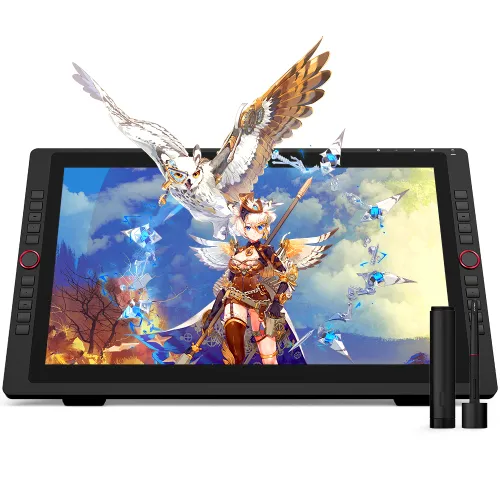
![https://resource.xp-pen.com/Uploads/au/goods/20191108/12d8348a0aac85afae099ef1d42ccef1_500_500.webp]()
![https://resource.xp-pen.com/Uploads/au/goods/20191108/dad72b57499f837ac1b634dffa3c8e7f_500_500.webp]()
![https://resource.xp-pen.com/Uploads/au/goods/20191108/54b3874cd5681fc0a6947933fdff4c53_500_500.webp]()
![https://resource.xp-pen.com/Uploads/au/goods/20191108/b845b7fca2bb69c5835a4176b3f377e3_500_500.webp]()
![https://resource.xp-pen.com/Uploads/au/goods/20191108/ac6ff00e43293240df0c33aef6b3b851_500_500.webp]()
![https://resource.xp-pen.com/Uploads/au/goods/20201229/8f3bd2daf7a62251f2daa093989b832e_500_500.webp]()
![https://resource.xp-pen.com/Uploads/au/goods/20191108/1bd4c0735c2fa20fa5b5d9b20f942250_500_500.webp]()
![https://resource.xp-pen.com/Uploads/au/goods/20191108/9c019686fbff2417792e3488941f8855_500_500.webp]()
Artist 22R Pro
21.5-inch display supports a Type-C to Type-C connection;
Artist 22R Pro requires connection to a computer or laptop to function.
AU$602.99AU$899.99
FREE DELIVERY
We offer free shipping
SECURE PAYMENT
Your payment information is processed securely
TECH SUPPORT
service@xp-pen.com
18-MONTH WARRANTY
18-month warranty only for official AU-store
Product Model:
Artist 22R Pro
Extended Warranty:
N/A
Optional Accessories
Quantity:
Total
AU$0.00
 Log in and purchase to receive an estimated 0 X-Coins




Worry-Free Delivery® available with seel
Estimate:
Unleash your new
creative possibilities.
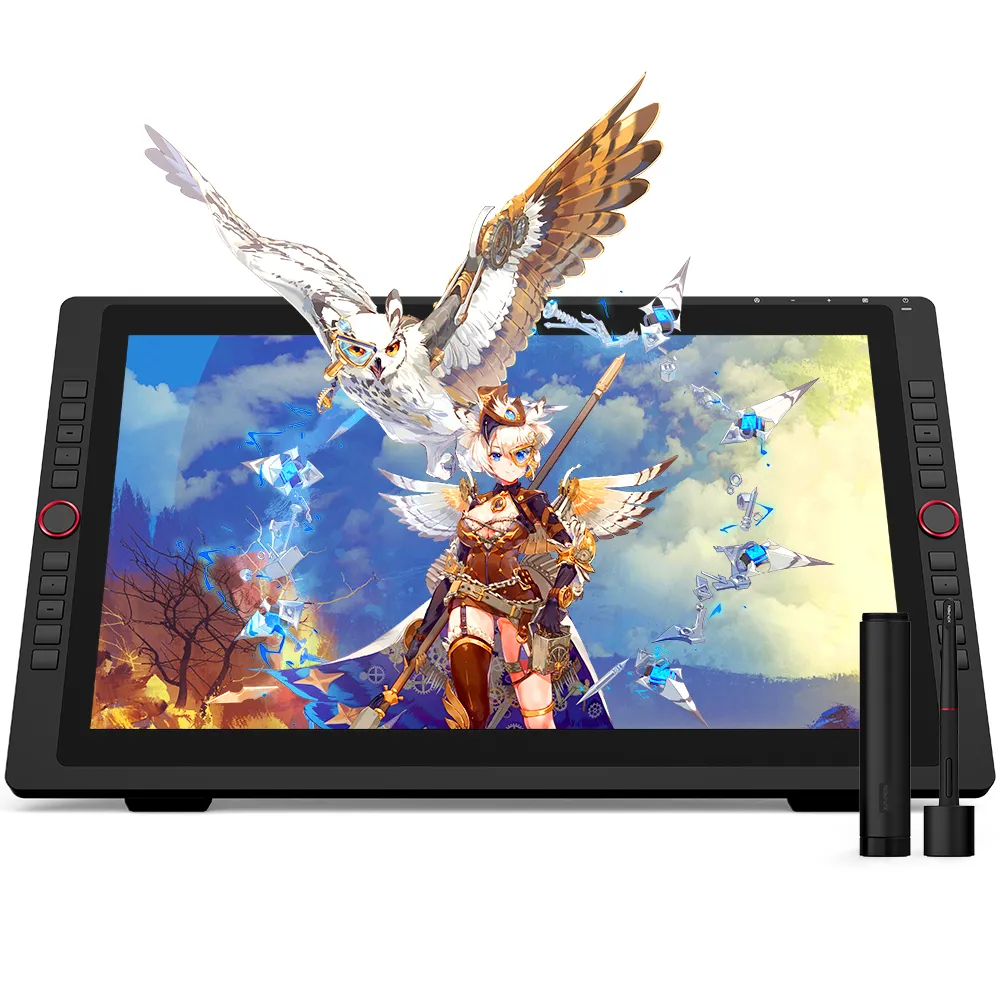
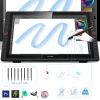
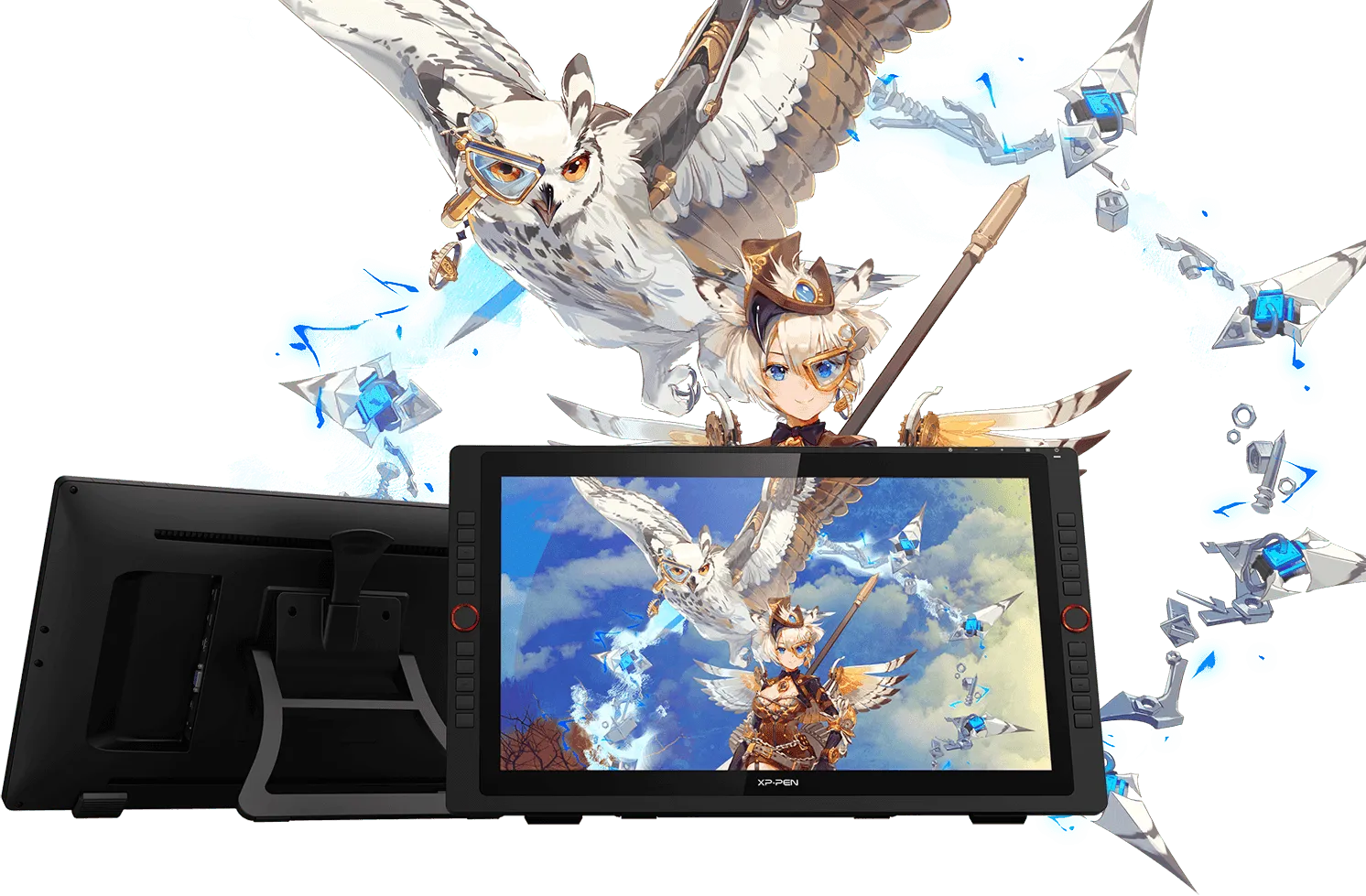
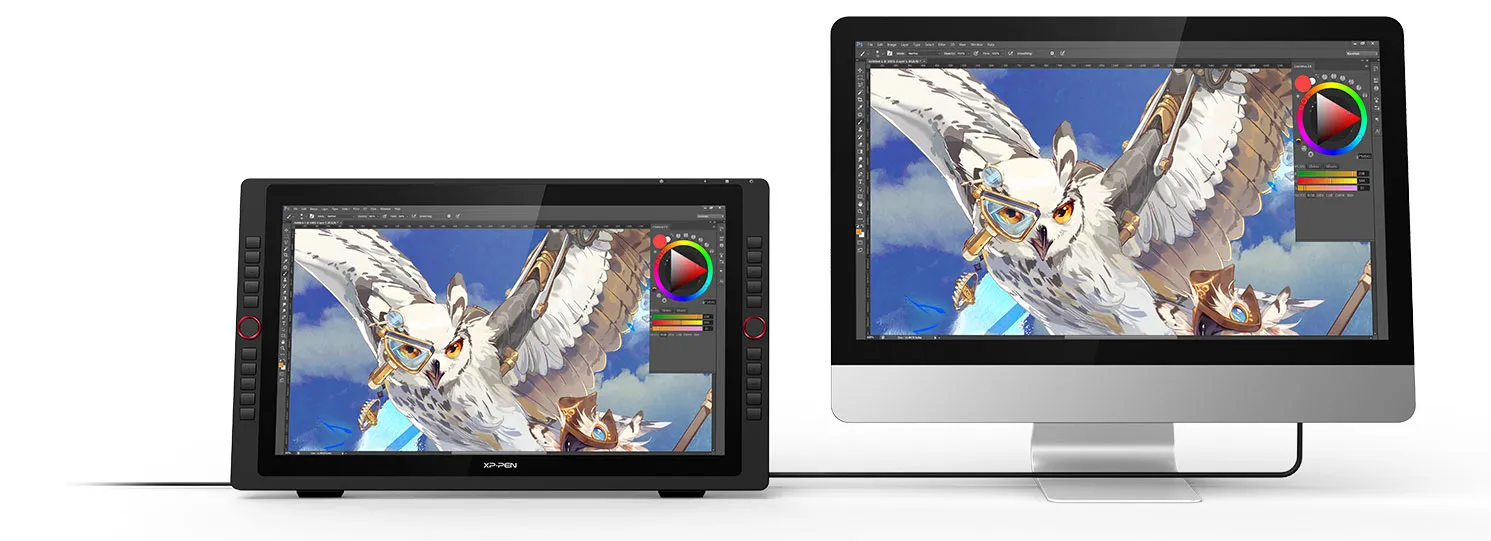
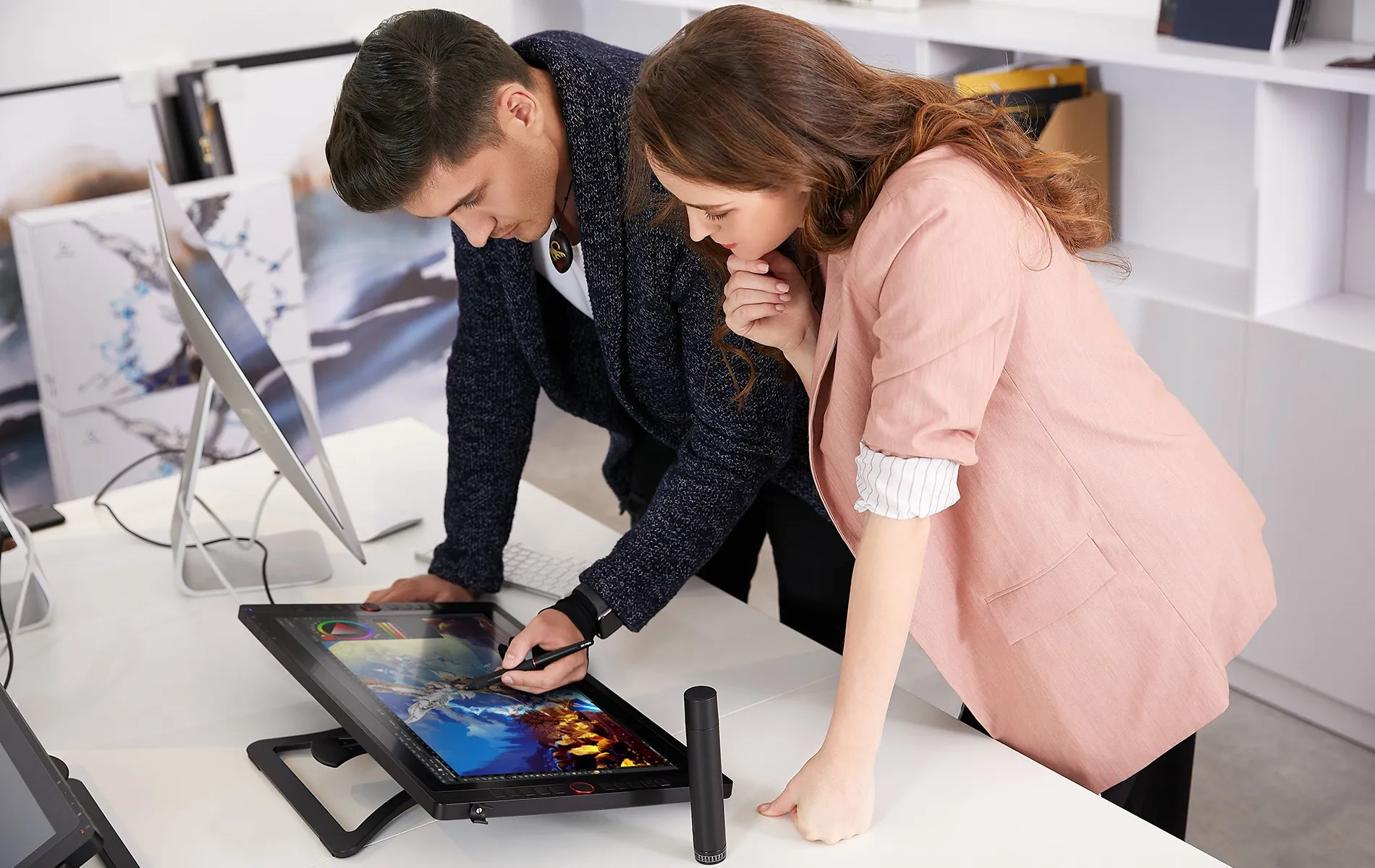
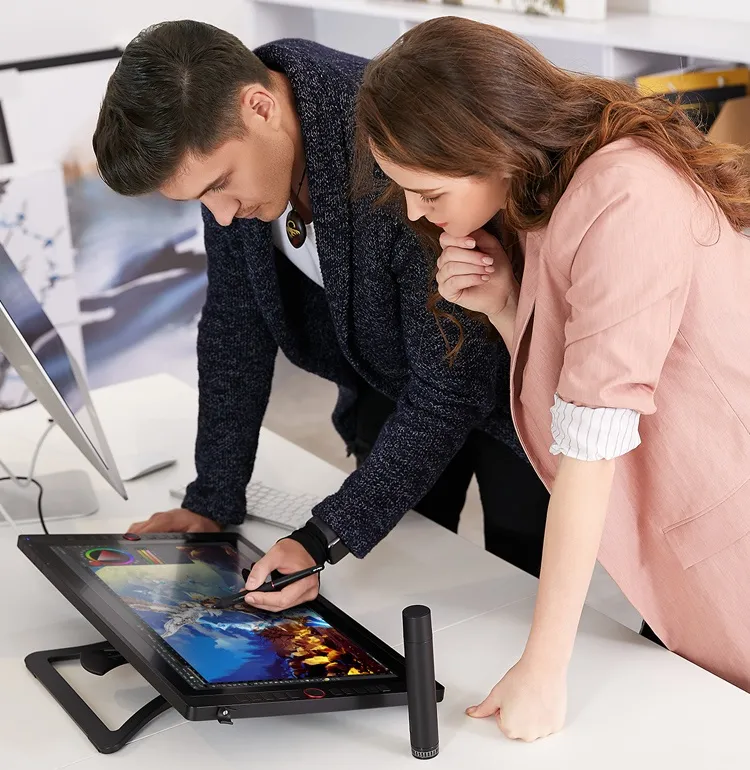
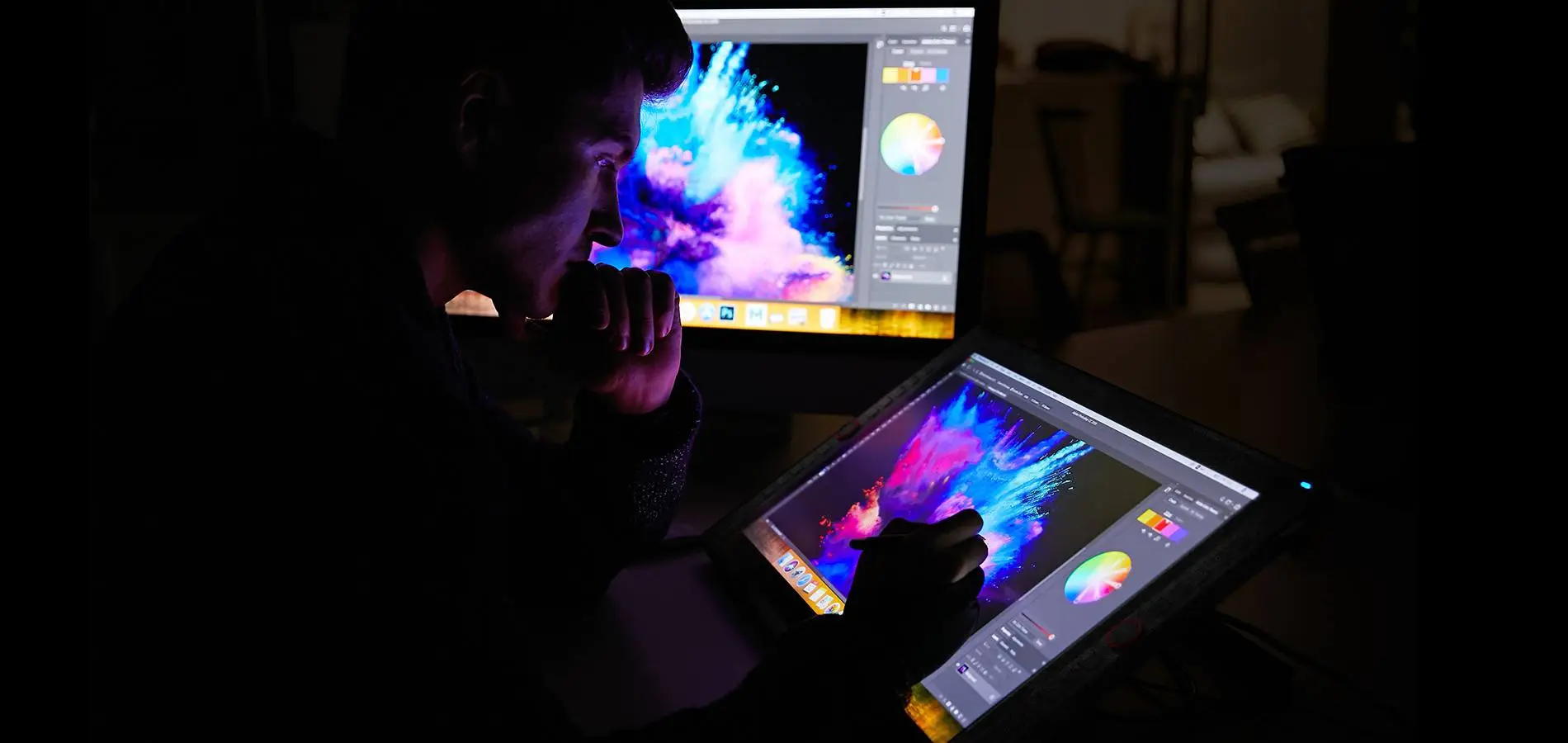
The XP-Pen Artist 22R Pro comes with a strikingly large 21.5-inch display and features 1080p resolution, allowing you draw, design, model and create directly onto the 22R Pro’s surface, letting you unleash new creative possibilities.

Design
Model
Draw
21.5
inch
1080P
resolution
Redefining the
professional standard.
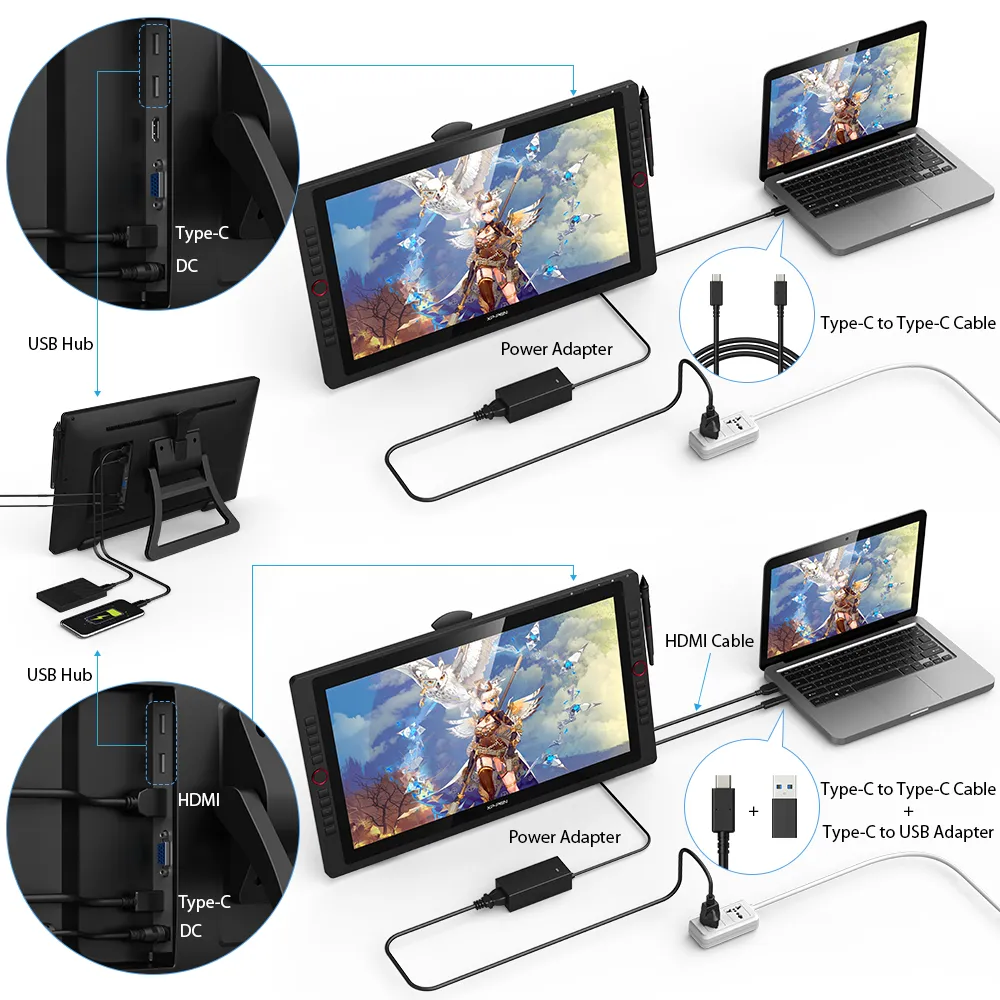
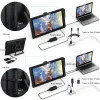
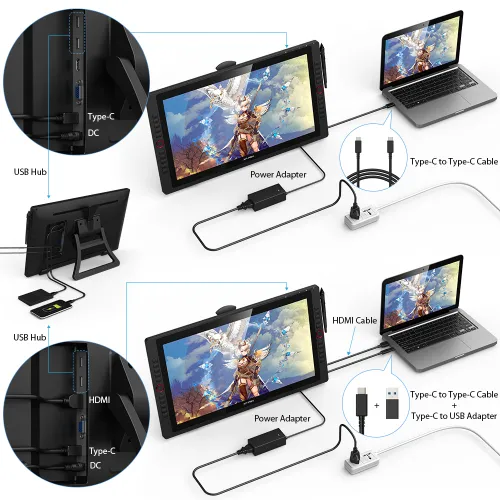
The Artist 22R Pro is the first graphics display that supports a USB-C to USB-C connection, letting you directly connect your iMac/Mac Book Pro and other Windows computers that support USB-C input to the 22R Pro without using a USB-C to HDMI &USB adapter.
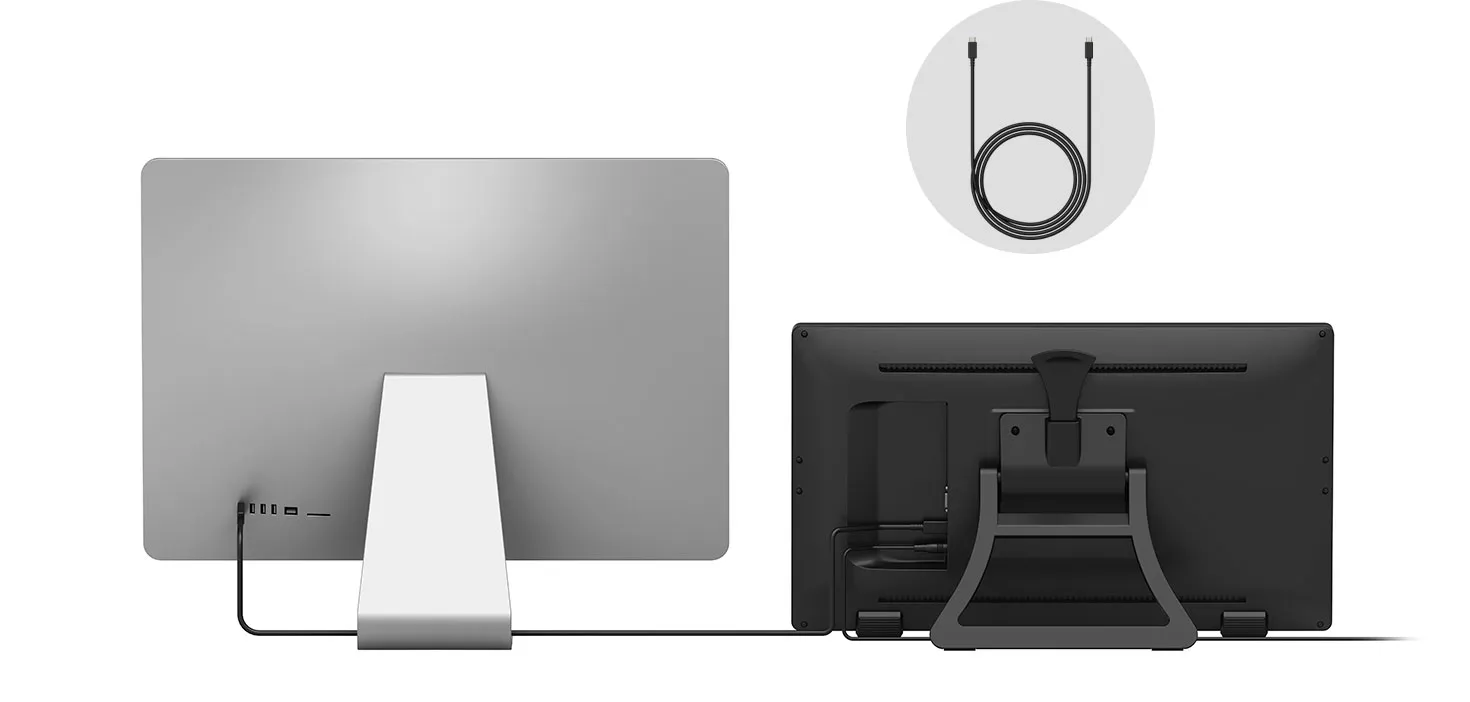
USB-C to USB-C Cable
USB-C
USB-C
DC
A drastically improved
user experience.
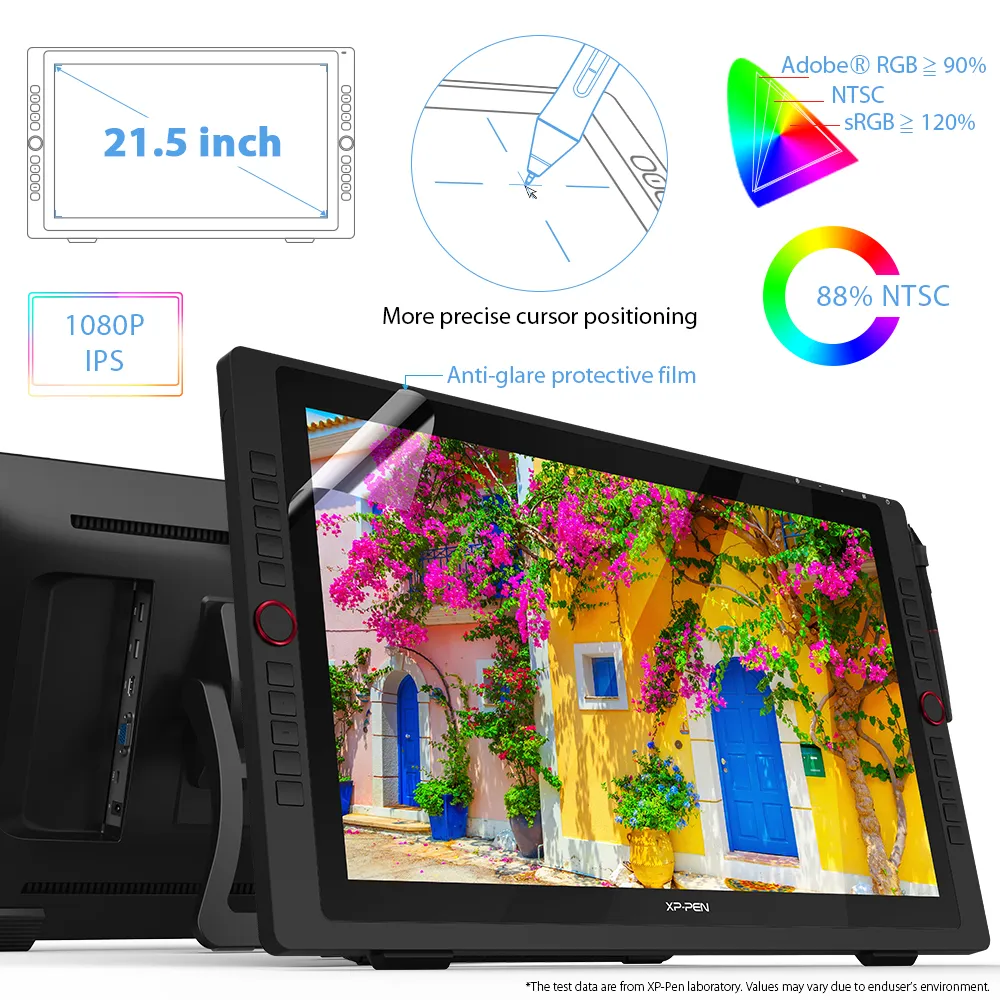
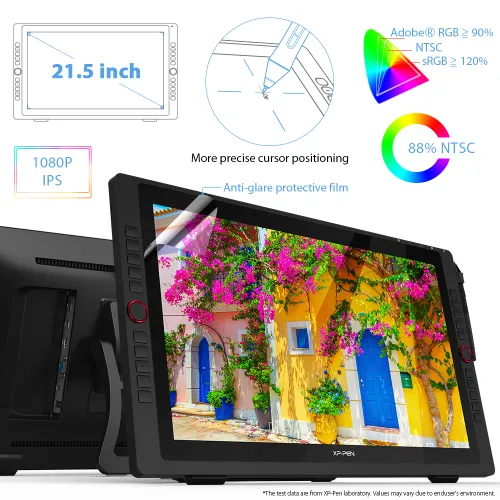
By applying the latest innovation and technology, the 22R Pro lets you draw with a more precise cursor positioning even at the four corners for an improved drawing experience.
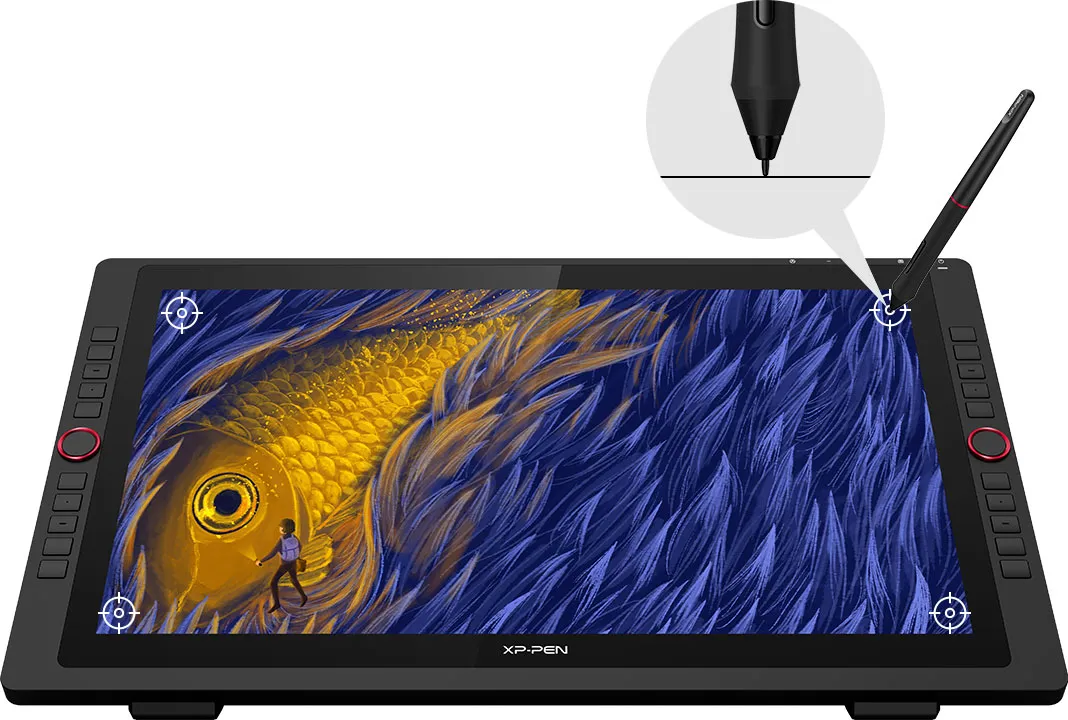
More precise cursor positioning
Redesigned to create more,
more naturally.
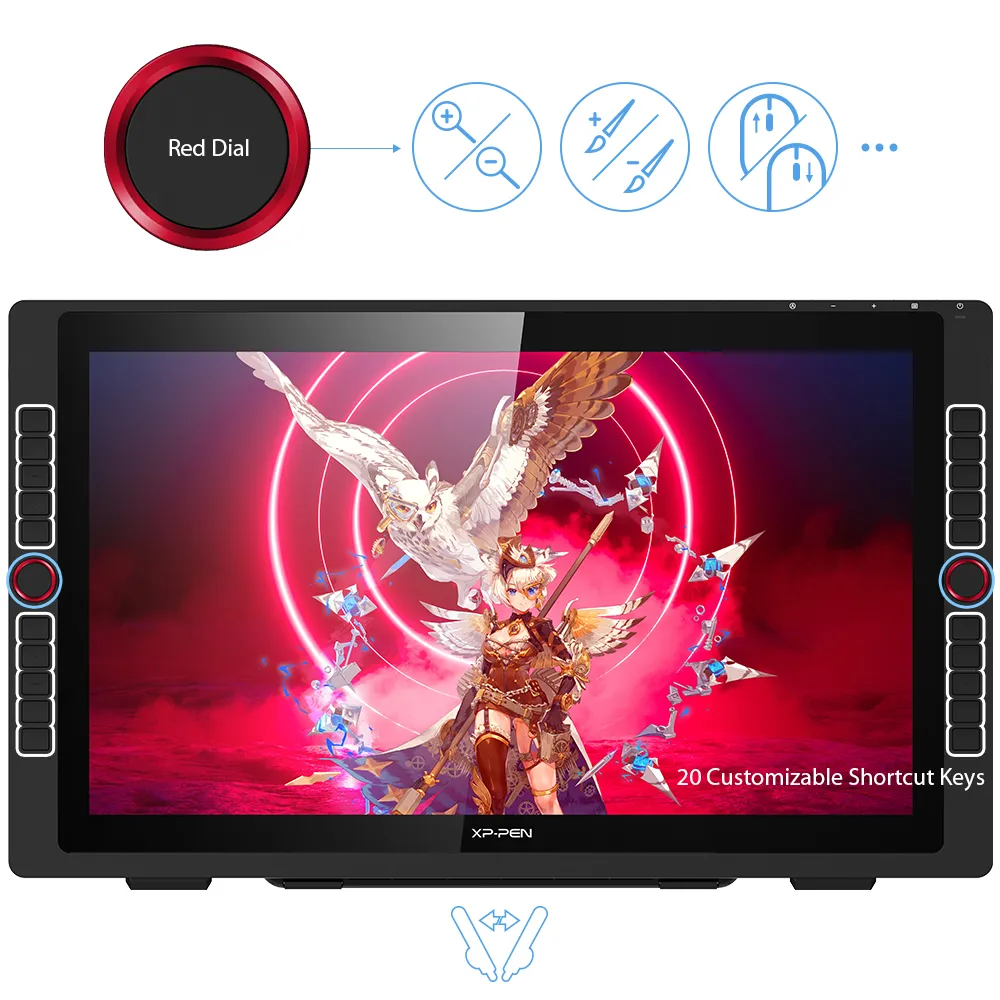
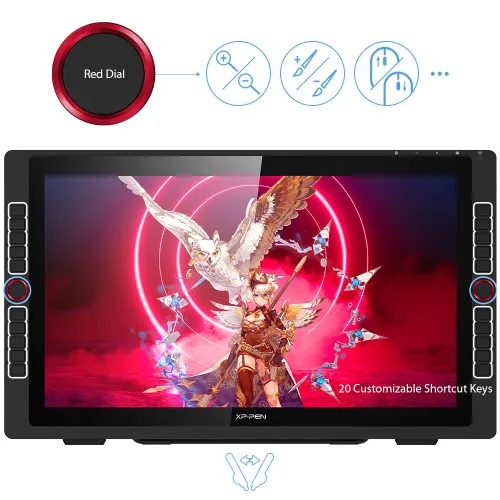
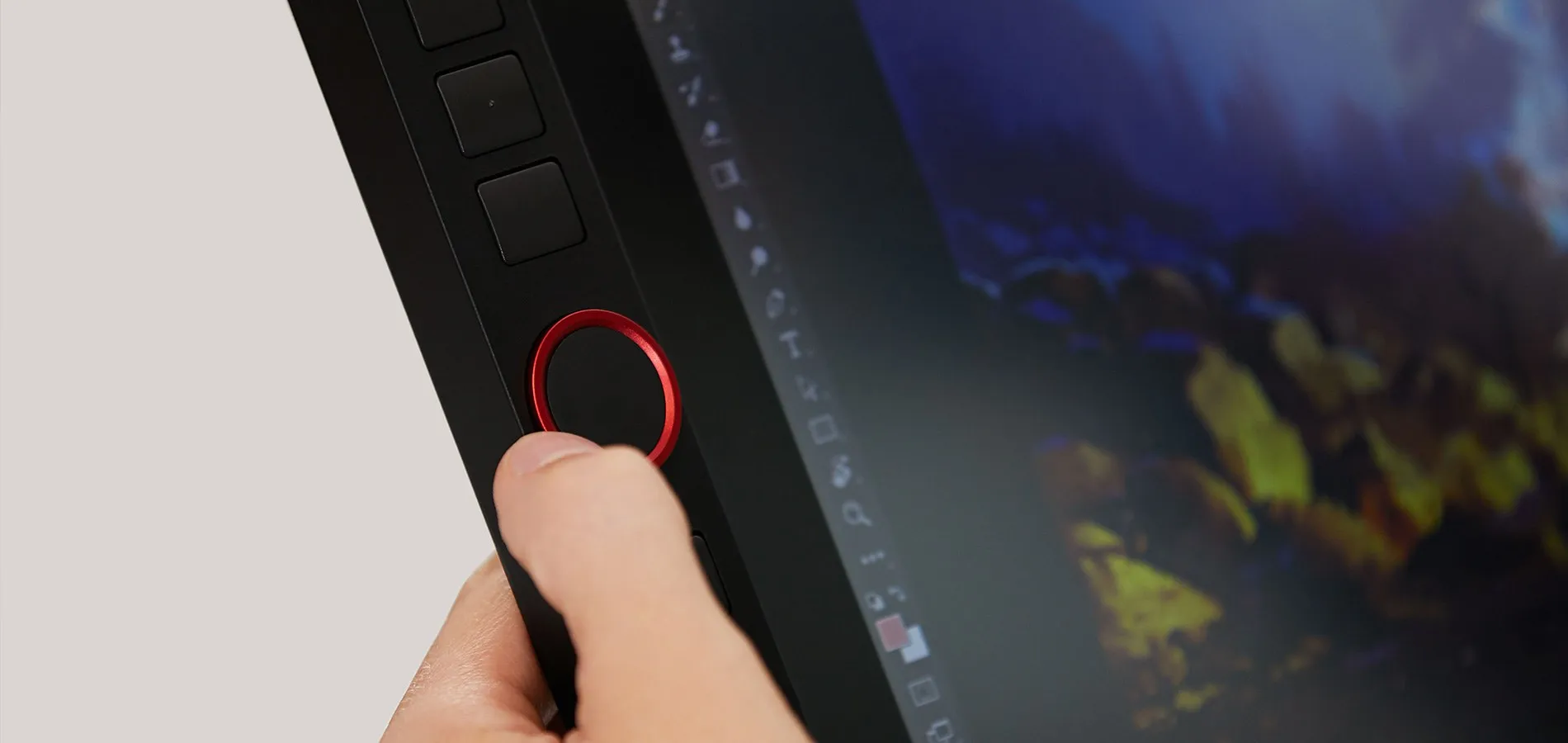
The XP-Pen Artist 22R Pro features two easy-to-control red dial wheels and 20 customizable shortcut keys that are conveniently placed on both sides, making it equally accessible for left and right-handed users.

2
red dial wheels
20
customizable shortcut keys
Let your ideas flow with
brilliant color.
The 21.5 inch FHD Display pairs a superb color accuracy of 88% NTSC (Adobe® RGB≧90%,sRGB≧120%), adding brilliance to your creation with more exquisite details and vibrant colors.

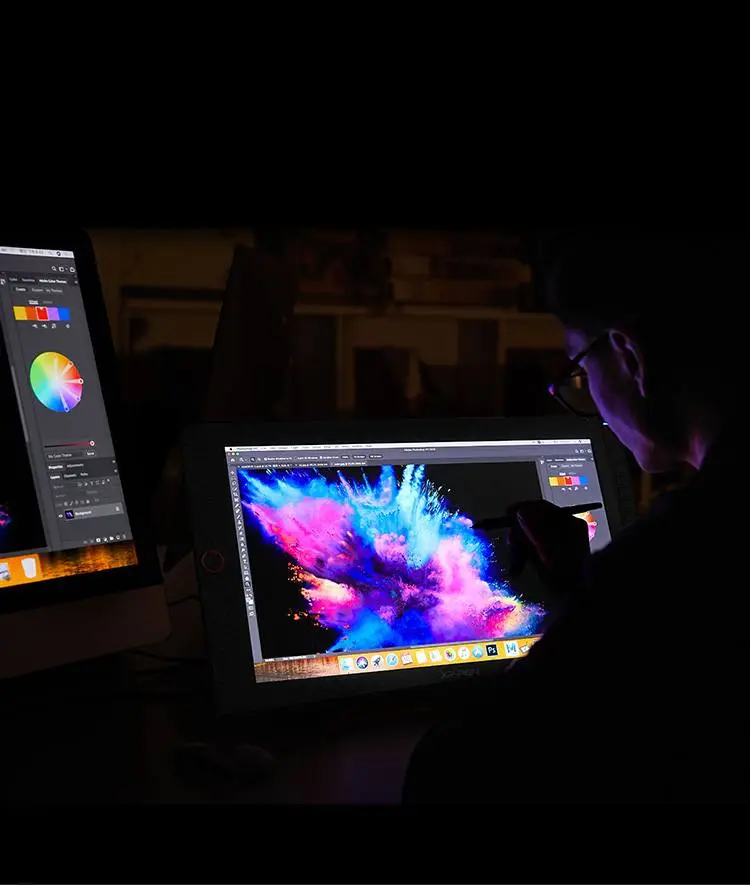

88% NTSC

More vibrant colors

More exquisite details
A fine stylus for even
finer expression.
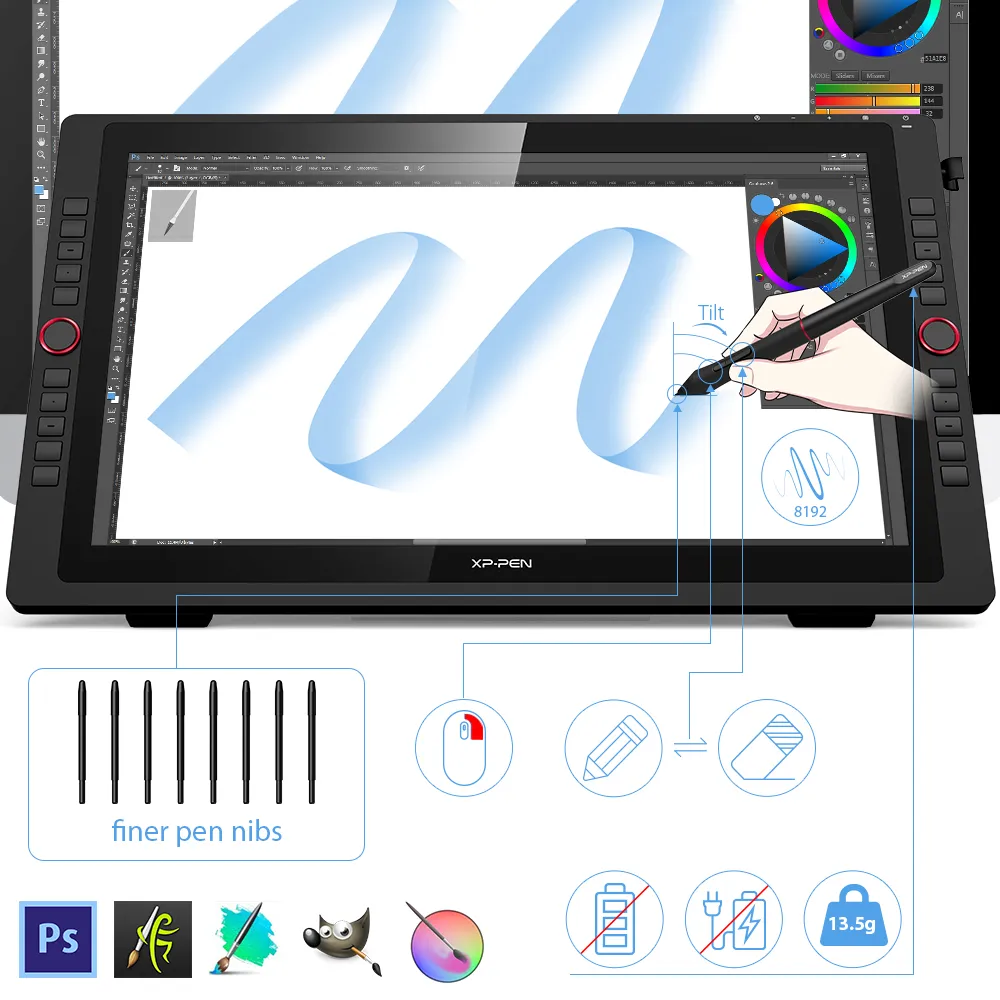
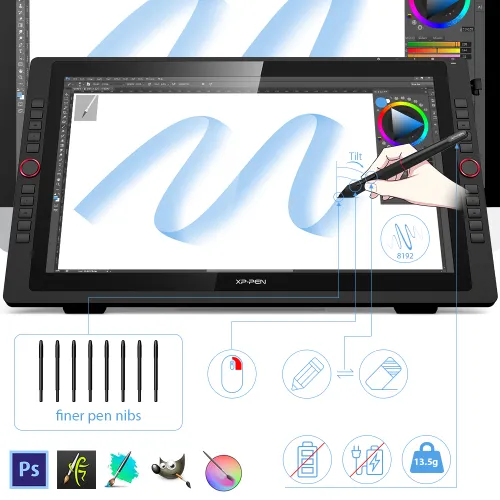
The PA2 battery-free Stylus supports up to 60 degrees of tilt function and provides superior line performance to create the finest sketches and lines.
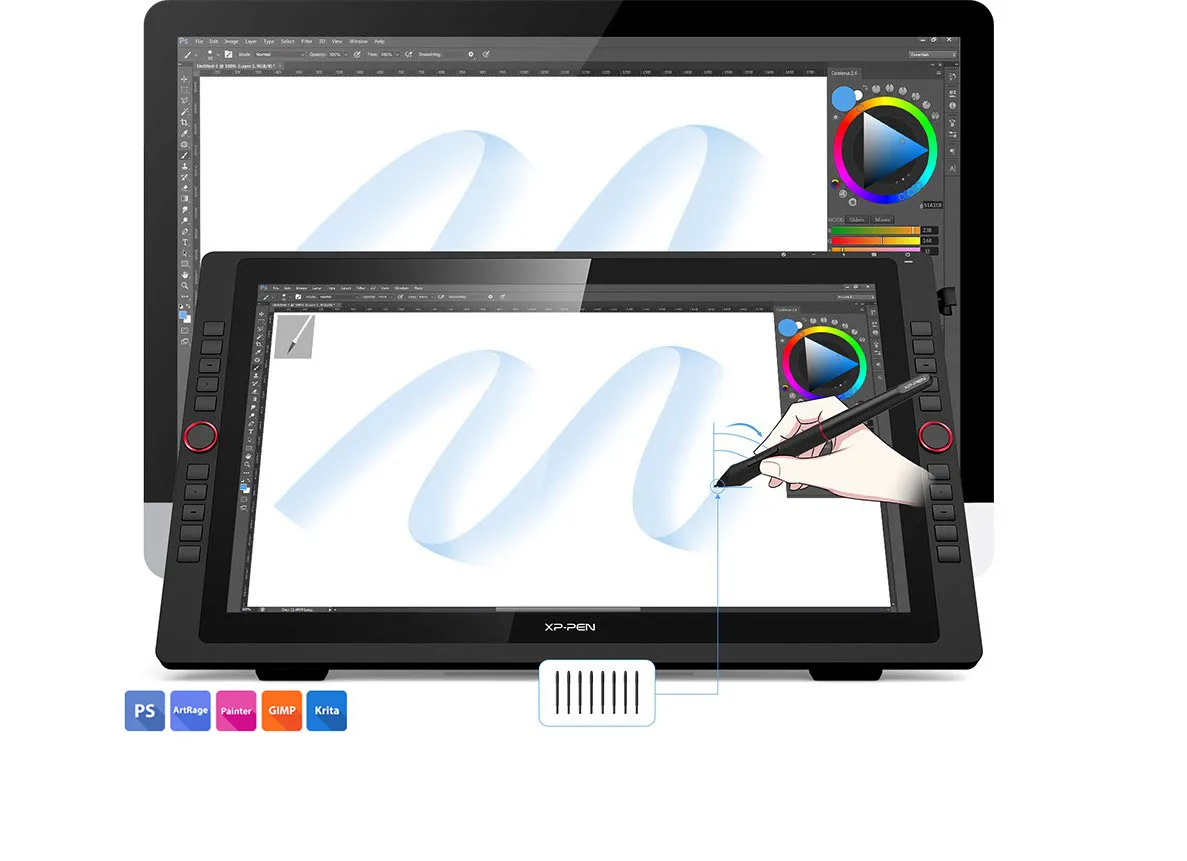
Finer pen nibs
Tilt
Small details that make
a big difference.
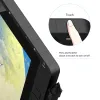
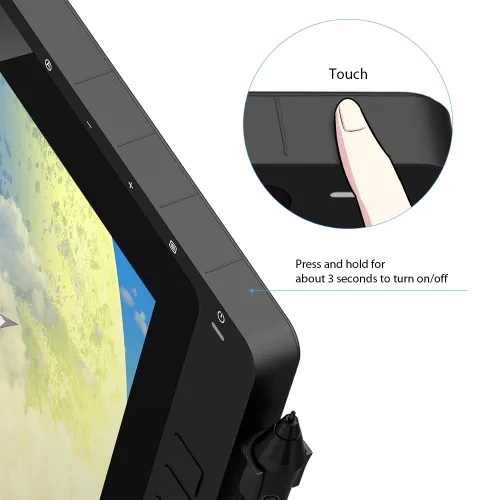
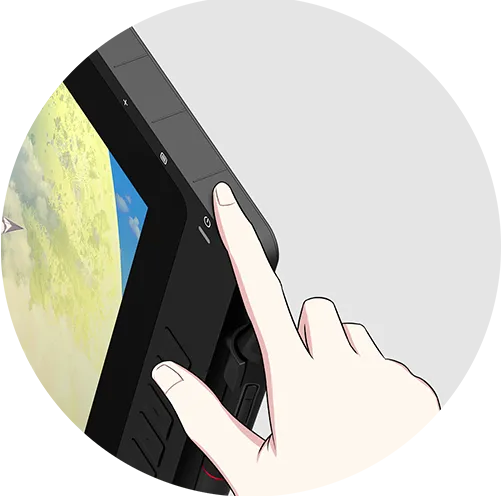
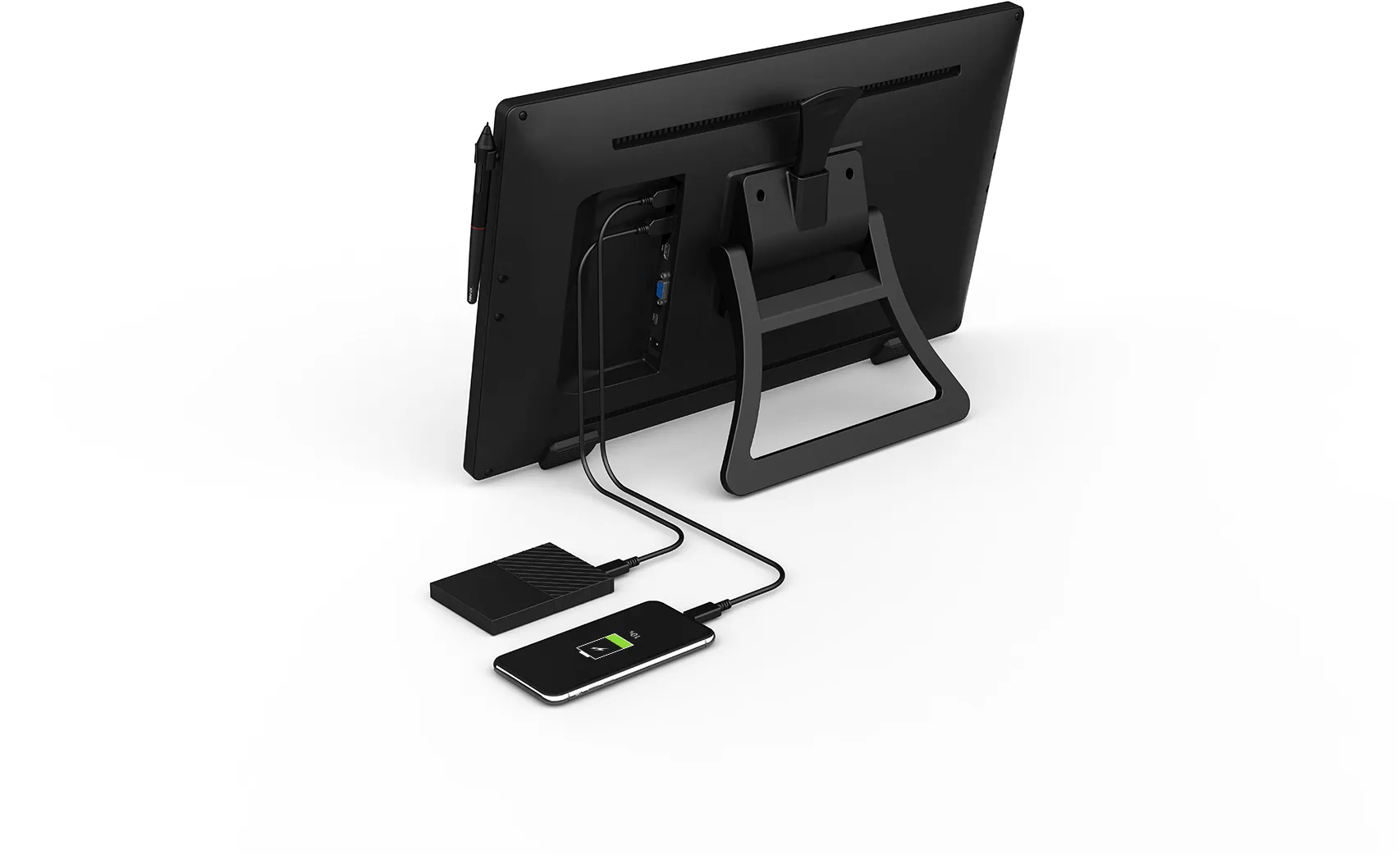
The Artist 22R Pro comes equipped with the USB Hub that can be used to connect your mouse or other devices. And the touch sensitive keys are specially designed to avoid sticking the way mechanical keys often do.
Click to see hardware compatibility for the USB-C interface.
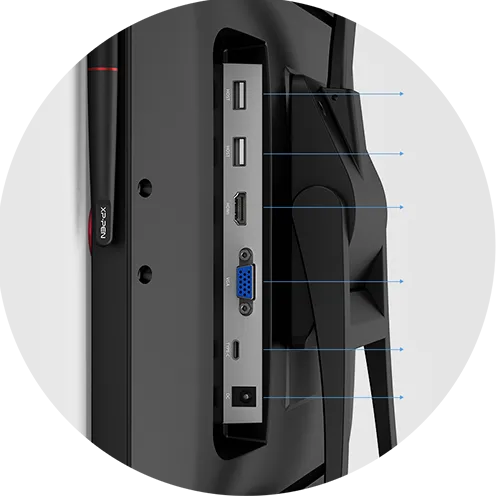
USB Hub
USB Hub
HDMI
VGA
USB-C
DC
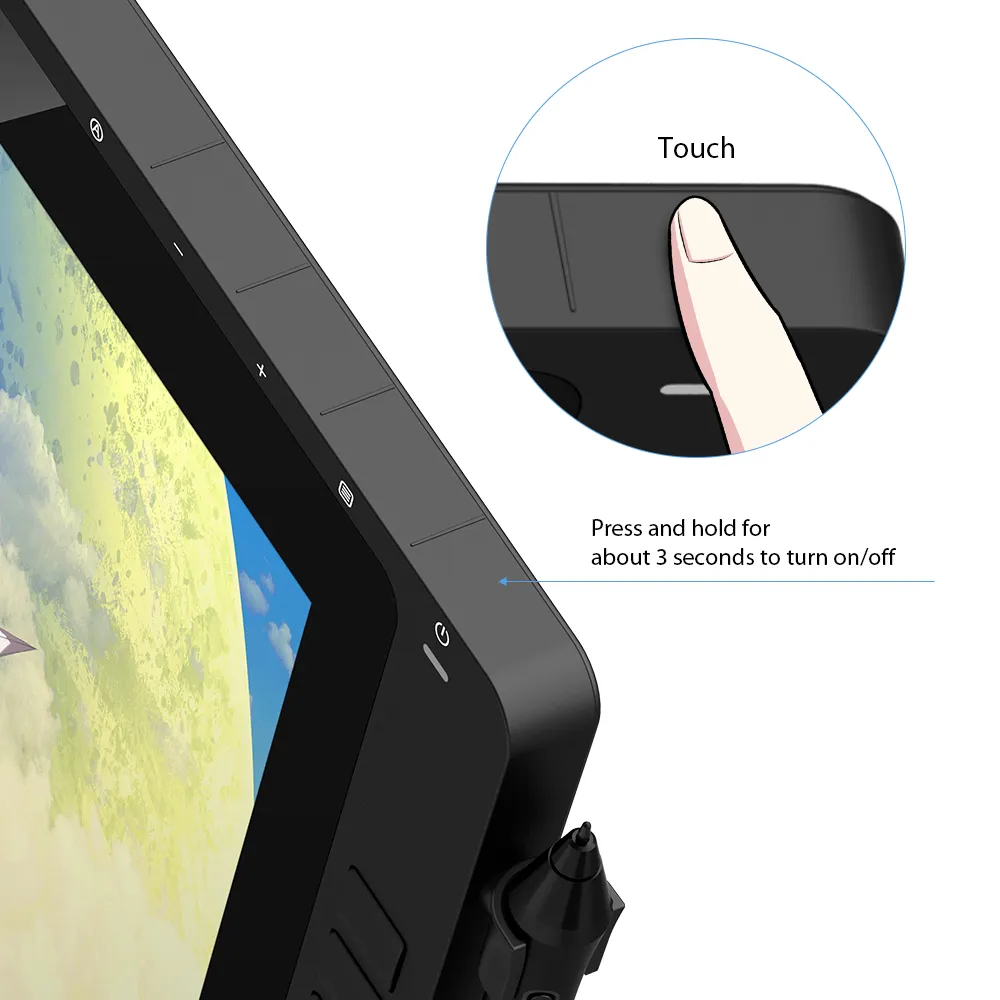
Press for 3 sec. to turn on/off
Convenience at its finest.
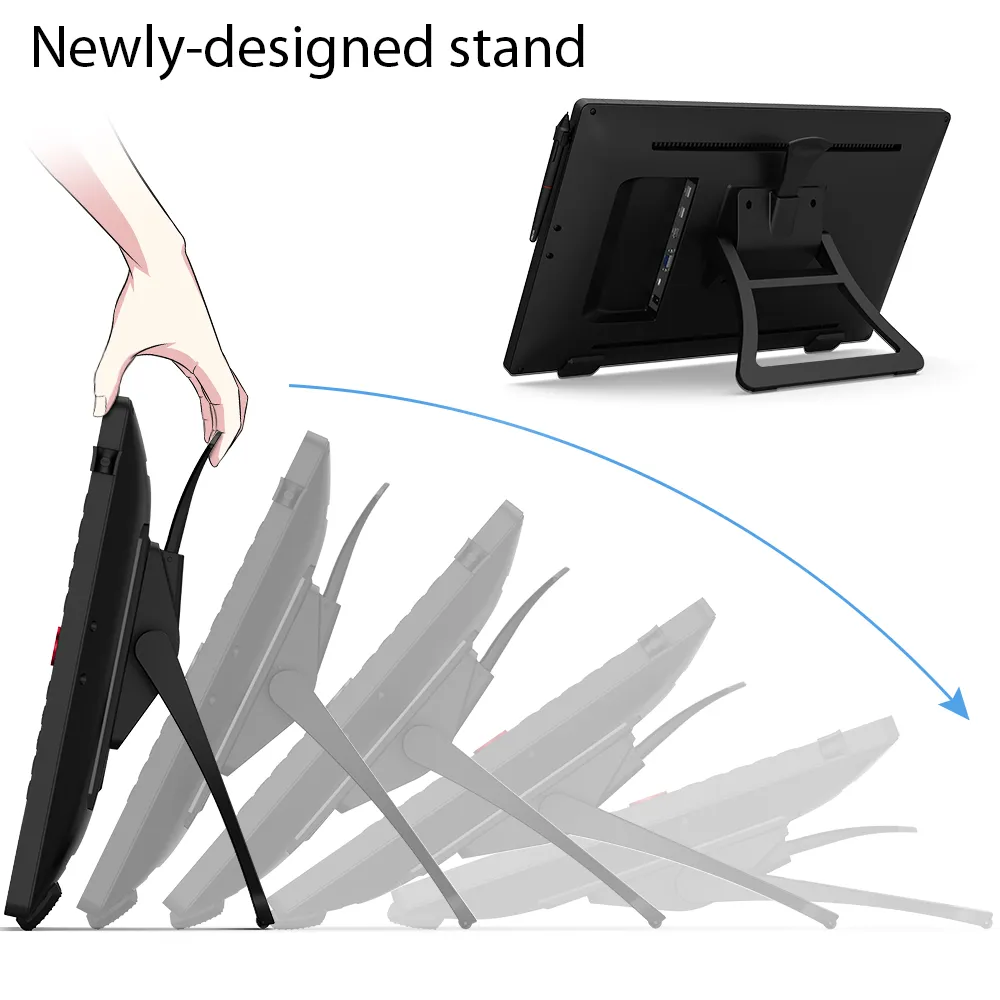
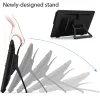
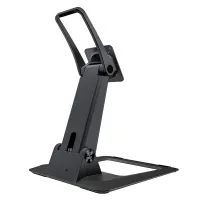
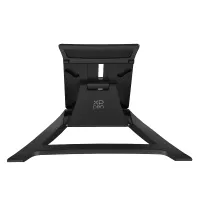
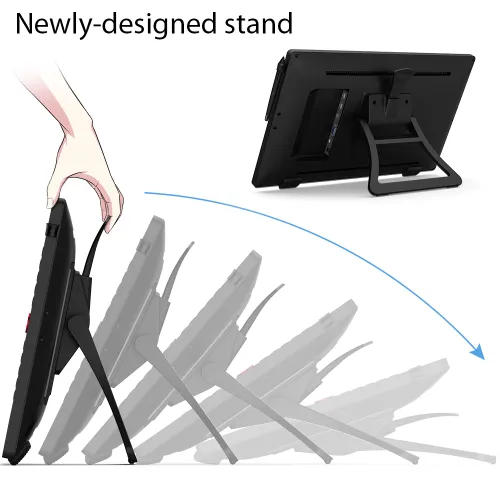
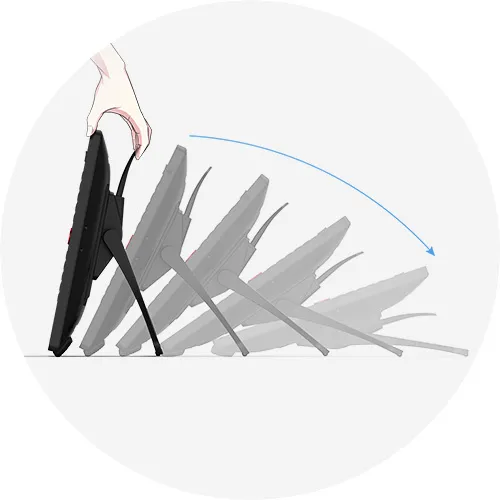
With the Artist 22R Pro’s integrated adjustable stand, you can change your working angle to suit your various needs of creating more easily and quickly. And the specially-designed pen slot on the front side provides quick and safe access to your pen.
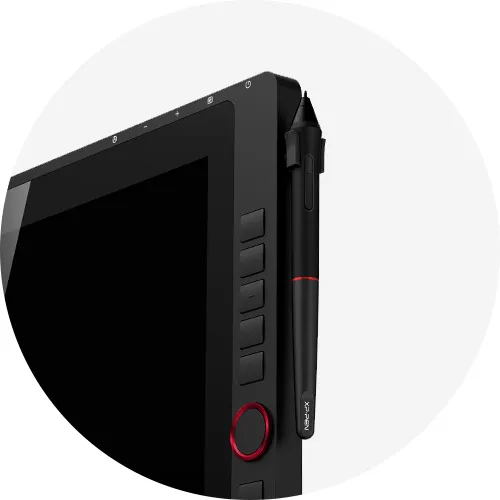
Pen slot
Accessories to match the
Artist 22R Pro.
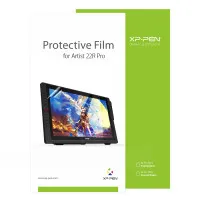
The XP-Pen Artist 22R Pro comes with a protective film to help protect your screen and reduce glare while keeping your screen crisp and clear even bright light, while the pen holder keeps your pen and pen nibs safe and doubles as a pen stand or pen holder.
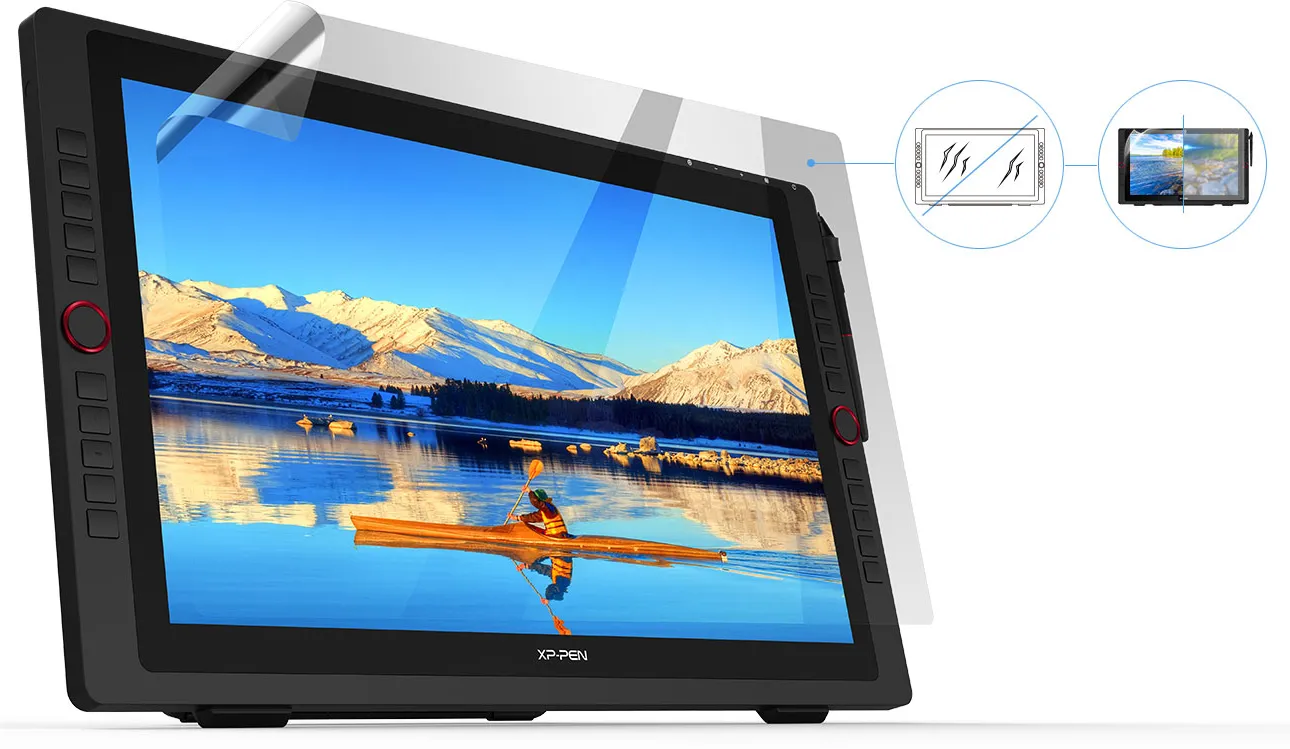
Scratch Resistance
Anti-glare
High Transparency

Incredibly versatile.
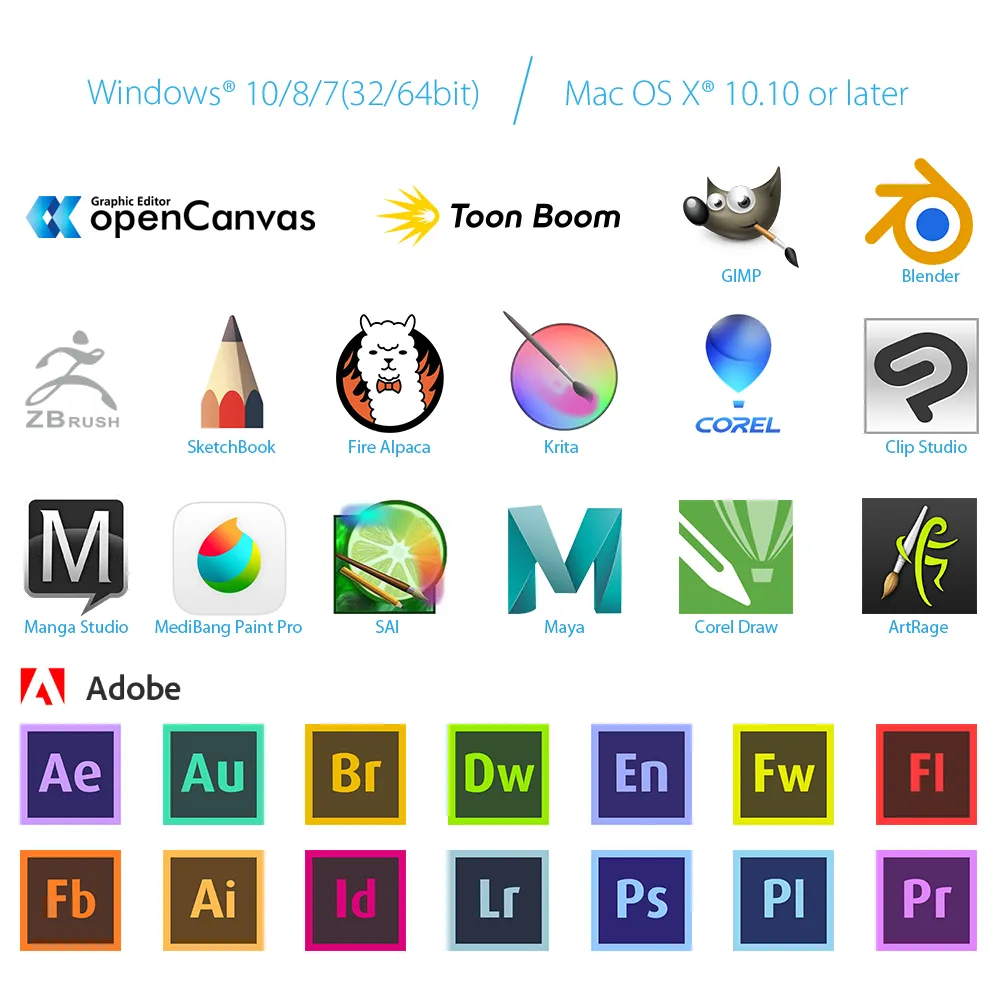
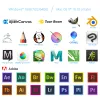
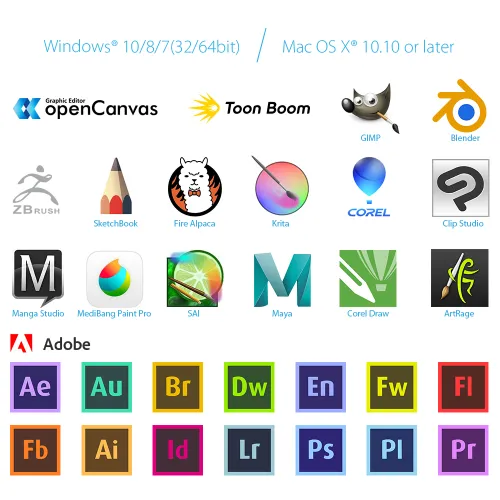
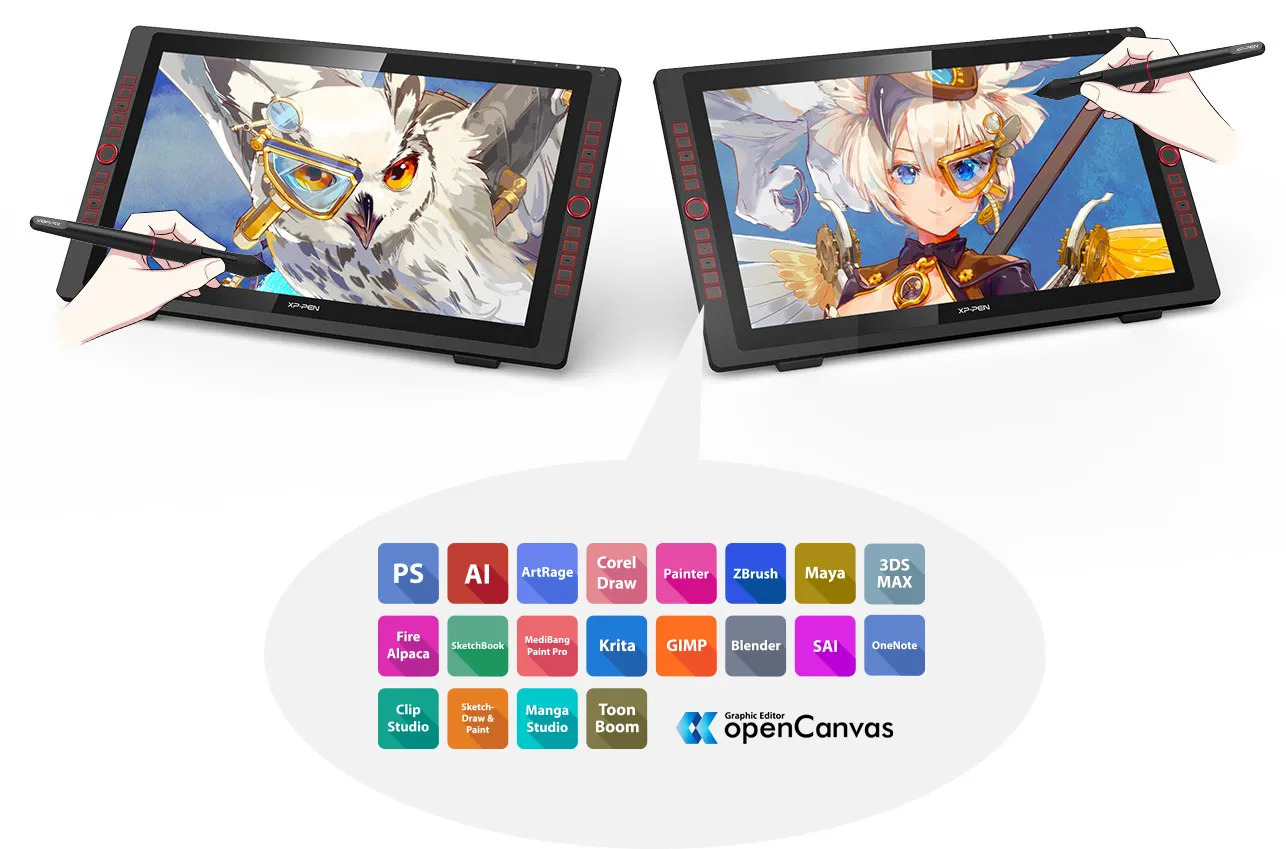
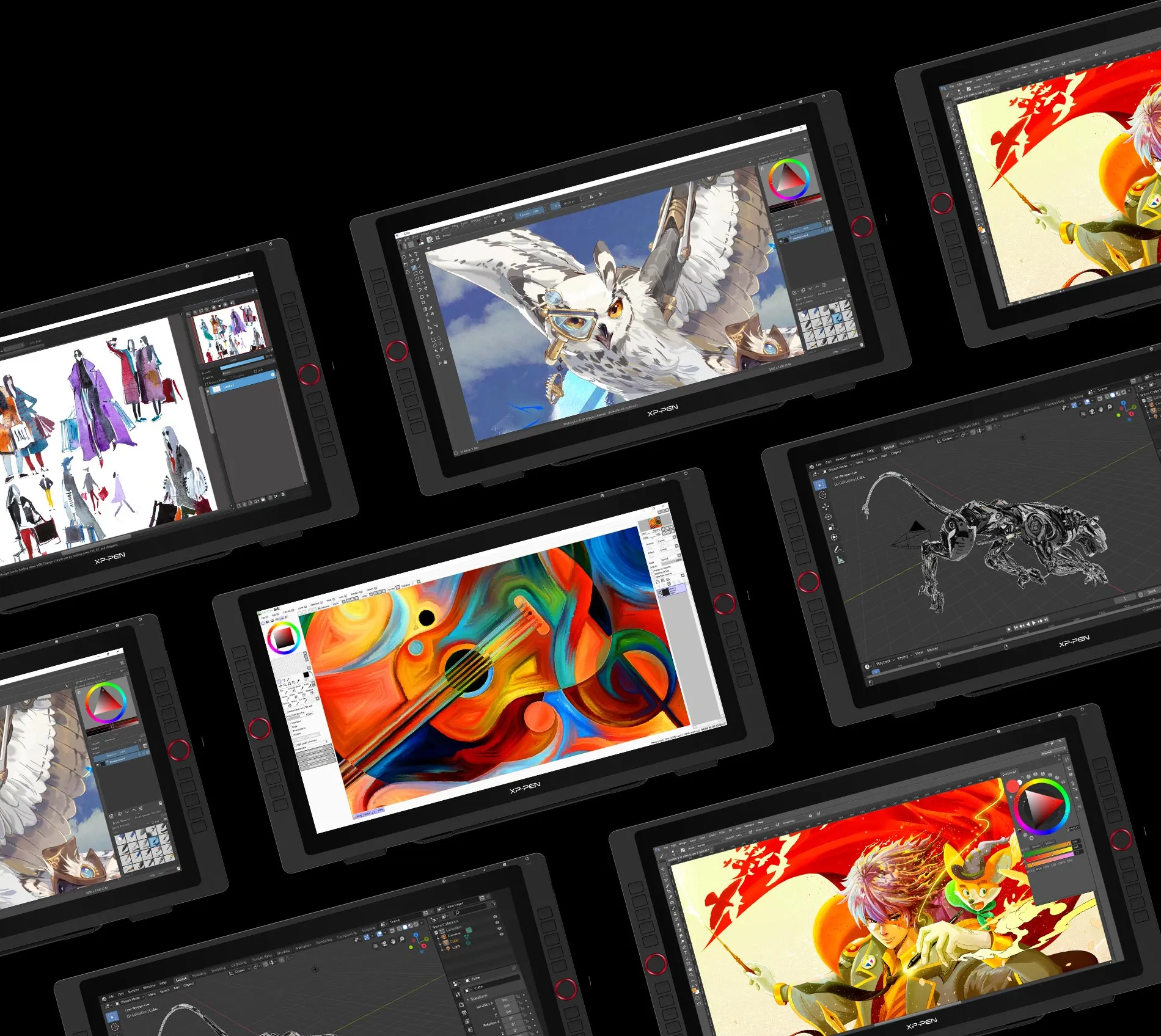
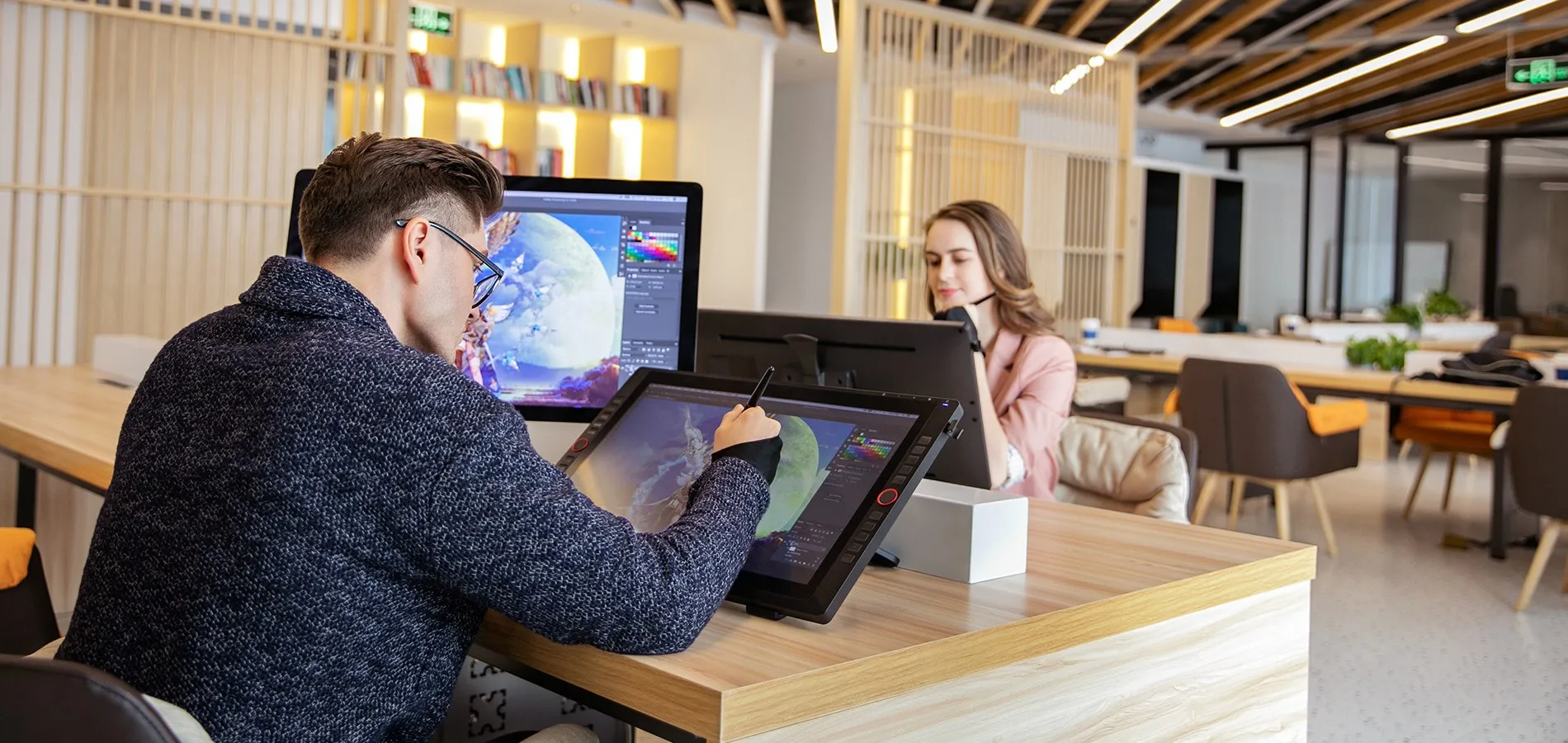
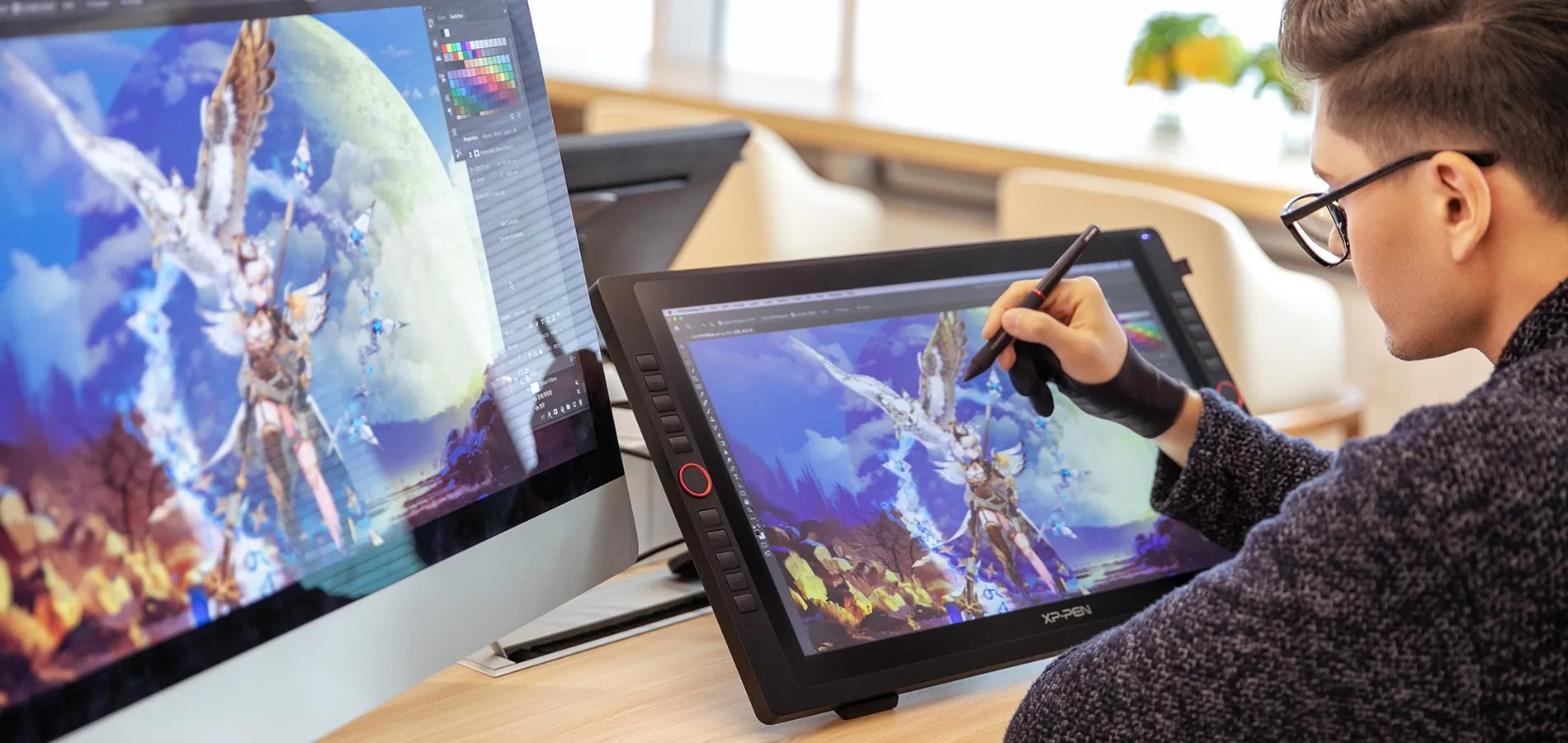
The XP-Pen Artist 22R Pro supports Windows® 10/8/7, Linux (Detailed versions), Mac OS X® 10.10 and higher. Compatible with popular digital art software such as Adobe® Photoshop®, Illustrator®, SAI®, CDR®, GIMP®, Krita®, Medibang®, Fire Alpaca®, Blender® 3D and more.



Specifications
| Dimension | 570*334.8*44.8mm |
| Display Area | 476.064*267.786mm |
| Color Gamut | about 88% NTSC, Adobe® RGB≧90%, sRGB≧120% |
| Display Resolution | 1920*1080Pixels |
| Red dial wheel | 2 |
| Shortcut keys | 20 |
| Stylus | Battery-free Stylus |
| Tilt | 60 Degrees |
| Pressure Sensitivity | 8192 Levels |
| Color Displays | 16.7M |
| Contrast | 1000:1 |
| Resolution | 5080LPI |
| Report Rate | Max≥ 200RPS |
| Accuracy | ±0.01 inch(Center) |
| Reading Height | 10mm |
| Interface support | 1x USB-C port, 2x USB Hub,1x HDMI port,1x VGA port,1x DC port |
| Response Time | 14ms |
| Viewing Angle | 178° |
| Aspect Ratio | 16:9 |
| Adjustable Angle of the stand | 16°~90° |
| Vesa Mount | 100x100mm |
| Power Consumption | 36W(12V/3A) |
| Compatibility | Windows® 10/8/7, Linux (Detailed versions), Mac OS X® 10.10 and higher |
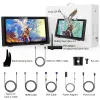
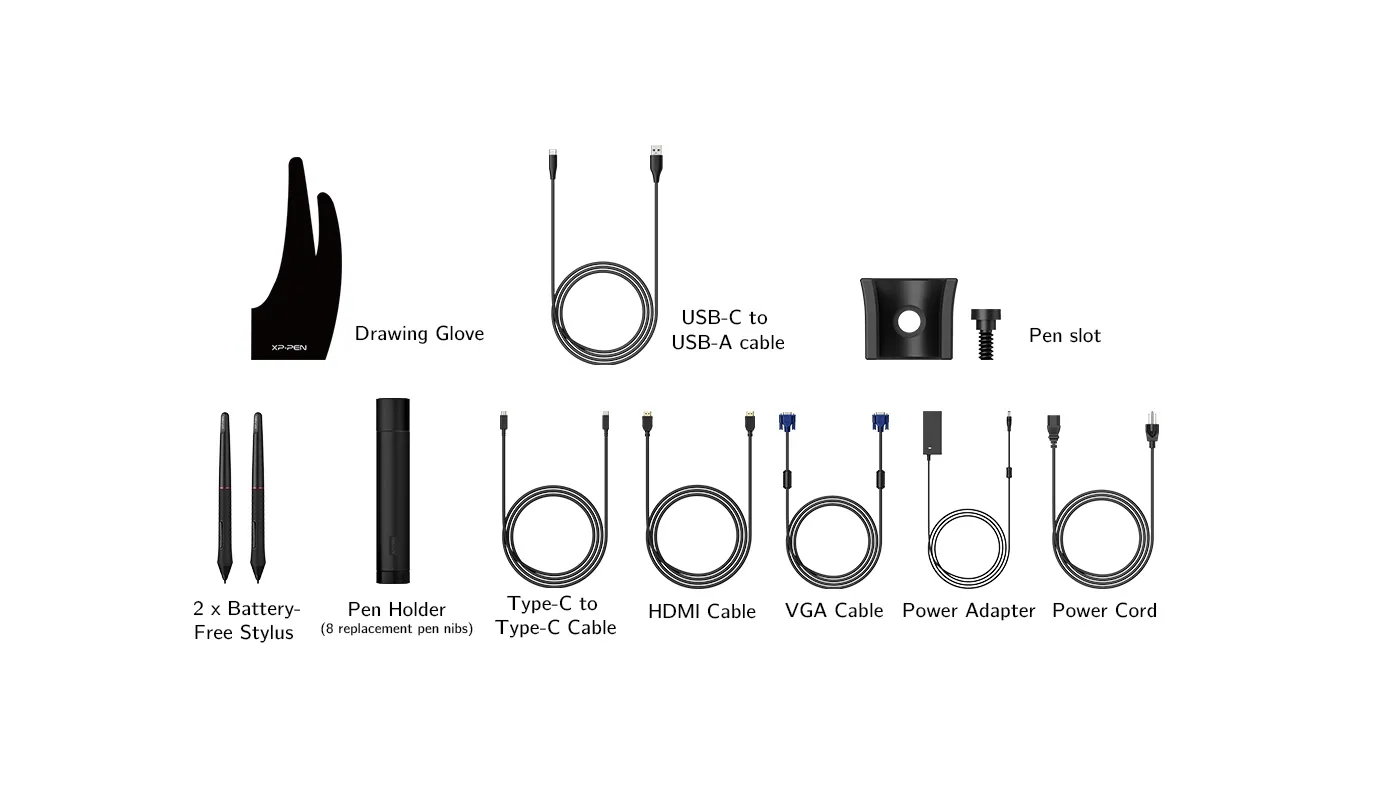
Package included
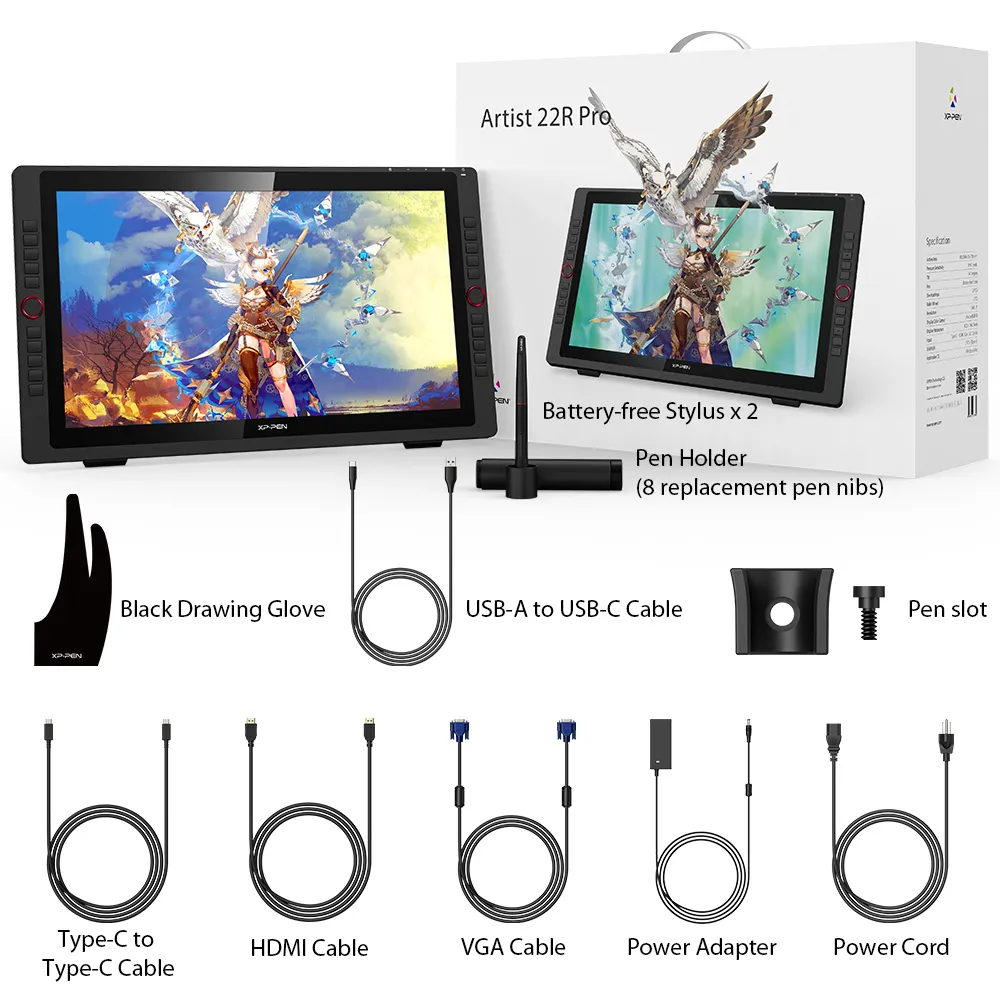
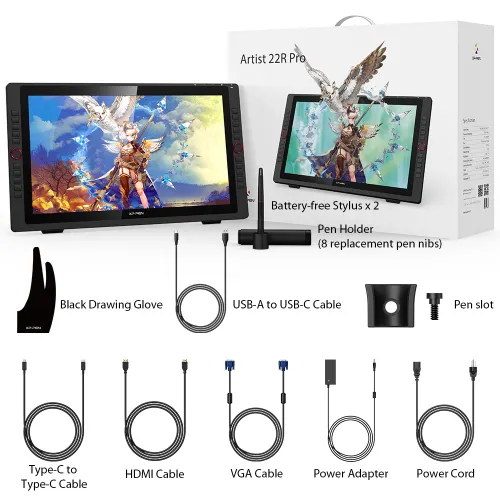
1 x XP-Pen 21.5” Graphics Display
2 x Battery-free Stylus
1 x USB-C to USB-C Cable
1 x USB-A to USB-C adapater
1 x VGA Cable
1 x HDMI Cable
1 x Power Adapter
1 x Power Cord
1 x Pen Holder (8 replacement pen nibs)
1 x Quick Guide
1 x Cleaning Cloth
1 x Black Drawing Glove
1 x Pen Slot
| Linux OS | Version | Package Format | Supported Software |
| Arch | Arch Linux2019.12.01(64-bit) | .deb, .sh | GIMP, Krita |
| Centos | Centos7.0(64-bit) | .rpm, .sh | GIMP |
| Centos8(64-bit) | .rpm, .sh | GIMP, Krita | |
| Debian | debian-9.5.0-amd64-netinst(64-bit) | .deb, .sh | GIMP, Krita |
| elementary OS | elementary OS 5.0(64-bit) | .deb, .sh | GIMP, Krita |
| ezgo Linux | ezgo14(64-bit) | .deb, .sh | GIMP, Krita |
| Fedora | Fedora32(64-bit) | .rpm, .sh | GIMP, Krita |
| Mageia | Mageia-7.1(64-bit) | .rpm, .sh | GIMP, Krita |
| Manjaro | manjaro-xfce-20.1.2-201019(64-bit) | .deb, .sh | GIMP |
| Mint | linuxmint-18.2-cinnamon-64bit | .deb, .sh | GIMP, Krita |
| OpenSUSE | openSUSE-Tumbleweed(64-bit) | .rpm, .sh | GIMP, Krita |
| Pop!_OS | pop-os_19.10(64-bit) | .deb, .sh | GIMP, Krita |
| Red Hat | Red Hat7(64-bit) | .rpm, .sh | GIMP |
| Ubuntu | Ubuntu14.04(64-bit) | .deb, .sh | GIMP, Krita |
| Ubuntu16.04(64-bit) | .deb, .sh | GIMP, Krita | |
| Ubuntu17.04(64-bit) | .deb, .sh | GIMP, Krita | |
| Ubuntu18.04(64-bit) | .deb, .sh | GIMP, Krita | |
| Ubuntu19.04(64-bit) | .deb, .sh | GIMP, Krita | |
| Ubuntu20.04(64-bit) | .deb, .sh | GIMP, Krita |
| Function | Krita 4.3.0 | Gimp 2.10.20 | Inkscape 0.92 |
| Pen Pressure Sensitivity | |||
| Tilt | |||
| Mouse Function | |||
| Eraser Button (Stylus:PH01, P06) | |||
| Switch between Pen and Eraser Modes | |||
| *If you have any further queries, please do not hesitate to contact us at service@xp-pen.com. | |||
Linux OS
Arch
Version
Arch Linux2019.12.01(64-bit)
Package Format
.deb, .sh
Supported Software
GIMP, Krita
Centos
Version
Centos7.0(64-bit)
Centos8(64-bit)
Centos8(64-bit)
Package Format
.rpm, .sh
.rpm, .sh
.rpm, .sh
Supported Software
GIMP
GIMP, Krita
GIMP, Krita
Debian
Version
debian-9.5.0-amd64-netinst(64-bit)
Package Format
.deb, .sh
Supported Software
GIMP, Krita
elementary OS
Version
elementary OS 5.0(64-bit)
Package Format
.deb, .sh
Supported Software
GIMP, Krita
ezgo Linux
Version
ezgo14(64-bit)
Package Format
.deb, .sh
Supported Software
GIMP, Krita
Fedora
Version
Fedora32(64-bit)
Package Format
.rpm, .sh
Supported Software
GIMP, Krita
Mageia
Version
Mageia-7.1(64-bit)
Package Format
.rpm, .sh
Supported Software
GIMP, Krita
Manjaro
Version
manjaro-xfce-20.1.2-201019(64-bit)
Package Format
.deb, .sh
Supported Software
GIMP
Mint
Version
linuxmint-18.2-cinnamon-64bit
Package Format
.deb, .sh
Supported Software
GIMP, Krita
OpenSUSE
Version
openSUSE-Tumbleweed(64-bit)
Package Format
.rpm, .sh
Supported Software
GIMP, Krita
Pop!_OS
Version
pop-os_19.10(64-bit)
Package Format
.deb, .sh
Supported Software
GIMP, Krita
Red Hat
Version
Red Hat7(64-bit)
Package Format
.rpm, .sh
Supported Software
GIMP
Ubuntu
Version
Ubuntu14.04(64-bit)
Ubuntu16.04(64-bit)
Ubuntu17.04(64-bit)
Ubuntu18.04(64-bit)
Ubuntu19.04(64-bit)
Ubuntu20.04(64-bit)
Ubuntu16.04(64-bit)
Ubuntu17.04(64-bit)
Ubuntu18.04(64-bit)
Ubuntu19.04(64-bit)
Ubuntu20.04(64-bit)
Package Format
.deb, .sh
.deb, .sh
.deb, .sh
.deb, .sh
.deb, .sh
.deb, .sh
.deb, .sh
.deb, .sh
.deb, .sh
.deb, .sh
.deb, .sh
Supported Software
GIMP, Krita
GIMP, Krita
GIMP, Krita
GIMP, Krita
GIMP, Krita
GIMP, Krita
GIMP, Krita
GIMP, Krita
GIMP, Krita
GIMP, Krita
GIMP, Krita
Function
Pen Pressure Sensitivity
Krita 4.3.0
Gimp 2.10.20
Inkscape 0.92
Tilt
Krita 4.3.0
Gimp 2.10.20
Inkscape 0.92
Mouse Function
Krita 4.3.0
Gimp 2.10.20
Inkscape 0.92
Eraser Button(Stylus:PH01, P06)
Krita 4.3.0
Gimp 2.10.20
Inkscape 0.92
Switch between Penand Eraser Modes
Krita 4.3.0
Gimp 2.10.20
Inkscape 0.92
*If you have any further queries, please do not hesitate to contact us at service@xp-pen.com.
4.6


Based on 14
79%(11)

14%(2)
0(0)
7%(1)
0(0)
Hannah maguire
Nov 27 ,2019 AM 09:49 Artist 22R Pro
Awesome tablet!!
This tablet has a huge screen which is perfect for digital art. All the express keys and rings around the edges make using it so simple. Fast and easy to setup. No wiggly lines or any issues with drawing. The pen is awesome! And there is even a 2nd one included.
Highly recommended!!
Useful(1)+1
Brendan Blanchard
Dec 08 ,2019 PM 13:39 Artist 22R Pro
I LOVE IT!!
This is my first dedicated graphics tablet although I have been doing digital drawing on my Surface Pro 4 for some time so I am not new to digital art. The quality of this product at this price point is astounding. There do not seem to be compromises to keep the price down and it does not have a "budget" feel about it. To the contrary it has solid, quality build and feel. I love the extra levels of pressure sensitivity and working on a large screen is really wonderful. The software/driver is easy to install and easy to configure to my preferences. Having been used to drawing on a very smooth screen on the Surface Pro 4 I did initially have a few difficulties adjusting to drawing on the slightly more textured/grippy surface of the matte screen protector. However, now that I have got used to it it is far more like drawing on paper than was the case with my Surface. It has perfect palm rejection due to the fact that it is not a touch screen (it only responds to the pen). I really like this feature as it eliminates inadvertent marks being made on my canvas as I draw (which was a problem on the Surface). The only (very slight) criticism that I have is the the screen protector was lifting slightly at the top edge probably because it was not perfectly aligned. This is only a minor visual flaw and does not impact on the use of the tablet in any way. All in all I would thoroughly and unhesitatingly recommend this tablet - well done XP-Pen!
Useful(2)+1
Jarred salihovic
Jun 10 ,2020 AM 09:42 Artist 22R Pro
Great Product
I purchased one of these for myself and absolutely loved the product, parallax is very minimal on this device and you adjust to it quickly, the buttons and dials are a great feature that i now cannot go without and its just overall a pleasure to use, this product was so good my workplace also brought two more of these and they have continued to preform perfectly, one day i would love to try the new 24 inch 2K QHD model
Useful(0)+1
Learn More
XFANSpvw3mv5o
Jan 31 ,2024 PM 19:10 Artist 22R Pro
Does the Artist 22R Pro work with Sonoma?
Reply0
XFANSidahh61e
Jan 04 ,2023 AM 09:10 Artist 22R Pro
Does the package come with adapters for Australian wall outlets for the power? If not then how do we connect to Australian designed electricity outlets?
Reply0
XFANSh4e4emmg
Aug 16 ,2022 PM 19:03 Artist 22R Pro
Does this tablet support windows 11?
Reply1
Official mall
Sep 07 ,2022 PM 18:13
Hi,
Thank you for your question. Yes, it can support Window 11 system.
Best Regards,
XPPen
Reply to this review
XFANSwa24nkg8
Dec 30 ,2021 PM 16:50 Artist 22R Pro
Is it compatible with silhouette studio?
Reply1
Official mall
Dec 31 ,2021 PM 17:51
Hi,
Yes,Artist 22R Pro can work with silhouette studio,but this software doesn't support our pressure function.
Best Regards,
XP-PEN
Reply to this review
XFANSmseo0vne
Sep 07 ,2021 PM 17:40 Artist 22R Pro
It saids black drawing glove in the package, but how do I know what size it is? And can I change it?
Reply1
Official mall
Sep 09 ,2021 AM 10:28
Dear customer,
Our gloves are all uniform size, which are suitable for most people.If you need extra size you can order from our website:
https://www.xp-pen.com/au-store/search/index.html?search_word=glove
Best Regards
XP-PEN
Reply to this review
XFANSbve7o0sk
Aug 20 ,2021 AM 11:12 Artist 22R Pro
Can the tablet connect to a PC?
Reply1
Official mall
Aug 24 ,2021 PM 19:27
Hi,
Yes, it must be connected a computer or laptop to work.
Best Regards
XP-PEN
Reply to this review
XFANSl55us6zw
Jul 29 ,2021 PM 12:34 Artist 22R Pro
Do we have weights for your 22 series anywhere, I can't see any?
Are the red wheels independant or mirror actions of each other?
Also, do they fix with VESA standard settings, and if so what ones, you mention 100x100 but can it handle larger sizes? I take it the stand is removable.
Also which version of the 22 series is the fully laminated one (see a question above)
Reply1
Official mall
Aug 02 ,2021 PM 19:09
Dear Customer,
Thank you for your inquiry.
The weights for 22Rpro is 9.69kg with package.
The red wheels is are independant each other. And the stand can be removed, the screw spacing is 100mm, this cannot be adjusted.
22 series all are not the fully laminated, however, 22RPro and 24Pro are close to fully laminated in terms of using experience.
Hope it is helpful.
XP-PEN
Reply to this review
XFANS8e9zobjv
Apr 29 ,2021 AM 04:19 Artist 22R Pro
Is it possible to enable touch screen or is it only responsive to pen?
Reply1
Official mall
Apr 29 ,2021 PM 12:12
Hi
Artist22Rpro it is only responsive to a pen.
Reply to this review
nik patto
Jun 10 ,2020 AM 01:18 Artist 22R Pro
can you use the affinity programs with this tablet??
Reply1
Official mall
Dec 07 ,2020 PM 17:38
Dear Customer,
Yes, Artist22Rpro can work with affinity programs.
Best Regards
XP-Pen service team
Reply to this review
Mario Barbagallo
Apr 19 ,2020 PM 13:23 Artist 22R Pro
I guys I want to buy this graphic Display, but I've a question, which differents between this model and the 22E Pro and 22Pro?? Which is better and why?
Reply1
Official mall
Dec 09 ,2020 PM 18:54
Dear Customer,
The biggest difference between them is that 22Epro has 16 shortcut keys, but 22Pro does not.
Hope it is helpfu for you.
Have a nice day!
XP-Pen service team
Reply to this review
Learn More