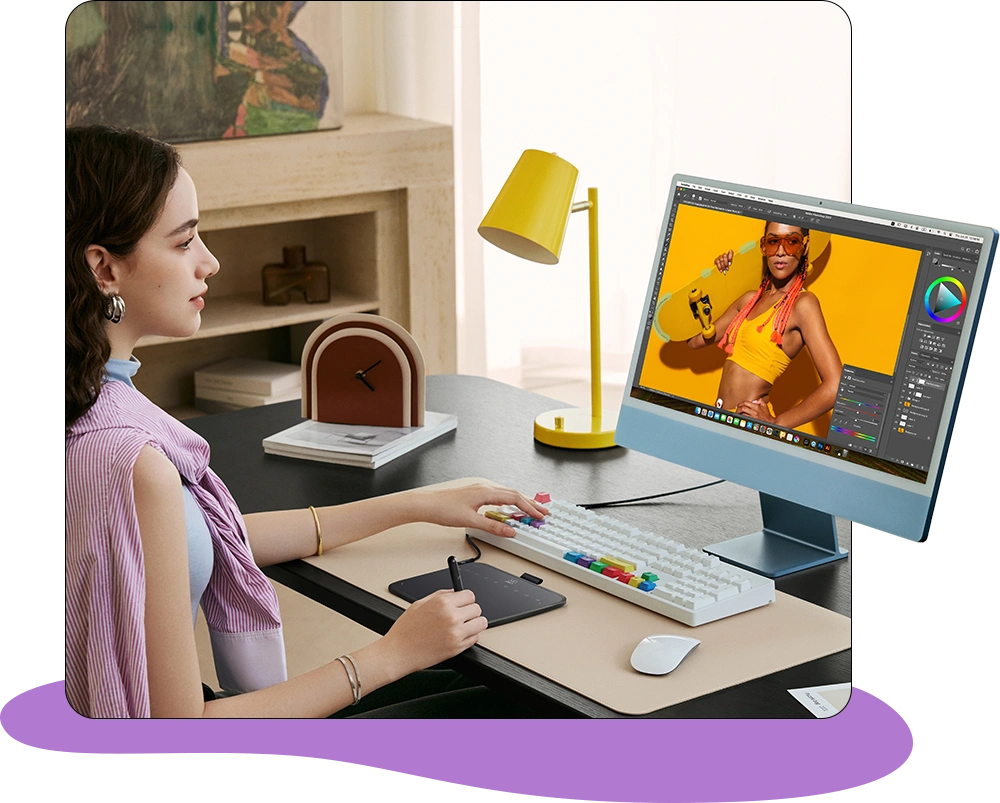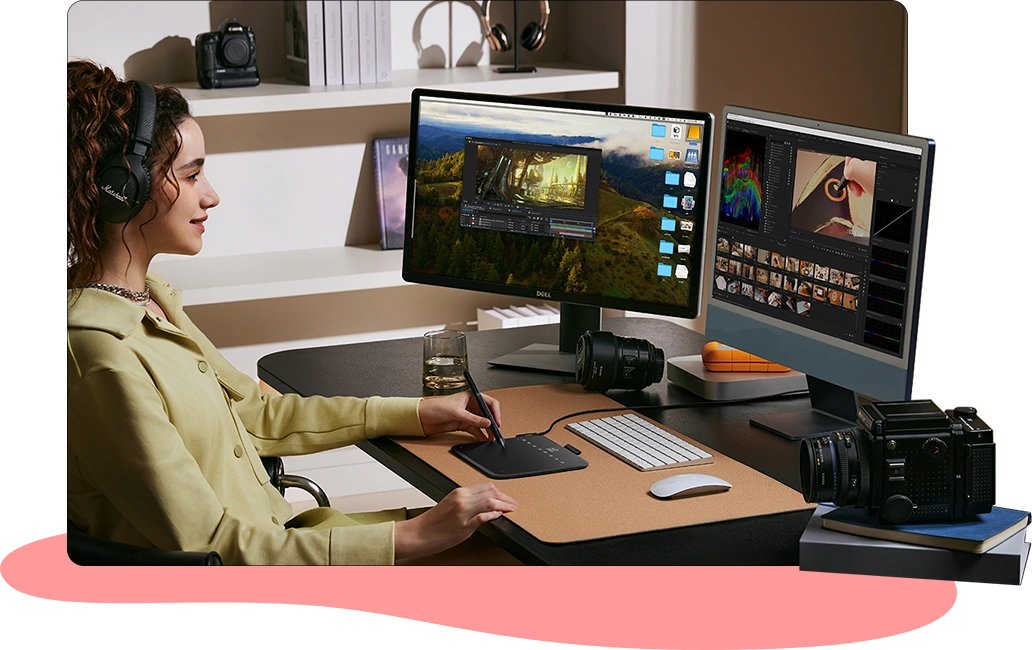



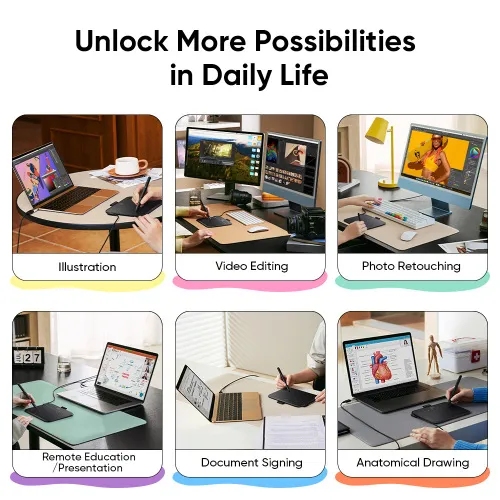






















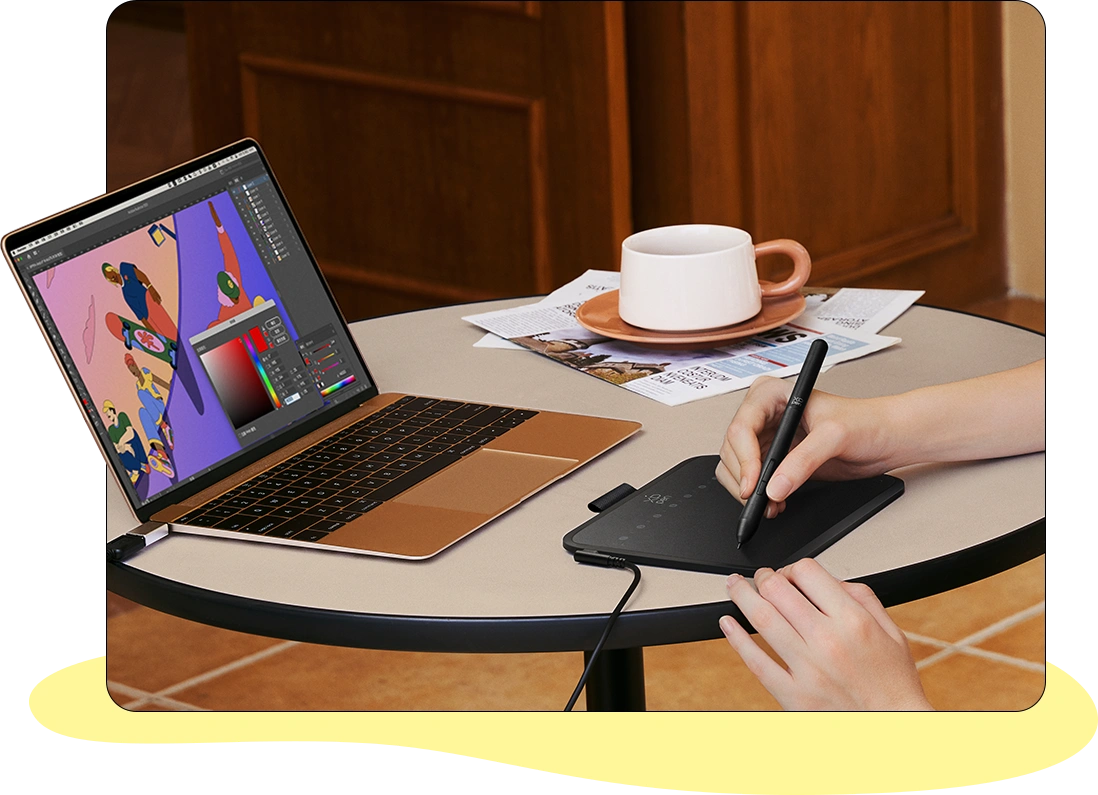
Illustration
Let your imagination run wild in a creative world
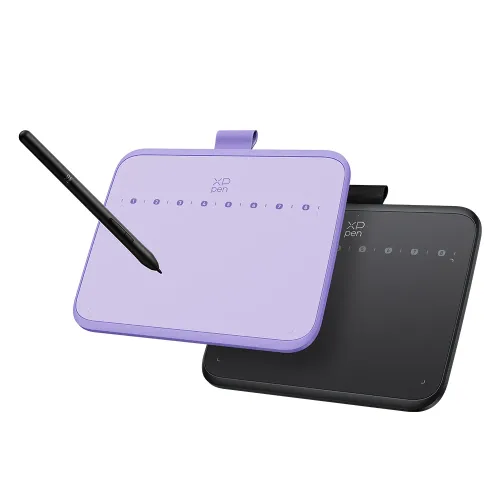
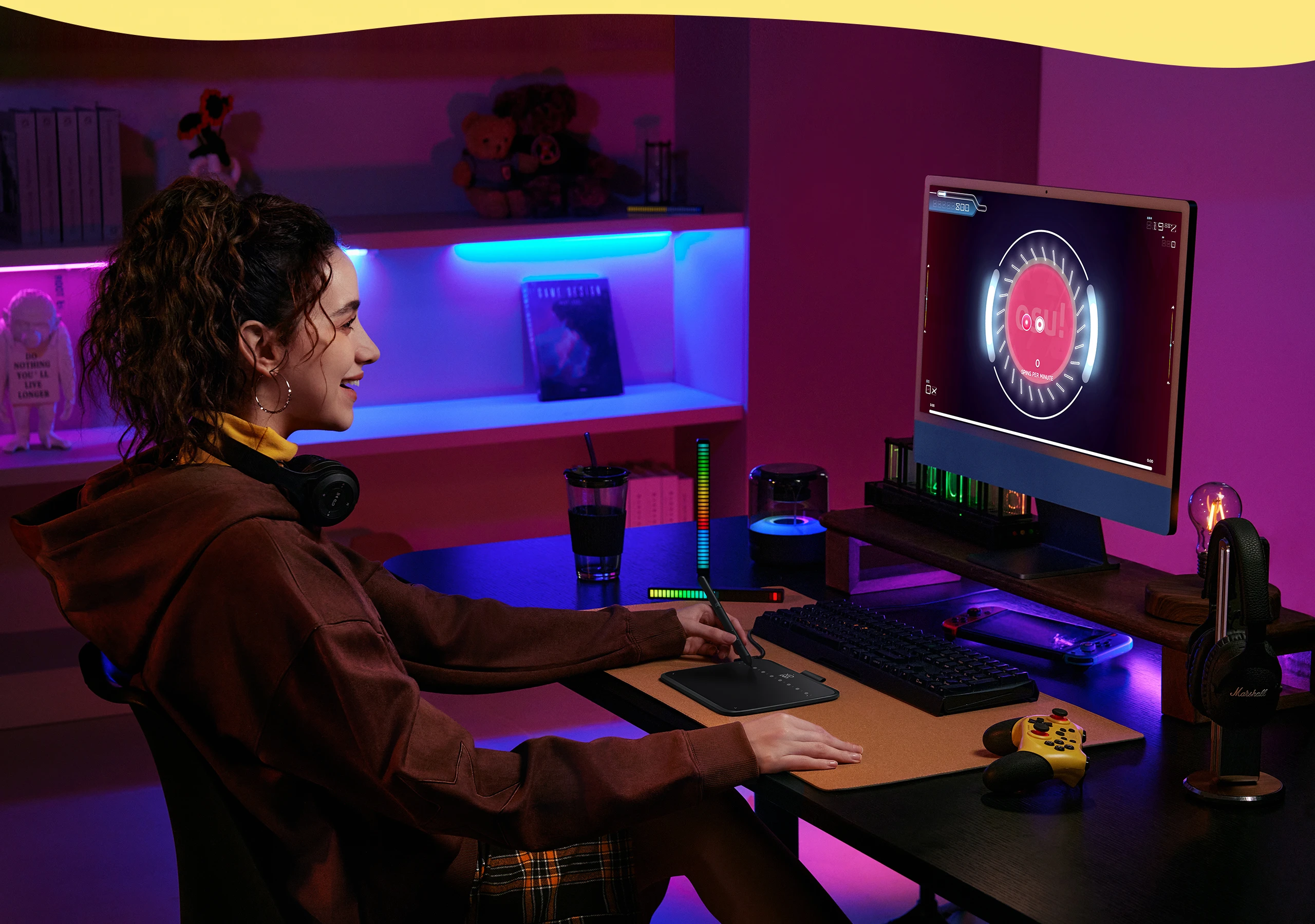
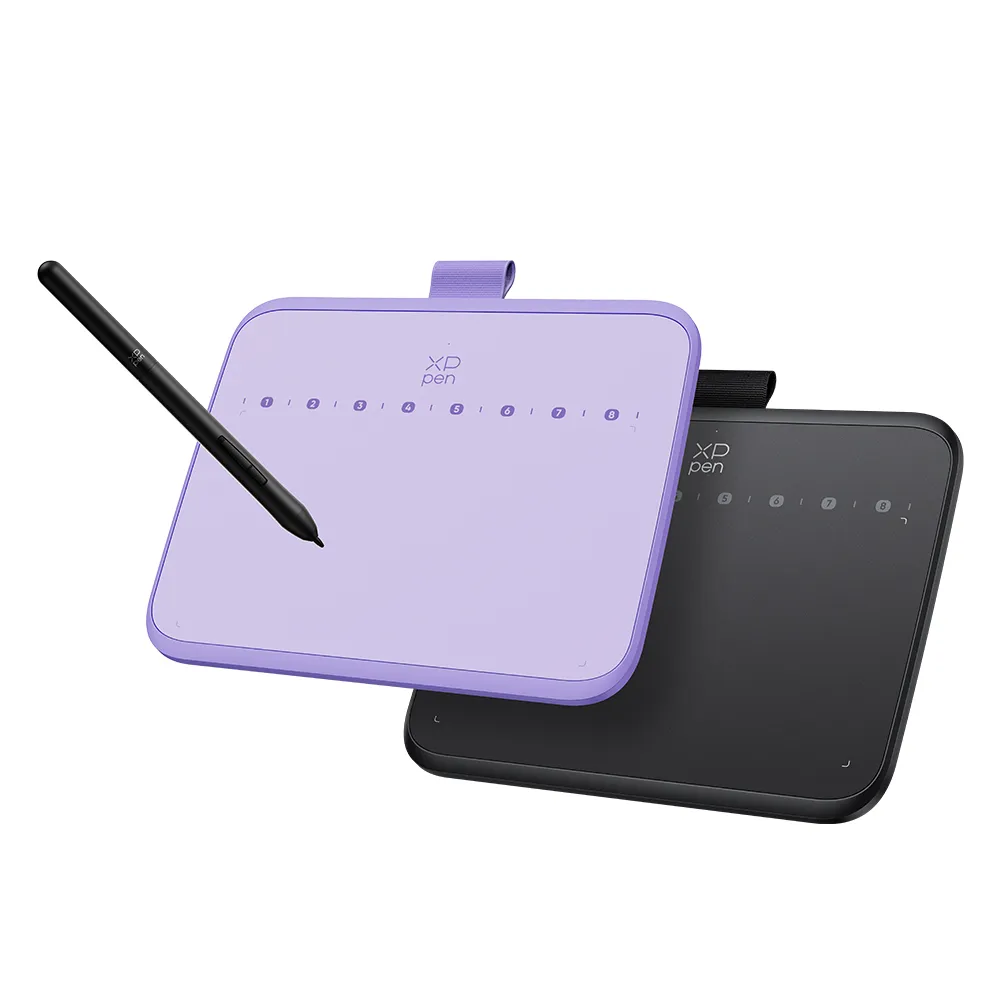
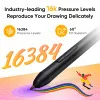
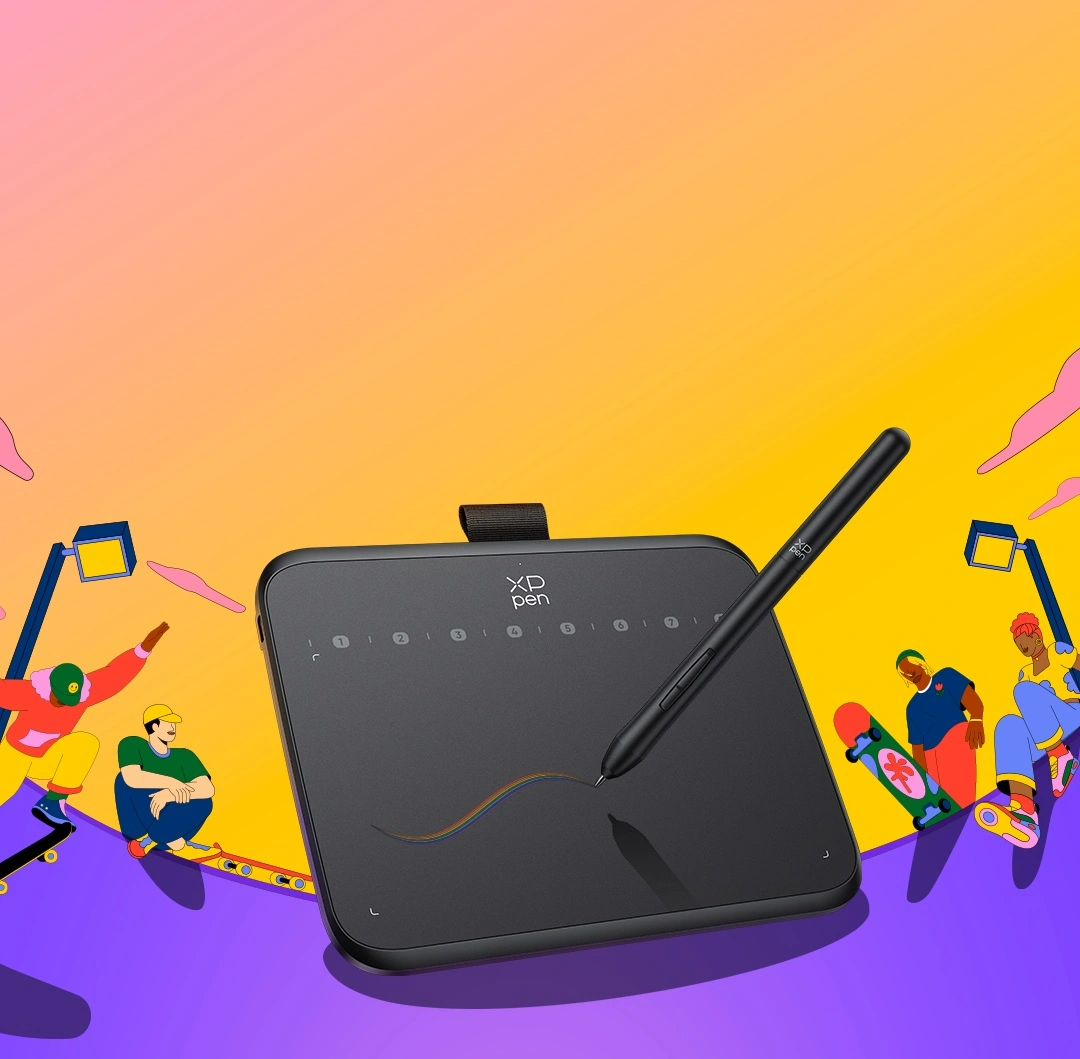
16K levels of pressure sensitivity 8 soft shortcut keys and 60° Tilt Support Compact size for playing OSU!
We offer free shipping
Your payment information is processed securely
service@xp-pen.com
18-month warranty only for official AU-store
Quantity:

Worry-Free Delivery® available with seel
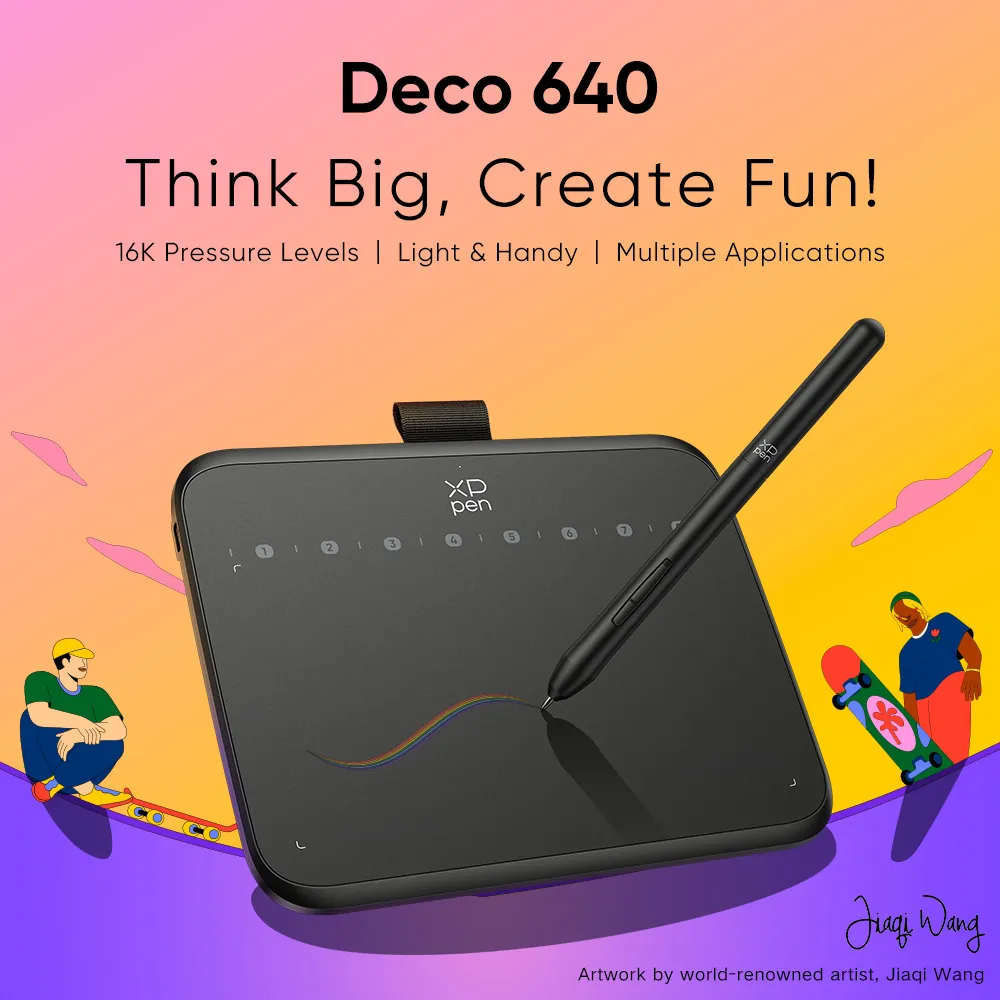
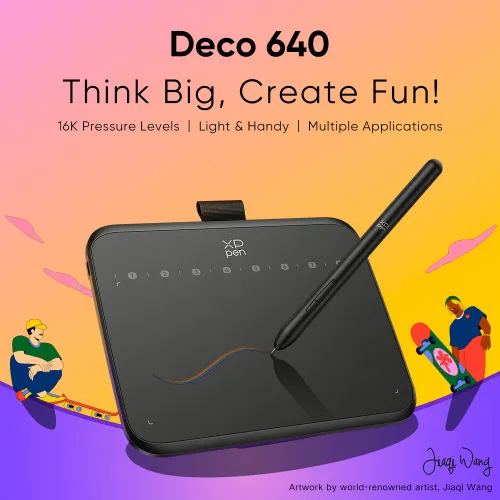
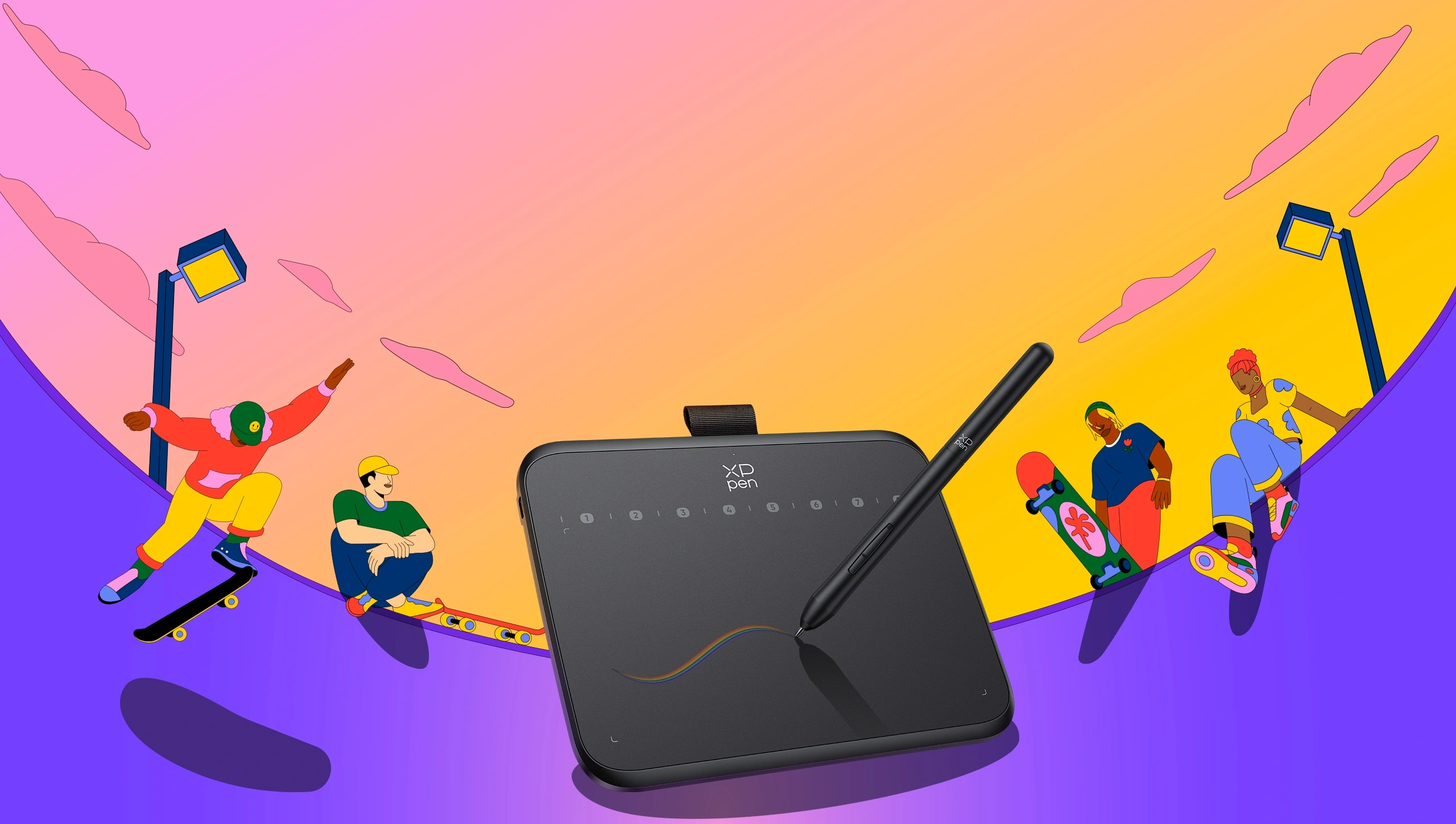
Think Big, Create Fun!
16K Pressure Levels | Light & Handy | Multiple Applications
Artwork by world-renowned artist,
Jiaqi Wang
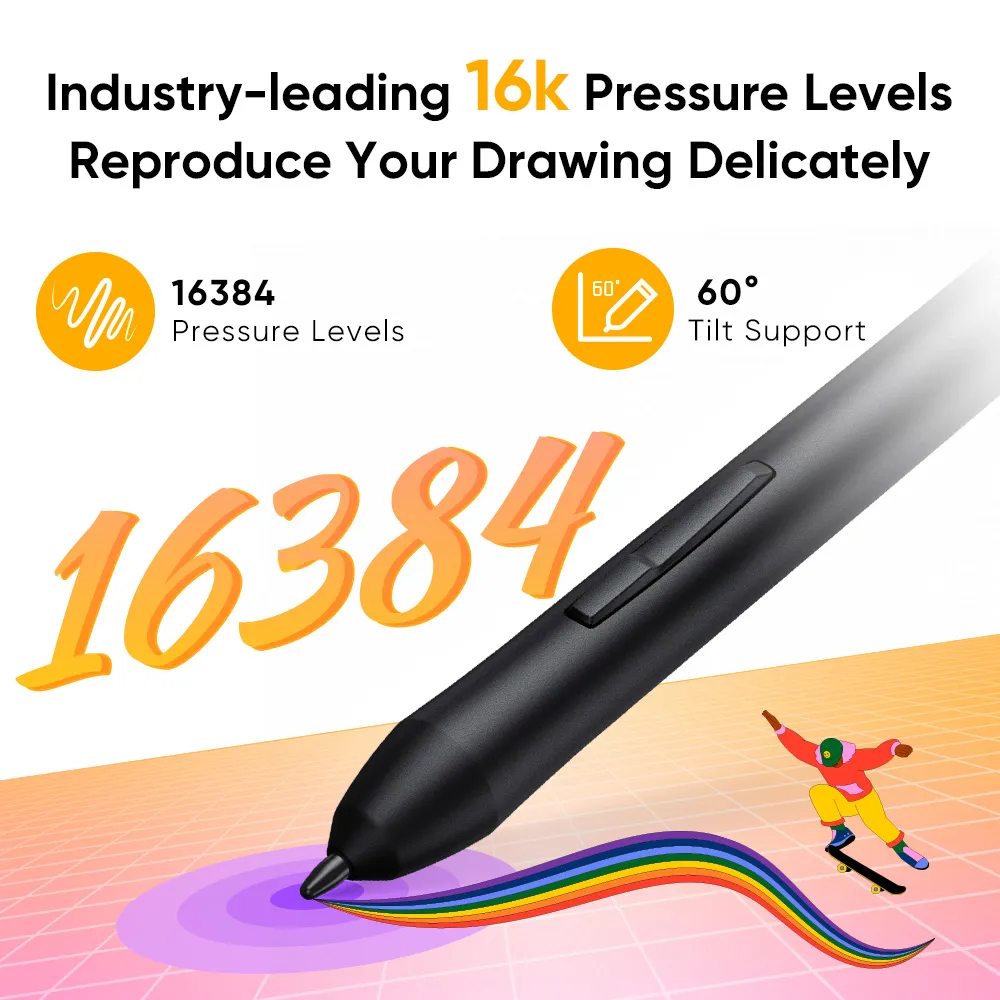
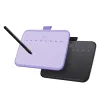
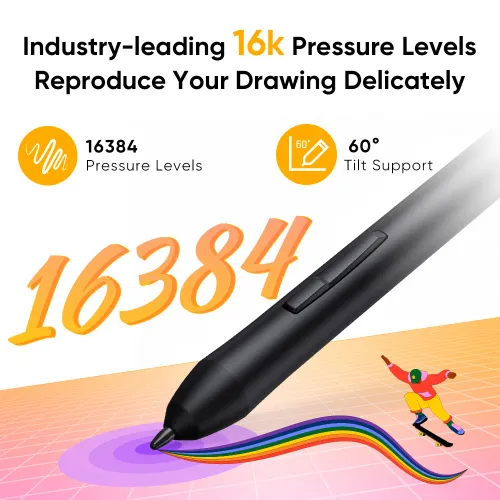
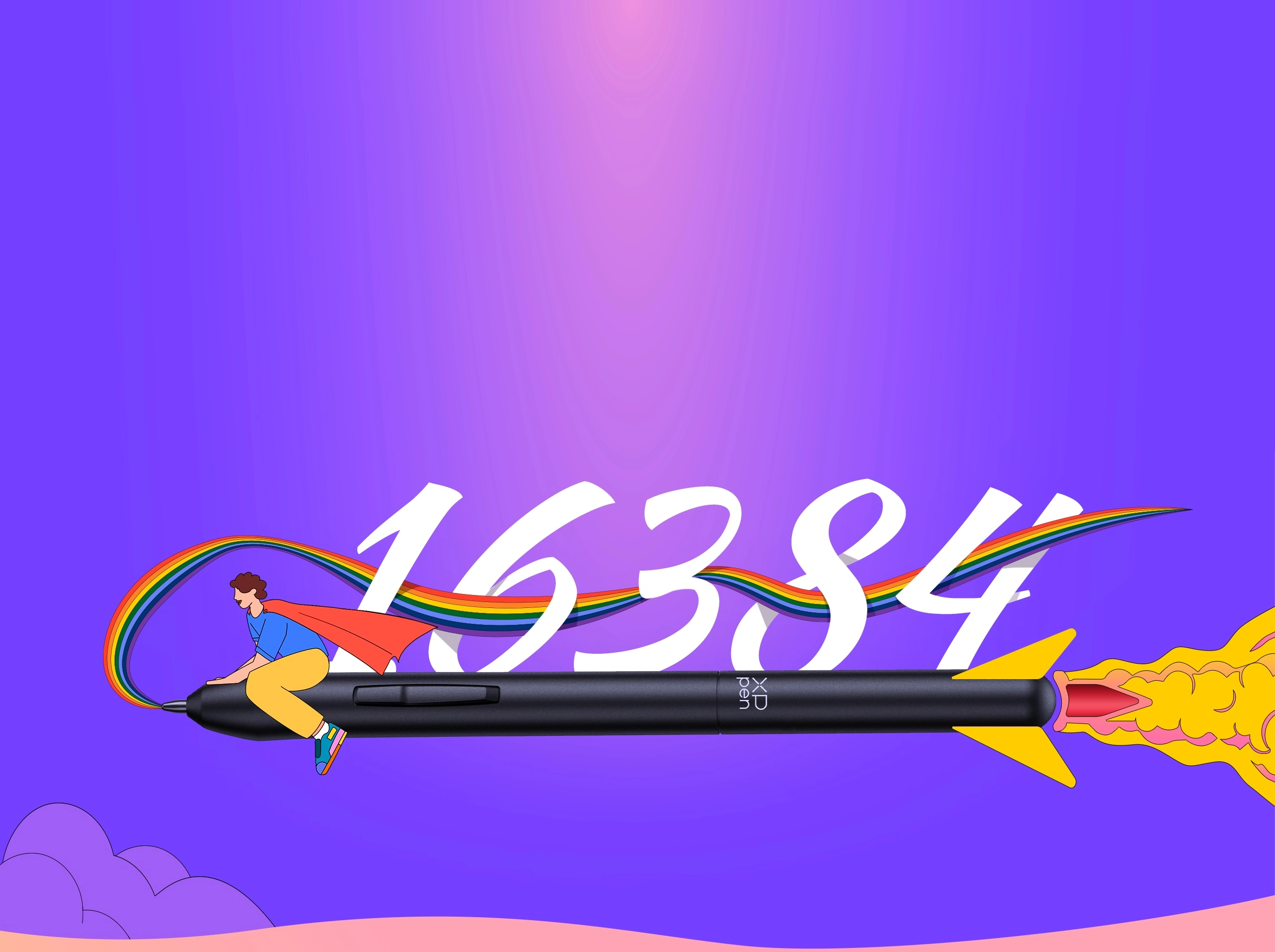
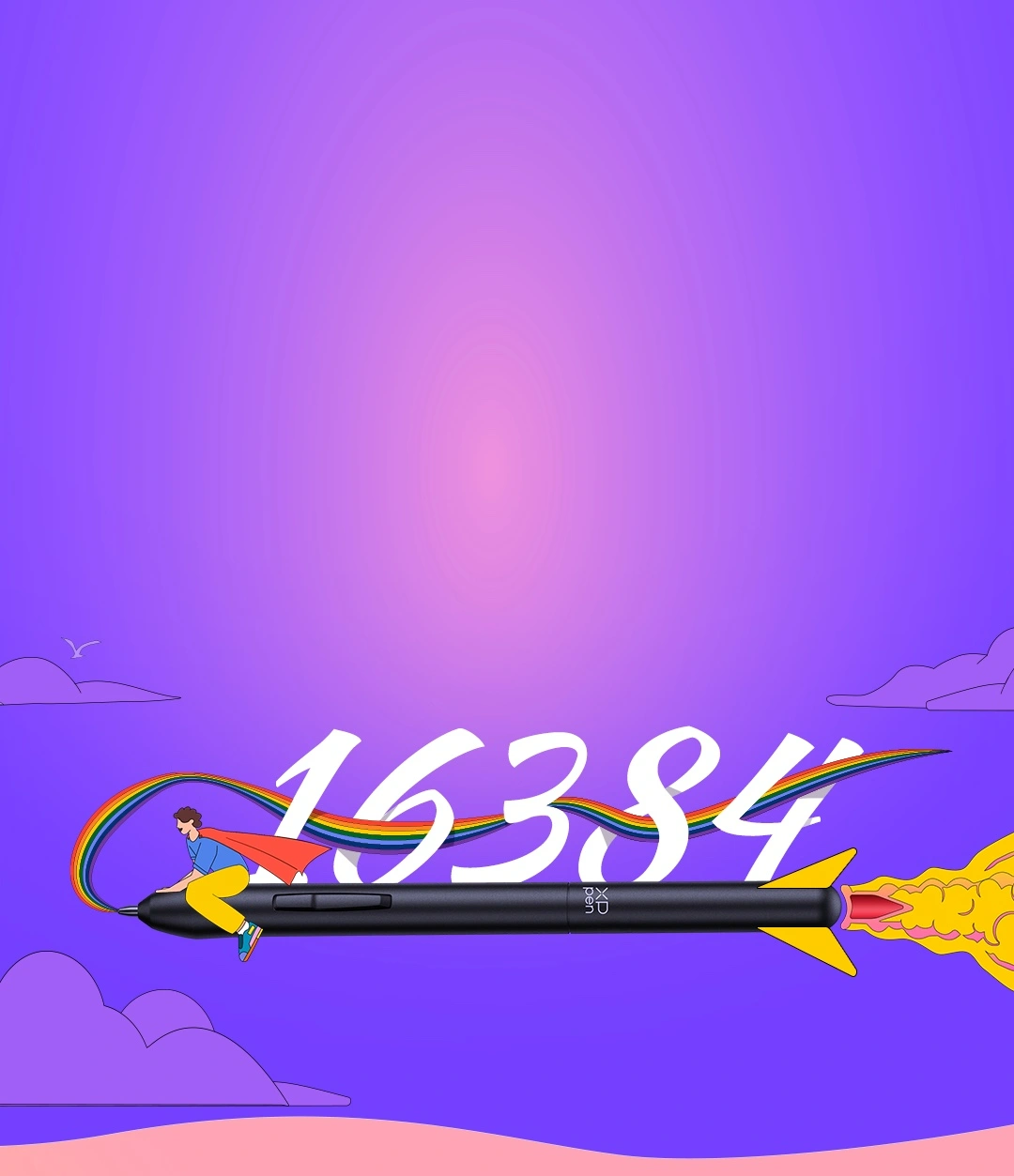
Beginners deserve the best tool. The groundbreaking 16K levels of pressure sensitivity ensure your every stroke is rendered smoothly, precisely and naturally. By supporting 60° tilt , Deco 640 makes it easy to draw shaded strokes or rich line variations. Drawing on tablet is as natural as drawing on paper.
16384 Pressure Levels
60° Tilt Support
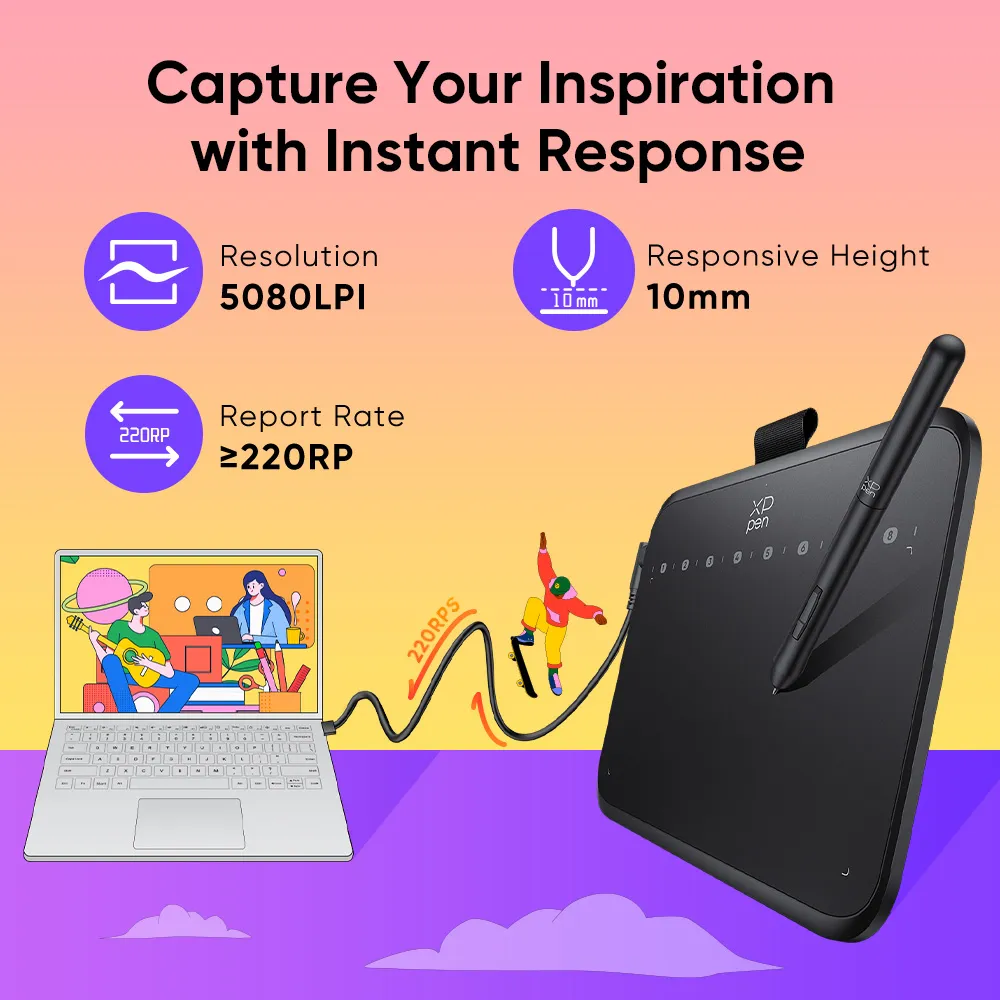
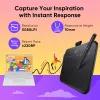
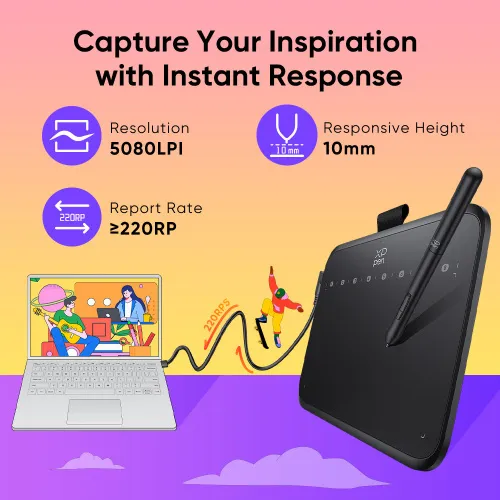
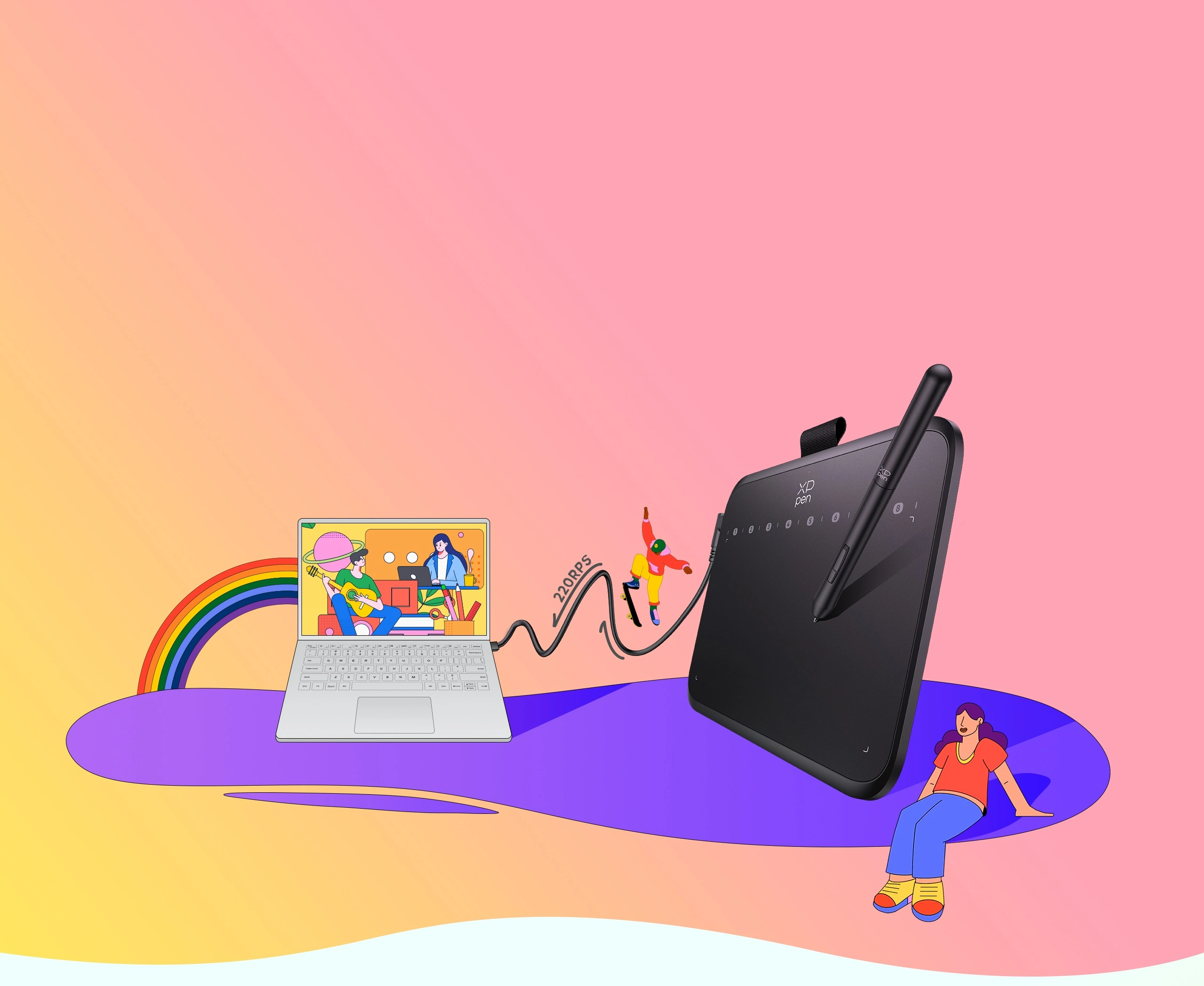
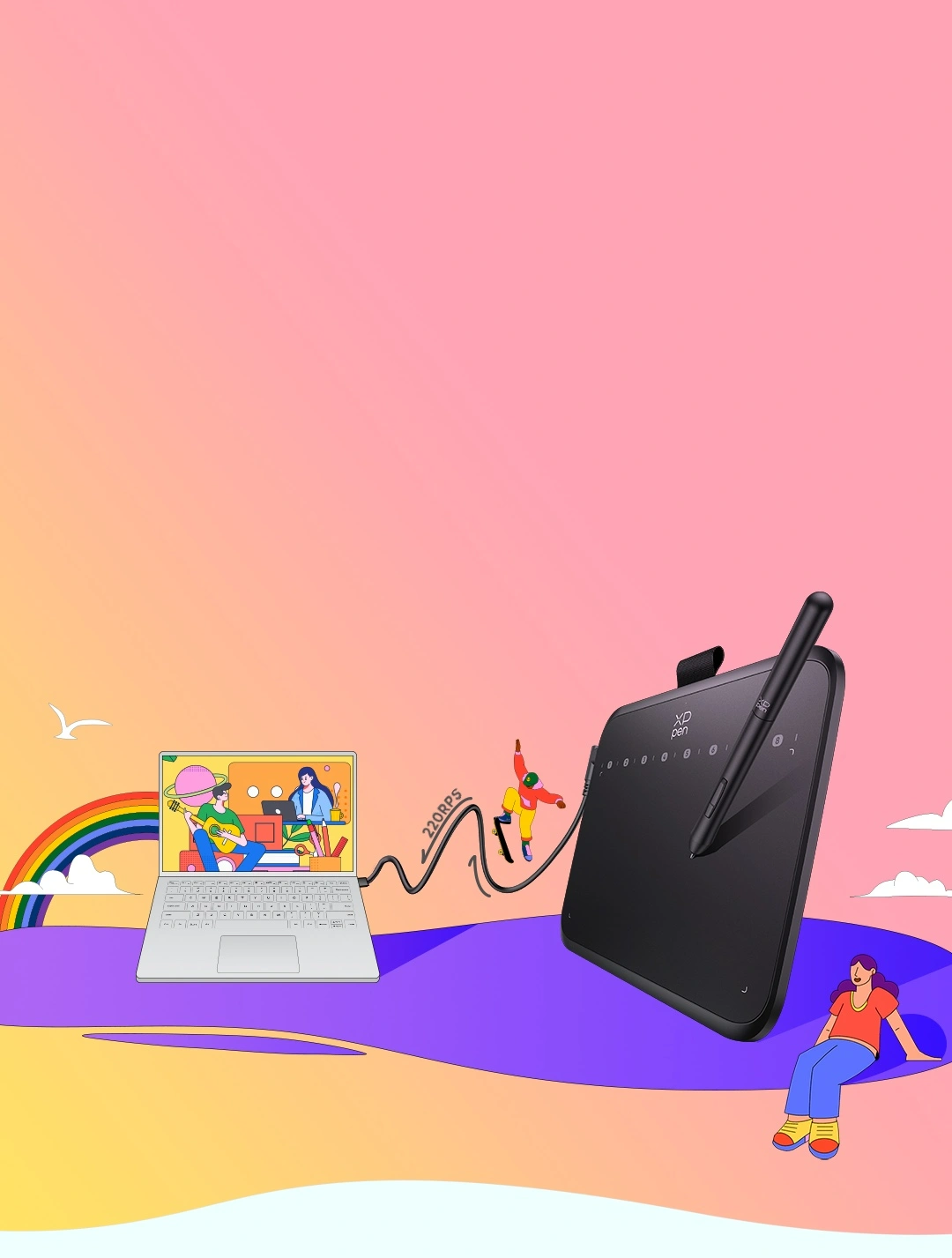
With a pen resolution of 5080LPI and a report rate of 220RPS, there is no lag for the cursor to track the pen nib and all your drawings will be transferred to the computer speedy and stably.
Resolution
5080LPI
Report Rate
≥220RPS
10mm
Responsive Height
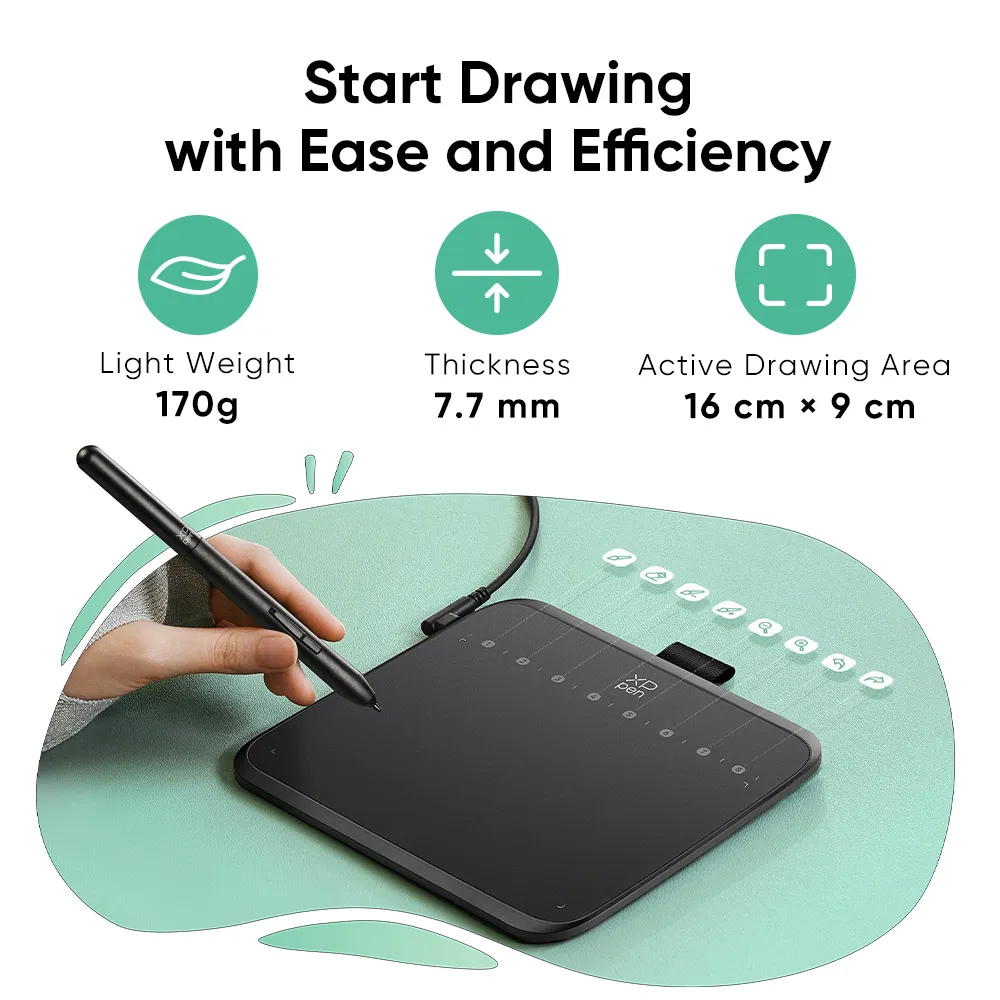
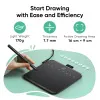
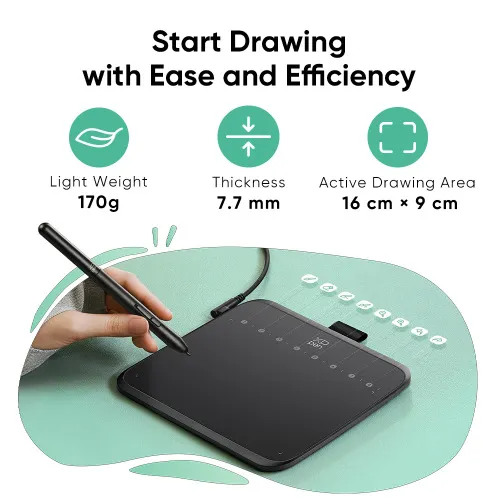
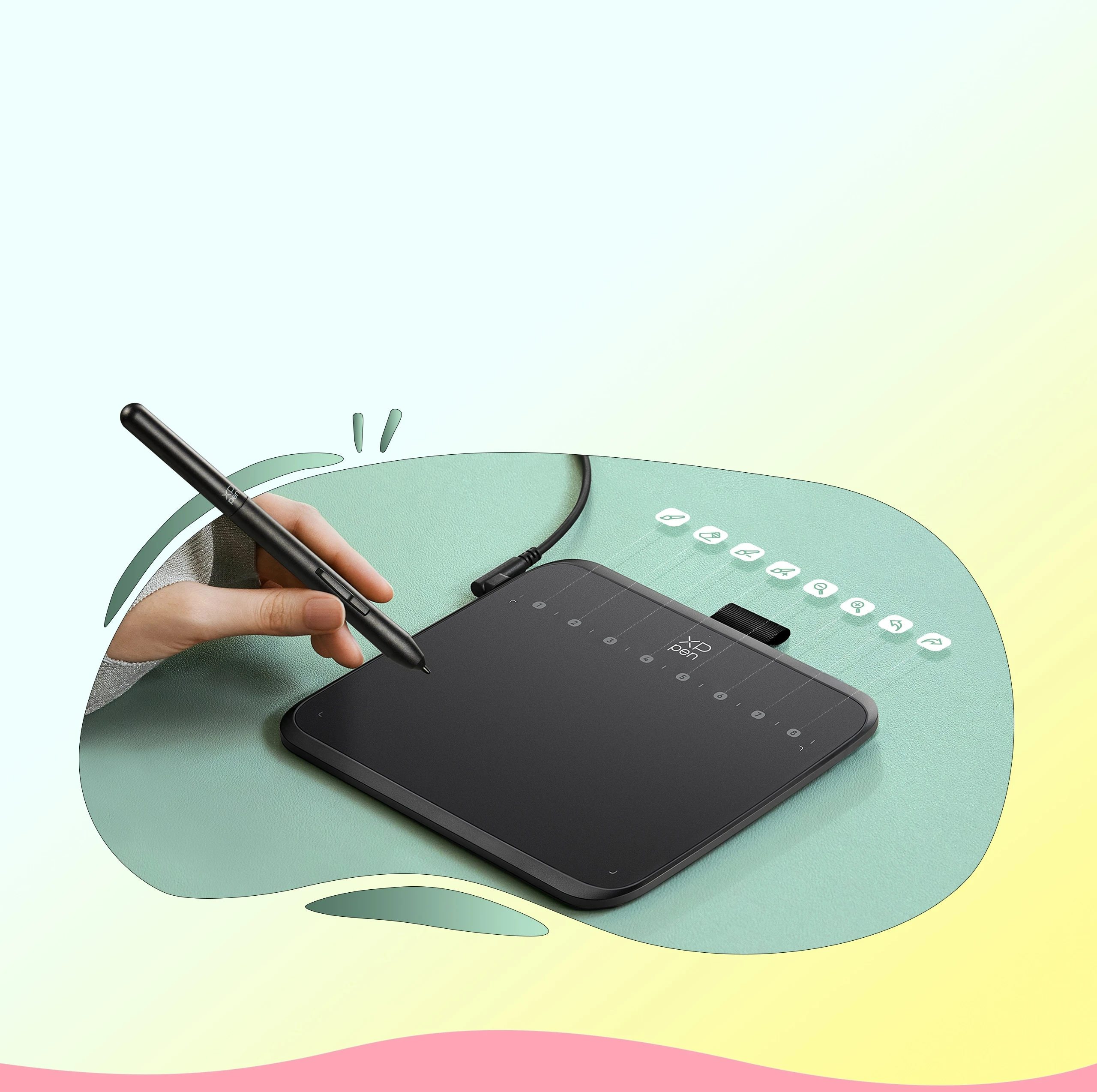
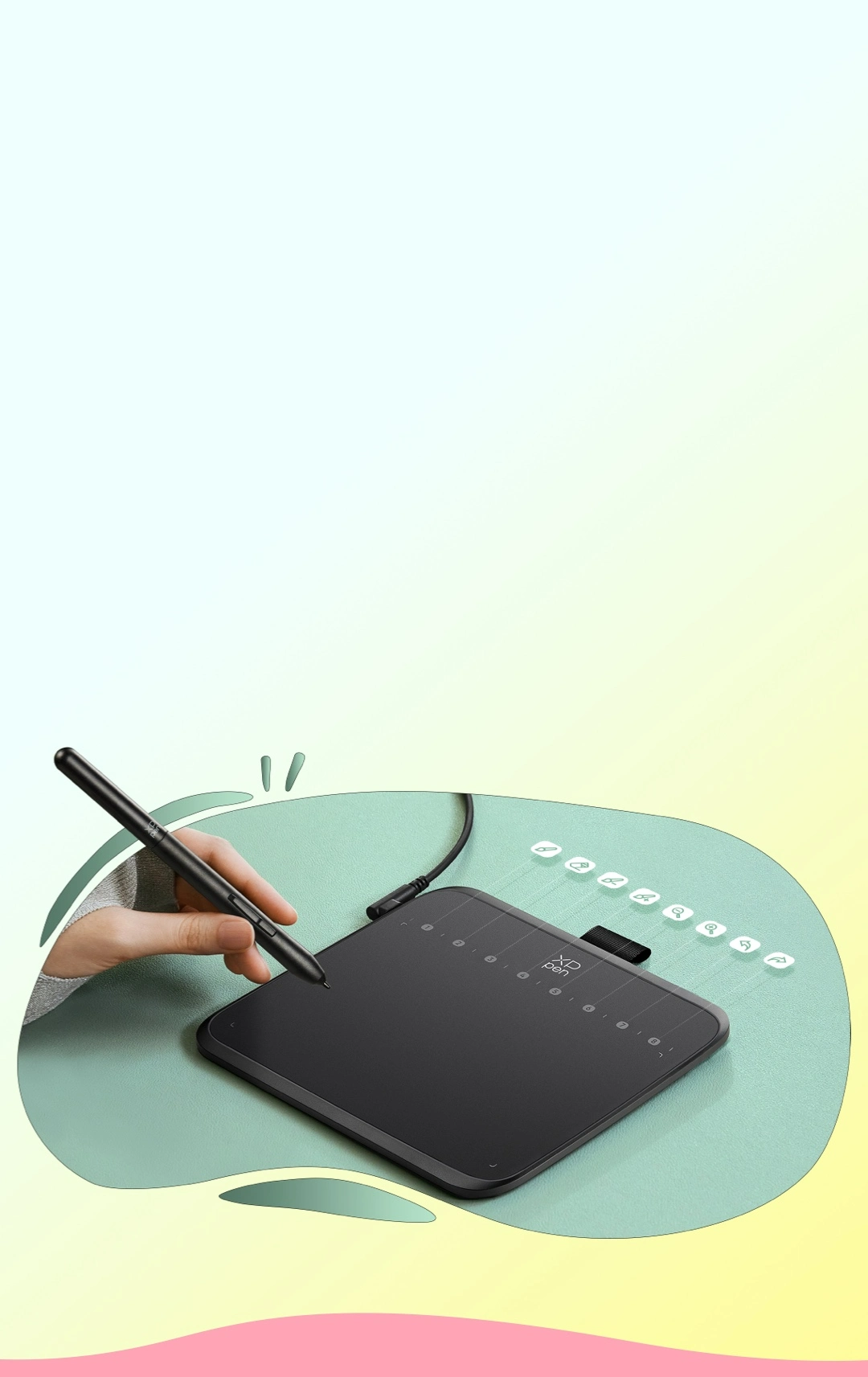
The ultra-narrow and curved edge design provides a spacious drawing area and reduces wrist fatigue. Together with 8 soft shortcut keys and a handy drawing pen, you can easily master the skills of drawing on a tablet with efficiency and comfort. Even long-time creation is not a burden.
Active Drawing Area
16 cm x 9 cm
Thickness
7.7 mm
Light Weight
170g
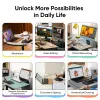
Deco 640 is more than just a drawing tablet. Being slim and lightweight enough, it is also your digital notebook. Use it for free writing in your classroom or office and never miss out on.
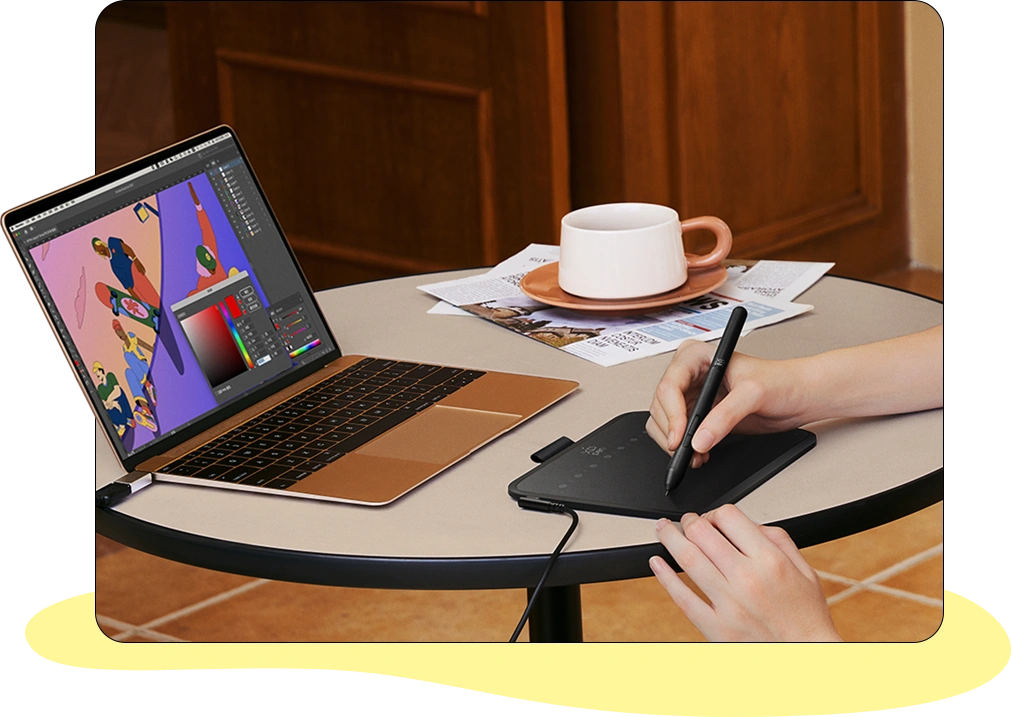
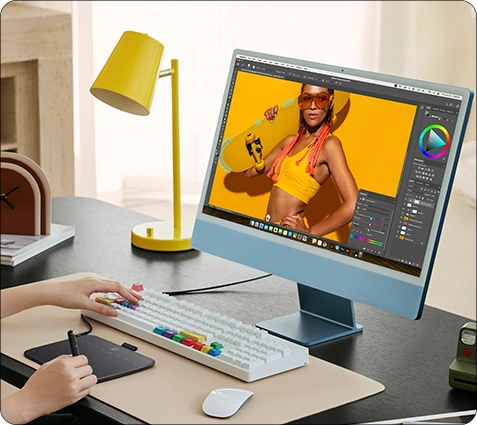
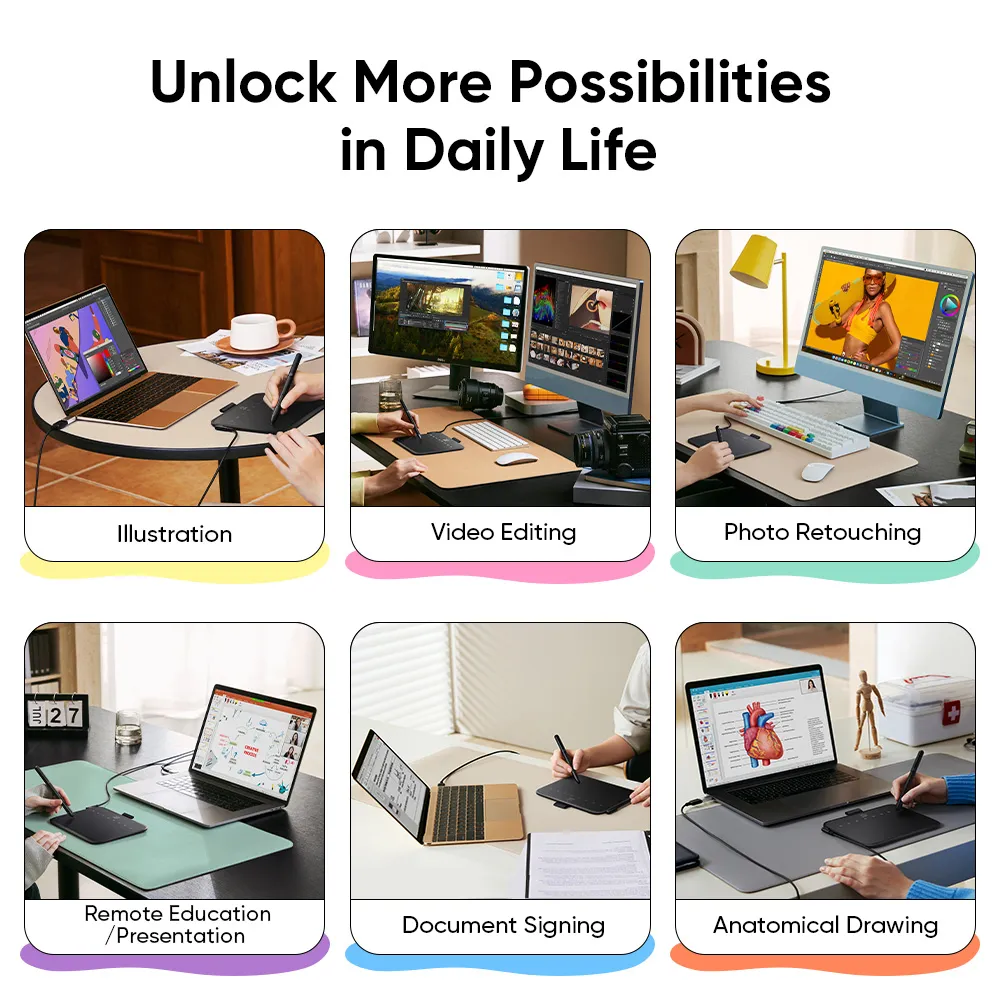
Illustration
Let your imagination run wild in a creative world
Photo Retouching
Relive every wonderful moment
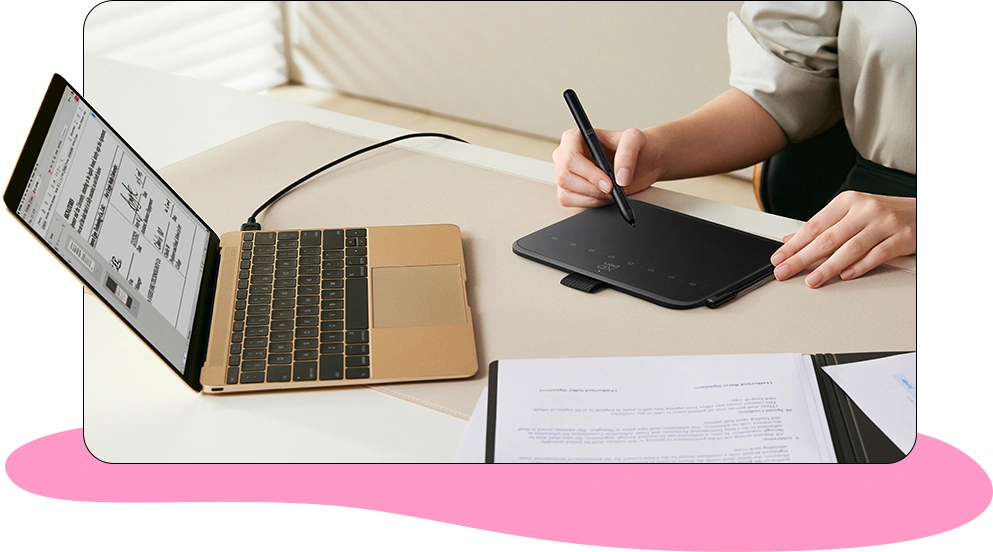
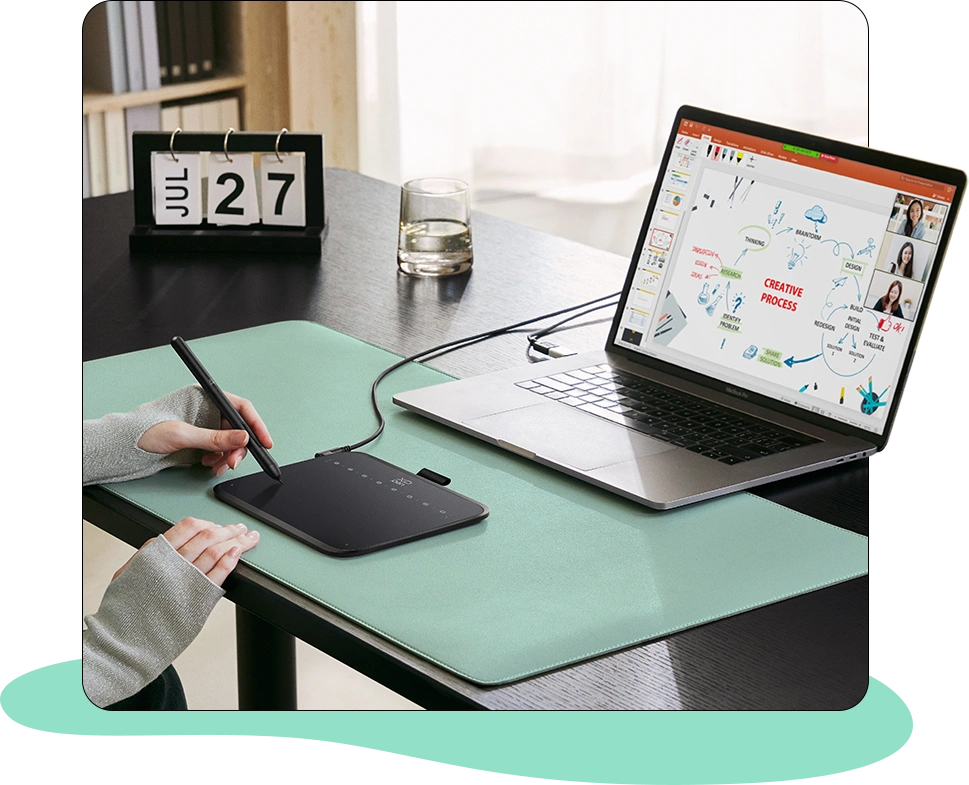
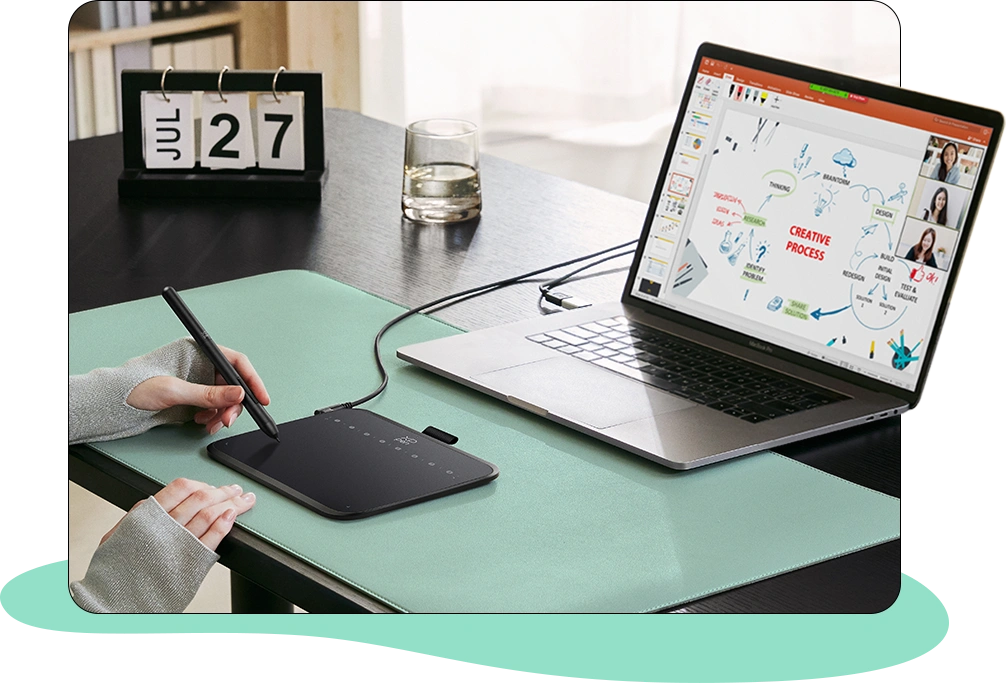
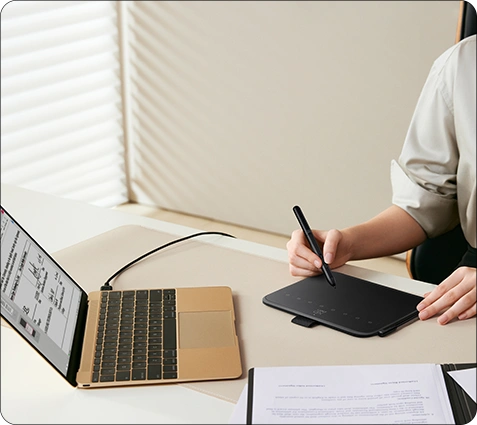
Document Signing
Say goodbye to tedious paper documents to make business communications efficient and environmentally friendly
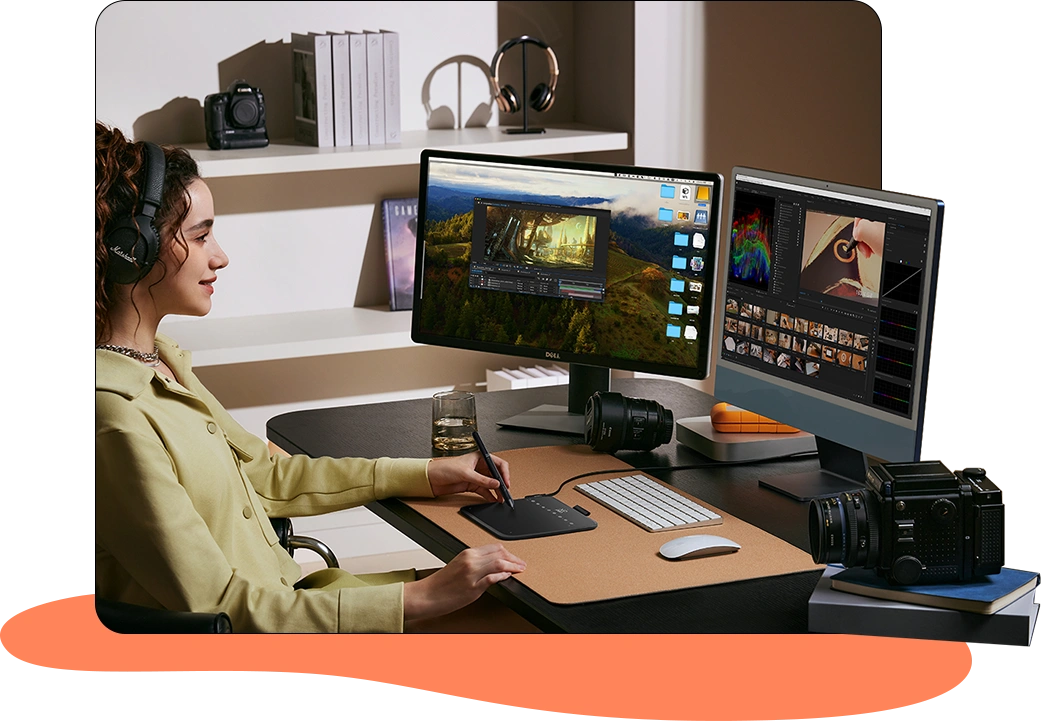
Video Editing
Easy for video post-production and everyone is a director in real life
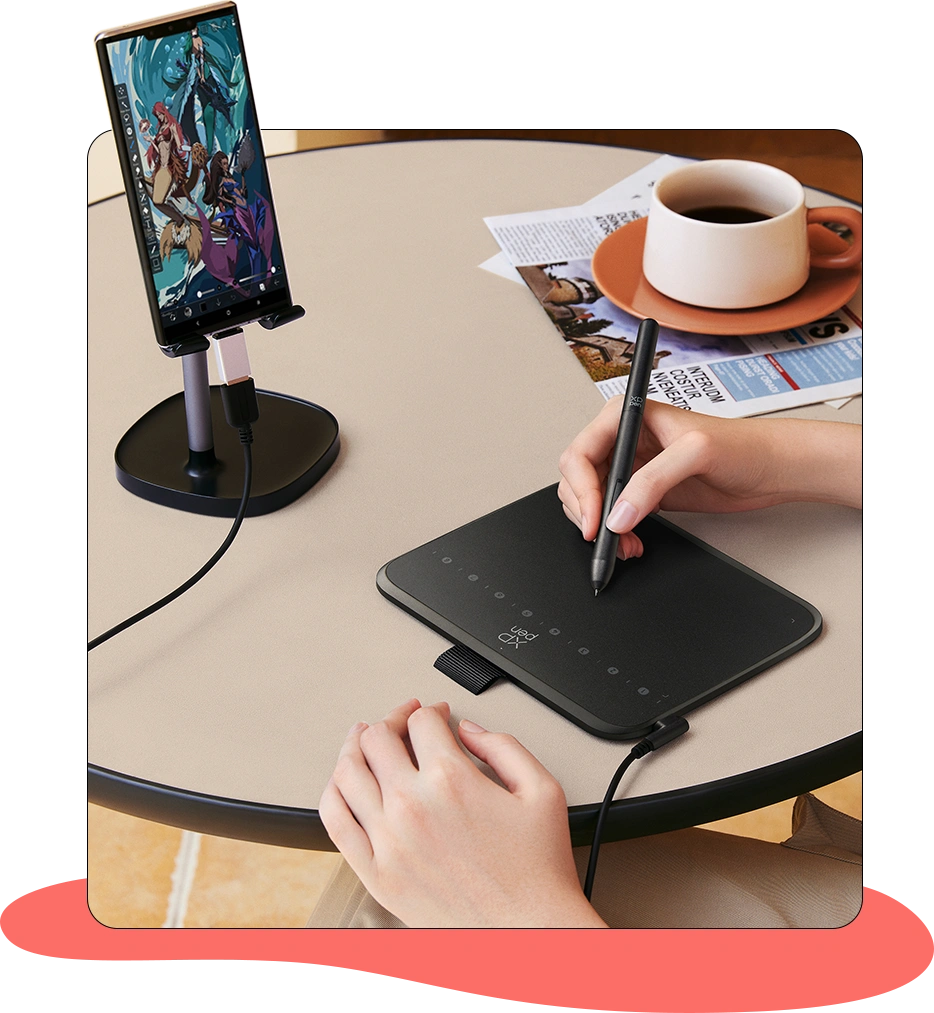
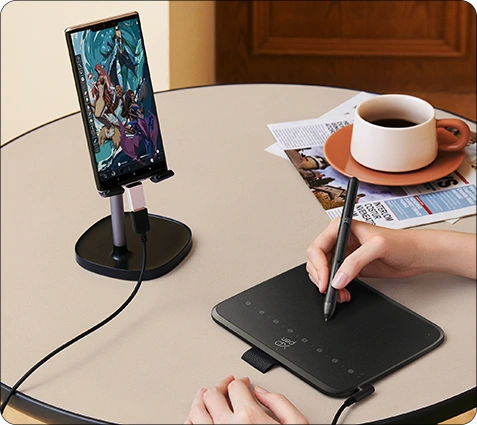
Mobile Creation
Create with inspiration wherever you are
Distance Education
Enable teaching and learning anytime and anywhere, making knowledge transfer convenient and flexible
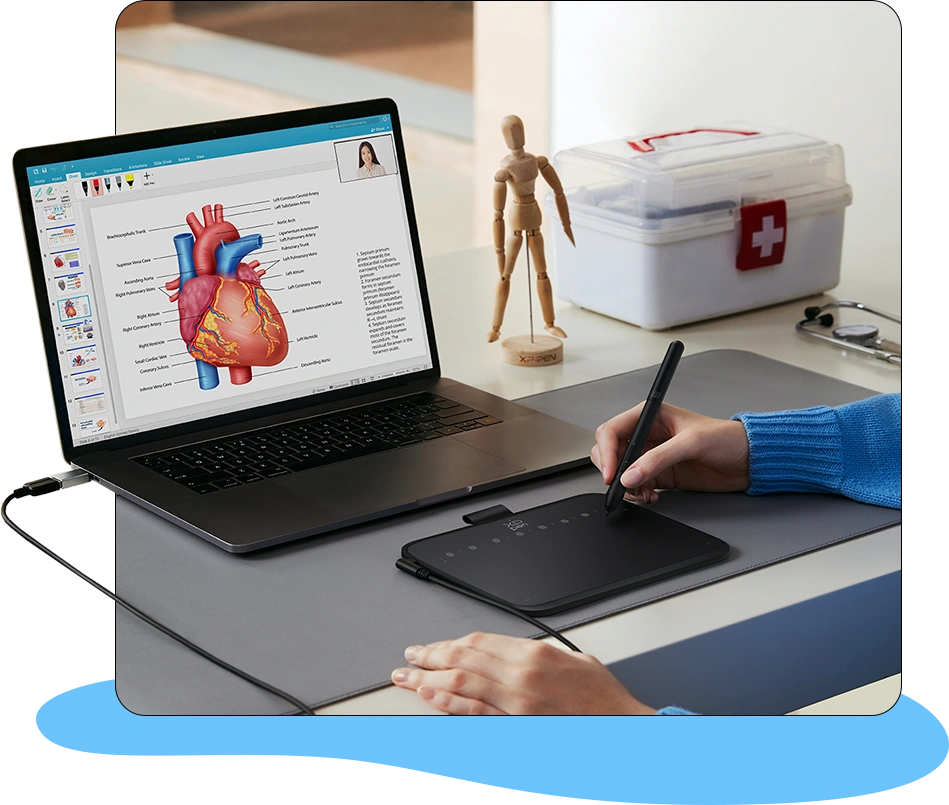
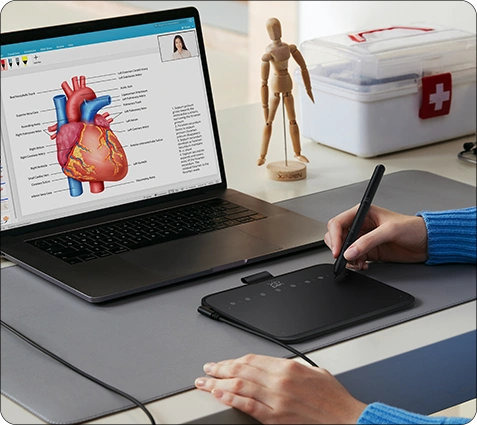
Medical Conference Exchanges
Demonstrate the latest research results and clinical experience in real time
Illustration
Let your imagination run wild in a creative world
Mobile Creation
Create with inspiration wherever you are
Photo Retouching
Relive every wonderful moment
Distance Education
Enable teaching and learning anytime and anywhere, making knowledge transfer convenient and flexible
Document Signing
Say goodbye to tedious paper documents to make business communications efficient and environmentally friendly
Medical Conference Exchanges
Demonstrate the latest research results and clinical experience in real time
Video Editing
Easy for video post-production and everyone is a director in real life
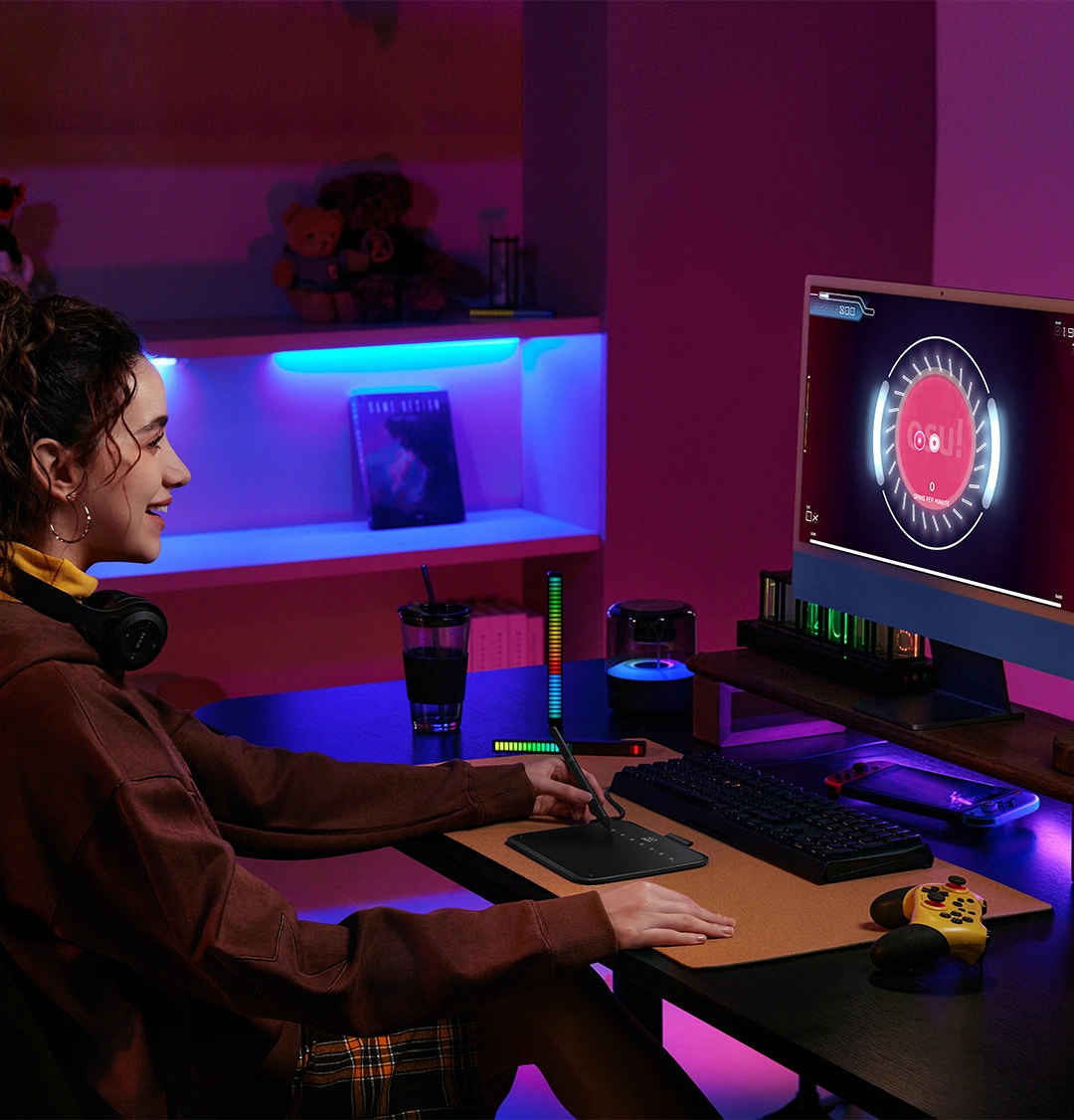
Want to get fully prepared for OSU!? Deco 640 offers an immersive gaming experience with compact size and high response speed.
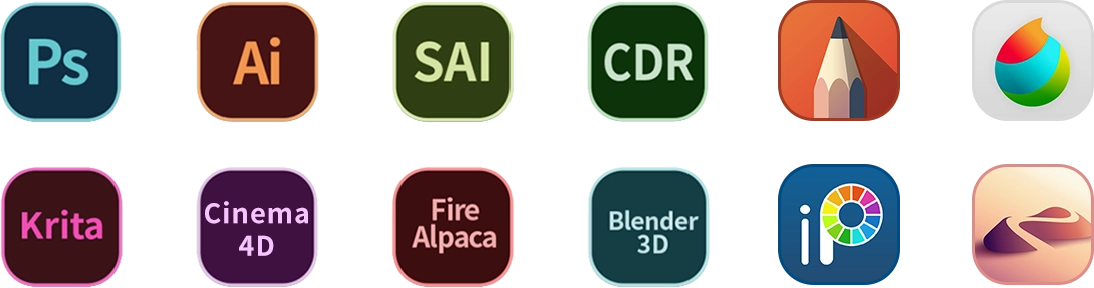
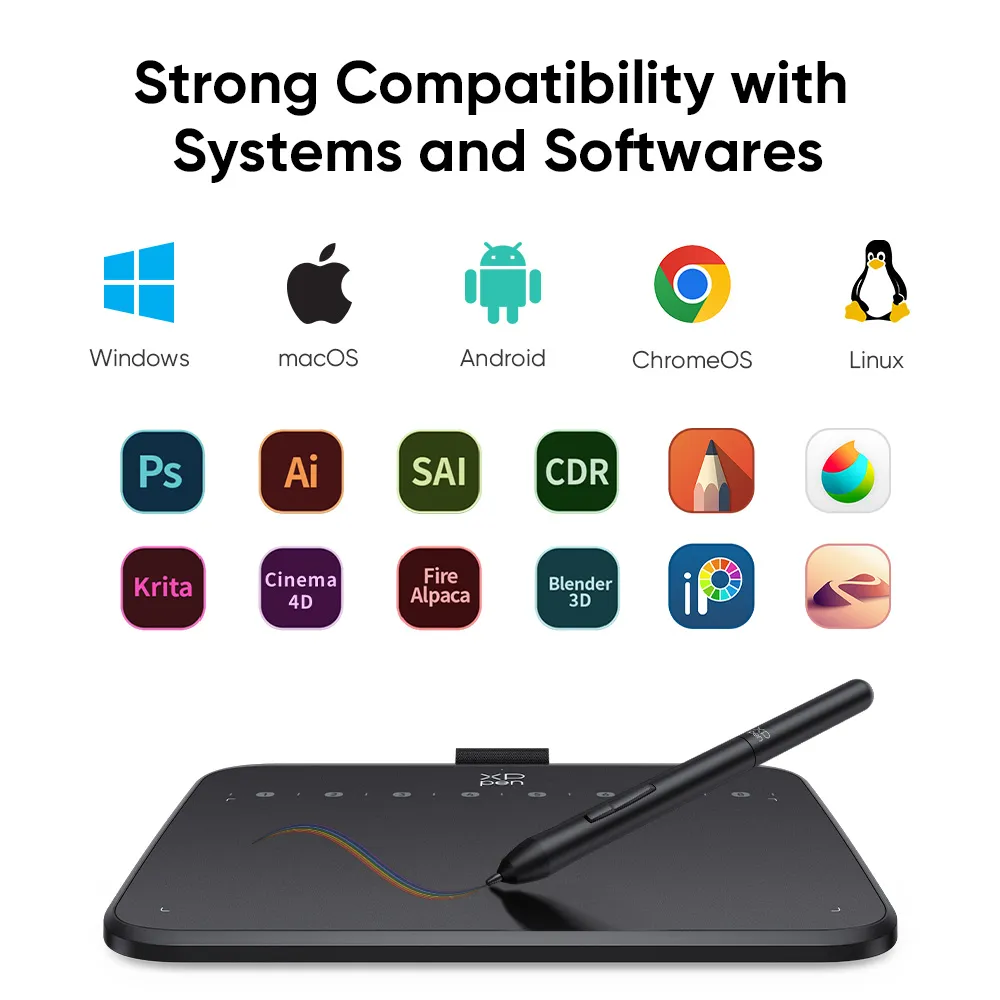
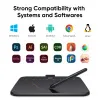
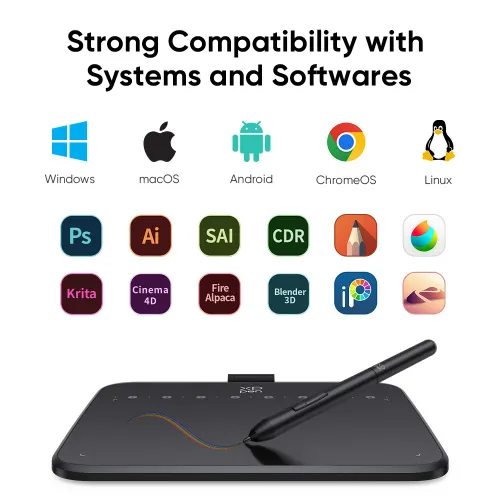
Deco 640 is compatible with Windows and macOSand supports mainstream drawing and design softwares. Enjoy creation with minimal learning costs and no concerns about device configuration.
Compatibility Support Version
Windows 7 or above, macOS 10.13 or above, Android 10.0 or above
Support Softwares
PC: Photoshop, Illustrator, SAI...
Andriod Phone/Tablet: Meidibang, Ibisx, Onenote...
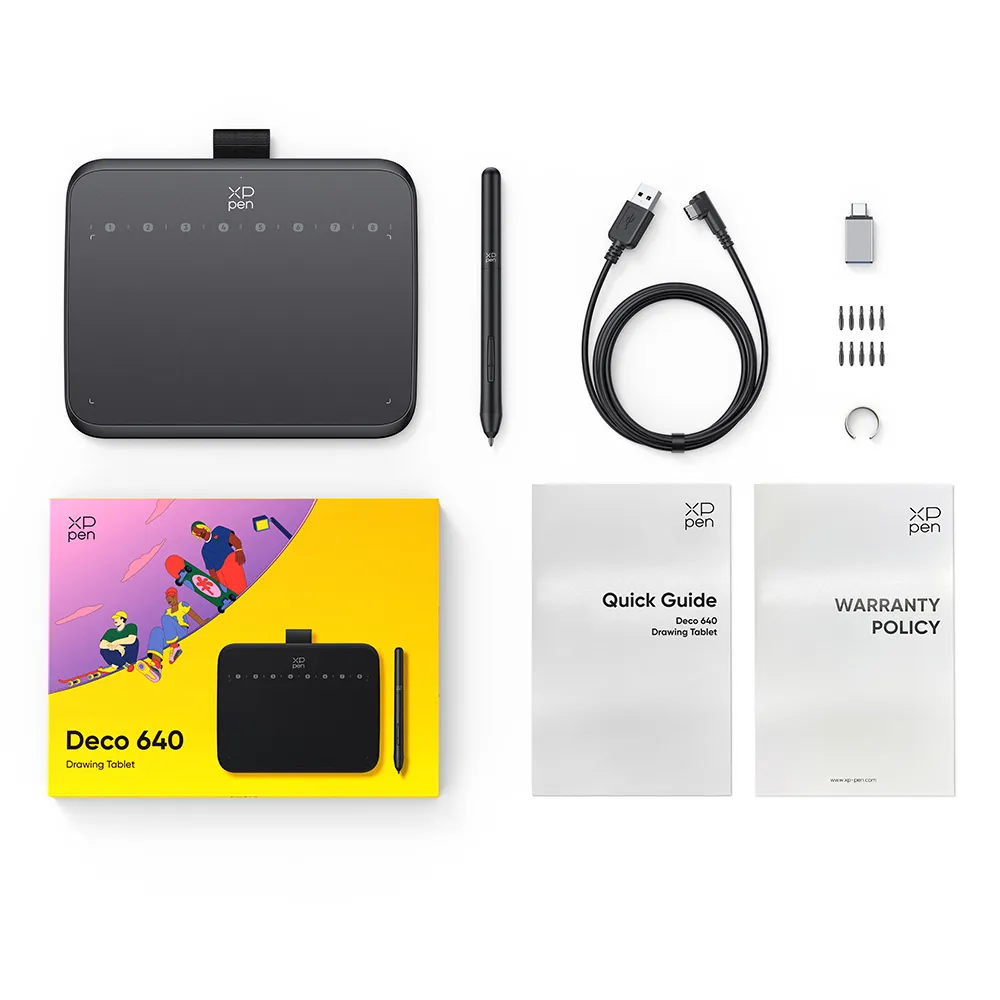
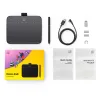
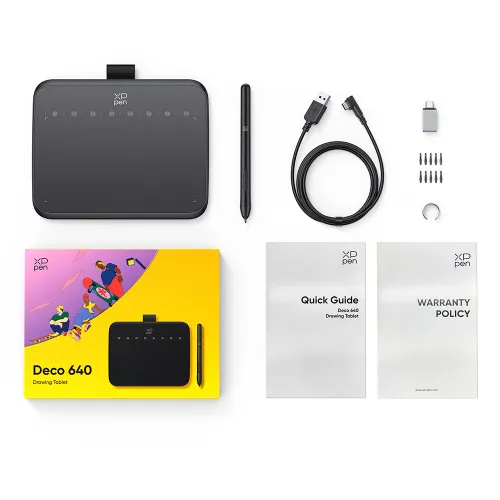
1 x Drawing Tablet
1 x Stylus
10 x Pen Nibs
1 x USB-C to USB-A Cable
1 x Nib Extractor
1 x USB to USB-C Adapter