








Getting started with your
XP-PEN Deco L & Deco LW Pen Tablet.
1/10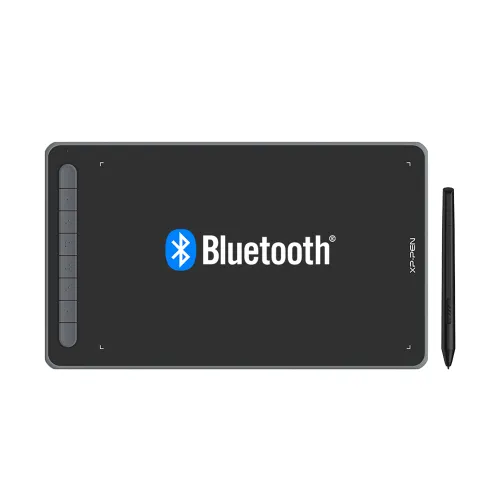
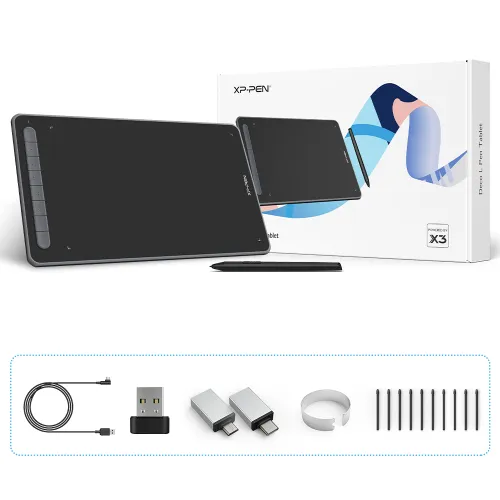
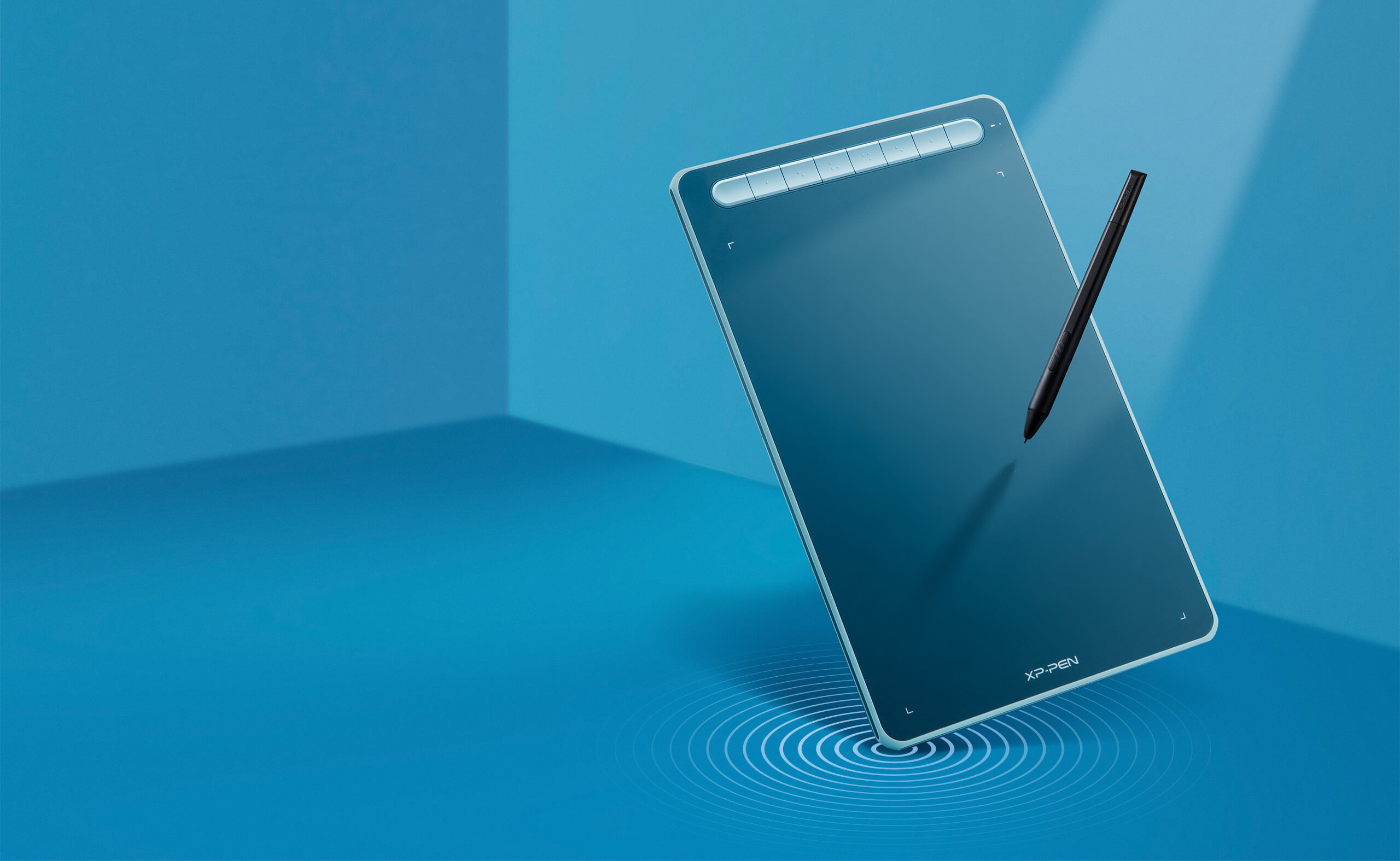
Deco LW Bluetooth Drawing Tablet
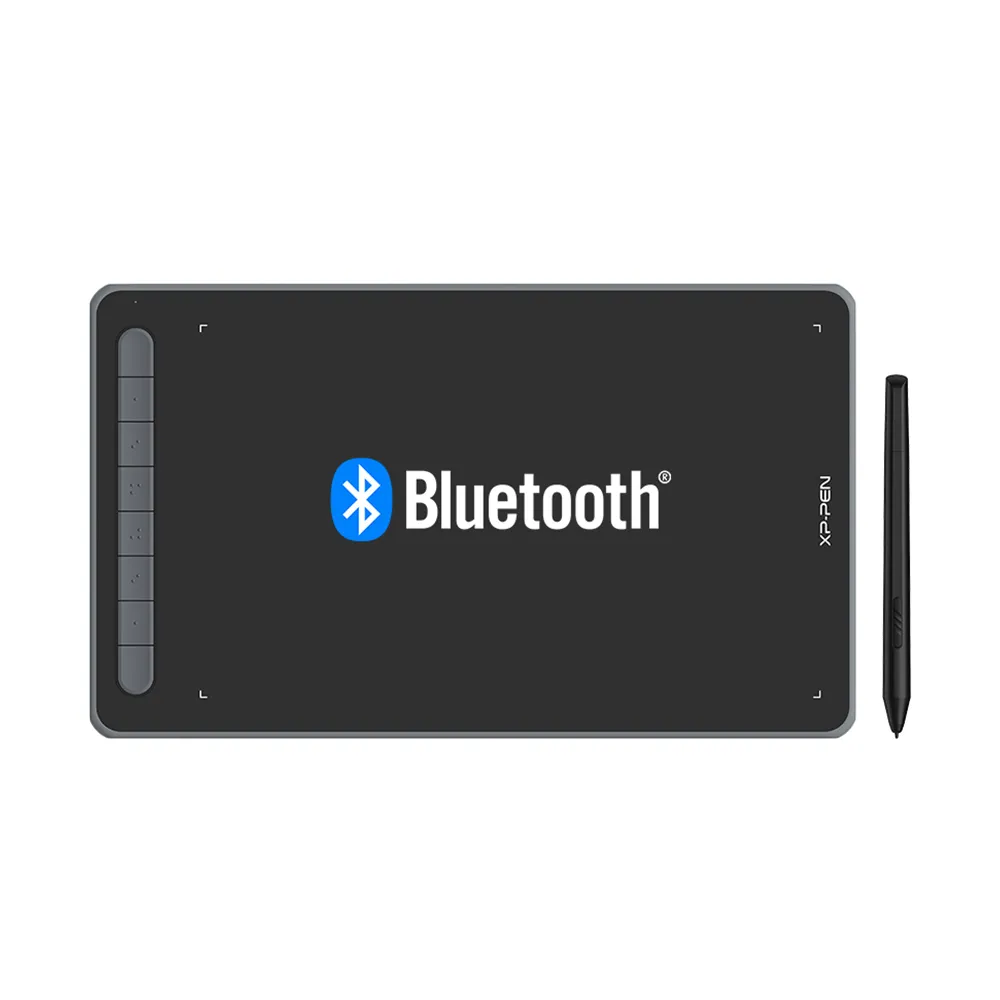
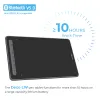
Bluetooth 5.0 Wireless Connection. X3 Empowered Stylus, 3 grams initial activation force.
AU$128.99AU$149.99
FREE DELIVERY
We offer free shipping
SECURE PAYMENT
Your payment information is processed securely
TECH SUPPORT
service@xp-pen.com
18-MONTH WARRANTY
18-month warranty only for official AU-store
Colour:
Black
Blue
Green
Pink
Optional Accessories
Quantity:
Total
AU$0.00
 Log in and purchase to receive an estimated 0 X-Coins




Worry-Free Delivery® available with seel
Estimate:
More than Smart!
Deco LW
A New Generation of Pen Tablet

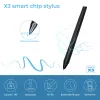
X3-Smart-Chip Stylus.
Sharp! Stable! Precise!
![image]() -Smart-Chip Stylus.
-Smart-Chip Stylus.
Capture your originality anytime.
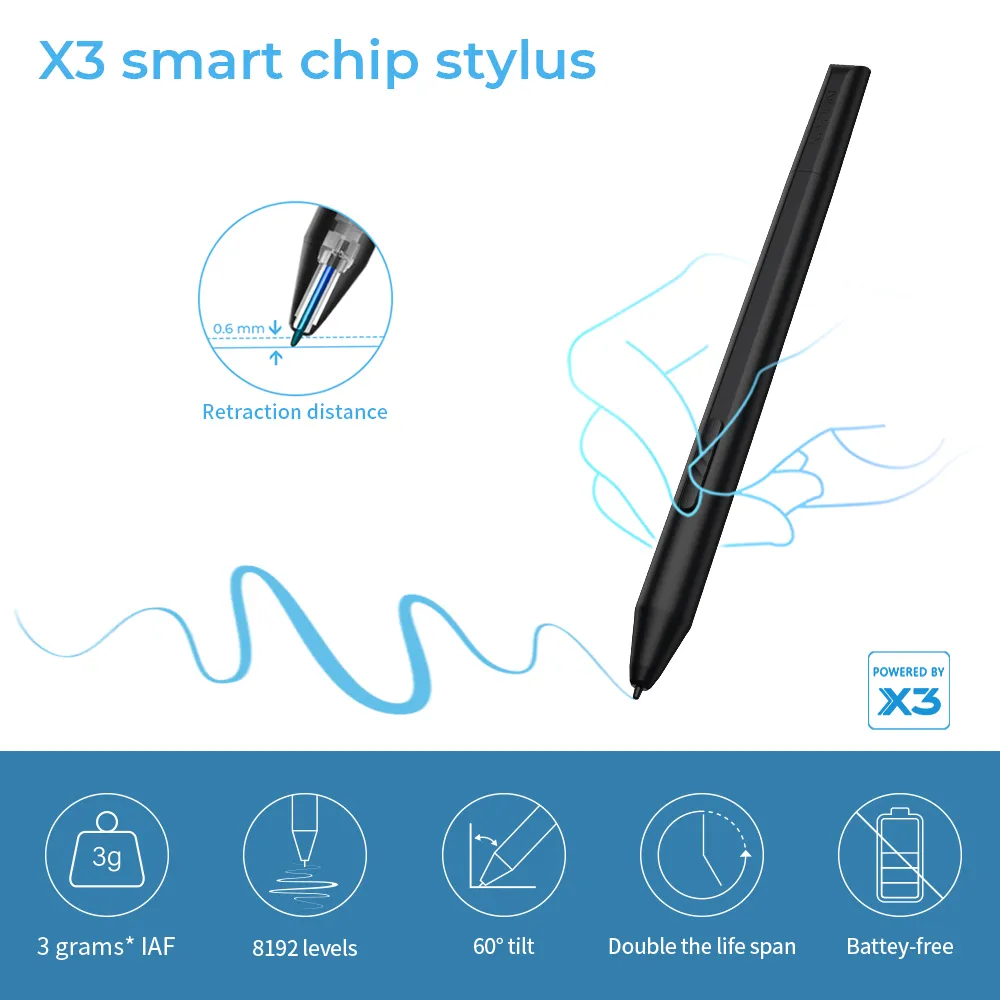
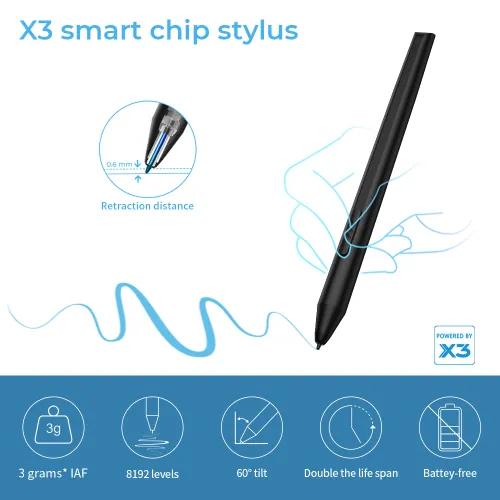
The new X3-Smart-Chip Stylus delivers a fully upgraded drawing experience with a more subtle initial pressure sensitivity and a much shorter tip retraction. Its accuracy is comparable to a pencil. And with its 8192 levels of pressure sensitivity and 60° tilt function, you can easily shape subtle lines, crafting your unique masterpieces. Thanks to the elimination of wear-prone spring parts, the upgraded internal structure prevents the nib from moving unnecessarily and doubles the lifespan of the stylus.


Sharp
The stylus flows faster
than your inspiration.
3 grams* IAF.
0.6 mm* retraction distance.
Faster response.
Stable
No spring part.
Anti-interference.
Steady performance.
Double* the life span.
Digital signal transmission.
Precise
More precise positioning.
Never miss
a single brushstroke.
Virtually no accuracy error.
No broken lines. No lag.
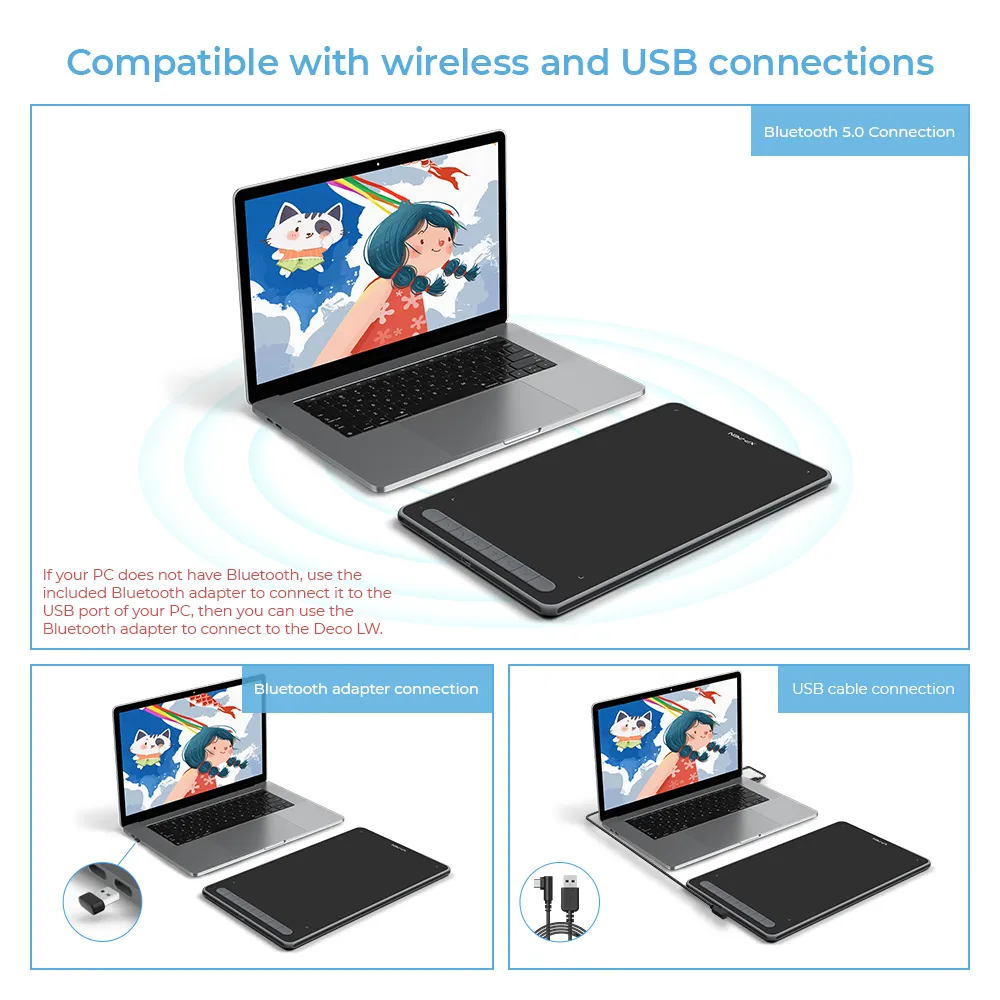
Bluetooth v5.0.
Over 10 hours of
cable-free creativity.
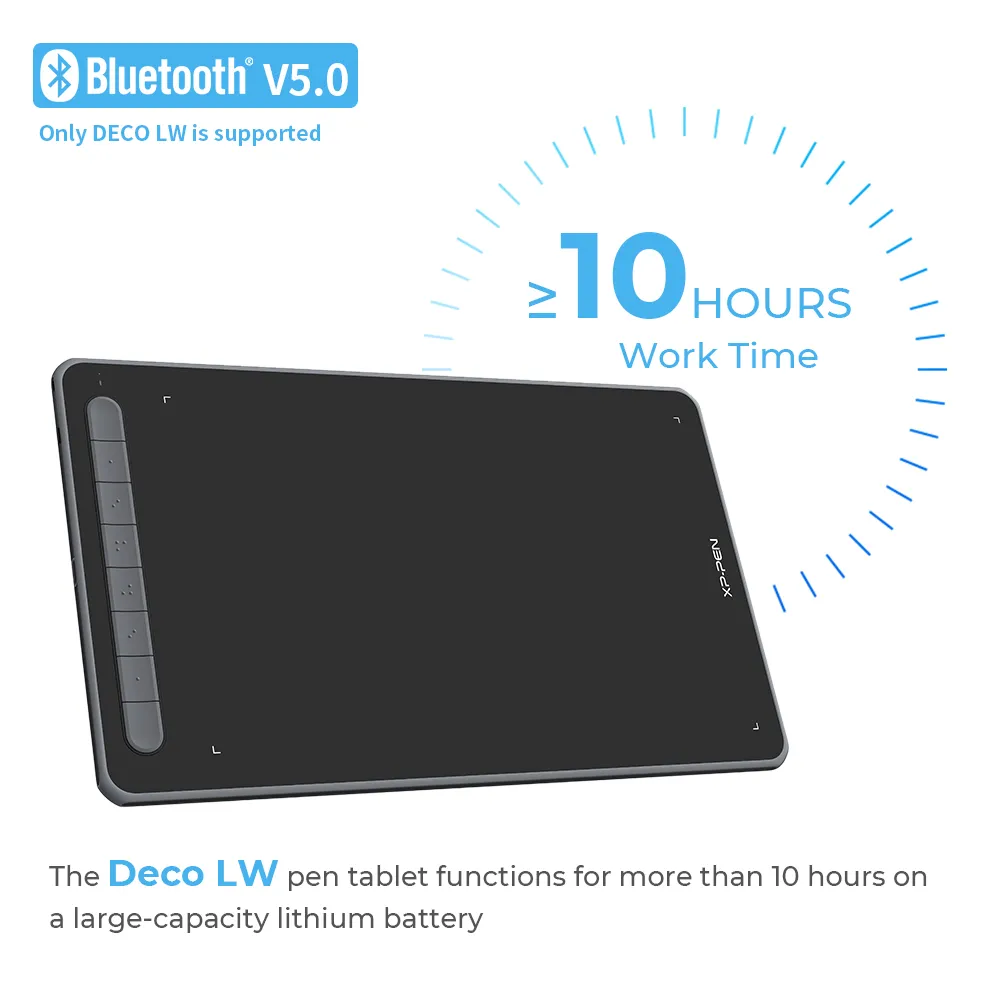
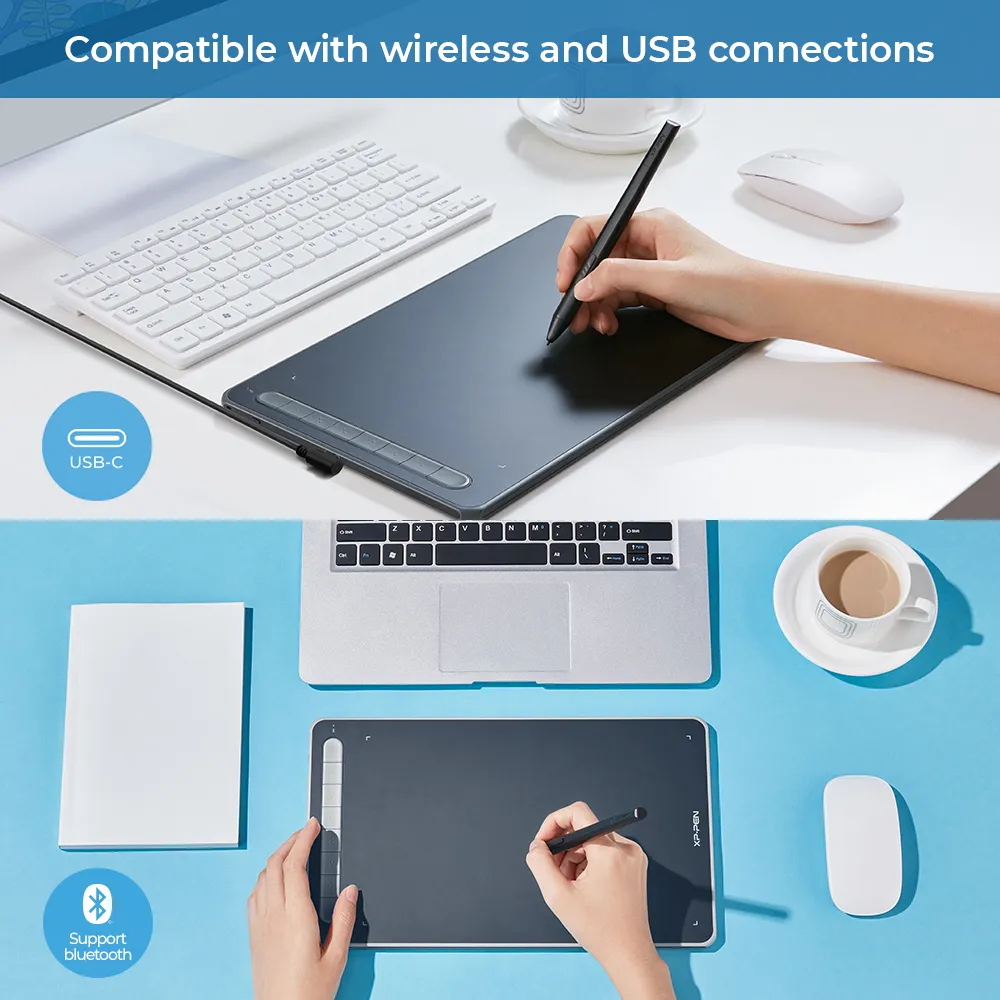
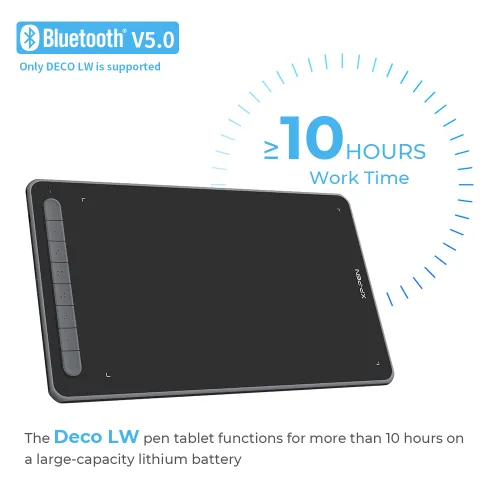
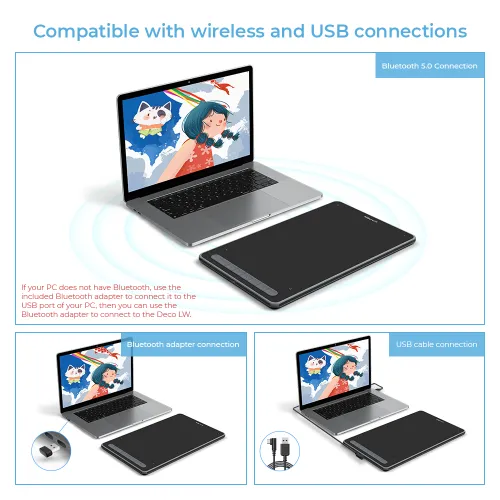
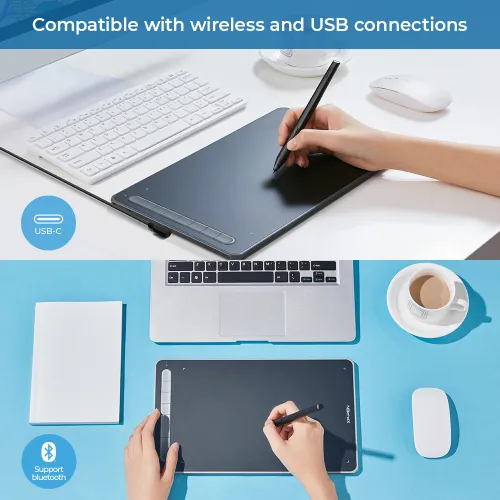
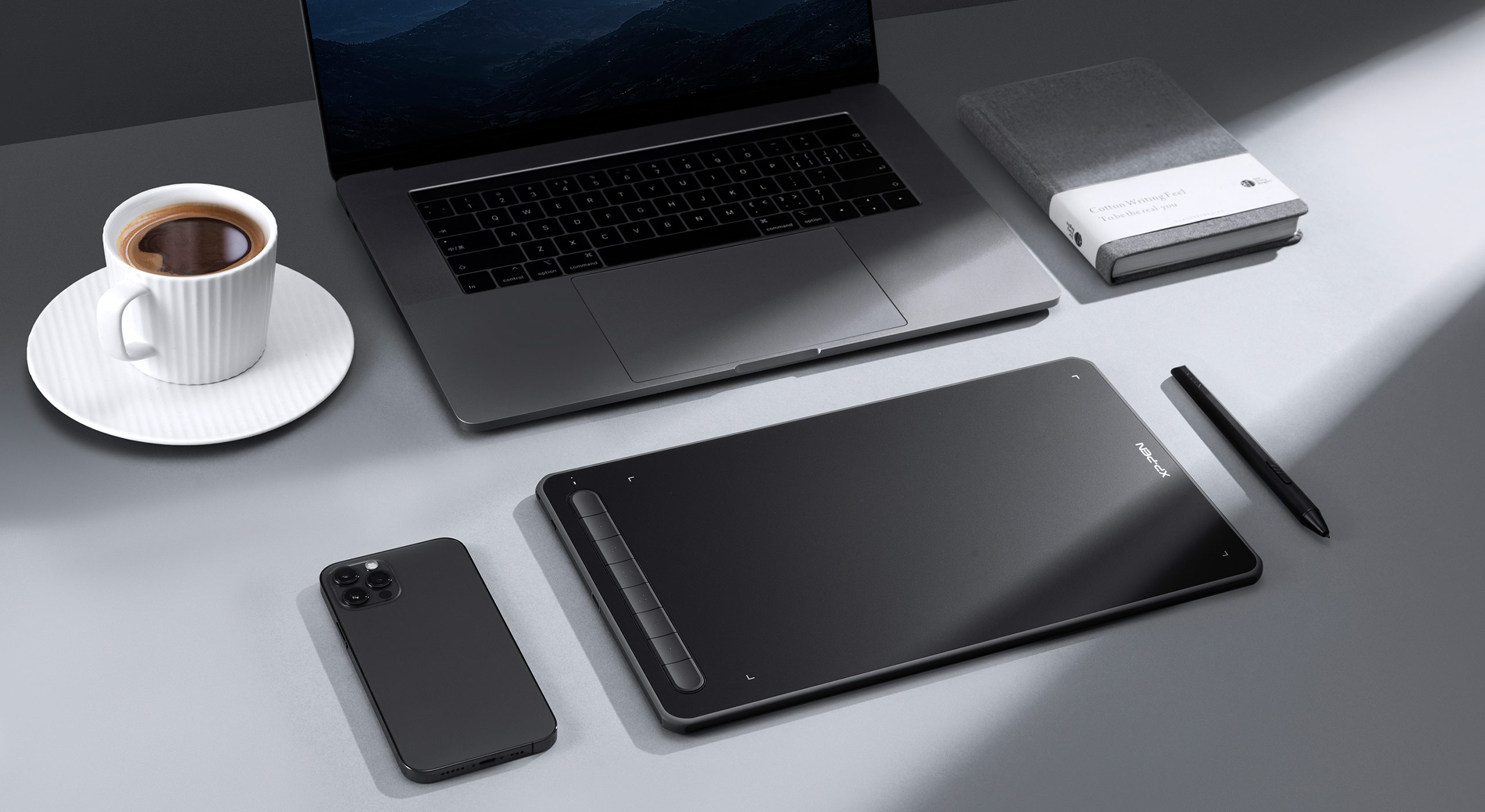
Equipped with a Bluetooth v5.0 chip, the Deco LW pen tablet frees you to create without the limitation of cables, allowing you to keep your creative space organized and giving you the freedom to use your Deco LW wherever your inspiration takes you.
The Deco LW pen tablet functions for more than 10 hours on a large-capacity lithium battery (1000mAh/3.7V) that keeps the power going throughout your day.

Bluetooth support
* This data was taken from a laboratory simulation test and may vary depending on the environment that the device is used in.
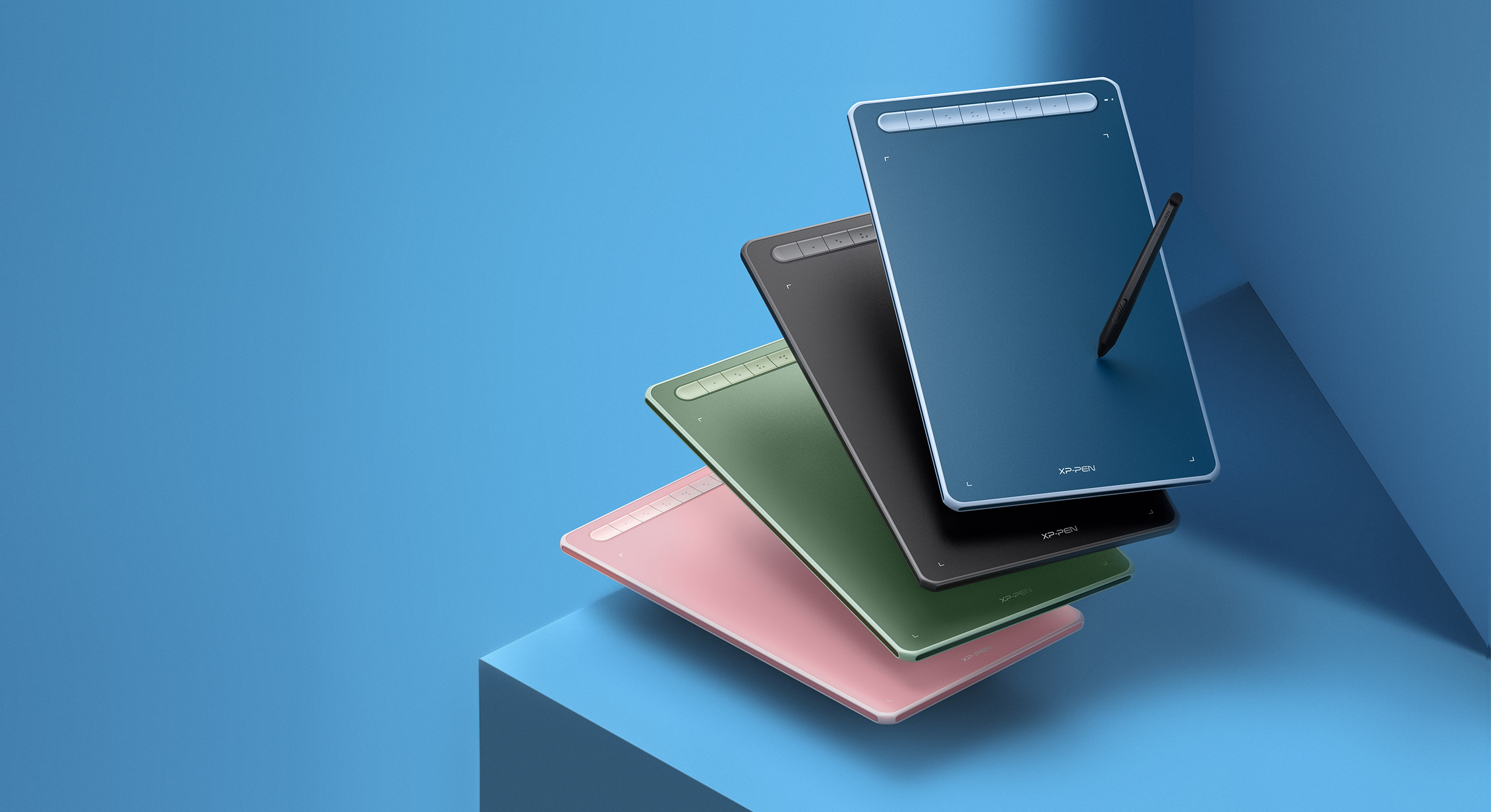
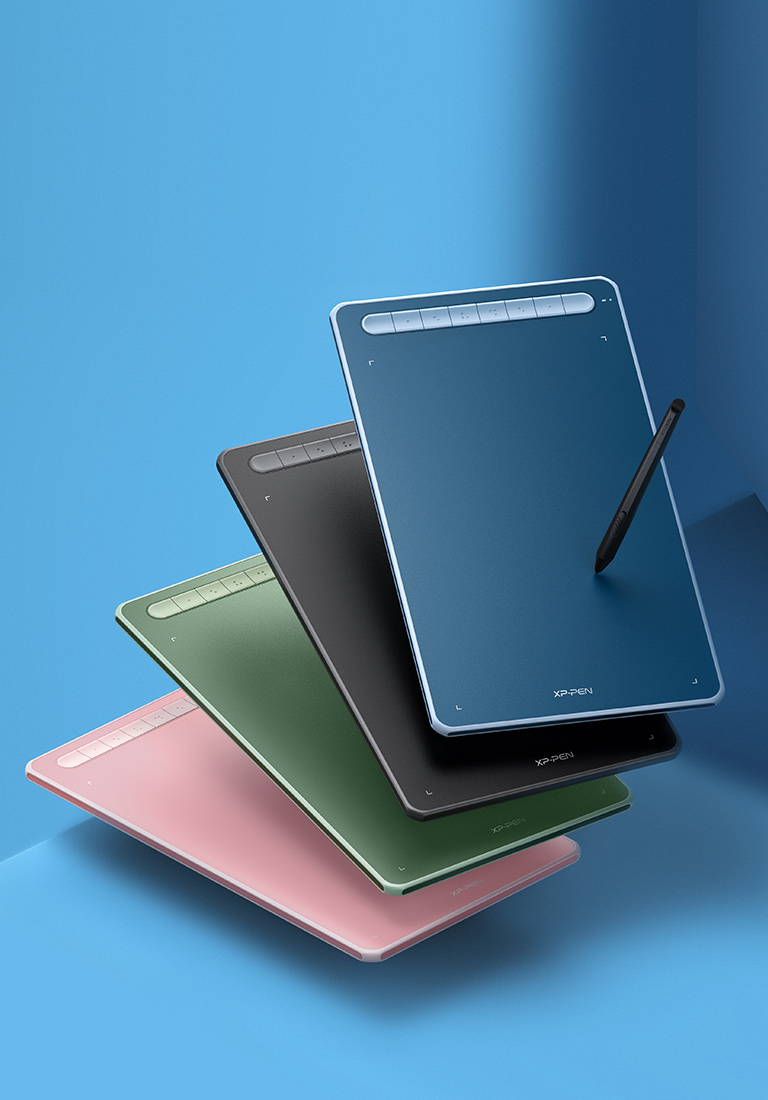
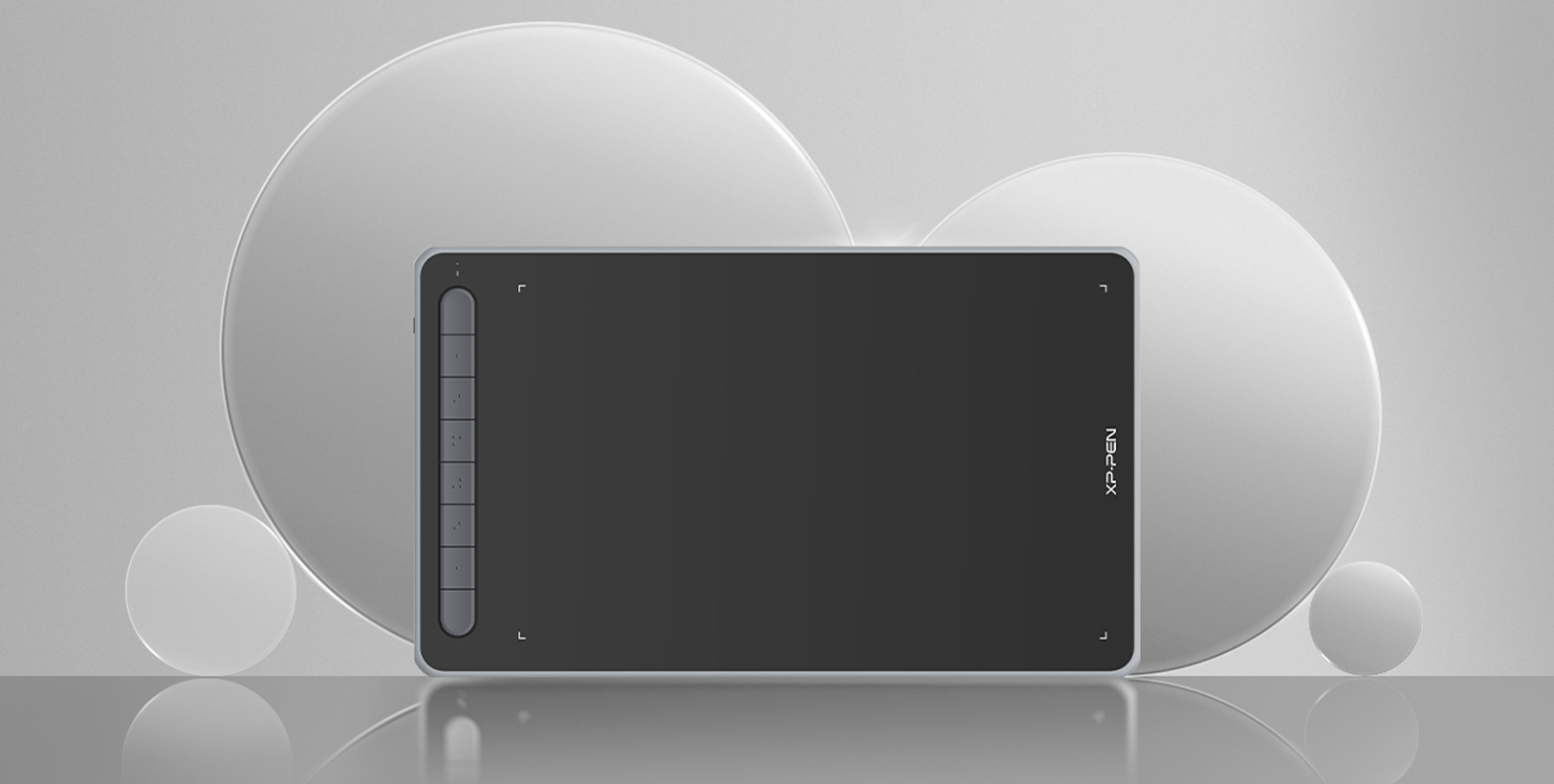
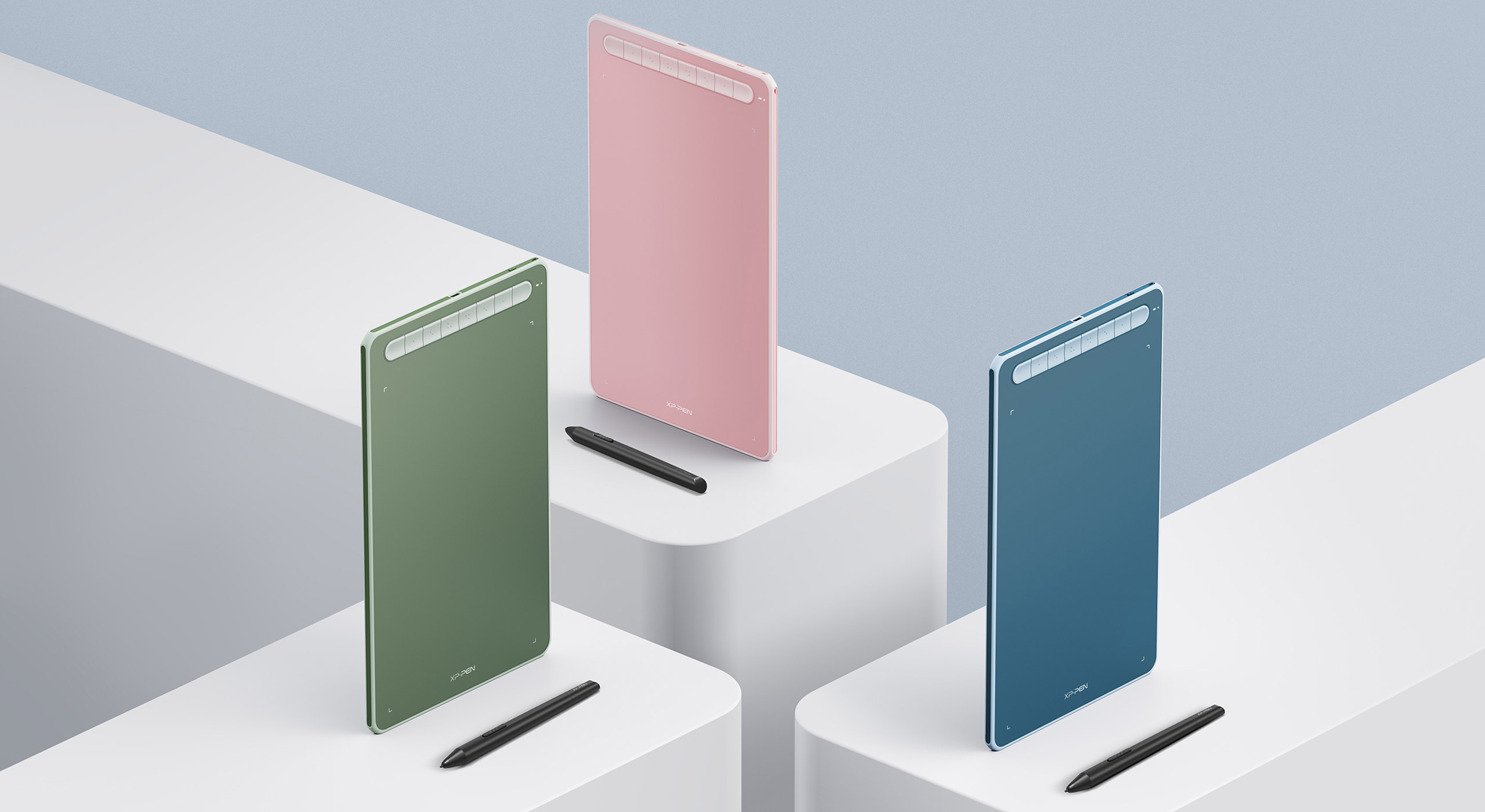
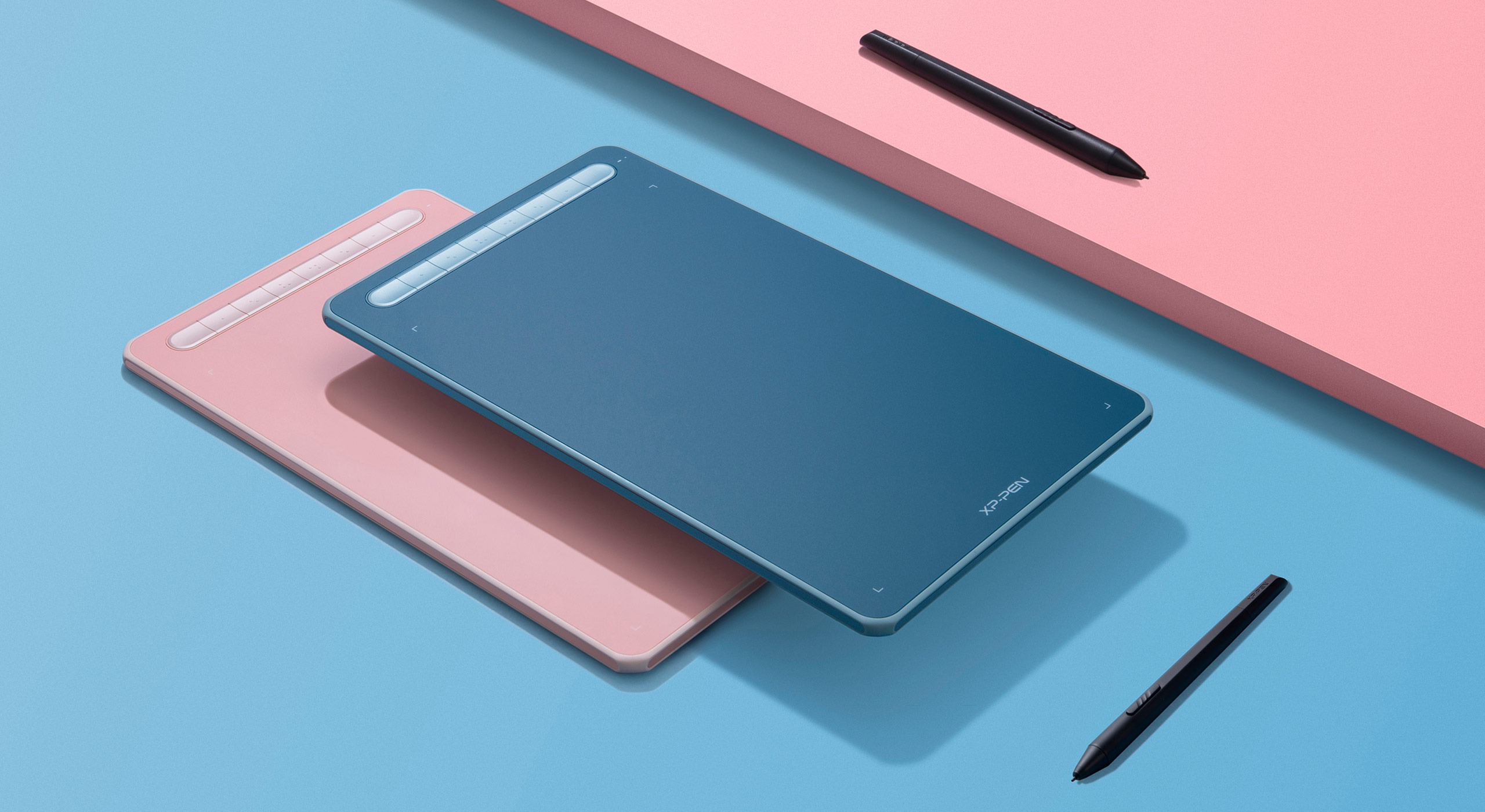
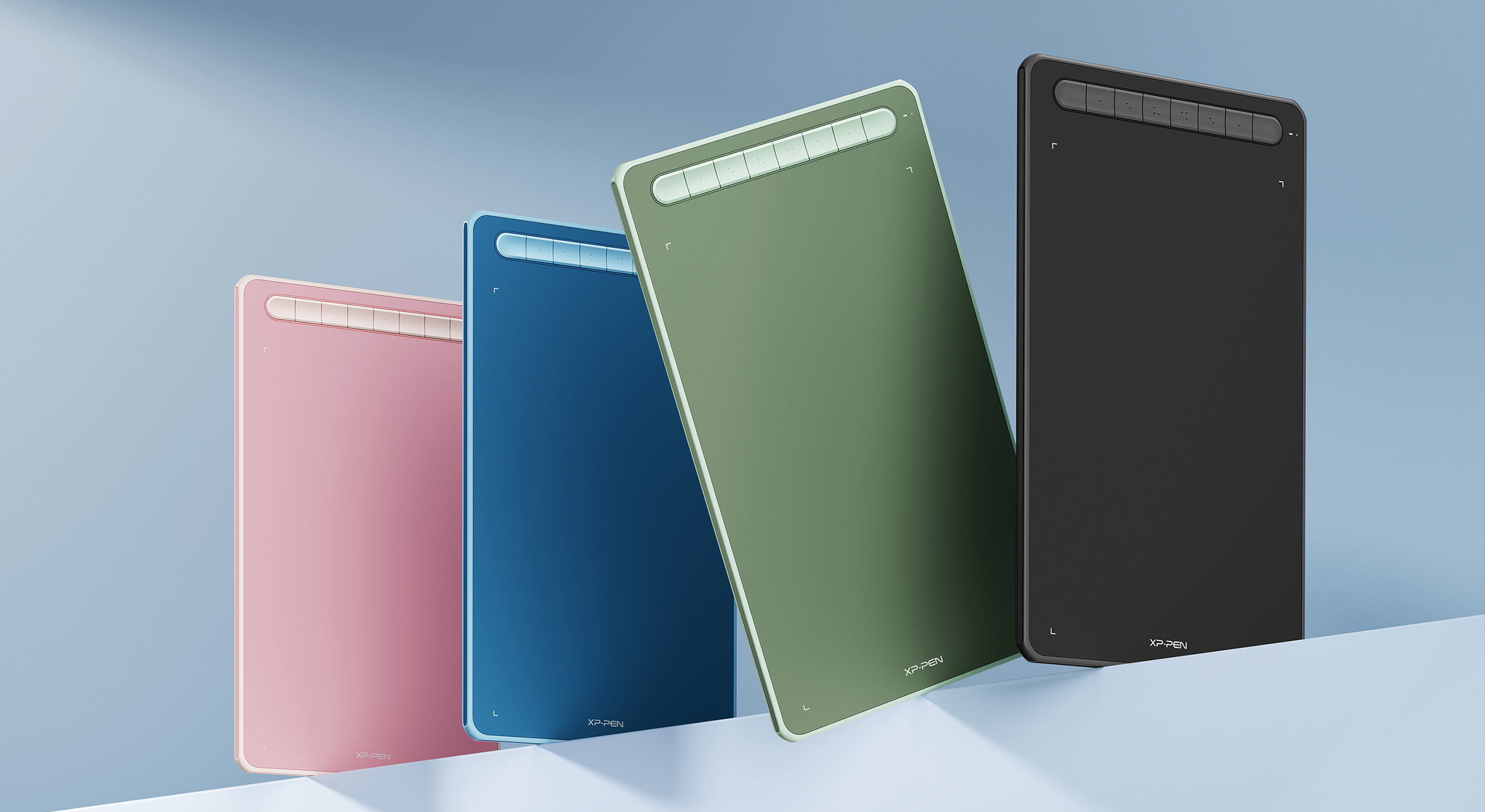
4 vibrant colors.
Representing your colorful youth.
We have painstakingly selected four vibrant colors for the tablet frame. They are warm and eye-catching with an abundance of playful energy. Your boundless artistic expression deserves colorful companions such as these.
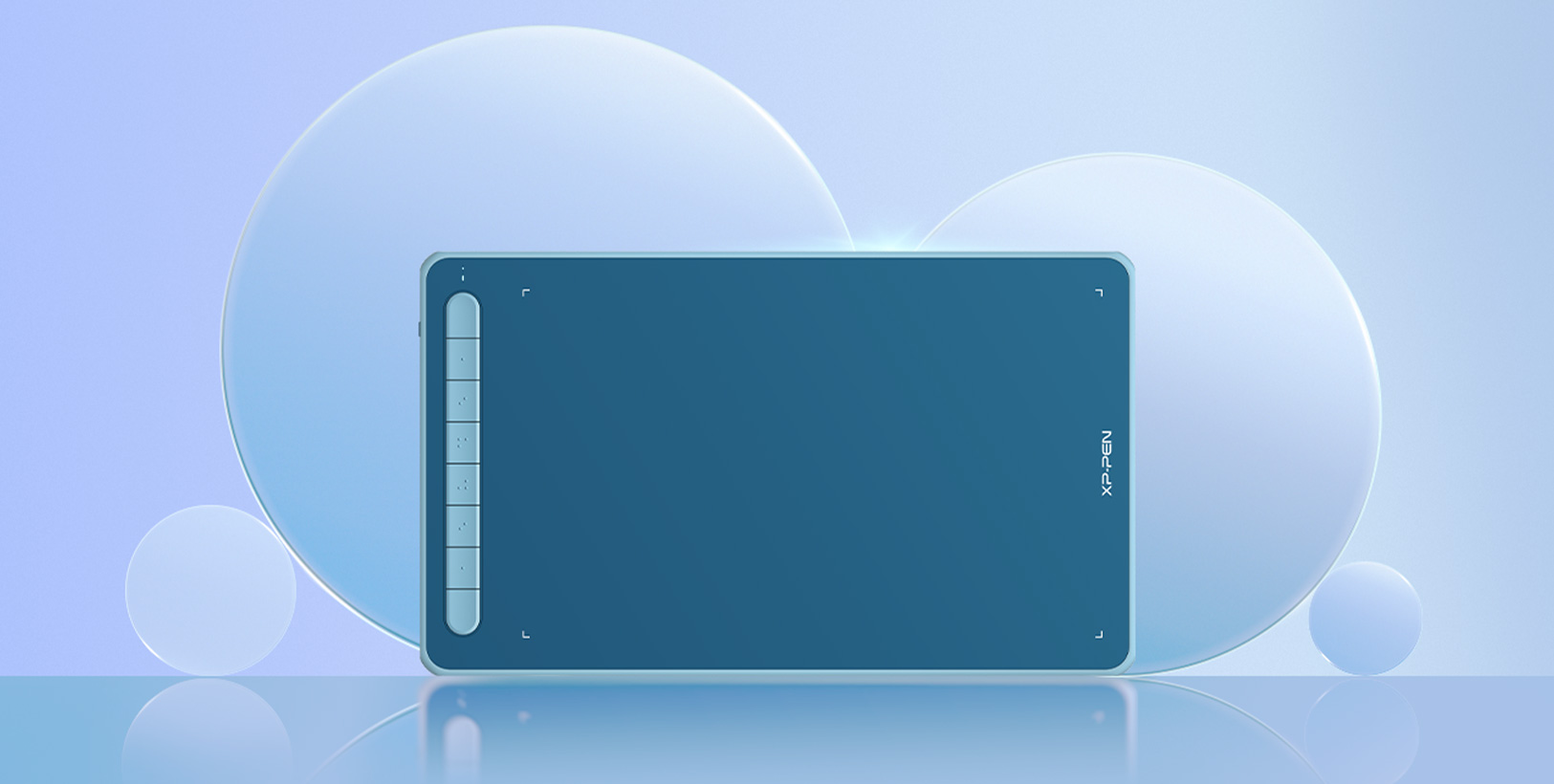
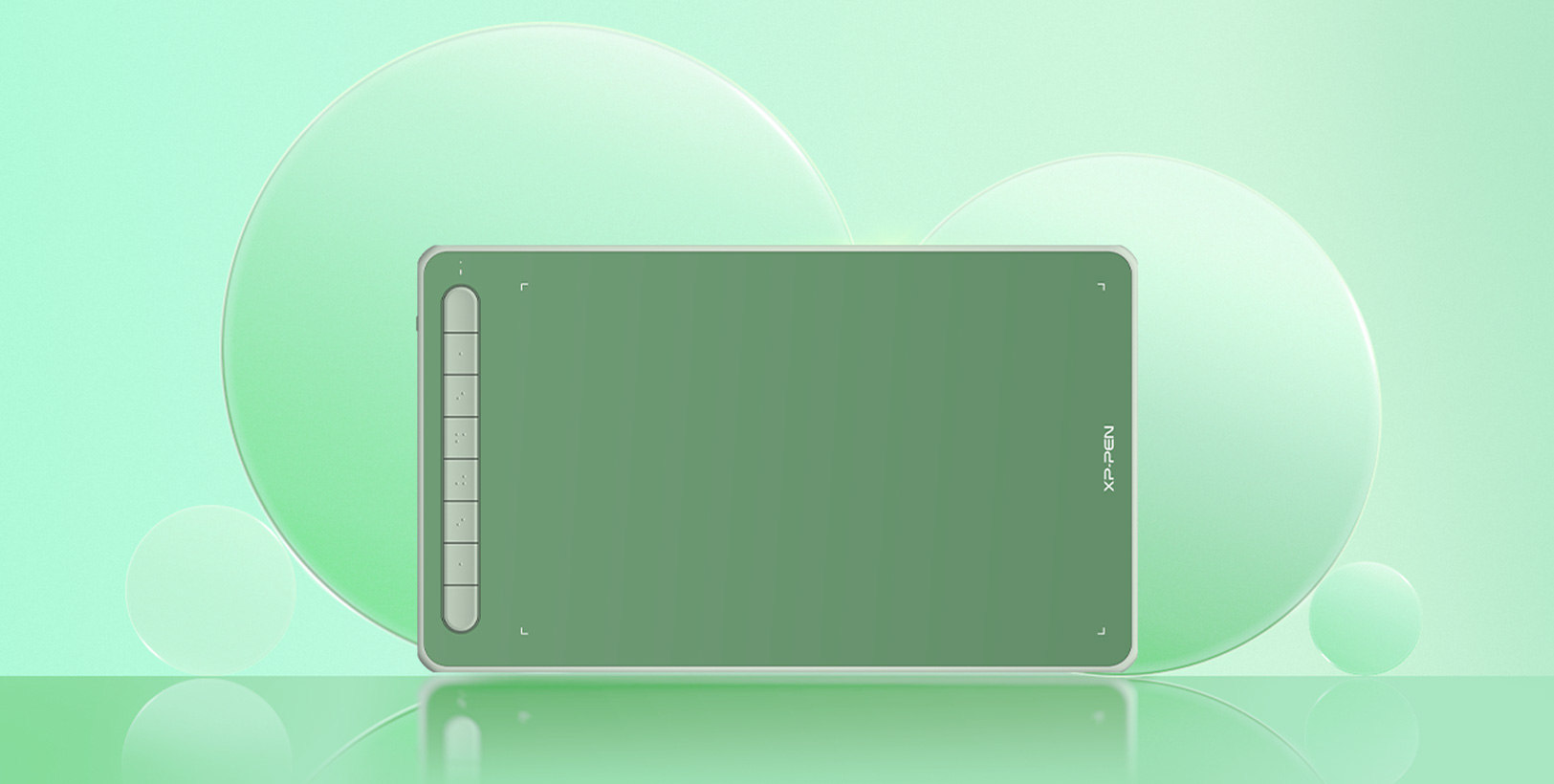
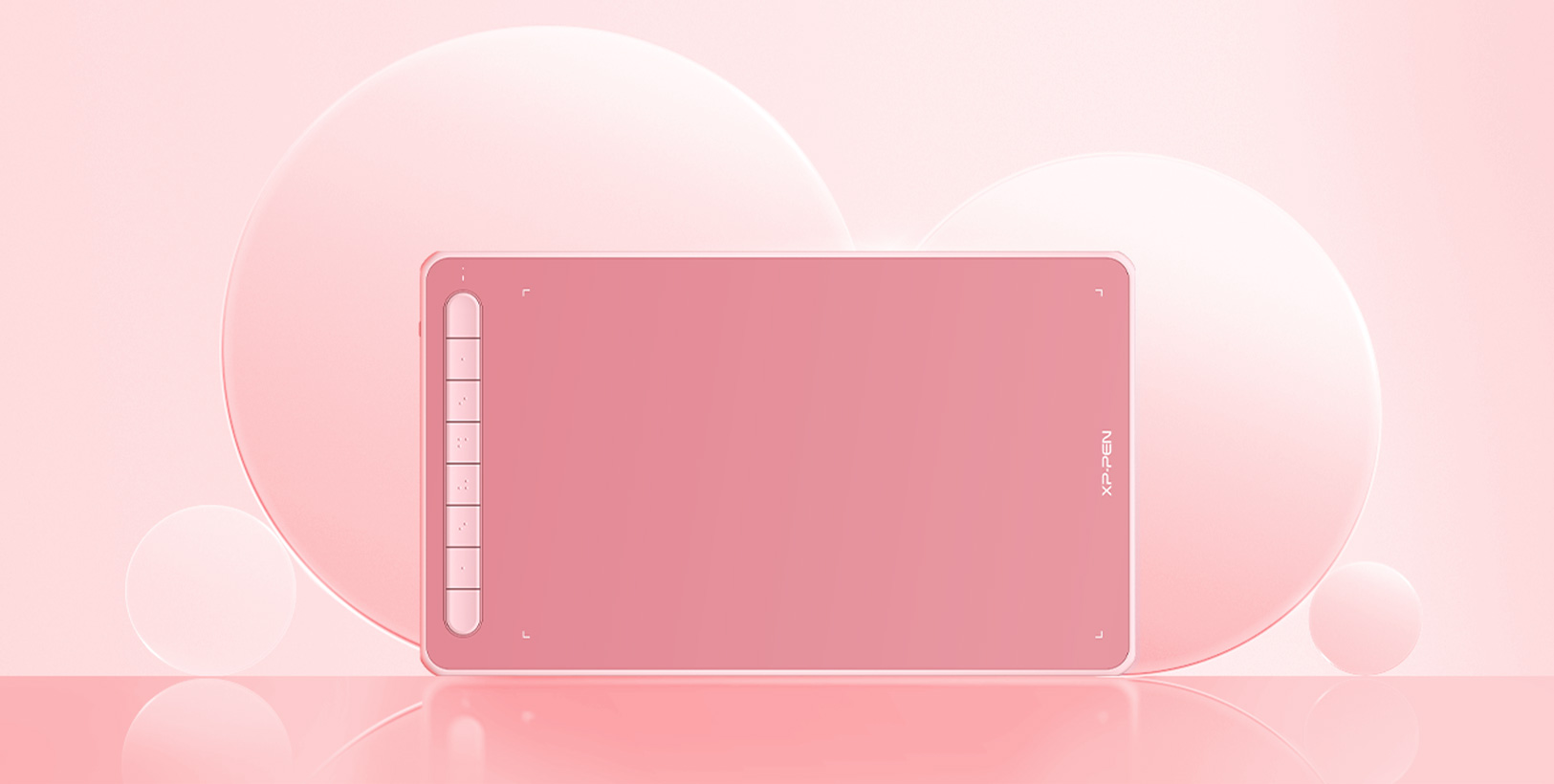
Black
Blue
Green
Pink
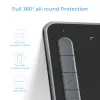
Full 360°,
all-round protection.
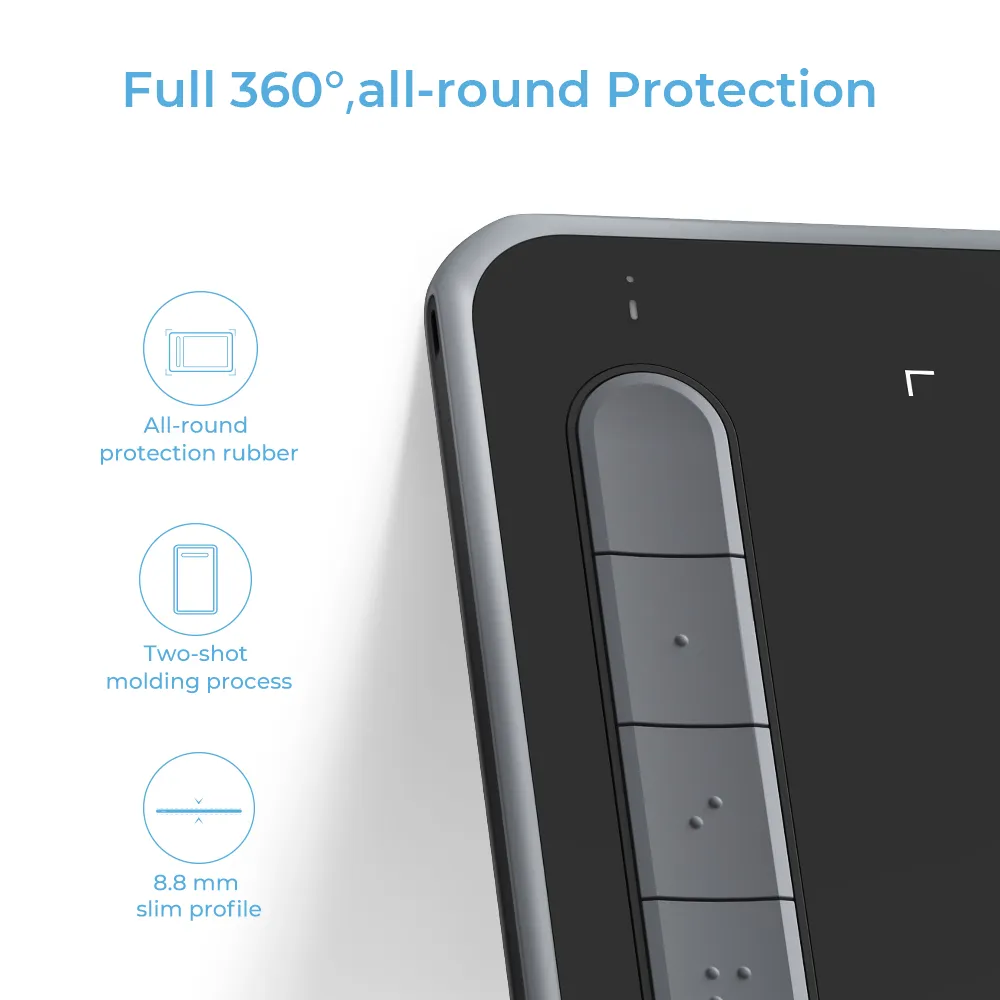
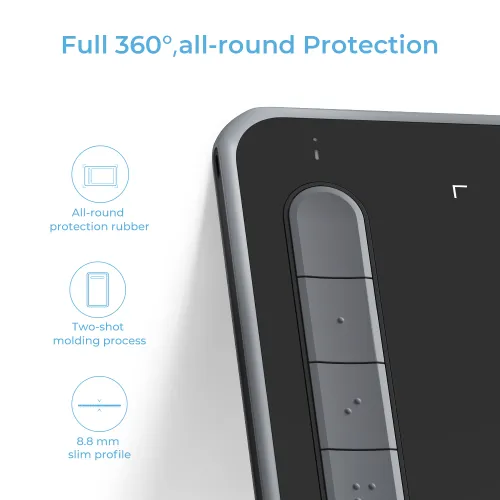
Two-shot molding, with a wear-resistant, shockproof design.
A two-shot molding process was adopted to construct the pen tablet. The two-shot molding creates a smooth and delicate-looking surface with an appealing form and naturally rounded edges. The rubber material around the edges, combined with a wear-resistant and shockproof design, provides all-around protection against accidental damage, leaving you to focus on your creativity instead of worrying about keeping your tablet protected.

All-round
protection rubber

Two-shot
molding process

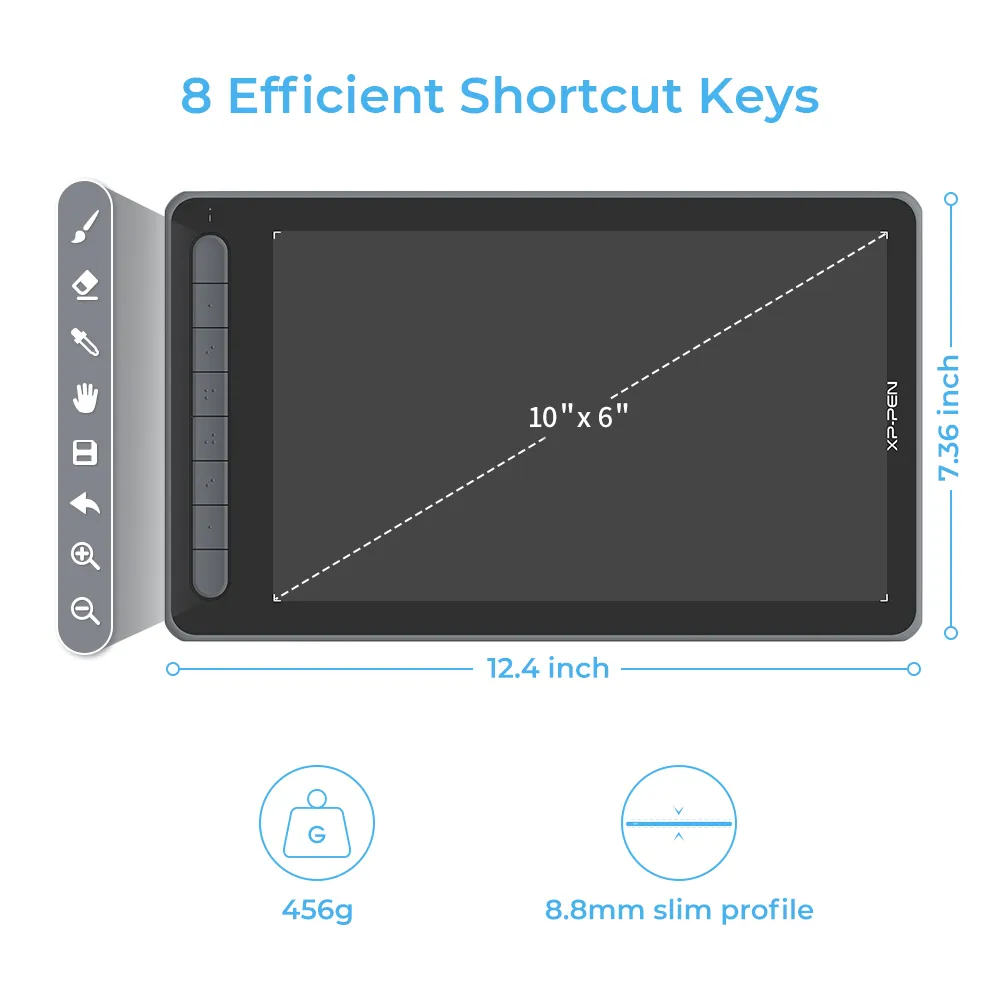
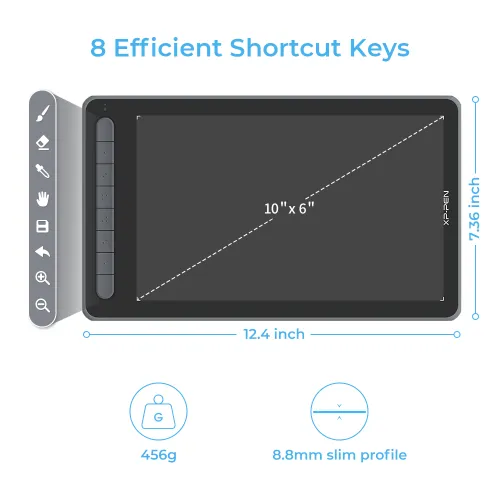
8.8 mm
slim profile
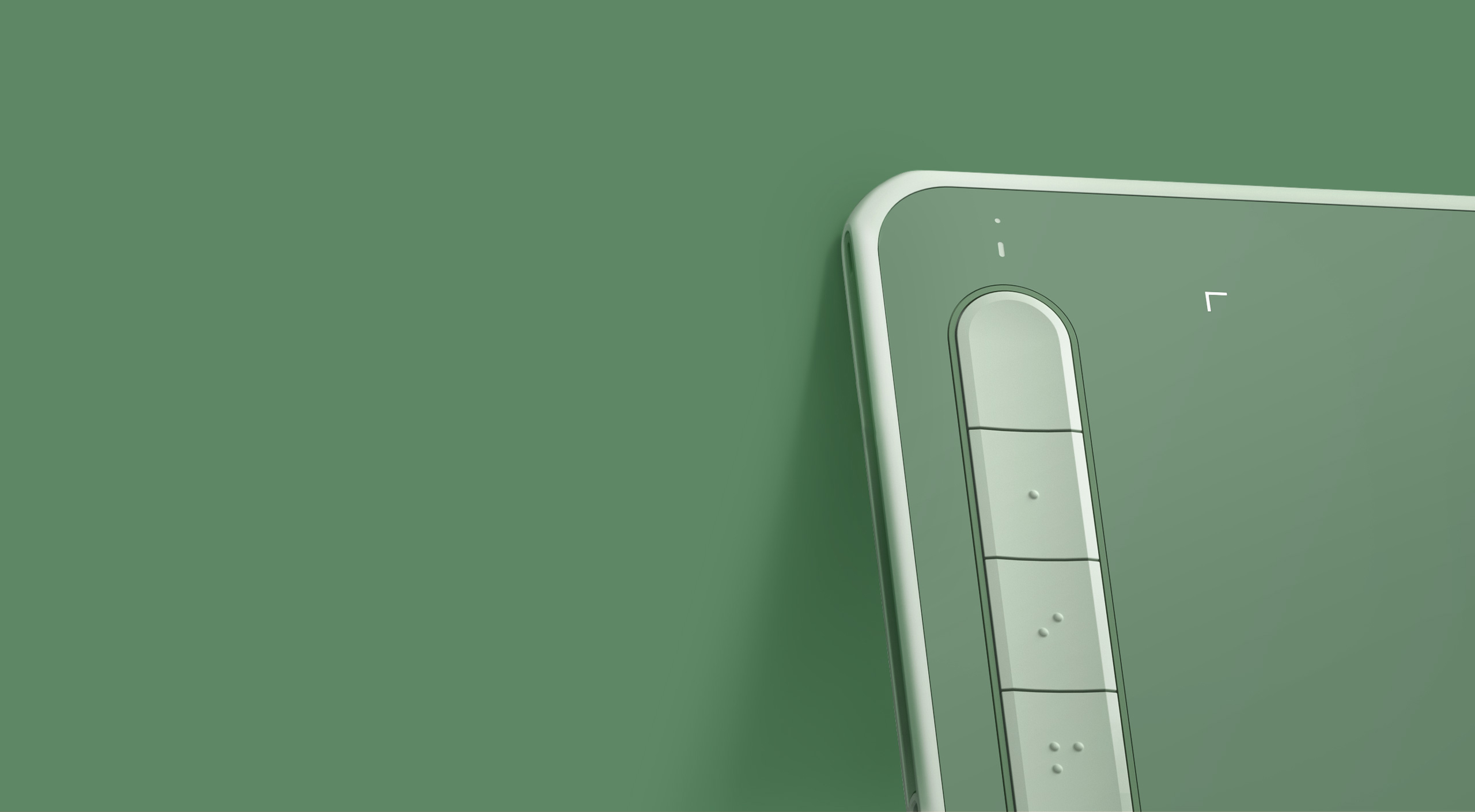
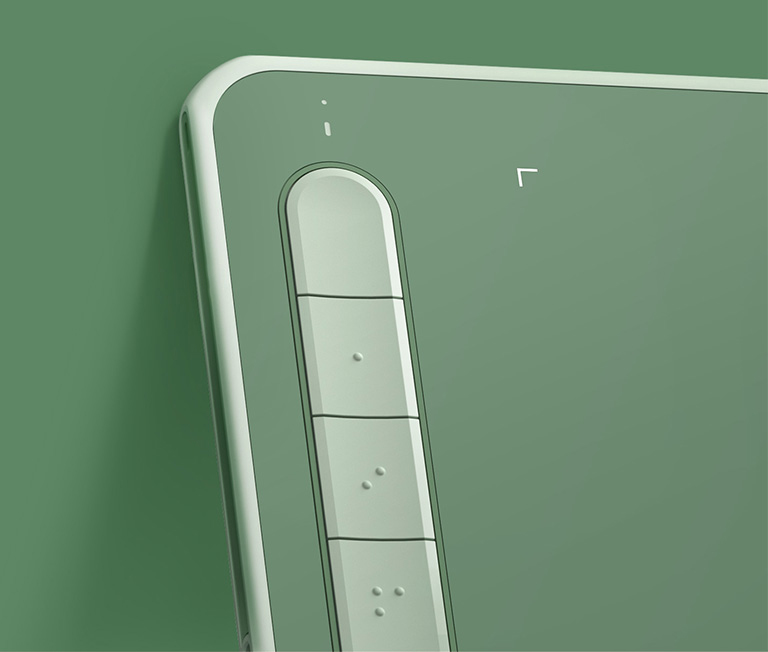
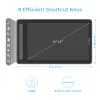
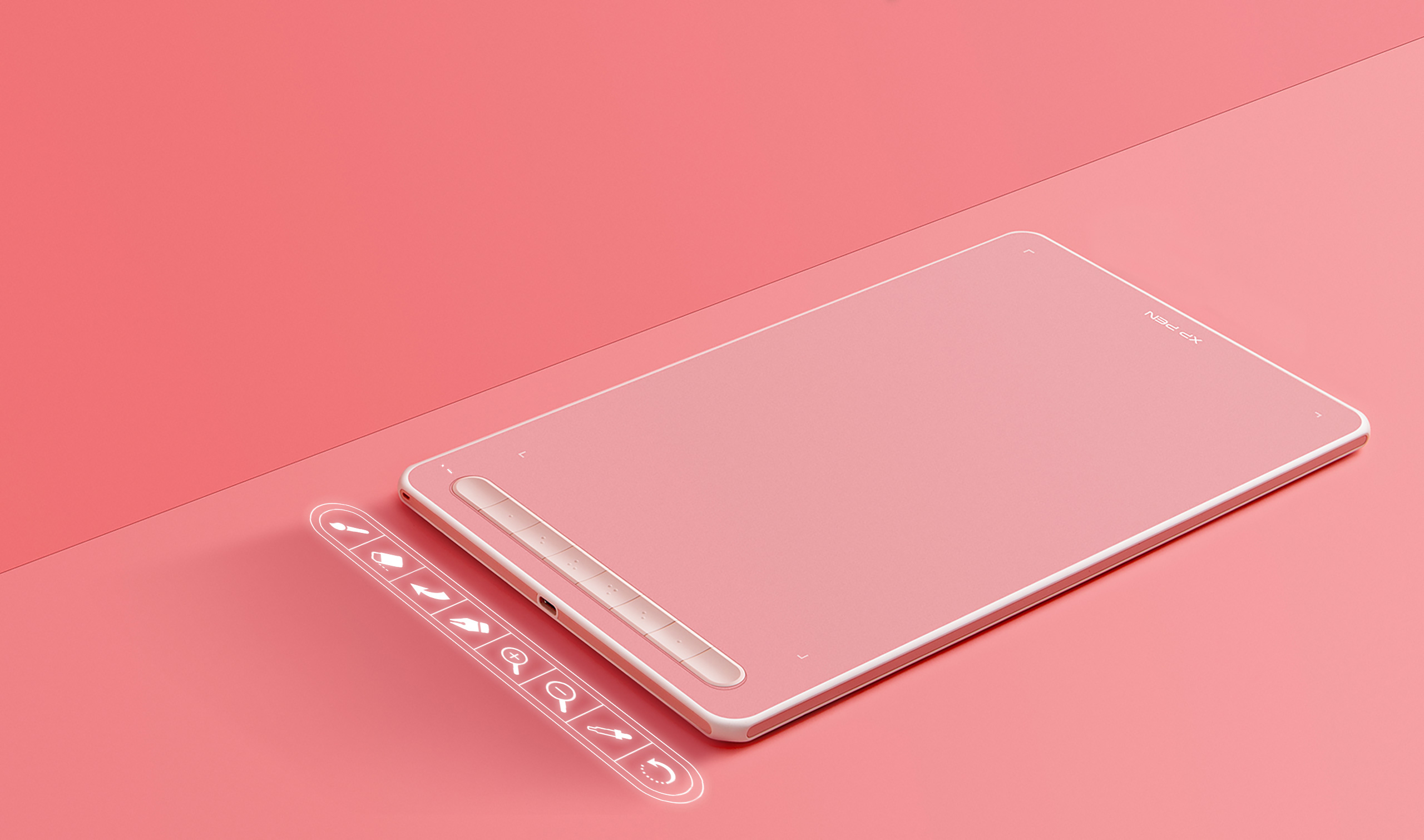
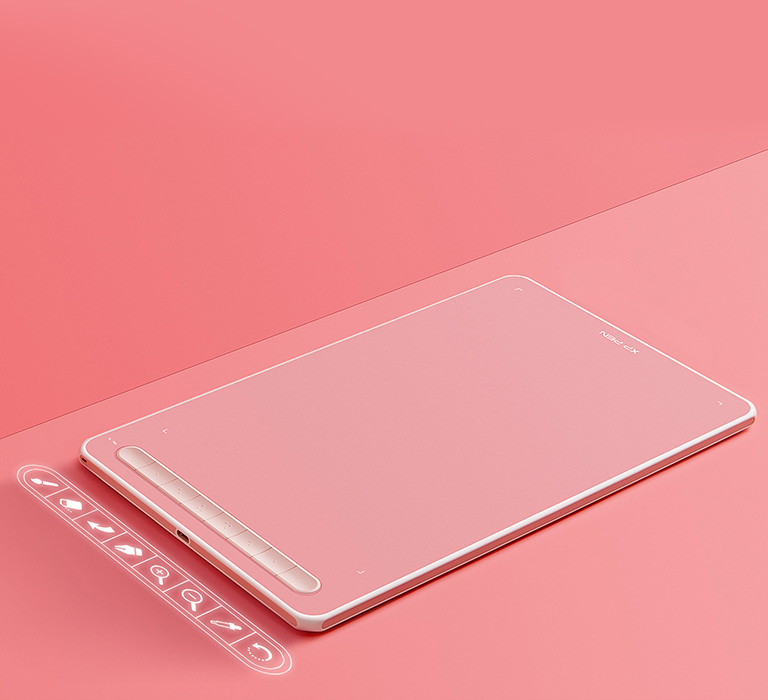
8 efficient shortcut keys.
The Deco L and Deco LW Pen Tablet feature eight shortcut keys that can be customized to suit the various shortcut combinations needed, thus replacing a computer keyboard. An assortment of tactile bumps on the keys lets you identify the correct shortcut quickly, even in a dim environment, helping you to speed up your workflow.
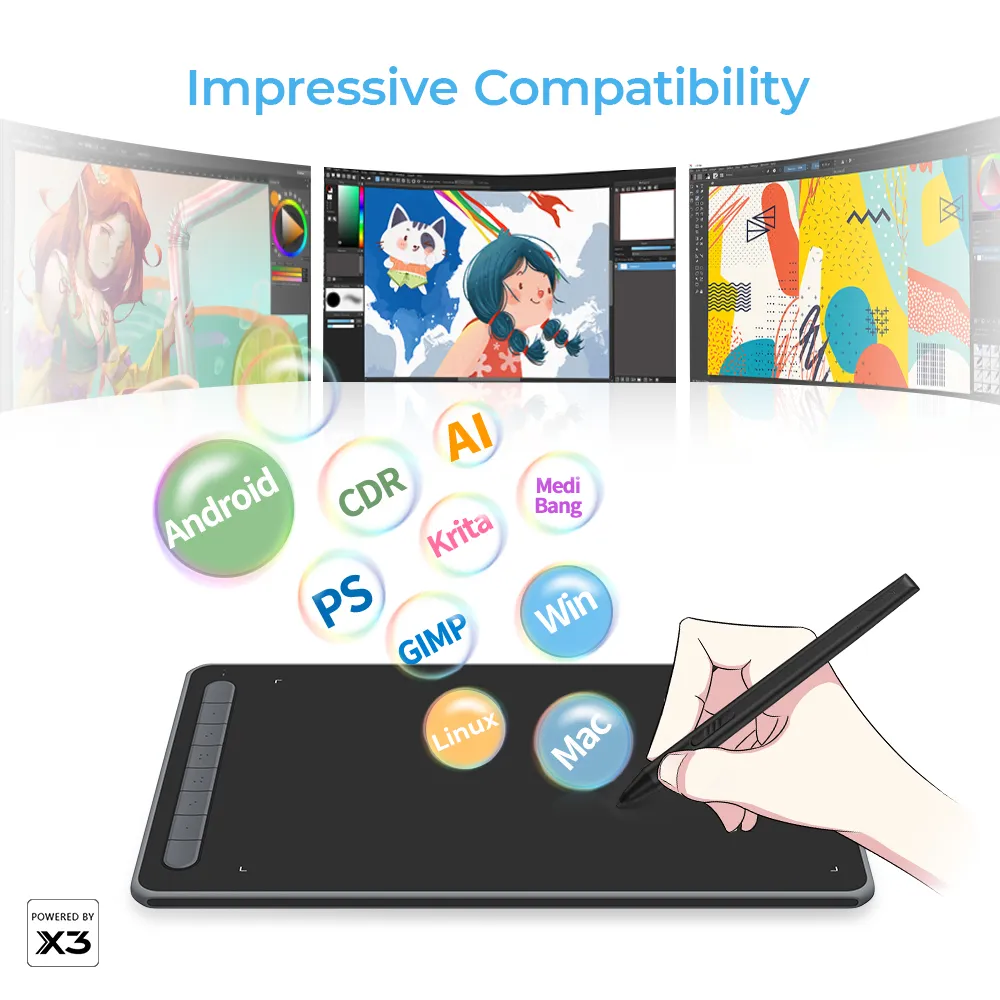
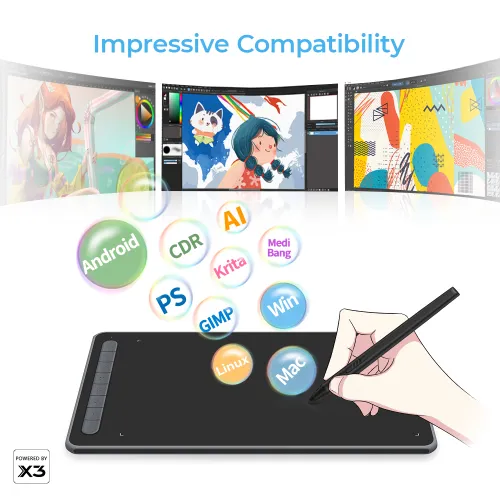
Impressive compatibility.
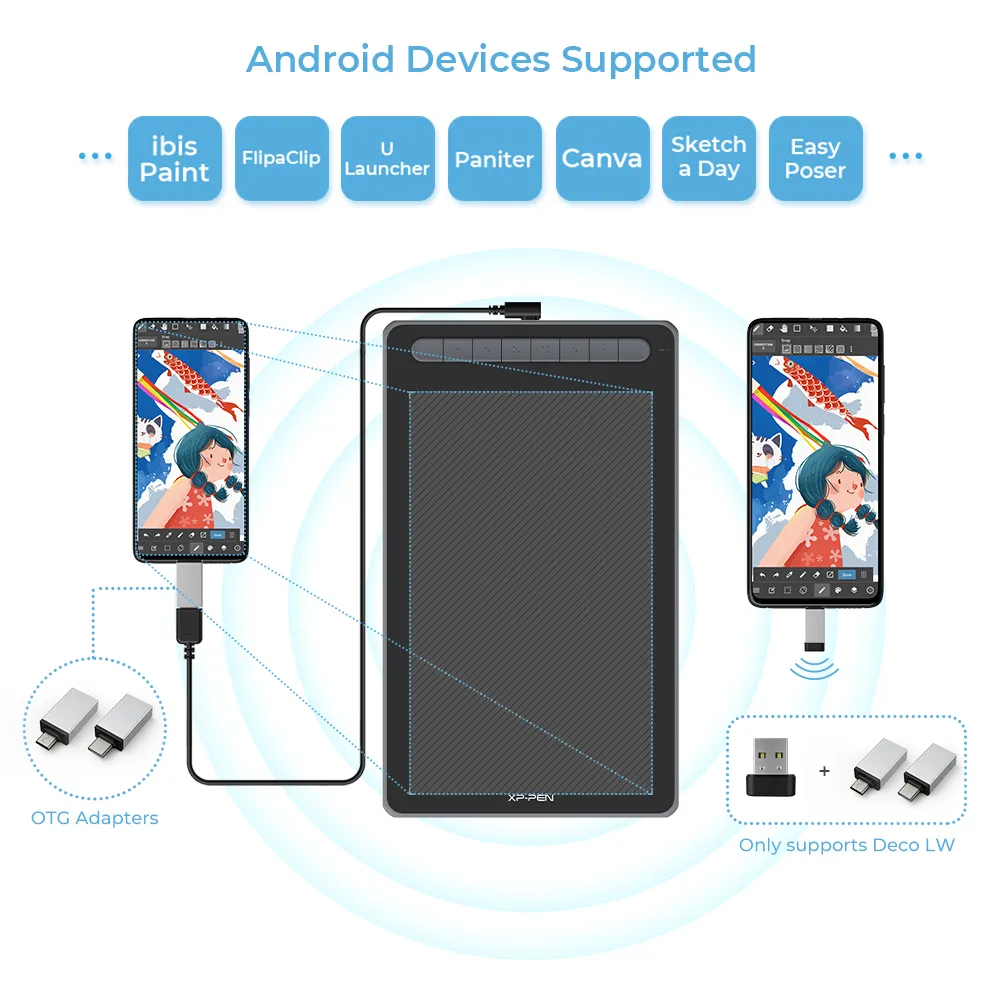
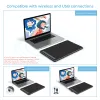
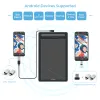
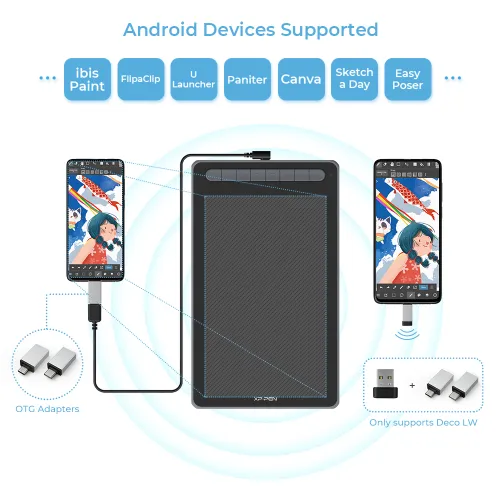
The Deco L and Deco LW Pen Tablet support Windows, Mac, Android, Chrome OS, and Linux systems.

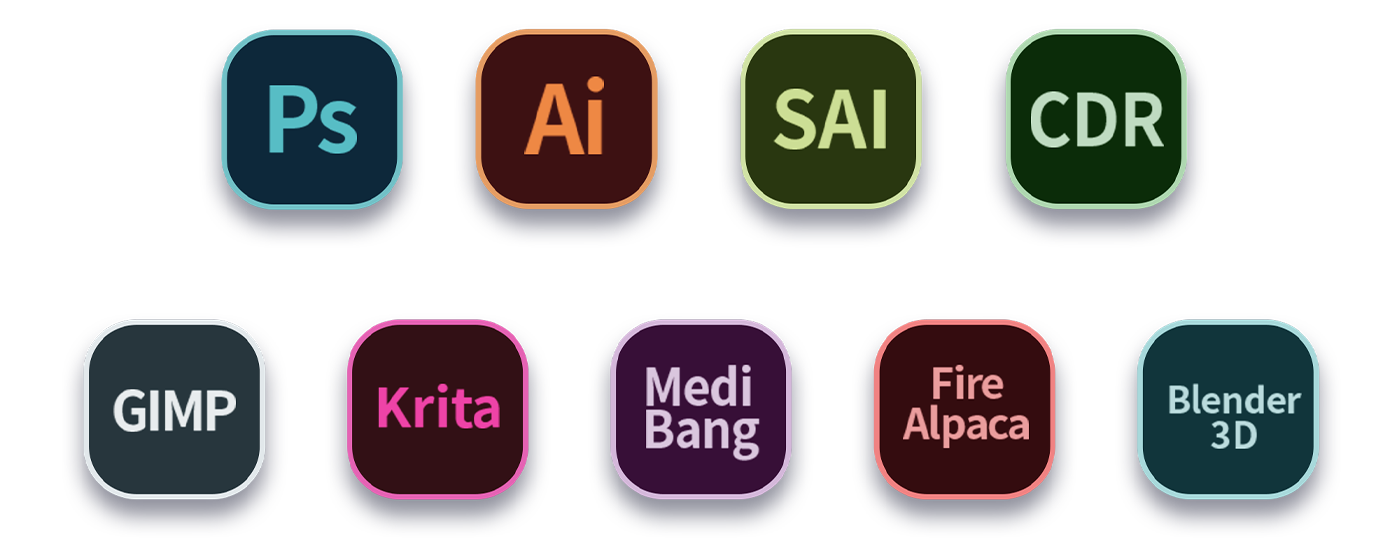
The pen tablets work with most major art software, including Photoshop, Illustrator, SAI, GIMP, Krita, MediBang Paint, FireAlpaca, Blender, and more. The extensive compatibility of these pen tablets expands your creative horizons.
* The Deco LW’s connections include: Direct Bluetooth connection: Windows 10 (or later), Mac OS X 10.10 (or later).
Bluetooth receiver or wired connections: Windows 7 (or later), Mac OS X 10.10 (or later), Android 6.0 (or later), Chrome OS 88 (or later), Linux.
Product Gallery
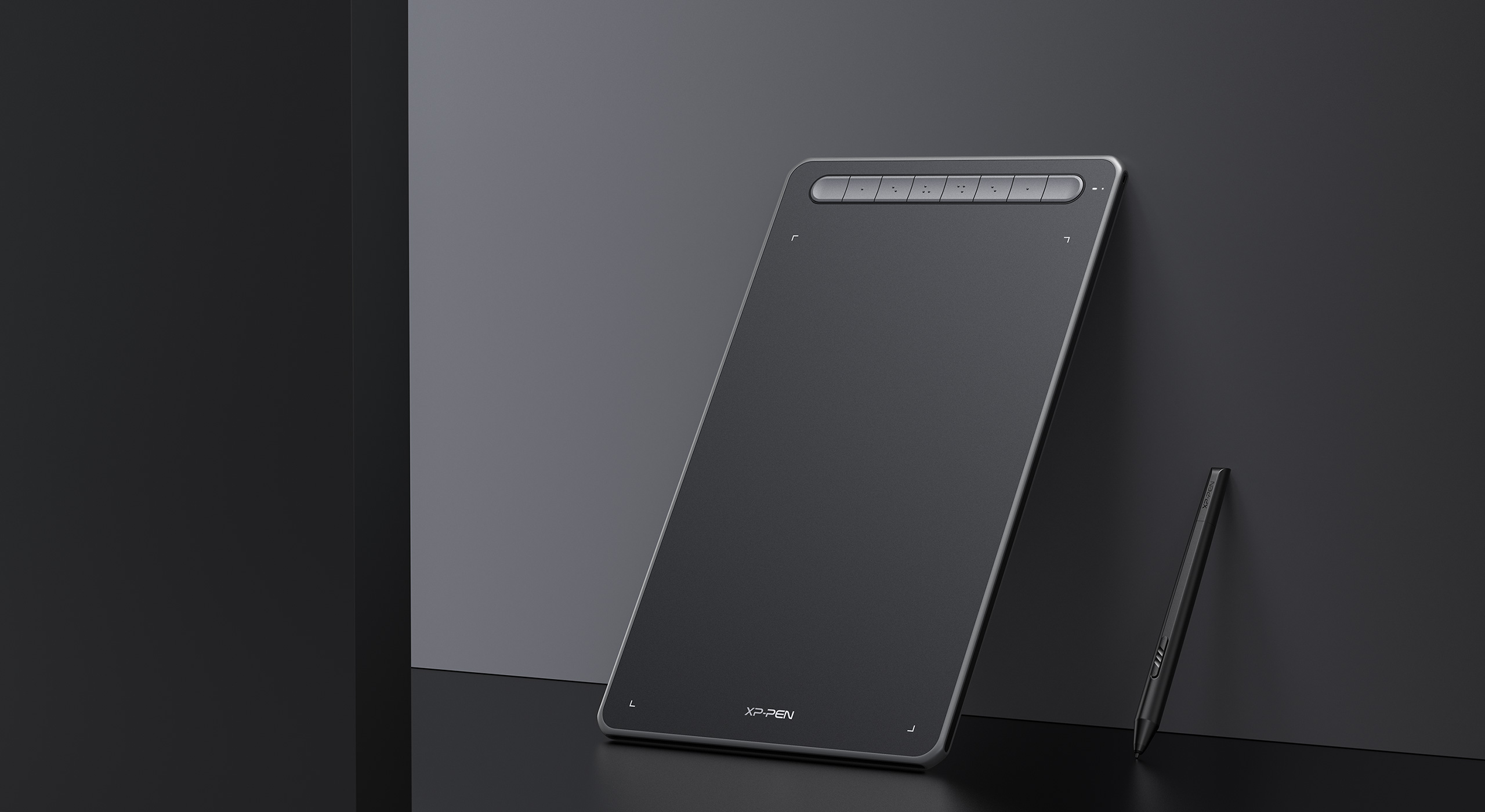
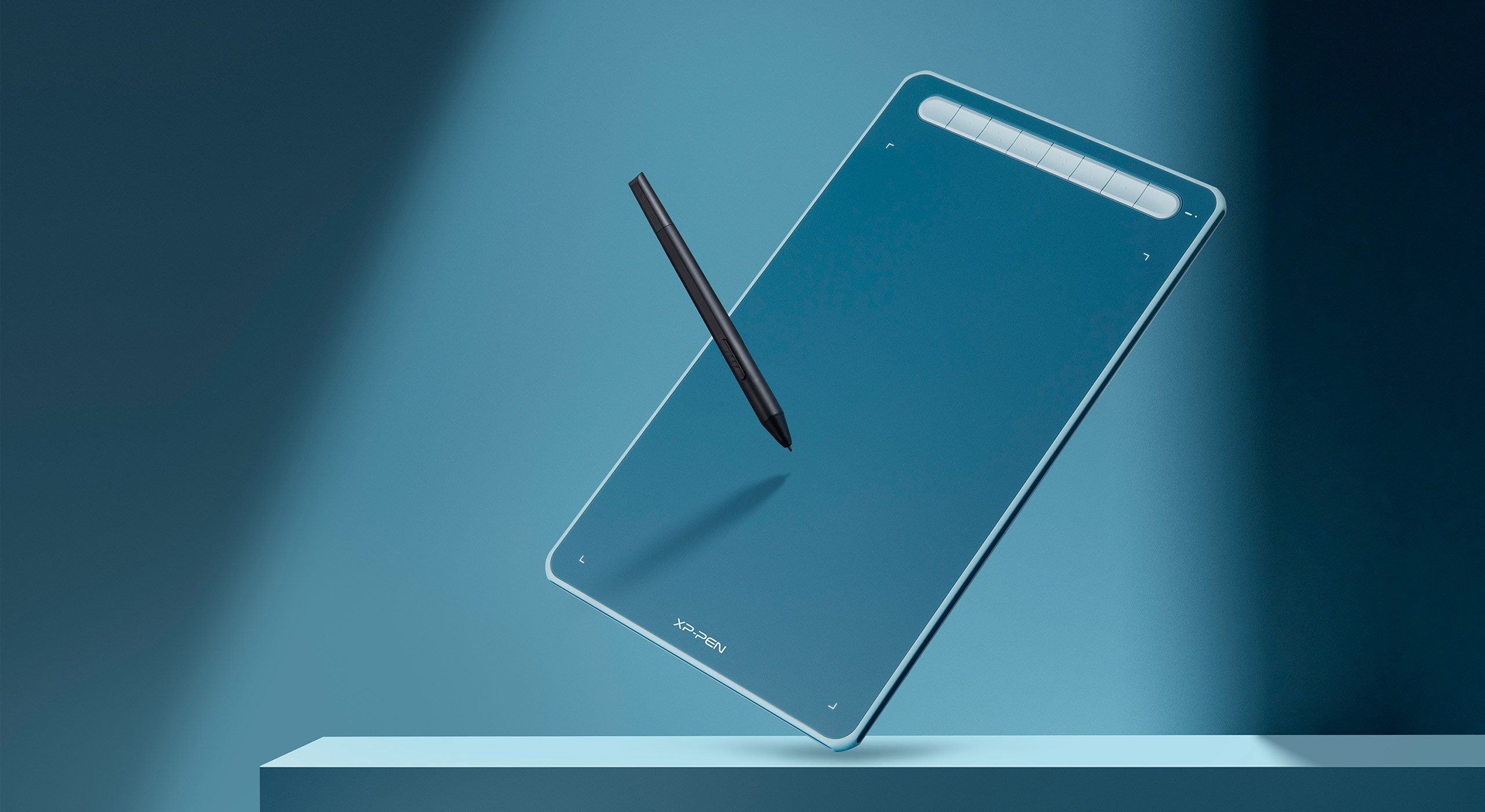
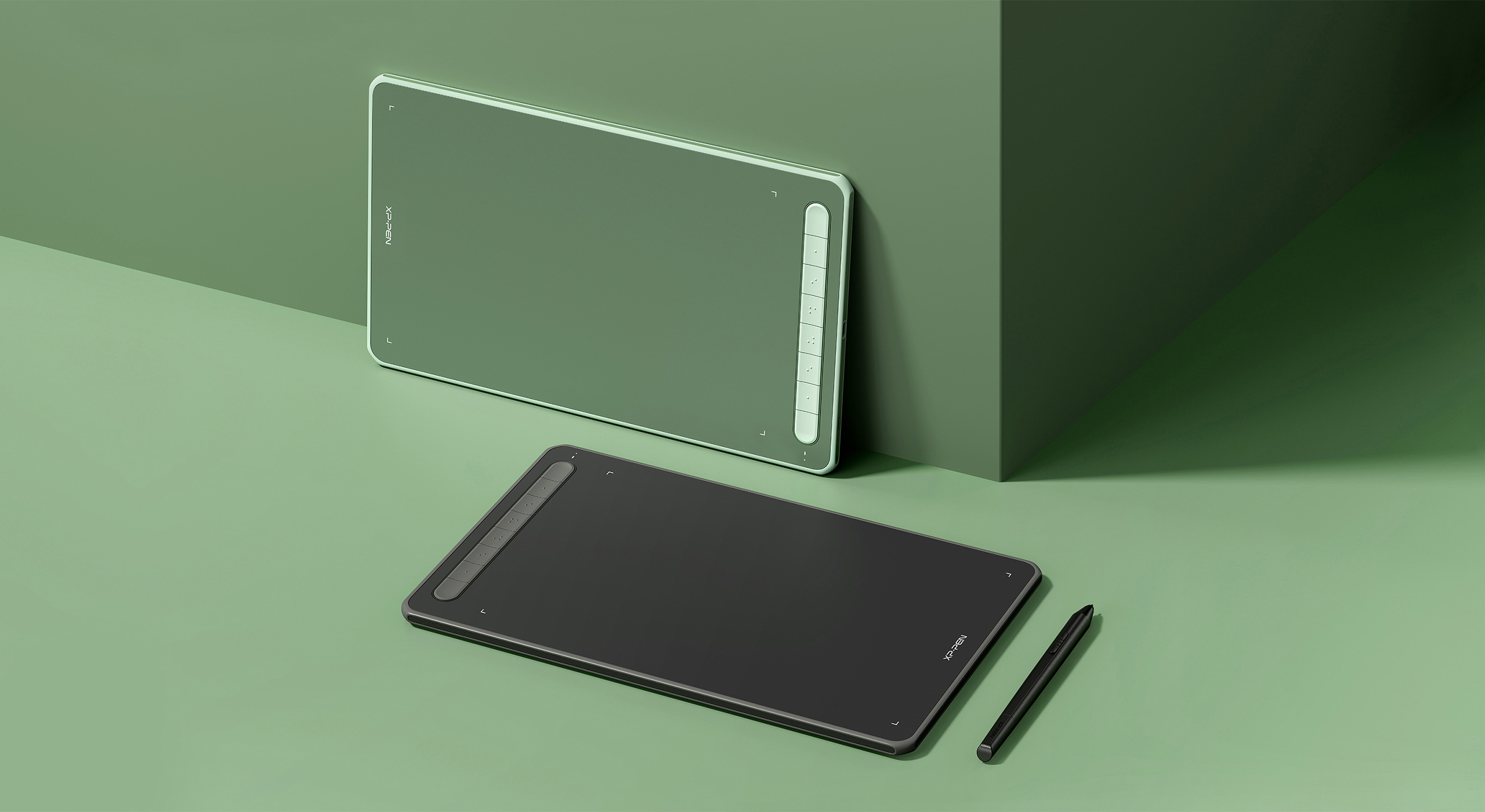
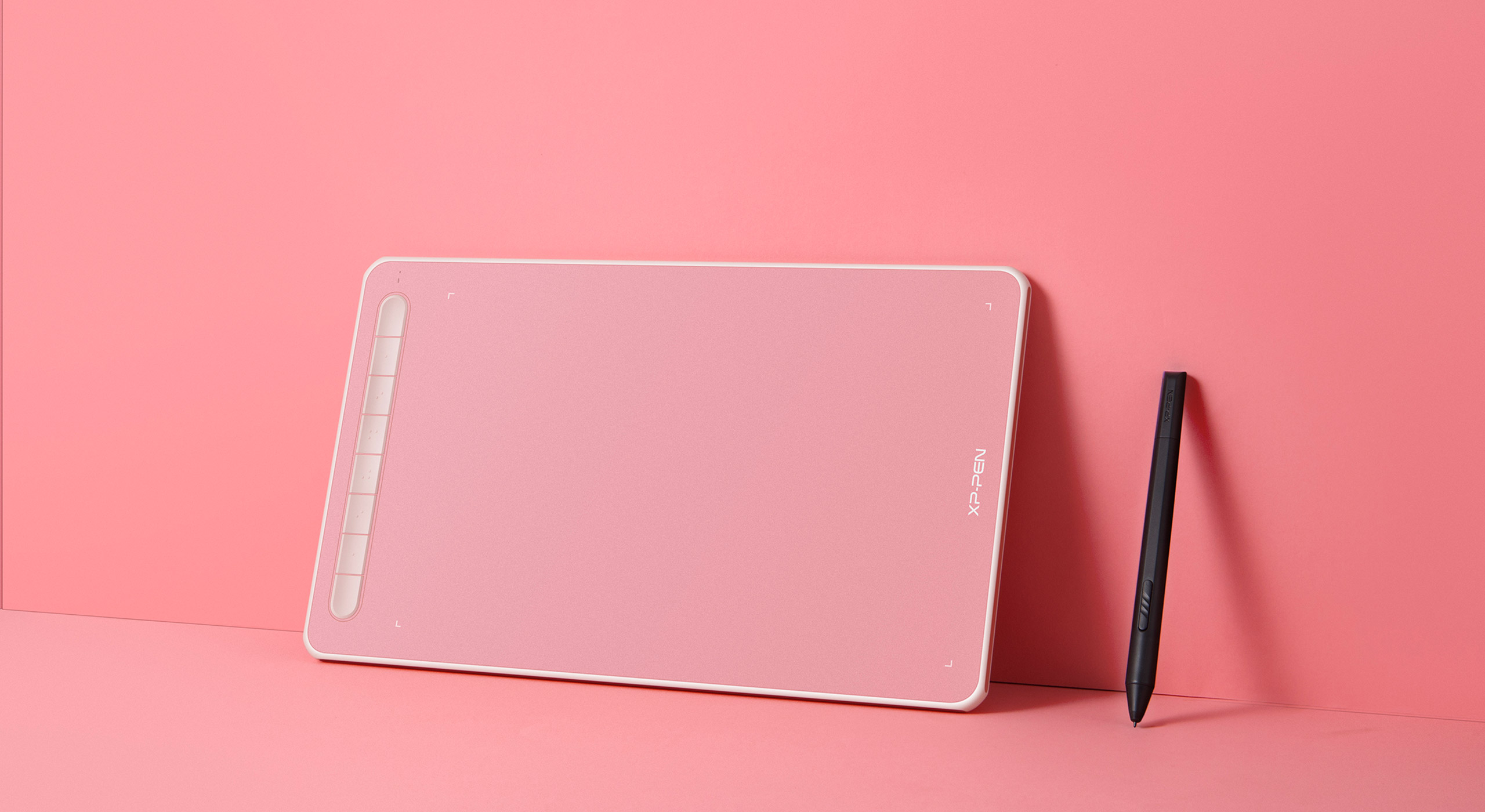


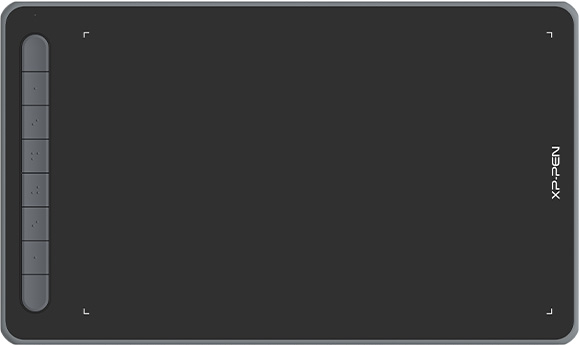
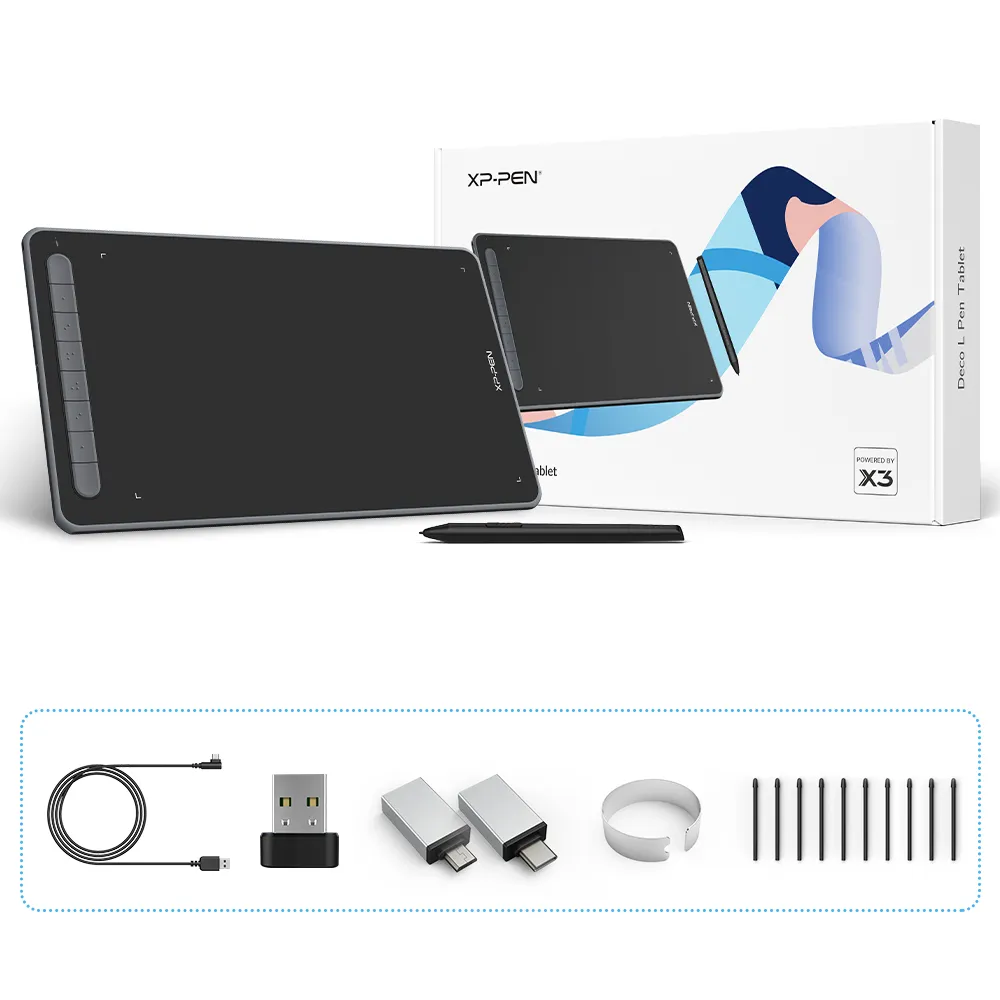
Deco L Pen Tablet
Black
Blue
Green
Pink
Dimensions: 315 x 187 x 8.8 mm
Work Area: 10"x 6"
Bluetooth: Not supported
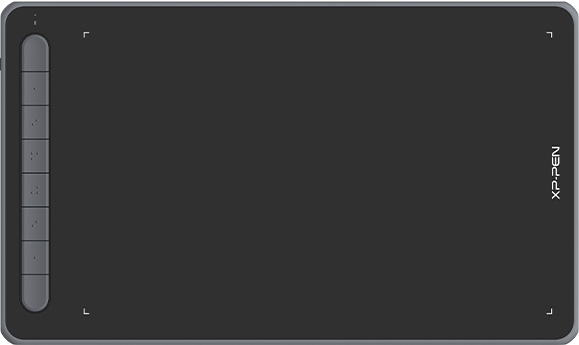
Deco LW Pen Tablet
Black
Blue
Green
Pink
Dimensions: 315 x 187 x 8.8 mm
Work Area: 10"x 6"
Bluetooth: support
Specifications

DIM. 315 x 187 x 8.8 mm

X3 Elite

8192 levels

0.6 mm
Retraction distance

60° tilt

Battery-free

Bluetooth v5.0

Customizable shortcut keys

Rubber protection

Windows / Mac / Android / Chrome OS / Linux
Show more

| Linux OS | Version | Package Format | Supported Software |
| Arch | Arch Linux2019.12.01(64-bit) | .deb, .sh | GIMP, Krita |
| Centos | Centos7.0(64-bit) | .rpm, .sh | GIMP |
| Centos8(64-bit) | .rpm, .sh | GIMP, Krita | |
| Debian | debian-9.5.0-amd64-netinst(64-bit) | .deb, .sh | GIMP, Krita |
| elementary OS | elementary OS 5.0(64-bit) | .deb, .sh | GIMP, Krita |
| ezgo Linux | ezgo14(64-bit) | .deb, .sh | GIMP, Krita |
| Fedora | Fedora32(64-bit) | .rpm, .sh | GIMP, Krita |
| Mageia | Mageia-7.1(64-bit) | .rpm, .sh | GIMP, Krita |
| Manjaro | manjaro-xfce-20.1.2-201019(64-bit) | .deb, .sh | GIMP |
| Mint | linuxmint-18.2-cinnamon-64bit | .deb, .sh | GIMP, Krita |
| OpenSUSE | openSUSE-Tumbleweed(64-bit) | .rpm, .sh | GIMP, Krita |
| Pop!_OS | pop-os_19.10(64-bit) | .deb, .sh | GIMP, Krita |
| Red Hat | Red Hat7(64-bit) | .rpm, .sh | GIMP |
| Ubuntu | Ubuntu14.04(64-bit) | .deb, .sh | GIMP, Krita |
| Ubuntu16.04(64-bit) | .deb, .sh | GIMP, Krita | |
| Ubuntu17.04(64-bit) | .deb, .sh | GIMP, Krita | |
| Ubuntu18.04(64-bit) | .deb, .sh | GIMP, Krita | |
| Ubuntu19.04(64-bit) | .deb, .sh | GIMP, Krita | |
| Ubuntu20.04(64-bit) | .deb, .sh | GIMP, Krita |
| Function | Krita 4.3.0 | Gimp 2.10.20 | Inkscape 0.92 |
| Pen Pressure Sensitivity | |||
| Tilt | |||
| Mouse Function | |||
| Eraser Button (Stylus:PH01, P06) | |||
| Switch between Pen and Eraser Modes | |||
| *If you have any further queries, please do not hesitate to contact us at service@xp-pen.com. | |||
Linux OS
Arch
Version
Arch Linux2019.12.01(64-bit)
Package Format
.deb, .sh
Supported Software
GIMP, Krita
Centos
Version
Centos7.0(64-bit)
Centos8(64-bit)
Centos8(64-bit)
Package Format
.rpm, .sh
.rpm, .sh
.rpm, .sh
Supported Software
GIMP
GIMP, Krita
GIMP, Krita
Debian
Version
debian-9.5.0-amd64-netinst(64-bit)
Package Format
.deb, .sh
Supported Software
GIMP, Krita
elementary OS
Version
elementary OS 5.0(64-bit)
Package Format
.deb, .sh
Supported Software
GIMP, Krita
ezgo Linux
Version
ezgo14(64-bit)
Package Format
.deb, .sh
Supported Software
GIMP, Krita
Fedora
Version
Fedora32(64-bit)
Package Format
.rpm, .sh
Supported Software
GIMP, Krita
Mageia
Version
Mageia-7.1(64-bit)
Package Format
.rpm, .sh
Supported Software
GIMP, Krita
Manjaro
Version
manjaro-xfce-20.1.2-201019(64-bit)
Package Format
.deb, .sh
Supported Software
GIMP
Mint
Version
linuxmint-18.2-cinnamon-64bit
Package Format
.deb, .sh
Supported Software
GIMP, Krita
OpenSUSE
Version
openSUSE-Tumbleweed(64-bit)
Package Format
.rpm, .sh
Supported Software
GIMP, Krita
Pop!_OS
Version
pop-os_19.10(64-bit)
Package Format
.deb, .sh
Supported Software
GIMP, Krita
Red Hat
Version
Red Hat7(64-bit)
Package Format
.rpm, .sh
Supported Software
GIMP
Ubuntu
Version
Ubuntu14.04(64-bit)
Ubuntu16.04(64-bit)
Ubuntu17.04(64-bit)
Ubuntu18.04(64-bit)
Ubuntu19.04(64-bit)
Ubuntu20.04(64-bit)
Ubuntu16.04(64-bit)
Ubuntu17.04(64-bit)
Ubuntu18.04(64-bit)
Ubuntu19.04(64-bit)
Ubuntu20.04(64-bit)
Package Format
.deb, .sh
.deb, .sh
.deb, .sh
.deb, .sh
.deb, .sh
.deb, .sh
.deb, .sh
.deb, .sh
.deb, .sh
.deb, .sh
.deb, .sh
Supported Software
GIMP, Krita
GIMP, Krita
GIMP, Krita
GIMP, Krita
GIMP, Krita
GIMP, Krita
GIMP, Krita
GIMP, Krita
GIMP, Krita
GIMP, Krita
GIMP, Krita
Function
Pen Pressure Sensitivity
Krita 4.3.0
Gimp 2.10.20
Inkscape 0.92
Tilt
Krita 4.3.0
Gimp 2.10.20
Inkscape 0.92
Mouse Function
Krita 4.3.0
Gimp 2.10.20
Inkscape 0.92
Eraser Button(Stylus:PH01, P06)
Krita 4.3.0
Gimp 2.10.20
Inkscape 0.92
Switch between Penand Eraser Modes
Krita 4.3.0
Gimp 2.10.20
Inkscape 0.92
*If you have any further queries, please do not hesitate to contact us at service@xp-pen.com.
5.0

Based on 2
100%(2)

0(0)
0(0)
0(0)
0(0)
XFANS65e86025
May 18 ,2022 PM 13:22 Deco LW Bluetooth Drawing Tablet
Awesome tablet!
Now I'm no artist, I use the tablet mostly for academic work where I'm doing a lot of writing in digital note books, along with a lot of bad drawings and sketches of ideas and product concepts. I've upgraded from the One by Wacom, I was looking at the Medium Intuos with Bluetooth but damn... it's ridiculously expensive. The Deco LW has been my saviour, the drivers with windows, and paring through the Bluetooth is so seamless. The button customisations are great, I'm making them do things I never thought I'd have a button for!
My only recommendation for future releases would be the little fabric tab to slip the pen into for when I'm on the go. I'm so likely to loose it or leave it behind somewhere. Else this tablet is absolutely perfect!
Useful(1)+1
XFANSurtno5t4
Jun 24 ,2022 AM 07:09 Deco LW Bluetooth Drawing Tablet
Deco LW BlueTooth Wireless Pen Tablet
I must say that XP-Pen has again delivered another outstanding product to me. The drawing experience with clip studio was like drawing on paper, the line detail that I good get with the stylus pen was fine and sharp. The price and size mean another bonus. When using the blue tooth, there is no delay with the stylus. I can't wait to try painter 2022.
Useful(1)+1
XFANS4tiild2p
May 29 ,2026 PM 20:09 Deco LW Bluetooth Drawing Tablet
Does it work with Office one Note for taking digital notes?
Reply0
XFANSmo4o8b1i
May 10 ,2025 PM 14:00 Deco LW Bluetooth Drawing Tablet
Do all the X3 pens work or Which of the X3 pens work with the Deco LW - bluetooth?
Reply1
Official mall
Jul 18 ,2025 PM 18:12
Hello,
Compatible styluses for Deco LW: X3 Elite and X3 Elite Plus. X3 Pro is not supported.
https://www.xp-pen.com/au-store/buy/x3-elite-plus-stylus.html
Hope it is helpful to you.
Best regards
XPPen
Reply to this review
XFANSuhasrfk3
May 08 ,2024 PM 21:41 Deco LW Bluetooth Drawing Tablet
Does this or any other tablet work or operate in a mouse mode? I need to interact with a Windows laptop with a maths website and corresponding app that normally you would use a touchscreen to work with. User laptop does not have a touch screen. This means that the user has to use a mouse or touchpad for writing / drawing in these apps, eg doing working out of maths problems etc and finding the touchpad rather difficult to work with for this function. Hoping the Deco LW tablet would work as a mouse replacement. I hope that all makes sense.
Reply1
XFANSn92vmaxi
Apr 27 ,2025 AM 10:36
Should do! mine has been working fine as a cursor for normal pages, it has been a bit temperamental around pop up buttons though
Reply to this review
Beginner2003
Jun 20 ,2022 AM 07:48 Deco LW Bluetooth Drawing Tablet
Can this pair with mobile device without supplied Bluetooth Receiver ?
Reply1
XFANSn92vmaxi
Apr 27 ,2025 AM 10:37
No sadly :[
Reply to this review
TheTopMostDog
Feb 22 ,2022 PM 21:23 Deco LW Bluetooth Drawing Tablet
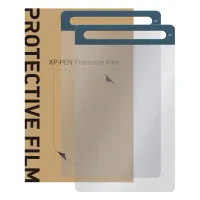
Will XP-Pen be releasing a surface protector for this device? Are there any recommended third party generic 12" protectors? Would tempered glass cause problems with stylus? I've already ordered one and would like to protect it from scratches before I use it. Thanks!!
Reply1
Official mall
Mar 28 ,2022 PM 18:22
Dear Customer,
There's the protective film for Deco L/ LW Tablet,you may view it on this link: https://www.xp-pen.com/au-store/buy/148.html
Best Regards,
XP-PEN
Reply to this review
XFANSwejexfzr
Feb 11 ,2022 PM 16:16 Deco LW Bluetooth Drawing Tablet
Can the Deco LW wireless be used while it is charging?
Reply1
Official mall
Feb 11 ,2022 PM 18:41
Hi,
Sure, It's charging when you connect the USB cable.
Hope it is helpful to you.
Best Regards
Zoe
Reply to this review