




Getting started with your
XP-Pen Deco Tablet
1/10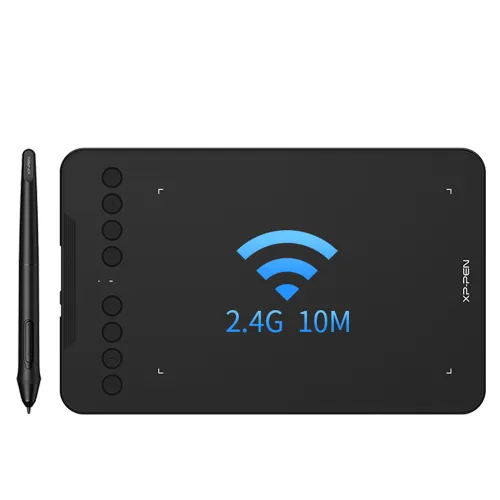
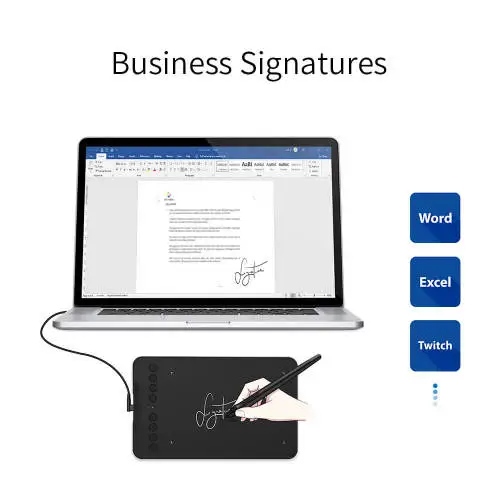
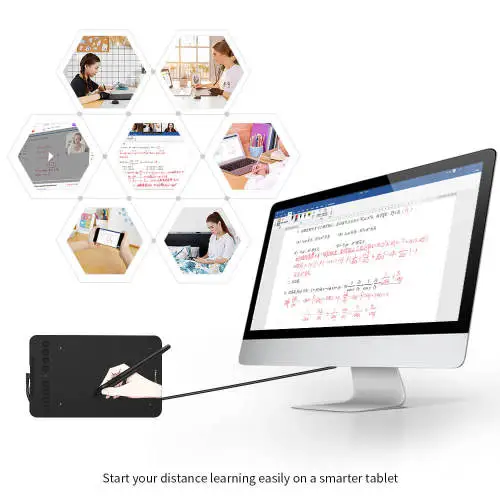
Deco Mini7 Wireless
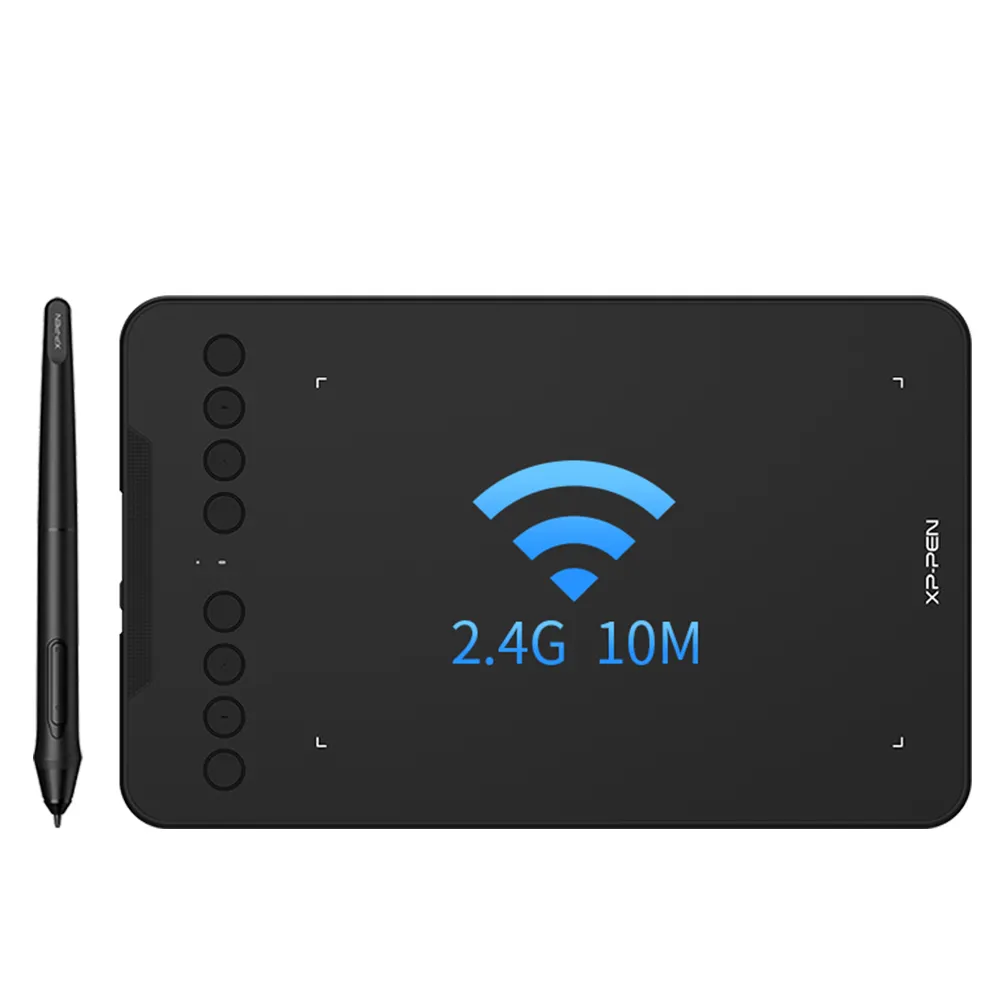
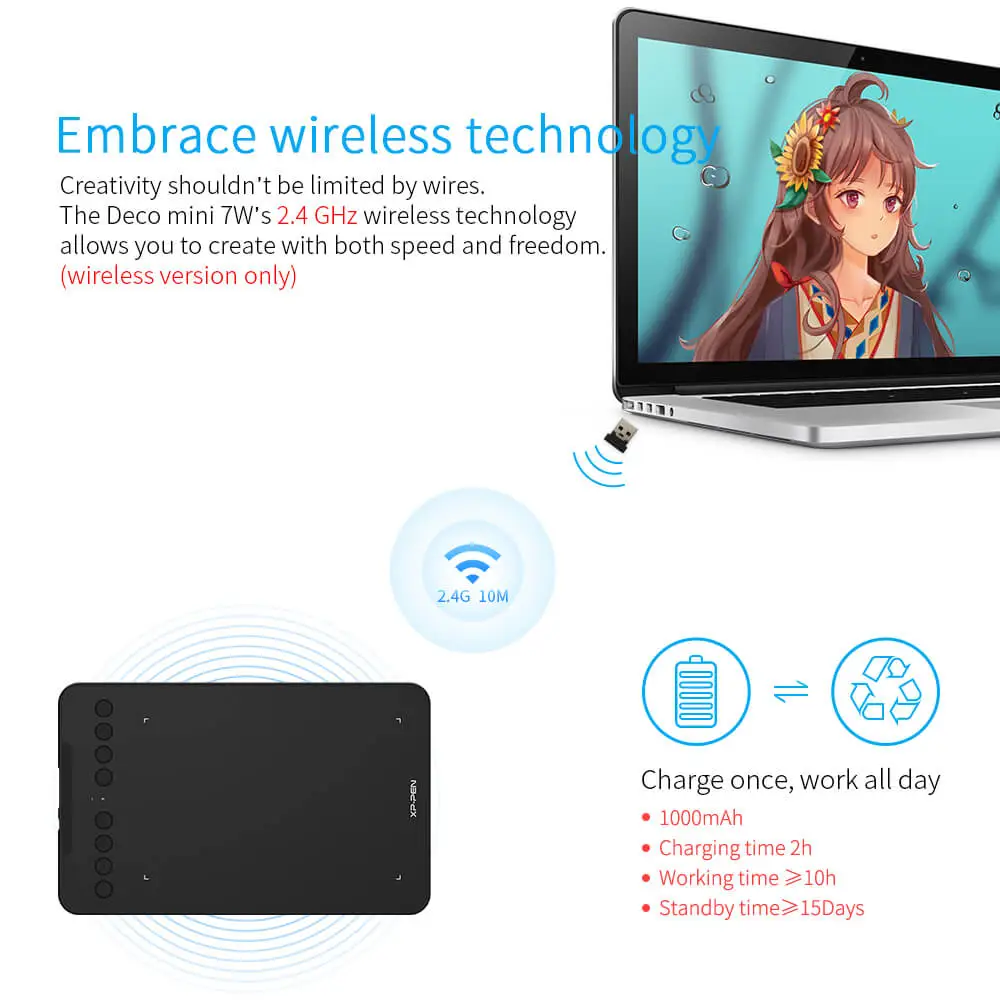
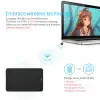
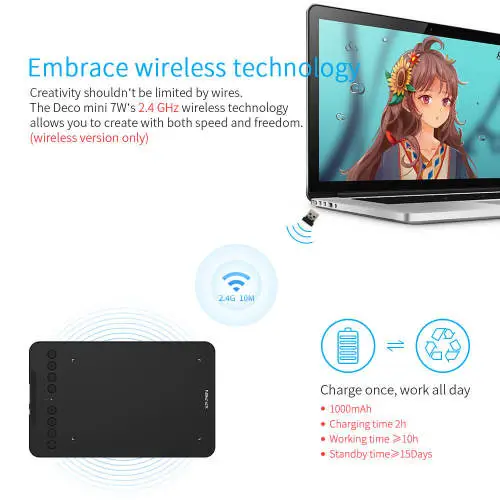
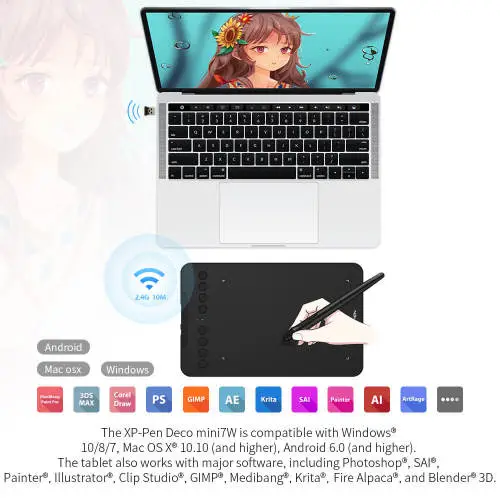
2.4 GHz wireless technology, supports a USB-C to USB-C connection Support Tilt Function, Compatible with Windows 7/8/10, MAC OS 10.10 (and higher), Android 6.0
AU$71.99AU$89.99
FREE DELIVERY
We offer free shipping
SECURE PAYMENT
Your payment information is processed securely
TECH SUPPORT
service@xp-pen.com
18-MONTH WARRANTY
18-month warranty only for official AU-store
Optional Accessories
Quantity:
Total
AU$71.99
 Log in and purchase to receive an estimated 50 X-Coins




Worry-Free Delivery® available with seel
Estimate:
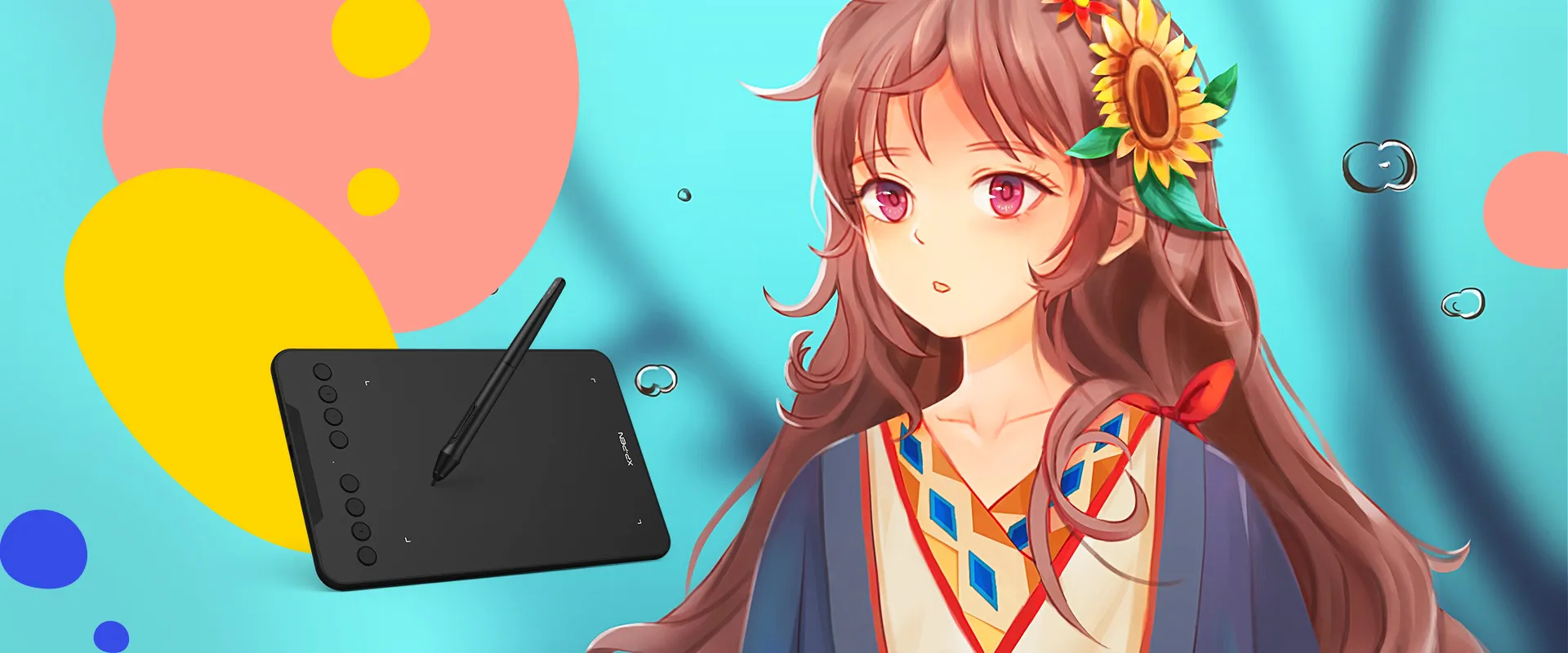
Deco mini7
Create anytime,
anywhere
Unbelievably portable and incredibly powerful
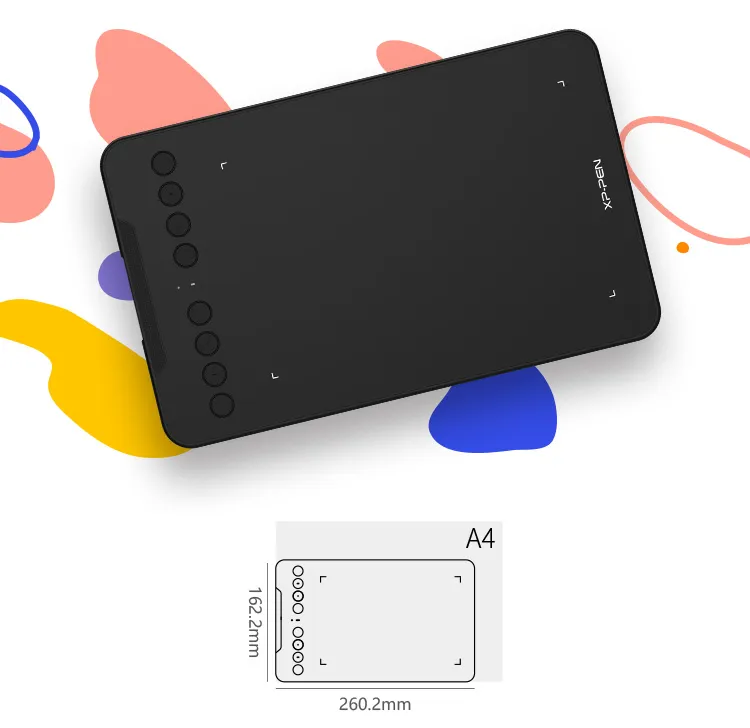
Enjoy powerful performance from a portable tablet. With the super affordable Deco mini7, you can capture inspiration as it strikes and have your ideas with you at all times.
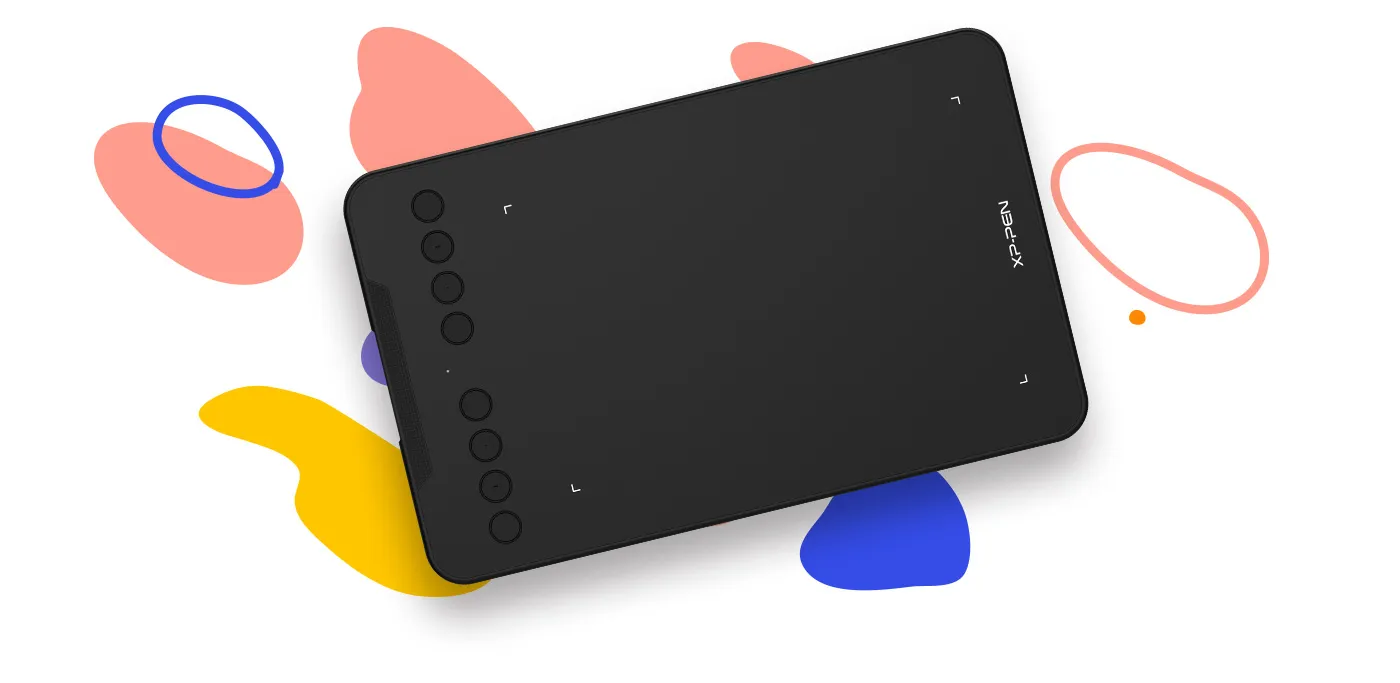


Work smoothly
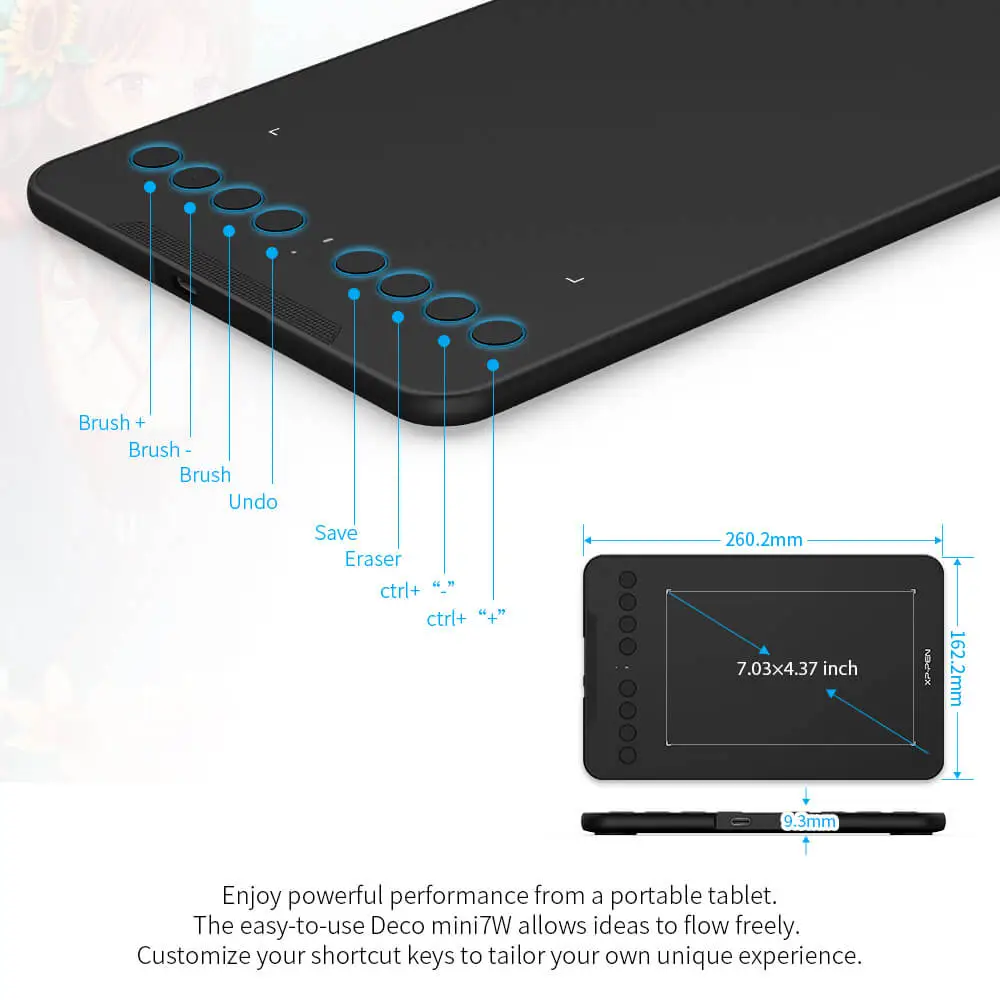
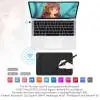
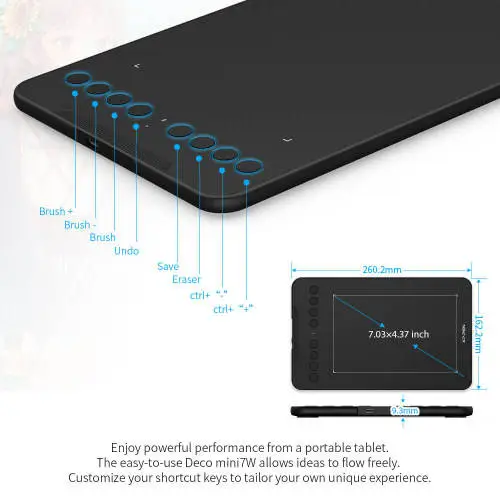
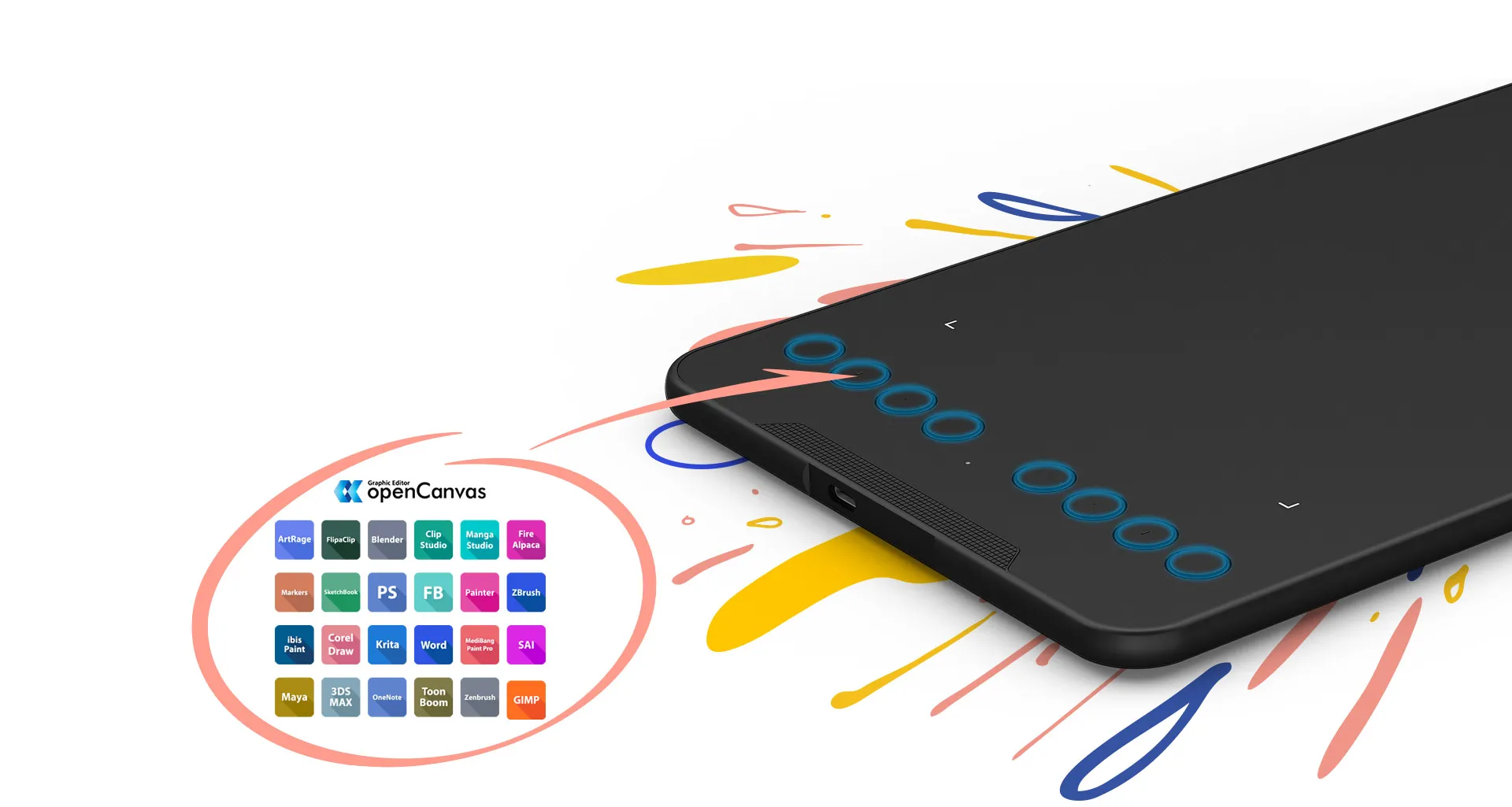
The easy-to-use Deco mini7 allows ideas to flow freely. Customize your shortcut keys to tailor your own unique experience.
Work smoothly
The easy-to-use Deco mini7 allows ideas to flow freely. Customize your shortcut keys to tailor your own unique experience.
Fulfil your creative needs
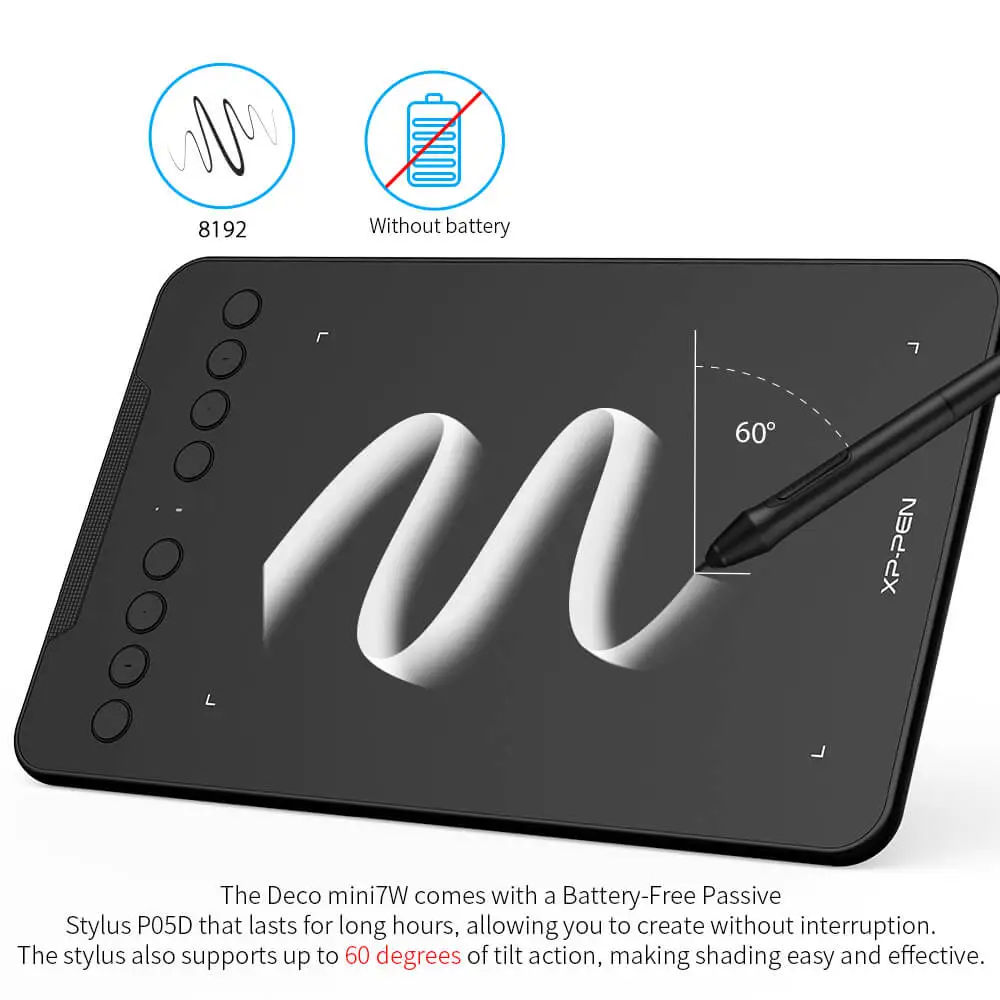
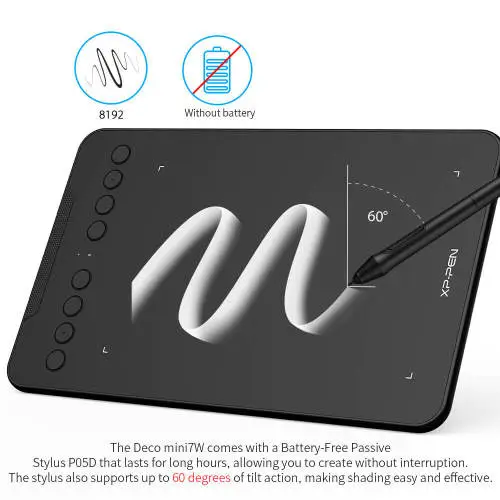
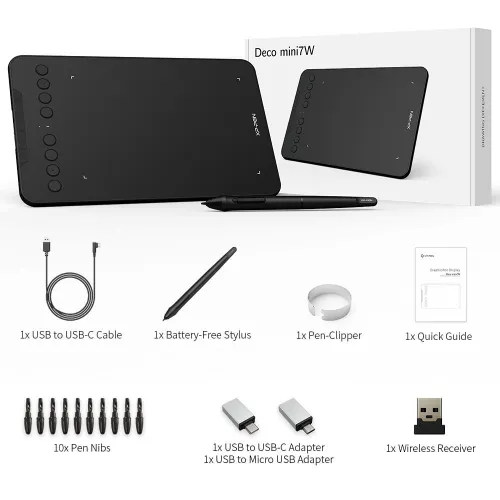
The Deco mini7 comes with a Battery-Free Passive Stylus P05D that lasts for long hours, allowing you to create without interruption. The stylus also supports up to 60 degrees of tilt action, making shading easy and effective.
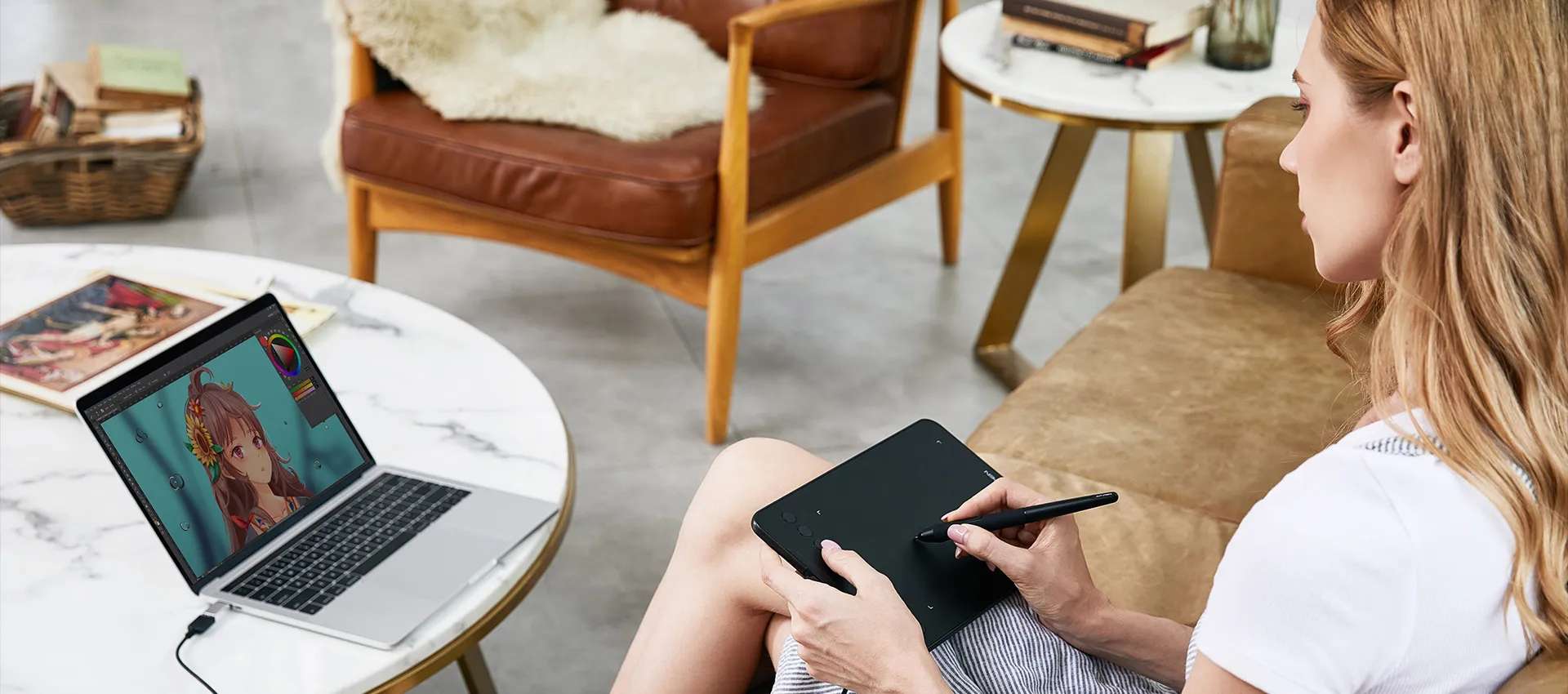
Exquisite expression
With up to 8,192 pressure sensitivity levels, the stylus creates natural-looking lines of various widths, allowing you to produce exquisite strokes with ease.
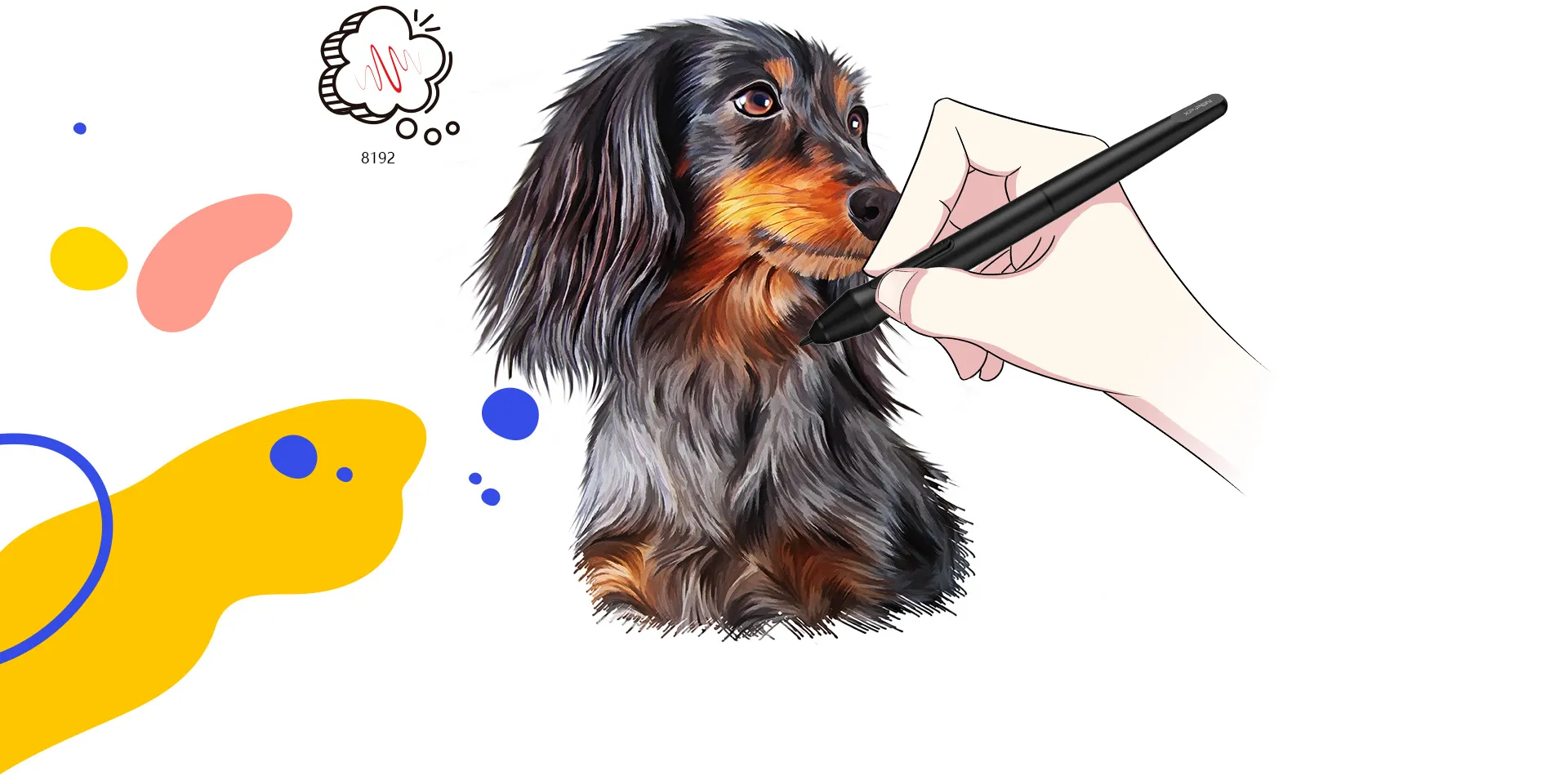
Create with freedom
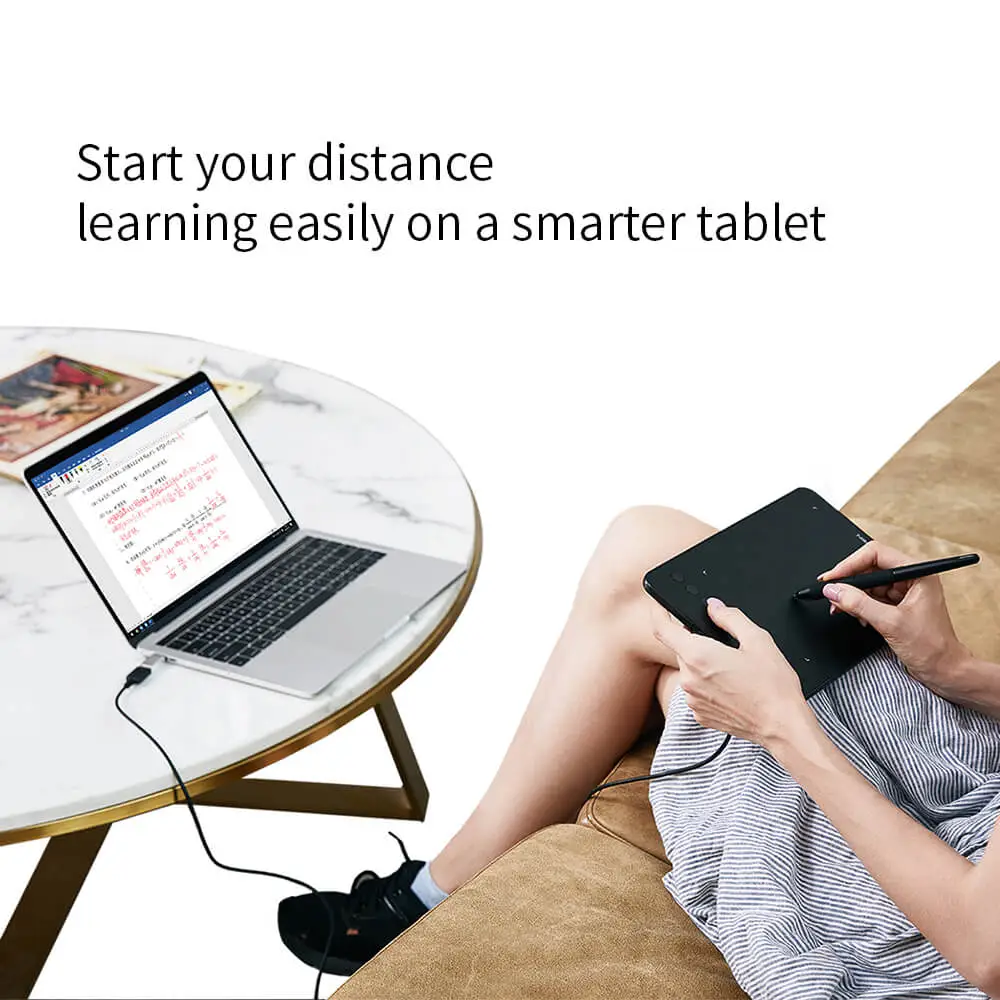
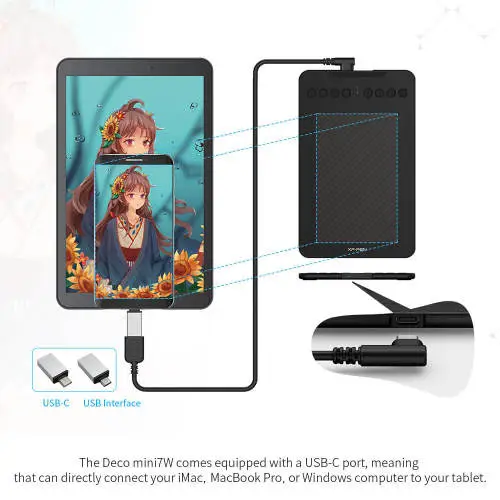
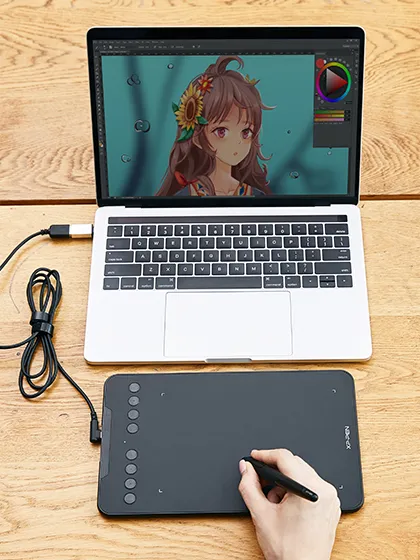
The Deco mini7 is portable and supports connections with Android tablets and mobile phones, enabling you to express yourself with freedom.

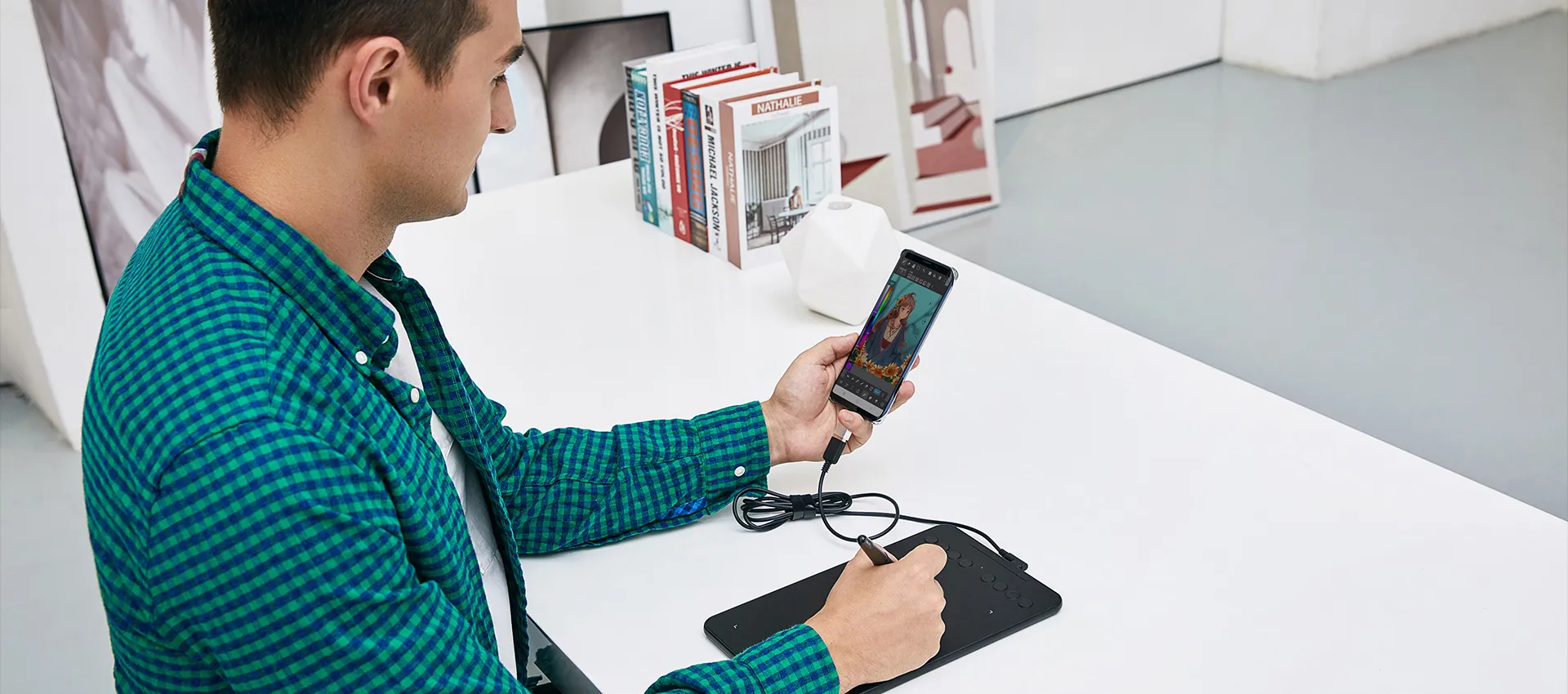
Enhance your Chromebook experience
You can now use Chrome OS on your Deco mini7 tablet, enabling you to write, draw, and so much more on your Chromebook.
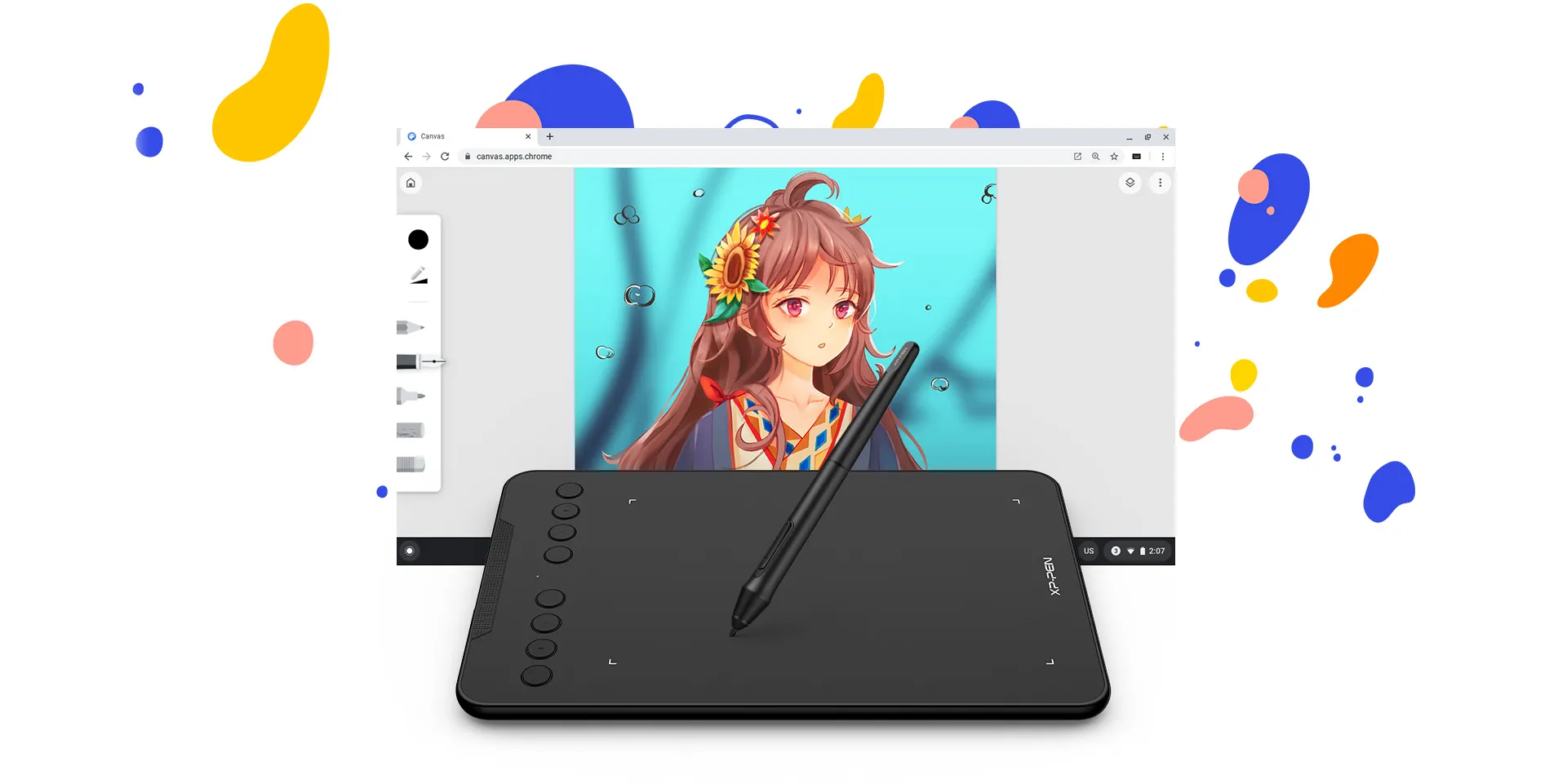
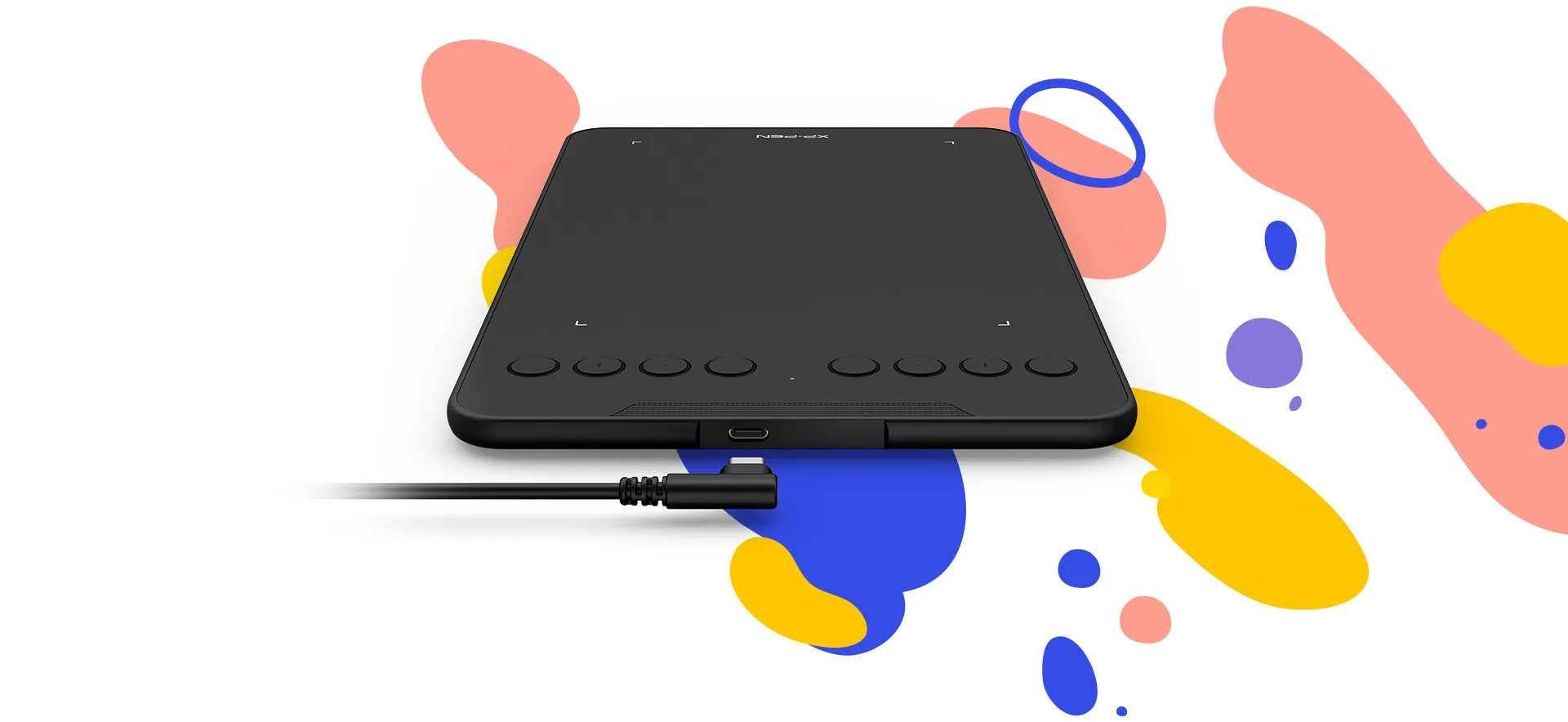
Connect your devices with ease
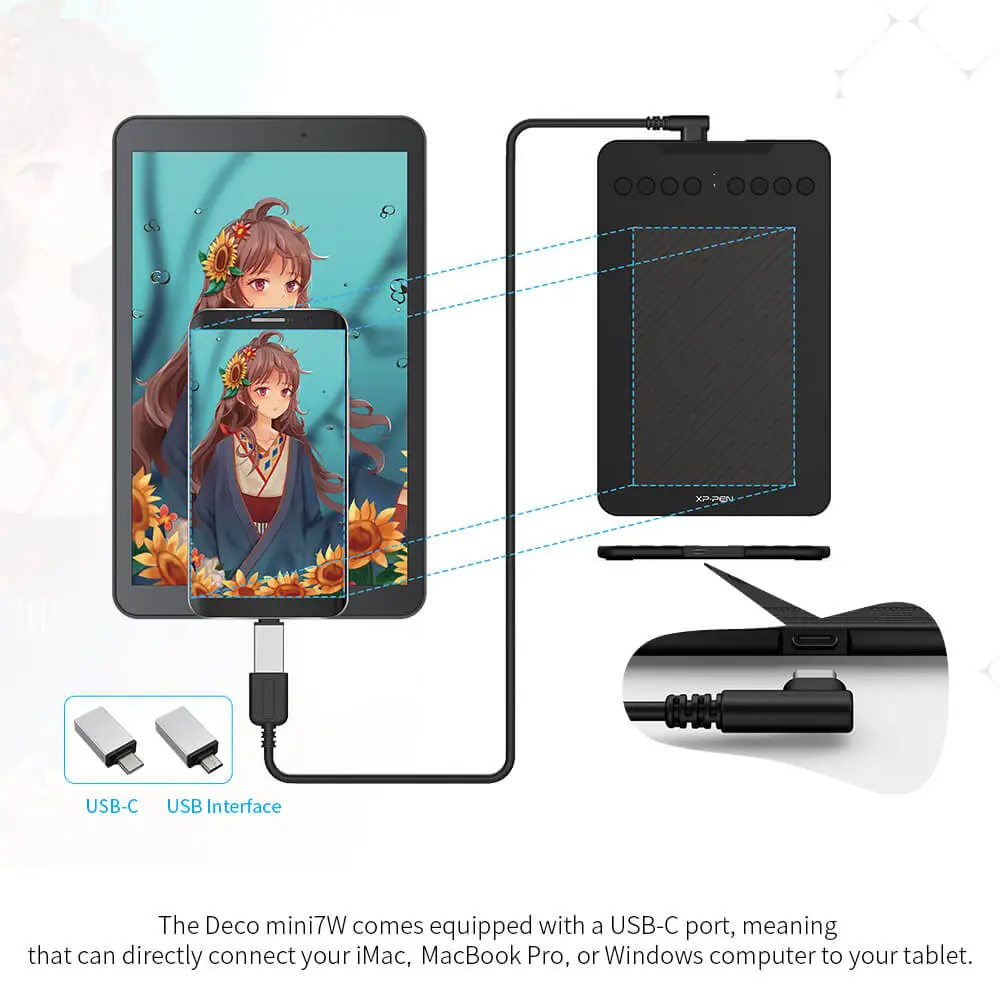
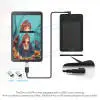
The Deco mini7 supports a USB-C to USB-C connection (with the included adapter), allowing you to connect the tablet to various computing devices depending on your own need.
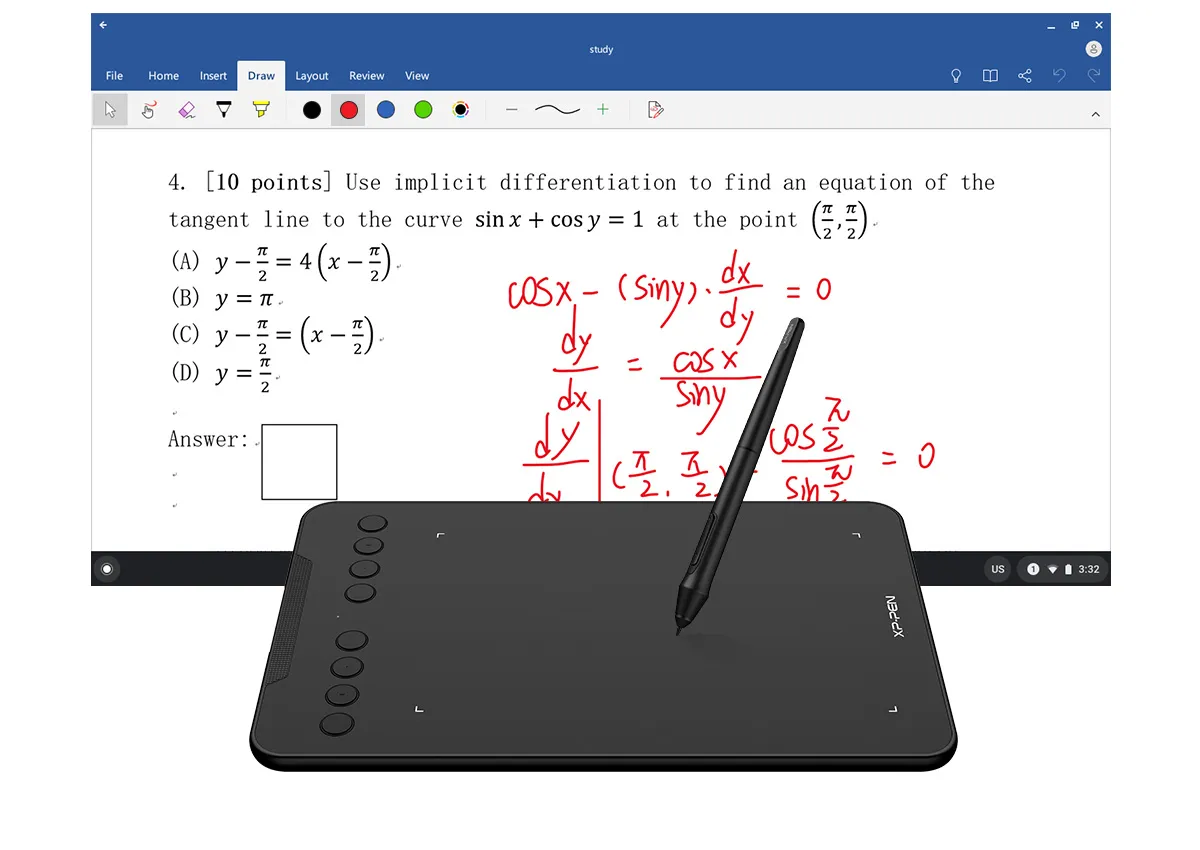
Enhance your Chromebook experience
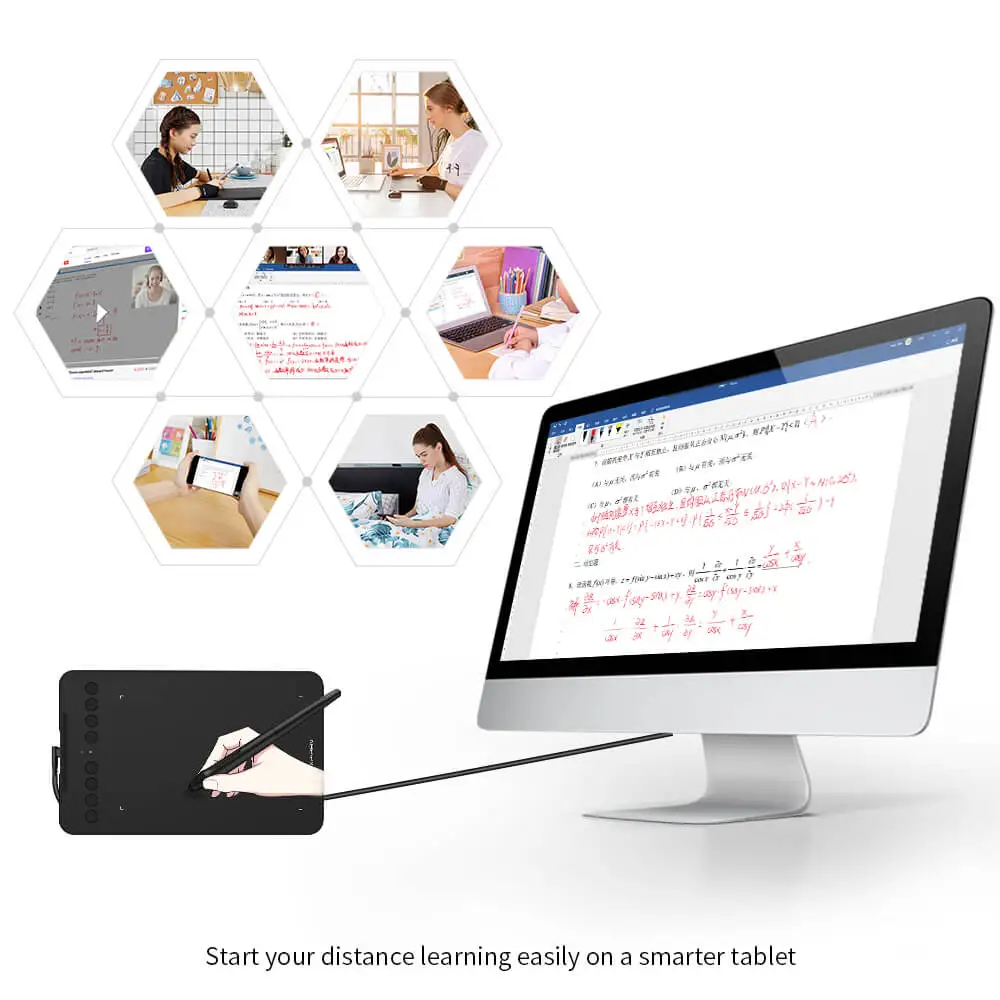
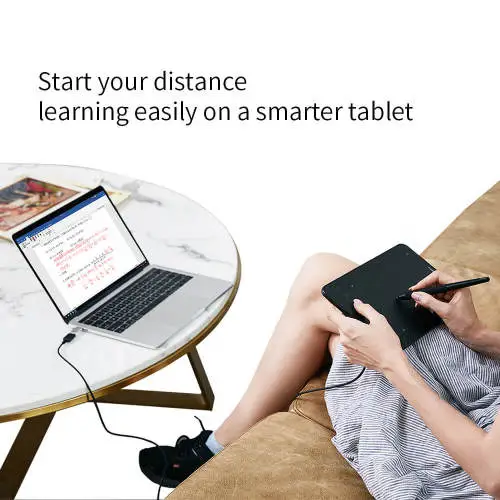
You can now use Chrome OS on your XP-PEN Deco mini7, allowing you to write and create digitally effortlessly. You can then share and collaborate with teachers and classmates, creating an interactive class atmosphere even in a virtual learning environment. The stylus offers the functionality of a standard mouse, meaning that you can write, edit, draw and navigate on your Chromebook with ease.
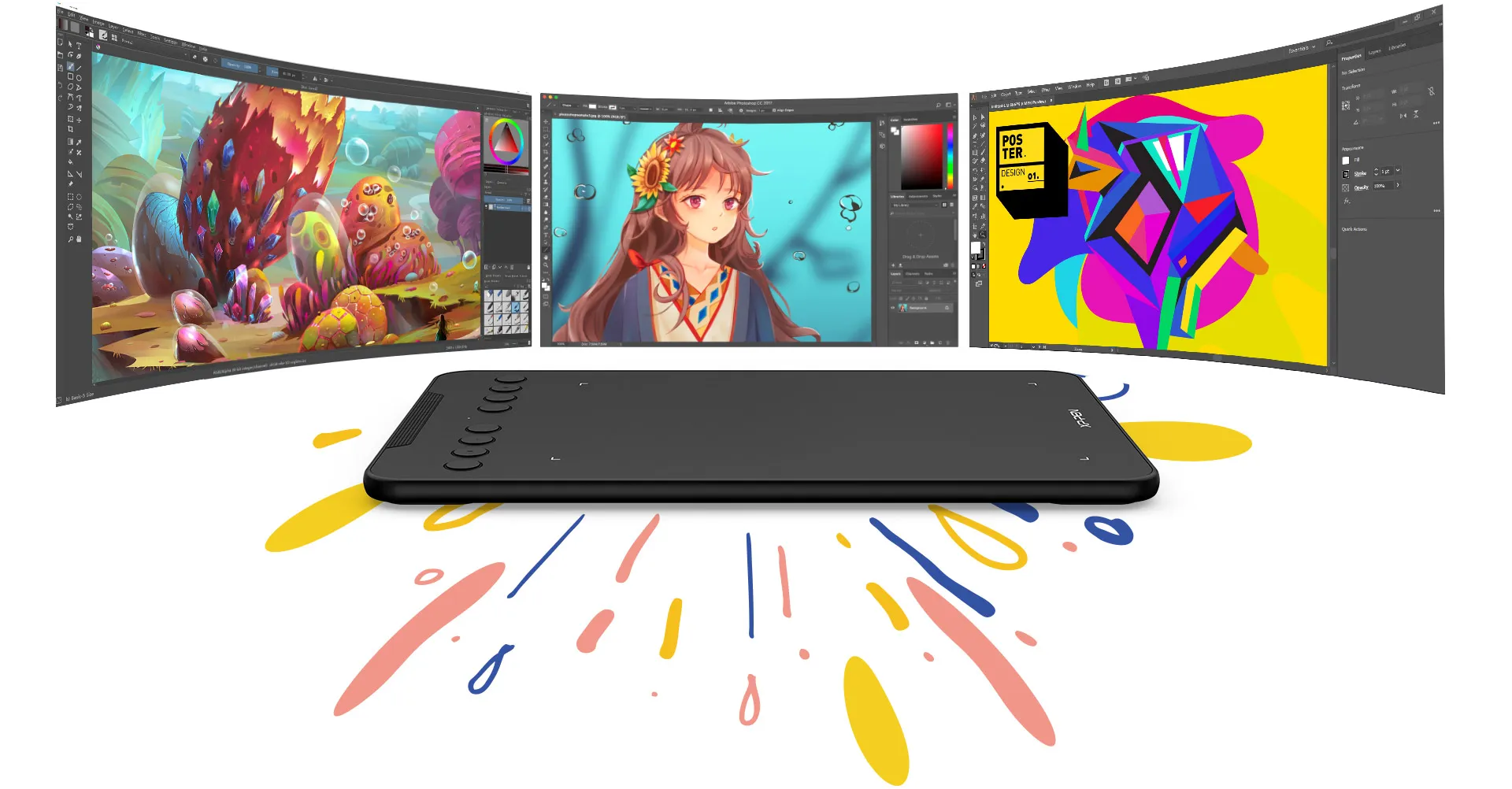
Extensive compatibility
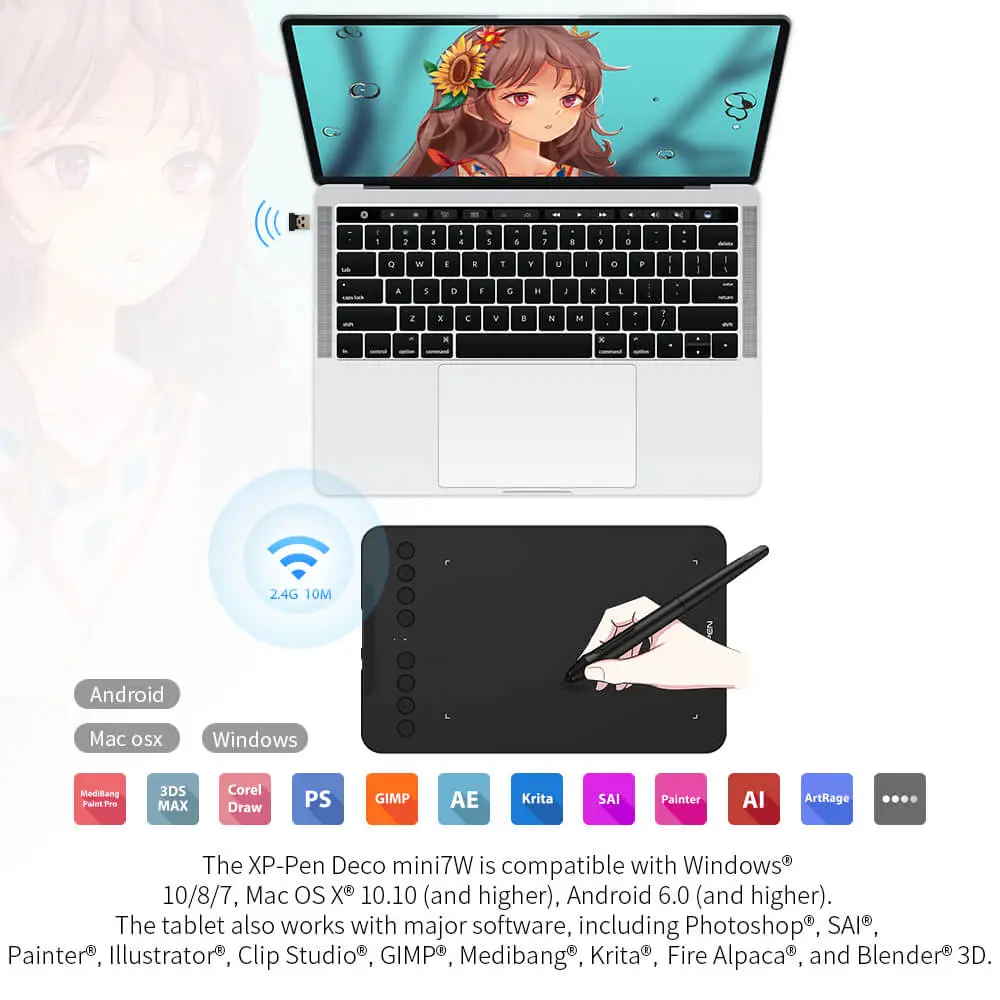
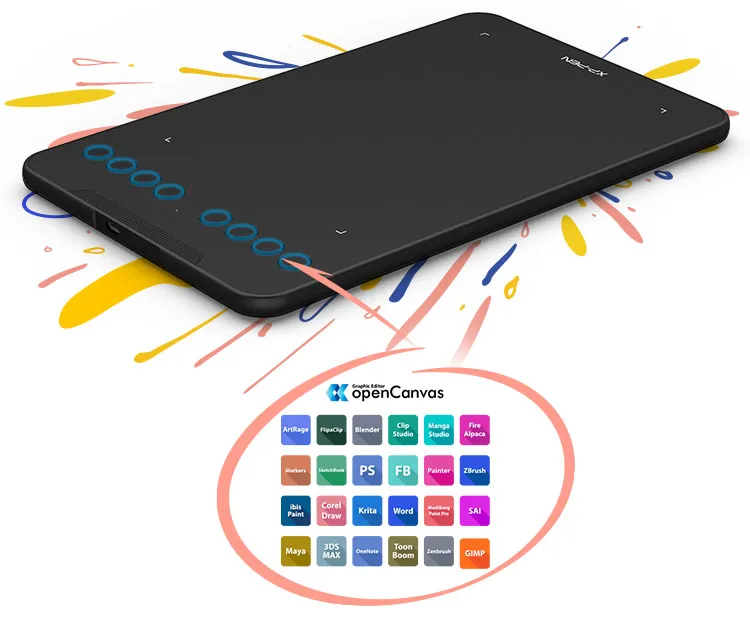
The XP-Pen Deco mini7 is compatible with Windows® 10/8/7, Linux (Detailed versions), Mac OS X® 10.10 (and higher), Android 6.0 (and higher), and Chrome OS 88.0.4324.109. The tablet also works with major software, including Photoshop®, SAI®, Painter®, Illustrator®, Clip Studio®, GIMP®, Medibang®, Krita®, Fire Alpaca®, and Blender® 3D.
* Please update your Chrome OS to 88.0.4324.109 first.
Product Gallery
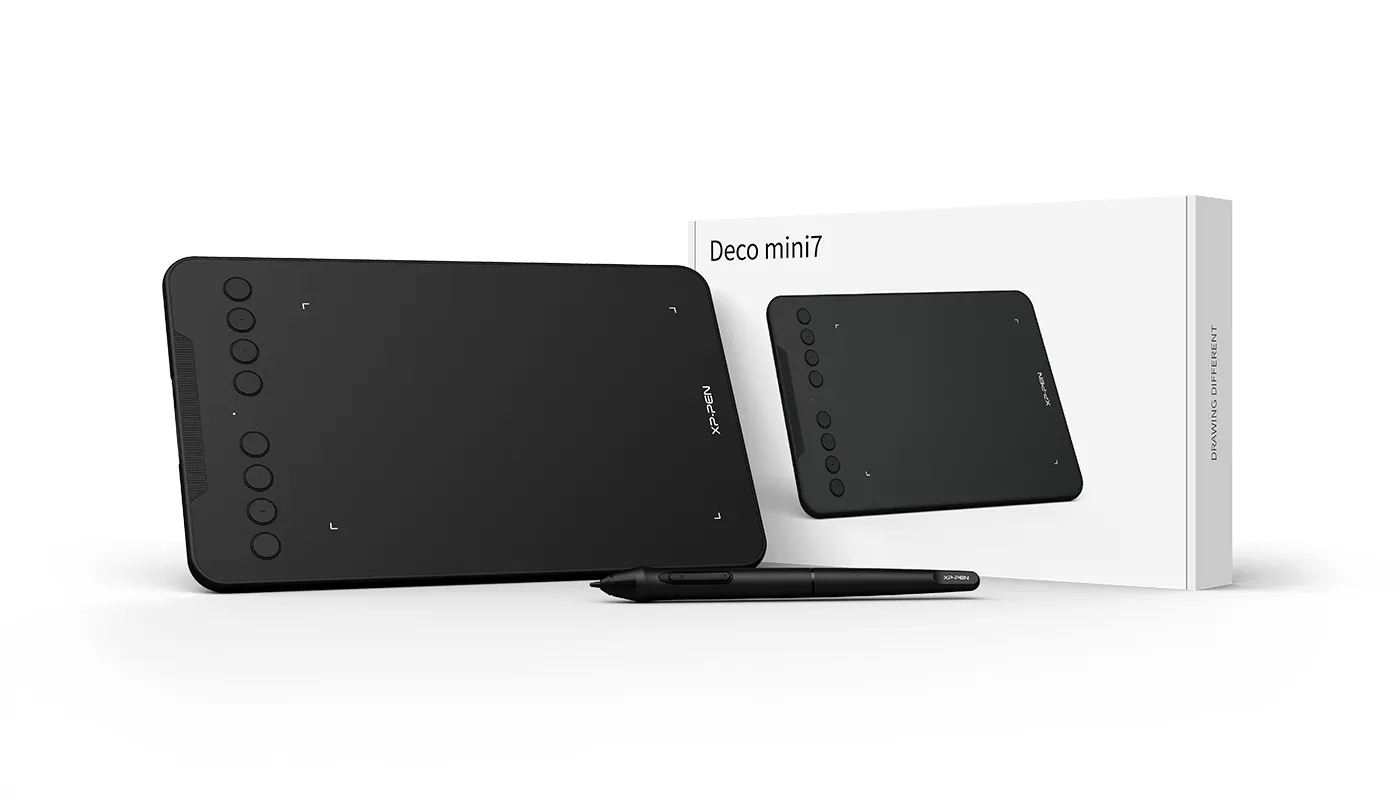
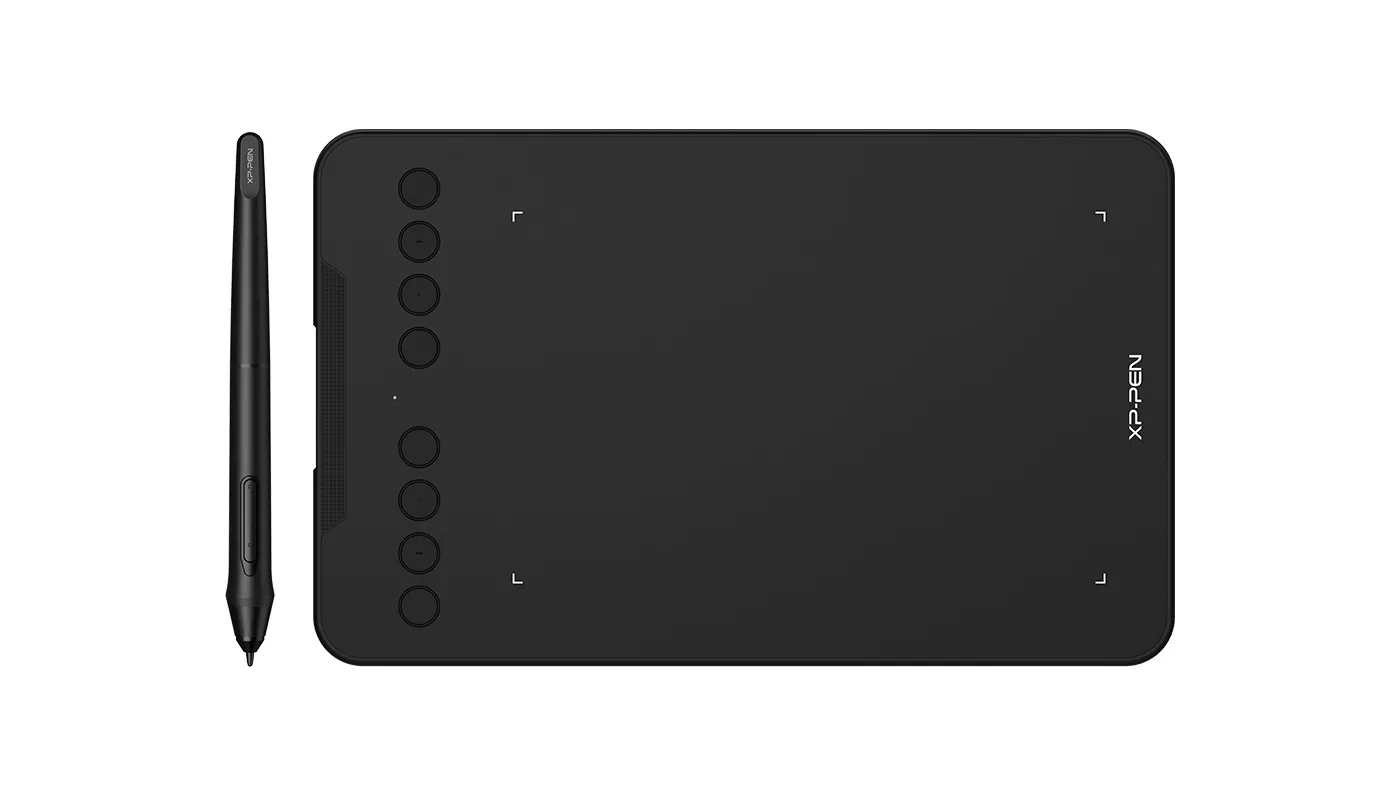
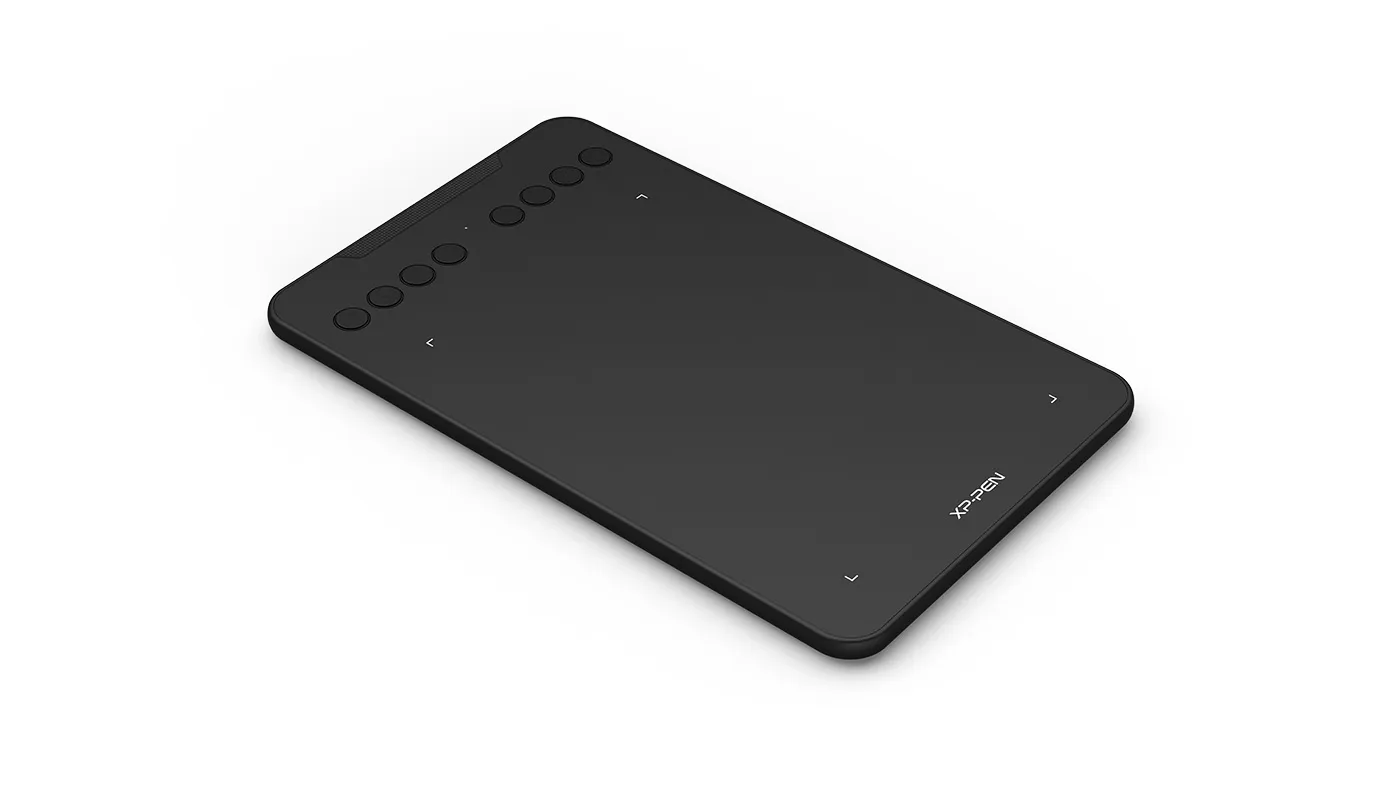
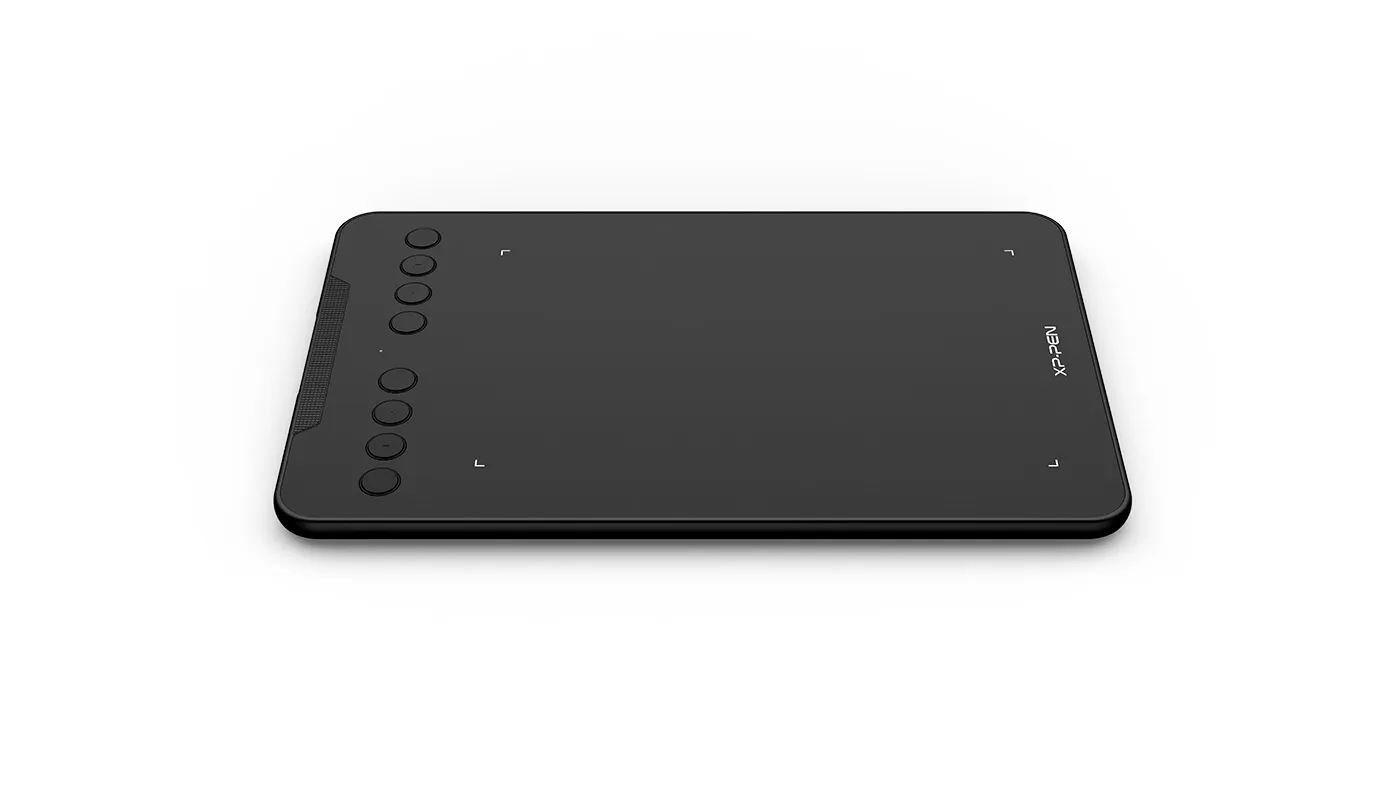
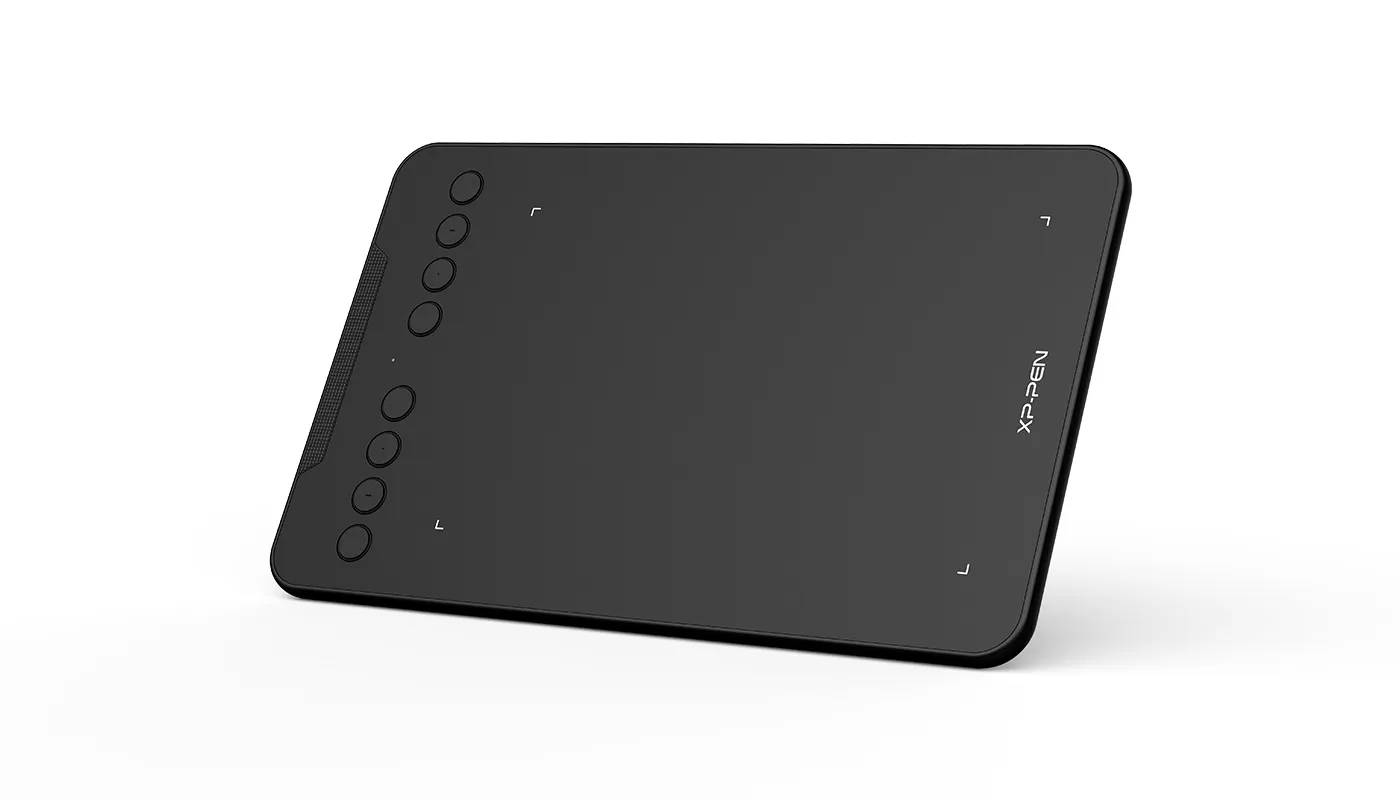


Specifications
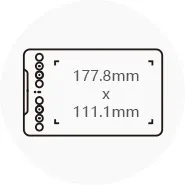
Dimensions
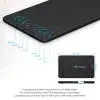
260.2 x 162.2 x 9.3mm
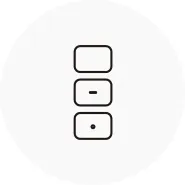
8 Shortcut Keys

Net Weight
307g
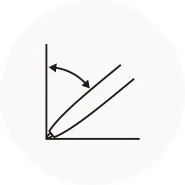
Battery-free Stylus
Tilt:60°
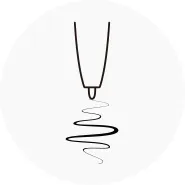
Pressure Sensitivity
8192 levels
Show more
| Linux OS | Version | Package Format | Supported Software |
| Arch | Arch Linux2019.12.01(64-bit) | .deb, .sh | GIMP, Krita |
| Centos | Centos7.0(64-bit) | .rpm, .sh | GIMP |
| Centos8(64-bit) | .rpm, .sh | GIMP, Krita | |
| Debian | debian-9.5.0-amd64-netinst(64-bit) | .deb, .sh | GIMP, Krita |
| elementary OS | elementary OS 5.0(64-bit) | .deb, .sh | GIMP, Krita |
| ezgo Linux | ezgo14(64-bit) | .deb, .sh | GIMP, Krita |
| Fedora | Fedora32(64-bit) | .rpm, .sh | GIMP, Krita |
| Mageia | Mageia-7.1(64-bit) | .rpm, .sh | GIMP, Krita |
| Manjaro | manjaro-xfce-20.1.2-201019(64-bit) | .deb, .sh | GIMP |
| Mint | linuxmint-18.2-cinnamon-64bit | .deb, .sh | GIMP, Krita |
| OpenSUSE | openSUSE-Tumbleweed(64-bit) | .rpm, .sh | GIMP, Krita |
| Pop!_OS | pop-os_19.10(64-bit) | .deb, .sh | GIMP, Krita |
| Red Hat | Red Hat7(64-bit) | .rpm, .sh | GIMP |
| Ubuntu | Ubuntu14.04(64-bit) | .deb, .sh | GIMP, Krita |
| Ubuntu16.04(64-bit) | .deb, .sh | GIMP, Krita | |
| Ubuntu17.04(64-bit) | .deb, .sh | GIMP, Krita | |
| Ubuntu18.04(64-bit) | .deb, .sh | GIMP, Krita | |
| Ubuntu19.04(64-bit) | .deb, .sh | GIMP, Krita | |
| Ubuntu20.04(64-bit) | .deb, .sh | GIMP, Krita |
| Function | Krita 4.3.0 | Gimp 2.10.20 | Inkscape 0.92 |
| Pen Pressure Sensitivity | |||
| Tilt | |||
| Mouse Function | |||
| Eraser Button (Stylus:PH01, P06) | |||
| Switch between Pen and Eraser Modes | |||
| *If you have any further queries, please do not hesitate to contact us at service@xp-pen.com. | |||
Linux OS
Arch
Version
Arch Linux2019.12.01(64-bit)
Package Format
.deb, .sh
Supported Software
GIMP, Krita
Centos
Version
Centos7.0(64-bit)
Centos8(64-bit)
Centos8(64-bit)
Package Format
.rpm, .sh
.rpm, .sh
.rpm, .sh
Supported Software
GIMP
GIMP, Krita
GIMP, Krita
Debian
Version
debian-9.5.0-amd64-netinst(64-bit)
Package Format
.deb, .sh
Supported Software
GIMP, Krita
elementary OS
Version
elementary OS 5.0(64-bit)
Package Format
.deb, .sh
Supported Software
GIMP, Krita
ezgo Linux
Version
ezgo14(64-bit)
Package Format
.deb, .sh
Supported Software
GIMP, Krita
Fedora
Version
Fedora32(64-bit)
Package Format
.rpm, .sh
Supported Software
GIMP, Krita
Mageia
Version
Mageia-7.1(64-bit)
Package Format
.rpm, .sh
Supported Software
GIMP, Krita
Manjaro
Version
manjaro-xfce-20.1.2-201019(64-bit)
Package Format
.deb, .sh
Supported Software
GIMP
Mint
Version
linuxmint-18.2-cinnamon-64bit
Package Format
.deb, .sh
Supported Software
GIMP, Krita
OpenSUSE
Version
openSUSE-Tumbleweed(64-bit)
Package Format
.rpm, .sh
Supported Software
GIMP, Krita
Pop!_OS
Version
pop-os_19.10(64-bit)
Package Format
.deb, .sh
Supported Software
GIMP, Krita
Red Hat
Version
Red Hat7(64-bit)
Package Format
.rpm, .sh
Supported Software
GIMP
Ubuntu
Version
Ubuntu14.04(64-bit)
Ubuntu16.04(64-bit)
Ubuntu17.04(64-bit)
Ubuntu18.04(64-bit)
Ubuntu19.04(64-bit)
Ubuntu20.04(64-bit)
Ubuntu16.04(64-bit)
Ubuntu17.04(64-bit)
Ubuntu18.04(64-bit)
Ubuntu19.04(64-bit)
Ubuntu20.04(64-bit)
Package Format
.deb, .sh
.deb, .sh
.deb, .sh
.deb, .sh
.deb, .sh
.deb, .sh
.deb, .sh
.deb, .sh
.deb, .sh
.deb, .sh
.deb, .sh
Supported Software
GIMP, Krita
GIMP, Krita
GIMP, Krita
GIMP, Krita
GIMP, Krita
GIMP, Krita
GIMP, Krita
GIMP, Krita
GIMP, Krita
GIMP, Krita
GIMP, Krita
Function
Pen Pressure Sensitivity
Krita 4.3.0
Gimp 2.10.20
Inkscape 0.92
Tilt
Krita 4.3.0
Gimp 2.10.20
Inkscape 0.92
Mouse Function
Krita 4.3.0
Gimp 2.10.20
Inkscape 0.92
Eraser Button(Stylus:PH01, P06)
Krita 4.3.0
Gimp 2.10.20
Inkscape 0.92
Switch between Penand Eraser Modes
Krita 4.3.0
Gimp 2.10.20
Inkscape 0.92
*If you have any further queries, please do not hesitate to contact us at service@xp-pen.com.
0

Based on 0

0(0)
0(0)
0(0)
0(0)
0(0)
 No review
XFANS8o7gteyc
Jul 31 ,2025 PM 18:15 Deco Mini7 Wireless
Compatible with windows 11?
Reply0
XFANSqh2uarv2
Jun 20 ,2022 AM 06:39 Deco Mini7 Wireless
Hi, for the Deco Mini7 Wireless, in which part of the PenTablet software I can find the level of battery? I cannot find it. Thanks!
Reply1
Official mall
Jun 23 ,2022 AM 09:24
Hello:)
Yes.You can see the battery percentage on ''Pentablet" software.
By the way,When the battery is low,the tablet will automatically measure the red light.
Hope it helps:)
XP-PEN
Reply to this review
XFANSqh2uarv2
Jun 20 ,2022 AM 06:39 Deco Mini7 Wireless
Hi, for the Deco Mini7 Wireless, in which part of the PenTablet software I can find the level of battery? I cannot find it. Thanks!
Reply0
XFANSh98r2xd5
Apr 23 ,2022 PM 13:50 Deco Mini7 Wireless
Hi, If the battery is flat or going flat, can you use the USB cable to continue using whilst charging?
Reply0
XFANSj5wcj69z
Mar 25 ,2022 AM 08:36 Deco Mini7 Wireless
Hi, for the Deco Mini7 Wireless is there a way to see the battery percentage of of the tablet?
Reply1
Official mall
Mar 28 ,2022 PM 18:15
Hello:)
Yes.You can see the battery percentage on ''Pentablet" software.
By the way,When the battery is low,the tablet will automatically measure the red light.
Hope it helps:)
XP-PEN
Reply to this review