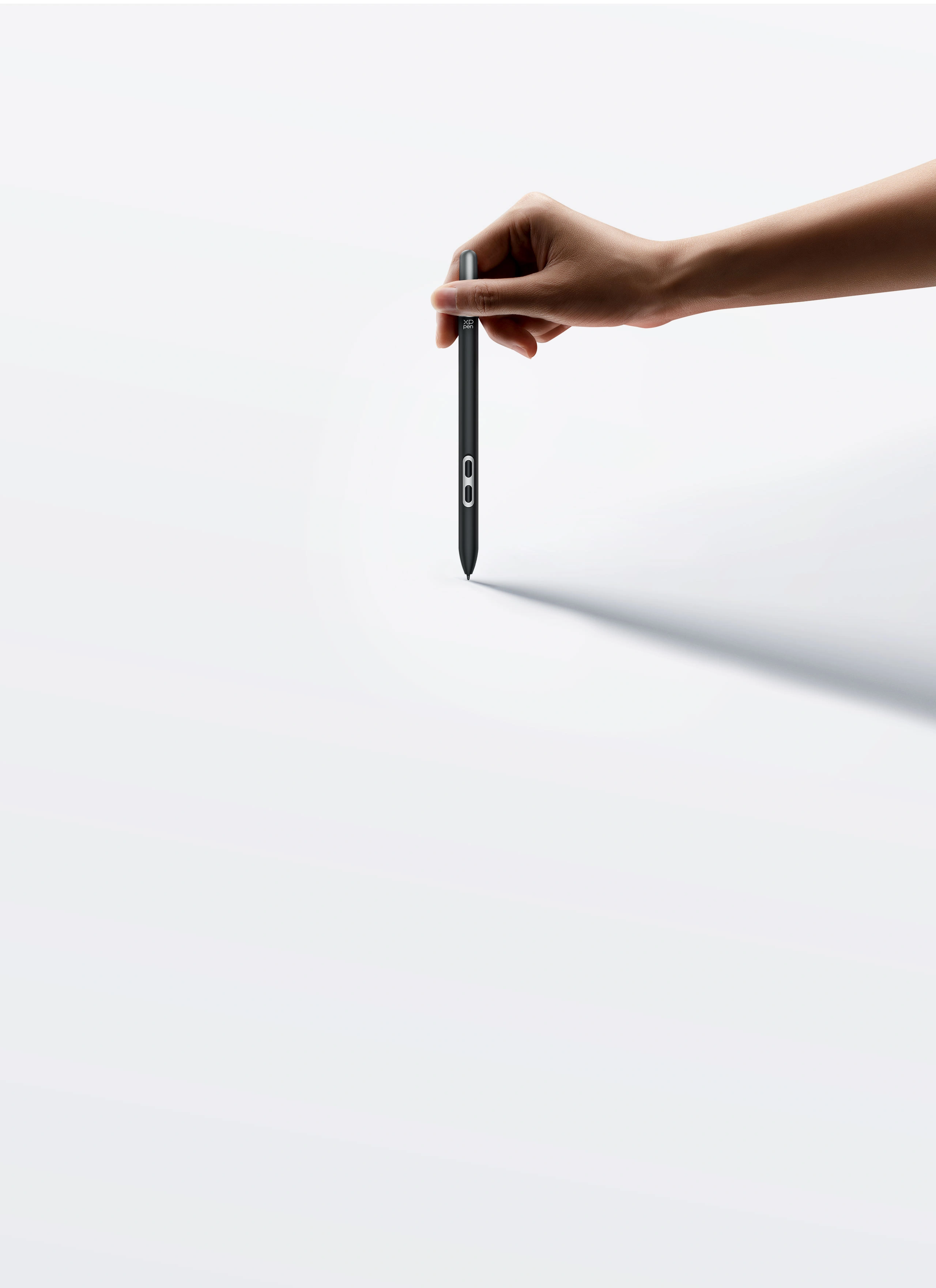









X3 Pro Slim Stylus
Slim yet powerful, transforms every
stroke into an exact digital reflection of
your ideas.
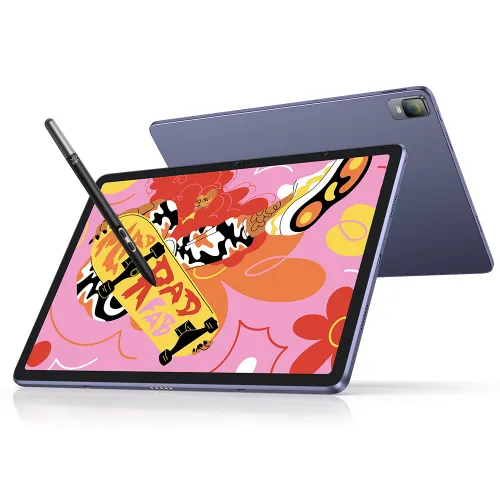
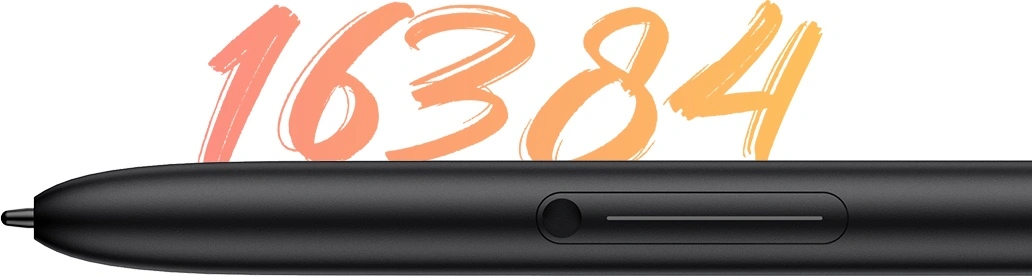
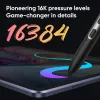
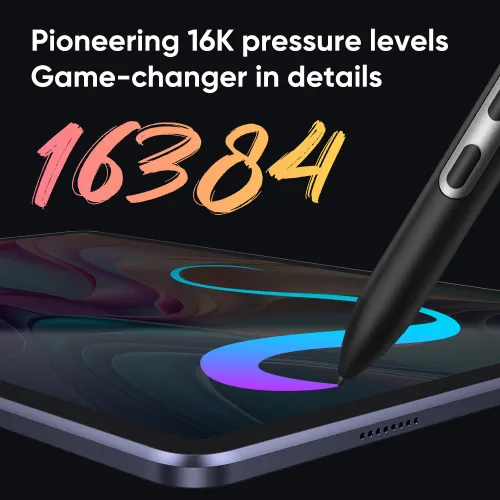
X3 Pro Pencil, 16K Pressure Levels
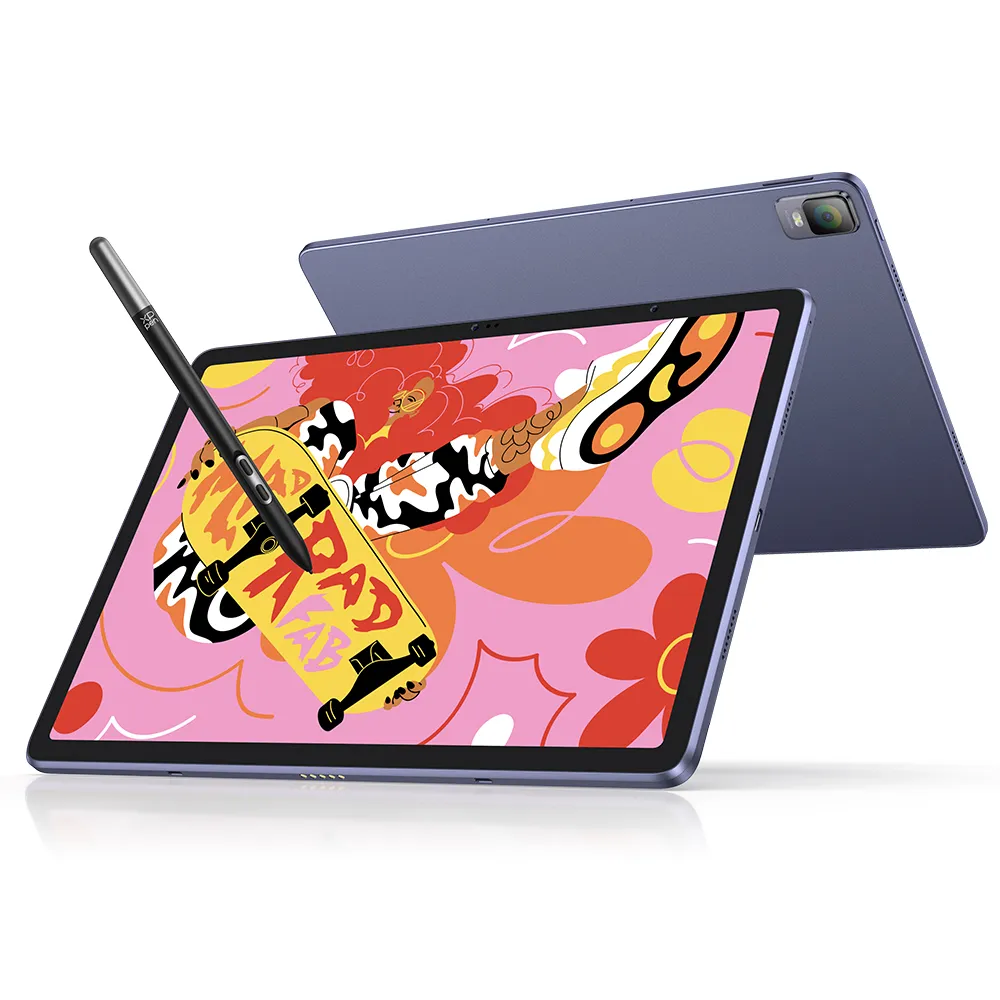
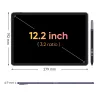
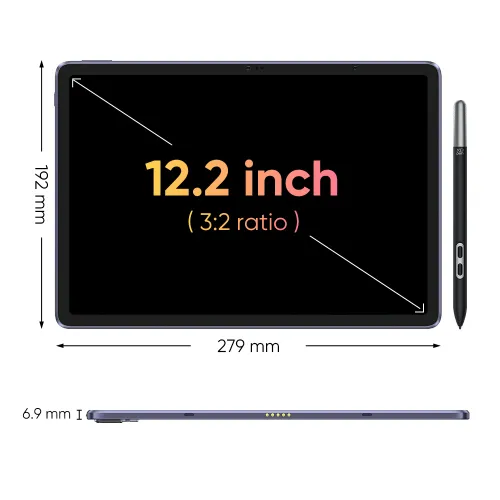
X-Paper Display, 12.2-inch sized slim tablet, 256GB ROM
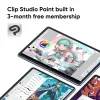
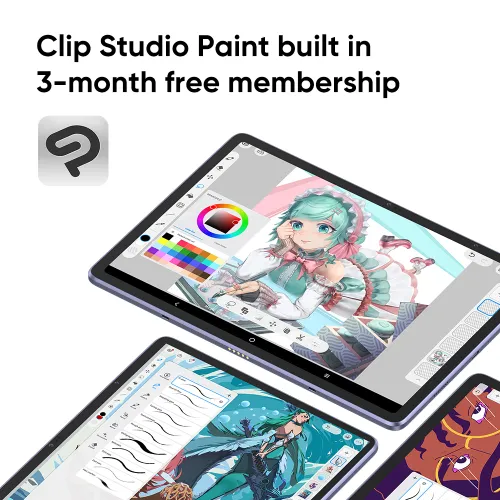
3-month free membership of both Clip Studio Paint & ibis Paint X.
We offer free shipping
Your payment information is processed securely
service@xp-pen.com
18-month warranty only for official AU-store
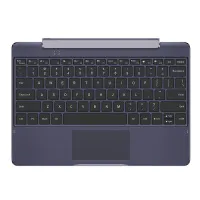
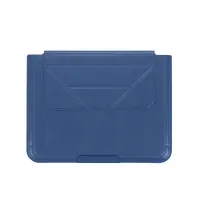
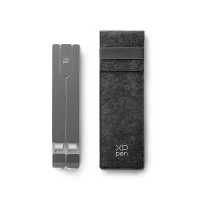
Optional Accessories
Quantity:

Worry-Free Delivery® available with seel
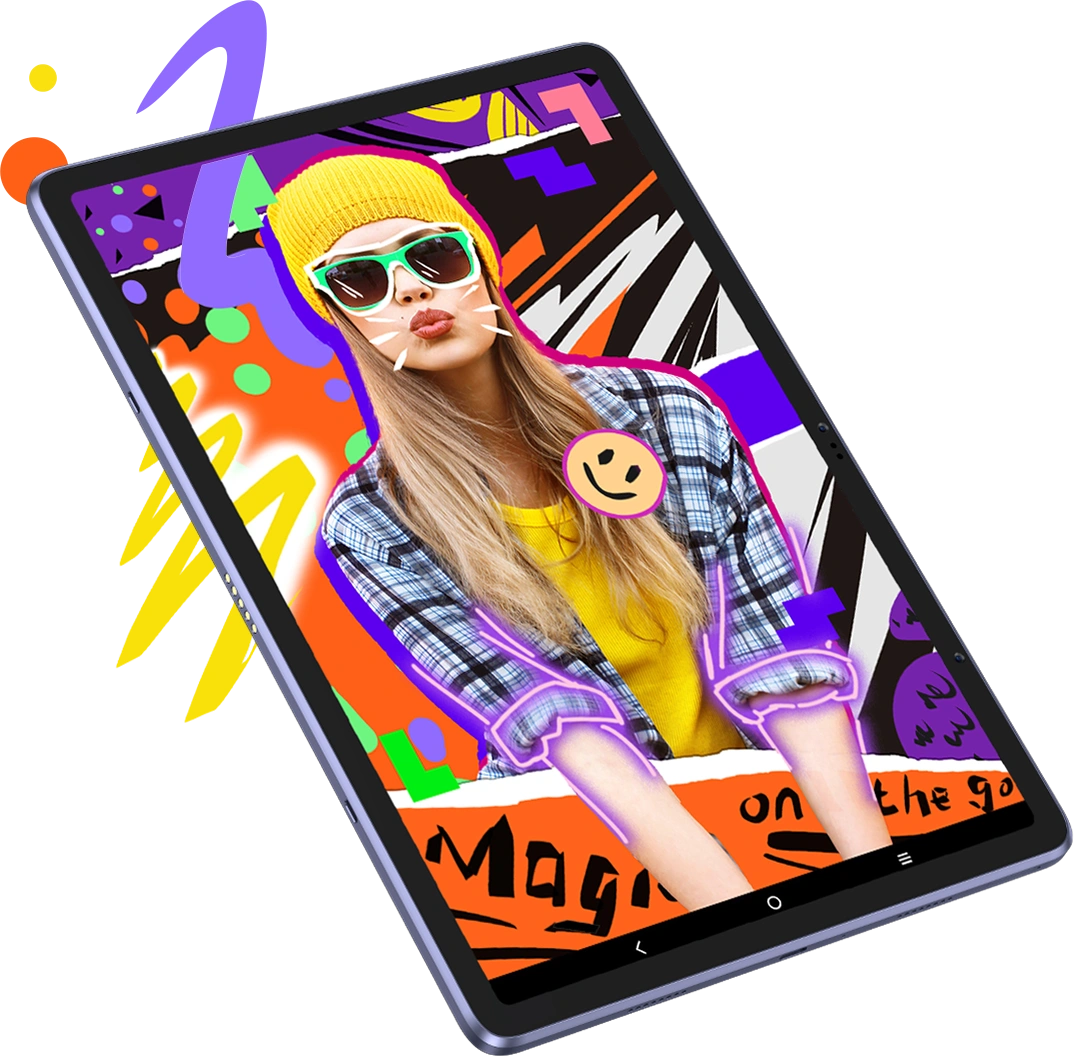
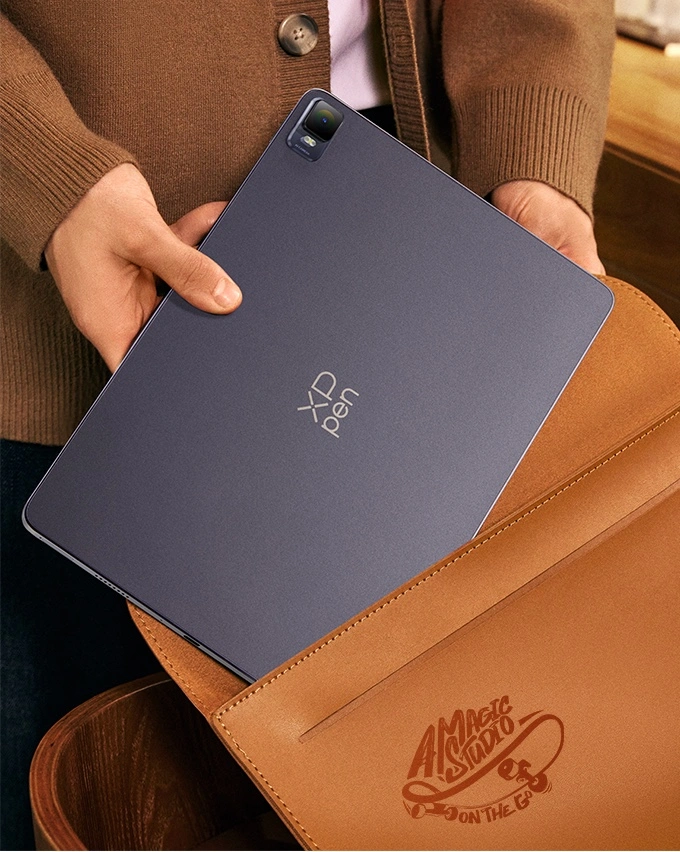
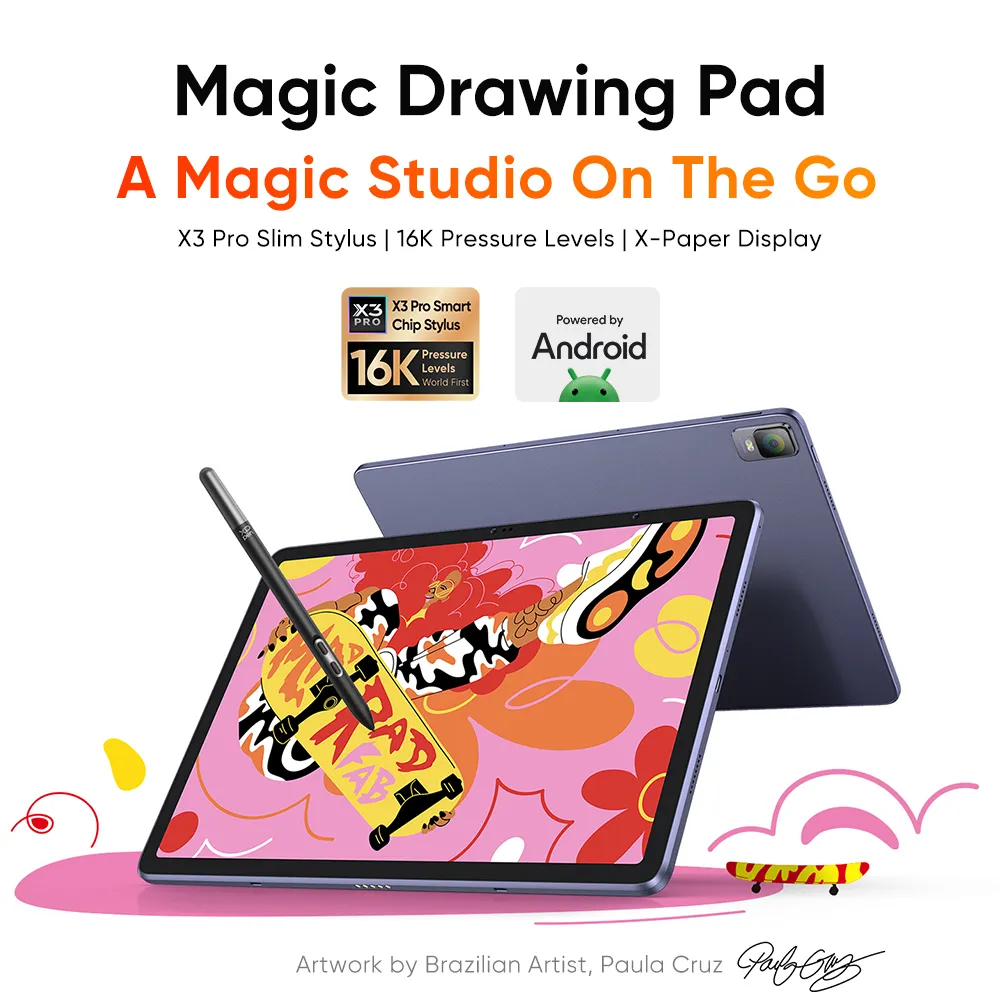
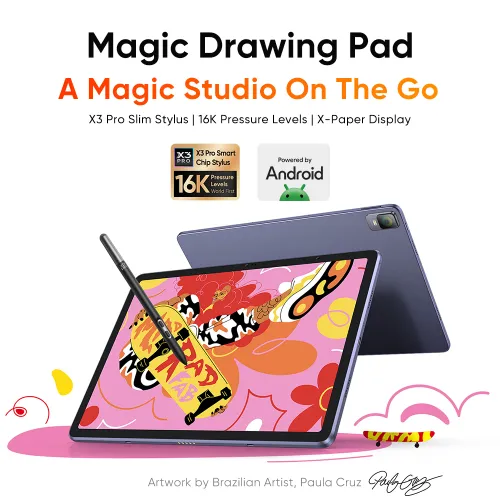
A Magic Studio On The Go
X3 Pro Slim Stylus | 16K Pressure Levels | X-Paper Display
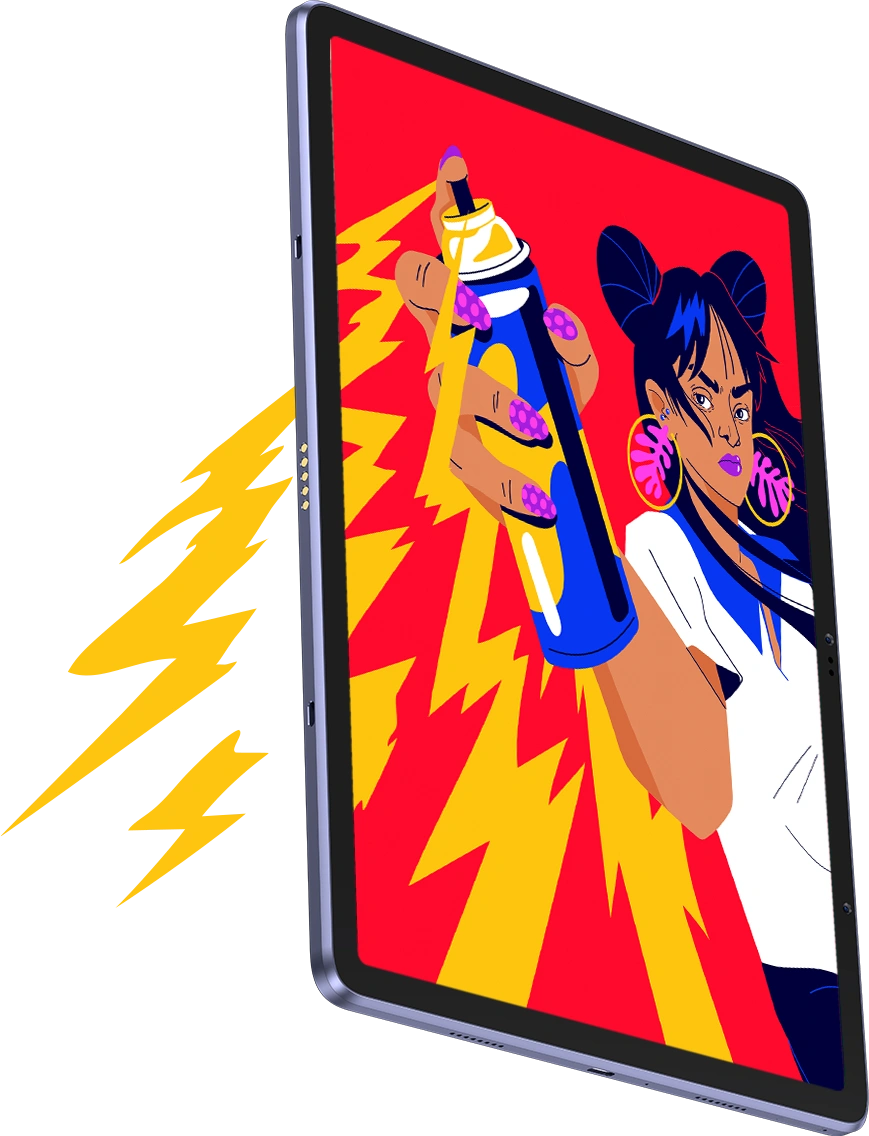
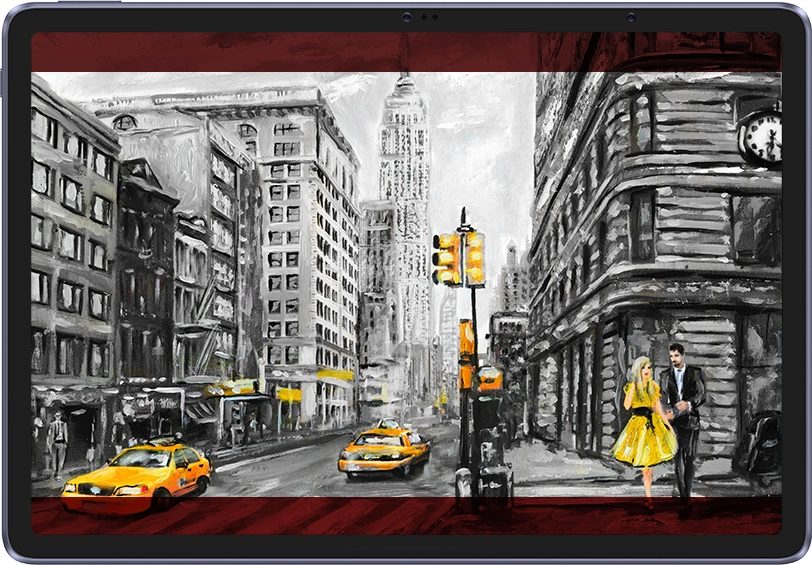
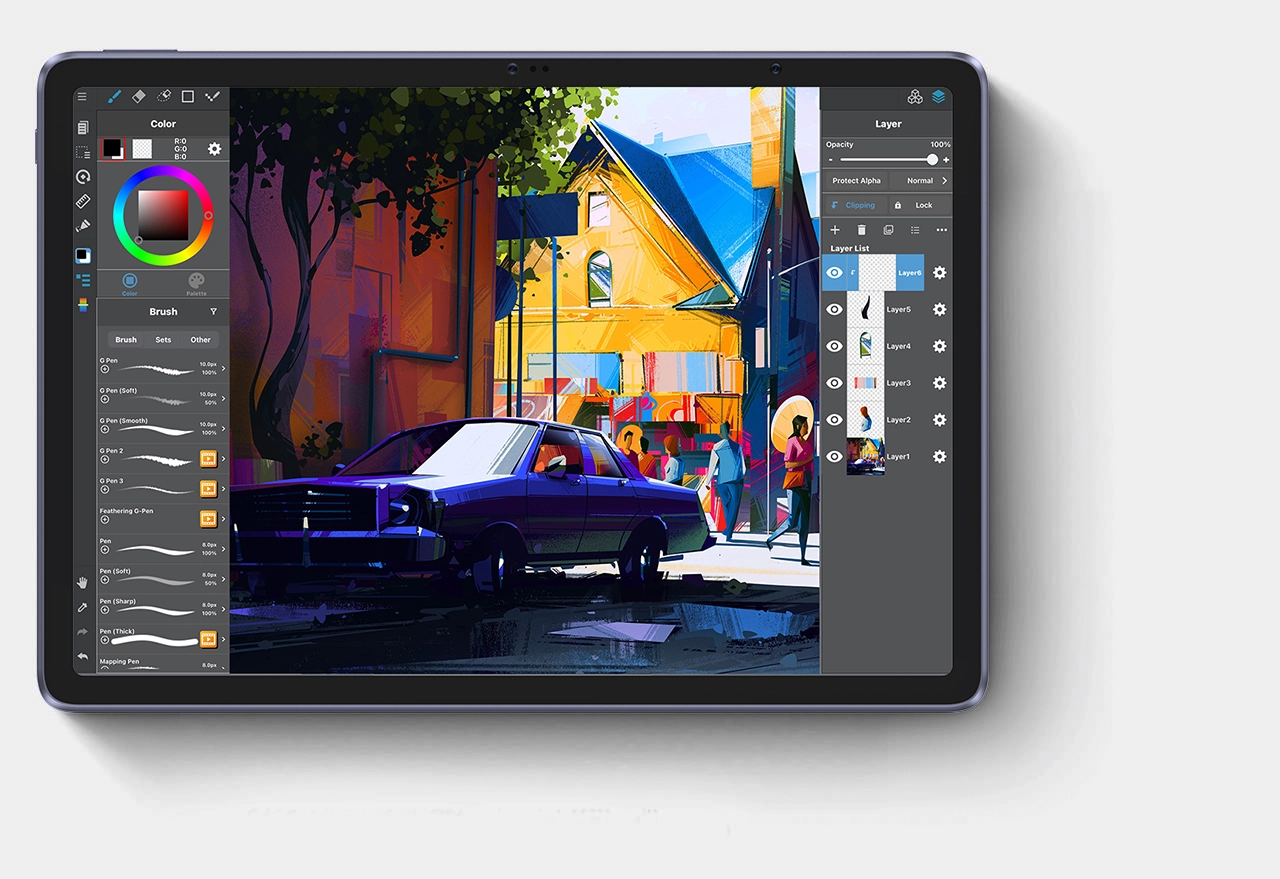
Artwork by Brazilian Artist, Paula Cruz
XPPen ArtMobile
A new benchmark for drawing on tablet
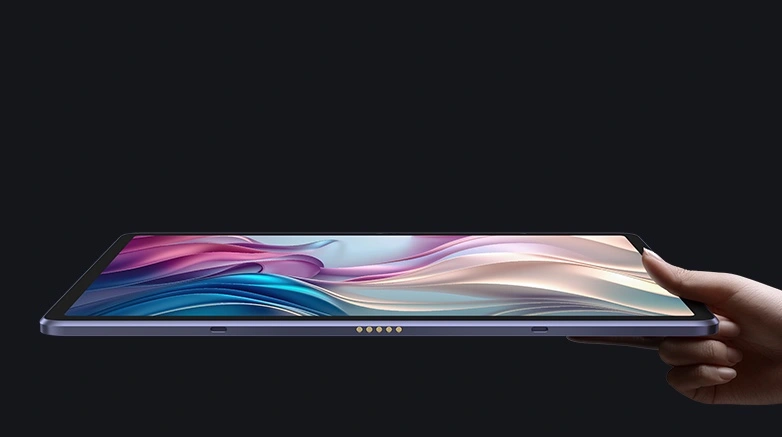
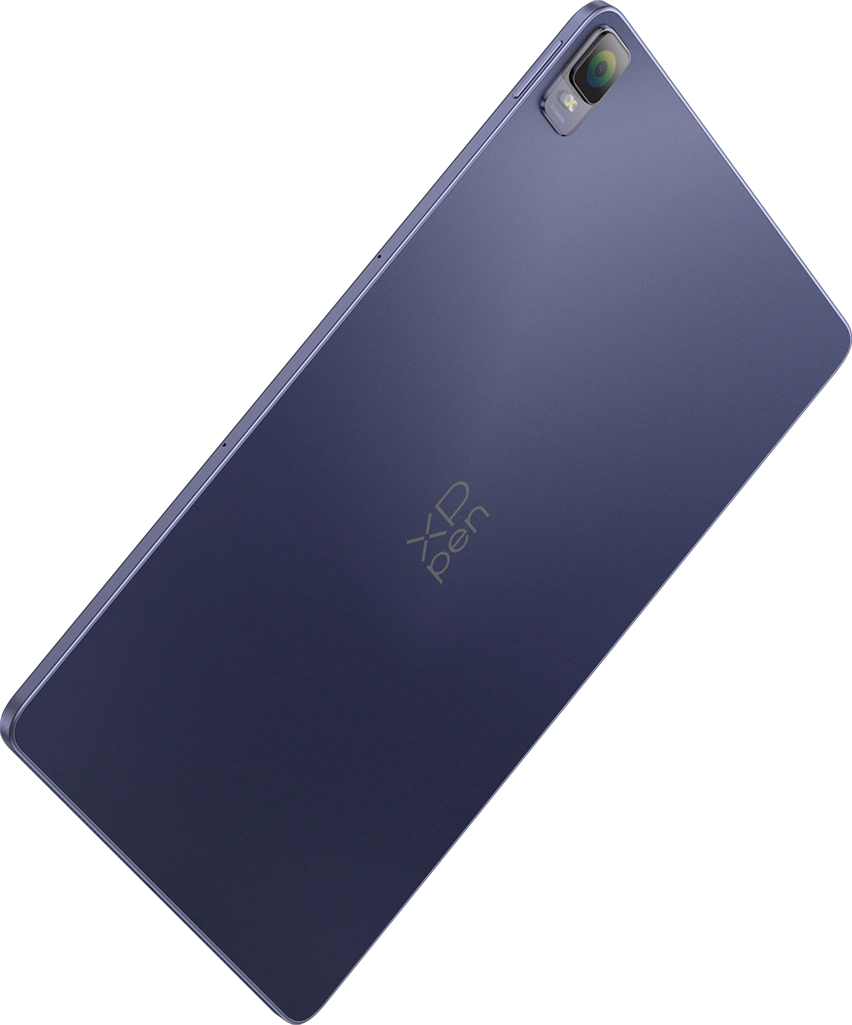
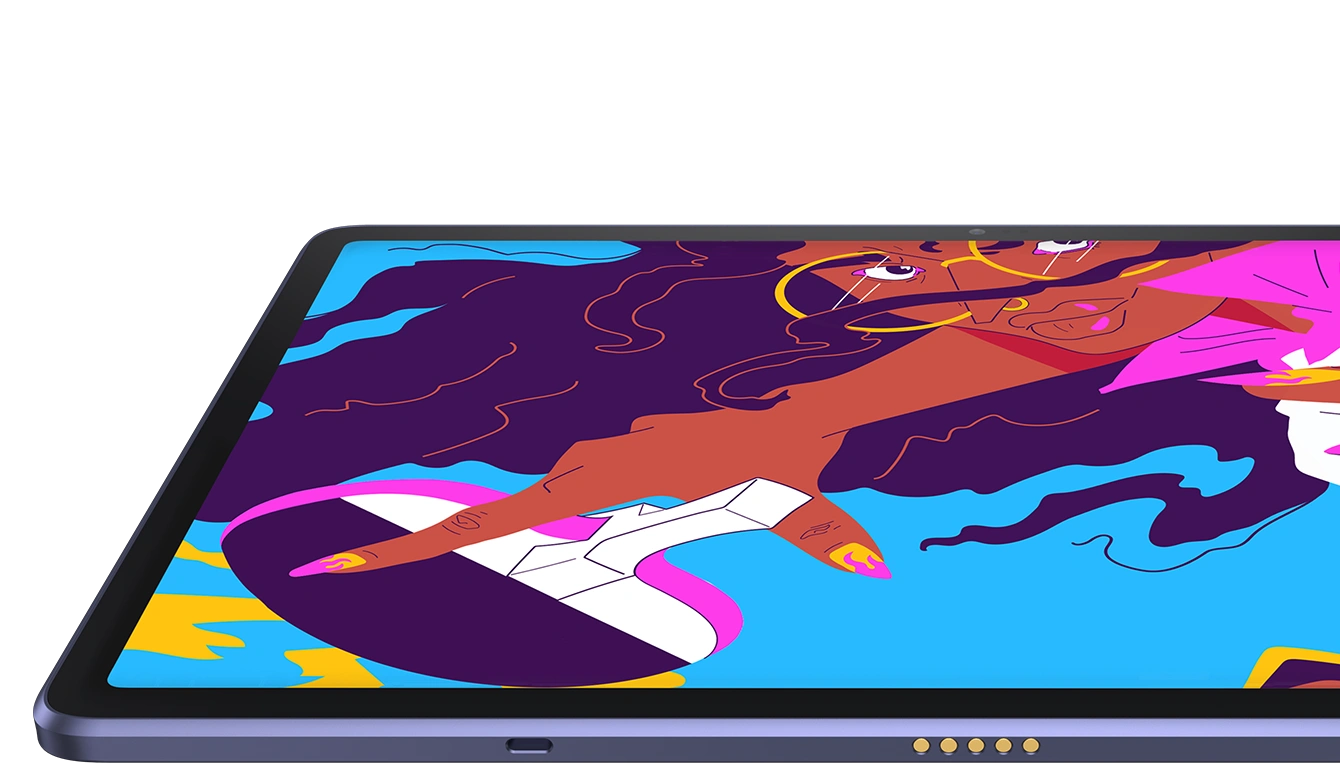
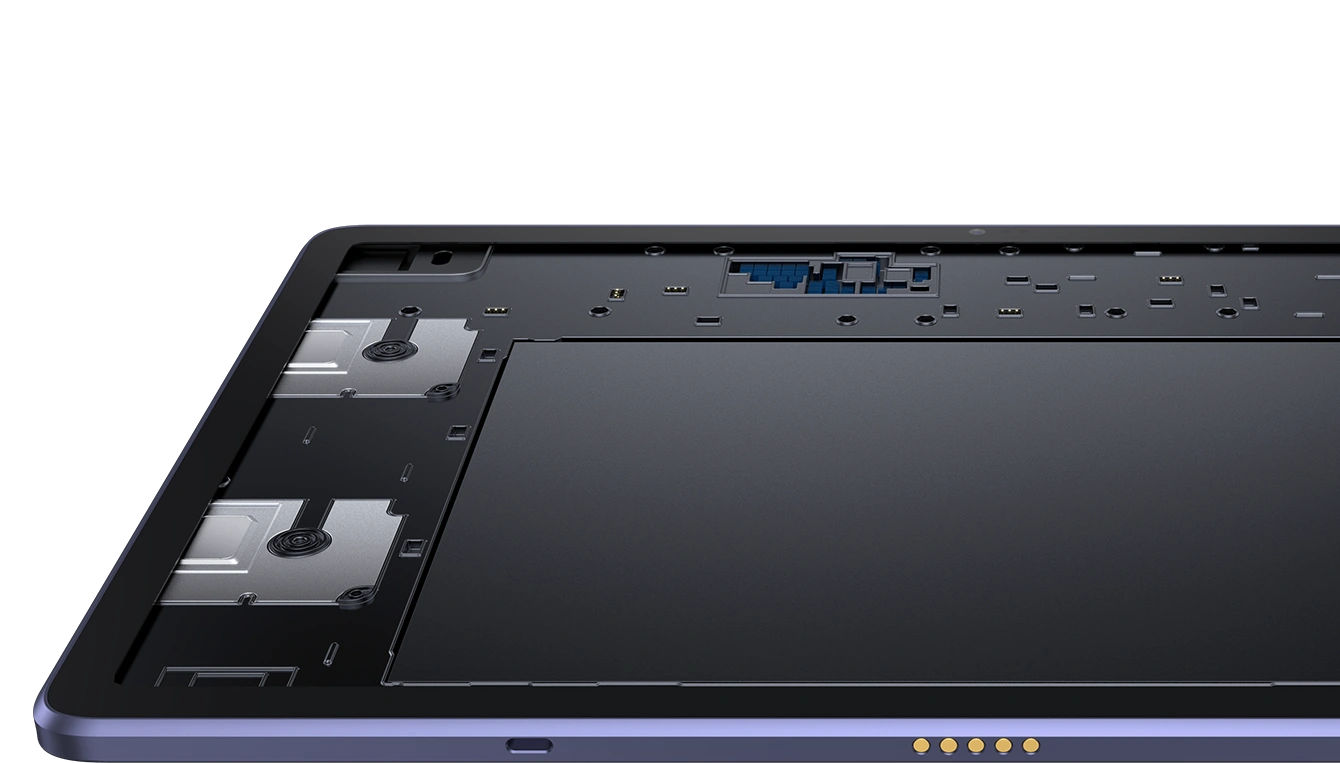
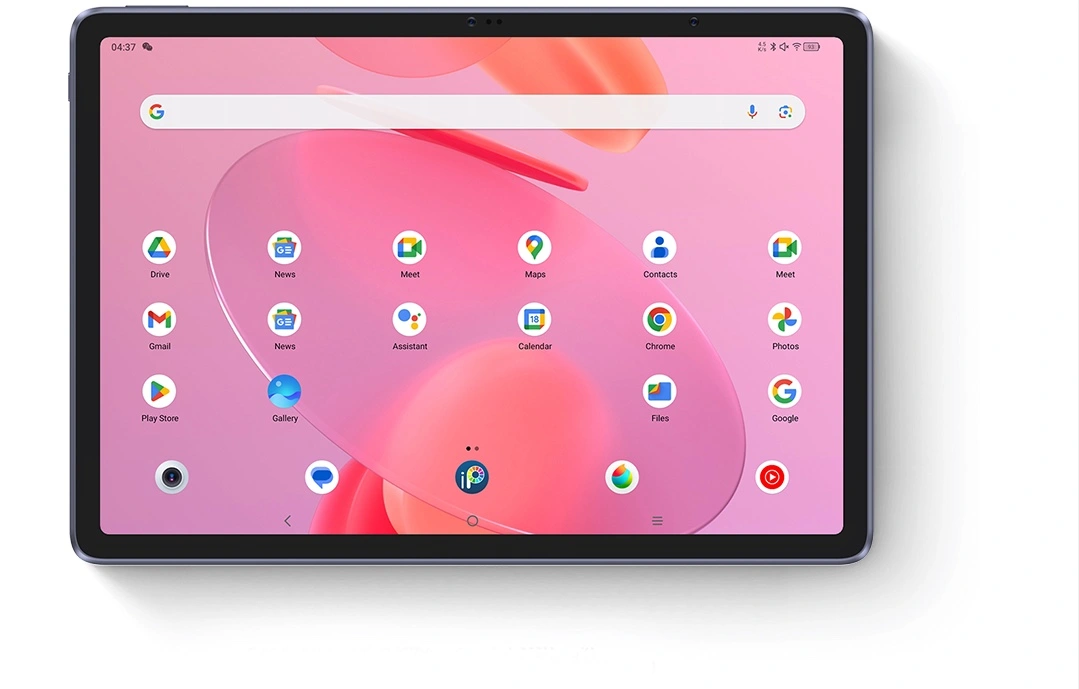
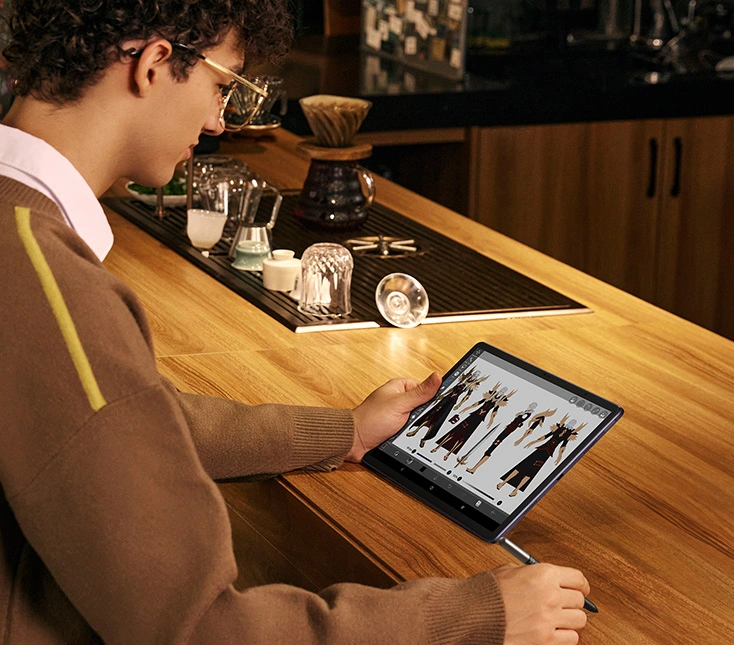
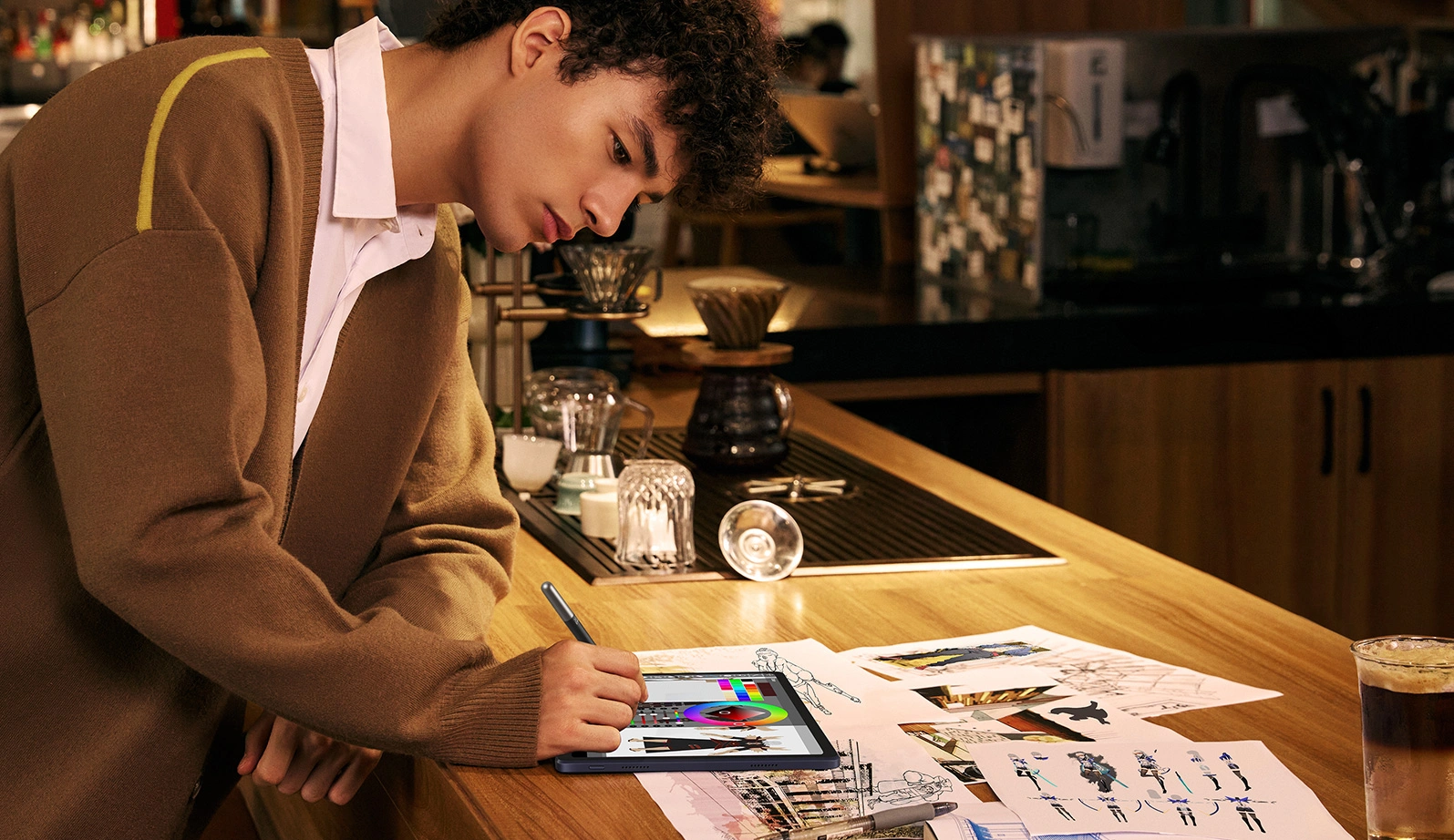
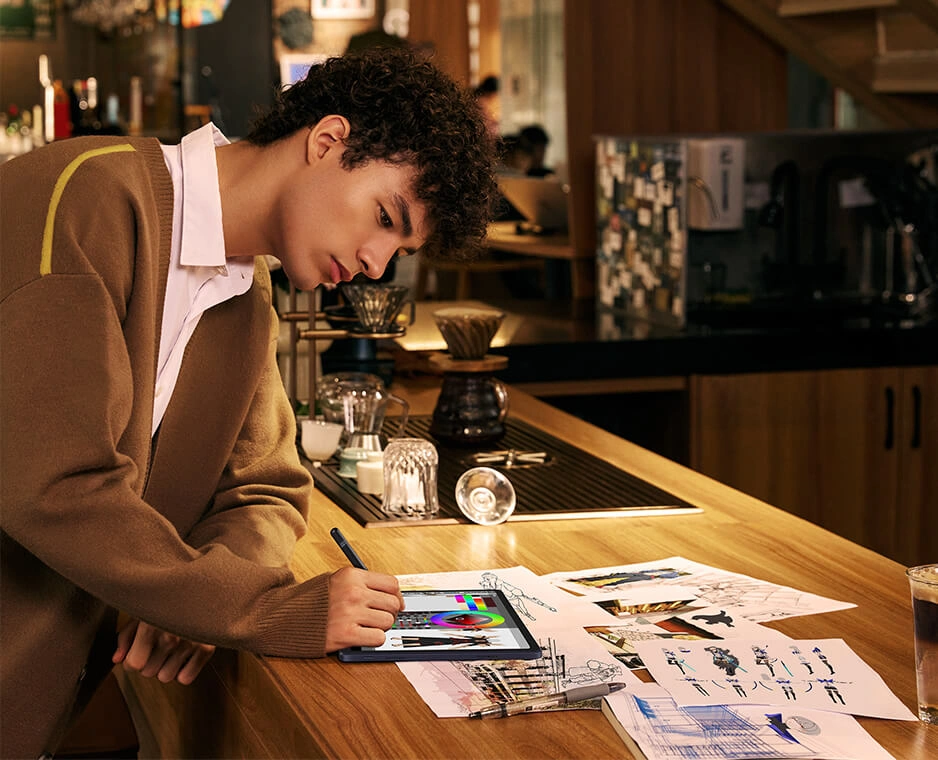
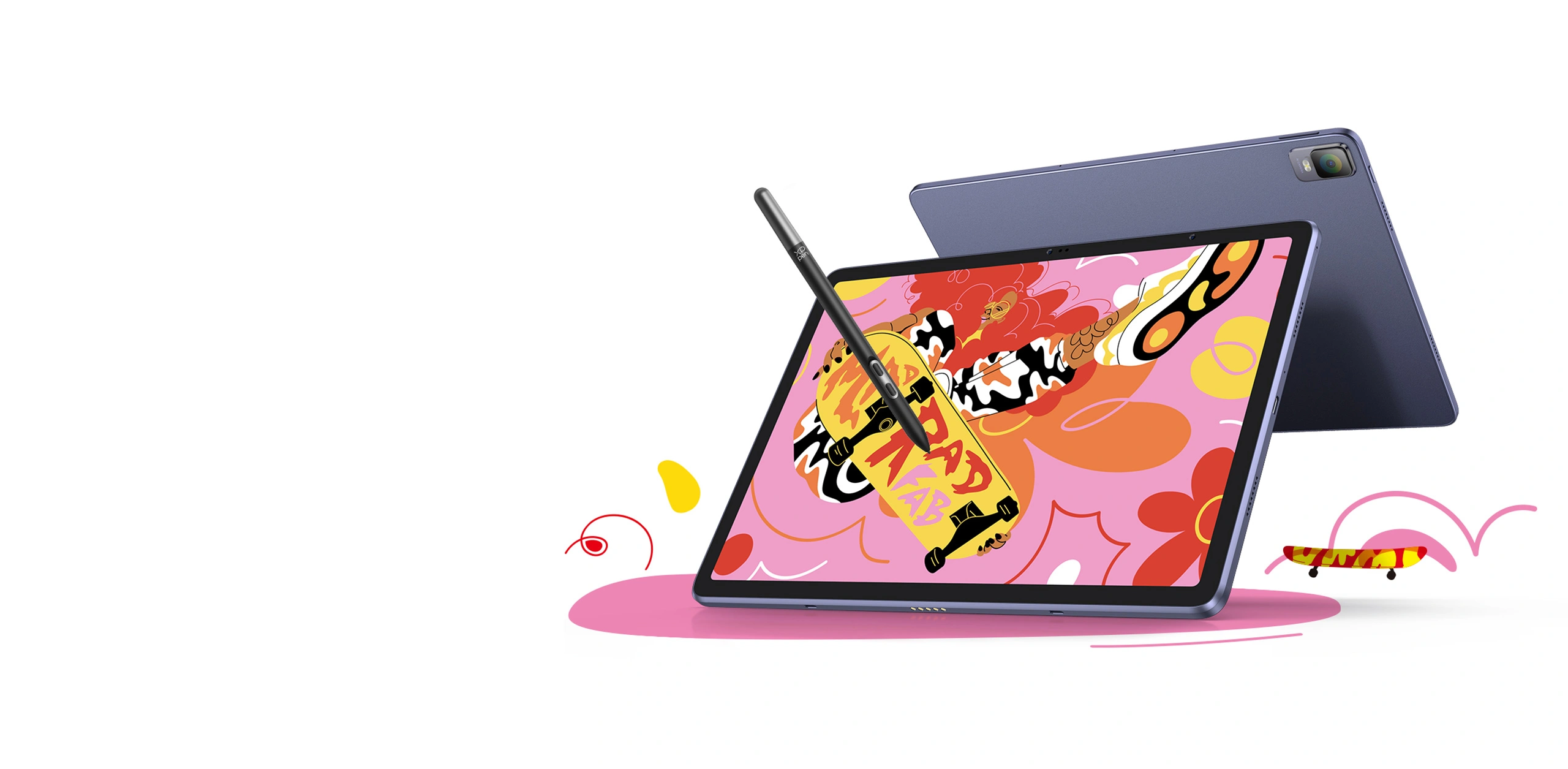
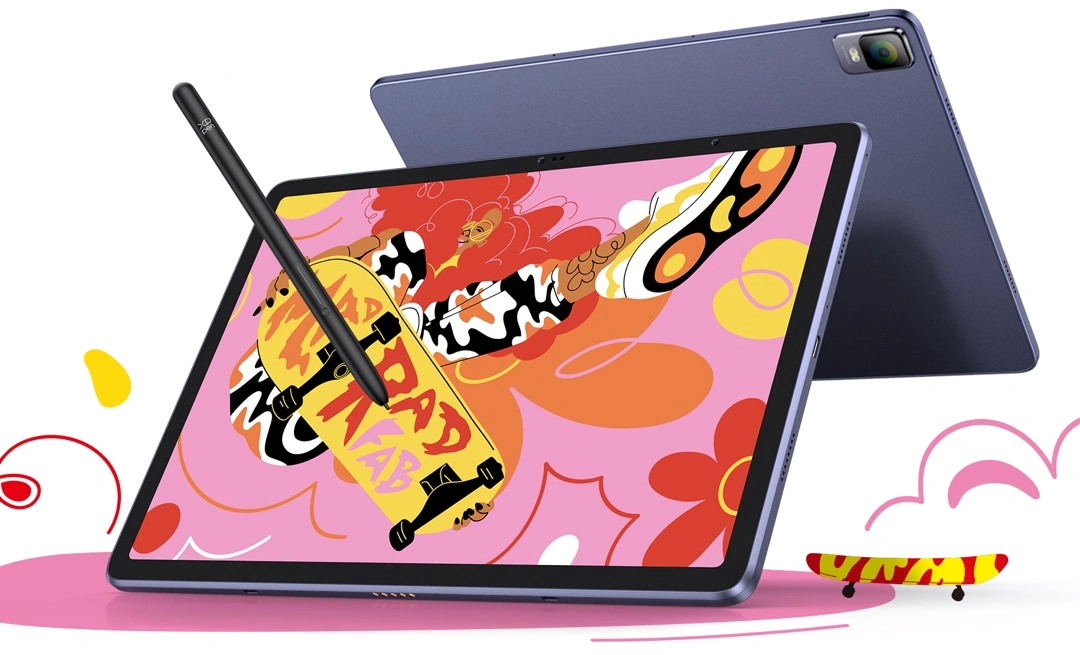
Imagine a studio quality creation — not necessarily in the studio. XPPen's ArtMobile lets you create on the go, like a pro. It integrates the best of a professional studio into a 12.2-inch sized slim tablet. Brings any vision to life like never before, with the ultimate mobility.
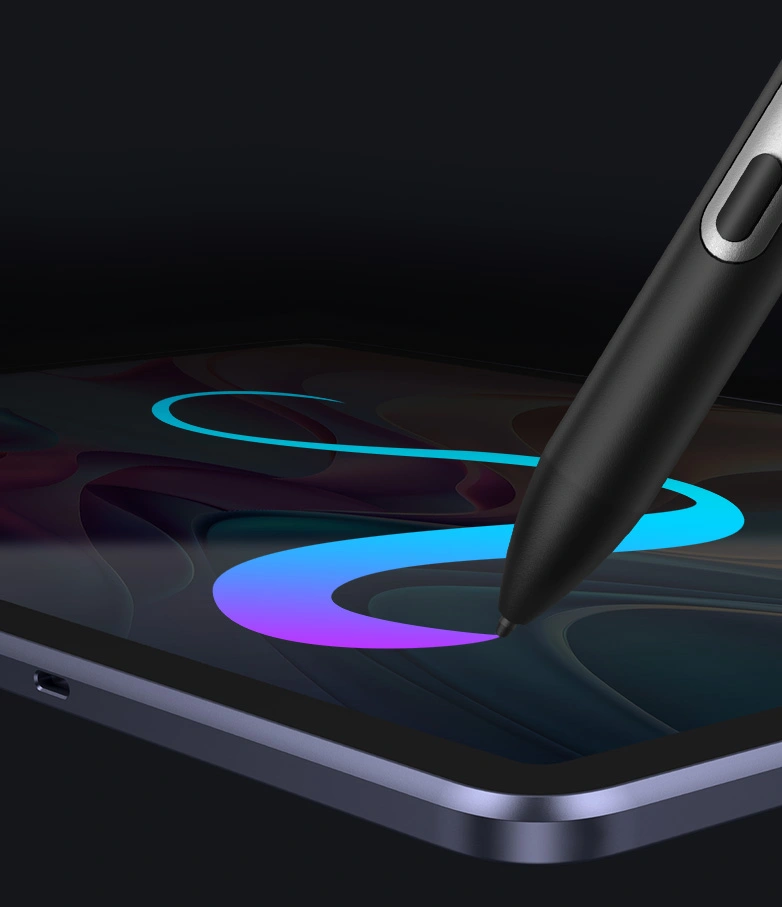
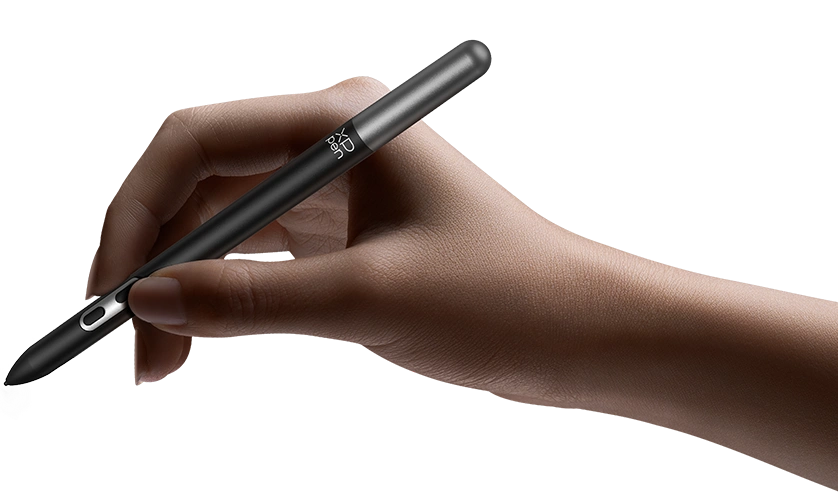
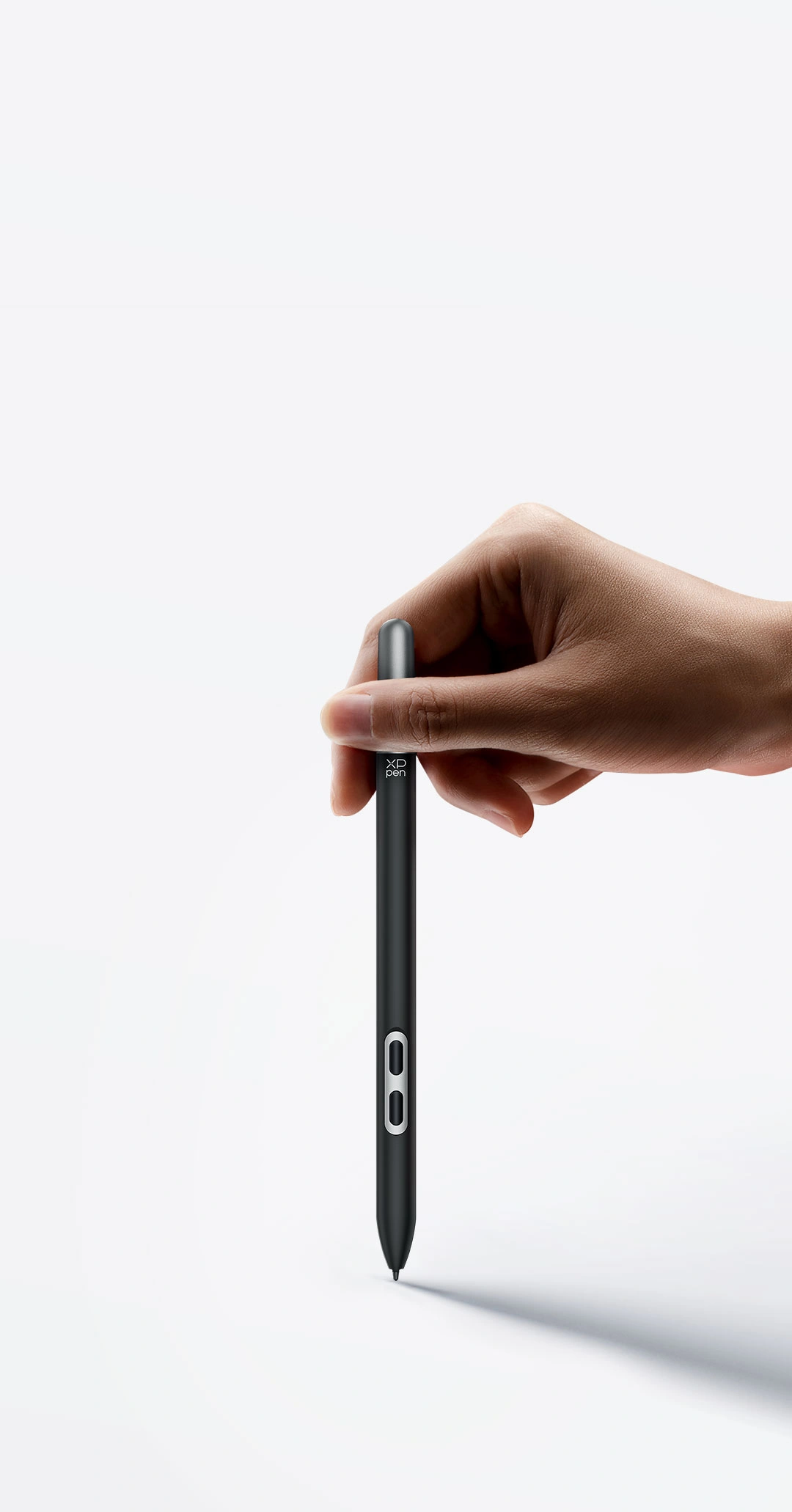
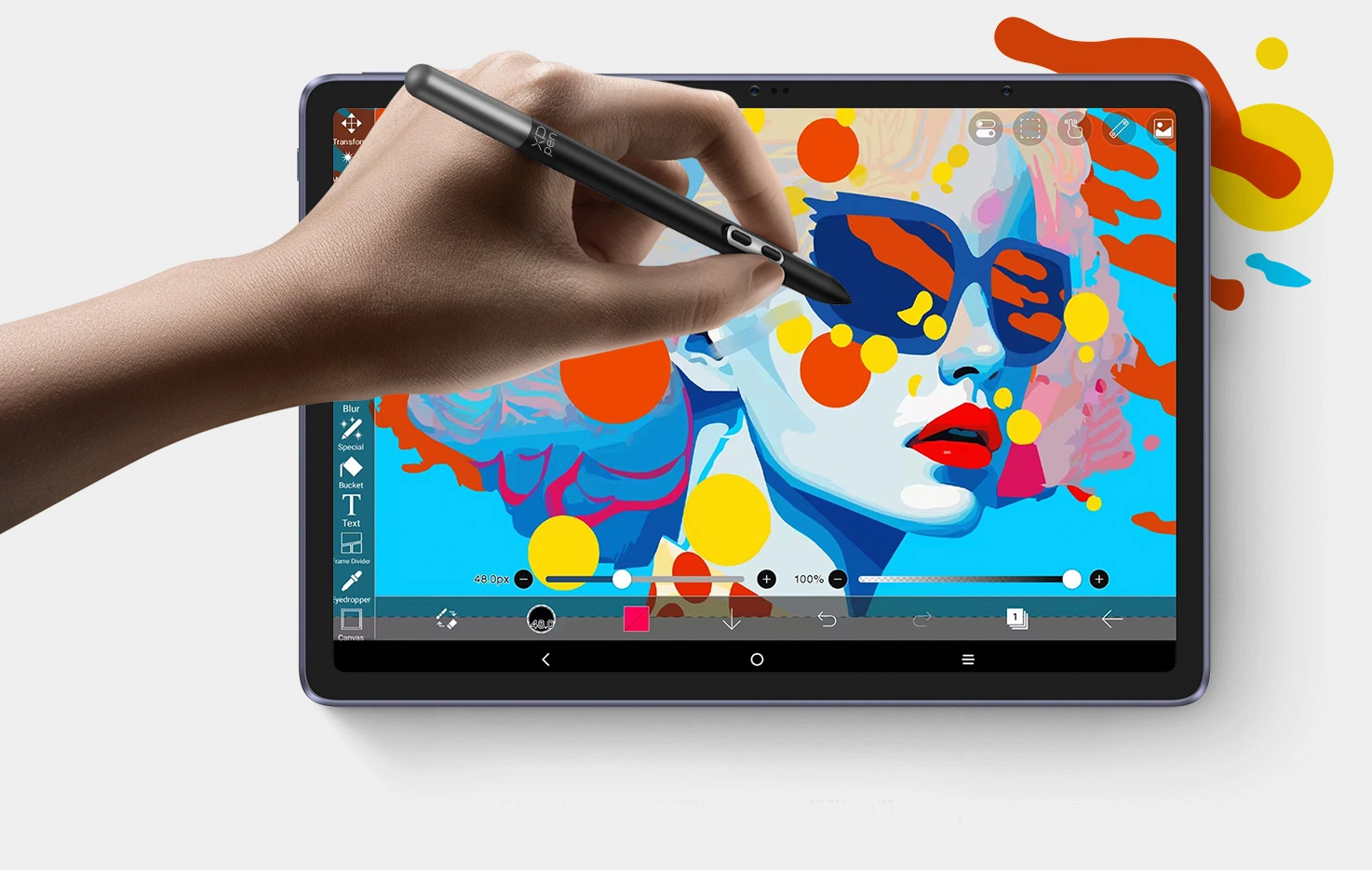
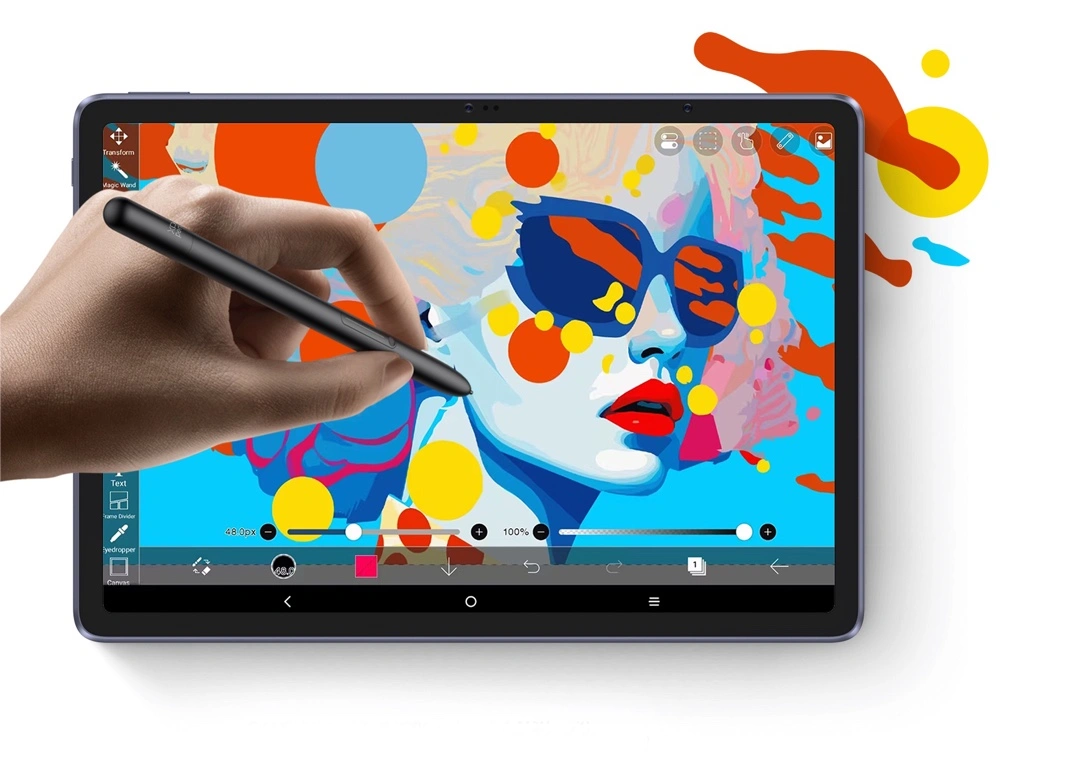
X3 Pro Slim Stylus
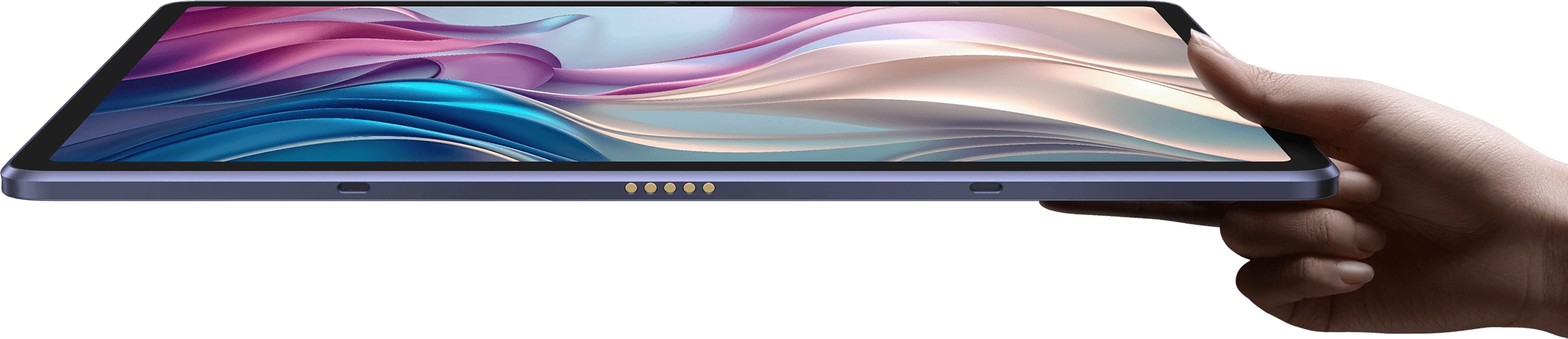
Slim yet powerful, transforms every
stroke into an exact digital reflection of
your ideas.
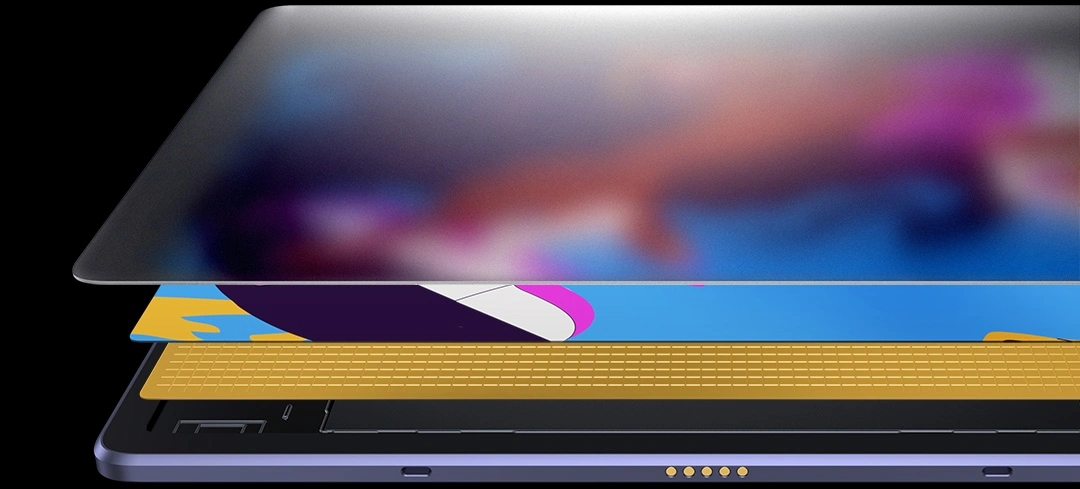
X-Paper Display
Offers a paper-like drawing experience in full
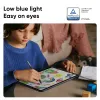
color with no glare and no harmful blue light.
16K Pressure Levels
Delivers much more precise and smooth
lines than ever before.
Top Android
Drawing App
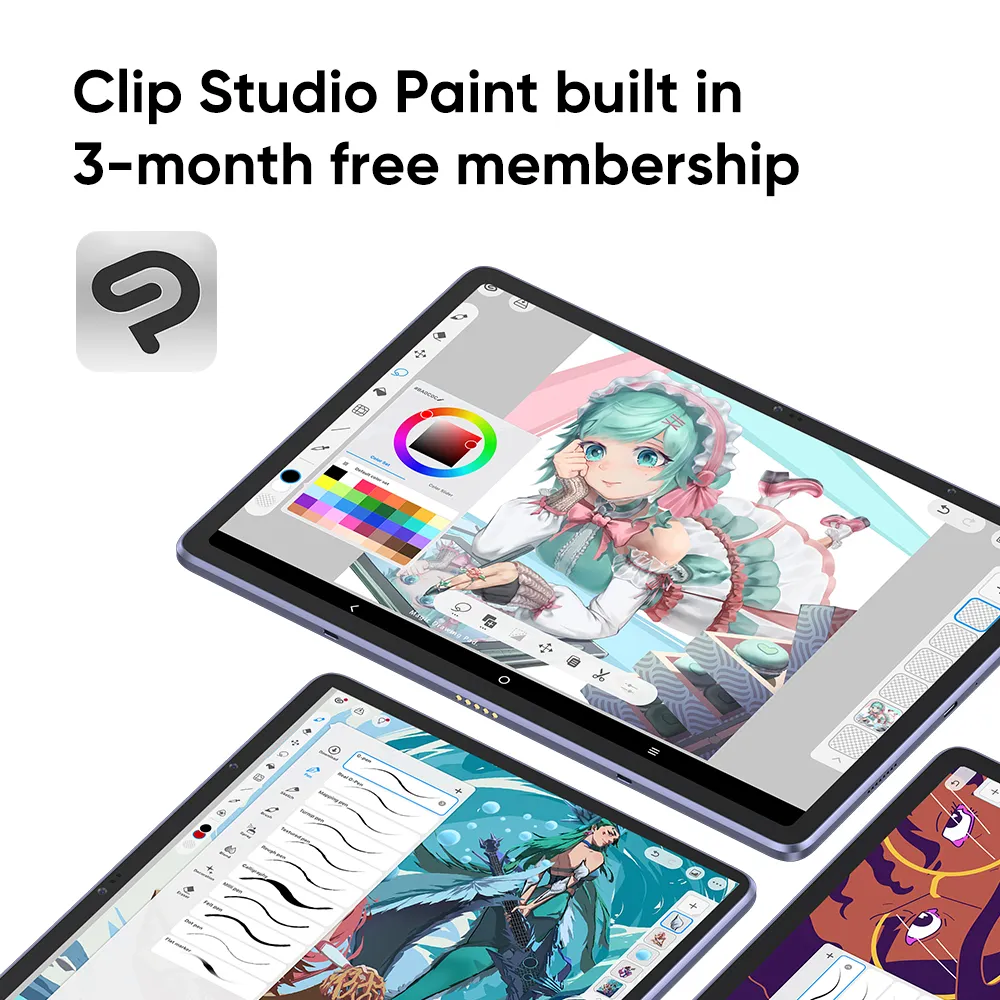
Standalone Android system, Clip Studio Paint is built in with free membership.
Super Portable
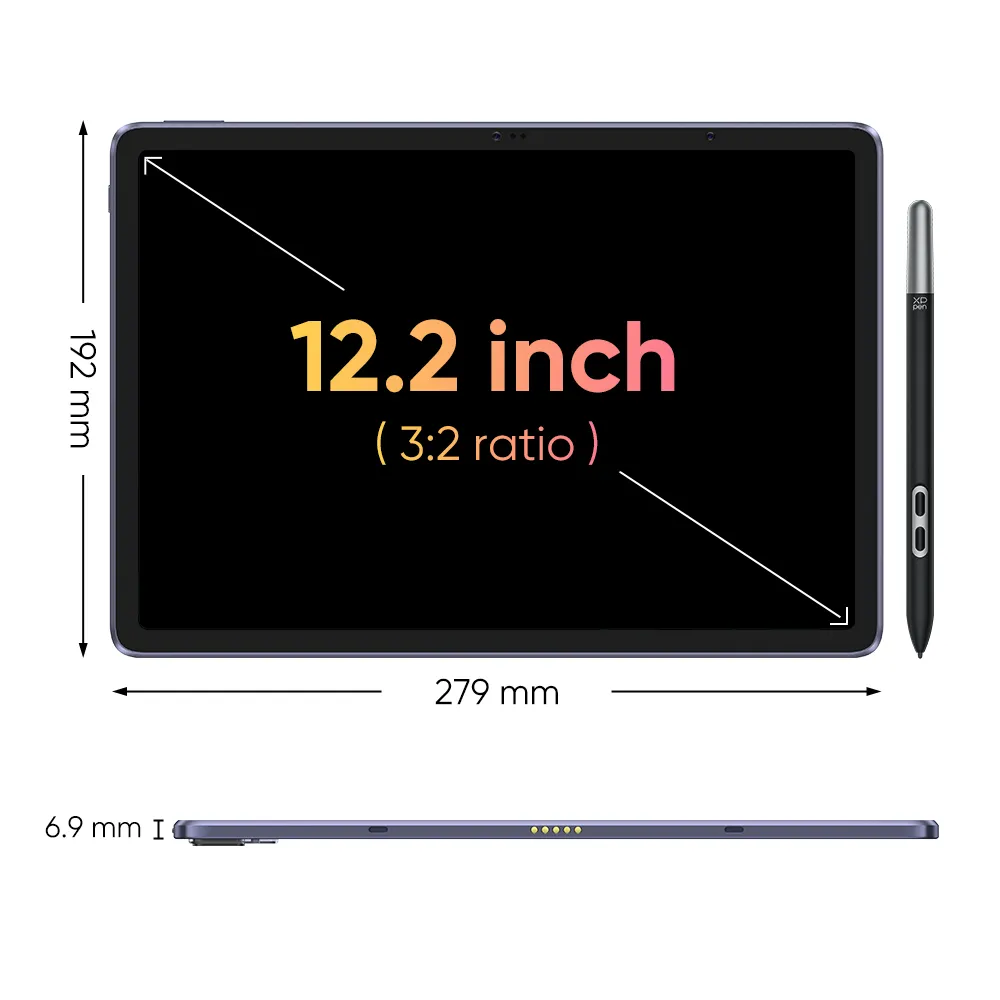
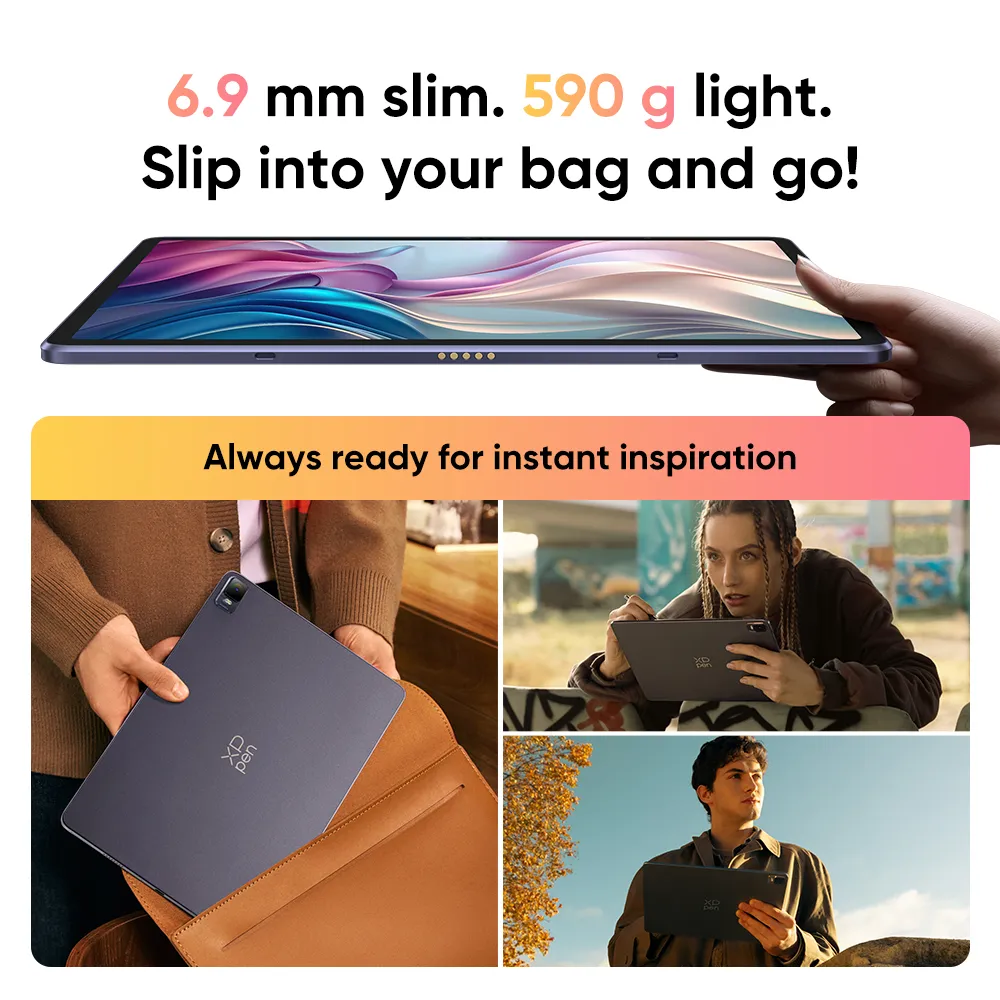
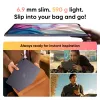
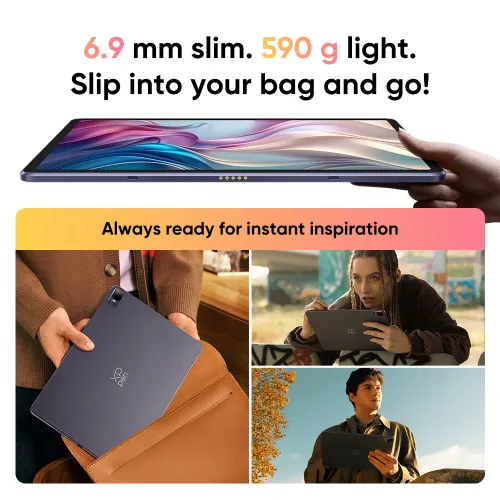
6.9 mm slim, 590 g light. Your mobile studio.
Developed in X-INNOLAB
Go deep into the full storyPowered by the X3 Pro Smart Chip, 16K pressure levels, EMR technology, and 60° tilt support. Weighing only 10g, the X3 Pro Slim Stylus sets a new standard for drawing and creating on a tablet—delicate, precise, and fluid."
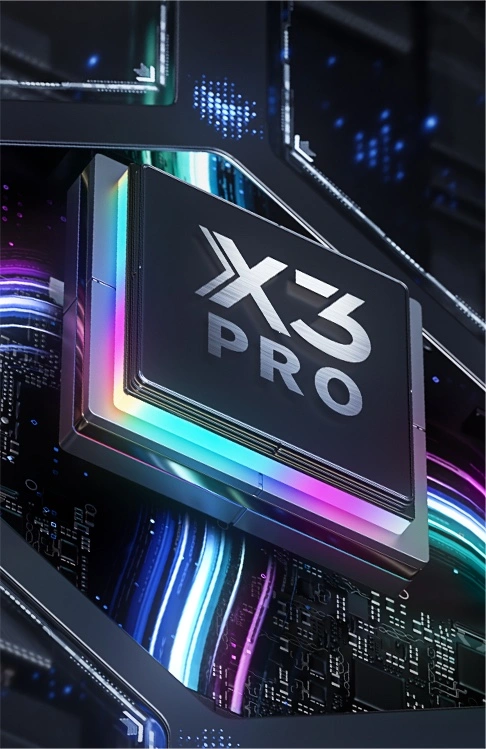
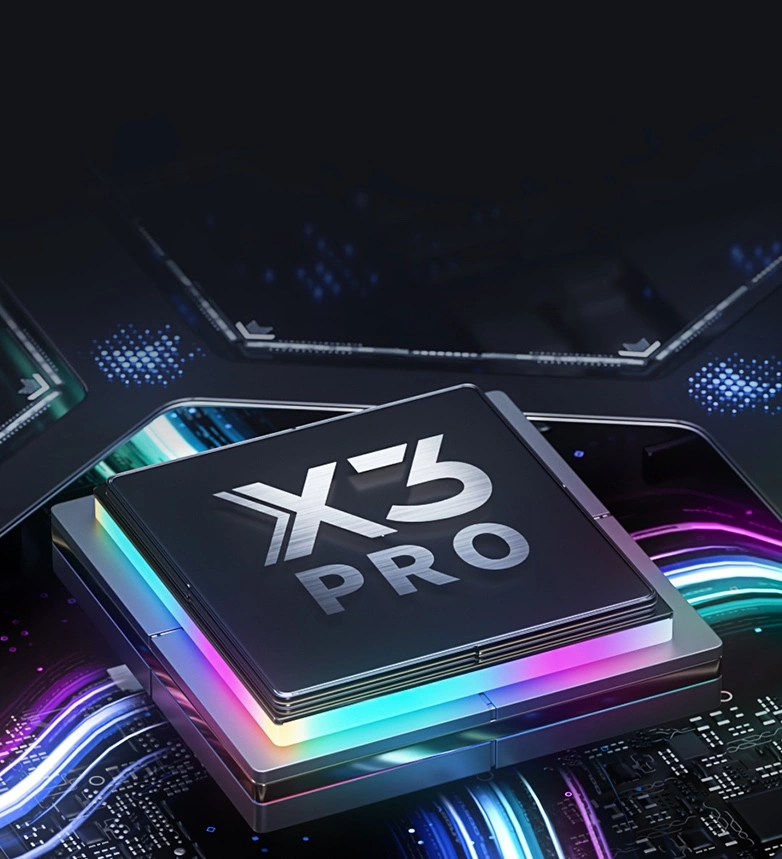
Not all digital styli are made equal. X3 Pro Slim stylus is powered by a drawing-dedicated smart chip — which means it has an advanced algorithm to ensure smarter and more stable performance that aligns perfectly with your hand muscle memory.
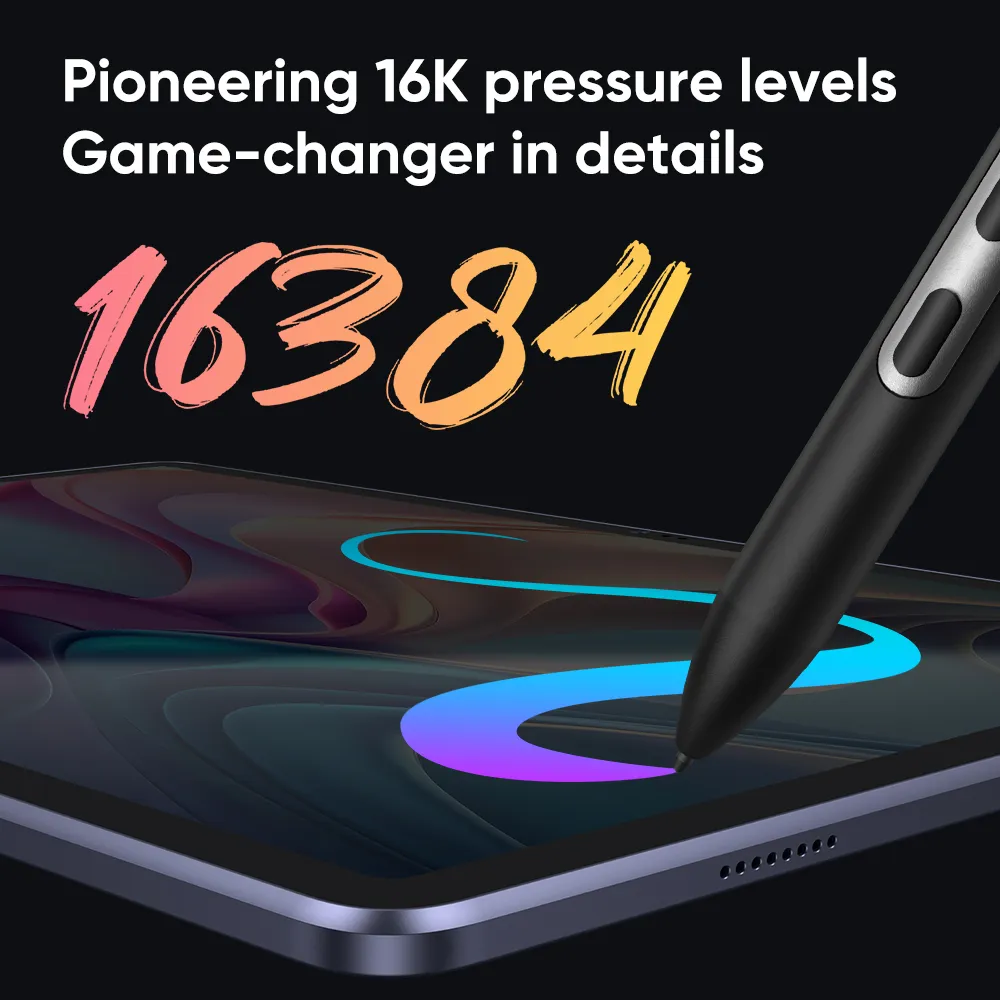
200%* higher than that of common tablet pencils. It brings out the smoothest and most precise lines ever. Delivers each stroke precisely how you expect it to be. And empowers you to excel in hyper-nuanced creation and beyond.
*higher
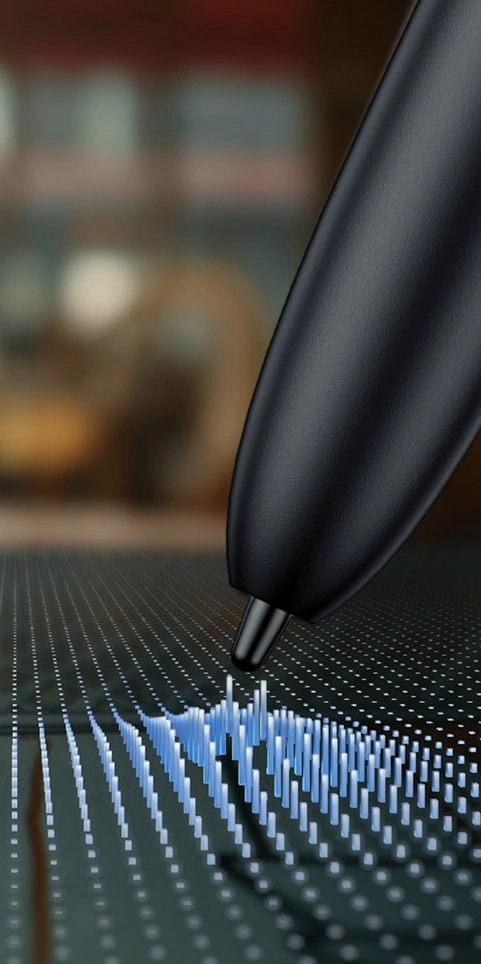
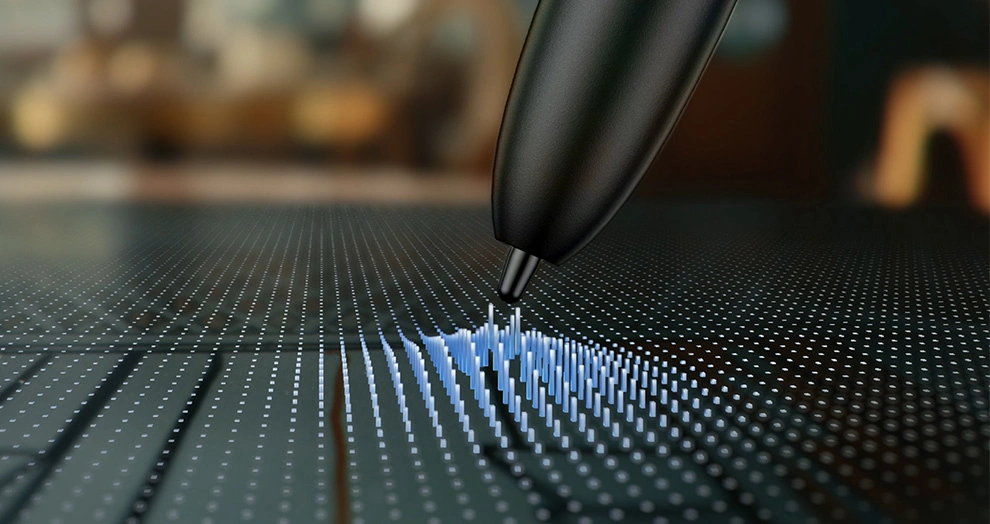
Powered by EMR (Electro-Magnetic Resonance) technology, the X3 Pro Smart Chip Stylus tracks the movement of the pen nib so accurately. Designed to be battery-free, it requires no charging and allows you to create without interruption.
Learn moreBuilt with XPPen quality and know-how, the Magic Drawing Pad is made differently from its peers — by integrating an advanced EMR module with sophisticated handwriting processing IC and precision induction sensors, for super accurate signal transmission between the display and stylus. It senses as you glide your X3 Pro Slim stylus over the display so every stroke you make syncs to display instantly and precisely.
*The stylus included is based on the actual packaging
No charging. No Bluetooth pairing or connection. Just pick it up to draw when inspiration strikes and it will keep going as long as you do.
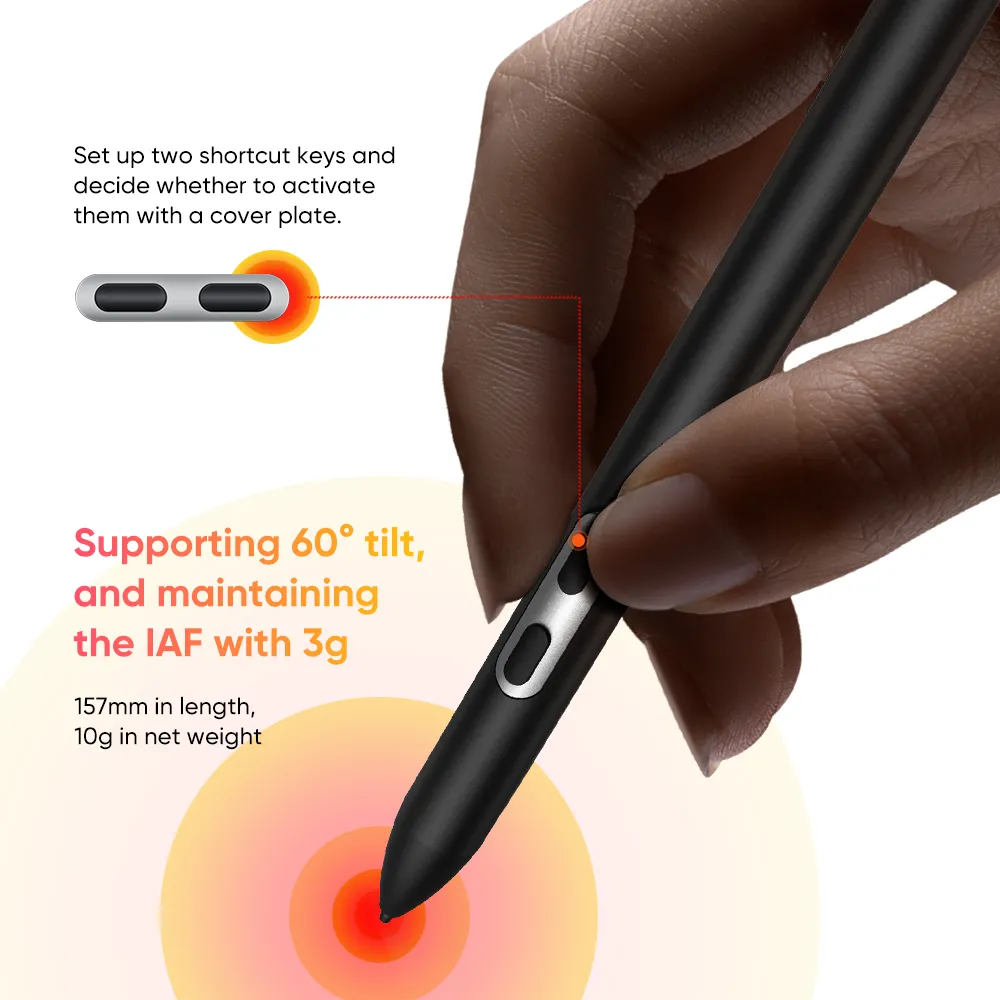
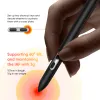
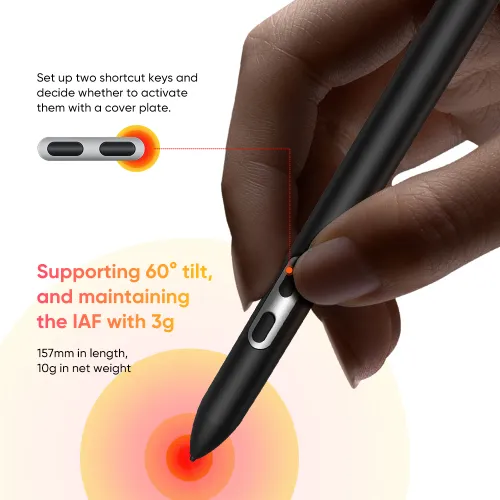
Supporting 60° tilt, and maintaining the IAF with 3g, the X3 Pro Slim stylus has no lag or broken lines.
3g*
3g IAF
60°*
60° Tilt
0.6±0.2mm*
Retraction Distance
Accuracy: ±0.4mm*(Center), ±1.5mm*(Corner)
X3 Pro Slim Stylus
(Magic Drawing Pad)
Capacitive Stylus
(Most Tablets)
EMR technology
Common stylus technology
Powered by X3 Pro Smart Chip
No drawing-dedicated chip
16,384 pressure levels
≤4096 pressure levels
Battery-free. Free of charging and Bluetooth paring. Pick up to use.
Battery powered. Frequent charging. Bluetooth connection.
Thin nib
60° tilt support
Thick nib
No tilt support
Weight: 10 g
Weight: approx. 20 g. Prone to cause strain and discomfort over hours of creation.
Can distinguish between fingers and stylus to prevent false operation
Can't distinguish between fingers and stylus
More durable
Less durable (Limited battery life)
Anti-interference
Susceptible to interference (easily affected by foreign matter on the display, like sweat, water stain, etc)
157mm in length, 10g* in net weight, the stylus perfectly lightens hand burden and boasts enduring and comfortable creation.
Length
157mm
Weight
10g
* Approximate figure
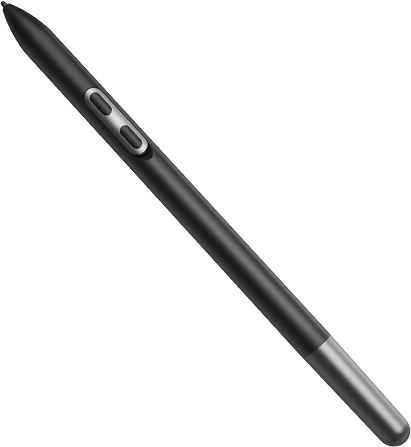
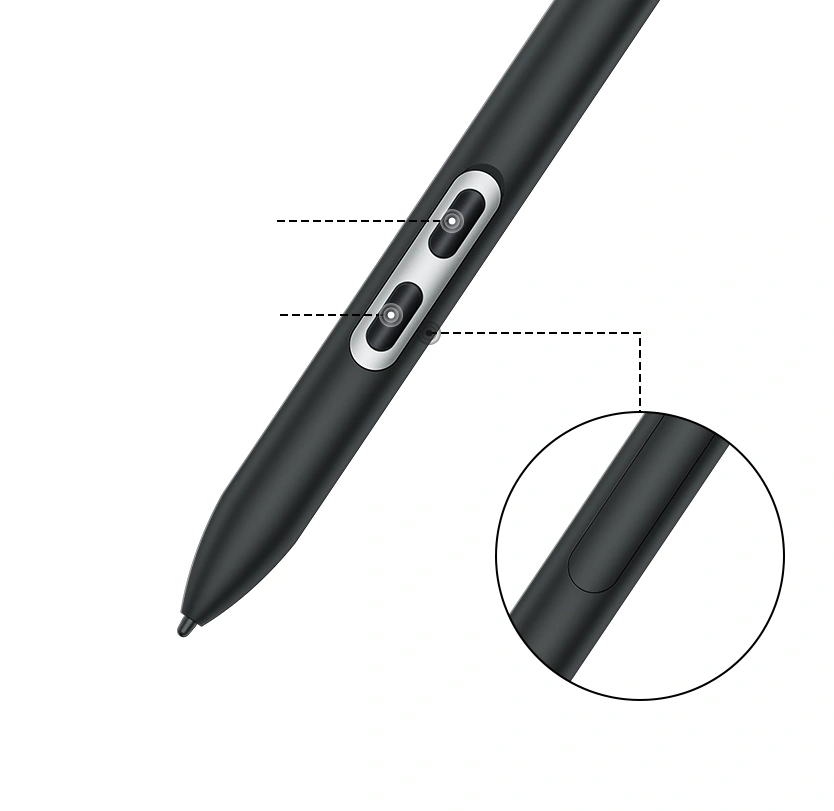
Set up the two shortcut keys as needed and decide whether to activate them with a cover plate. It is the perfect balance of practicality and effectiveness.
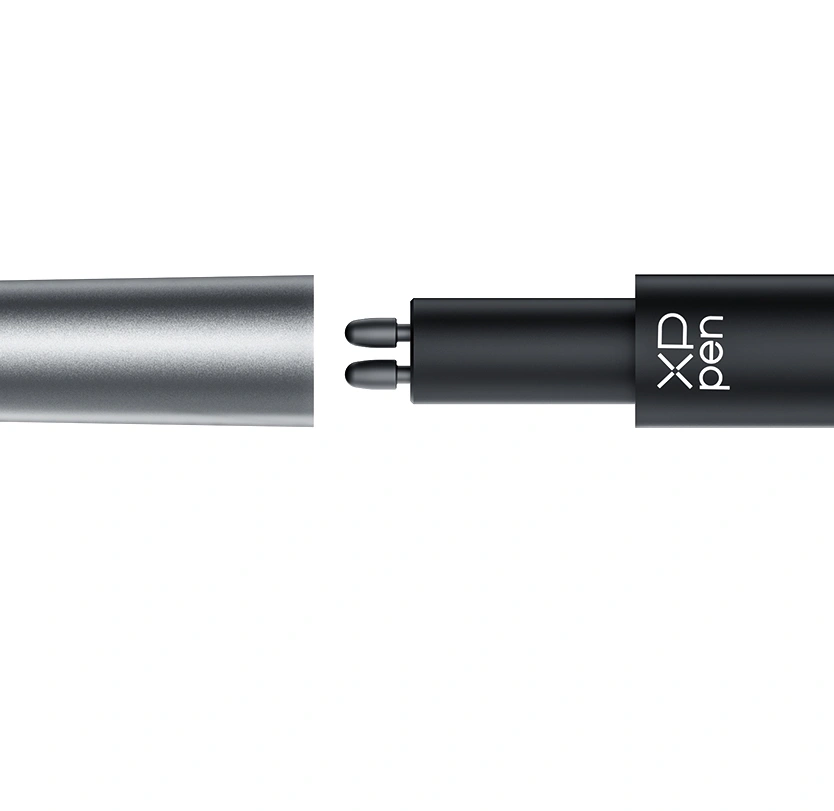
Store the pen refill at the end of the pen, and carry the stylus anywhere. There is no limit to the location of creation.
Shortcut Key1
Shortcut Key2
Keyless Cover Plate
X-Paper A display that looks and
feels totally natural
Love drawing on a traditional medium? X-Paper is crafted with AG etched technology to emulate the friction and resistance of premium paper as you move the stylus across the surface of the pad, while reducing unwanted glare and fingerprints. Draw intuitively, familiarly.
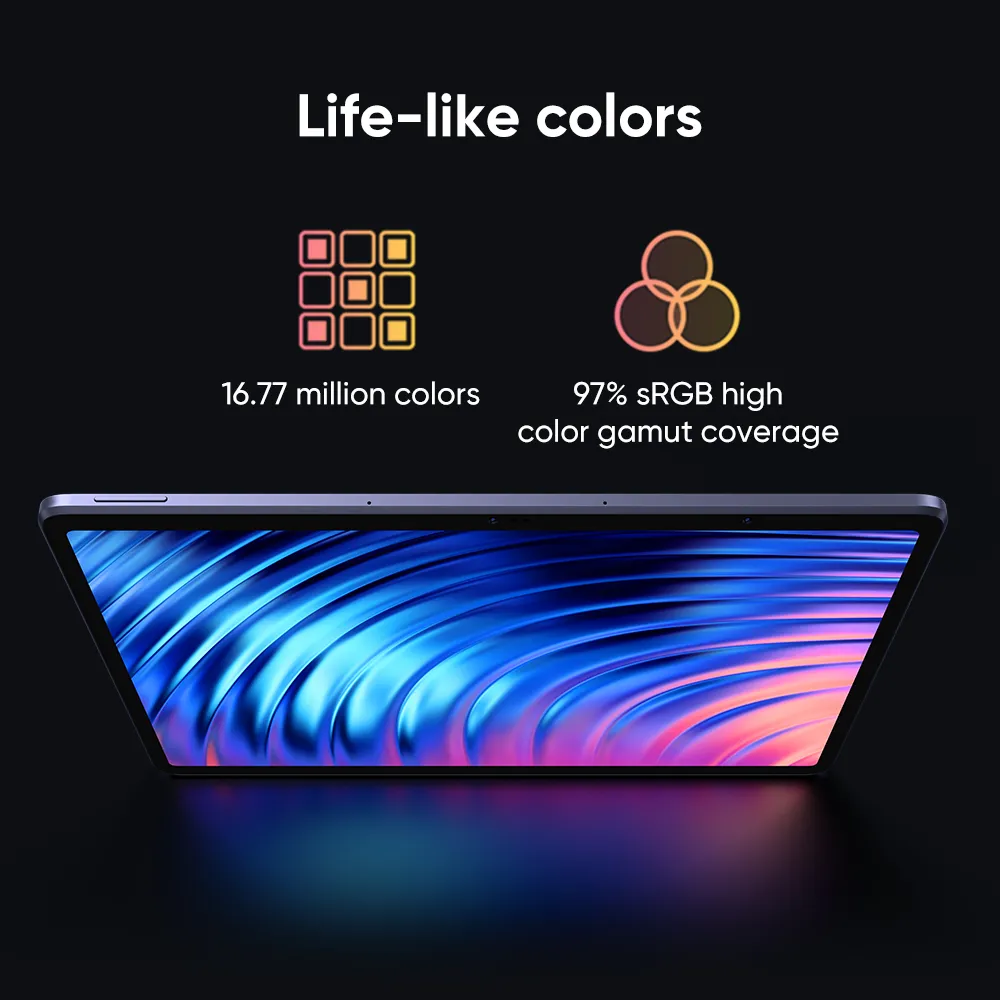
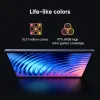
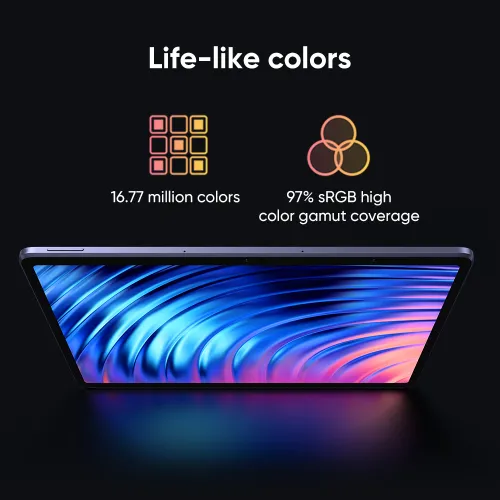
With 97% sRGB high color gamut coverage and 16.77 million vibrant colors, it effectively showcases stunning creative images, ensuring that even artwork with the most color-intensive requirements can be accurately depicted with exceptional vibrancy.
16.77 million colors
97% sRGB high color gamut coverage
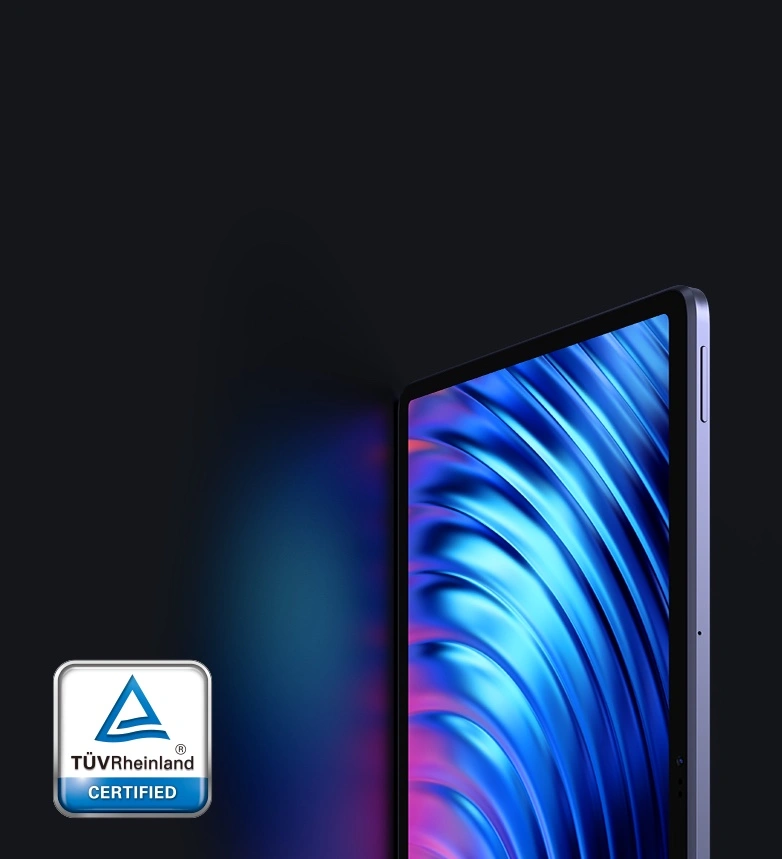
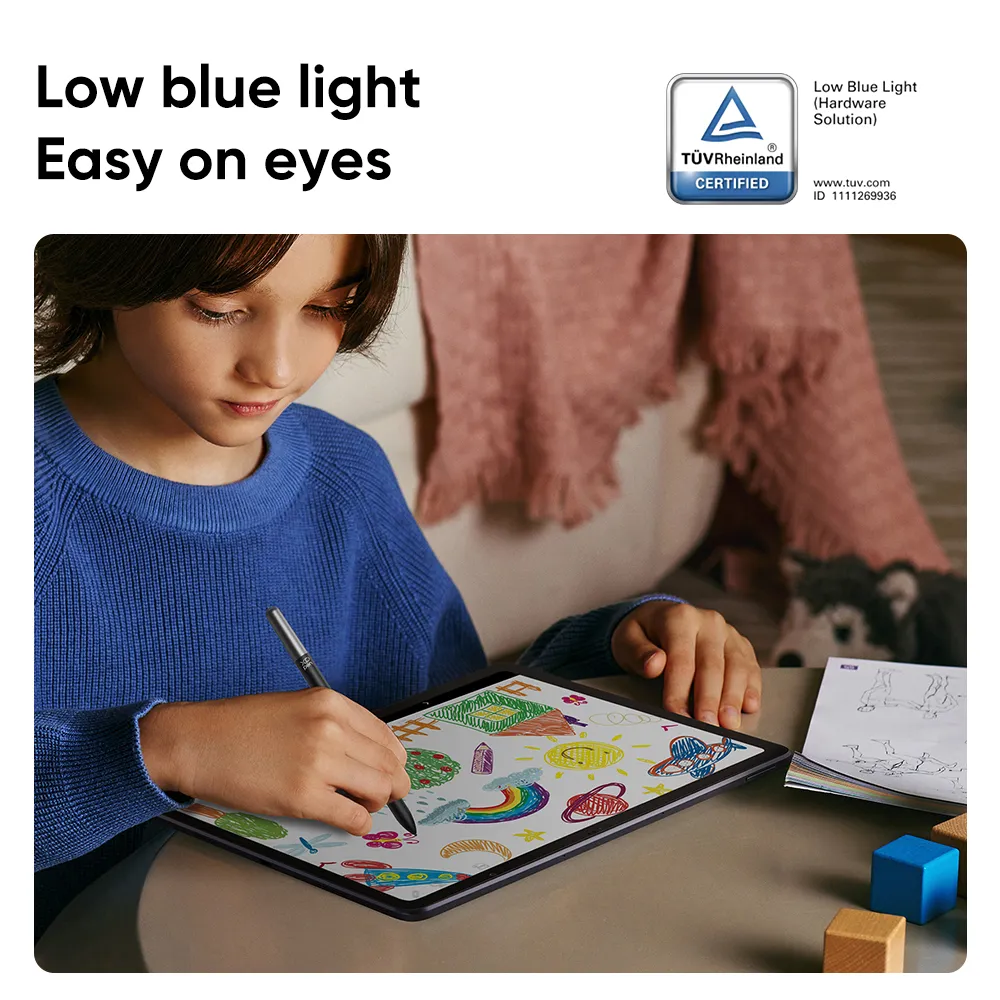
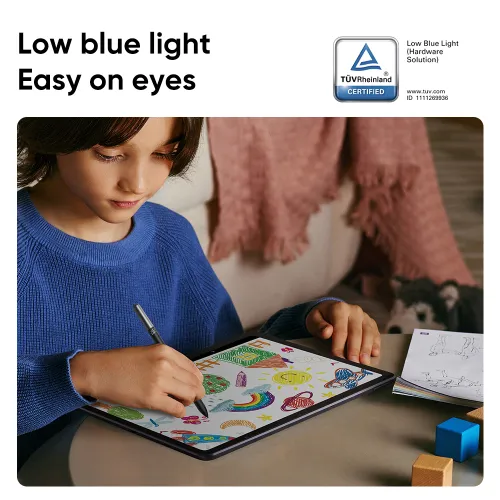
Thoughtfully designed with eye comfort in mind, X-Paper is TÜV Rheinland certified, and enhanced with 10 steps of soft light treatment so you can create without worrying about straining your eyes even when racing against deadlines.
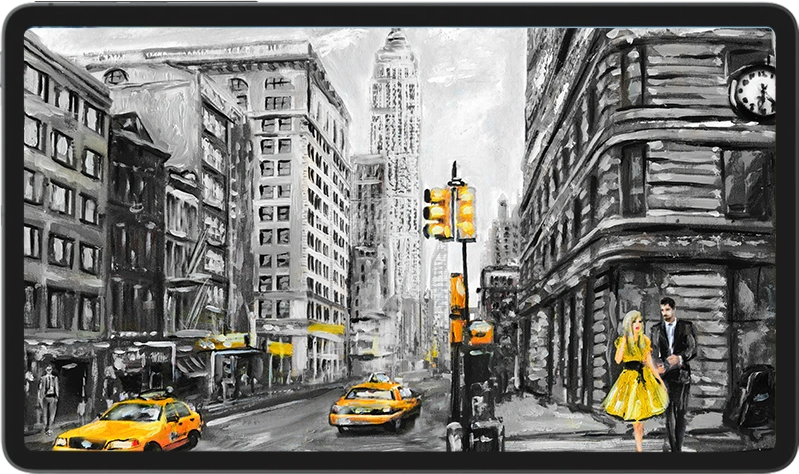
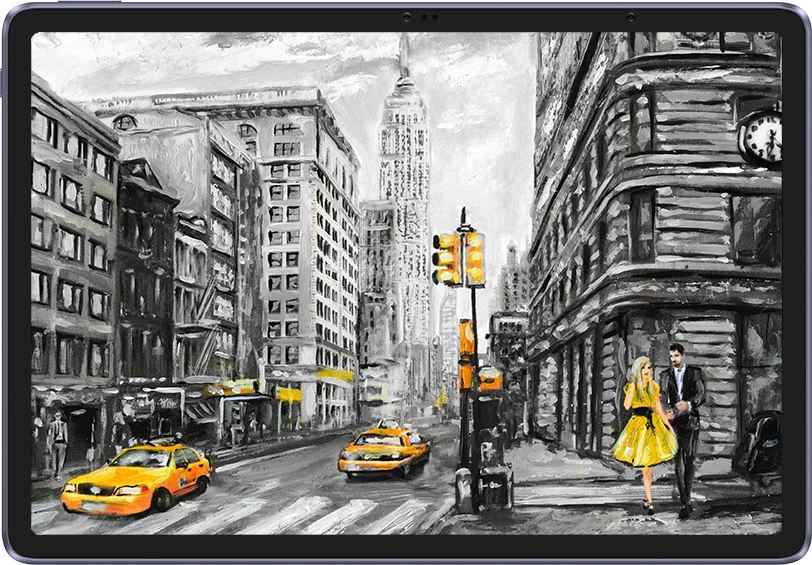
At a 3:2 ratio, this 12.2 inches X-Paper offers a more expansive space for your ideas to run wild and enhance your creative flow. Effortlessly capture the entirety of your vision without constantly zooming in and out.
Common Pads 16:9 ratio
Magic Drawing Pad 3:2 ratio
18.5% more of canvas
Clip Studio Paint
ibis Paint X
Medibang
Contain any tool that you need to create and style
your art like a pro. Take your work to the next level.
3-month free membership of both Clip Studio Paint & ibis Paint X upon activating the account along with the purchase of the Magic Drawing Pad.
*Read the guidelines for free Clip Studio Paint membership redemption.
*Read the guidelines for free ibis Paint X membership redemption.
Exclusive benefits of Medibang upon activating the account along with the purchase of the Magic Drawing Pad.
20GB
Cloud Storage
Special Brushes /
Materials
Ad-free
Experience
*Read the guidelines for Medibang Exclusive Benefits redemption.
Enables function customization* of the
stylus in the app setting.
Brush/Eraser
Eyedropper
Full Screen
Zoom Fit
Undo/Redo
Color Pallet
Palm Rejection
More
* Customize the stylus function by configuring the button settings in the app. Switch the stylus function by pressing the button.
*The stylus function settings may vary depending on the software used.
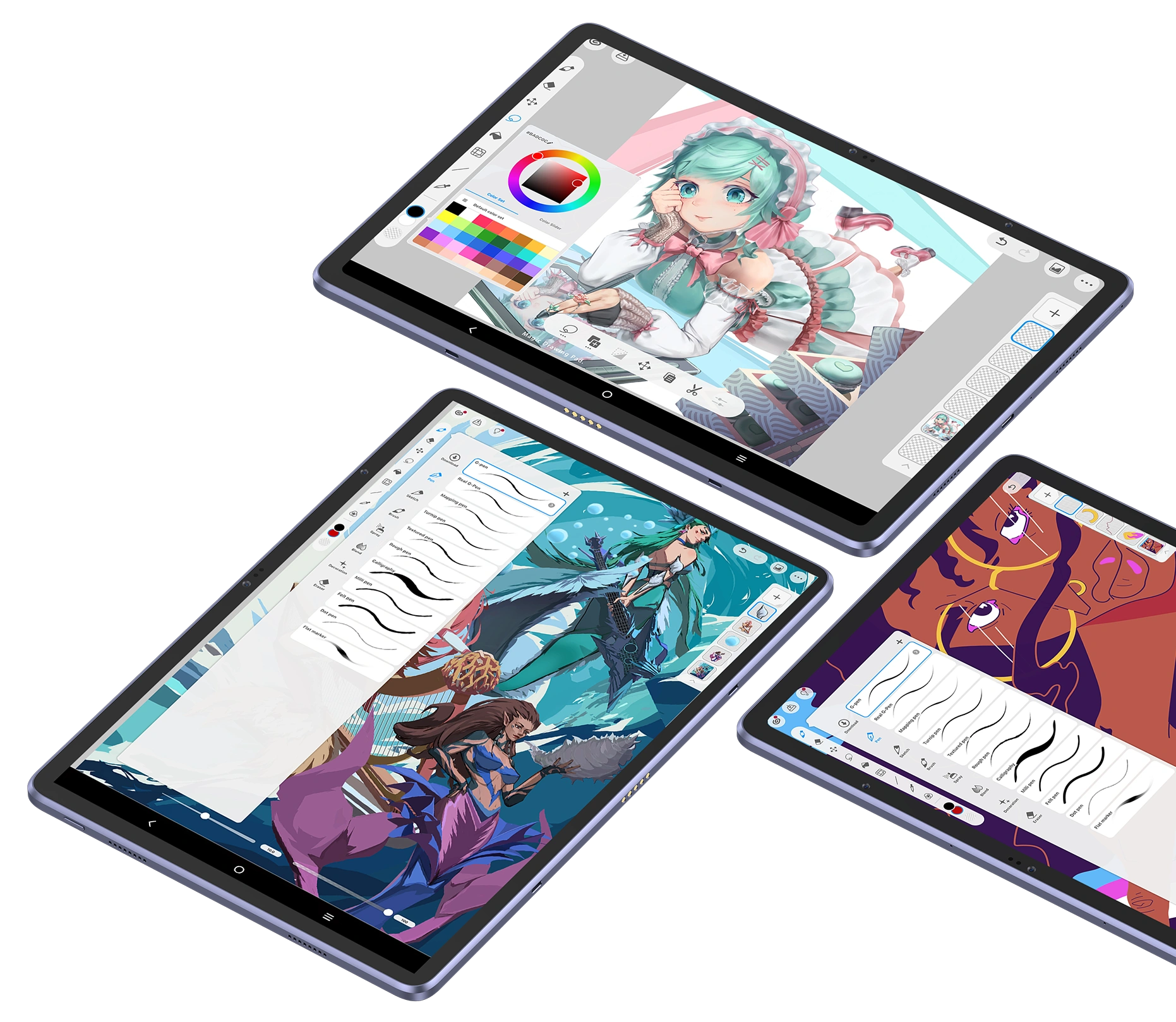
Sketchbook / Nomad Sculpt / Concepts
Infinite Painter / Tayasui Sketches
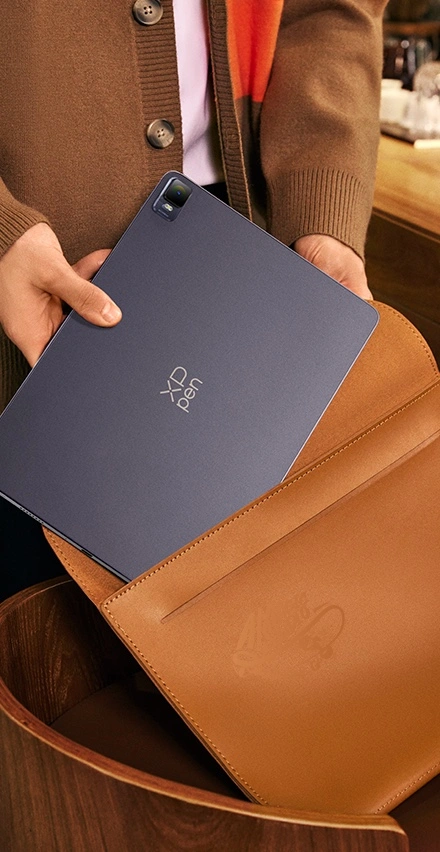
Simply slip it into your bag and go.
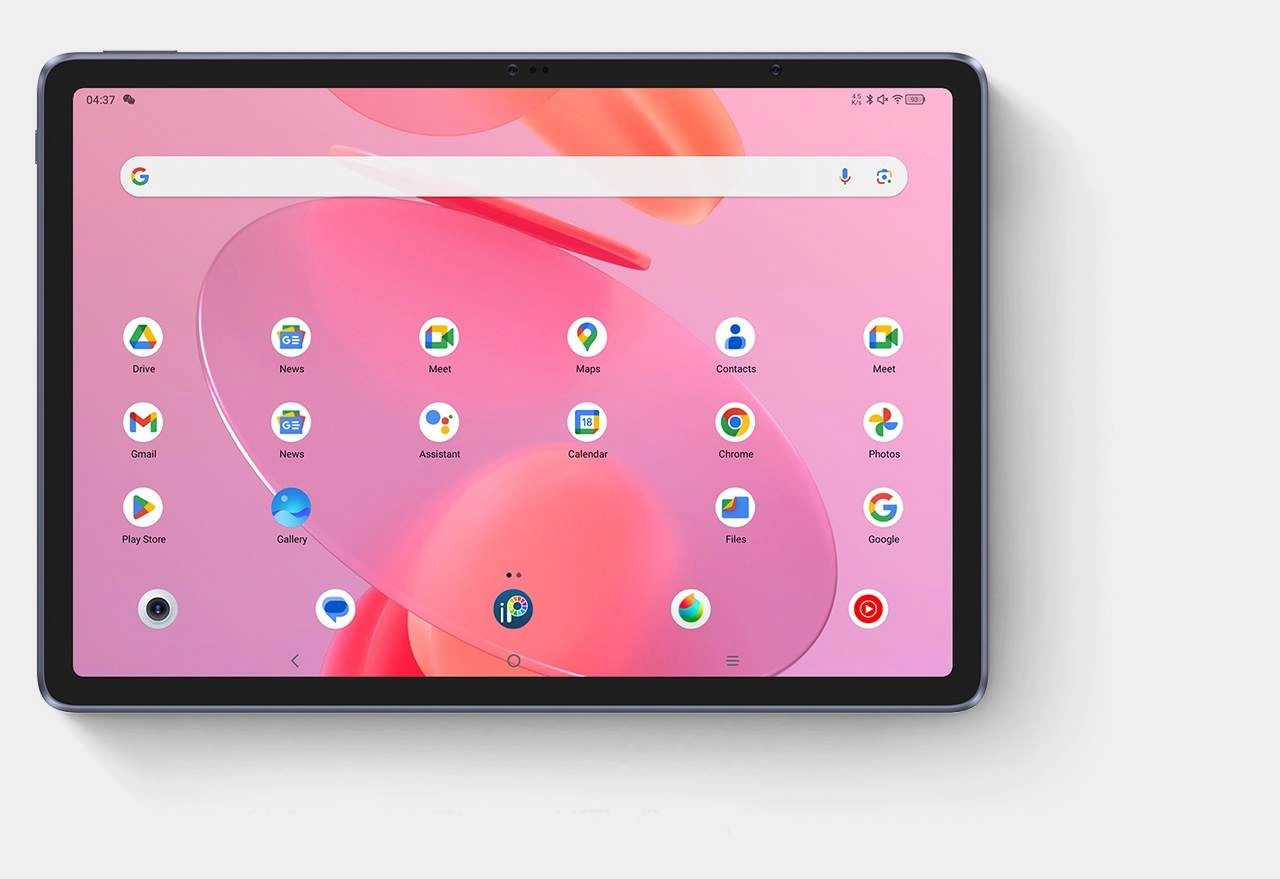
No need for Mac or PC connection. Independently run on the built-in Android system. Pick up to use.
8GB+256GB ROM. Spacious space for tons of drawings. Always ready to impress prospects with your artwork at a moment's notice.
256GB
8000 mAh battery. 13 hours* of battery life for non-stop creation. And the bonus — it supports 33W fast charging and reverse charging to lend juice to your phone on the travel.
8000mAh
13 hours
8000mAh
13 hours
* The data were taken in the condition of the display brightness at 50% and may vary depending on the operating environment.
Create anytime,
anywhere.
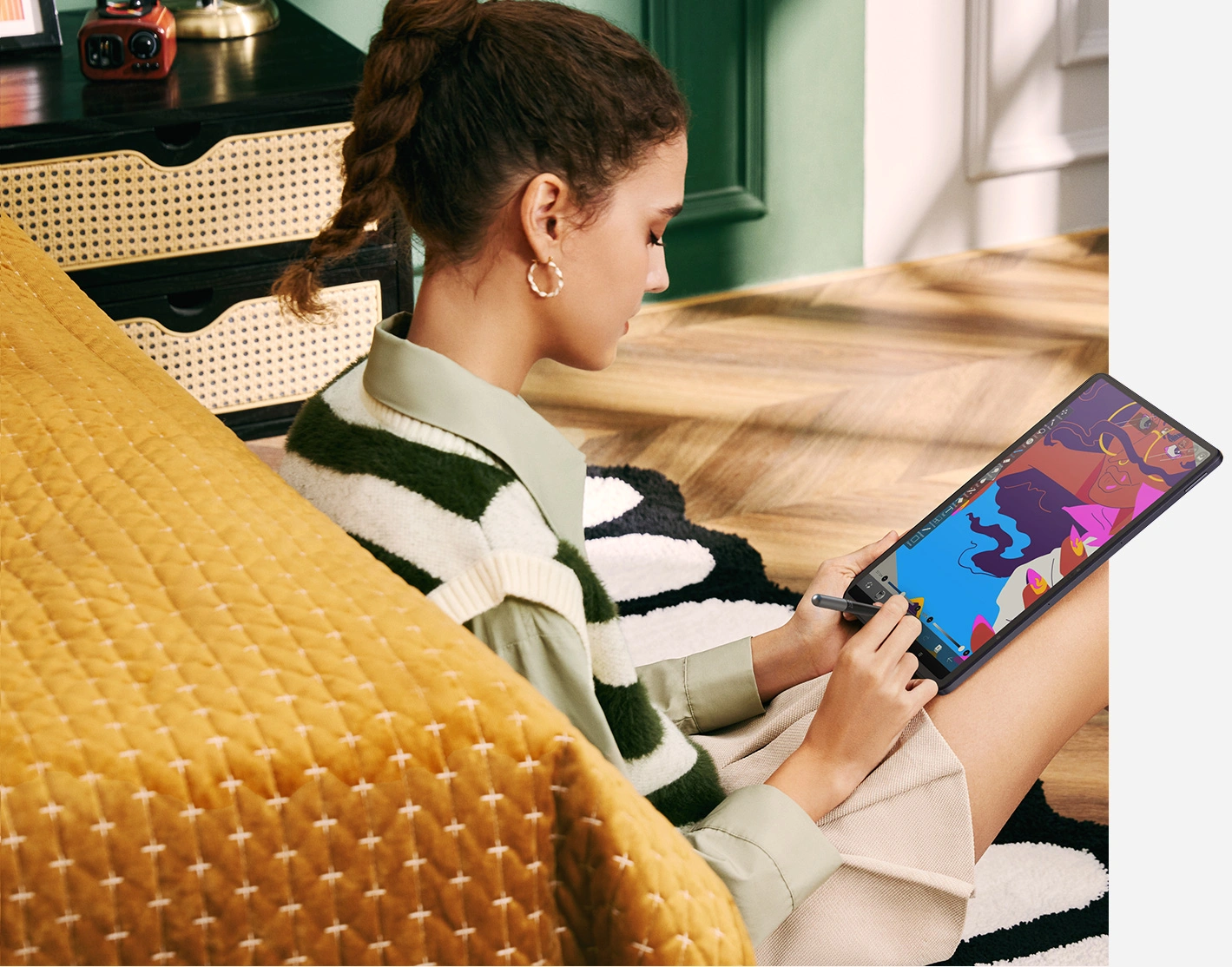
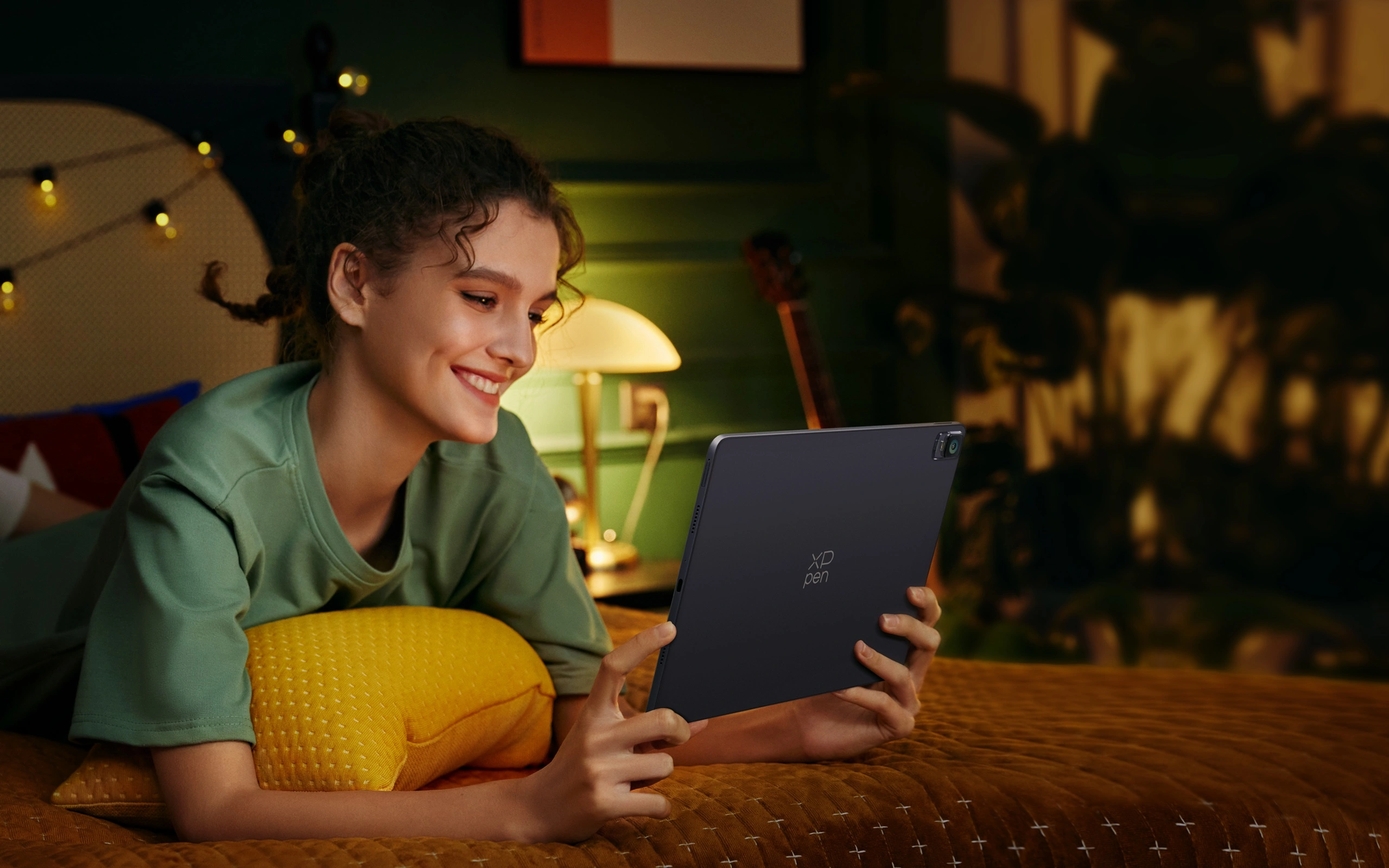
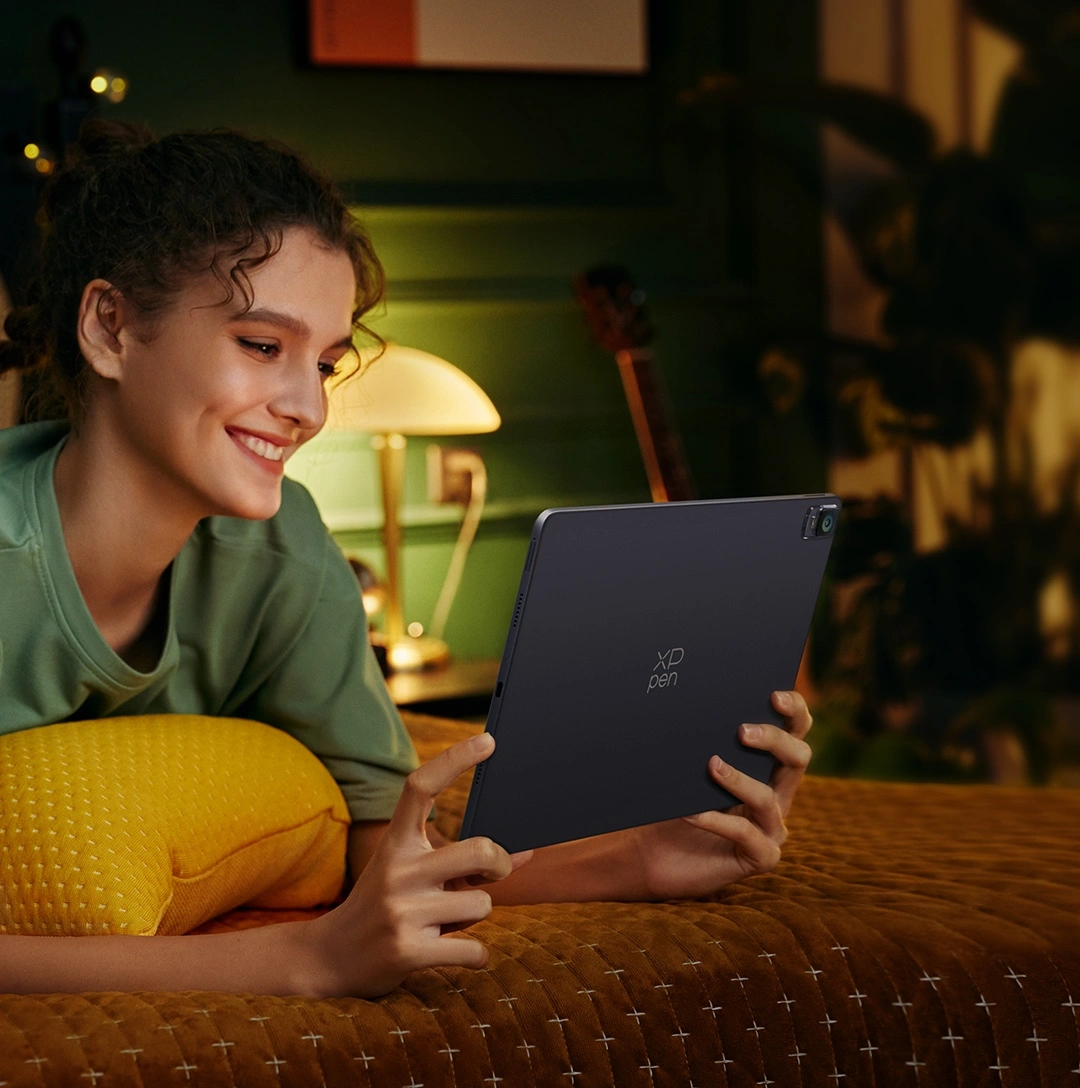
Fully mobile, ultimately flexible to work the way you like — from the comfort of your couch to the convenience of easily carrying your pad to your patio, coffee shop, or literally anywhere you go.
Work the
way you like
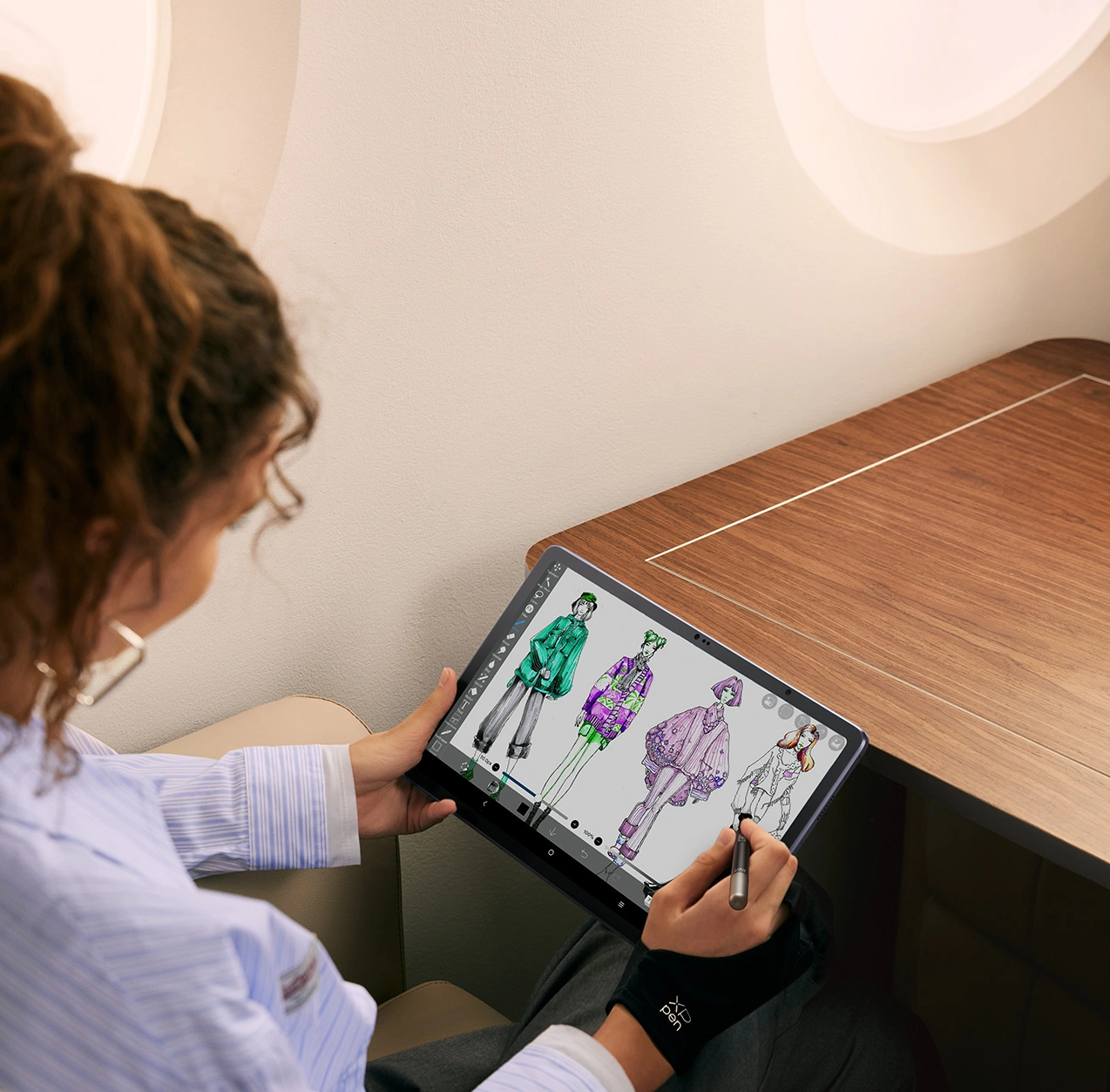
Always ready to capture your ideas. With this standalone drawing tablet by your side, never miss a moment of creativity, whether taking a subway or camping out.
Always ready
for inspiration
Indulge in the gentle caress of the breeze and the melodious symphony of birdsong as you lose yourself in the enchanting realm of artistic expression.
Create with joy
Elevate any moment with a heartfelt sketch, whether you're on a commute to work or on an outdoor adventure in the wilderness.
Every moment counts
Facilitate your creative collaborations with Magic Drawing Pad in hand. Seamlessly showcase your work and make real-time adjustments on the fly.
Efficient
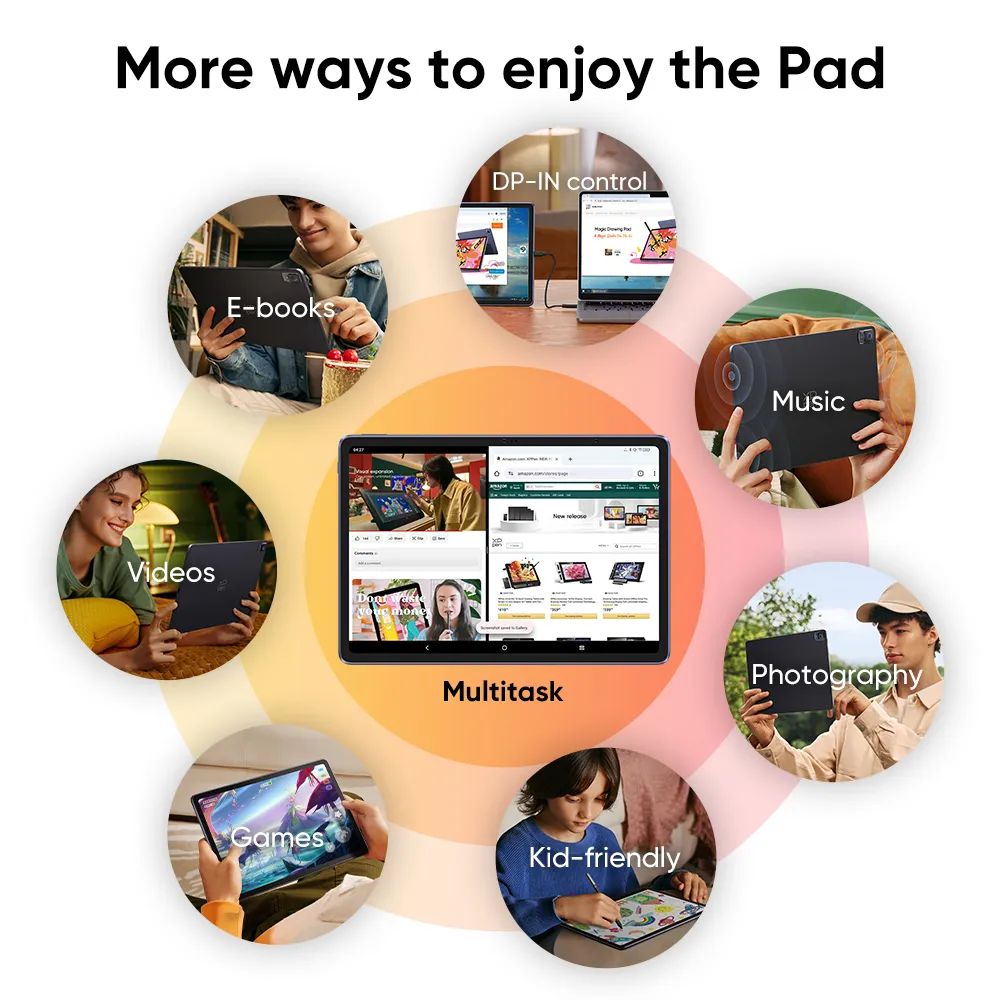
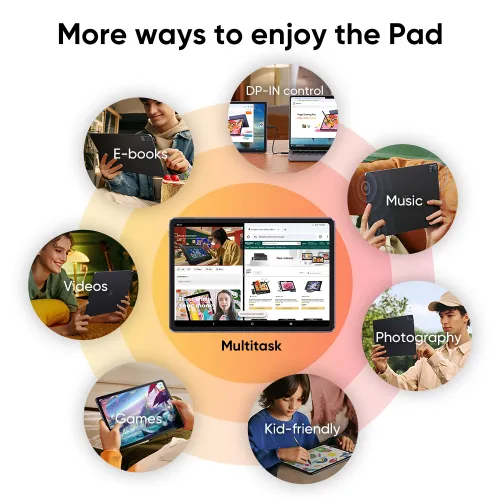
More ways to enjoy the Pad.
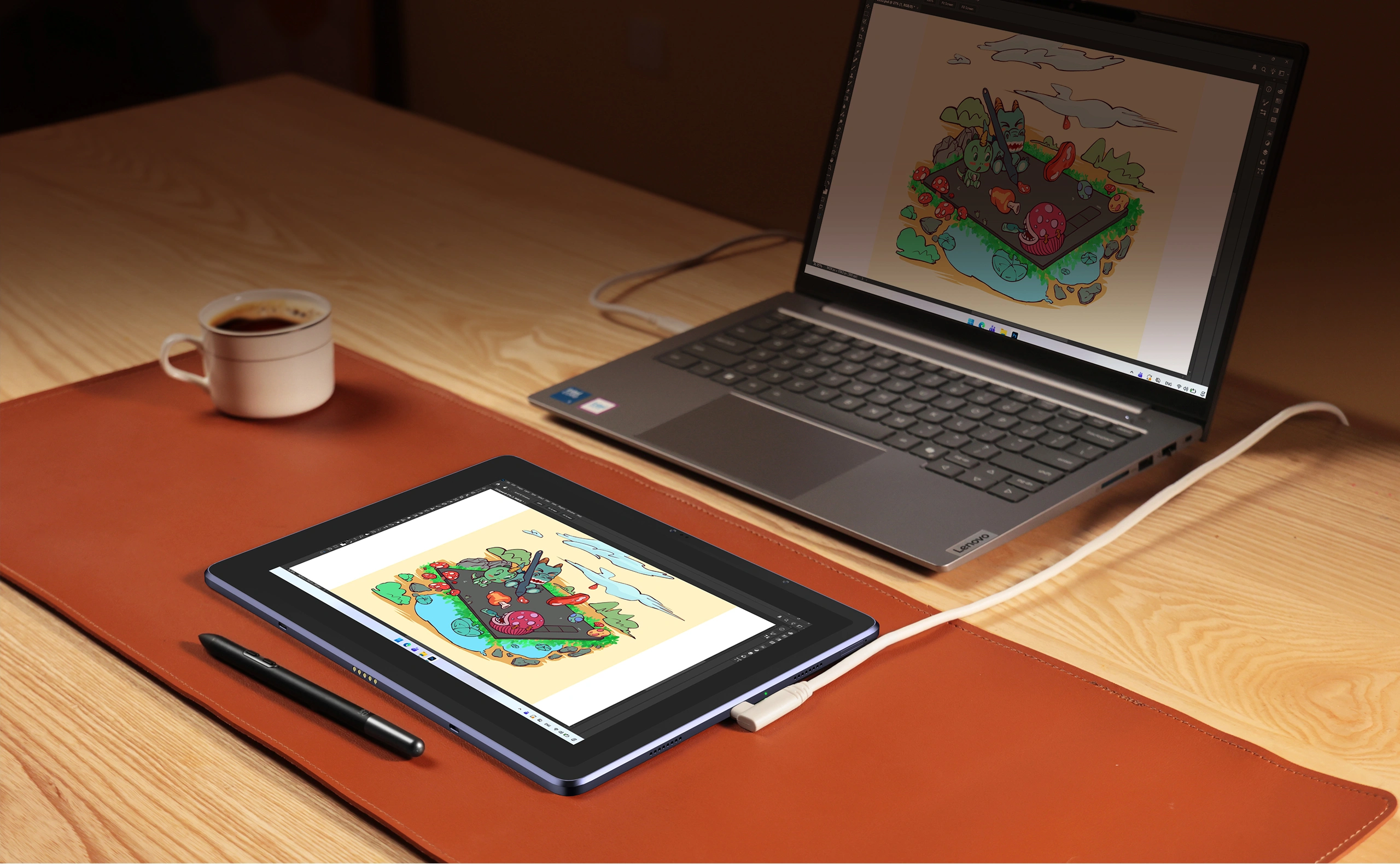
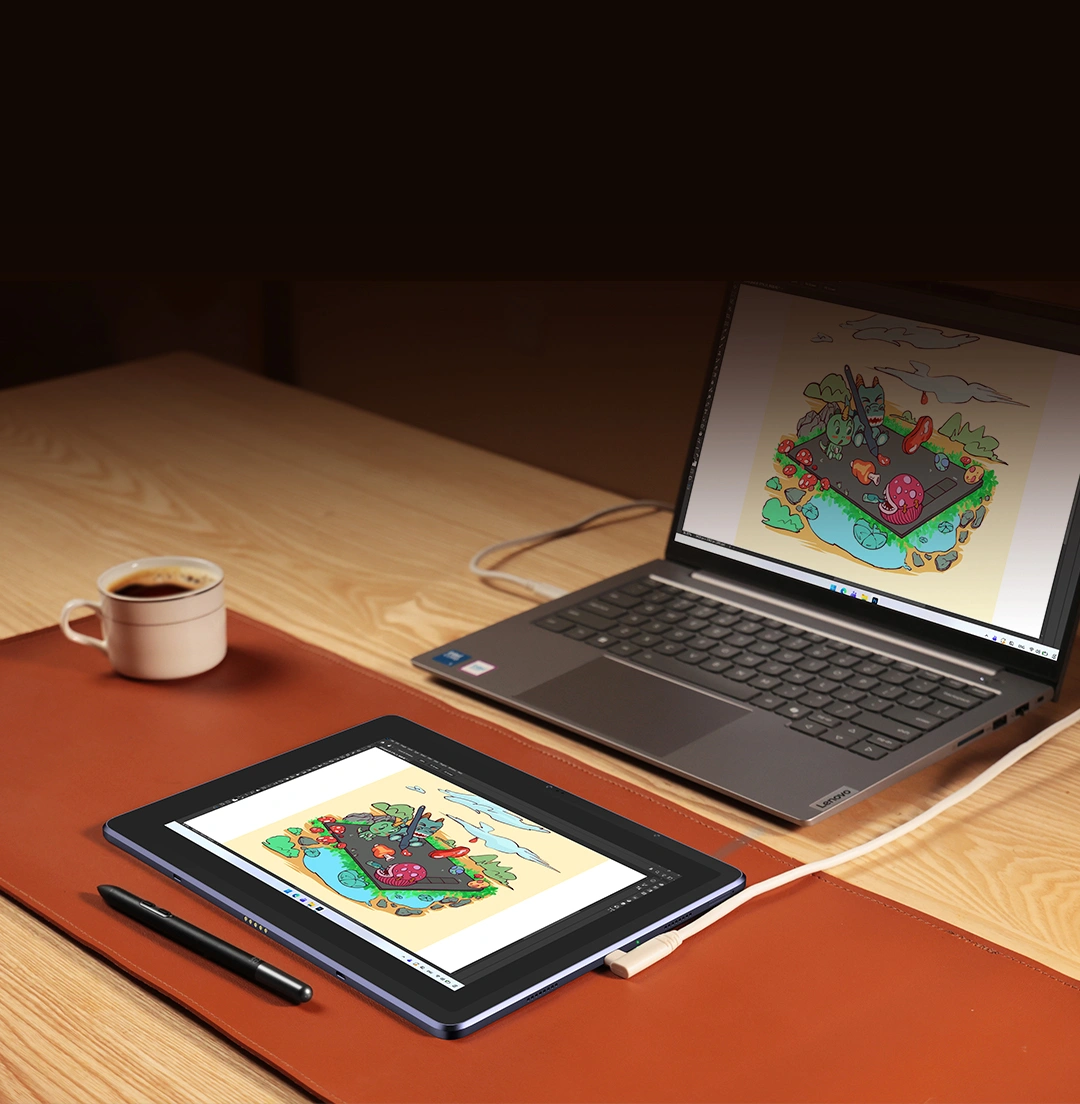
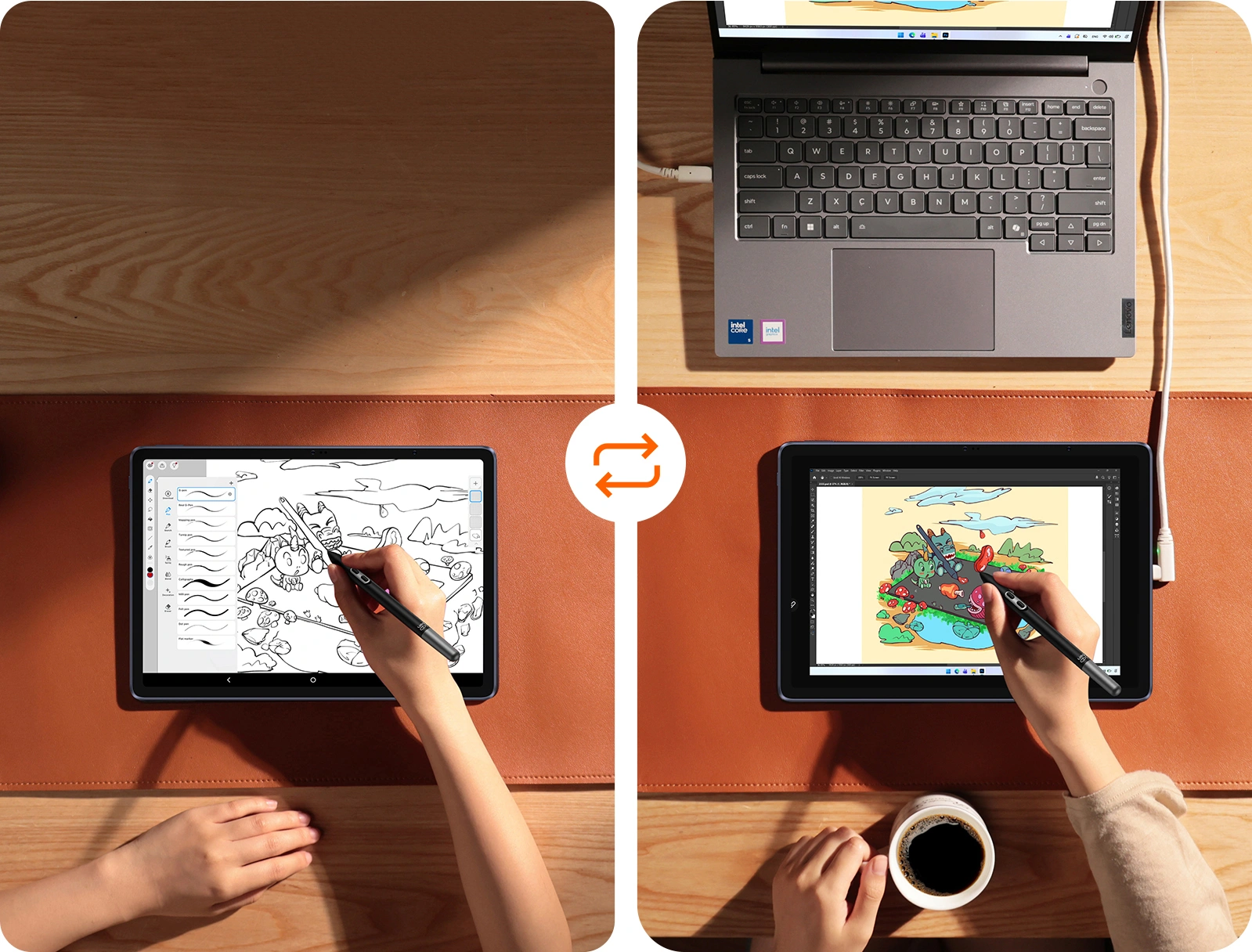
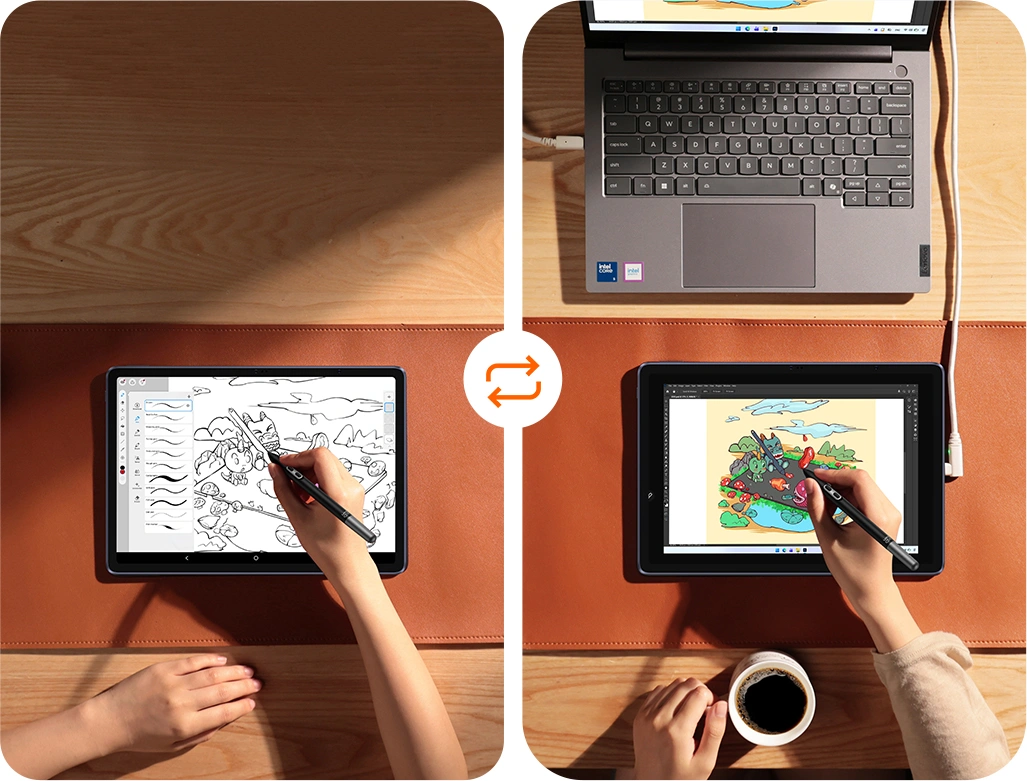
Connect with a full-featured USB-C cable. Click "DP-in Screen Sharing". You're all set!
Transform your Magic Drawing Pad into a professional drawing display.
* Exclusive to Model: MDP1221. Recommended to use the inbox full-featured USB-C cable.
Sketch freely alone on Magic Drawing Pad while you're out.
Connect to your PC/Mac and create exactly the way you do on a computer.
Our hardware-level DP-IN link ensures the same color fidelity,
16K pressure sensitivity and ultra-low latency as a dedicated drawing display.
Drawing Display Mode
(Hardware)Third-Party Apps
(Software)
TransmissionHardware DP-INCompressed Data Stream
Pressure Levels16384 (16K)Limited or Emulated
LatencyUltra-LowNoticeable Lag/Jitter
Color1:1 FidelityColor Distortion
ConnectivityOne-Cable Instant LinkDriver Setup & Pairing Required
InteractionPrecision Hover & TiltNot Available
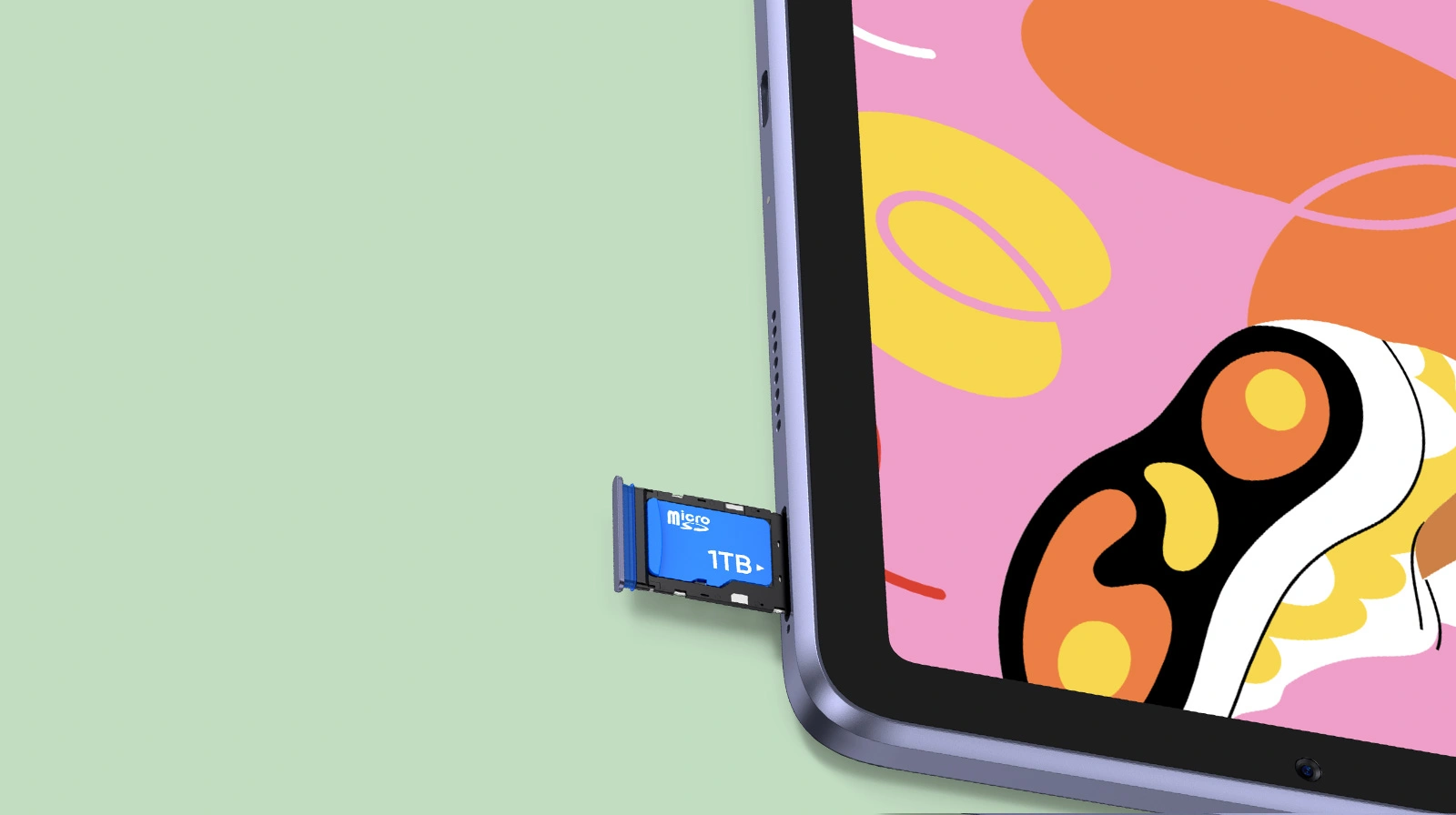
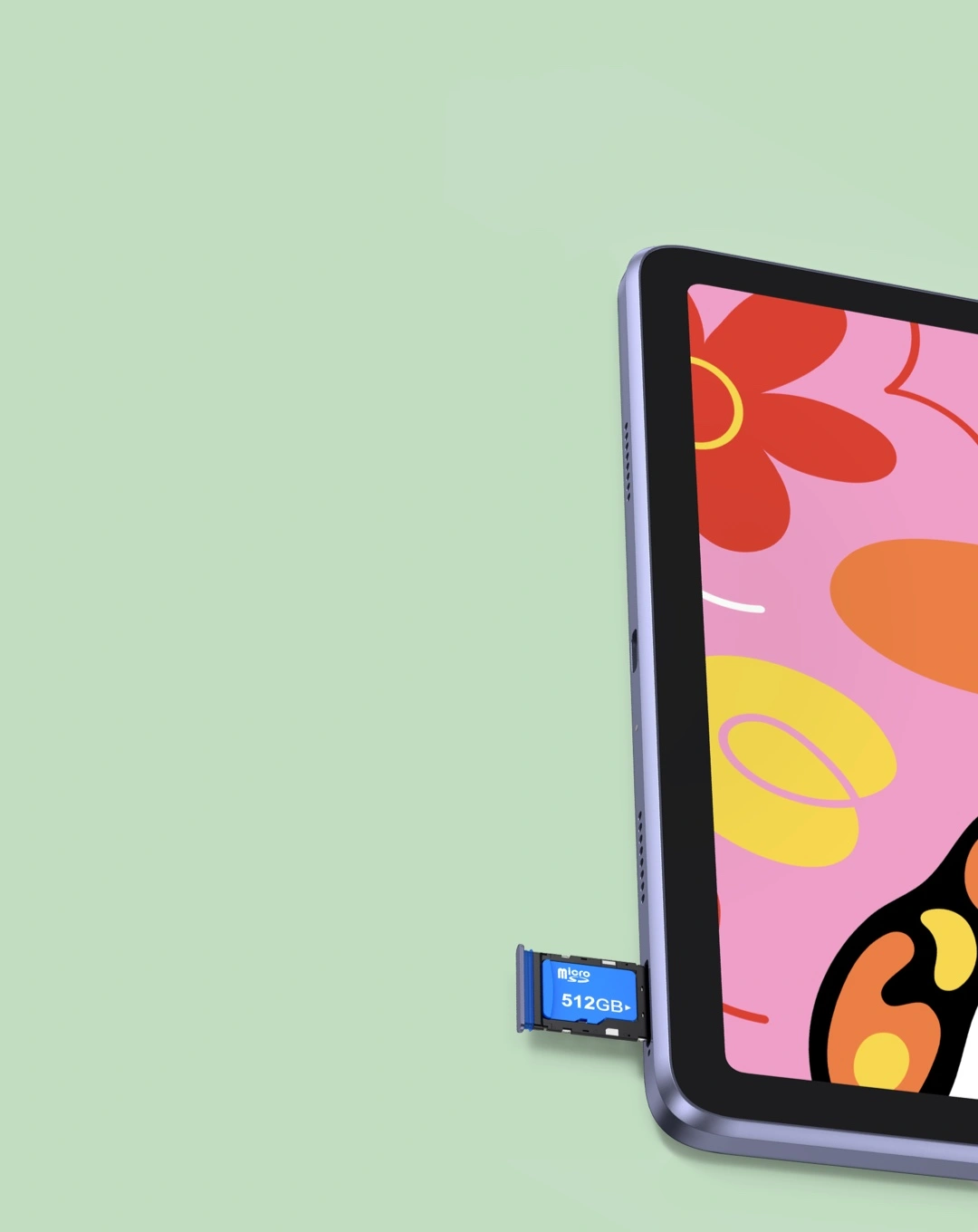
Supports Micro SD, 1TB expandable. Extra enormous storage for tons of e-books, videos, and games with ease. You’ll always have something to relax yourself.
4 speakers. Immerse yourself in your favorite tunes or enjoy entertaining TikTok videos with crystal-clear sound quality.
13MP rear camera & 8MP front camera. You will never miss any memory-worthy moments whether having quality family time or exploring a breathtaking countryside.
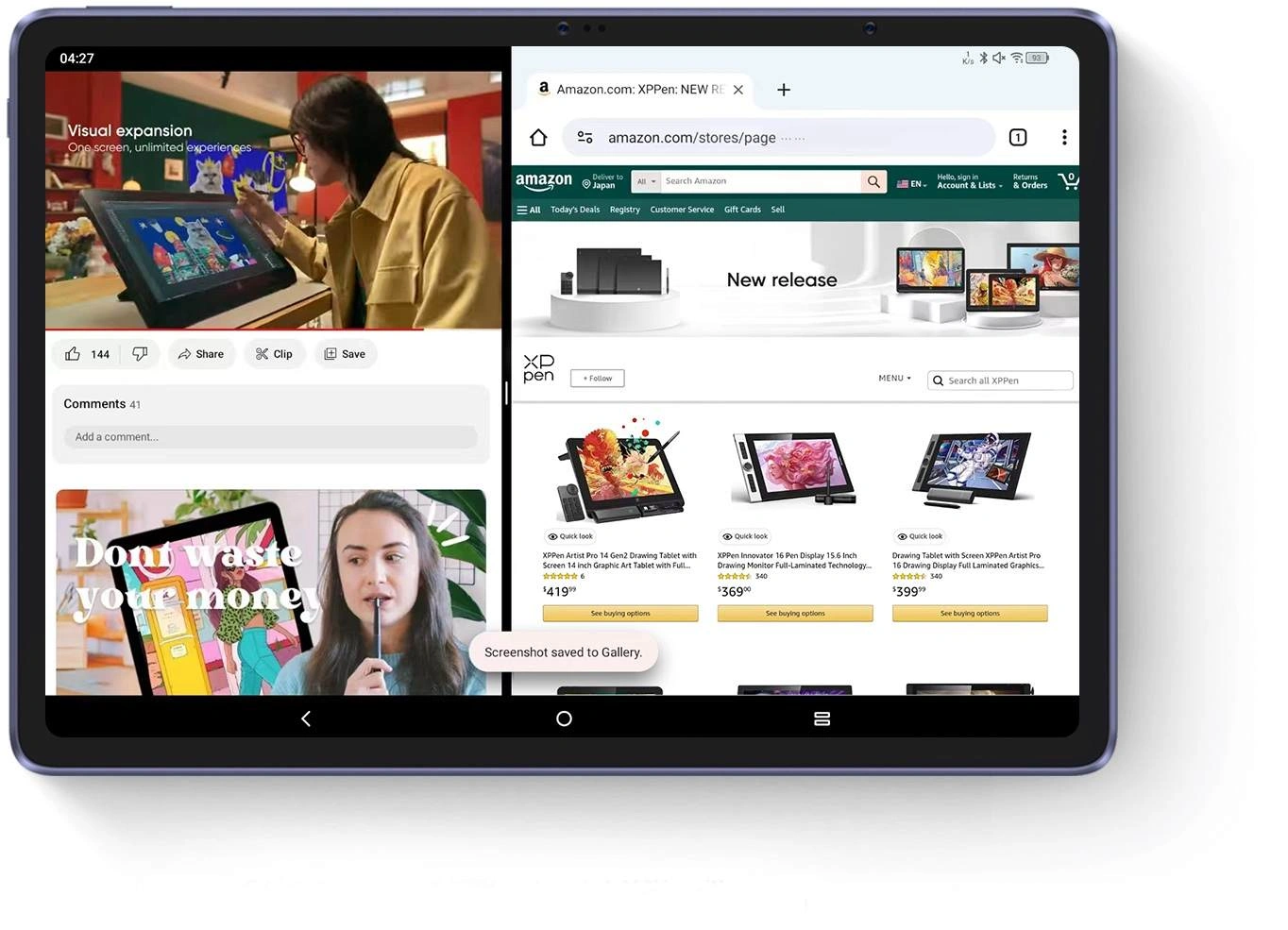
Dual windows. Want to shopping and watch TV series at the same time? Just click the screen splitting function in the floating bar! Multitasking is never that easy!
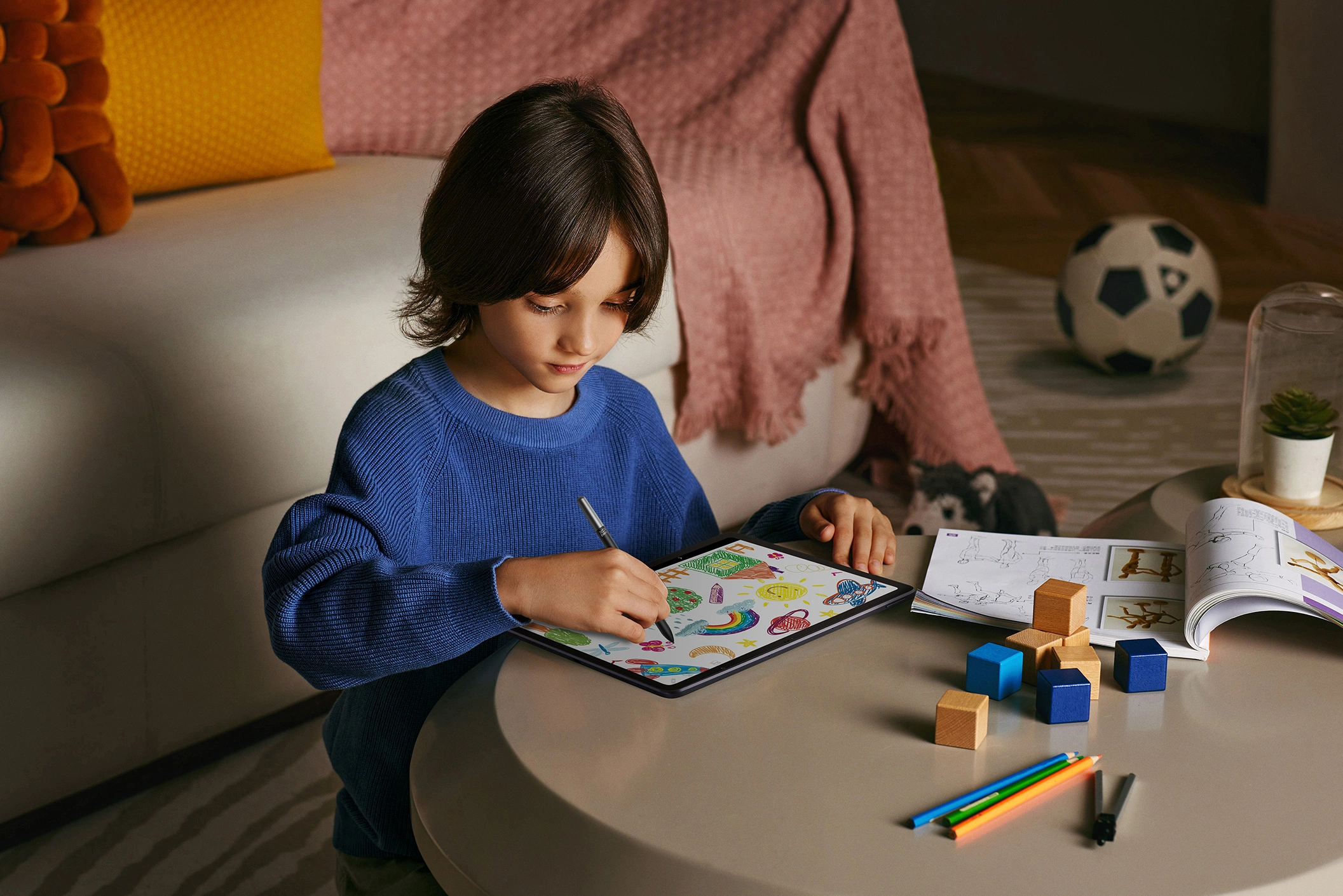
Get the kid engaged by allowing them to doodle on the pad or read comics, while resting assured that this pad is TÜV Rheinland certified eye protective, and features a kid-dedicated reading mode and a drop-resistant case providing additional care.
1 x Tablet
1 x Stylus
1 x Protective Case
1 x Power Adapter*
1 x Charging Cable
8 x Pen Nib
1 x Nib Extractor
1 x Glove
1 x Ejection
1 x Quick Guide
1 x Warranty Card
*Power adapter is not included in some areas, subject to actual package content.
Show more