


Getting started with your
XPPen Artist Pro 24 (Gen 2) 4K
1/10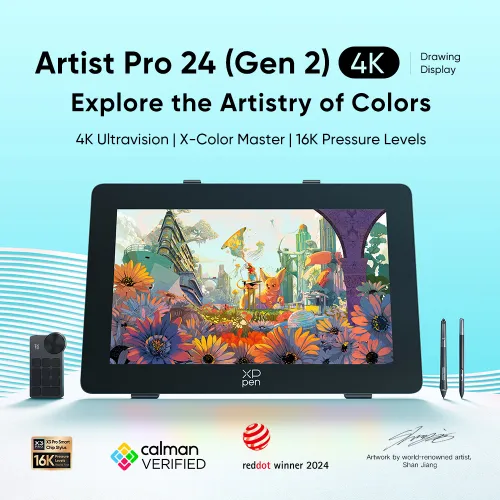
Artist Pro 24 (Gen2) 4K
Key Features
4K Ultravision
16K Pressure Levels
X-Color Master Calibration
Device Connection Required
CDN$1439.99CDN$1799.99
❋Lifetime Technical Support❋
❋Paypal Pay in 4 interest-free payment❋
❋18-Month Warranty+ Free Shipping❋
❋Free Drawing Software Redemption❋
Optional Accessories
Quantity:
Total
CDN$1439.99
 Log in and purchase to receive an estimated 1,009 X-Coins







Worry-Free Delivery® available with seel
Estimate:
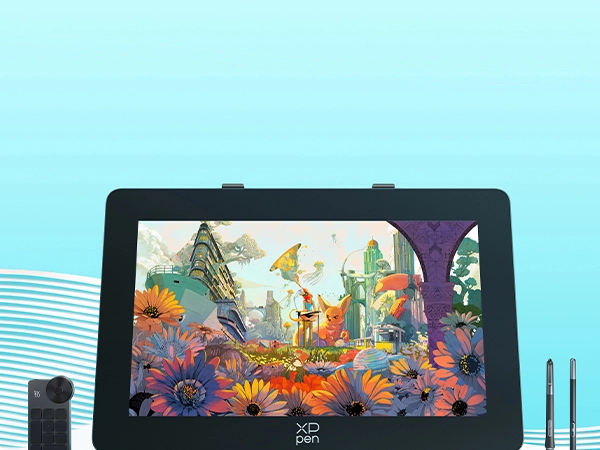
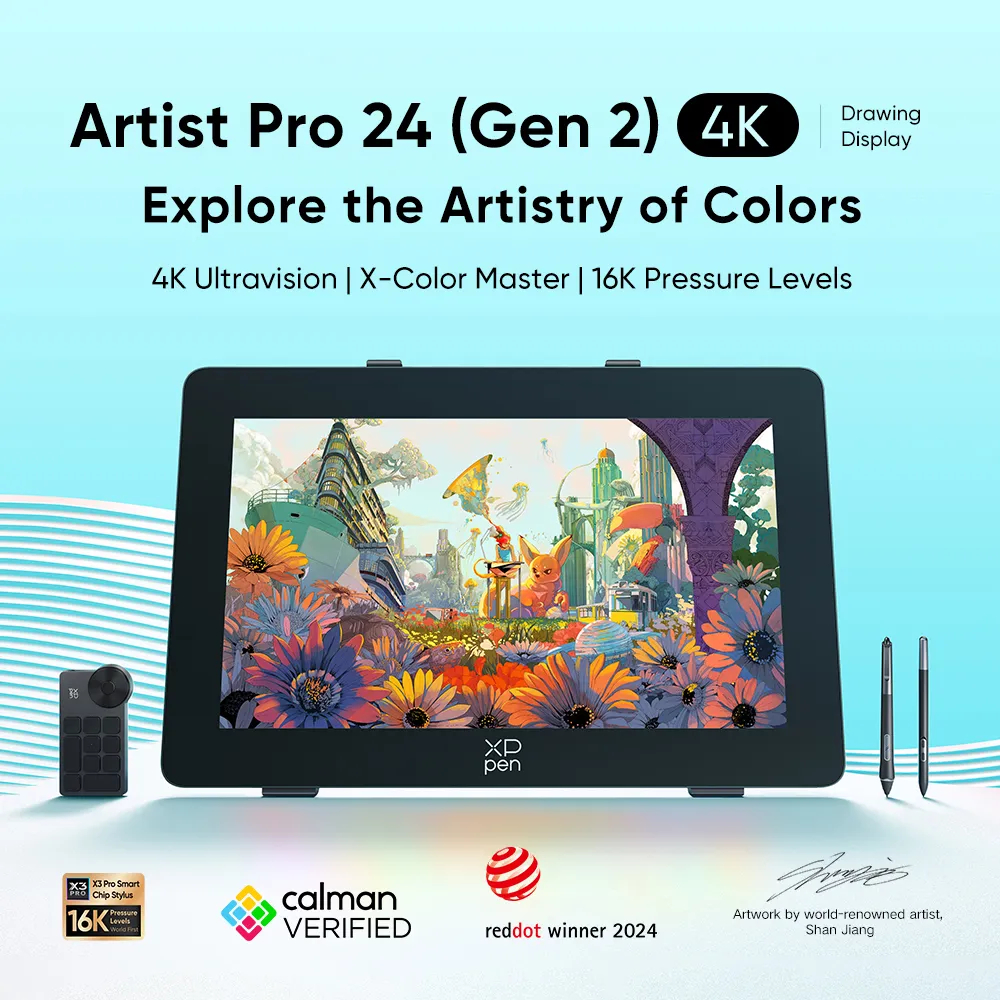
Artist Pro 24 (Gen 2) 4K
Explore the Artistry of Colors
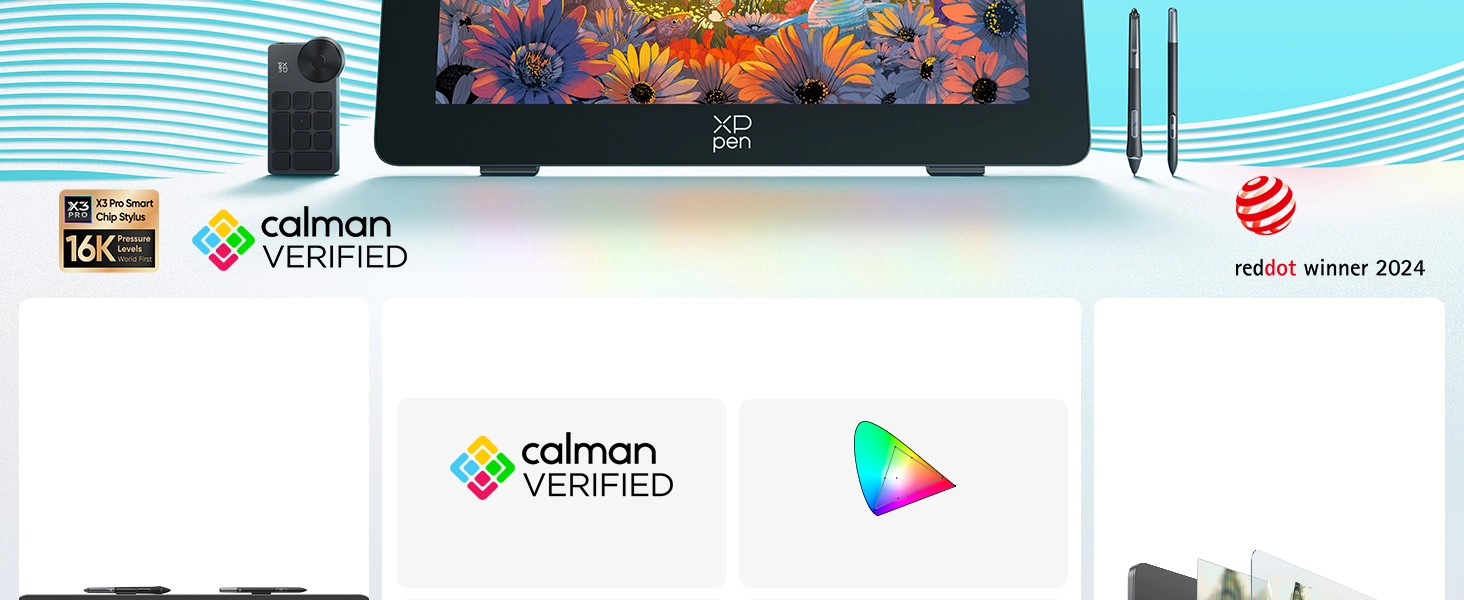
4K Ultravision | X-Color Master | 16K Pressure Levels
Artwork by world-renowned artist,
Shan Jiang
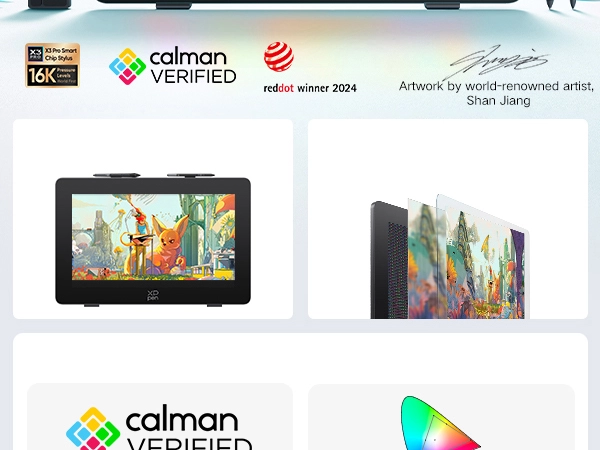
4K
Ultravision
Display
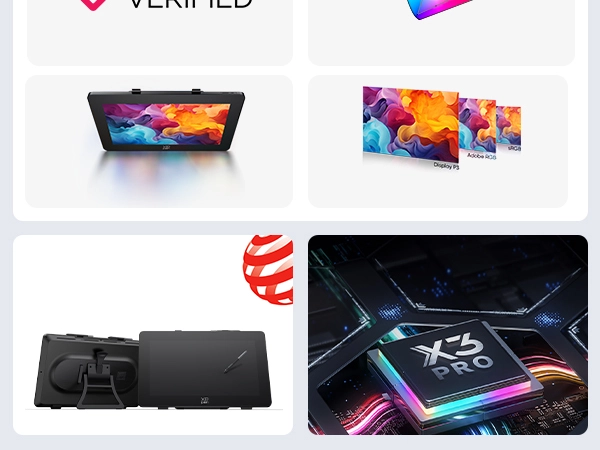
X-Color Master
Calman Verified
Delta E < 1
Full-laminated AG
Nano Etched Glass
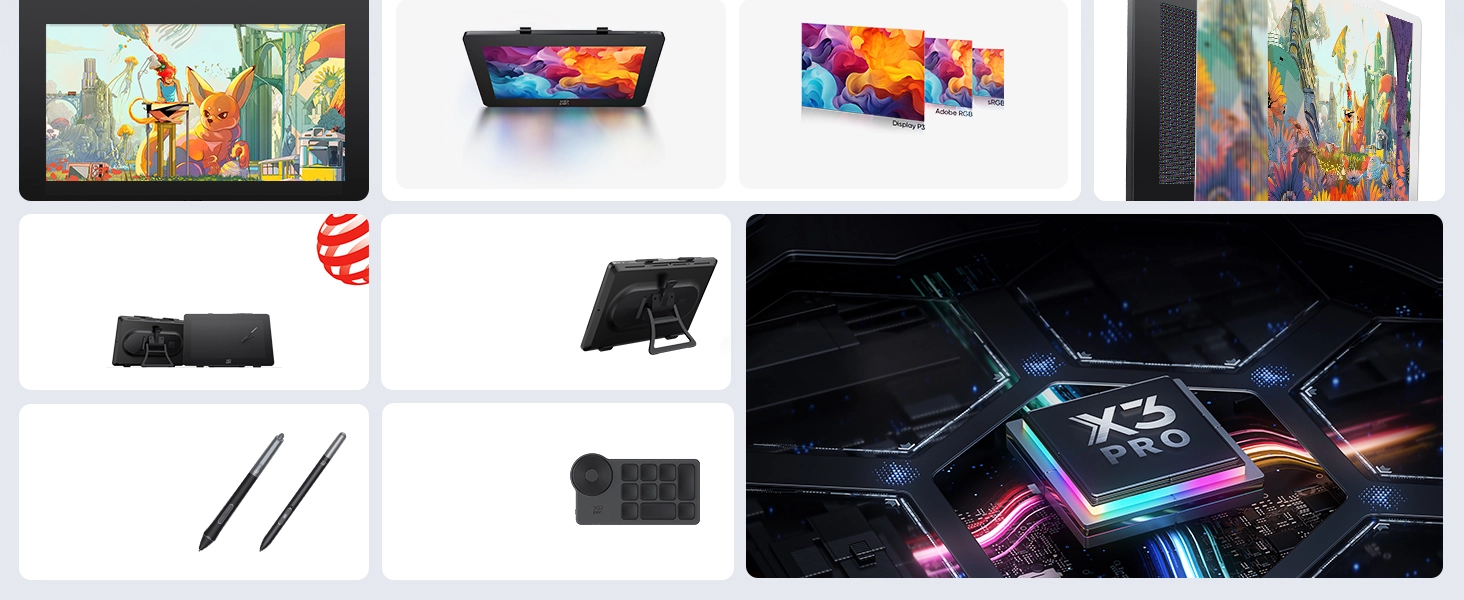
Brand New Color Software
Three Color Spaces
Red Dot Awarded
Design Language
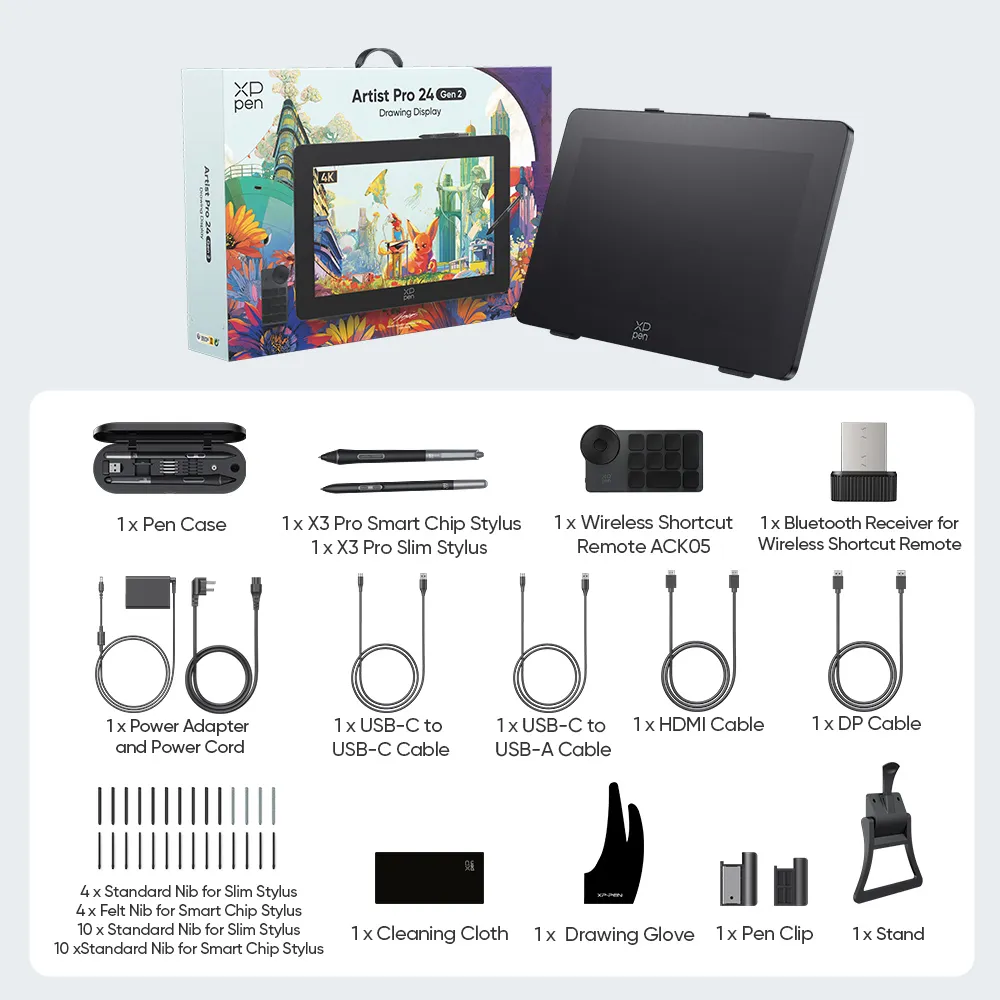
ACS02 Stand
Dual X3 Pro
Series Styli
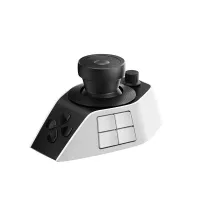
ACK05
Shortcut
Remote
16K Ultrasensitive
Pressure Levels
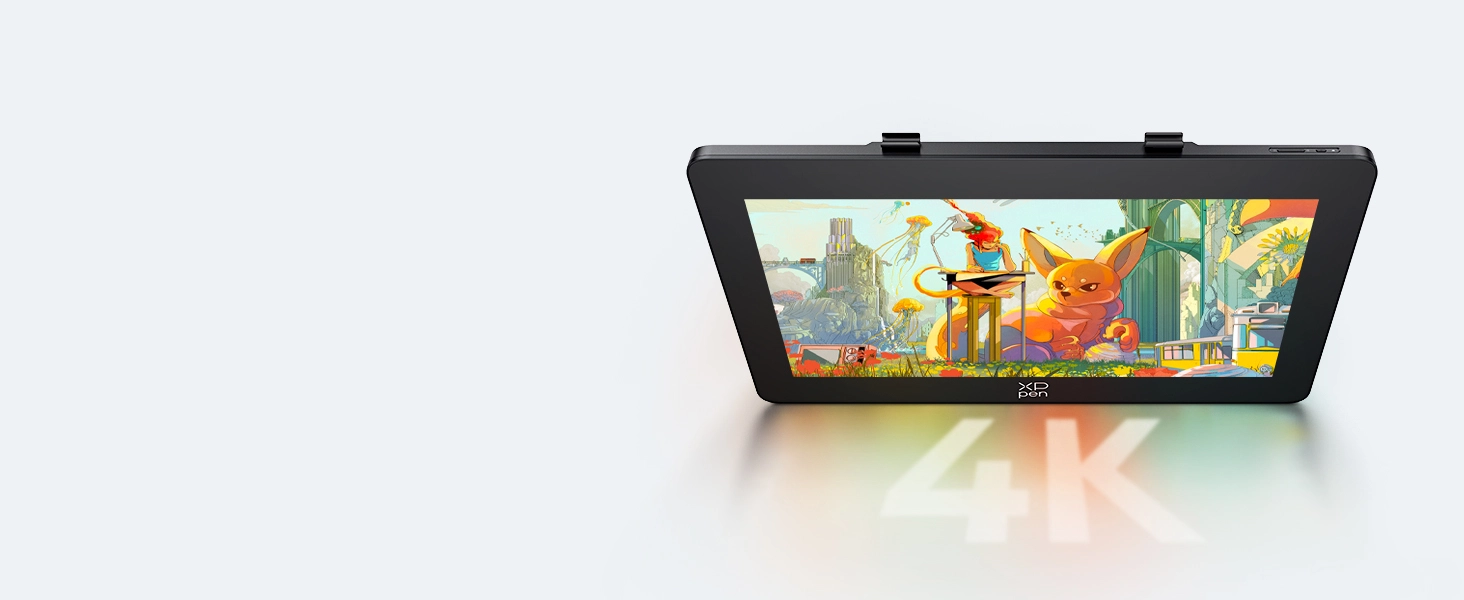
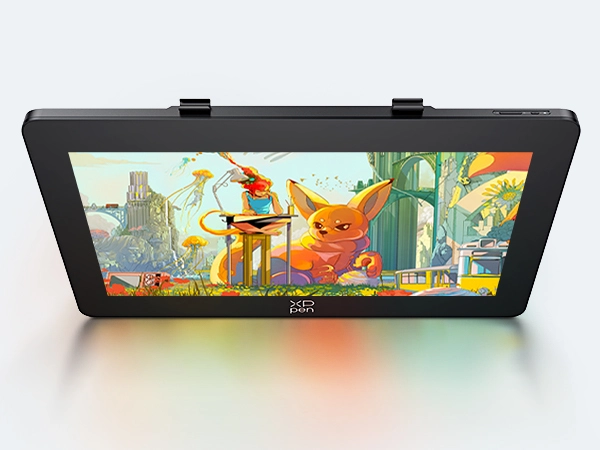
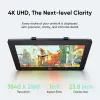
4K Ultravision Display,
Next-Level Clarity
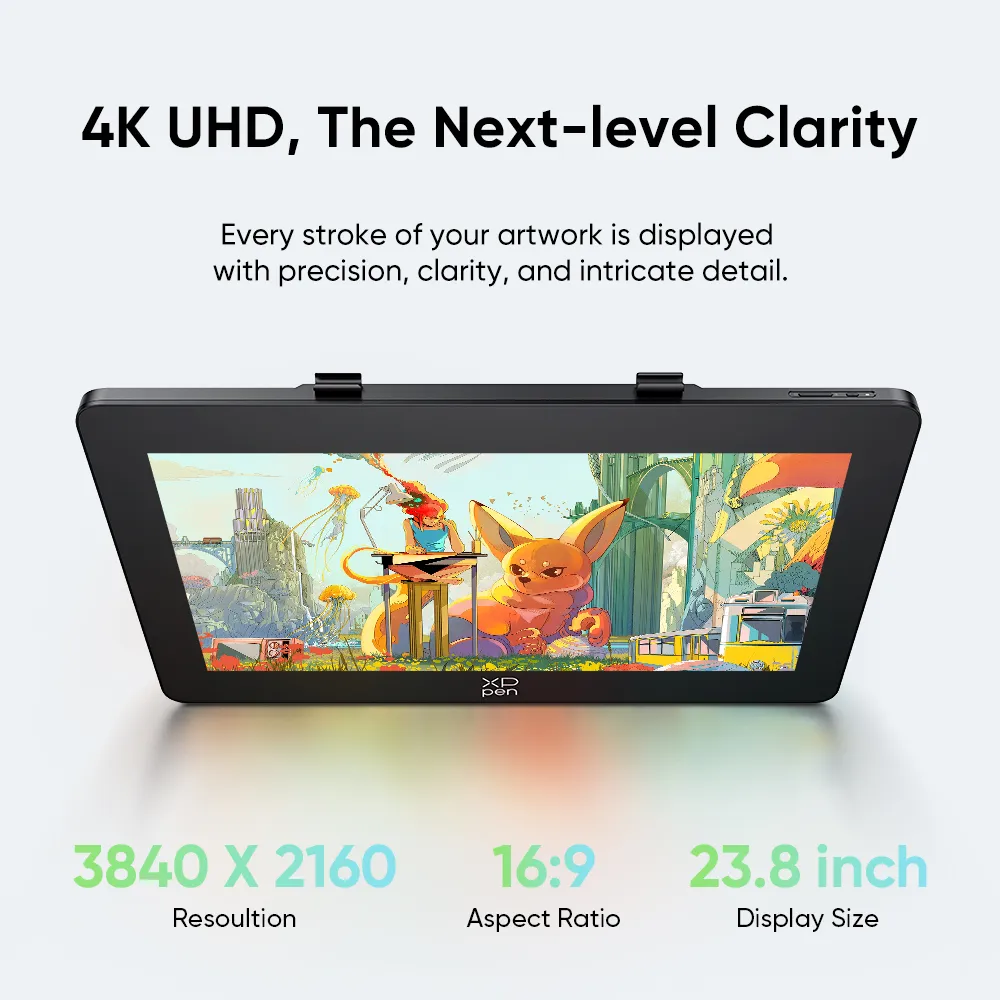
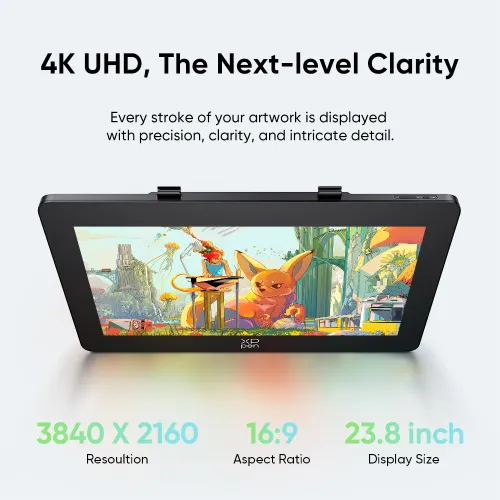
4K UHD, The Next-Level Clarity
Every stroke of your artwork is displayed with precision,
clarity, and intricate detail.
3840 X 2160
Resoultion
16:9
Aspect Ratio
23.8 inch
Display Size
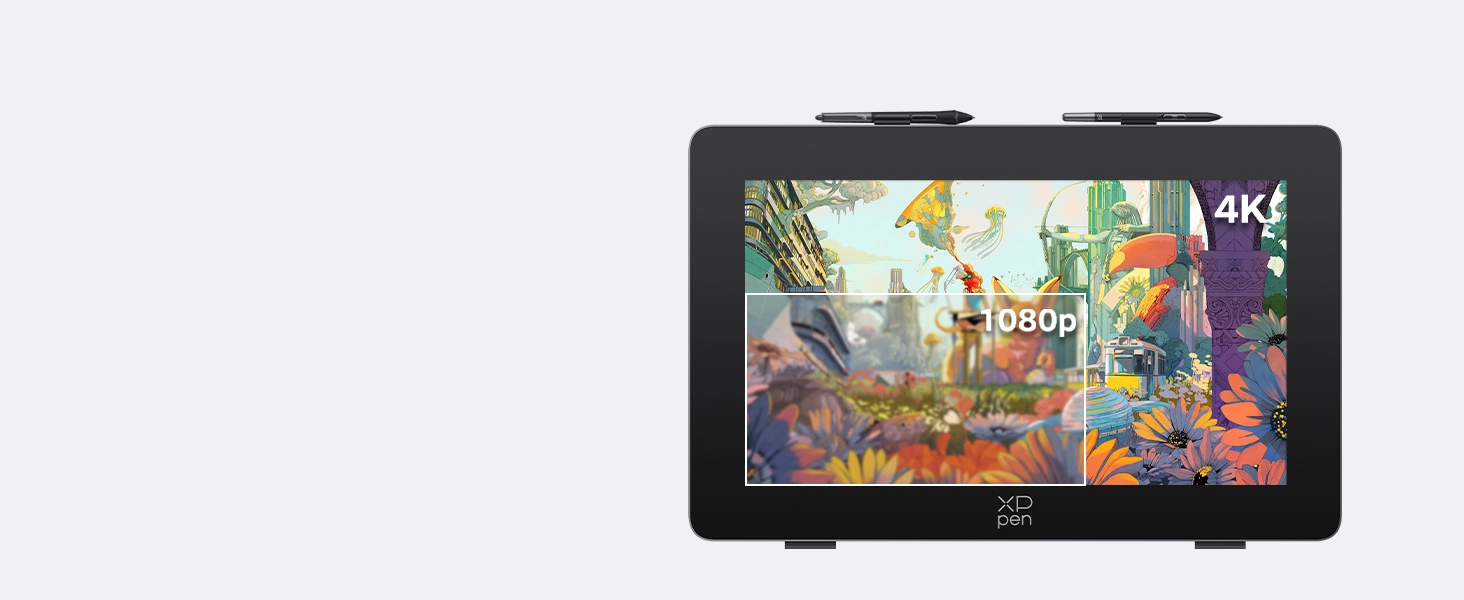
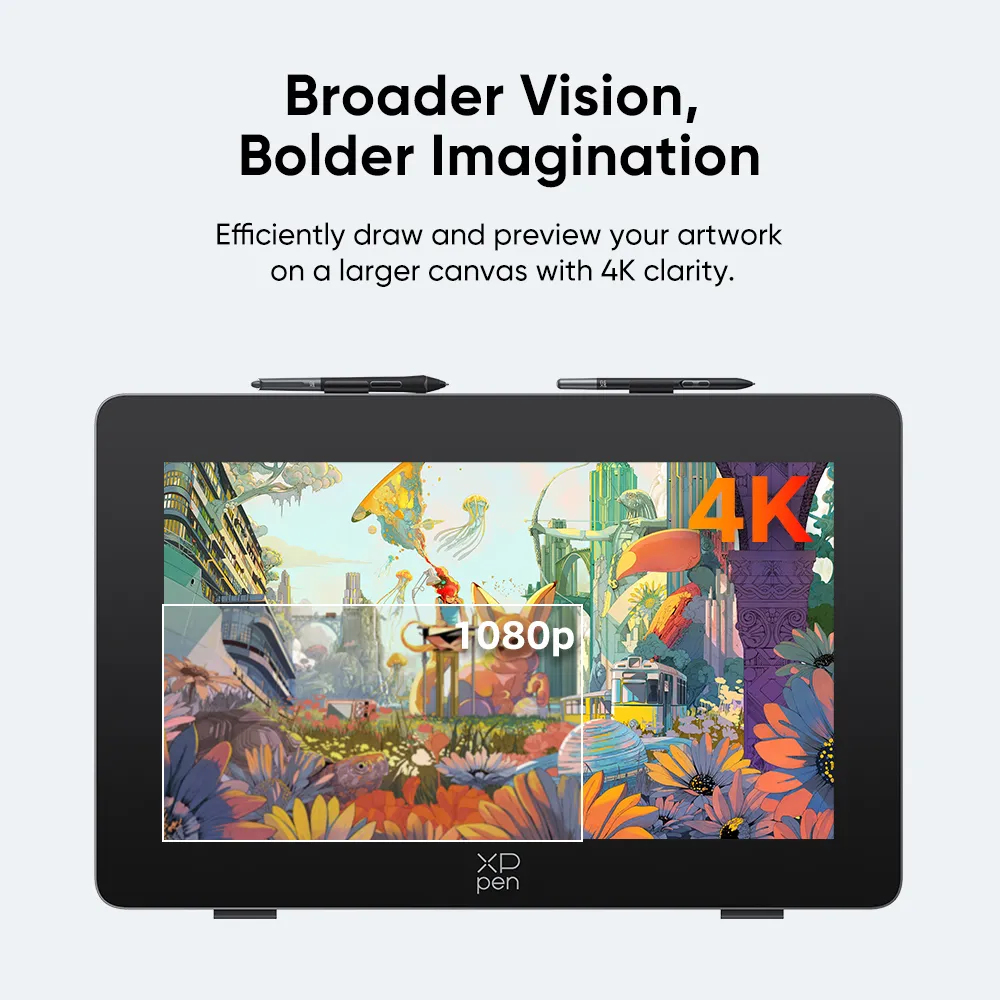
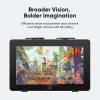
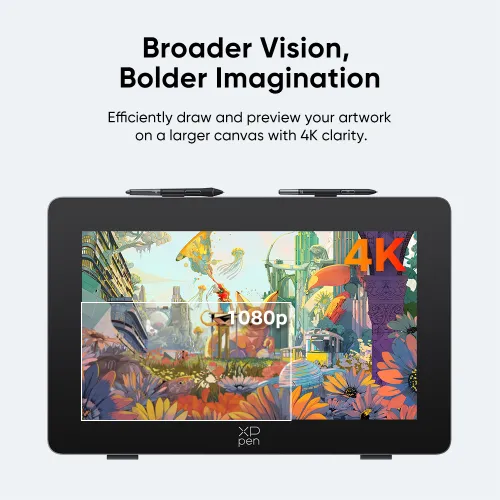
Broader Vision,
Bolder lmagination
Effciently draw and preview your artwork
on a larger canvas with 4k clarity.
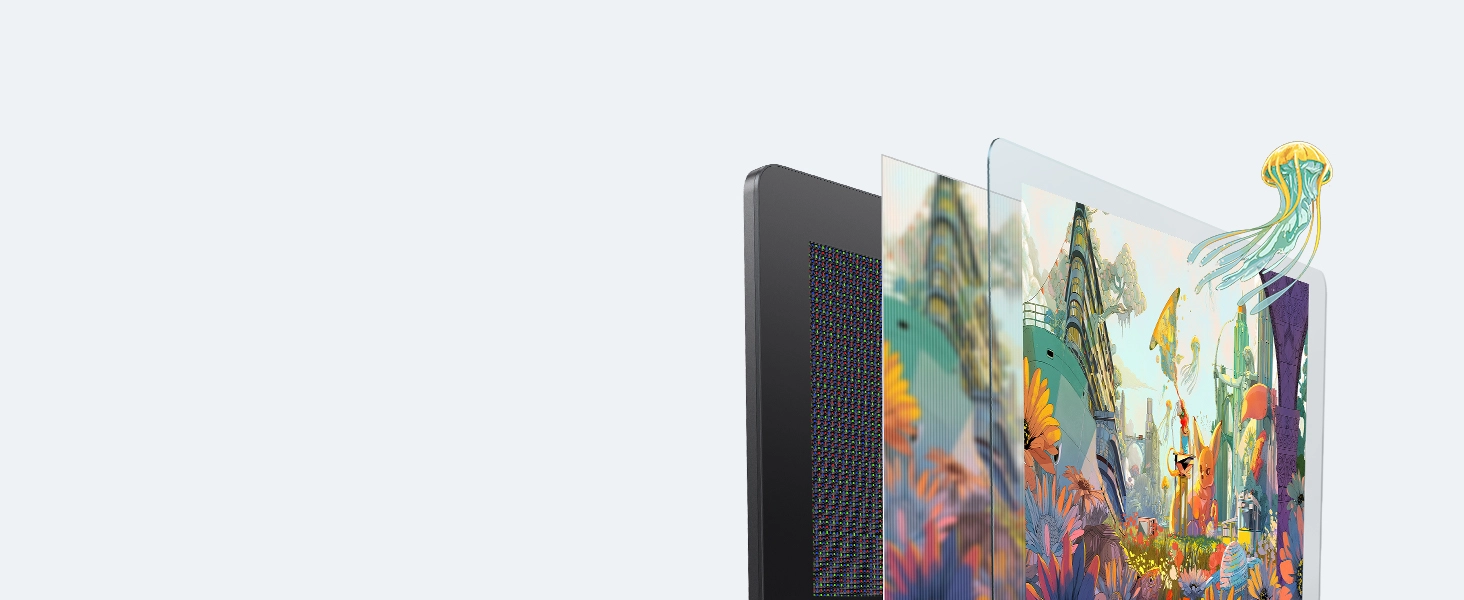
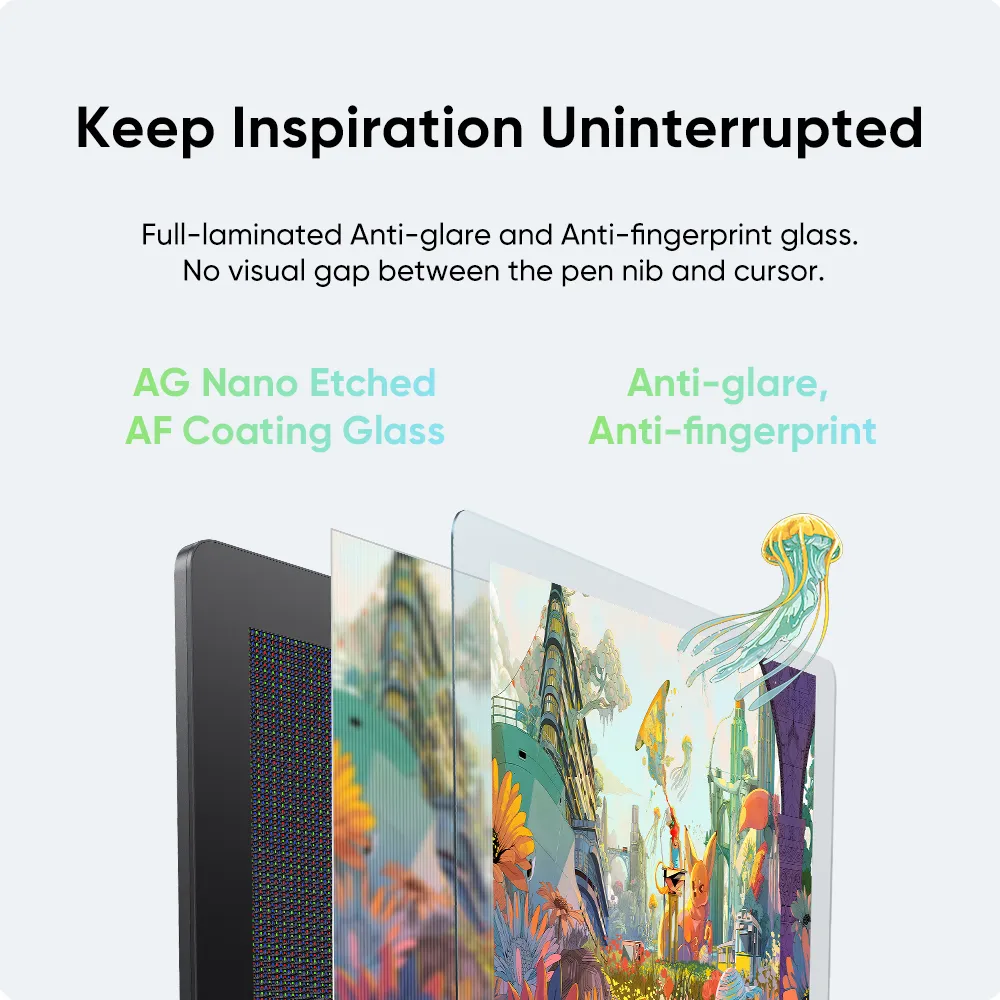
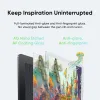
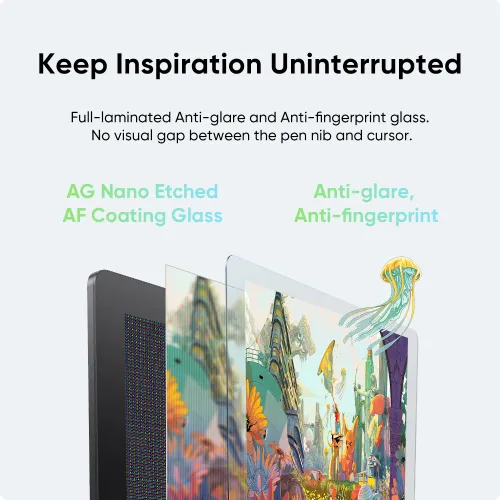
Keep Inspiration
Uninterrupted
Full-laminated Anti-glare and Anti-fingerprint glass.
No visual gap between the pen nib and cursor.
AG Nano Etched
AF Coating Glass
Anti-glare,
Anti-fingerprint


4K UHD Display
4K UHD resolution
AG & AF Glass
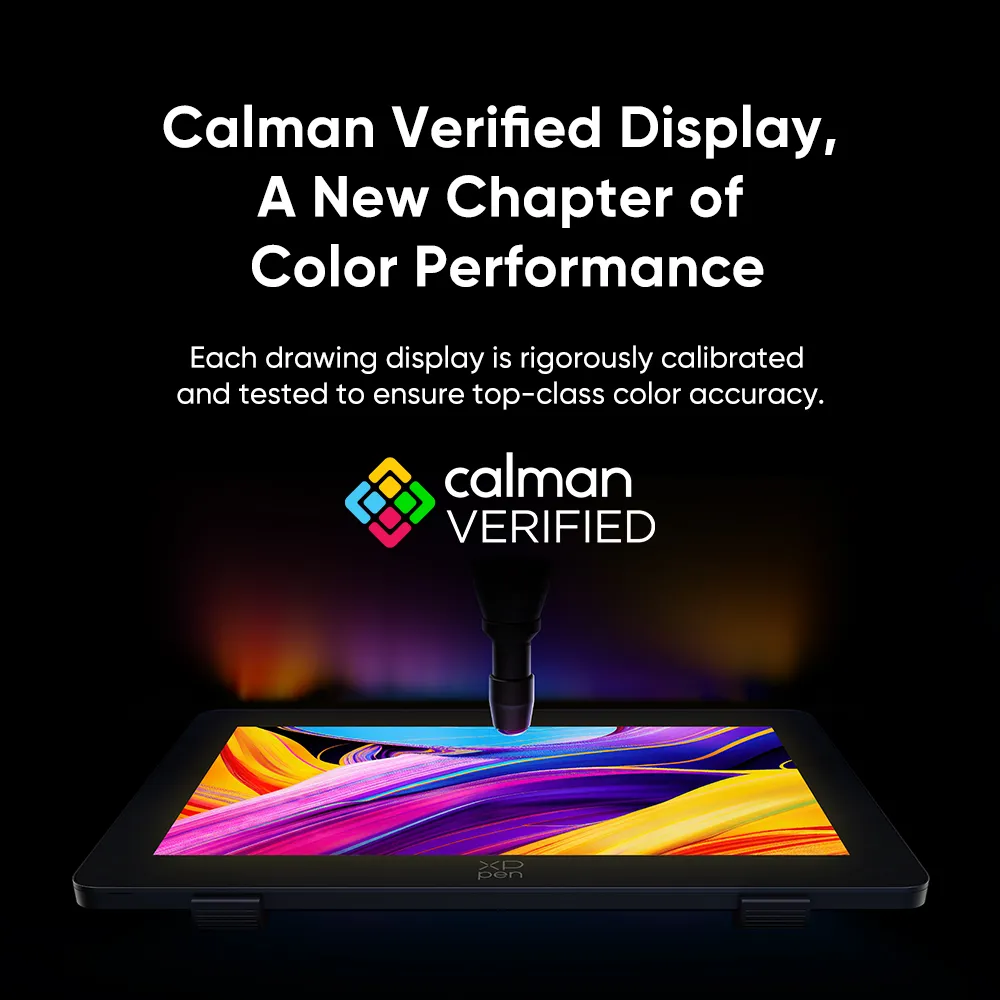
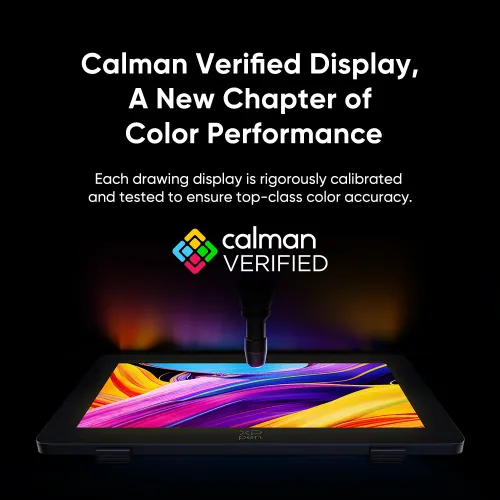
Calman Verified Display
Mind-blowing Color Performance
Each drawing display is rigorously calibrated
and tested to ensure top-class color accuracy.
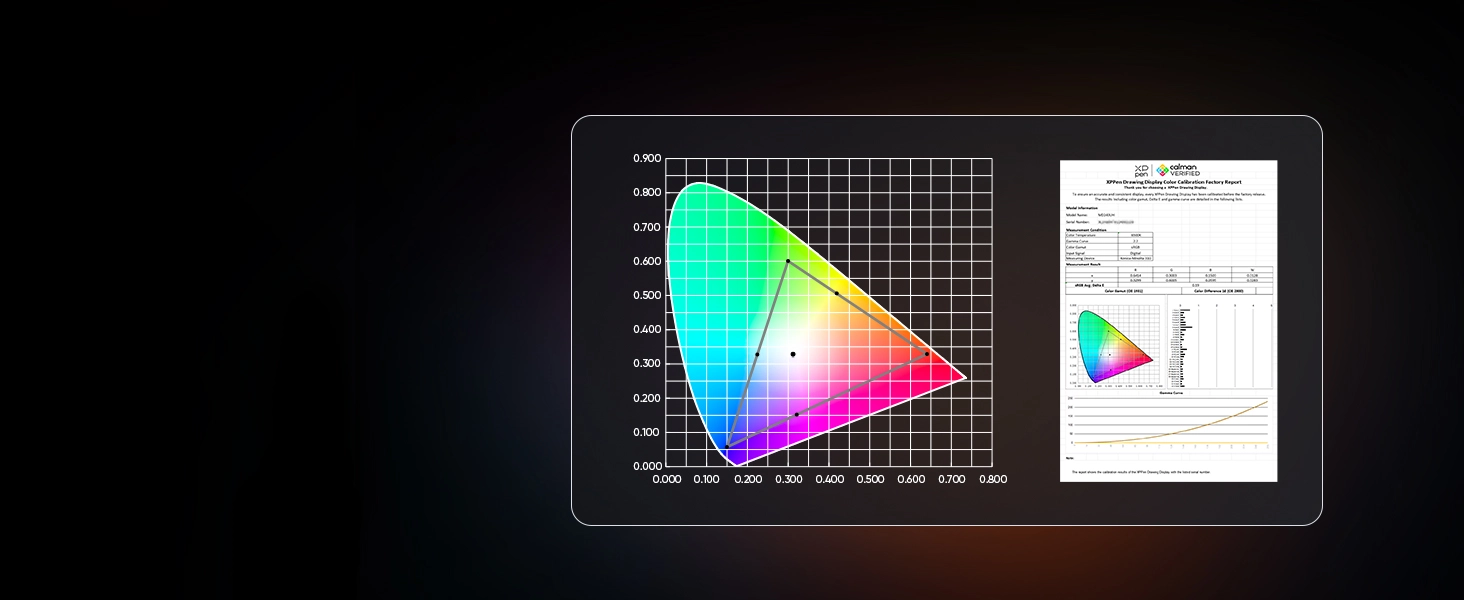
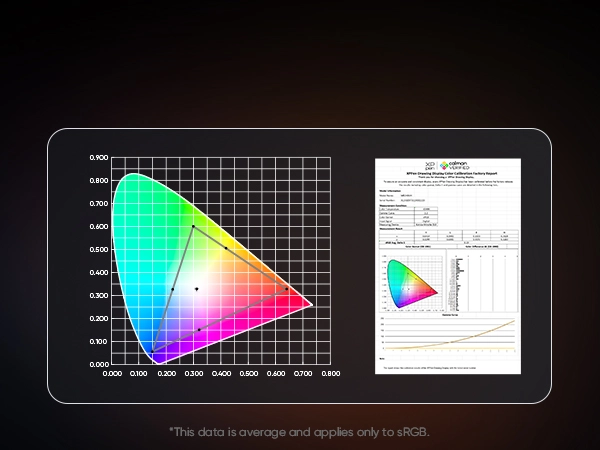
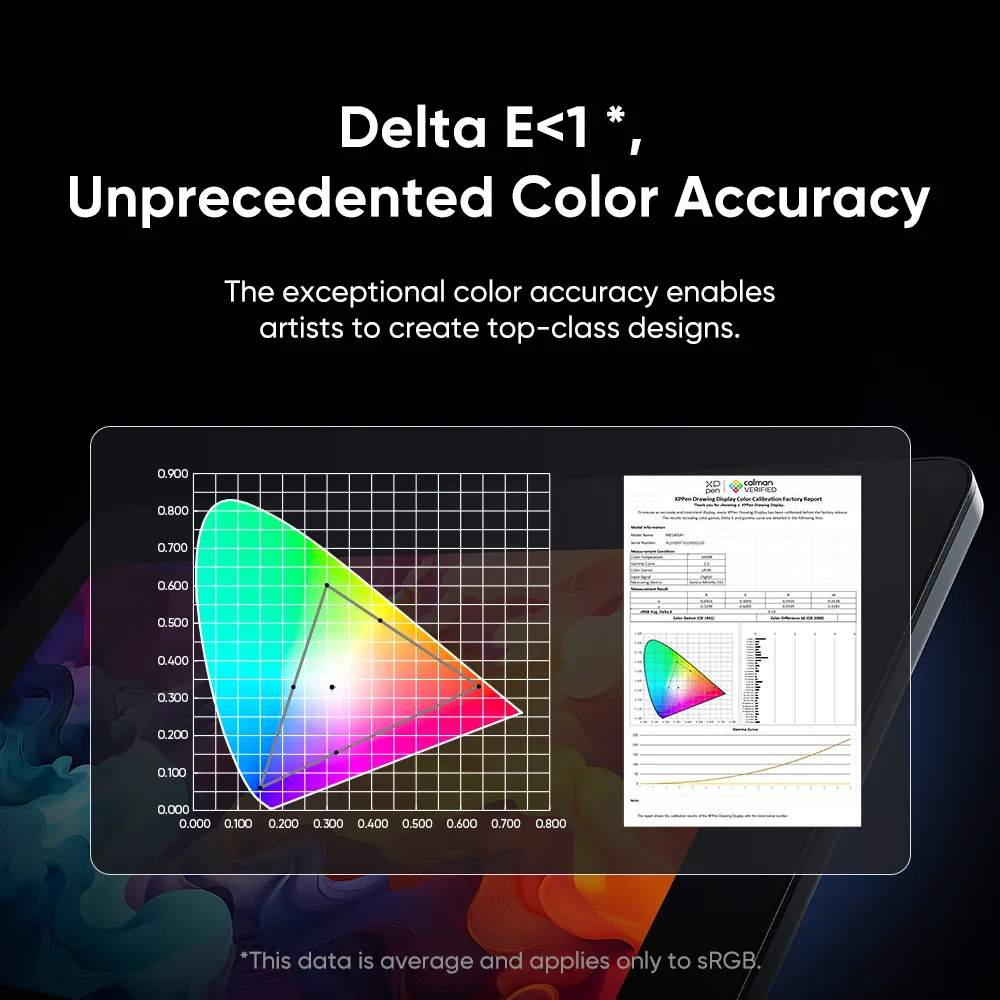
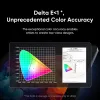
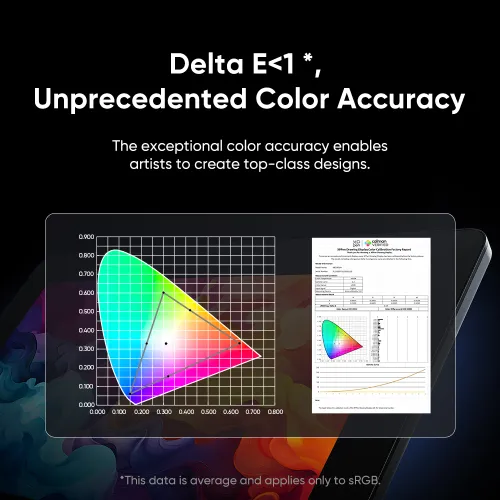
Delta E < 1 *,
Unprecedented
Color Accuracy
The exceptional color accuracy enables
artists to create top-class designs.
*This data is average and applies only to sRGB.
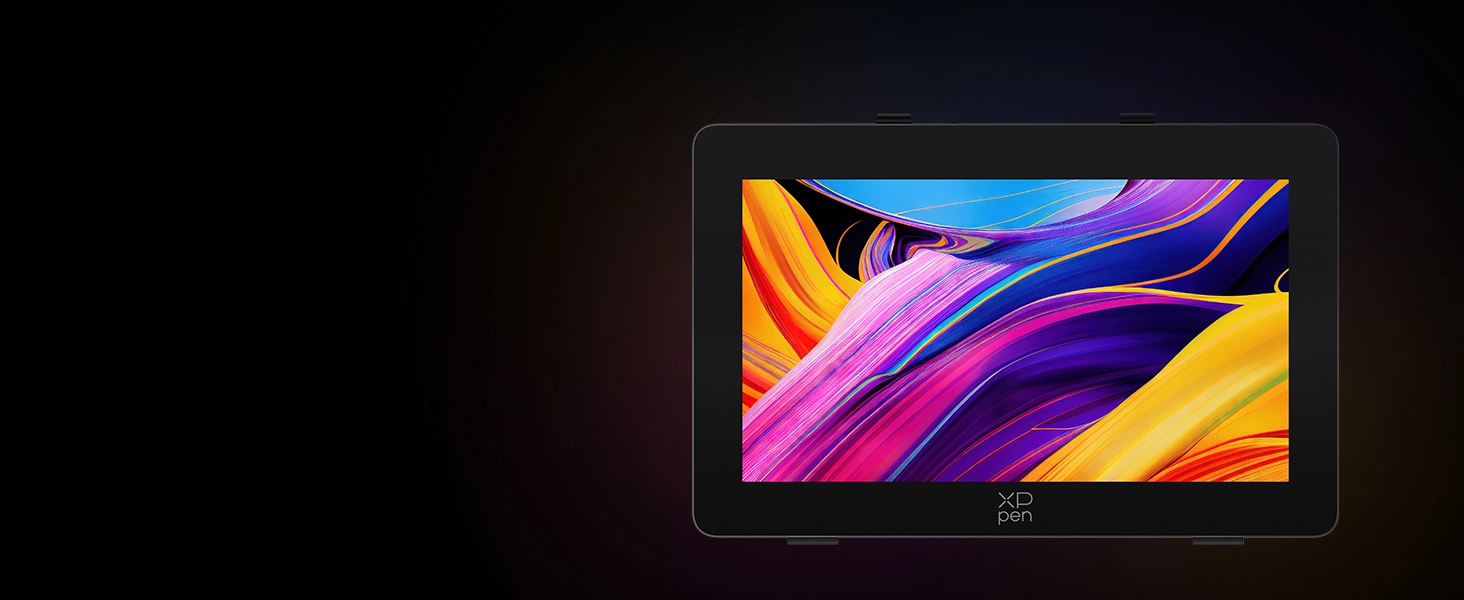
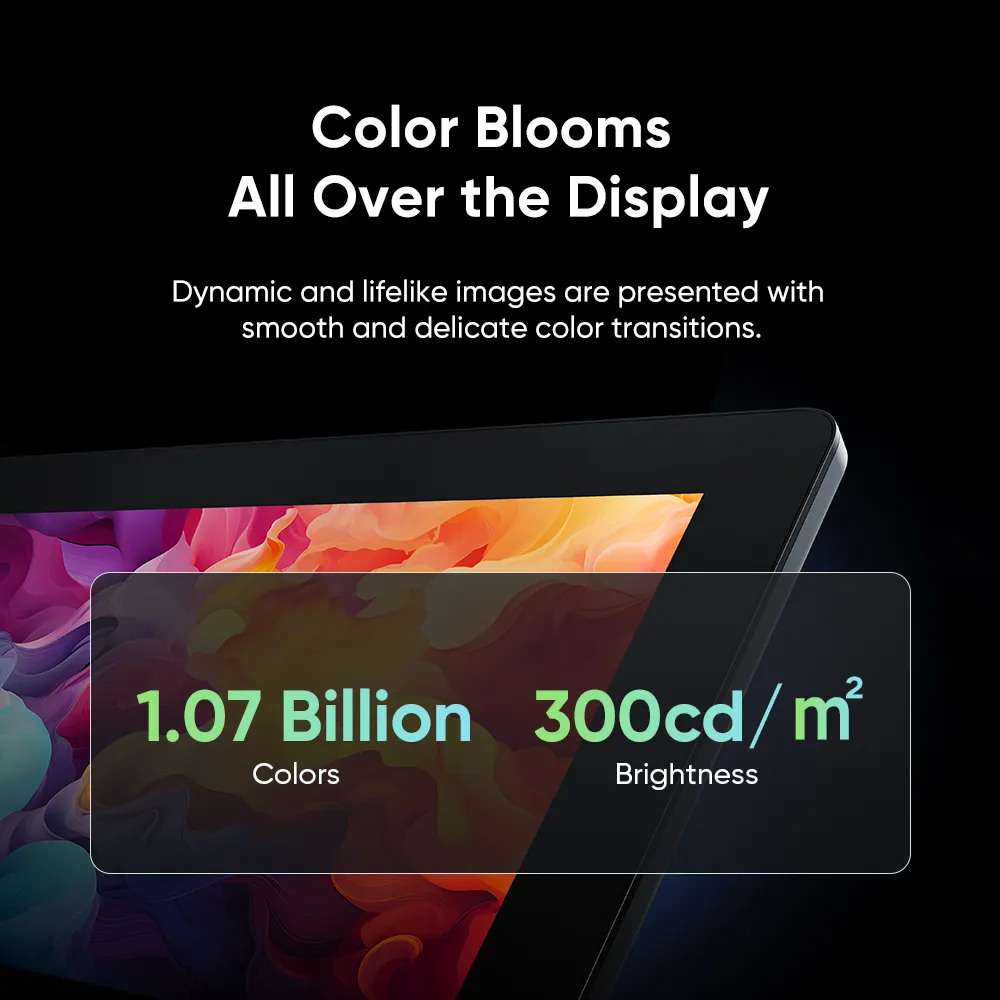
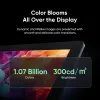
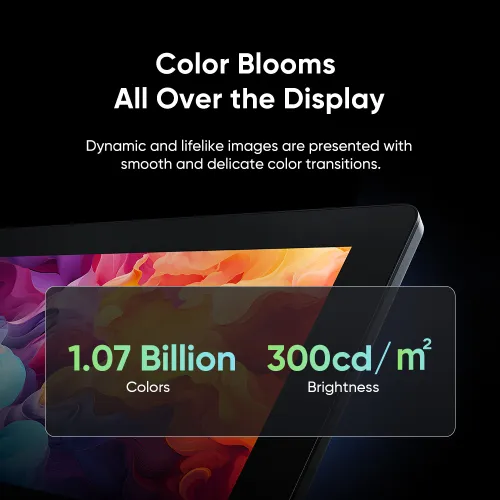
Color Blooms
All Over the Display
Dynamic and lifelike images are presented with
smooth and delicate color transitions.
1.07 Billion
Colors
300cd/m²
Brightness
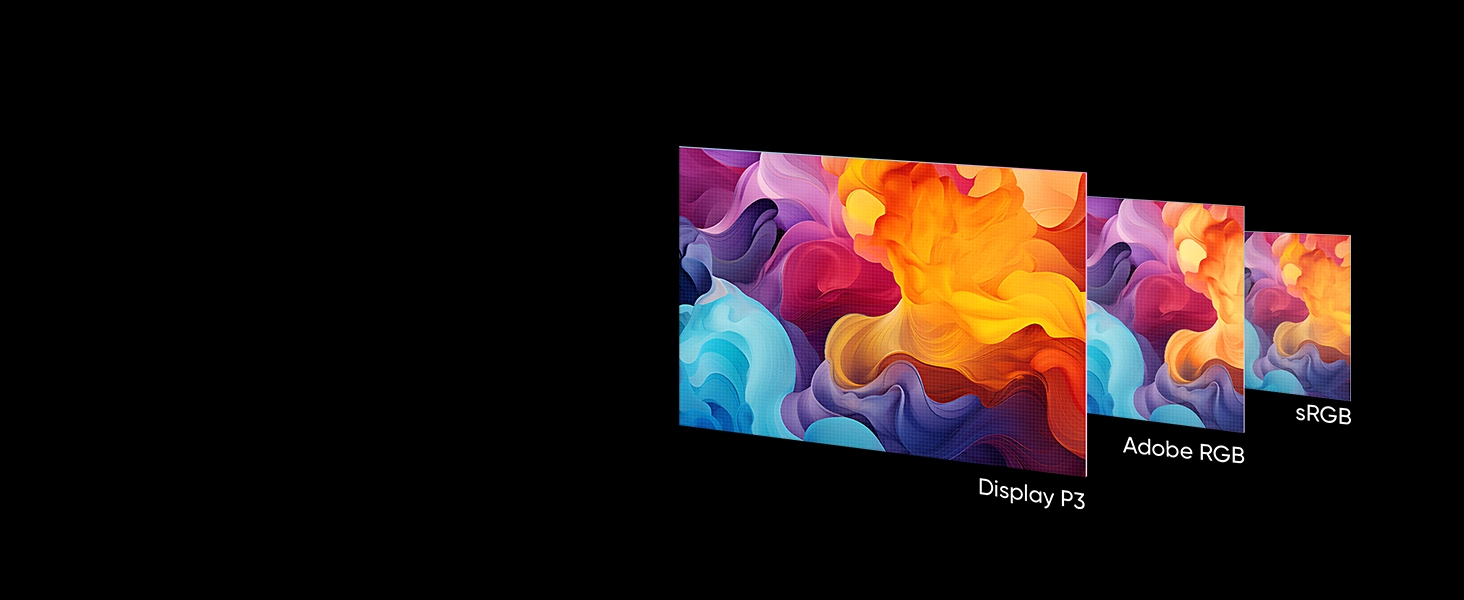
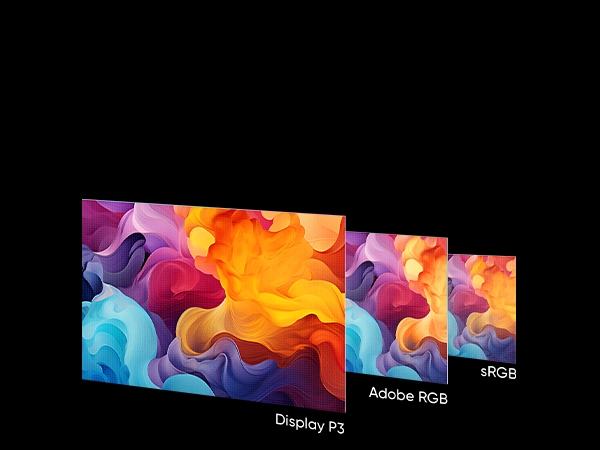
Switch Between
Three Color Spaces
Color Gamut Coverage Ratio
99%
sRGB
99%
Adobe RGB
98%
Display P3


Calman Verified
Delta E < 1
Color Calibration Software
Three Color Spaces
Color Calibration,
So Pro
Here's the new XPPen ColorMaster color calibration software, co-developed with Calman. Integrating Calman's Aurora Color Engine™, it offers the most scientific calibration for Artist Pro 24 (Gen2) series.
It's the Color
Calibration Benchmark
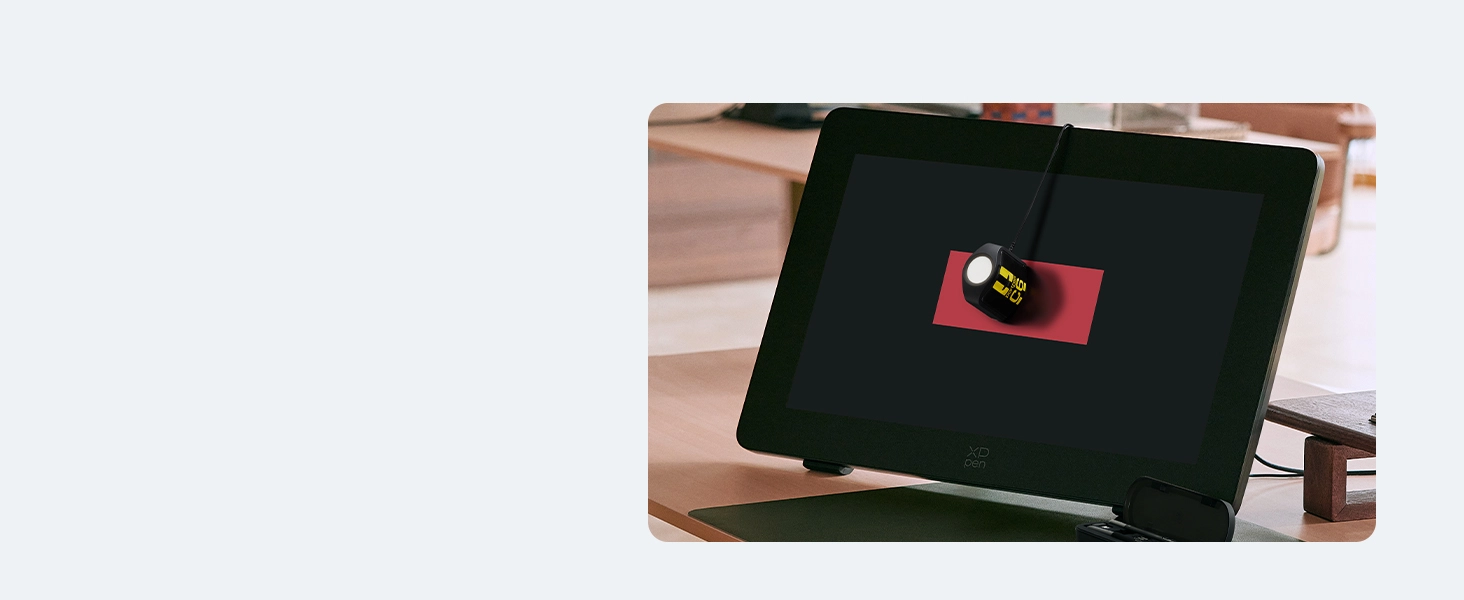
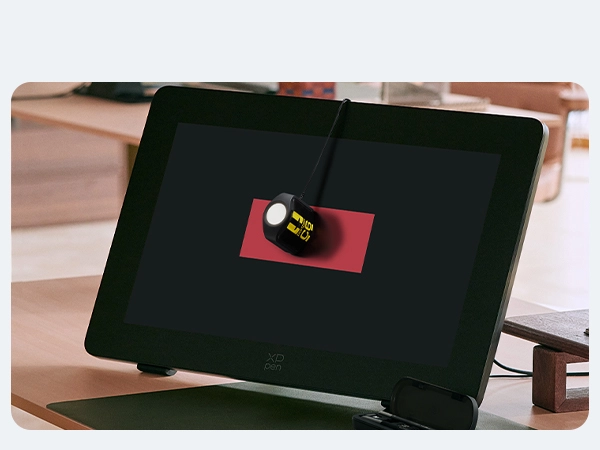
XPPen ColorMaster offers a fast color calibration mode for Artist Pro 24 (Gen2) series, no complex settings needed. It enables adjusting color settings in three color spaces. With colorimeters, the display ensures color consistency anywhere, anytime.
XPPen ColorMaster
Color Calibration
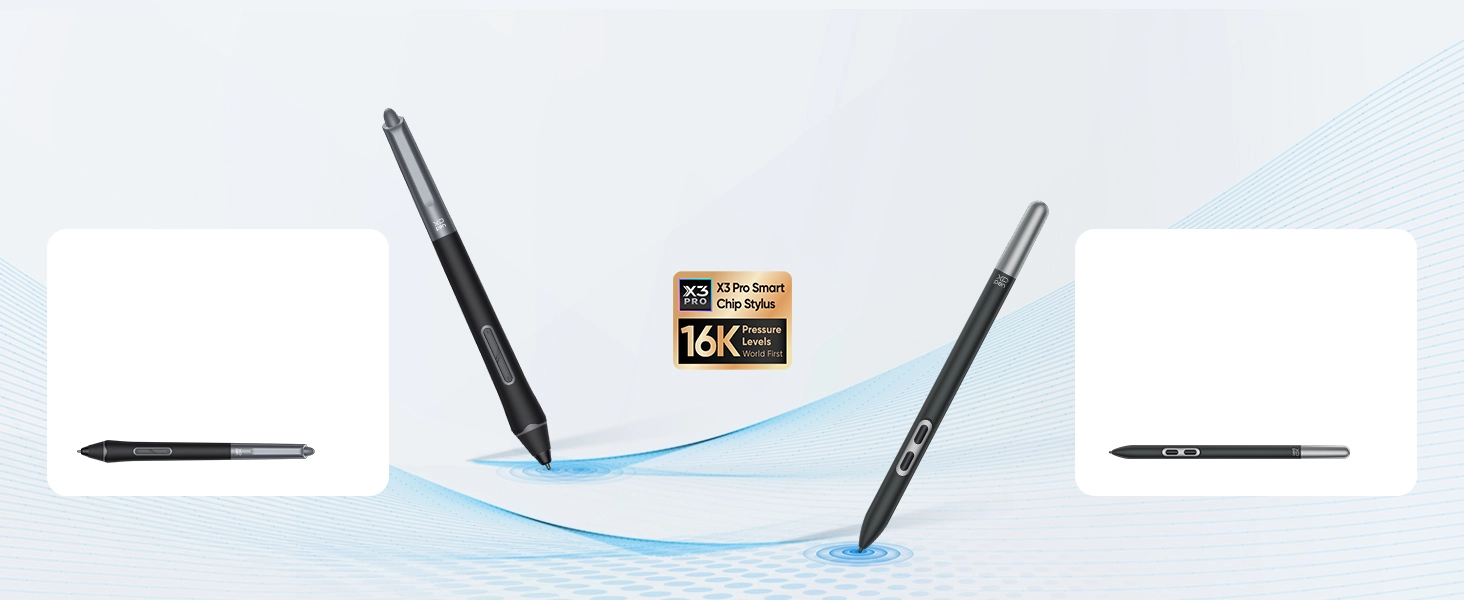
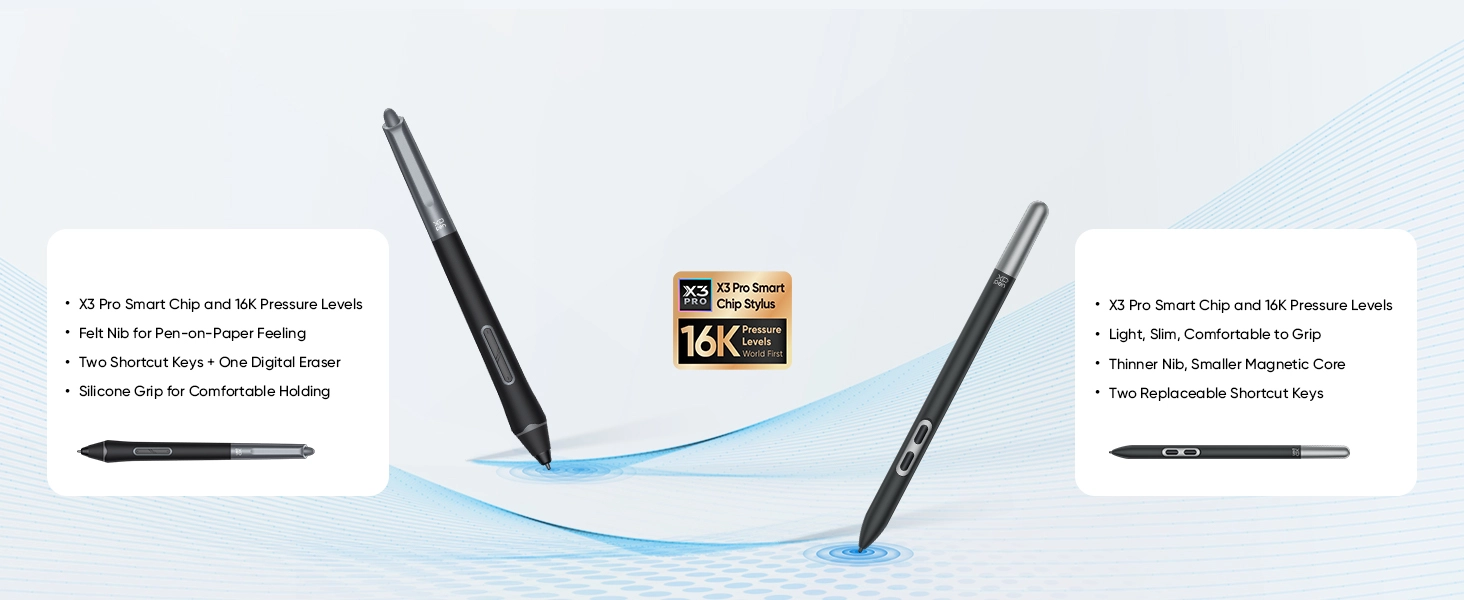
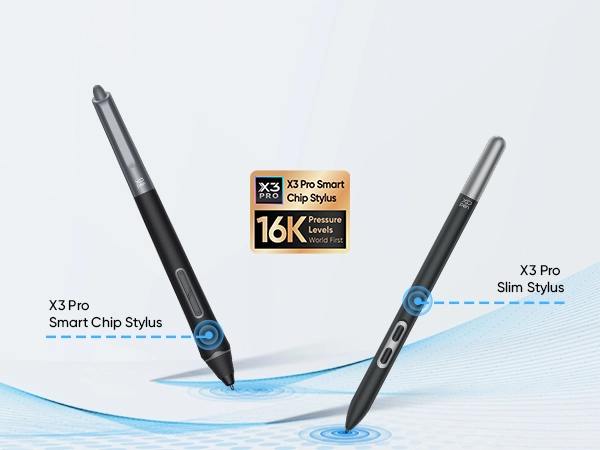
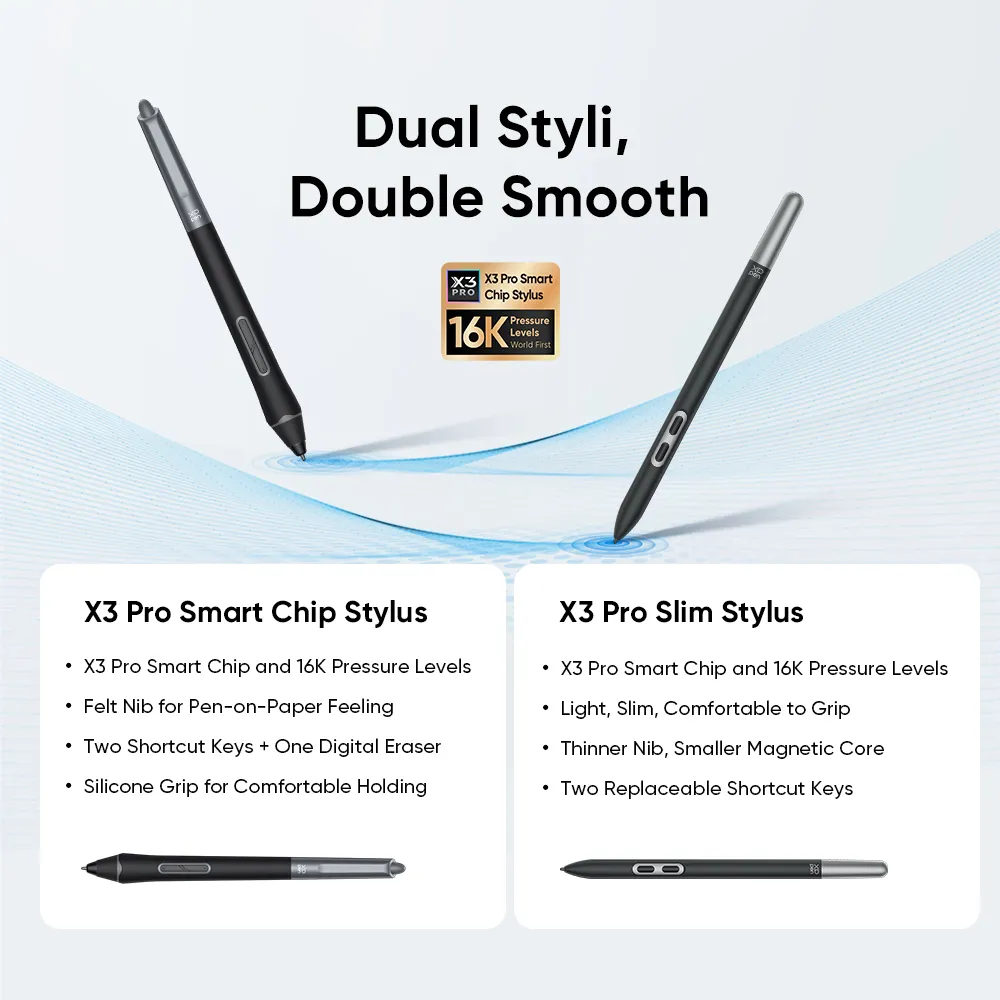
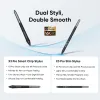
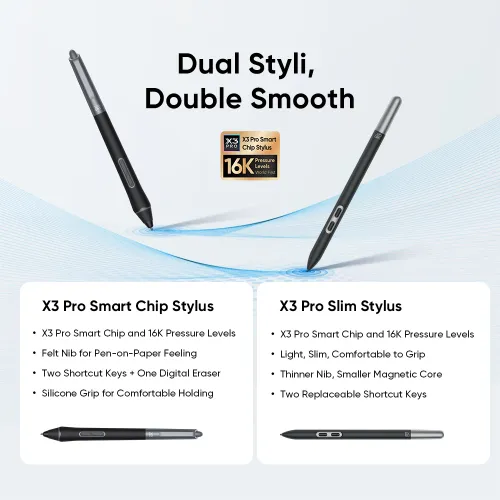
Dual Styli,
Double Smooth
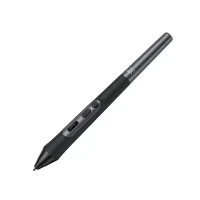
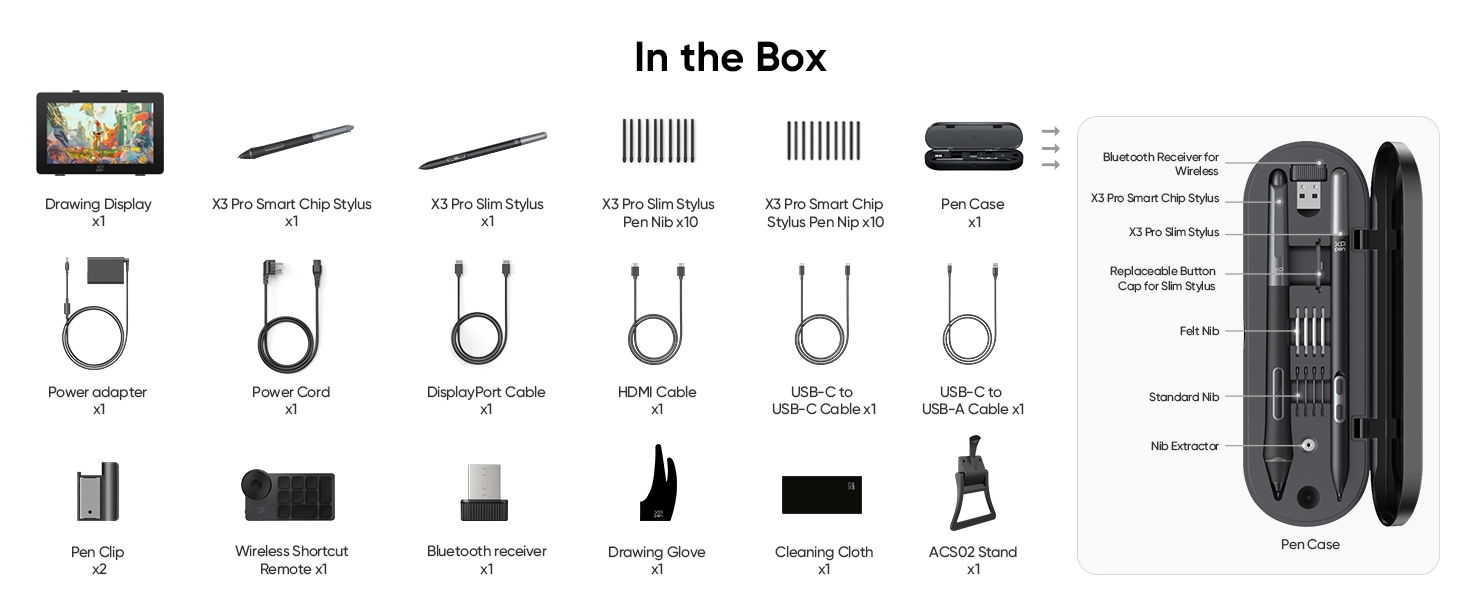
X3 Pro Smart Chip Stylus
· X3 Pro Smart Chip and 16K Pressure Levels
· Felt Nib for Pen-on-Paper Feeling
· Two Shortcut Keys + One Digital Eraser
· Silicone Grip for Comfortable Holding
X3 Pro Smart Chip Stylus
· X3 Pro Smart Chip and 16K Pressure Levels
· Felt Nib for Pen-on-Paper Feeling
· Two Shortcut Keys + One Digital Eraser
· Silicone Grip for Comfortable Holding
So Responsive,
So Smooth
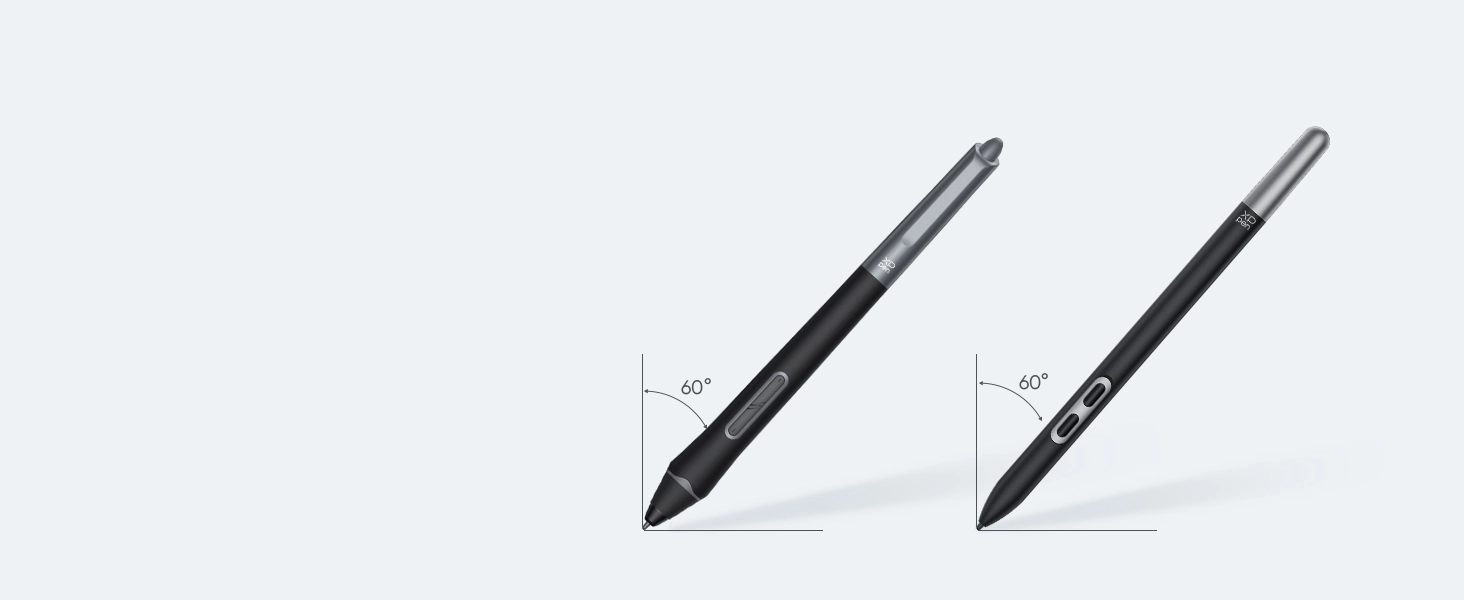
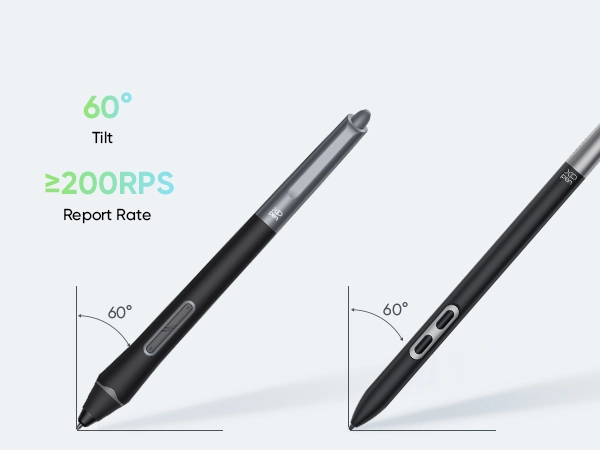
X3 Pro Series Stylus supports 60° tilt. Creating shaded strokes and diverse line variations is as intuitive as drawing on paper.
60°
Tilt
≥200RPS
Report Rate
X3 Pro Smart Chip
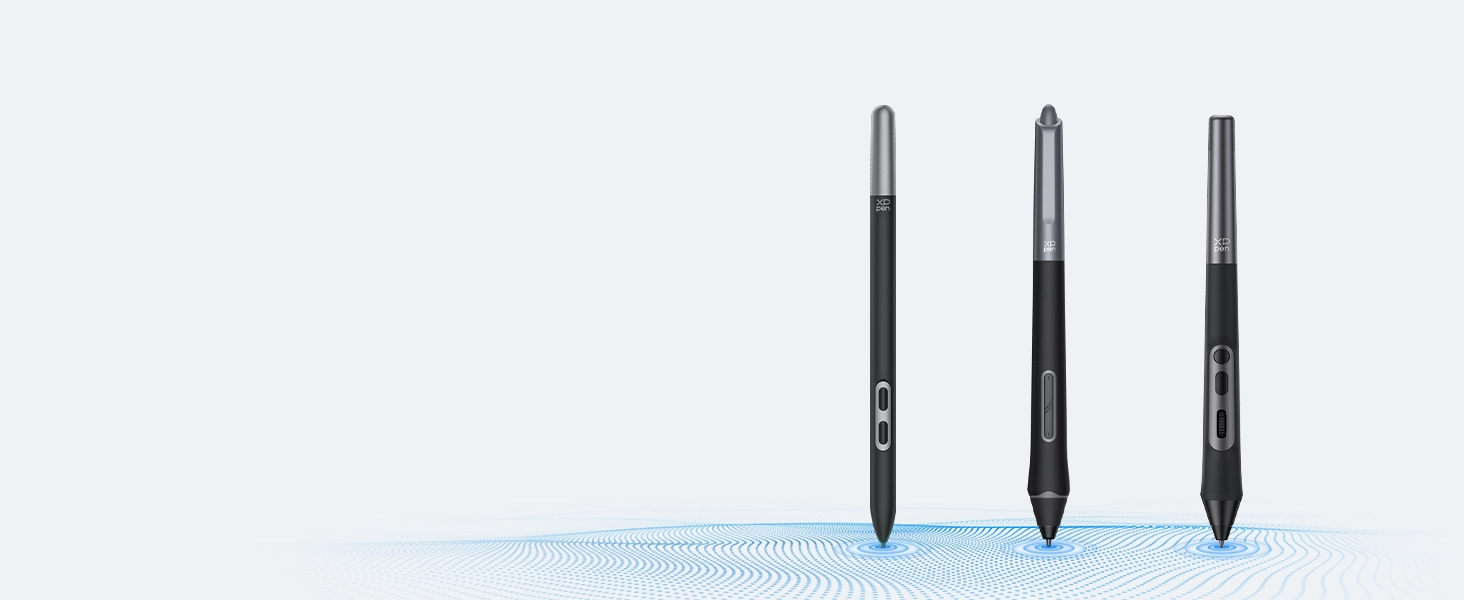
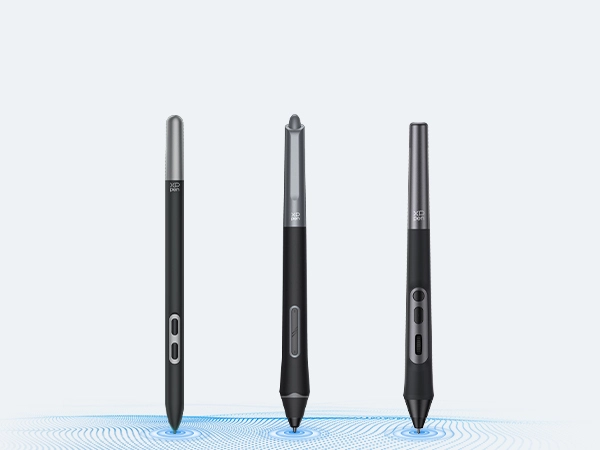
Automatic ID Recognition
Thanks to the powerful X3 Smart Chip and X-INNOLAB's dedicated research, all the X3 Pro Series Stylus supports pen ID recognition. You can set up various shortcut keys to meet your personal needs. Just let the creativity flow with the stylus!
Dual Styli
16K Pressure
Supports 60° Tilt
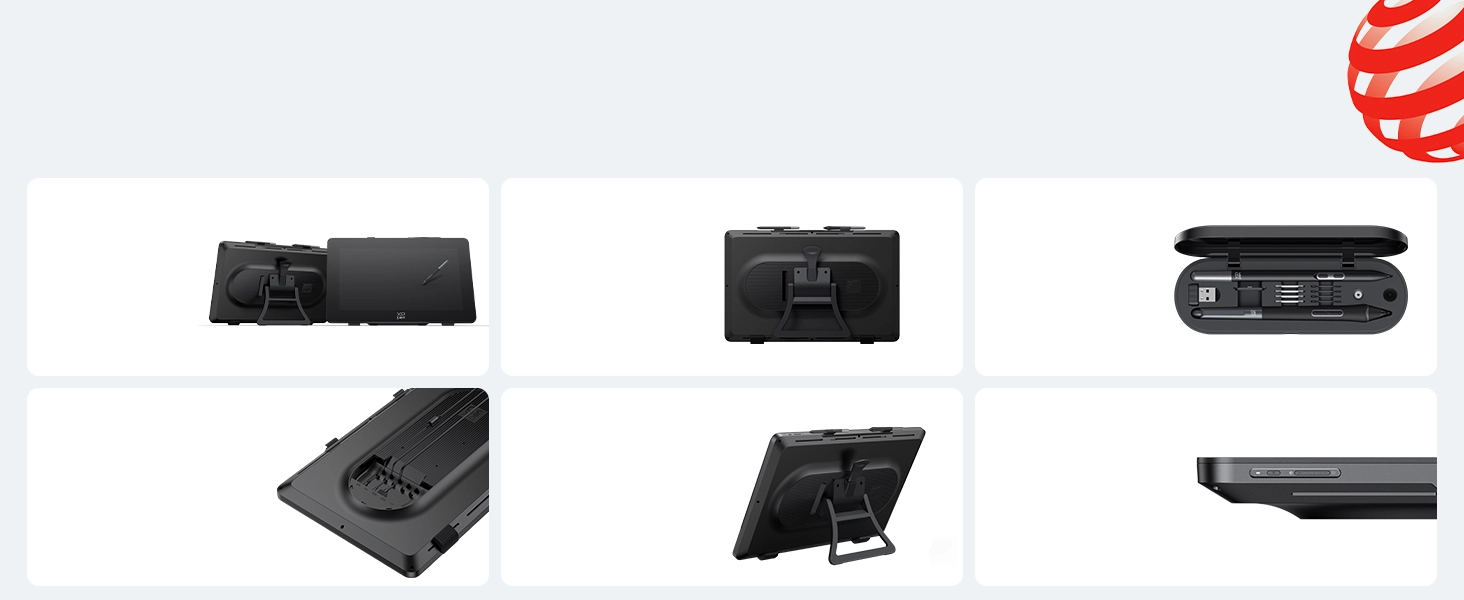
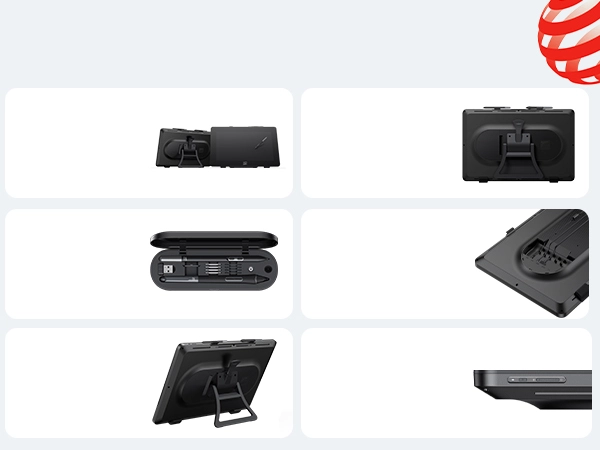
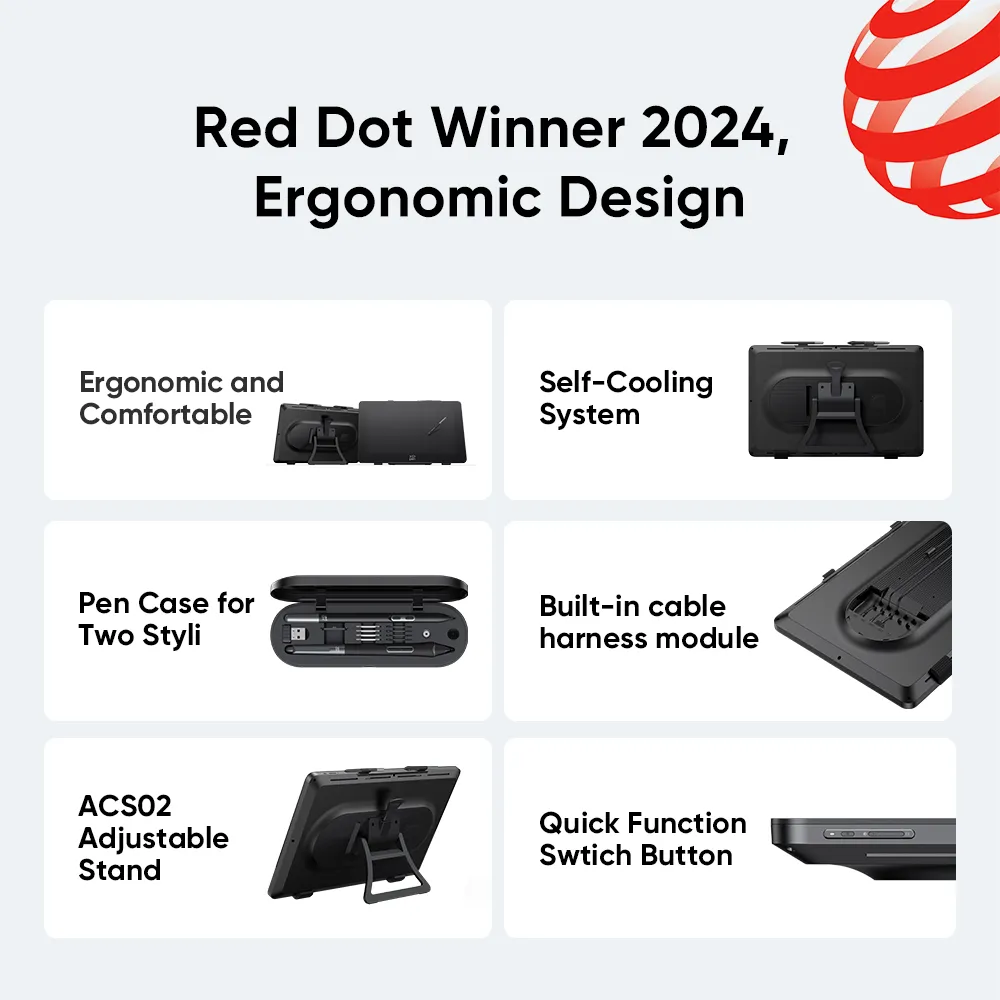
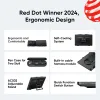
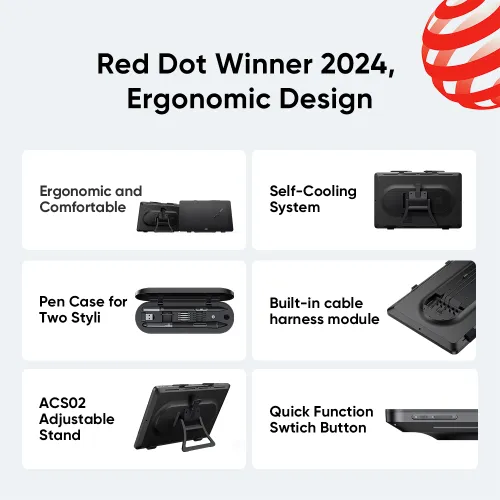
Red Dot Winner 2024,
Ergonomic Design
Ergonomic and
Comfortable
Self-Cooling
System
Pen Case for
Two Styli
Built-in cable
harness module
ACS02
Adjustable
Stand
Quick Function
Swtich Button
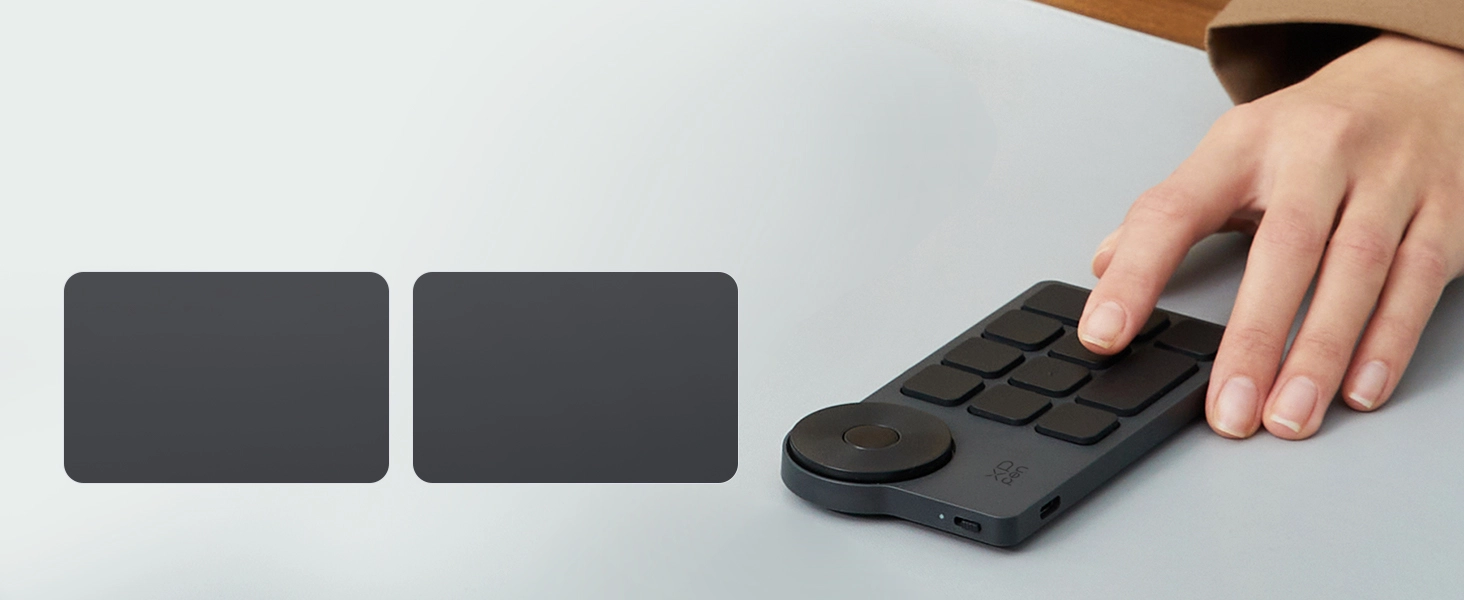
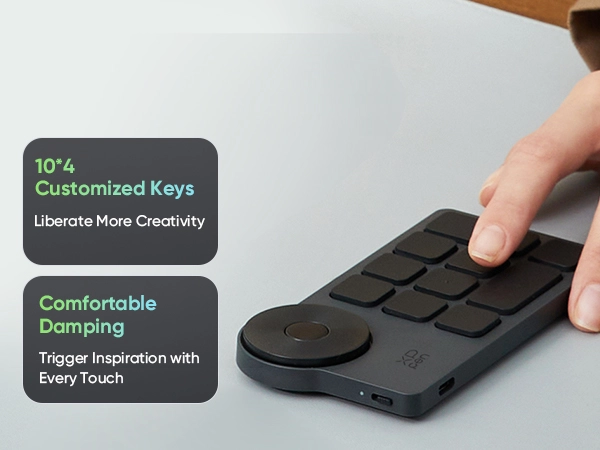
ACK05 Shortcut Remote
Smoother Creation, Faster Pace
10*4
Customized Keys
Liberate More Creativity
Comfortable
Damping
Trigger Inspiration with
Every Touch
Ergonomic Premium Design
Customized keys
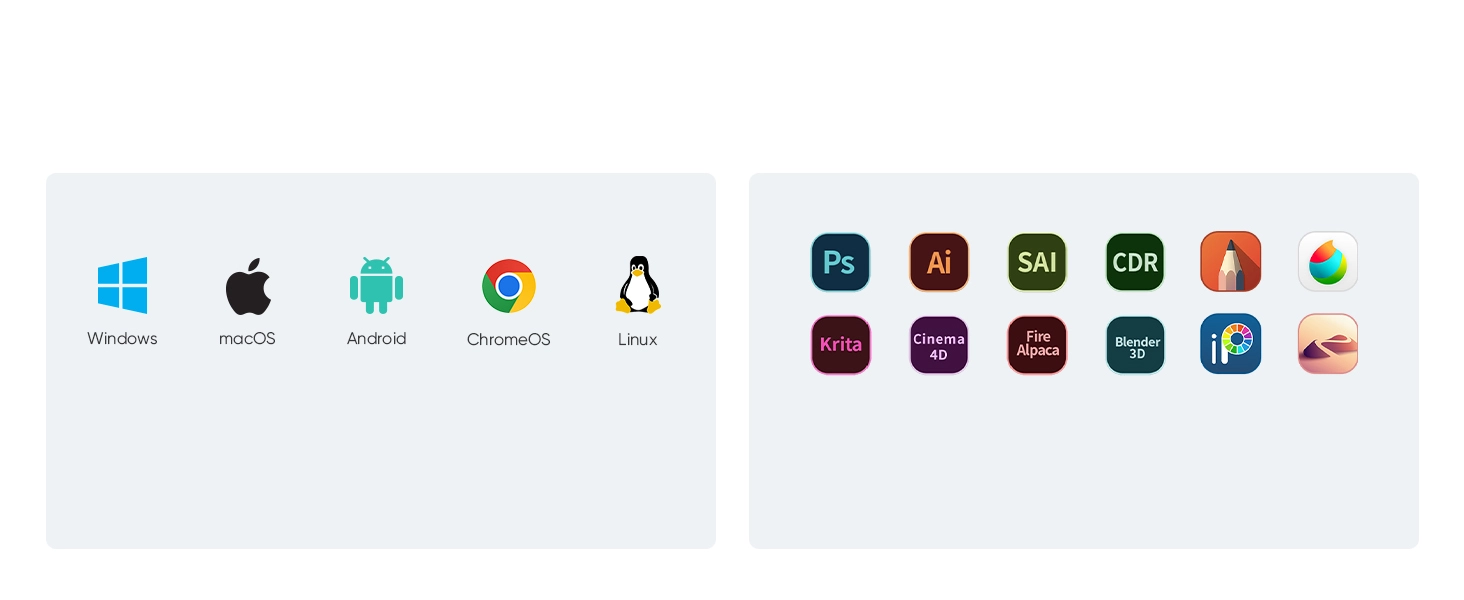
High Compatiblity,
More Possibility
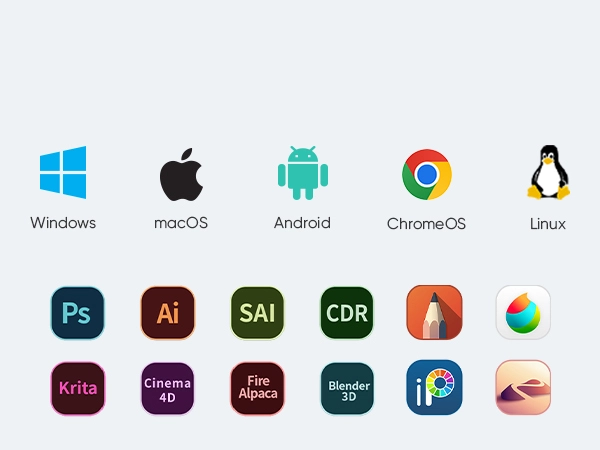
Works smoothly with various systems and software.
Compatible with Windows 7 (or later), macOS 10.13 (or later),
Android (USB3.1 DP1.2), ChromeOS 88 (or later), Linux.
Compatible with popular digital art software such as Adobe Photoshop, Illustrator, SAI, CDR, Clip Studio Paint, GIMP, Krita, MediBang, FireAlpaca, Toonboom, Maya, and Blender3D, etc.
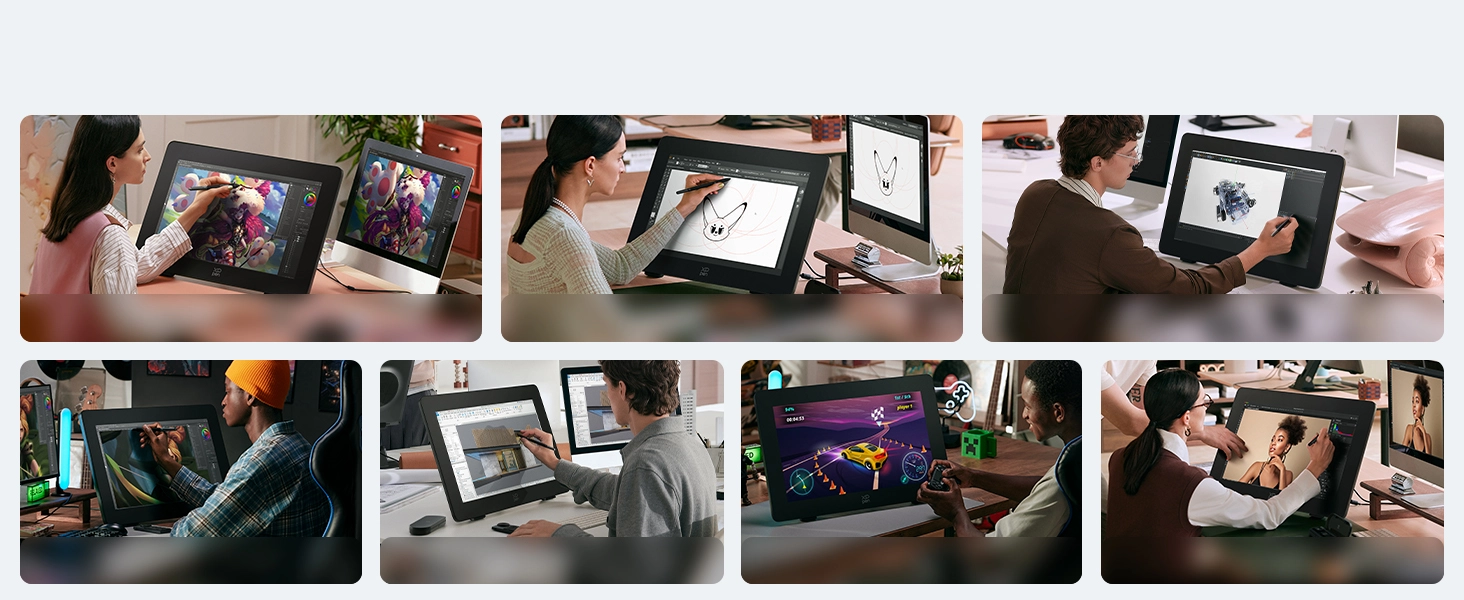
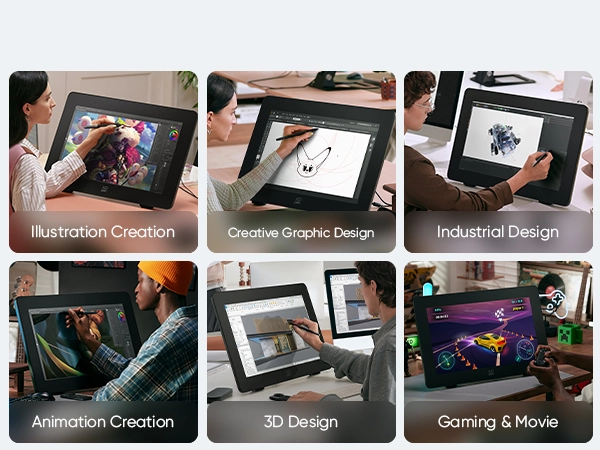
One Display, Infinite Possibilities
Illustration Creation
Creative Graphic Design
Industrial Design
Animation Creation
3D Design
Gaming & Movie
Creation on Double Display
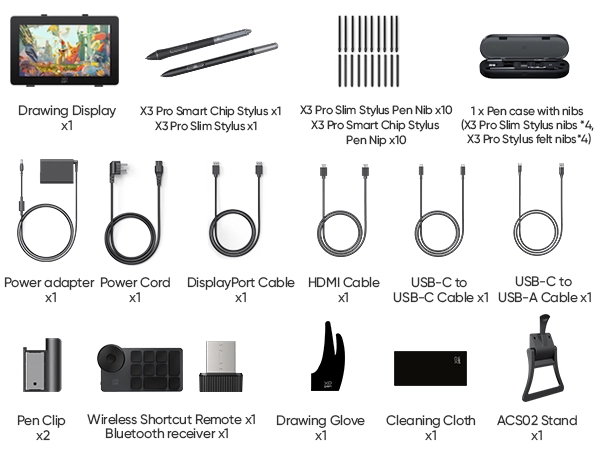
Specifications

| Linux OS | Version | Package Format | Supported Software |
| Arch | Arch Linux2019.12.01(64-bit) | .deb, .sh | GIMP, Krita |
| Centos | Centos7.0(64-bit) | .rpm, .sh | GIMP |
| Centos8(64-bit) | .rpm, .sh | GIMP, Krita | |
| Debian | debian-9.5.0-amd64-netinst(64-bit) | .deb, .sh | GIMP, Krita |
| elementary OS | elementary OS 5.0(64-bit) | .deb, .sh | GIMP, Krita |
| ezgo Linux | ezgo14(64-bit) | .deb, .sh | GIMP, Krita |
| Fedora | Fedora32(64-bit) | .rpm, .sh | GIMP, Krita |
| Mageia | Mageia-7.1(64-bit) | .rpm, .sh | GIMP, Krita |
| Manjaro | manjaro-xfce-20.1.2-201019(64-bit) | .deb, .sh | GIMP |
| Mint | linuxmint-18.2-cinnamon-64bit | .deb, .sh | GIMP, Krita |
| OpenSUSE | openSUSE-Tumbleweed(64-bit) | .rpm, .sh | GIMP, Krita |
| Pop!_OS | pop-os_19.10(64-bit) | .deb, .sh | GIMP, Krita |
| Red Hat | Red Hat7(64-bit) | .rpm, .sh | GIMP |
| Ubuntu | Ubuntu14.04(64-bit) | .deb, .sh | GIMP, Krita |
| Ubuntu16.04(64-bit) | .deb, .sh | GIMP, Krita | |
| Ubuntu17.04(64-bit) | .deb, .sh | GIMP, Krita | |
| Ubuntu18.04(64-bit) | .deb, .sh | GIMP, Krita | |
| Ubuntu19.04(64-bit) | .deb, .sh | GIMP, Krita | |
| Ubuntu20.04(64-bit) | .deb, .sh | GIMP, Krita |
| Function | Krita 4.3.0 | Gimp 2.10.20 | Inkscape 0.92 |
| Pen Pressure Sensitivity | |||
| Tilt | |||
| Mouse Function | |||
| Eraser Button (Stylus:PH01, P06) | |||
| Switch between Pen and Eraser Modes | |||
| *If you have any further queries, please do not hesitate to contact us at service@xp-pen.com. | |||
Linux OS
Arch
Version
Arch Linux2019.12.01(64-bit)
Package Format
.deb, .sh
Supported Software
GIMP, Krita
Centos
Version
Centos7.0(64-bit)
Centos8(64-bit)
Centos8(64-bit)
Package Format
.rpm, .sh
.rpm, .sh
.rpm, .sh
Supported Software
GIMP
GIMP, Krita
GIMP, Krita
Debian
Version
debian-9.5.0-amd64-netinst(64-bit)
Package Format
.deb, .sh
Supported Software
GIMP, Krita
elementary OS
Version
elementary OS 5.0(64-bit)
Package Format
.deb, .sh
Supported Software
GIMP, Krita
ezgo Linux
Version
ezgo14(64-bit)
Package Format
.deb, .sh
Supported Software
GIMP, Krita
Fedora
Version
Fedora32(64-bit)
Package Format
.rpm, .sh
Supported Software
GIMP, Krita
Mageia
Version
Mageia-7.1(64-bit)
Package Format
.rpm, .sh
Supported Software
GIMP, Krita
Manjaro
Version
manjaro-xfce-20.1.2-201019(64-bit)
Package Format
.deb, .sh
Supported Software
GIMP
Mint
Version
linuxmint-18.2-cinnamon-64bit
Package Format
.deb, .sh
Supported Software
GIMP, Krita
OpenSUSE
Version
openSUSE-Tumbleweed(64-bit)
Package Format
.rpm, .sh
Supported Software
GIMP, Krita
Pop!_OS
Version
pop-os_19.10(64-bit)
Package Format
.deb, .sh
Supported Software
GIMP, Krita
Red Hat
Version
Red Hat7(64-bit)
Package Format
.rpm, .sh
Supported Software
GIMP
Ubuntu
Version
Ubuntu14.04(64-bit)
Ubuntu16.04(64-bit)
Ubuntu17.04(64-bit)
Ubuntu18.04(64-bit)
Ubuntu19.04(64-bit)
Ubuntu20.04(64-bit)
Ubuntu16.04(64-bit)
Ubuntu17.04(64-bit)
Ubuntu18.04(64-bit)
Ubuntu19.04(64-bit)
Ubuntu20.04(64-bit)
Package Format
.deb, .sh
.deb, .sh
.deb, .sh
.deb, .sh
.deb, .sh
.deb, .sh
.deb, .sh
.deb, .sh
.deb, .sh
.deb, .sh
.deb, .sh
Supported Software
GIMP, Krita
GIMP, Krita
GIMP, Krita
GIMP, Krita
GIMP, Krita
GIMP, Krita
GIMP, Krita
GIMP, Krita
GIMP, Krita
GIMP, Krita
GIMP, Krita
Function
Pen Pressure Sensitivity
Krita 4.3.0
Gimp 2.10.20
Inkscape 0.92
Tilt
Krita 4.3.0
Gimp 2.10.20
Inkscape 0.92
Mouse Function
Krita 4.3.0
Gimp 2.10.20
Inkscape 0.92
Eraser Button(Stylus:PH01, P06)
Krita 4.3.0
Gimp 2.10.20
Inkscape 0.92
Switch between Penand Eraser Modes
Krita 4.3.0
Gimp 2.10.20
Inkscape 0.92
*If you have any further queries, please do not hesitate to contact us at service@xp-pen.com.
| List of compatible Android devices | |
| HUAWEI Mate 10 | HUAWEI Mate 10 Pro |
| HUAWEI Mate 20 | HUAWEI Mate 20 Pro |
| HUAWEI Mate 20 X | HUAWEI Mate 30 Pro |
| HUAWEI Mate 40 | HUAWEI Mate 40 pro |
| HUAWEI Mate 30E Pro 5G | HUAWEI P20 |
| HUAWEI P20 Pro | HUAWEI P30 |
| HUAWEI P30 Pro | HUAWEI P40 |
| HUAWEI P40 Pro | HUAWEI P40 Pro+ |
| HUAWEI Mate 50 | HUAWEI Mate 50 Pro |
| HUAWEI Mate 40E | HUAWEI Mate 40 Pro+ |
| HUAWEI P50 Pro | HUAWEI P50 |
| HUAWEI P50E | HUAWEI Mate X2 |
| HUAWEI Mate Xs2 | HUAWEI Mate 50E |
| HUAWEI Mate 40E Pro | HUAWEI Mate 40 RS |
| HUAWEI P50 Pocket | Honor Note10 |
| Honor V20 | Honor 30pro+ |
| Honor Magic4 | Honor Magic4 Pro |
| Samsung Galaxy A90 5G | Samsung Galaxy Note9 |
| Samsung Galaxy Note10 | Samsung Galaxy Note10+ 5G |
| Samsung Galaxy S8 | Samsung Galaxy S8+ |
| Samsung Galaxy S9 | Samsung Galaxy S9+ |
| Samsung Galaxy S10 | Samsung Galaxy S10+ |
| Samsung Galaxy S10e | Samsung Galaxy S20 |
| Samsung Galaxy S20+ | Samsung Galaxy S20 Ultra |
| Samsung Galaxy S20 FE 5G | Samsung Galaxy S21 |
| Samsung Galaxy S21 FE | Samsung Galaxy S21 ultra |
| Samsung Galaxy S22 | Samsung Galaxy S22 Ultra |
| Samsung Galaxy Note20 | Samsung Galaxy Note20 Ultra |
| Samsung Galaxy Tab S7 | Samsung Galaxy Tab S7 FE |
| Samsung Galaxy Tab S5e | Samsung Galaxy S21+ |
| Samsung Galaxy S22+ | Samsung Galaxy S23 |
| Samsung Galaxy S23+ | Samsung Galaxy S23 Ultra |
| Samsung Galaxy Z Fold4 | Samsung W23 |
| Samsung W22 | Samsung W21 |
| Samsung W20 | Samsung Galaxy Tab S8 |
| Samsung Galaxy Tab S8+ | Samsung Galaxy Tab S8 Ultra |
| Samsung Galaxy Tab S7+ | Samsung Galaxy Tab S6 |
4.8


Based on 10
80%(8)

20%(2)
0(0)
0(0)
0(0)
Mike
Apr 01 ,2025 PM 12:01 Artist Pro 24 (Gen2) 4K
Big, beautiful, and built to last
24 inches is HUGE, but in the best way. I thought it’d be overwhelming, but it actually gives me a ton of freedom when sketching and animating. The build feels premium, and I love that it comes with both USB-C and HDMI options — made setup with my desktop really easy.
Useful(0)+1
Sarah
May 16 ,2025 PM 14:06 Artist Pro 24 (Gen2) 4K
The pen is buttery smooth — pressure feels natural
After switching to the Artist Pro 24 (Gen2) 4K, my workflow improved immediately. The pressure sensitivity is incredibly precise, and the pen-to-screen response is seamless with zero noticeable lag. I especially love the dual pens that come with it—both feel sturdy and responsive. The stand is strong and adjusts easily, which makes long sessions comfortable. And the build quality? Solid and premium. You can tell XP-Pen put thought into this model. If you need accurate color, responsive drawing, and a huge canvas, this tablet delivers all of it flawlessly.
Useful(0)+1
Mark Johnson
Jun 25 ,2025 PM 15:23 Artist Pro 24 (Gen2) 4K
Amazing 4K Display for Professionals at a Great Price
I use the Artist Pro 24 (Gen2) 4K daily for concept design and matte painting—it’s one of the best displays I’ve used. The 4K clarity helps me work on fine details without zooming in constantly, and the color accuracy is spot on out of the box. The customizable buttons and dial are well-placed and save me tons of time. No driver issues so far on Windows 11. It feels just as responsive as my Cintiq but at a much better price point. This is a serious tool for professionals without breaking the bank.
Useful(0)+1
Learn More
Common problem
Q1: Does the Artist Pro 24 (Gen2) 4K need a computer to work? Can it connect to a phone?
Q2: Can the Artist Pro 24 (Gen 2) 4K send its display to another screen?
Q3: What is the pen pressure sensitivity of Artist Pro 24 (Gen2) 4K? Does it support tilt?
Q4: Does the Artist Pro 24 (Gen2) 4K have shortcut keys or a scroll wheel?
Q5: What are the dimensions and weight of Artist Pro 24 (Gen2) 4K?
Q6: Does the Artist Pro 24 (Gen2) 4K need a screen protector?
Q7: What is the difference between Artist Pro 24 (Gen2) 4K and 165Hz?
Q8: What is the color accuracy of Artist Pro 24 (Gen2) 4K?
Q9: What are the resolution and refresh rate of the Artist Pro 24 (Gen2) 4K?
Q10: Does Artist Pro 24 (Gen2) 4K support multi-touch gestures?