



Getting started with your
XPPen Deco 01 V3 Pen Tablet.
1/8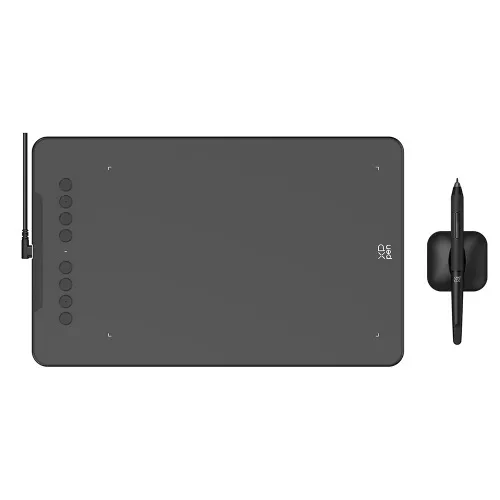
![https://resource.xp-pen.com/Uploads/goods/20250109/70YvuvaXvH22dlEQKwzv_500_500.webp]()
![https://resource.xp-pen.com/Uploads/goods/20250109/AUvMOMhXxkIoYSDS4iIf_500_500.webp]()
![https://resource.xp-pen.com/Uploads/goods/20250109/E1WeIOPJUsFeegJC385_500_500.webp]()
![https://resource.xp-pen.com/Uploads/goods/20250109/OjjFrb1mjwdiVF124nuz_500_500.webp]()
![https://resource.xp-pen.com/Uploads/goods/20250109/wNY8OrrH7Chl1OUgvxYB_500_500.webp]()
![https://resource.xp-pen.com/Uploads/goods/20250109/vVUZCysFHYbkuLJqm1J7_500_500.webp]()
![https://resource.xp-pen.com/Uploads/goods/20250109/uDKGMKCSxWPlOJQcf4Pv_500_500.webp]()
Deco 01 V3
Key Features
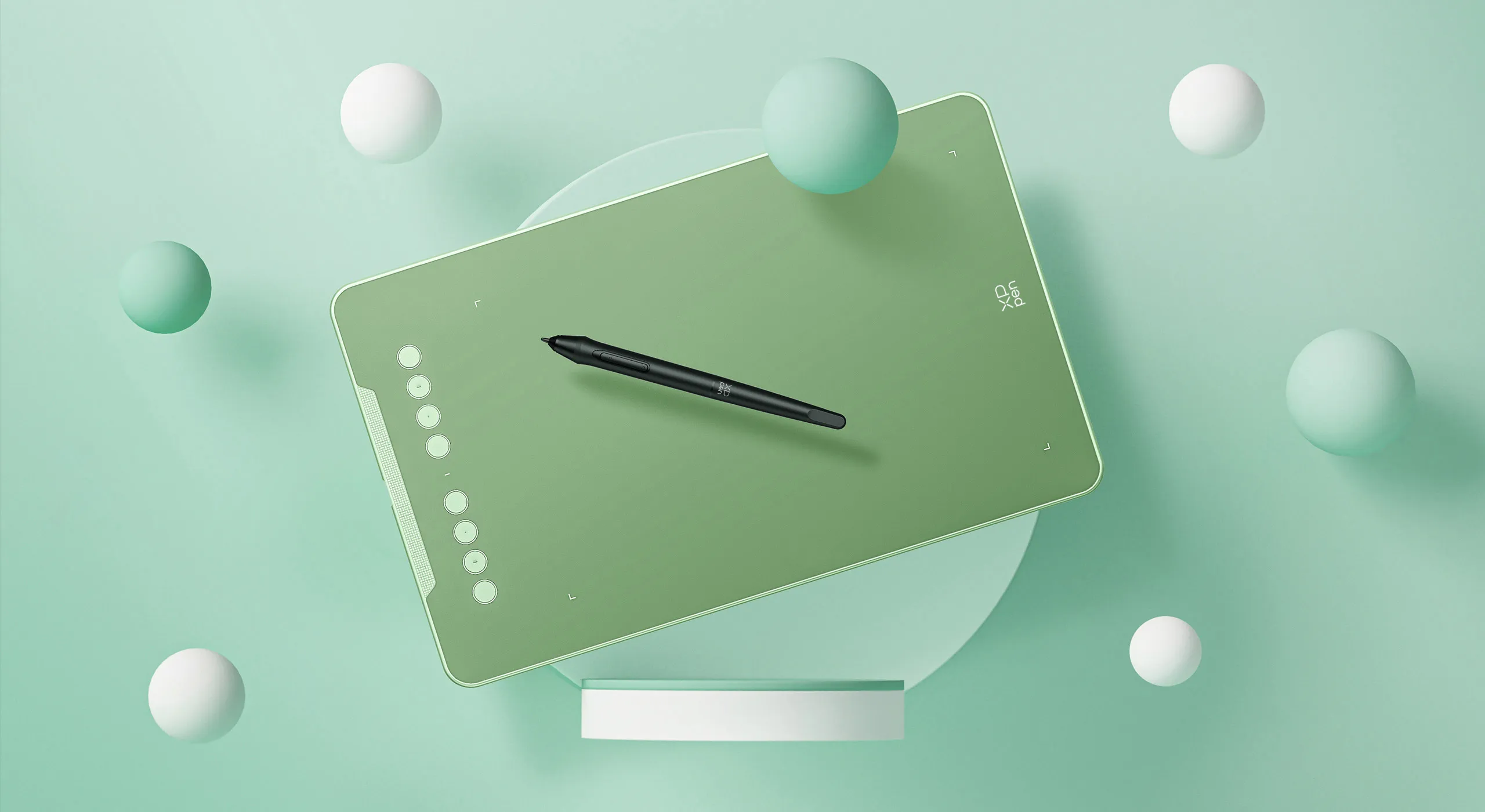
10" × 6.25" Active Drawing Area with 60° Tilt Support
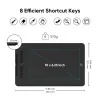
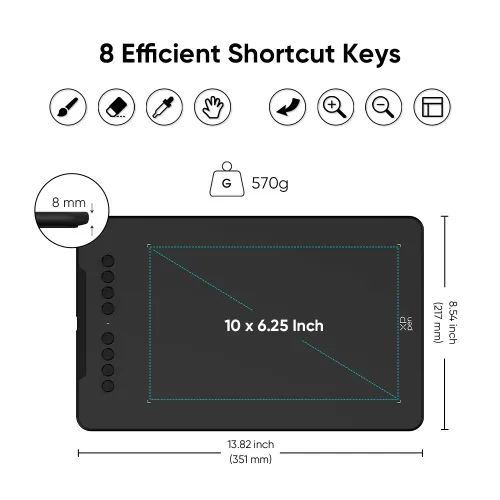
8 Customizable Shortcut Keys
Device Connection Required
Compatible with Chromebook & Android Devices
CDN$79.99CDN$99.99
Ends in
❋Lifetime Technical Support❋
❋Paypal Pay in 4 interest-free payment❋
❋18-Month Warranty+ Free Shipping❋
❋Free Drawing Software Redemption❋
Quantity:
Total
CDN$79.99
 Log in and purchase to receive an estimated 57 X-Coins







Worry-Free Delivery® available with seel
Estimate:
Feature Highlights
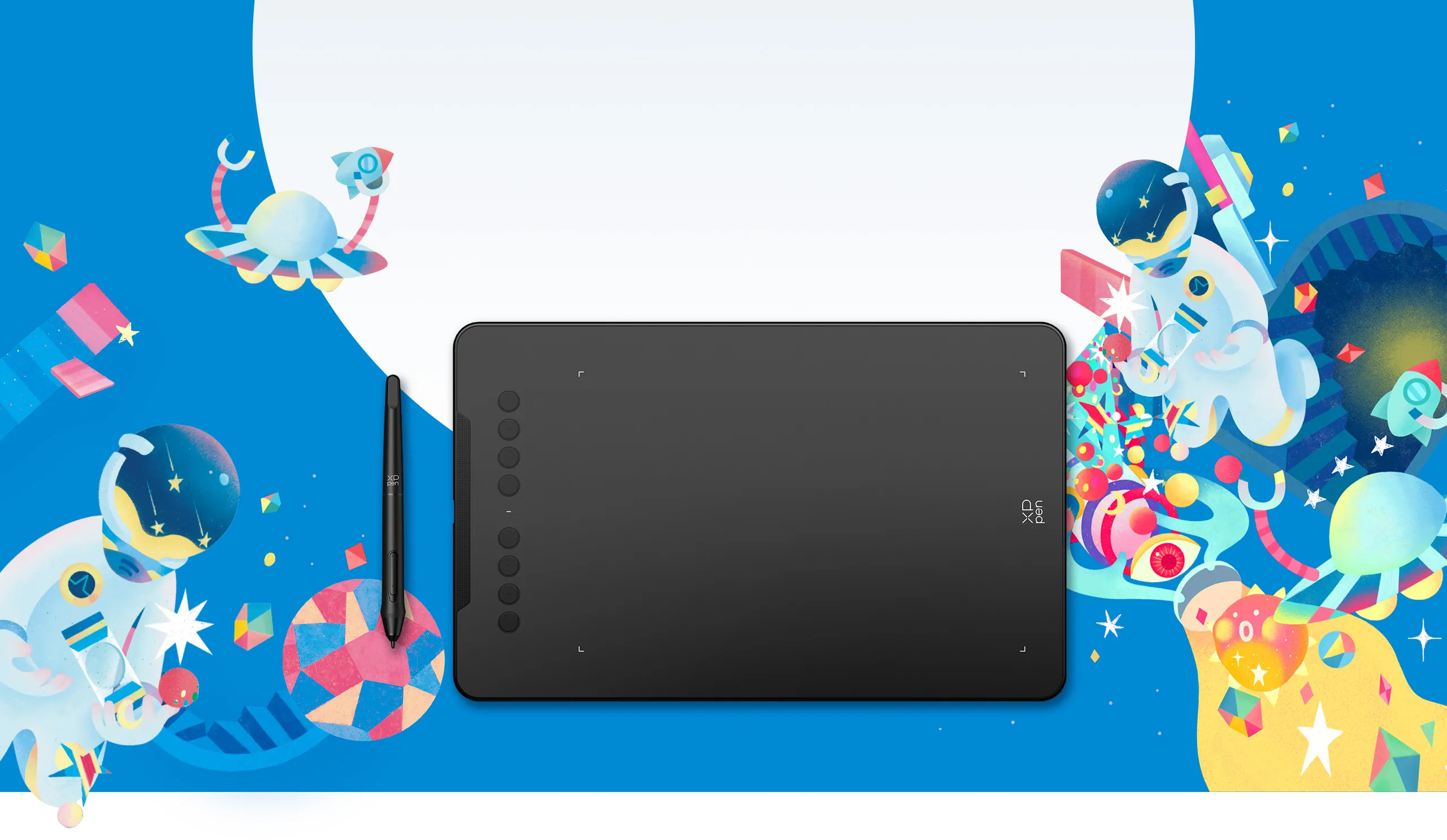
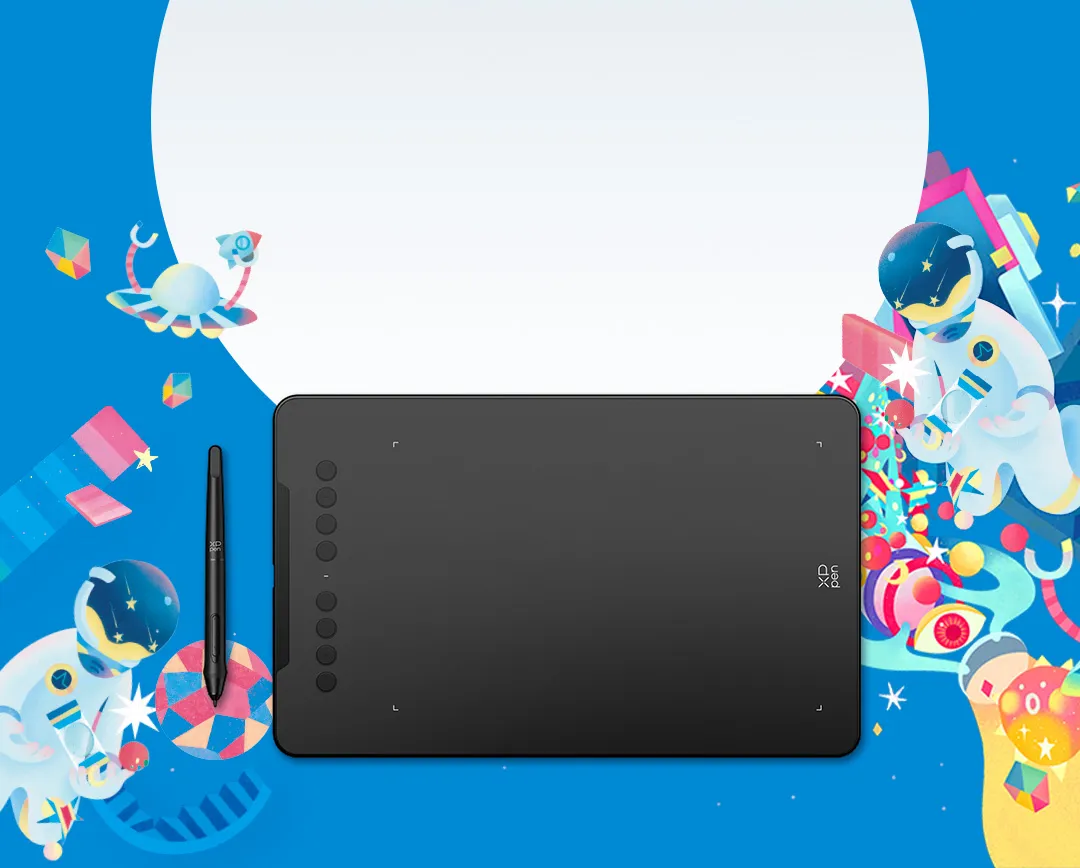
Deco 01 V3
New compatibility, new potential.
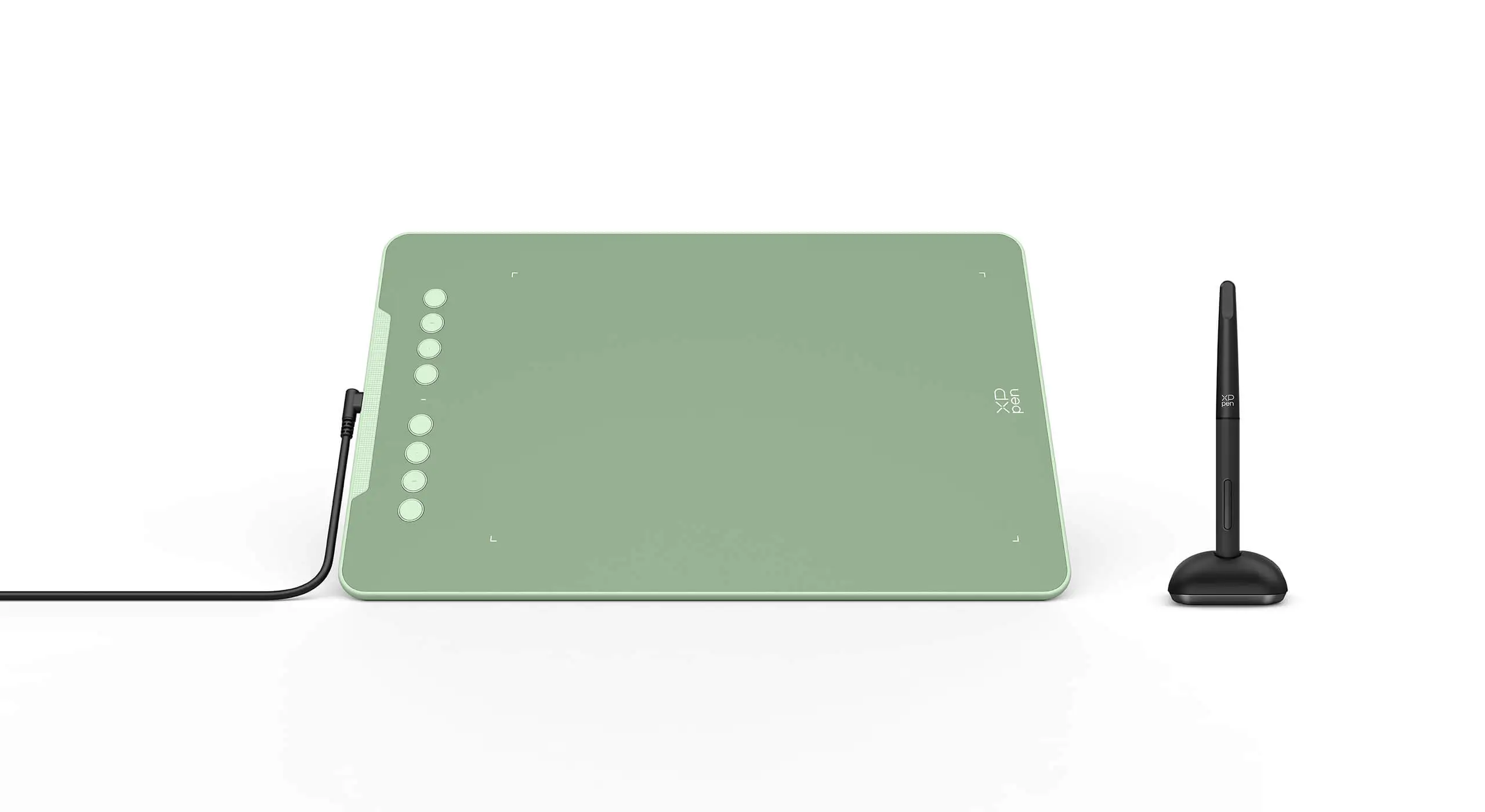
More color, more brilliance.
Black
Green
Pink
Enjoy a smoother and more
natural drawing experience
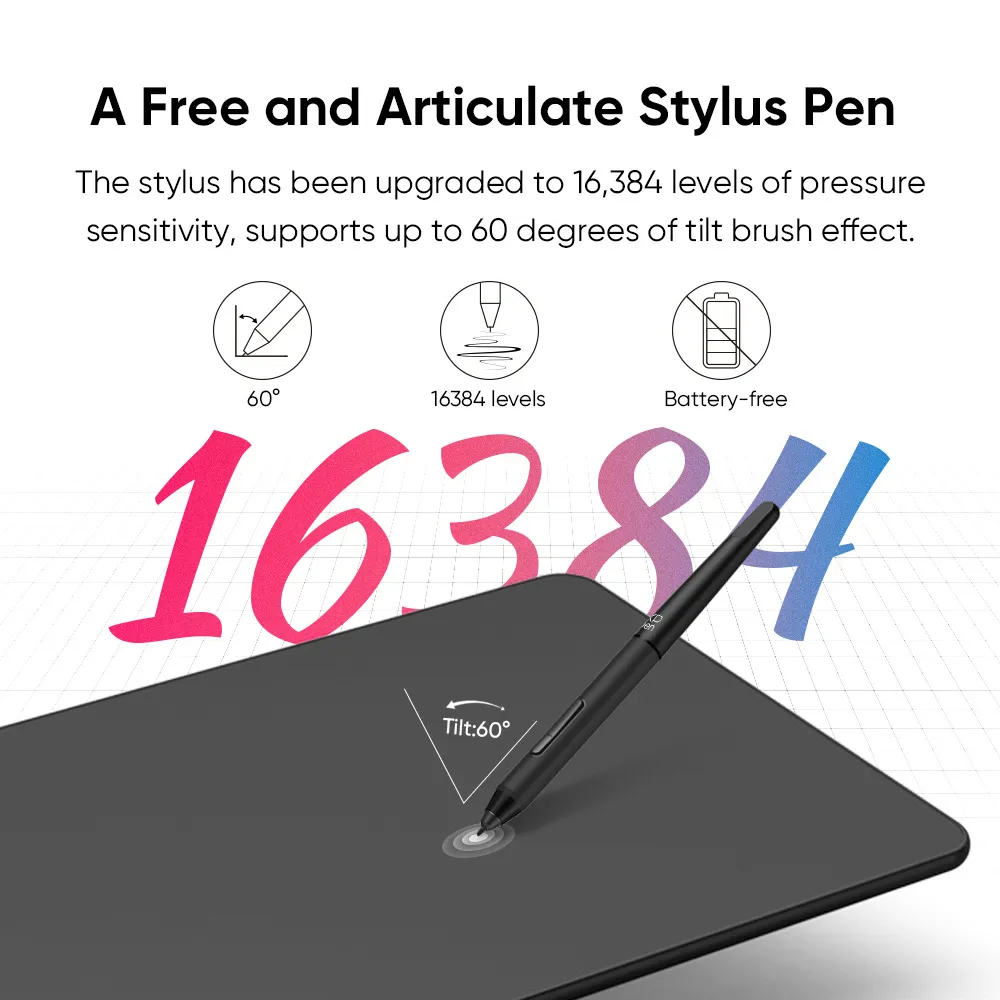
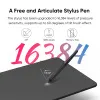
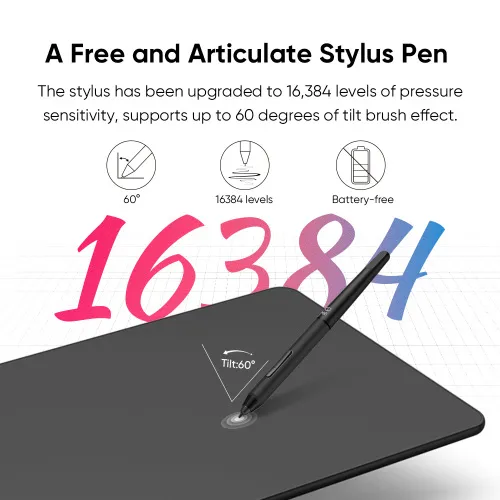
The stylus has been upgraded to 16,384 levels of pressure sensitivity, supports up to 60 degrees of tilt brush effect and delivers smoother lines and strokes, as well as the ability to add shading to your creations for a more natural writing and drawing experience.
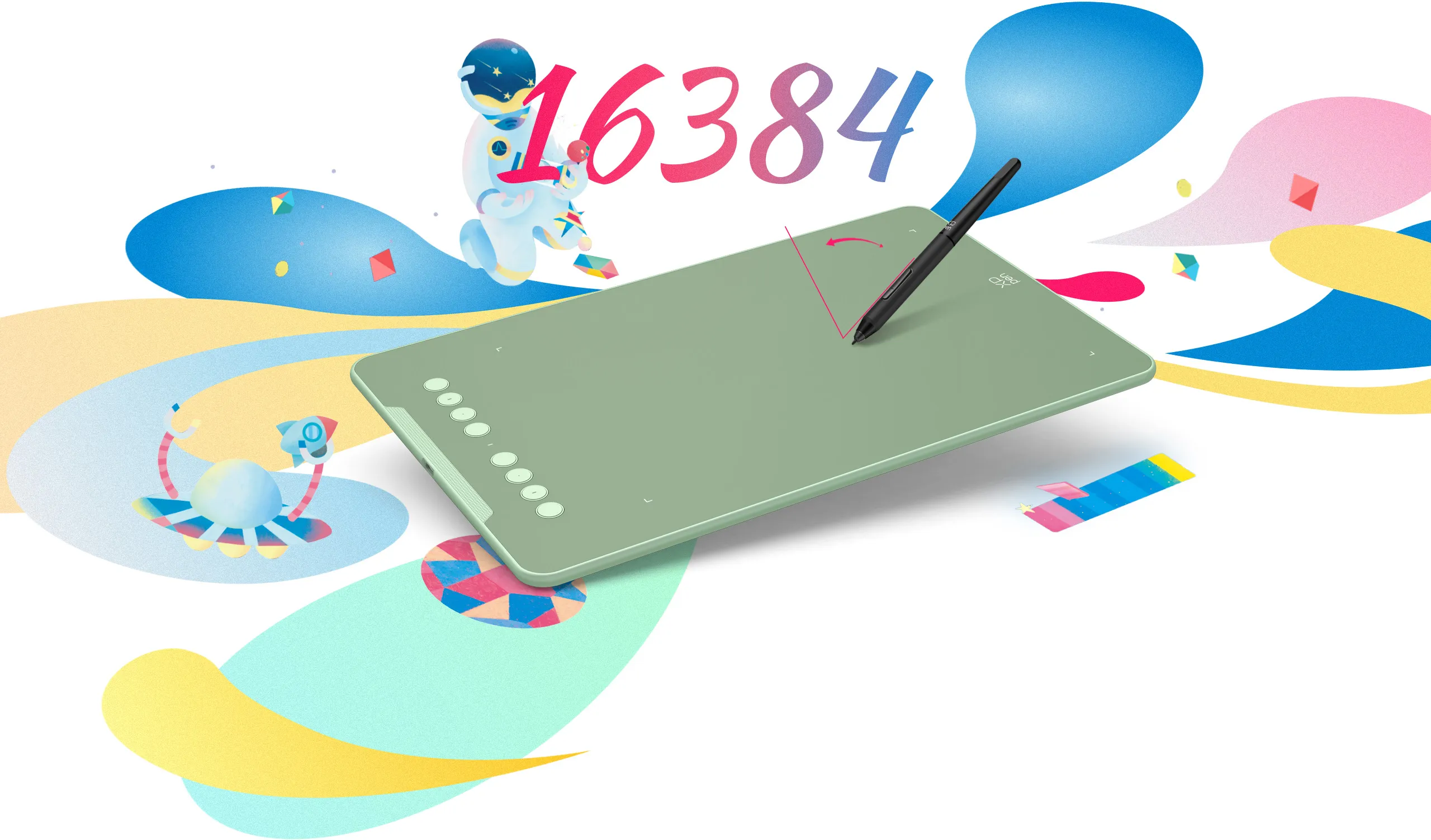
Tilt:60°
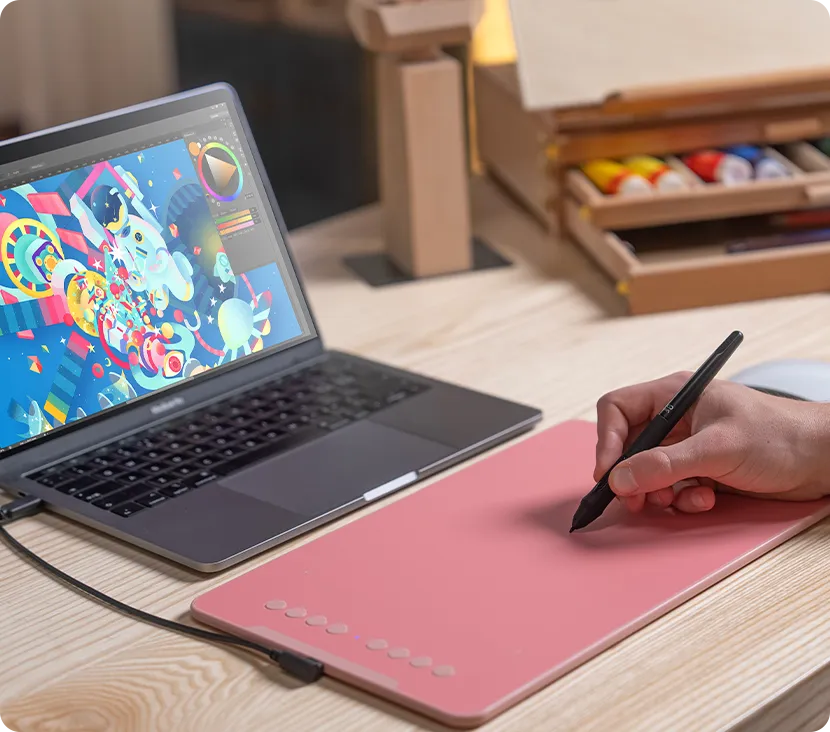
Expand your world.
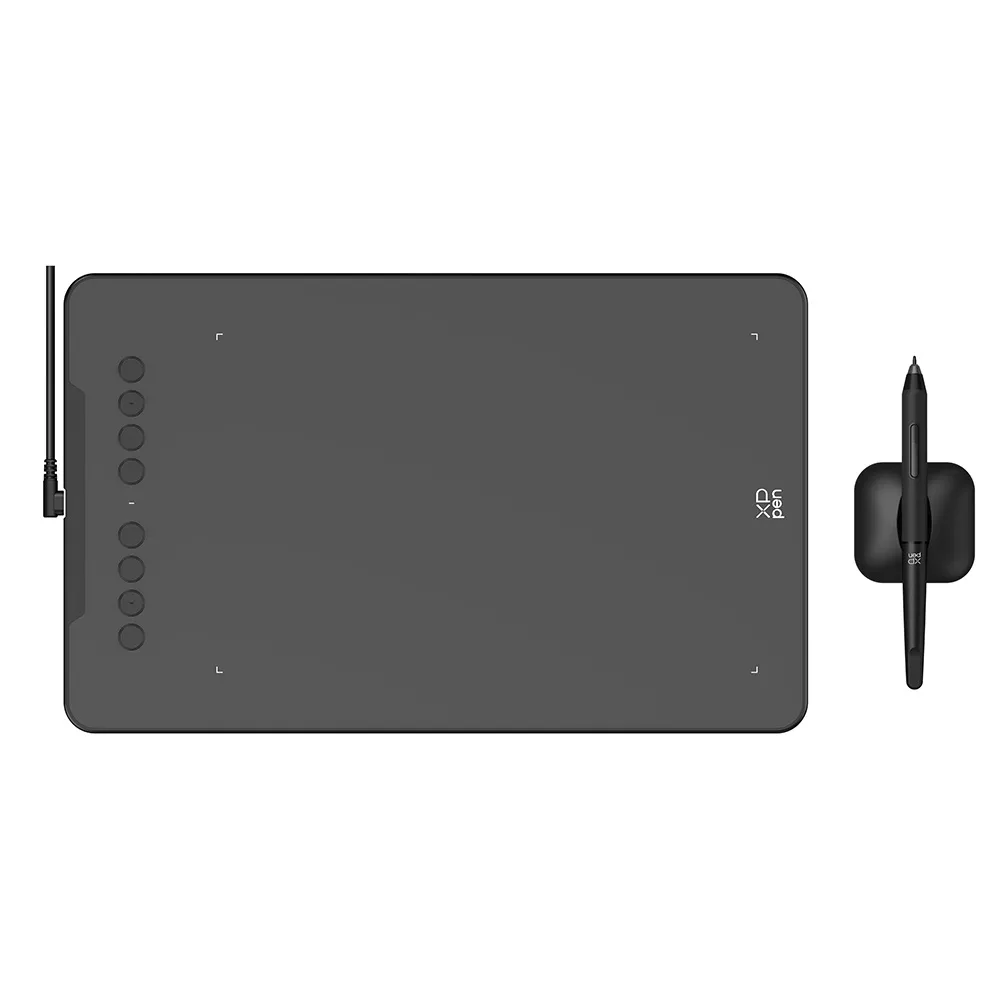
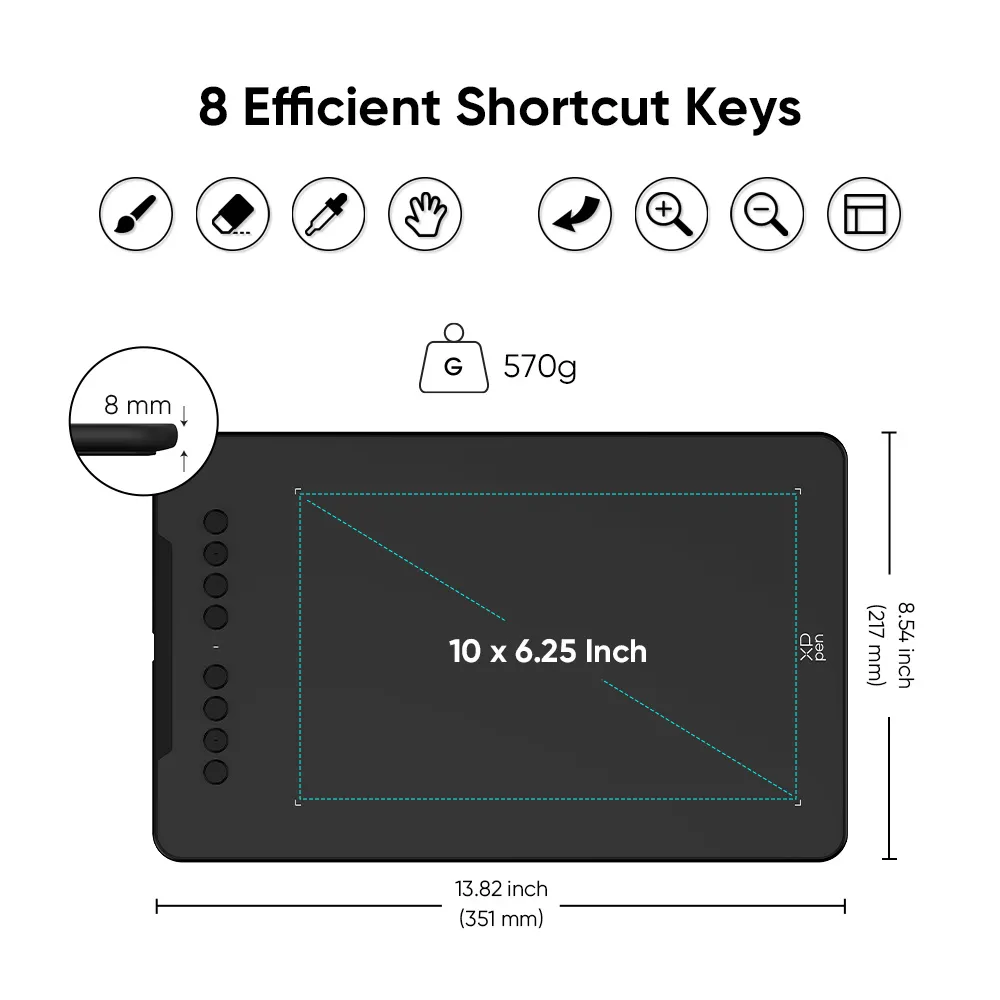
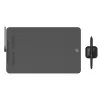
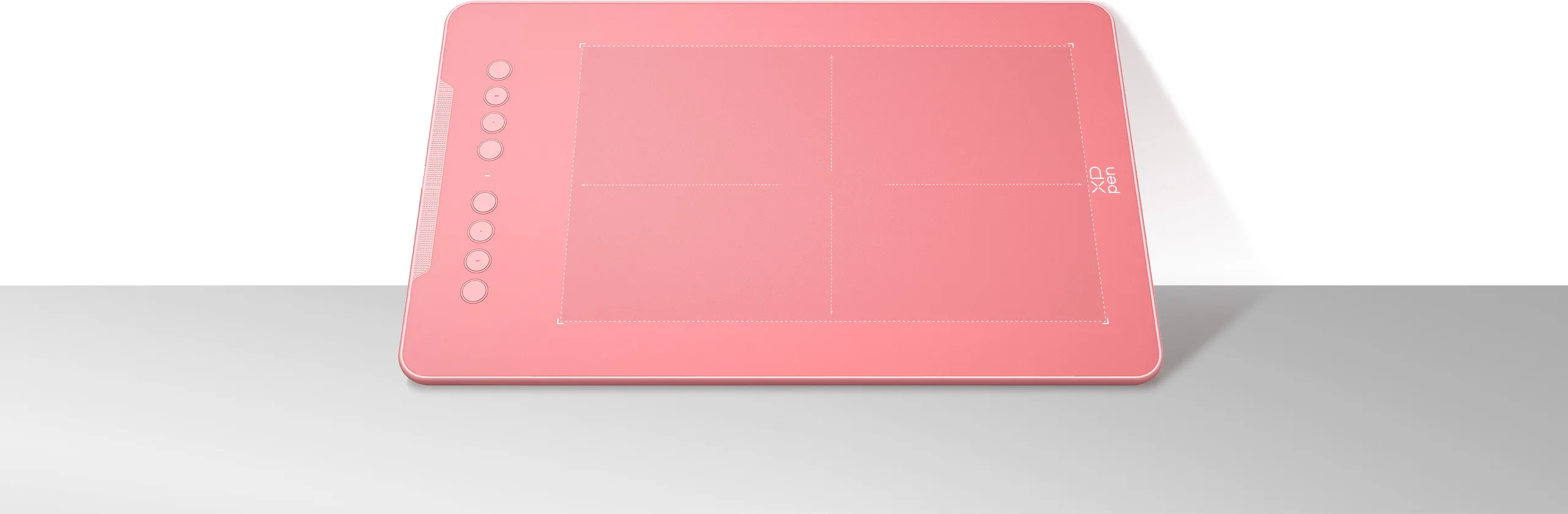
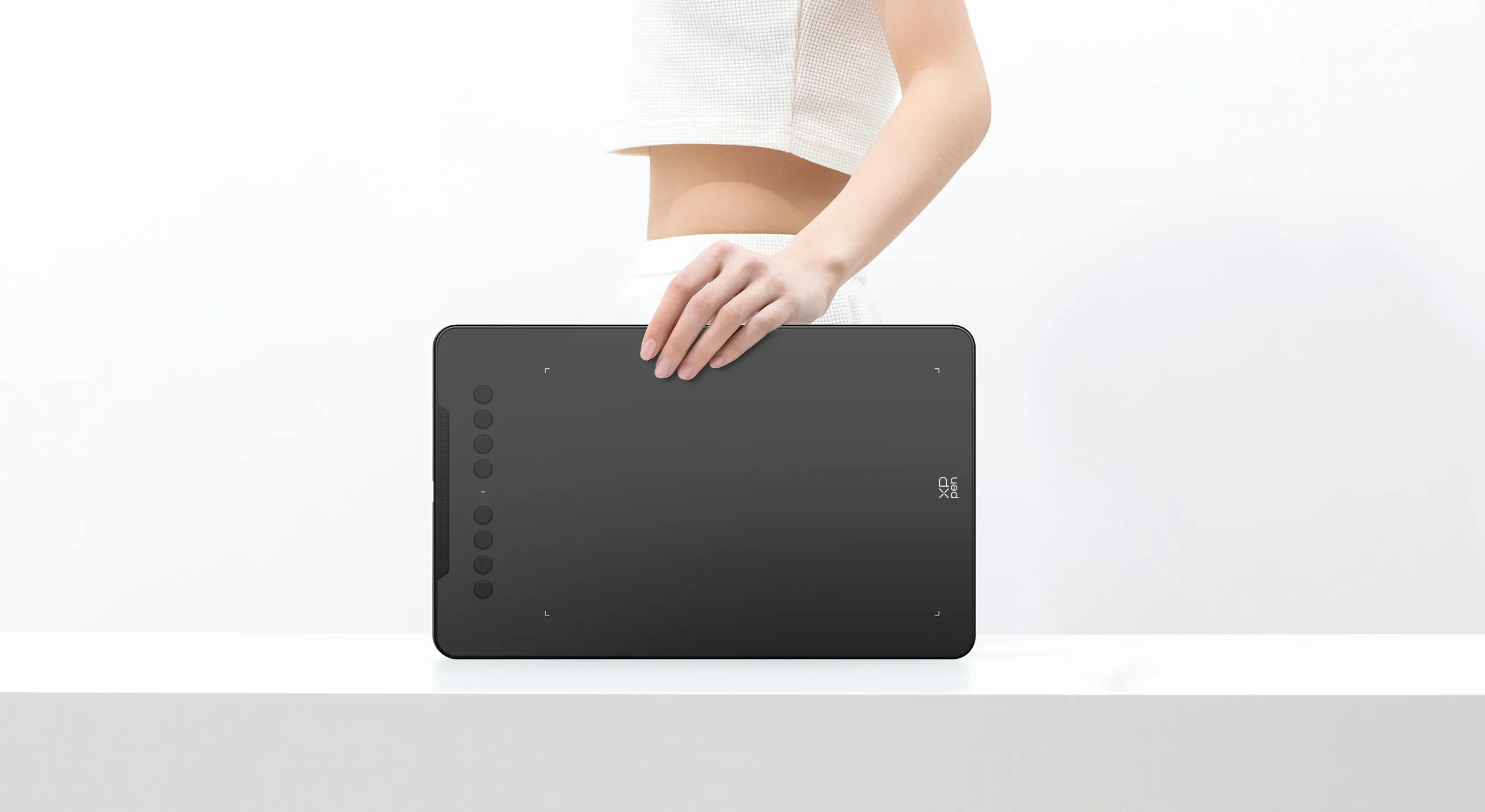
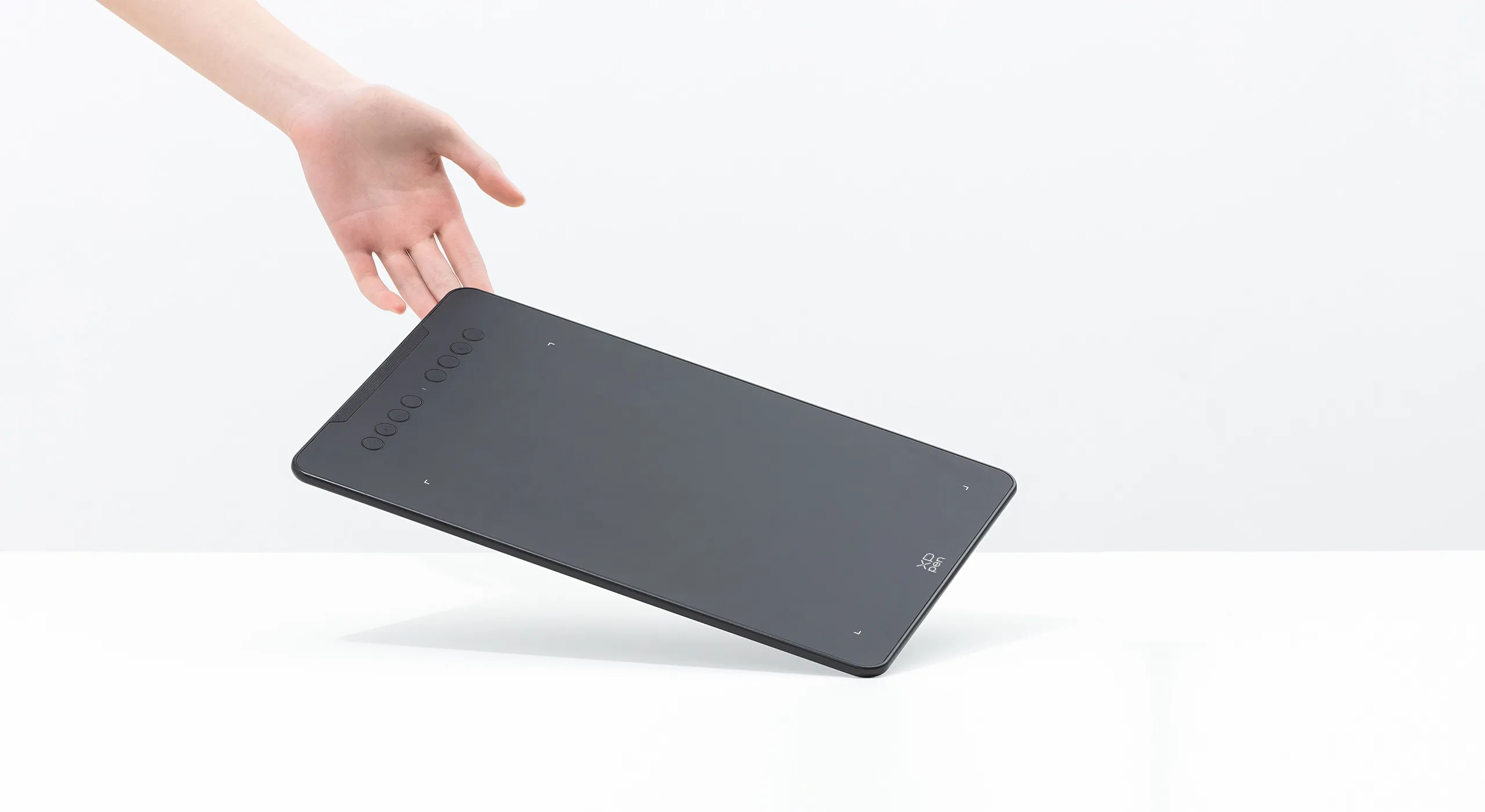
The Deco 01 V3’s expansive tablet is big and brilliant! It comes with a 10 x 6.25 inch working area so you have more space to create and get work done. But with only 8 mm thickness, you can take it anywhere without the burden of lugging around a heavy tablet!
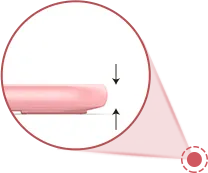
8 mm
10 x 6.25 Inch
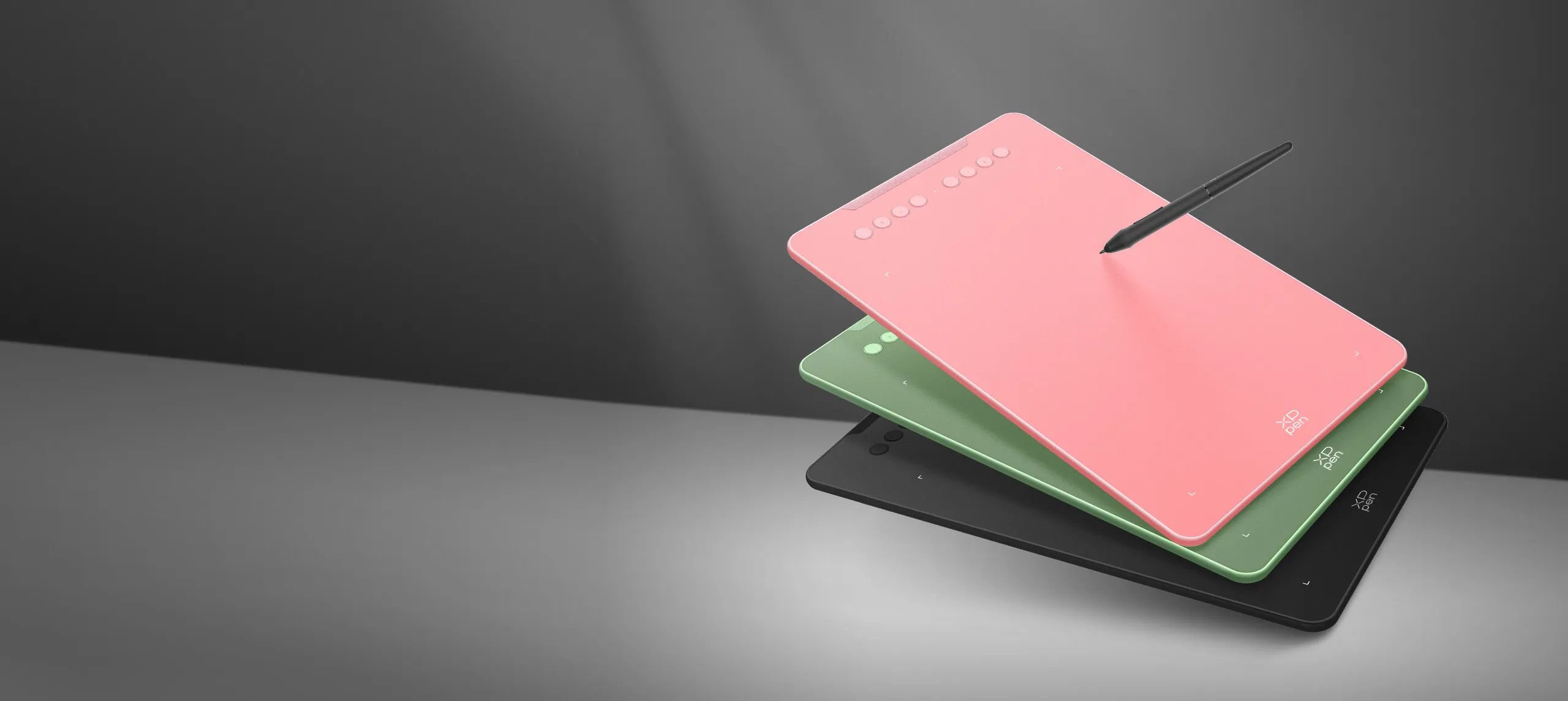
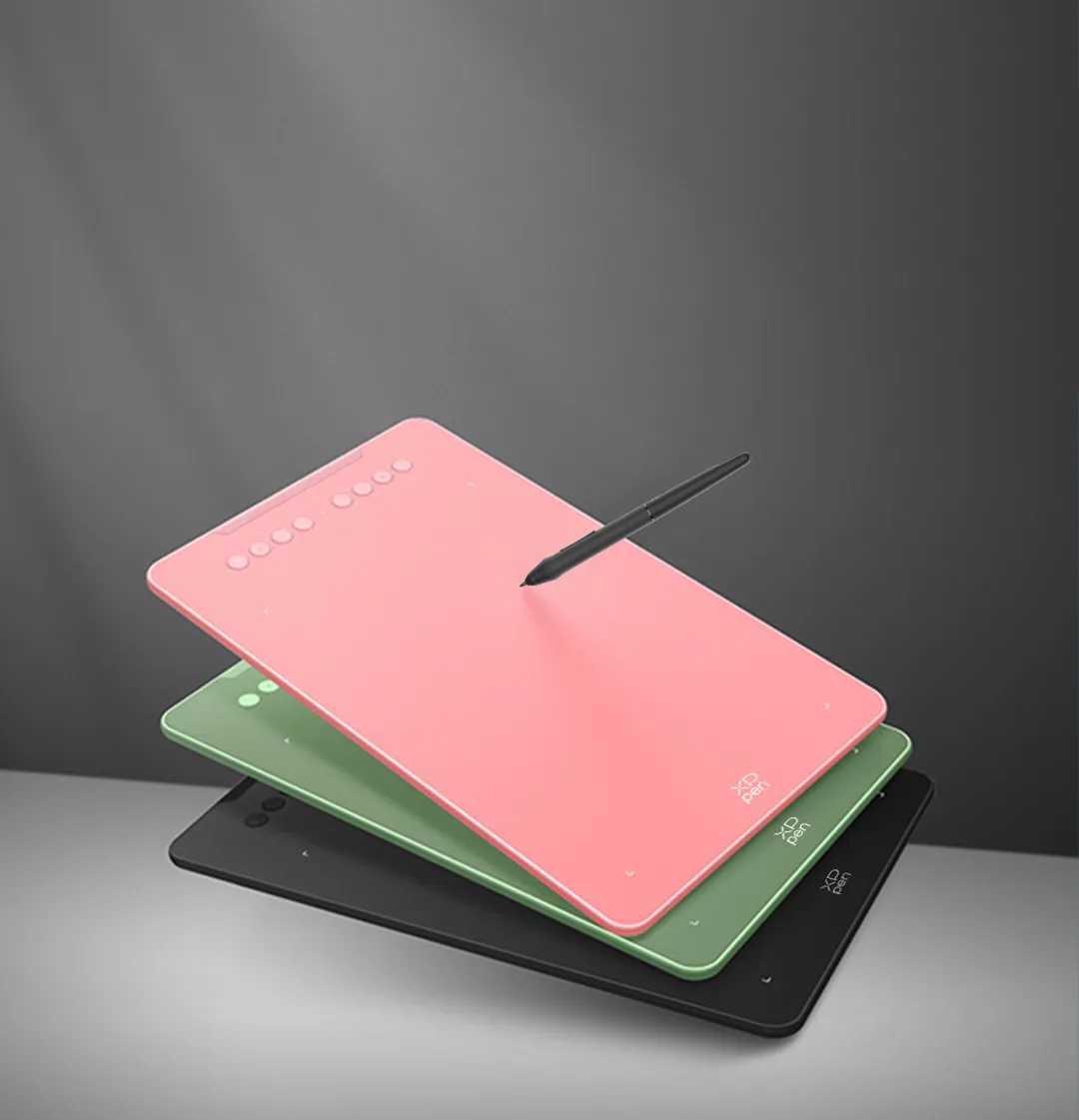
Three vibrant colors,
for creative inspiration.
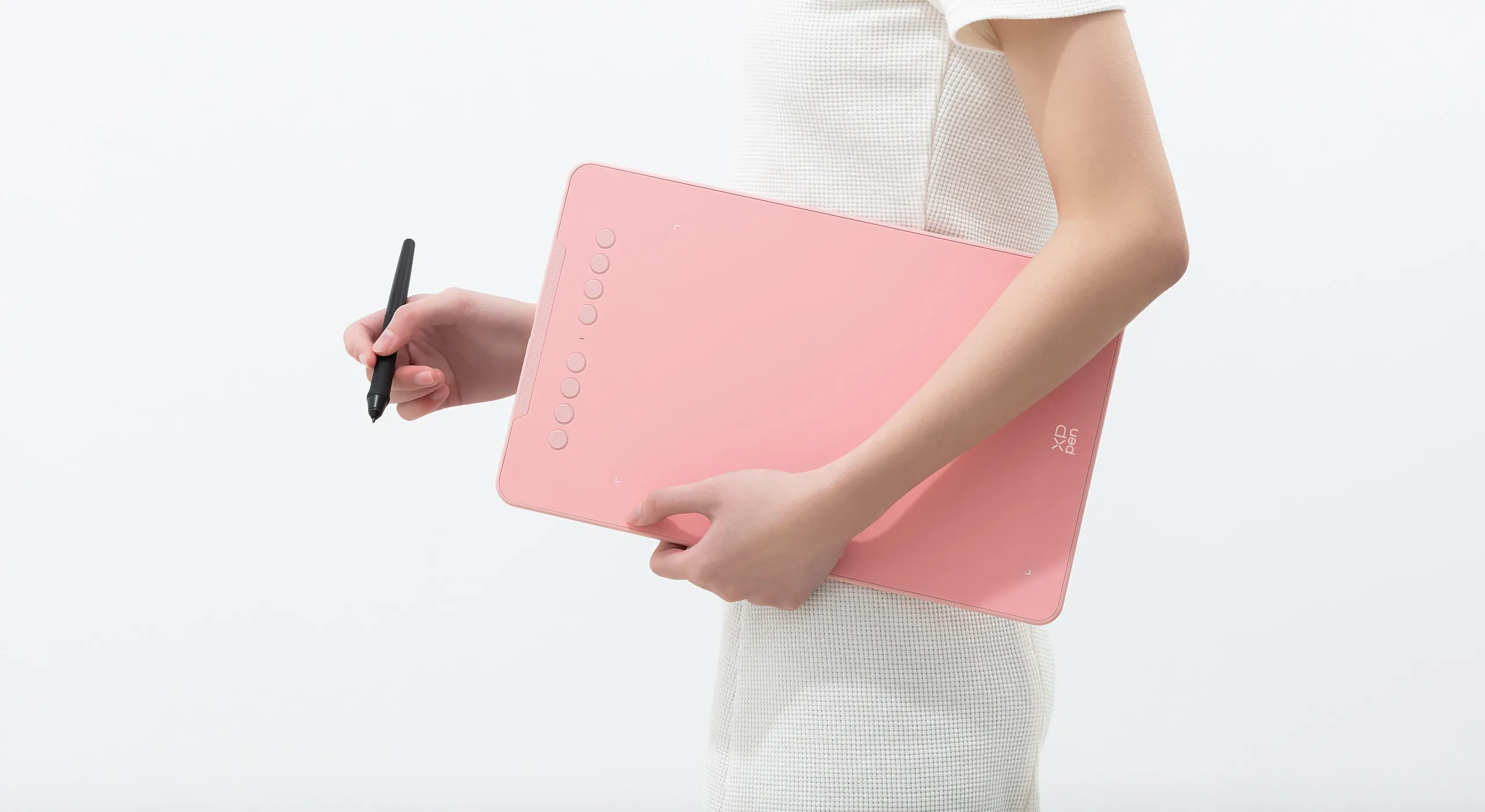
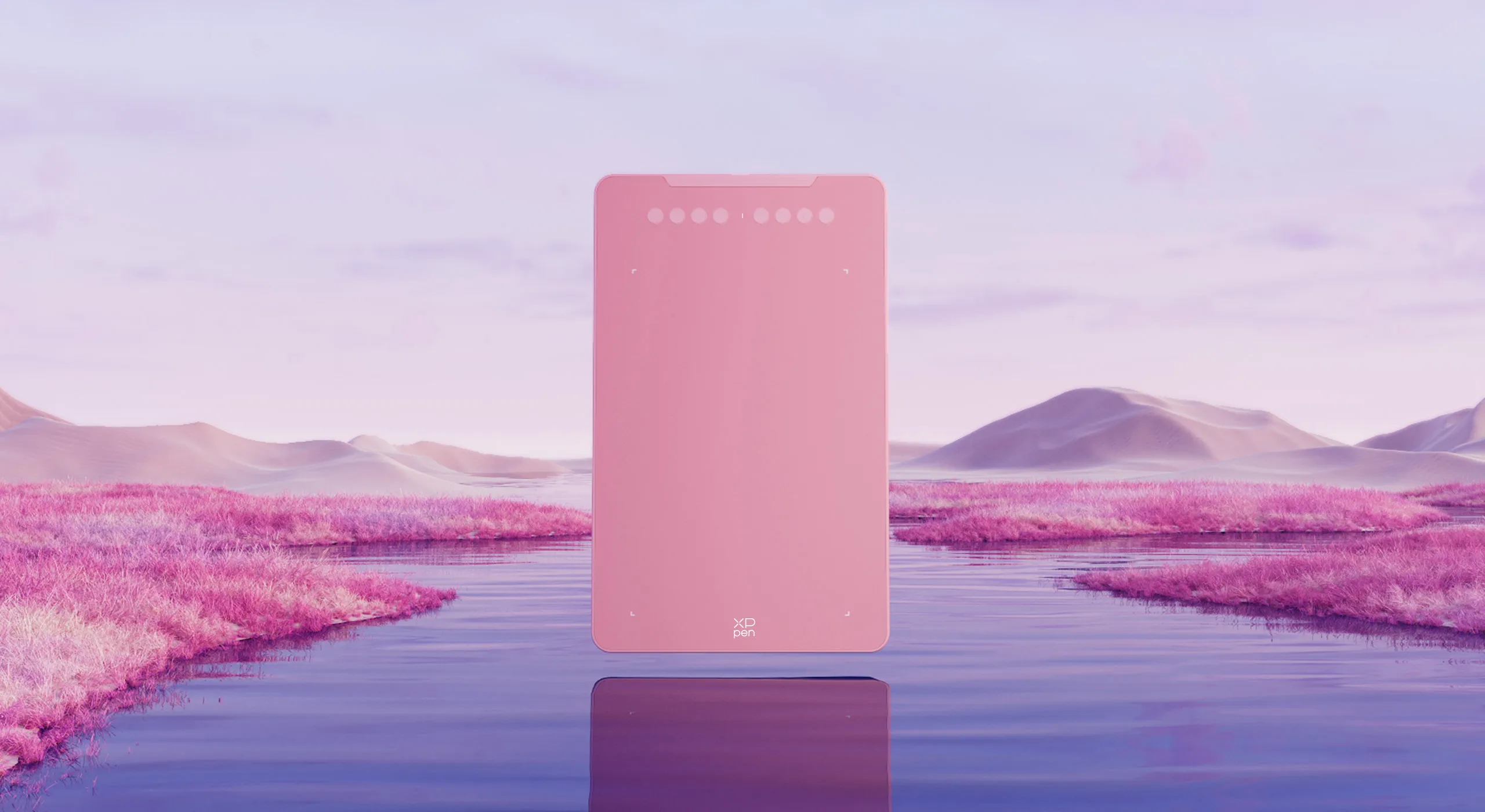
Deco 01 V3 now is available in three vibrant colors. Choose your color, personalize your style, and show your unique creativity.
Pink
Green
Black
Versatility
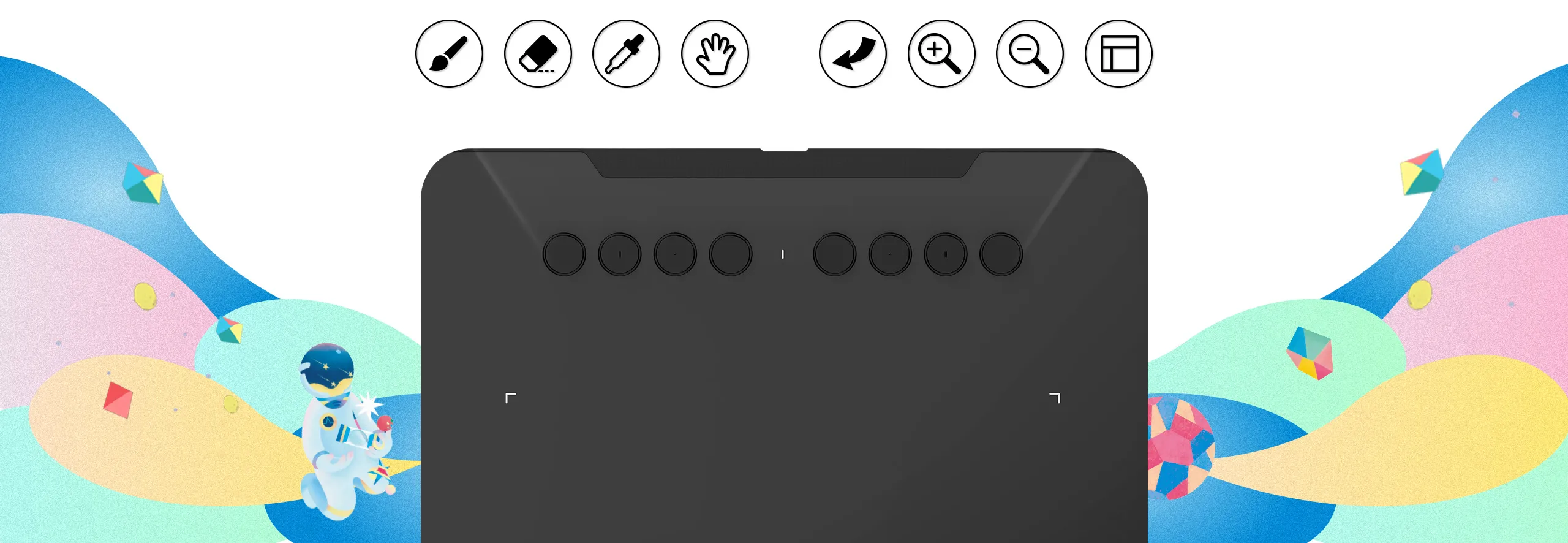
The Deco features eight, round, customizable express keys that fit easily to your fingertips. With its blind spot reduction design, you can find the position of your express keys efficiently and the shortcut keys can be programmed to many different software programs.

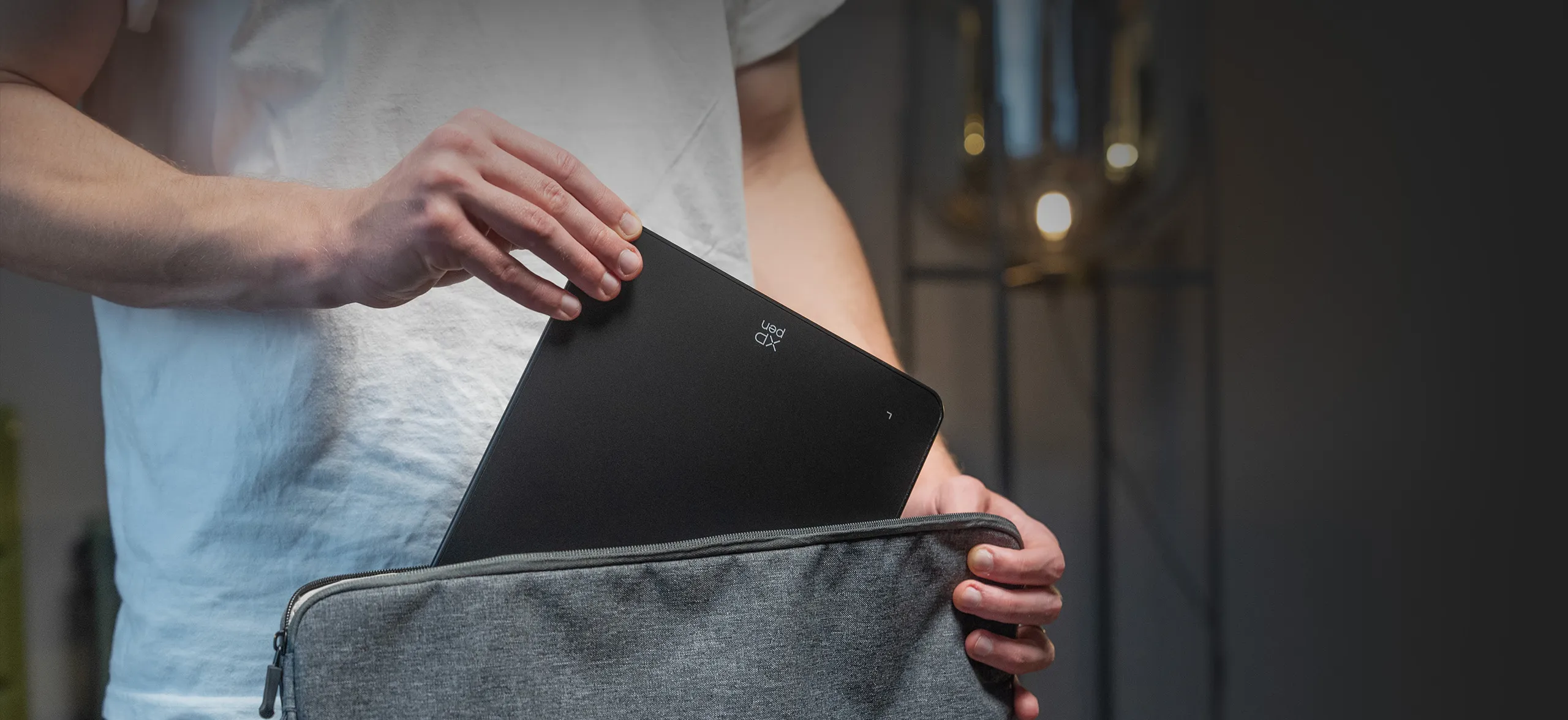
Ultra-thin. Ultra-portable.
Only 8 mm thinness of the Deco 01 V3 tablet, more lightweight and portable. Slip it into the back of your backpack for a moment of inspiration.

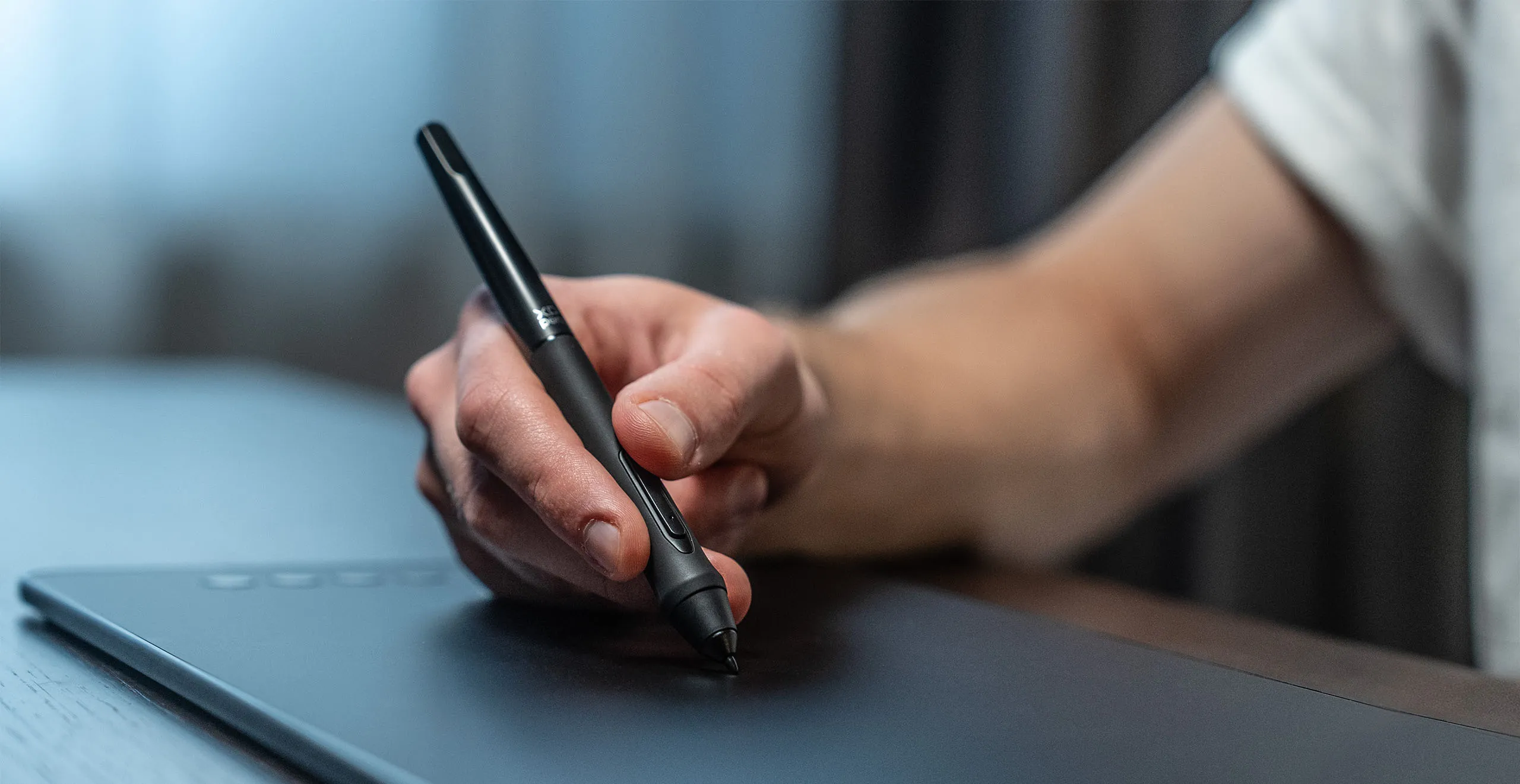

A free and articulate stylus pen.
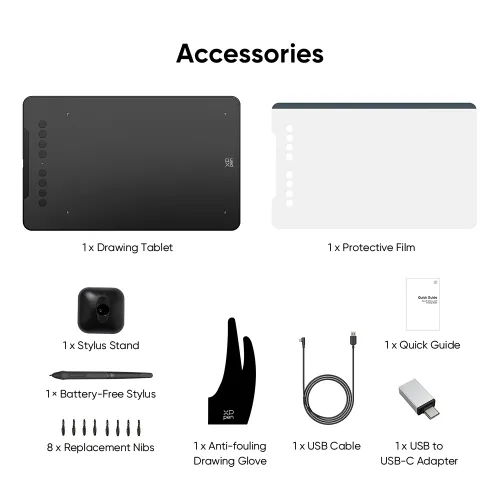
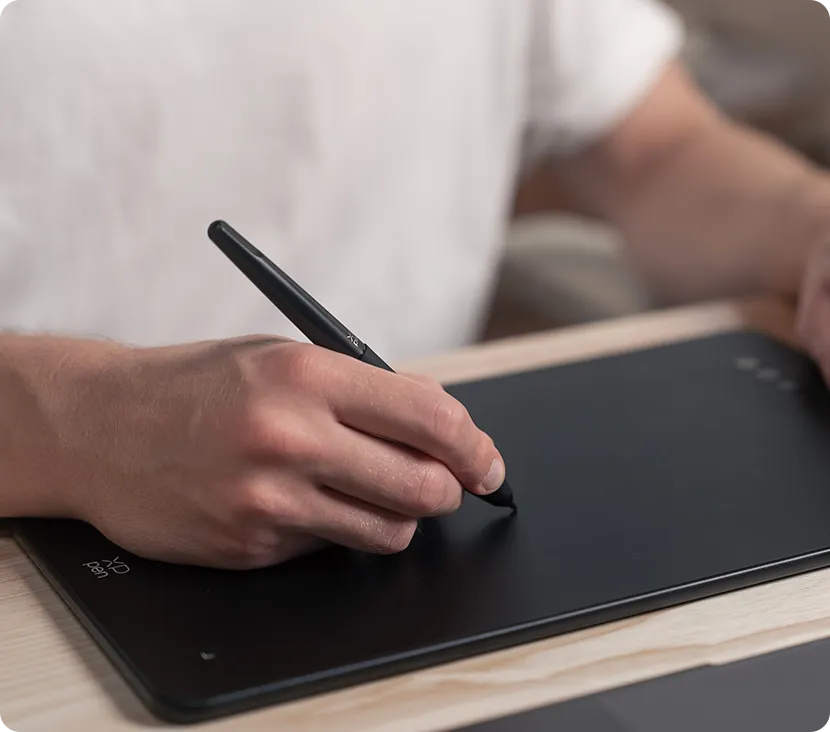
The stylus works just like a real pen, no battery and no charging required! The stylus is true-to-life with 16,384 levels of pressure sensitivity, giving it the intelligence to modify, navigate and create with a full pallet of brush and pens.
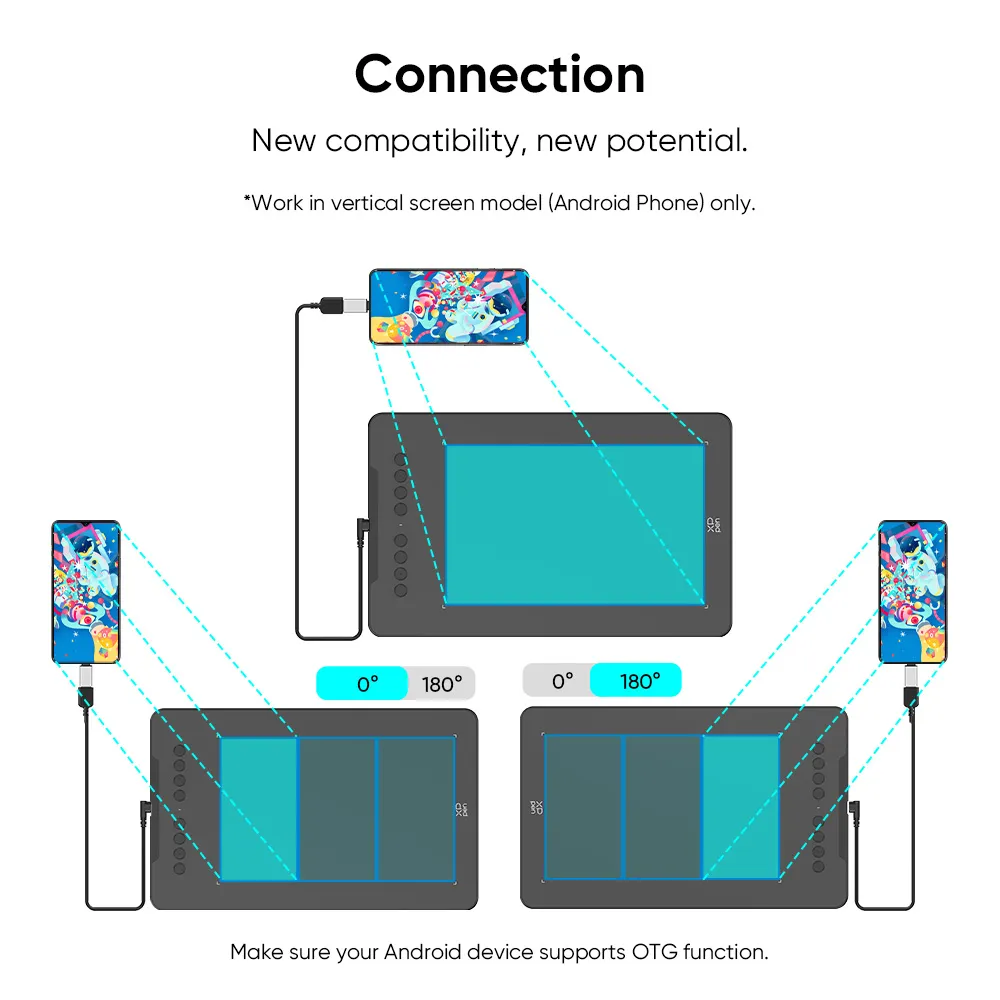
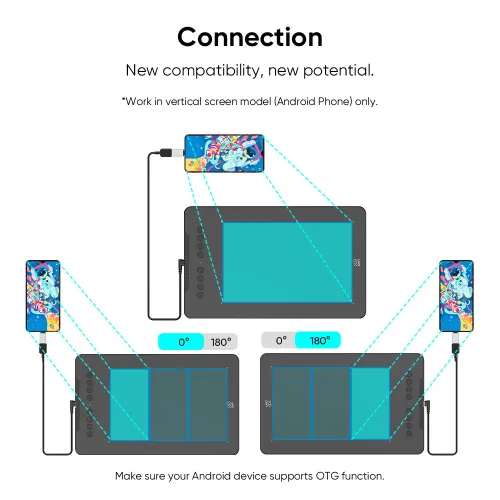
New compatibility, new potential.
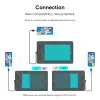
The XPPen Deco 01 V3 supports connections with Android devices 10.0 and above. Recommend downloading: "XPPen tools" Android application.
Adapts to the aspect ratio of your smartphone screen, ensuring accurate mapping. Supports mapping on Android screens with different aspect ratios in portrait mode.
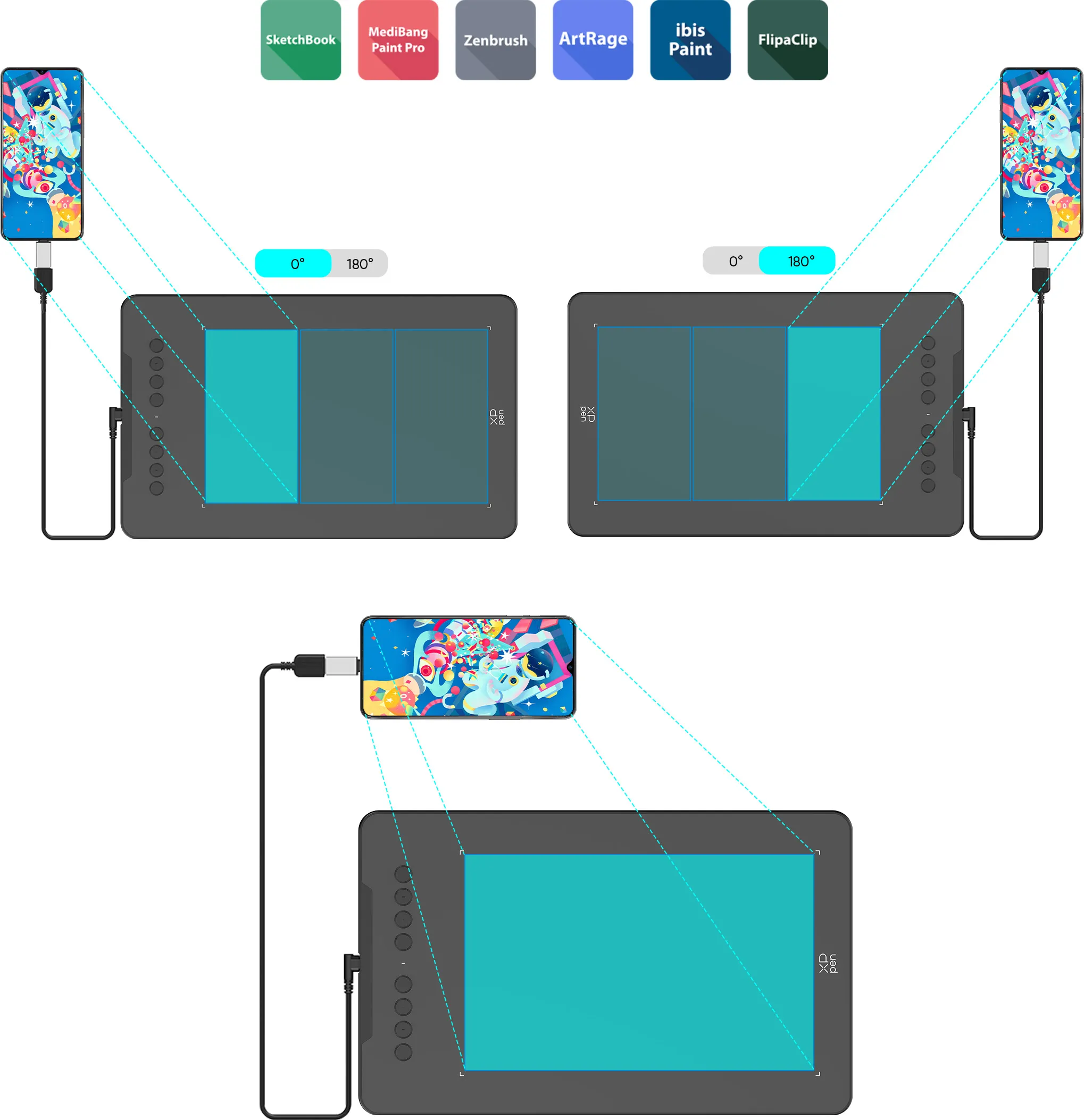
*Not compatible with foldable smartphones
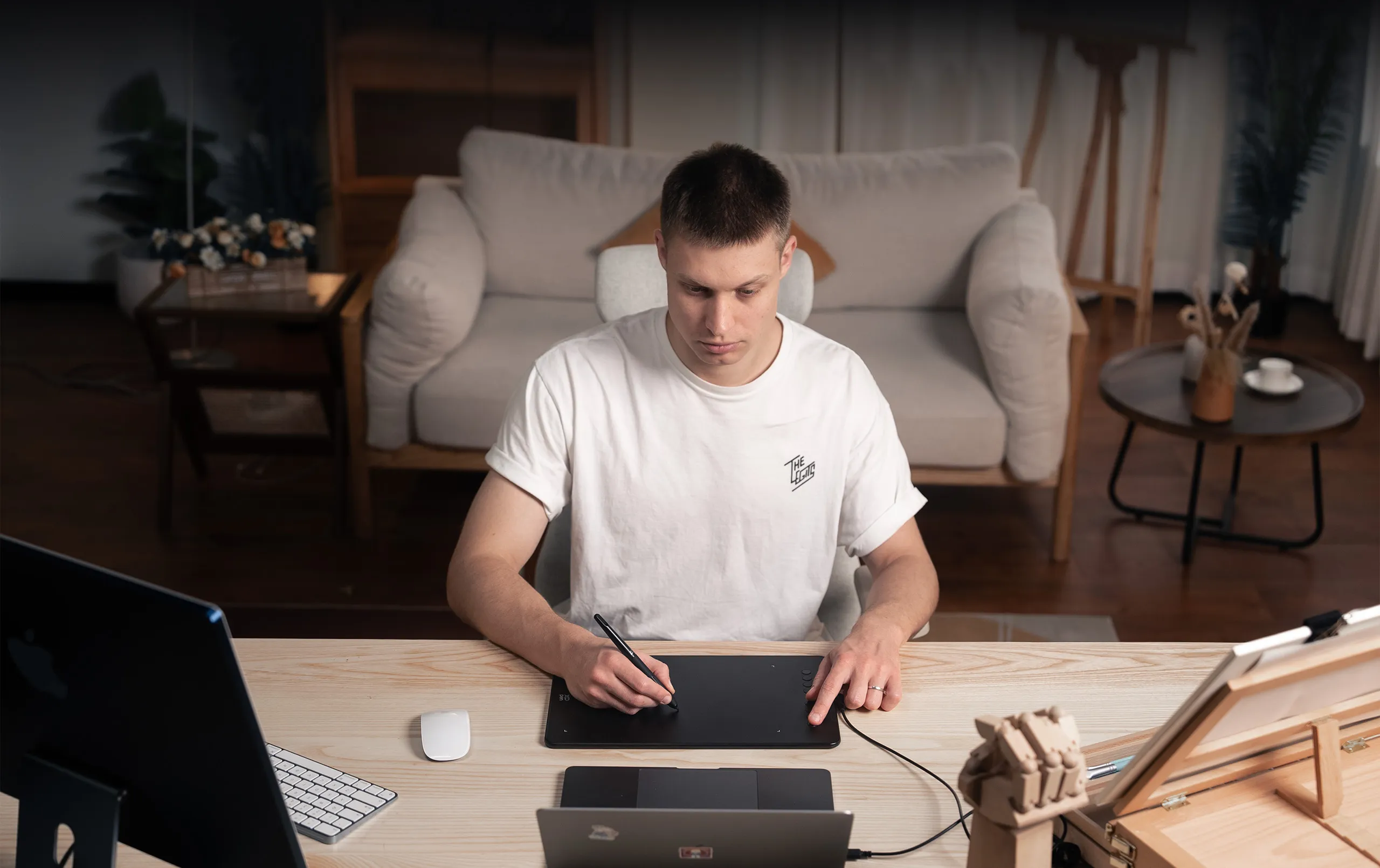

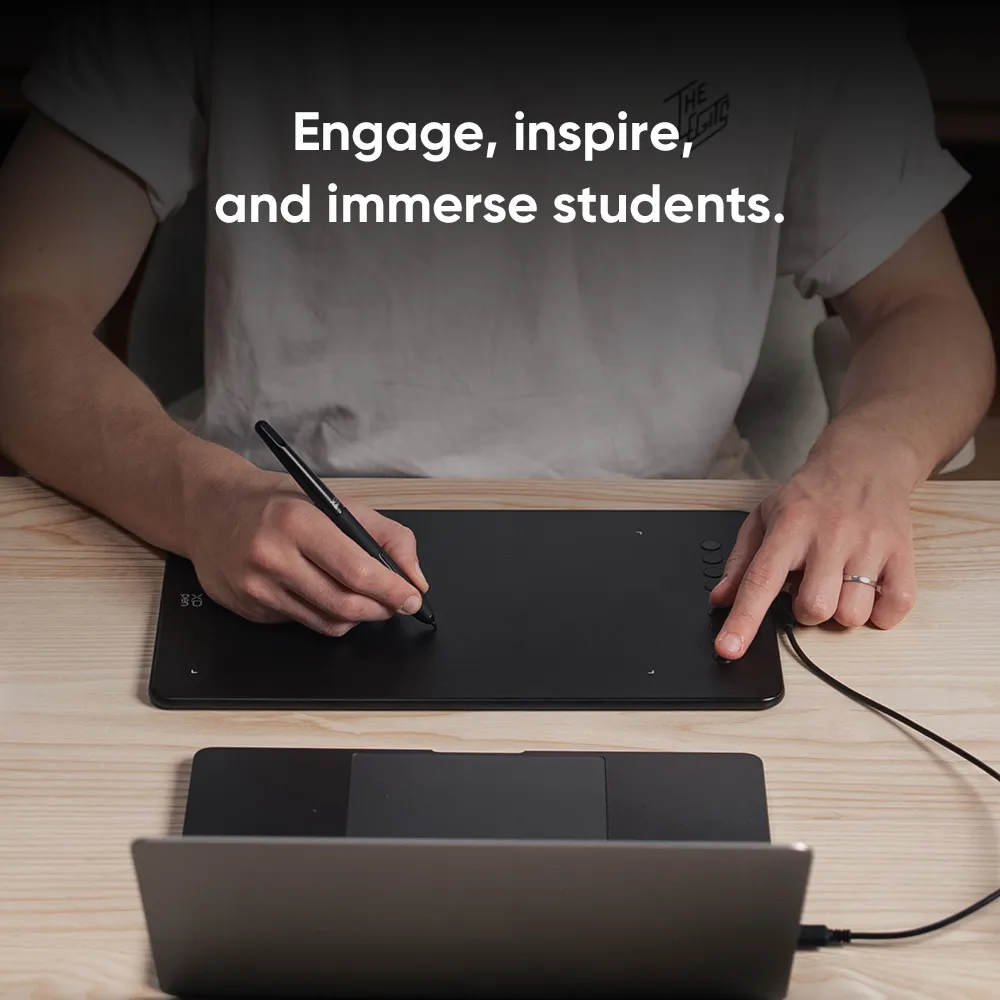
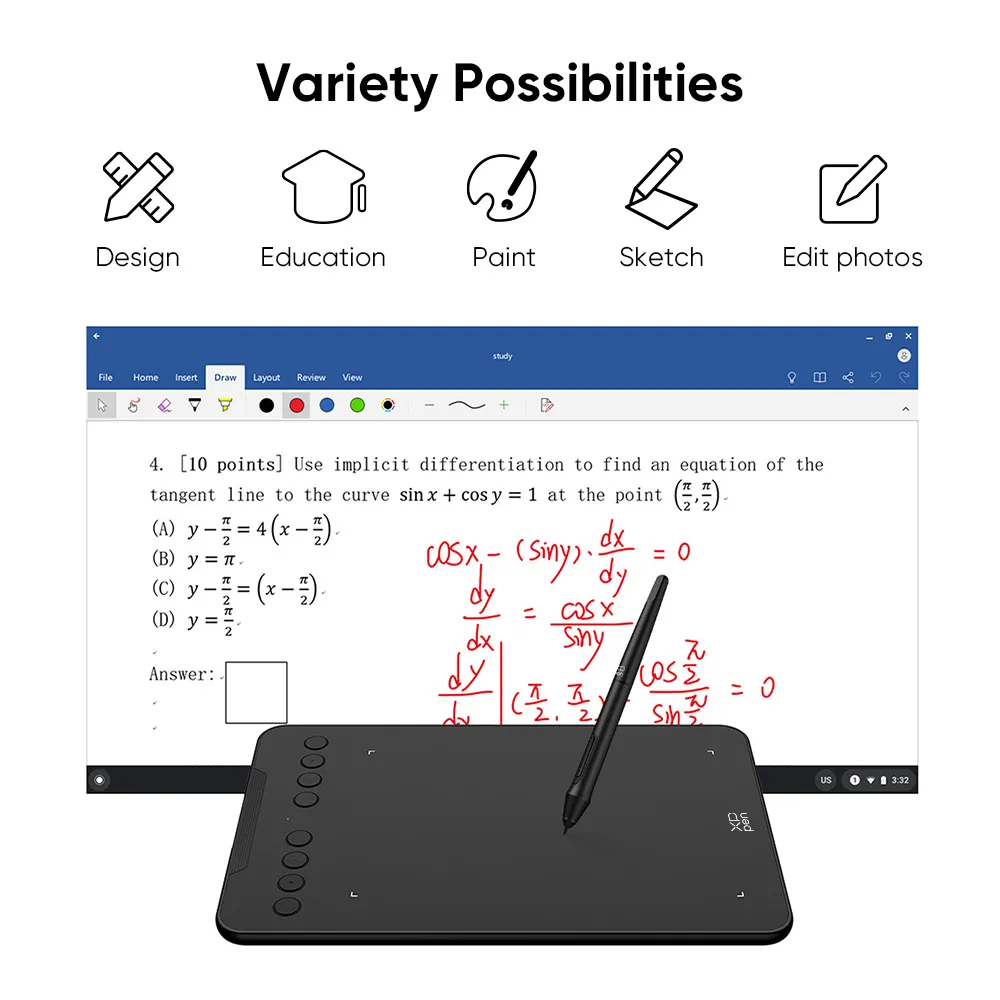
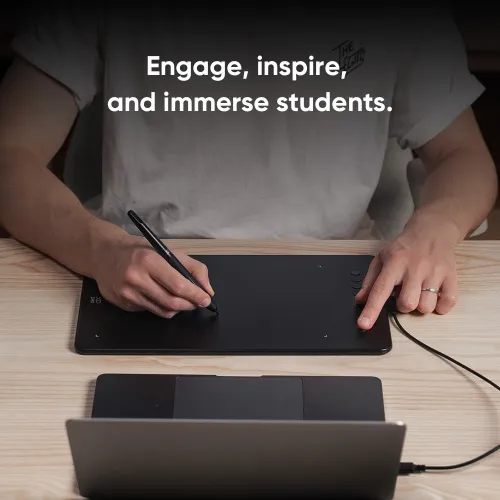
Engage, inspire, and immerse students and attendees like never before.
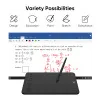
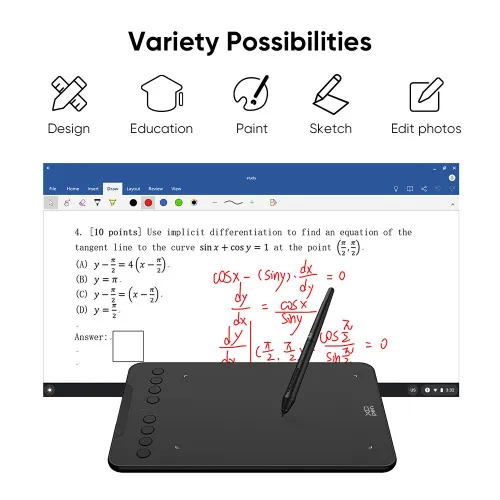
Sketch, paint, design, and edit photos on your tablet. A unit powerful enough to help you take your ideas even further, annotating directly in files and sharing their screen in real time while streaming, broadcasting, or web conferencing.
This flexibility allows the flow of creative ideas and the problem-solving process to be presented intuitively and efficiently.
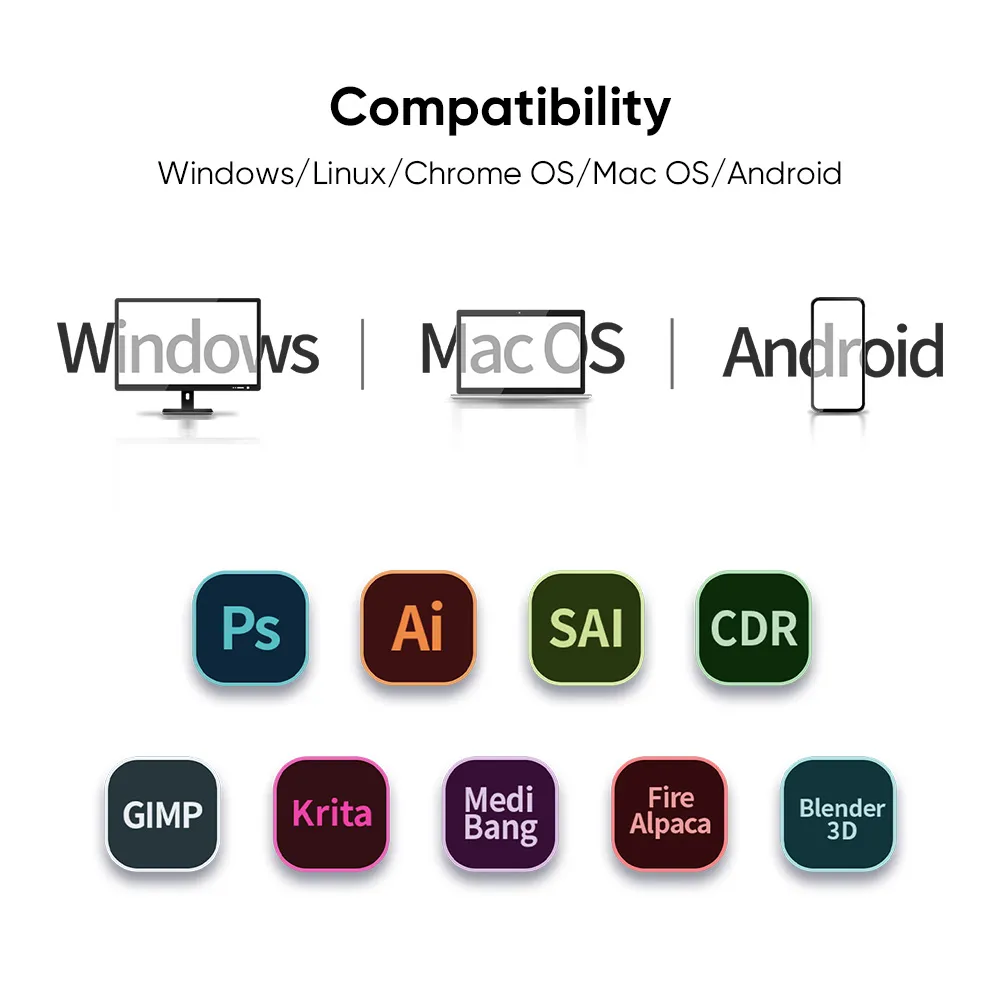
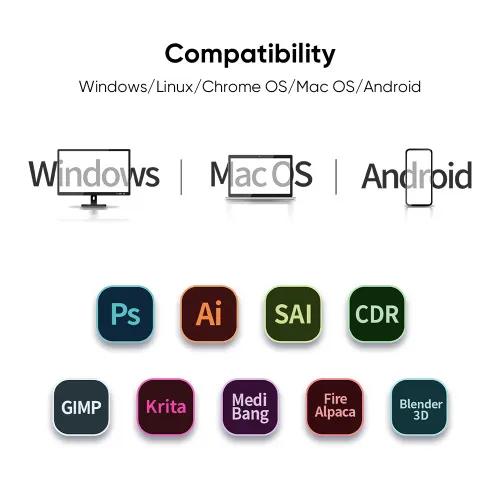
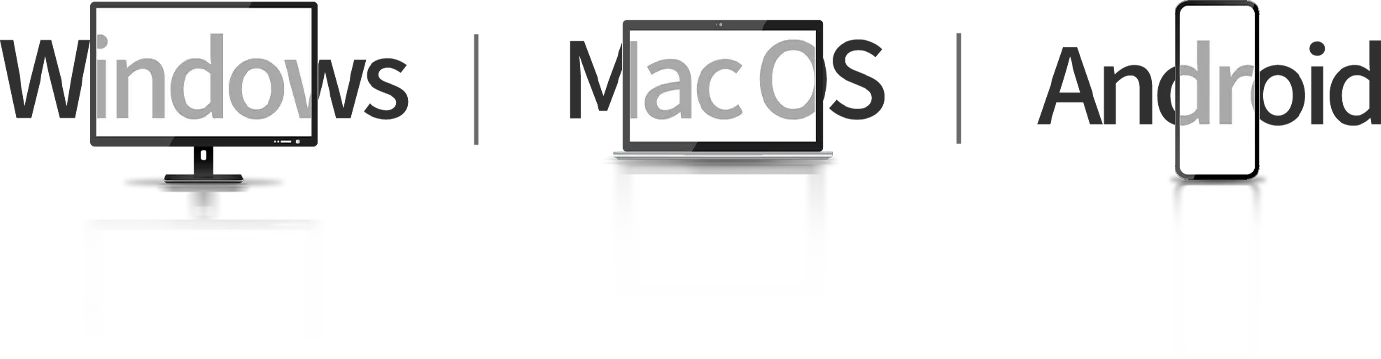
Extensive compatibility.
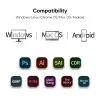
Compatible with Windows 7 (or later), Android 10.0 (or later), macOS 10.13 (or later), Chrome OS 88 (or later) and Linux (Detailed versions).
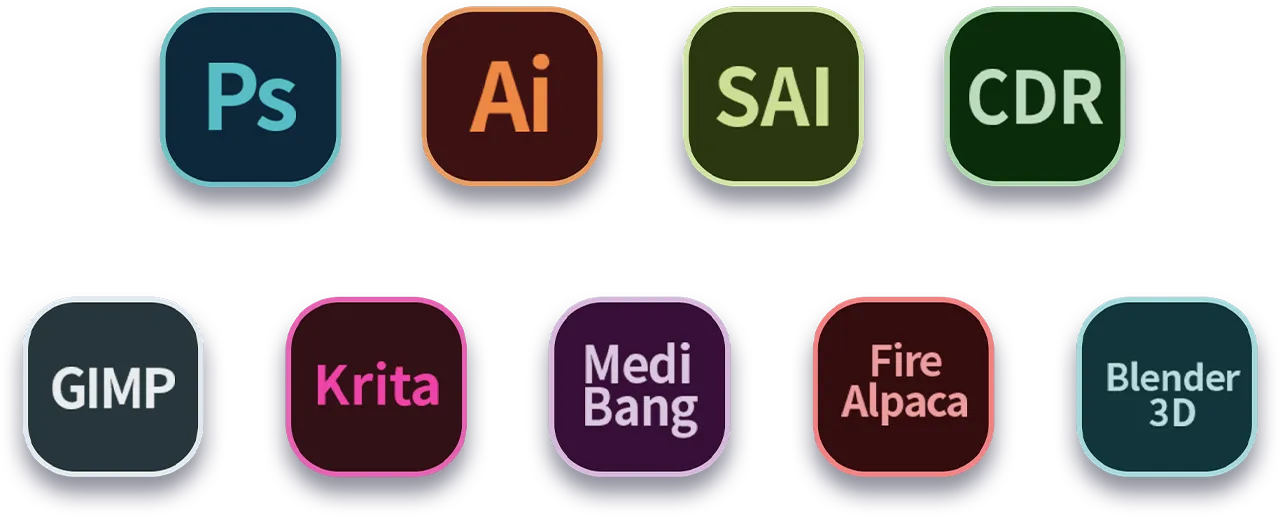
Also compatible with many major designer software such as Photoshop, SAI, Painter, Illustrator and Clip Studio, etc.
* Please update your Windows to version 11 or macOS to version 12 first.
Product Gallery


Specifications
60° tilt
16384 levels
Battery-free EMR stylus
Customizable shortcut keys
Windows / Mac / Android / Chrome OS / Linux
Show More

4.6


Based on 5
60%(3)

40%(2)
0(0)
0(0)
0(0)
Quinn B.
Mar 18 ,2025 PM 12:31 Deco 01 V3
great for beginners and kids, good enough for higher levels
As of typing this review I've owned this drawing tablet for little over a year now, and hasn't failed me since. Its been used on both MacOS and Windows, gone through a variety of different drawing programs (FireAlpaca, Photoshop, Clip Studio Paint... and even games with drawing features like Jackbox), and been with me as I've improved my art skills. If you're a beginner or a hobbyist looking for a small, cheap drawing tablet, or even a parent with a kid who wants to try out digital art, this is the one for sure. I especially recommend it for parents with kids, this thing can really take a beating.
Useful(3)+1
Brock S. Henning
Feb 11 ,2025 PM 16:34 Deco 01 V3
Great so far
This is my first digital drawing pad as an amatuer illustrator, and so far I'm really digging it. The drivers (for Windows) were easy to install (just follow the instructions), and it's been working great in Photoshop so far. Nice product for the price.
Useful(1)+1
mina
Sep 20 ,2024 AM 10:38 Deco 01 V3
Great Product!
I have been using a small Wacom pen for tutoring over Zoom for over a year. I bought the large XP-Pen for about $10 more, but it's a far superior product. Some reviews say the driver process is confusing, but you go to the website and choose your interface. I had it installed and used it for a class within 5 minutes. Very happy!
Useful(1)+1
Learn More
Common problem
Q1: Does the Deco 01 V3 stylus support tilt and require charging?
Q2: What is the active drawing area of the Deco 01 V3?
Q3: What functions can the express keys on the Deco 01 V3 be set to?
Q4: Which systems are compatible with the Deco 01 V3?
Q5: Does the Deco 01 V3 work with popular design software?