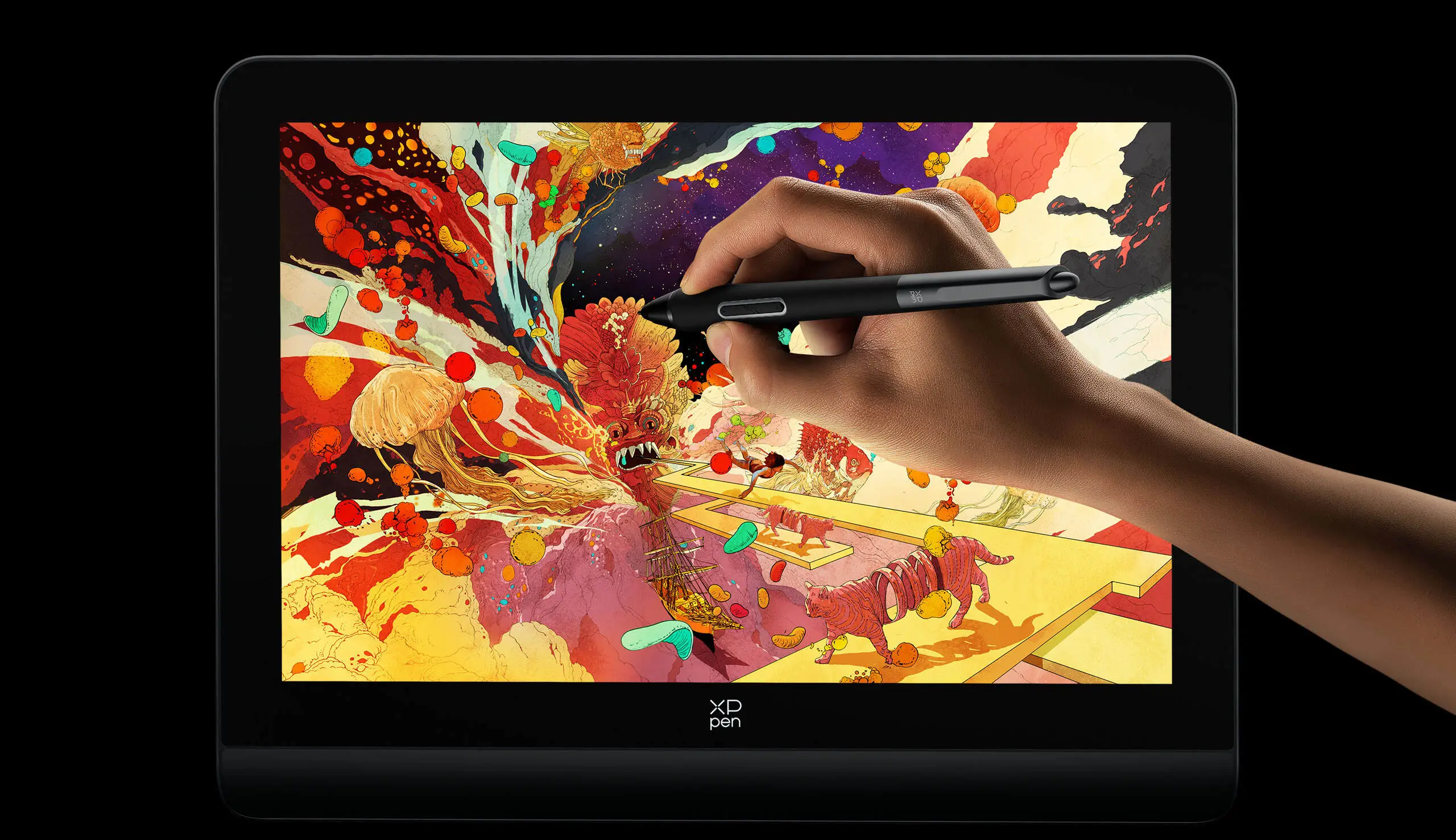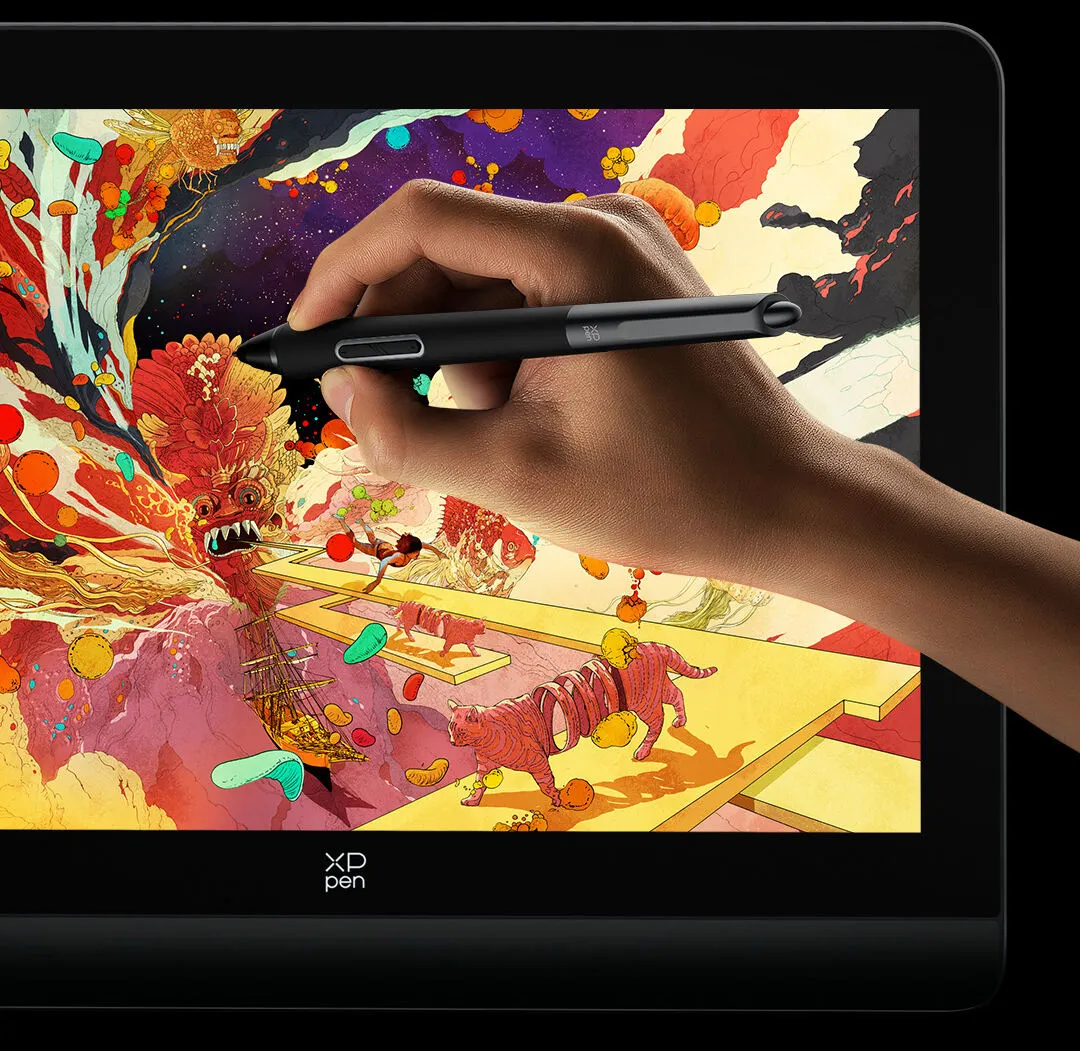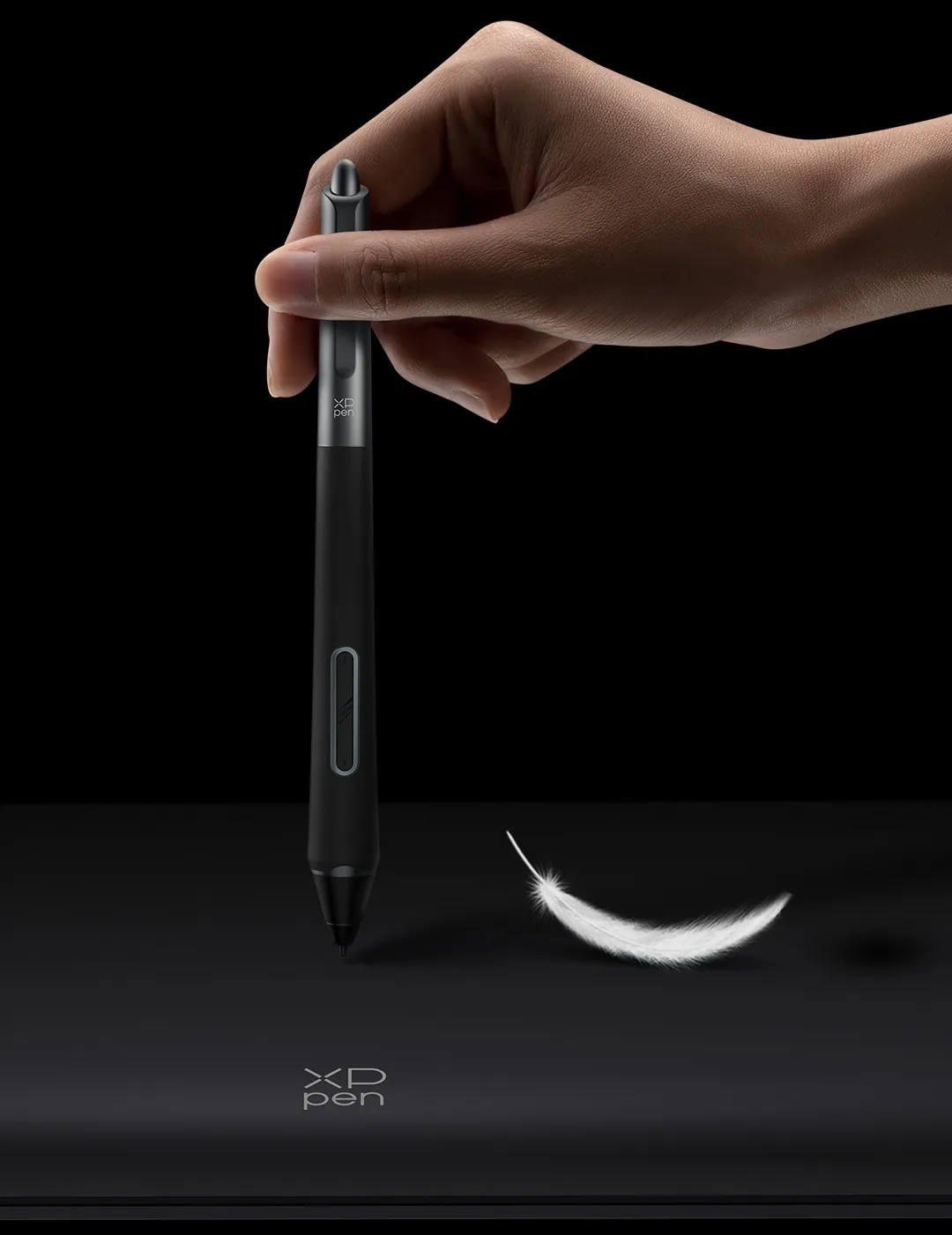
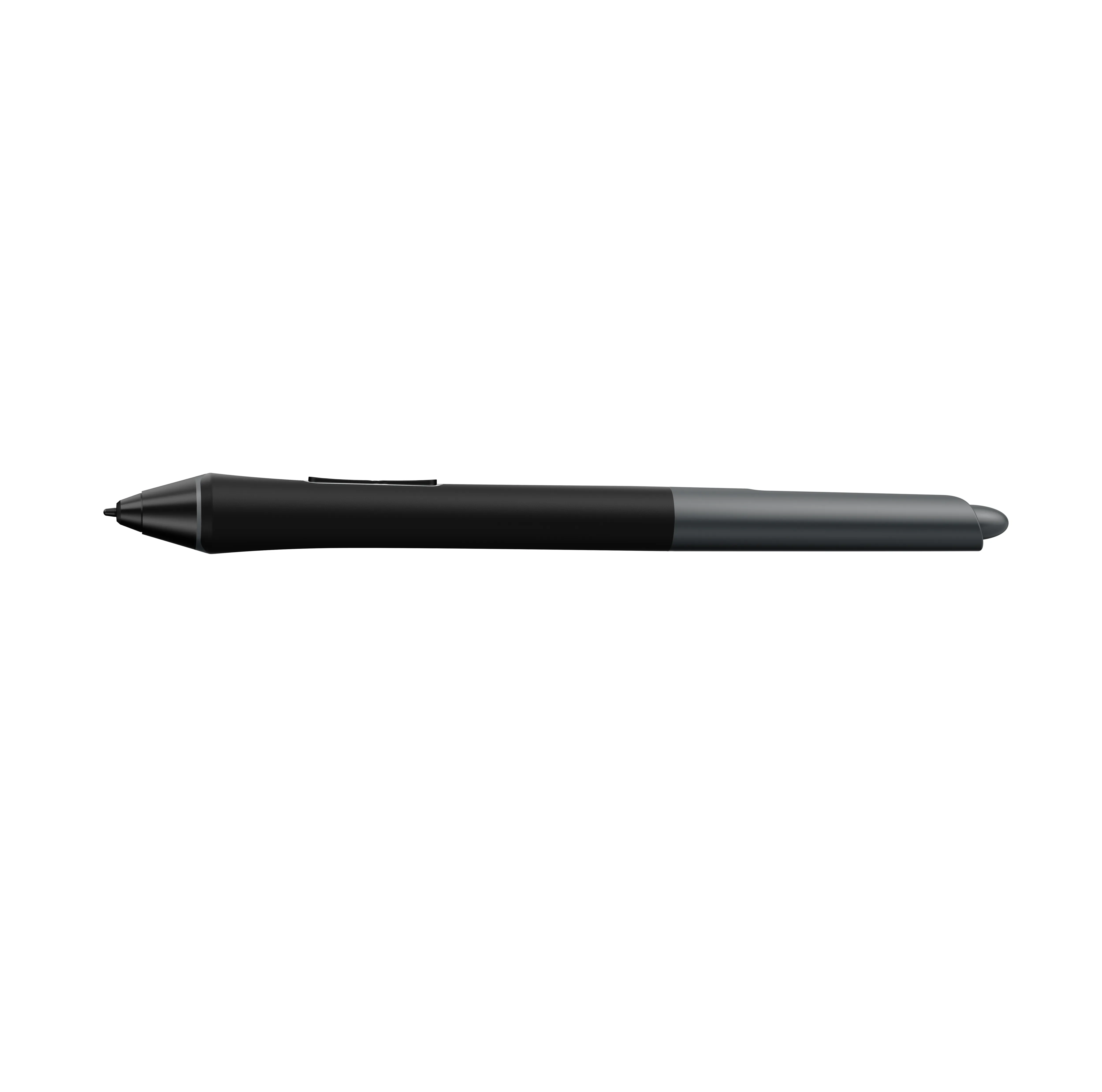
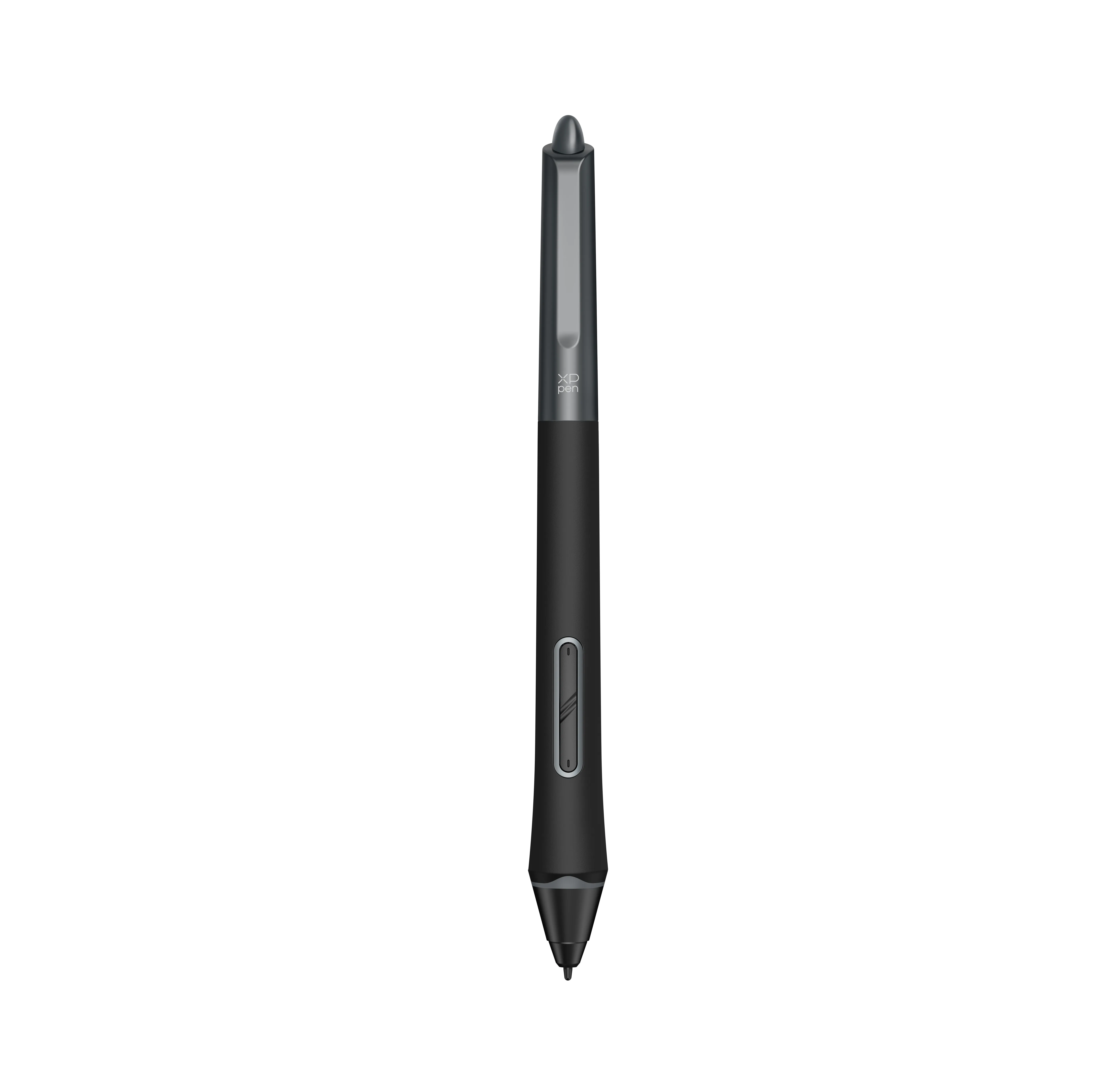
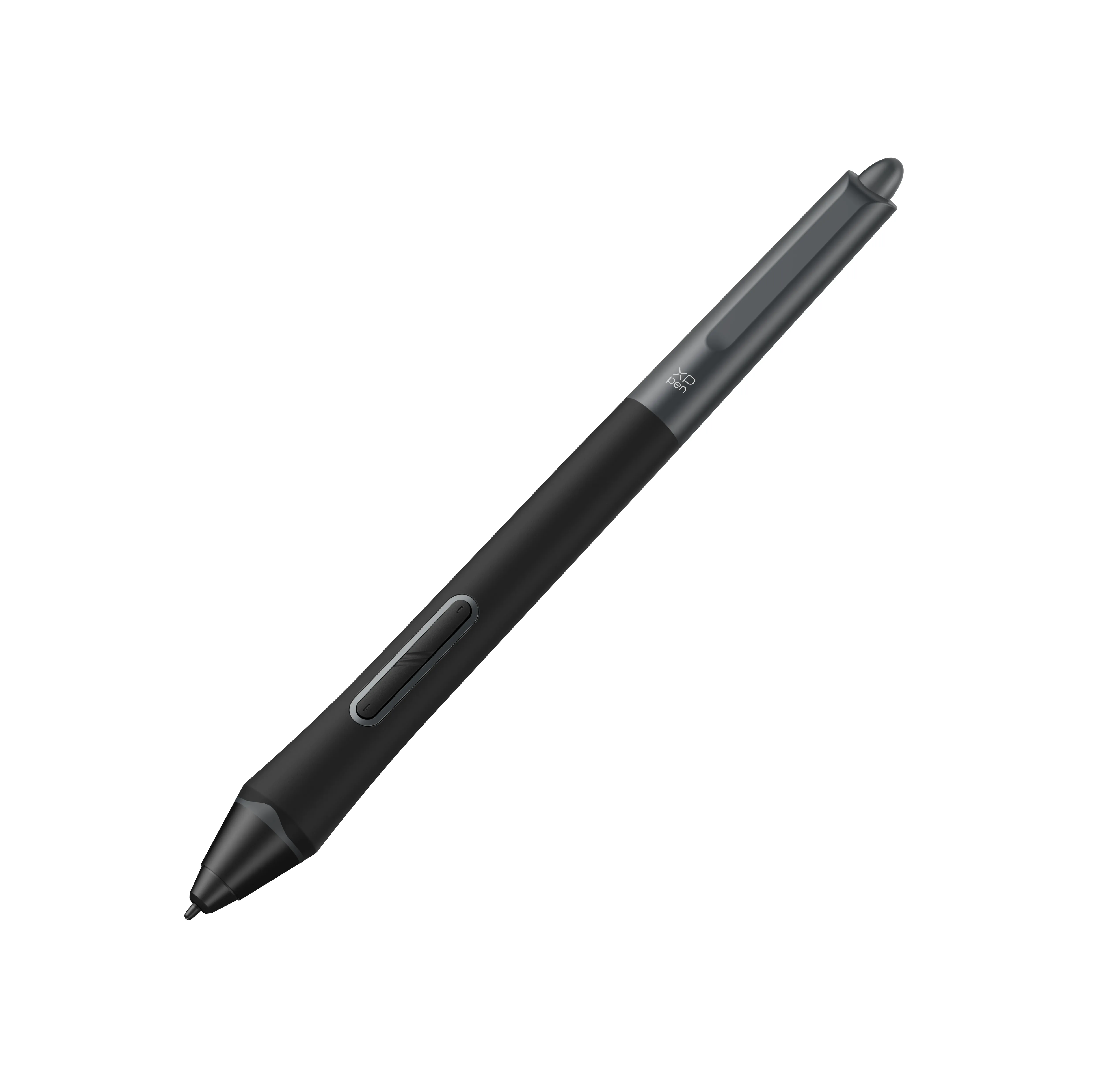
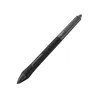
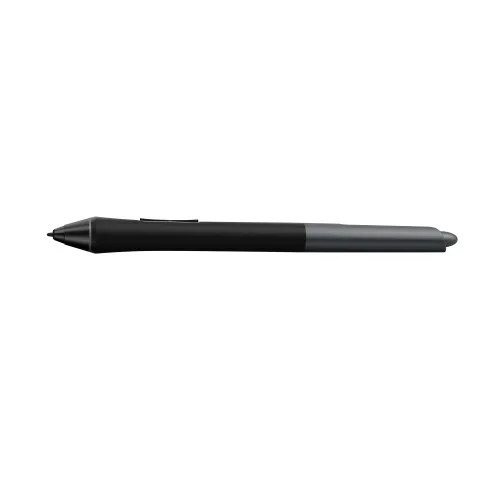
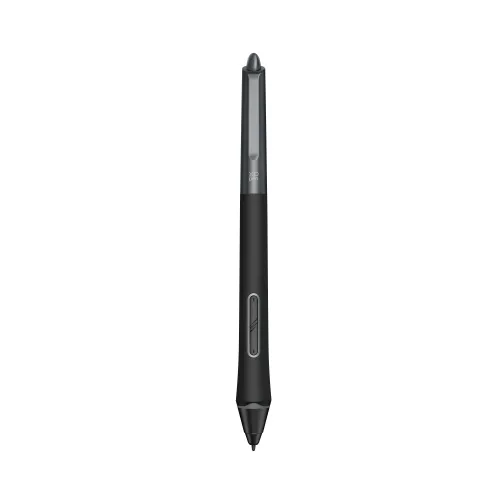
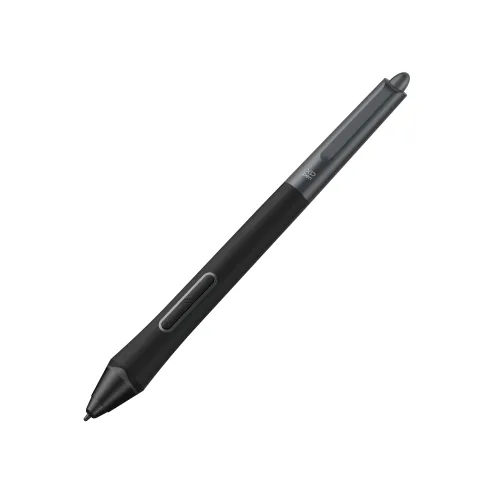
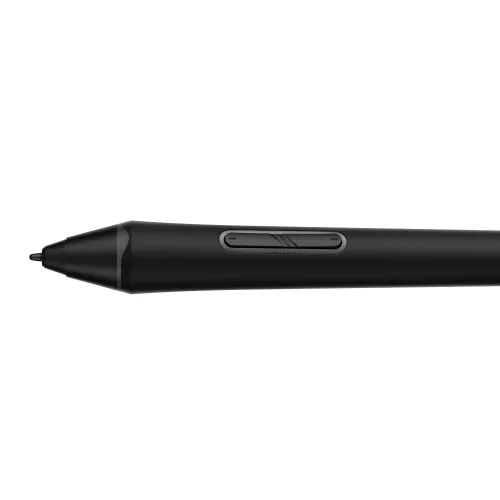
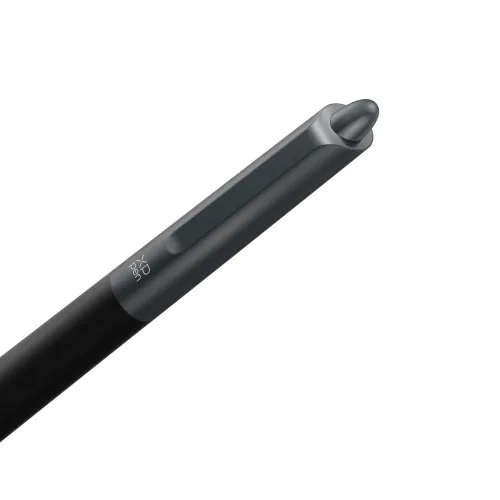
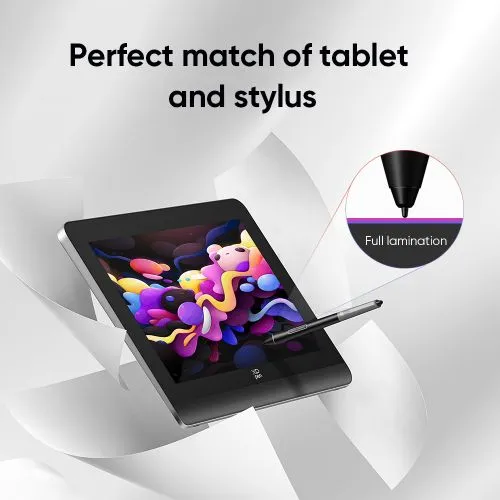








X3 Pro Smart Chip Stylus

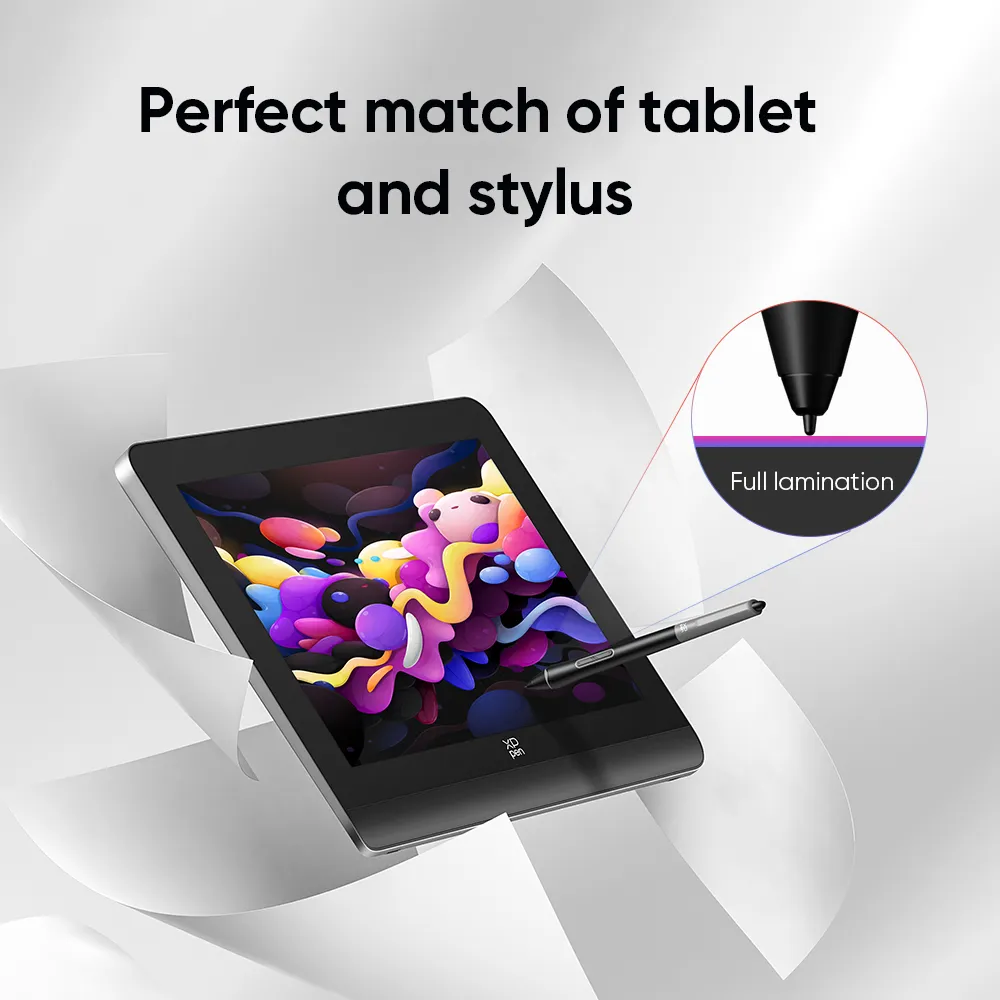
Only for Artist Pro Gen 2 & Deco Pro Gen 2. Industry-first 16K pressure levels. Battery-free, wireless, EMR. 20% higher accuracy. Skin-friendly silica-gel grip. Felt nib. Eraser.

CDN$55.99

Quantity:

Payment icon 0Payment icon 1Payment icon 2Payment icon 3Payment icon 4Payment icon 5Payment icon 6
Estimate:

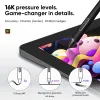
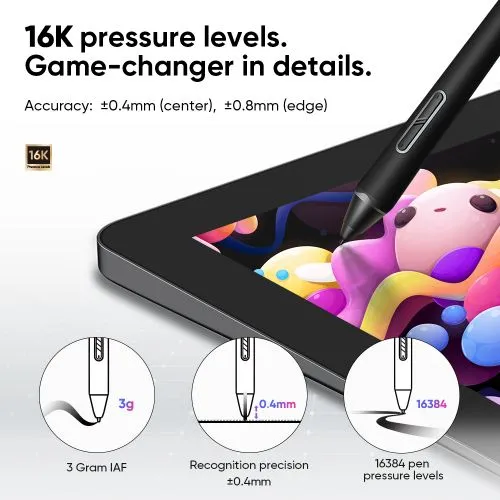
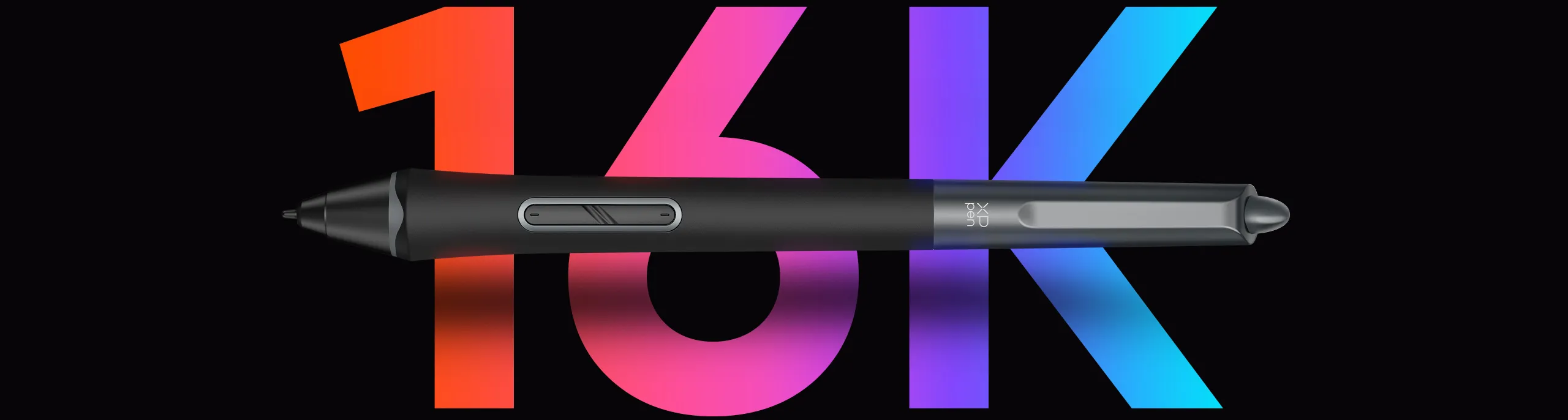
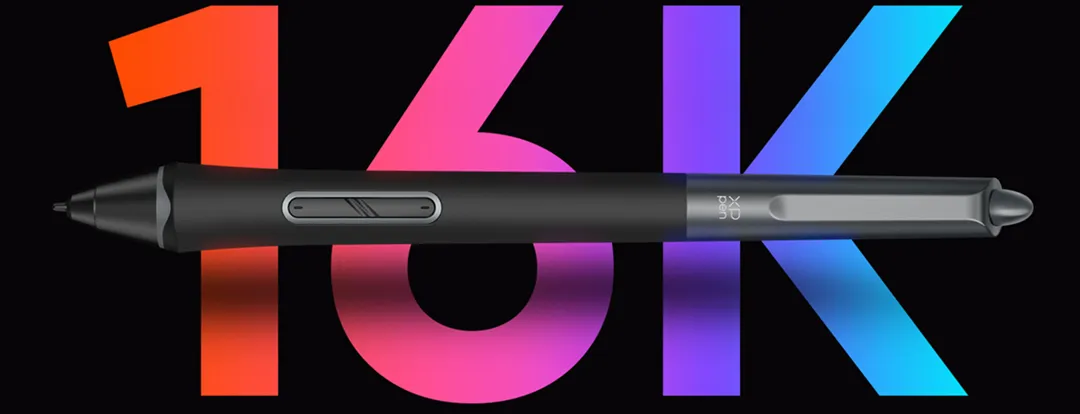
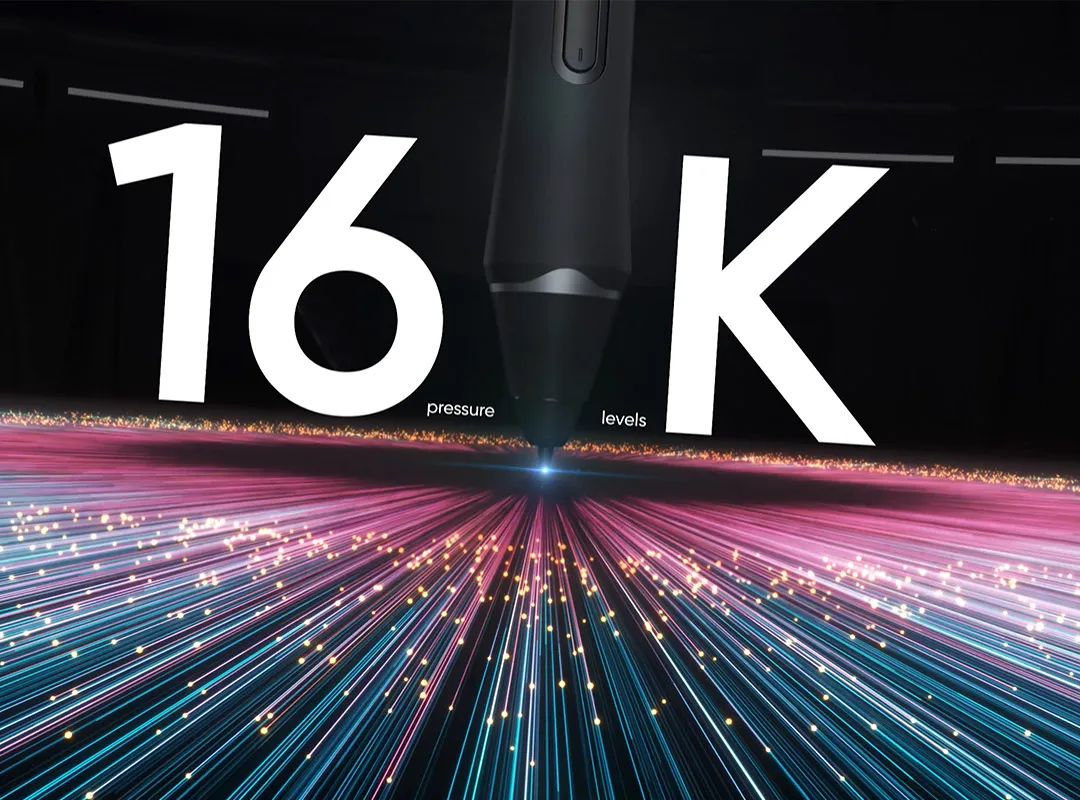
16K Pressure Levels - World First

X3 Pro Smart Chip Stylus

imageimage
image
image

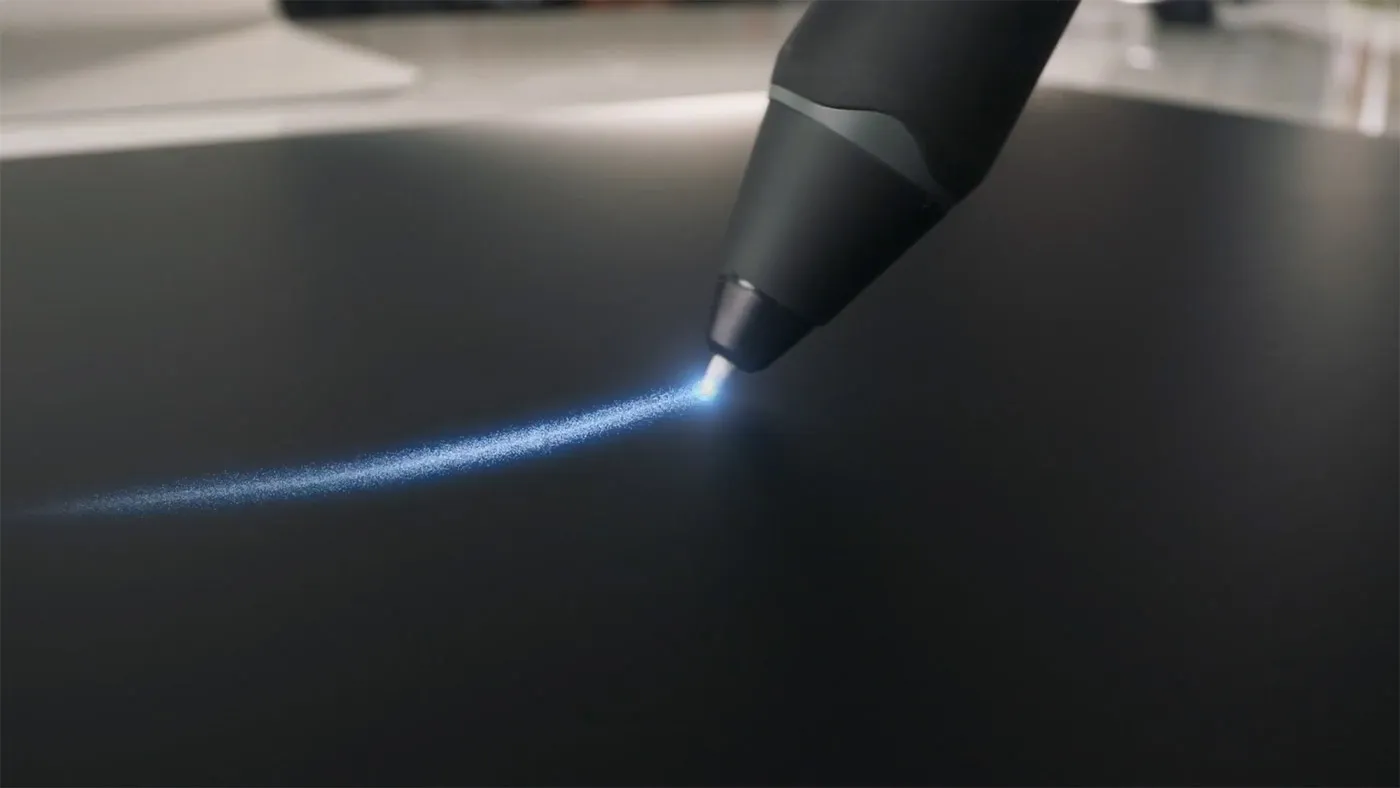
So responsive.
So accurate.

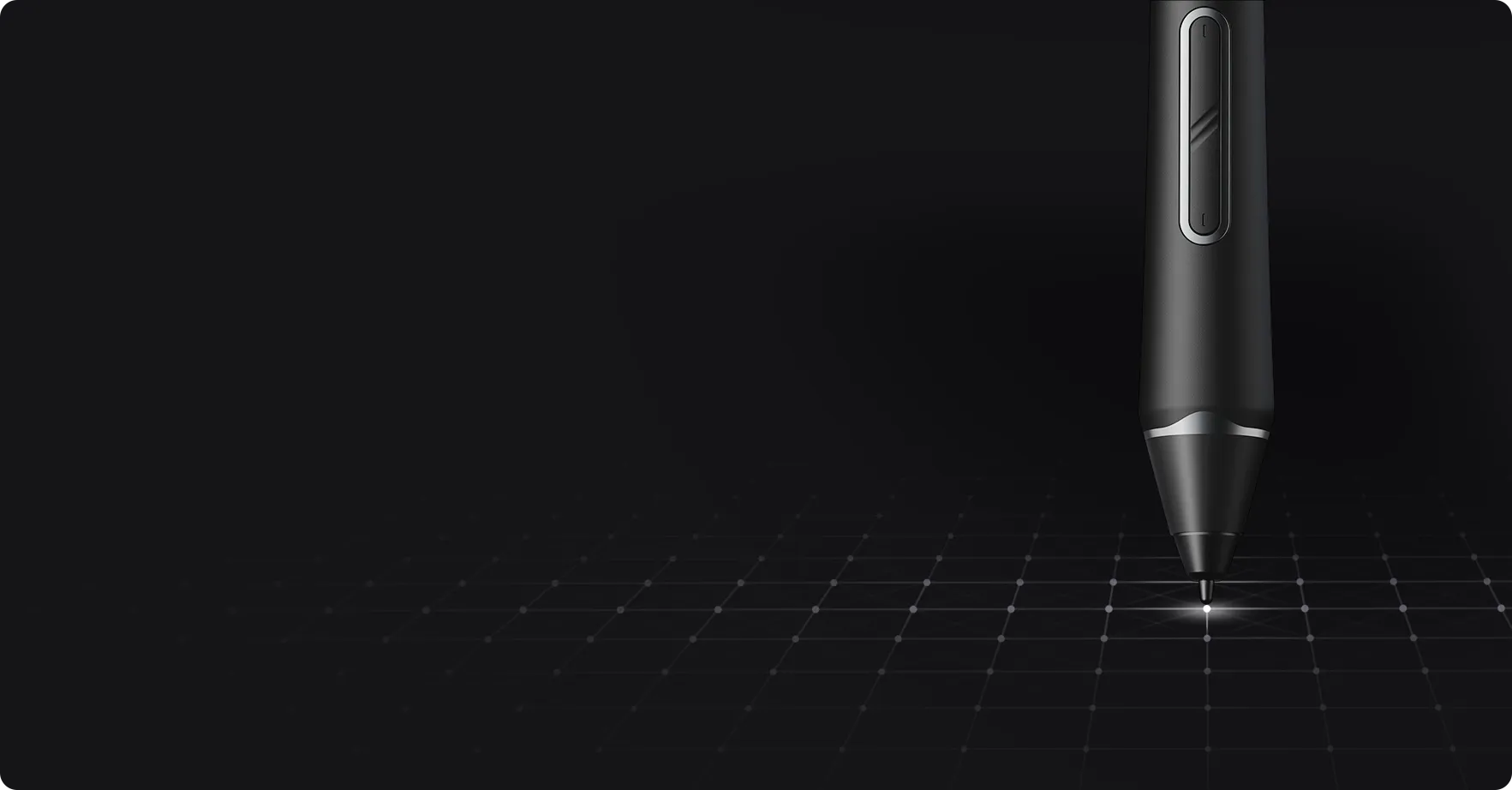
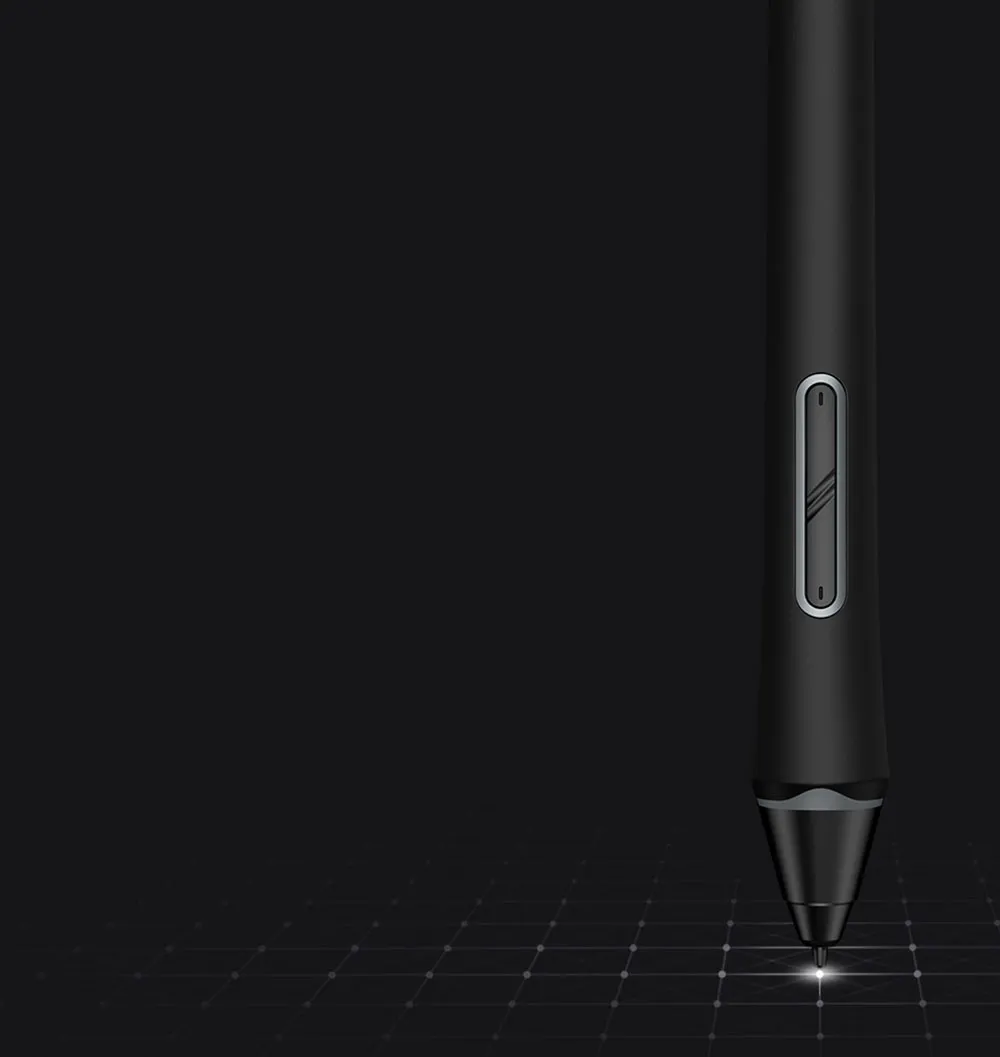
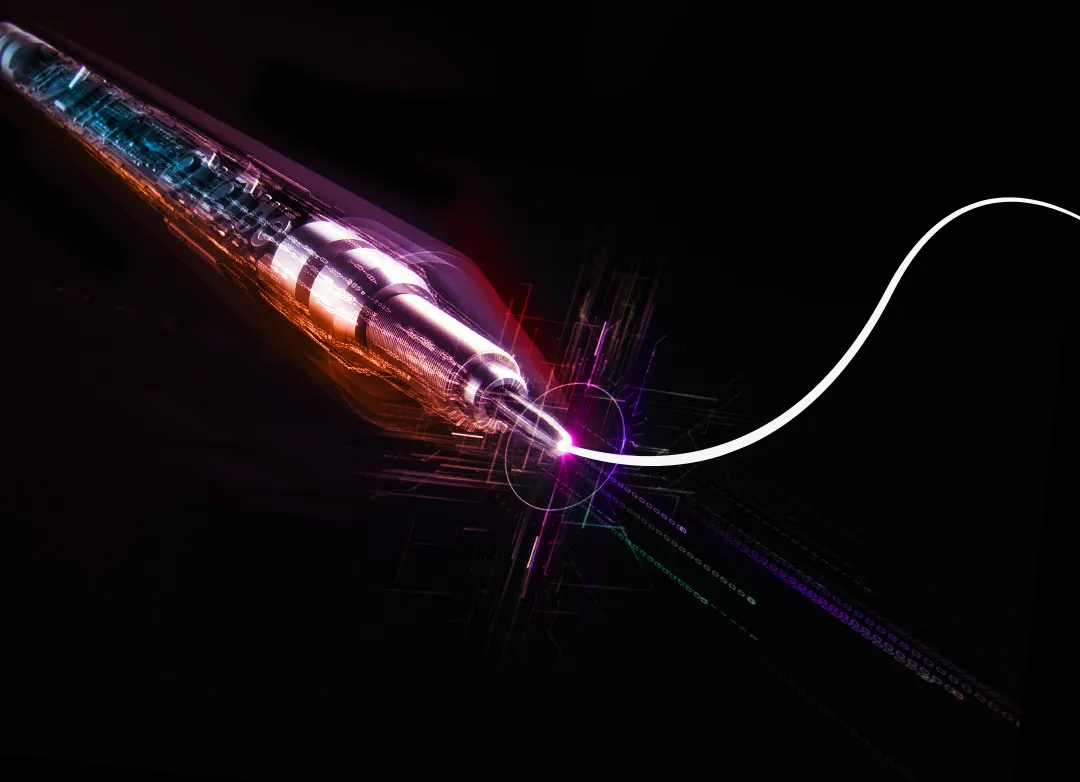
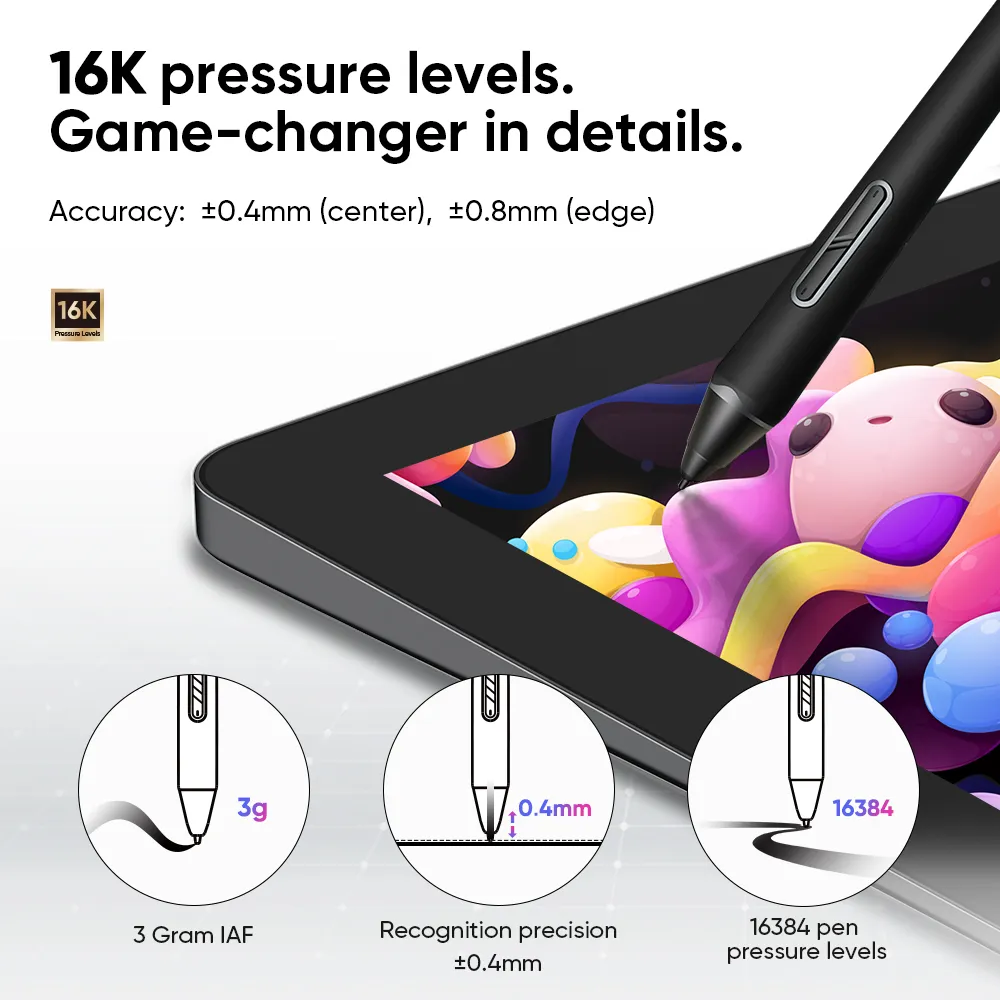
Initial response rate decreases to 90ms*, 1.5x* faster than ever. Accuracy increases by 20%*
to bring out every art project precisely what you want. Virtually no lag or broken lines.

3g*

IAF

0.6mm*

retraction distance

60°*

tilt

Accuracy: ±0.4mm*(center),
±0.8mm*(edge)

imageimage

100% higher pressure levels

16384

X3 Pro Smart Chip Stylus

16384

8192

X3 Smart Chip Stylus

8192

20% higher accuracy

±0.4mm

(center)

X3 Pro Smart Chip Stylus

±0.4mm 

(center)

±0.5 mm (center)

X3 Smart Chip Stylus

±0.5 mm (center)

* The data were taken from laboratory simulation tests and
may vary depending on the operating environment.

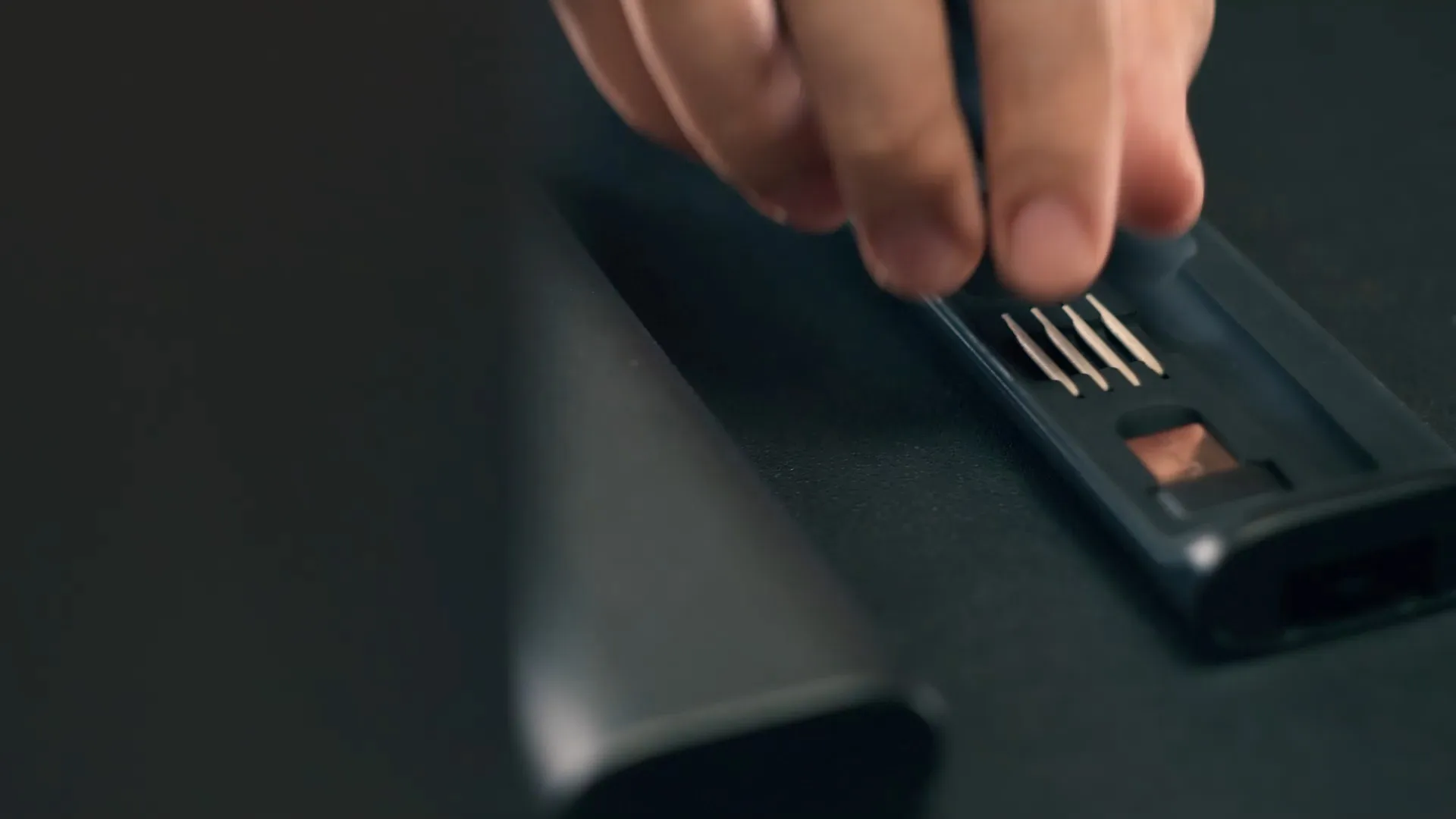
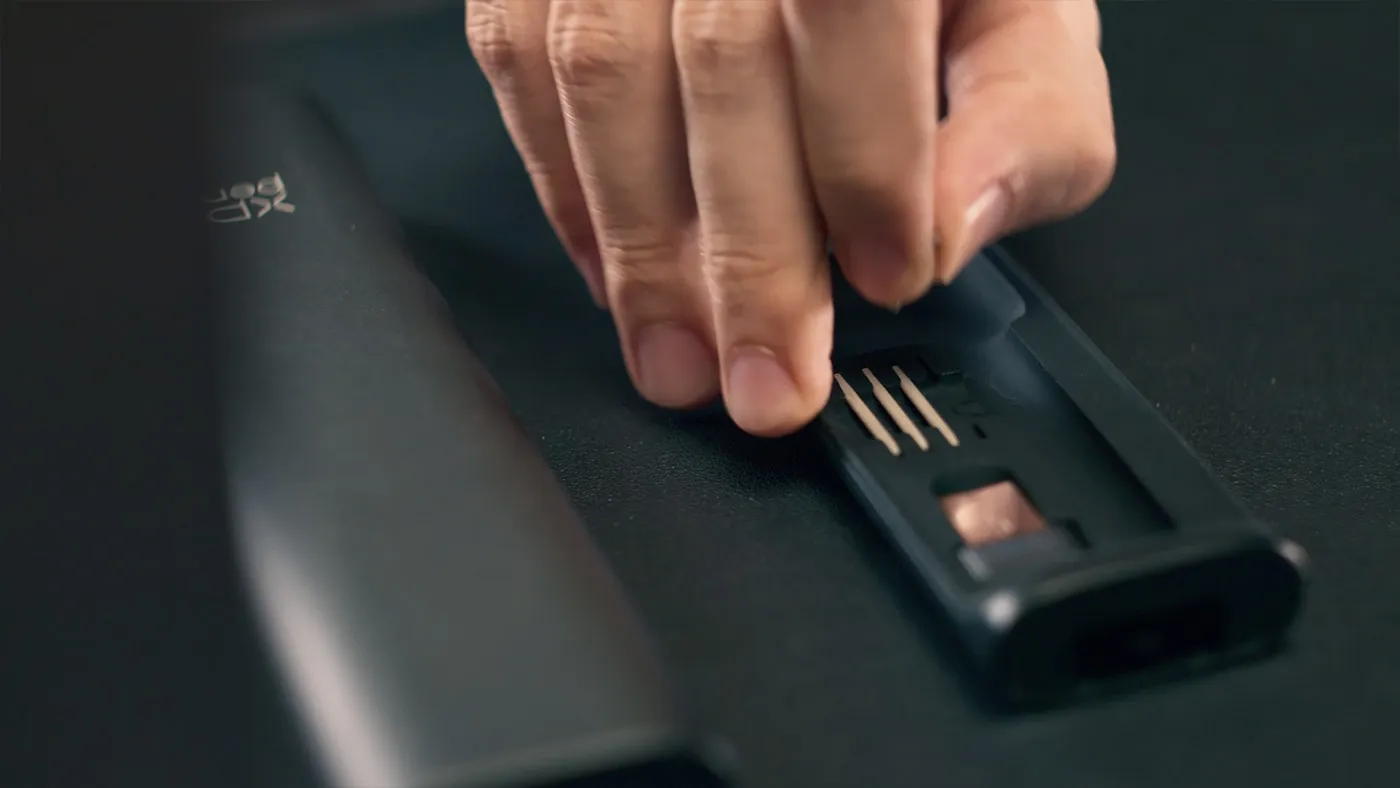
Felt nibs for a realistic
pen-on-paper feel.

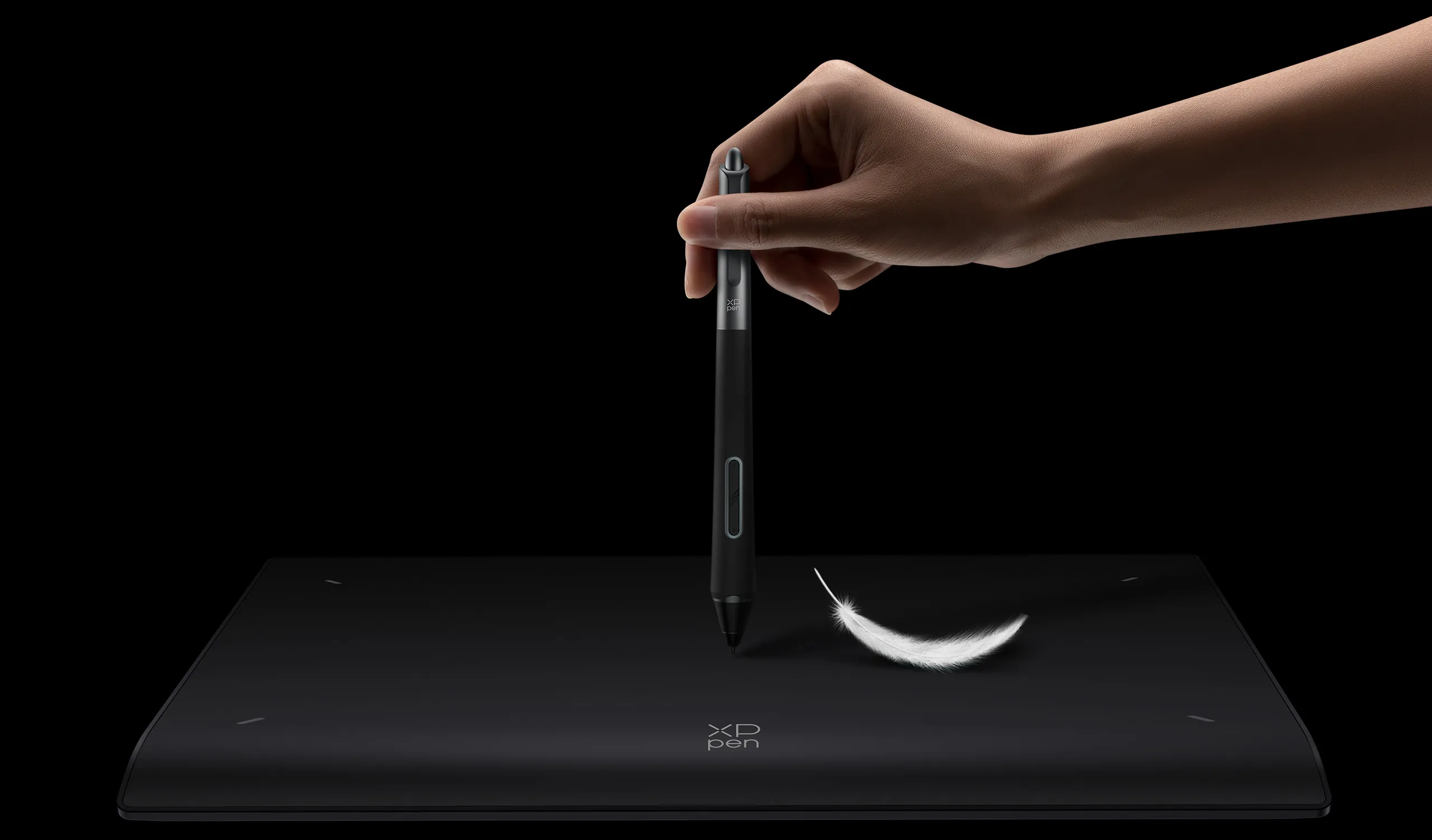
Draw with a felt nib* on the paper-like surface of XPPen drawing displays/tablets.
Feel the closest to creation via traditional art tools. Experience the fundamental joy.

imageimage
image
imageimage
image

*The nibs and pen case are presented only for display and are not contained.

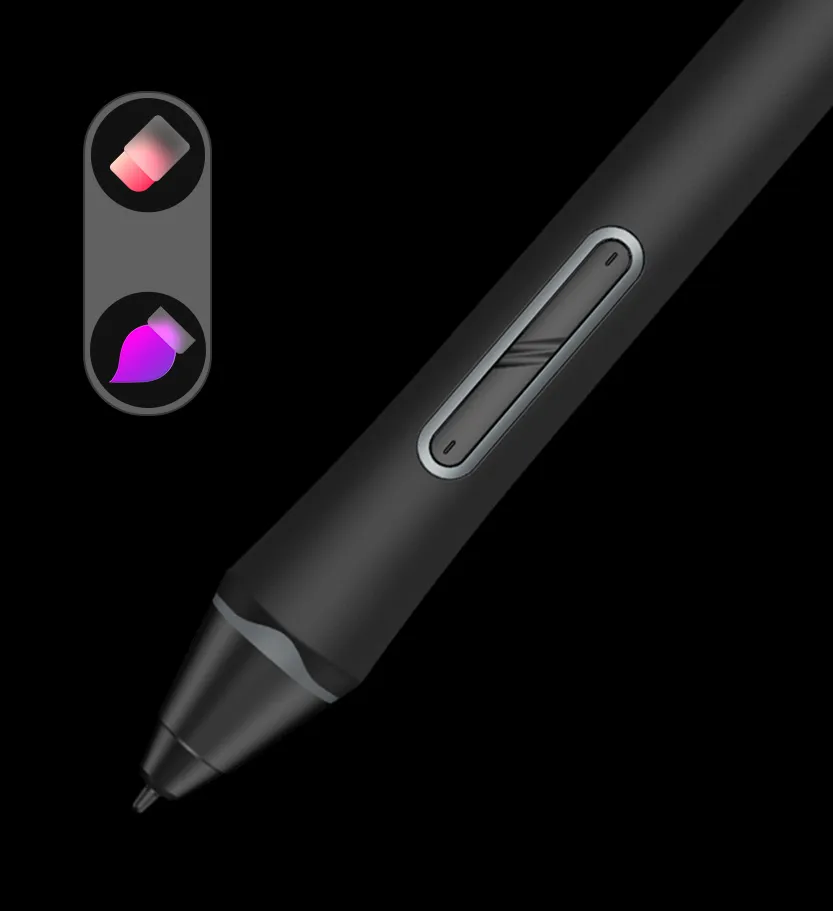
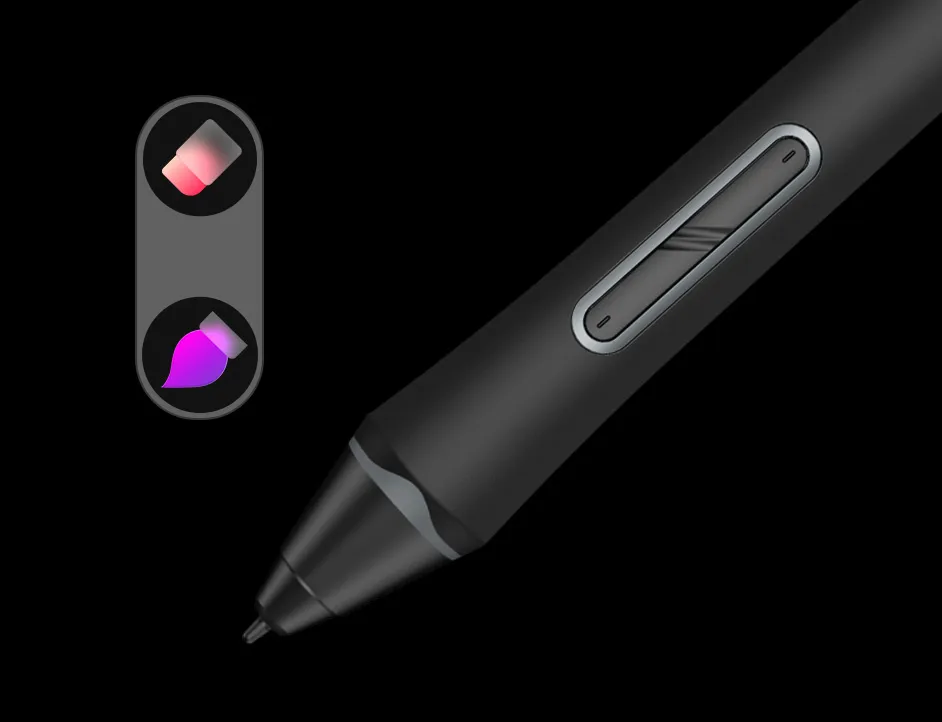
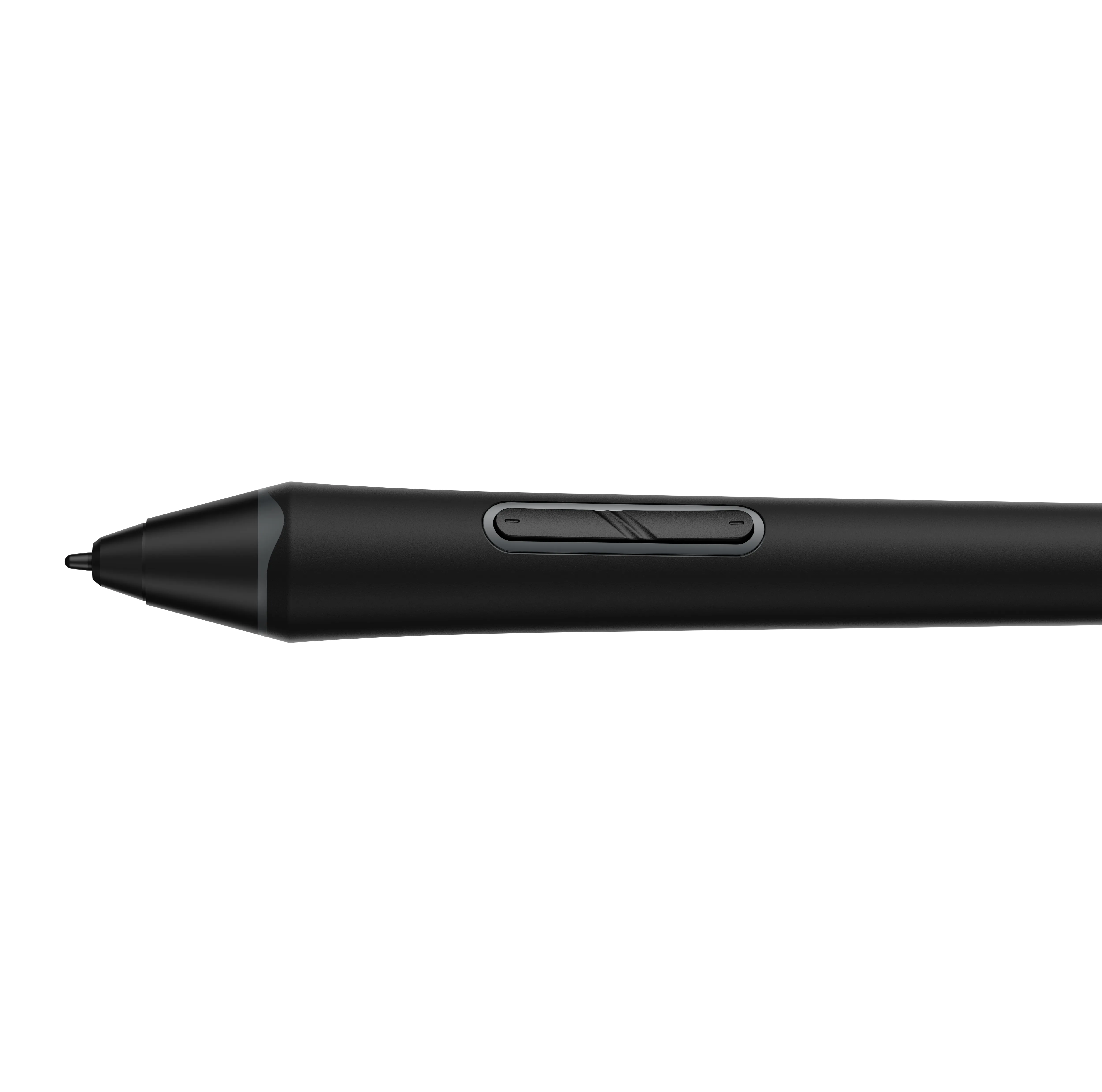
Two shortcut keys + Digital eraser
Create way faster.

Switch between brush and eraser via two shortcut keys on the stylus.
Select the wanted tools without touching the display.
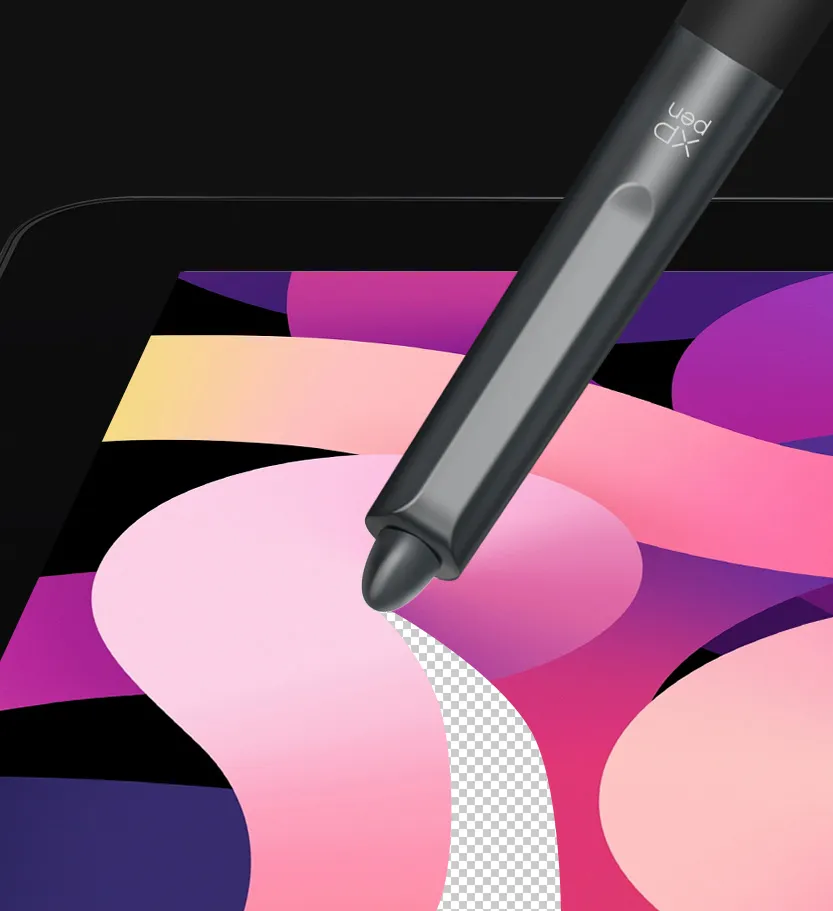
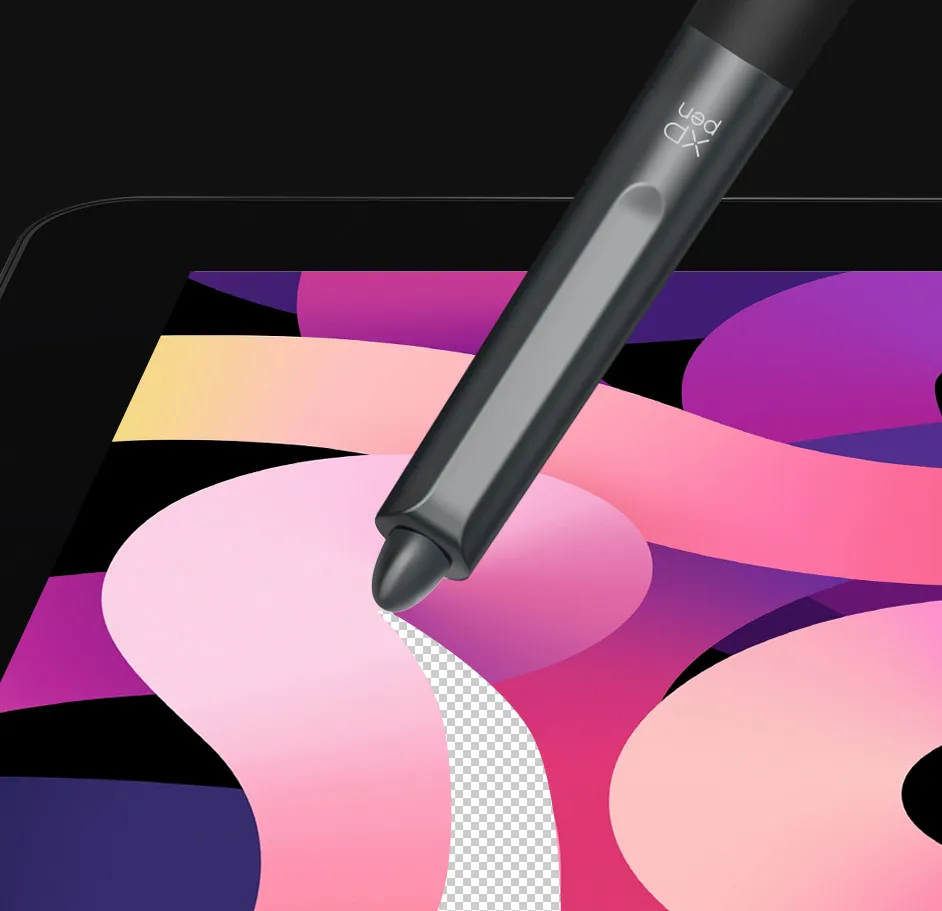
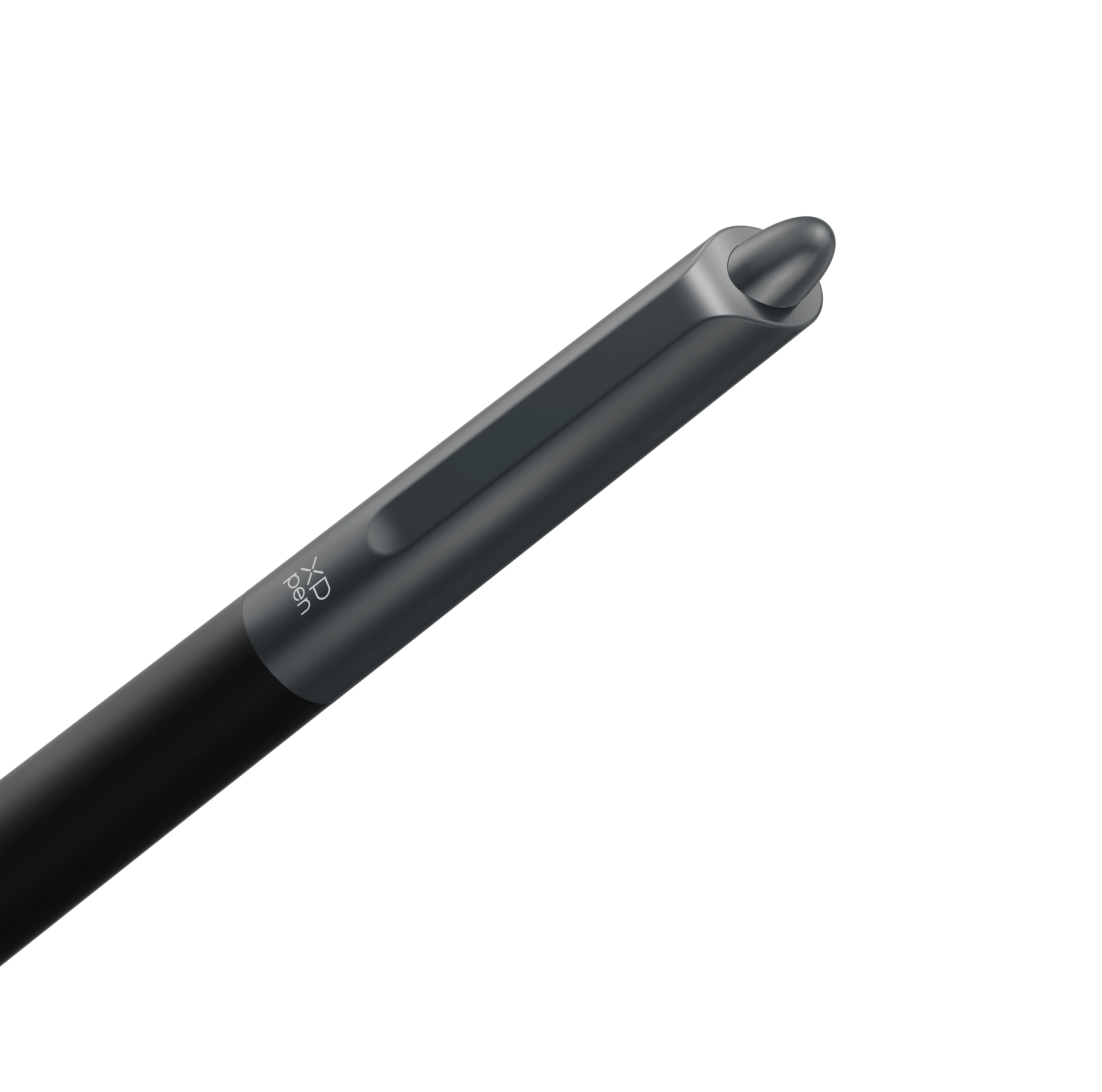
A digital eraser at the end offers a realistic erasing experience and accelerates your creation.

imageimage
imageimage

Silicone Grip
Designed to match your
pen-holding habit.

Molded into a cone shape,
the silicone grip is comfortable to hold for different hands and is easy to replace.

imageimage

EMR technology
No charging required.
No creation interrupted.

Powered by EMR (Electro-magnetic Resonance) technology,
X3 Pro Smart Chip Stylus tracks the movement of the pen tip so accurately.
Designed to be battery-free, it requires no charging and allows you to create without interruption.

image

Lightweight
yet durable.

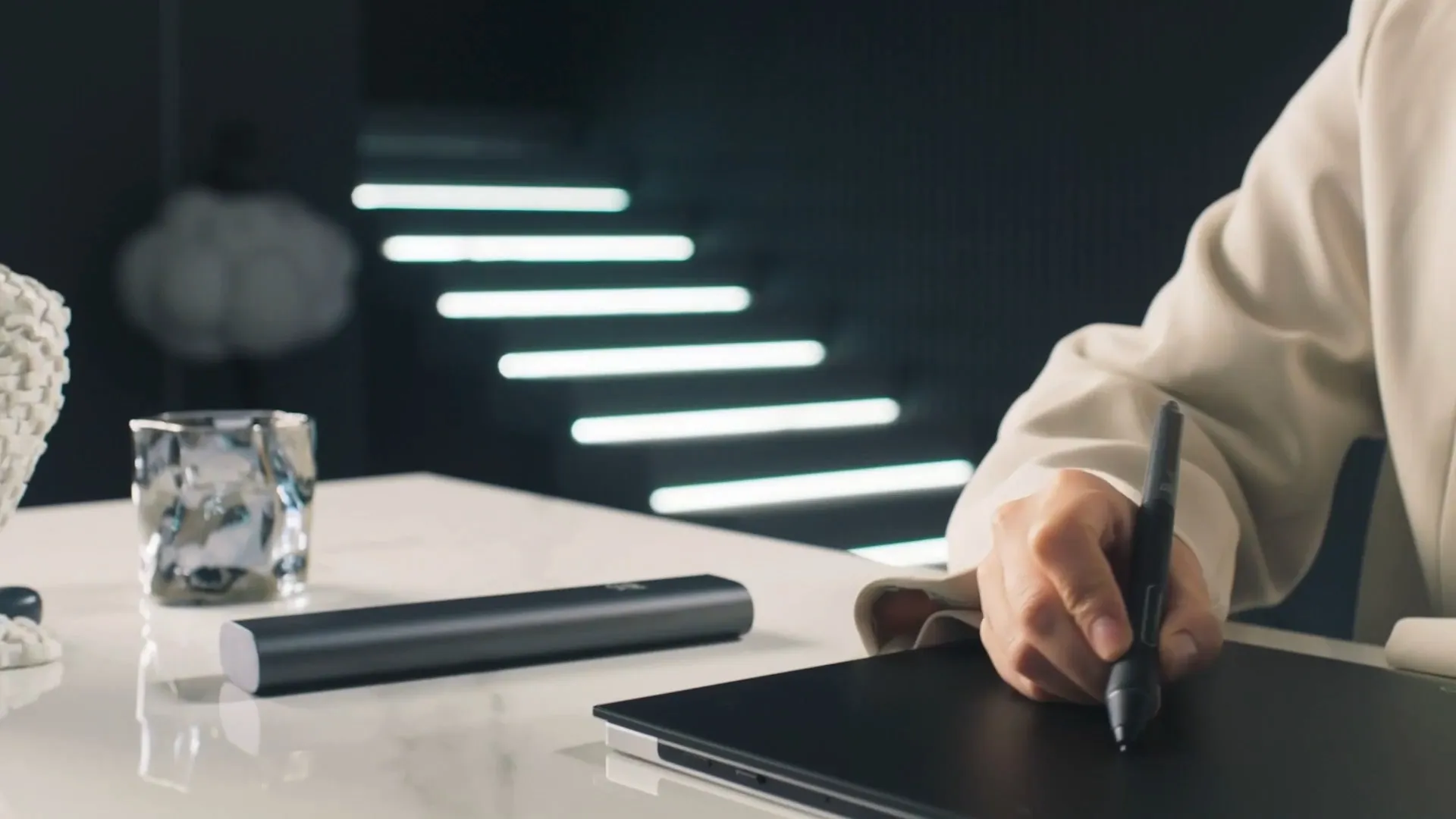
Perfect fit for long-time creation with
a lightweight profile of 16g.
Draw comfortably with less hand fatigue.

imageimage

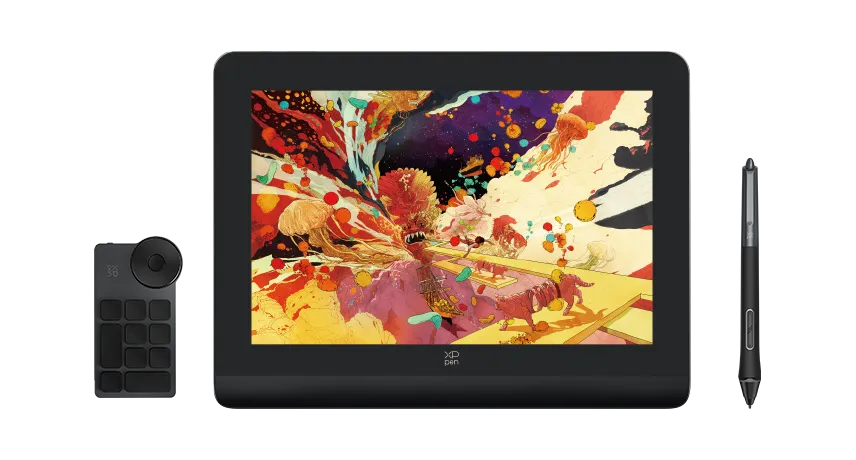
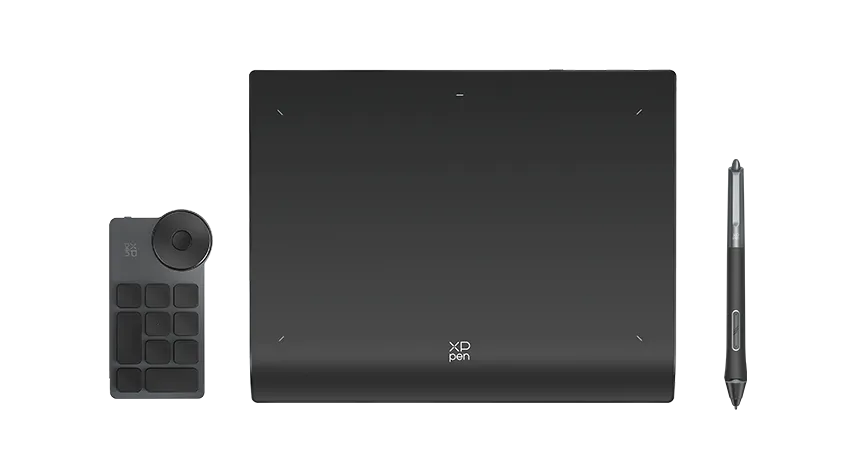
XPPen X3 Pro Smart Chip products
Available now

image

Artist Pro 14 Drawing Display (Gen 2)

Learn more
image

Deco Pro Drawing Tablet (Gen 2) Series

Learn more
Reviews
0
11111
Based on 0
11111
0(0)
11111
0(0)
11111
0(0)
11111
0(0)
11111
0(0)
no-evaluation No review
Q & A
XFANSh1yteac6
Mar 13 ,2025 AM 02:03 X3 Pro Smart Chip Stylus
Is this pen compatible with the Artist Pro 19 (Gen 2)?
Reply2
See more answers(1)
Official mall
Mar 13 ,2025 PM 12:06
Hi Yes, it is compatible with Artist Pro 19 (Gen 2).
Reply to this review
XFANSi5eu6upb
Dec 06 ,2024 AM 03:52 X3 Pro Smart Chip Stylus
Is this pen compatible with the Artist Pro 16 (gen 1)? I love the tablet but the pen feels uncomfortable to hold and this pen looks a lot like my old pen.
Reply1
Official mall
Dec 06 ,2024 PM 18:02
Hi No, Artist Pro 16 is not compatible with X3 Pro Smart Chip Stylus.
Reply to this review
XFANSu8posccv
Aug 17 ,2024 AM 05:46 X3 Pro Smart Chip Stylus
Is this pen compatible with the deco L and deco Lw tablets? Would love to use the X3 chip pens but the default pen looks too thin for me. Is this pen a similar thickness to the artist 13.3 pro pen?
Reply1
Official mall
Aug 19 ,2024 PM 16:03
Hello No, the X3 Pro Smart Chip Stylus is not compatible with Deco L and Deco Lw. The thickness of the X3 Pro Smart Chip Stylus is similar to that of the PA2 Battery-free Stylus.
Reply to this review
XFANSk0rg1hol
Aug 16 ,2024 AM 02:41 X3 Pro Smart Chip Stylus
my artist 22 plus is still drawing while the nib/pen has left or hovering the surface (it happens rarely) it happens when i do many continuous strokes Wondering if this product would work on artist 22 plus?
Reply1
Official mall
Aug 16 ,2024 PM 14:55
Hello Yes, X3 Pro Smart Chip Stylusy is compatible with Artist 22 Plus. You can send a video of Artist 22 Plus not working properly to our technical team so that we can verify the details for you. service@xp-pen.com
Reply to this review
XFANSg1whrgu3
Aug 14 ,2024 AM 06:47 X3 Pro Smart Chip Stylus
Does the X3 Pro Smart chip stylus work with the Magic Drawing Pad? And if so, does the tilt recognition work on the Magic Drawing Pad with said stylus?
Reply1
Official mall
Aug 14 ,2024 AM 11:39
Hello, Yes, the X3 Pro Smart Chip Stylus is compatible with Magic Drawing Pad, but the tilt function is not supported.
Reply to this review
XFANS8e2ne31n
Aug 11 ,2024 PM 21:29 X3 Pro Smart Chip Stylus
Does this work with XP-PEN Artist13.3 Pro?
Reply1
Official mall
Aug 12 ,2024 AM 09:32
Hello No, this stylus is not compatible with Artist13.3 Pro.
Reply to this review
Payment icon 0Payment icon 1Payment icon 2Payment icon 3Payment icon 4Payment icon 5Payment icon 6

Copyright© 2025 HANVON UGEE (HK) TECHNOLOGY CO., LIMITED All Rights Reserved.