






Getting started with your
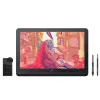
XPPen Artist Pro 19 (Gen 2)
1/11
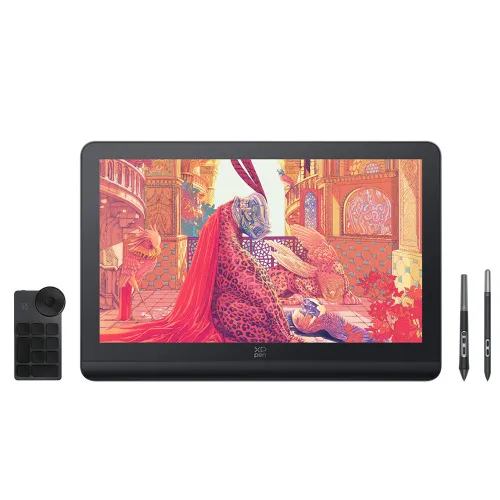

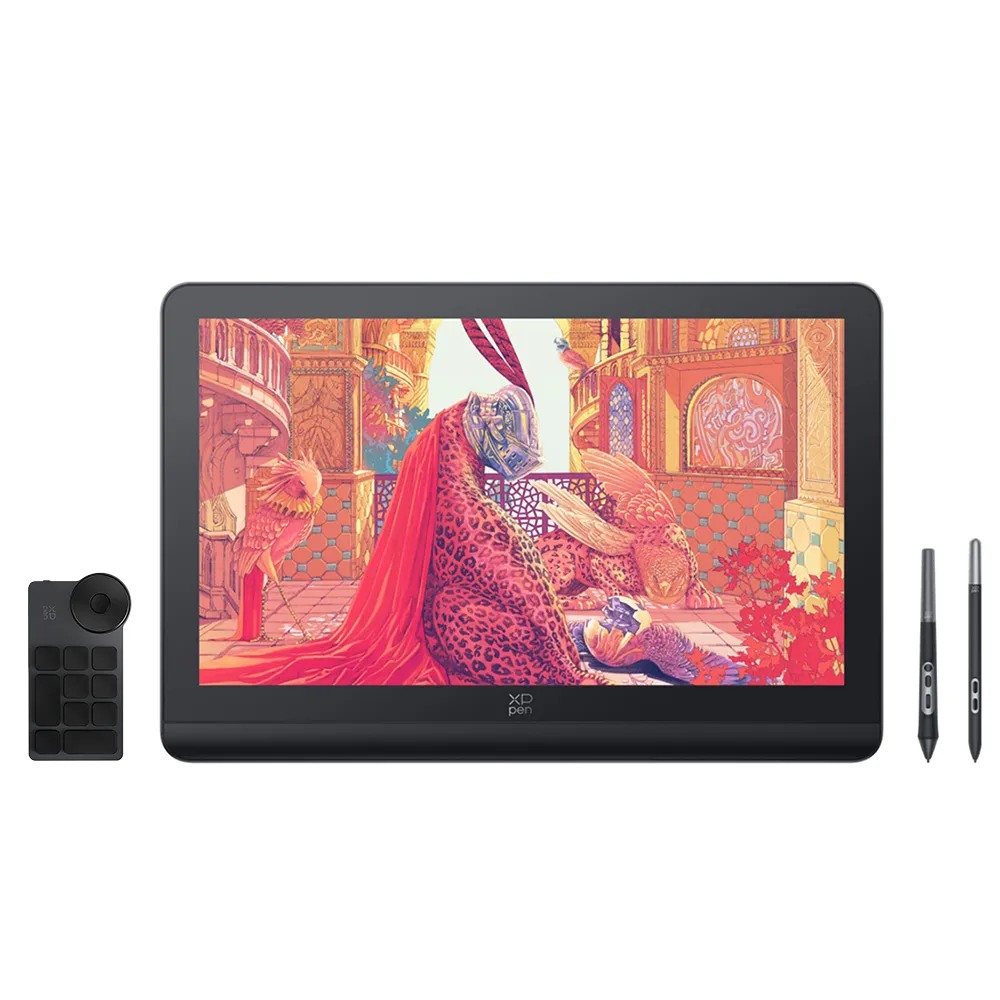
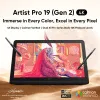
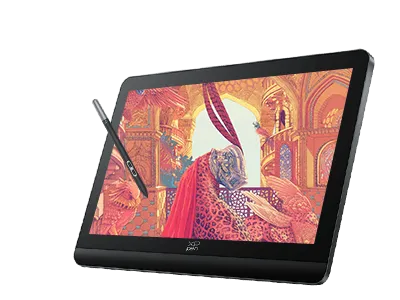
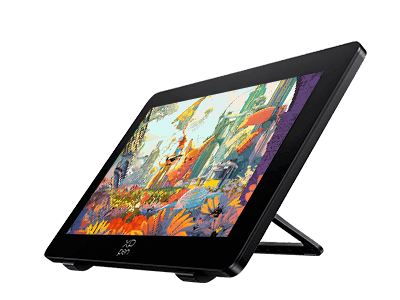
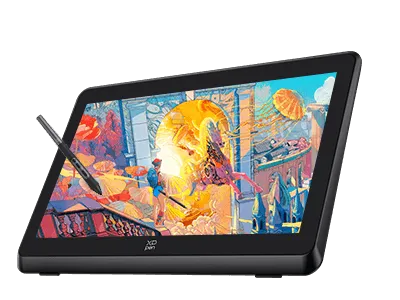
Artist Pro 19 (Gen 2)
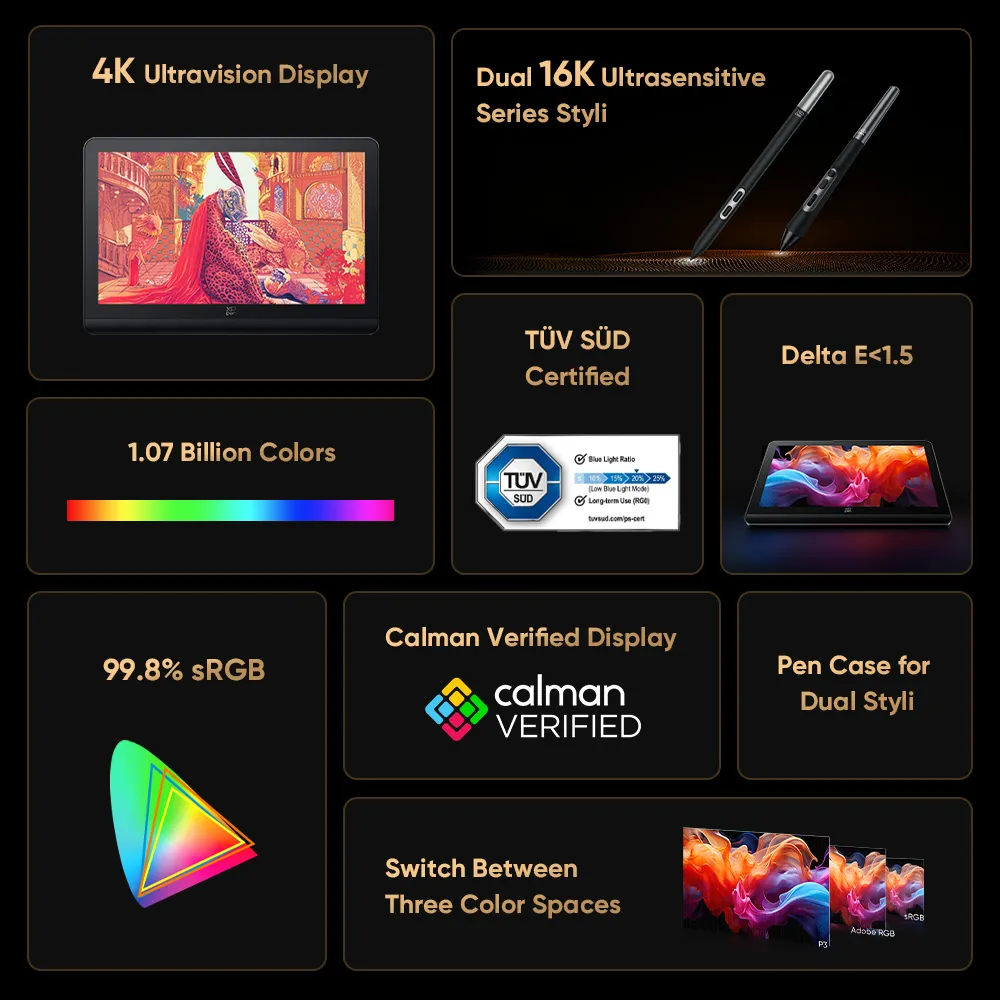
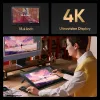
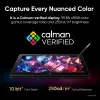
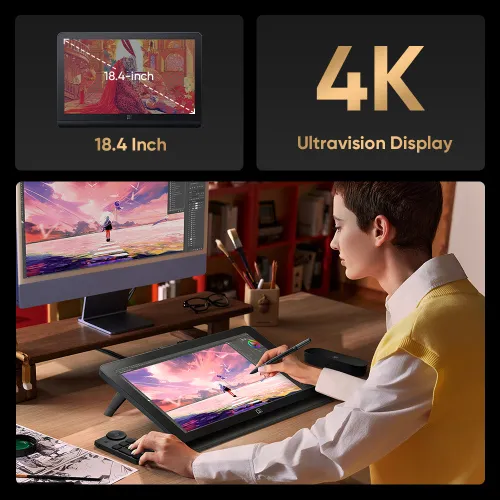
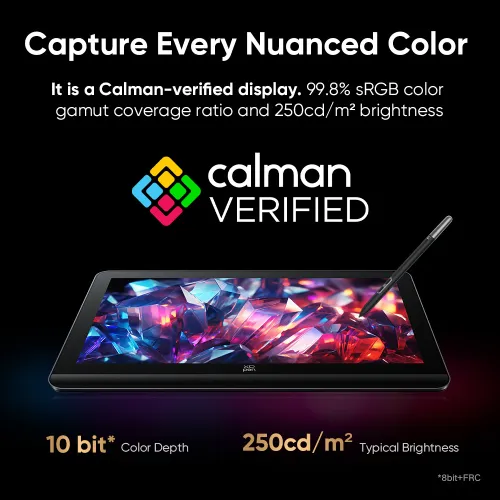
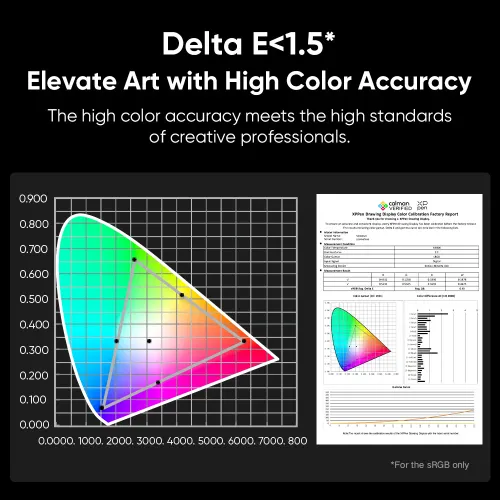
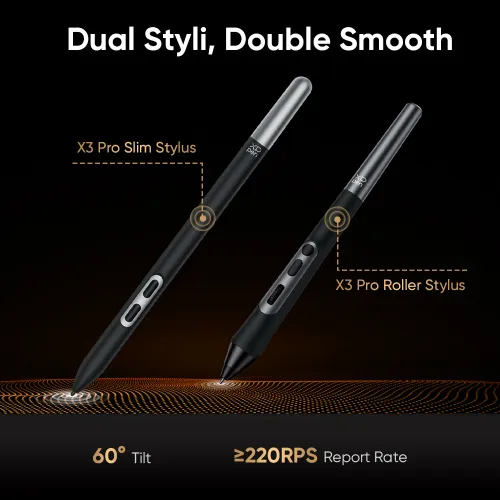
4K Display | Calman Verified | Dual X3 Pro Series Styli | 16K Pressure Levels
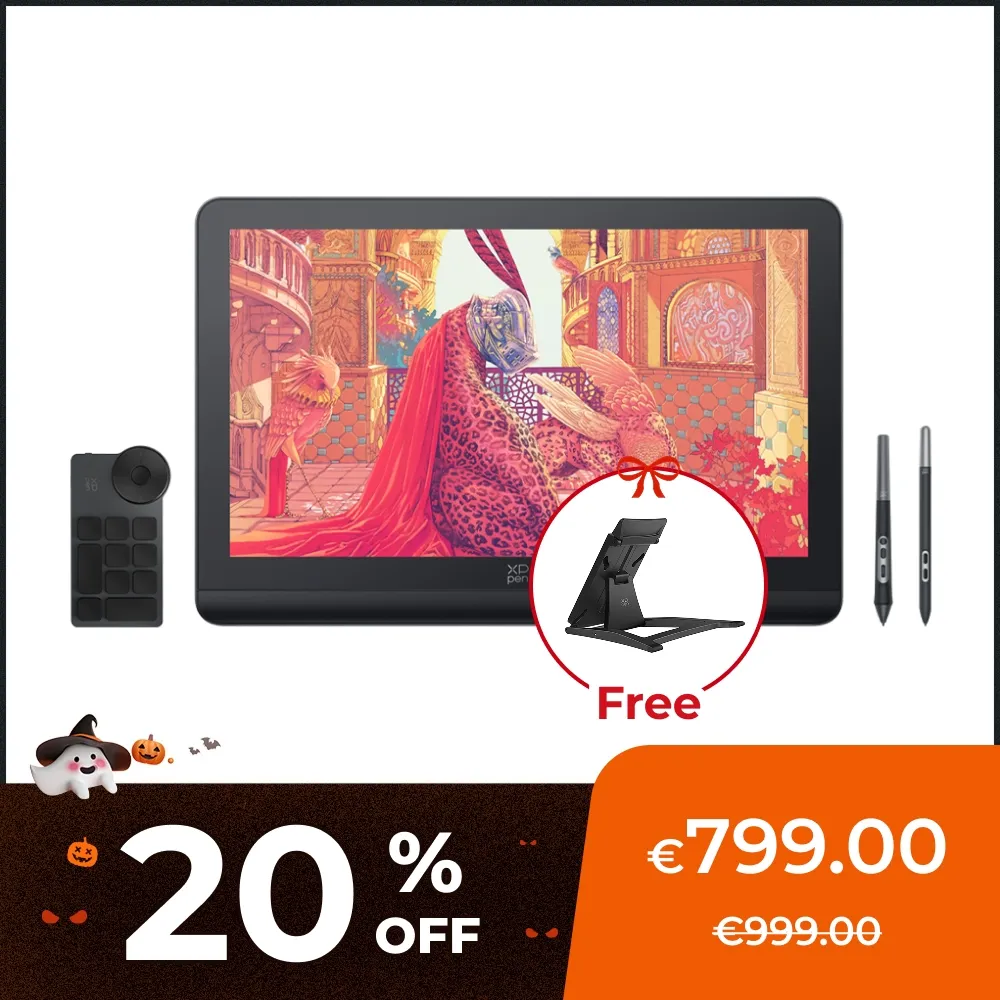
€799.00€999.00
Ends in
FREE SHIPPING
Fast, free shipping worldwide
24-MONTH-WARRANTY
Hassle-free warranty
QUALITY PURCHASE
30-day money-back guarantee
TECH SUPPORT
Lifetime customer support
Recommended Accessories
Quantity:
Total
€799.00
 Log in and purchase to receive an estimated 894 X-Coins


Worry-Free Delivery® available with seel
Estimate:
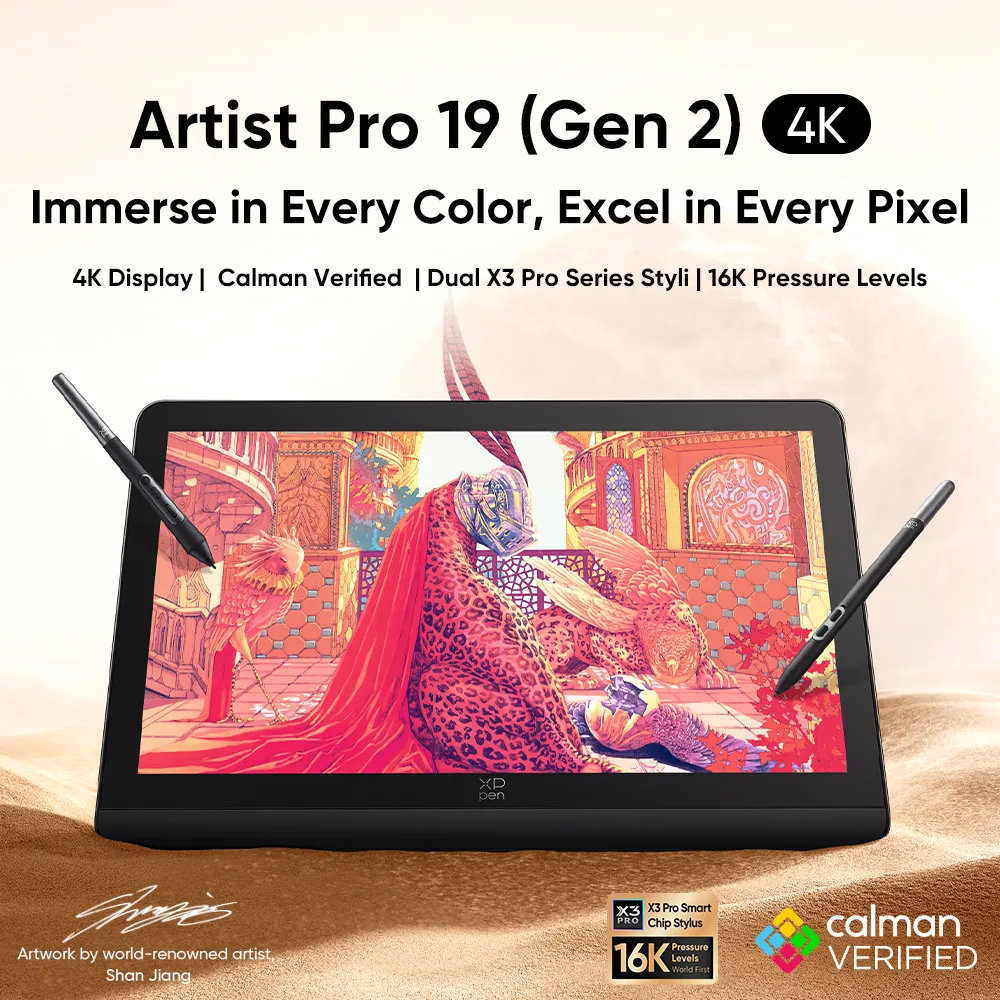
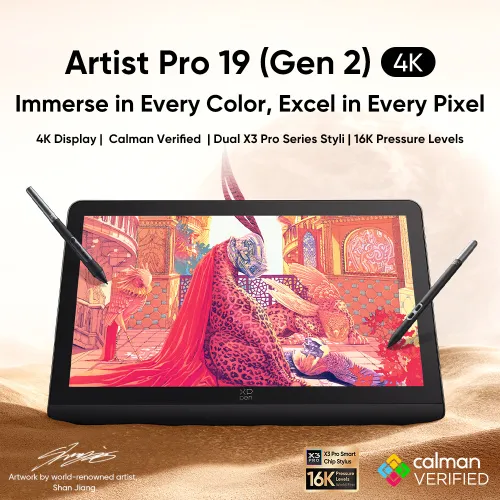
Artist Pro 19 (Gen 2) 4K
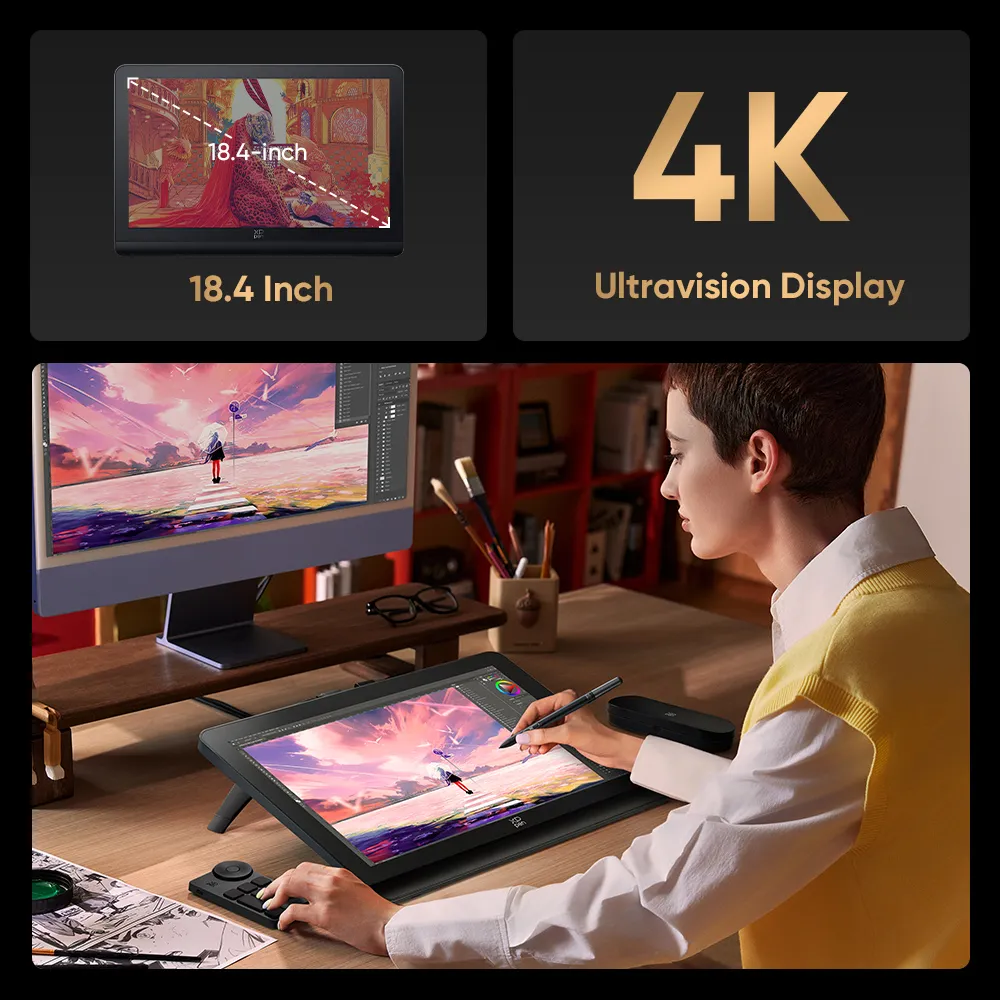
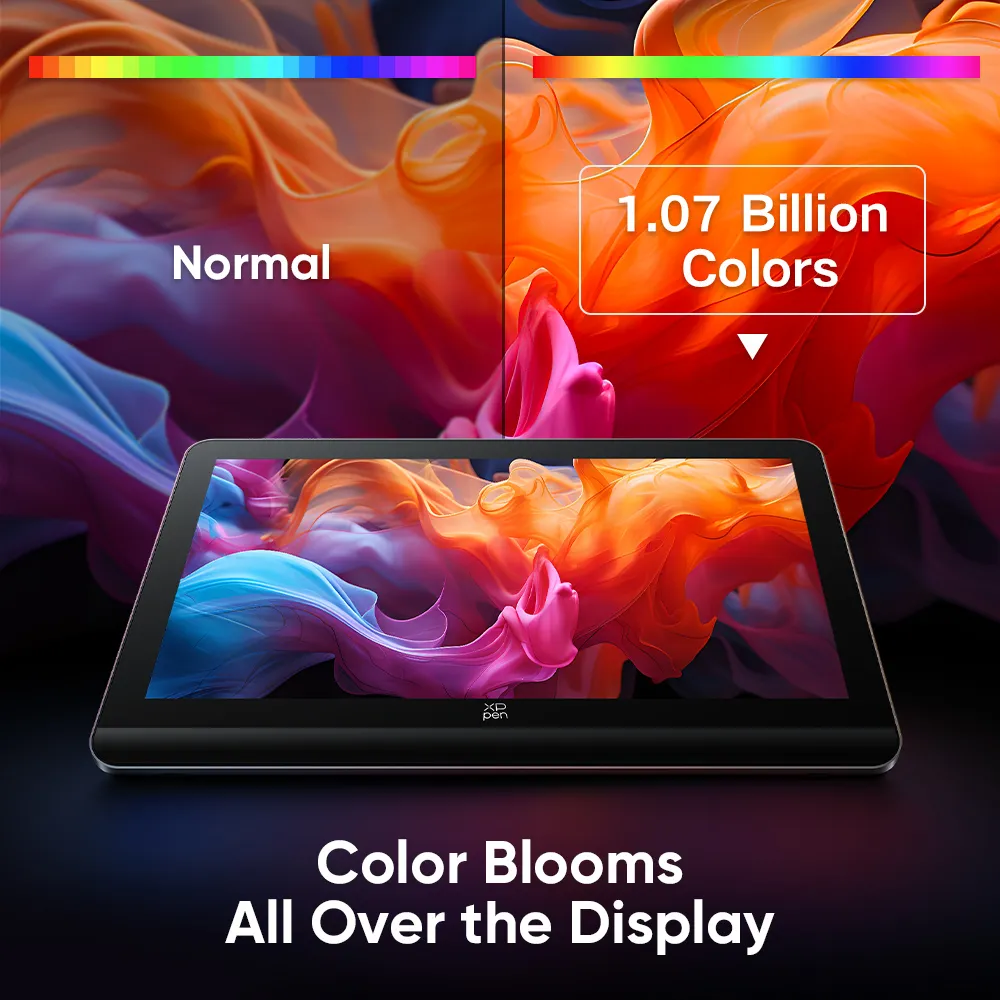
Immerse in Every Color, Excel in Every Pixel
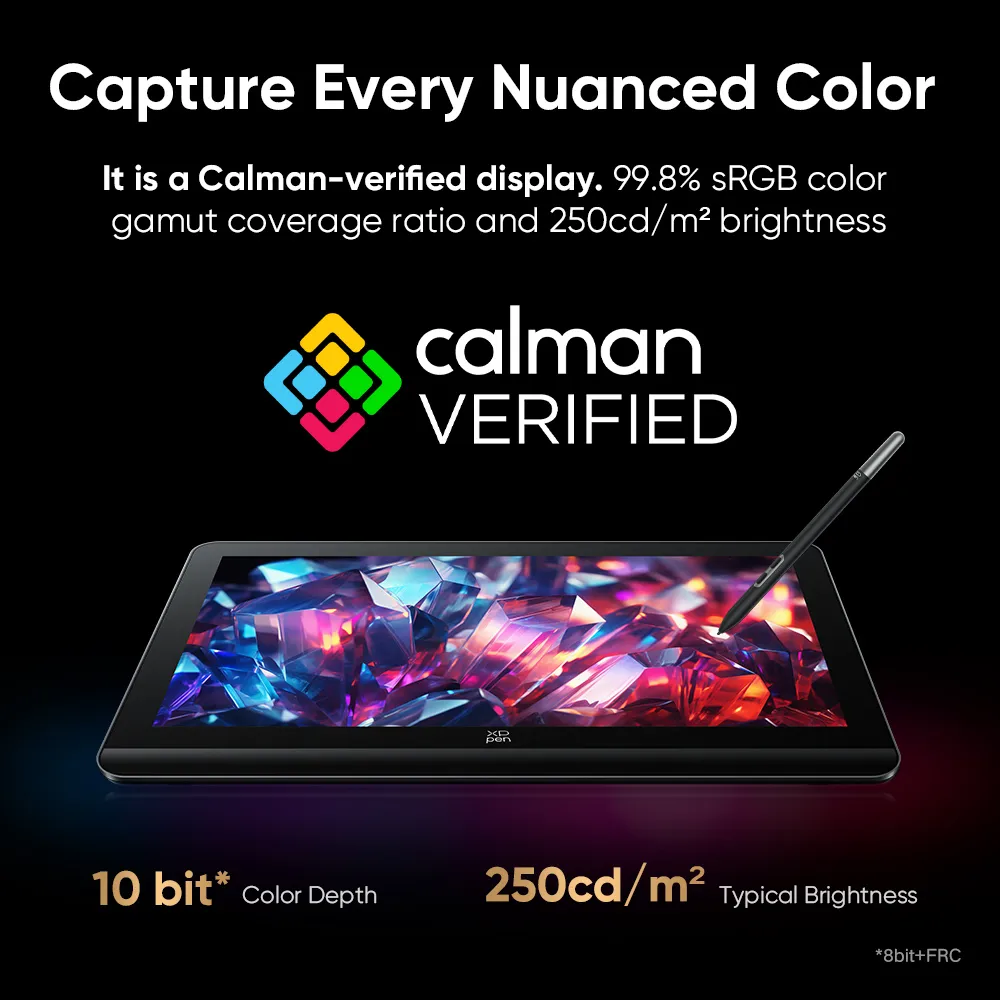
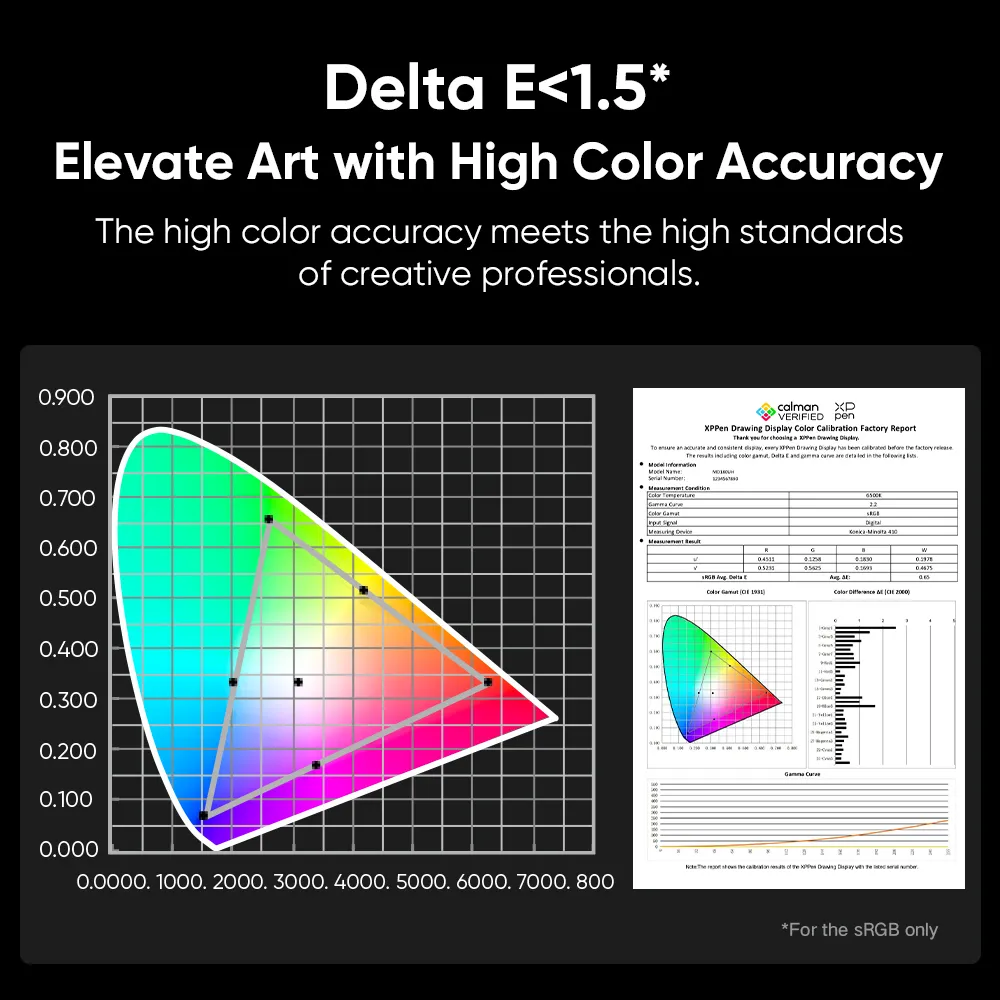
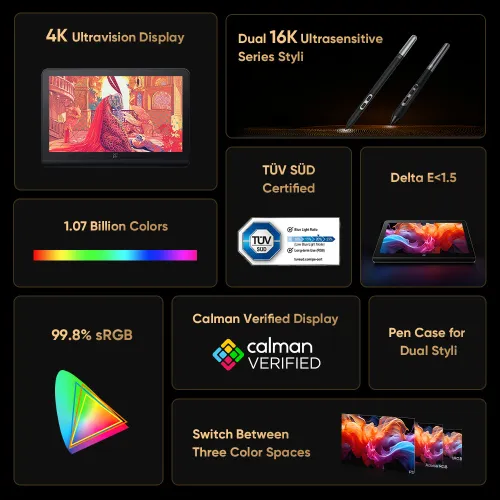
4K Display | Calman Verified | Dual X3 Pro Series Styli | 16K Pressure Levels

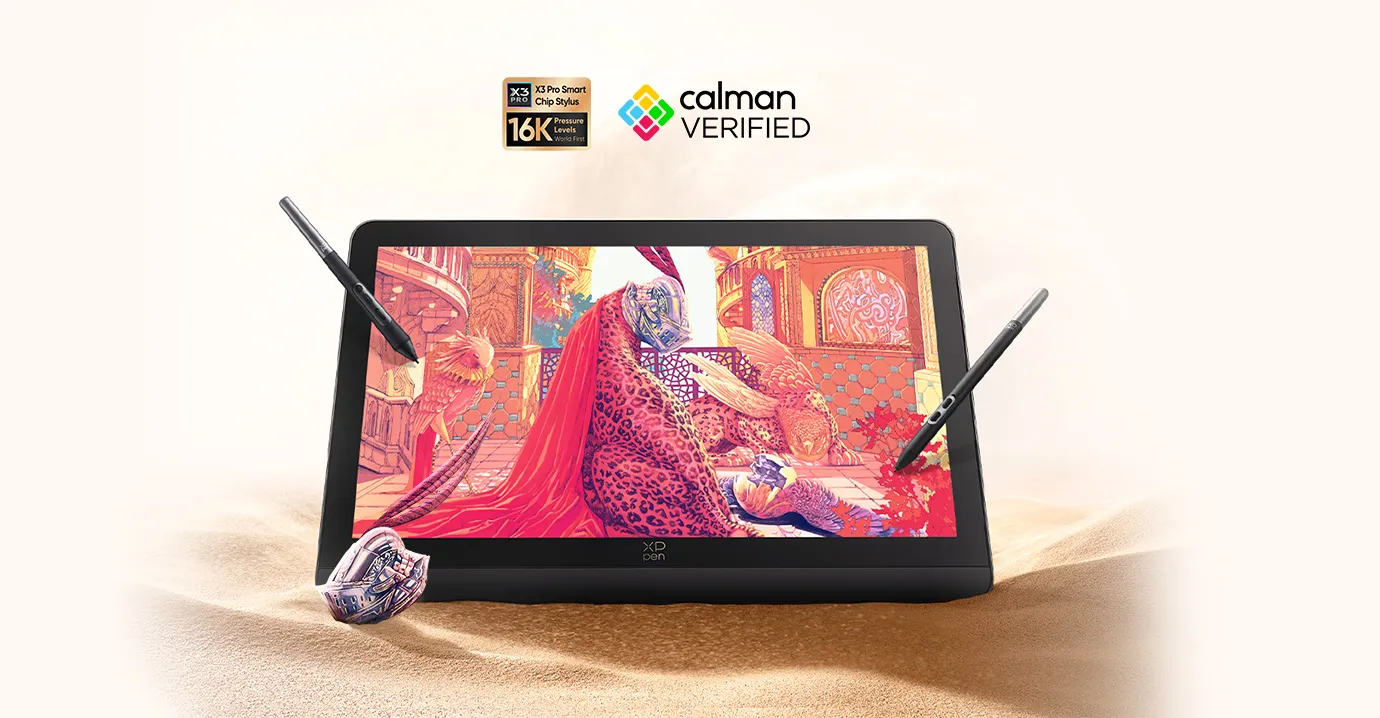
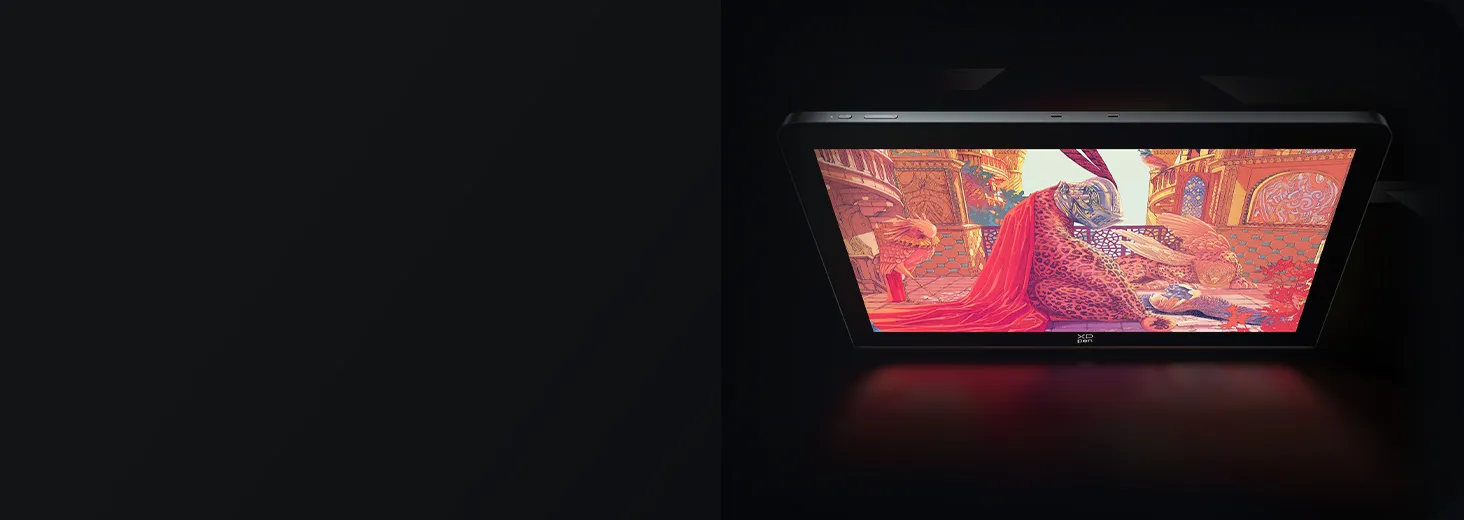
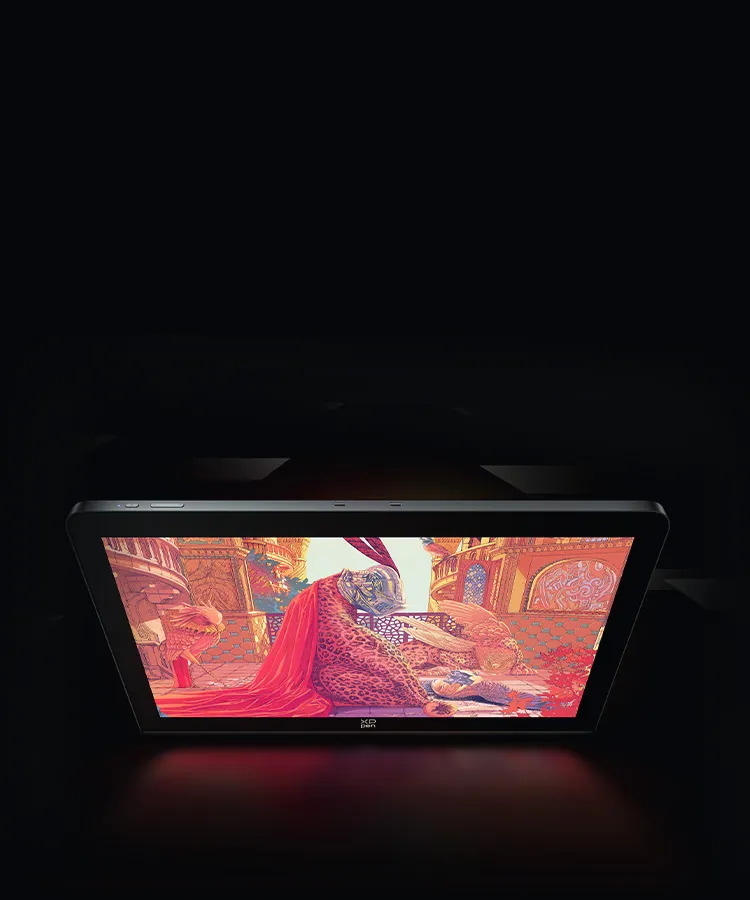
Artwork by world-renowned artist Jian Shan
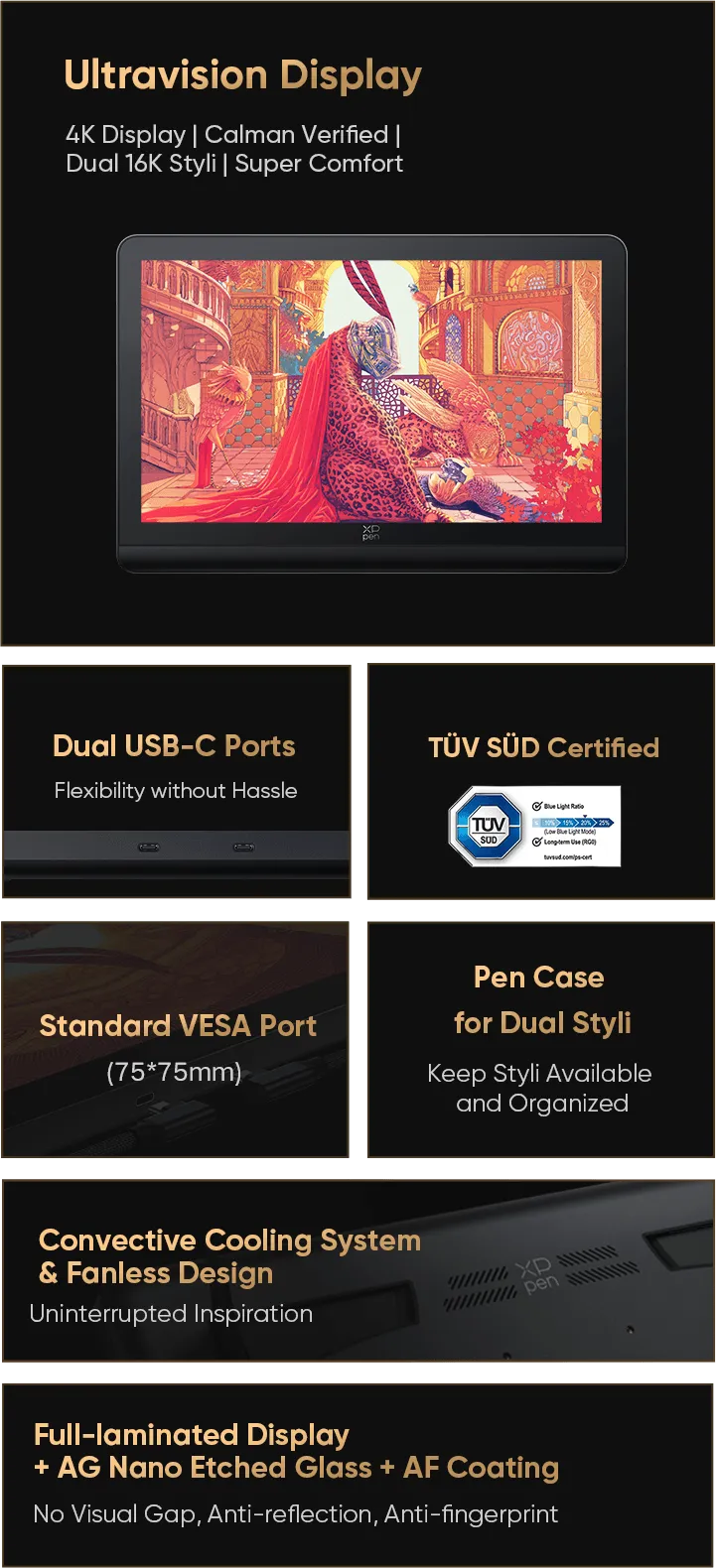
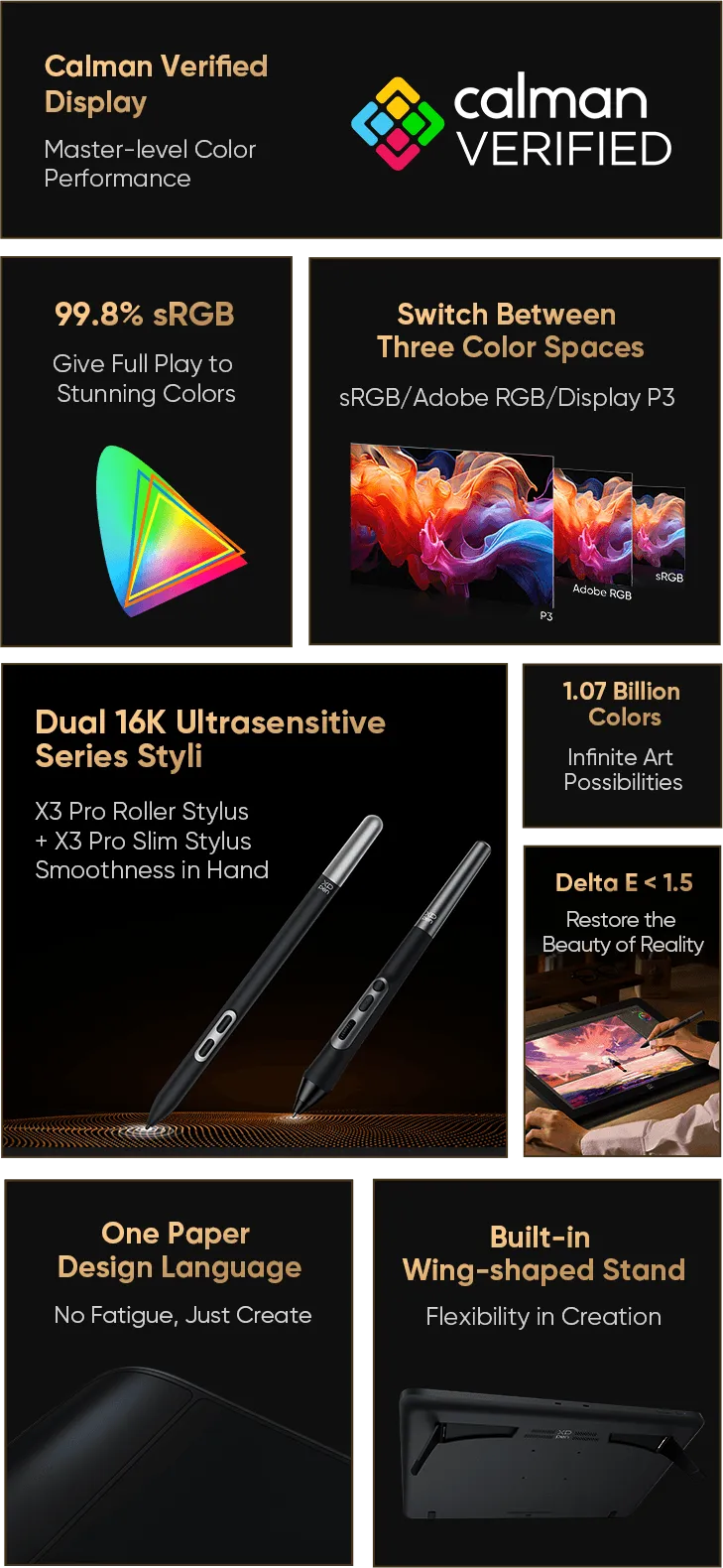
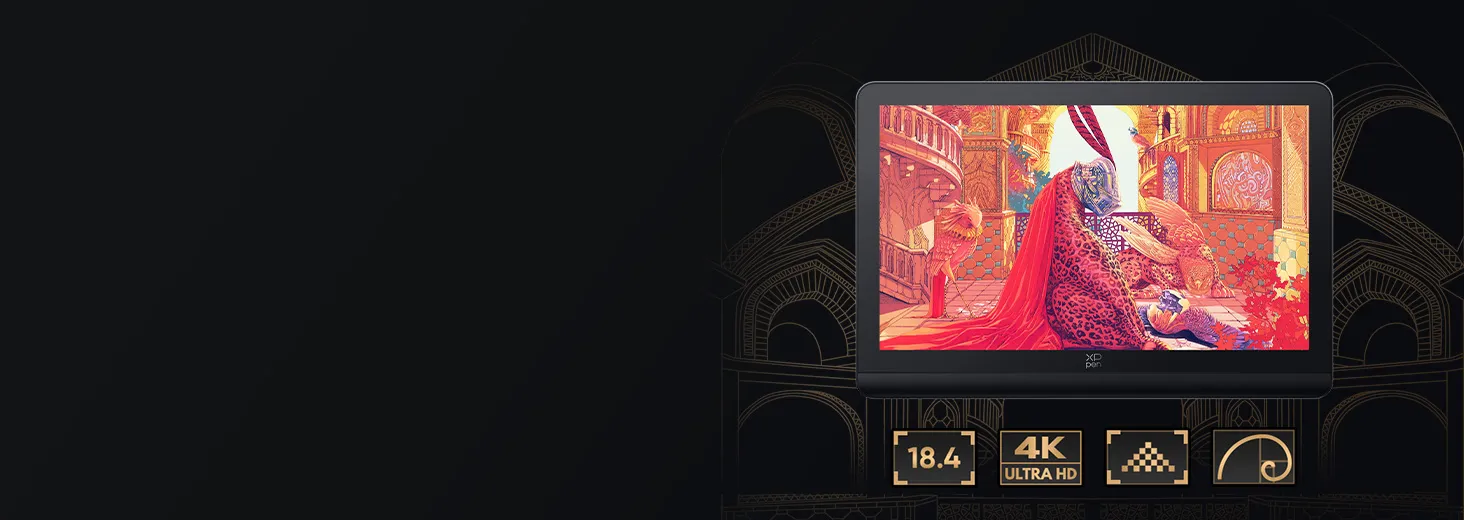
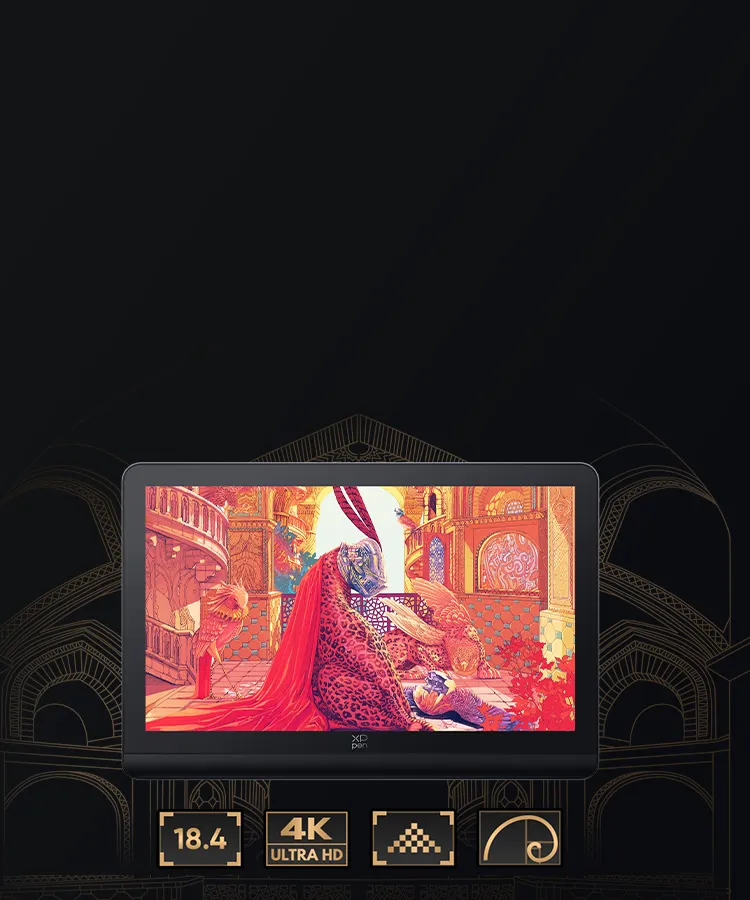

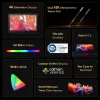
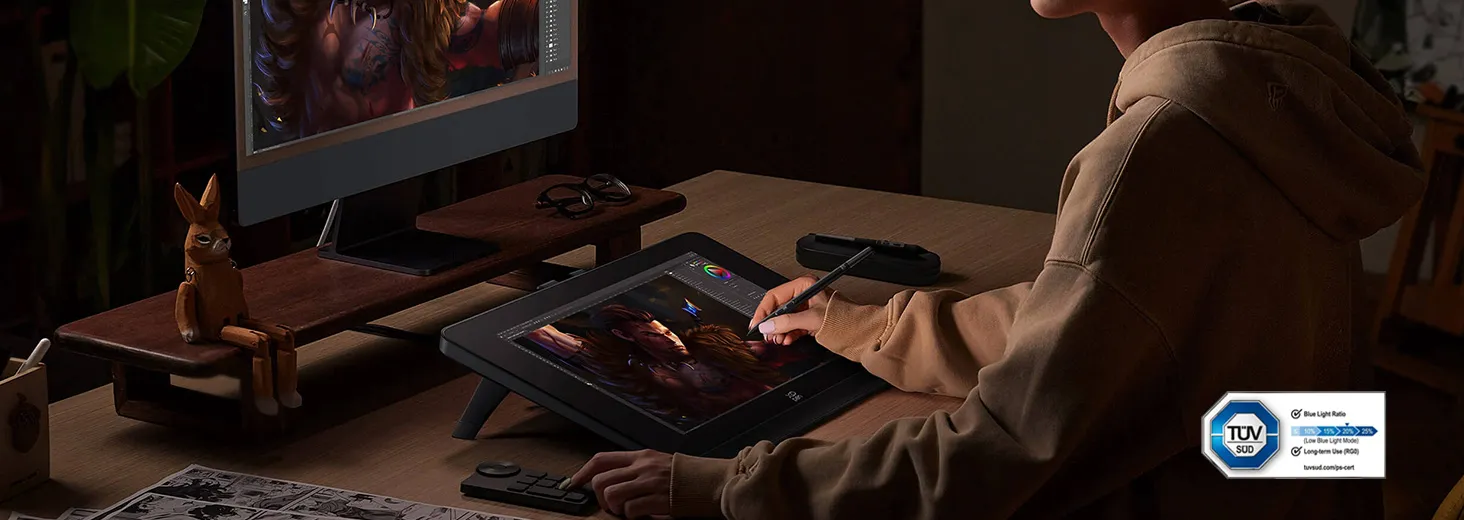
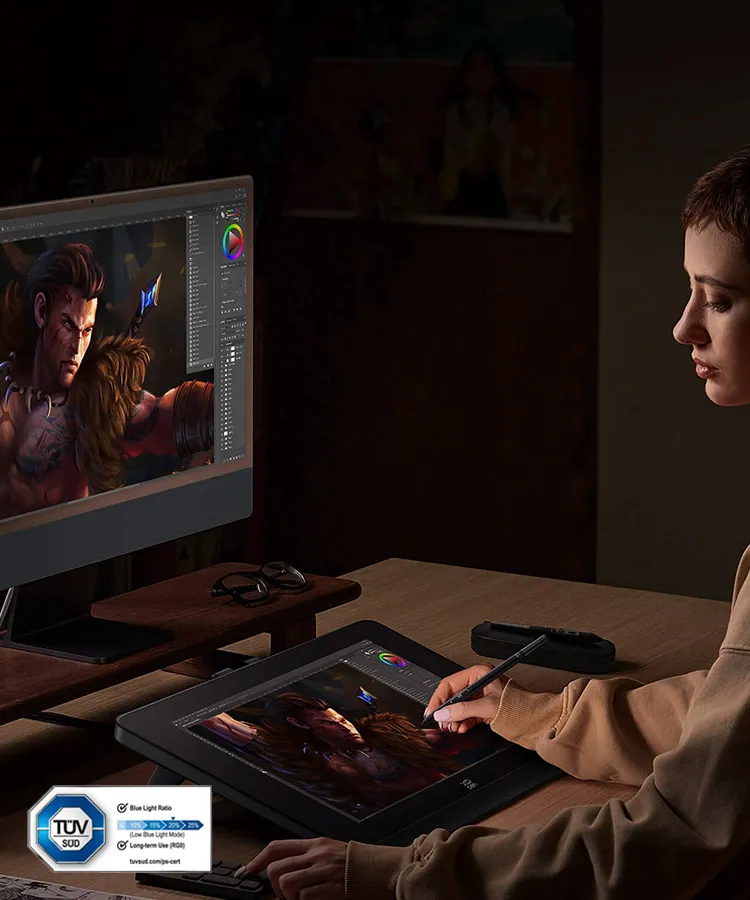
Full-laminated Display
No Visual Gap

AG Etched Glass
Anti-reflection

AF Coating
Anti-fingerprint
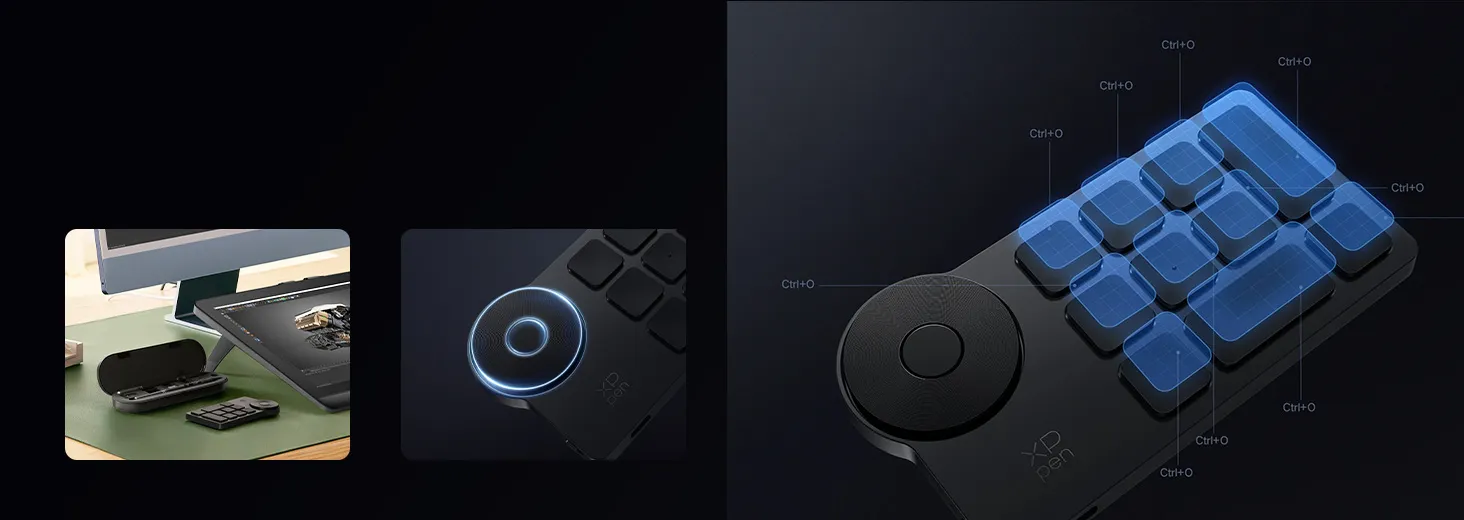
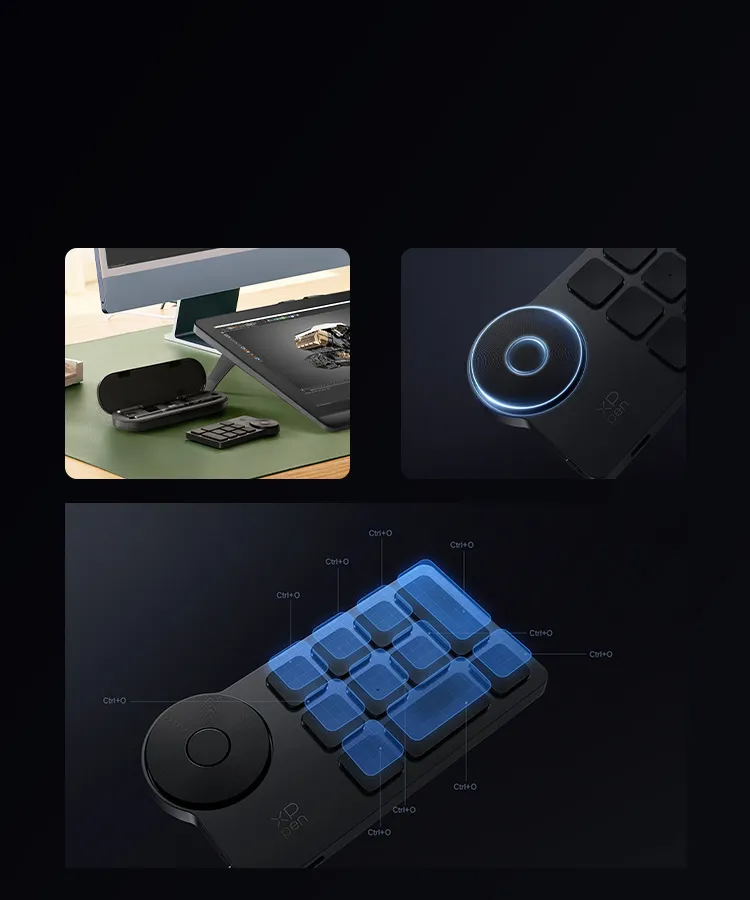
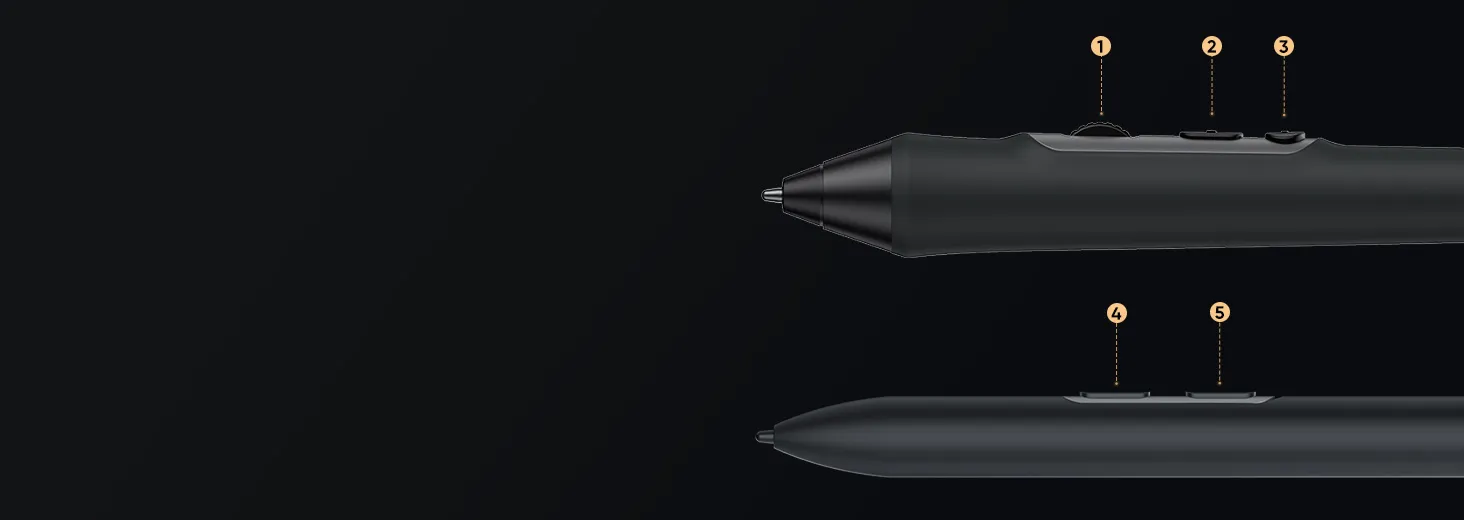
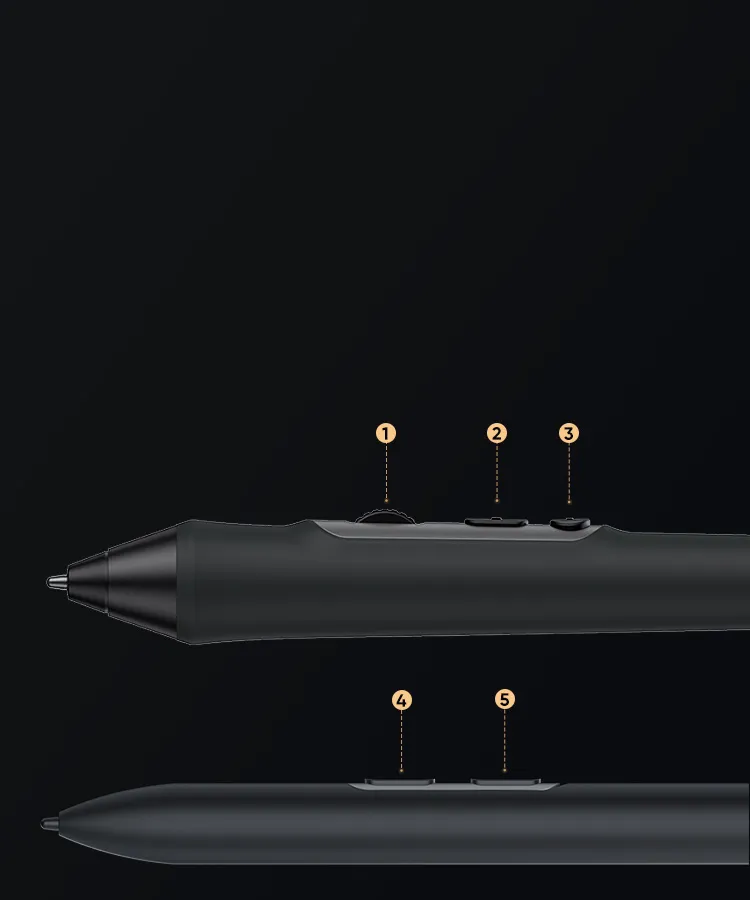
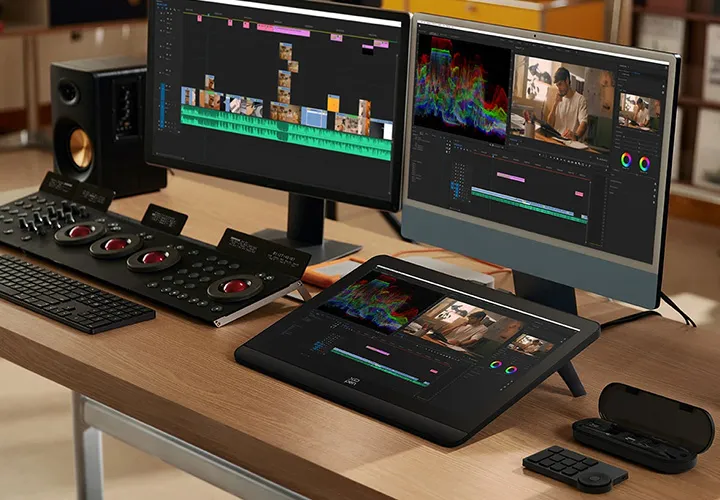
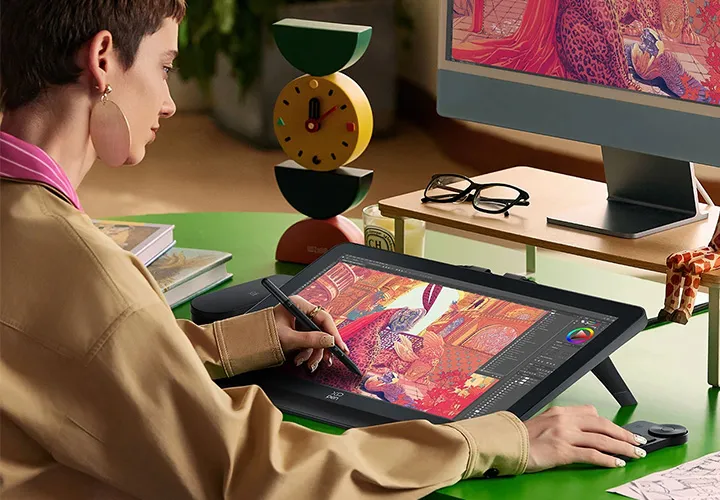
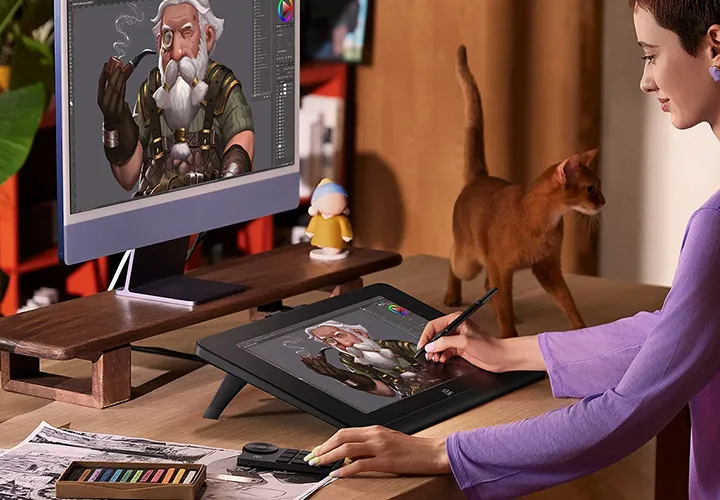
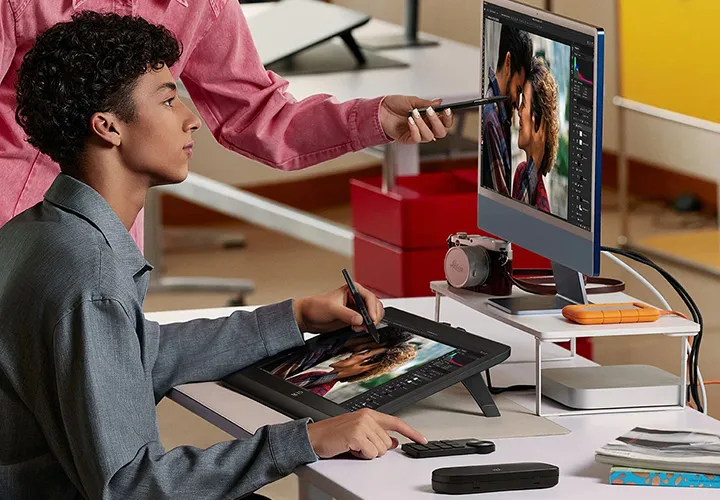
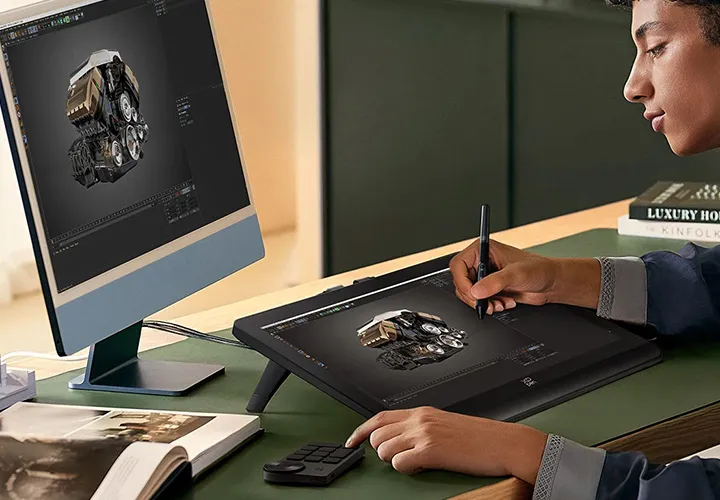
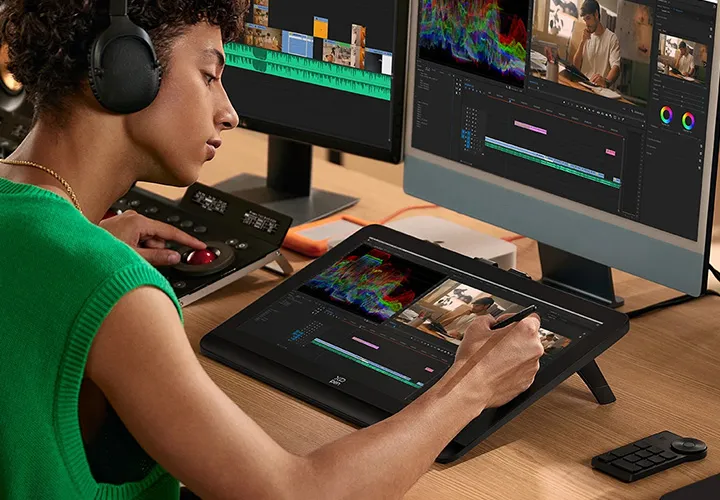

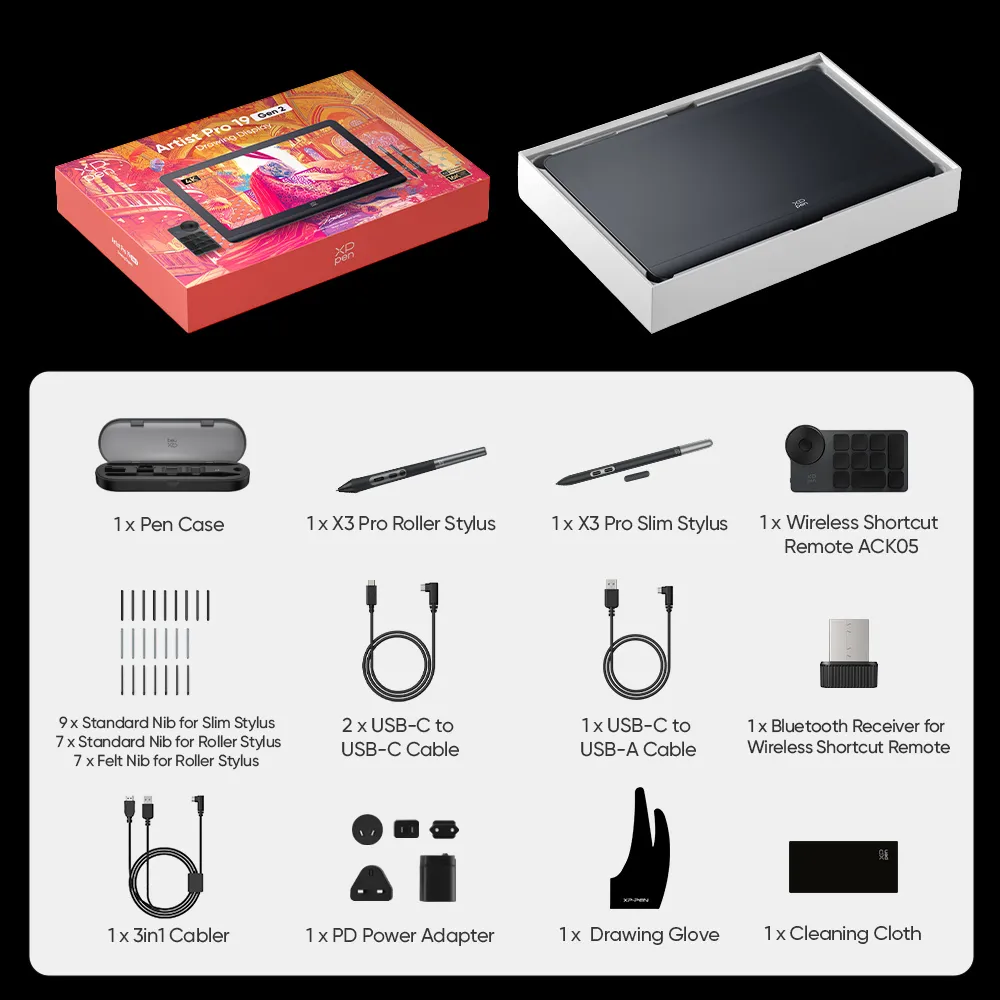
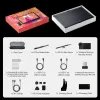
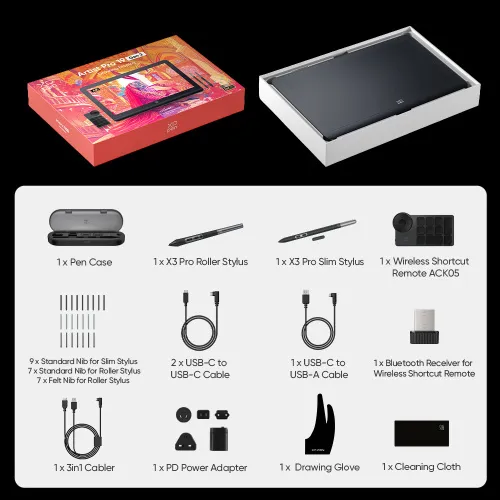
Package Includes
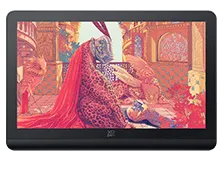
1* Drawing Display
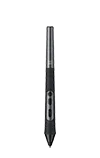
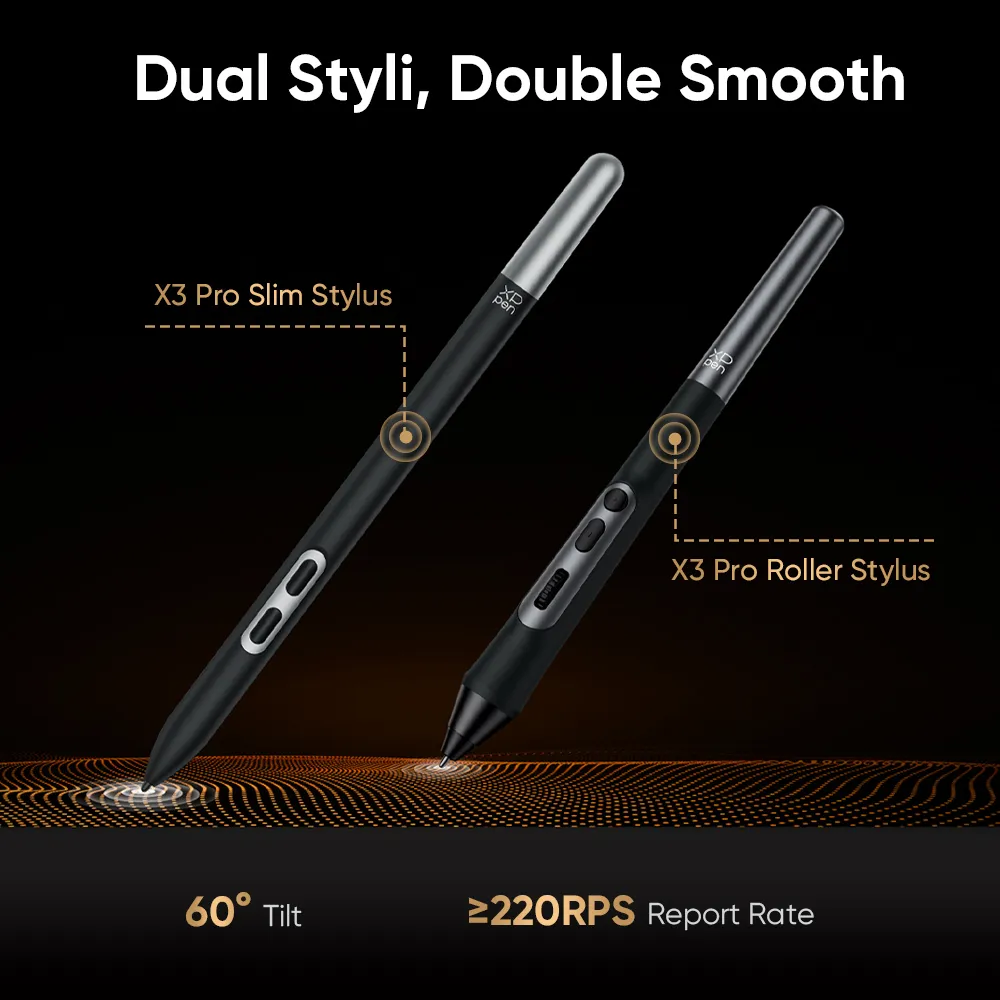
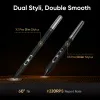
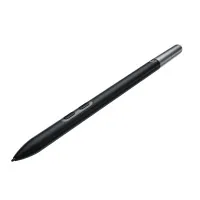
1*X3 Pro Roller Stylus
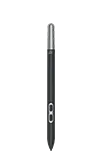
1*X3 Pro Slim Stylus
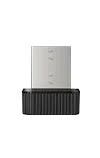
1*Bluetooth Receiver for Wireless Shortcut Remote
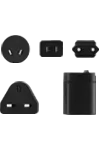
1*Power adapter
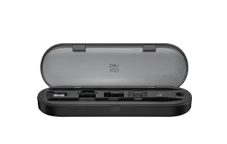
1* H11 Pen Case

5*Standard Nib for Slim Stylus
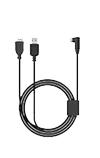
1*3-in-1 Cable
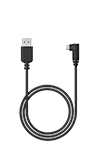
1*USB-C to USB-A Cable
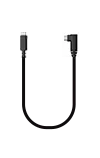
2*USB-C to USB-C Cable
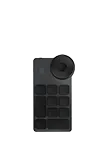
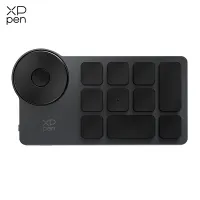
1*Wireless Shortcut Remote ACK05
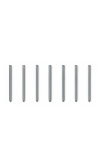
7*Standard Nib for Roller Stylus

5*Felt Nib for Roller Stylus
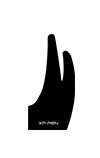
1*Drawing glove
1*Cleaning cloth
Compare
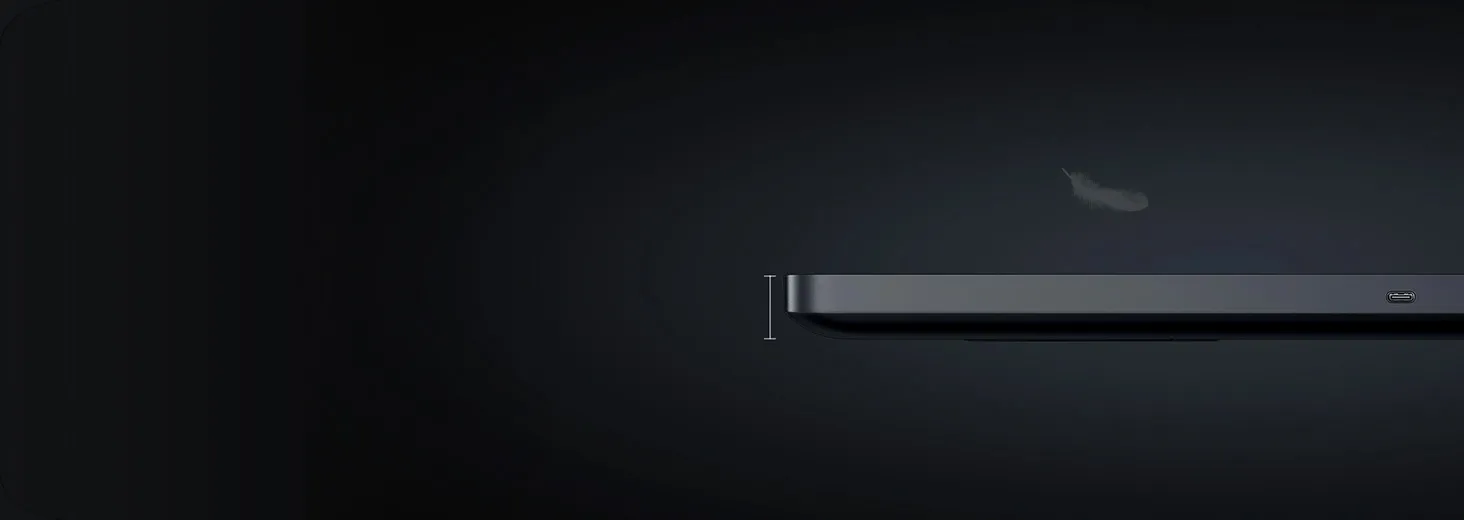
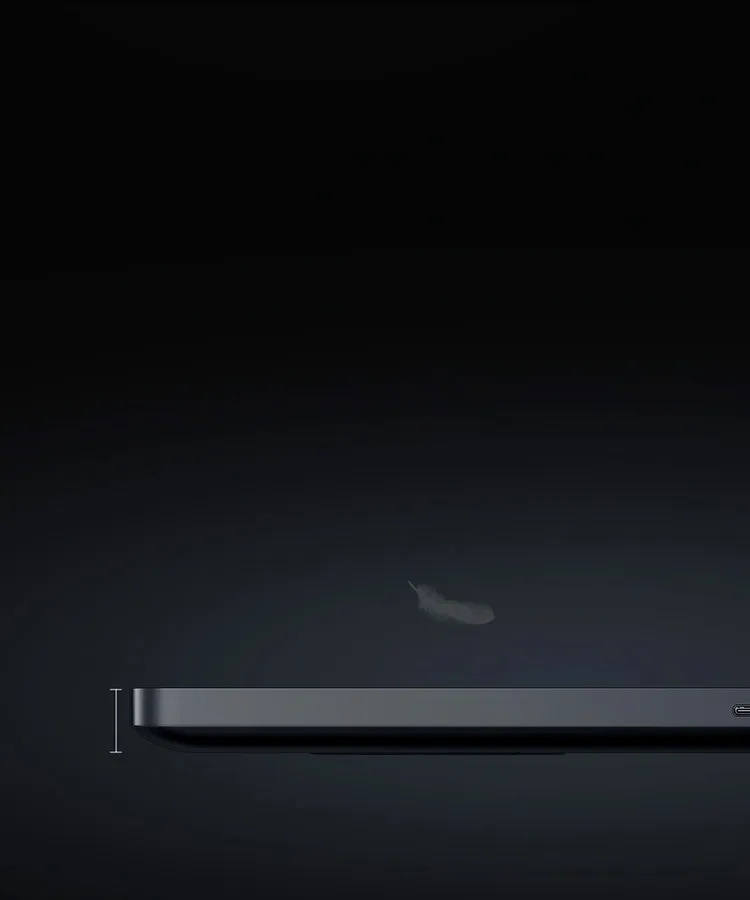
460 × 306.6 × 21.5 mm Dimensions
409 × 230 mm Workspace
X3 Pro
Chip Technology
Chip Technology
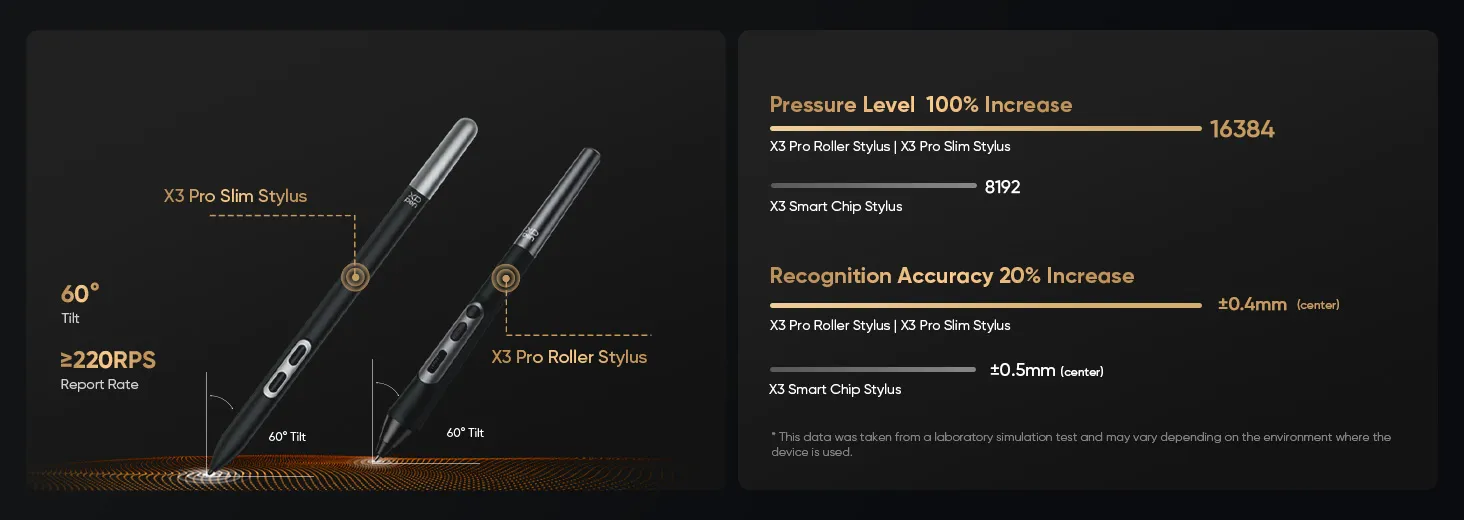
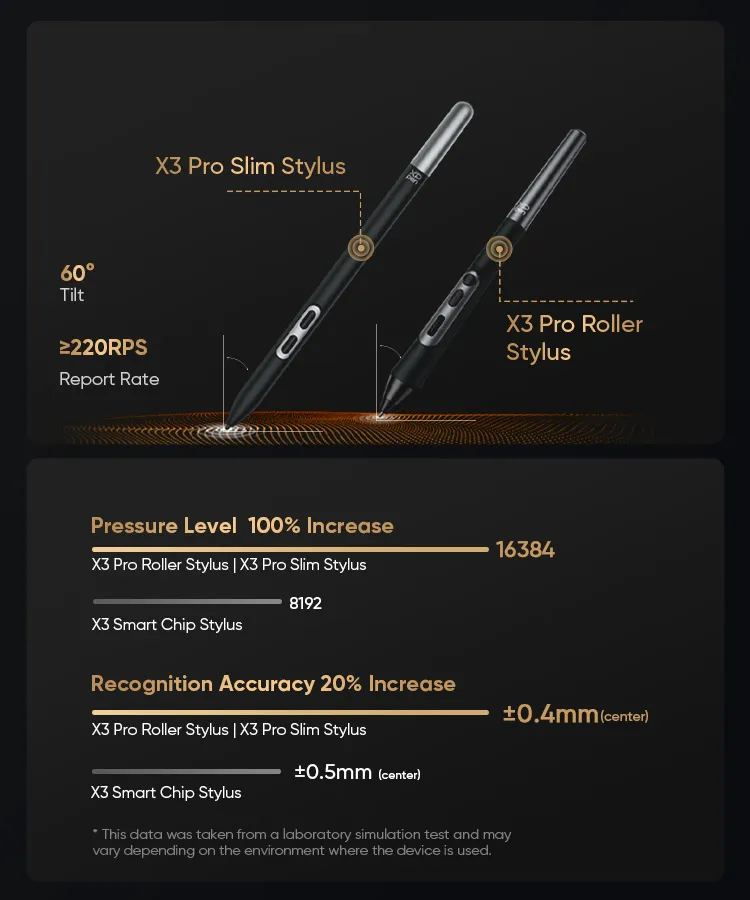
16384 Pressure Level
/ Digital Eraser
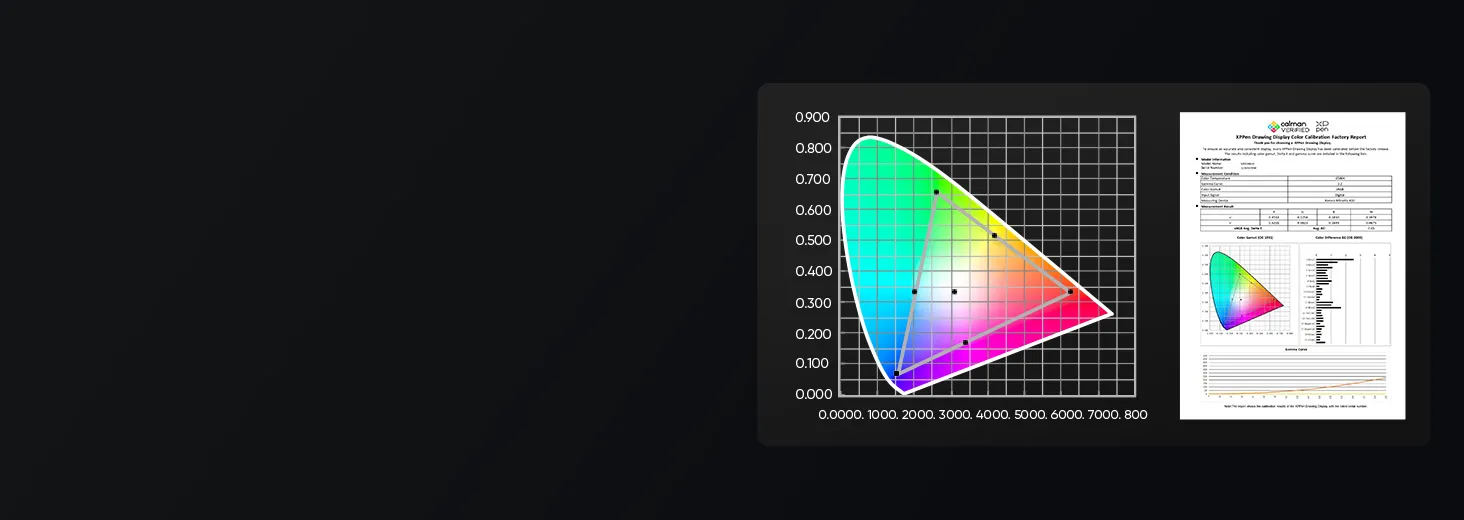
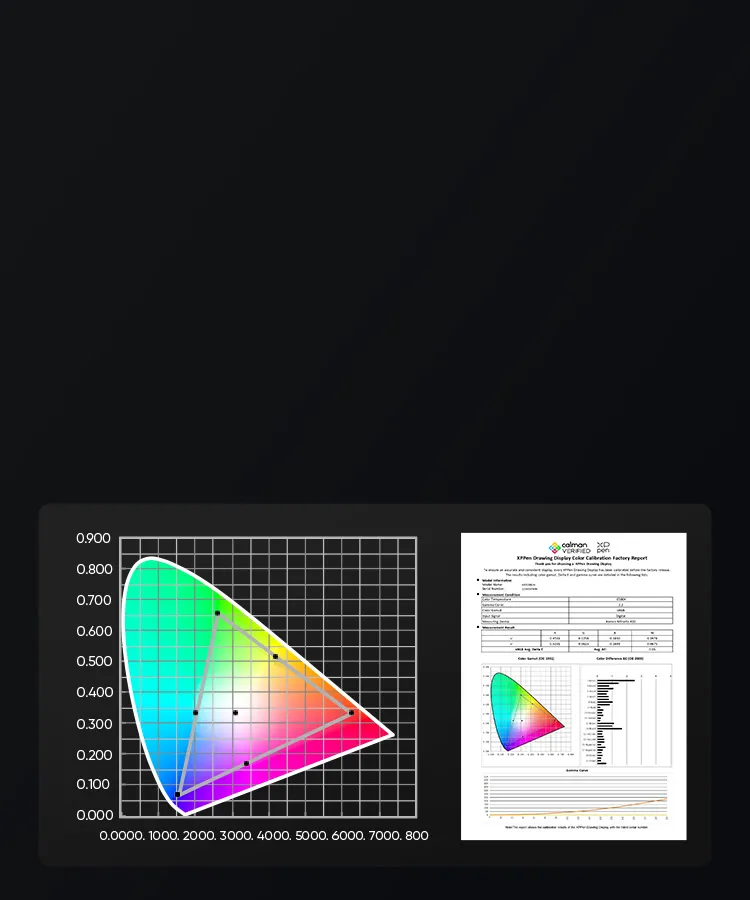
156% sRGB
116% Adobe RGB
115% DCI-P3 Color Gamut (NTSC, sRGB, Adobe RGB)
116% Adobe RGB
115% DCI-P3 Color Gamut (NTSC, sRGB, Adobe RGB)
18.4" Screen Size
3840 × 2160 Screen Resolution
16:10 Aspect Ratio
1000:1 Contrast Ratio
15 ms Response Time
2.23 kg Net Weight
638.1 × 407.9 × 44 mm Dimensions
526.1 × 295.9 mm Workspace
X3 Pro
Chip Technology
Chip Technology
16384 Pressure Level
✓ Digital Eraser
99% sRGB
99% Adobe RGB
98% Display P3 Color Gamut (NTSC, sRGB, Adobe RGB)
99% Adobe RGB
98% Display P3 Color Gamut (NTSC, sRGB, Adobe RGB)
23.8" Screen Size
3840 × 2160 Screen Resolution
16:9 Aspect Ratio
1000:1 Contrast Ratio
14 ms Response Time
7.3 kg Net Weight
547 × 362 × 33.4 mm Dimensions
476.1 × 267.8 mmm Workspace
X3 Pro
Chip Technology
Chip Technology
16384 Pressure Level
✓ Digital Eraser
130% sRGB
96% Adobe RGB
96% DCI-P3 Color Gamut (NTSC, sRGB, Adobe RGB)
96% Adobe RGB
96% DCI-P3 Color Gamut (NTSC, sRGB, Adobe RGB)
21.5" Screen Size
1920 x 1080 Screen Resolution
16:9 Aspect Ratio
1000:1 Contrast Ratio
14 ms Response Time
5.432 kg Net Weight
Package Includes
1 x Drawing Display
1 x 3in1 Cable
2 x USB-C to USB-C Cable
1 x USB-C to USB-A Cable
1 x PD Power Adapter
1 x Wireless Shortcut Remote ACK05
1 x Drawing Glove
1 x Cleaning Cloth
1 x H11 Pen Case (Built -in: X3 Pro Roller Stylus x 1, X3 Pro Slim Stylus x 1, Bluetooth Receiver for Wireless Shortcut Remote x 1, Replaceable Button Cap for Slim Stylus x 1, Standard Nib for Slim Stylus x 4, Standard Nib for Roller Stylus x 2, Felt Nib for Roller Stylus x 2, Nib Extractor x 1)
1 x Pen Nibs Bag (Built -in: Standard Nib for Slim Stylus x 5, Standard Nib for Roller Stylus x 5, Felt Nib for Roller Stylus x 5)
Specifications
| List of compatible Android devices | |
| HUAWEI Mate 10 | HUAWEI Mate 10 Pro |
| HUAWEI Mate 20 | HUAWEI Mate 20 Pro |
| HUAWEI Mate 20 X | HUAWEI Mate 30 Pro |
| HUAWEI Mate 40 | HUAWEI Mate 40 pro |
| HUAWEI Mate 30E Pro 5G | HUAWEI P20 |
| HUAWEI P20 Pro | HUAWEI P30 |
| HUAWEI P30 Pro | HUAWEI P40 |
| HUAWEI P40 Pro | HUAWEI P40 Pro+ |
| HUAWEI Mate 50 | HUAWEI Mate 50 Pro |
| HUAWEI Mate 40E | HUAWEI Mate 40 Pro+ |
| HUAWEI P50 Pro | HUAWEI P50 |
| HUAWEI P50E | HUAWEI Mate X2 |
| HUAWEI Mate Xs2 | HUAWEI Mate 50E |
| HUAWEI Mate 40E Pro | HUAWEI Mate 40 RS |
| HUAWEI P50 Pocket | Honor Note10 |
| Honor V20 | Honor 30pro+ |
| Honor Magic4 | Honor Magic4 Pro |
| Samsung Galaxy A90 5G | Samsung Galaxy Note9 |
| Samsung Galaxy Note10 | Samsung Galaxy Note10+ 5G |
| Samsung Galaxy S8 | Samsung Galaxy S8+ |
| Samsung Galaxy S9 | Samsung Galaxy S9+ |
| Samsung Galaxy S10 | Samsung Galaxy S10+ |
| Samsung Galaxy S10e | Samsung Galaxy S20 |
| Samsung Galaxy S20+ | Samsung Galaxy S20 Ultra |
| Samsung Galaxy S20 FE 5G | Samsung Galaxy S21 |
| Samsung Galaxy S21 FE | Samsung Galaxy S21 ultra |
| Samsung Galaxy S22 | Samsung Galaxy S22 Ultra |
| Samsung Galaxy Note20 | Samsung Galaxy Note20 Ultra |
| Samsung Galaxy Tab S7 | Samsung Galaxy Tab S7 FE |
| Samsung Galaxy Tab S5e | Samsung Galaxy S21+ |
| Samsung Galaxy S22+ | Samsung Galaxy S23 |
| Samsung Galaxy S23+ | Samsung Galaxy S23 Ultra |
| Samsung Galaxy Z Fold4 | Samsung W23 |
| Samsung W22 | Samsung W21 |
| Samsung W20 | Samsung Galaxy Tab S8 |
| Samsung Galaxy Tab S8+ | Samsung Galaxy Tab S8 Ultra |
| Samsung Galaxy Tab S7+ | Samsung Galaxy Tab S6 |
| Samsung Galaxy Tab S6 Lite | |
| Linux OS | Version | Package Format | Supported Software |
| Arch | Arch Linux2019.12.01(64-bit) | .deb, .sh | GIMP, Krita |
| Centos | Centos7.0(64-bit) | .rpm, .sh | GIMP |
| Centos8(64-bit) | .rpm, .sh | GIMP, Krita | |
| Debian | debian-9.5.0-amd64-netinst(64-bit) | .deb, .sh | GIMP, Krita |
| elementary OS | elementary OS 5.0(64-bit) | .deb, .sh | GIMP, Krita |
| ezgo Linux | ezgo14(64-bit) | .deb, .sh | GIMP, Krita |
| Fedora | Fedora32(64-bit) | .rpm, .sh | GIMP, Krita |
| Mageia | Mageia-7.1(64-bit) | .rpm, .sh | GIMP, Krita |
| Manjaro | manjaro-xfce-20.1.2-201019(64-bit) | .deb, .sh | GIMP |
| Mint | linuxmint-18.2-cinnamon-64bit | .deb, .sh | GIMP, Krita |
| OpenSUSE | openSUSE-Tumbleweed(64-bit) | .rpm, .sh | GIMP, Krita |
| Pop!_OS | pop-os_19.10(64-bit) | .deb, .sh | GIMP, Krita |
| Red Hat | Red Hat7(64-bit) | .rpm, .sh | GIMP |
| Ubuntu | Ubuntu14.04(64-bit) | .deb, .sh | GIMP, Krita |
| Ubuntu16.04(64-bit) | .deb, .sh | GIMP, Krita | |
| Ubuntu17.04(64-bit) | .deb, .sh | GIMP, Krita | |
| Ubuntu18.04(64-bit) | .deb, .sh | GIMP, Krita | |
| Ubuntu19.04(64-bit) | .deb, .sh | GIMP, Krita | |
| Ubuntu20.04(64-bit) | .deb, .sh | GIMP, Krita |
| Function | Krita 4.3.0 | Gimp 2.10.20 | Inkscape 0.92 |
| Pen Pressure Sensitivity | |||
| Tilt | |||
| Mouse Function | |||
| Eraser Button (Stylus:PH01, P06) | |||
| Switch between Pen and Eraser Modes | |||
| *If you have any further queries, please do not hesitate to contact us at service@xp-pen.com. | |||
Linux OS
Arch
Version
Arch Linux2019.12.01(64-bit)
Package Format
.deb, .sh
Supported Software
GIMP, Krita
Centos
Version
Centos7.0(64-bit)
Centos8(64-bit)
Centos8(64-bit)
Package Format
.rpm, .sh
.rpm, .sh
.rpm, .sh
Supported Software
GIMP
GIMP, Krita
GIMP, Krita
Debian
Version
debian-9.5.0-amd64-netinst(64-bit)
Package Format
.deb, .sh
Supported Software
GIMP, Krita
elementary OS
Version
elementary OS 5.0(64-bit)
Package Format
.deb, .sh
Supported Software
GIMP, Krita
ezgo Linux
Version
ezgo14(64-bit)
Package Format
.deb, .sh
Supported Software
GIMP, Krita
Fedora
Version
Fedora32(64-bit)
Package Format
.rpm, .sh
Supported Software
GIMP, Krita
Mageia
Version
Mageia-7.1(64-bit)
Package Format
.rpm, .sh
Supported Software
GIMP, Krita
Manjaro
Version
manjaro-xfce-20.1.2-201019(64-bit)
Package Format
.deb, .sh
Supported Software
GIMP
Mint
Version
linuxmint-18.2-cinnamon-64bit
Package Format
.deb, .sh
Supported Software
GIMP, Krita
OpenSUSE
Version
openSUSE-Tumbleweed(64-bit)
Package Format
.rpm, .sh
Supported Software
GIMP, Krita
Pop!_OS
Version
pop-os_19.10(64-bit)
Package Format
.deb, .sh
Supported Software
GIMP, Krita
Red Hat
Version
Red Hat7(64-bit)
Package Format
.rpm, .sh
Supported Software
GIMP
Ubuntu
Version
Ubuntu14.04(64-bit)
Ubuntu16.04(64-bit)
Ubuntu17.04(64-bit)
Ubuntu18.04(64-bit)
Ubuntu19.04(64-bit)
Ubuntu20.04(64-bit)
Ubuntu16.04(64-bit)
Ubuntu17.04(64-bit)
Ubuntu18.04(64-bit)
Ubuntu19.04(64-bit)
Ubuntu20.04(64-bit)
Package Format
.deb, .sh
.deb, .sh
.deb, .sh
.deb, .sh
.deb, .sh
.deb, .sh
.deb, .sh
.deb, .sh
.deb, .sh
.deb, .sh
.deb, .sh
Supported Software
GIMP, Krita
GIMP, Krita
GIMP, Krita
GIMP, Krita
GIMP, Krita
GIMP, Krita
GIMP, Krita
GIMP, Krita
GIMP, Krita
GIMP, Krita
GIMP, Krita
Function
Pen Pressure Sensitivity
Krita 4.3.0
Gimp 2.10.20
Inkscape 0.92
Tilt
Krita 4.3.0
Gimp 2.10.20
Inkscape 0.92
Mouse Function
Krita 4.3.0
Gimp 2.10.20
Inkscape 0.92
Eraser Button(Stylus:PH01, P06)
Krita 4.3.0
Gimp 2.10.20
Inkscape 0.92
Switch between Penand Eraser Modes
Krita 4.3.0
Gimp 2.10.20
Inkscape 0.92
*If you have any further queries, please do not hesitate to contact us at service@xp-pen.com.
0

Based on 0

0(0)
0(0)
0(0)
0(0)
0(0)
 No review No consulting