


Pilot Pro
Triple Rotating Dials — fingertip precision for an immersive creative experience
4/8‑Direction Joystick — more efficient workflow control
100+ Commands & 7 Themes — optimized productivity setup
3 Connection Modes — stable and smooth performance
15‑Day Battery Life — based on 4 hours of daily use
FREE SHIPPING
Fast, free shipping worldwide
24-MONTH-WARRANTY
Hassle-free warranty
QUALITY PURCHASE
30-day money-back guarantee
TECH SUPPORT
Lifetime customer support
Quantity:
 Log in and purchase to receive an estimated 212 X-Coins



Worry-Free Delivery® available with seel
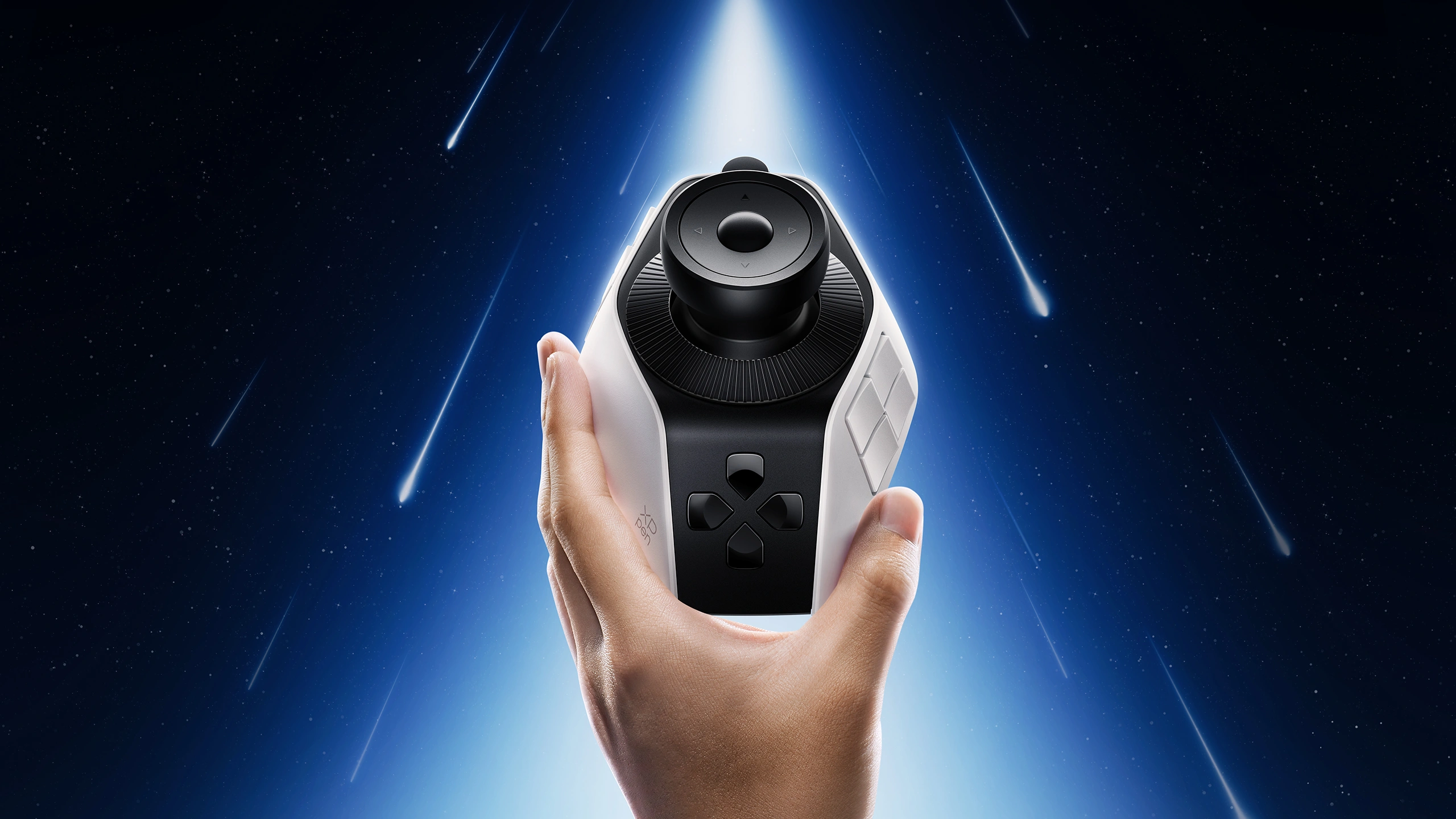
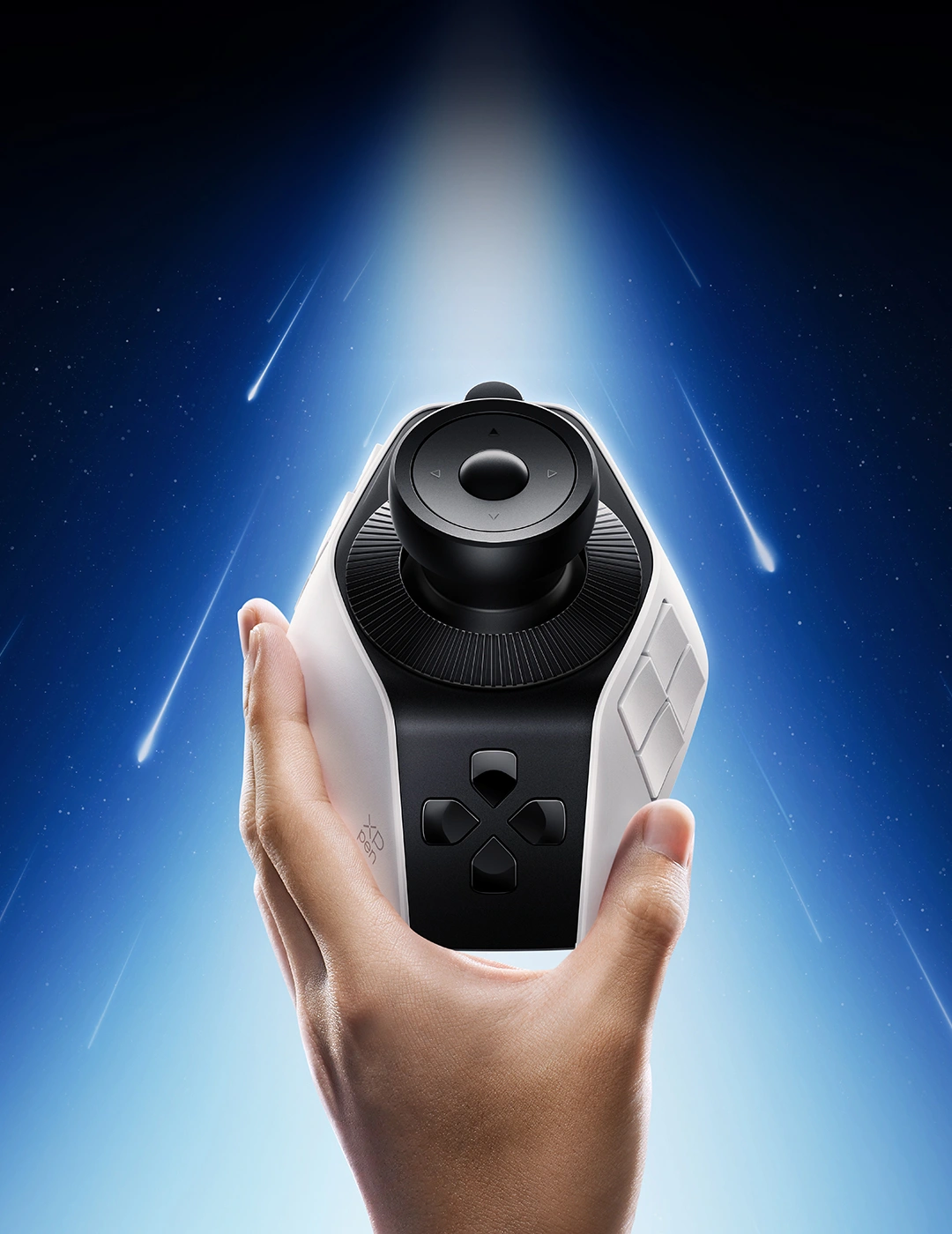
Pilot Pro Editing Console
Pilot Pro Editing Console | Joystick Controller
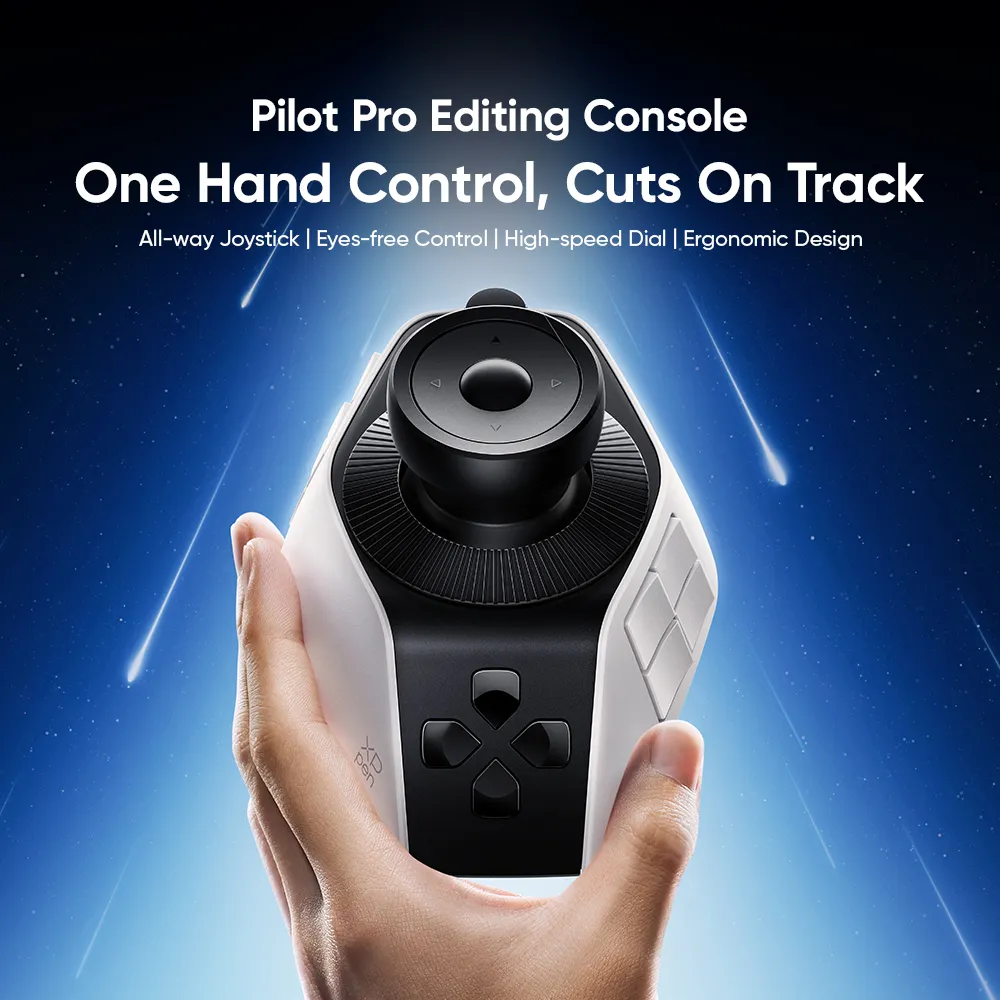
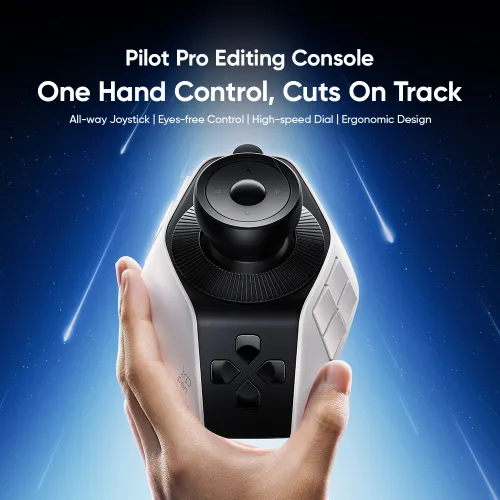
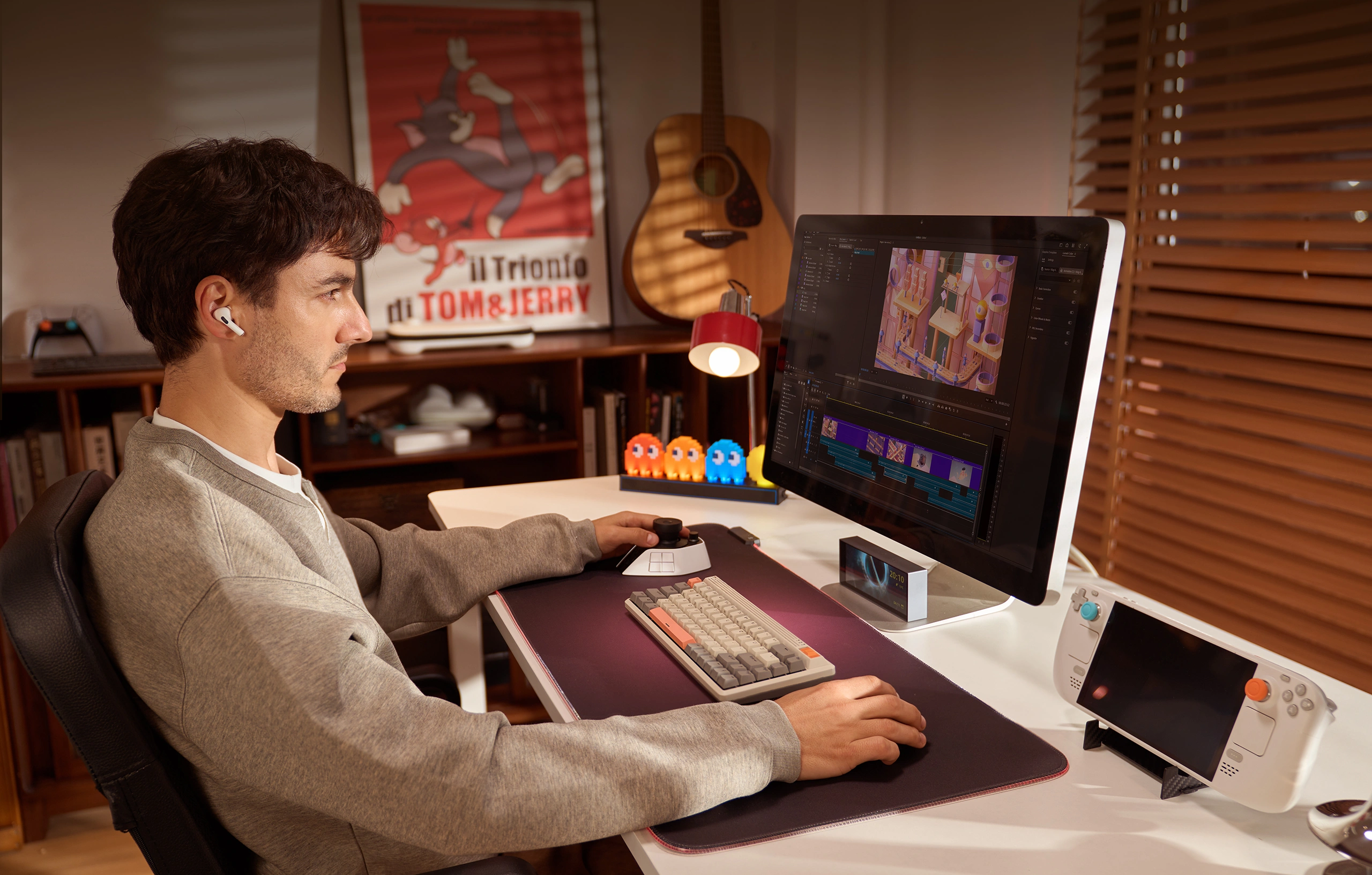
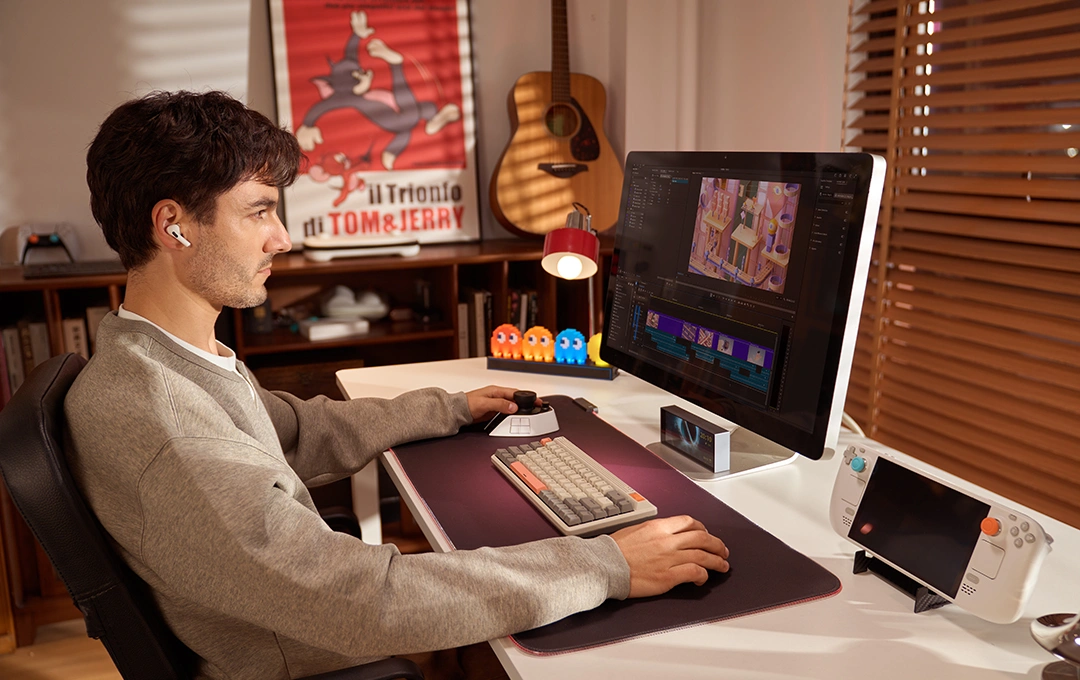
One Hand Control
One Hand Control, Cuts On Track
All-way Joystick | Eyes-free Control | High-speed Dial
Ergonomic Design
Joystick Controller
Cuts On Track
All-way Joystick | Eyes-free Control
High-speed Dial | Ergonomic Design





Hipertextual
Leading Spanish Tech Media
Hugo Guerra
Director, Visual Effects Supervisor, VES Award Nominee
Phototrend Media
Renowned French Photography Media
OREFOLDER
Well-known Japanese Tech Media
Fstoppers
Leading Global Photography and Video Media
"The new XPPen Pilot Pro is, without a doubt, the most versatile editing console I've ever seen. Thanks to its buttons and joystick, I can move around and adjust almost anything without looking, in a very intuitive way. It's also incredibly comfortable for both the hand and wrist, especially if you spend many hours editing."
Without a doubt, the Pilot Pro has become part of my workflow. It allowed me to be much more frame-accurate with my timelines and also super precise with my color correction.
"Ultimately, the XPPen Pilot Pro stands out as a highly accomplished tool. It will satisfy video editors and creators looking for an accessible and immediate productivity boost. Photographers will also find it useful in Lightroom Classic."
"With the XPPen Pilot Pro, you can intuitively control it not only with knobs and wheel rotations, but also with joysticks and touch buttons."
"I mainly used it for video editing, and it's been incredibly useful for moving and zooming in and out of the timeline, and for adding sound effects and text overlays."
" The haptic feedback makes precise control easy, and I've quickly become inseparable from it."
"This is definitely the most uniquely designed editing console we've seen and that translates to the extent of how it can be maximized by an advanced user. "
"While the XPPen Pilot Pro resembles a video game controller, it can definitely be a helpful tool for serious creative work."


It's time to revolutionize your editing with the Pilot Pro Editing Console.
Designed for professional editing tasks, it features a layout of buttons, an joystick,
and dials to execute 100+ commands.
Thanks to the intuitive placement of every component,
you can enjoy eyes-free control with one hand.
Craft your masterpiece with unparalleled speed and an immersive workflow.
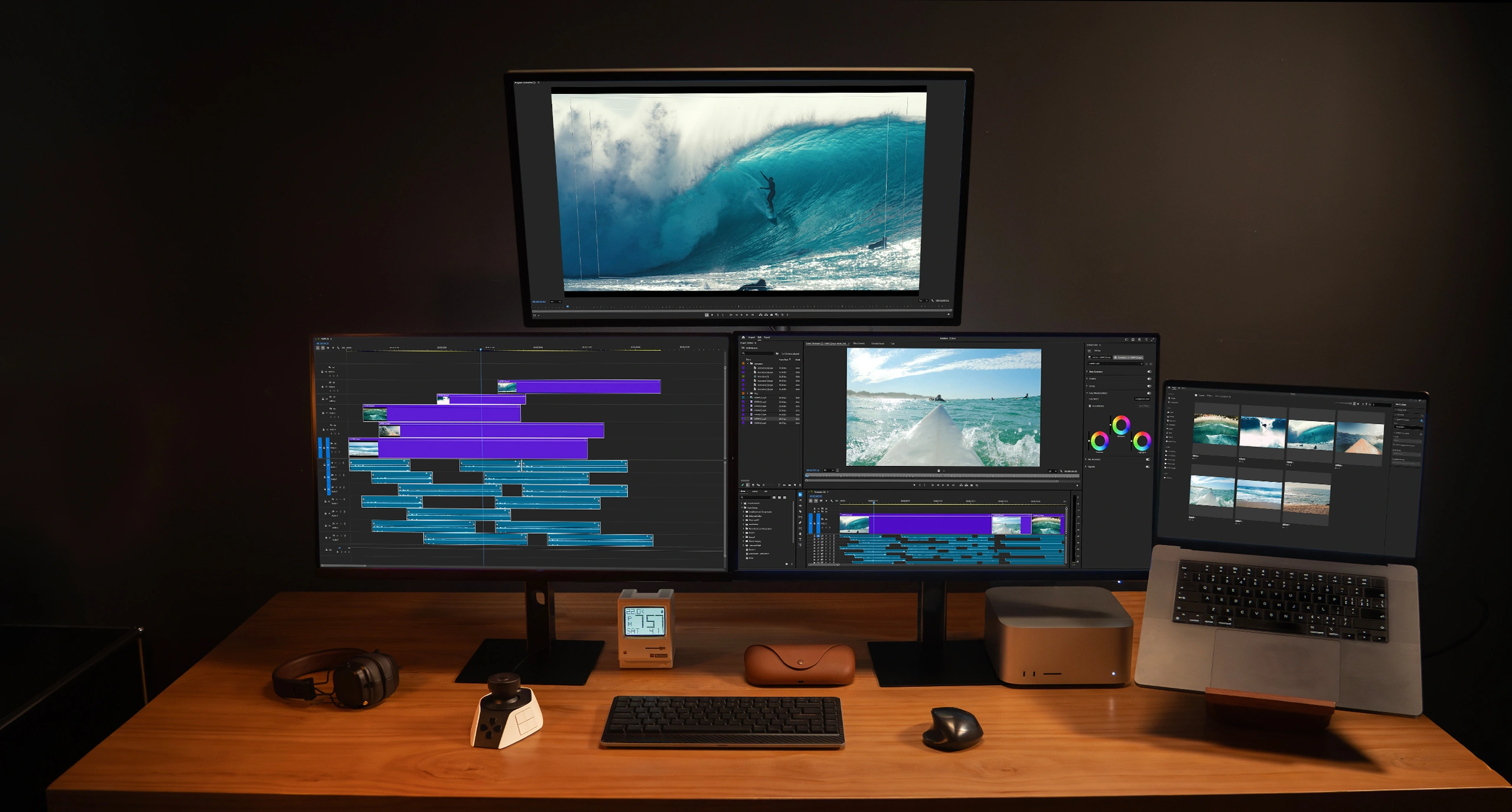
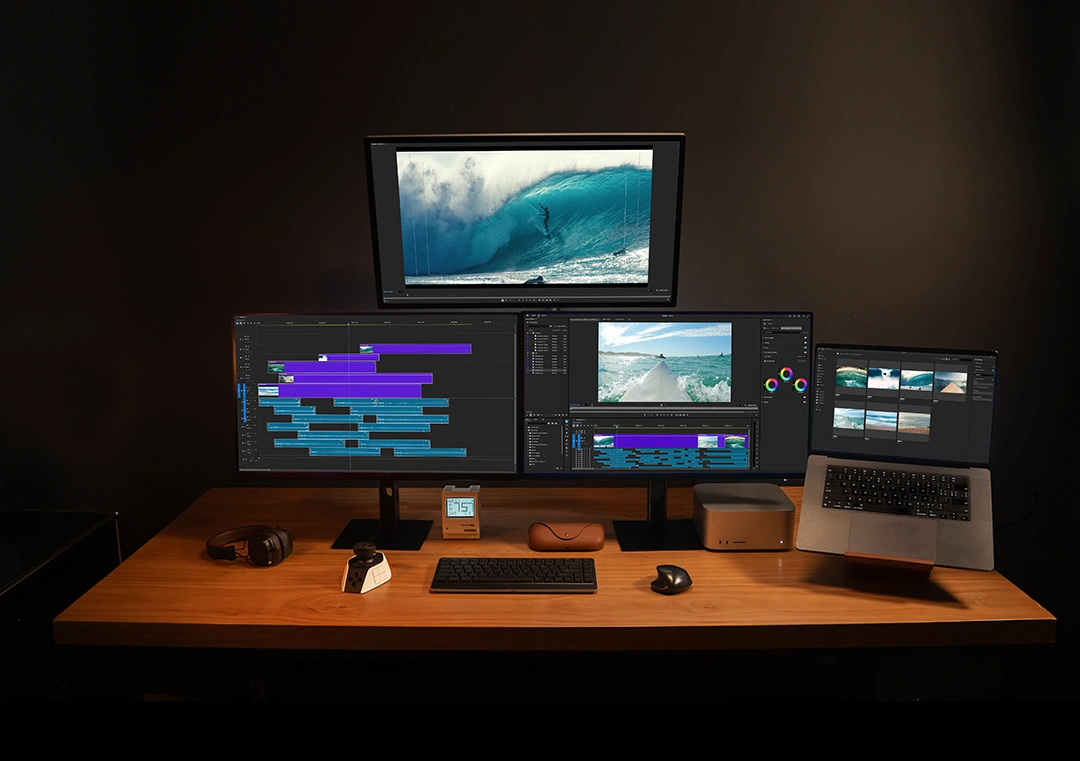
Extendable to Every Need
One Hand, Unlimited Control
Fast and Precise Color Grading
Pinpoint Keyframes with Ease
Eyes On Screen, Hands On Control
Ergonomic Design, Fatigue-Free Editing
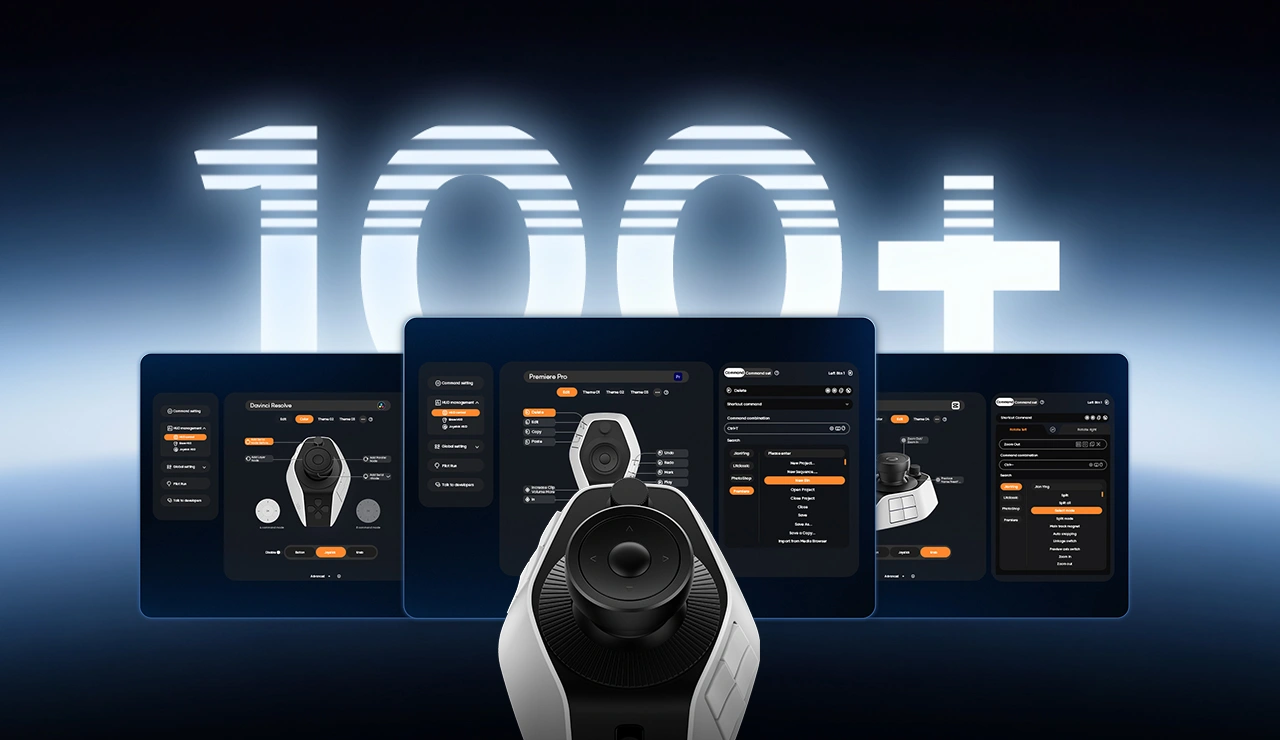
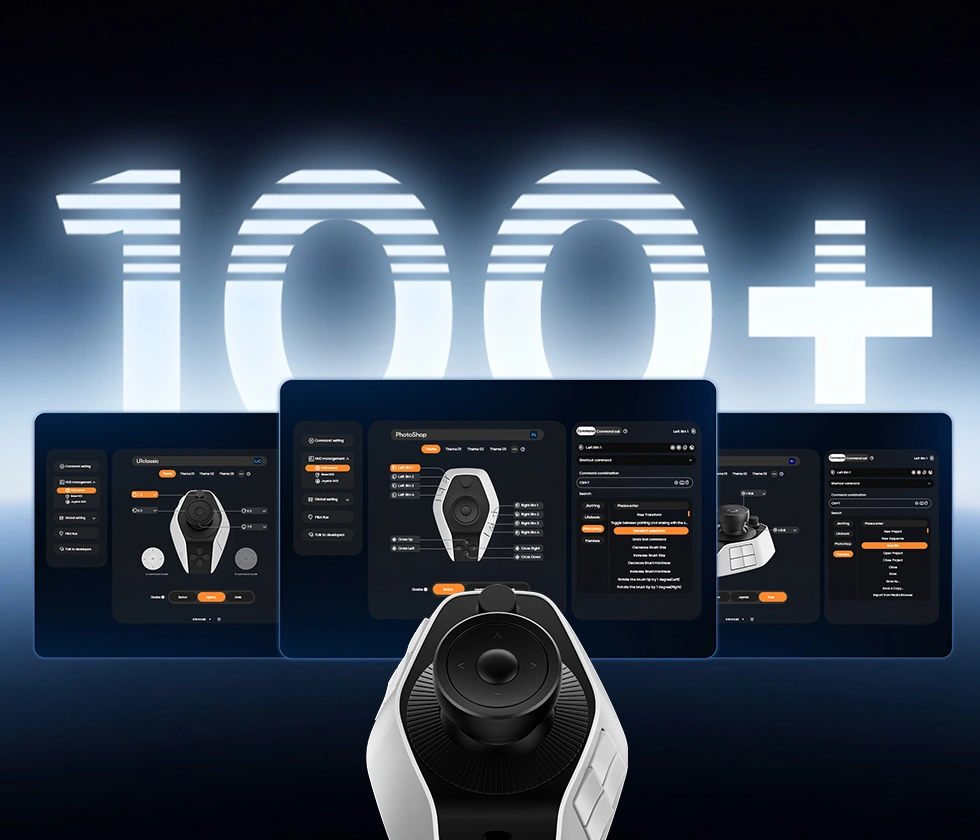
* Buttons and dials offer extensive customization.The listed functions are for reference only.
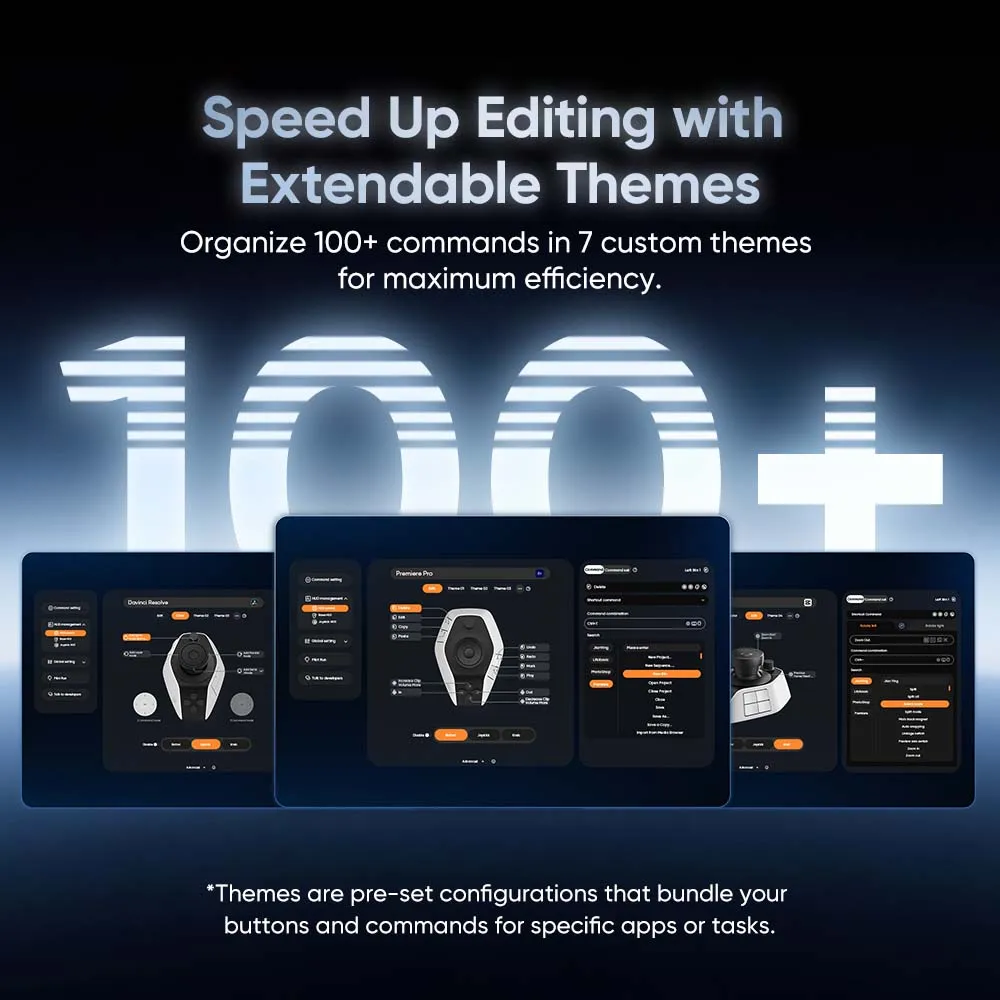
One-Touch Theme Switching for 100+ Commands
Customize the 16 Buttons as You Prefer
Intuitive Joystick Control, One-Step Color Adjustment
Rotate the High-speed Dial for Instant Positioning
Sculpted Layout of Buttons for Eyes-free Control
Natural Operating Position, Less Muscle Strain
Pilot Pro in Action:
How does it handle real editing tasks?
* After receiving your console, click here to download and install the latest firmware.
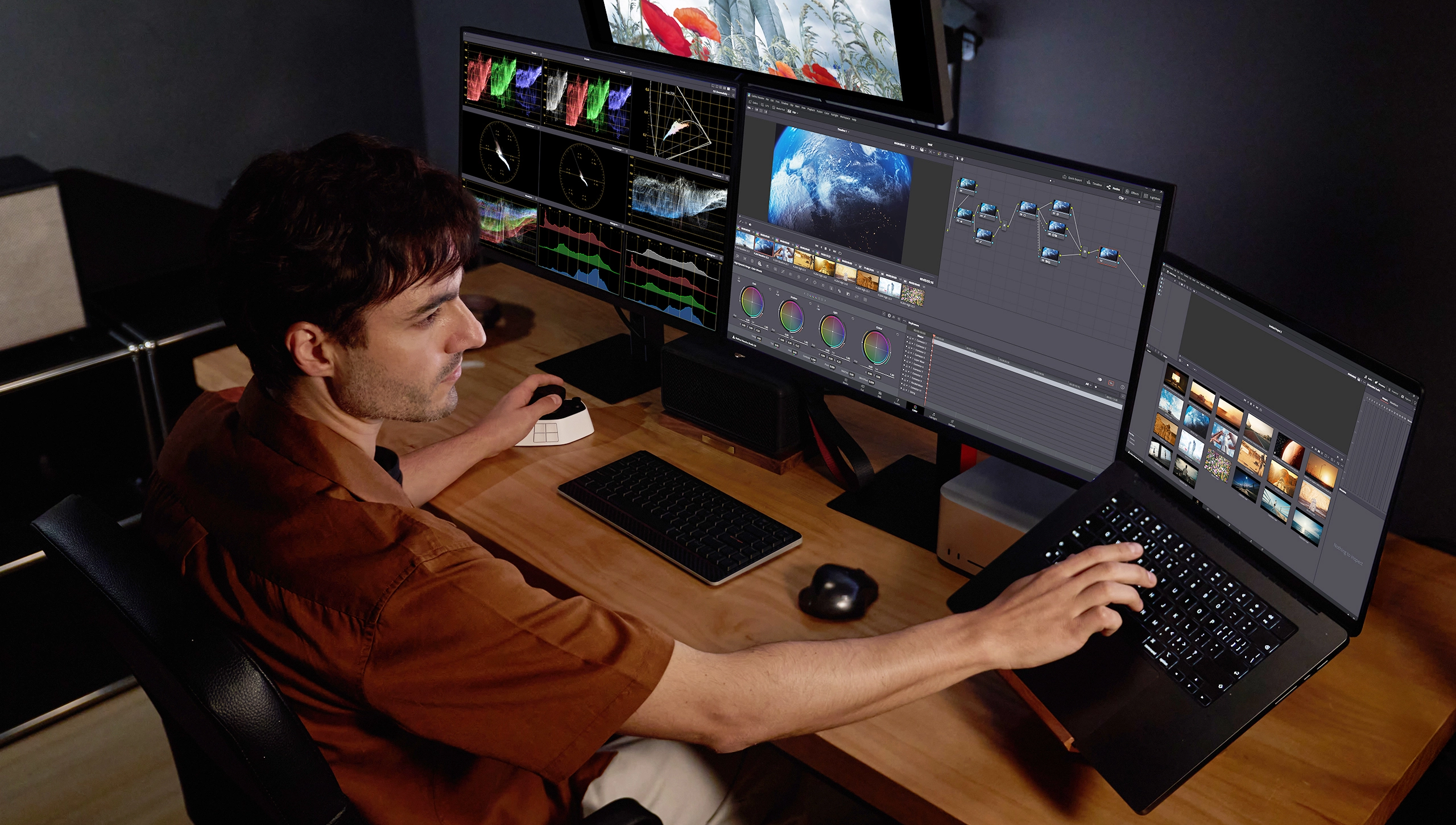
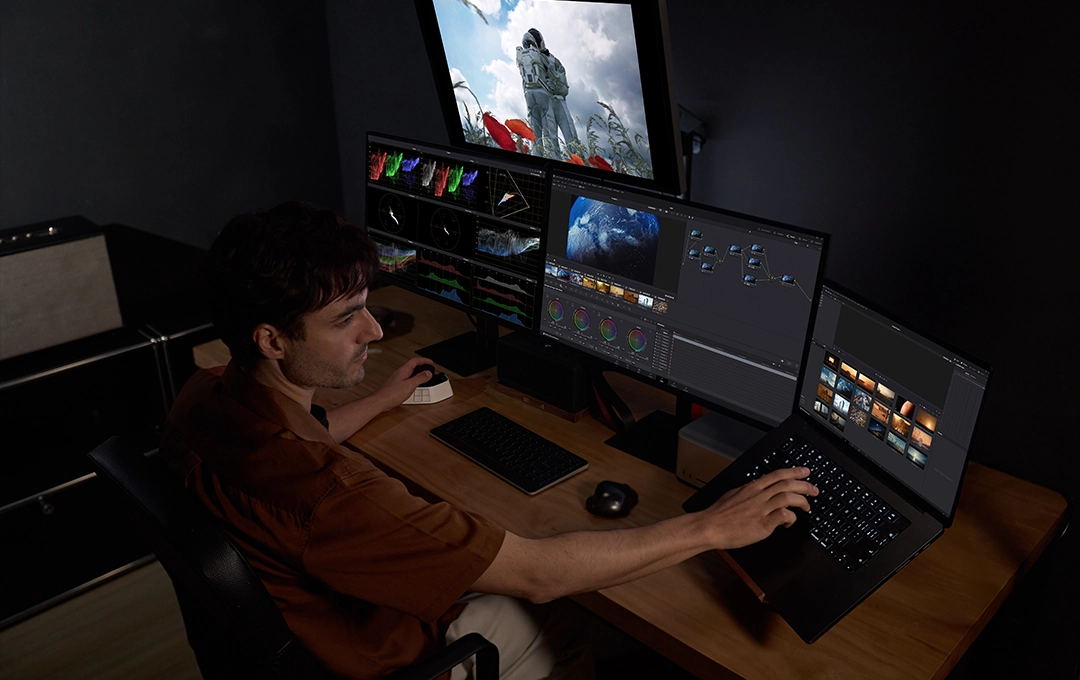
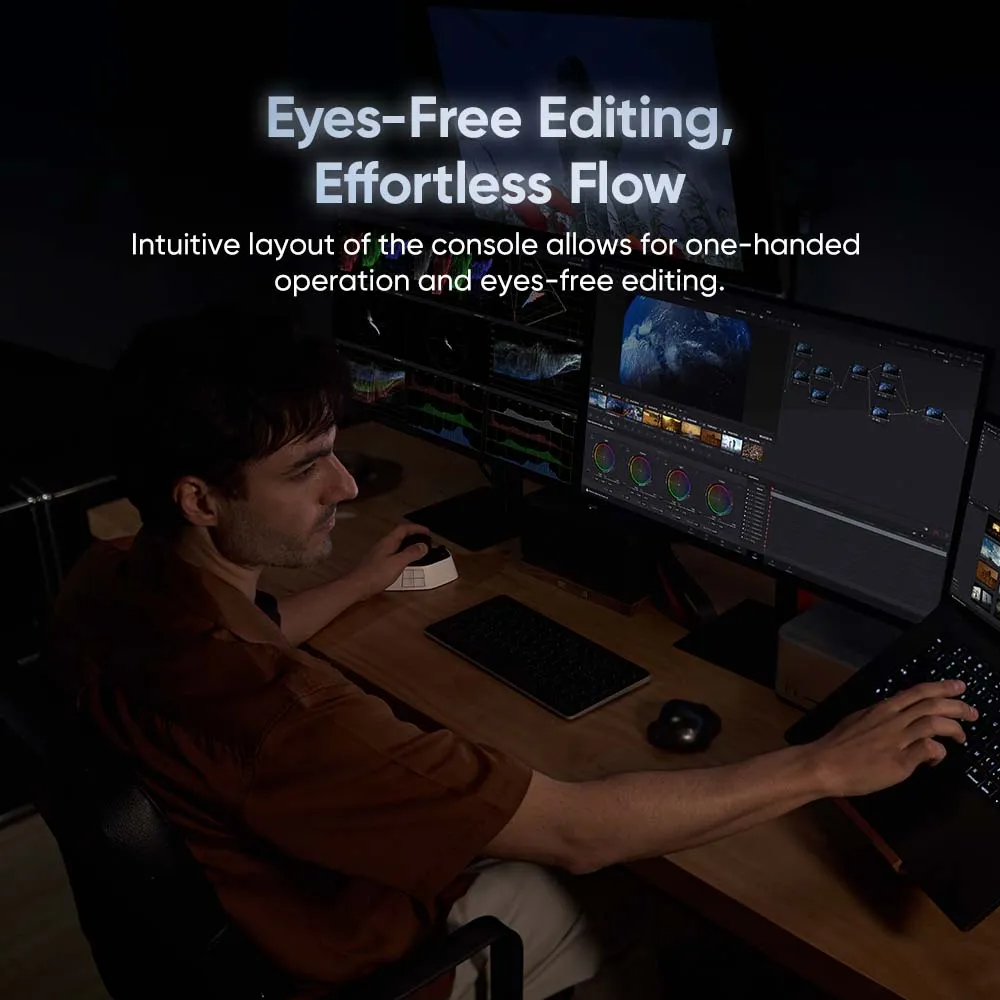
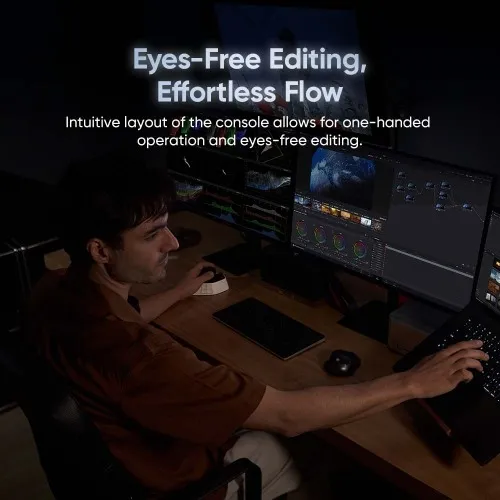
Eyes-Free Editing, Effortless Flow
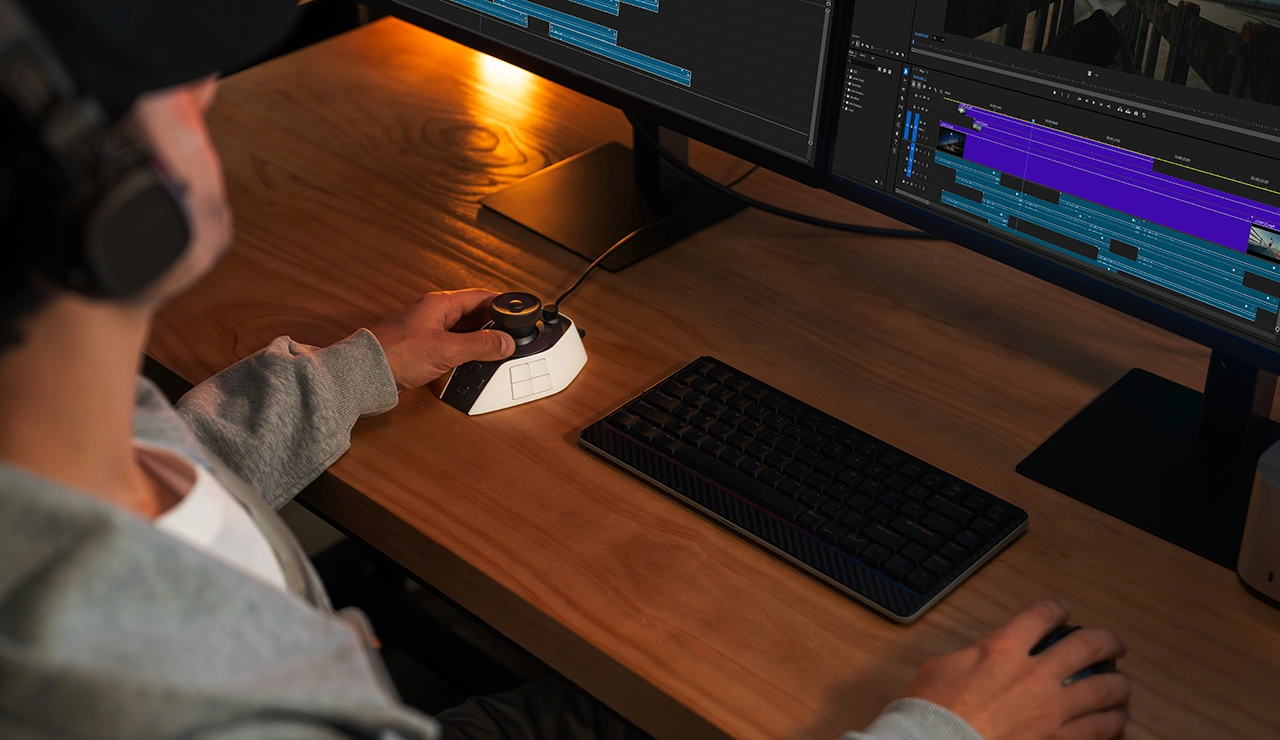
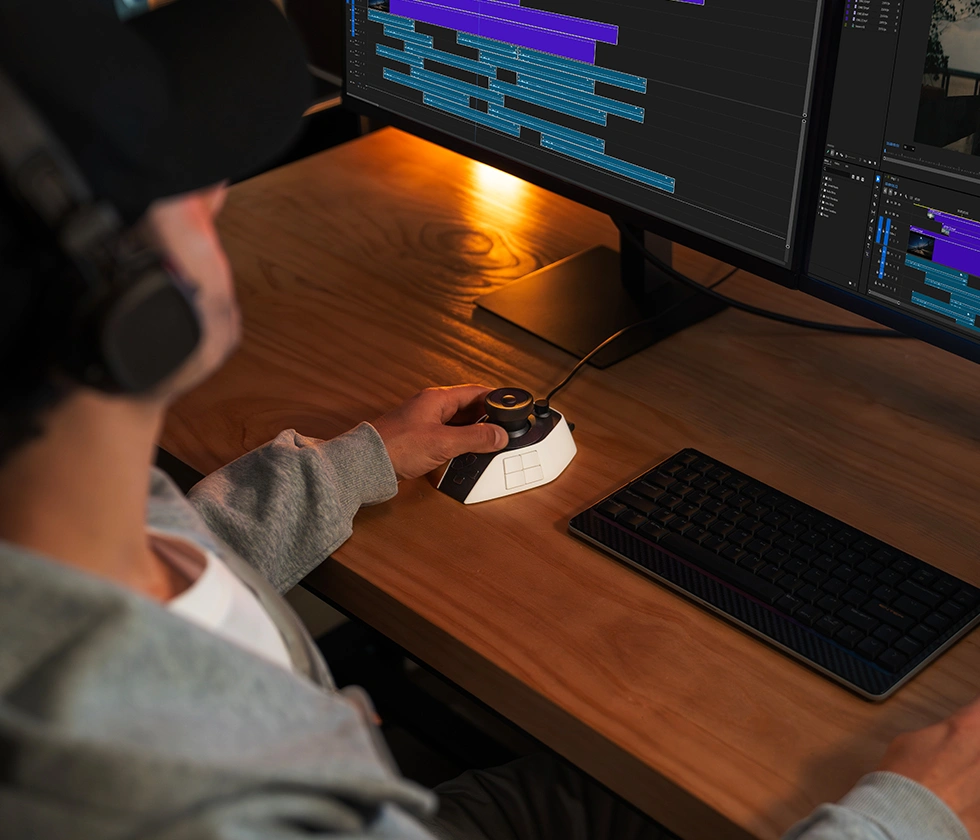
The console's layout is so intuitive and natural that you can operate it
effortlessly with one hand, avoiding frequent switching between the desktop
and screen for an immersive editing process.
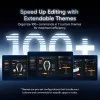
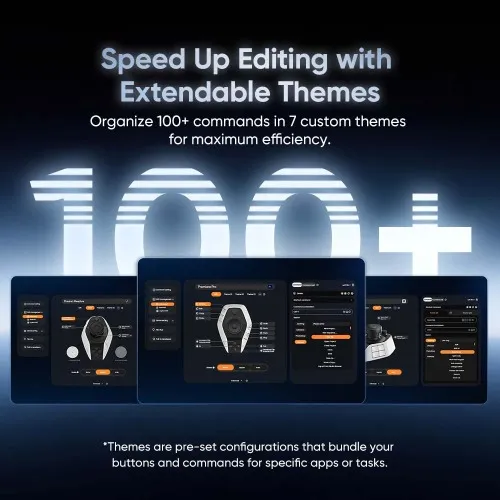
Speed Up Your Workflow
with Extendable Themes
Create up to 7 custom themes to organize hundreds of commands and
integrate them into your workflow for next-level editing efficiency.
* Themes are pre-set configurations that bundle your buttons and commands for specific software or tasks.
Instant Command Access,
Smarter Edit
Buttons can be set as "command sets," allowing a single button to carry
multiple commands. Select and execute various editing shortcuts in an
instant. You can even expand a single button into an operation panel for
quick access to multiple commands, taking your editing efficiency to the
next level.
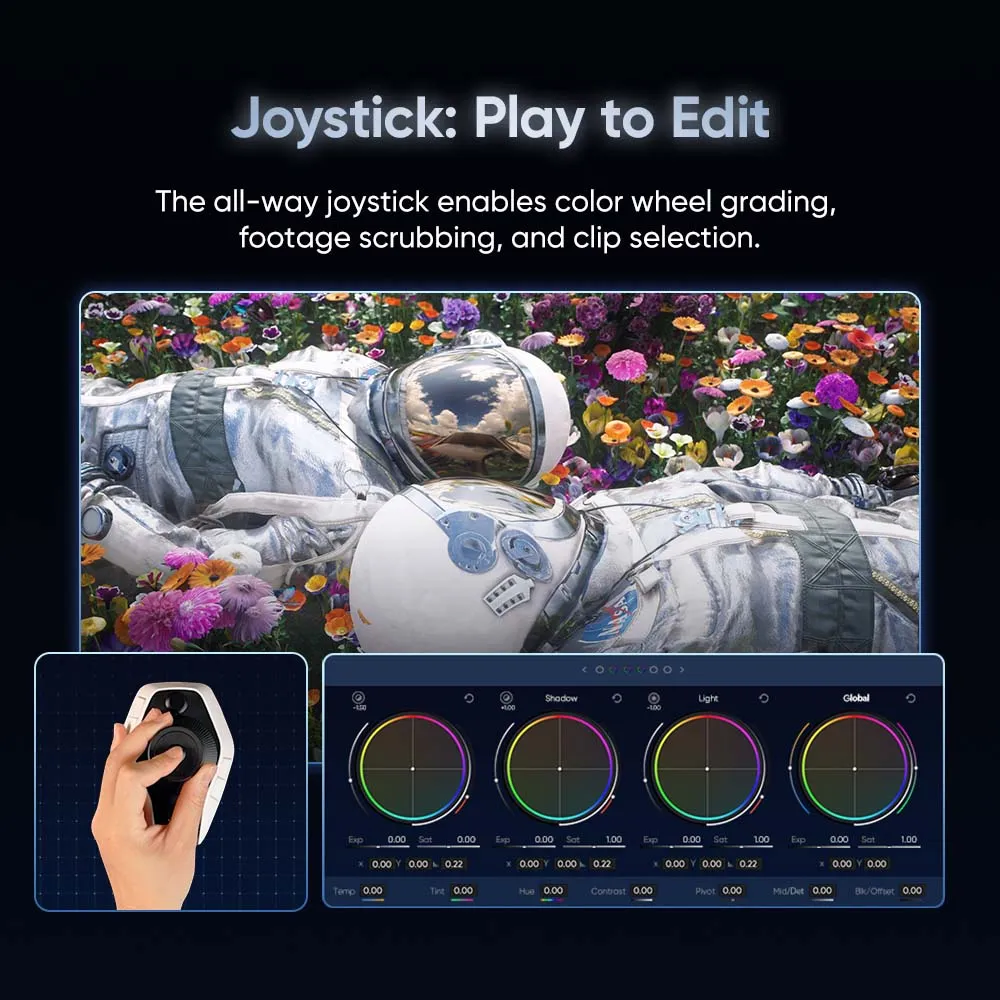
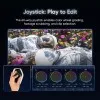
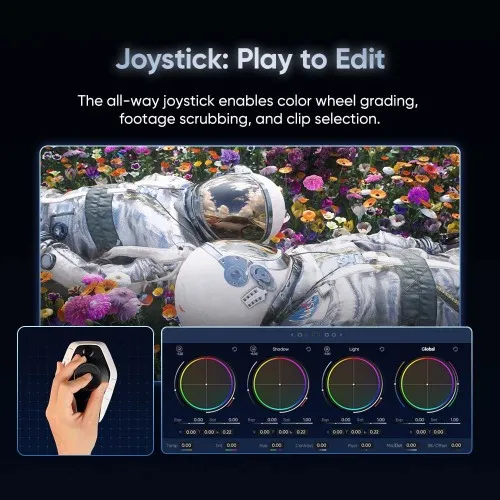
Joystick: Play to Edit
Precise Color Grading
with Every Move
The joystick supports color wheel grading, offering silky-smooth precision
without the need for modifier keys—all in one fluid motion.
Directional Commands, Intuitive Control
By offering 4- to 8-way movement, the joystick enables efficient command
execution that aligns with your intuition.
4 command mode
8 command mode
Variable Speed Playback
Move the joystick left or right to play the video on the timeline at a faster speed for quick browsing.
Select & Cut Clips:
Move the joystick up to select specific clips and down to cut them.


Tri-Dials:
Precision at Your Turn
Faster Navigation, Smoother Editing
Rotate the high-speed dial to quickly scrub through clips and locate the
exact edit point for trimming.
Dial in Perfect Details
Rotate the precision knob for subtle adjustment and image
rotation. Immerse yourself in an uninterrupted editing flow.
Playhead Adjustment:
Turn the precision knob to move the playhead and browse clips frame-by-frame.
Image Rotation:
Rotate the image to any angle with the precision dial to easily adjust composition and adapt to different size requirements.
Total Control from Overview to Detail
Turn the rotary dial to zoom in and out on the timeline, enabling you to see
the big picture and make precise adjustments.
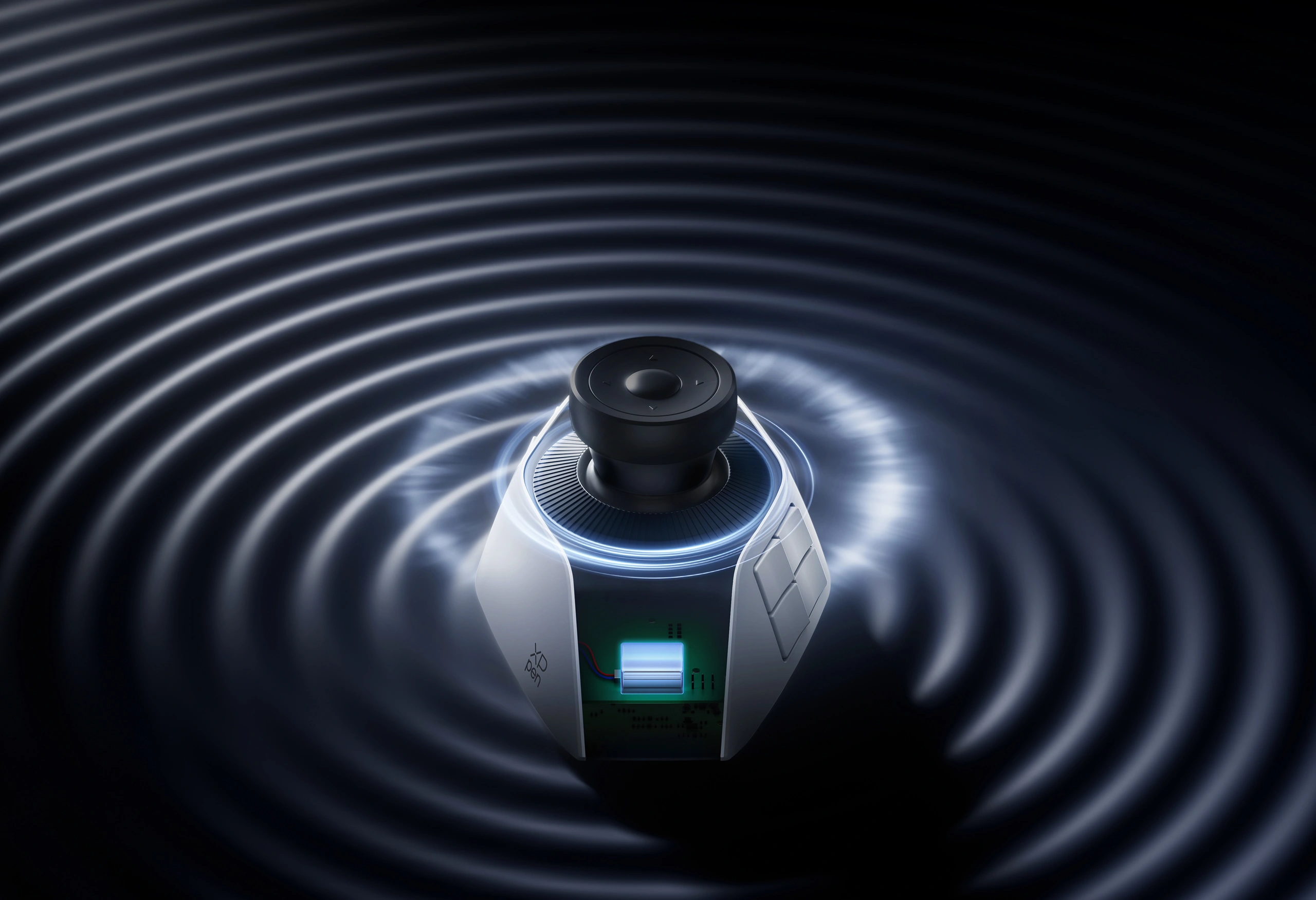
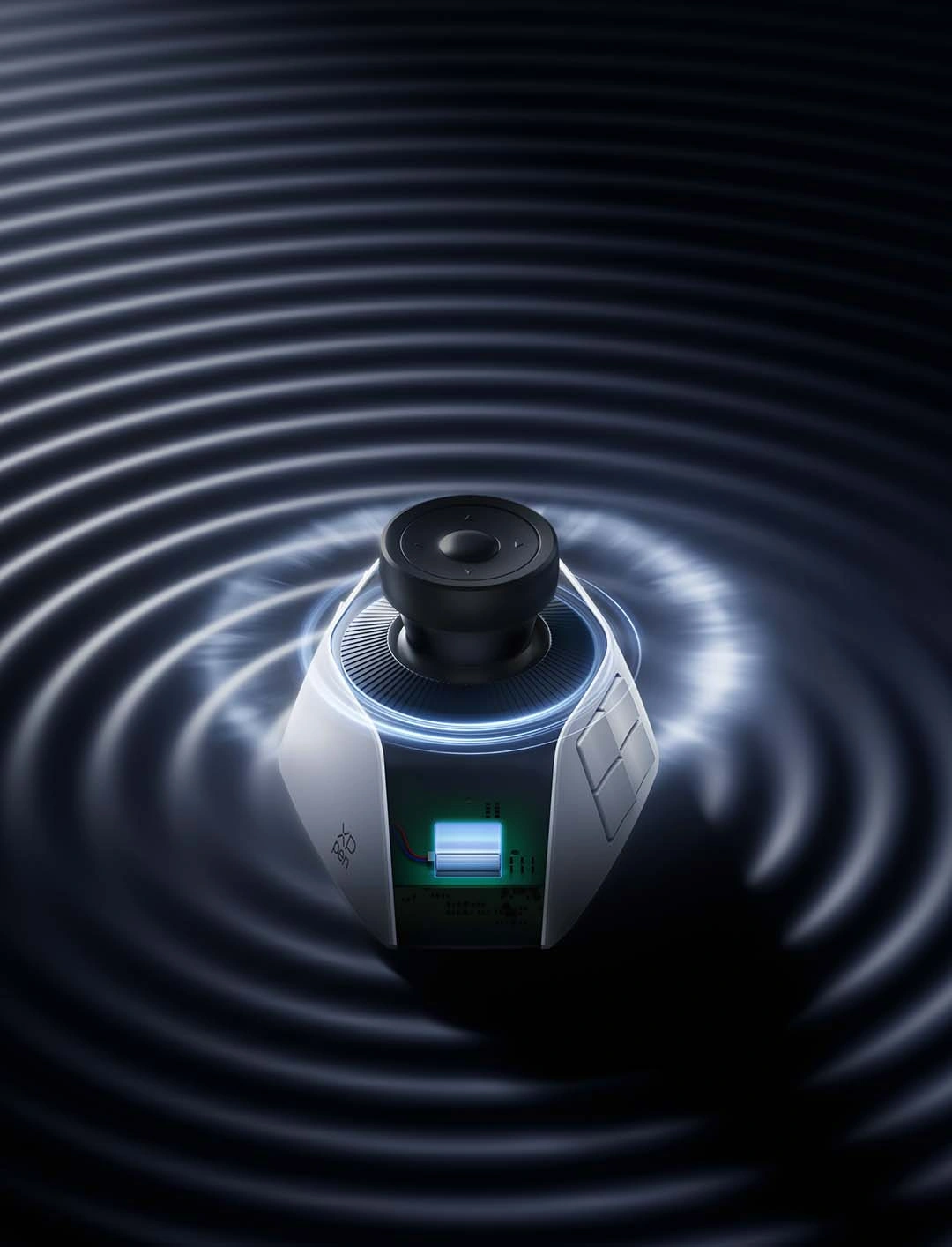
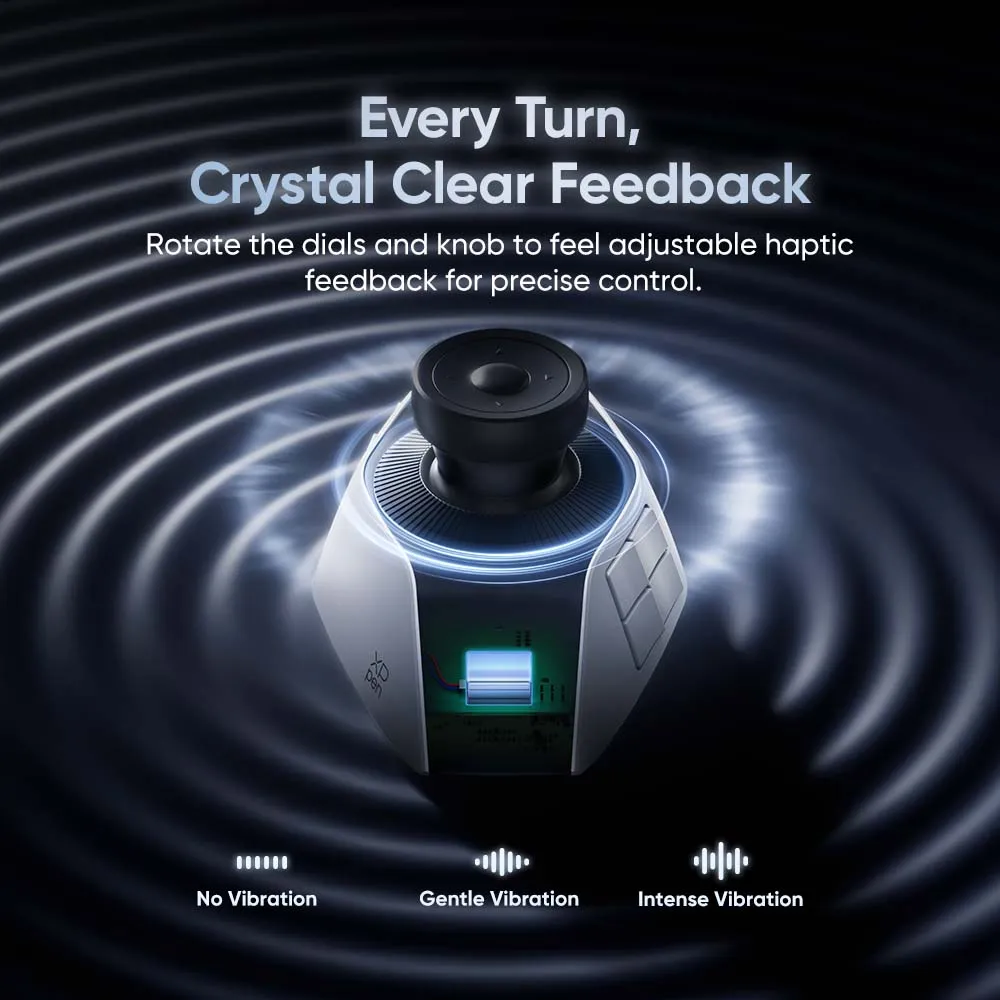
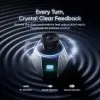
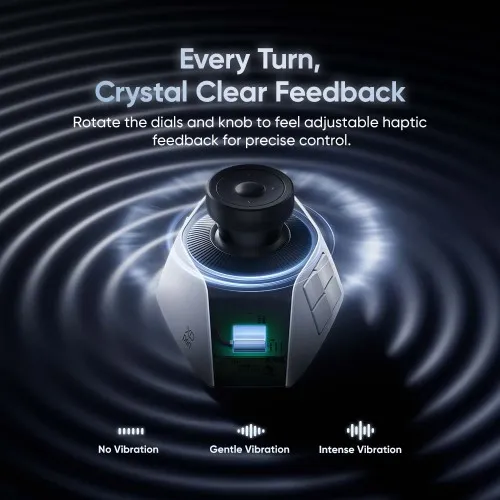
Every Turn, Crystal Clear Feedback
Feel the haptic feedback when rotating the three knobs. Every adjustment is
delivered with precision for fluid control. You can also choose between three
vibration modes to suit your preference.

No Vibration

Gentle Vibration

Intense Vibration
Master Every Button, Master Your Edit
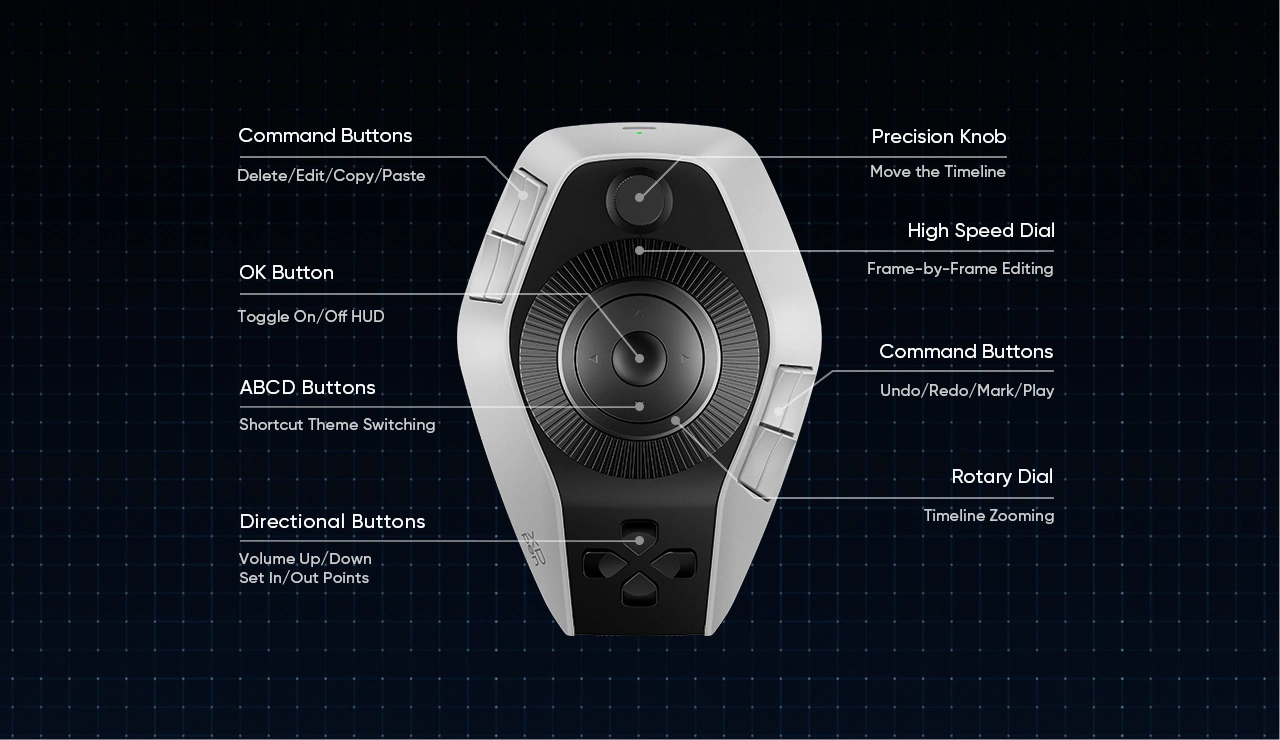
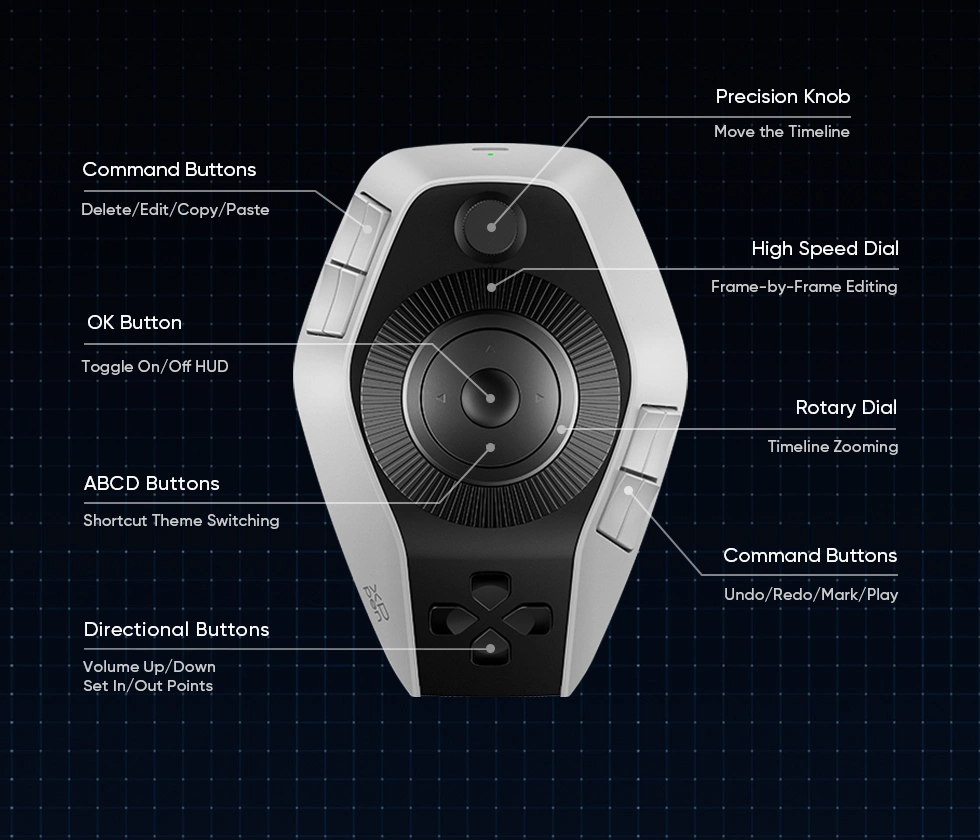
Get a closer look at the buttons on the console. They are mapped to 100+
commands and intelligently grouped for compact, one-handed access,
enabling true eyes-free operation.


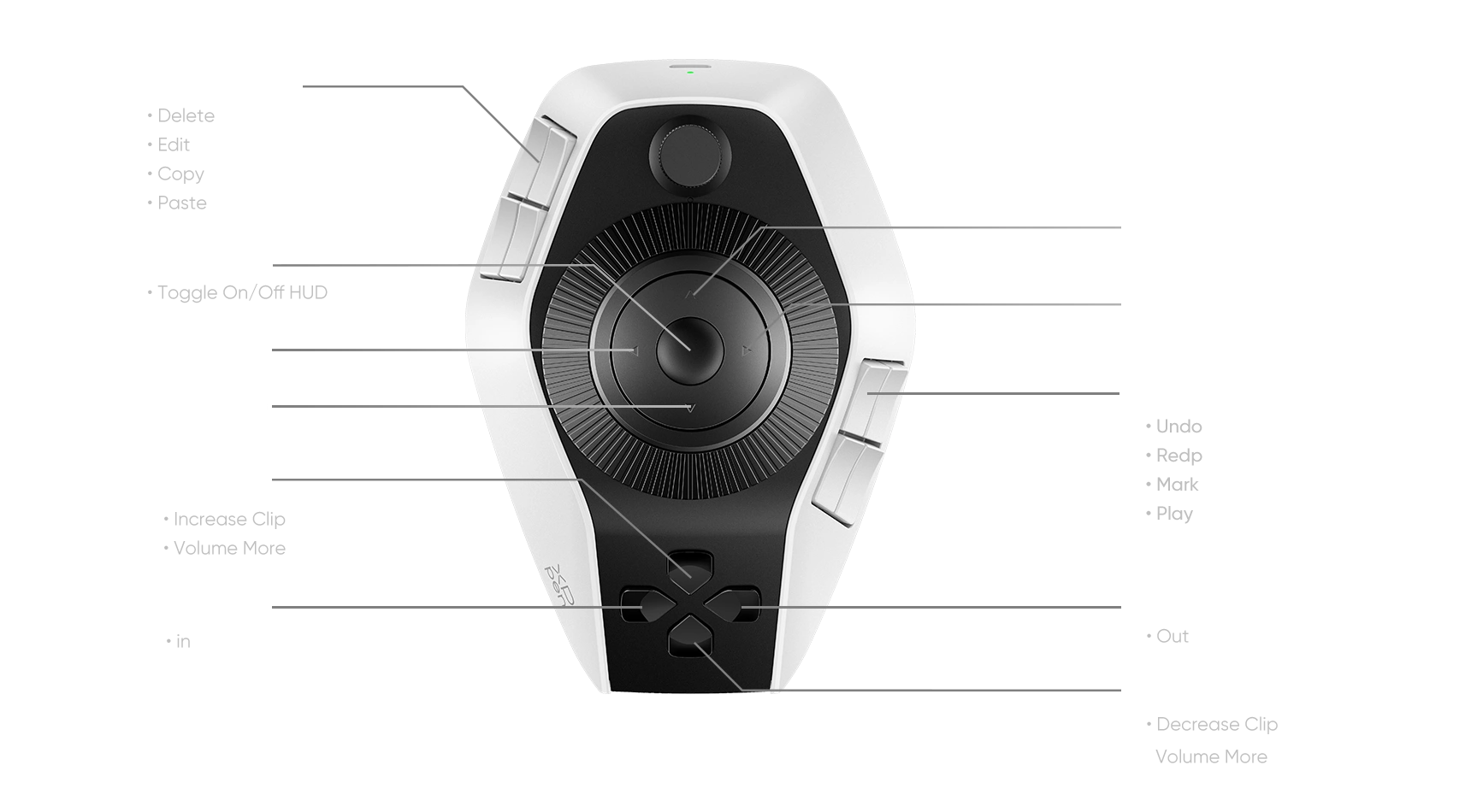
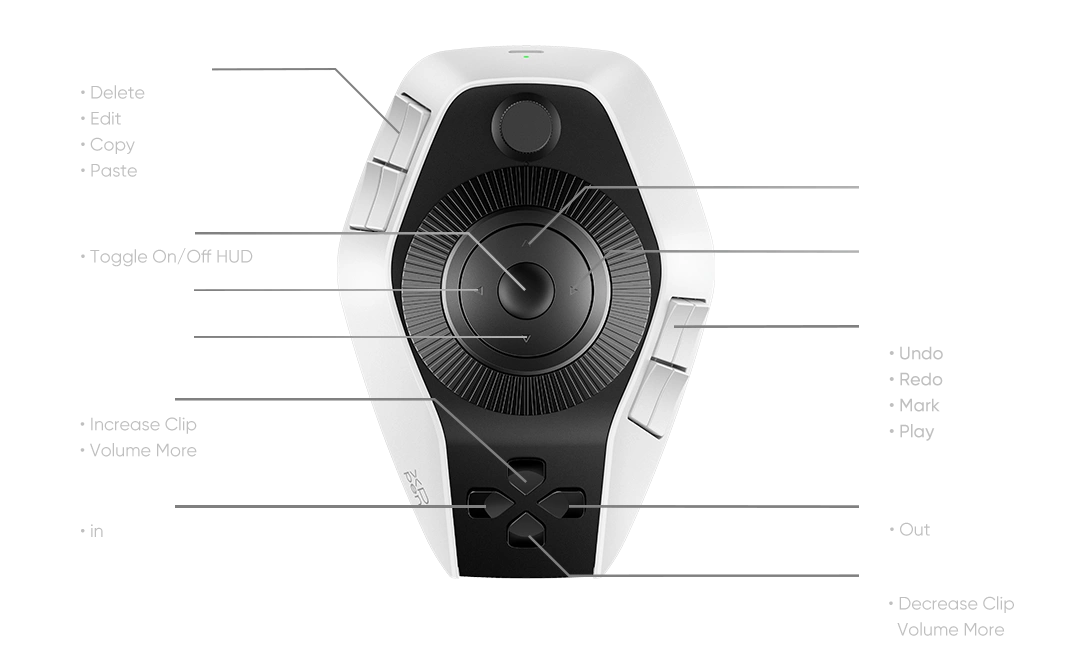
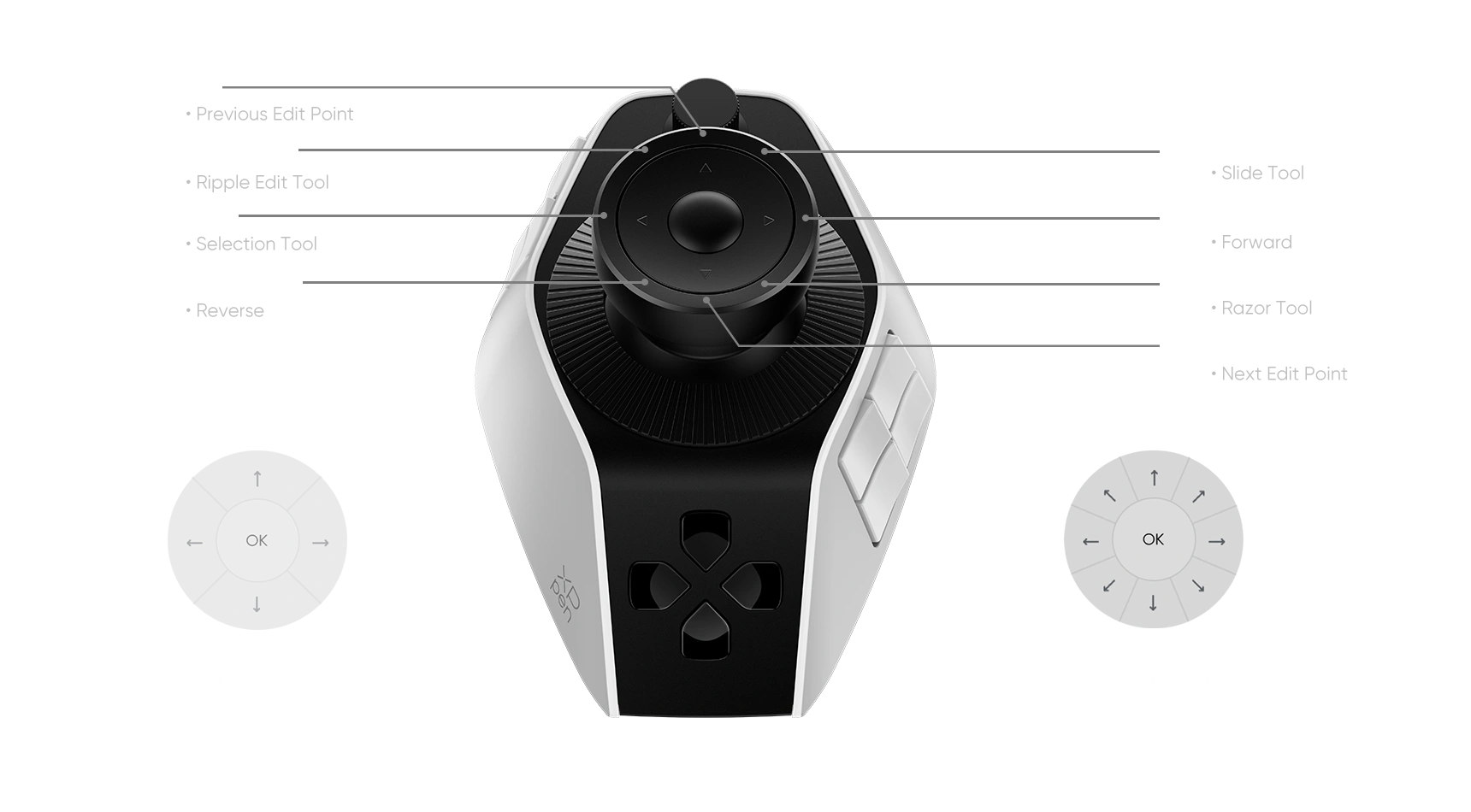
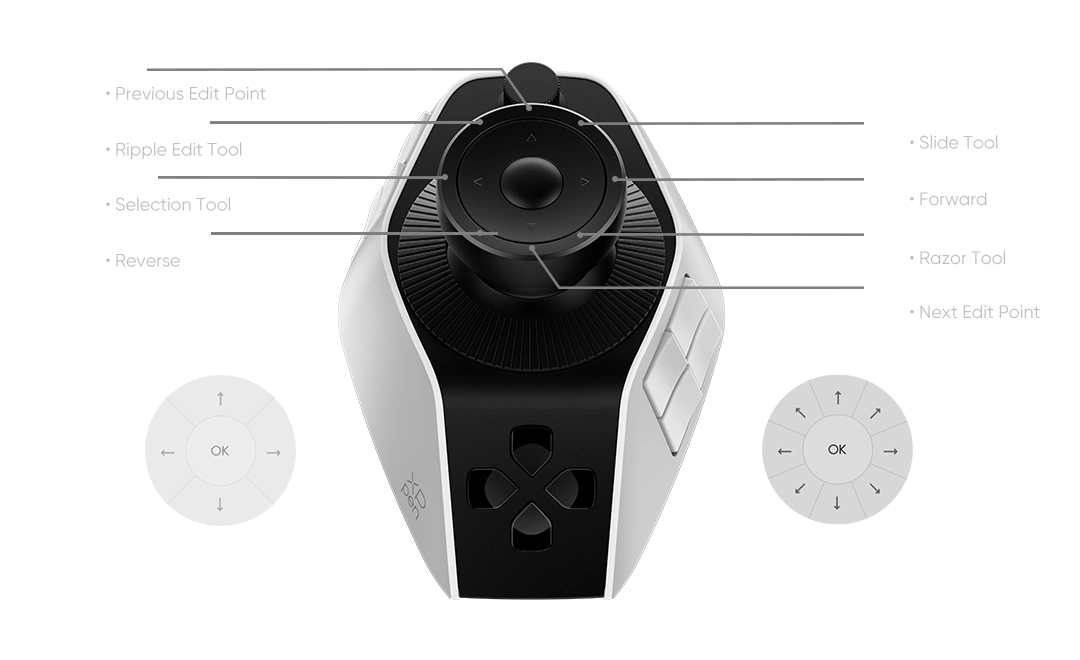
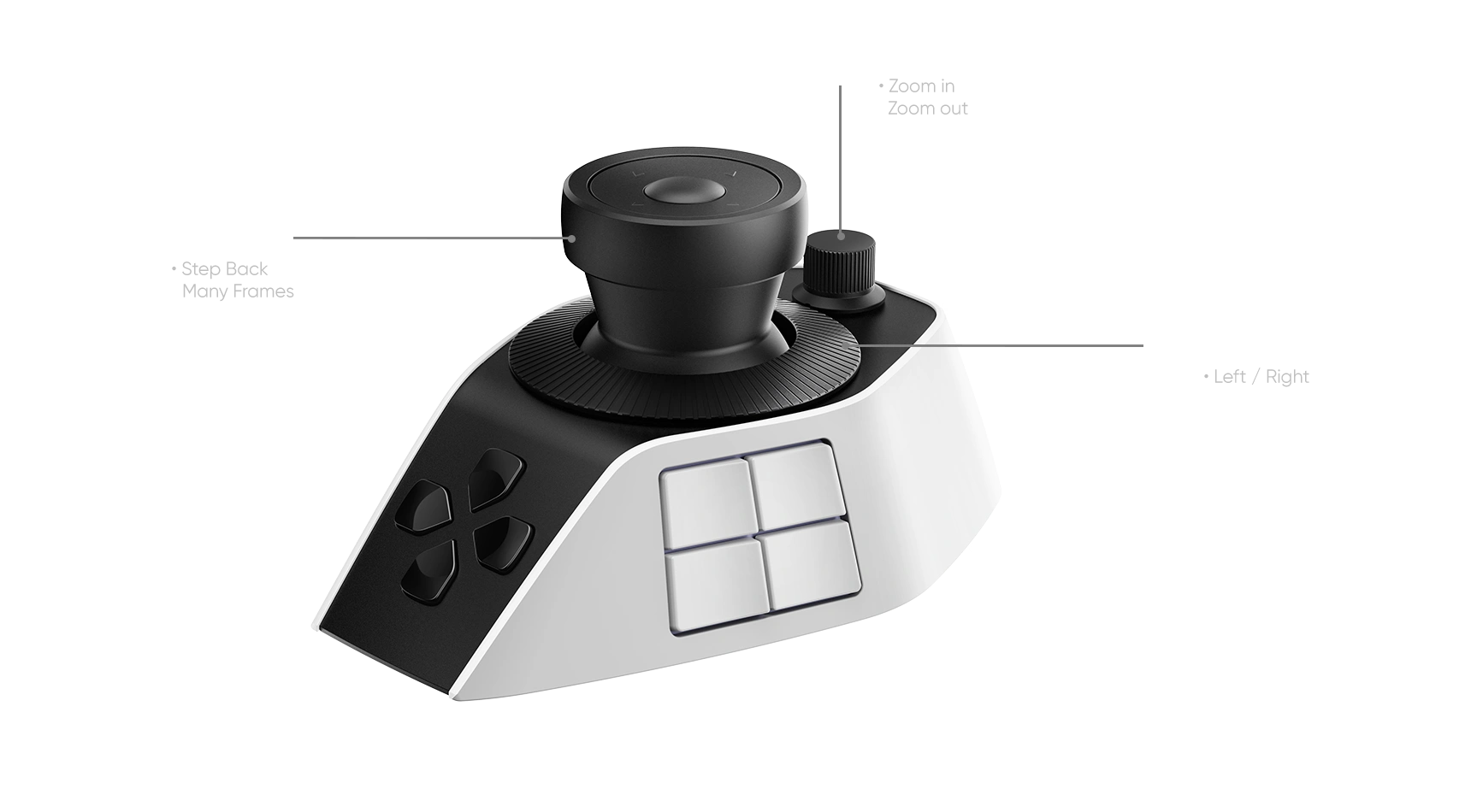
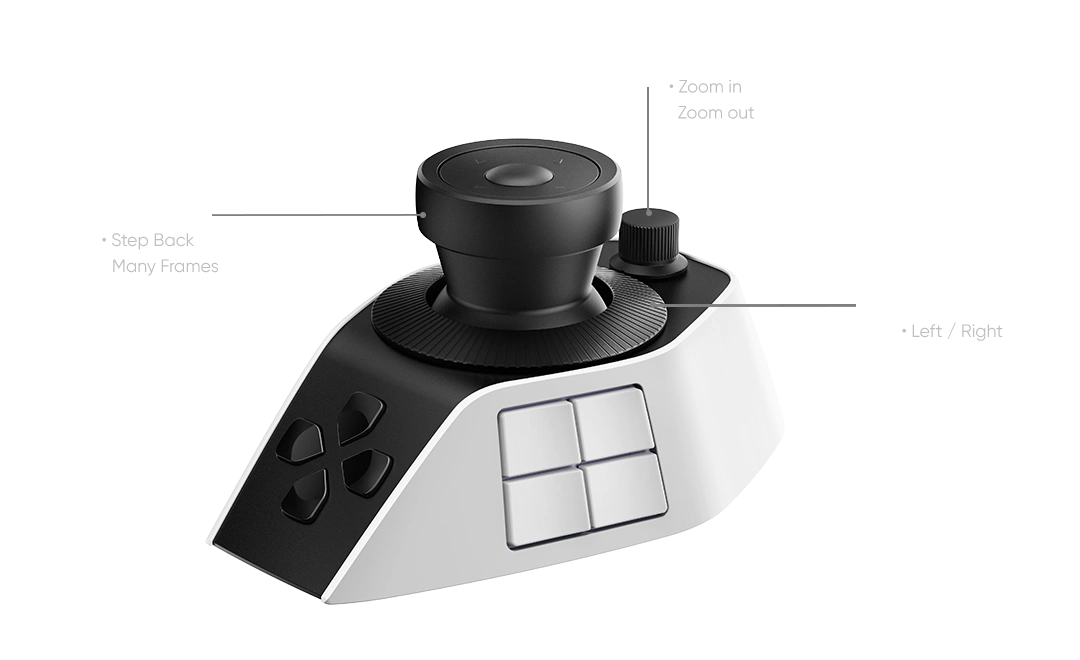
* Buttons and dials offer extensive customization.The listed functions are for reference only.
Command Buttons for
Frequent Operations
Eight command buttons are ready to map your favorite shortcuts. Assign them for instant access to paired commands like copy/paste and undo/redo.
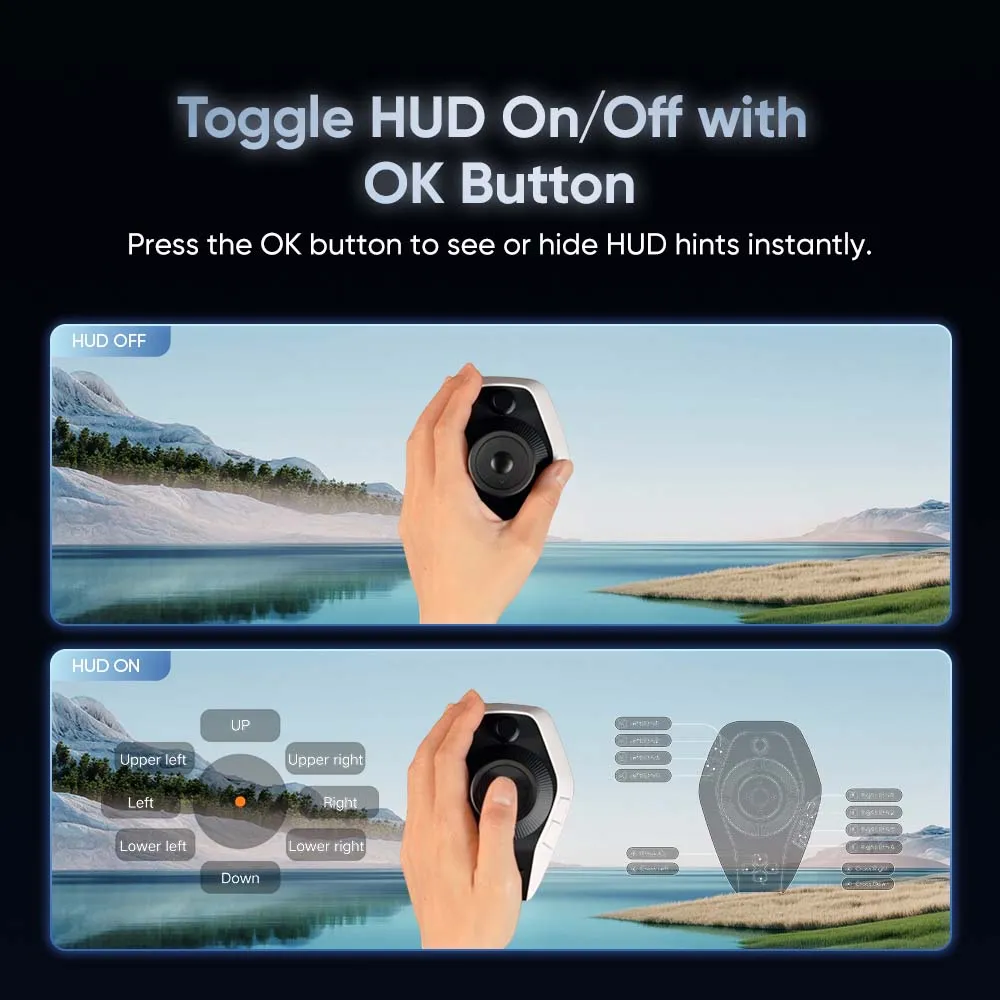
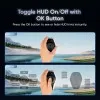
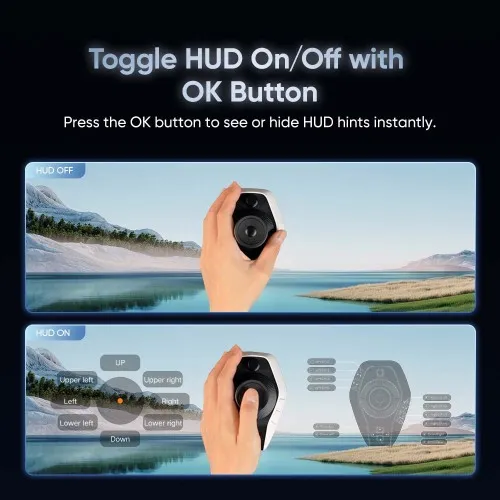
Toggle HUD On/Off with OK Button
Simply press the OK button to toggle the HUD on and off,
displaying shortcut hints directly—no need to memorize.
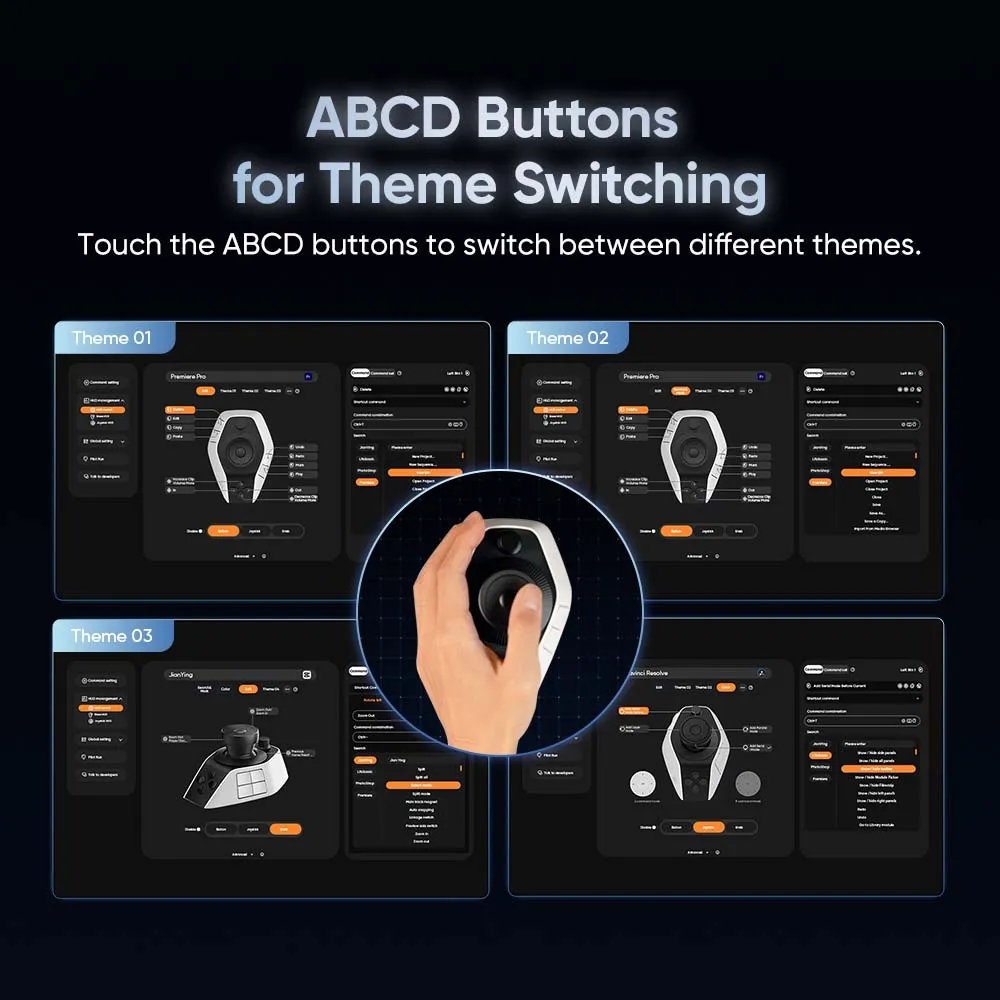
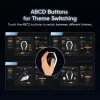
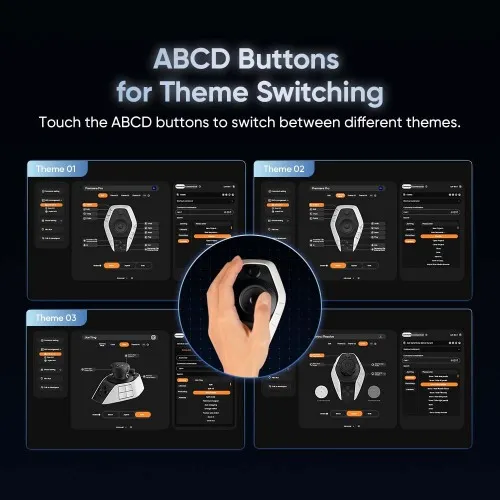
ABCD Buttons for Theme Switching
Touch the ABCD buttons to switch between different themes for
productive editing.
Directional Buttons for Navigation
The four directional buttons can be assigned to occasional
commands, such as volume adjustment or setting in/out points.
Customize Freely, Switch Instantly
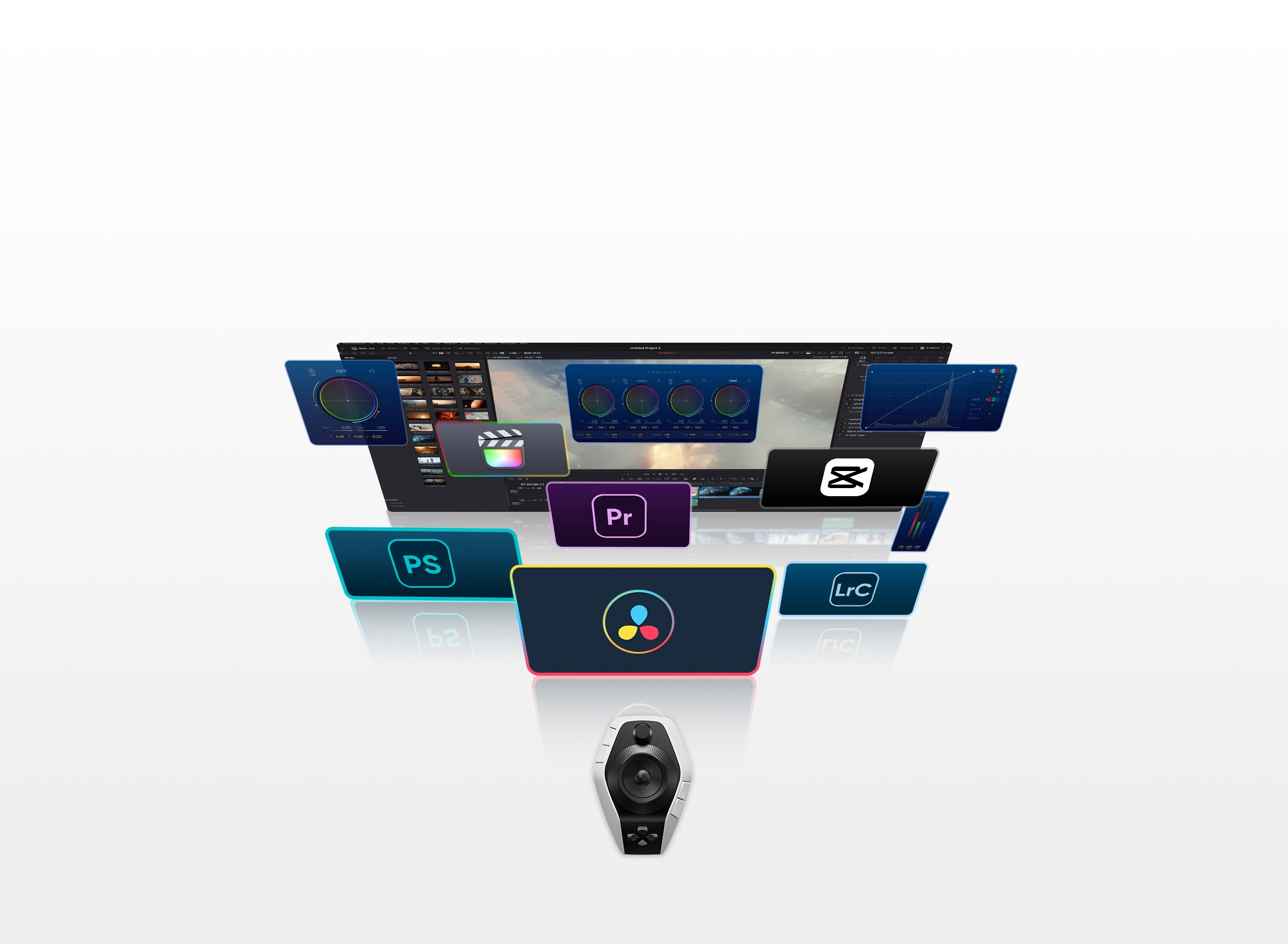
Buttons, joystick, and knobs are highly customizable for mainstream software like
DaVinci Resolve, Premiere Pro, Photoshop, and Lightroom. Preset shortcuts switch
automatically when changing between applications.
Expert-Curated Shortcut,
Instantly Yours
XPPen partners with top editing experts to offer their custom shortcut profiles. Download and
apply these profiles directly to your workflow to work smarter and edit like a pro.
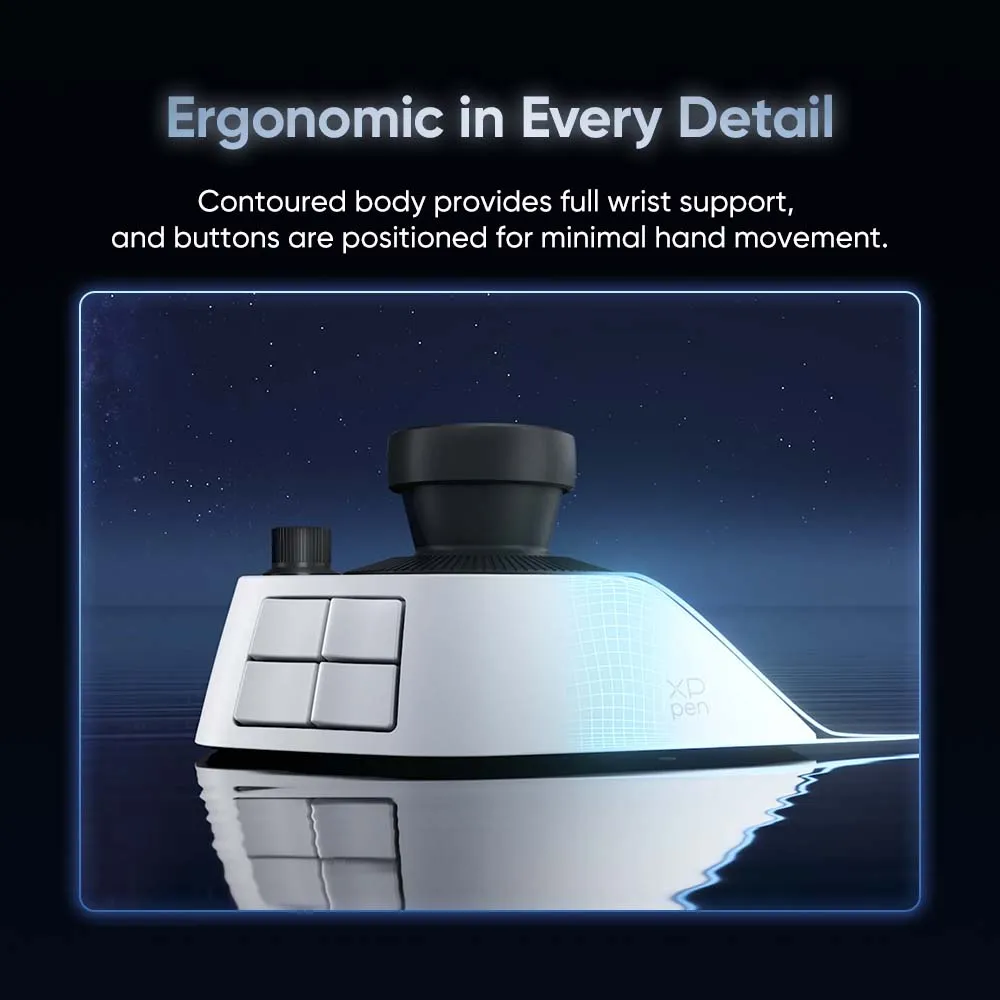
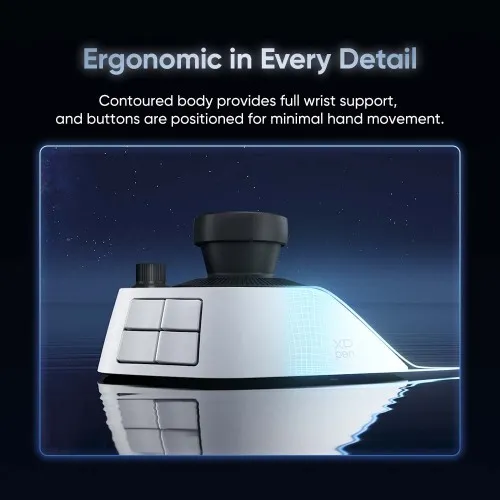
Ergonomic in Every Detail
Pilot Pro is honored to win the iF DESIGN AWARD 2026 and GOOD DESIGN AWARD 2025.
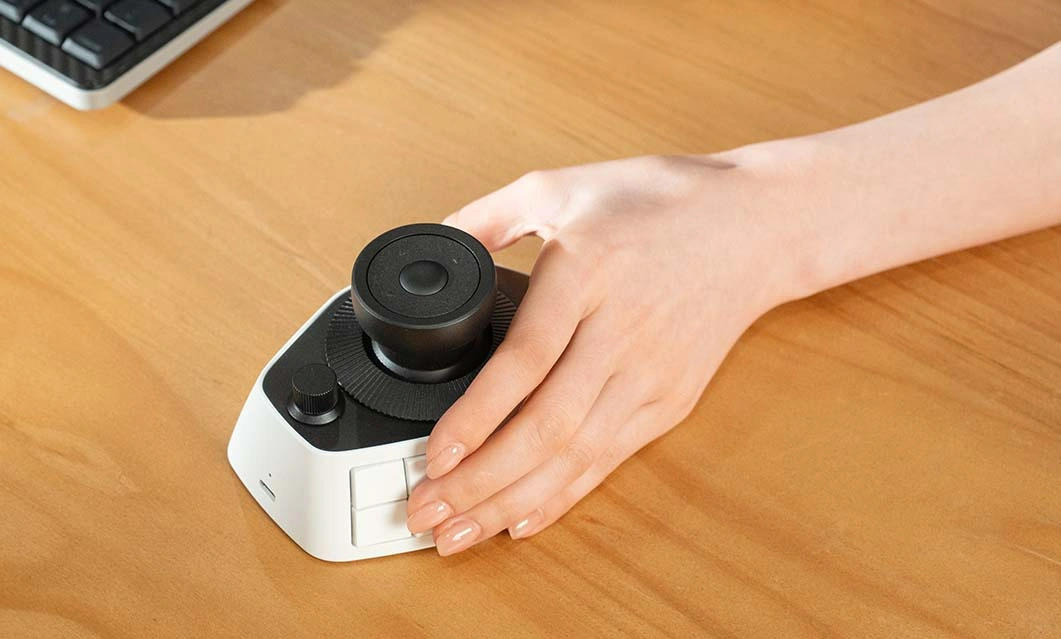
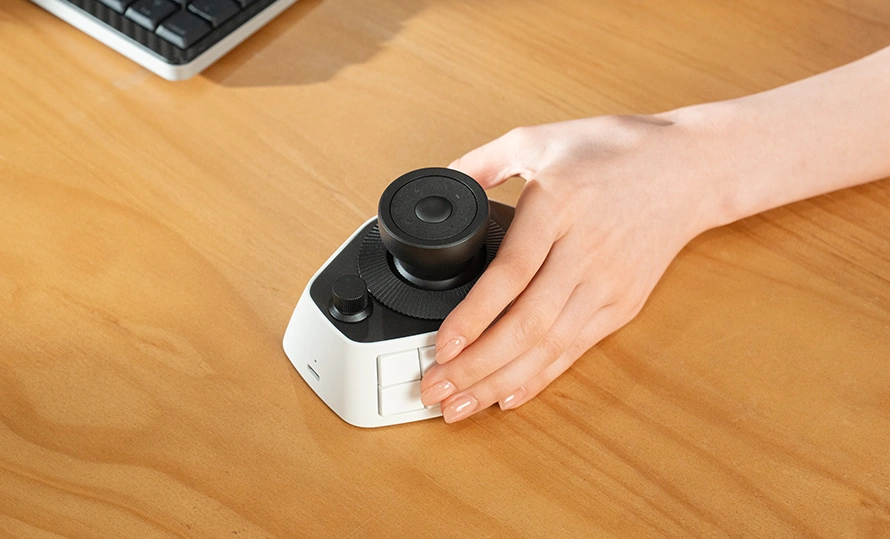
The console's contoured body provides full palm support, reducing stress on your wrist.
Buttons are placed for a natural operating posture, allowing you to reach them with
minimal movement from a standard position.
Light-Touch Buttons,
Lasting Comfort
Each button's actuation force is precisely tuned to be light and responsive, reducing finger fatigue throughout demanding tasks.
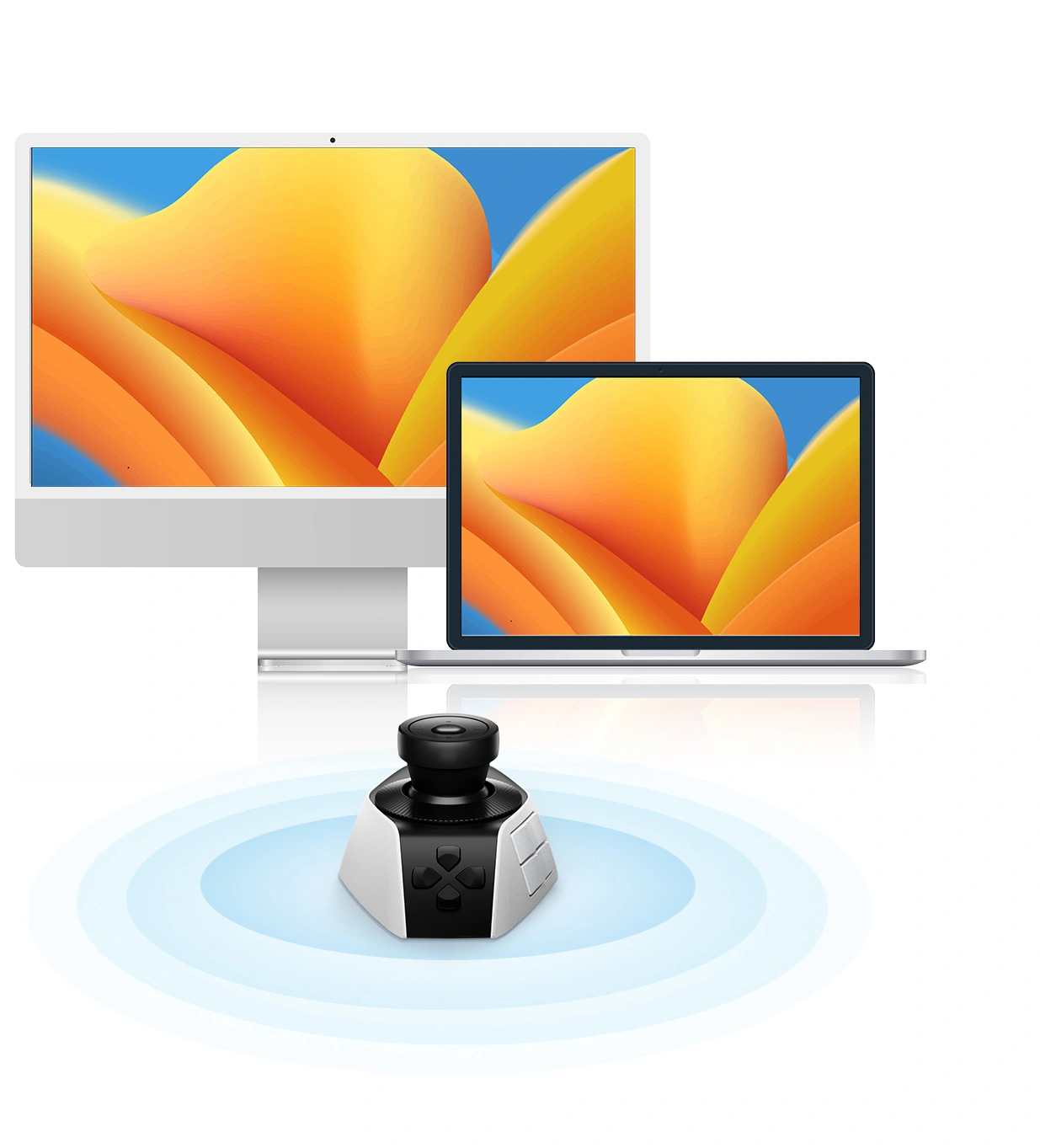
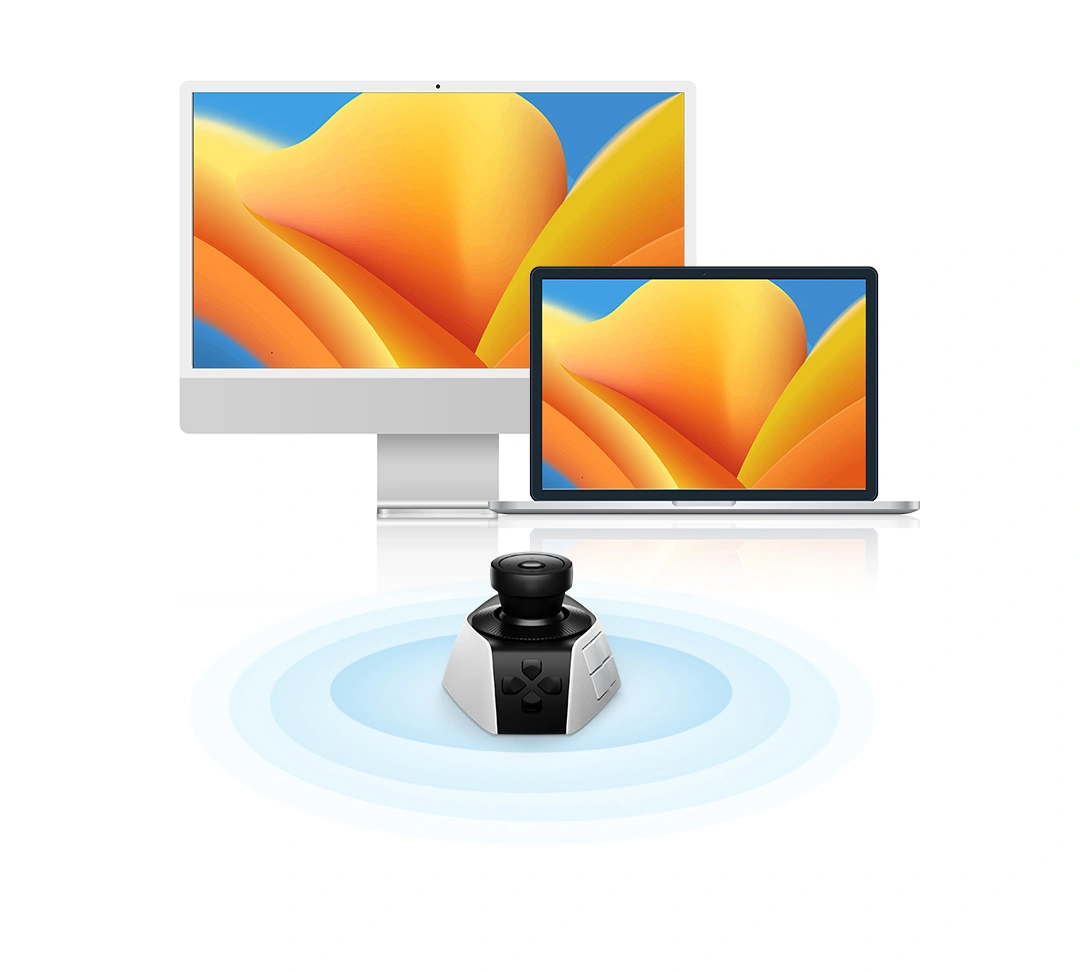
Multiple Connection Methods,
Stable Performance
The console supports Bluetooth, 2.4G dongle, and wired connections. Connect it to your computer or laptop for low-latency, stable performance.


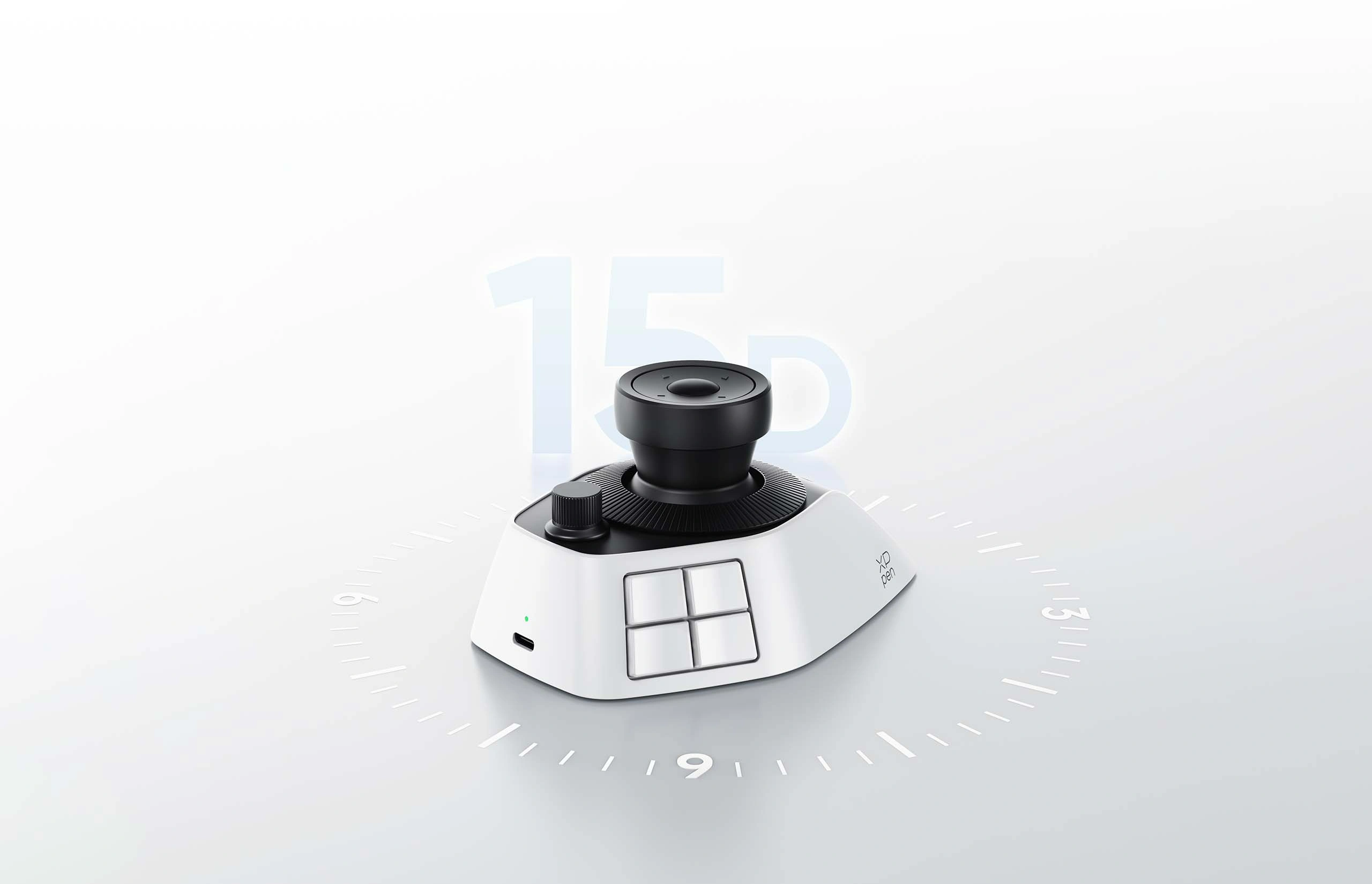
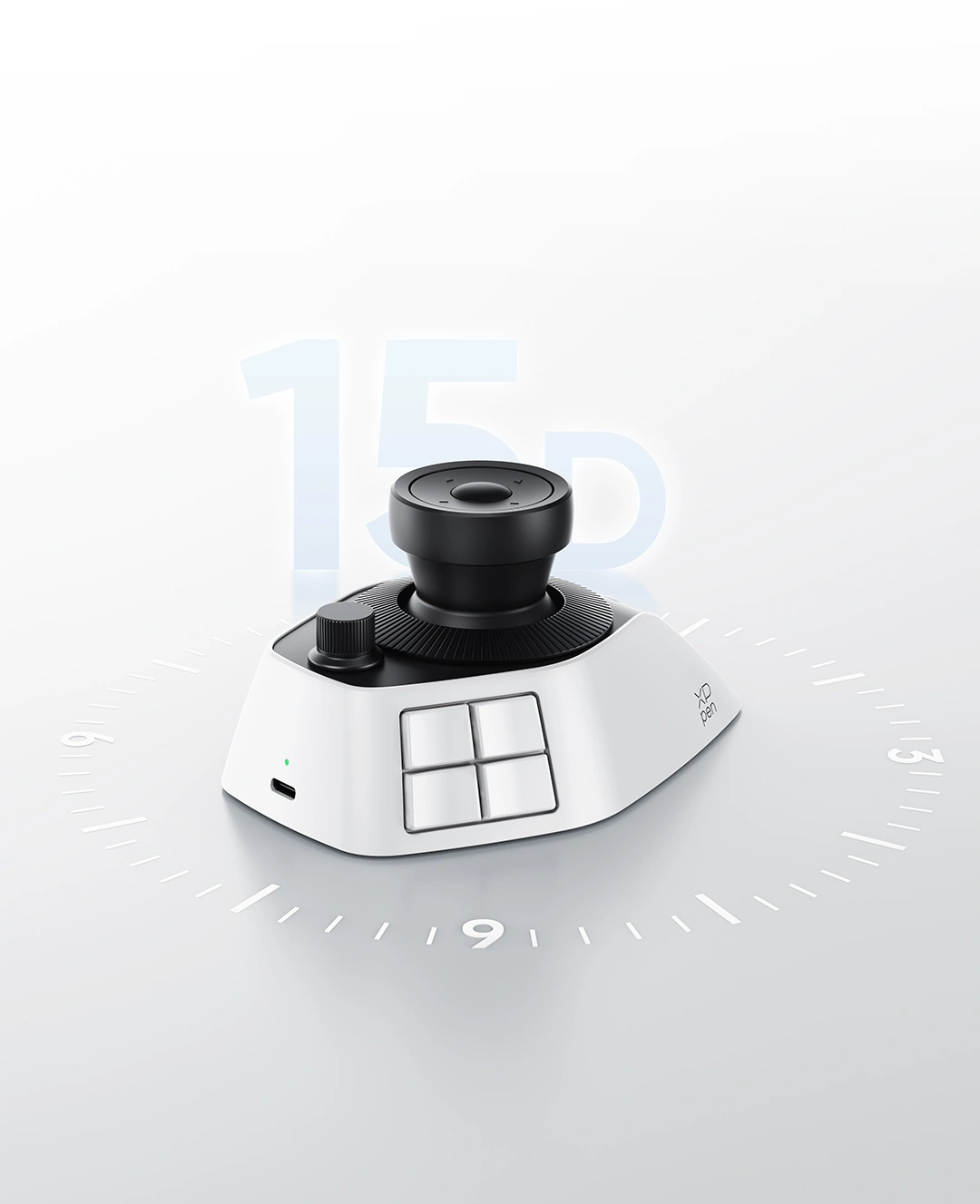
All-Day Power, Easy to Recharge
With its built-in battery and USB-C charging, Pilot Pro offers more than 15 days of
battery life* for extended editing sessions.
* Battery life depends on daily usage. At 4 hours of use per day, the battery lasts at least 15 days on a full charge.
Compatible with
Systems and Software
The console works smoothly with mainstream systems and professional software.

Windows 10 or later

macOS 11.0 or later
Compatible with Photoshop, Lightroom Classic,
Premiere Pro, DaVinci Resolve, Final Cut Pro, CapCut
Photoshop

Lightroom Classic

Premiere Pro

DaVinci Resolve
Final Cut Pro

CapCut
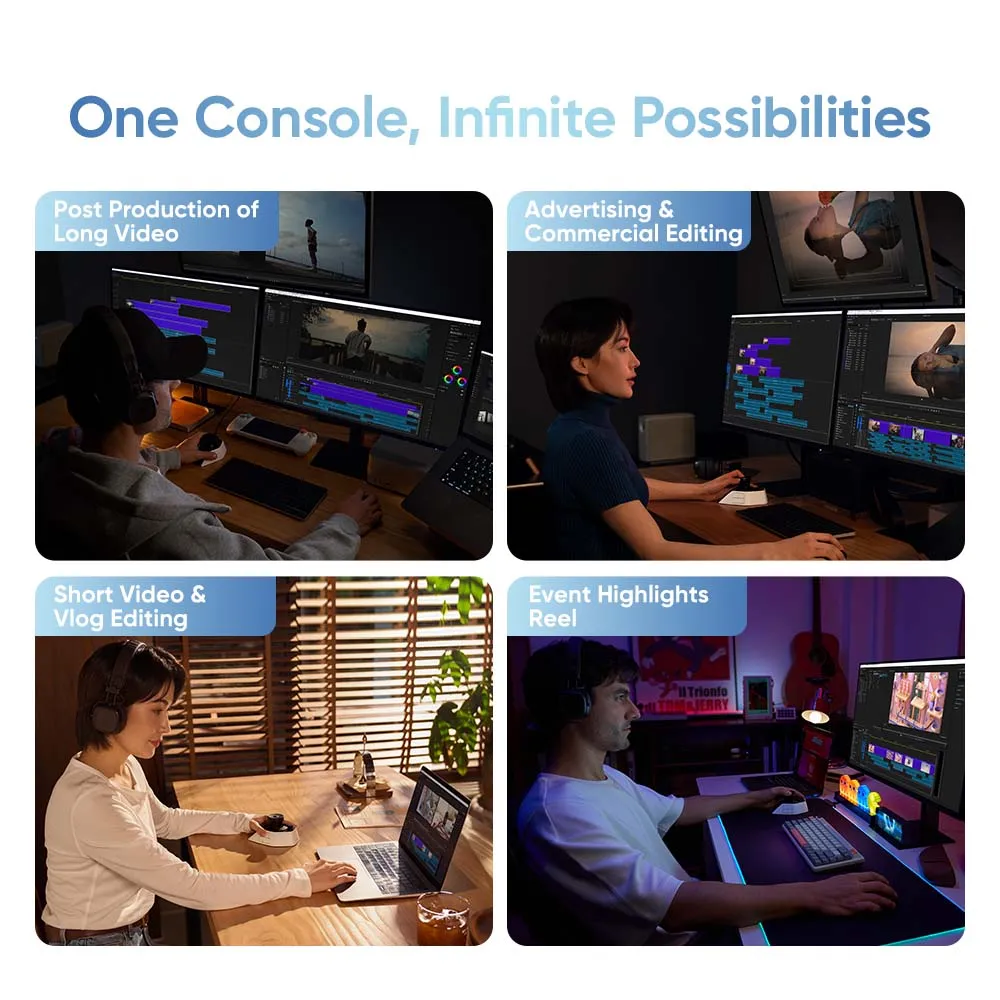
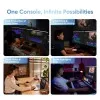
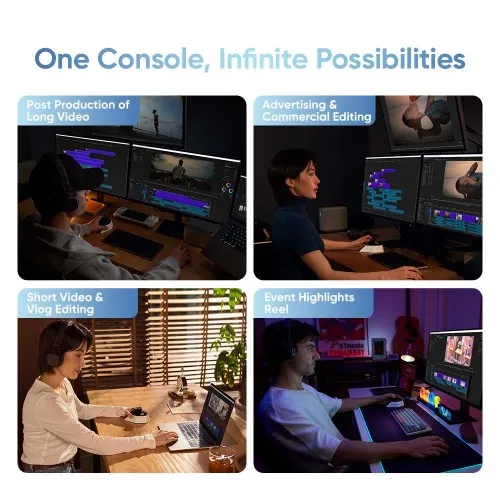
One Console, Infinite Possibilities
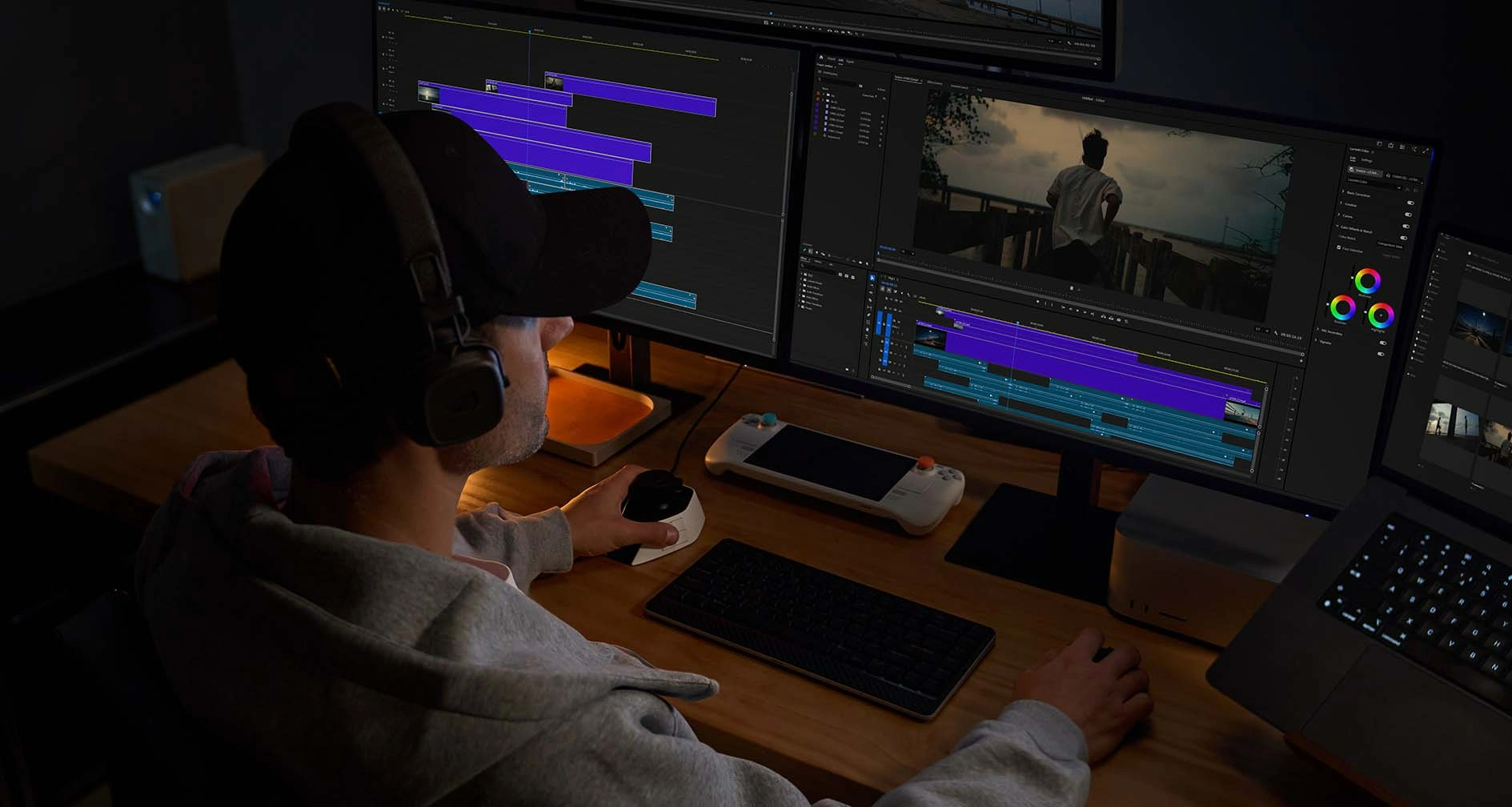
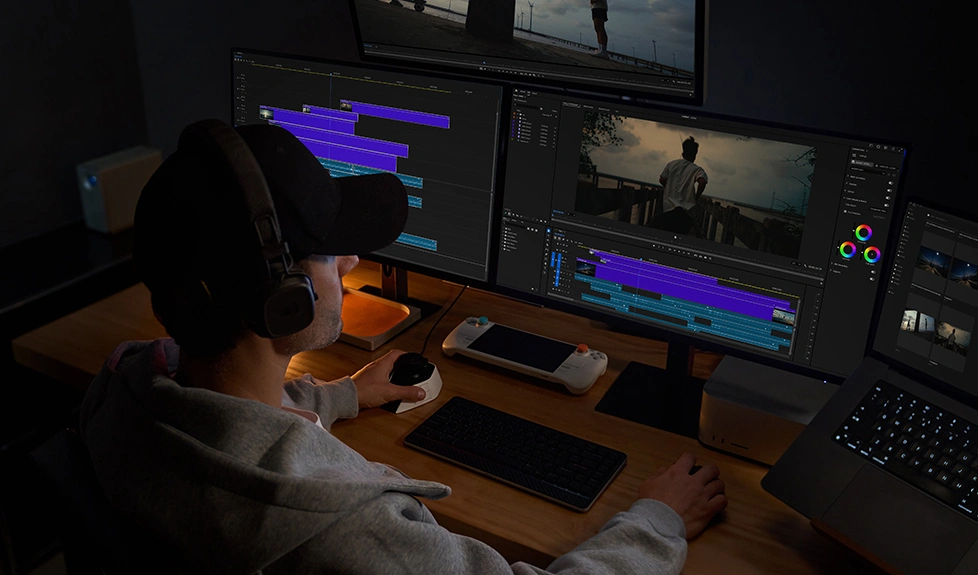
Post Production of Long-form Video: With 100+ customizable shortcuts, professional editing needs are fully covered. The joystick and dials offer expert-friendly handling of frequent commands.
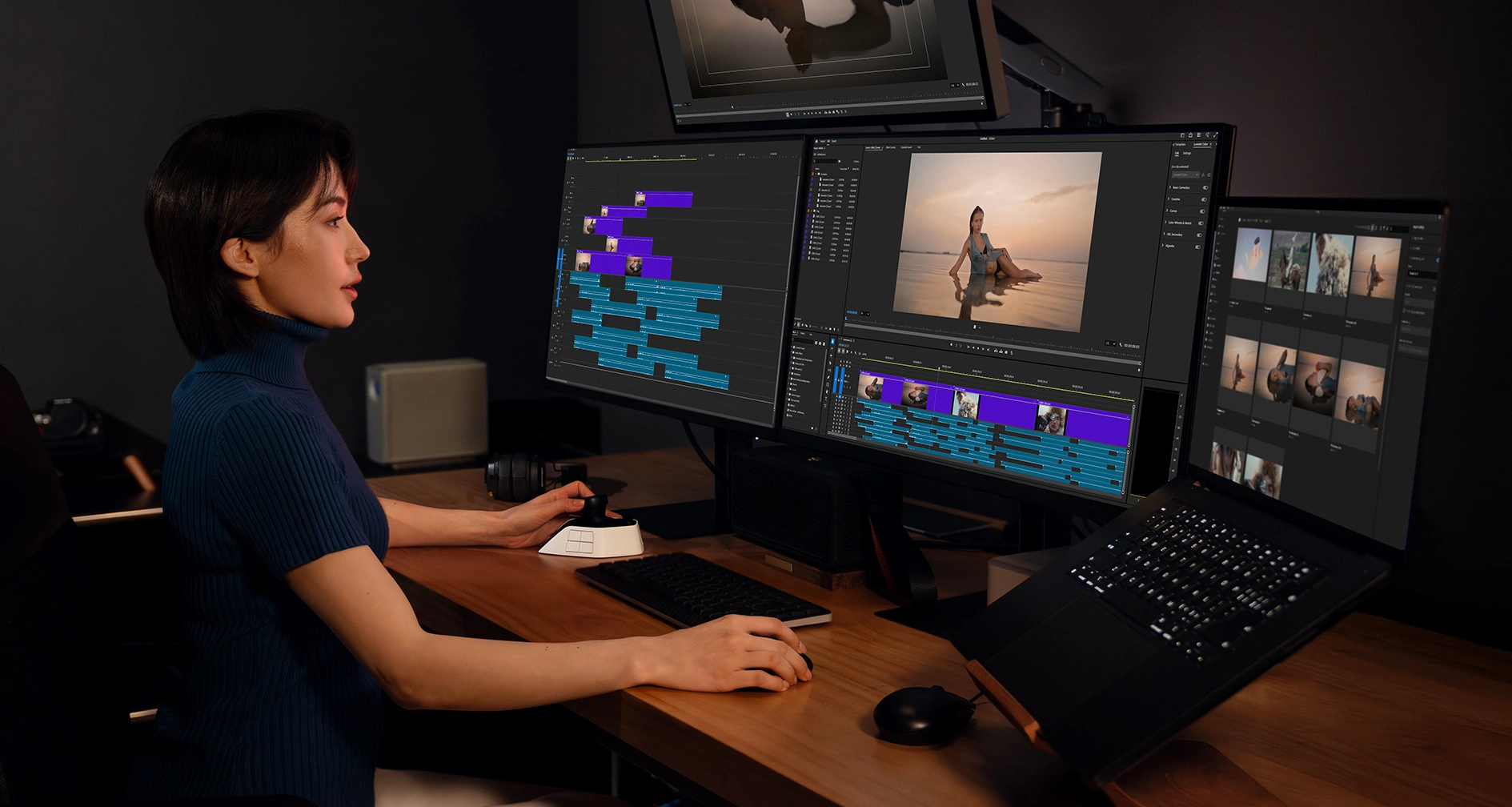
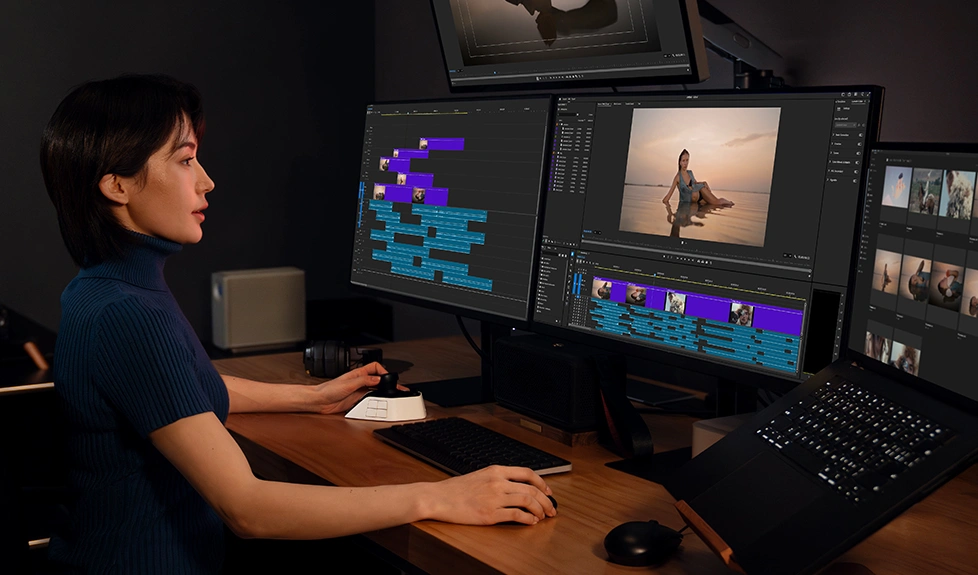
Advertising & Commercial Editing: Eyes-free operation avoids frequent switching between the screen and the desktop. Combined with a clear layout of buttons, dials, and a joystick, your editing is more efficient when dealing with demanding tasks.
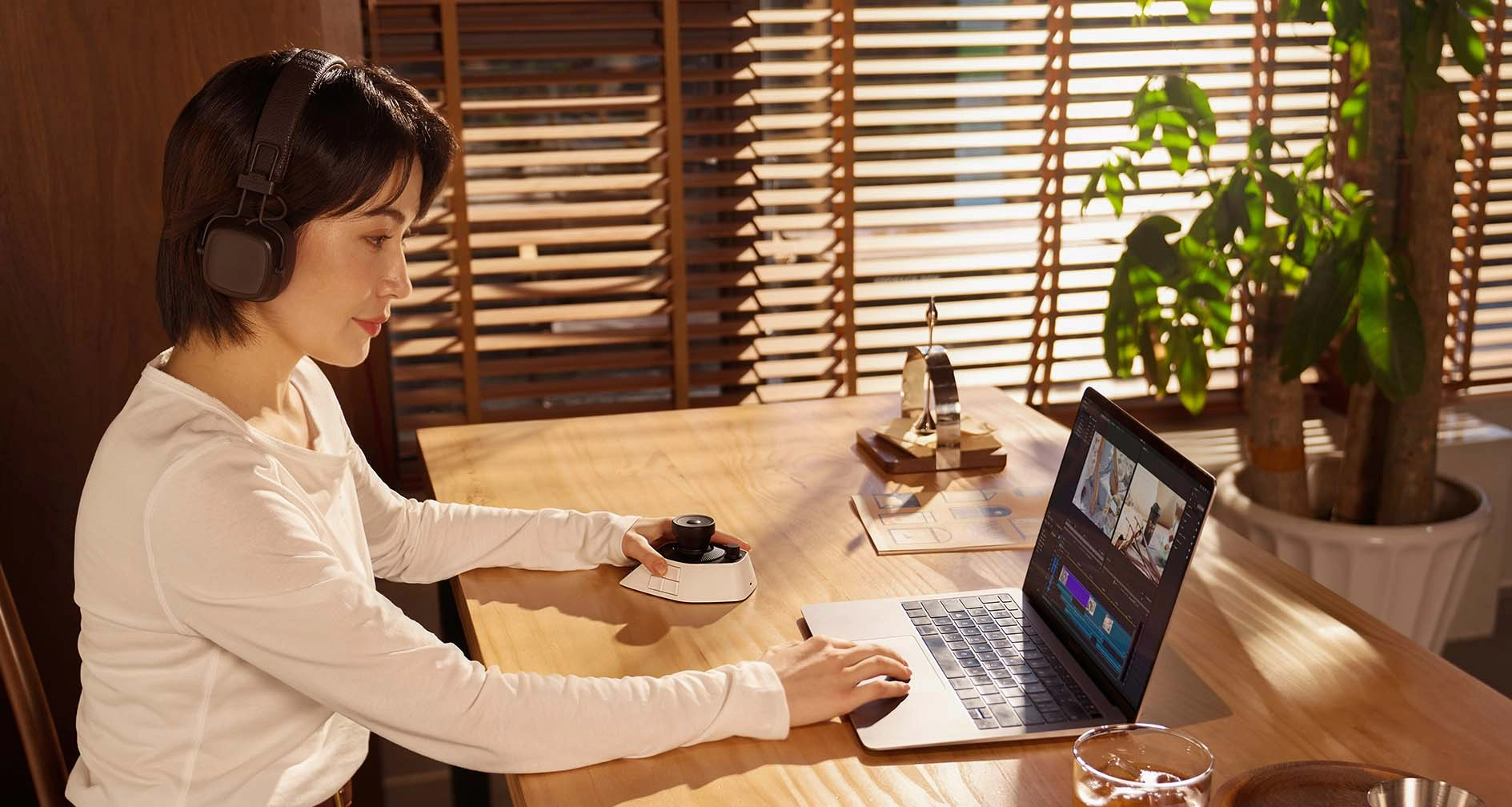
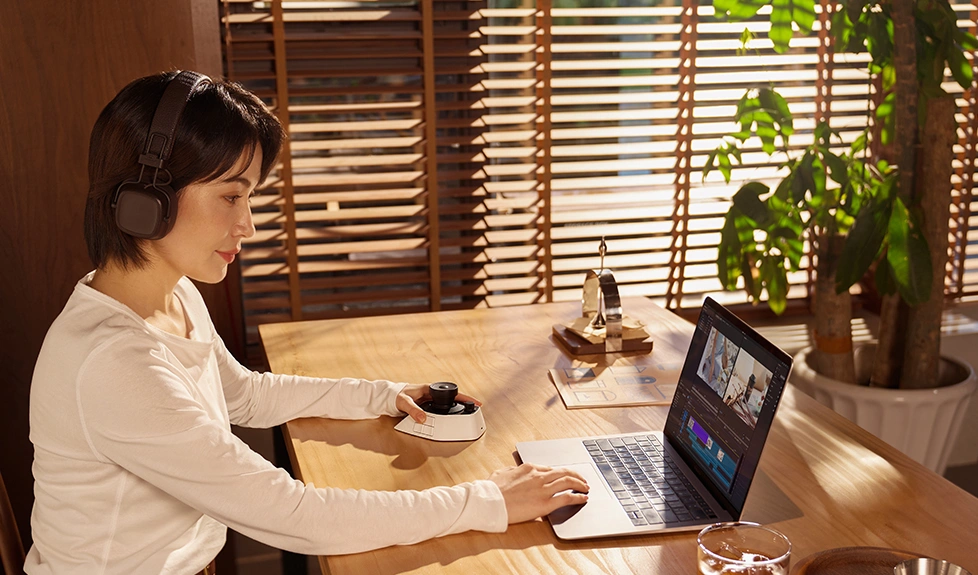
Short Video & Vlog Editing: Abundant shortcut commands and eyes-free operation improve editing efficiency, while the compact size makes it portable for editing at home, in a café, or in the studio.
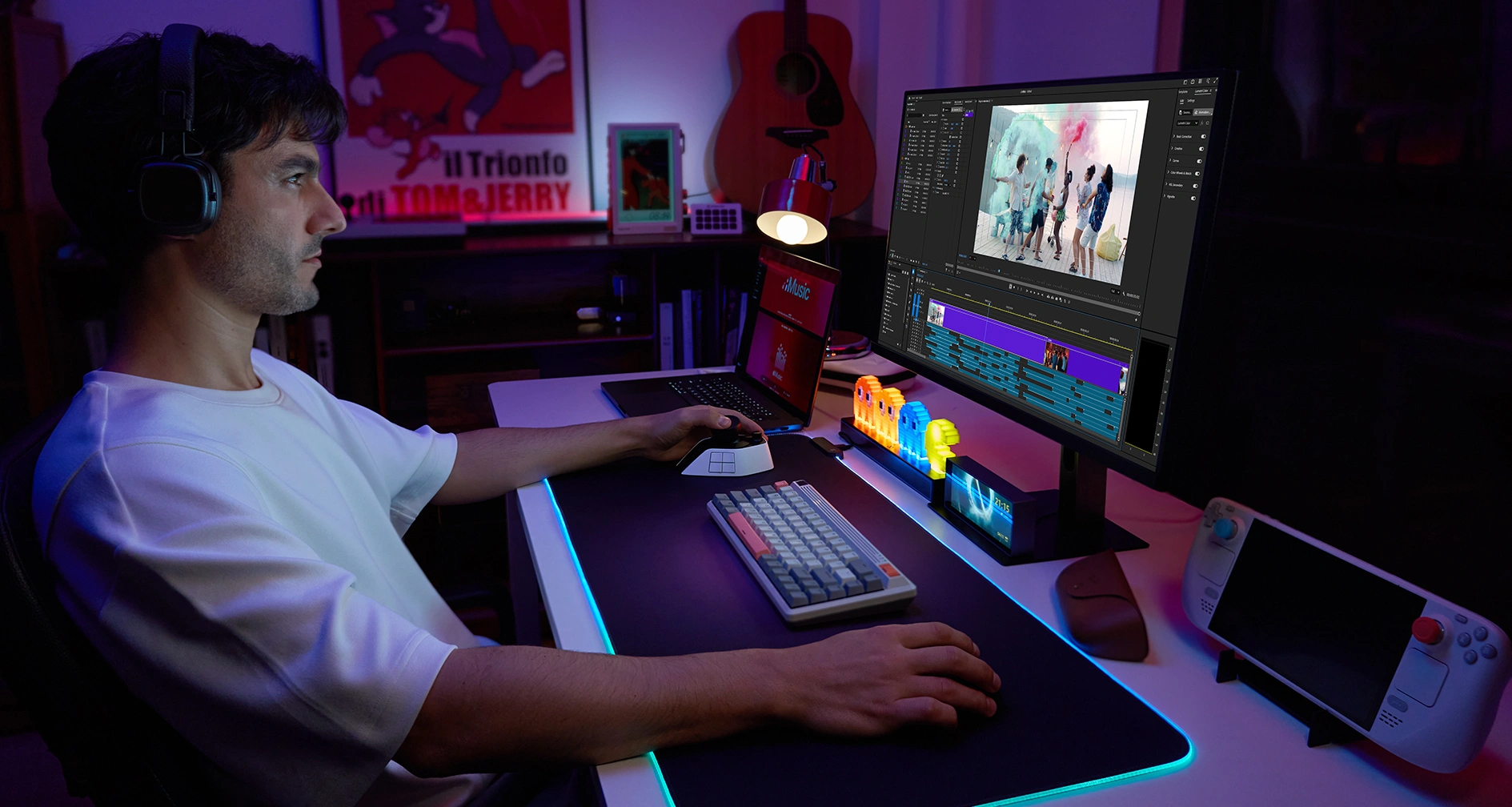
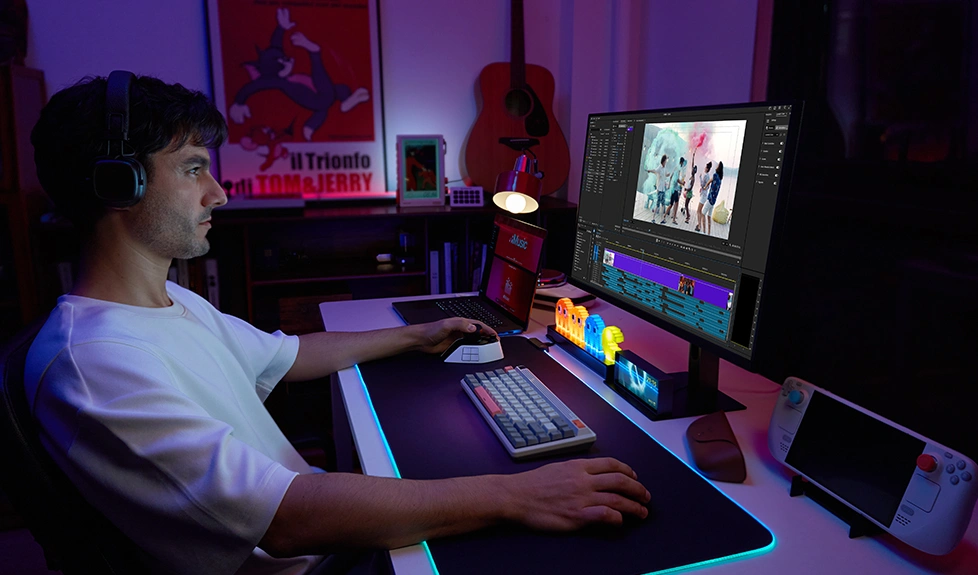
Event Highlights Reel: Thanks to the high-speed dials and joystick, you can swiftly scrub through the timeline and perform essential edits with high efficiency—ideal for time-sensitive tasks.


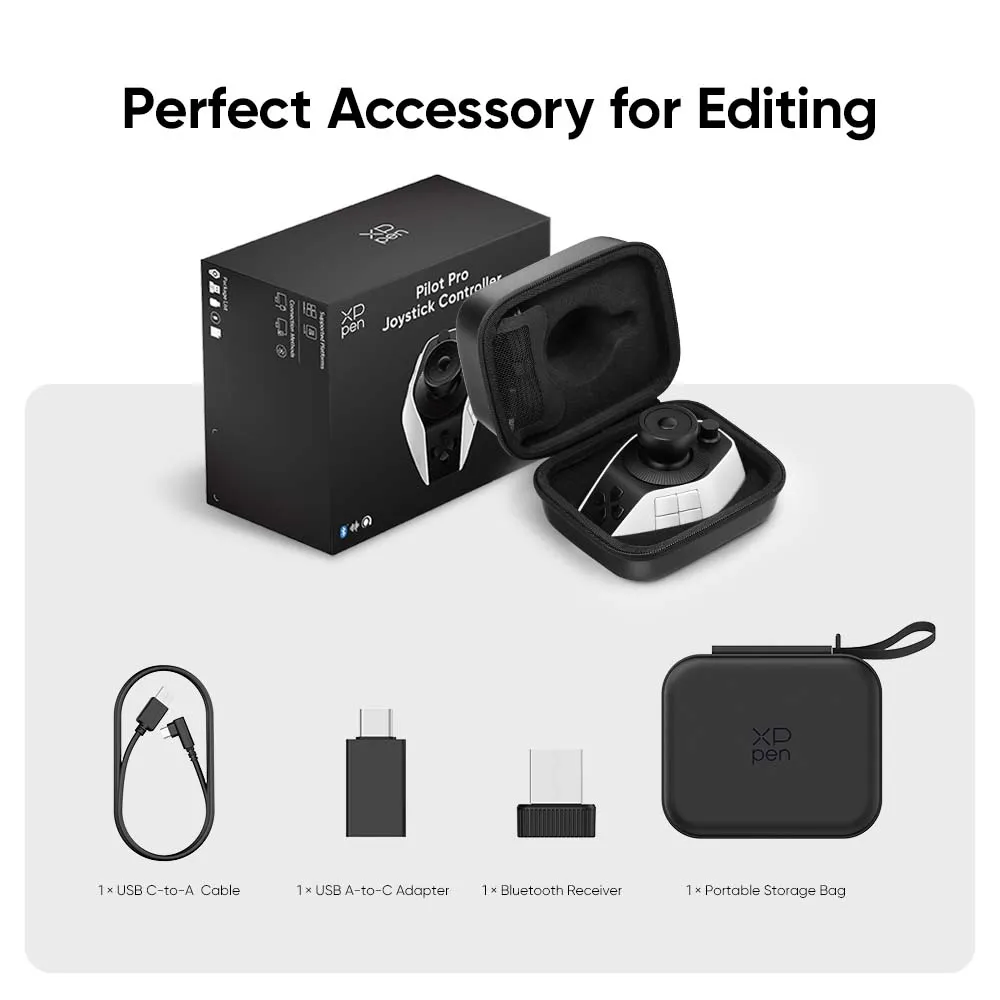
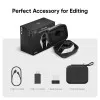
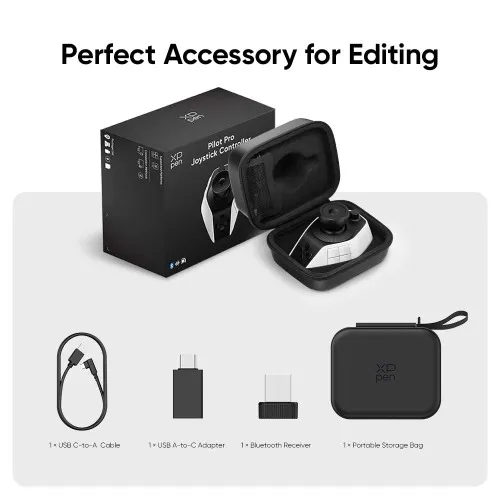
Package Includes
1 × Pilot Pro Editing Console
1 × USB C-to-A Cable
1 × USB A-to-C Adapter
1 × Bluetooth Receiver
1 × Portable Storage Bag
1 × Quick Guide
1 × Warranty Card
Specifications


 No review No consulting