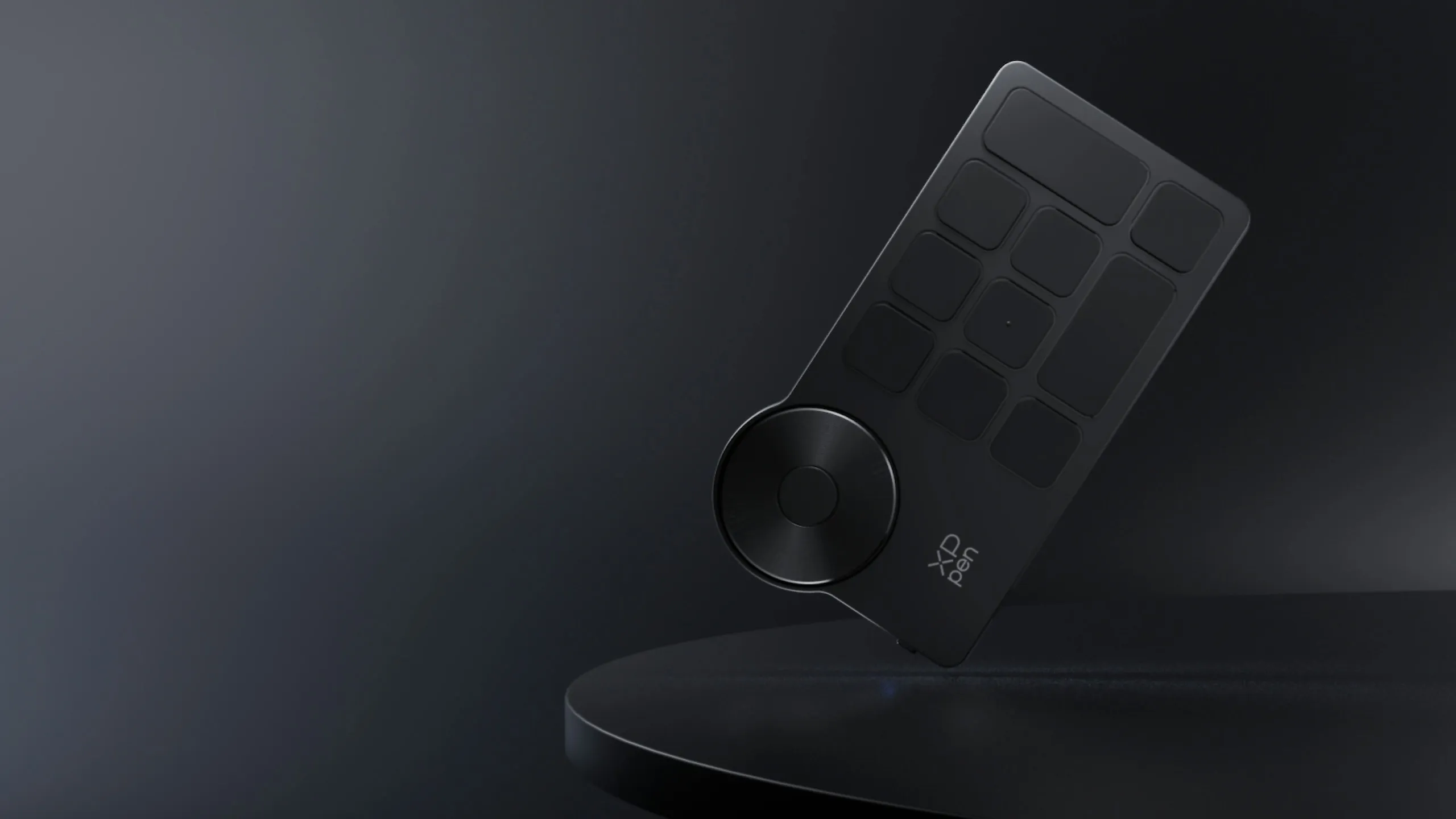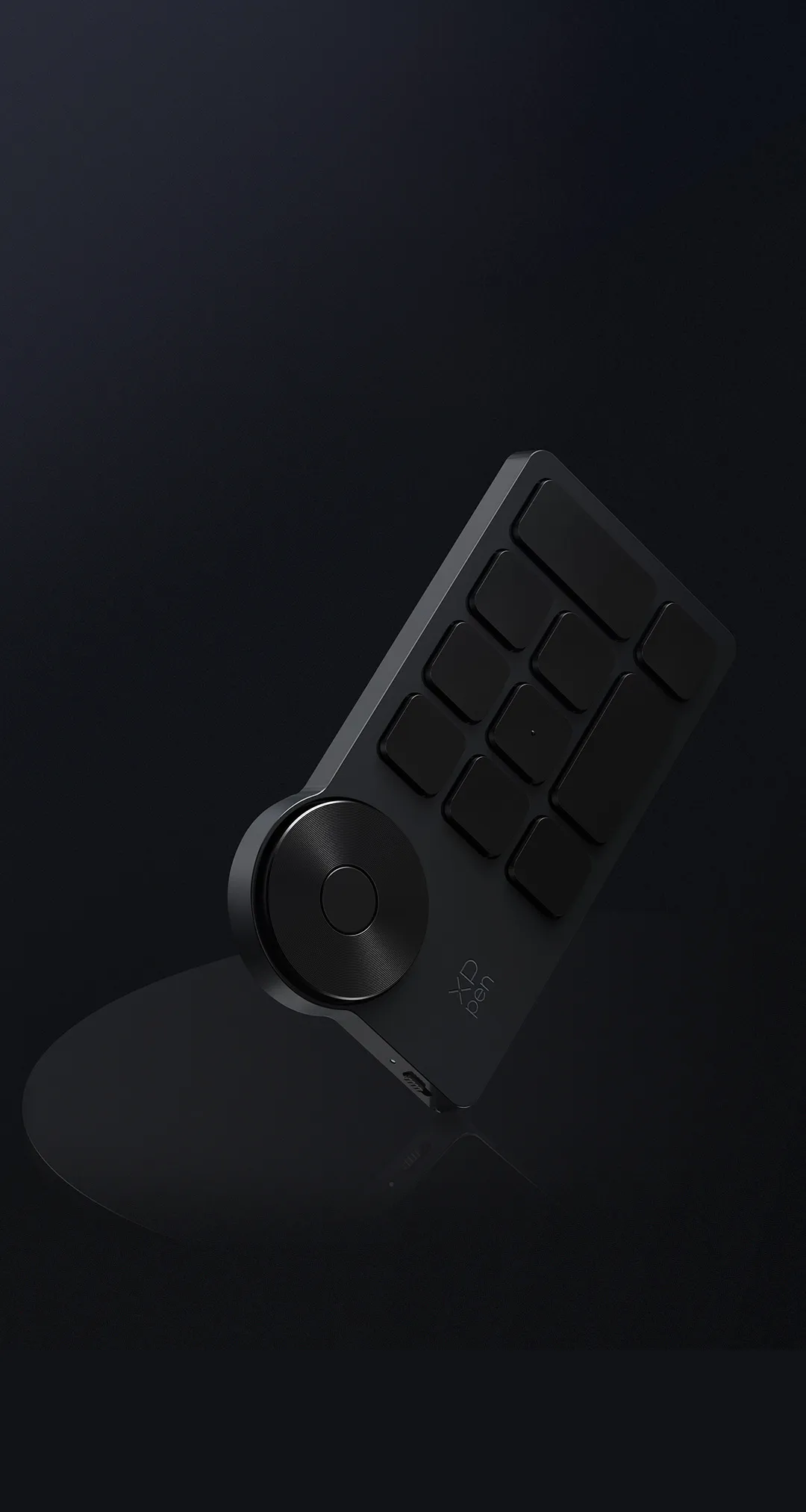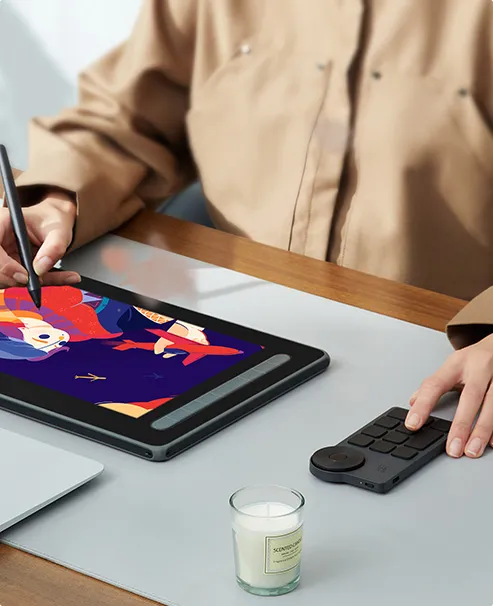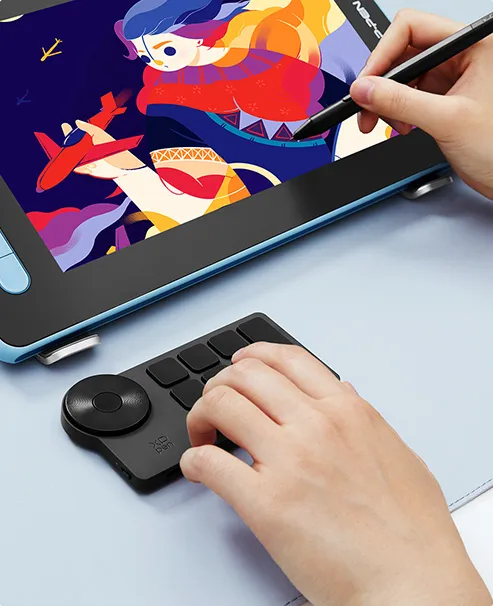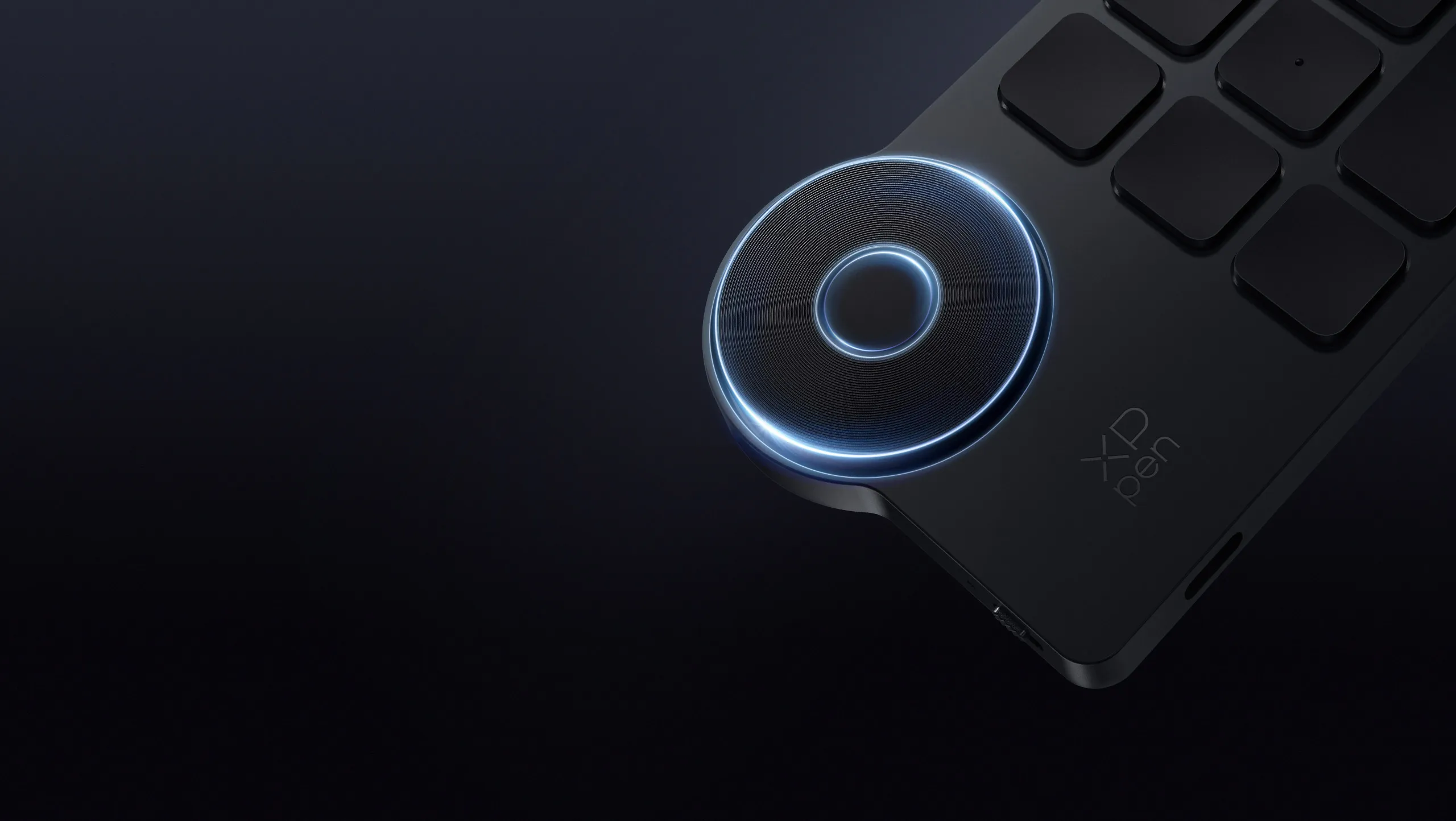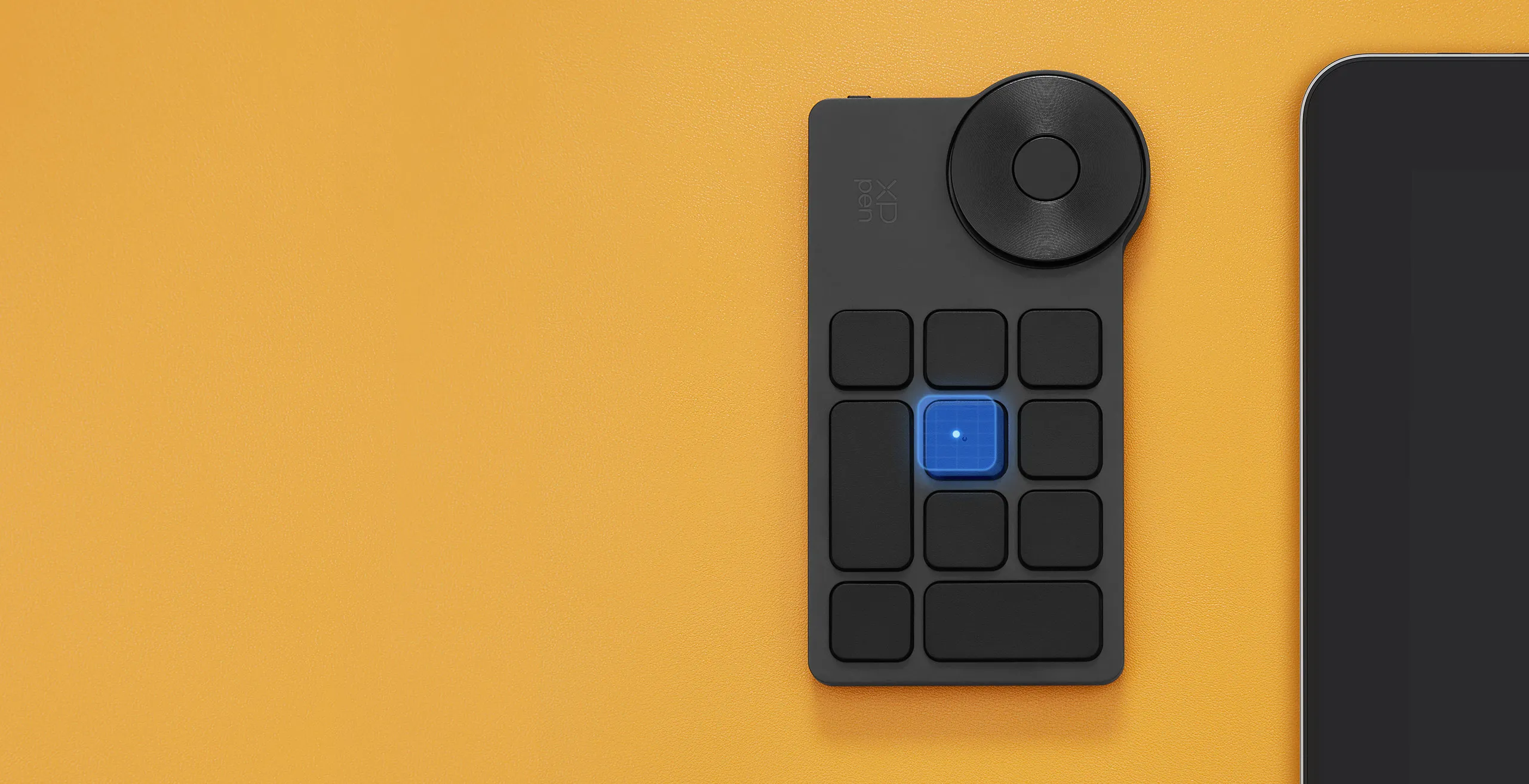
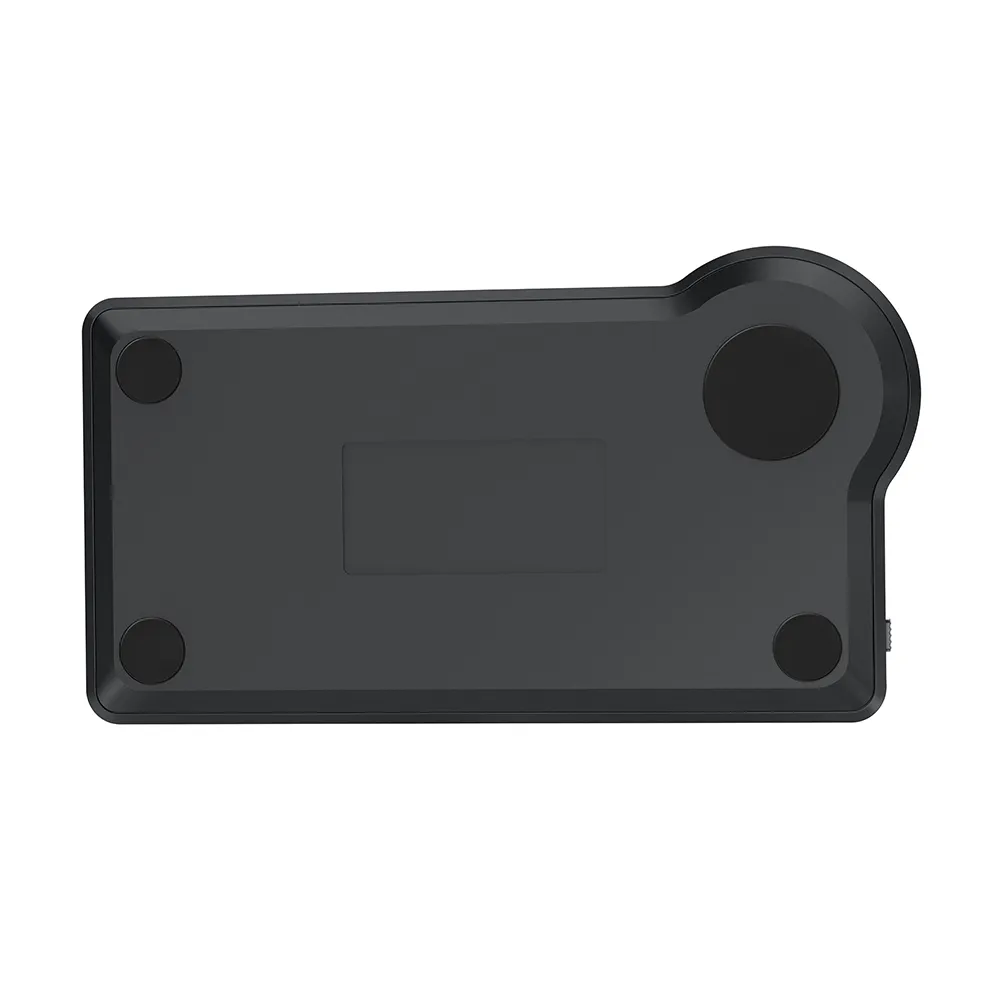
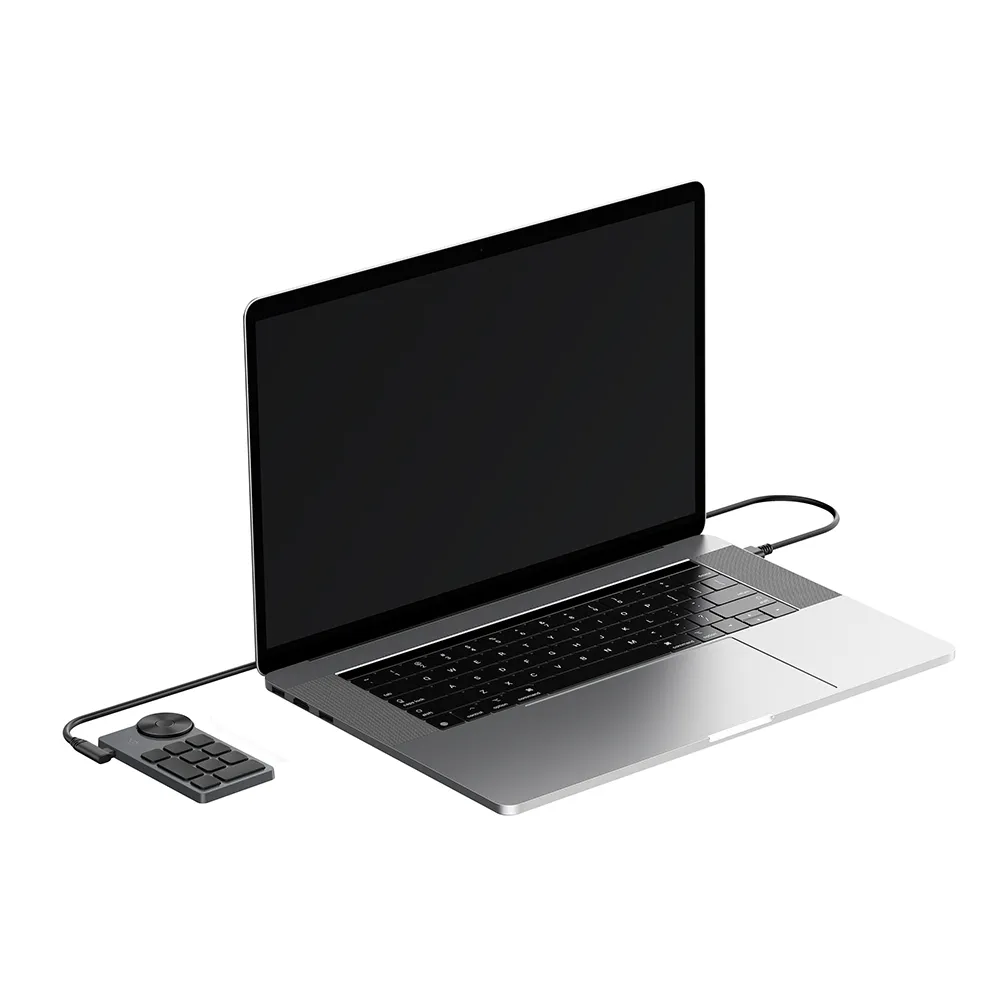
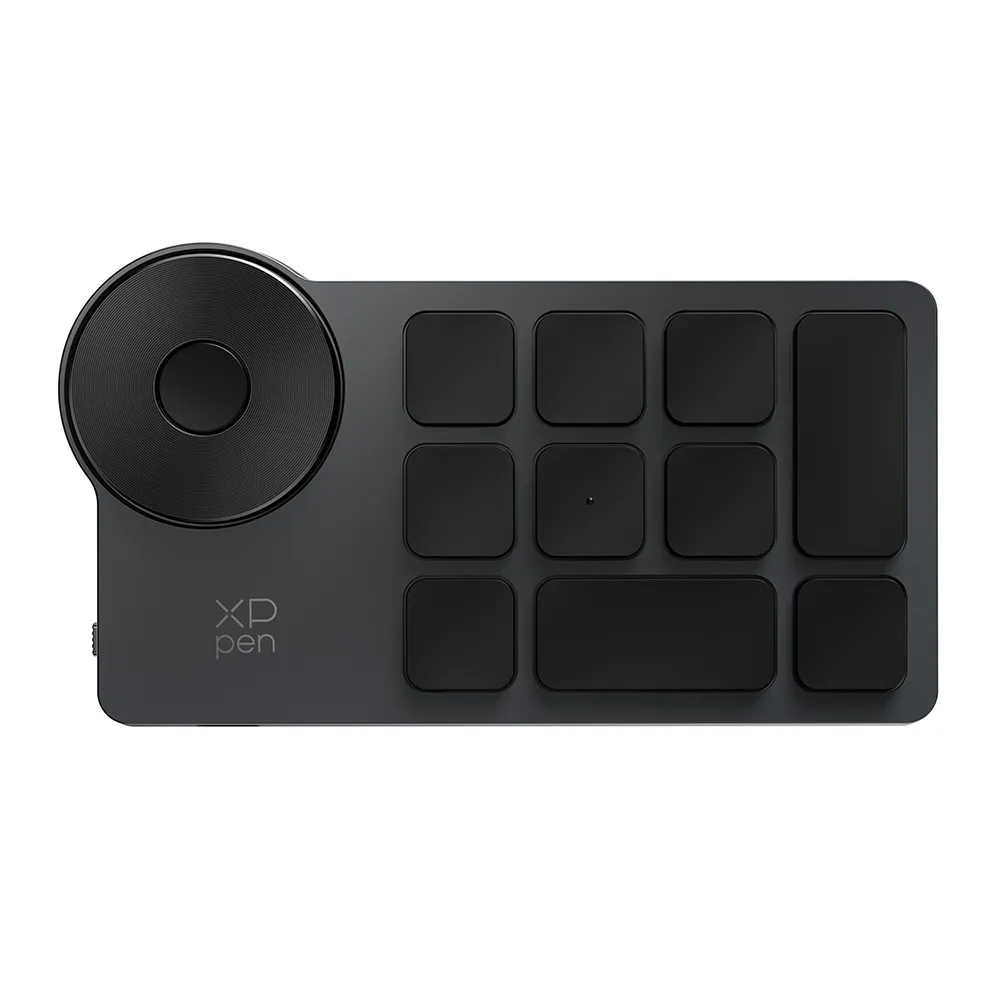
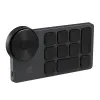
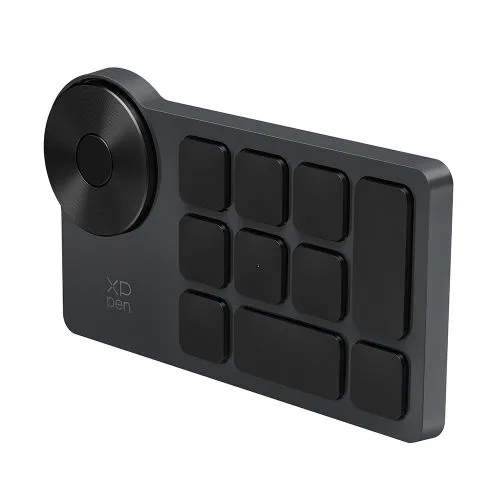
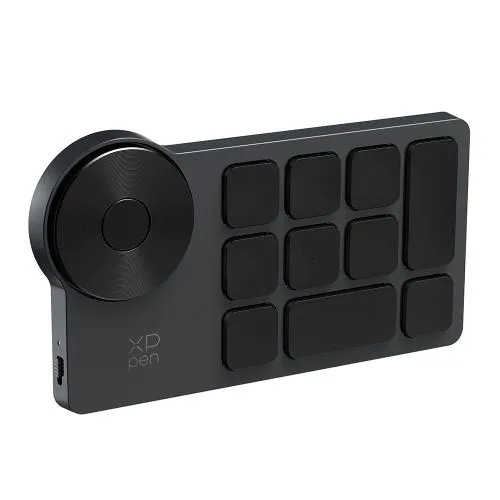
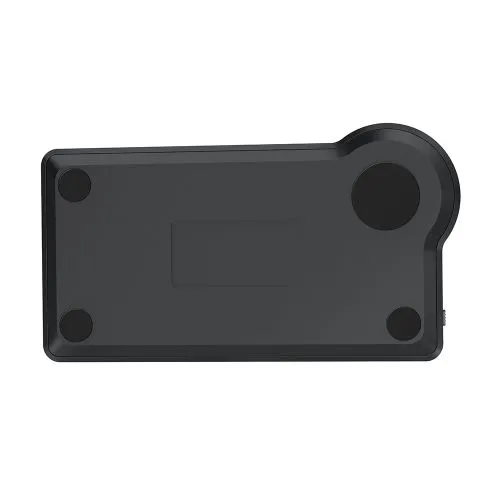
ACK05 Wireless Shortcut Remote

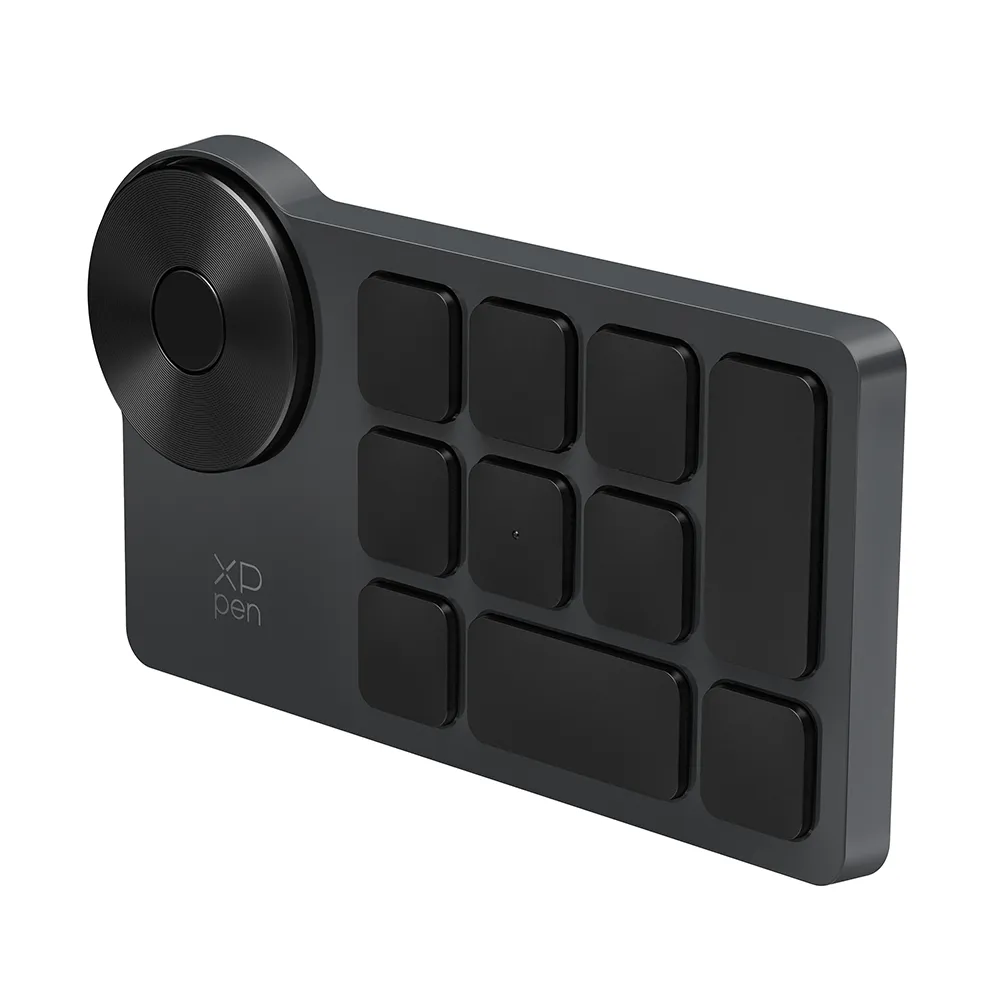
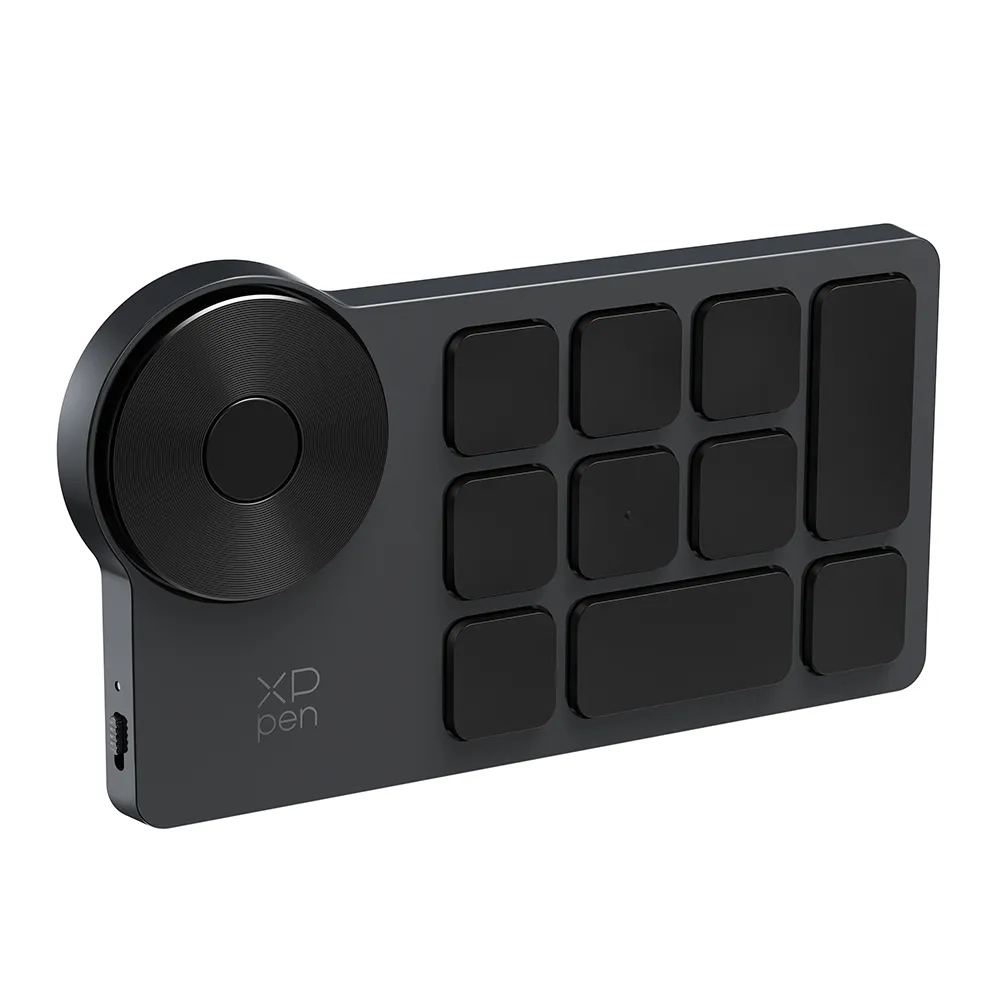
Works well with the left- and right-handed. 10 shortcut buttons. Supports dial switch function. Support Bluetooth, Dongle, and wired connection. Support internal storage of key settings. Rechargeable battery, USB-C port. Long battery life, up to 300hrs.

$39.99$49.99
Ends in

❋Lifetime Technical Support❋

❋Paypal Pay in 4 interest-free payment❋

❋18-Month Warranty+ Free Shipping❋

❋Free Drawing Software Redemption❋


FAST & FREE

7-day delivery sitewide.

SECURE PAYMENT

Buy now, pay later. Secured by PayPal.

TECH SUPPORT

service@xp-pen.com

18-MONTH WARRANTY

18-month warranty only for official E-store

Quantity:

Payment icon 0Payment icon 1Payment icon 2Payment icon 3Payment icon 4Payment icon 5Payment icon 6Payment icon 7
Estimate:
Control handily. Create efficiently.Control handily. Create efficiently.

Control handily. Create efficiently.

XPPen Wireless Shortcut Remote

image
image
4-direction Programmable

4-direction Programmable

Physical Dial

Physical Dial

10 Custom Keys

10 Custom Keys

Scissor Switch

Scissor Switch

Bluetooth 5.0

Bluetooth 5.0

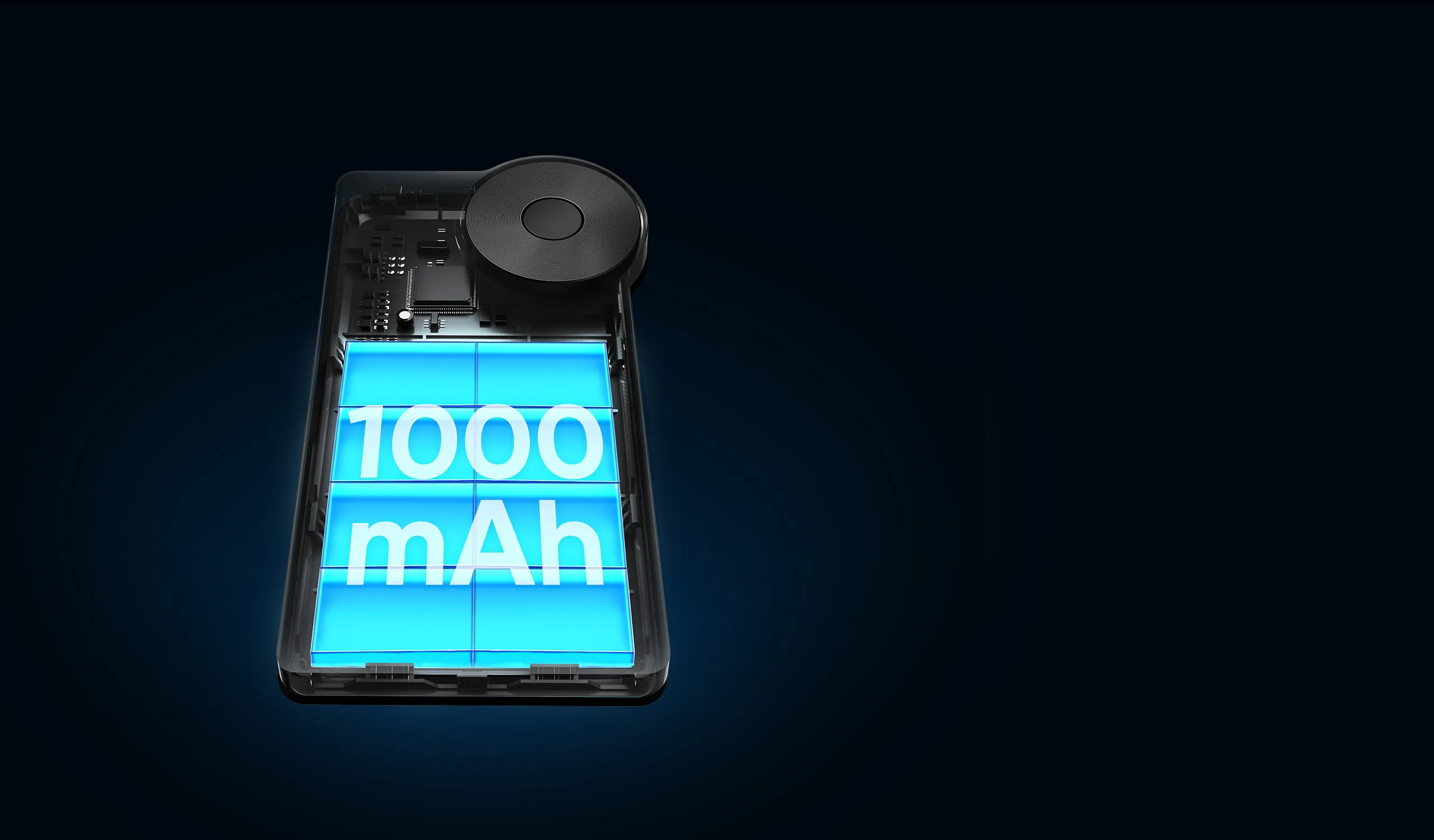
1000mAh Battery

1000mAh Battery

Compact and Portable

Compact and Portable

Touch-typing Friendly

Touch-typing Friendly

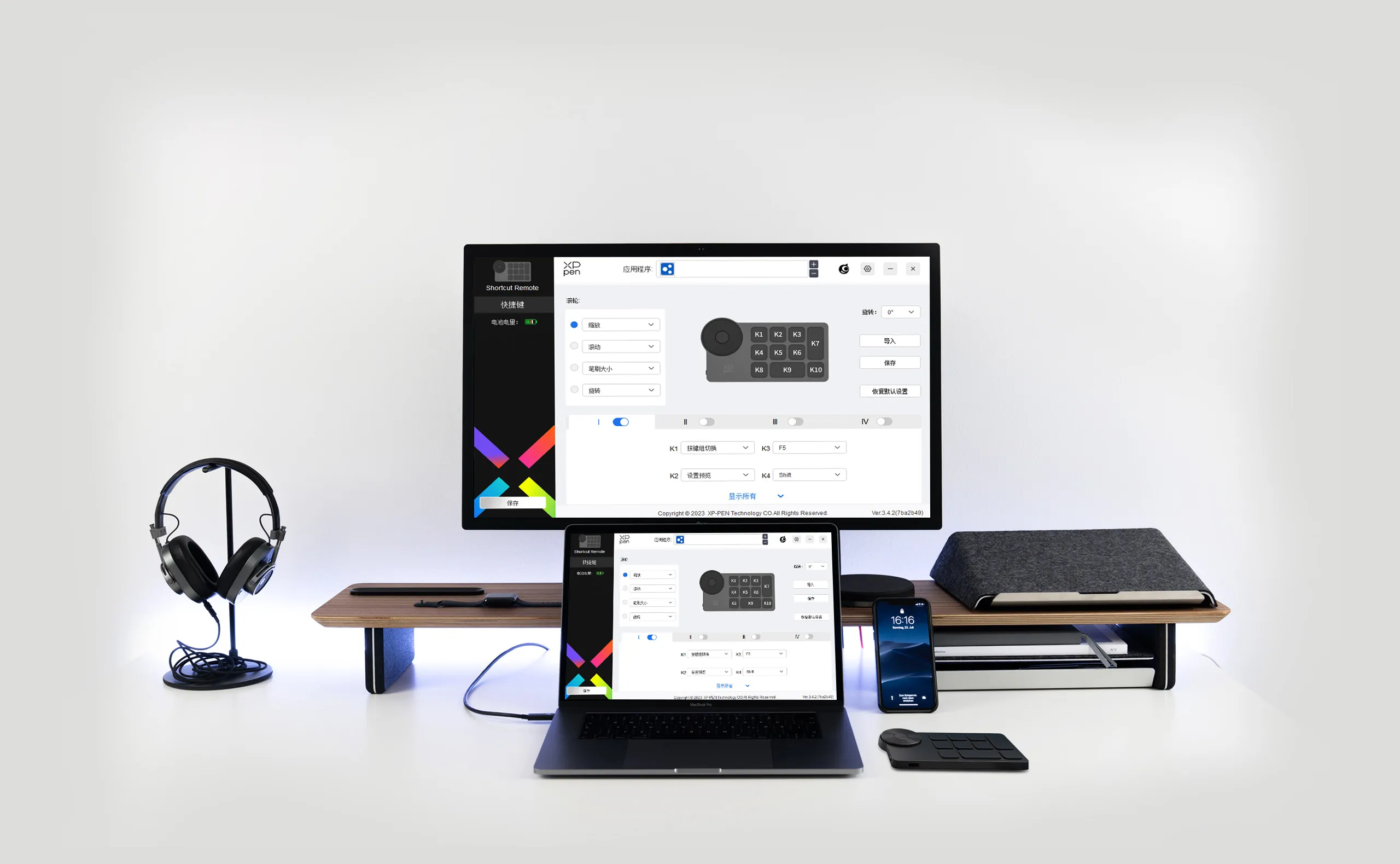
Intuitive Driver

Intuitive Driver

Wide Compatibility

Wide Compatibility

Program the way you like.

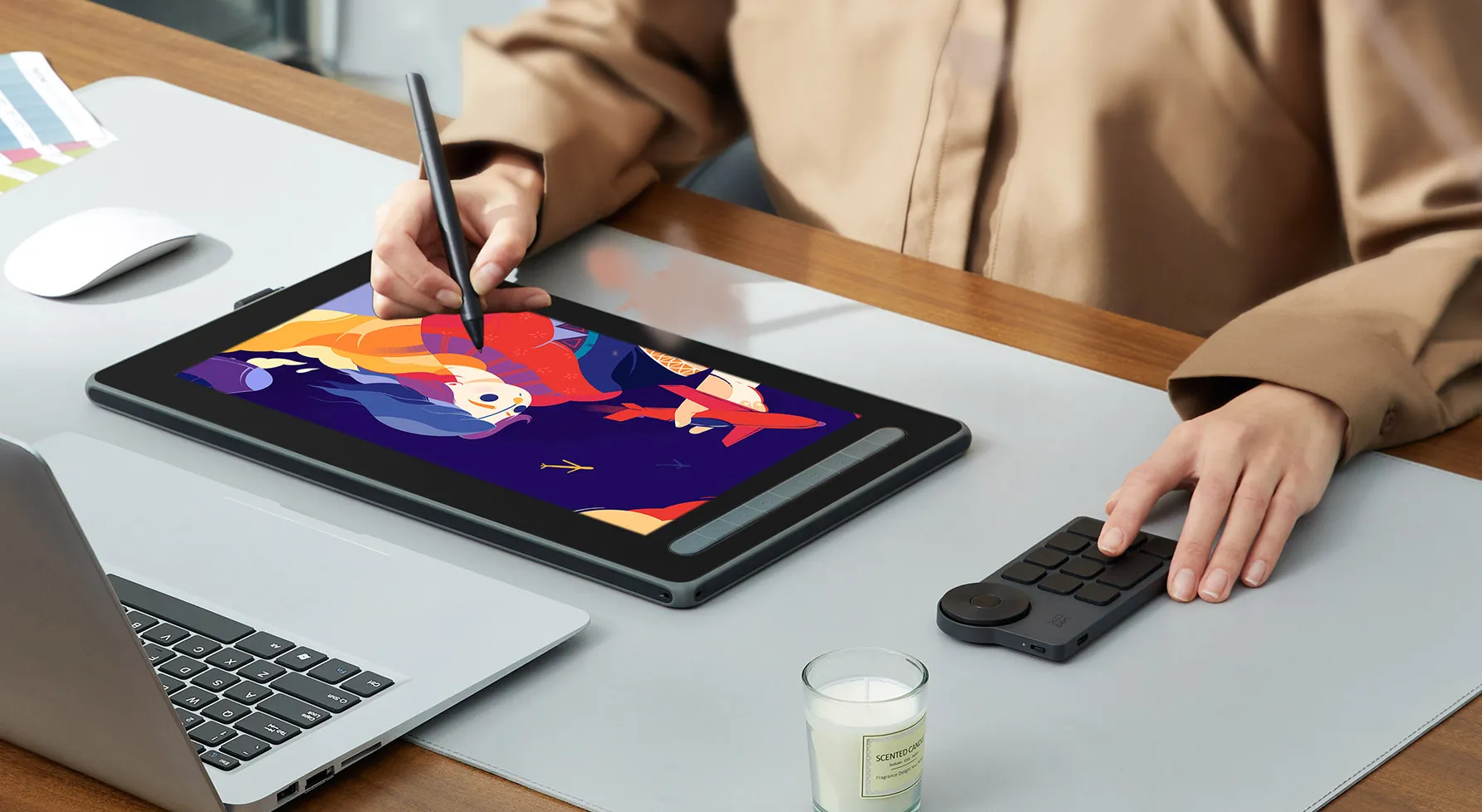
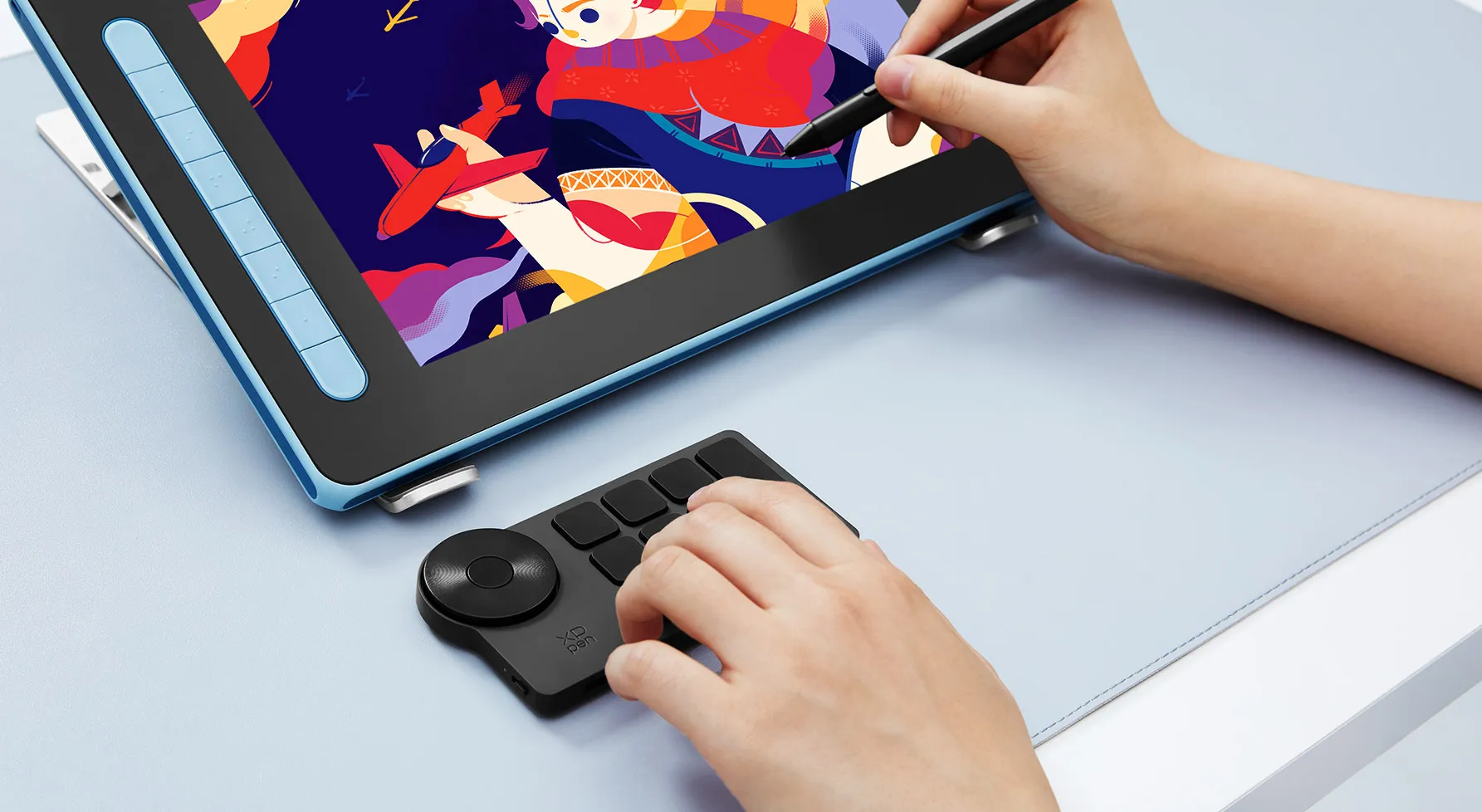
Program the keys at ease (through driver settings) and support preview. Always have the most intuitive shortcut combination whether you turn it right, left, up, or down. One-handed design for easy control.
image
image
imageimage
The right amount of damping for incredible fingertip inspiration.The right amount of damping for incredible fingertip inspiration.

The right amount of damping for incredible fingertip inspiration.

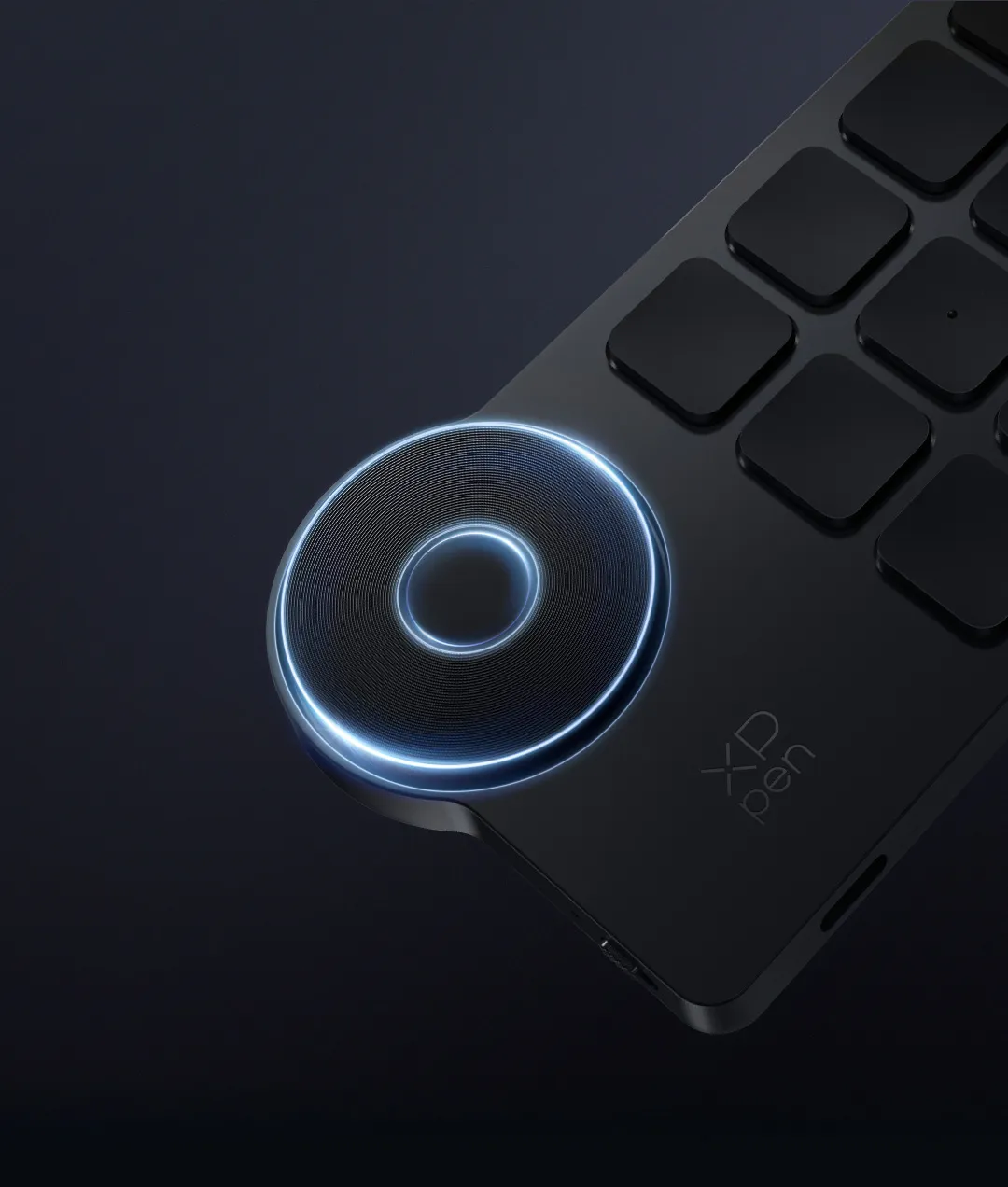
The physical dial provides the right amount of friction for a comfortable rotating experience. Rotating each 1/24 of the dial, you will hear a click sound as clear feedback. Turn the dial to zoom in/out, rotate the canvas, or adjust the brush size, and let your inspiration flow.
Customize up to 40 shortcuts.Elevate your productivity.Customize up to 40 shortcuts.Elevate your productivity.

Customize up to 40 shortcuts.
Elevate your productivity.

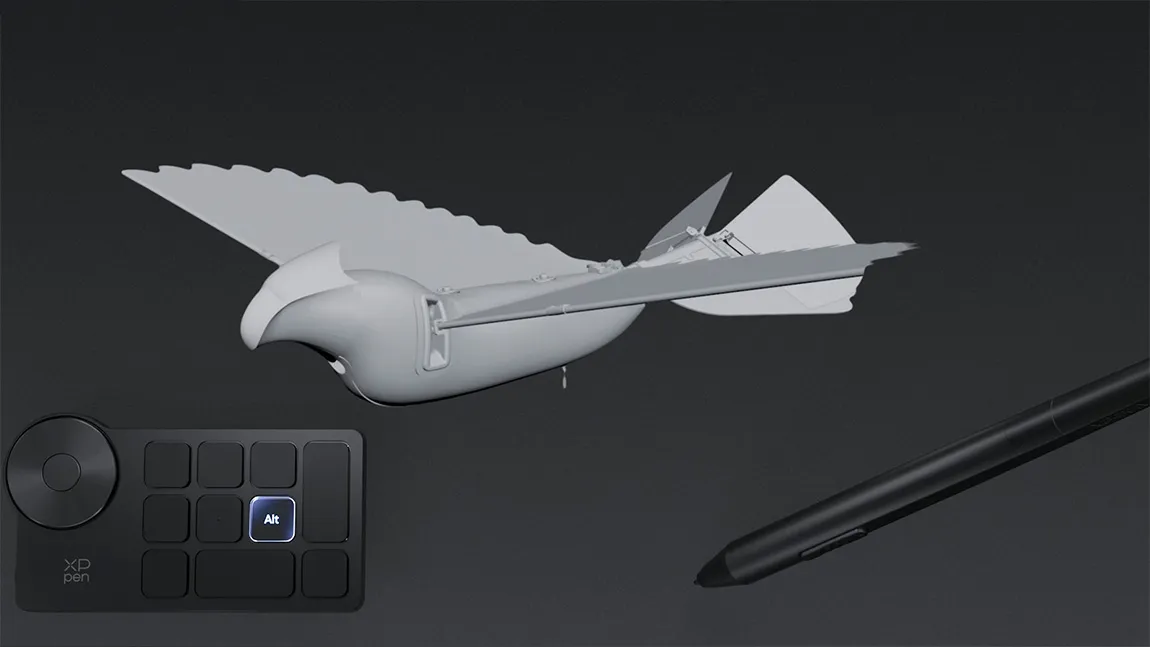
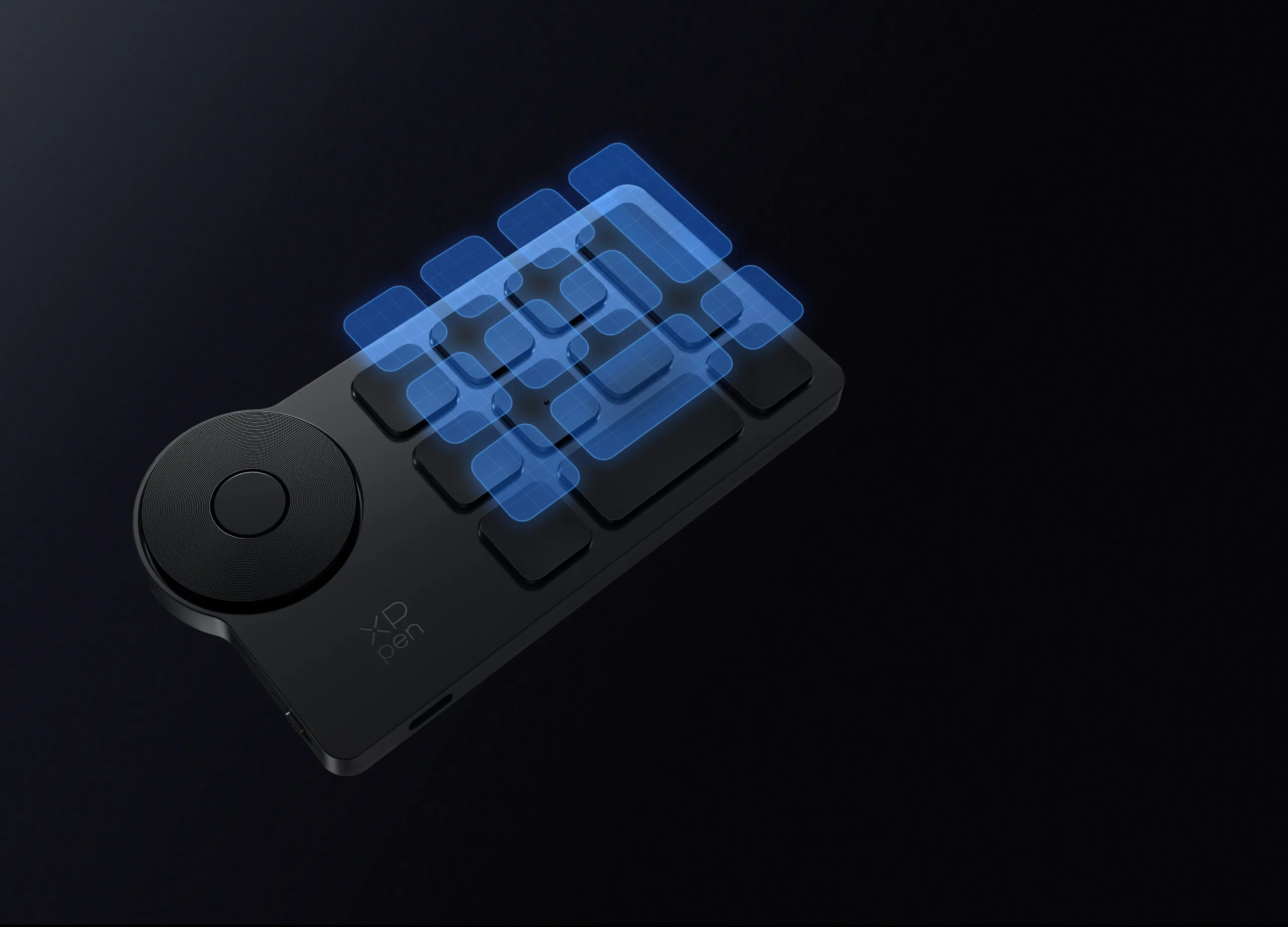
The Wireless Shortcut Remote has 10 keys. You are allowed to customize 4 sets through the driver -- up to 40 shortcuts. To switch between the sets, you only need to press a single key. Its capability to work with different applications makes itself a powerful productivity tool not only for creation, but also for study, work, and gaming.

Driver default settings

Plug-and-play default settings
Ctrl+O

Ctrl+N

F5

Ctrl+S

Alt

Ctrl+Shift+Z

Space

Ctrl

Ctrl+Z

Shift

Key group switching

Set preview

F5

Ctrl+s

Alt

Ctrl+Shift+Z

Space

Ctrl

Ctrl+S

Ctrl+Z

Scissor-switch keys for tactile and responsive keystrokes.Scissor-switch keys for tactile and responsive keystrokes.

Scissor-switch keys for tactile
and responsive keystrokes.

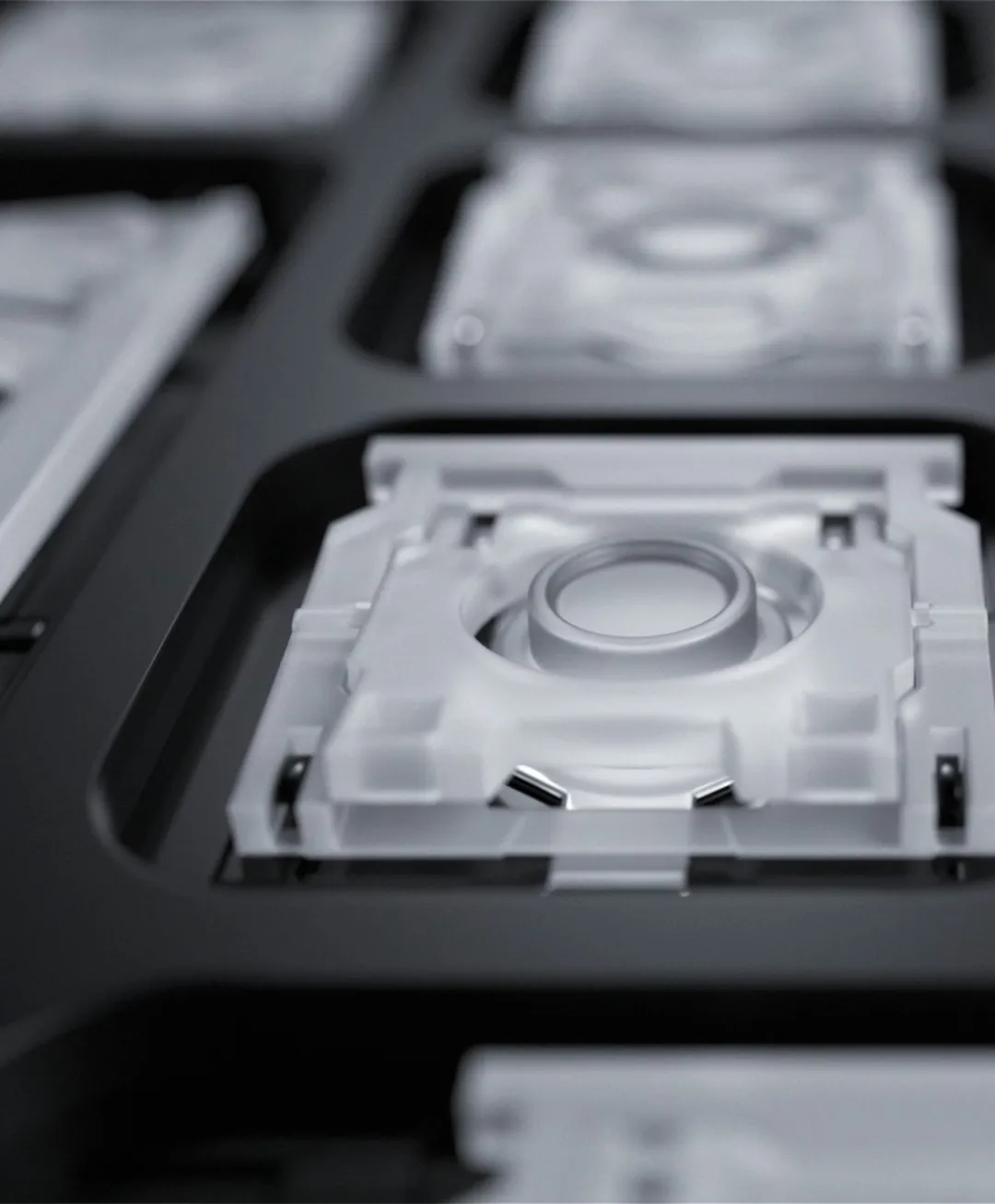
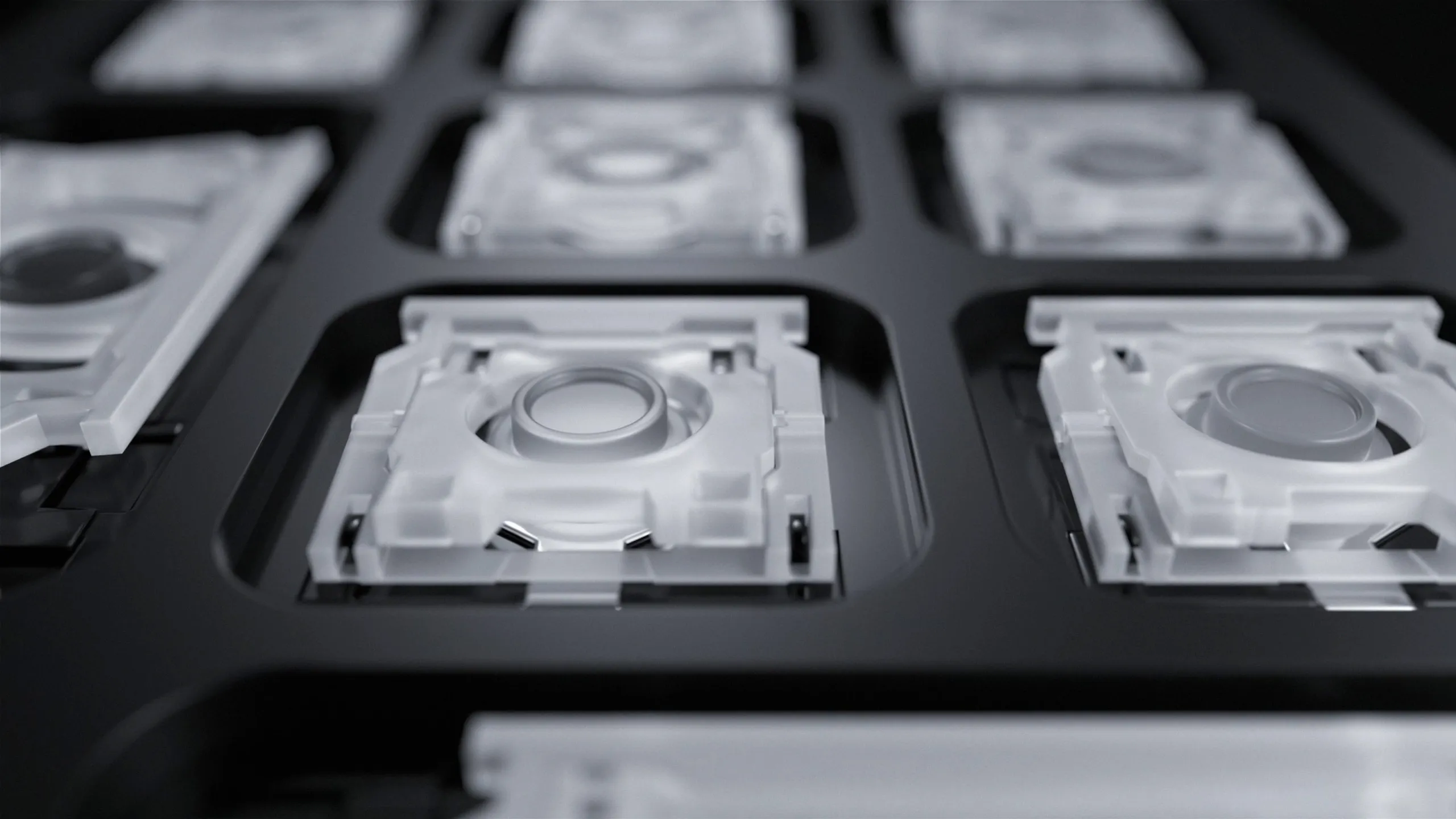
Scissor switches under the isolated keycaps largely shorten the key travel, enabling faster typing and causing less noise, delivering tactile and responsive keystrokes. With a long lifespan of over 5 million keystrokes, the Wireless Shortcut Remote will endure years of heavy use.

Wired or wireless connection. It's up to you.

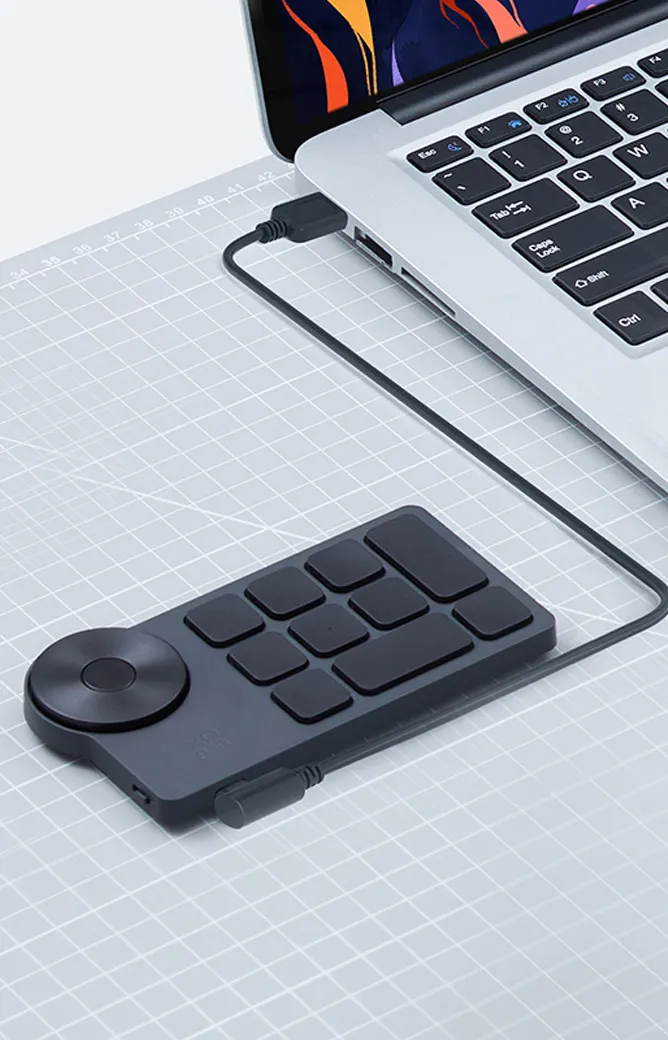
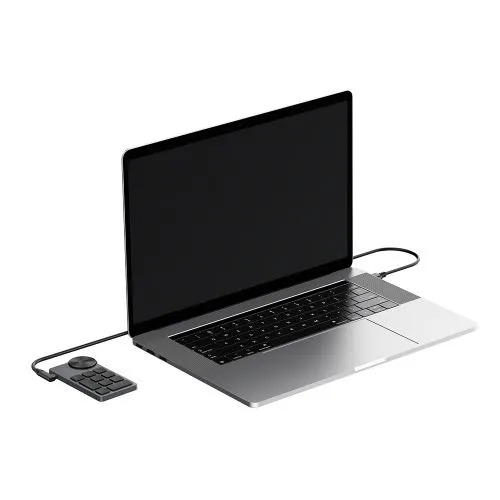
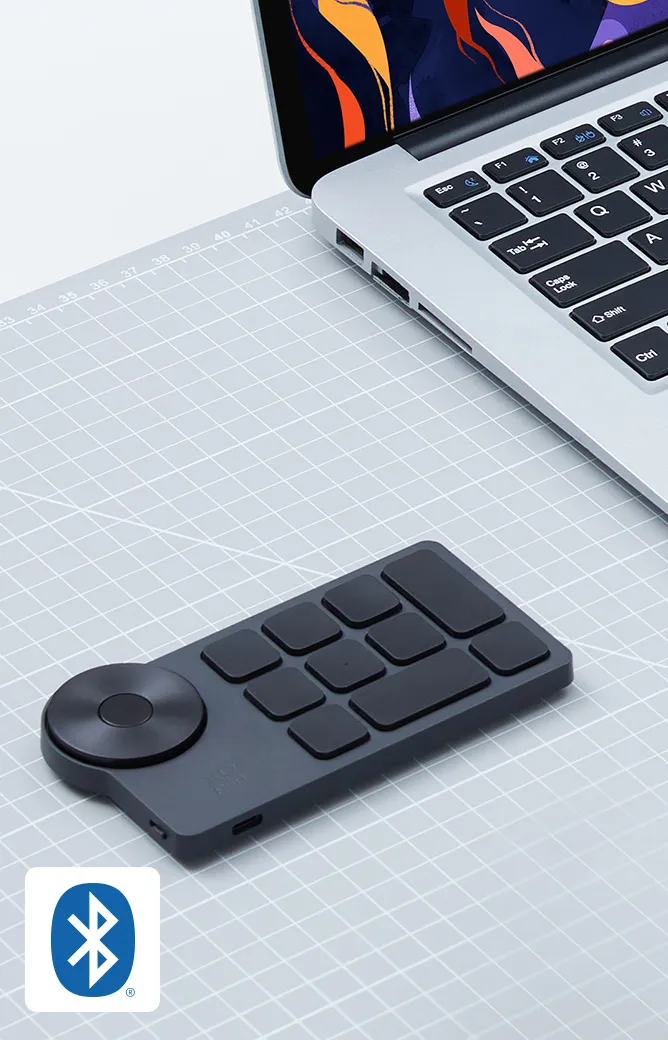
Connect wirelessly via Bluetooth or a Bluetooth dongle, and enjoy stable and fast transmission within a maximum distance of 3-5 meters. You can also change to wired connection via a USB-C cable to adapt to different scenarios.
Bluetooth 5.0
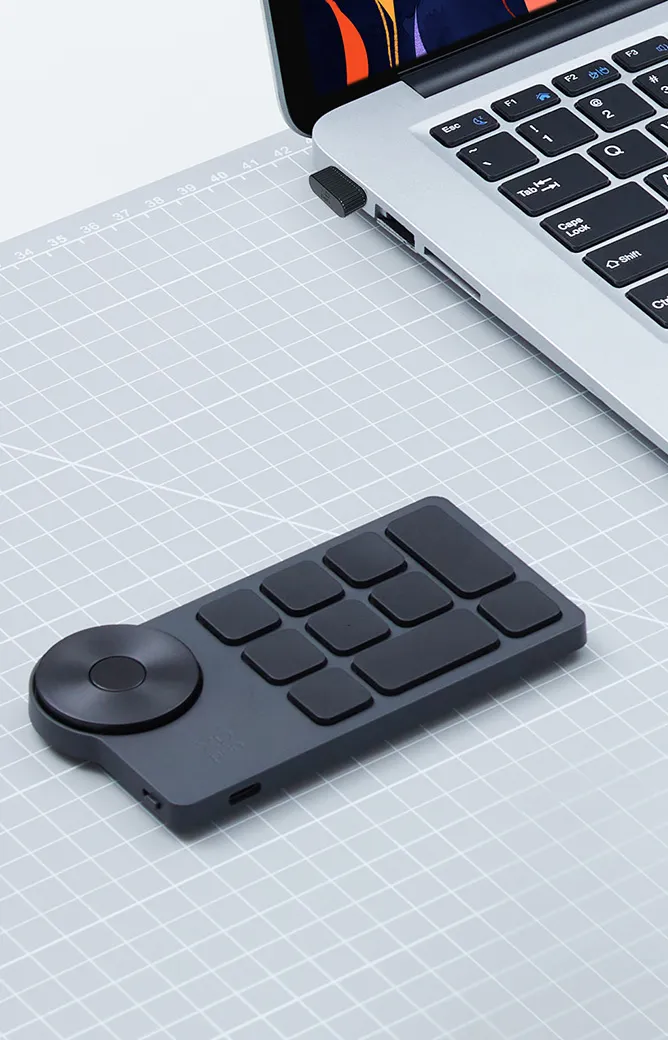
Bluetooth 5.0

Bluetooth dongle

Bluetooth dongle

USB-C cable

USB-C cable

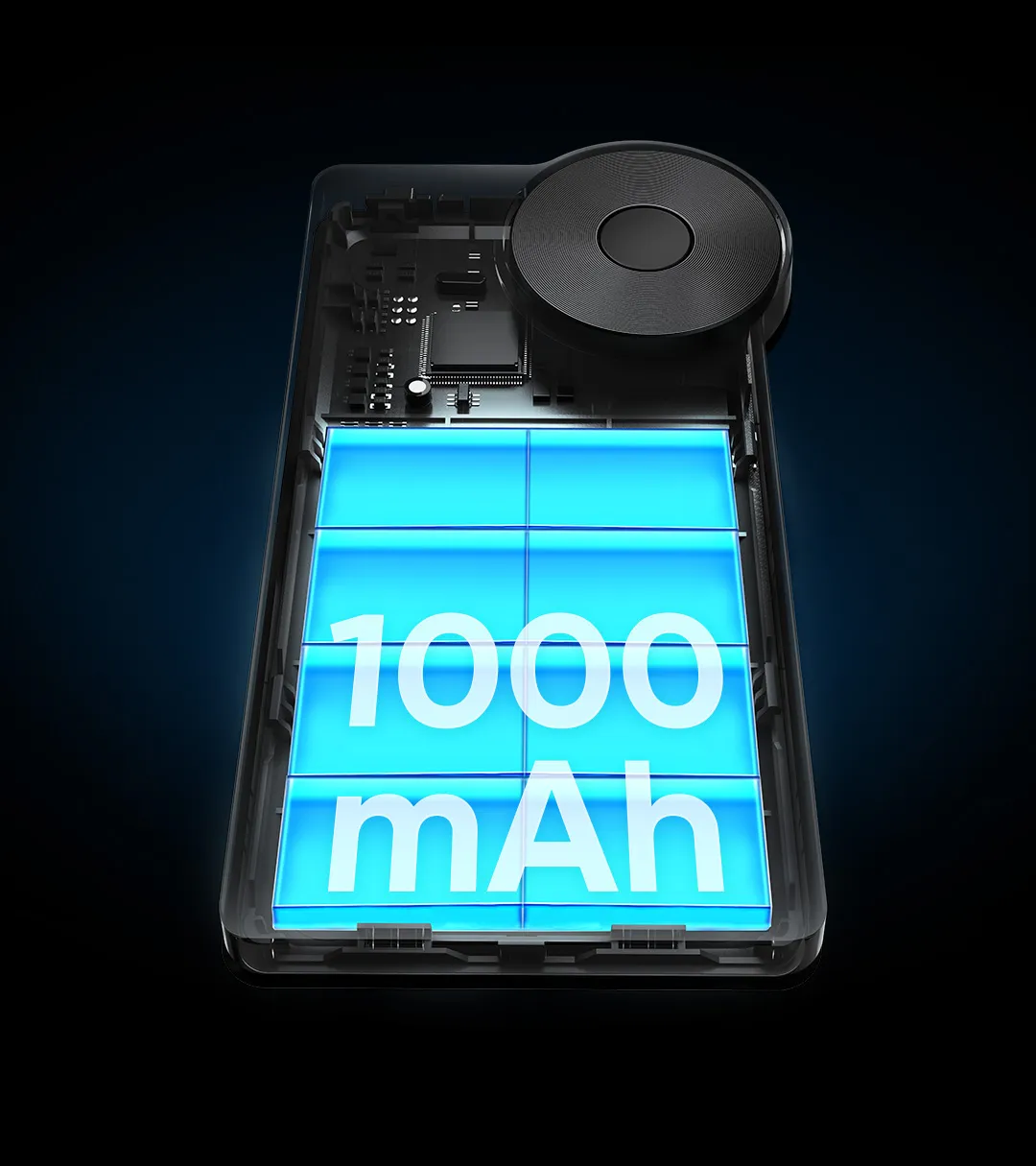
Large 1000mAh battery.Power you for days on end.Large 1000mAh battery.Power you for days on end.

Large 1000mAh battery.
Power you for days on end.

The Wireless Shortcut Remote lasts up to 300 hours on a full charge thanks to its built-in 1000mAh battery. Its standby time is as long as up to 10 months -- Ready to speed up your creation whenever you grab it.

1000mAh

Battery capacity

300 hours

Battery life

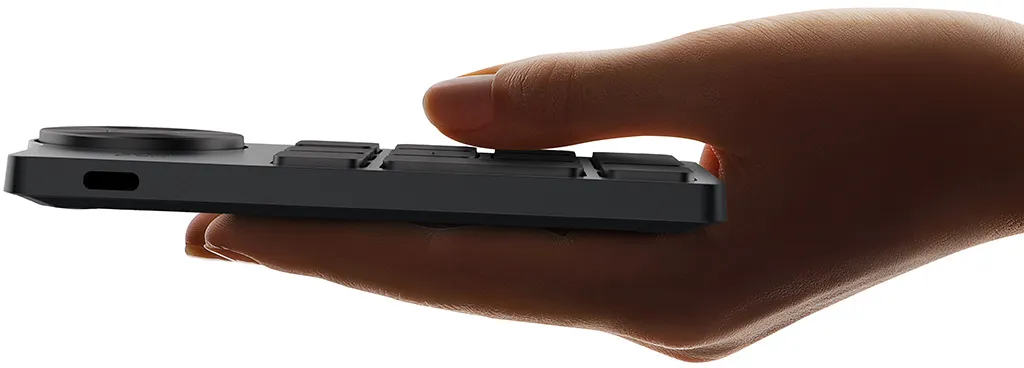
Compact size for
one-handed control.

The Wireless Shortcut Remote features a thin profile and weighs only 75g, easy for one hand to hold. Create anywhere, anytime, in a massively efficient way.

127.55 x 70.49 x 10mm
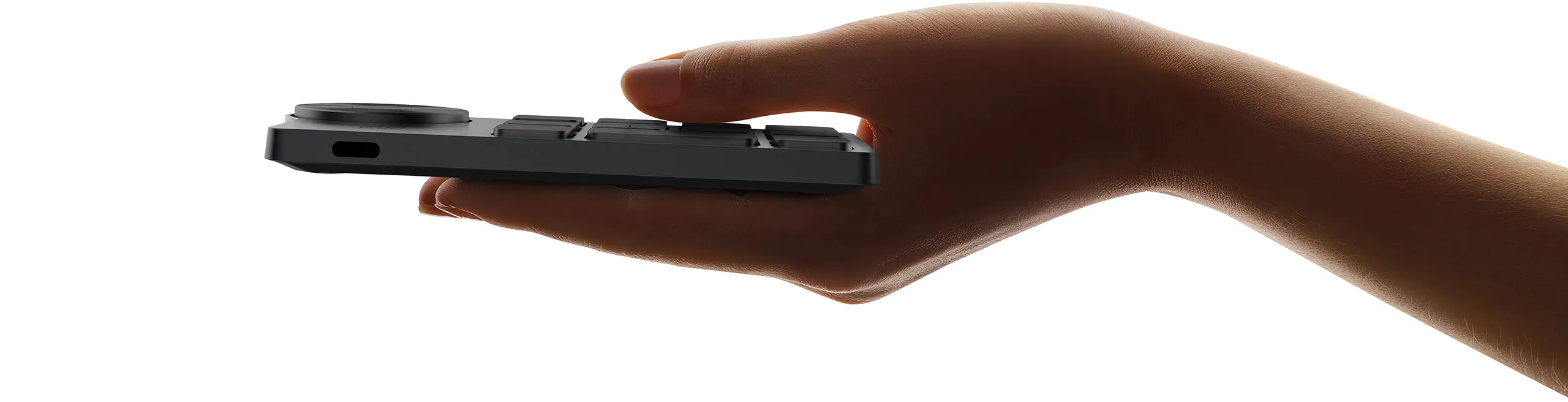
Compact size for one-handed control.Compact size for one-handed control.

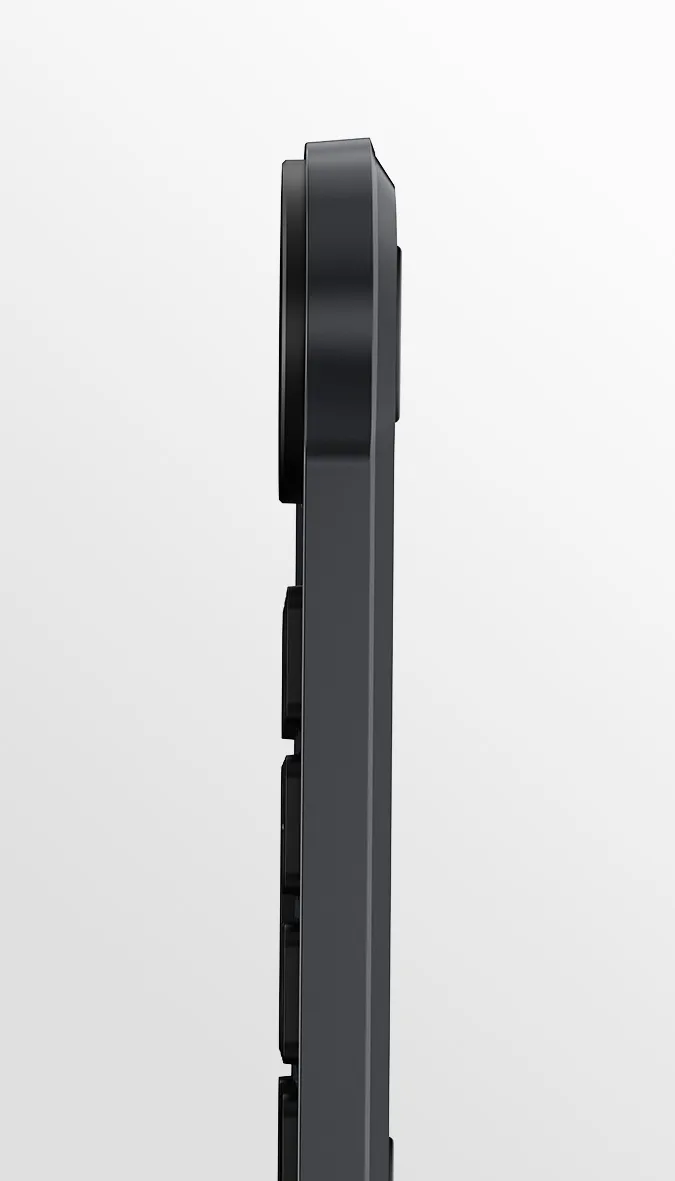
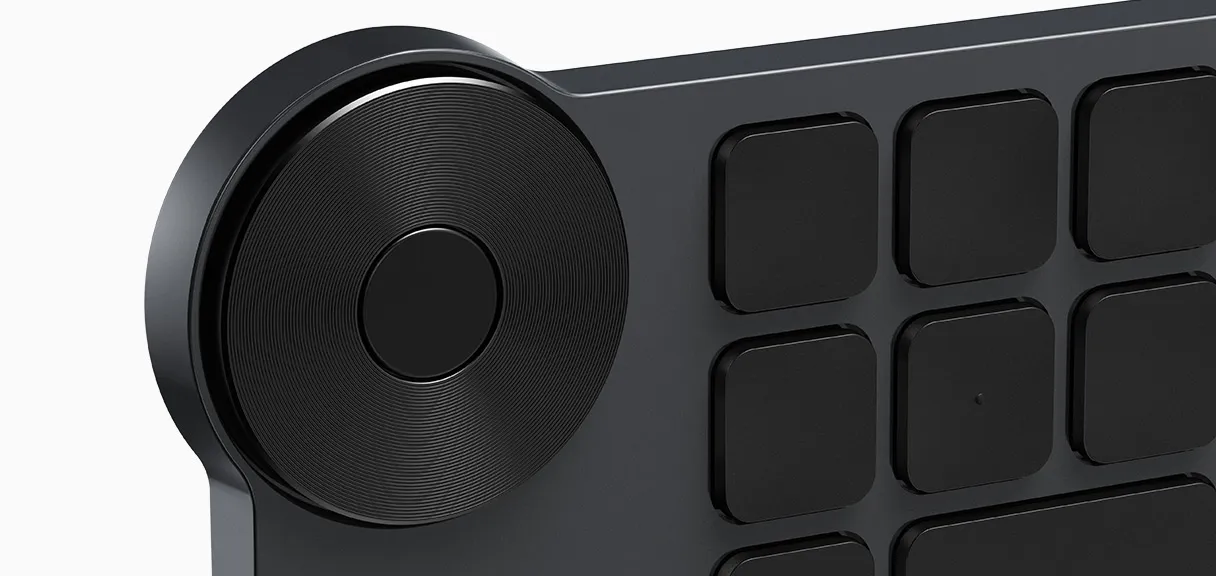
Classic black design. Always match your pro style.

The classic black design manifests your professionalism and always fits your workspace. The keycaps and physical dial are covered with a layer of coating that is resistant to sweat and stains and can endure years of use without losing its shine.
image
imageimage
imageimage

Ergonomic design for touch typing.
Make fast faster.

Accelerate your workflow with a little dot protruding on the middle key for easy identification and access without even a glance. Suit both the left-handed and the right-handed.

Two driver versions. With redesigned UI.

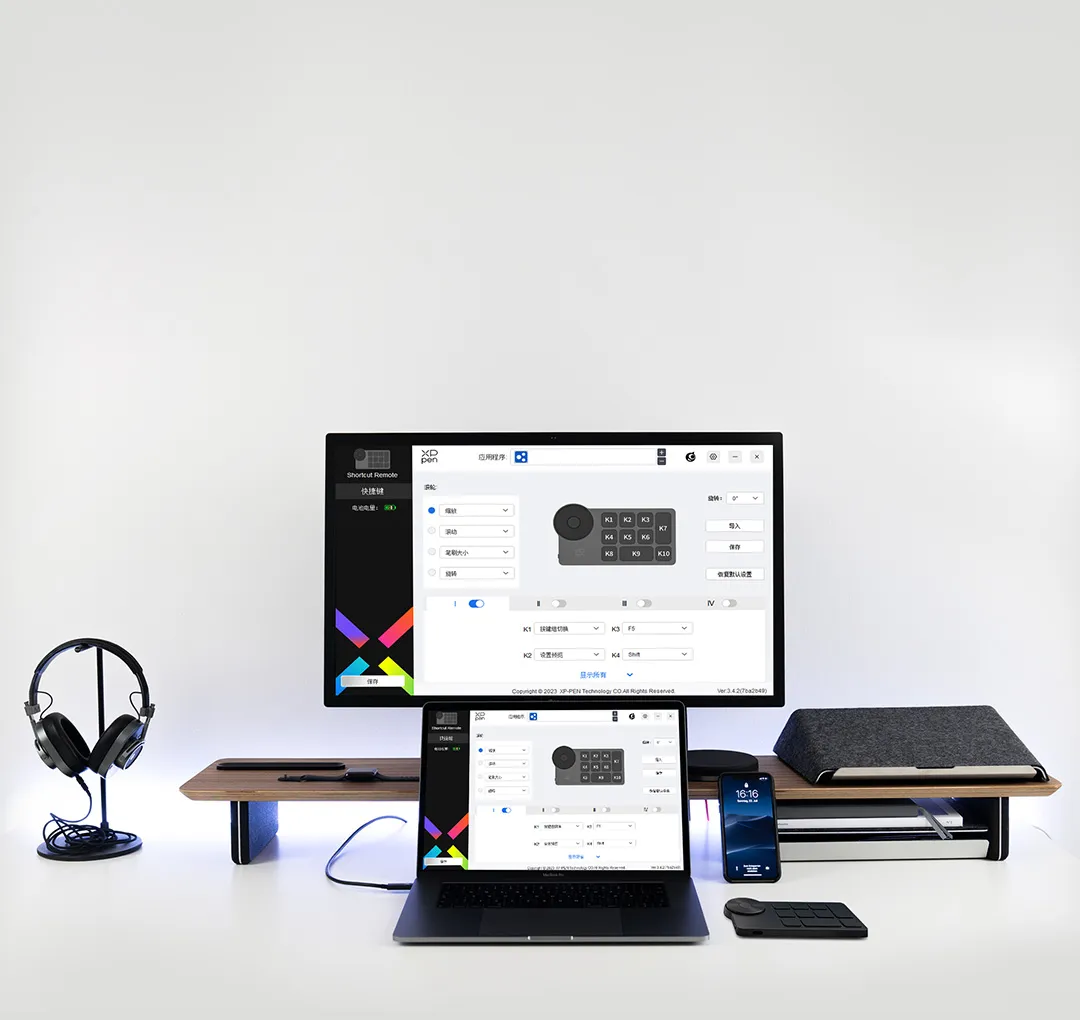
The redesigned user interface of the driver is pleasingly simple and easy to interact with. Choose between the driver's Full version and Separated version to work the best with your device(s), and unleash your creativity without limits.
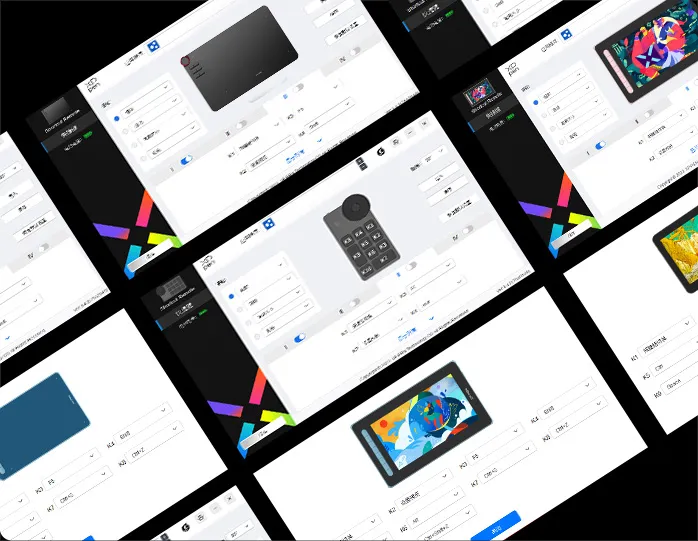
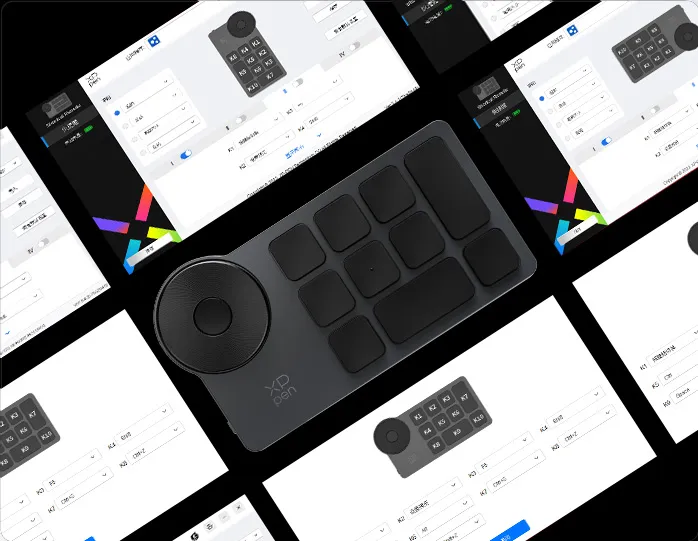
Full version

Full version

Work with XPPen drawing tablets/displays

Download Full version

Separated version

Separated version

Work with devices from other brands

Download Separated version

Save locally. Apply across devices.Save locally. Apply across devices.

Save locally. Apply across devices.*

Save custom driver settings in your computer and the Wireless Shortcut Remote. Apply the settings to different devices without programming again.

*Supported only via wired connection

Import: Import settings saved in the Wireless Shortcut Remote to the selected application in the driver.

Save: Save the settings for the current application in the Wireless Shortcut Remote.

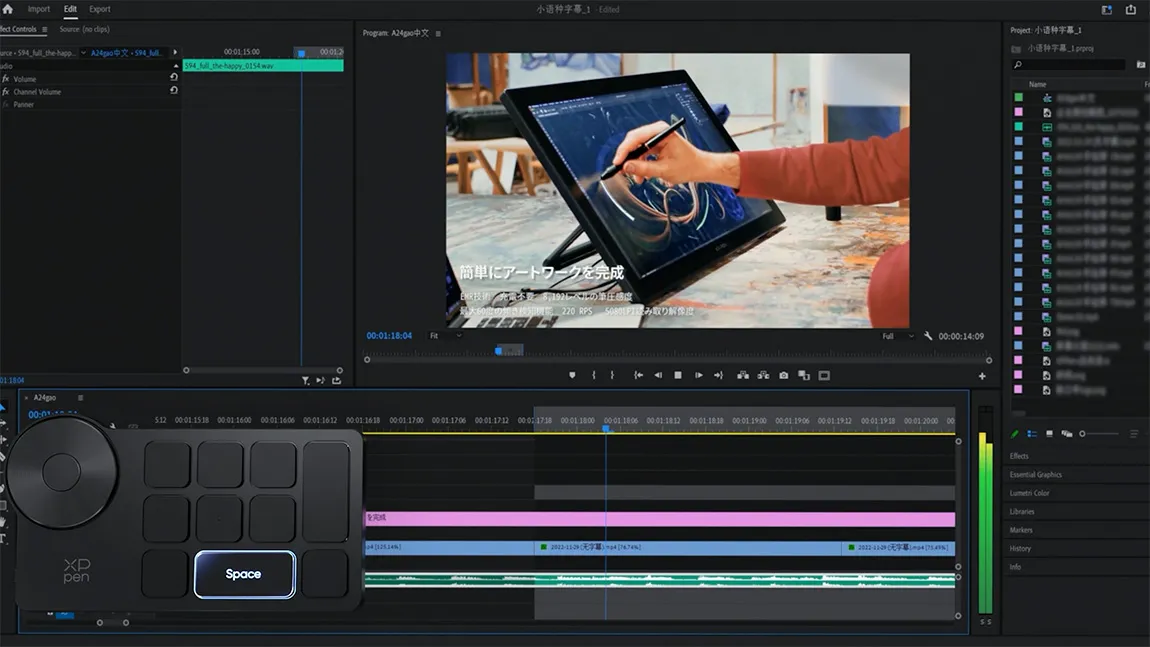
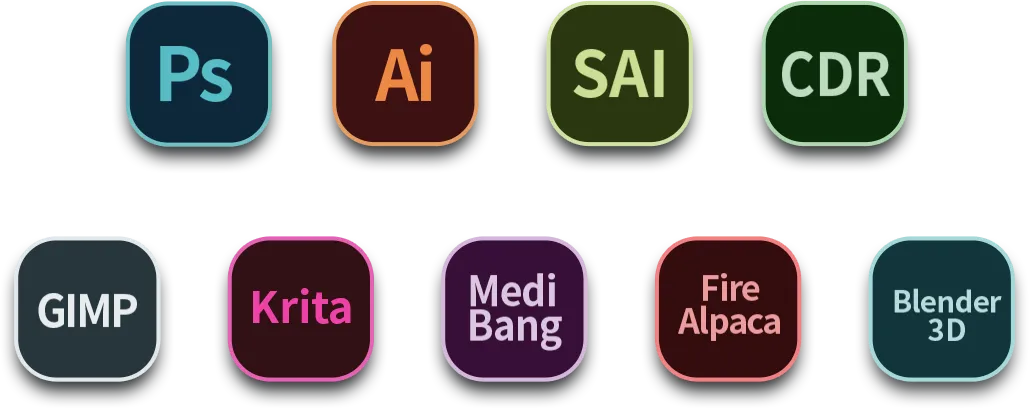
Work with various software.
Satisfy diverse creative needs.

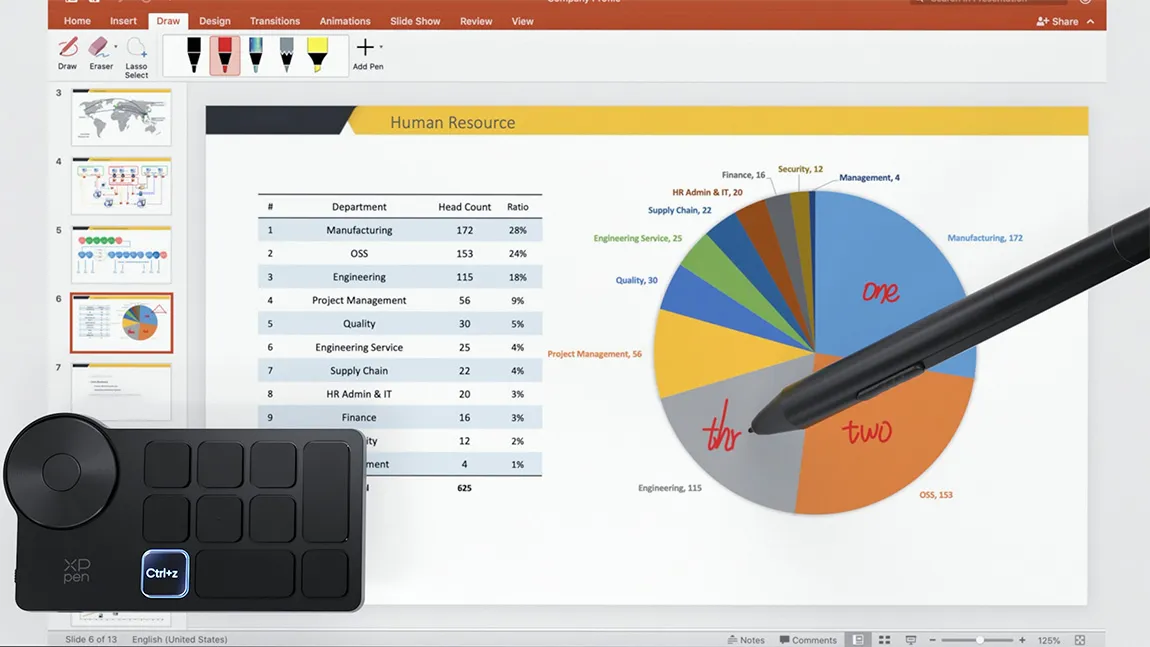
The Wireless Shortcut Remote is an incredible efficiency booster, working with various software for drawing, 2D/3D design, video/audio editing, and more. Useful for creatives such as artists, graphic designers, colorists, editors, and more.

image
image
image
image
image
image

Compatible with multiple operating systems
and much software.

System requirements for wired connection or connection via a Bluetooth dongle:
Windows 7 or later, macOS X 10.10 or later, and Linux.

System requirements for Bluetooth connection:
Windows 10 or later, macOS X 10.10 or later.

image

Software requirements:Photoshop, Illustrator, Flash, SAI, CAD, Painter, and more.
image

Specifications

NameXPPen Wireless Shortcut Remote
ModelACK05
MaterialPlastic + silicone
Dimensions127.55 x 70.49 x 10mm
ColorBlack + grey
Weight75g
Battery capacity1000mAh/3.7V
ConnectivityWired, Bluetooth dongle, Bluetooth 5.0
Shortcut keys11
Battery lifeAbout 300 hours
InterfaceUSB-C
System requirementsWired connection, connection via a Bluetooth dongle:
Windows 7 or later, macOS X 10.10 or later, or Linux;
Bluetooth connection:
Windows 10 or later, macOS X 10.10 or later.

Packing list

K05 Wireless Shortcut Remote x1

USB-A to USB-C Cable (L-shaped) x1

Wireless Dongle x1

Shortcut Sticker x1

Quick Start Guide x1

Warranty Card x1

Customer Service Notice Card x1

Reviews
5.0
11111
Based on 3
11111
100%(3)
11111
0(0)
11111
0(0)
11111
0(0)
11111
0(0)
Colorico
11111
Jul 17 ,2024 AM 09:30 ACK05 Wireless Shortcut Remote
Excellent condition! Just one tiny suggestion...
I've been with XP-Pen for several years, and I still have the original AC19 remote. This is definitely a huge upgrade, and everything feels great! The only tiny detail I think that would have been nice is if the button in the center of the rollable ring could also be customized, instead of only switching Zoom/Scroll/Etc. modes. I initially thought that the key mapping change could be set to that specific button, making it really easy for me to switch modes. A slight bummer, but not enough to dock off a star. Everything else works wonderfully and I'm so glad I don't have to worry about AAA batteries anymore!!!
Useful(3)+1
LillianIllustrated
11111
Dec 16 ,2024 PM 16:33 ACK05 Wireless Shortcut Remote
Very versatile
I use this more with magic tablet and clip studio paint pro. Some keys had to be adjusted in the program but it helps so much when I haven't gotten the keyboard for the standalone tablet. This device is lightweight, I want to say it powers off after some time of no use. Otherwise it's very easy. It comes with indication or shortcut stickers.
Useful(4)+1
XFANS3q7hl88r
11111
Jun 22 ,2023 AM 07:39 ACK05 Wireless Shortcut Remote
Remote is GREAT!
Remote works great, instant response time*, no external battery required, and battery is long lasting (haven't recharged it since first charge). Works on Linux Mint Debian Edition (will work on other distros). The stickers are a great addition and helps me remember the keybinds. Am using this with the XP-Pen Artist 24 (NO Expresskeys). *While the response time is fast, the driver application opens up as a window when I use the keys/dial, which makes me have to double click the function or wait about two seconds to click the function to work. Also hope there will be a standalone driver for this remote on Linux someday, not every Linux user will have an XP-Pen tablet. (Oddly enough, I found out that this remote was for sale after expressing disappointment in the previous AC19 version I bought before, coincidence?)
Useful(1)+1
Q&A
XFANSkdw1lfsl
Jan 04 ,2026 AM 06:52 ACK05 Wireless Shortcut Remote
hello, I have been trying to connect it to my magic drawing pad via Bluetooth but I cannot get it to connect, do you have any advice?
Reply1
Official mall
Jan 22 ,2026 PM 15:00
Hello We are very sorry to hear that you are experiencing problems using the product. Please contact our technical team for professional assistance through the following methods: service@xp-pen.com
Reply to this review
XFANSlvt916fr
Oct 31 ,2025 AM 08:58 ACK05 Wireless Shortcut Remote
Does the ACK05 have an on/off button?
Reply1
Official mall
Nov 03 ,2025 PM 15:24
Hello Yes, the ACK05 Wireless Shortcut Remote has a Bluetooth connection switch.
Reply to this review
XFANSze3j6abm
Oct 30 ,2025 AM 00:09 ACK05 Wireless Shortcut Remote
How is the ACK05 Wireless Shortcut Remote battery recharged?
Reply1
Official mall
Oct 30 ,2025 PM 14:28
Hello, You can charge the ACK05 using the included charging cable. Please feel free to ask if you have any questions.
Reply to this review
vulfolio
May 11 ,2025 AM 00:53 ACK05 Wireless Shortcut Remote
The scroll wheel for my ACK05 shortcut remote keeps skipping. I frequently use the scroll wheel to zoom in and out in my drawing program, and the skipping results in inaccuracy, as well as the canvas rapidly jumping from area to area.
Reply1
Official mall
May 12 ,2025 PM 15:23
Hello We\'re sorry to hear that you are having some trouble with your products. We would like to help you solve it. Please send the video of the product problem to service@xp-pen.com and we will provide you with professional help.
Reply to this review
GURAZURA
Apr 01 ,2025 AM 07:02 ACK05 Wireless Shortcut Remote
is it compatible with artist 22gen 2?
Reply1
Official mall
Apr 01 ,2025 PM 16:15
Hello, Yes, ACK05 Wireless Shortcut Remote is compatible with Artist Pro 22 (Gen 2).
Reply to this review
XFANSil6qpcma
Mar 15 ,2025 AM 03:49 ACK05 Wireless Shortcut Remote
Is this product compatible with the artist 12?
Reply1
Official mall
Mar 17 ,2025 PM 15:49
Hello Yes, Artist 12 is compatible with ACK05 Wireless Shortcut Remote.
Reply to this review
XFANS9rjvygkk
Jan 28 ,2025 AM 09:07 ACK05 Wireless Shortcut Remote
How do I enable an overlay that shows the shortcut keys? I think I accidently enabled it once, but cant figure out how I did it. I'm referring to a gui that shows up semi transparent somewhere on the screen that shows me what each button's shortcut is assigned to. BTW Im absolutely loving this device. It works really well with Premiere.
Reply1
Official mall
Jan 28 ,2025 PM 12:22
Hello Please hover over the corresponding button with the mouse to see the shortcut key.
Reply to this review
XFANS4qz68g2n
Jan 13 ,2025 AM 07:05 ACK05 Wireless Shortcut Remote
In the answers I found: - Yes, ACK05 Wireless Shortcut Remote is compatible with Magic Drawing Pad. and - ACK05 wireless shortcut remote control is not compatible with Android devices. Isn't there a problem ?
Reply1
Official mall
Jan 13 ,2025 PM 14:51
Hello ACK05 Wireless Shortcut Remote was not originally designed for Magic Drawing Pad. Many customers reported that the small keyboard is easier to use, so ACK05 Wireless Shortcut Remote was updated and adapted for compatibility with Magic Drawing Pad.
Reply to this review
XFANSecxmihz6
Jan 03 ,2025 AM 04:54 ACK05 Wireless Shortcut Remote
Hello, is this product compatible with an iPad iOS (standalone with bluetooth connection)?
Reply0
Official mall
Jan 03 ,2025 PM 15:00
Hello No, ACK05 Wireless Shortcut Remote is not compatible with iPad iOS.
Reply to this review
XFANSnt6qi00g
Jan 03 ,2025 AM 04:08 ACK05 Wireless Shortcut Remote
Hello, I just purchased one of these for my workflow to speed up things. I was then worried after looking that this may or may not work with Corel Draw so I wanted to ask ? Thank you!
Reply1
Official mall
Jan 03 ,2025 PM 15:03
Hello ACK05 Wireless Shortcut Remote connection requirements: Wired connection, connection via a Bluetooth dongle: Windows 7 or later, macOS X 10.10 or later, or Linux; Bluetooth connection: Windows 10 or later, macOS X 10.10 or later. If you are using the above system devices, then ACK05 Wireless Shortcut Remote is compatible with Corel Draw.
Reply to this review
Learn More