
Getting started with your
XPPen Artist 16 3rd
1/10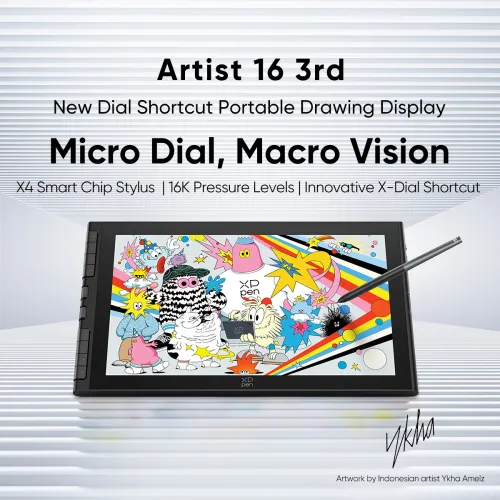
Artist 16 3rd
Key Features
X4 Smart Chip Stylus
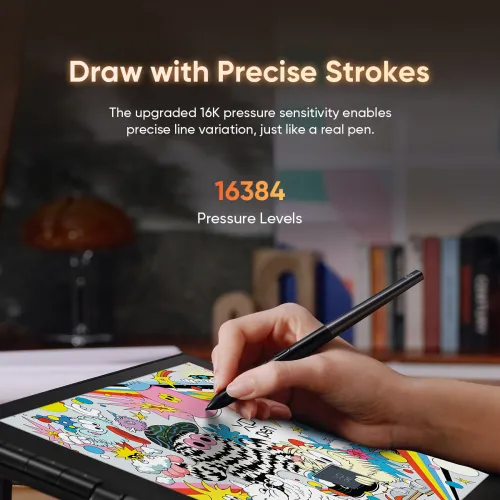
16K Pressure Levels
Innovative X-Dial Shortcut
It needs to be connected to a computer or laptop to run
$339.99$399.99
Ends in
❋Lifetime Technical Support❋
❋Paypal Pay in 4 interest-free payment❋
❋18-Month Warranty+ Free Shipping❋
❋Free Drawing Software Redemption❋
FAST & FREE
7-day delivery sitewide.
SECURE PAYMENT
Buy now, pay later. Secured by PayPal.
TECH SUPPORT
service@xp-pen.com
18-MONTH WARRANTY
18-month warranty only for official E-store
Quantity:
Total
$339.99
 Log in and purchase to receive an estimated 339 X-Coins








Worry-Free Delivery® available with seel
Estimate:
Feature Highlights
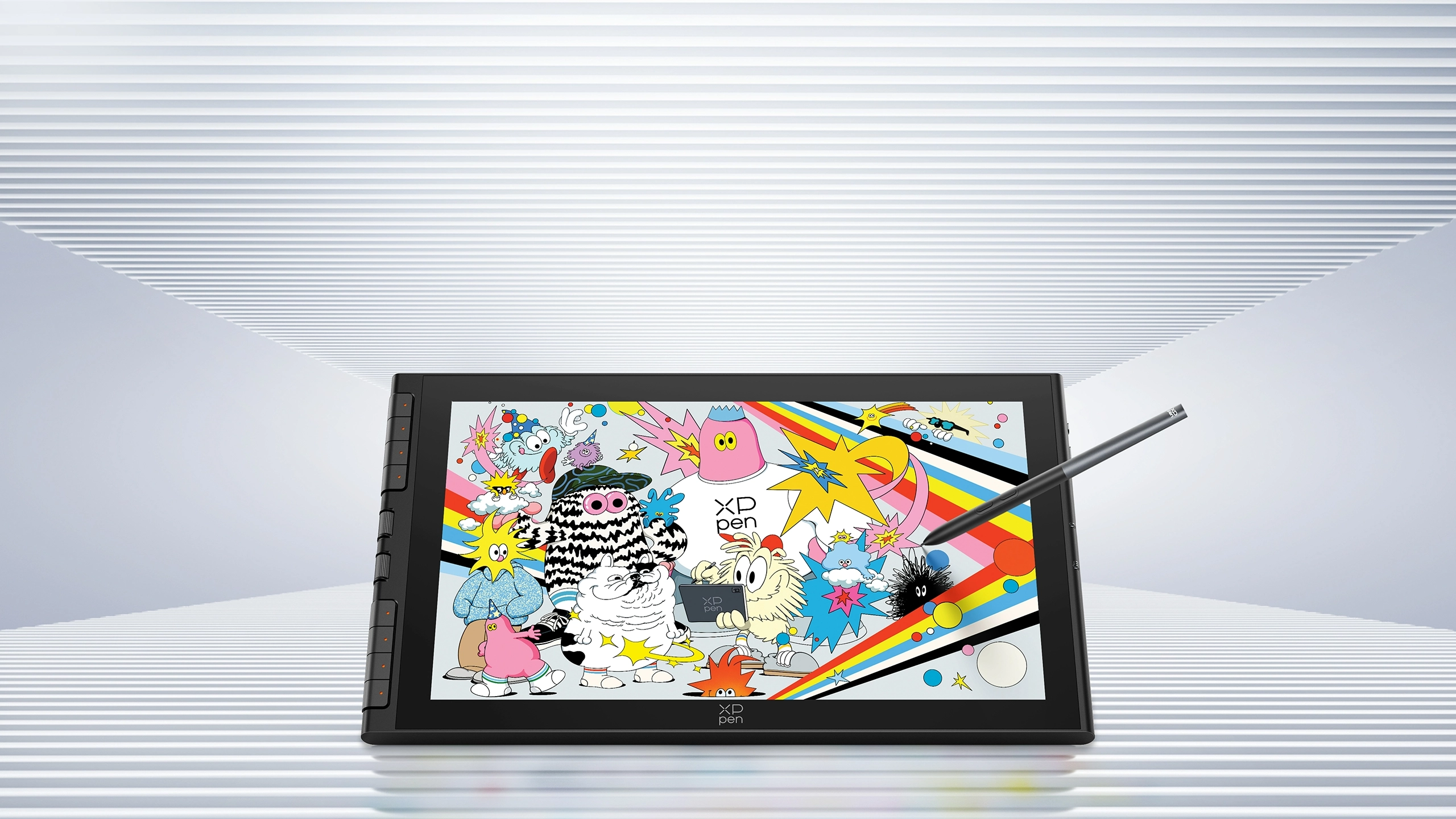
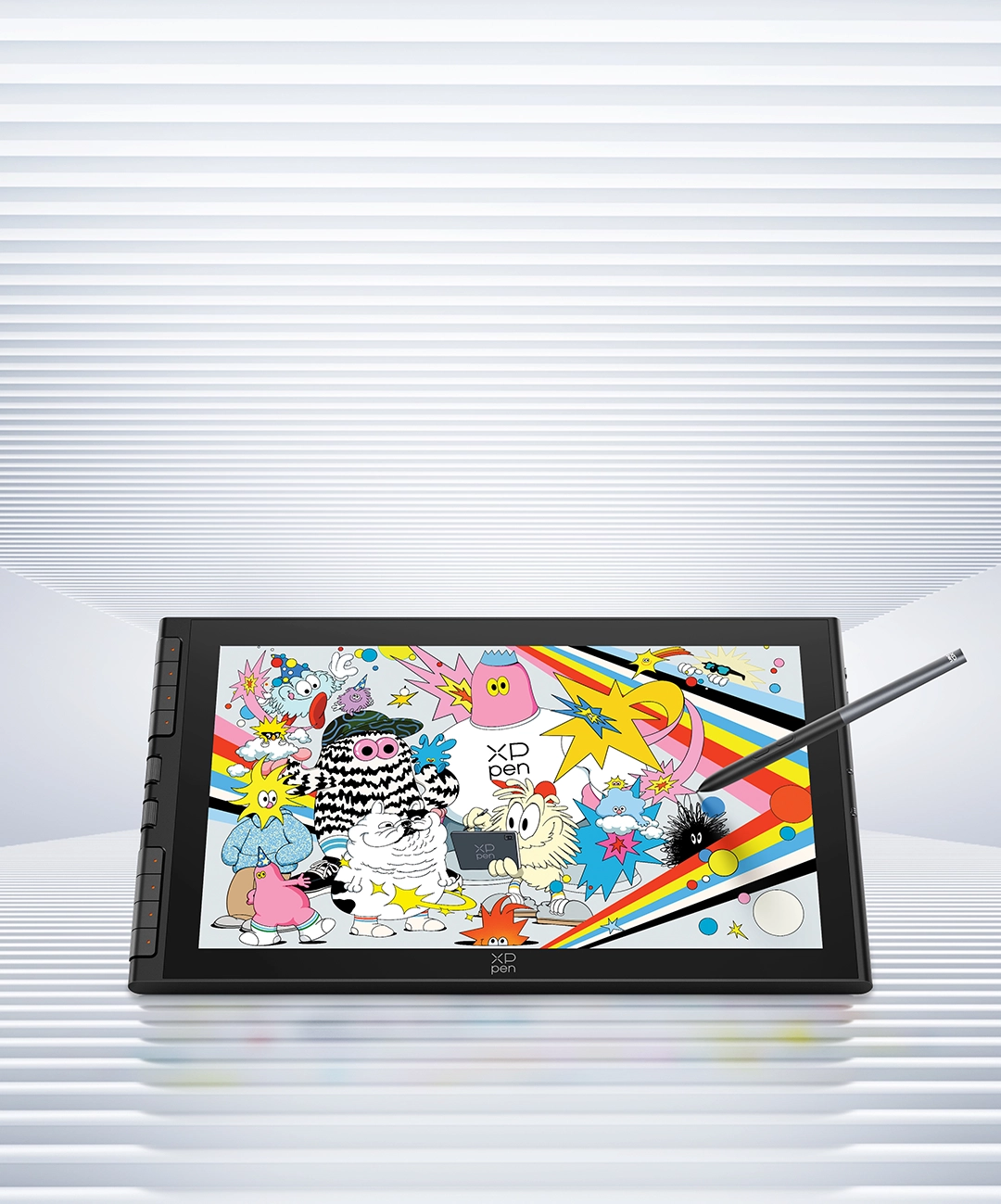
Artist 16 3rd
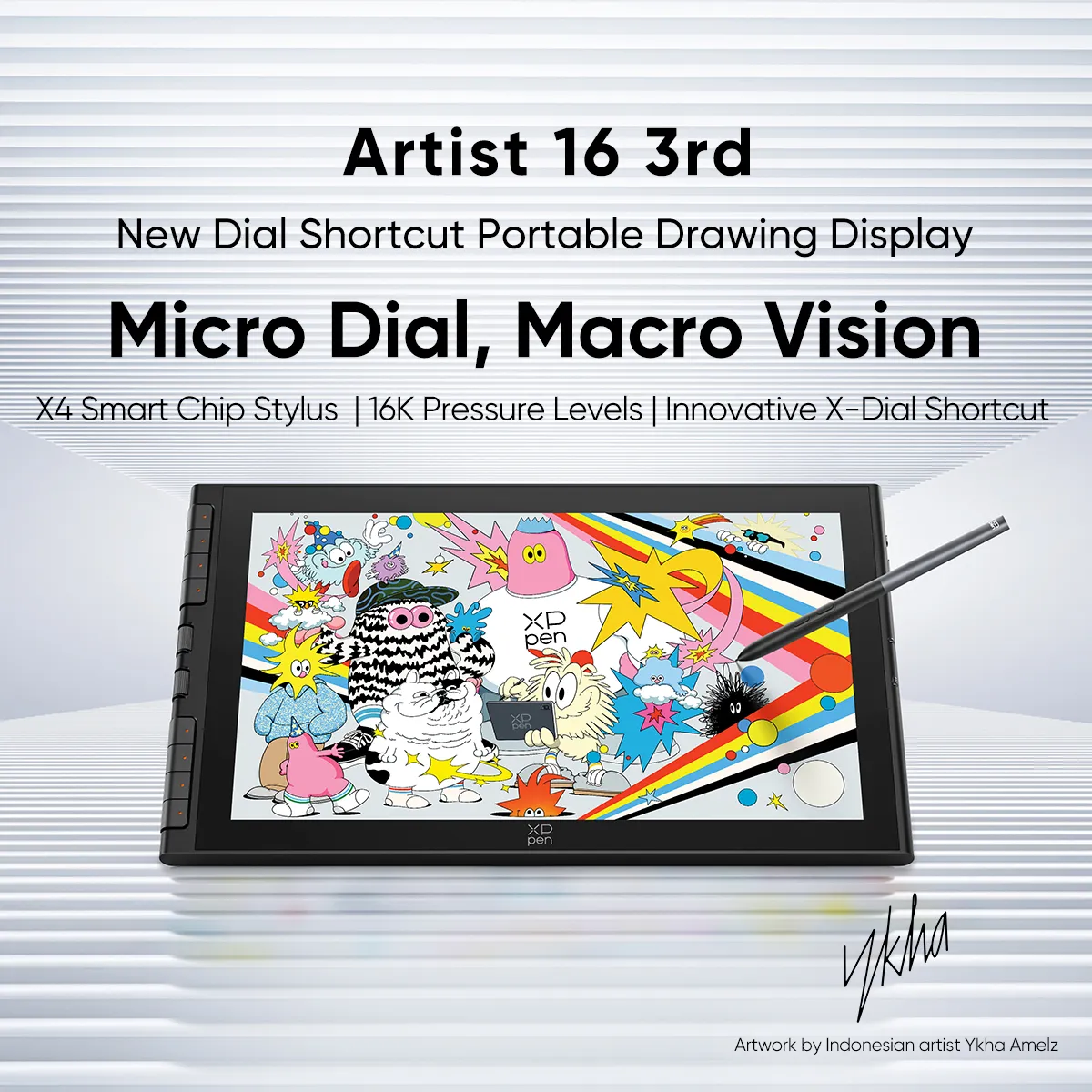
New Dial Shortcut Portable Drawing Display
Micro Dial, Macro Vision
X4 Smart Chip Stylus | 16K Pressure Levels | Innovative X-Dial

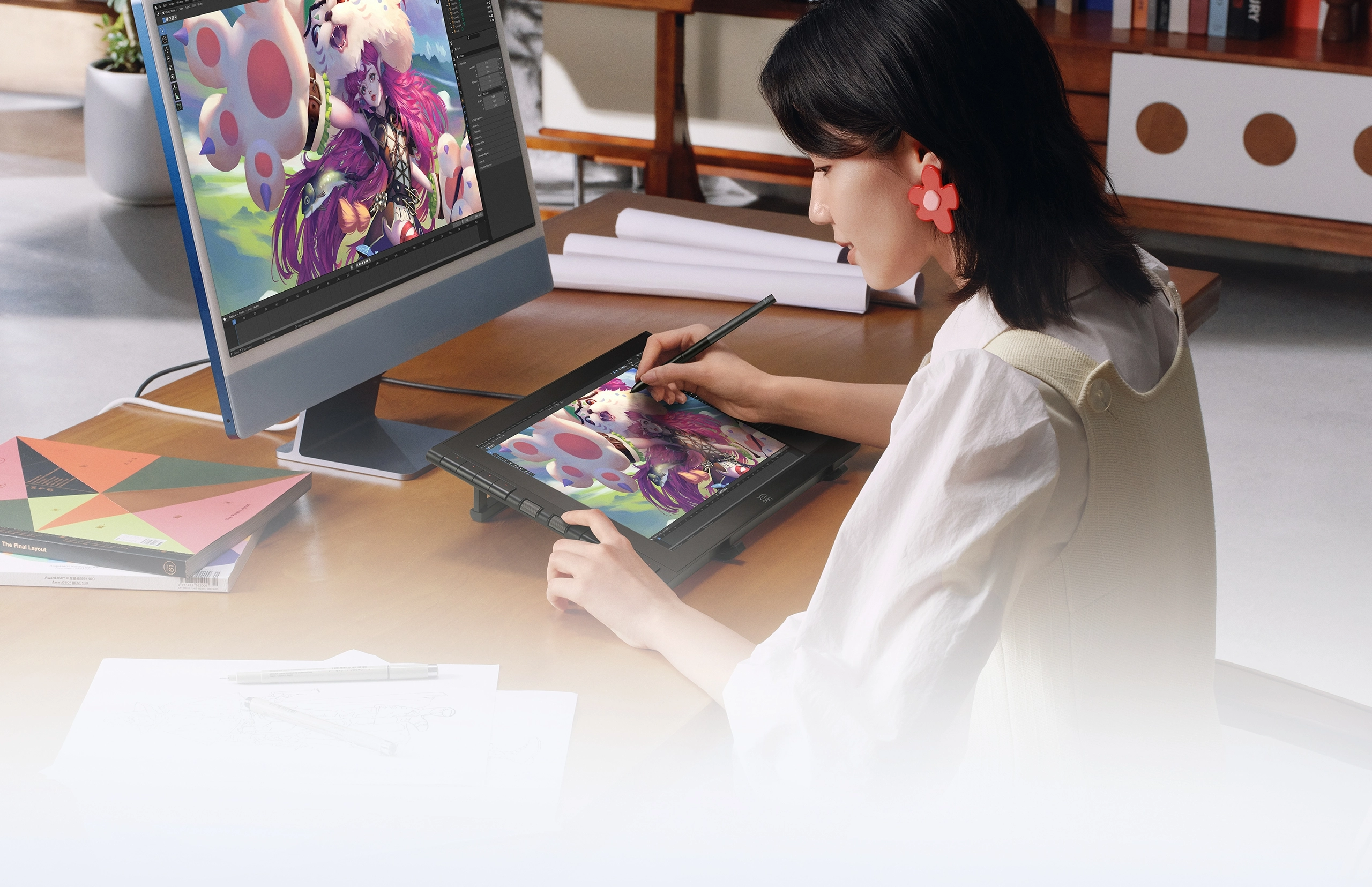
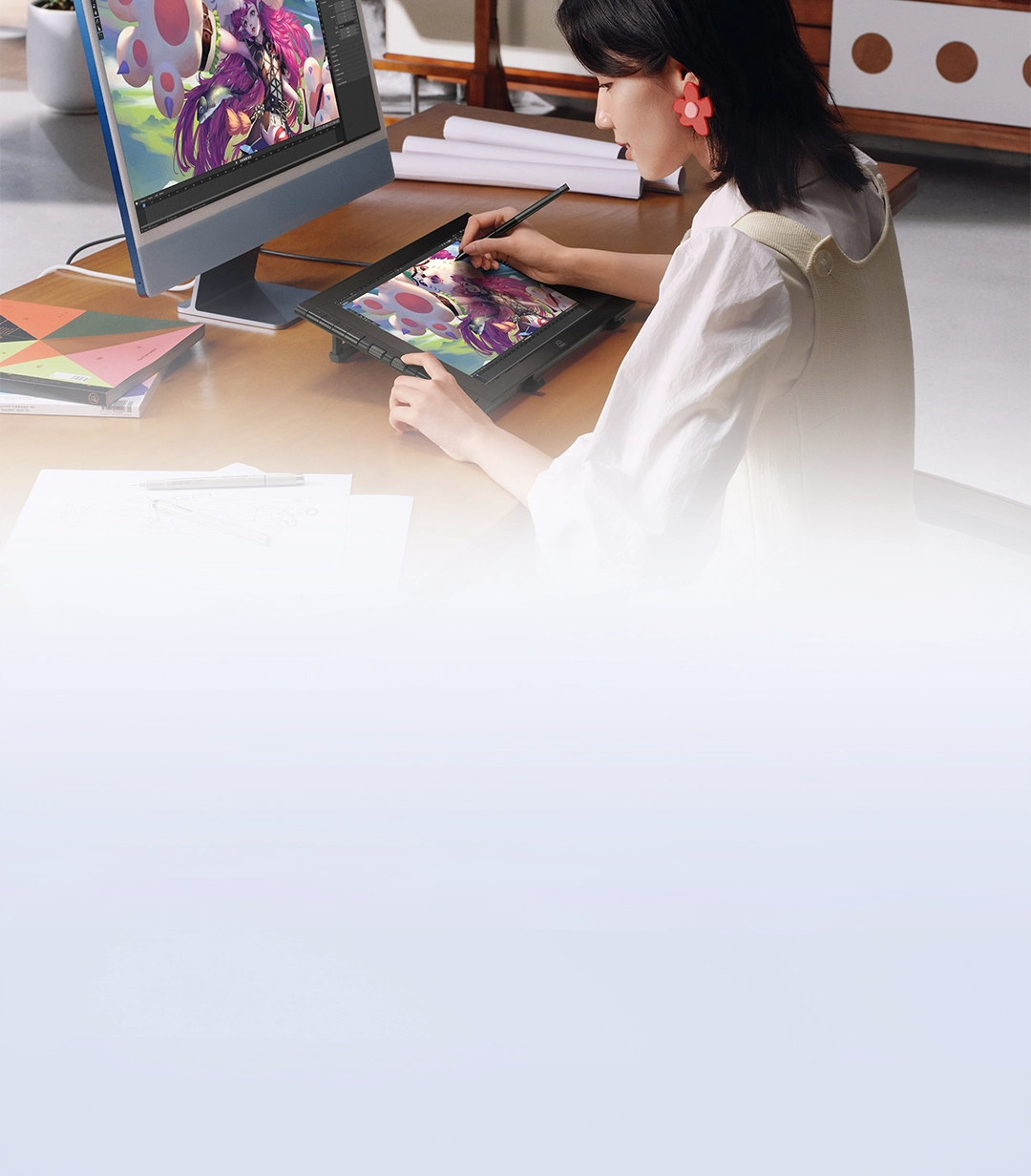
Artist 16 3rd is prepared to
empower your creative dream.
With the all-new X-Dial and shortcut keys,
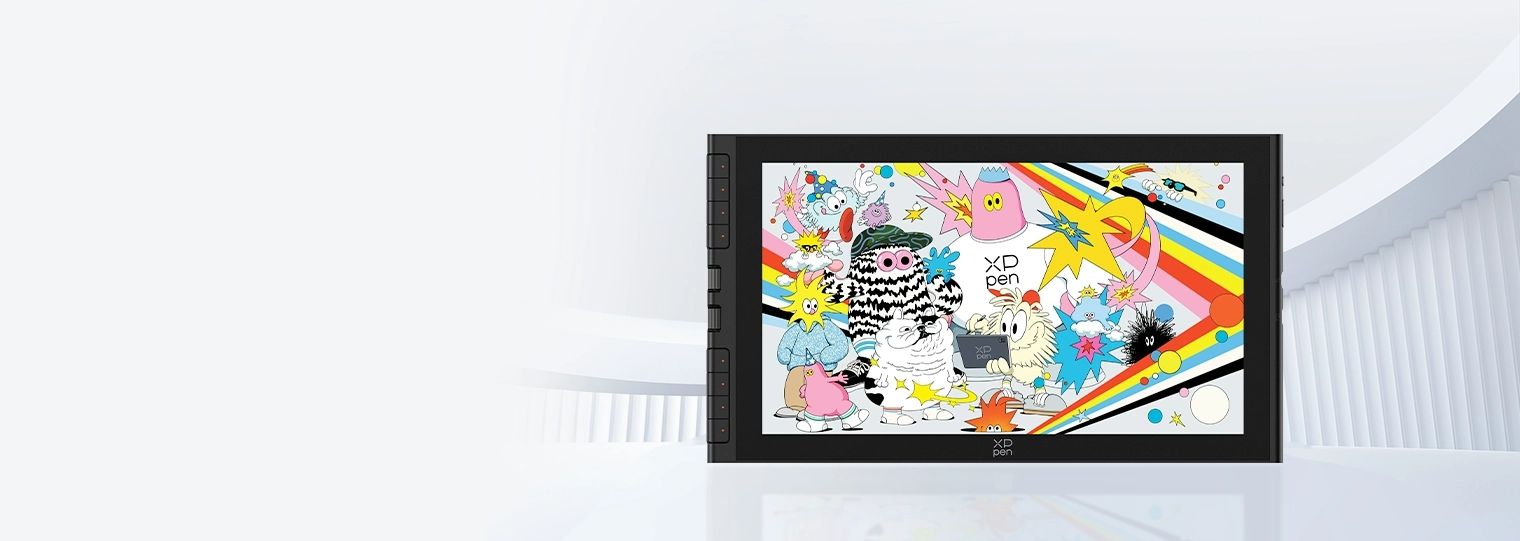
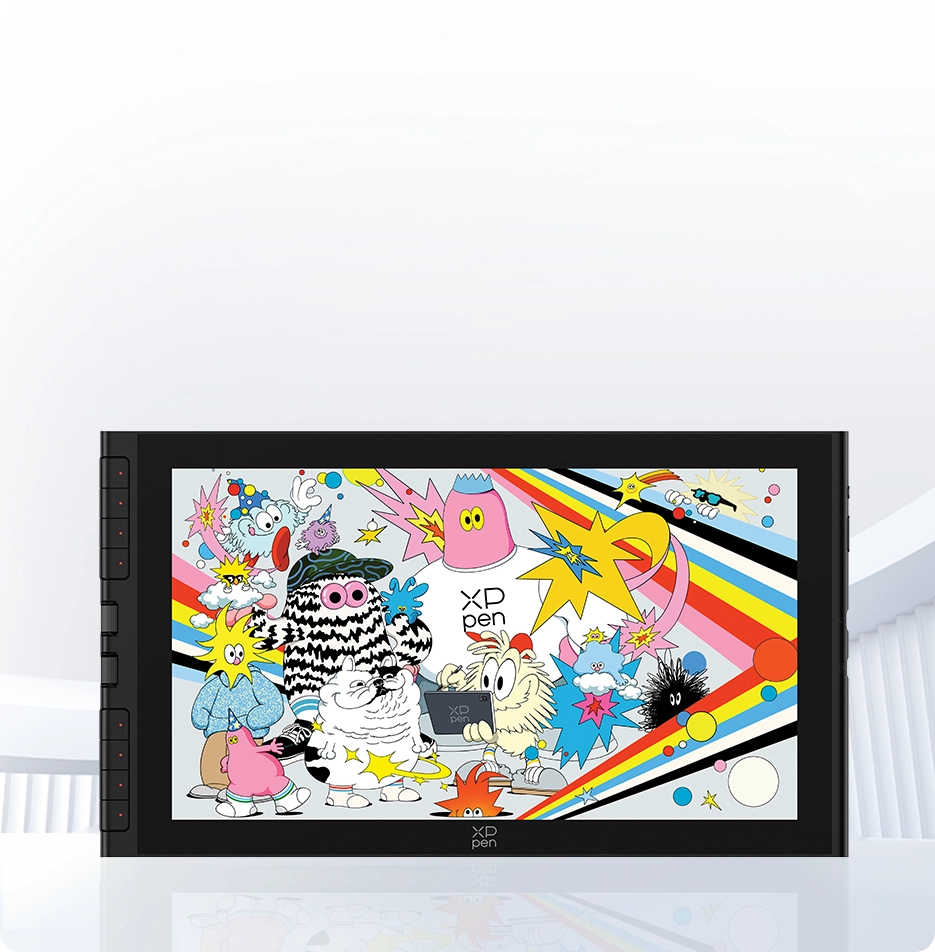
the 15.4-inch drawing display
perfectly
balances portability and a spacious creative workspace.
Featuring a magnetic attachment design,
the new-gen X4 Smart Chip Stylus
allows you to create anytime.
The AG+AF nano-etched glass restores a
paper-like drawing experience
by reducing glare and resisting stains.
Bring this shortcut-enabled portable drawing
display with you to unleash your creative passion.
15.4-inch
Portable Display
16:9 Golden Aspect Ratio
X-Dial Shortcut
Scroll for Inspiration, Create with Efficiency
X4 Smart Chip Stylus
Upgraded Chip, Magnetic Attachment
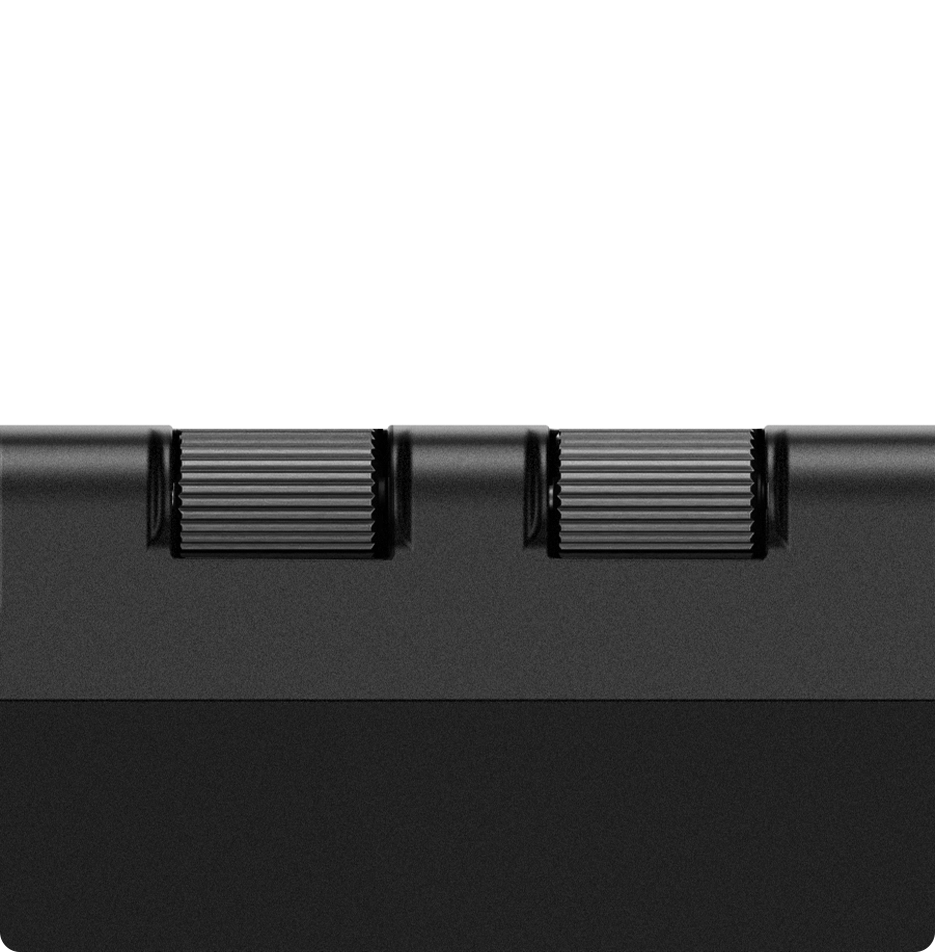
X-Dial Shortcut
Scroll for Inspiration, Create with Efficiency
X4 Smart Chip Stylus
Upgraded Chip, Magnetic Attachment
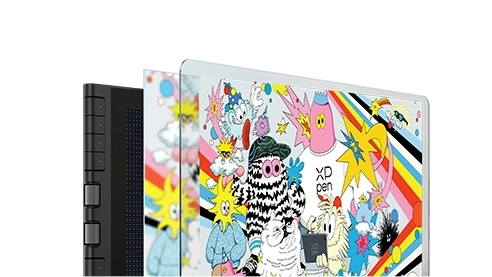
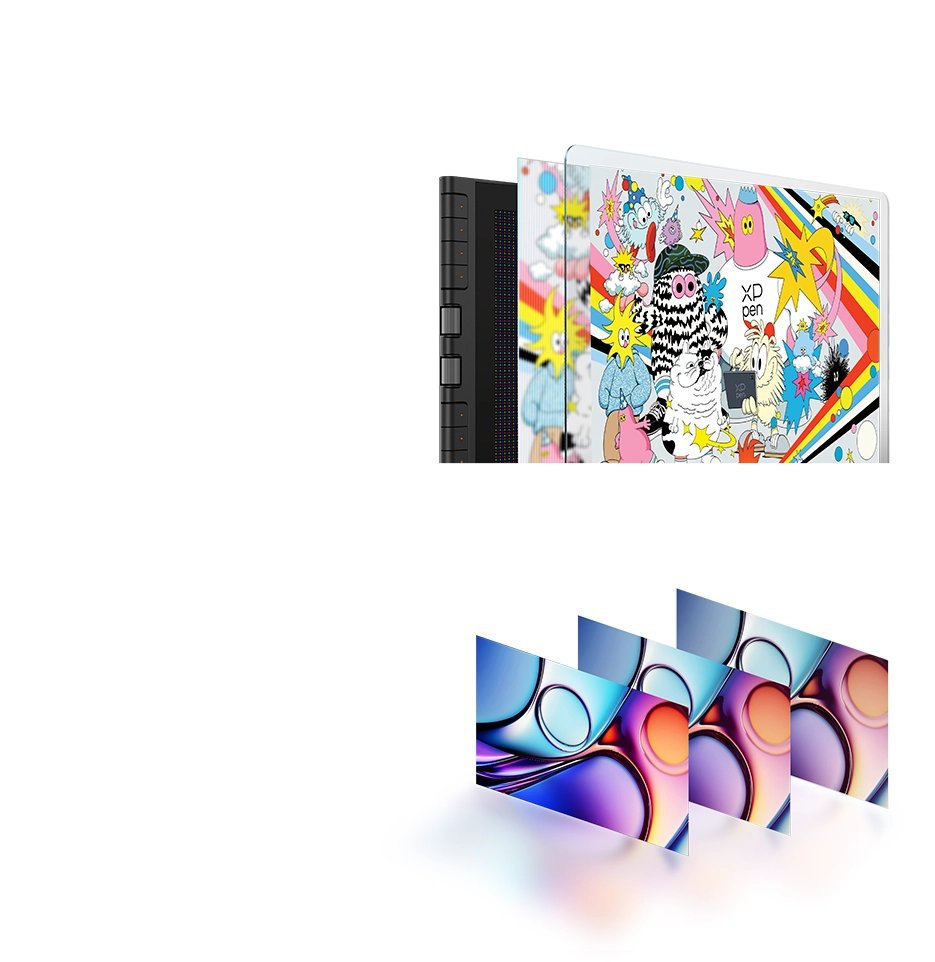
AG&AF Nano-etched Glass
Anti-glare,
Anti-fingerprint
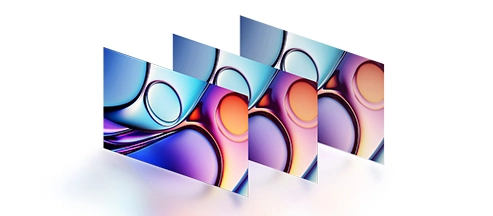
99% sRGB Color
Gamut Coverage
Vivid Colors and Crisp Details
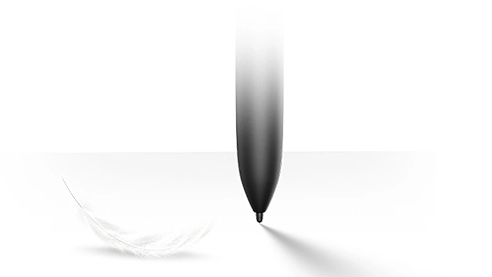
2g Initial Activation Force
Instant Response at Your Fingertips
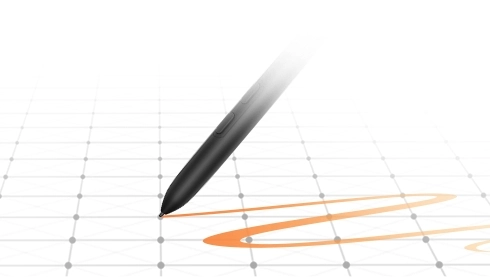
16K Pressure Levels
Ultra-smooth and Precise Strokes
2g Initial Activation Force
Instant Response at Your Fingertips
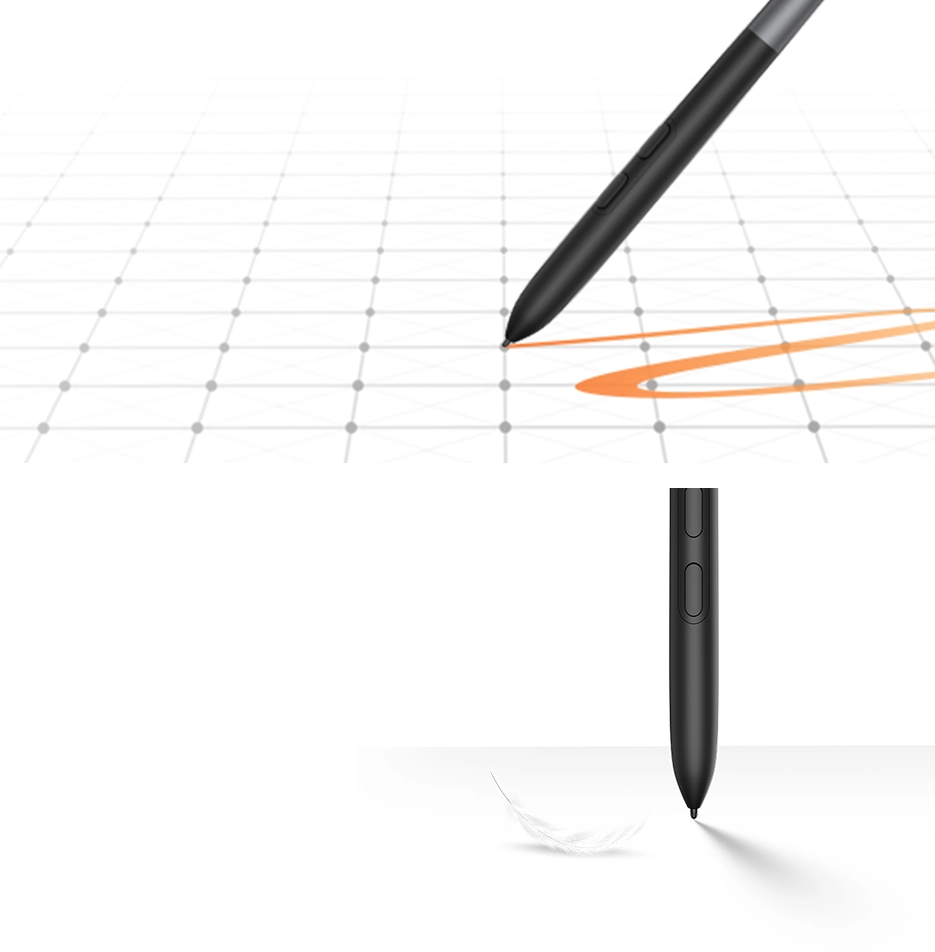
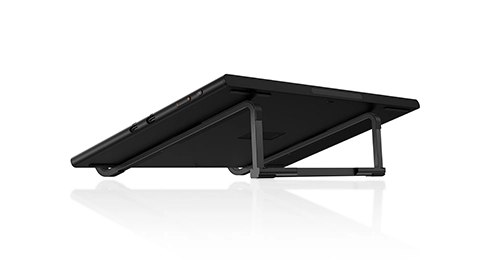
Foldable Stand
Comfortable Creation, Easy to Carry
99% sRGB Color
Gamut Coverage
Vivid Colors and Crisp Details
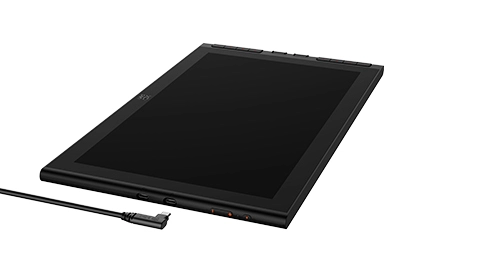
One Cable Connection
Tidy Indoors, Convenient Outdoors
Foldable Stand
Comfortable Creation, Easy to Carry
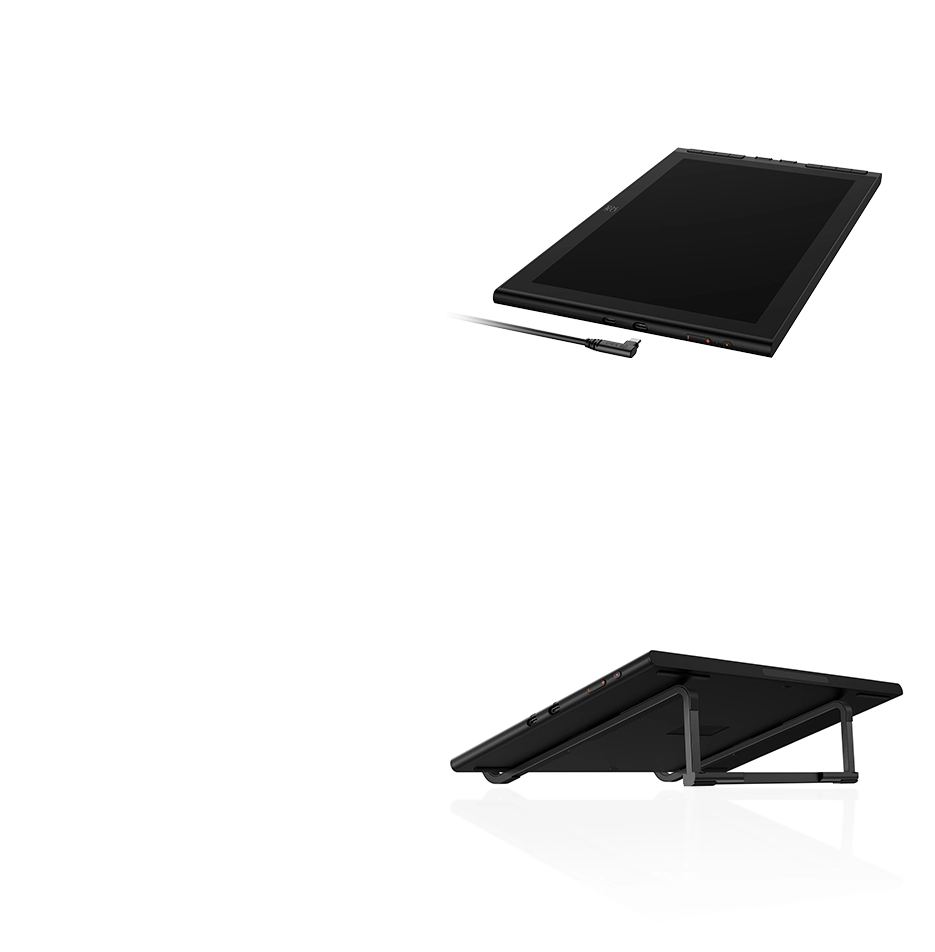
One Cable Connection
Tidy Indoors, Convenient Outdoors


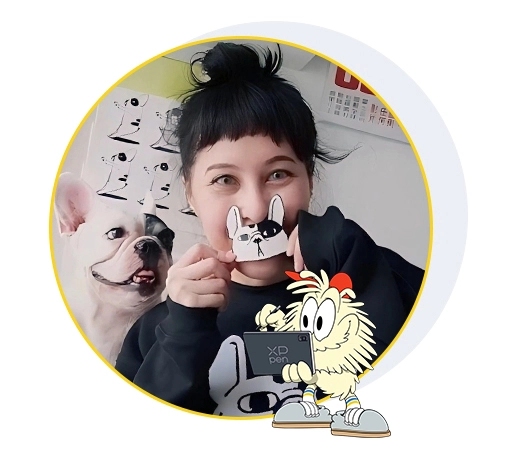
Ykha Amelz
Illustrator
Yfana Khadija Amelz, known as “Ykha”, majored and graduated in Architecture at Parahyangan University, but her true passion lay in art. Since 2008, she has built a diverse illustration portfolio using both traditional and digital tools, gaining experience across fashion, music, publishing, branding, and interior design. Her work has been featured in leading fashion and lifestyle media, books, exhibitions, and collaborations with renowned local and international brands such as Vans, Coach, Samsung, and Lacoste.
Her art took a sweet turn when she started drawing her beloved French bulldog, Babbot. Drawing Babbot brought back her love of cartoons and comics, inspiring a playful universe filled with nostalgia and characters made to spark joy in all ages.
XPPen is honored to partner with Ykha Amelz to explore the fusion of art and expression, jointly launching the Artist 16 3rd drawing display.
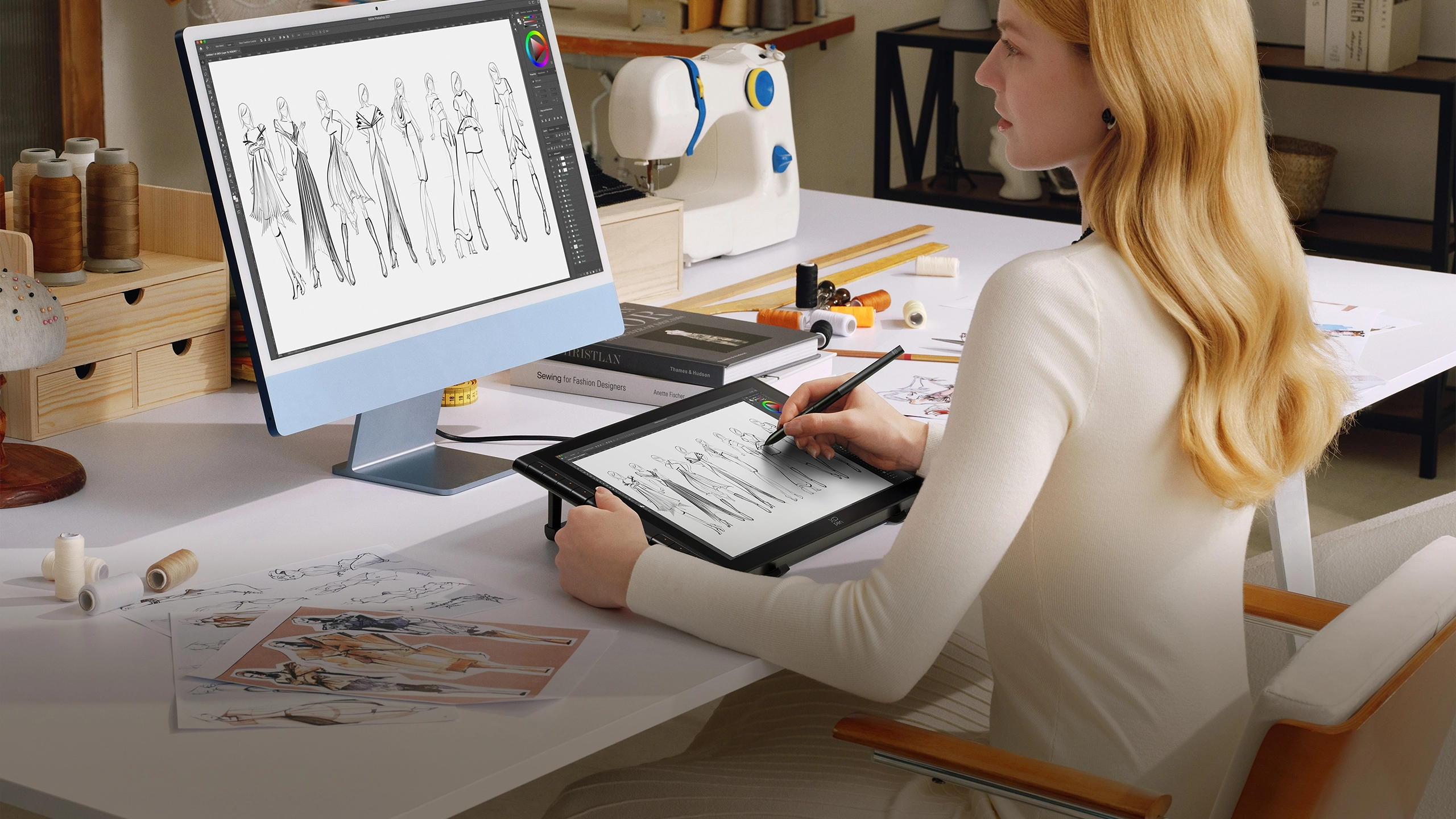
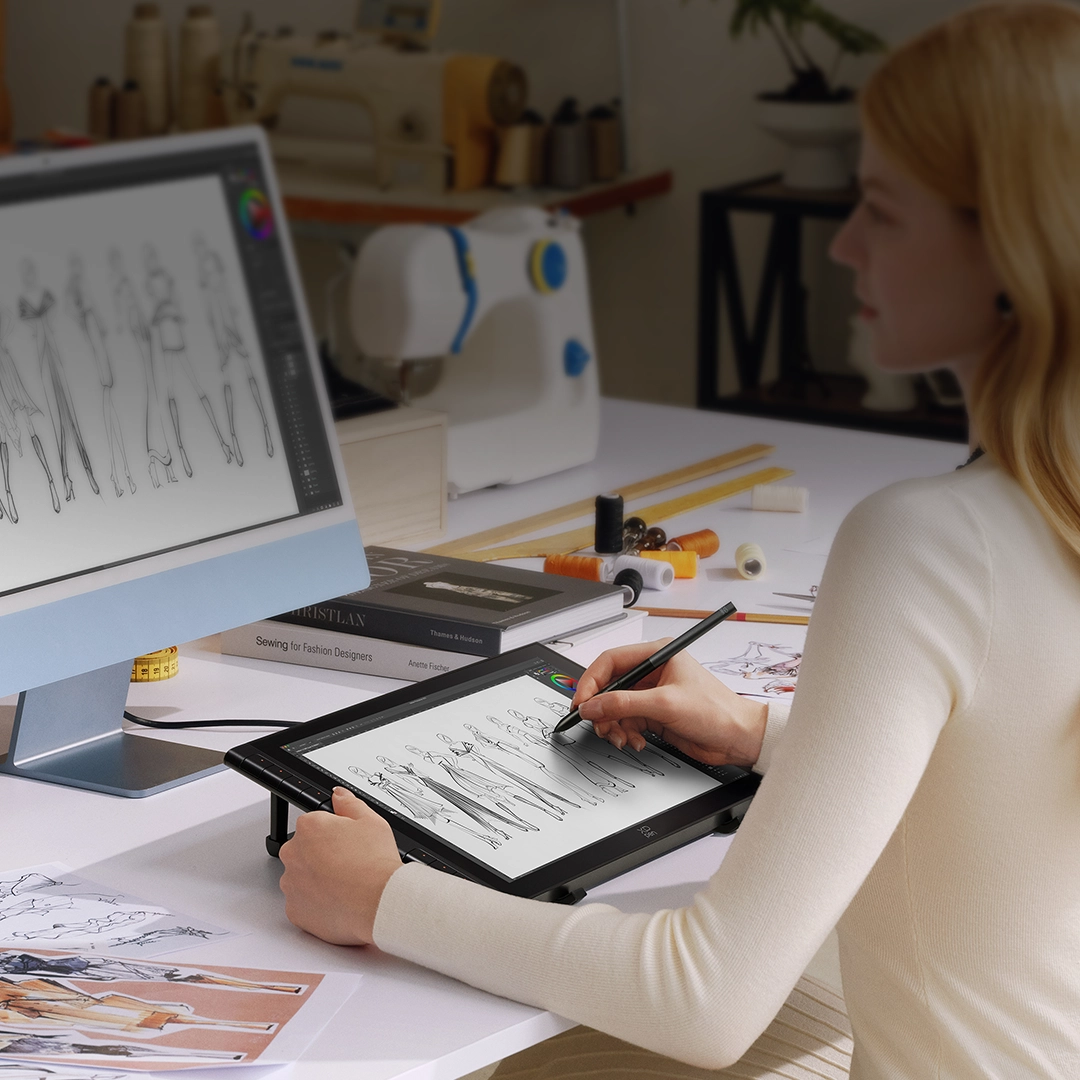
A New Size for
Greater Creativity
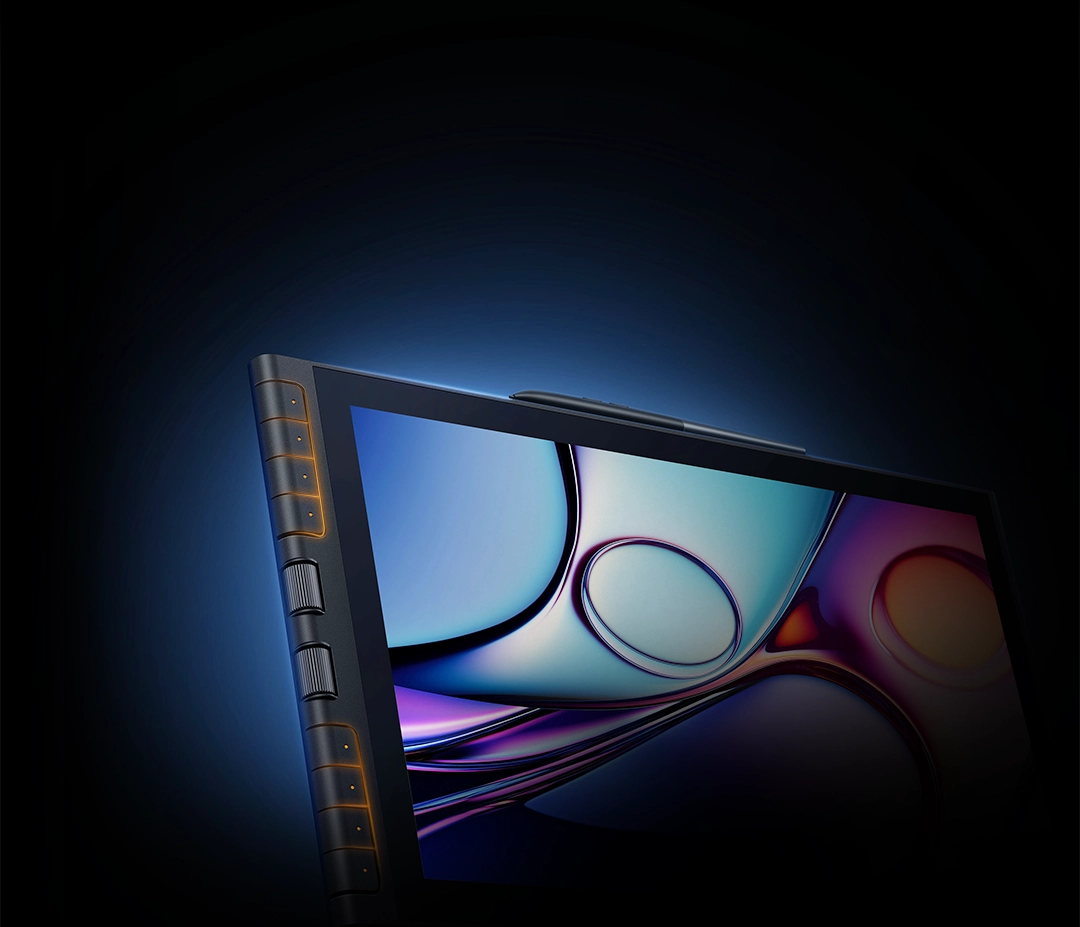
With the dual X-dial and shortcut keys, the 15.4-inch display enhances your efficiency when zooming,
previewing images, and adjusting details. The creative world you imagine comes to life on this stunning display.
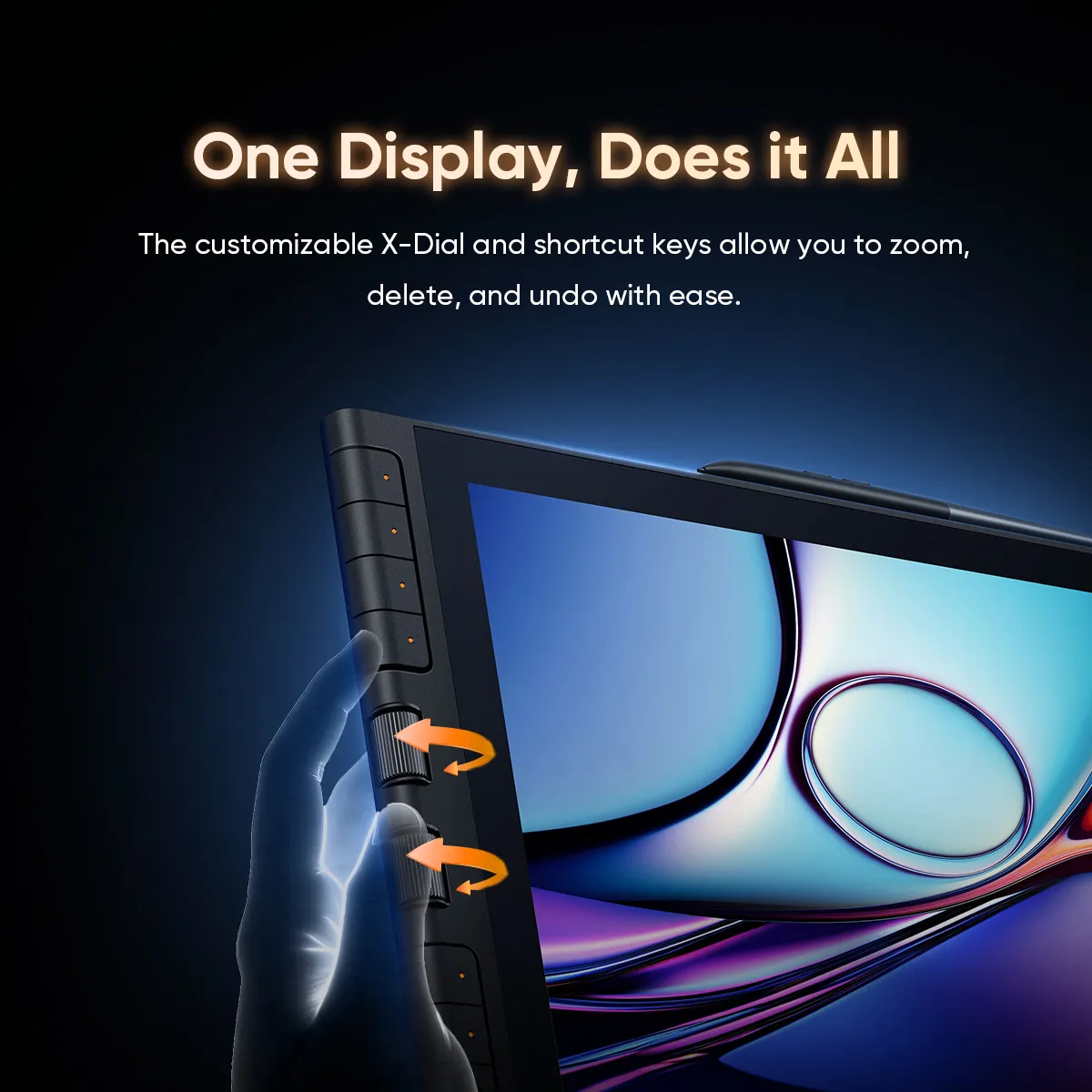
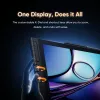
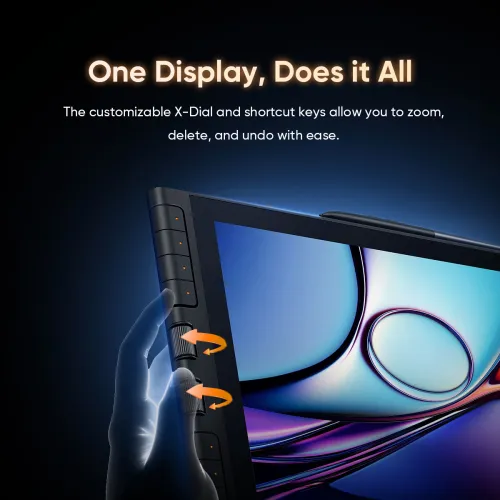
One Display, Does it All
Artist 16 3rd retains its iconic dual X-Dial and shortcut key design. When you're searching for inspiration outdoors, no shortcut keyboard is needed. Simply grab it and start creating anytime, anywhere.
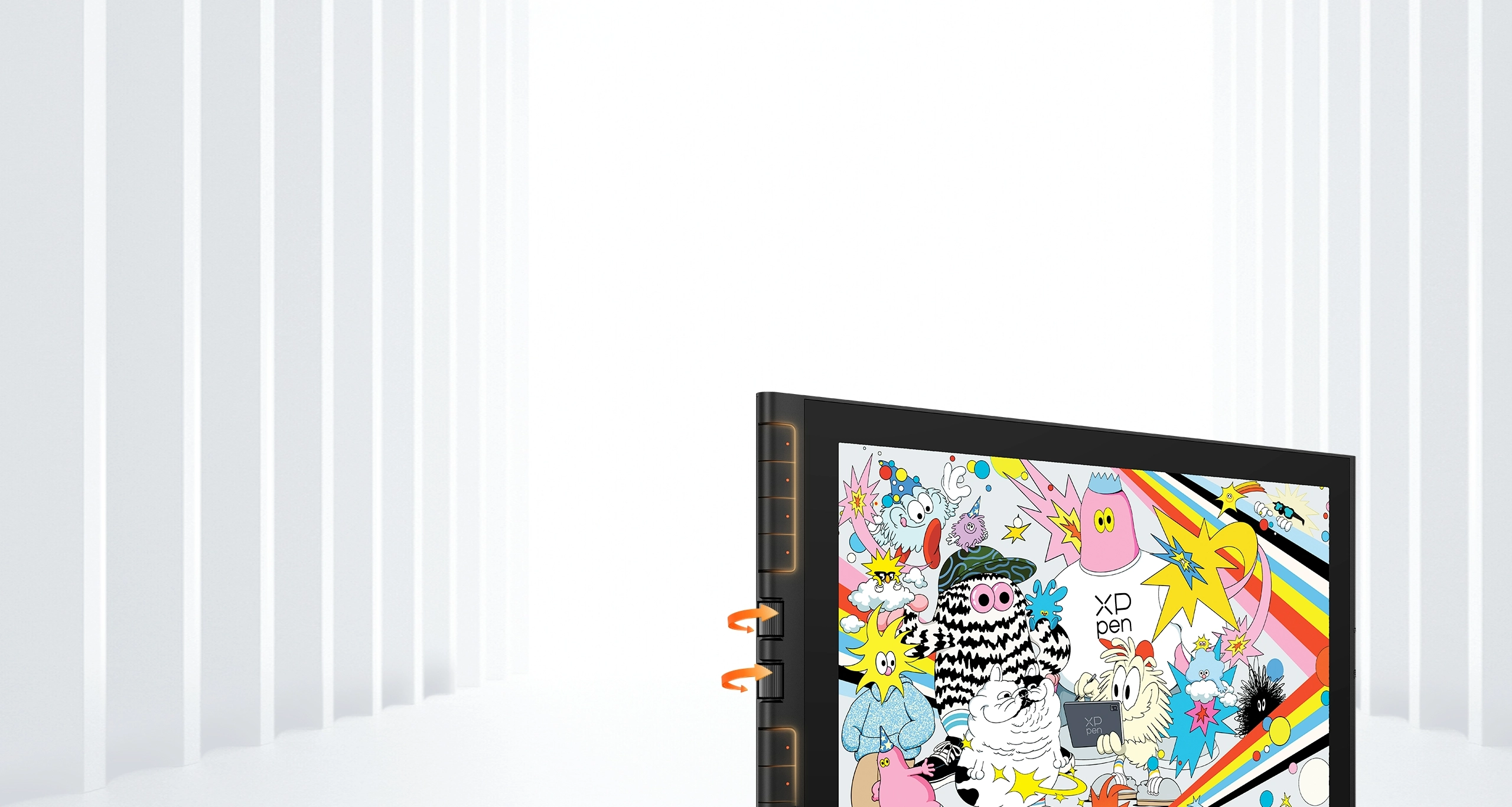
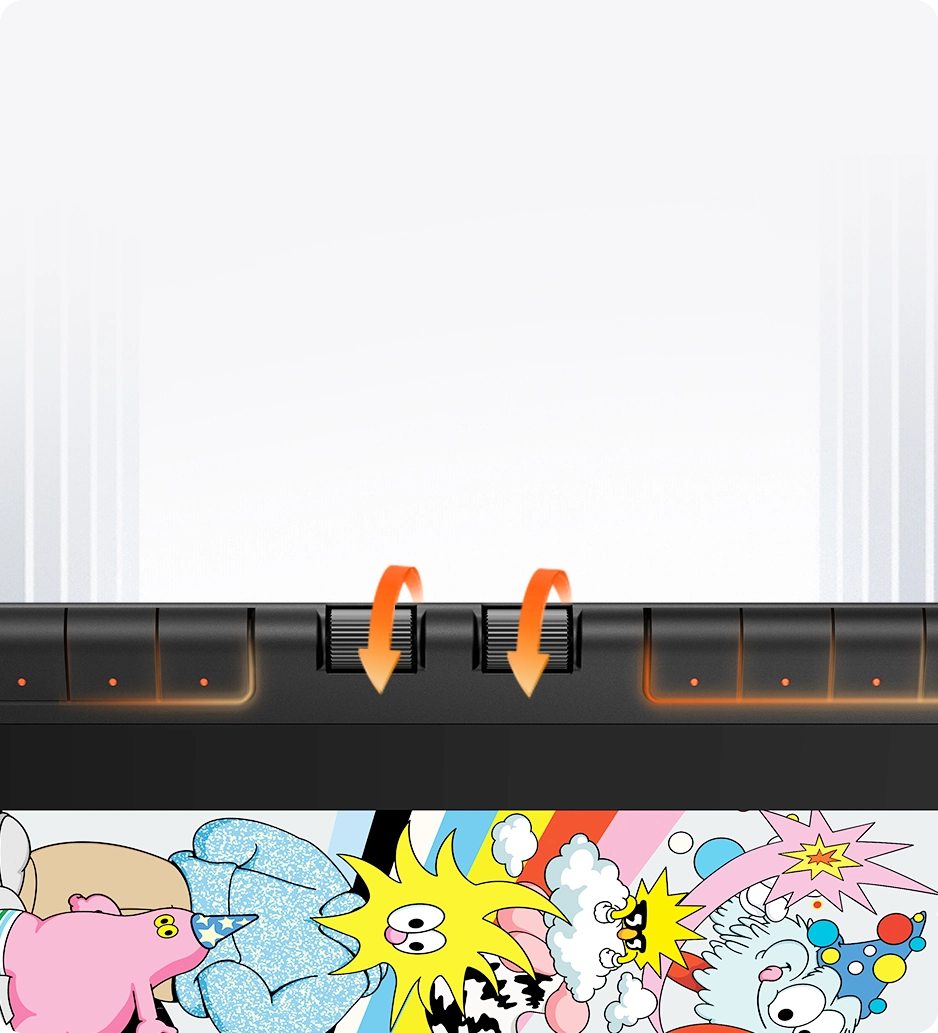
One Display, Does it All
Artist 16 3rd retains its iconic dual X-Dial and shortcut key design.
When you're searching for inspiration outdoors, no shortcut keyboard is needed.
Simply grab it and start creating anytime, anywhere.
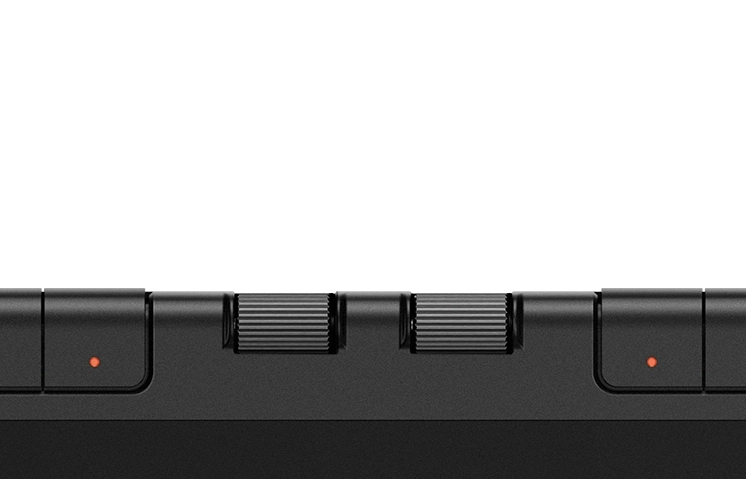
X-Dial
Zoom in and out of the canvas, adjust stroke thickness,and access other customizable functions.
Eight Customizable
Shortcut Keys
Press the buttons from the front or side to execute commands like delete, copy, and undo.
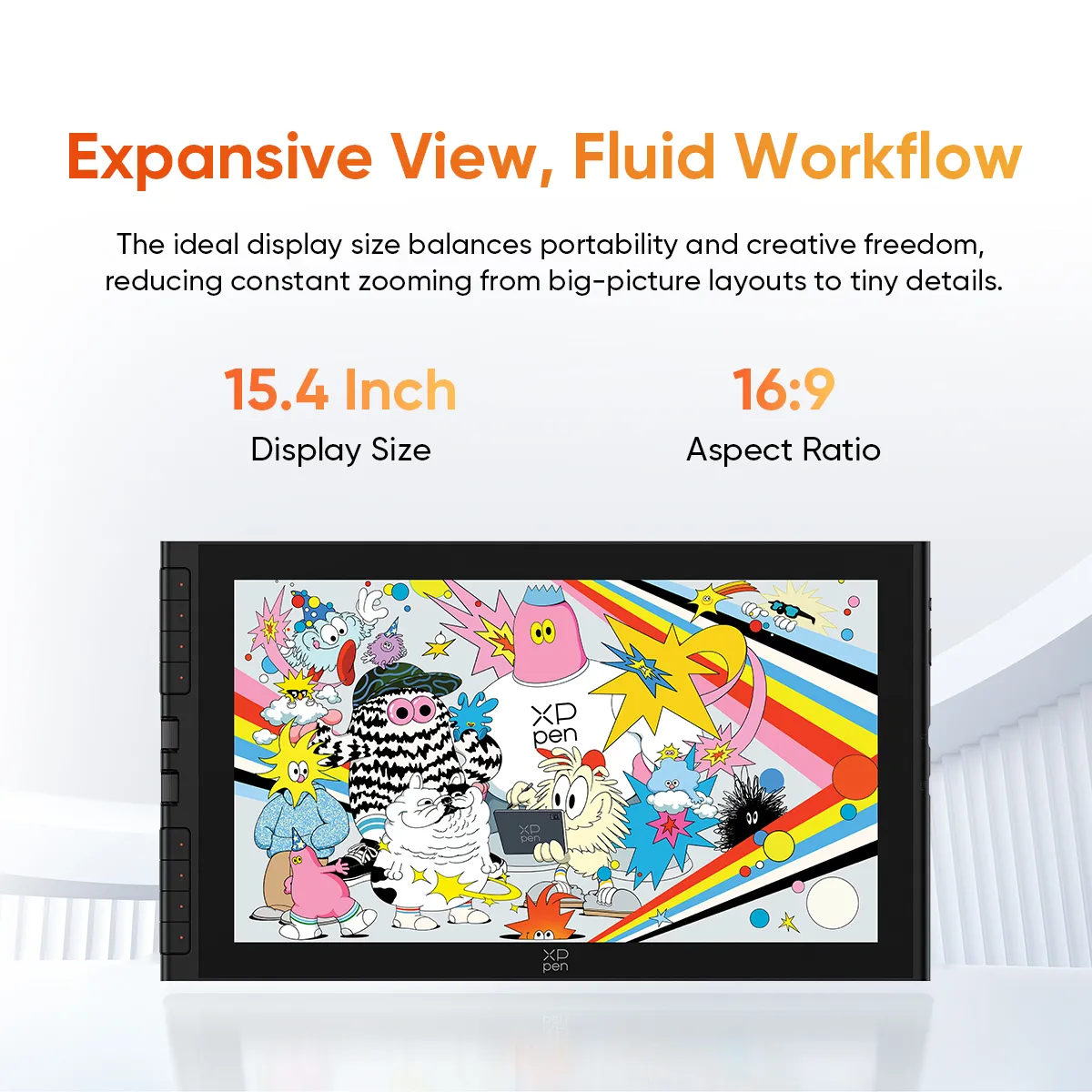
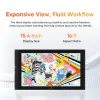
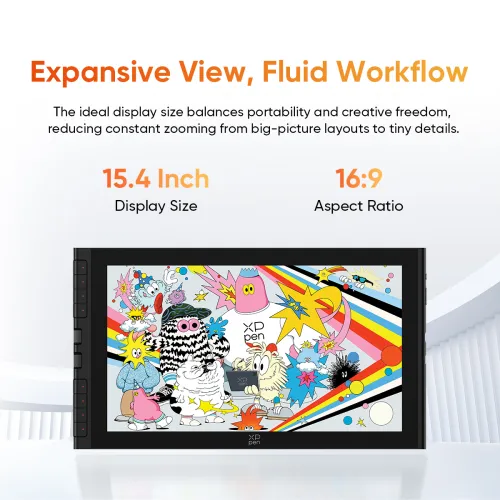
Expansive View, Fluid Workflow
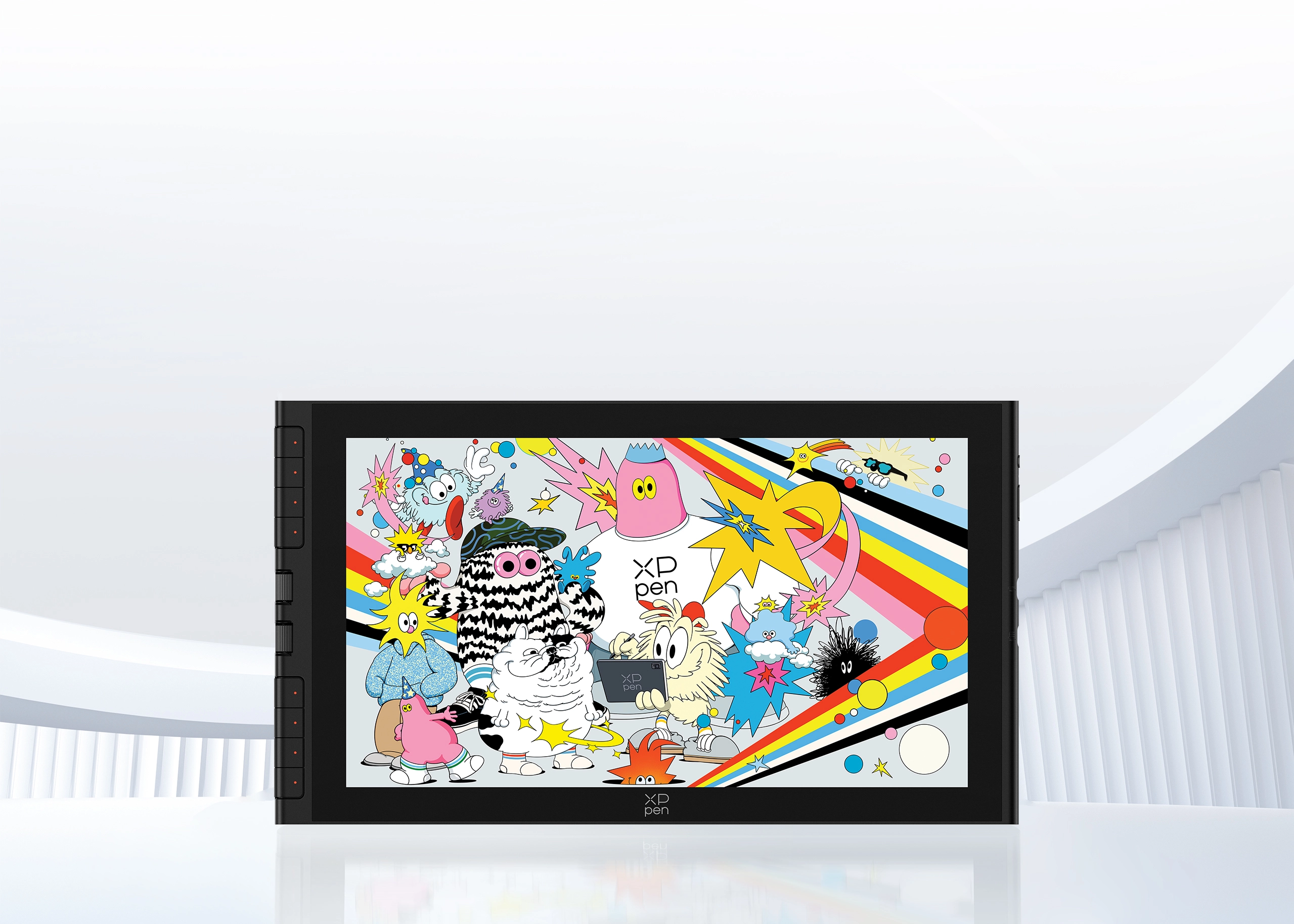
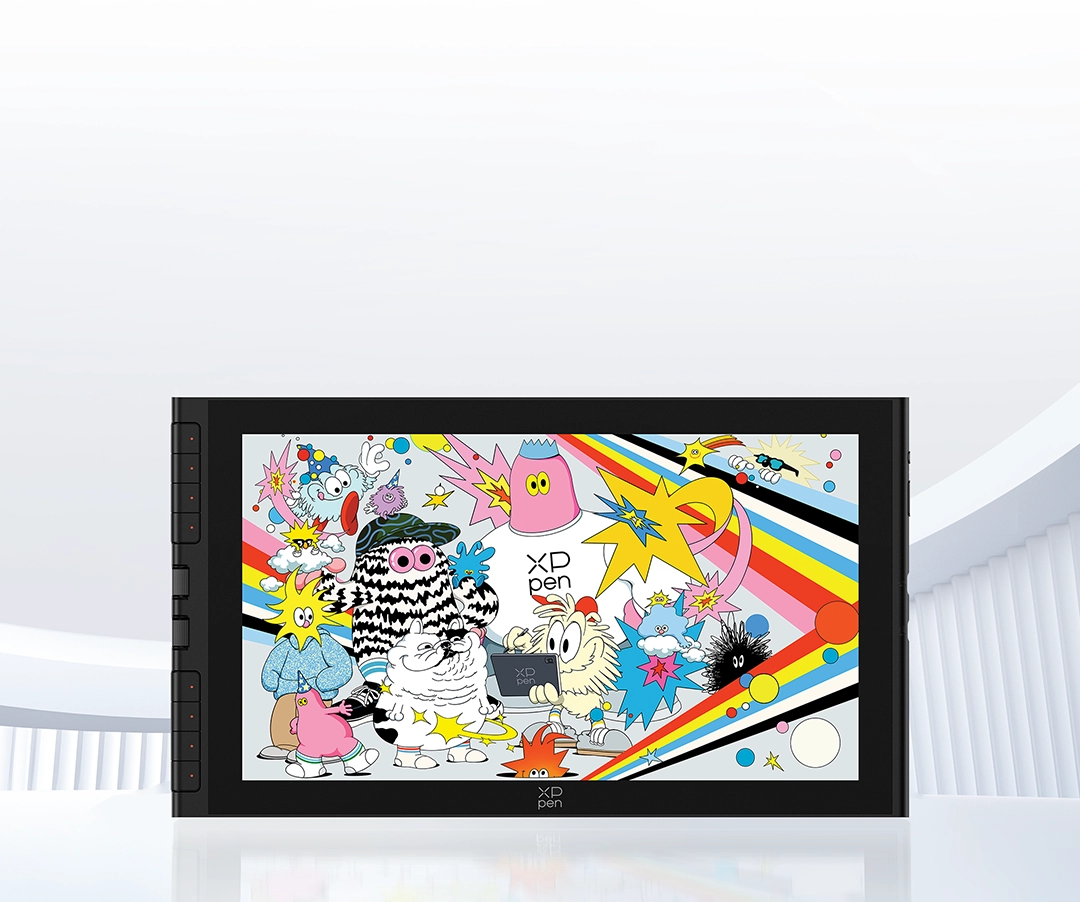
A 15.4-inch screen is the ideal size that perfectly balances portability and a spacious workspace.
Whether previewing the big picture or adjusting details, you won't need to zoom the canvas constantly,
making creation both convenient and efficient.
15.4 Inch
Display Size
16:9
Aspect Ratio
Power Inside,
Creativity Unbound
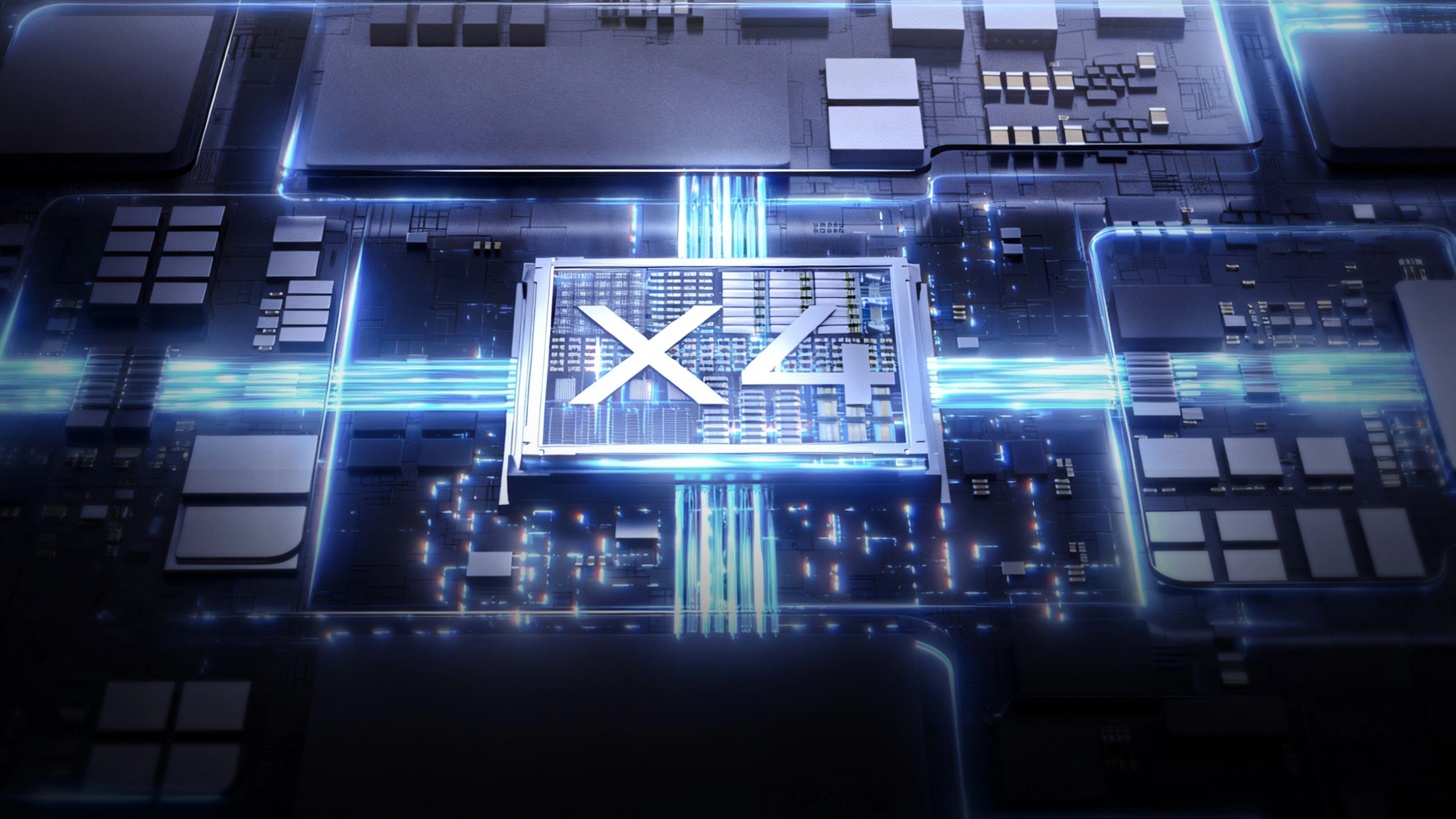
Powered by the brand-new X4 smart chip,
the revolutionary X4 Smart Chip Stylus merges cutting-edge performance with sleek design.
It is designed to transform your strokes into art perfection.
Next-Level Sensitivity
Upgraded Chip, Instant Response
By incorporating the power-efficient X4 chip, the stylus delivers faster response time for your strokes.
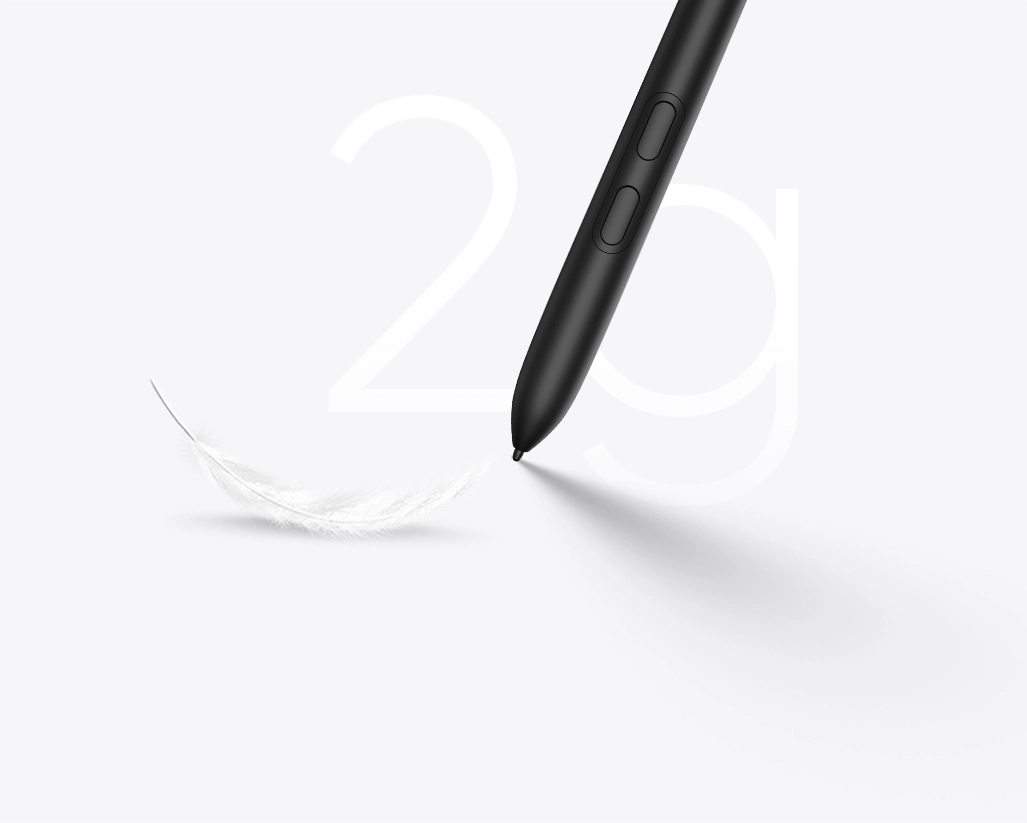
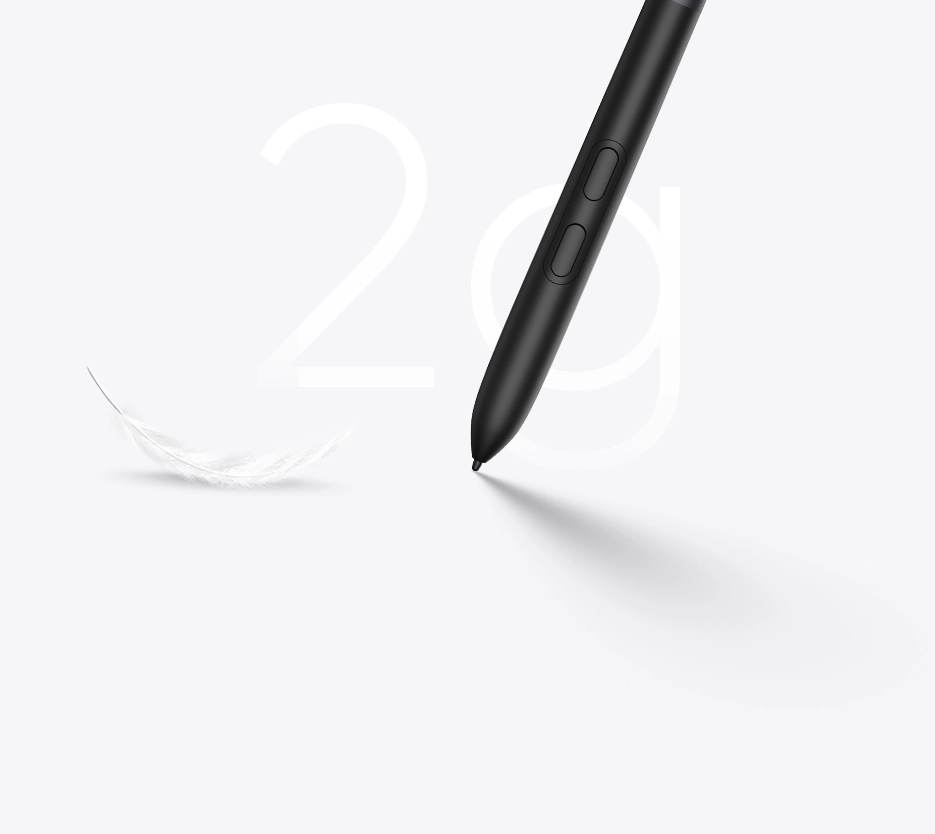
Sensing with Slightest Force
The initial activation force of the stylus has been reduced to 2g, providing instant feedback when the pen tip touches the display.


Next-Level Smoothness
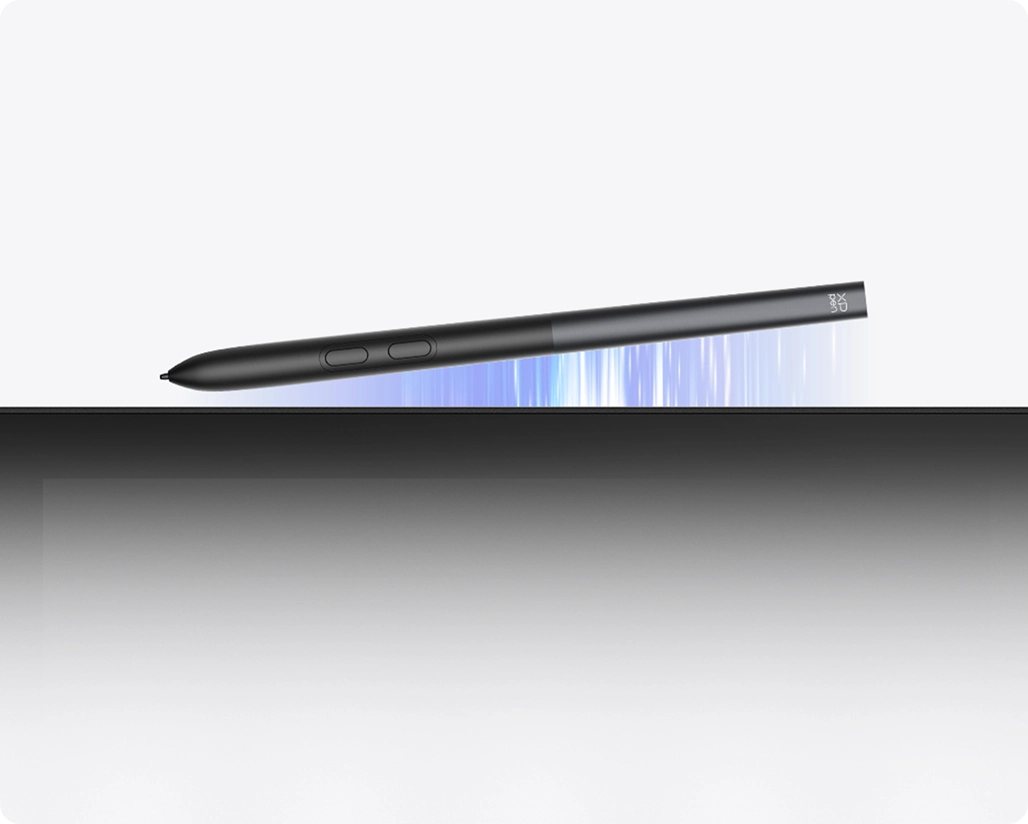
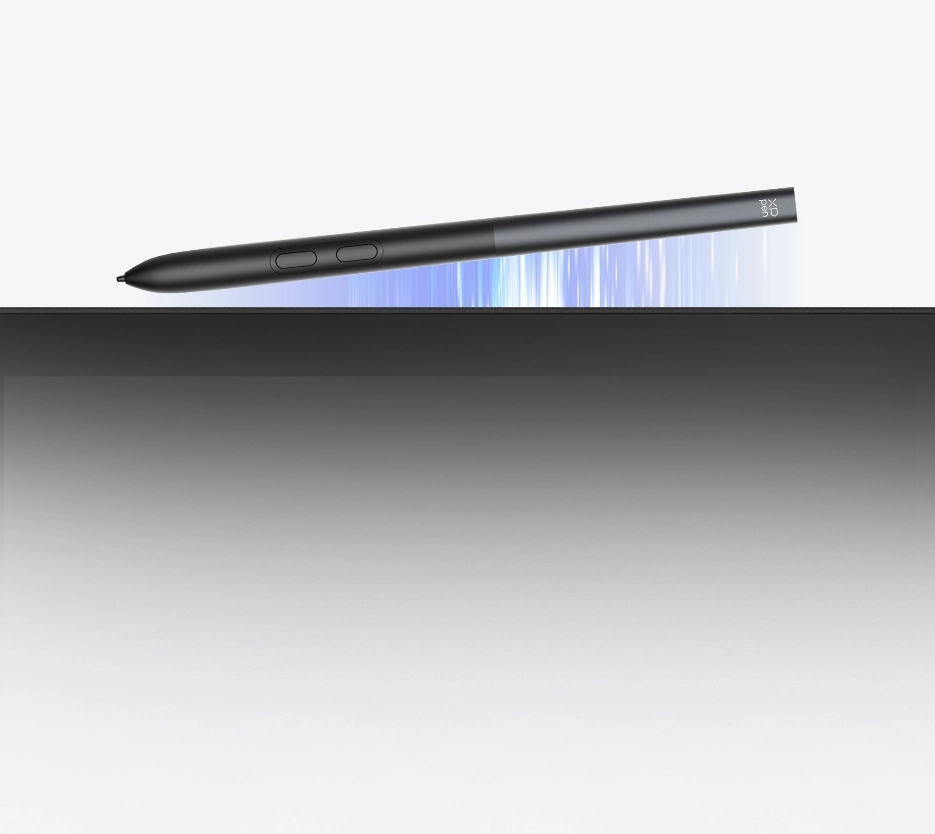
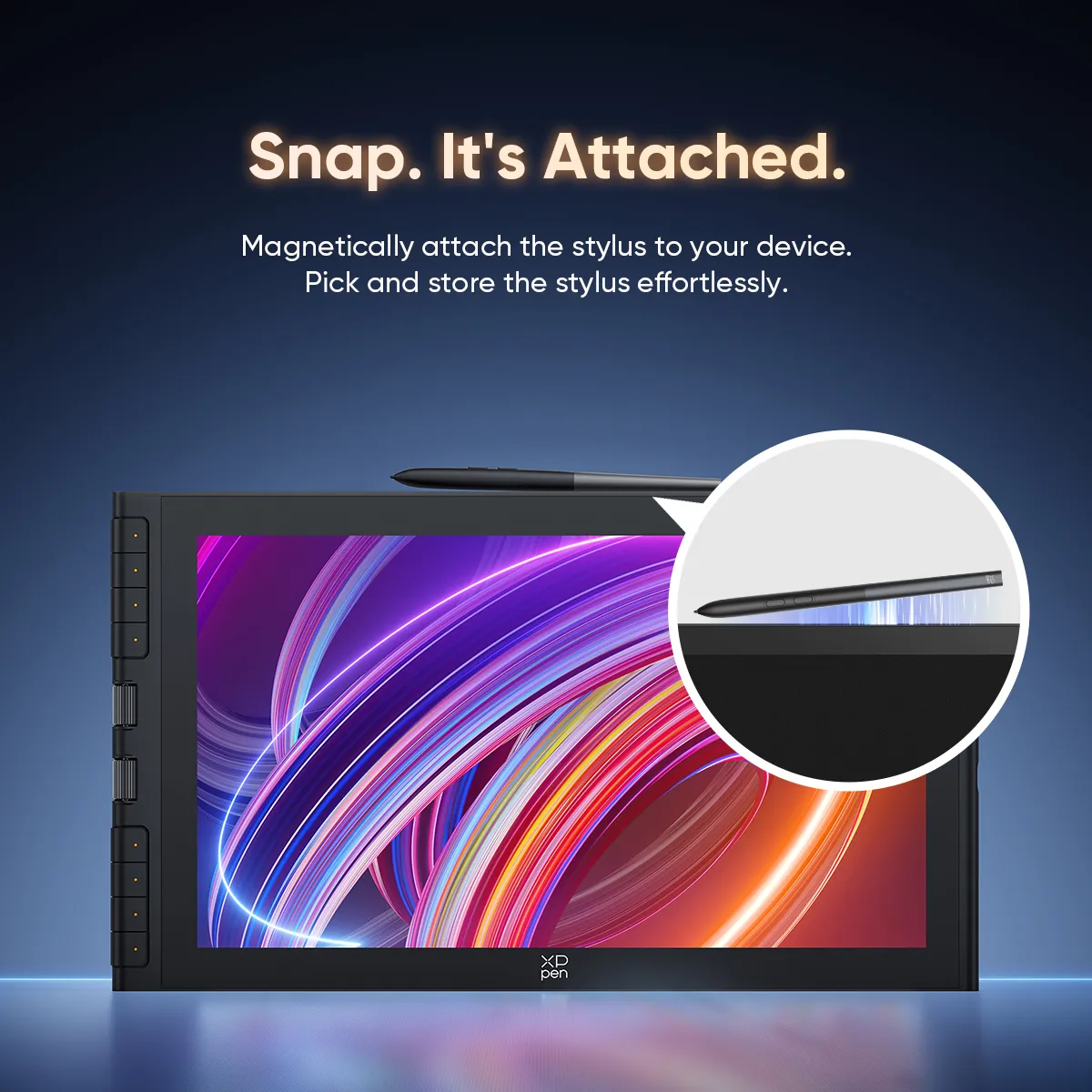
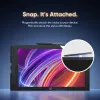
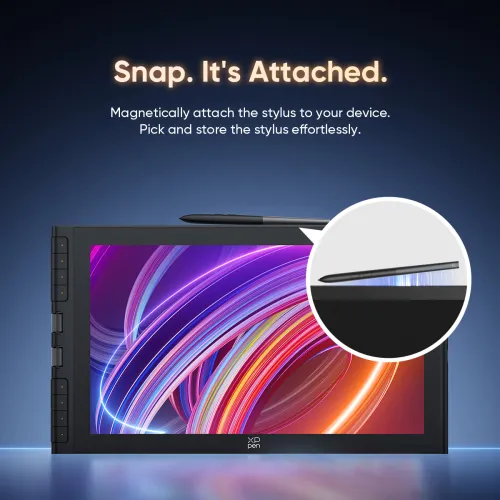
Snap. It's Attached
With a simple snap, it securely attaches to the top of the Artist 16 3rd, making picking up and storage effortless.
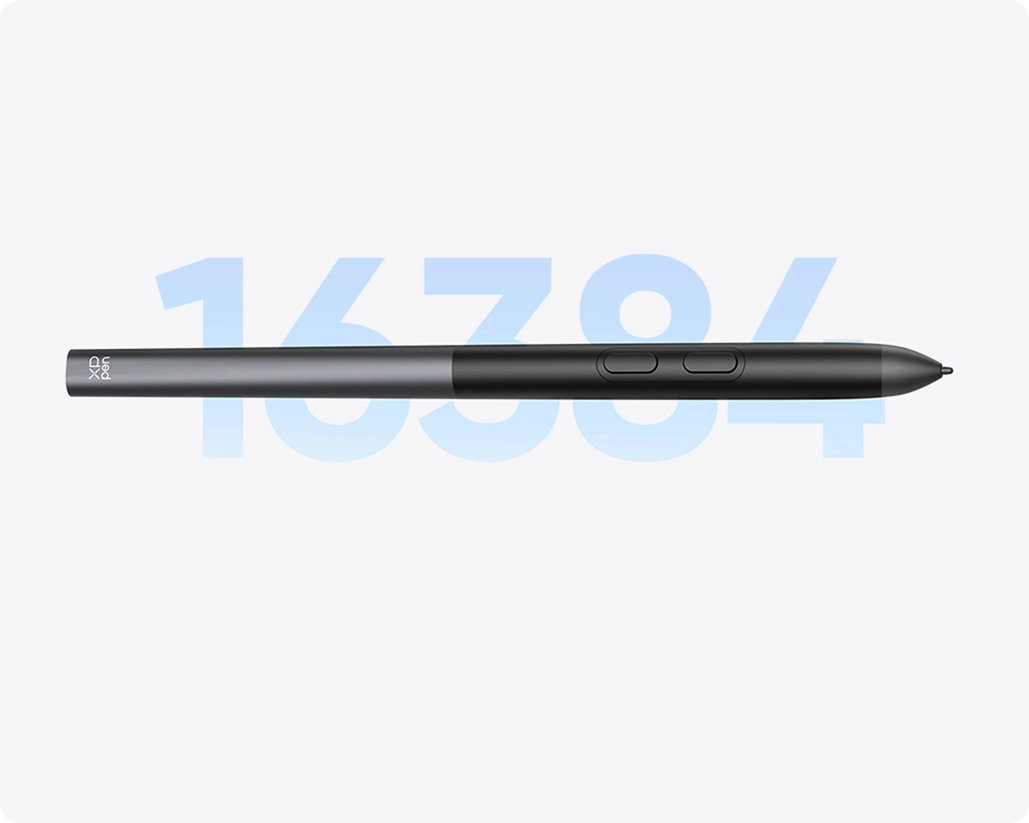
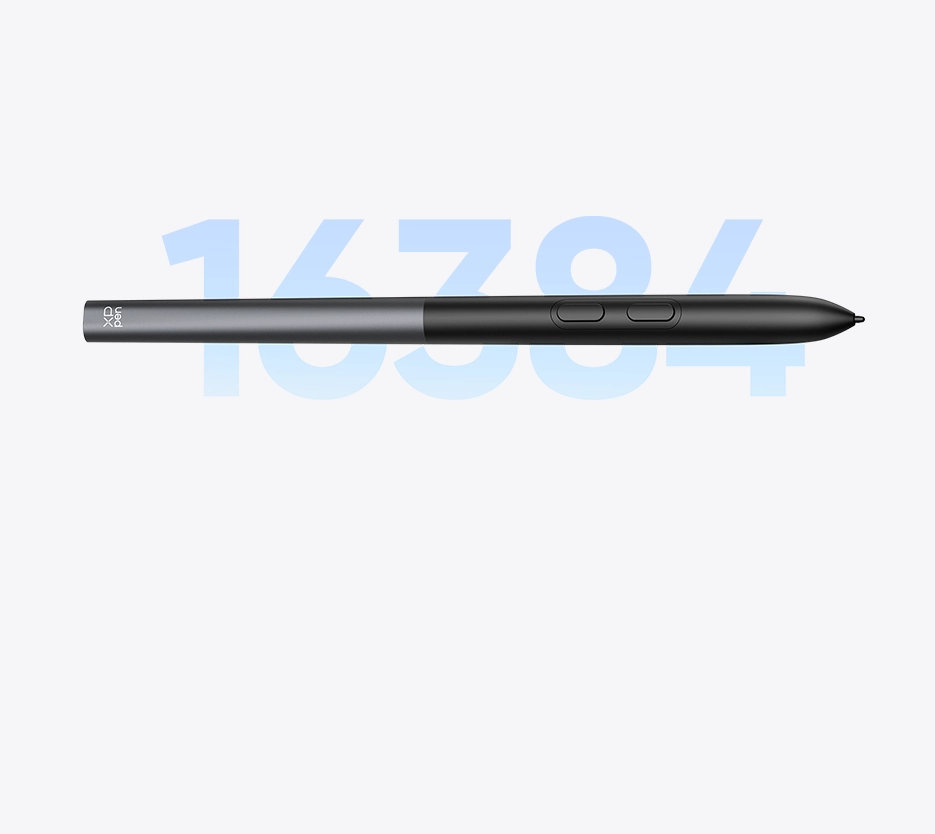
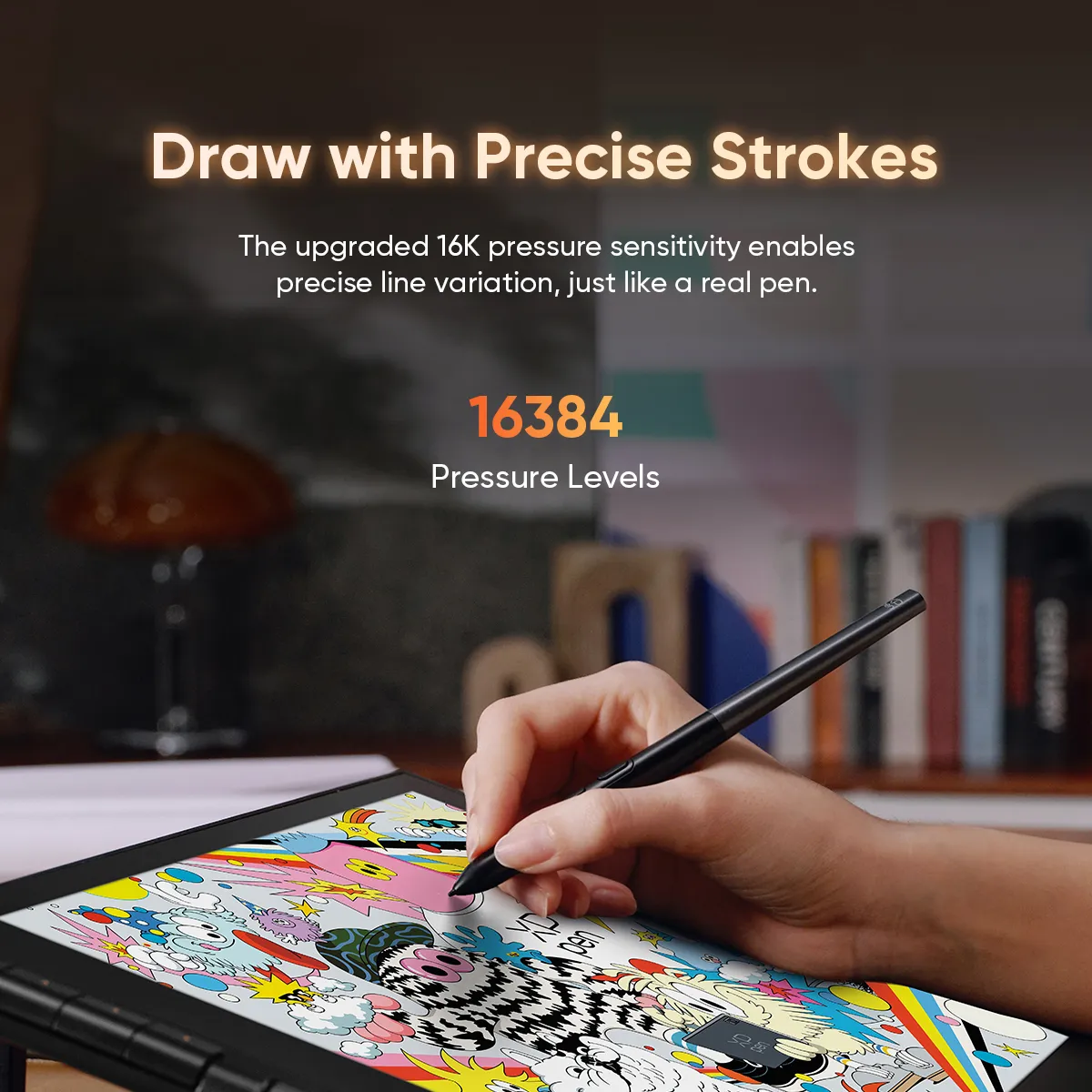
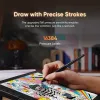
Draw with Precise Strokes
The upgraded 16K pressure levels empower you to draw strokes of varying thickness with precision, restoring the natural feel of a real pen.
Next-Level Stability
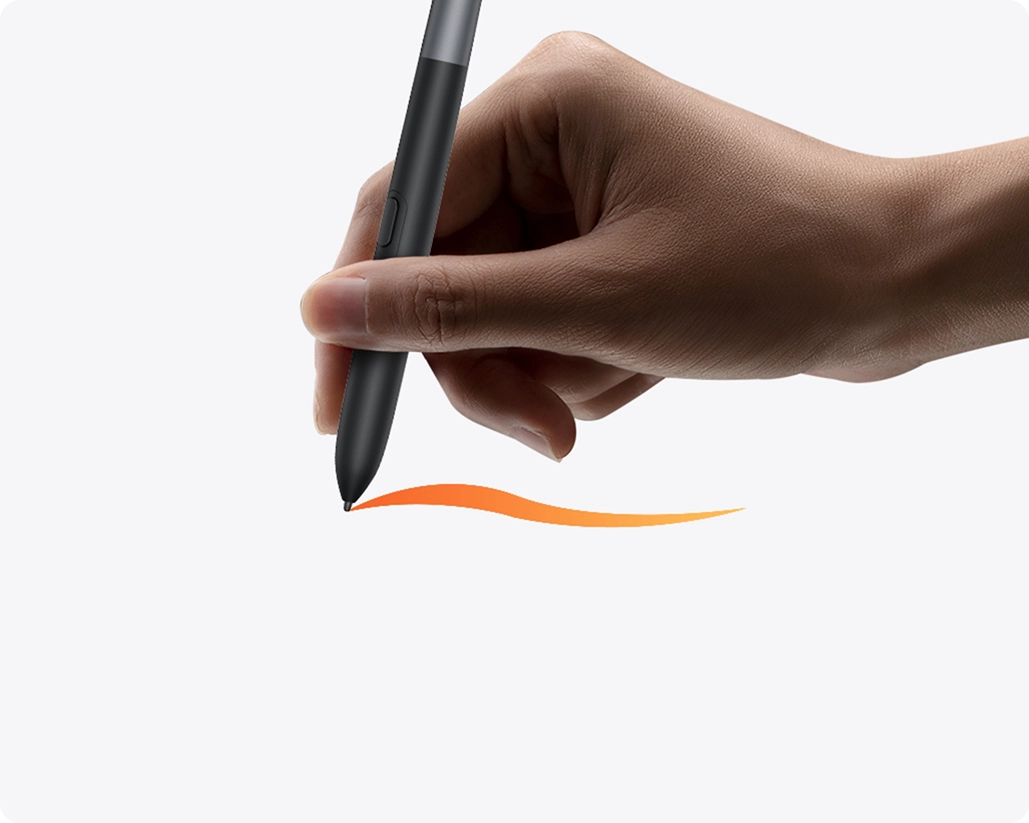
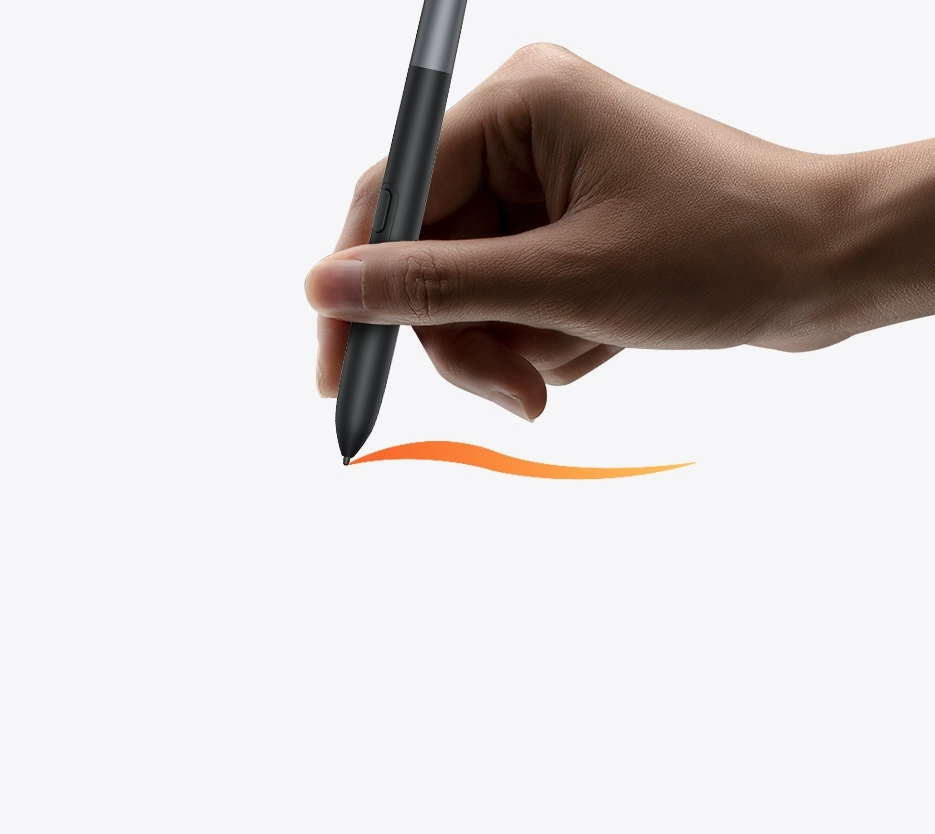
Less Shaking in Pen Tip
Thanks to its bullet-shaped pen tip, the stylus is not only durable but also provides enhanced tip stability for focused creation.
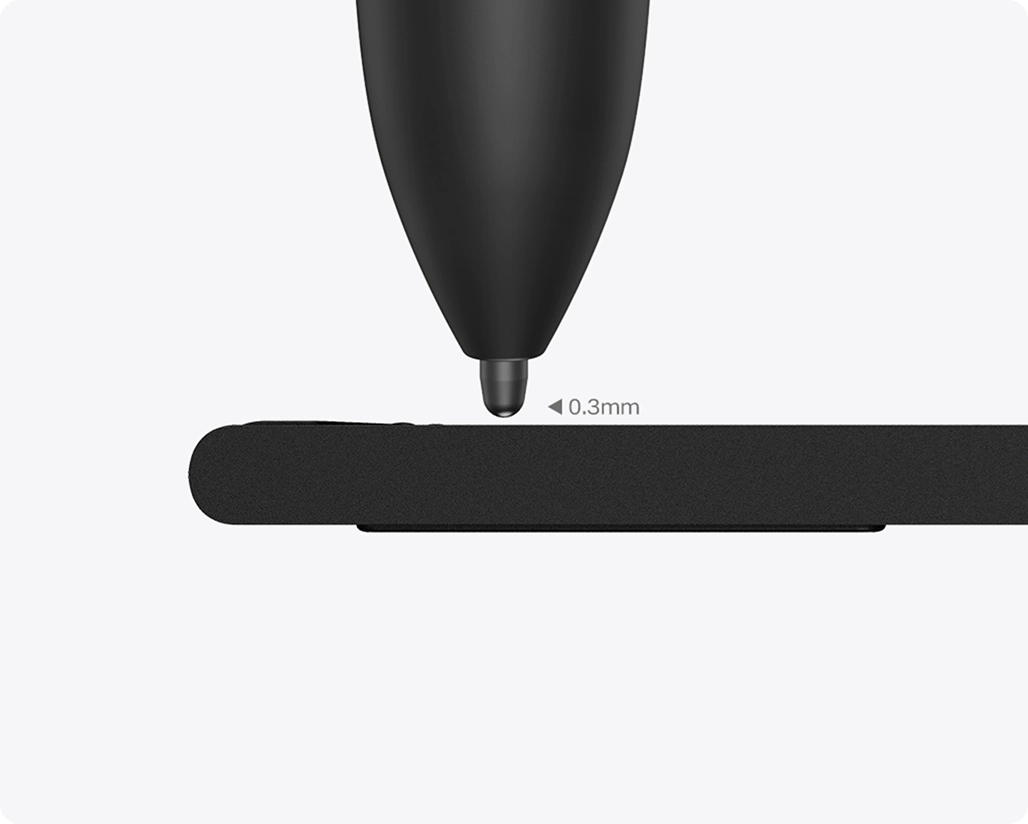
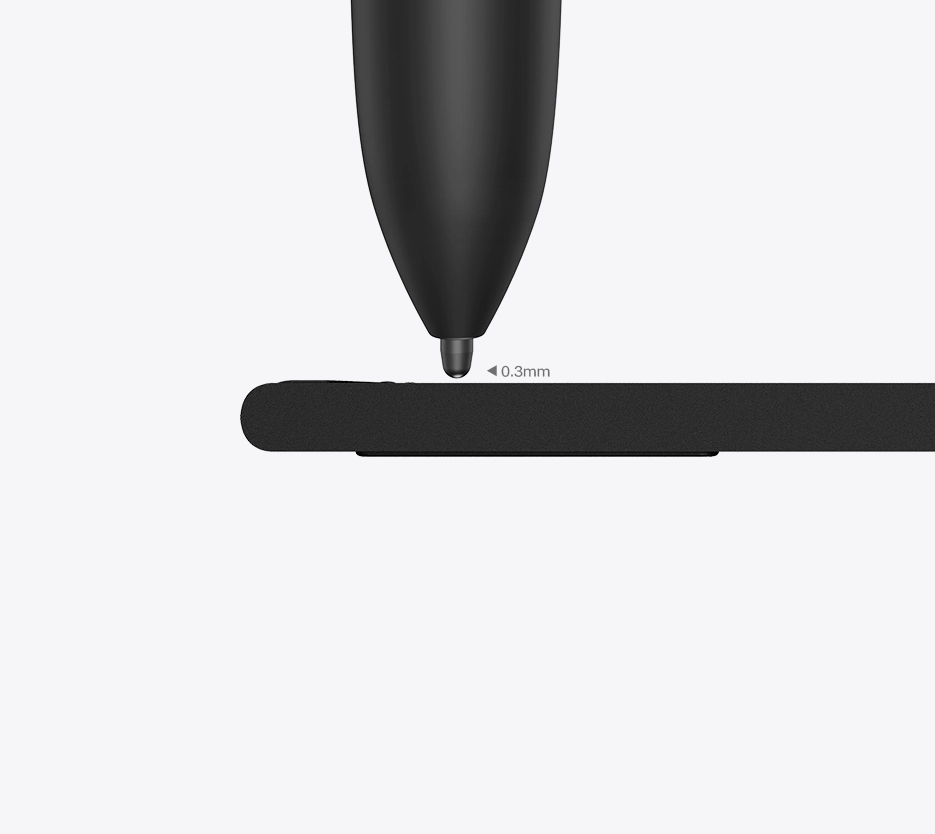
Shorter Tip Travel Distance
The enhanced sensor solution reduces pen tip travel distance to just 0.3mm, significantly minimizing nib wobble.
See Comparisons Between
X4 Smart Chip Stylus
and
X3 Smart Chip Stylus
Learn More
100% higher pressure levels
16384
X4 Smart Chip Stylus
8192
X3 Smart Chip Stylus
50% shorter response time
30ms
X4 Smart Chip Stylus
70ms
X3 Smart Chip Stylus
*All data above were taken from laboratory simulation tests and may vary depending on the operating environment.
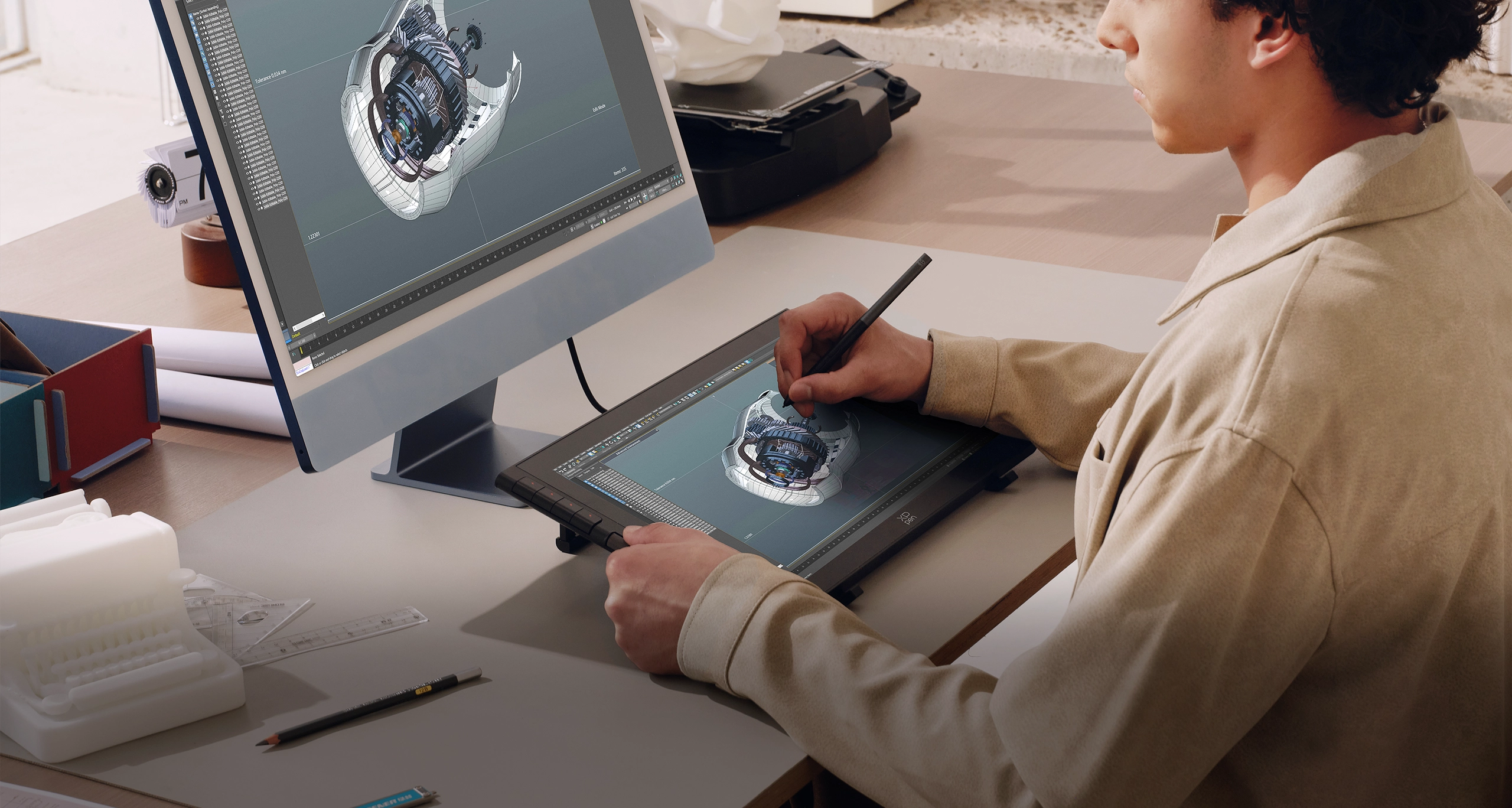
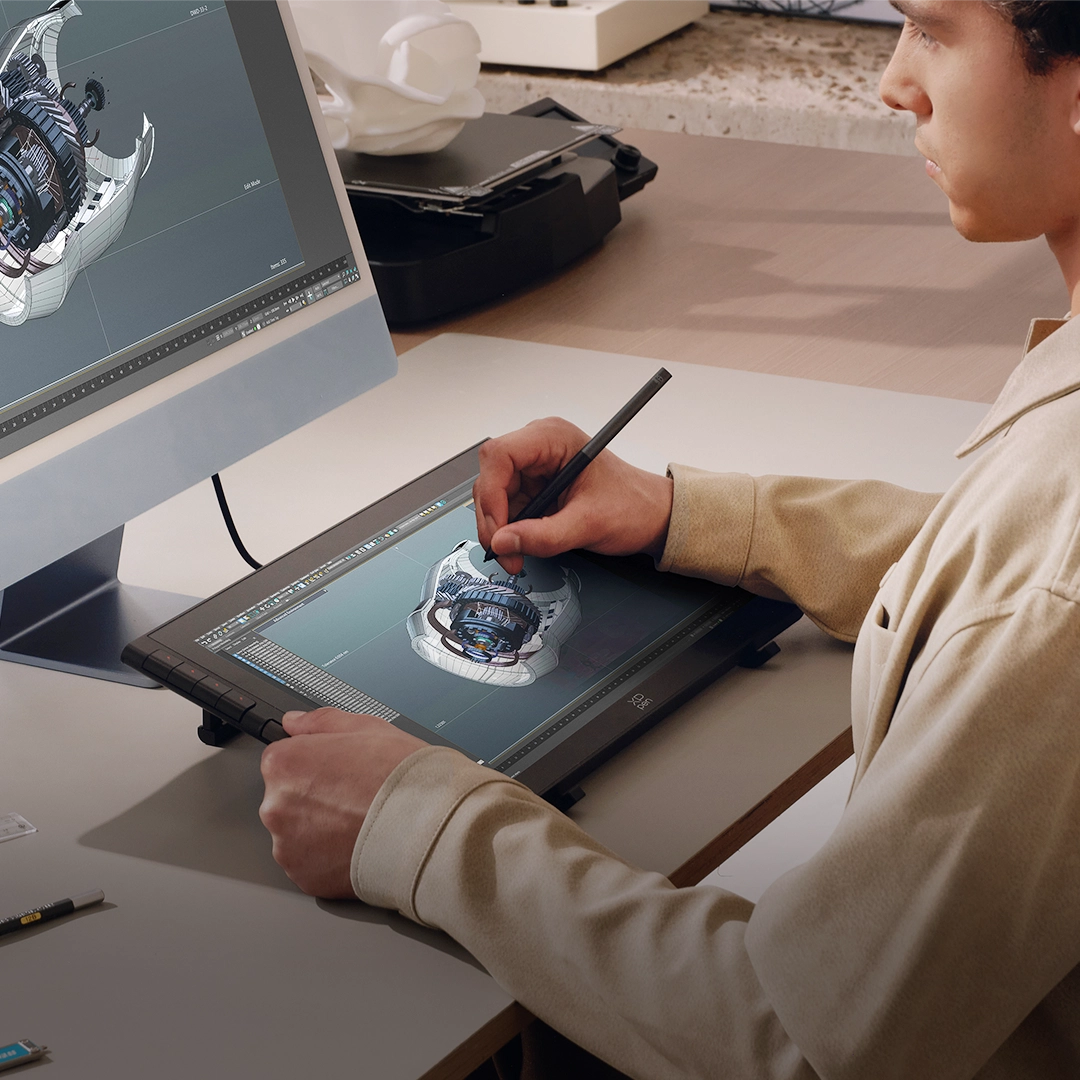
Adaptive Display,
Hyper-real Colors
This paper-like display not only features DC dimming but also delivers true-to-life colors.
Every stroke of creativity is rendered with crystal-clear details and remarkable hues.
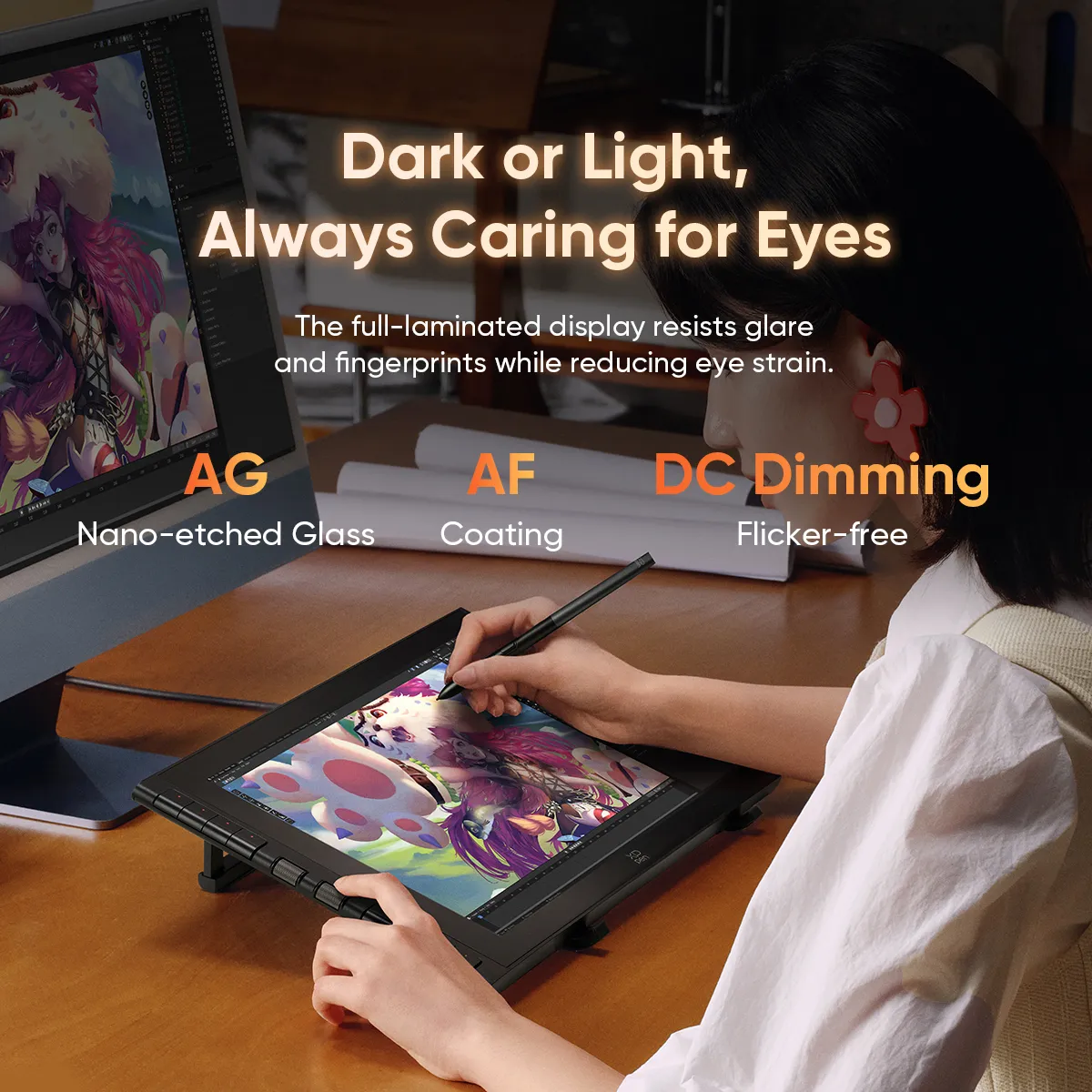
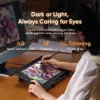
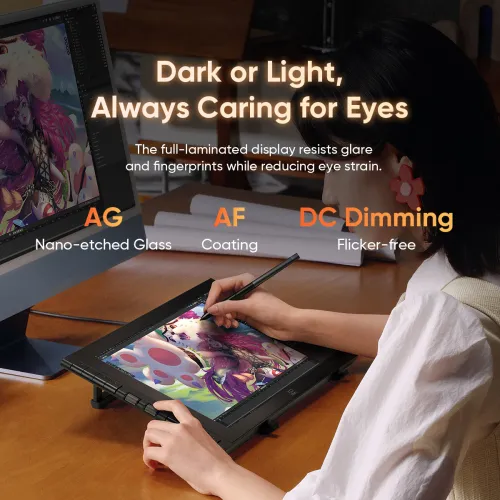
Dark or Light,
Always Caring for Eyes
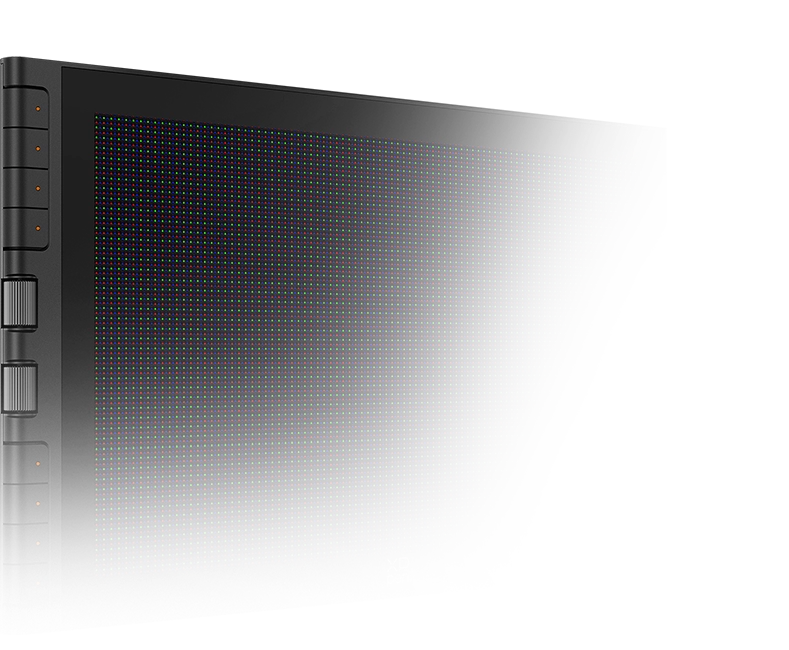
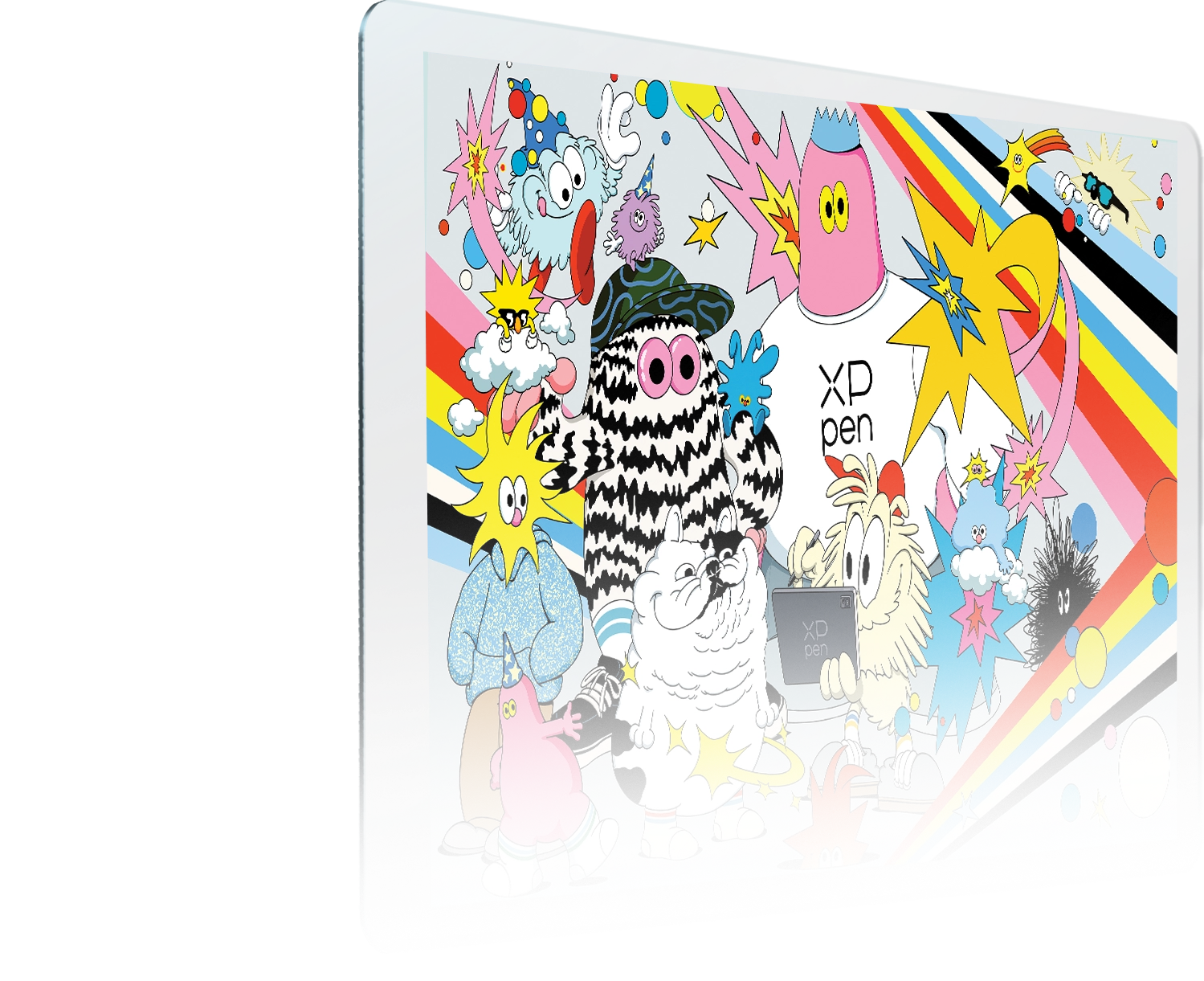
Crafted with AG nano-etched glass and AF coating, this display resists glare and fingerprints to reduce eye strain.
The display features DC dimming for smooth brightness transitions from sunlit outdoors to dim indoors,
ensuring lasting comfort even after hours of use.
DC Dimming
Flicker-free
Anti-glare
Anti-fingerprint
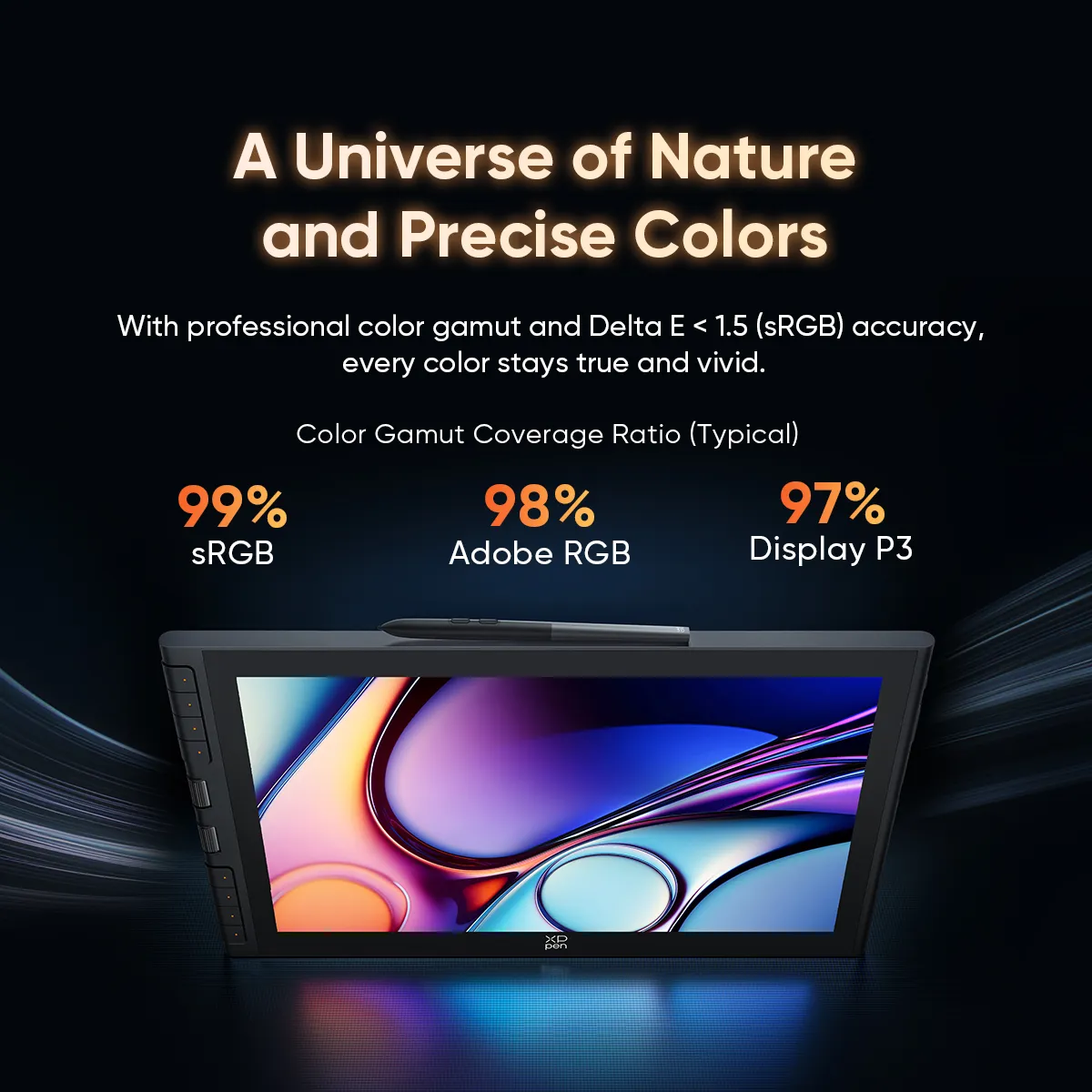
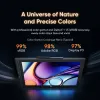
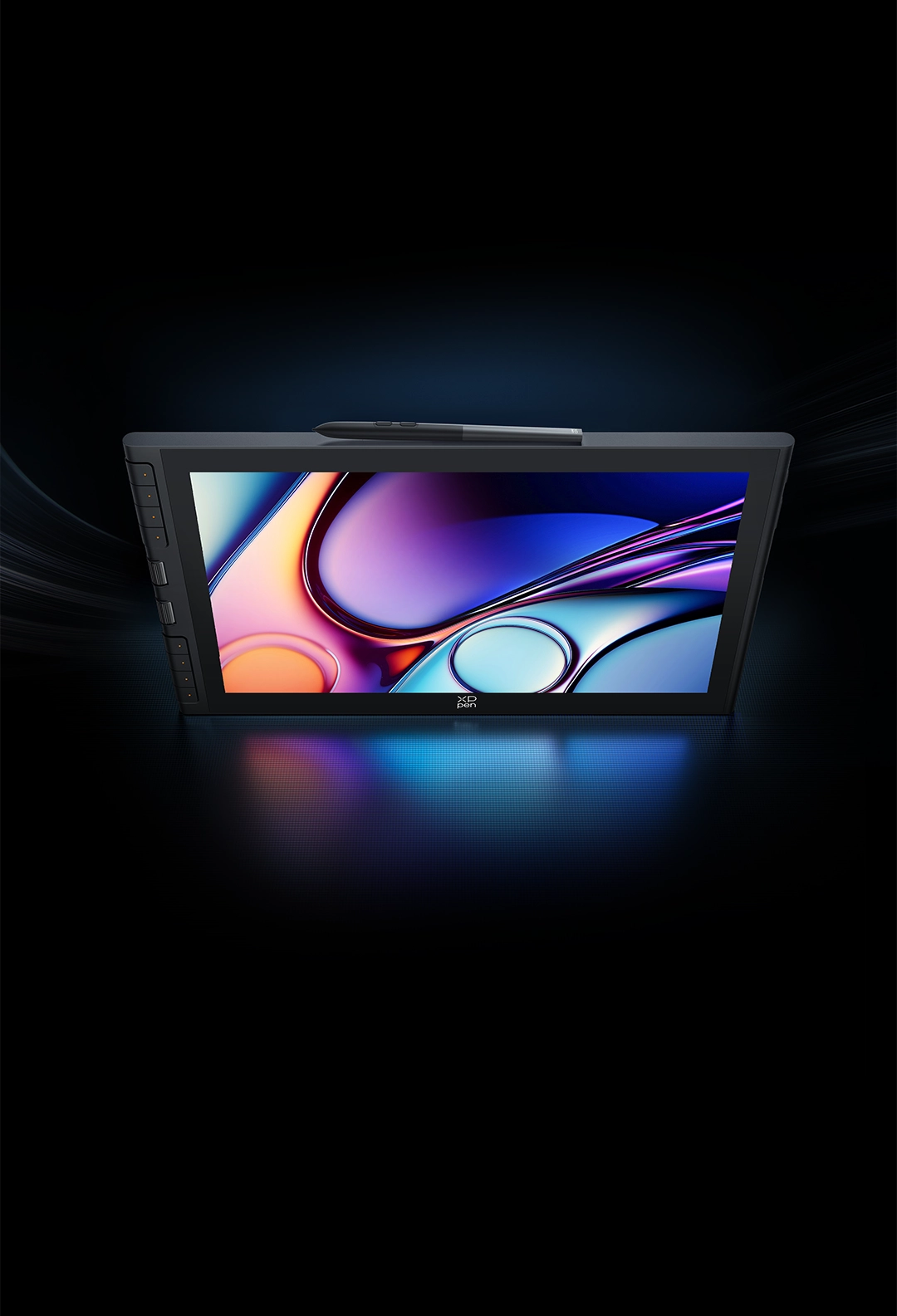
A Universe of Nature
and Precise Colors
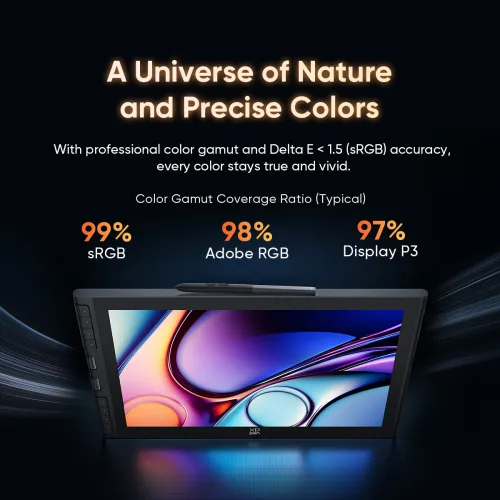
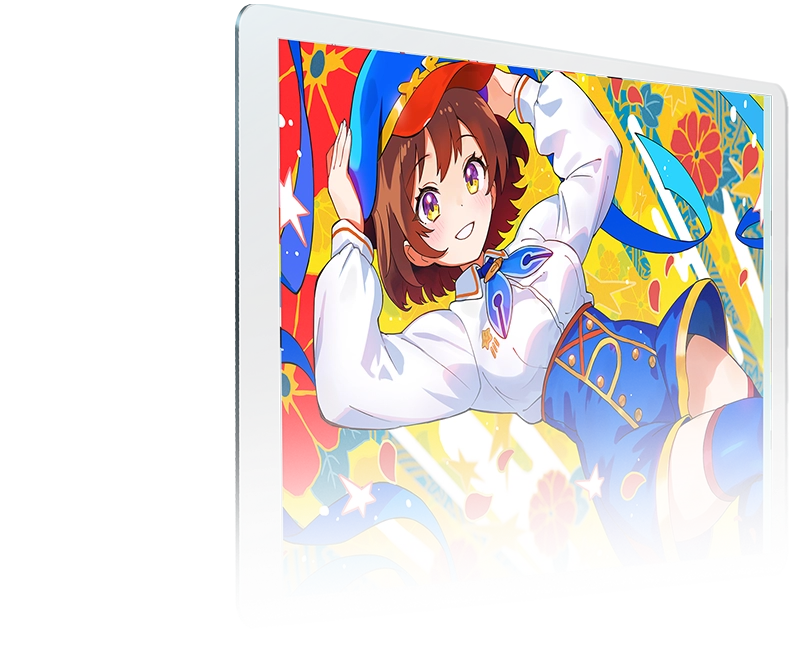
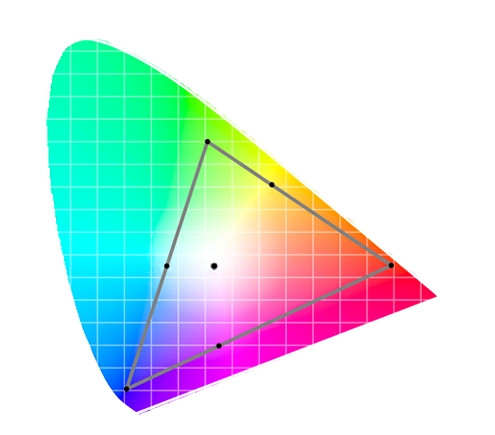
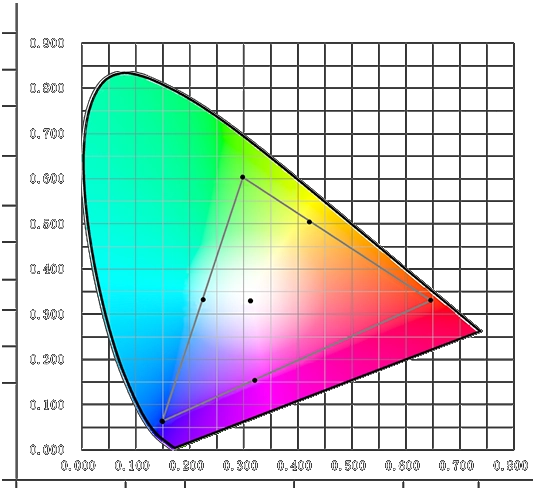
With a 99% sRGB color gamut coverage ratio and color accuracy of Delta E < 1.5*, it displays an extensive color spectrum with true-to-life color fidelity. Explore your unique color style in every creative moment.
*This data is average and applies only to sRGB.
Color Gamut Coverage Ratio (Typical)
99%
sRGB
98%
Adobe RGB
97%
Display P3
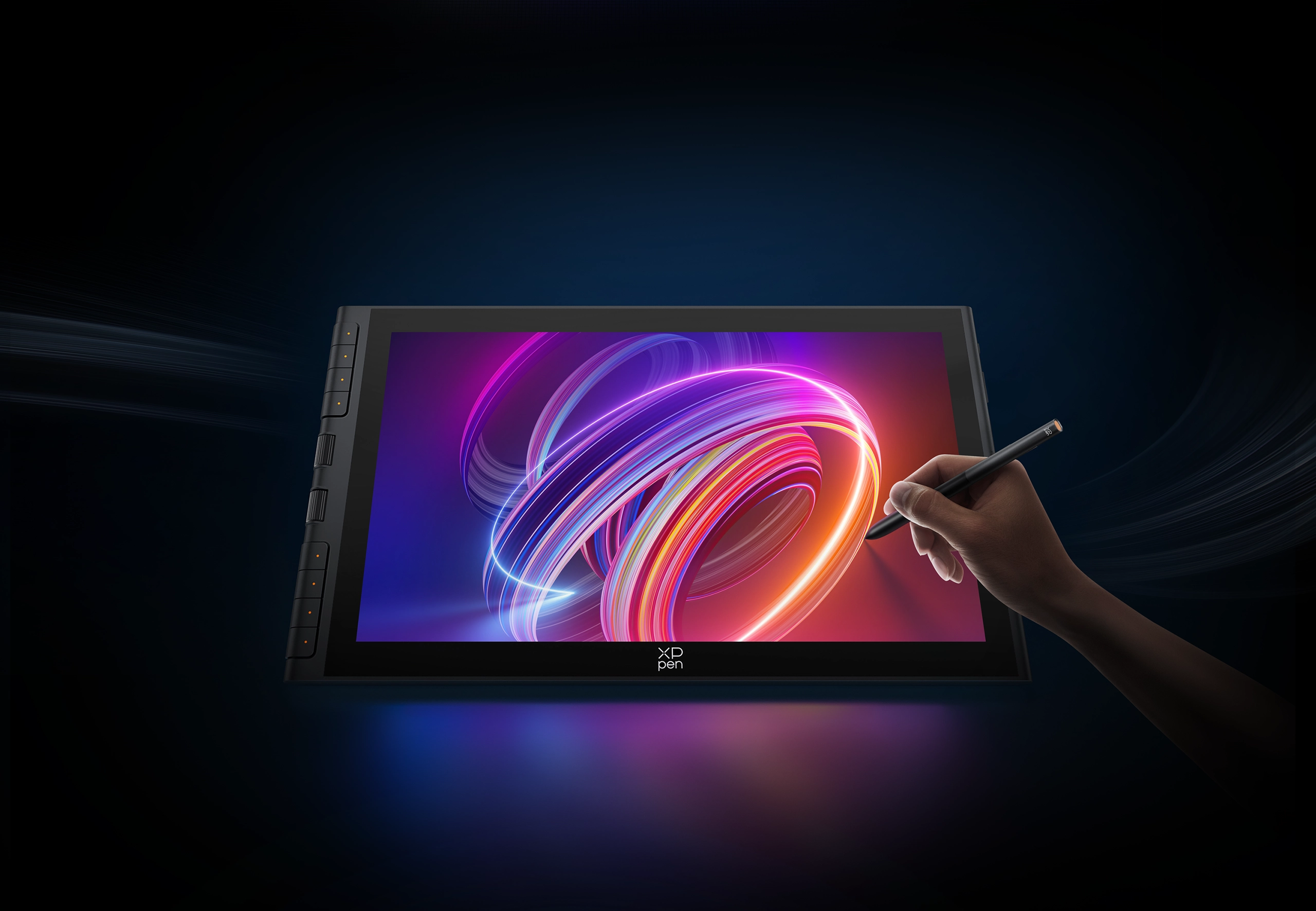
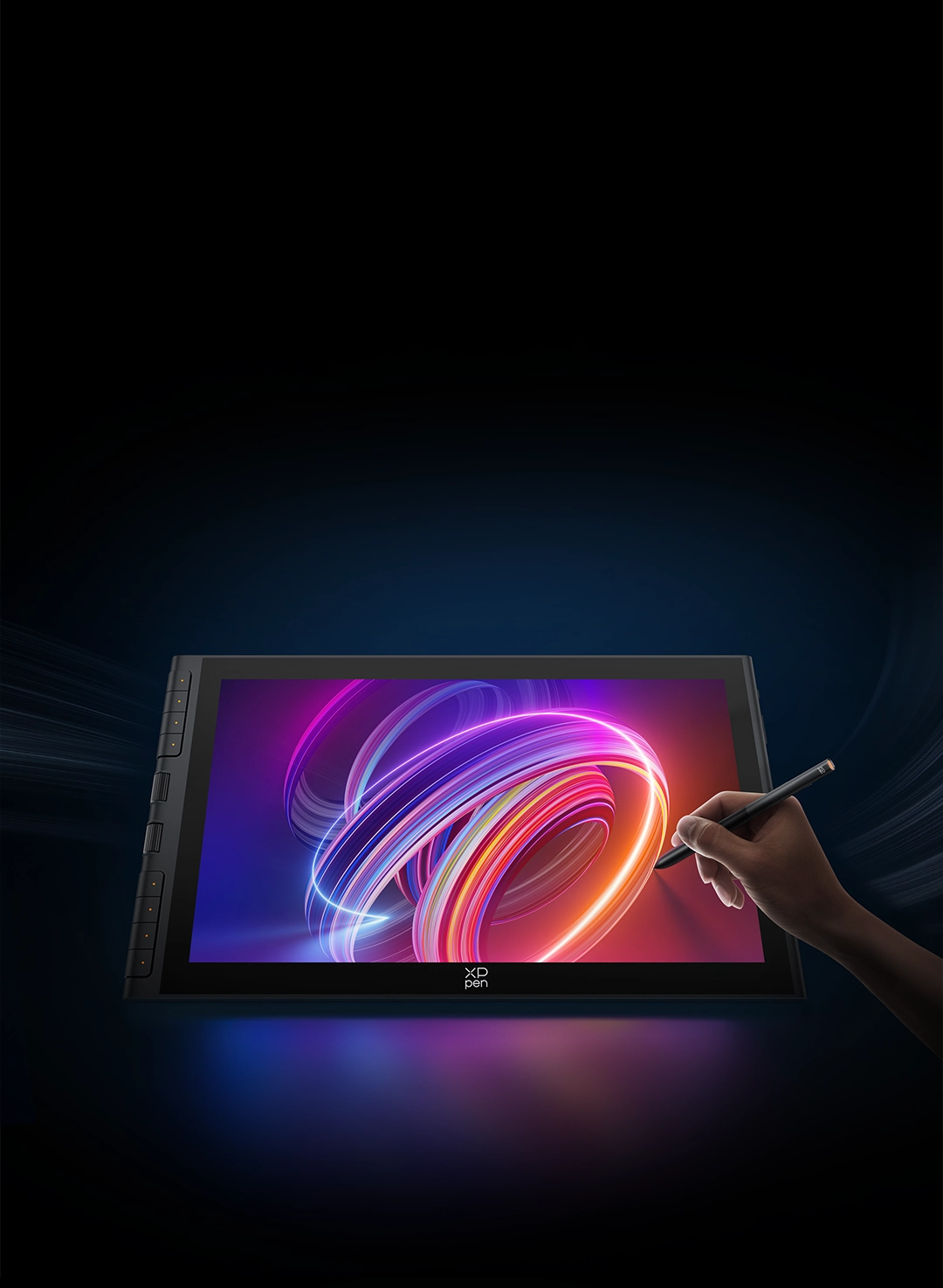
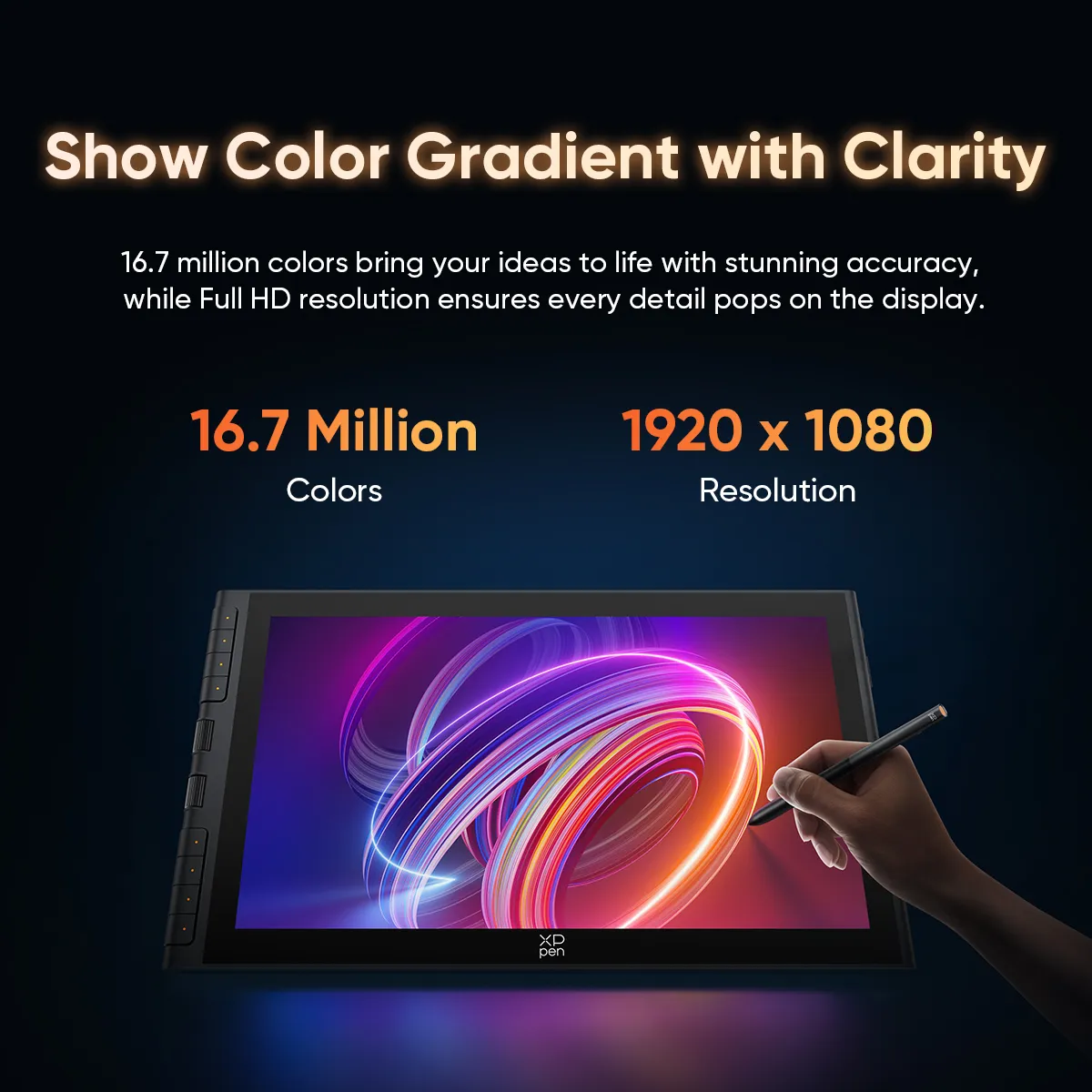
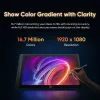
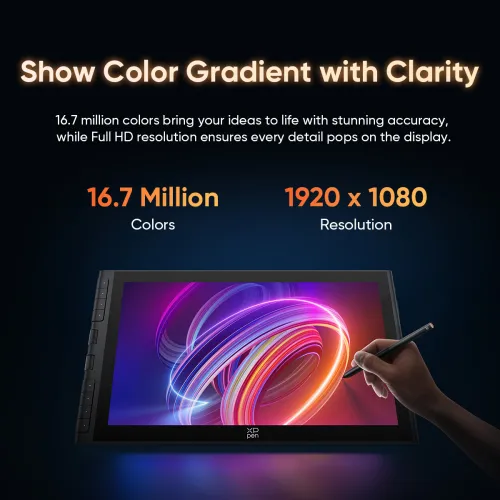
Rich Gradients, Vivid Clarity
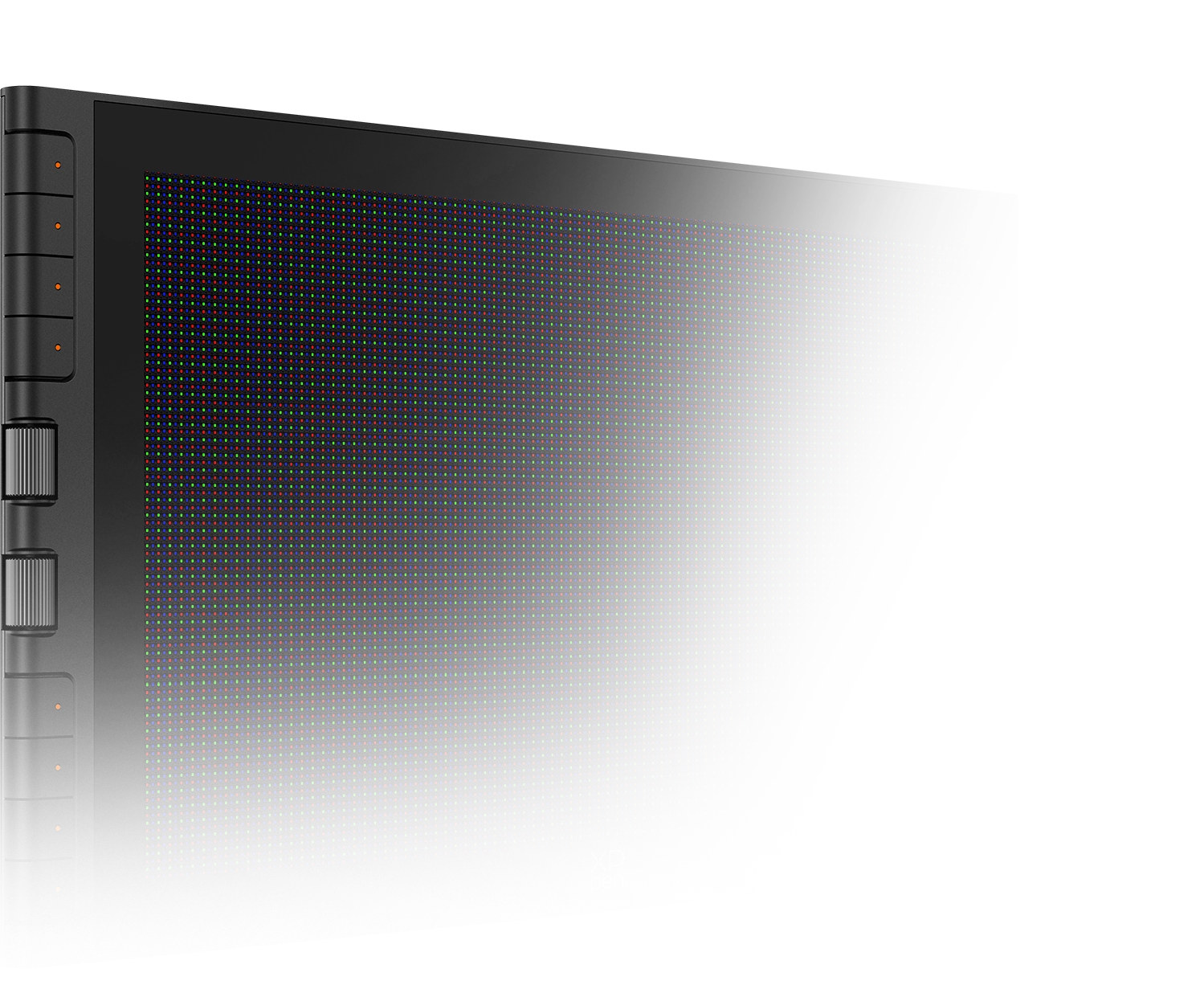
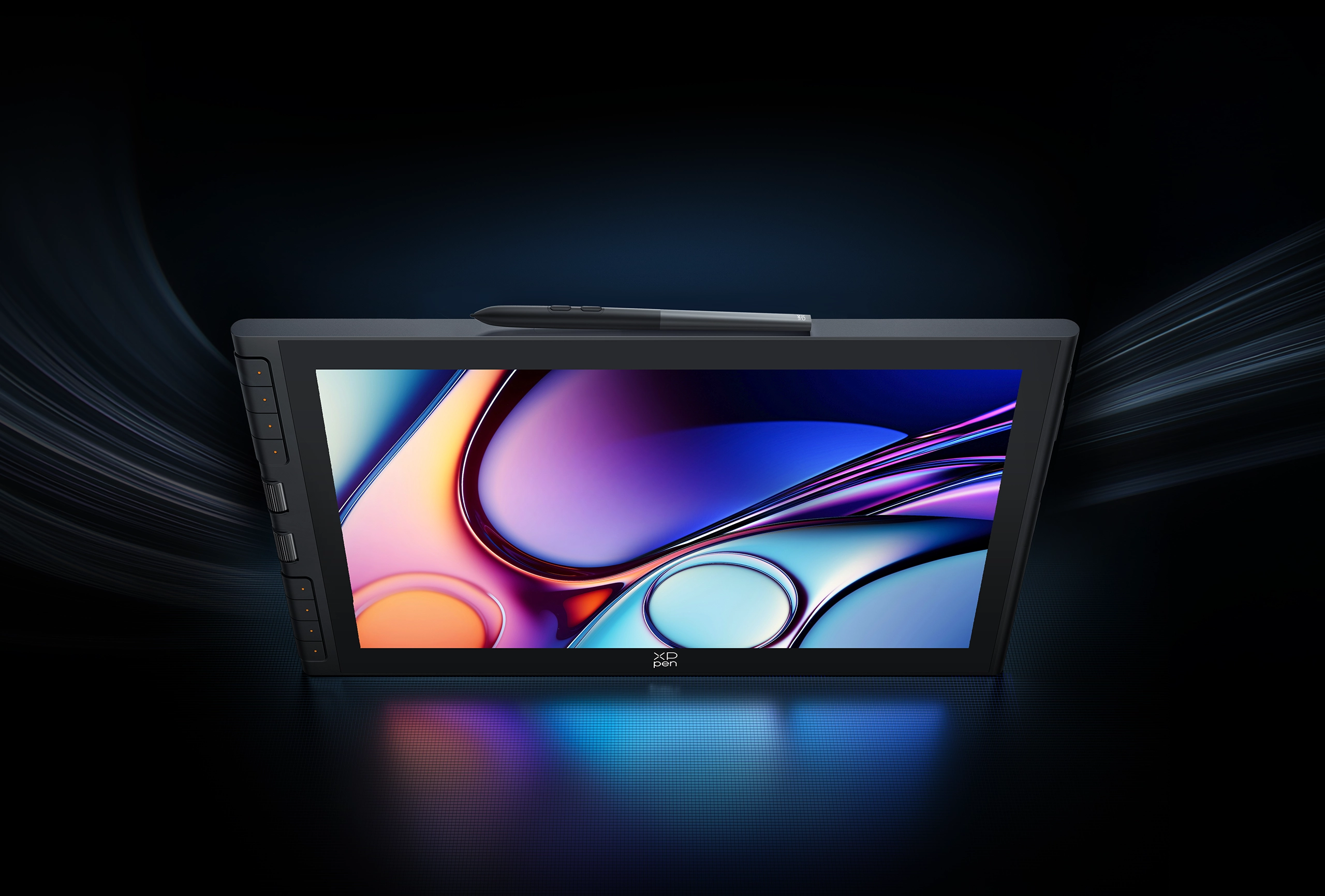
With each pixel displaying 16.7 million colors, the vast spectrum brings your wildest ideas to life with stunning accuracy.
The 1920 × 1080 Full HD resolution ensures every detail you create appears vivid on the display.
16.7 Million
Colors
1920 × 1080
Resolution
Complicated Task,
Completed Easily
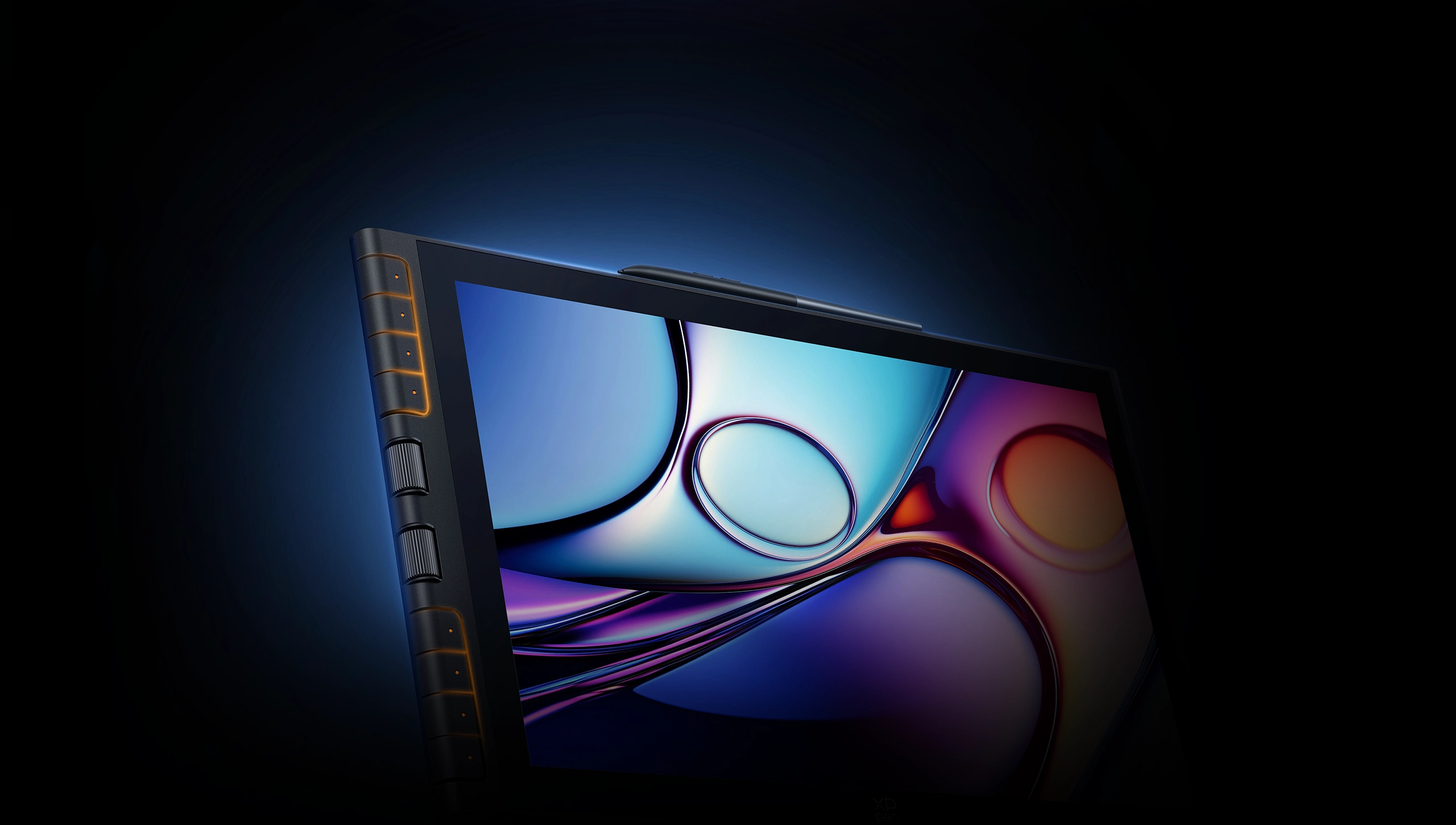
The side-press button on the Artist 16 3rd provides quick access to OSD settings,
allowing you to switch between color gamuts with a single press.
Simple Connection,
Comfortable Creation
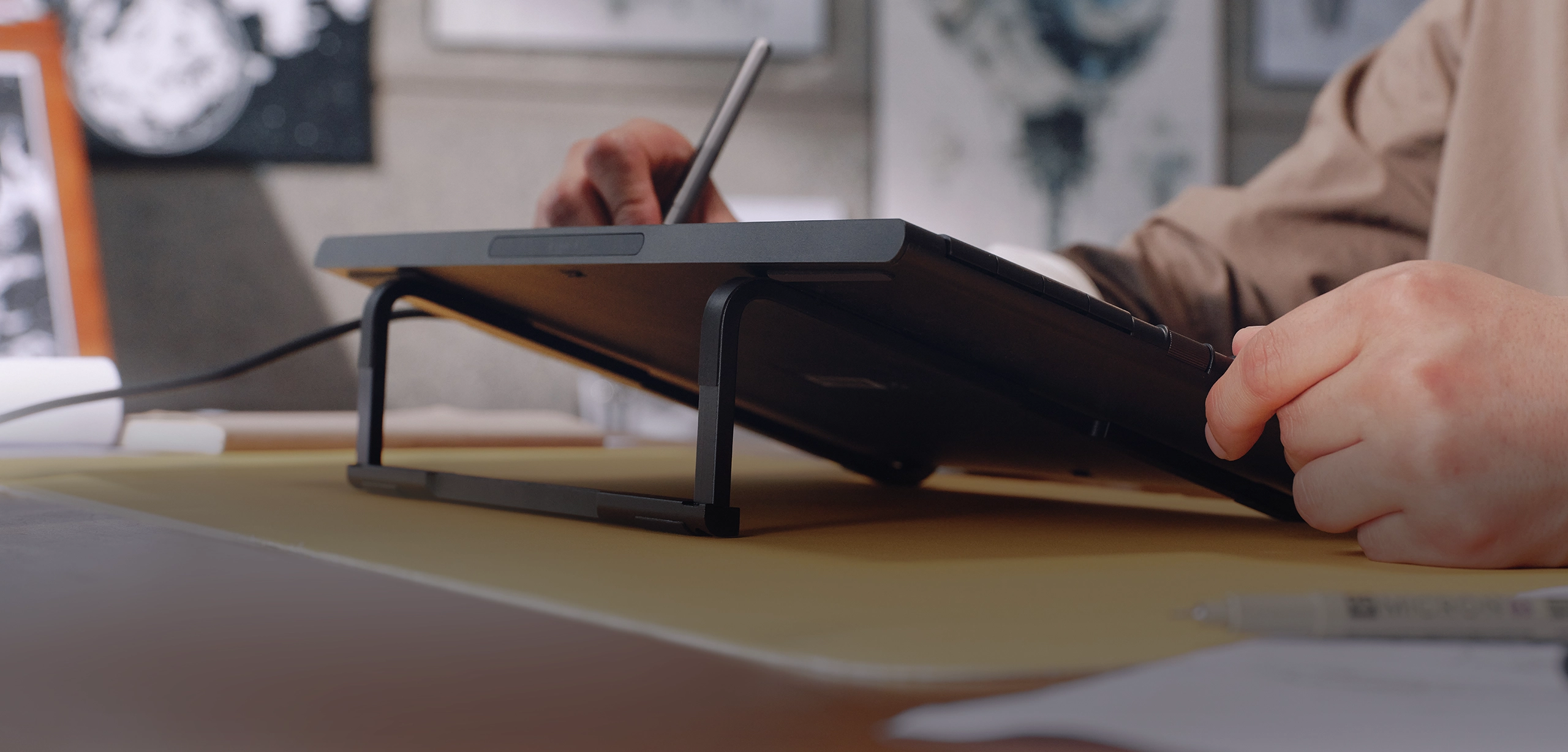
Bring the foldable stand, full-featured cable, and 3-in-1 cable with you to create your own unique artwork anywhere.
Foldable Stand,
Create Everywhere
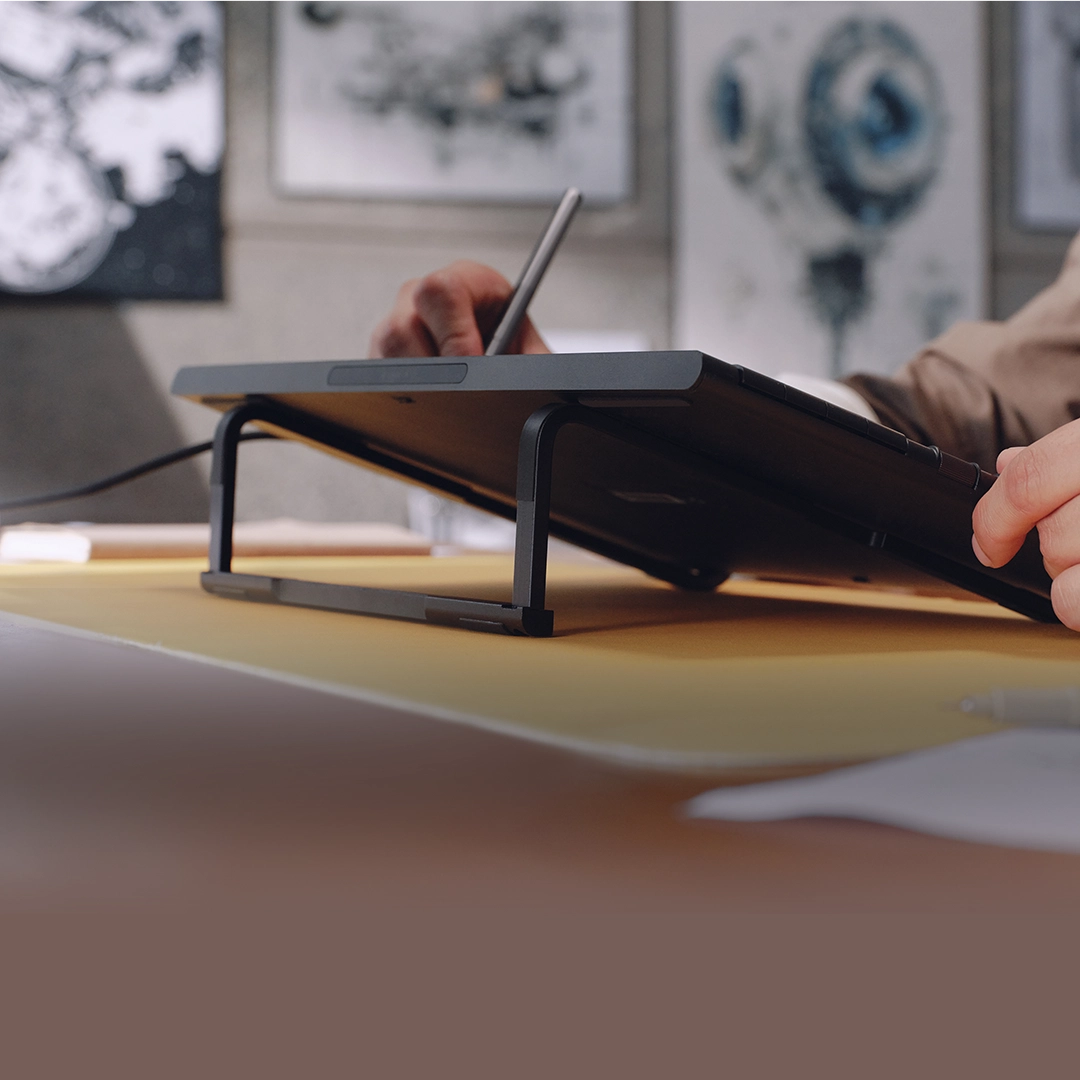
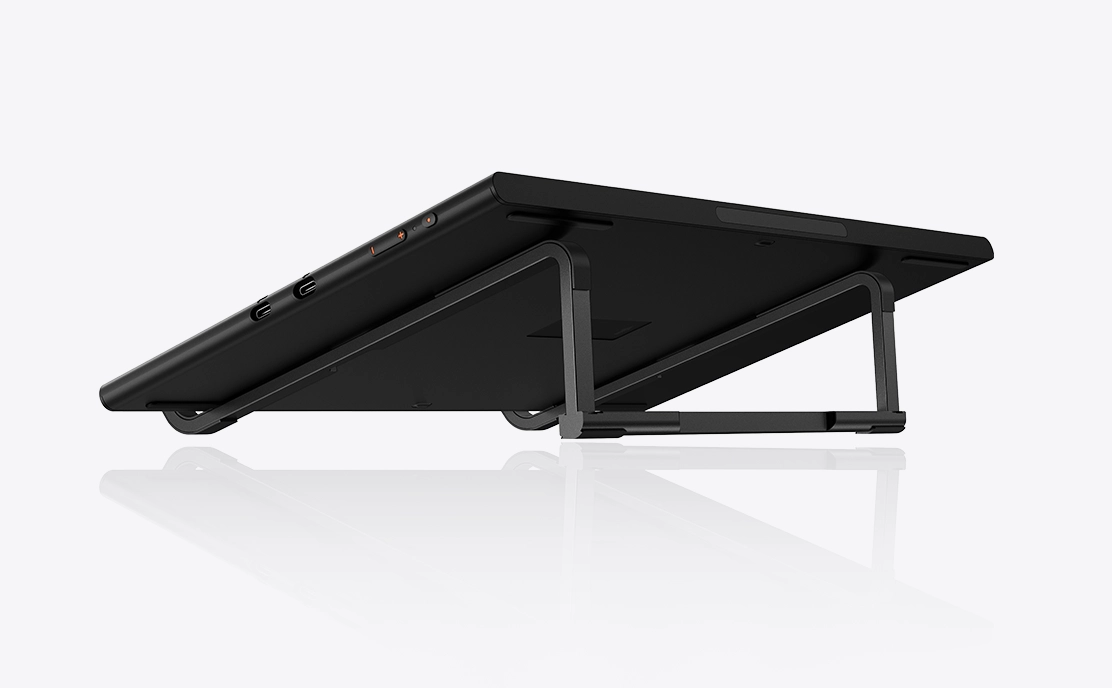
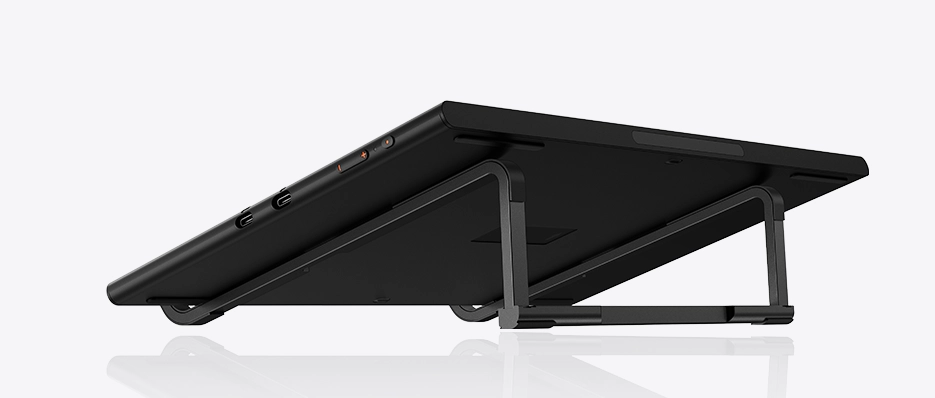
Place the Artist 16 3rd on the foldable stand, which provides a suitable supportive angle. The stand allows you to create comfortably and is compact enough to fit in a bag and easy to carry.
Connect and Create
with One Cable
With a full-featured USB-C cable, the drawing display connects to your device*using a single cable, providing both power and stable data transfer—no messy wires, perfect for on-the-go creativity.
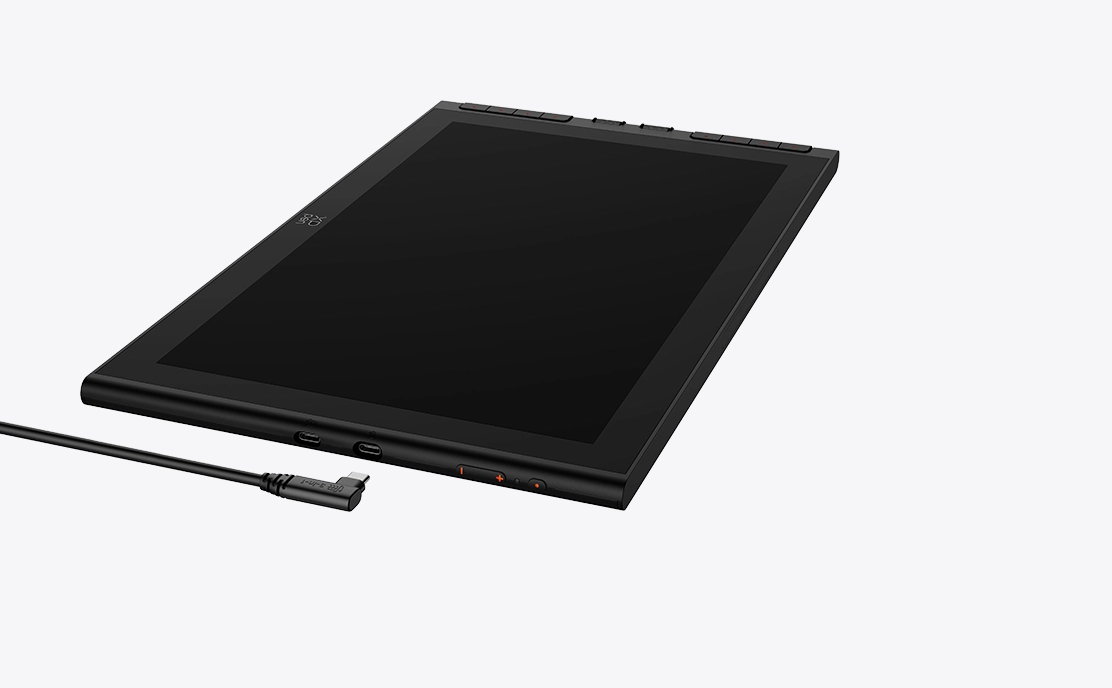
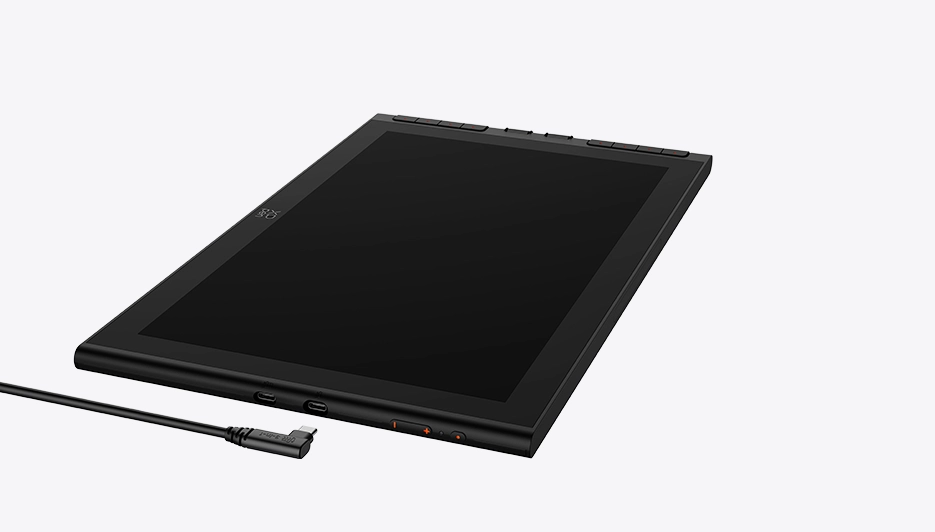
* Supports direct connection to computer or Android phone/tablet via USB-C cable. The actual performance depends on the device's battery level and the USB port's power output. Some phones may require an external power source for a stable connection.
* Supports direct connection to computer or Android phone/tablet via USB-C cable. The actual performance depends on the device's battery level and the USB port's power output. Some phones may require an external power source for a stable connection.
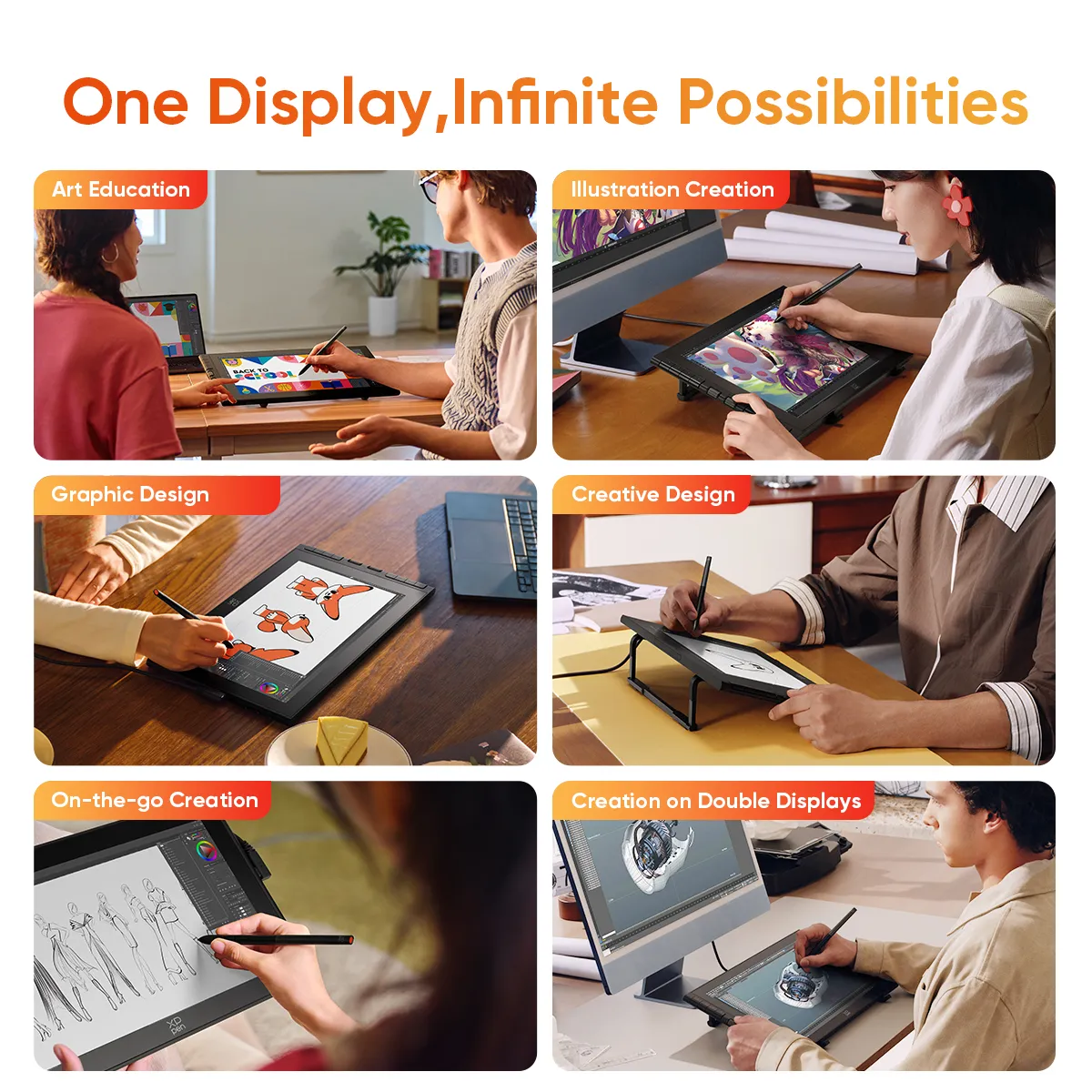
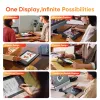
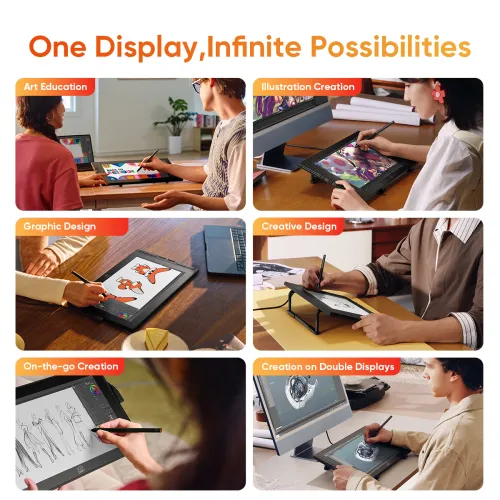
One Display, Infinite Possibilities
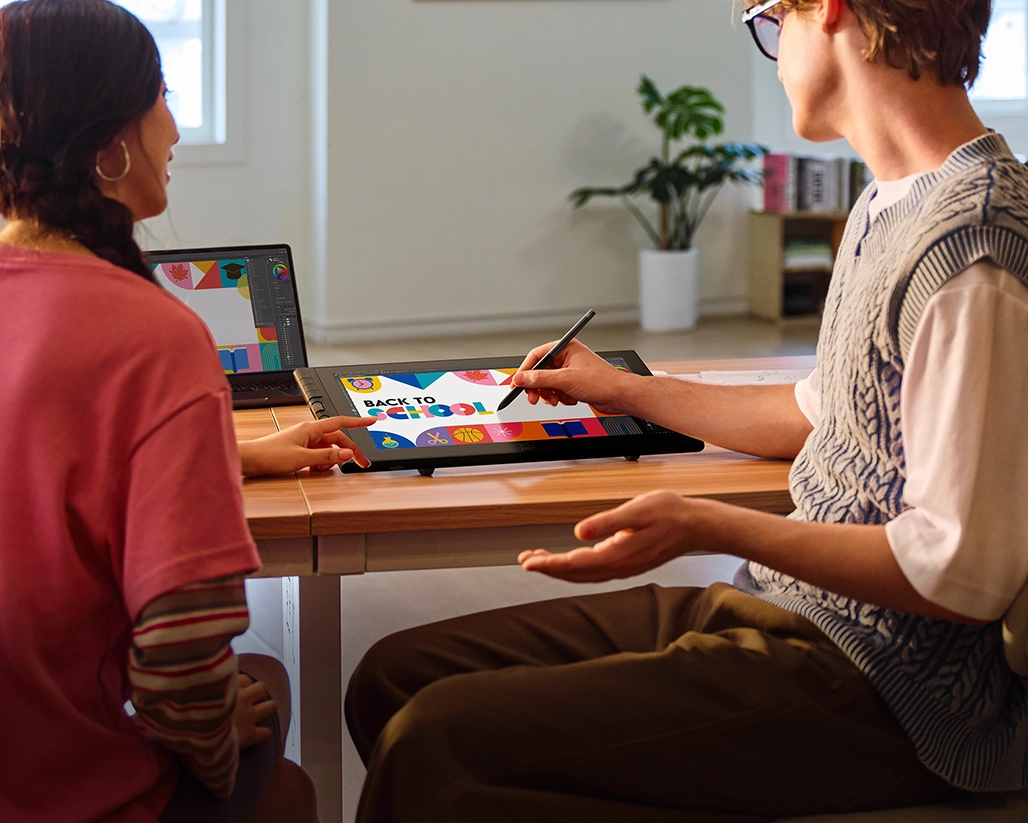
Art Education
The design of X-Dial and shortcut keys helps you to develop your creative skills with greater efficiency.
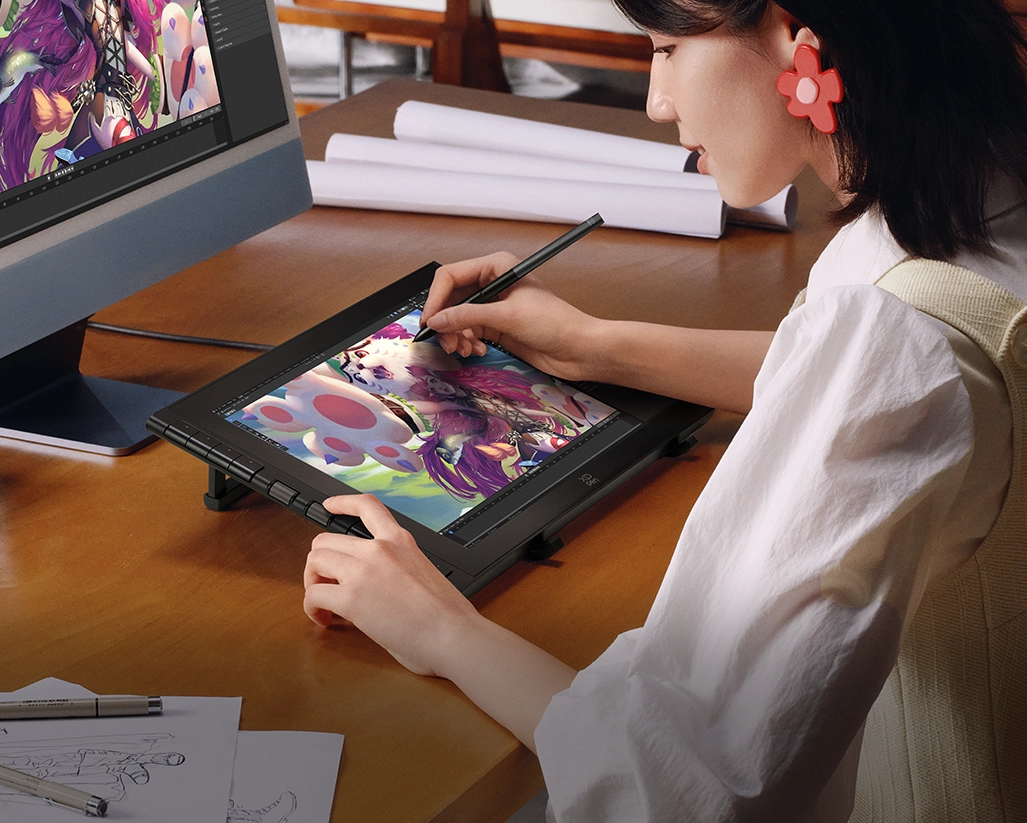
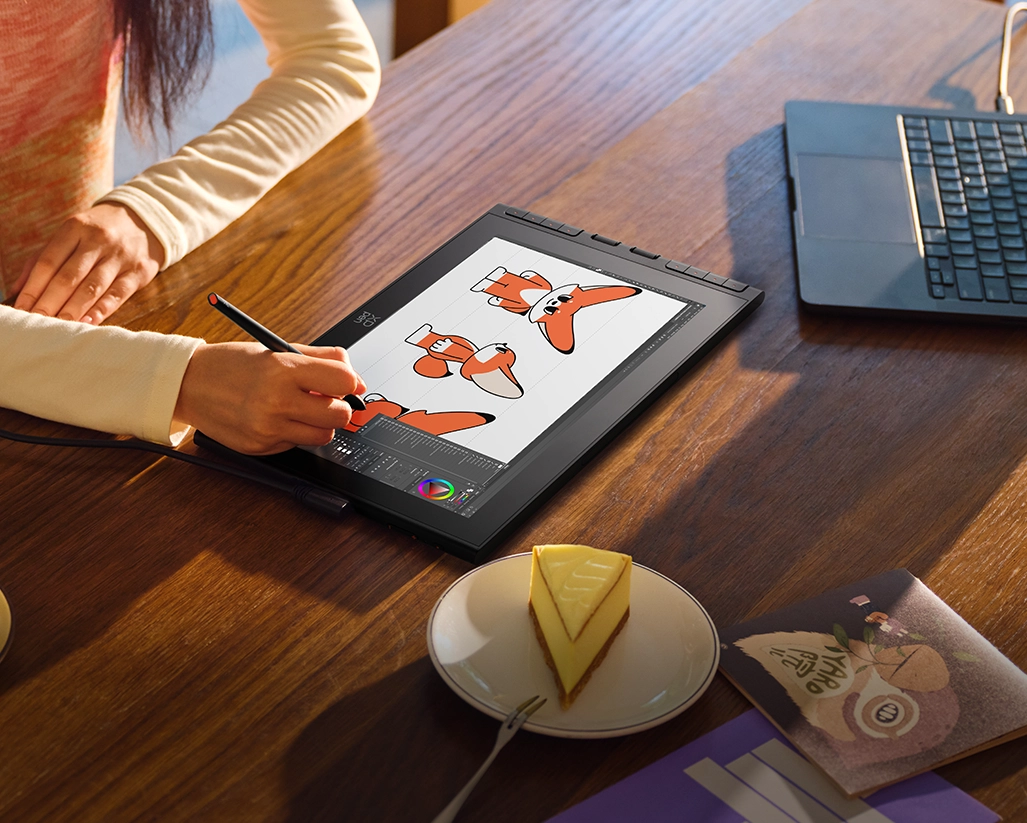
Illustration Creation
The 16K pressure-level stylus offers delicate, sensitive, and smooth strokes, restoring a pen-on-paper drawing experience.
Graphic Design
The FHD display features high color accuracy, meeting the color requirements of graphic design.
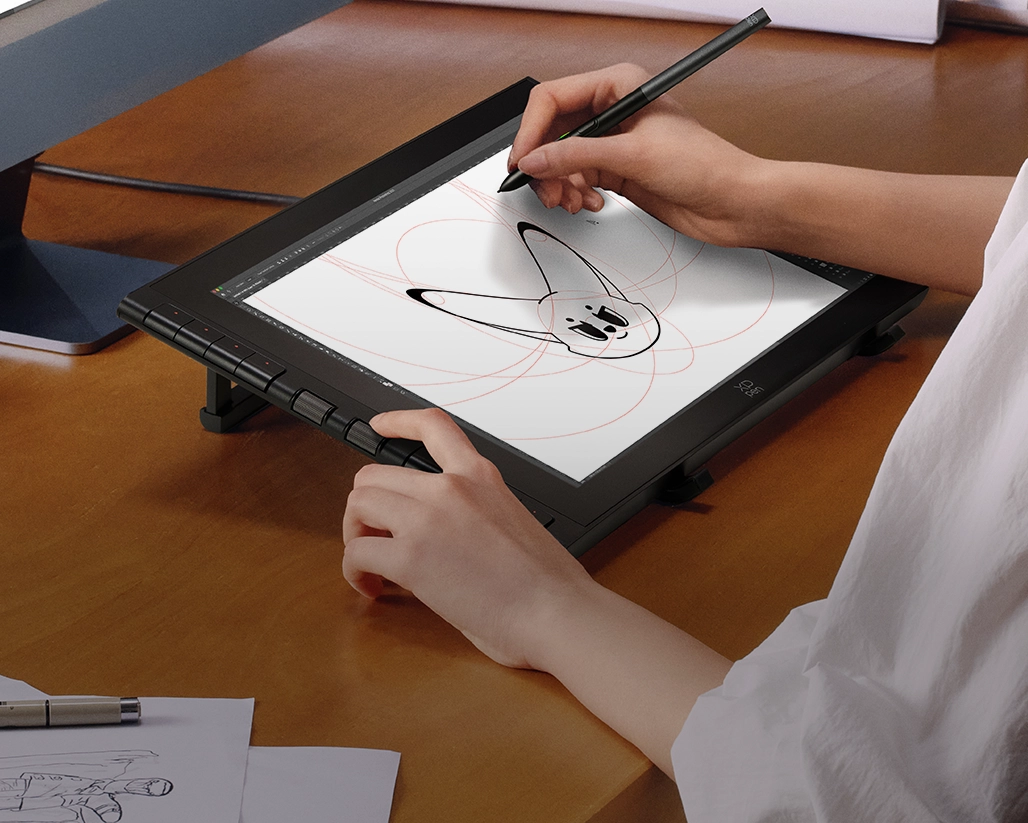
Creative Design
X-Dial and shortcut keys provide convenient canvas controls for more complex design tasks.
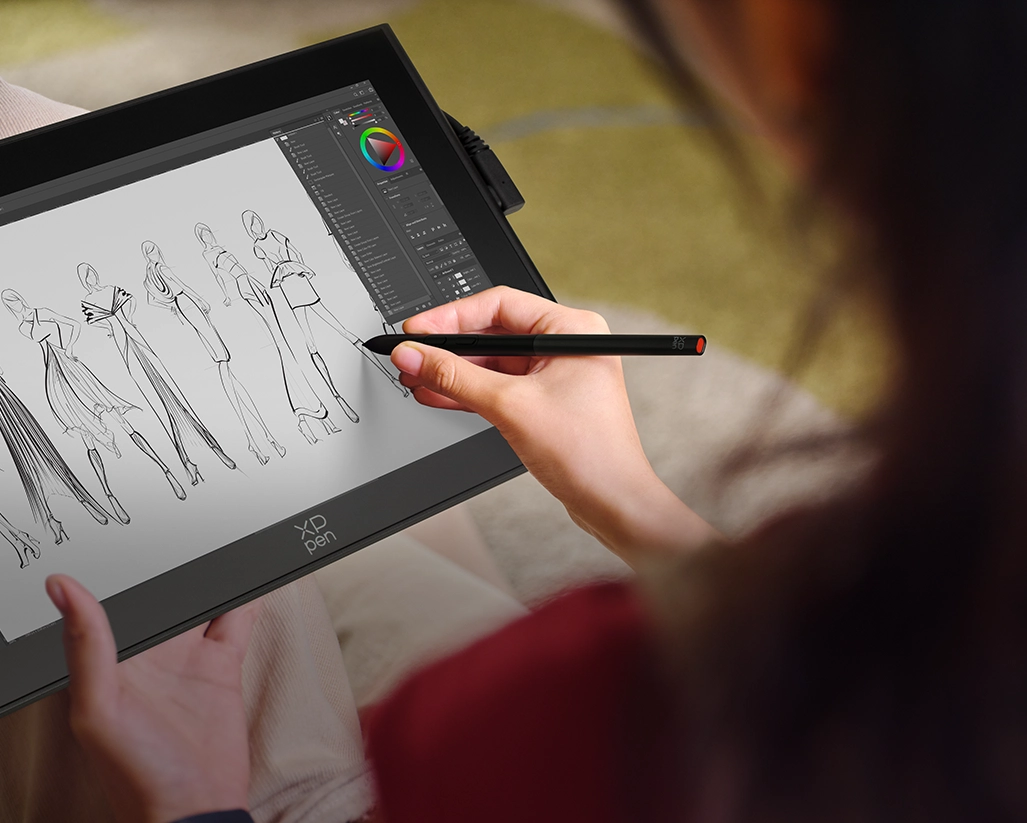
On-the-go Creation
The slim body and magnetic stylus of the Artist 16 3rd make it perfect for creating outdoors.
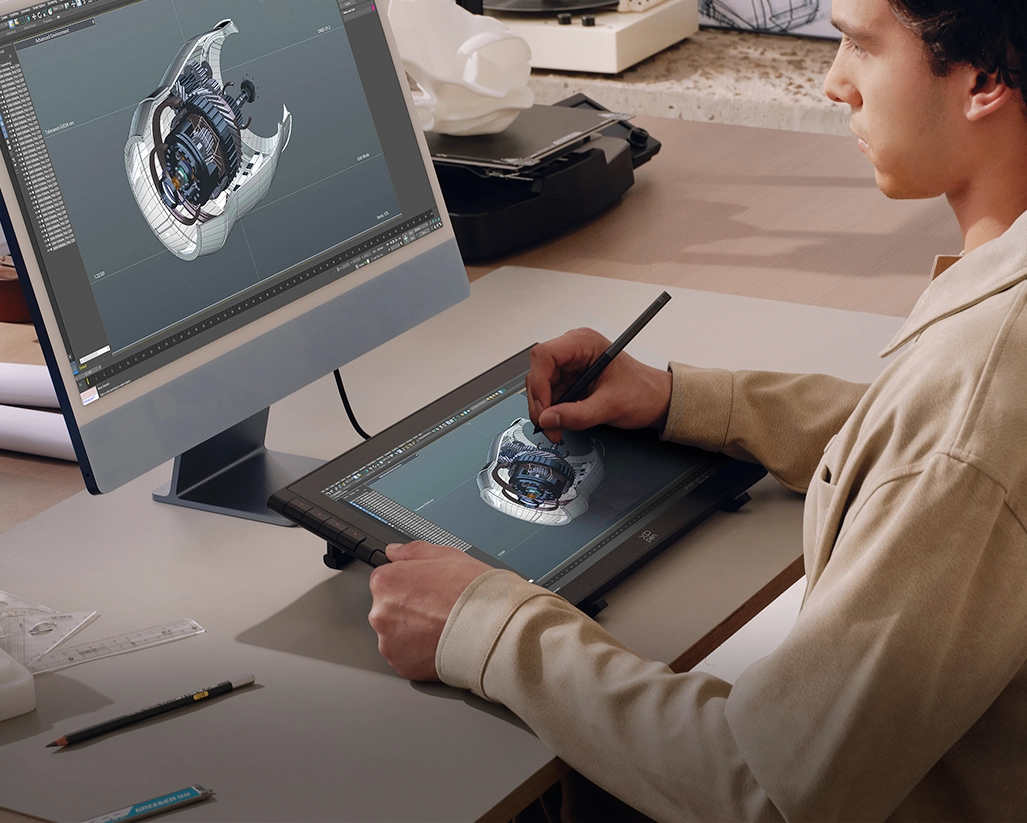
Creation on Double Displays
Connect the drawing display to a larger screen for an expanded viewing area. Boost productivity and unlock your complete creative potential.
Compatible with Devices,
Software and Systems

Support mainstream systems: Windows 7 or later, macOS 10.13 or later,
Android 10.0 or later (USB 3.1 DP1.2 required), ChromeOS 88 or later, Linux, and Windows ARM.
Compatible with popular digital art software such as Adobe Photoshop,
Illustrator, SAI, CDR, Clip Studio Paint, GIMP, Krita, MediBang, FireAlpaca, Toonboom, Maya, and Blender3D, etc.
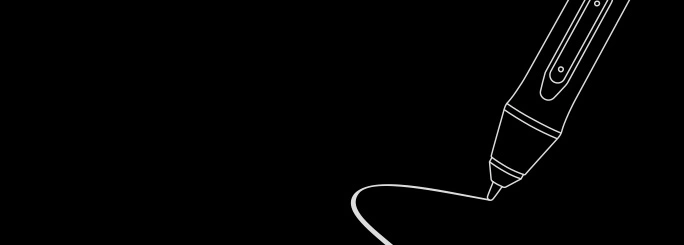
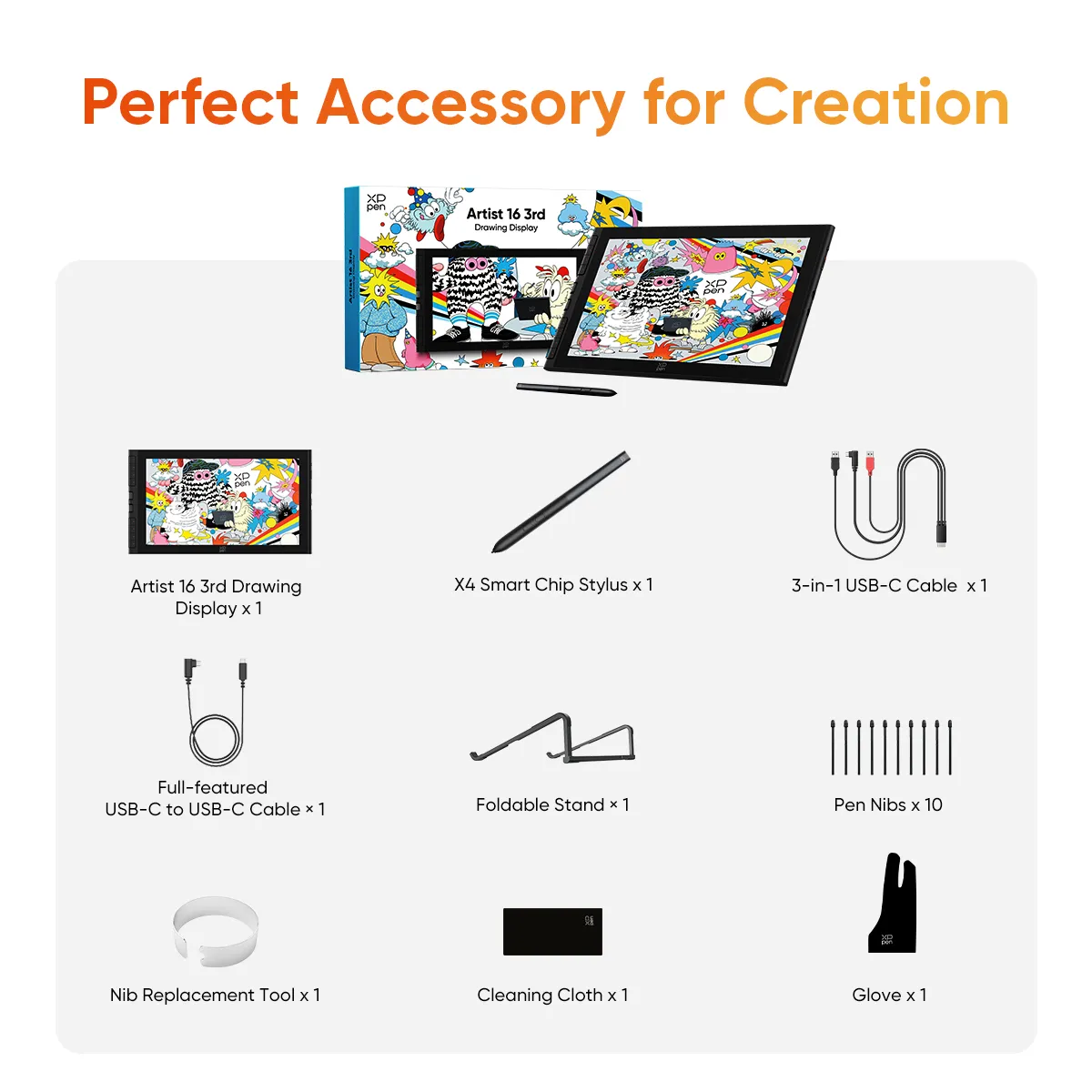
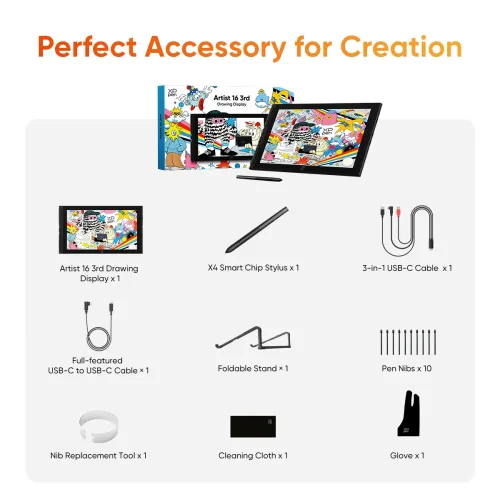
Package Include
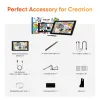
Drawing Display x 1
X4 Smart Chip Stylus x 1
Pen Nibs x 10
Nib Replacement Tool x 1
Full-featured USB-C to USB-C Cable x 1
3-in-1 USB-C Cable x 1
Warranty and Driver Download Card x 1
Glove x 1
Cleaning Cloth x 1
Foldable Stand x 1
Specifications
| Linux OS | Version | Package Format | Supported Software |
| Arch | Arch Linux2019.12.01(64-bit) | .deb, .sh | GIMP, Krita |
| Centos | Centos7.0(64-bit) | .rpm, .sh | GIMP |
| Centos8(64-bit) | .rpm, .sh | GIMP, Krita | |
| Debian | debian-9.5.0-amd64-netinst(64-bit) | .deb, .sh | GIMP, Krita |
| elementary OS | elementary OS 5.0(64-bit) | .deb, .sh | GIMP, Krita |
| ezgo Linux | ezgo14(64-bit) | .deb, .sh | GIMP, Krita |
| Fedora | Fedora32(64-bit) | .rpm, .sh | GIMP, Krita |
| Mageia | Mageia-7.1(64-bit) | .rpm, .sh | GIMP, Krita |
| Manjaro | manjaro-xfce-20.1.2-201019(64-bit) | .deb, .sh | GIMP |
| Mint | linuxmint-18.2-cinnamon-64bit | .deb, .sh | GIMP, Krita |
| OpenSUSE | openSUSE-Tumbleweed(64-bit) | .rpm, .sh | GIMP, Krita |
| Pop!_OS | pop-os_19.10(64-bit) | .deb, .sh | GIMP, Krita |
| Red Hat | Red Hat7(64-bit) | .rpm, .sh | GIMP |
| Ubuntu | Ubuntu14.04(64-bit) | .deb, .sh | GIMP, Krita |
| Ubuntu16.04(64-bit) | .deb, .sh | GIMP, Krita | |
| Ubuntu17.04(64-bit) | .deb, .sh | GIMP, Krita | |
| Ubuntu18.04(64-bit) | .deb, .sh | GIMP, Krita | |
| Ubuntu19.04(64-bit) | .deb, .sh | GIMP, Krita | |
| Ubuntu20.04(64-bit) | .deb, .sh | GIMP, Krita |
| Function | Krita 4.3.0 | Gimp 2.10.20 | Inkscape 0.92 |
| Pen Pressure Sensitivity | |||
| Tilt | |||
| Mouse Function | |||
| Eraser Button (Stylus:PH01, P06) | |||
| Switch between Pen and Eraser Modes | |||
| *If you have any further queries, please do not hesitate to contact us at service@xp-pen.com. | |||
Linux OS
Arch
Version
Arch Linux2019.12.01(64-bit)
Package Format
.deb, .sh
Supported Software
GIMP, Krita
Centos
Version
Centos7.0(64-bit)
Centos8(64-bit)
Centos8(64-bit)
Package Format
.rpm, .sh
.rpm, .sh
.rpm, .sh
Supported Software
GIMP
GIMP, Krita
GIMP, Krita
Debian
Version
debian-9.5.0-amd64-netinst(64-bit)
Package Format
.deb, .sh
Supported Software
GIMP, Krita
elementary OS
Version
elementary OS 5.0(64-bit)
Package Format
.deb, .sh
Supported Software
GIMP, Krita
ezgo Linux
Version
ezgo14(64-bit)
Package Format
.deb, .sh
Supported Software
GIMP, Krita
Fedora
Version
Fedora32(64-bit)
Package Format
.rpm, .sh
Supported Software
GIMP, Krita
Mageia
Version
Mageia-7.1(64-bit)
Package Format
.rpm, .sh
Supported Software
GIMP, Krita
Manjaro
Version
manjaro-xfce-20.1.2-201019(64-bit)
Package Format
.deb, .sh
Supported Software
GIMP
Mint
Version
linuxmint-18.2-cinnamon-64bit
Package Format
.deb, .sh
Supported Software
GIMP, Krita
OpenSUSE
Version
openSUSE-Tumbleweed(64-bit)
Package Format
.rpm, .sh
Supported Software
GIMP, Krita
Pop!_OS
Version
pop-os_19.10(64-bit)
Package Format
.deb, .sh
Supported Software
GIMP, Krita
Red Hat
Version
Red Hat7(64-bit)
Package Format
.rpm, .sh
Supported Software
GIMP
Ubuntu
Version
Ubuntu14.04(64-bit)
Ubuntu16.04(64-bit)
Ubuntu17.04(64-bit)
Ubuntu18.04(64-bit)
Ubuntu19.04(64-bit)
Ubuntu20.04(64-bit)
Ubuntu16.04(64-bit)
Ubuntu17.04(64-bit)
Ubuntu18.04(64-bit)
Ubuntu19.04(64-bit)
Ubuntu20.04(64-bit)
Package Format
.deb, .sh
.deb, .sh
.deb, .sh
.deb, .sh
.deb, .sh
.deb, .sh
.deb, .sh
.deb, .sh
.deb, .sh
.deb, .sh
.deb, .sh
Supported Software
GIMP, Krita
GIMP, Krita
GIMP, Krita
GIMP, Krita
GIMP, Krita
GIMP, Krita
GIMP, Krita
GIMP, Krita
GIMP, Krita
GIMP, Krita
GIMP, Krita
Function
Pen Pressure Sensitivity
Krita 4.3.0
Gimp 2.10.20
Inkscape 0.92
Tilt
Krita 4.3.0
Gimp 2.10.20
Inkscape 0.92
Mouse Function
Krita 4.3.0
Gimp 2.10.20
Inkscape 0.92
Eraser Button(Stylus:PH01, P06)
Krita 4.3.0
Gimp 2.10.20
Inkscape 0.92
Switch between Penand Eraser Modes
Krita 4.3.0
Gimp 2.10.20
Inkscape 0.92
*If you have any further queries, please do not hesitate to contact us at service@xp-pen.com.
| List of compatible Android devices | |
| HUAWEI Mate 10 | HUAWEI Mate 10 Pro |
| HUAWEI Mate 20 | HUAWEI Mate 20 Pro |
| HUAWEI Mate 20 X | HUAWEI Mate 30 Pro |
| HUAWEI Mate 40 | HUAWEI Mate 40 pro |
| HUAWEI Mate 30E Pro 5G | HUAWEI P20 |
| HUAWEI P20 Pro | HUAWEI P30 |
| HUAWEI P30 Pro | HUAWEI P40 |
| HUAWEI P40 Pro | HUAWEI P40 Pro+ |
| HUAWEI Mate 50 | HUAWEI Mate 50 Pro |
| HUAWEI Mate 40E | HUAWEI Mate 40 Pro+ |
| HUAWEI P50 Pro | HUAWEI P50 |
| HUAWEI P50E | HUAWEI Mate X2 |
| HUAWEI Mate Xs2 | HUAWEI Mate 50E |
| HUAWEI Mate 40E Pro | HUAWEI Mate 40 RS |
| HUAWEI P50 Pocket | Honor Note10 |
| Honor V20 | Honor 30pro+ |
| Honor Magic4 | Honor Magic4 Pro |
| Samsung Galaxy A90 5G | Samsung Galaxy Note9 |
| Samsung Galaxy Note10 | Samsung Galaxy Note10+ 5G |
| Samsung Galaxy S8 | Samsung Galaxy S8+ |
| Samsung Galaxy S9 | Samsung Galaxy S9+ |
| Samsung Galaxy S10 | Samsung Galaxy S10+ |
| Samsung Galaxy S10e | Samsung Galaxy S20 |
| Samsung Galaxy S20+ | Samsung Galaxy S20 Ultra |
| Samsung Galaxy S20 FE 5G | Samsung Galaxy S21 |
| Samsung Galaxy S21 FE | Samsung Galaxy S21 ultra |
| Samsung Galaxy S22 | Samsung Galaxy S22 Ultra |
| Samsung Galaxy Note20 | Samsung Galaxy Note20 Ultra |
| Samsung Galaxy Tab S7 | Samsung Galaxy Tab S7 FE |
| Samsung Galaxy Tab S5e | Samsung Galaxy S21+ |
| Samsung Galaxy S22+ | Samsung Galaxy S23 |
| Samsung Galaxy S23+ | Samsung Galaxy S23 Ultra |
| Samsung Galaxy Z Fold4 | Samsung W23 |
| Samsung W22 | Samsung W21 |
| Samsung W20 | Samsung Galaxy Tab S8 |
| Samsung Galaxy Tab S8+ | Samsung Galaxy Tab S8 Ultra |
| Samsung Galaxy Tab S7+ | Samsung Galaxy Tab S6 |
5.0

Based on 2
100%(2)

0(0)
0(0)
0(0)
0(0)
KJ
May 29 ,2026 PM 12:10 Artist 16 3rd
Very happy, more than I anticipated
I’ve been running this 16 3rd gen for three weeks now for remote client work. The physical wheel on the left side and the 8 shortcut keys are the absolute highlight of the design for me. On a standard 16:9 layout, desktop space disappears fast once you open up your brush presets, navigator, and layer panels inside Photoshop. It can feel incredibly suffocating. Because the dial has a nice mechanical response, I mapped it to canvas zoom and brush resizing, and bound my most-used modifiers to the 8 side keys. This setup allowed me to completely collapse the entire Photoshop sidebar UI and work in a semi-fullscreen mode. It physically gives you back the entire 15.4-inch glass area to actually draw on, which completely changes the ergonomics of a mid-sized display.The pen mechanics are also incredibly reliable. Most mid-tier pens have that annoying horizontal slack where the plastic tip wobbles slightly inside the barrel when you change your hand angle. This one has a bullet-shaped tip housing that feels completely rigid—the 0.3mm short travel distance keeps the line consistent. When you try to draw a slow, deliberate diagonal line for hair details, the stroke doesn't jitter or drop out at the end. The nano-etched glass provides a decent matte tooth to draw on, though it tends to attract fine dust, so you'll want to use the included cloth often. For a clean, single-cable setup that just works, it’s a very practical workstation upgrade.
Useful(2)+1
Valerie Corona
Jun 10 ,2026 PM 15:50 Artist 16 3rd
Super awesome drawing tablet
The pen tracking registers lines with zero effort. The tip has none of that spongy side-to-side wobble that older third-party styluses used to suffer from.
Useful(2)+1
FAQs
Q1: Does the Artist 16 3rd need to be connected to a computer?
Q2: What are the main upgrades of the X4 smart chip stylus compared to the X3 smart chip stylus?
Q3: Which systems are compatible with the Artist 16 3rd?
Q4: Does the Artist 16 3rd support touch input?
Q5: Can I use the Artist 16 3rd as a second monitor?
Q6: Does the Artist 16 3rd support VESA mounting?