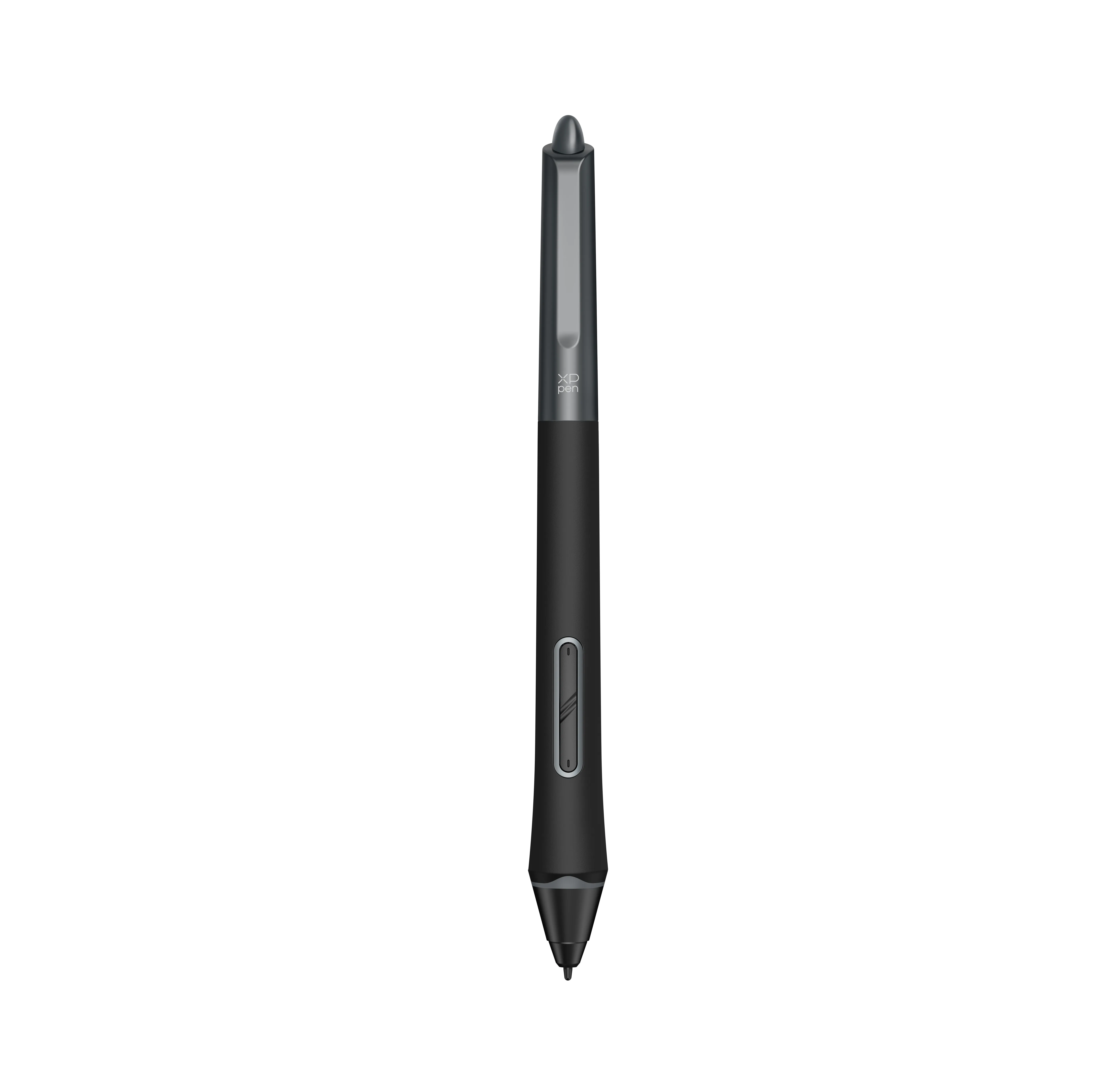
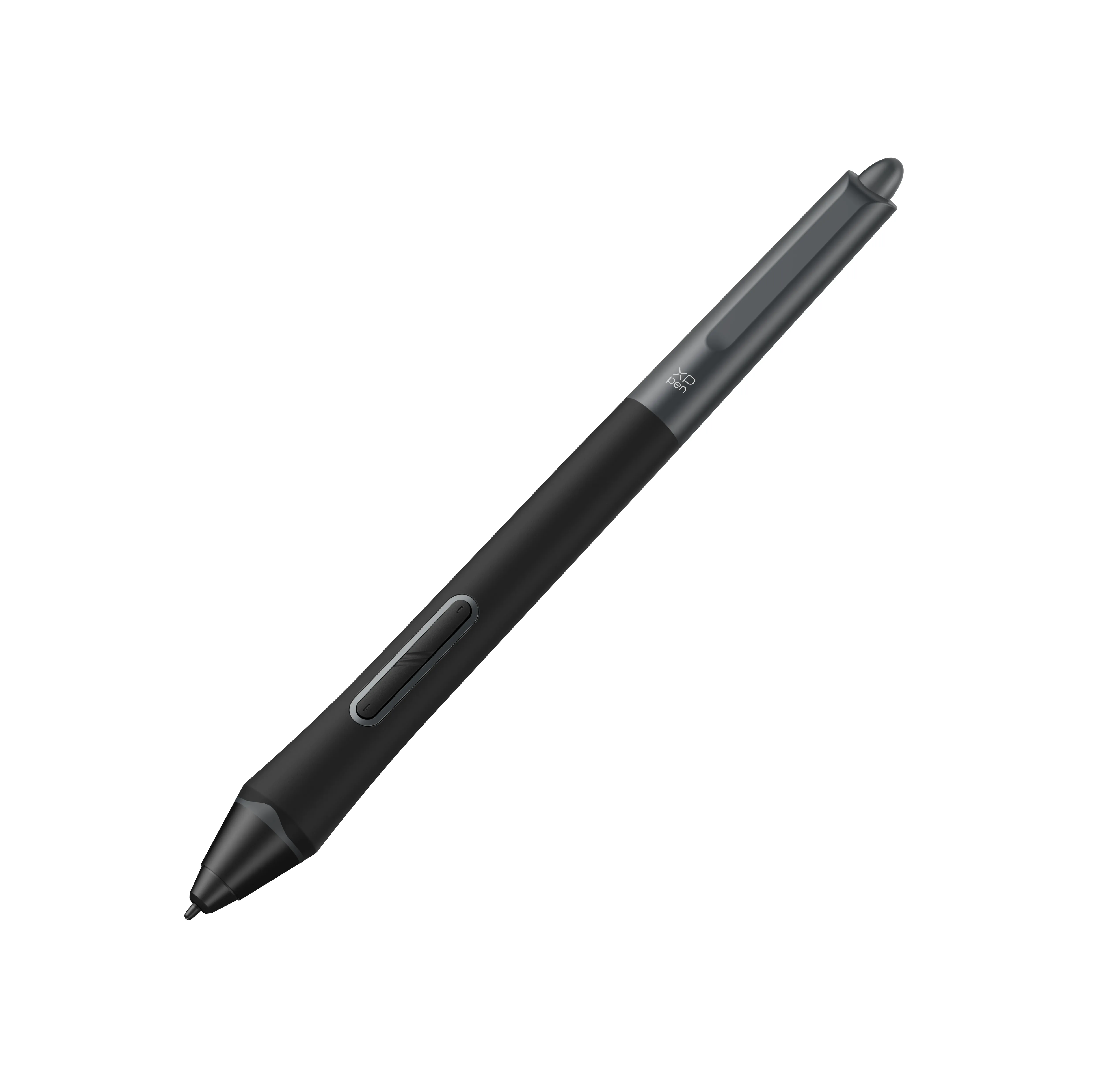
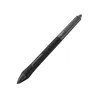
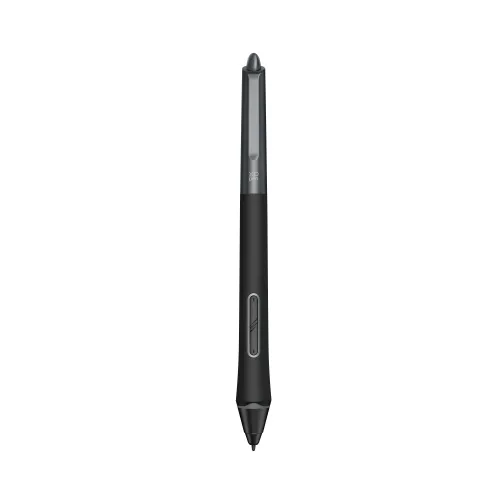
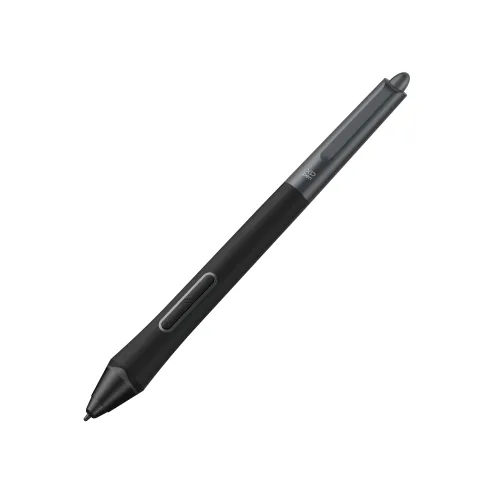









X3 Pro Smart Chip Stylus (PD21)

Only for Artist Pro Gen 2 & Deco Pro Gen 2.

$39.99

FAST & FREE

7-day delivery sitewide.

SECURE PAYMENT

Buy now, pay later. Secured by PayPal.

TECH SUPPORT

service@xp-pen.com

18-MONTH WARRANTY

18-month warranty only for official E-store

Quantity:

Payment icon 0Payment icon 1Payment icon 2Payment icon 3Payment icon 4Payment icon 5Payment icon 6Payment icon 7
Estimate:

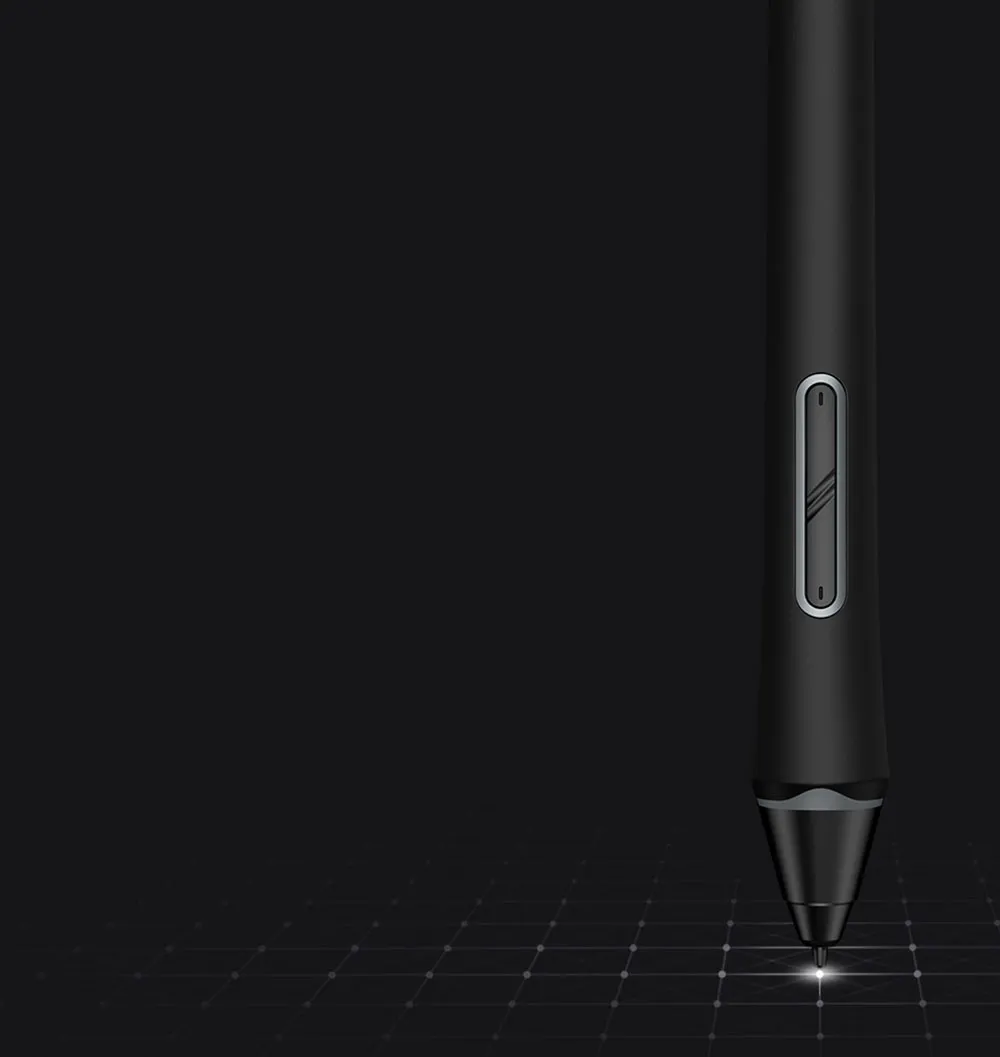
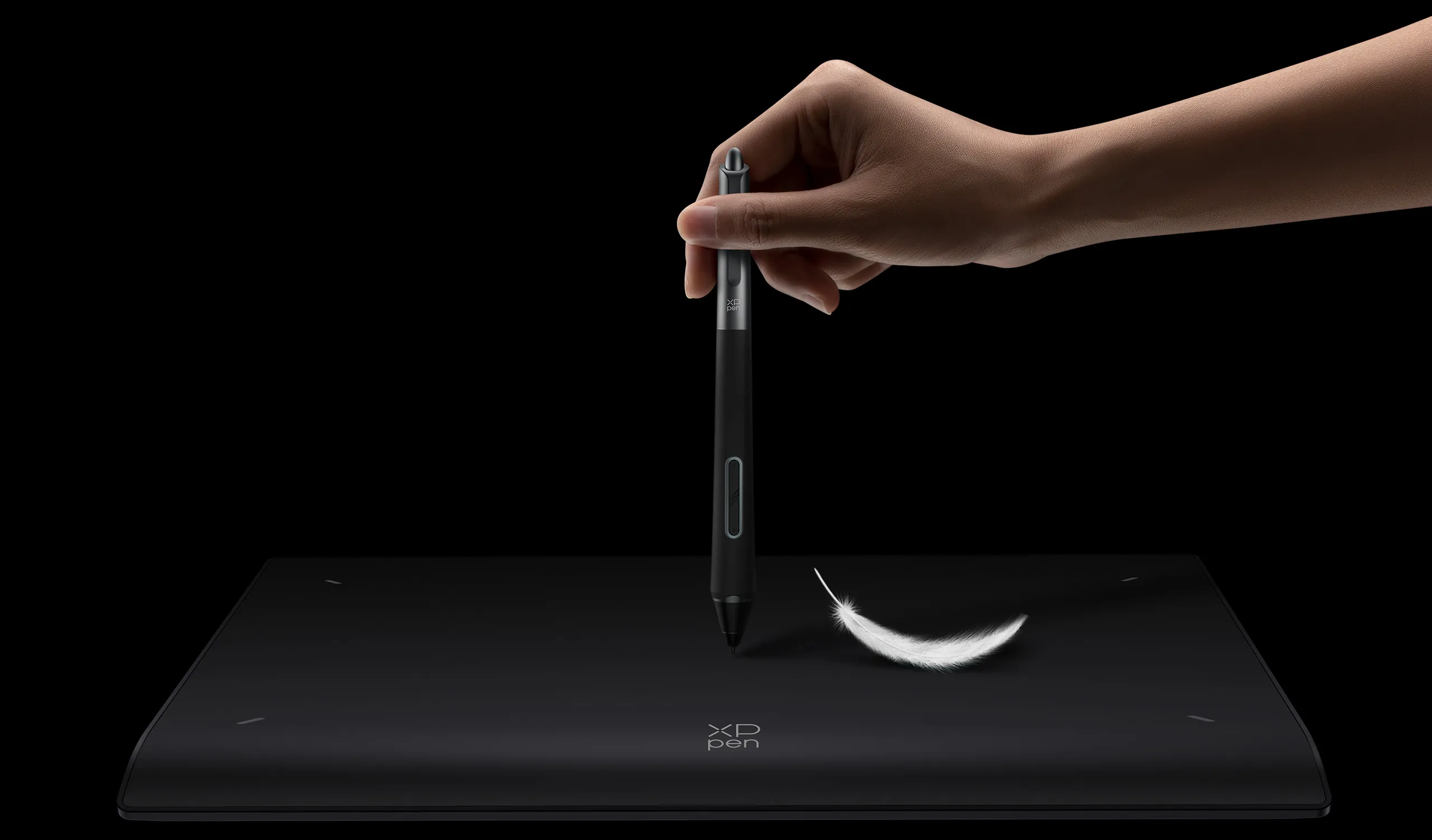
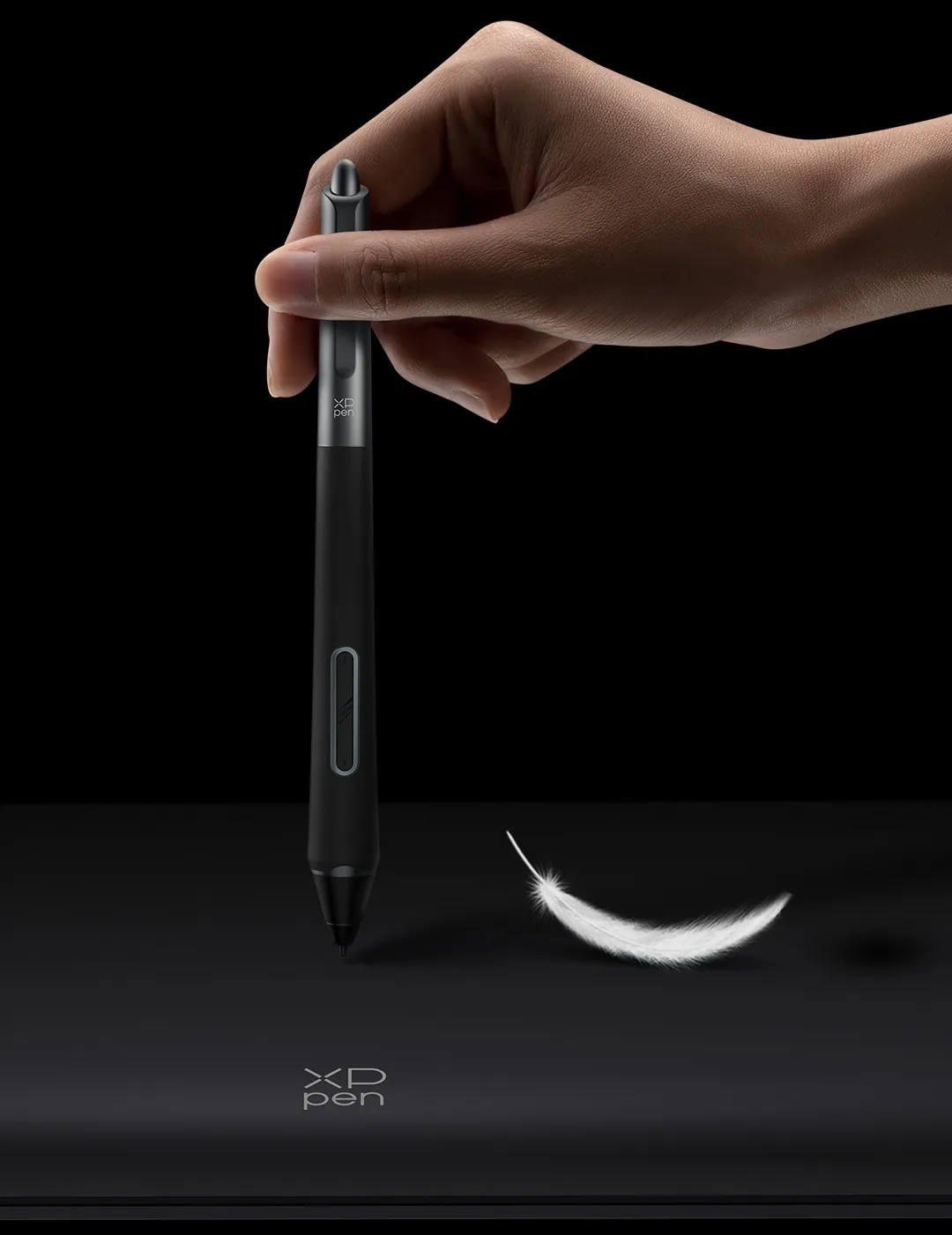
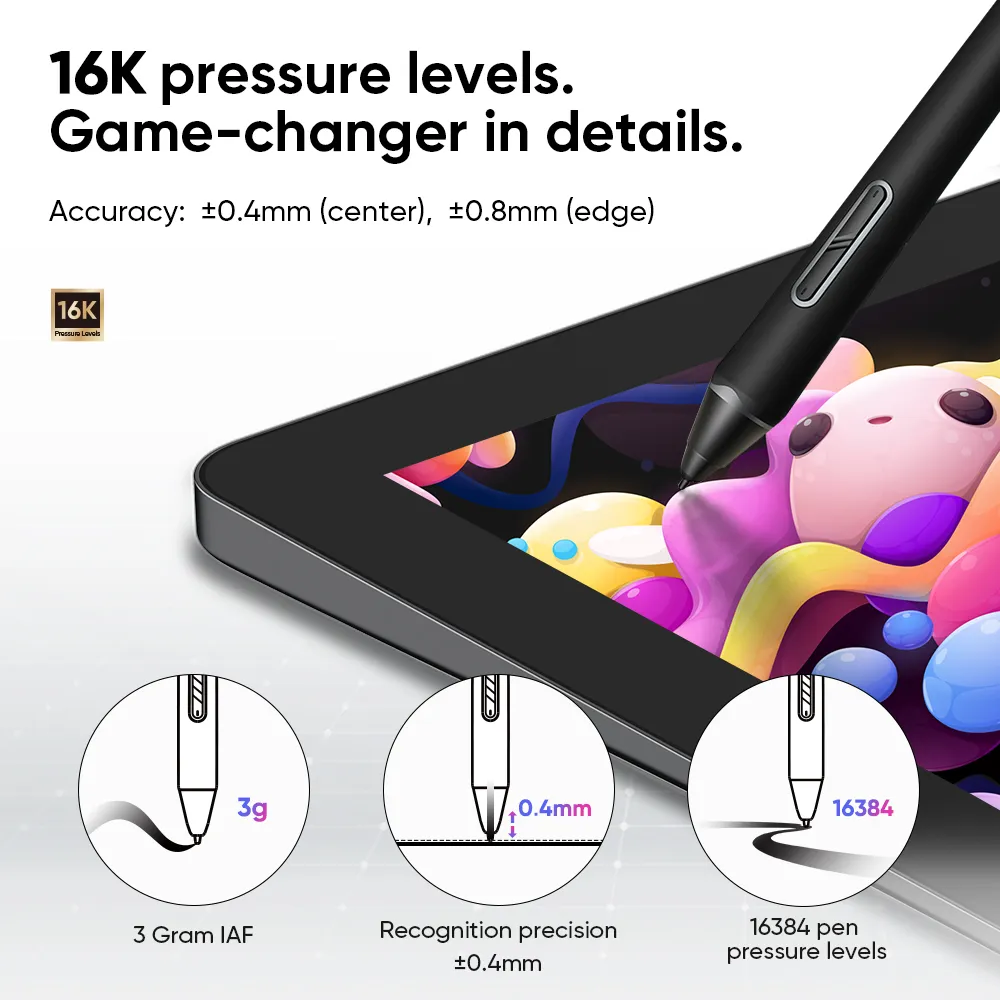
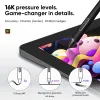
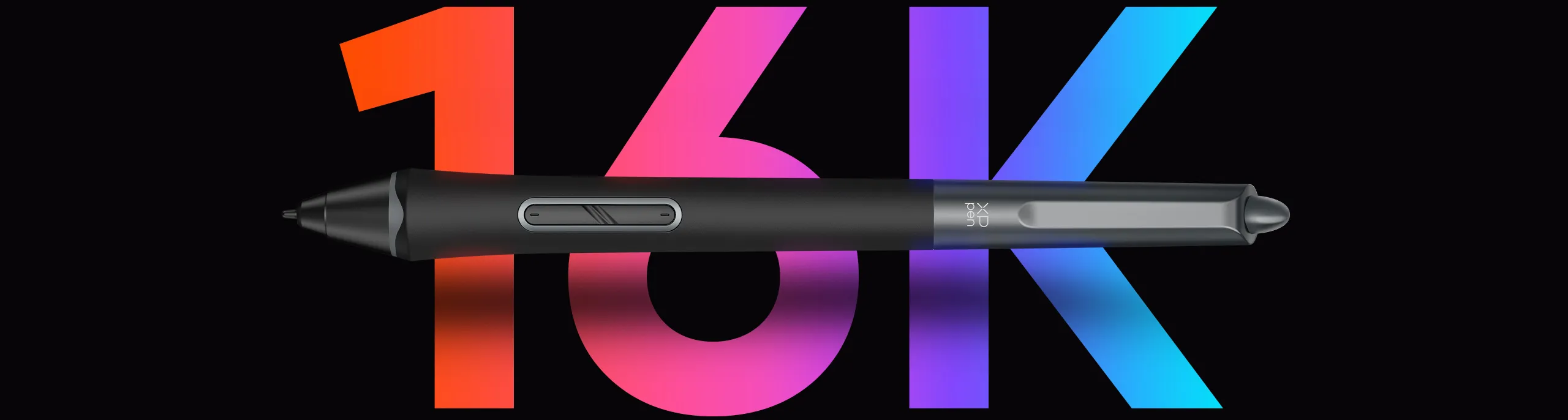
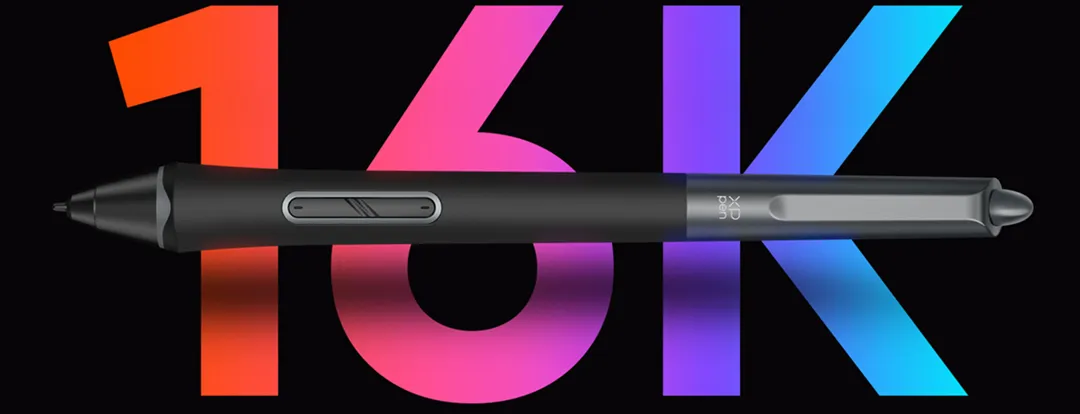
16K Pressure Levels - World First

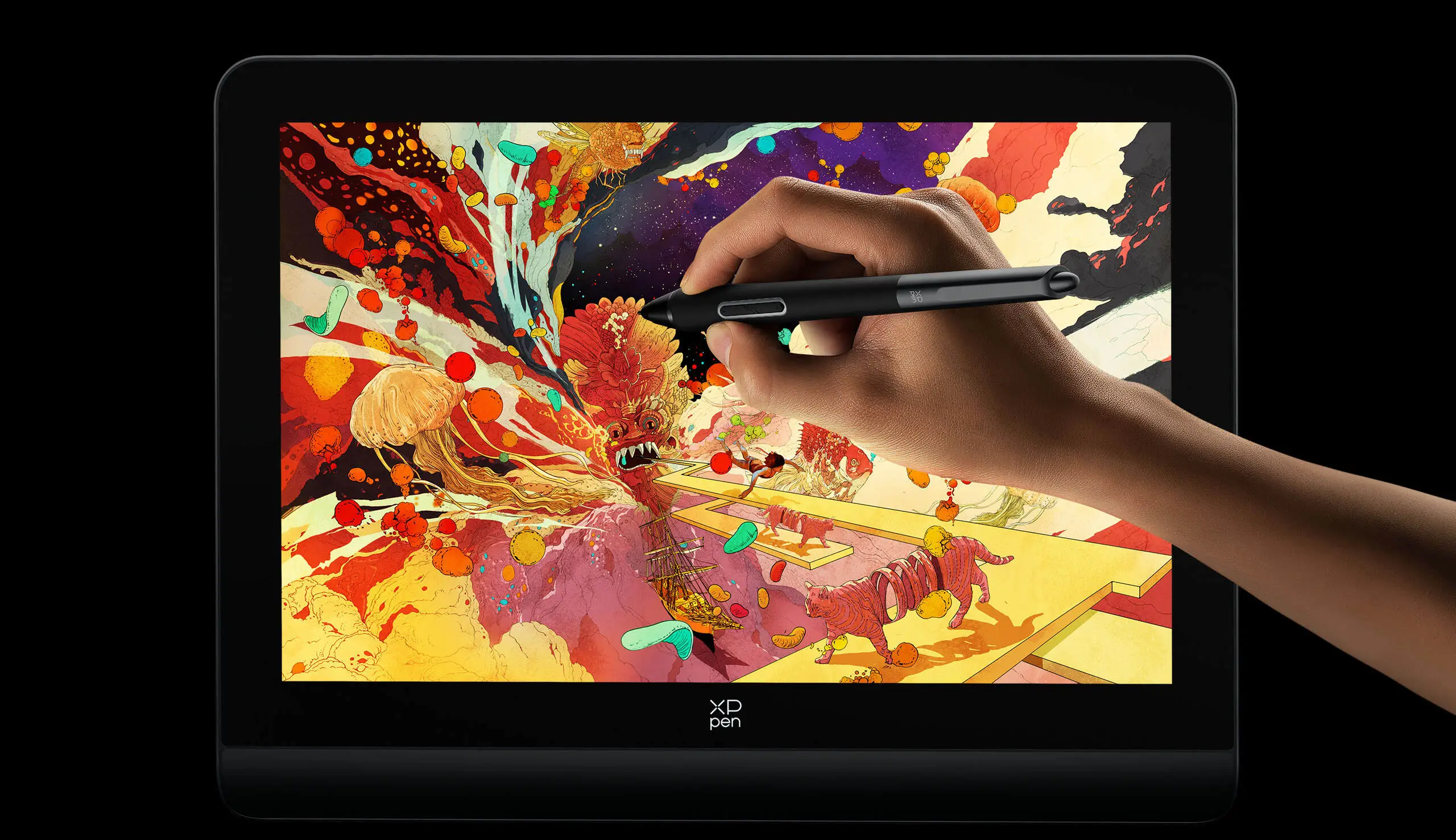
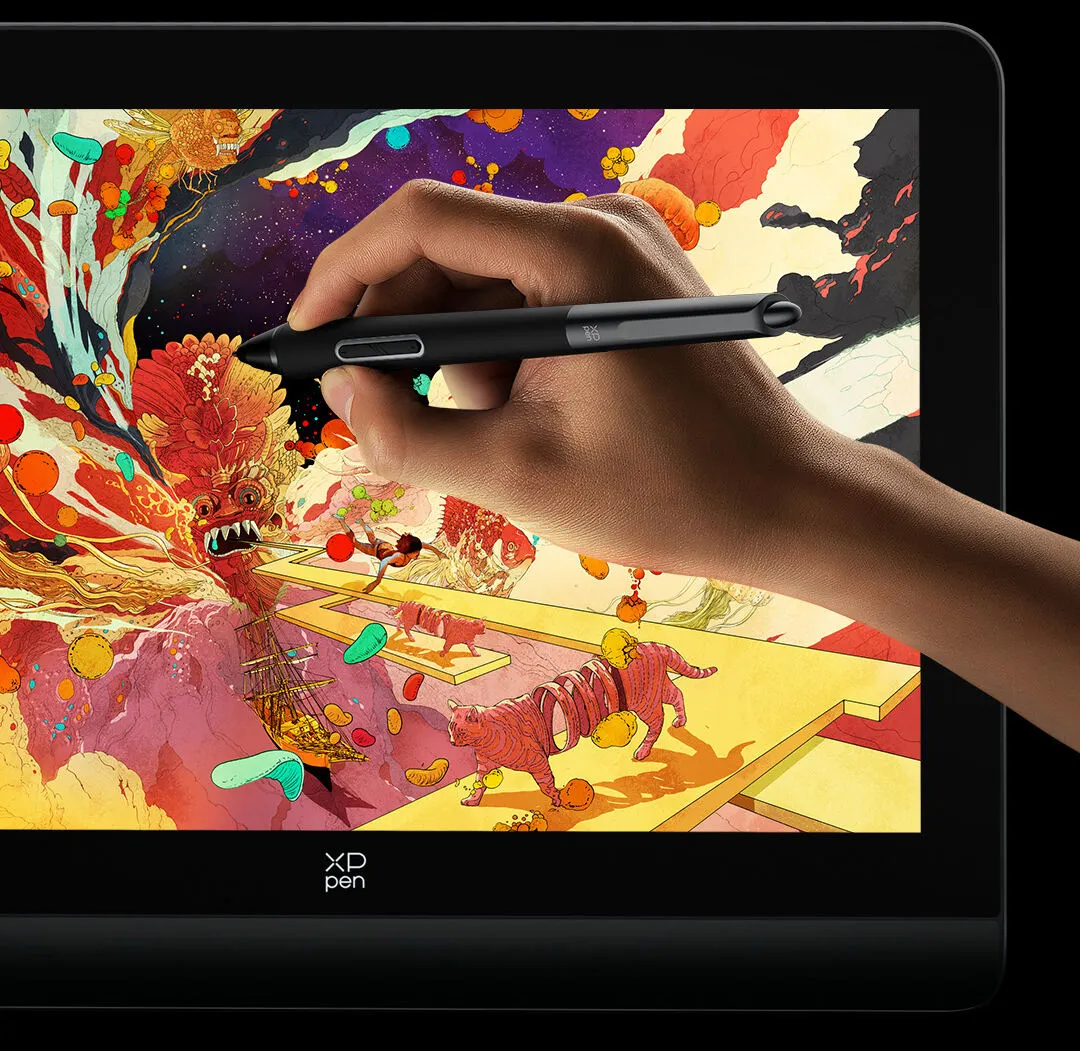
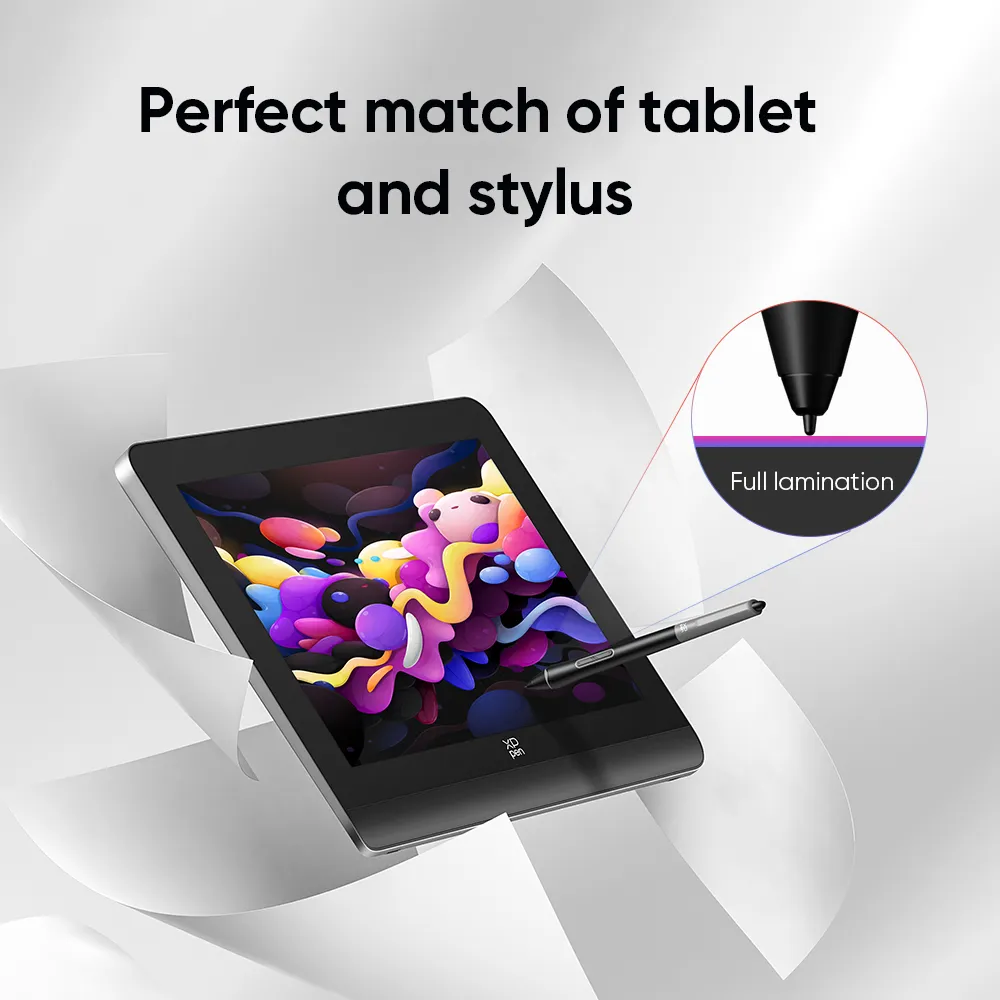
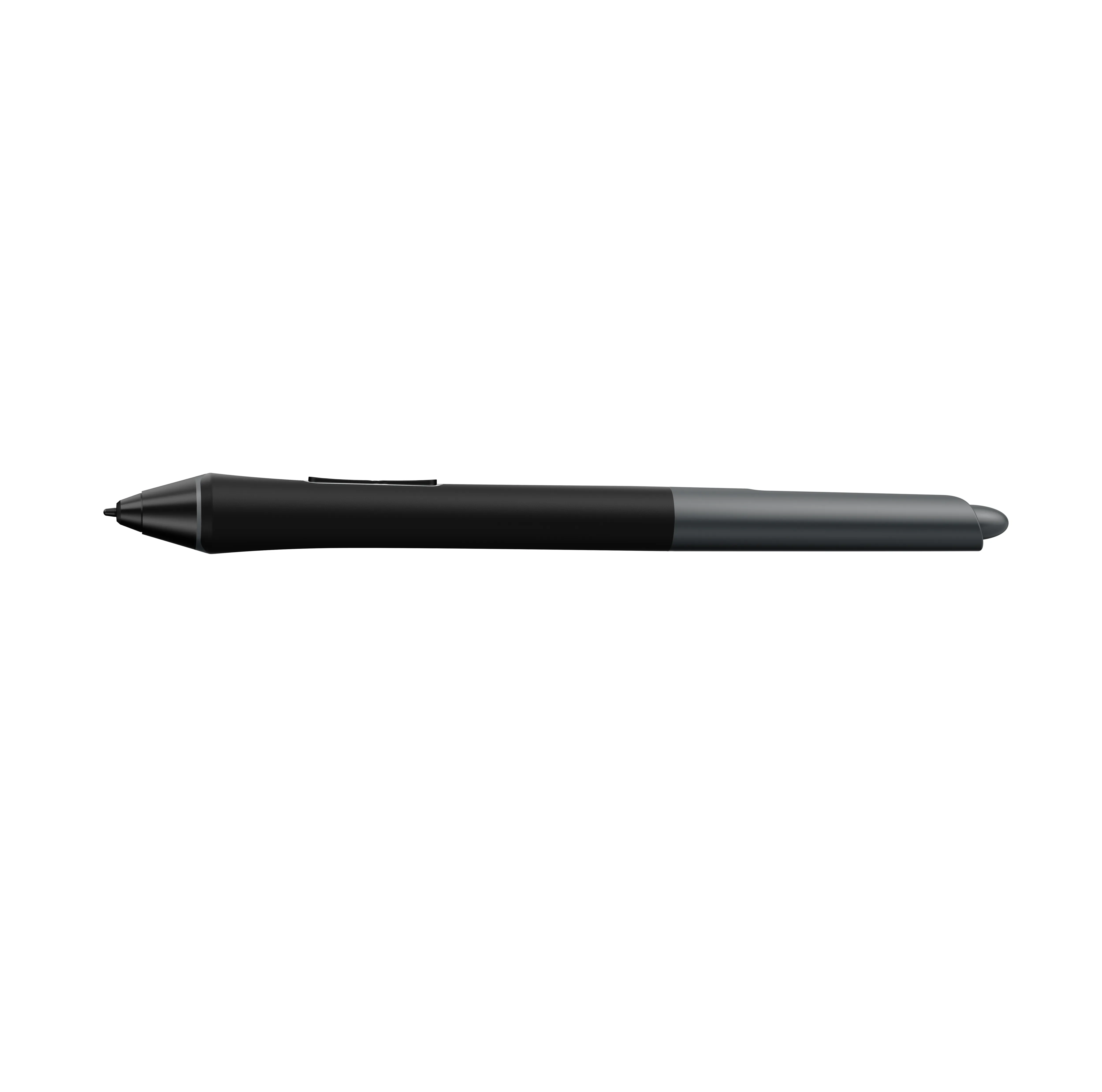
X3 Pro Smart Chip Stylus

imageimage
image
image

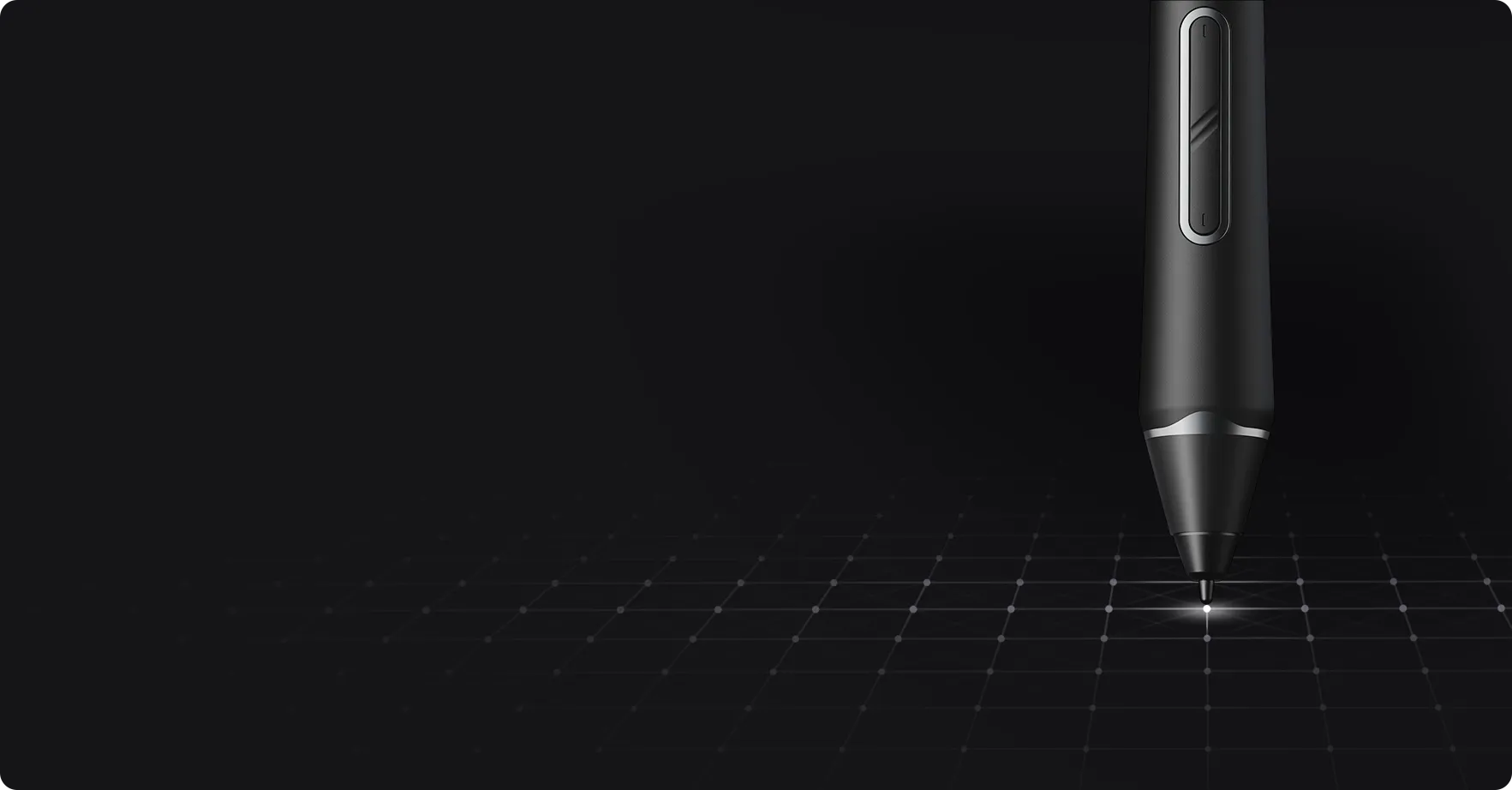
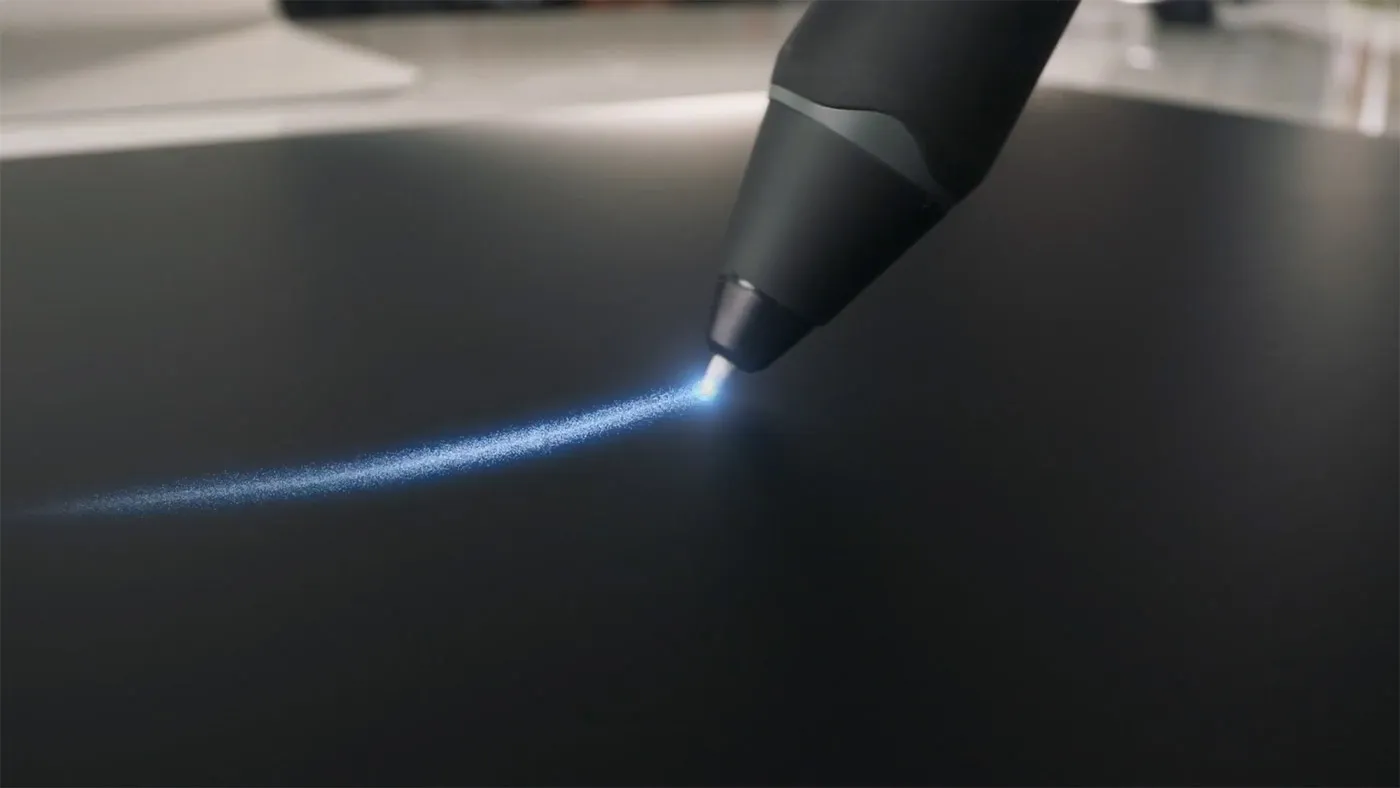
So responsive.
So accurate.

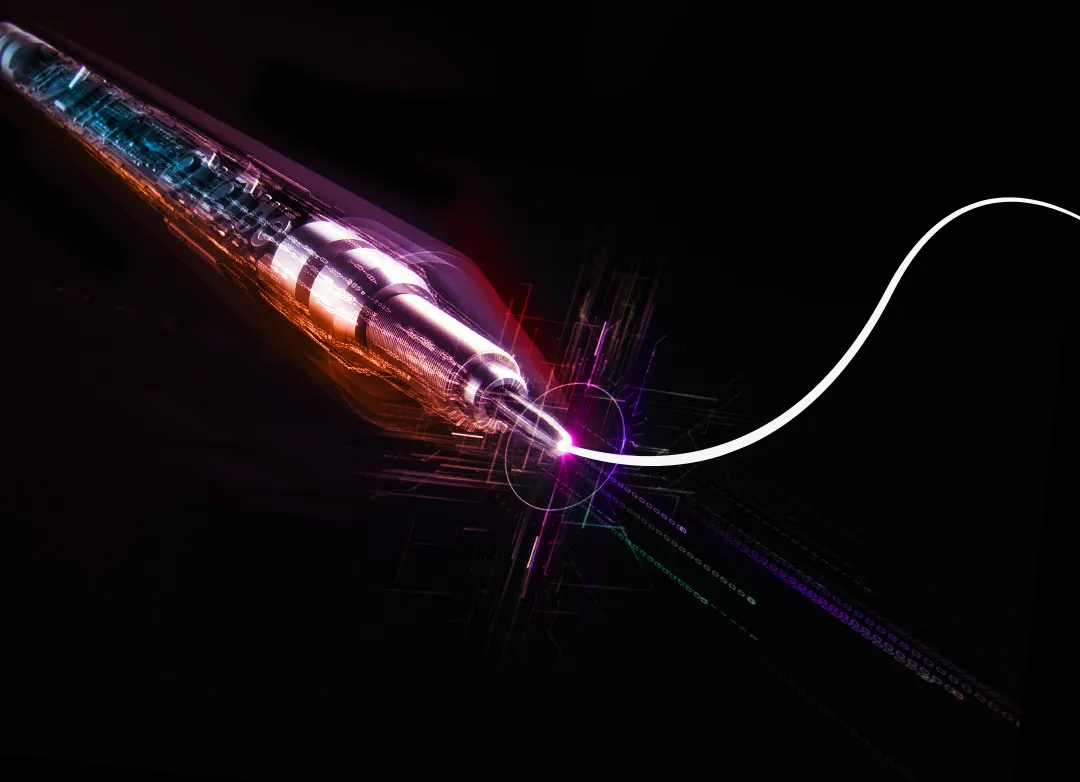
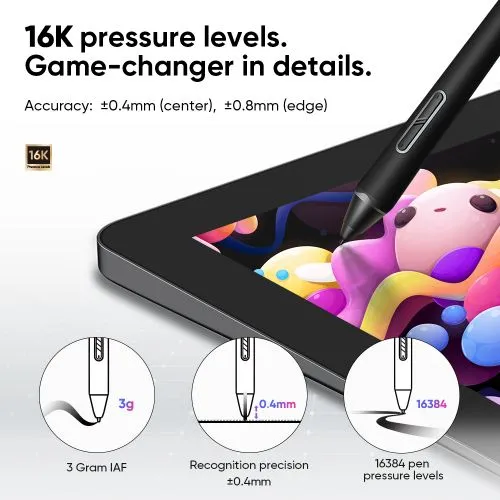
Initial response rate decreases to 90ms*, 1.5x* faster than ever. Accuracy increases by 20%*
to bring out every art project precisely what you want. Virtually no lag or broken lines.

3g*

IAF

0.6mm*

retraction distance

60°*

tilt

Accuracy: ±0.4mm*(center),
±0.8mm*(edge)

imageimage

100% higher pressure levels

16384

X3 Pro Smart Chip Stylus

16384

8192

X3 Smart Chip Stylus

8192

20% higher accuracy

±0.4mm

(center)

X3 Pro Smart Chip Stylus

±0.4mm 

(center)

±0.5 mm (center)

X3 Smart Chip Stylus

±0.5 mm (center)

* The data were taken from laboratory simulation tests and
may vary depending on the operating environment.

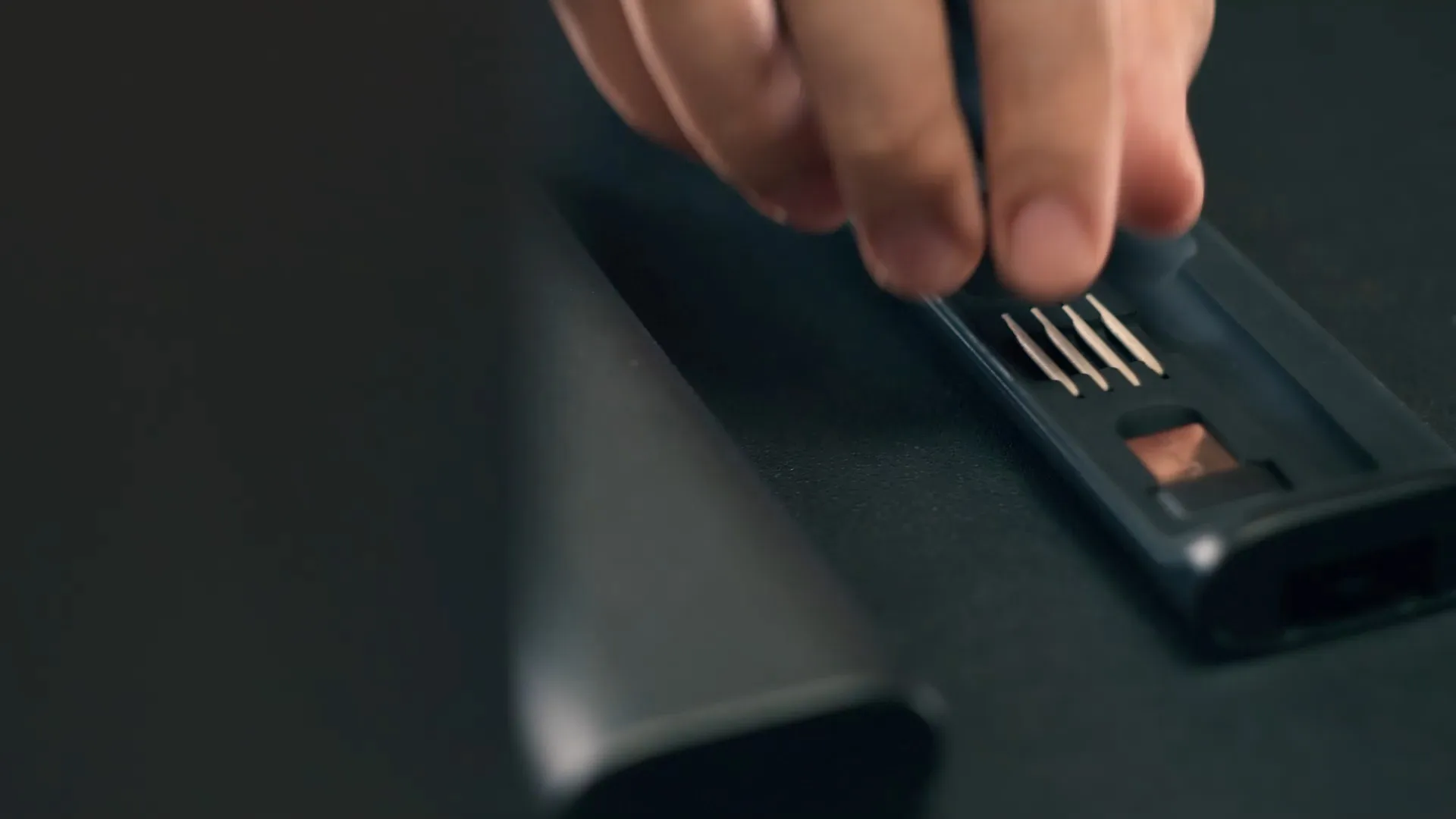
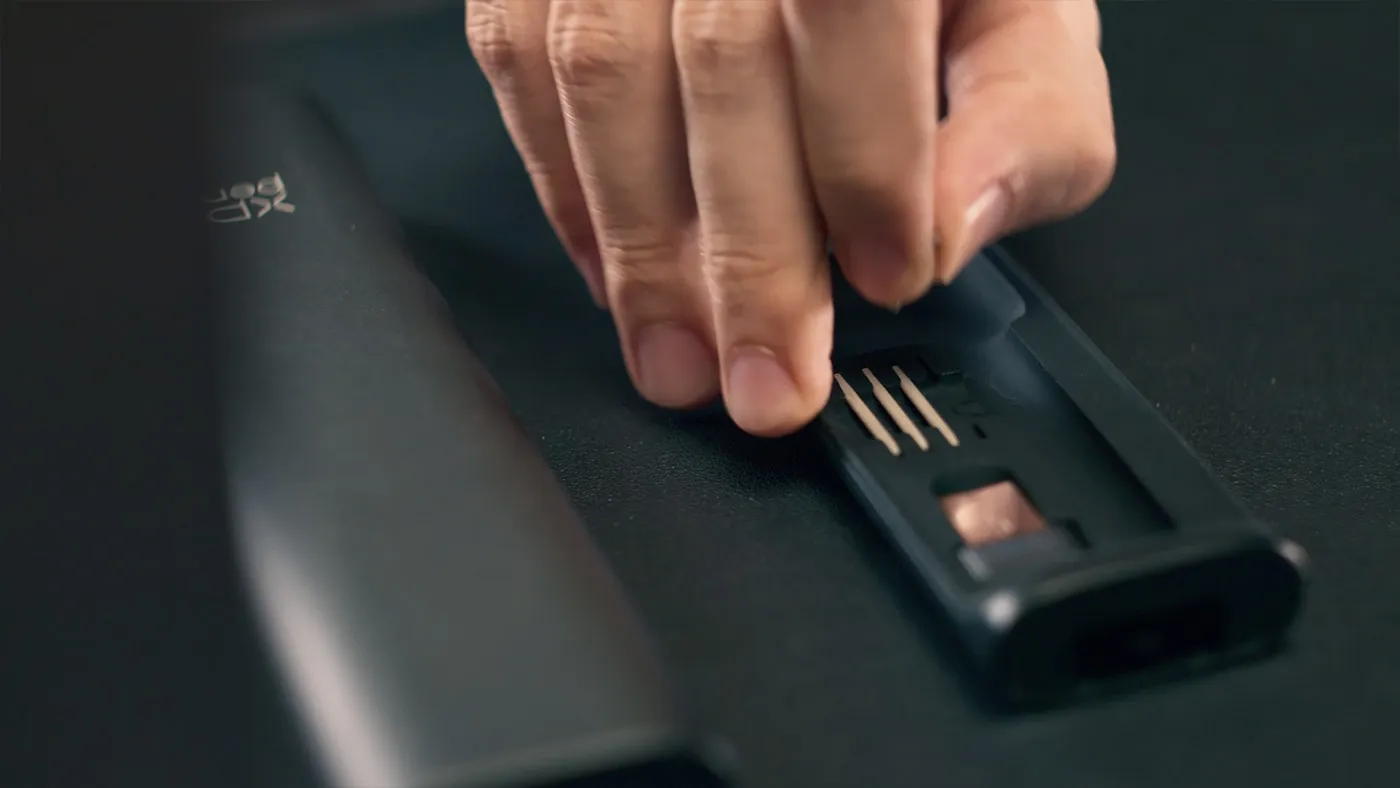
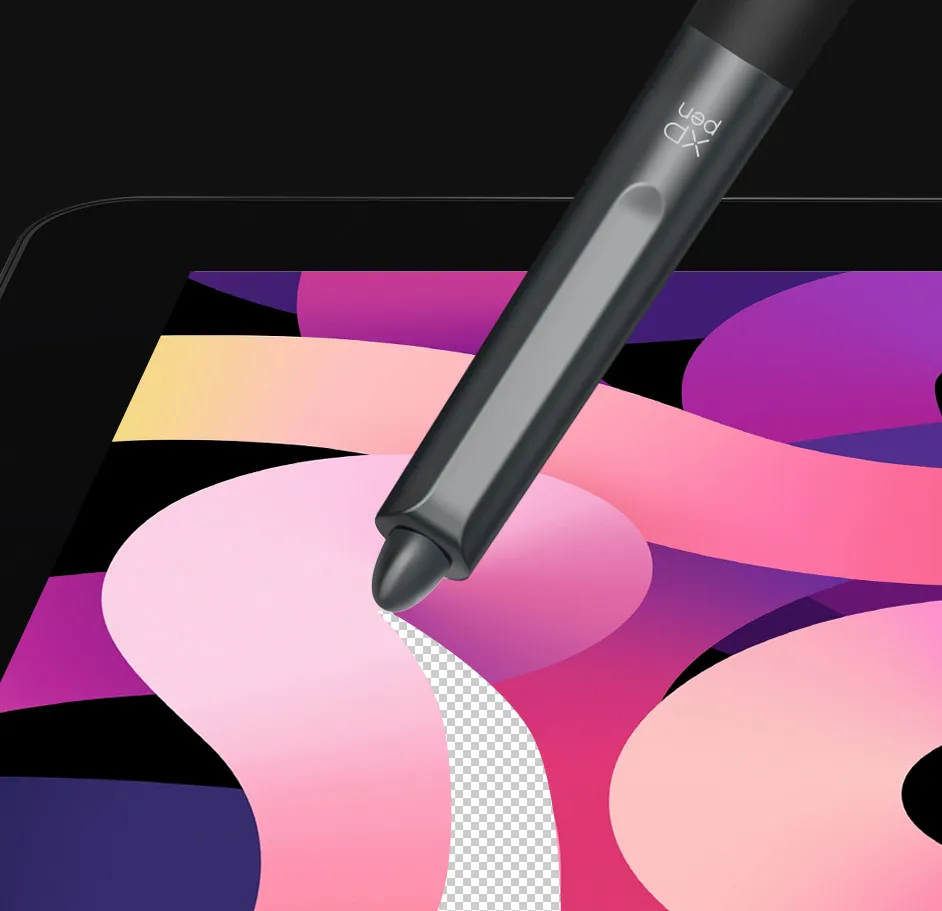
Felt nibs for a realistic
pen-on-paper feel.

Draw with a felt nib* on the paper-like surface of XPPen drawing displays/tablets.
Feel the closest to creation via traditional art tools. Experience the fundamental joy.

imageimage
image
imageimage
image

*The nibs and pen case are presented only for display and are not contained.

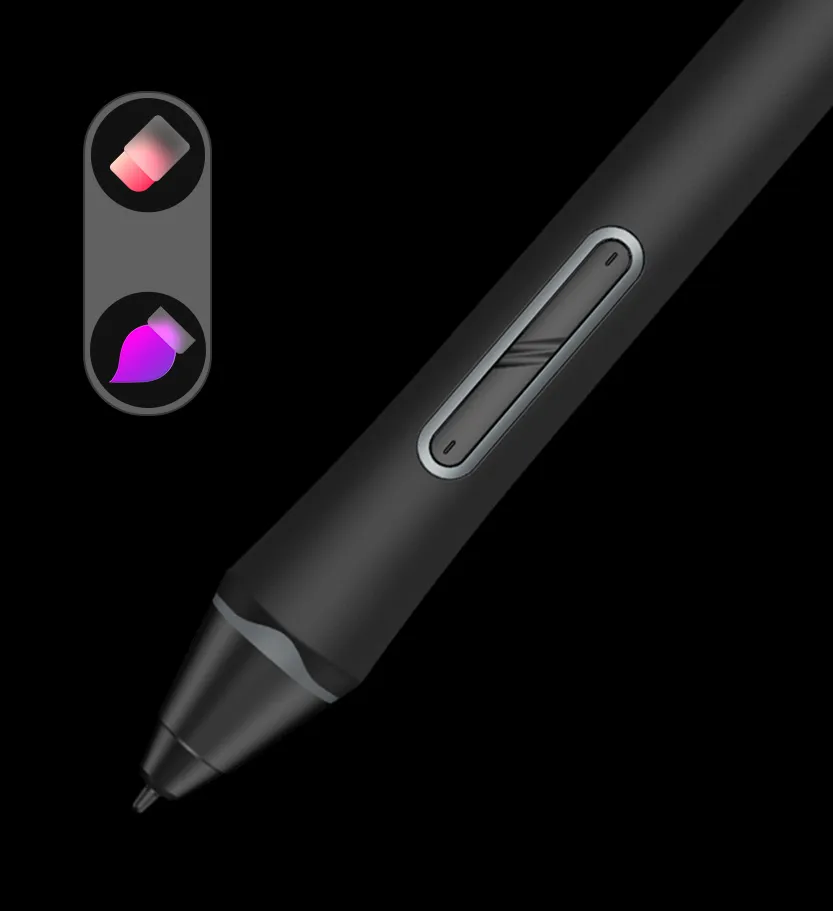
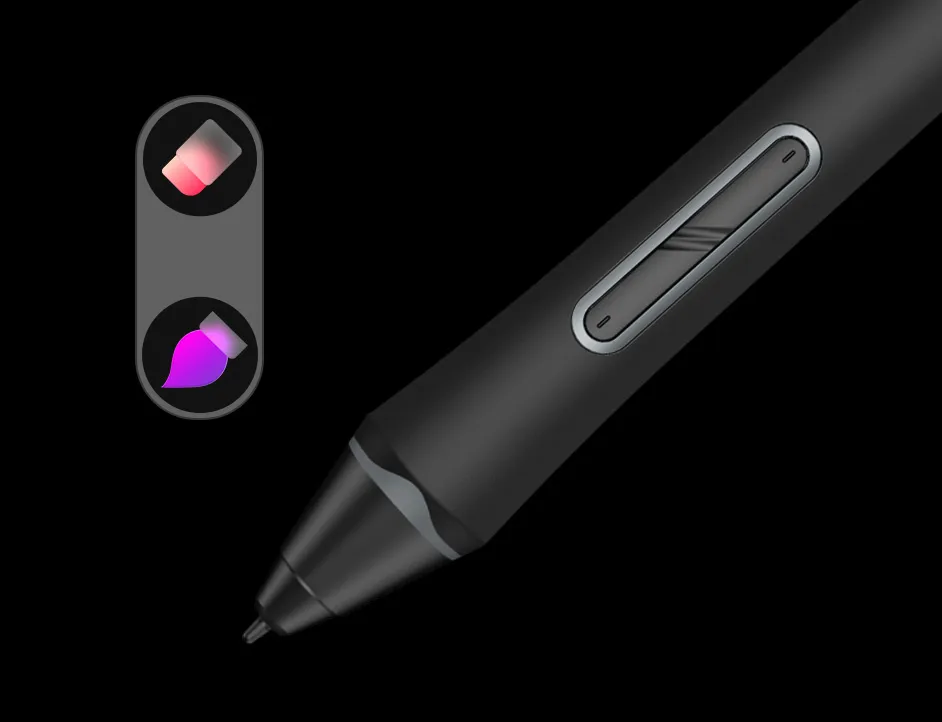
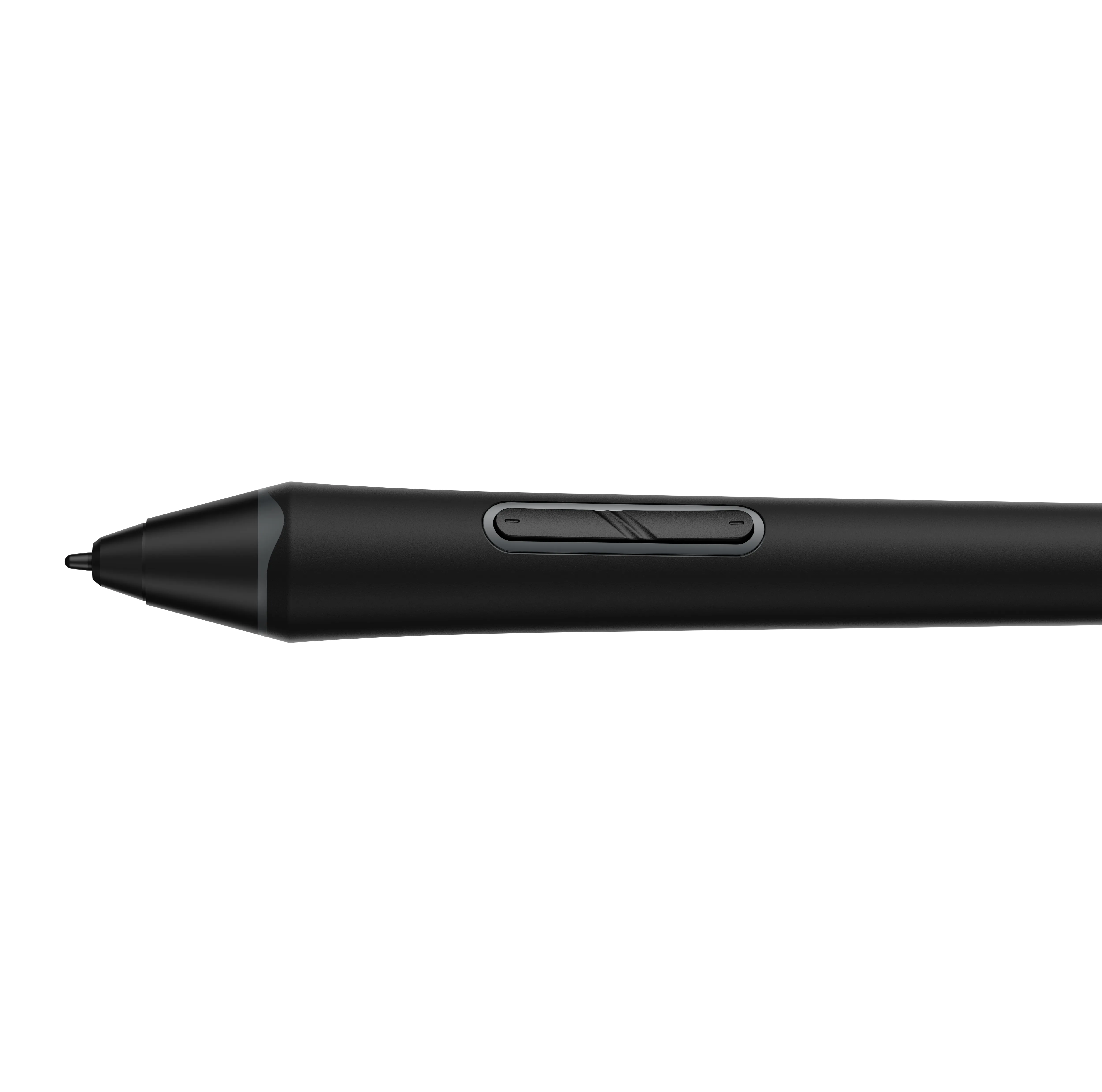
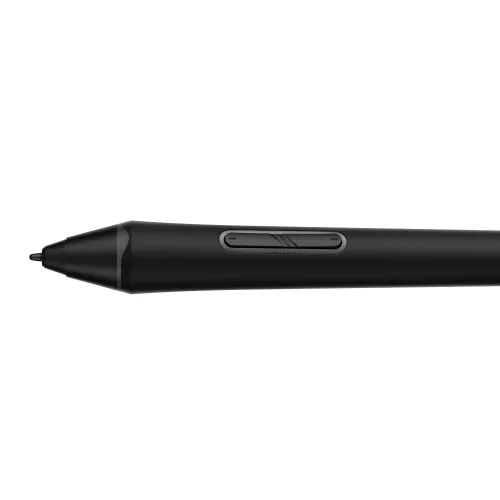
Two shortcut keys + Digital eraser
Create way faster.

Switch between brush and eraser via two shortcut keys on the stylus.
Select the wanted tools without touching the display.
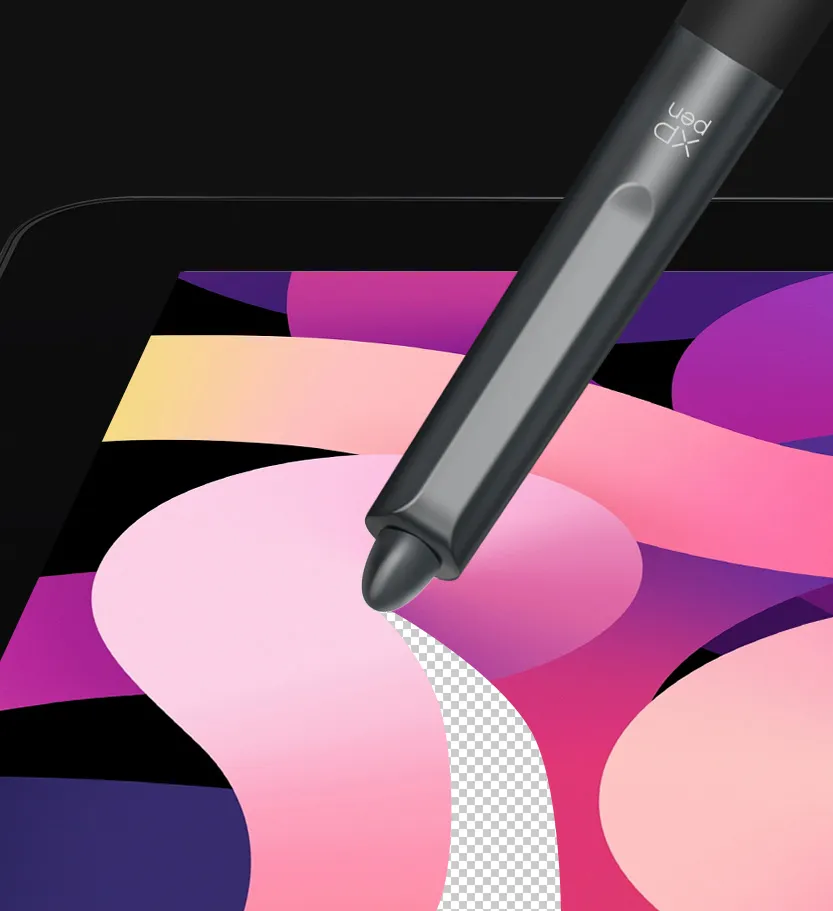
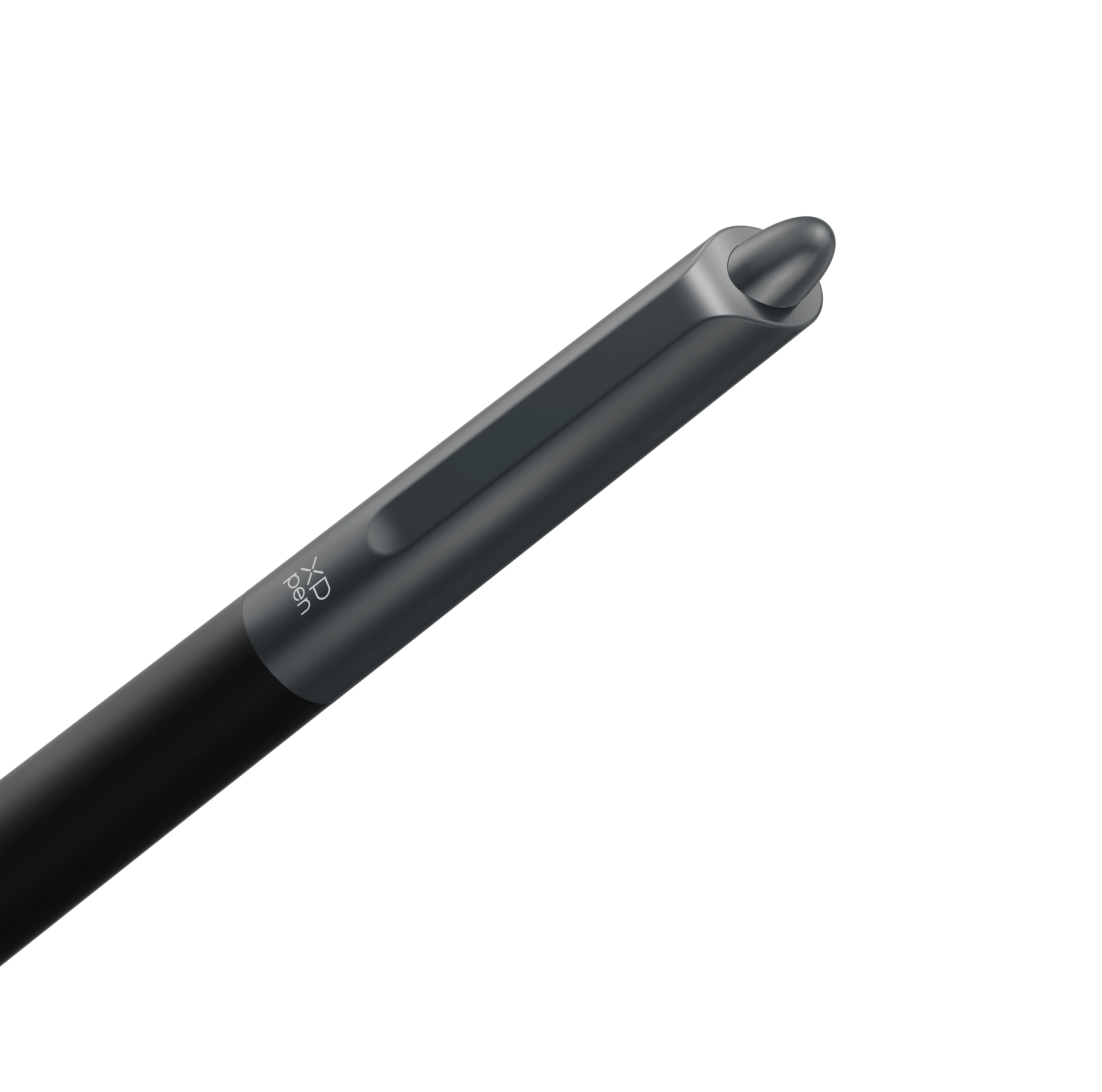
A digital eraser at the end offers a realistic erasing experience and accelerates your creation.

imageimage
imageimage

Silicone Grip
Designed to match your
pen-holding habit.

Molded into a cone shape,
the silicone grip is comfortable to hold for different hands and is easy to replace.

imageimage

EMR technology
No charging required.
No creation interrupted.

Powered by EMR (Electro-magnetic Resonance) technology,
X3 Pro Smart Chip Stylus tracks the movement of the pen tip so accurately.
Designed to be battery-free, it requires no charging and allows you to create without interruption.

image

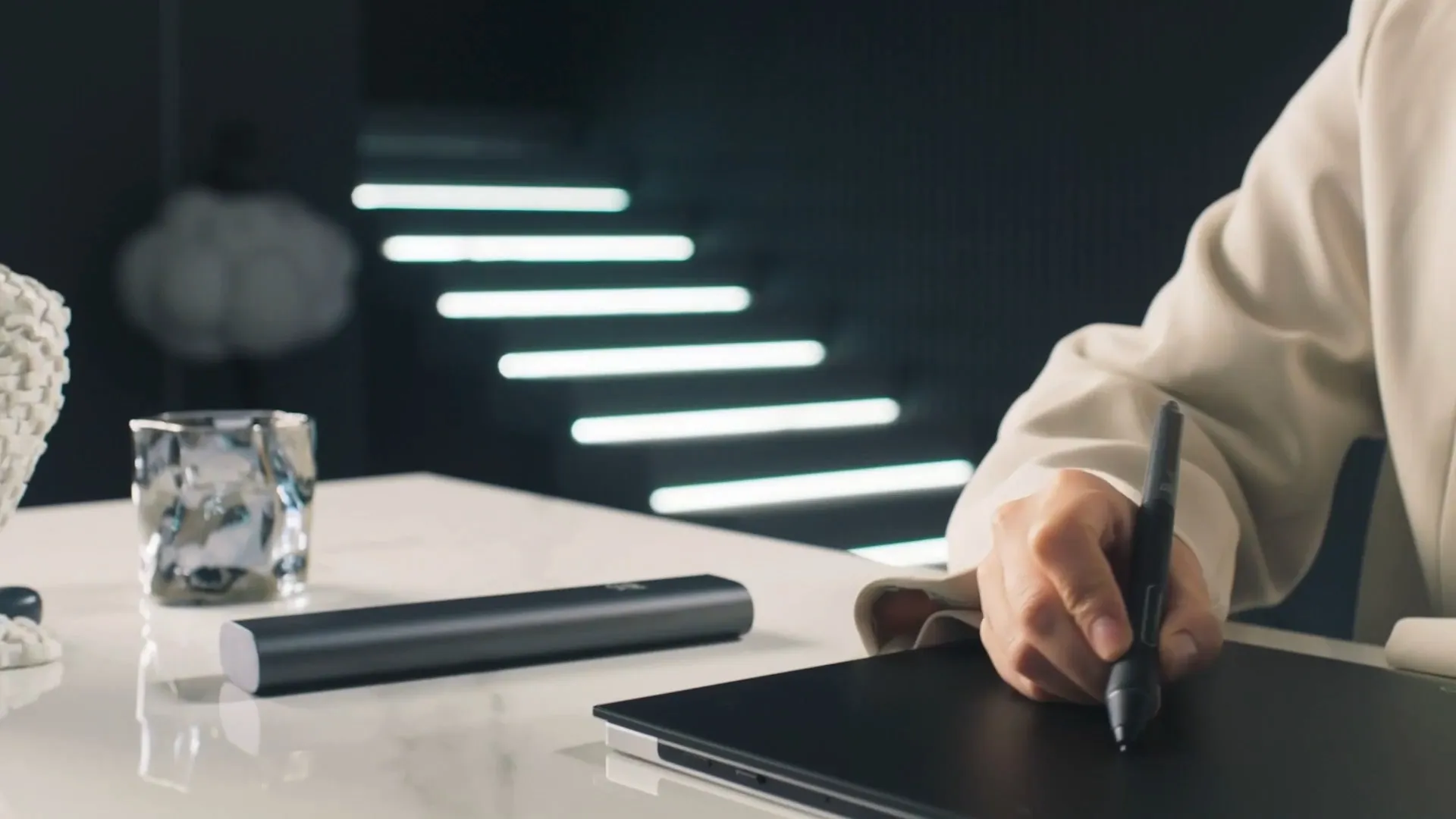
Lightweight
yet durable.

Perfect fit for long-time creation with
a lightweight profile of 16g.
Draw comfortably with less hand fatigue.

imageimage

XPPen X3 Pro Smart Chip products
Available now

image

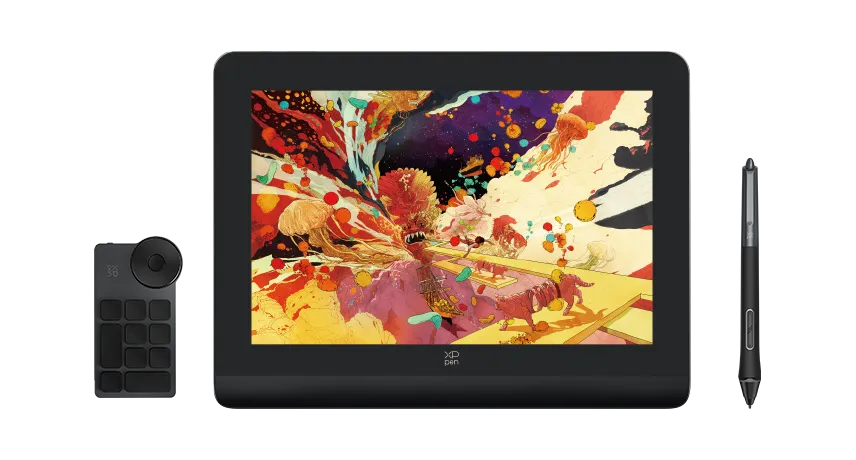
Artist Pro 14 Drawing Display (Gen 2)

Learn more
image

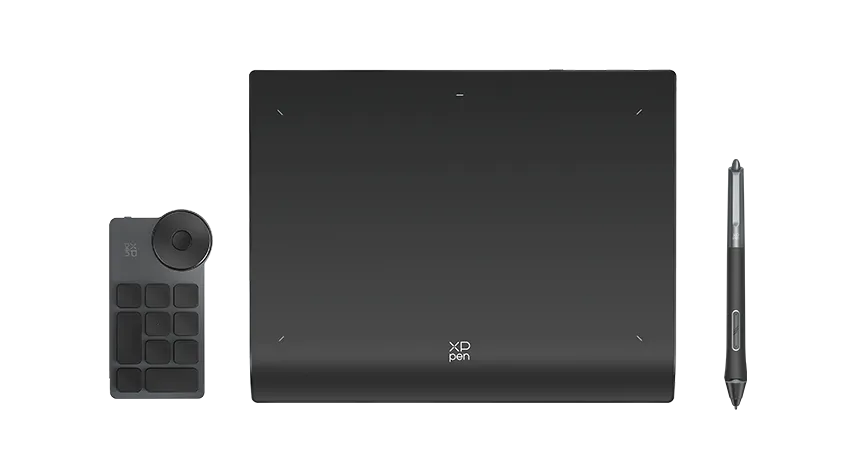
Deco Pro Drawing Tablet (Gen 2) Series

Learn more
Reviews
4.7
11111
Based on 3
11111
67%(2)
11111
33%(1)
11111
0(0)
11111
0(0)
11111
0(0)
LillianIllustrated
11111
Dec 16 ,2024 PM 16:17 X3 Pro Smart Chip Stylus (PD21)
An ergonomic alternative
This works so well for my wide hands and using the magic tablet's thinner stylus would have potentially been more strenuous on my hand. I am glad XP Pen here makes products that are interchangeable. My wrists and hands are forever grateful!
Useful(3)+1
Emperique
11111
May 08 ,2025 AM 07:08 X3 Pro Smart Chip Stylus (PD21)
Great Pen
I just recently purchased this pen for my Magic Drawing Pad tablet, it feels way nicer to hold with the ergo grip, the only downside is the eraser doesn't have pressure sensitivity, tho it does work, along side the second button for the pen not working! The nib has great pressure! 1 out of 2 of the buttons work and the eraser does TECHICALLY work, you will need to have a pen that doesnt allow sensitivity tho on your program of choice!
Useful(1)+1
Rikimaru
11111
Apr 25 ,2024 AM 11:05 X3 Pro Smart Chip Stylus (PD21)
Good product
I bought this pen to use it with the magic tablet and it works perfectly but with the magic tablet and it works perfectly but it works wonders
Useful(1)+1
Q&A
XFANS8t7sagpa
Jan 09 ,2026 AM 06:33 X3 Pro Smart Chip Stylus (PD21)
Hello! Does this stylus work with the Artist 13.3 Pro V2?
Reply1
Official mall
Jan 22 ,2026 PM 15:36
Hello Yes, this stylus is compatible with the Artist 13.3 Pro V2.
Reply to this review
XFANS11u9l05g
Jan 06 ,2026 AM 03:53 X3 Pro Smart Chip Stylus (PD21)
If using this with a magic drawing pad connected to a PC by USB-C, do the second button and eraser work?
Reply1
Official mall
Jan 22 ,2026 PM 15:32
Hello When using the X3 Pro Smart Chip Stylus (PD21) on the Magic Drawing Pad, the eraser and the second button are not working because the Magic Drawing Pad does not support driver installation and therefore the buttons cannot be set.
Reply to this review
XFANS85qb0rxu
Sep 09 ,2025 AM 01:12 X3 Pro Smart Chip Stylus (PD21)
Is this Stylus compatible with XP PEN 22r Pro
Reply1
Official mall
Sep 09 ,2025 PM 14:42
Hello No, this stylus is not compatible with the Artist 22R Pro. The PA2 Battery-Free Stylus is the only stylus compatible with the Artist 22R Pro. https://www.xp-pen.com/store/buy/pa2-battery-free-stylus.html
Reply to this review
XFANSa3d29h2s
Aug 21 ,2025 PM 22:41 X3 Pro Smart Chip Stylus (PD21)
Is this pen compatible with Artist 13.3 Pro
Reply2
See more answers(1)
Official mall
Aug 22 ,2025 AM 10:44
Hello No, this stylus is not compatible with the Artist 13.3 Pro. Below is a link to the stylus for the Artist 13.3 Pro. https://www.xp-pen.com/store/buy/pa2-battery-free-stylus.html
Reply to this review
XFANScbmh2pzt
Jul 09 ,2025 AM 08:34 X3 Pro Smart Chip Stylus (PD21)
Does the pd21, pd22, and/or pd51 work as replacements for the x3 pro pencil 2 that comes with the magic note pad? Your site makes no mention of any replacement possibilities, and I've never seen the pencil 2 listed on the site since I purchased my magic note pad. If I lose it what would be my substitute option?
Reply2
See more answers(1)
Official mall
Jul 09 ,2025 PM 15:26
Hello The stylus for Magic Note Pad is out of stock for the time being, and we expect to have it online before July 30. Other models of stylus are not compatible with Magic Note Pad.
Reply to this review
XFANSey6bg4tz
Jul 03 ,2025 AM 00:13 X3 Pro Smart Chip Stylus (PD21)
Will this work with an XP Pen Magic Drawing Tablet? Is it compatible? Please help.
Reply1
Official mall
Jul 03 ,2025 AM 09:16
Hello Yes, Magic Drawing Pad is compatible with X3 Pro Smart Chip stylus. But Magic Drawing Pad cannot download drivers to set buttons and eraser, so the buttons and eraser functions cannot be used. Since X3 Pro Smart Chip stylus is the original stylus for Artist Pro Gen 2, it is not originally compatible with Magic Drawing Pad. We received feedback from customers that they wanted a stylus with a thicker tip, so we added compatibility between X3 Pro Smart Chip stylus and Magic Drawing Pad.
Reply to this review
XFANSxe0eewbb
Jun 20 ,2025 PM 18:39 X3 Pro Smart Chip Stylus (PD21)
Is this pen compatible with the Artist Pro 13.3 V2? If no, what are the compatible pens you have?
Reply1
Official mall
Jun 23 ,2025 AM 09:34
Hello Yes, X3 Pro Smart Chip Stylus (PD21) is compatible with Artist Pro 13.3 V2.
Reply to this review
XFANSuhslwxkz
May 02 ,2025 AM 09:51 X3 Pro Smart Chip Stylus (PD21)
I received this pen with my XP-Pen Artist Pro 16 (Gen 2), and it has worked fine up until recently. My pen has stopped working/responding with the tablet altogether, and I've tried re-installing the driver for the tablet, adjusting my inputs from the cable, etc. I've just ordered a replacement cable as someone has suggested it could be relevant to the issue, however I was wondering if there is anything else I can do to troubleshoot this in case it is not related to the cable?
Reply1
Official mall
May 06 ,2025 PM 16:12
Hello We\'re sorry to hear that you are having some trouble with your products. We would like to help you solve it. Please send the video of the product problem to service@xp-pen.com and we will provide you with professional help.
Reply to this review
XFANSc1fdj68p
Apr 19 ,2025 AM 10:30 X3 Pro Smart Chip Stylus (PD21)
Is it compatible with the XPPen 4K UHD Artist Pro 19 Gen2?
Reply1
Official mall
Apr 21 ,2025 PM 15:49
Hello, Thanks for your inquiry. Yes, the X3 Pro Smart Chip Stylus is compatible with Artist Pro 19 Gen2.
Reply to this review
XFANS7qt4g1di
Apr 11 ,2025 PM 15:36 X3 Pro Smart Chip Stylus (PD21)
Using this with the Artist Pro 15.6 V2, and wondering if there's a way to get a more consistent application of pressure, as well as calibrate the eraser end of the pen? The eraser's calibration is far off enough to be unusable.
Reply1
Official mall
Apr 11 ,2025 PM 16:44
Hello We\'re sorry to hear that you are having some trouble with your products. We would like to help you solve it. The technical team will contact you as soon as possible to provide you with professional assistance.
Reply to this review
Learn More