

X3 Pro Slim Stylus (PD51)

Only for Deco Pro (Gen2)&Artist Pro 14 (Gen 2) &Artist Pro 16 (Gen 2)&Artist Pro 19 (Gen 2)&Magic Drawing Pad (model 1221).

$39.99

FAST & FREE

7-day delivery sitewide.

SECURE PAYMENT

Buy now, pay later. Secured by PayPal.

TECH SUPPORT

service@xp-pen.com

18-MONTH WARRANTY

18-month warranty only for official E-store

Quantity:

Payment icon 0Payment icon 1Payment icon 2Payment icon 3Payment icon 4Payment icon 5Payment icon 6Payment icon 7
Estimate:
X3 Pro Slim Stylus

X3 Pro Slim Stylus

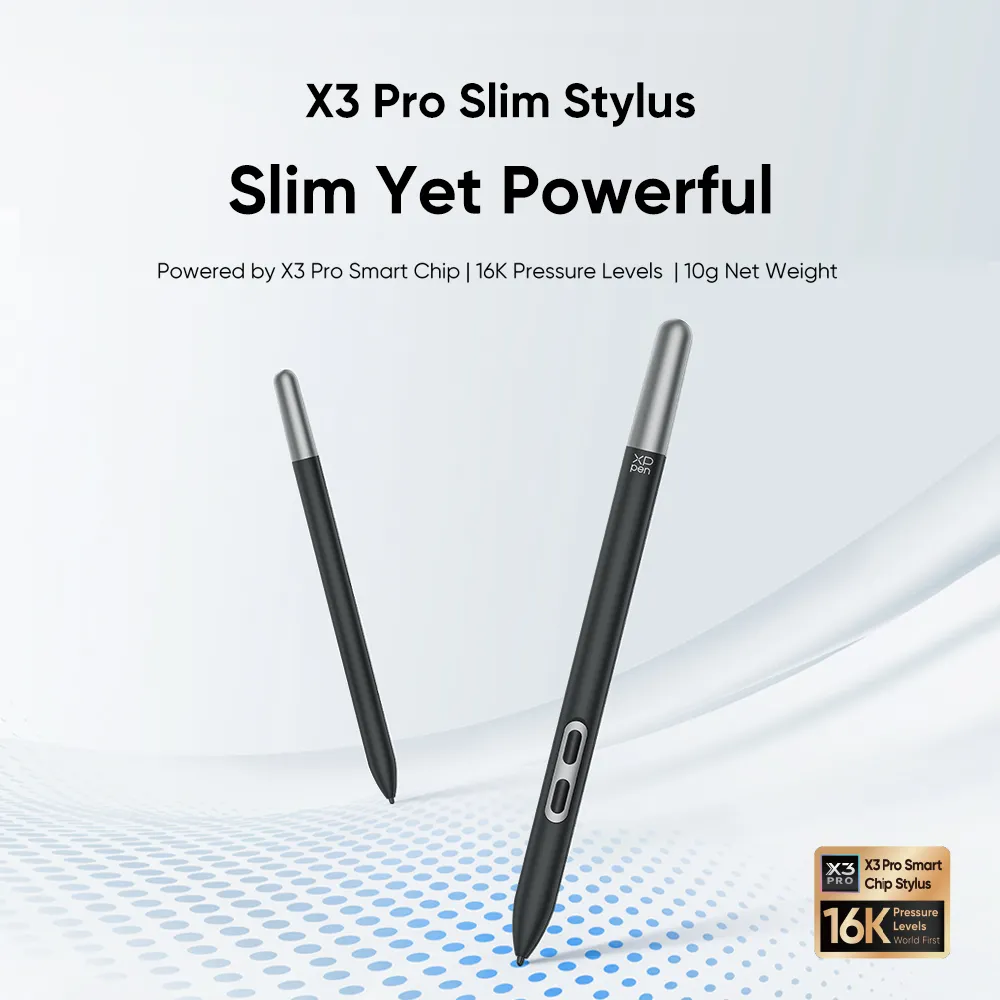
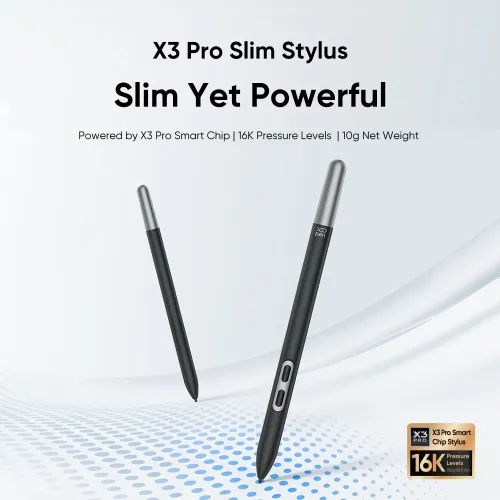
Slim Yet Powerful

Powered by X3 Pro Smart Chip | 16K Pressure Levels  | 10g Net Weight
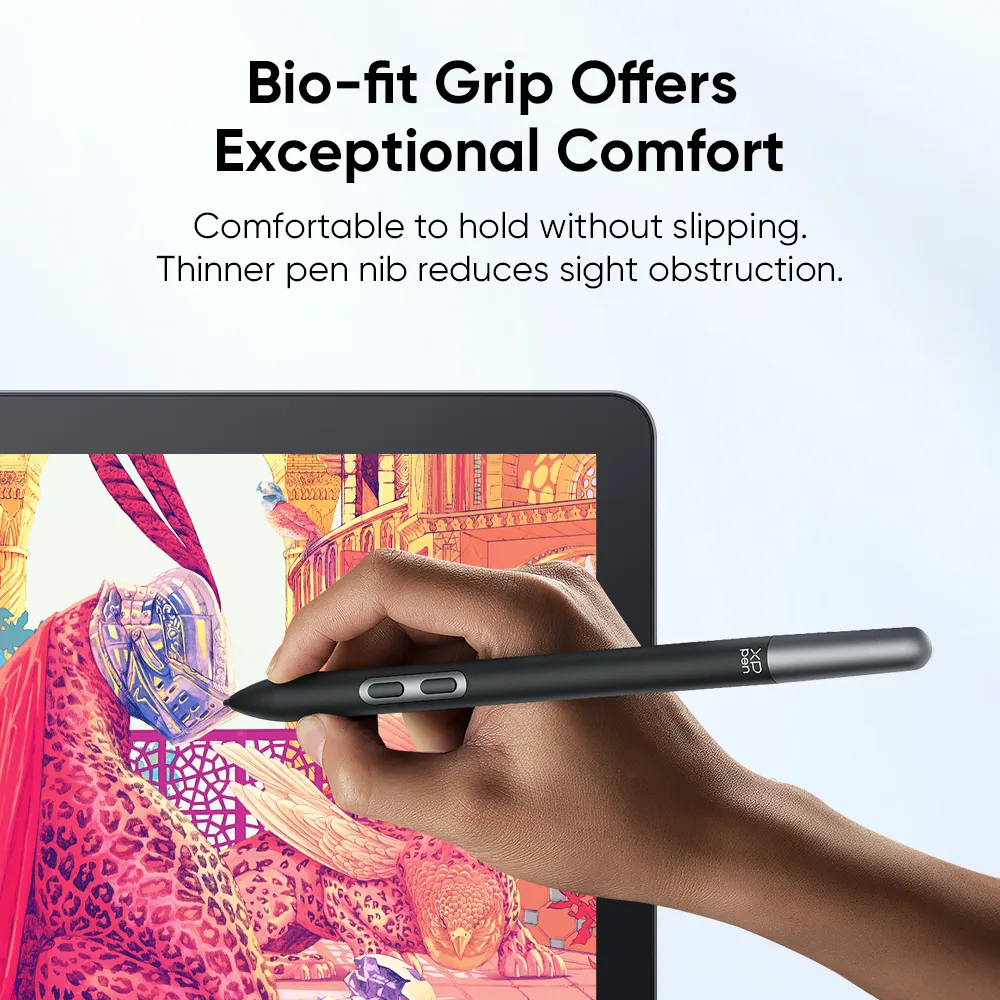
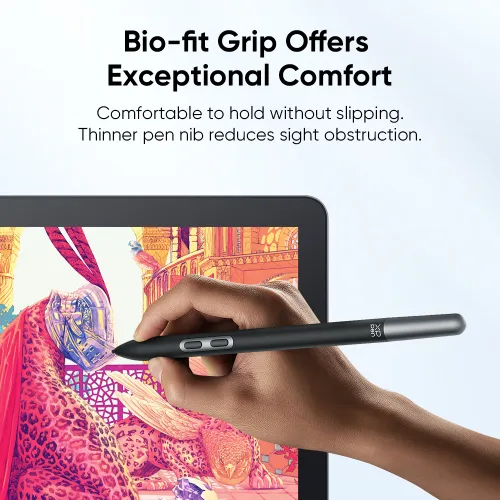
Bio-fit Grip Offers Exceptional Comfort

The ergonomic pen body and skin-feeling coating make the stylus comfortable to hold without slipping.The thinner pen nib reduces sight obstruction.Drawing gets incredibly accurate when hands and eyes work together.

Delicate Design in Hidden Details

Set up the two shortcut keys as needed and decide whether to activate them with a cover plate. It is the perfect balance of practicality and effectiveness.
Store the pen refill at the end of the pen, and carry the stylus anywhere. There is no limit to the location of creation.

Shortcut Key 1 Shortcut Key 2 Keyless Cover Plate

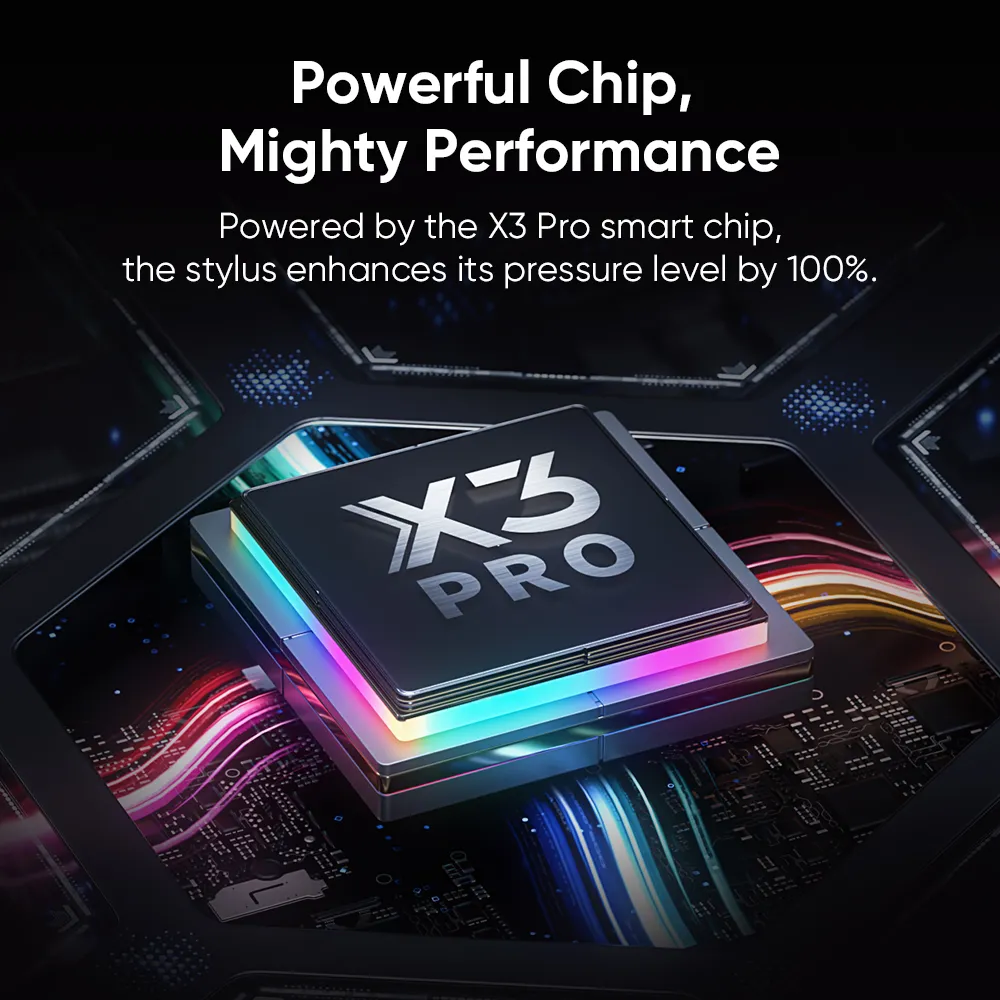
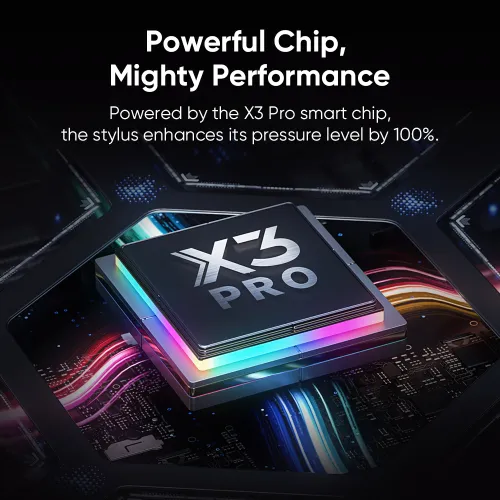
Powerful Chip, Mighty Performance

Powered by the X3 Pro smart chip, the stylus enhances its pressure level by 100%. Refine details with the smoothest-ever strokes in mind-blowing accuracy.

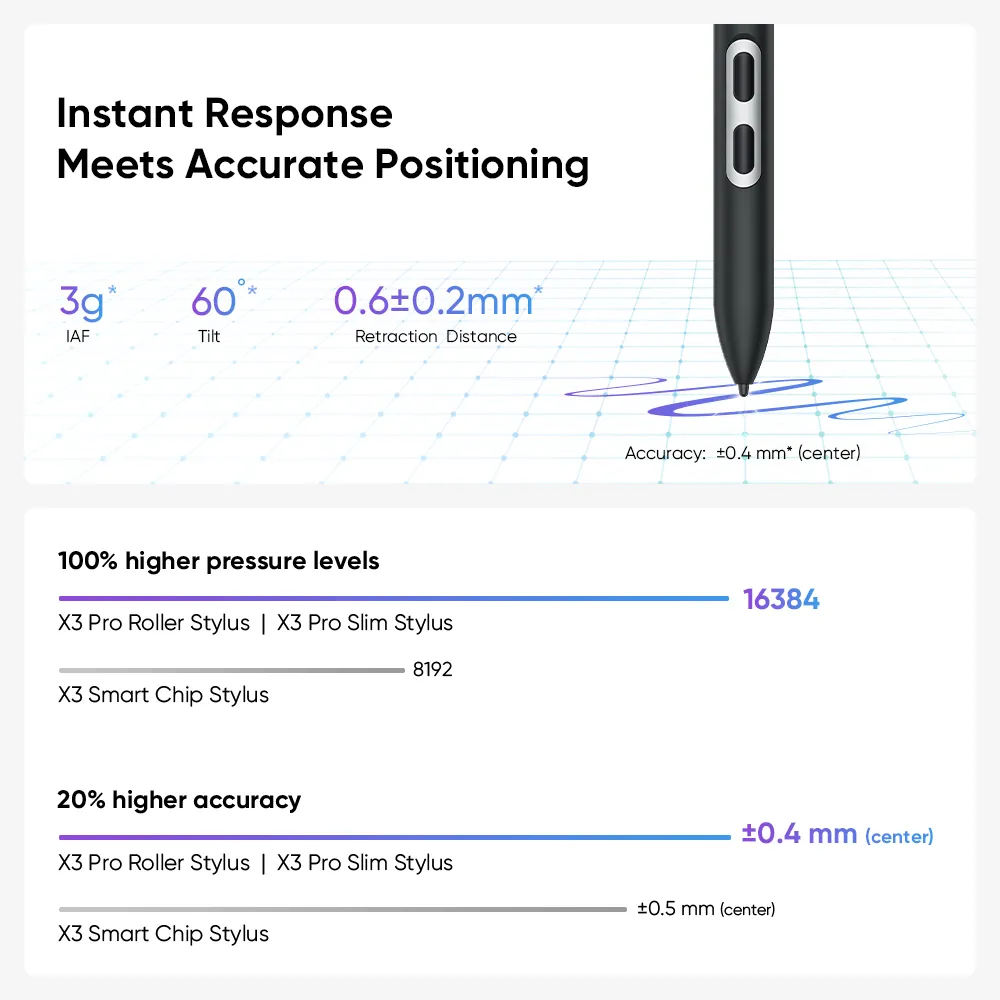
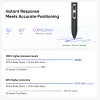
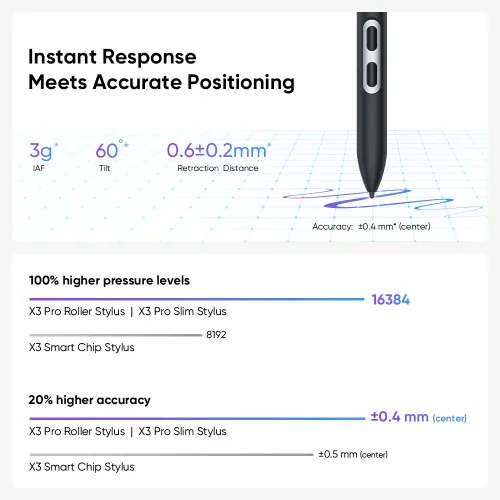
Instant Response Meets Accurate Positioning

By increasing the recognition accuracy by 20% and maintaining the IAF with 3g, the stylus has no lag or broken lines.

3g
3g IAF
60°
60° Tilt
0.6±0.2mm
Retraction  Distance
Accuracy:  ±0.4mm*(Center),  ±0.8mm*(Corner)

Pressure Level  100% Increase

16384

X3 Pro Roller Stylus | X3 Pro Slim Stylus

8192

X3 Smart Chip Stylus

Recognition Accuracy 20% Increase

±0.4mm (Center)

X3 Pro Roller Stylus | X3 Pro Slim Stylus

±0.5mm (Center)

X3 Smart Chip Stylus

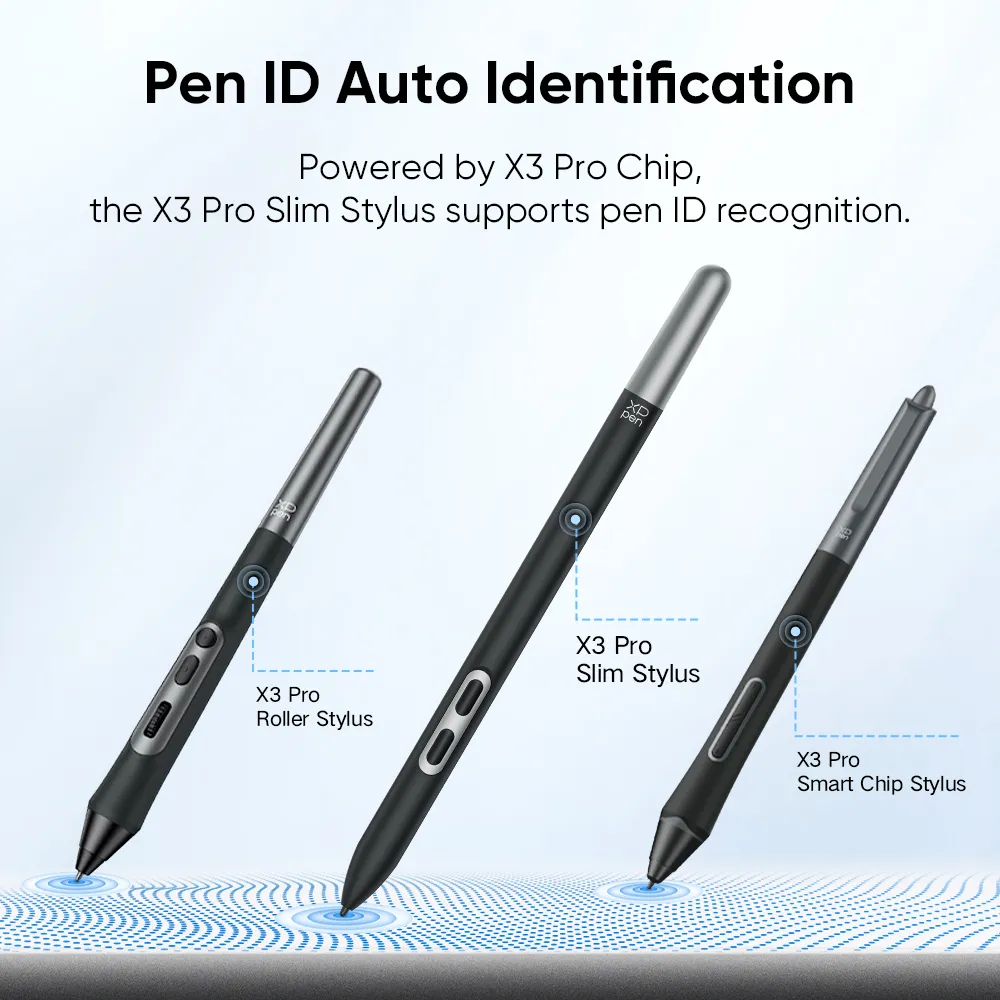
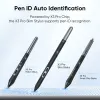
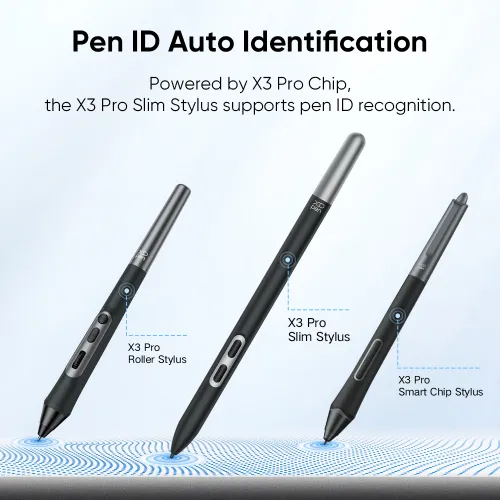
Pen ID Auto Identification

Thanks to the powerful X3 Pro Chip and X-INNOLAB's dedicated R&D, the X3 Pro Series Stylus supports pen ID recognition. You can customize the stylus's shortcuts to match your specific needs.  Just let creativity flow!

X3 Pro Roller Stylus X3 Pro Slim Stylus X3 Pro Smart Chip Stylus

EMR Technology
No Charging Required, No Creation Interreputed

Powered by EMR (Electro-Magnetic Resonance) technology, the X3 Pro Smart Chip Stylus tracks the movement of the pen nib so accurately. Designed to be battery-free, it requires no charging and allows you to create without interruption.

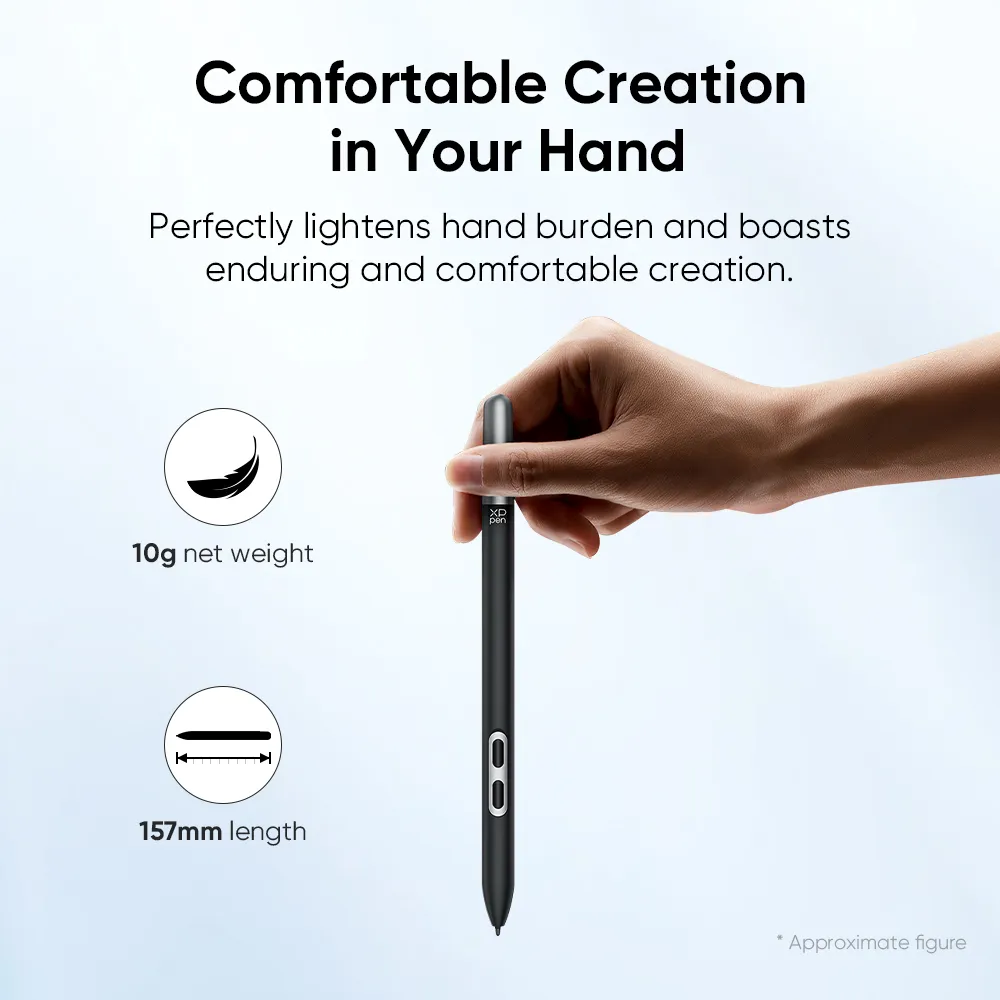
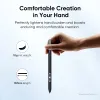
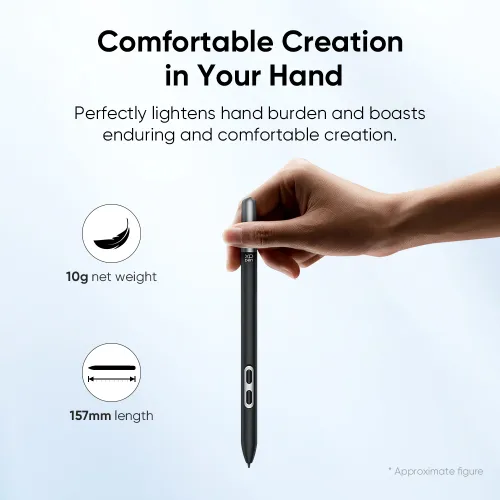
Comfortable Creation in Your Hand

157mm in length, 10g* in net weight, the stylus perfectly lightens hand burden and boasts enduring and comfortable creation.

length
157mm
net weight
10g

* Approximate figure

XPPen products compatible with X3 Pro Slim Stylus

Artist Pro 19 (Gen 2)
Know More
Artist Pro 14 (Gen 2)
Know More
Deco Pro  (Gen 2)  Series
Deco Pro  (Gen 2)  Series
Know More
Artist Pro 16 (Gen 2)
Know More
Reviews
0
11111
Based on 0
11111
0(0)
11111
0(0)
11111
0(0)
11111
0(0)
11111
0(0)
no-evaluation No review
Q&A
XFANSg53uopv4
Jan 17 ,2026 AM 08:28 X3 Pro Slim Stylus (PD51)
Hello, I lost the stylus to my Artist 12 (2nd Gen). Would this stylus be compatible with said tablet?
Reply1
Official mall
Jan 22 ,2026 PM 14:35
Hello No, this stylus is not compatible with Artist 12 (2nd Gen). The X3 Elite Plus Stylus is Artist 12 (2nd Gen) compatible. https://www.xp-pen.com/store/buy/x3-elite-plus-stylus.html
Reply to this review
XFANScjgpy6wr
Jan 10 ,2026 AM 01:22 X3 Pro Slim Stylus (PD51)
Hello, i recently got the magic drawing pad for Christmas, it came with this pen, but every time i tap the screen it doesn't register it. Does anyone know how to fix it?
Reply1
Official mall
Jan 22 ,2026 PM 14:58
Hello We are very sorry to hear that you are experiencing problems using the product. Please contact our technical team for professional assistance through the following methods: service@xp-pen.com
Reply to this review
XFANSkcegyulh
Nov 13 ,2025 AM 10:37 X3 Pro Slim Stylus (PD51)
Hi!, is compatible with Artist 15.6 Pro V2?
Reply1
Official mall
Nov 13 ,2025 AM 11:09
Hello, This Stylus is not compatible with Artist 15.6 Pro V2. You can purchase the X3 Pro Smart Chip Stylus (PD21). Please feel free to ask any questions.
Reply to this review
XFANSuzm0hwt4
Oct 24 ,2025 AM 01:45 X3 Pro Slim Stylus (PD51)
I have XP-PEN Deco 01 V3. Is the X3 pro Slim Stylus (or model name) compatible with my pen tab? Please confirm before I purchase.
Reply1
Official mall
Oct 28 ,2025 AM 11:31
Hello, It is not compatible. The pen model compatible with Deco 01 V3 is P05D. Purchase link: https://www.xp-pen.com/store/buy/p05d-battery-free-stylus.html If you have any questions, feel free to ask anytime.
Reply to this review
XFANS7mcmic1n
Oct 21 ,2025 AM 07:29 X3 Pro Slim Stylus (PD51)
I lost my Artist 16 pro gen 2 stylus and in the image it shows a slim stylus, but mine had an eraser and just one button. In the image where it shows the chips, the stylus i had was the one on the right. Is it possible to get that one instead?
Reply1
Official mall
Oct 21 ,2025 PM 18:07
Hello Below is the link to the original stylus for the Artist Pro 16 Gen 2. https://www.xp-pen.com/store/buy/x3-pro-stylus.html
Reply to this review
XFANSfgm2844n
Oct 03 ,2025 AM 01:17 X3 Pro Slim Stylus (PD51)
Does the slim pen have replacement button cover plates for sale? The rubber on my button have pulled off the holder due to me slipping the pen in and out of an elastic loop holder on my case
Reply1
Official mall
Oct 09 ,2025 PM 14:41
Hello The stylus cap is not manufactured separately. We apologize for the inconvenience this may cause you.
Reply to this review
MamaSynn
Aug 03 ,2025 AM 03:58 X3 Pro Slim Stylus (PD51)
Is this compatible with Artist 24 Pro (1st Gen)??
Reply1
Official mall
Aug 04 ,2025 PM 17:27
Hello No, the X3 Pro Slim Stylus (PD51) is not compatible with the Artist 24 Pro.
Reply to this review
XFANS36qnjcwh
Jun 21 ,2025 AM 10:44 X3 Pro Slim Stylus (PD51)
Are there any slim pens for the Artist 24 pro (not gen 2)? will pen this work with that model
Reply2
See more answers(1)
Official mall
Jun 23 ,2025 AM 09:38
Hello Yes, the X3 Pro series of styluses are compatible with the Artist Pro 24 (Gen 2), including the X3 Pro Smart Chip Stylus (PD21), X3 Pro Slim Stylus (PD51), and X3 Pro Roller Stylus.
Reply to this review
XFANSrndn5h5d
Jun 20 ,2025 PM 12:09 X3 Pro Slim Stylus (PD51)
Does this stylus have the same amount of nib wiggle that the default X3 Pro Smart Stylus has? By that, I mean the amount of "play" or "slop" that is present in the fit of the nib within the stylus barrel that allows it to move side to side within the barrel as you draw with it. It's small, but noticeable when compared to other drawing tablet brands where there is much less side to side flex or movement of the nib while drawing. If it has the same amount, I hope that it is addressed in a later revision of the pen.
Reply1
Official mall
Jun 23 ,2025 PM 18:12
Hello The X3 Pro Smart Chip Stylus (PD21) and X3 Pro Roller Stylus (PD22) need to be adapted to the felt pen refills, which are enlarged. Therefore, they are equipped with standard refills, which may shake a little. The felt pen tip of the X3 Pro Slim Stylus (PD51) has been redeveloped, so it shakes less than the X3 Pro Smart Chip Stylus (PD21) and X3 Pro Roller Stylus (PD22).
Reply to this review
HollowDream
May 07 ,2025 AM 02:43 X3 Pro Slim Stylus (PD51)
Does this come with extra nibs?
Reply1
Official mall
May 07 ,2025 AM 11:47
Hello, Usually 10 nibs are included. If you have any questions, please feel free to contact us.
Reply to this review
Learn More