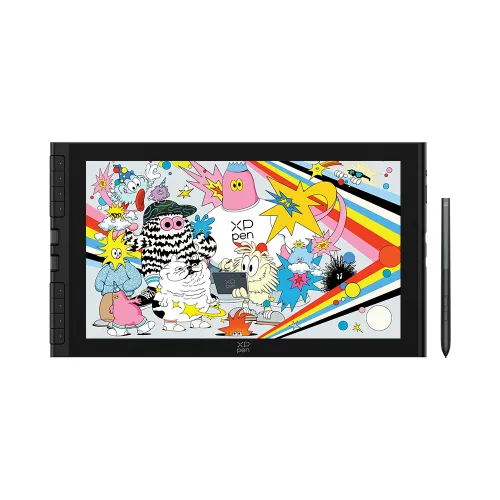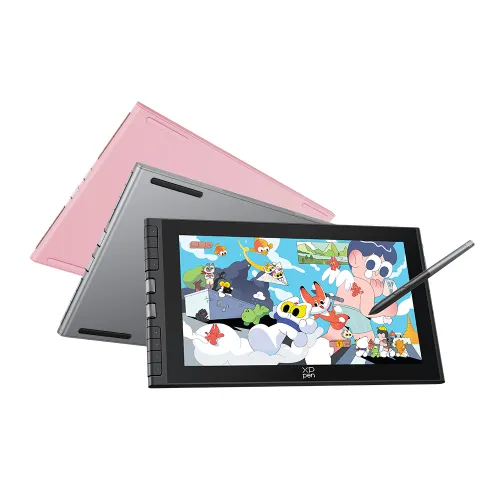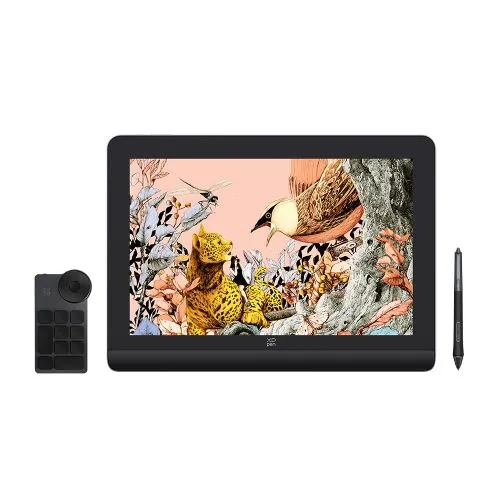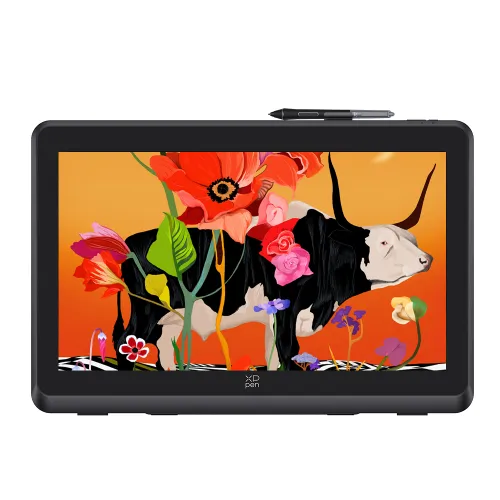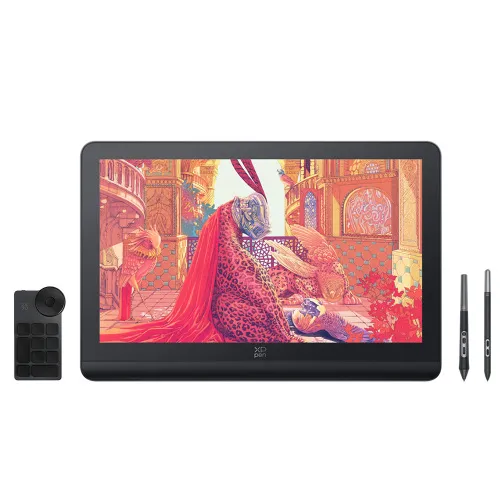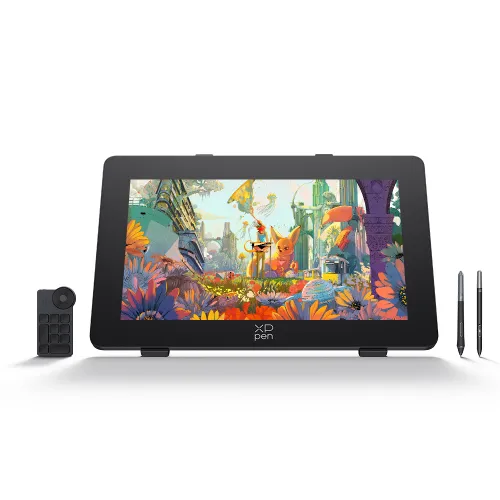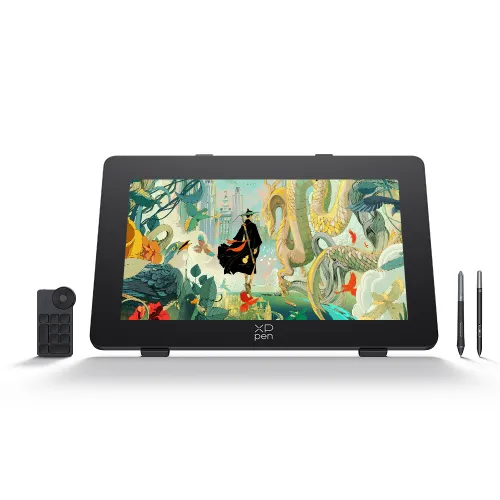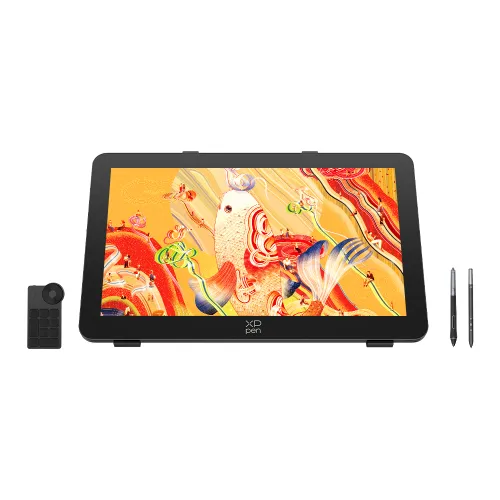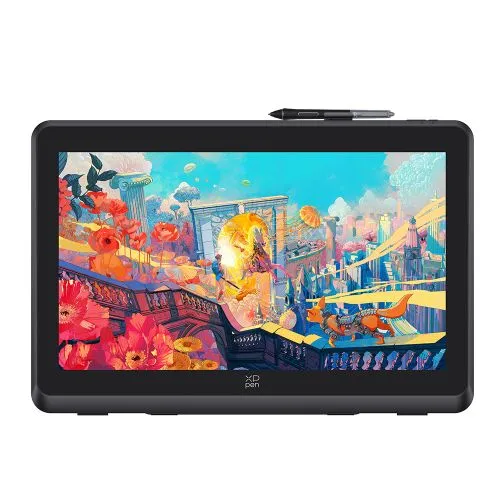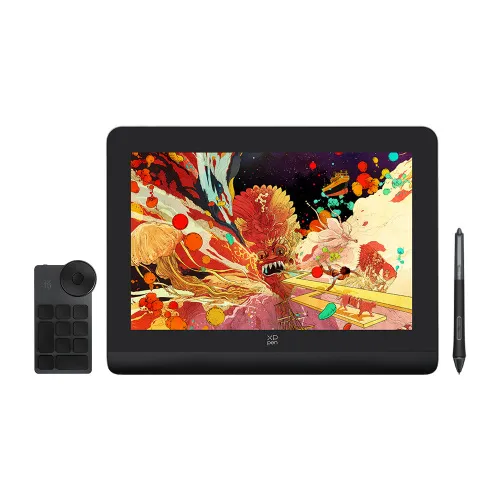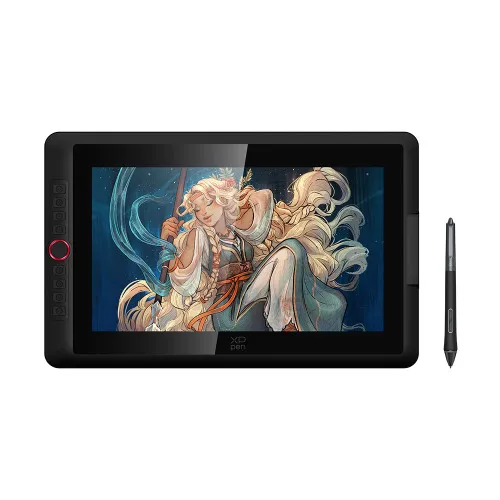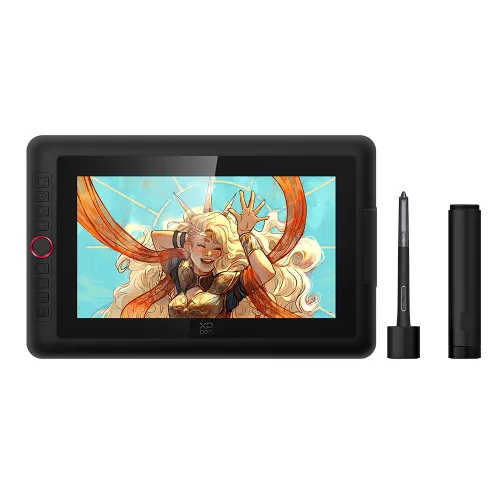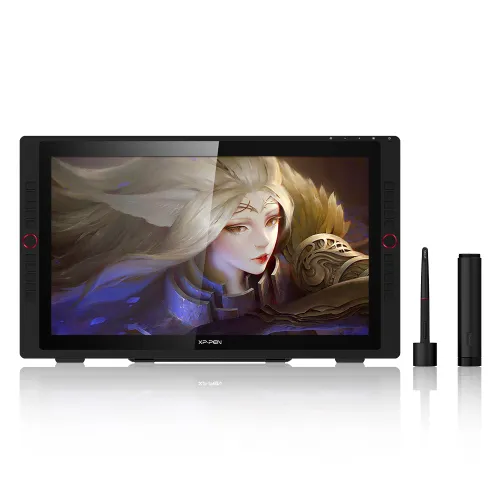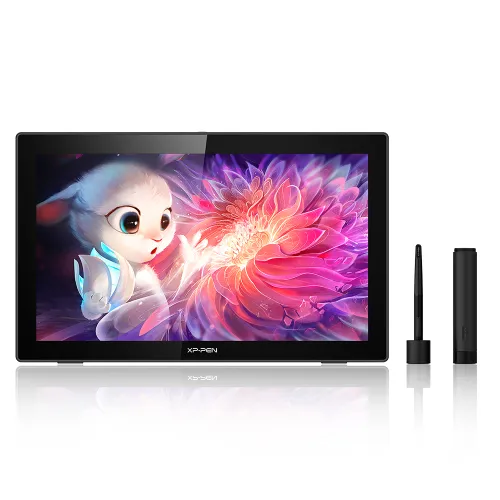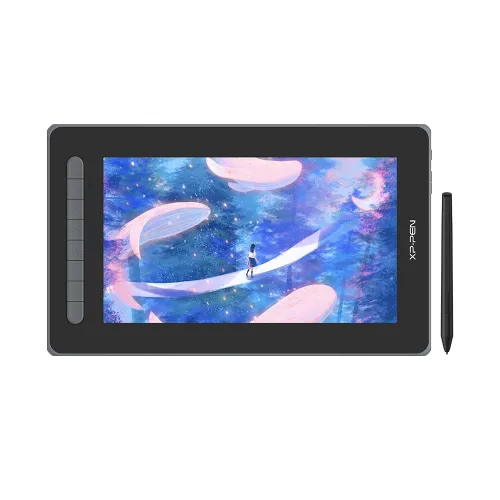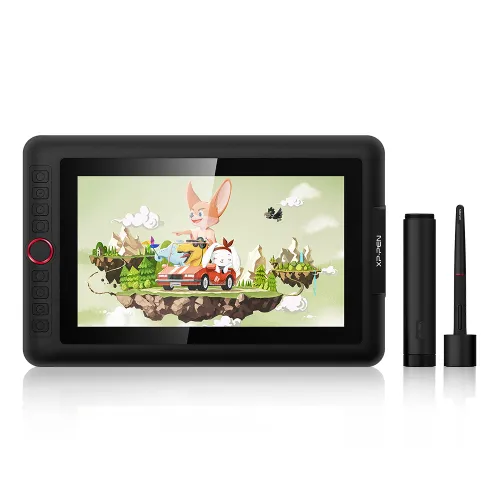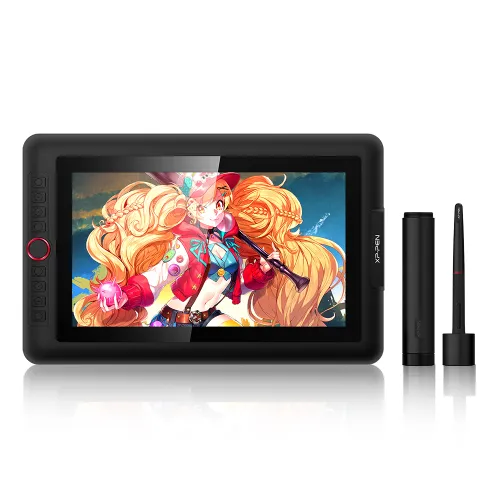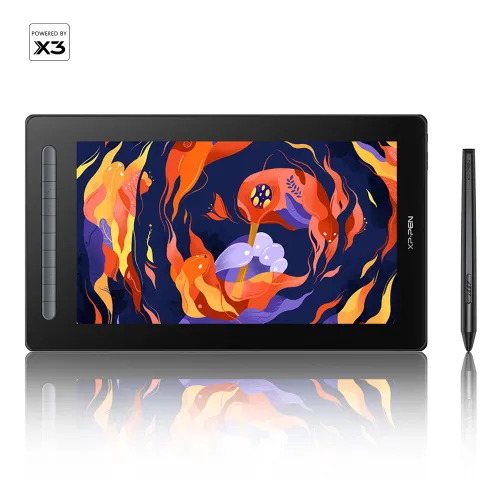
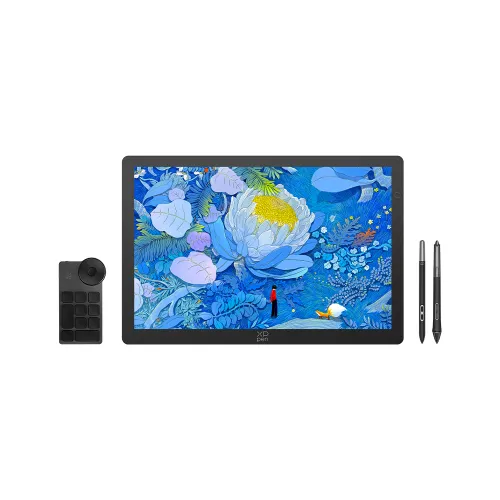
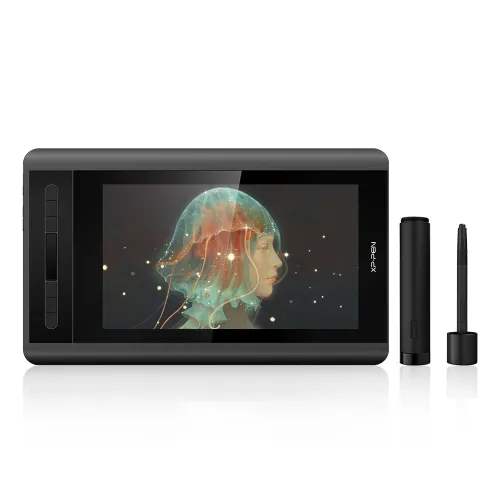
Artist 12 (Gen 2)

11.9-inch FHD fully-laminated display, 94% Adobe RGB. X3 empowered stylus, 3 grams initial activation force. 10 customized express keys. Supports USB C-C connection. Tablet/screen switch seamlessly. Anti-glare screen.
$174.99$249.99
LIGHTNING_ENDS

❋Lifetime Technical Support❋

❋Paypal Pay in 4 interest-free payment❋

❋18-Month Warranty+ Free Shipping❋

❋Free Drawing Software Redemption❋


FAST & FREE

7-day delivery sitewide.

SECURE PAYMENT

Buy now, pay later. Secured by PayPal.

TECH SUPPORT

service@xp-pen.com

18-MONTH WARRANTY

18-month warranty only for official E-store

Pen Display:
Artist 12 (Gen 2)
Colour:
https://resource.xp-pen.com/Uploads/goods/20220505/df2799b70d473d80da93d974ec0452fc.webp Black
https://resource.xp-pen.com/Uploads/goods/20220505/27590ef72a8f487b502ef09129770c14.webp Green
https://resource.xp-pen.com/Uploads/goods/20220505/c8ffff1ae922d3365193a6481348b017.webp Blue
https://resource.xp-pen.com/Uploads/goods/20220505/f8da47934b27ba8d8befe37345f0dfaf.webp Pink
Extra USB-C Cable:
N/A
+ Full-featured USB-C to USB-C cable
Gift Design:
N/A

ESSENTIAL_ACCESSORIES

https://resource.xp-pen.com/Uploads/goods/20220621/aa6321f09335909939341ab441c82ac2_60_60.webp

ACS05 Portable Stand

+$33.99$39.99

15% Off
https://resource.xp-pen.com/Uploads/goods/20181114/c5ad24d1de21988ab89dac877d3b29c3_60_60.webp

AC48 Case

+$25.99$29.99

13% Off

QUANTITY:

Payment icon 0Payment icon 1Payment icon 2Payment icon 3Payment icon 4Payment icon 5Payment icon 6Payment icon 7
ESTIMATED:
imageimage

Artist Series Pen Display (2nd Gen)

Open mind, sense dreams.
Meet new Artist, dream new dreams.

A new generation introduces a new chapter. The Artist Series Pen Display (2nd Gen) upholds our mission to support you to follow your dreams, be bold, and express your true self.
Multi-function, multi-size, multi-color, our new Artist comes with upgrades for an all-new experience.
Powered by X3-Smart-Chip technology, it also opens more possibilities for your inspiration to flow.

imageimage

Smart chip technology
begins your CG dream.

Our X3-powered stylus will dramatically enhance your sensory experience,
delivering a familiar pen-like feeling and enabling you to explore your new CG world.

Learn more about the X3

imageimage

Smart chip stylus.

More sensitive. More realistic. More durable.

The stylus is battery-free and never needs charging, allowing for hours of uninterrupted drawing. With 8192 pressure sensitivity levels,
it allows you to create exquisite lines with ease. It supports up to 60 degrees of tilt, making shading easy and effective.

3 grams* initial activation force

10-fold* increase in sensitivity

0.6 mm* retraction distance

1/2* of our previous stylus

2-fold* increase in its lifetime

* This data was taken from a laboratory simulation test and may vary depending on the environment that the device is used in.

Full lamination.

127% sRGB wide color gamut.

With a wide color gamut of 127% sRGB*, the new Artist brings a vivid visual experience with brilliant colors and delicate details even on a dark night. Full lamination is applied to the pen display to minimize parallax and provide more accuracy for a natural drawing experience.

image

Full lamination

* Color gamut of the Artist 12 Pen Display (2nd Gen) is 127% sRGB.

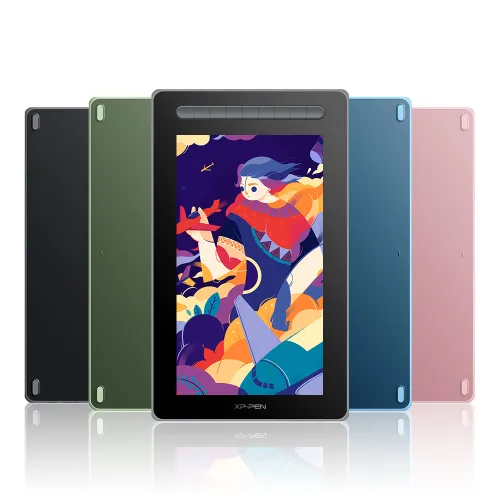
Four vibrant colors.

For creative inspiration.

The new Artist Series is available in four vibrant colors, choose your color, personalize your style, and show your unique creativity. Thanks to the two-shot molding soft rubber design, your display will be nestled safely in its case.

image
  • Black

  • Green

  • Blue

  • Pink

imageimage

Versatile shortcut keys.

The Artist Series Pen Display (2nd Gen) features multi-customizable shortcut keys.
Customize your shortcut keys in your software application of choice to simplify your workflow and empower your productivity.

Flexible dual ports.

Dual ports. The 3-in-1 cable that supports HDMI signal transmission allows you to connect the pen display to a PC. The full-featured USB-C port makes connection easier with devices such as PCs, Android phones, and Switch, allowing for a tidy desktop.

image
image

Full-featured USB-C cable connection
Full-featured USB-C port

* Supports connection with USB-C to USB-C cable (sold separately) only.

Watch the video >

image

3-in-1 USB-C cable connection
3-in-1 USB-C port

* Supports connection with the included 3-in-1 cable only.

Watch the video >

Extensive compatibility.

Works seamlessly with various systems and software.

The Artist Series Pen Display (2nd Gen) is compatible with Windows, Mac OS X, Chrome OS, Linux, and Android. Explore your creativity with the new Artist.

image

It is also works well with various popular digital art software applications, such as Adobe Photoshop, Illustrator, SAI, CDR, GIMP, Krita, and MediBang.

image

Product Gallery

image
image
image
image
image
image
image
image
image
image

Multiple options.

More personalized solutions.

Available in four sizes, there is an Artist Series Pen Display (2nd Gen) for your specific needs and space requirements. Whether you desire a portable option or larger workspace, it's your adaptable partner. Meet our new Artist and dream your new dreams.

image

Artist 10 Pen Display (2nd Gen)
Not available yet

image

Artist 12 Pen Display (2nd Gen)

  • Dimensions: 346.2 x 209 x 12 mm

  • Work Area: 11.9”

  • Color Gamut (typical): 127% sRGB

  • Shortcut Keys: 8

Black
Green
Blue
Pink
image

Artist 13 Pen Display (2nd Gen)
Not available yet

image

Artist 16 Pen Display (2nd Gen)

  • Dimensions: 434 x 255.8 x 13.99 mm

  • Work Area: 15.4”

  • Color Gamut (typical): 127% sRGB

  • Shortcut Keys: 10

Black
Green
Blue
Pink

Specifications

image

X3 Elite

image

60° tilt

image

8192 pressure levels

image

0.6 mm
Retraction distance

image

Full lamination

image

Customizable shortcuts

image

Battery-free

image

Windows / Mac / Android /
Chrome OS/ Linux

  • Specifications

image

X3 Elite

image

60° tilt

image

8192 pressure levels

image

0.6 mm
Retraction distance

image

Full lamination

image

Customizable shortcuts

image

Battery-free

image

Windows / Mac / Android /
Chrome OS / Linux

Product NameArtist 12 Pen Display (2nd Gen)
Product ModelCD120FH
Color OptionsBlack, blue, green, and pink
Dimensions346.2 x 209 x 12 mm
Work Area263.23 x 148.07 mm
Shortcut Keys8
Display Resolution1920 x 1080
Color Gamut (typical)90% NTSC, 127% sRGB, 94% Adobe RGB
Full LaminationYes
Viewing Angle178°
Contrast (typical)1000:1
Brightness220 cd/㎡
StylusX3 Elite
Pressure Levels8192
Tilt60°
Resolution5080 LPI
Reading Height10 mm
Accuracy±0.5 mm (center), ±1 mm (corner)
Ports Included1 x full-featured USB-C
1 x USB-C
Power InputDC 5V/2A
CompatibilityWindows 7 (or later), Mac OS X 10.10 (or later),
Android (USB3.1 DP1.2), Chrome OS 88 (or later), Linux
CertificationsCE/RoHS/WEEE/FCC /KC/PSE/BIS/UKCA/EAC/RCM/NOM

Package includes:

1 x Pen Display

1 x X3 Elite Stylus

1 x 3-in-1 USB Cable

1 x Extension Cord

10 x Pen Nibs

1 x Nib Extractor

1 x Cleaning Cloth

1 x Black Drawing Glove

1 x Quick Guide

1 x Warranty Card

image
Getting started with your
XP-PEN Artist Series Pen Display (2nd Gen)
Learn more >
image
Artist Series Pen Display (2nd Gen) comes
with one free creative software.
Learn more >
Linux OSVersionPackage FormatSupported Software
ArchArch Linux2019.12.01(64-bit).deb, .shGIMP, Krita
CentosCentos7.0(64-bit).rpm, .shGIMP
Centos8(64-bit).rpm, .shGIMP, Krita
Debiandebian-9.5.0-amd64-netinst(64-bit).deb, .shGIMP, Krita
elementary OSelementary OS 5.0(64-bit).deb, .shGIMP, Krita
ezgo Linuxezgo14(64-bit).deb, .shGIMP, Krita
FedoraFedora32(64-bit).rpm, .shGIMP, Krita
MageiaMageia-7.1(64-bit).rpm, .shGIMP, Krita
Manjaromanjaro-xfce-20.1.2-201019(64-bit).deb, .shGIMP
Mintlinuxmint-18.2-cinnamon-64bit.deb, .shGIMP, Krita
OpenSUSEopenSUSE-Tumbleweed(64-bit).rpm, .shGIMP, Krita
Pop!_OSpop-os_19.10(64-bit).deb, .shGIMP, Krita
Red HatRed Hat7(64-bit).rpm, .shGIMP
UbuntuUbuntu14.04(64-bit).deb, .shGIMP, Krita
Ubuntu16.04(64-bit).deb, .shGIMP, Krita
Ubuntu17.04(64-bit).deb, .shGIMP, Krita
Ubuntu18.04(64-bit).deb, .shGIMP, Krita
Ubuntu19.04(64-bit).deb, .shGIMP, Krita
Ubuntu20.04(64-bit).deb, .shGIMP, Krita
FunctionKrita 4.3.0Gimp 2.10.20Inkscape 0.92
Pen Pressure Sensitivity
Tilt
Mouse Function
Eraser Button
(Stylus:PH01, P06)
Switch between Pen
and Eraser Modes
*If you have any further queries, please do not hesitate to contact us at service@xp-pen.com.

Linux OS

Arch
Version
Arch Linux2019.12.01(64-bit)
Package Format
.deb, .sh
Supported Software
GIMP, Krita
Centos
Version
Centos7.0(64-bit)
Centos8(64-bit)
Package Format
.rpm, .sh
.rpm, .sh
Supported Software
GIMP
GIMP, Krita
Debian
Version
debian-9.5.0-amd64-netinst(64-bit)
Package Format
.deb, .sh
Supported Software
GIMP, Krita
elementary OS
Version
elementary OS 5.0(64-bit)
Package Format
.deb, .sh
Supported Software
GIMP, Krita
ezgo Linux
Version
ezgo14(64-bit)
Package Format
.deb, .sh
Supported Software
GIMP, Krita
Fedora
Version
Fedora32(64-bit)
Package Format
.rpm, .sh
Supported Software
GIMP, Krita
Mageia
Version
Mageia-7.1(64-bit)
Package Format
.rpm, .sh
Supported Software
GIMP, Krita
Manjaro
Version
manjaro-xfce-20.1.2-201019(64-bit)
Package Format
.deb, .sh
Supported Software
GIMP
Mint
Version
linuxmint-18.2-cinnamon-64bit
Package Format
.deb, .sh
Supported Software
GIMP, Krita
OpenSUSE
Version
openSUSE-Tumbleweed(64-bit)
Package Format
.rpm, .sh
Supported Software
GIMP, Krita
Pop!_OS
Version
pop-os_19.10(64-bit)
Package Format
.deb, .sh
Supported Software
GIMP, Krita
Red Hat
Version
Red Hat7(64-bit)
Package Format
.rpm, .sh
Supported Software
GIMP
Ubuntu
Version
Ubuntu14.04(64-bit)
Ubuntu16.04(64-bit)
Ubuntu17.04(64-bit)
Ubuntu18.04(64-bit)
Ubuntu19.04(64-bit)
Ubuntu20.04(64-bit)
Package Format
.deb, .sh
.deb, .sh
.deb, .sh
.deb, .sh
.deb, .sh
.deb, .sh
Supported Software
GIMP, Krita
GIMP, Krita
GIMP, Krita
GIMP, Krita
GIMP, Krita
GIMP, Krita

Function

Pen Pressure Sensitivity
Krita 4.3.0
Gimp 2.10.20
Inkscape 0.92
Tilt
Krita 4.3.0
Gimp 2.10.20
Inkscape 0.92
Mouse Function
Krita 4.3.0
Gimp 2.10.20
Inkscape 0.92
Eraser Button(Stylus:PH01, P06)
Krita 4.3.0
Gimp 2.10.20
Inkscape 0.92
Switch between Penand Eraser Modes
Krita 4.3.0
Gimp 2.10.20
Inkscape 0.92

*If you have any further queries, please do not hesitate to contact us at service@xp-pen.com.

List of compatible Android devices
HUAWEI Mate 10HUAWEI Mate 10 Pro
HUAWEI Mate 20HUAWEI Mate 20 Pro
HUAWEI Mate 20 XHUAWEI Mate 30 Pro
HUAWEI Mate 40HUAWEI Mate 40 pro
HUAWEI Mate 30E Pro 5GHUAWEI P20
HUAWEI P20 ProHUAWEI P30
HUAWEI P30 ProHUAWEI P40
HUAWEI P40 ProHUAWEI P40 Pro+
HUAWEI Mate 50HUAWEI Mate 50 Pro
HUAWEI Mate 40EHUAWEI Mate 40 Pro+
HUAWEI P50 ProHUAWEI P50
HUAWEI P50EHUAWEI Mate X2
HUAWEI Mate Xs2HUAWEI Mate 50E
HUAWEI Mate 40E ProHUAWEI Mate 40 RS
HUAWEI P50 PocketHonor Note10
Honor V20Honor 30pro+
Honor Magic4Honor Magic4 Pro
Samsung Galaxy A90 5GSamsung Galaxy Note9
Samsung Galaxy Note10Samsung Galaxy Note10+ 5G
Samsung Galaxy S8Samsung Galaxy S8+
Samsung Galaxy S9Samsung Galaxy S9+
Samsung Galaxy S10Samsung Galaxy S10+
Samsung Galaxy S10eSamsung Galaxy S20
Samsung Galaxy S20+Samsung Galaxy S20 Ultra
Samsung Galaxy S20 FE 5GSamsung Galaxy S21
Samsung Galaxy S21 FESamsung Galaxy S21 ultra
Samsung Galaxy S22Samsung Galaxy S22 Ultra
Samsung Galaxy Note20Samsung Galaxy Note20 Ultra
Samsung Galaxy Tab S7Samsung Galaxy Tab S7 FE
Samsung Galaxy Tab S5eSamsung Galaxy S21+
Samsung Galaxy S22+Samsung Galaxy S23
Samsung Galaxy S23+Samsung Galaxy S23 Ultra
Samsung Galaxy Z Fold4Samsung W23
Samsung W22Samsung W21
Samsung W20Samsung Galaxy Tab S8
Samsung Galaxy Tab S8+Samsung Galaxy Tab S8 Ultra
Samsung Galaxy Tab S7+Samsung Galaxy Tab S6
REVIEWS
4.8
11111
BASE_ON_REVIEWS
11111
85%(44)
11111
13%(7)
11111
2%(1)
11111
0(0)
11111
0(0)
Tigerlillian
11111
Apr 22 ,2022 PM 16:40 Artist 12 (Gen 2)
For my 2nd gen digital artist
As a former Wacom user, a magazine publisher and graphic designer by trade, I feel that this XP-PEN Artist 12 2nd gen tablet is excellent quality and value. I had been using Wacom for 13 years and recently decided to switch. This is my third product from XP-PEN and I am completely impressed with the brand's performance and pricing.

Truth be told, I did have an ulterior motive in giving this tablet to my son. He's always loved helping me with my publishing projects so I am training him to be a 2nd gen graphic artist. Also, his system is a good backup for me when working from home. He's been using Illustrator and PhotoShop independently for a few years now -- this tablet will take him to another level with both increased efficiency and creative potential.
USEFUL(1)+1
zacharynoah92
11111
Oct 08 ,2021 PM 22:07 Artist 12 (Gen 2)
Better than the original XP-Pen Artist 12
I recently received my XP-Pen Artist 12 2nd Generation in the mail. After experimenting with it, I realized how vastly improved it was over the previous model, especially the X3 Elite pen, which provided better stabilization than the P06 stylus that came with the previous model. The contrast was also vastly improved. The only thing I haven't tried out yet is the 60-degree tilt support, but you never know when that might come in handy. For those who want to buy an XP-Pen tablet of any sort, the all-new Artist 12 2nd Generation is a must.
Official mall
Oct 11 ,2021 PM 17:44
Thank you for your recognition of our XP-PEN products. We will continue to improve and provide the best quality products and services to our consumers. Have a nice day : )
USEFUL(0)+1
XFANS6mnbl6b8
11111
Apr 30 ,2022 AM 07:14 Artist 12 (Gen 2)
Great Tablet Display For Beginners!
Shipping was fast, colors on screen very saturated, stylus works great. I am confused on why it doesn't come with a stand for the tablet or pen holder for the stylus, especially with concern of dropping stylus from height. I also purchased the usb-c to usb-c cable and it does have some issues connecting, I have to adjust the cable to a certain way to get it to stay connected. Otherwise great product!
Official mall
May 03 ,2022 AM 10:22
Thanks for your review. The portable screen(Screens smaller than 16 inches) does not come with a stand. In XP-PEN, we care about the customer\'s experience in the use of our product, and we strive to provide even better products and services, and your opinion can bring us here.
USEFUL(0)+1
LEARN_MORE
Q_A
Admin
Feb 18 ,2022 PM 17:36 Artist 12 (Gen 2)
Is it a standalone graphic display or do I need to plug it to a computer to use it?
REPLY3
SEE_MORE_ANSWERS(2)
Official mall
Feb 18 ,2022 PM 17:37
It is not a standalone product, it needs to be connected to a computer to work. It supports Windows 10/8/7(32/64bit), Mac OS X version 10.10 or later.
REPLY_THIS_EVALUATION
XFANSrfyi773m
Jan 06 ,2026 AM 02:18 Artist 12 (Gen 2)
Is it compatible with the Motorola razr 2024 model???
REPLY1
Official mall
Jan 22 ,2026 PM 15:39
Hello No, the Motorola razr 2024 is not compatible with Artist 12 (Gen 2).
REPLY_THIS_EVALUATION
XFANSxrhgai87
Nov 06 ,2025 AM 01:11 Artist 12 (Gen 2)
Hello, will the green color ever be restocked?
REPLY1
Official mall
Nov 07 ,2025 PM 17:42
Hello, Currently, only black is in stock; other colors will not be restocked. Please feel free to ask any questions.
REPLY_THIS_EVALUATION
XFANSvz7nott3
Sep 05 ,2025 PM 14:47 Artist 12 (Gen 2)
Is this tablet compatible with procreate?
REPLY1
Official mall
Sep 05 ,2025 PM 16:51
Hello No, Artist 12 (Gen 2) is not compatible with ProCreate.
REPLY_THIS_EVALUATION
XFANSdr63h7nl
Jul 19 ,2025 AM 04:35 Artist 12 (Gen 2)
What type of replacement pen nibs do I need for the pen that comes with it?
REPLY1
Official mall
Jul 21 ,2025 PM 15:22
Hello AD36 is the nib model of Artist 12 (Gen 2). https://www.xp-pen.com/store/buy/replacement-nibs.html?variant=41433130325f323033
REPLY_THIS_EVALUATION
LavenderRevolver
Jun 25 ,2025 AM 08:31 Artist 12 (Gen 2)
Will the product color in pink be restocked?
REPLY1
Official mall
Jun 25 ,2025 PM 17:21
Hello A small amount of pink Artist 12 (Gen 2) stock has been added and you can purchase it.
REPLY_THIS_EVALUATION
XFANSjvr8z7li
Jun 14 ,2025 AM 05:46 Artist 12 (Gen 2)
Do I have to download a driver on Chromebook and do the buttons work on it?
REPLY1
Official mall
Jun 16 ,2025 PM 16:16
Hello Thank you for your inquiry. You are not required to download the driver in order to use the Artist 12 (Gen 2) on a Chromebook. It can be used simply by connecting it with a 3-in-1 cable or a USB-C to USB-C cable.
REPLY_THIS_EVALUATION
XFANSjvr8z7li
Jun 13 ,2025 AM 11:25 Artist 12 (Gen 2)
Does it work with a Chromebook.?
REPLY1
Official mall
Jun 13 ,2025 AM 11:57
Hello Artist 12 (Gen 2) is compatible with Windows 7 (or later), Mac OS X 10.10 (or later), Android (USB3.1 DP1.2), Chrome OS 88 (or later) and Linux. As long as your device is the above system, then Artist 12 (Gen 2) is compatible with your computer.
REPLY_THIS_EVALUATION
XFANSa2ksogl7
Jan 29 ,2025 PM 13:12 Artist 12 (Gen 2)
Does the pen need to be charged or use batteries? Or is it chargeless like a Wacom?
REPLY1
Official mall
Feb 05 ,2025 PM 17:09
Hello The Artist 12 (Gen 2) stylus is battery-free and does not require charging.
REPLY_THIS_EVALUATION
XFANSjvr8z7li
Jan 27 ,2025 AM 10:20 Artist 12 (Gen 2)
does it work on moto g 5G or even macbook air (i have a old macbook)
REPLY1
Official mall
Jan 28 ,2025 PM 12:19
hello If your phone is Android USB3.1 DP1.2, it is compatible with Artist 12 (Gen 2). If your MacBook is MAC OS 10.10 (or later), it is compatible with Artist 12 (Gen 2).
REPLY_THIS_EVALUATION
LEARN_MORE