

Getting started with your
XPPen Artist 12 Pen Display
1/8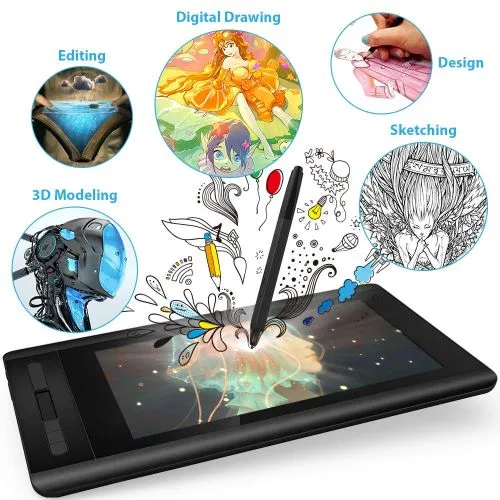
Artist 12
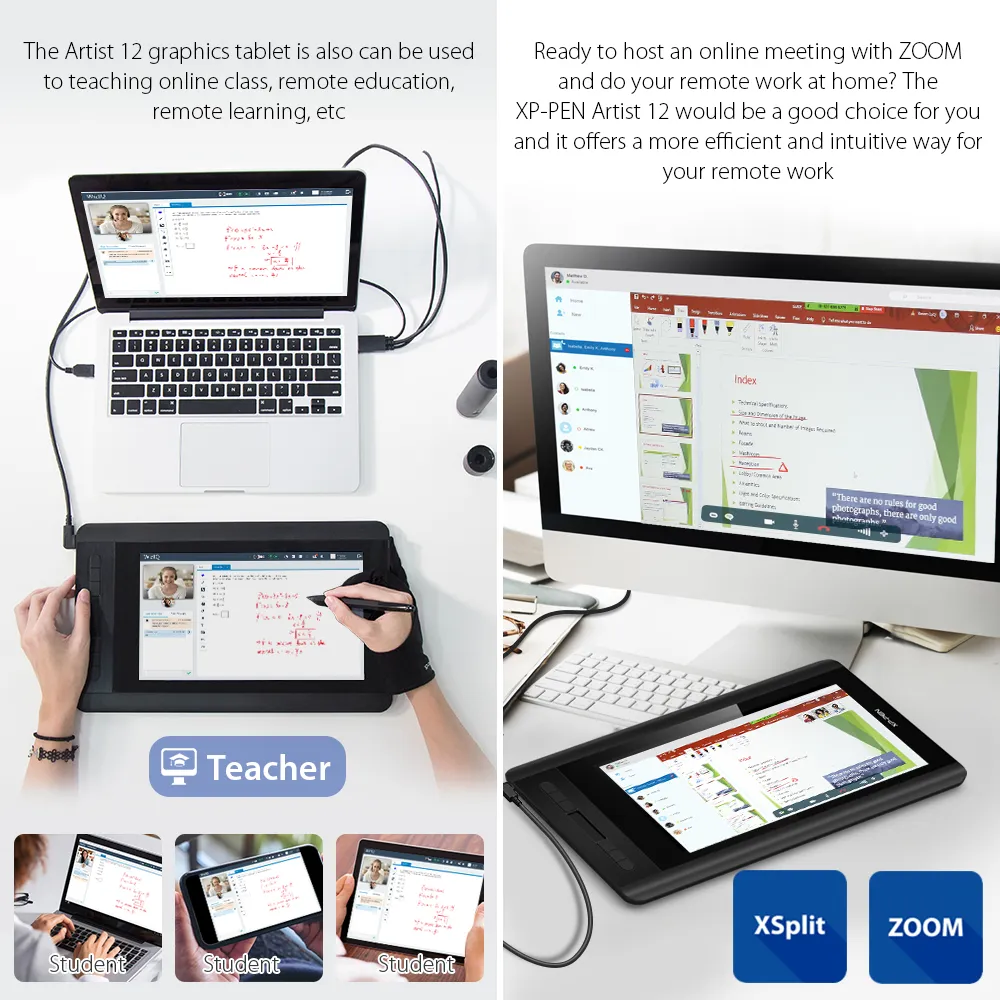
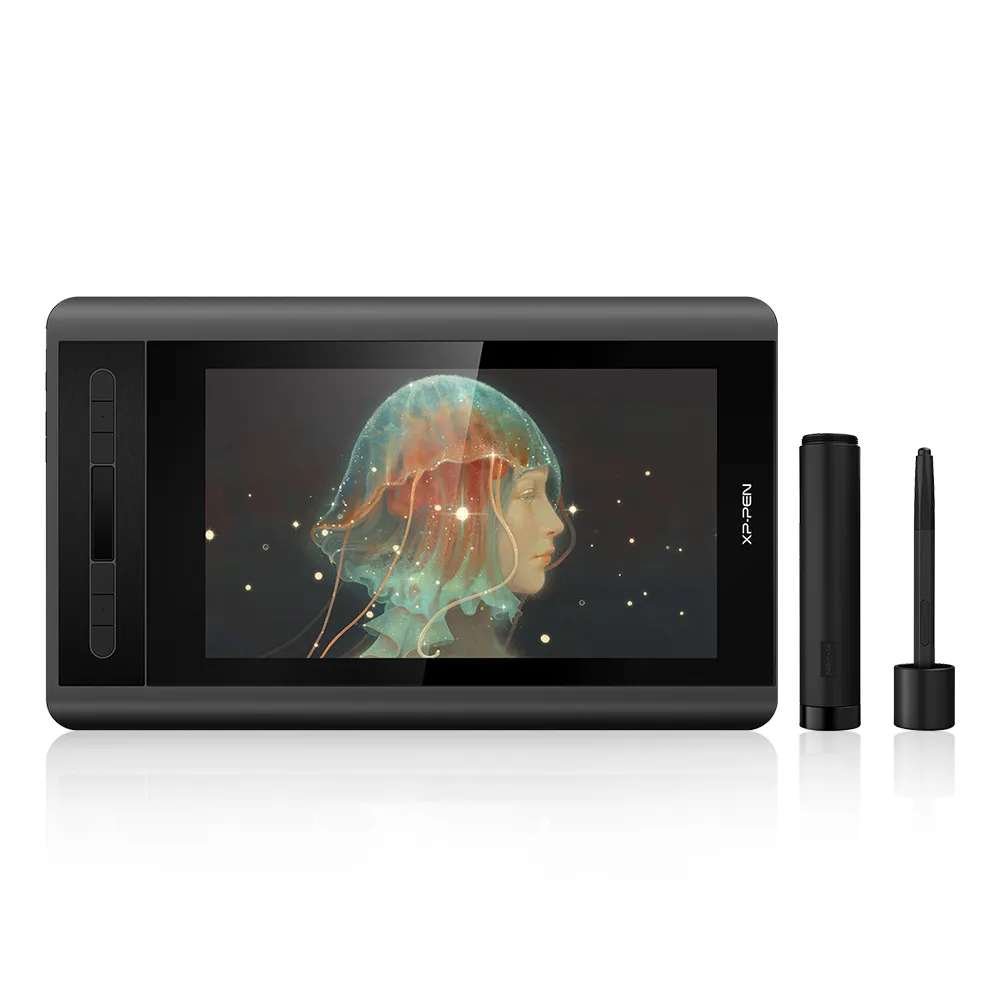
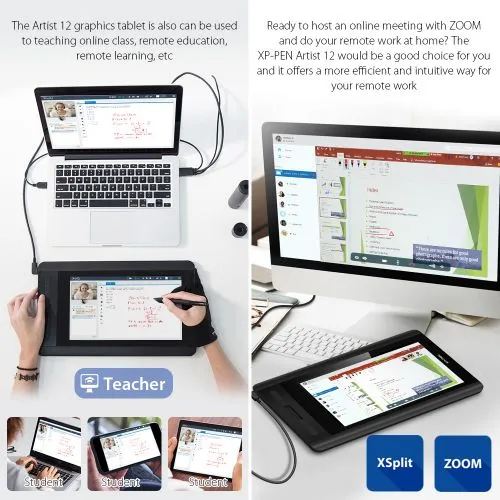
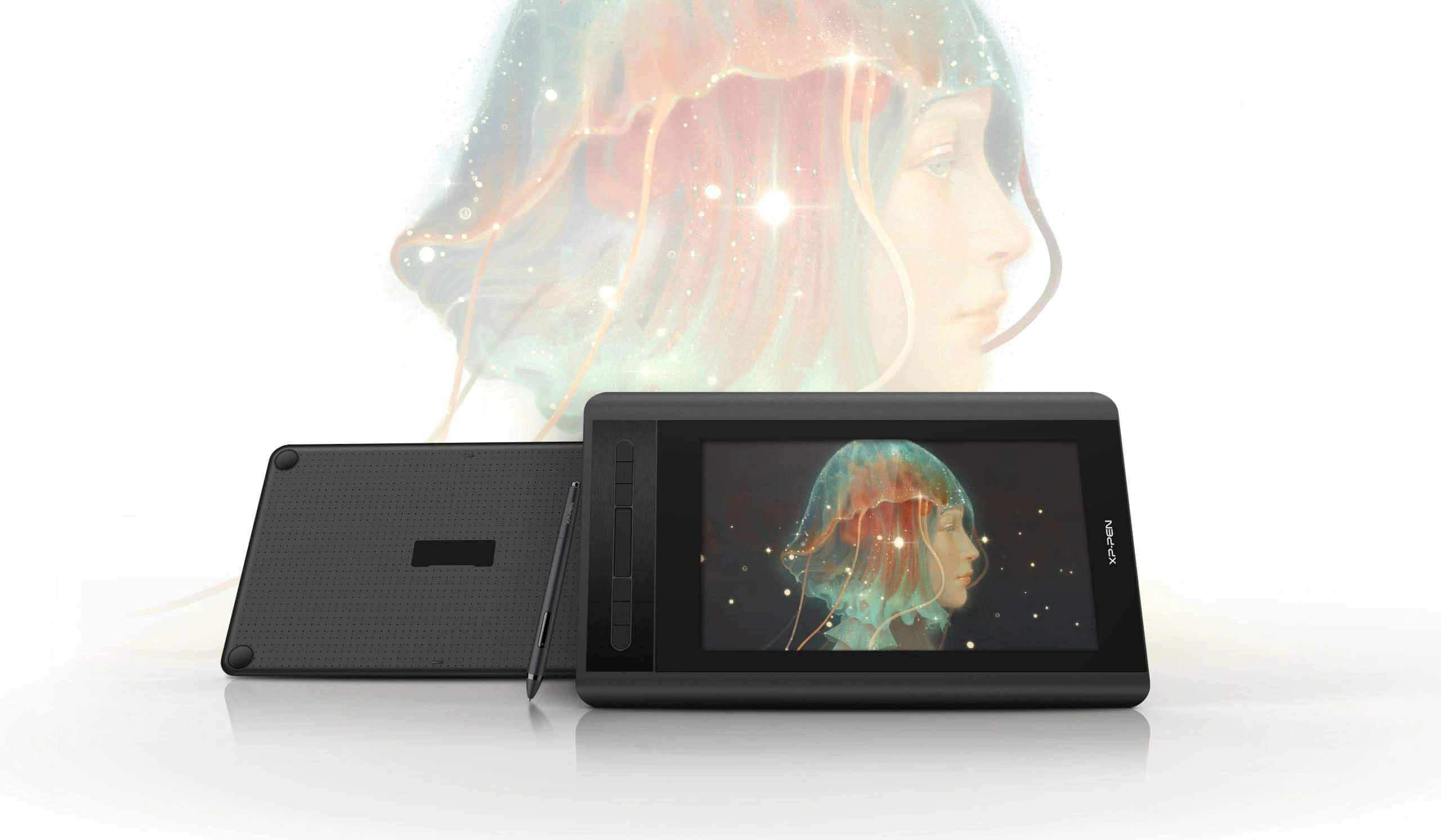
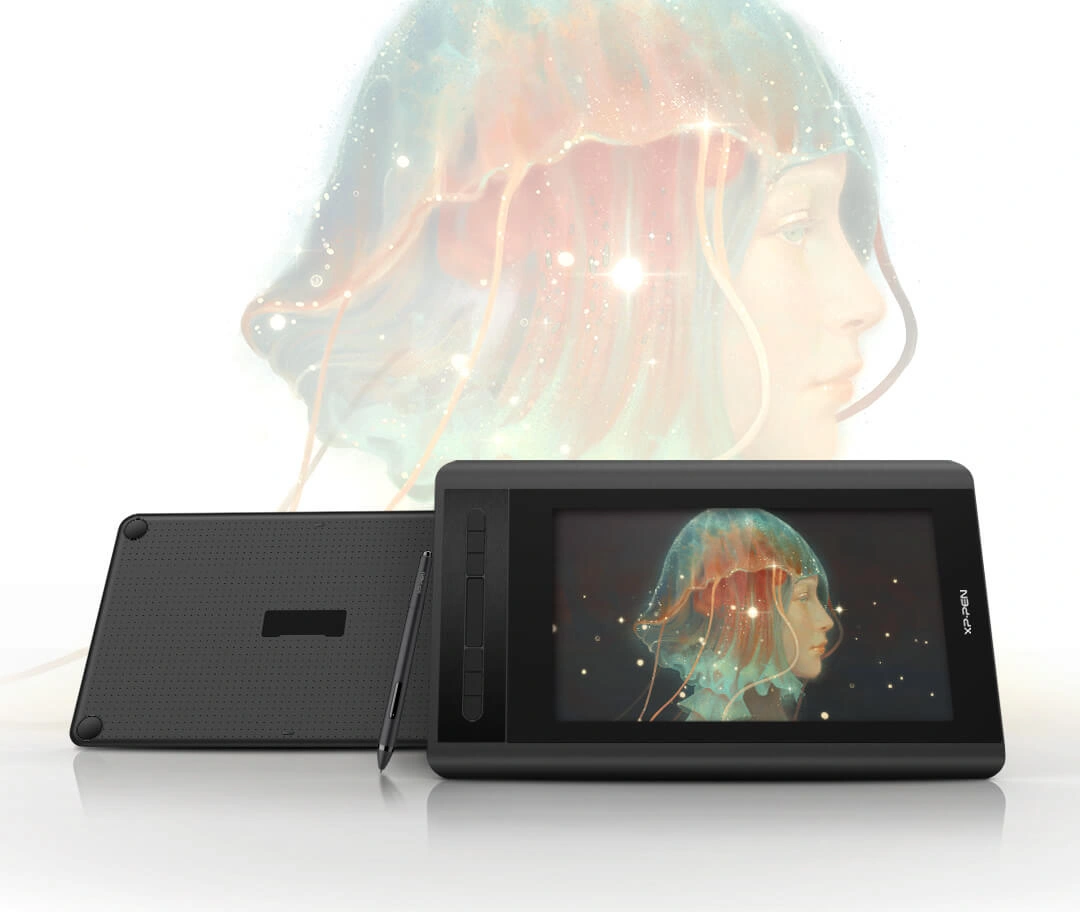
11.6-Inch FHD display, 72% NTSC (100%SRGB) color gamut. 6 handy shortcut keys and a slim touch bar. Battery-free stylus with a digital eraser, 8192 pressure levels. Ideal for online education and remote work.
$159.99$199.99
Ends in
❋Lifetime Technical Support❋
❋Paypal Pay in 4 interest-free payment❋
❋18-Month Warranty+ Free Shipping❋
❋Free Drawing Software Redemption❋
FAST & FREE
7-day delivery sitewide.
SECURE PAYMENT
Buy now, pay later. Secured by PayPal.
TECH SUPPORT
service@xp-pen.com
18-MONTH WARRANTY
18-month warranty only for official E-store
Extended Warranty:
N/A
1 Year Extended Warranty
Optional Accessories
Quantity:
Total
$0.00
 Log in and purchase to receive an estimated 0 X-Coins








Worry-Free Delivery® available with seel
Estimate:
Artist 12
Free Your Creation
Small display screen,
great creative freedom.
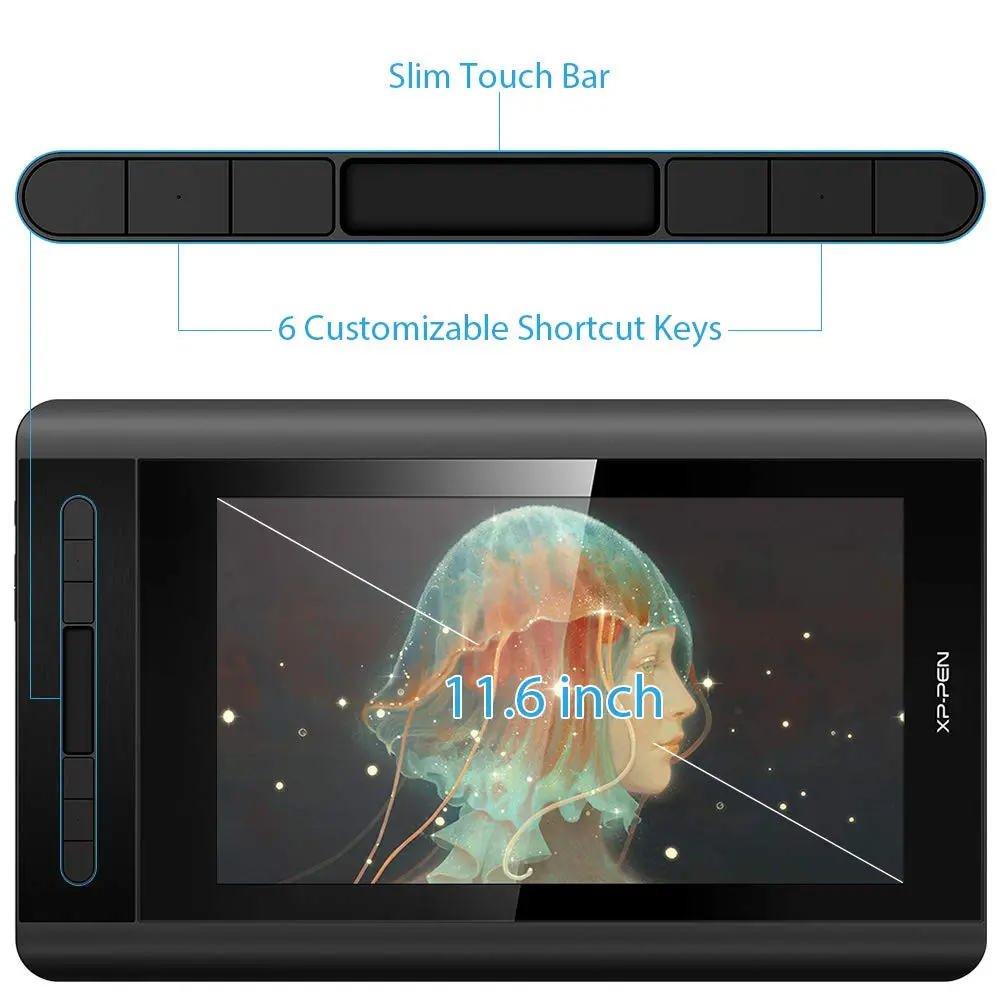
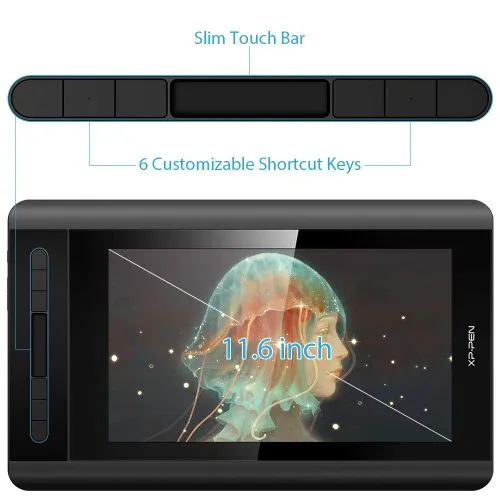
A super-portable screen with an 11.6 Inch display area, conveniently placed on your tabletop or anywhere as you like to simplify your work space.
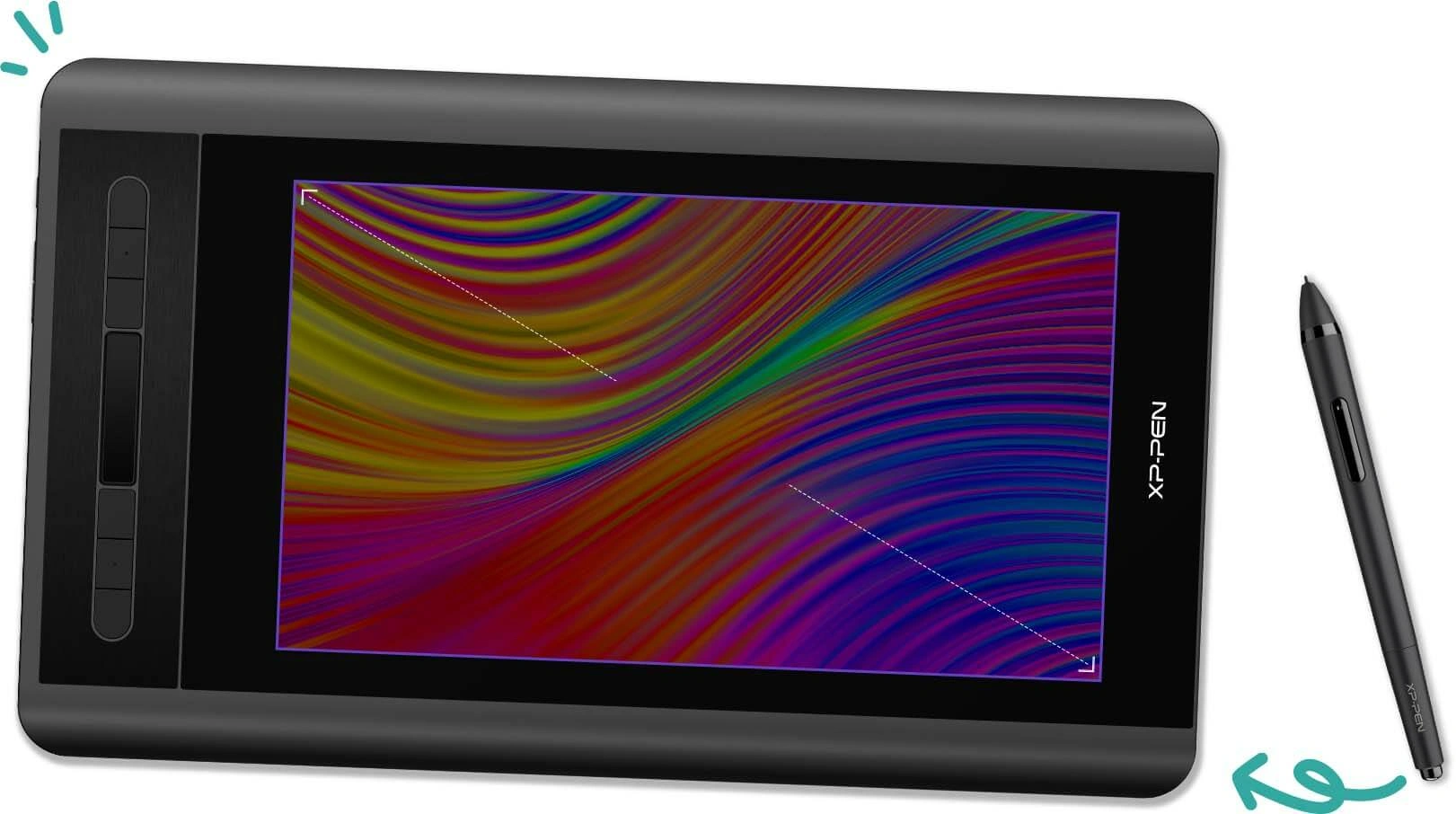
11.6 Inch
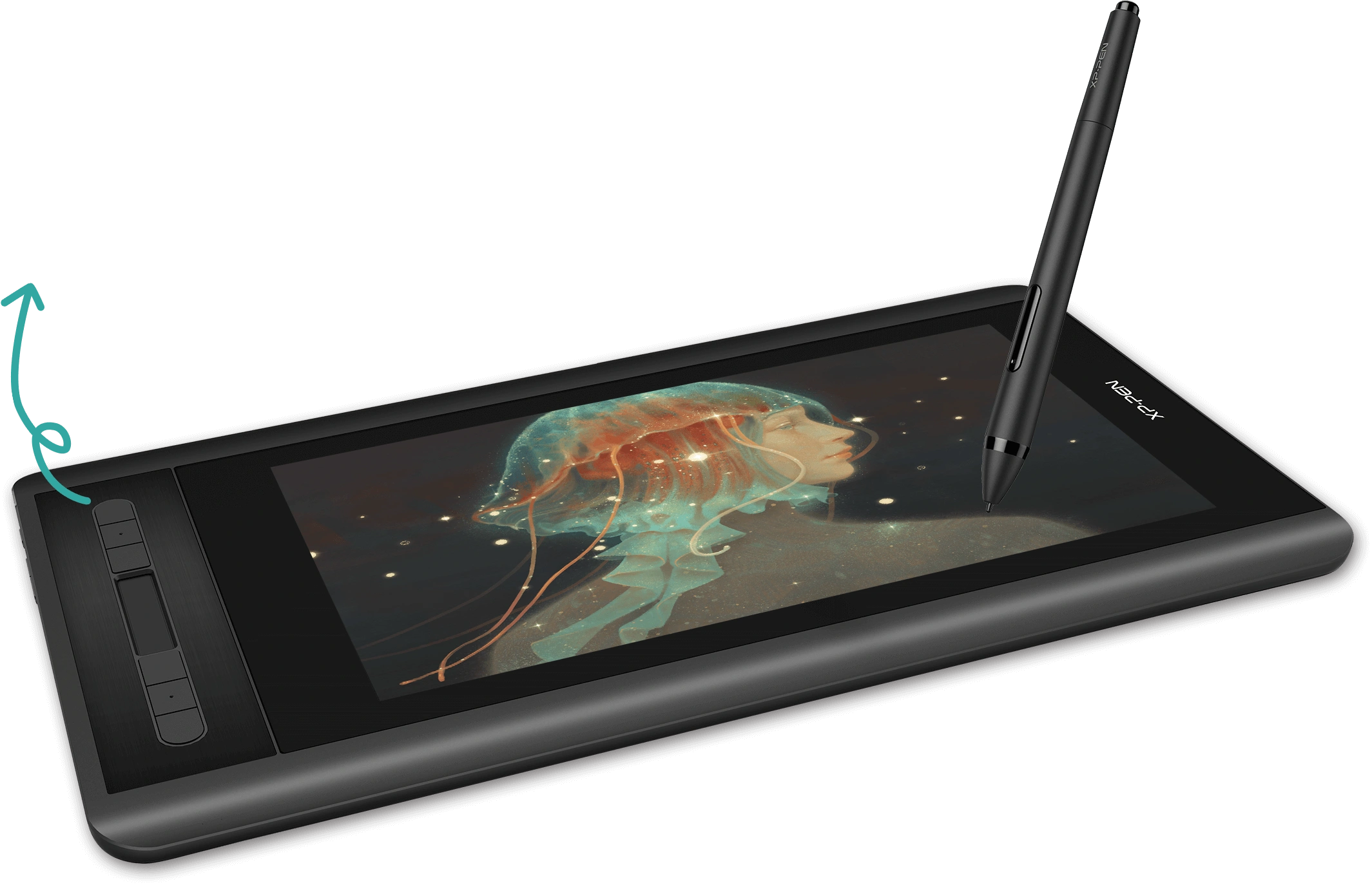
Easy access.
The Artist 12 features 6 handy shortcut keys with a slim touch pad. Each shortcut key can be customized as needed to fit you preferred tool while your touch bar can be programmed to zoom in and out on your canvas, scroll up and down, and more. These customization options allow you to optimize your workflow, to create your ideas faster and more efficiently.

Touch Bar
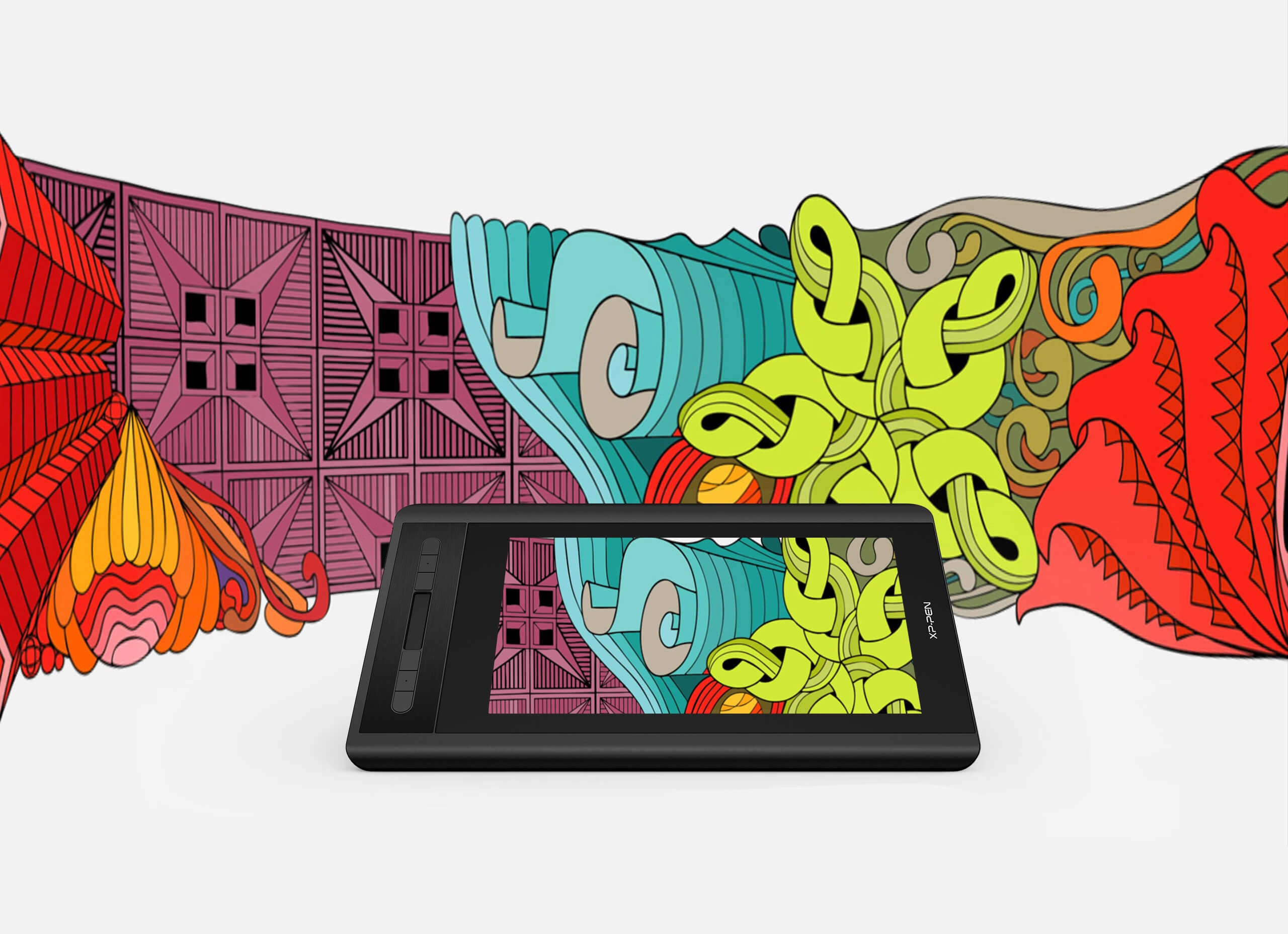
Stunning visuals.
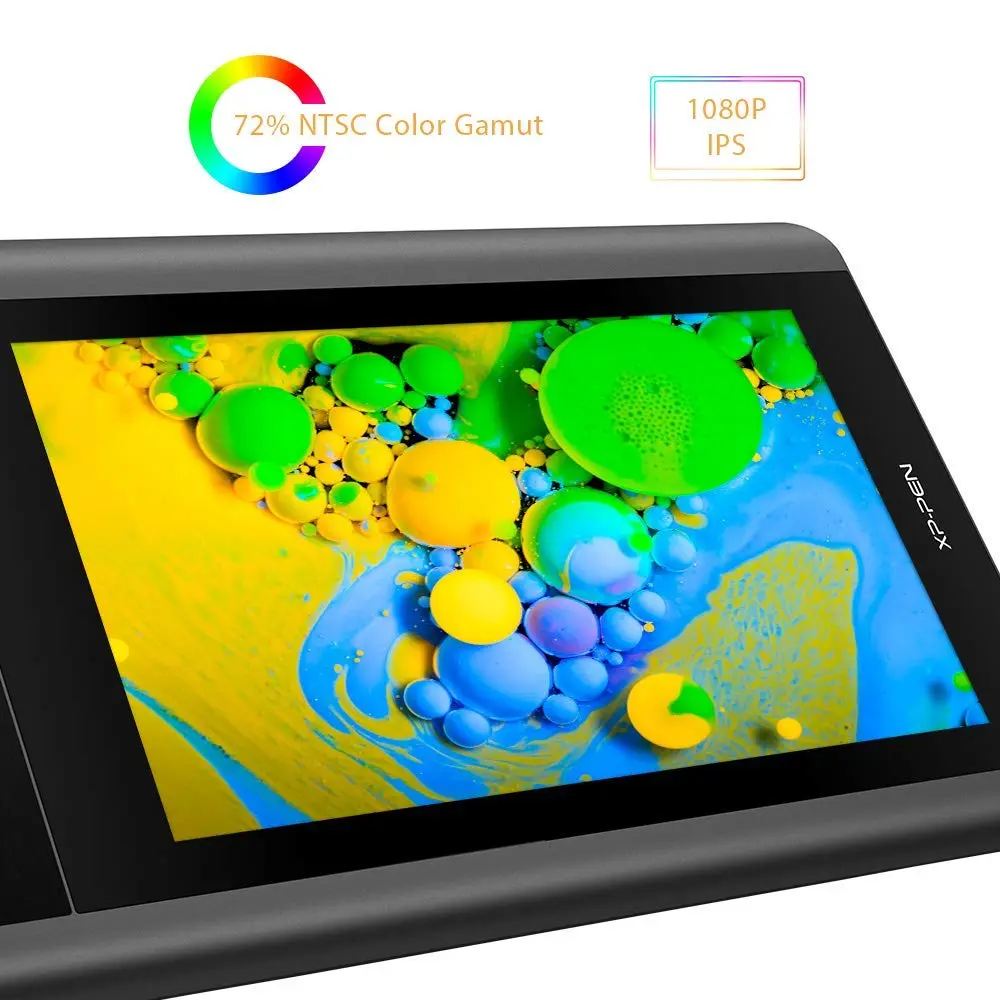
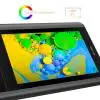
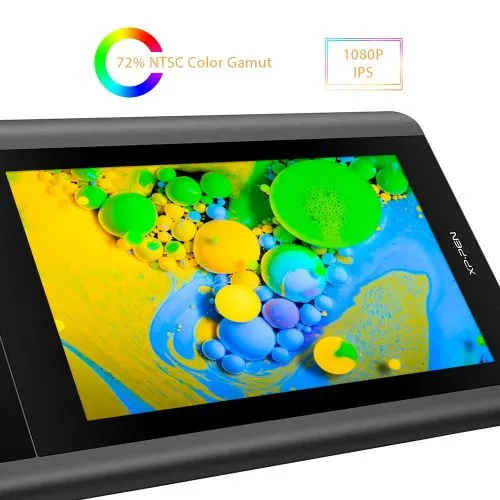
1920x1080 HD display resolution paired with 72% NTSC Color Gamut and 178° viewing angle, presenting vivid image, vibrant colors and extreme detail for a stunning visual of your artwork.
1920x1080 HD display
72% NTSC Color Gamut
Battery-free stylus
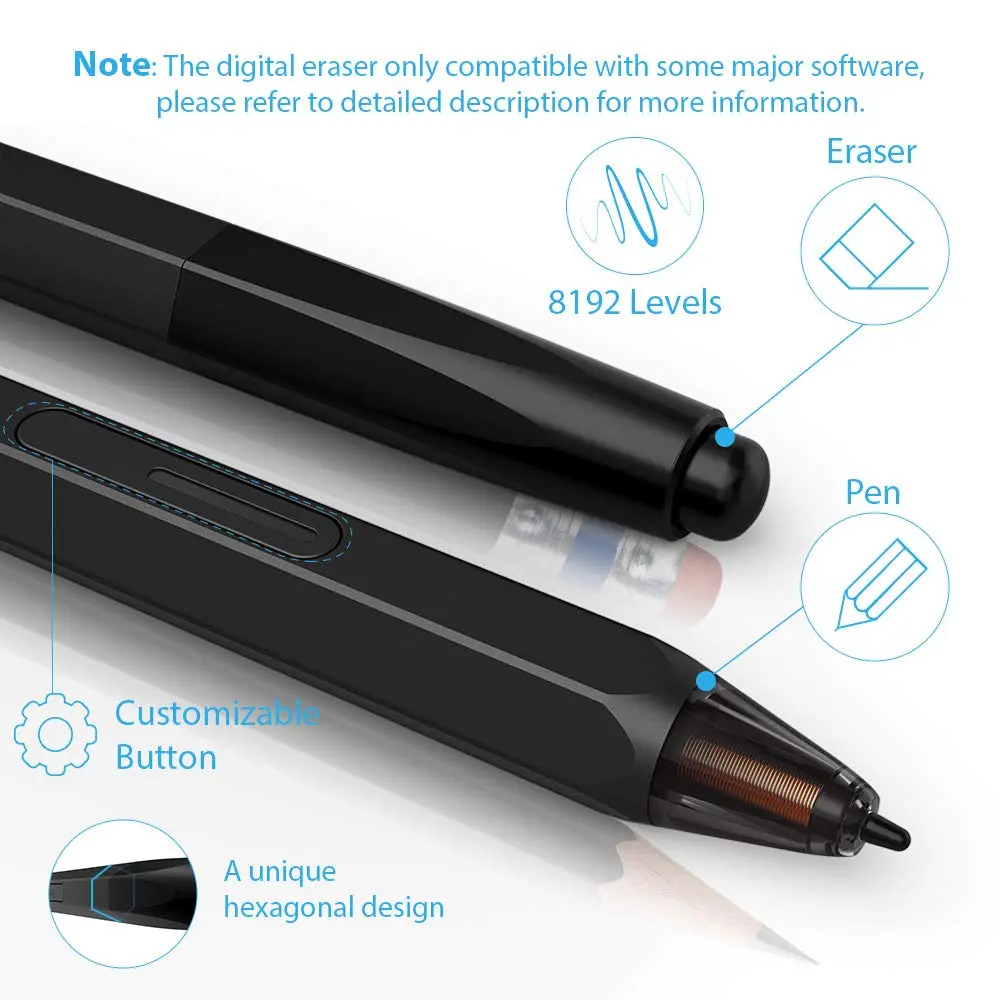
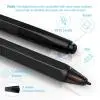
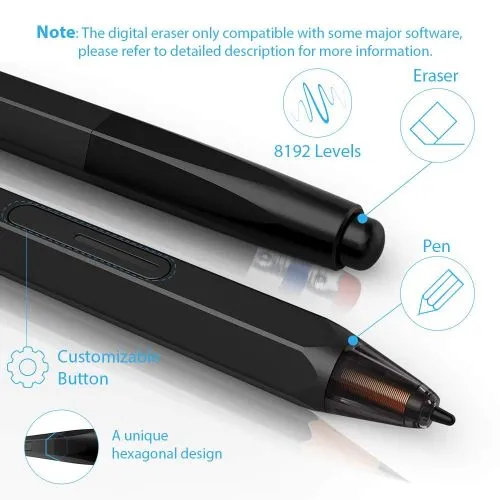
The battery-free PH2 stylus eliminates the need for charging and offers unparalleled convenience in its use. A tail eraser delivers a realistic erasing experience and facilitates your creation. 60° of tilt recognition enables shading by simply tilting the pen.
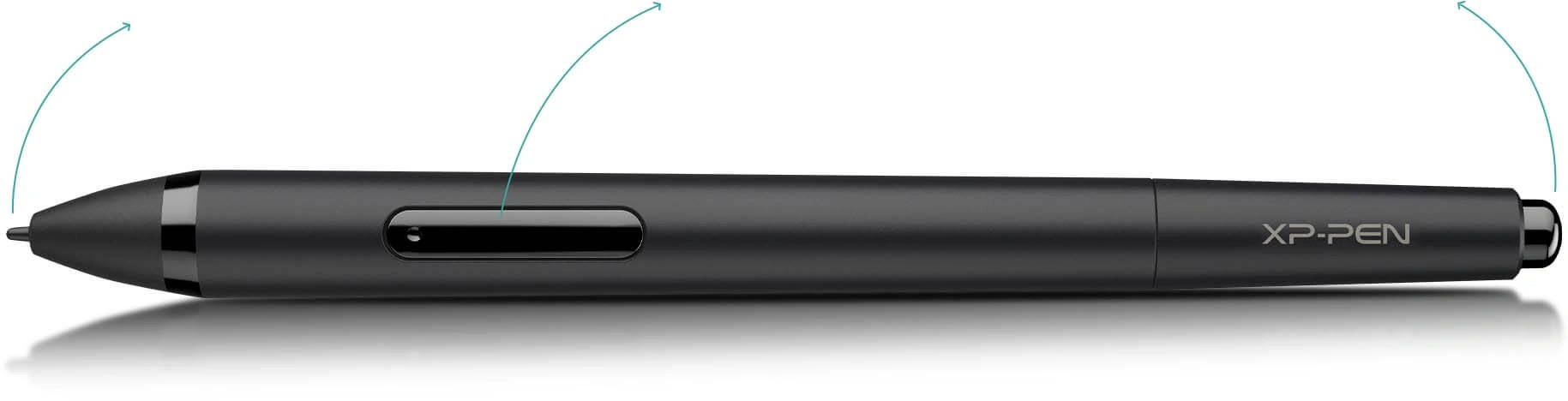
partially transparent pen tip
right mouse click
digital eraser
Note: The digital eraser only compatible with some major software, please refer to "Specification" part for more information.
Enhancing performance.
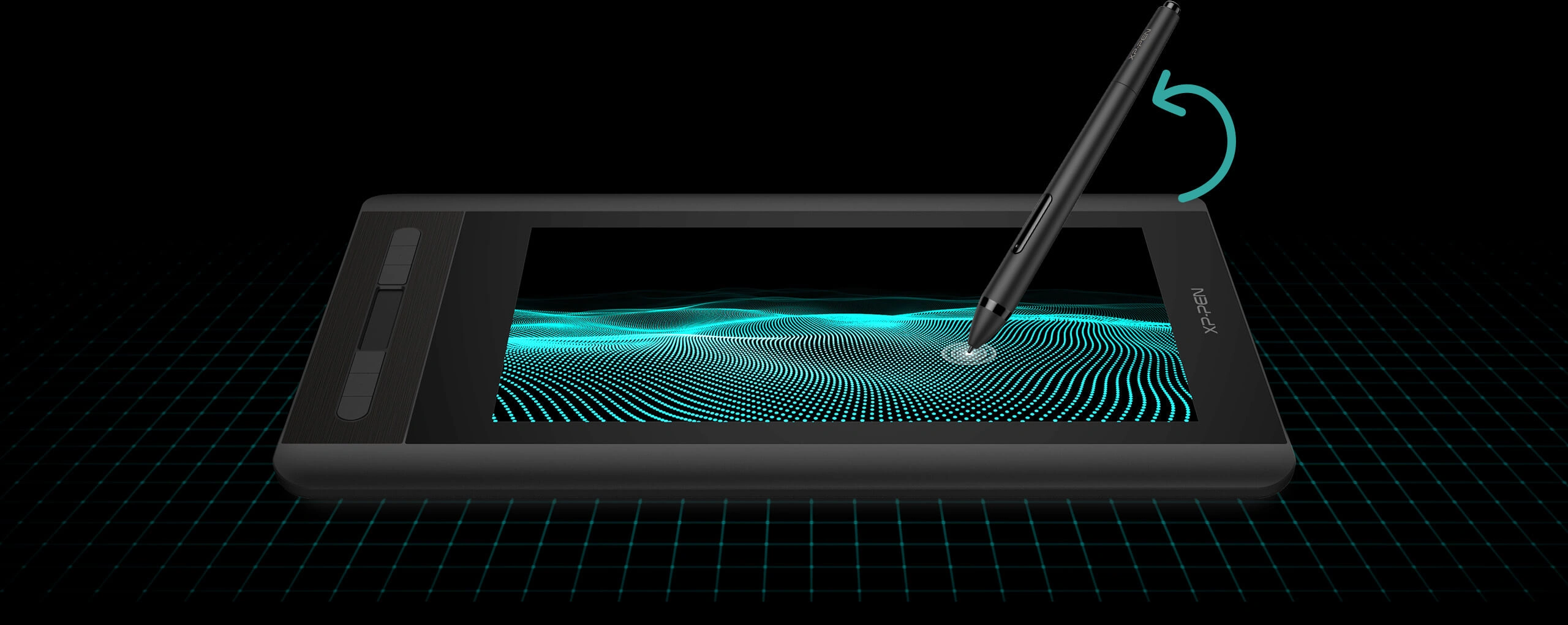
Capable of reaching 8192-levels of pressure sensitivity, providing you with precise accuracy to draw and paint naturally with smooth, enhanced, performance.



Thoughtfully Designed.
The anti-reflective coating greatly reduces glare for eyes protection. Making your screen look clear and beautiful, even if it’s bright out.
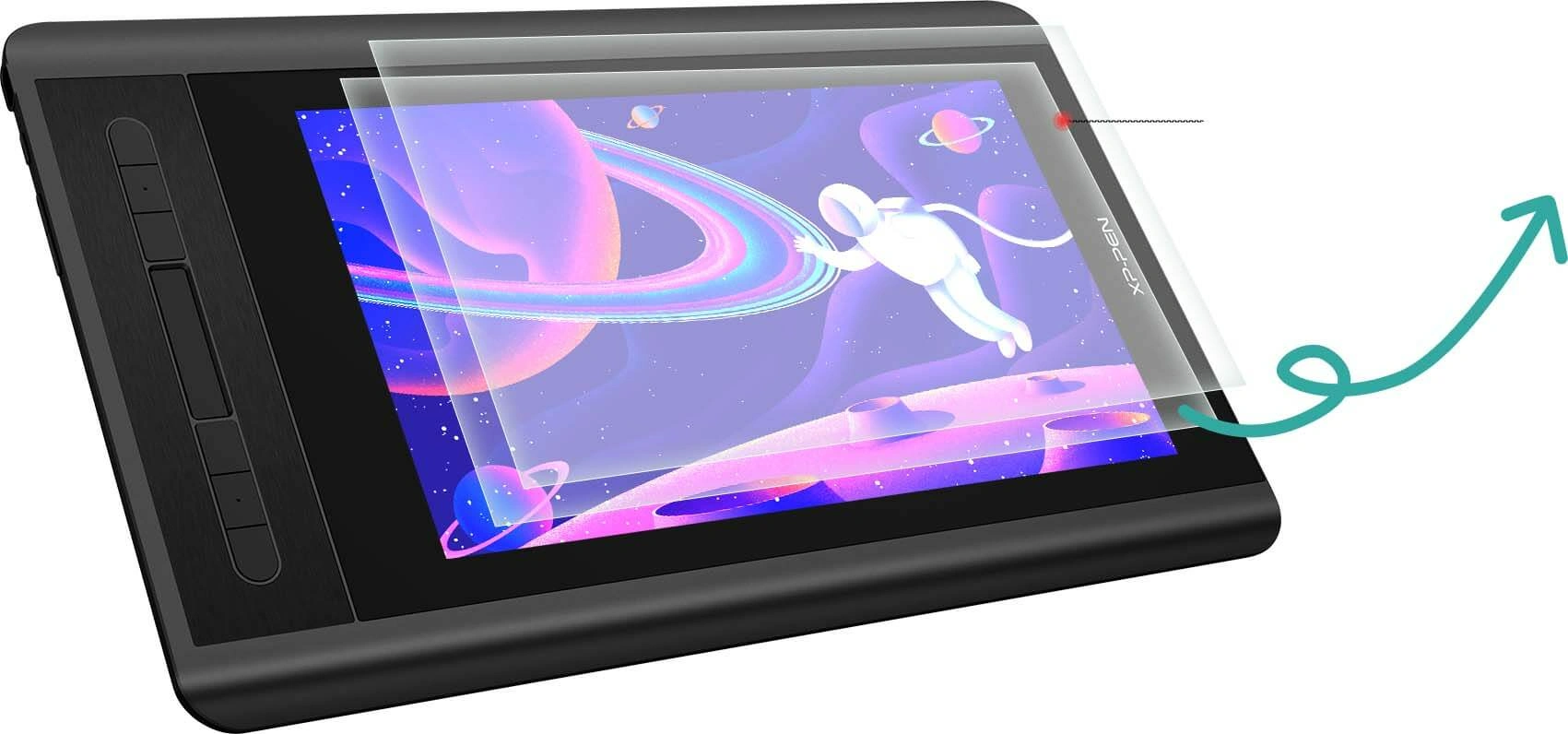
Anti-reflective coating
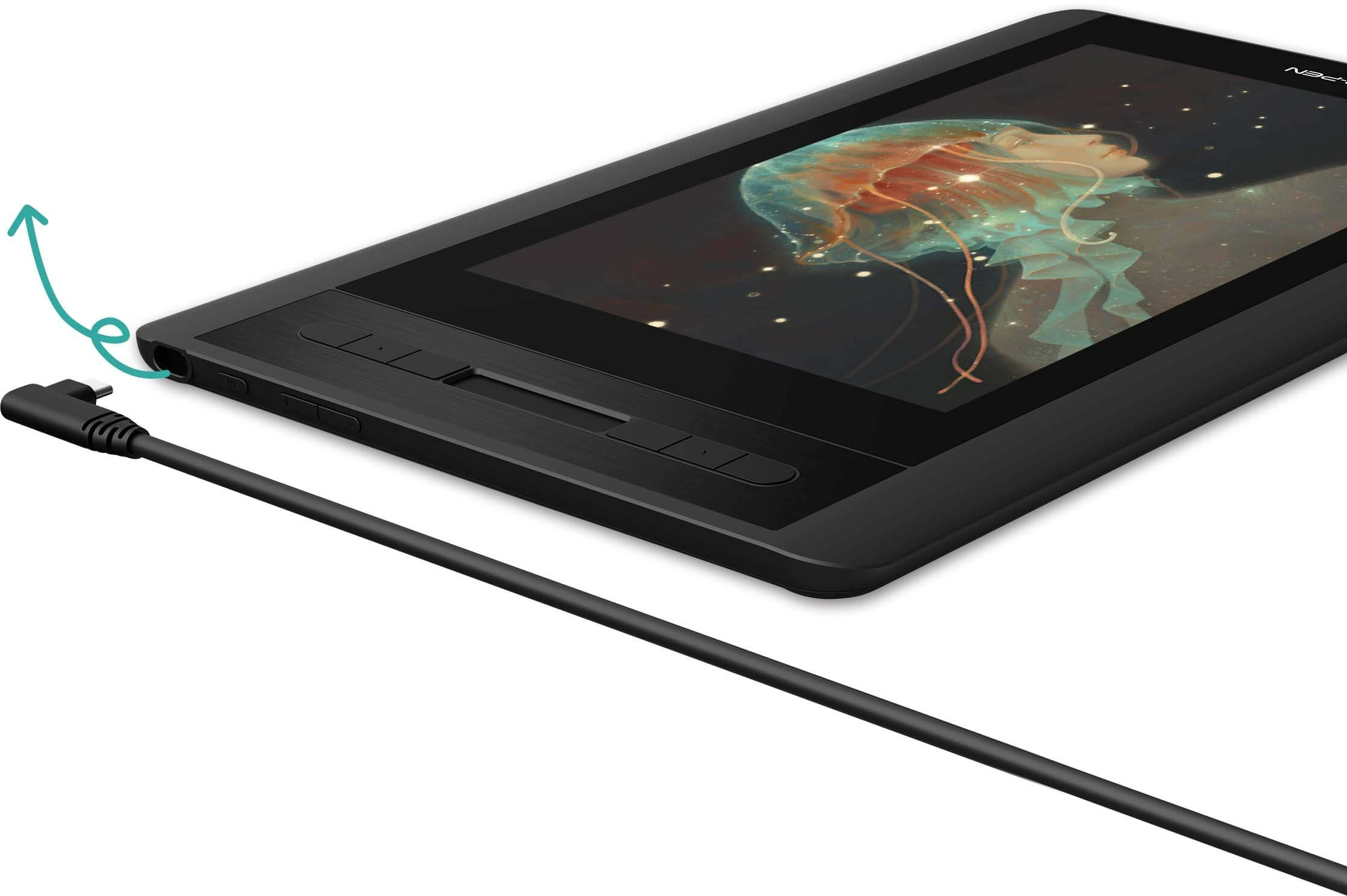
Smart connection.
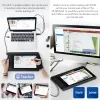
Convenient 3-in-1 design, easy to connect for convenience and efficiency.

USB-C
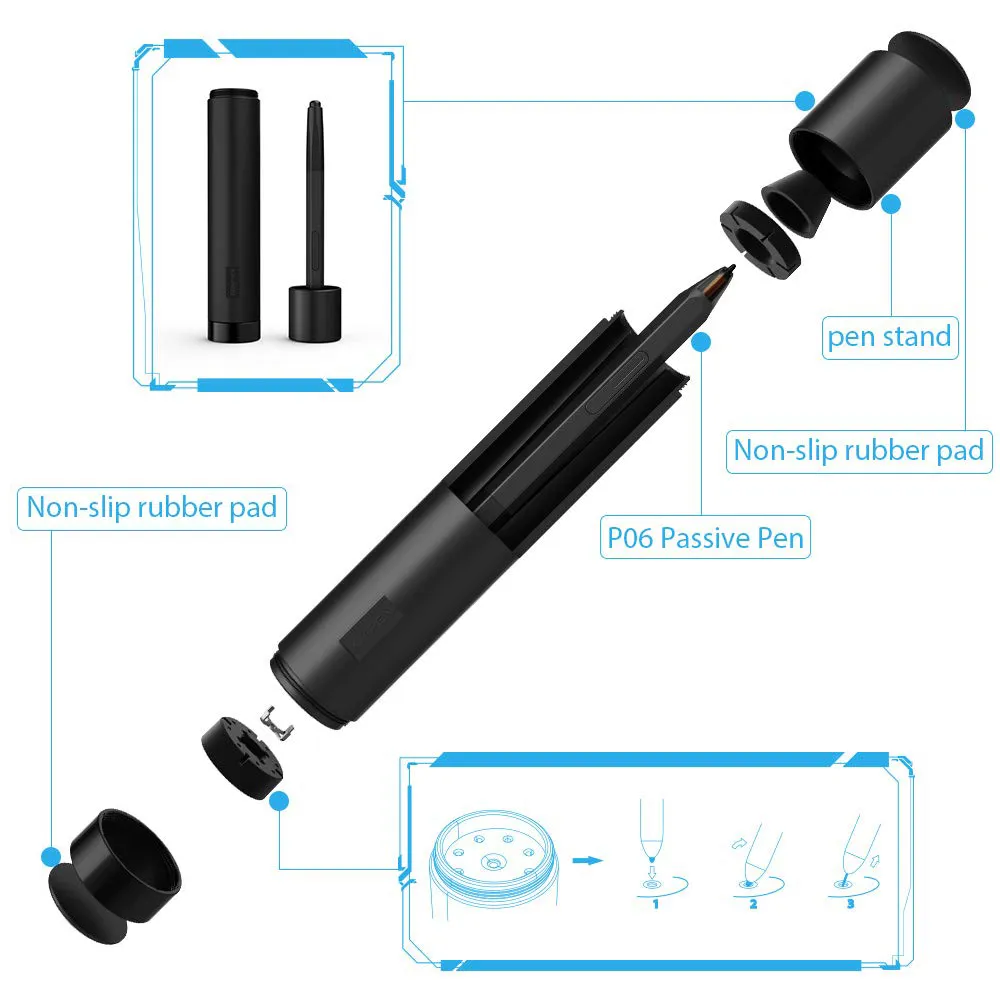
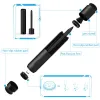
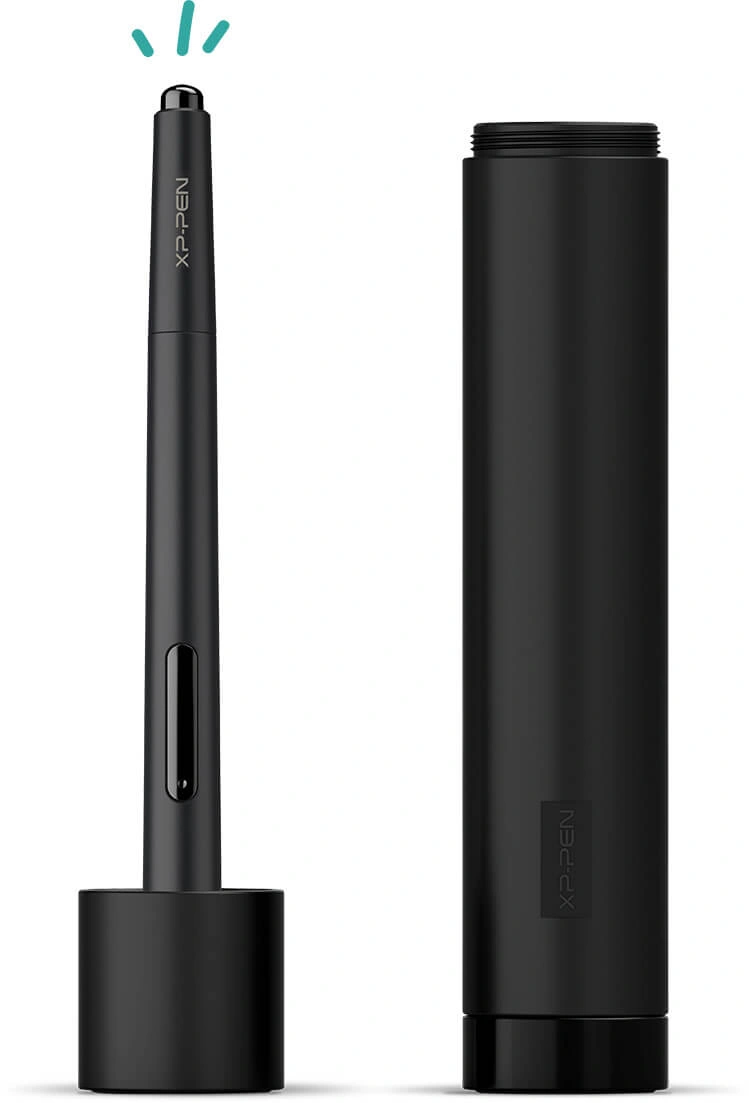
Multi-function Pen Holder.
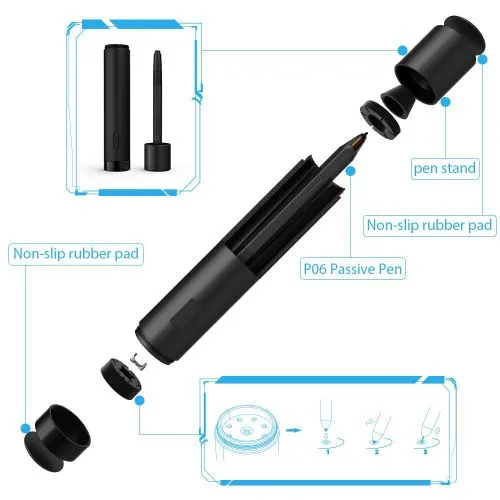
Our pen holder is included to keep your pen and pen nibs safe. It can be used as a pen stand or a pen holder as needed.
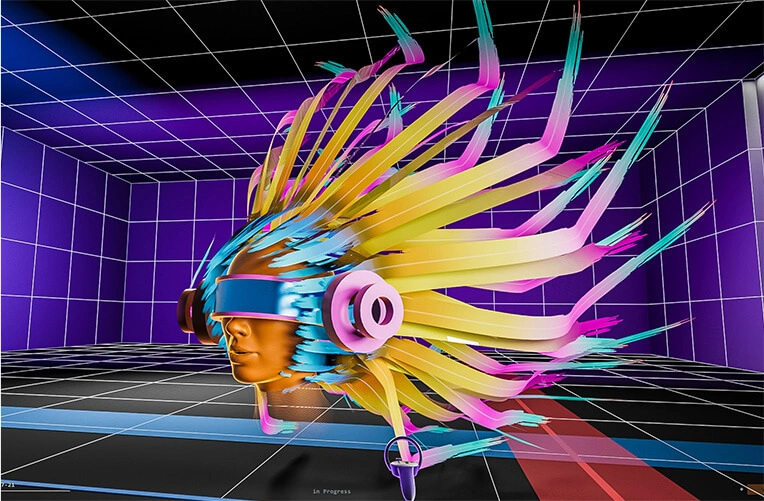
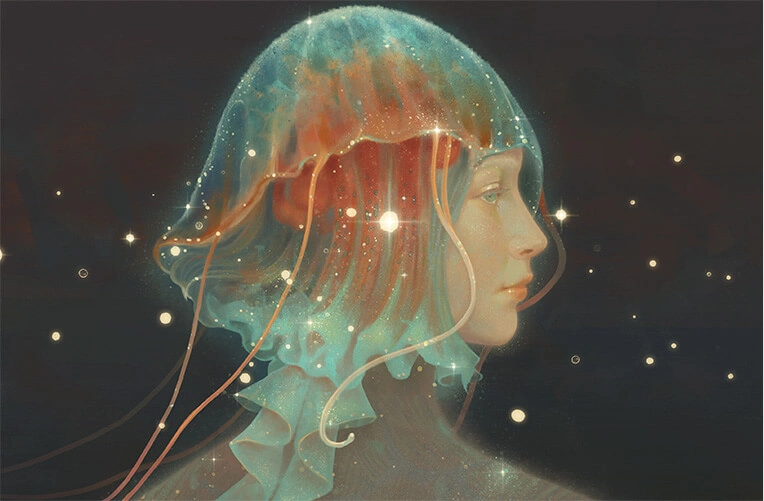
Diversify creative experience.
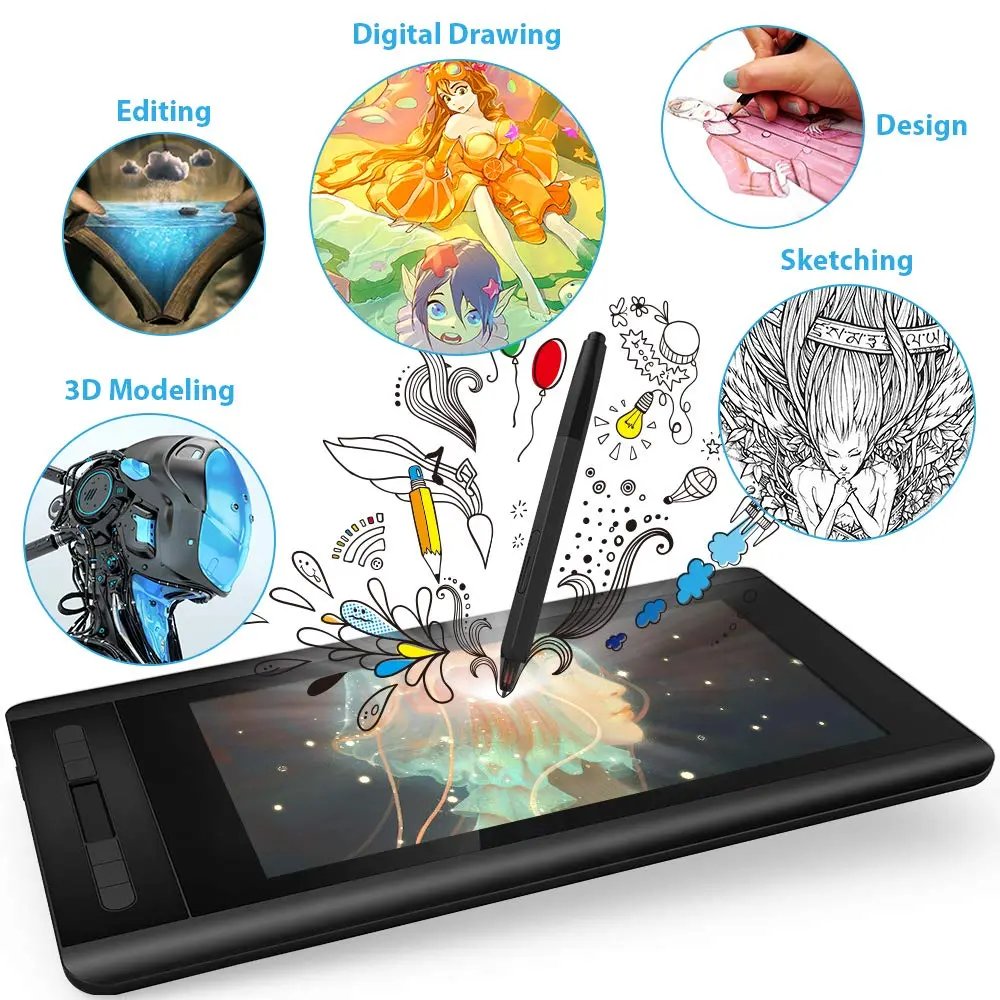
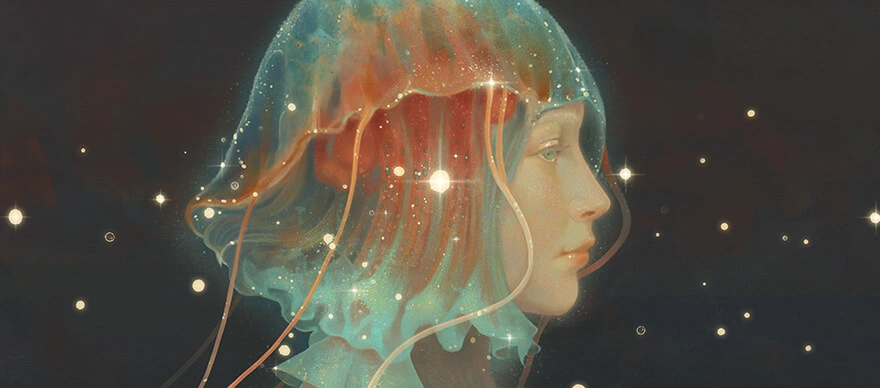
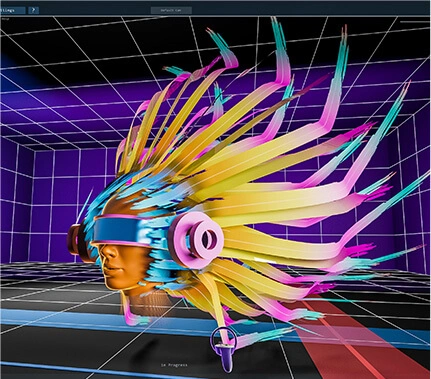
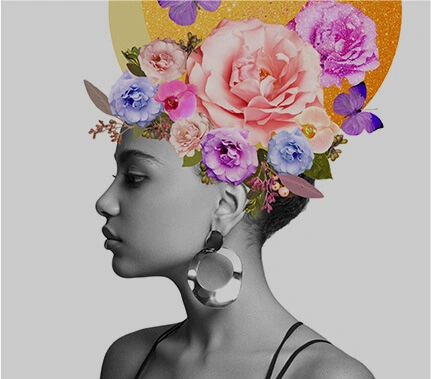
Enjoy creating directly on Artist 12's HD IPS display. It's ideal for drawing, photography, animation, fashion, architecture design and more!

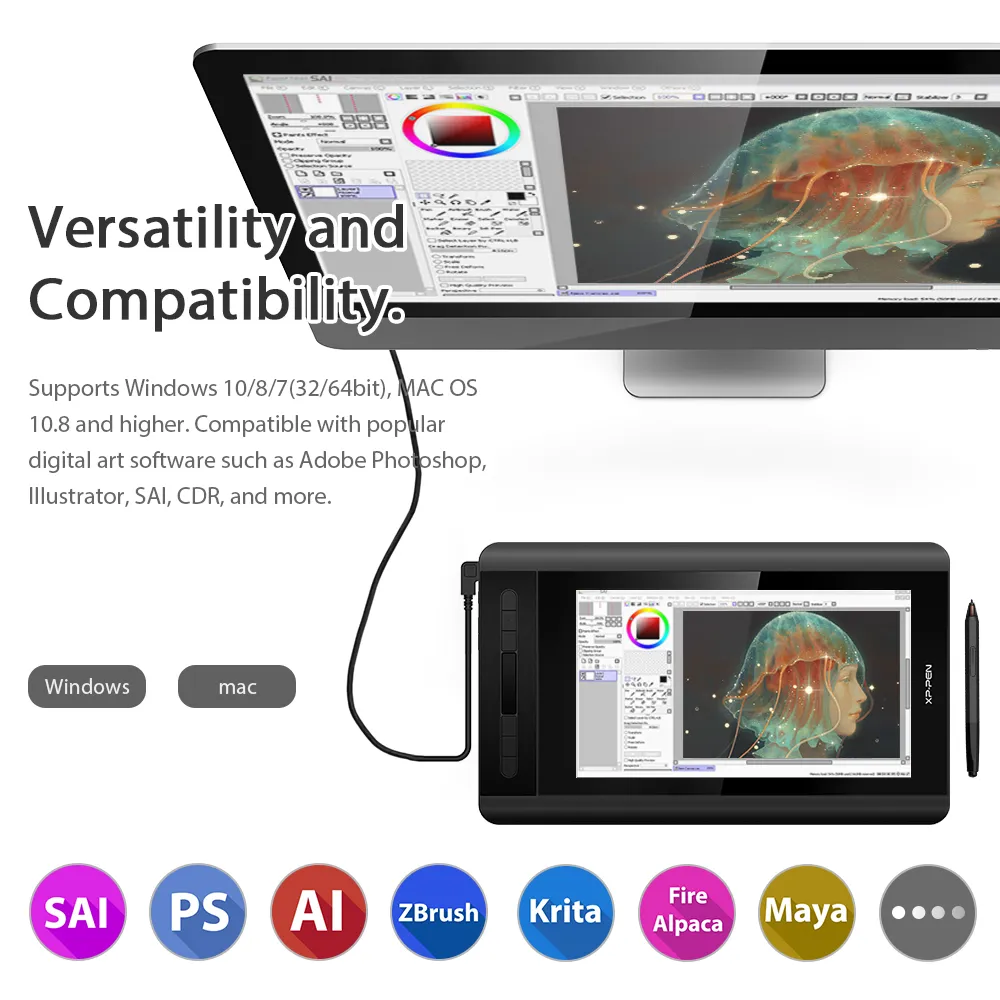
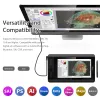
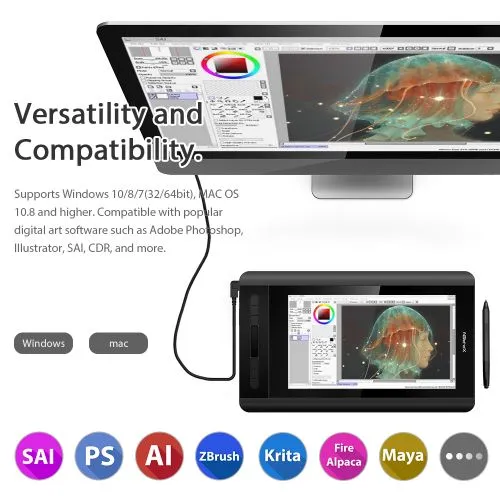
Versatility and Compatibility.
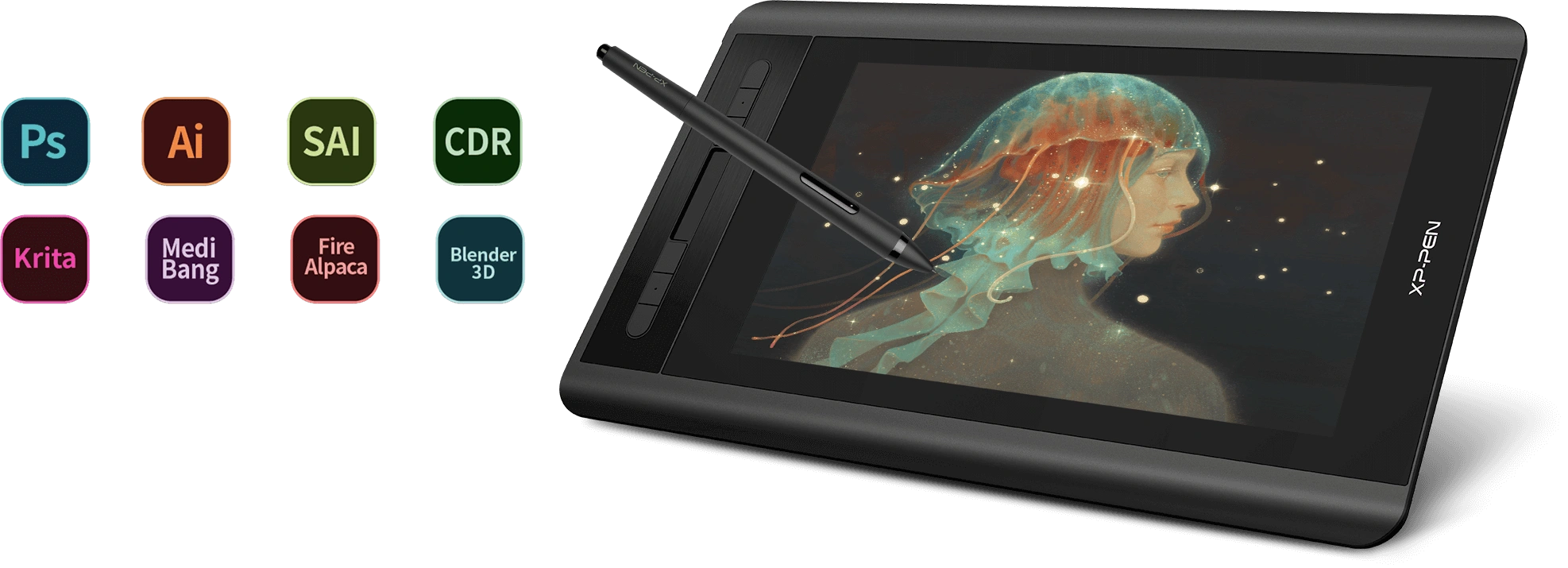
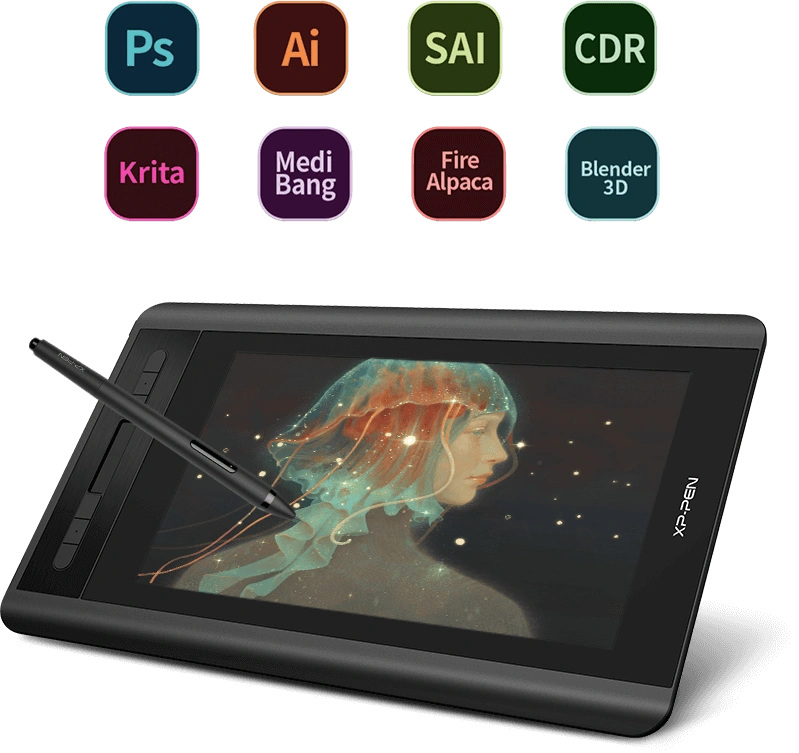
Supports Windows® 10/8/7(32/64bit), Mac OS X® 10.10 and higher. Compatible with popular digital art software such as Adobe® Photoshop®, Illustrator®, SAI®, CDR®, and more.
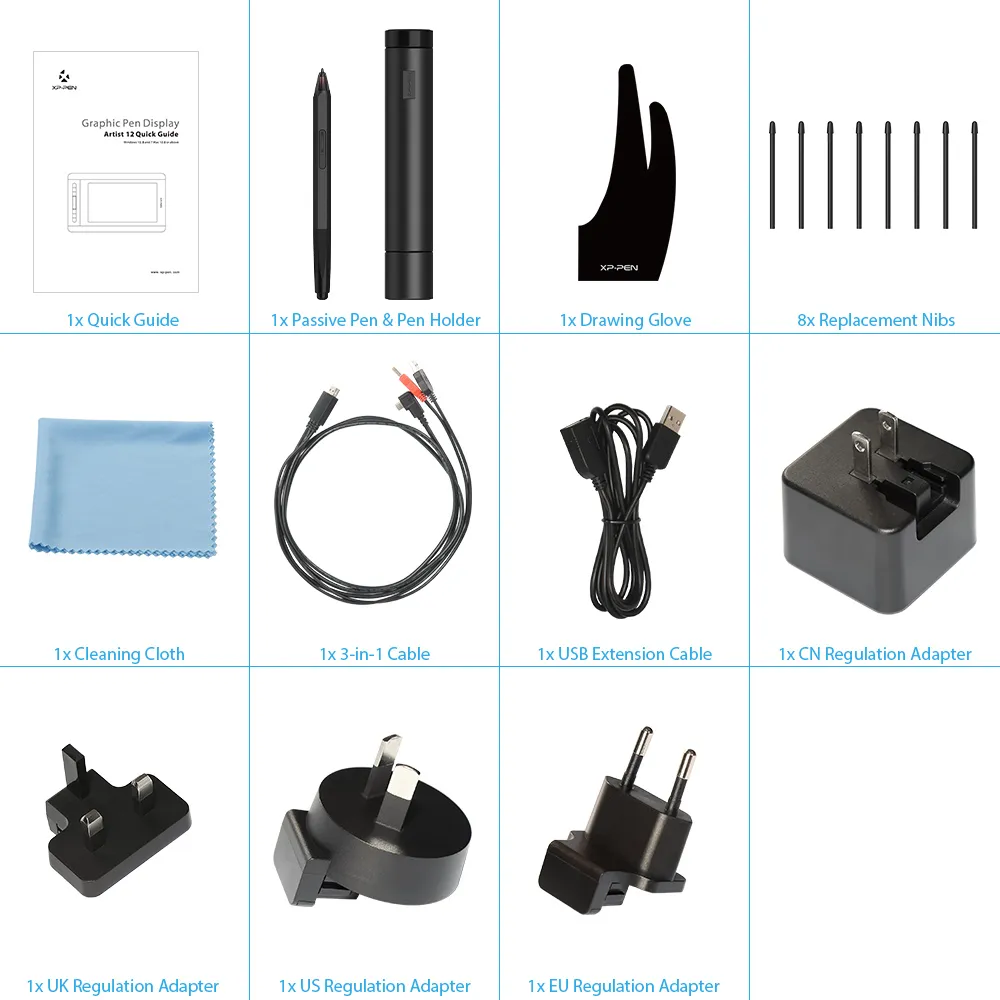
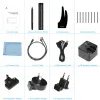
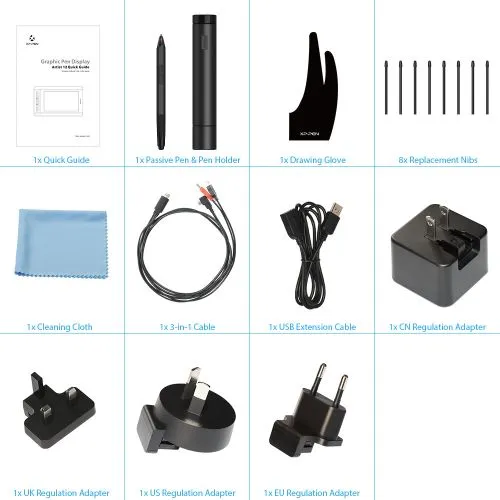
Package Included
1 x PH2 Stylus
1 x Pen Holder
8 x Replacement Pen Nibs
1 x USB Cable
1 x Cleaning cloth
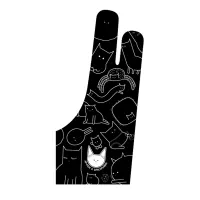
1 x Black Drawing Glove
1 x Quick Guide
Specifications
| Linux OS | Version | Package Format | Supported Software |
| Arch | Arch Linux2019.12.01(64-bit) | .deb, .sh | GIMP, Krita |
| Centos | Centos7.0(64-bit) | .rpm, .sh | GIMP |
| Centos8(64-bit) | .rpm, .sh | GIMP, Krita | |
| Debian | debian-9.5.0-amd64-netinst(64-bit) | .deb, .sh | GIMP, Krita |
| elementary OS | elementary OS 5.0(64-bit) | .deb, .sh | GIMP, Krita |
| ezgo Linux | ezgo14(64-bit) | .deb, .sh | GIMP, Krita |
| Fedora | Fedora32(64-bit) | .rpm, .sh | GIMP, Krita |
| Mageia | Mageia-7.1(64-bit) | .rpm, .sh | GIMP, Krita |
| Manjaro | manjaro-xfce-20.1.2-201019(64-bit) | .deb, .sh | GIMP |
| Mint | linuxmint-18.2-cinnamon-64bit | .deb, .sh | GIMP, Krita |
| OpenSUSE | openSUSE-Tumbleweed(64-bit) | .rpm, .sh | GIMP, Krita |
| Pop!_OS | pop-os_19.10(64-bit) | .deb, .sh | GIMP, Krita |
| Red Hat | Red Hat7(64-bit) | .rpm, .sh | GIMP |
| Ubuntu | Ubuntu14.04(64-bit) | .deb, .sh | GIMP, Krita |
| Ubuntu16.04(64-bit) | .deb, .sh | GIMP, Krita | |
| Ubuntu17.04(64-bit) | .deb, .sh | GIMP, Krita | |
| Ubuntu18.04(64-bit) | .deb, .sh | GIMP, Krita | |
| Ubuntu19.04(64-bit) | .deb, .sh | GIMP, Krita | |
| Ubuntu20.04(64-bit) | .deb, .sh | GIMP, Krita |
| Function | Krita 4.3.0 | Gimp 2.10.20 | Inkscape 0.92 |
| Pen Pressure Sensitivity | |||
| Tilt | |||
| Mouse Function | |||
| Eraser Button (Stylus:PH01, P06) | |||
| Switch between Pen and Eraser Modes | |||
| *If you have any further queries, please do not hesitate to contact us at service@xp-pen.com. | |||
Linux OS
Arch
Version
Arch Linux2019.12.01(64-bit)
Package Format
.deb, .sh
Supported Software
GIMP, Krita
Centos
Version
Centos7.0(64-bit)
Centos8(64-bit)
Centos8(64-bit)
Package Format
.rpm, .sh
.rpm, .sh
.rpm, .sh
Supported Software
GIMP
GIMP, Krita
GIMP, Krita
Debian
Version
debian-9.5.0-amd64-netinst(64-bit)
Package Format
.deb, .sh
Supported Software
GIMP, Krita
elementary OS
Version
elementary OS 5.0(64-bit)
Package Format
.deb, .sh
Supported Software
GIMP, Krita
ezgo Linux
Version
ezgo14(64-bit)
Package Format
.deb, .sh
Supported Software
GIMP, Krita
Fedora
Version
Fedora32(64-bit)
Package Format
.rpm, .sh
Supported Software
GIMP, Krita
Mageia
Version
Mageia-7.1(64-bit)
Package Format
.rpm, .sh
Supported Software
GIMP, Krita
Manjaro
Version
manjaro-xfce-20.1.2-201019(64-bit)
Package Format
.deb, .sh
Supported Software
GIMP
Mint
Version
linuxmint-18.2-cinnamon-64bit
Package Format
.deb, .sh
Supported Software
GIMP, Krita
OpenSUSE
Version
openSUSE-Tumbleweed(64-bit)
Package Format
.rpm, .sh
Supported Software
GIMP, Krita
Pop!_OS
Version
pop-os_19.10(64-bit)
Package Format
.deb, .sh
Supported Software
GIMP, Krita
Red Hat
Version
Red Hat7(64-bit)
Package Format
.rpm, .sh
Supported Software
GIMP
Ubuntu
Version
Ubuntu14.04(64-bit)
Ubuntu16.04(64-bit)
Ubuntu17.04(64-bit)
Ubuntu18.04(64-bit)
Ubuntu19.04(64-bit)
Ubuntu20.04(64-bit)
Ubuntu16.04(64-bit)
Ubuntu17.04(64-bit)
Ubuntu18.04(64-bit)
Ubuntu19.04(64-bit)
Ubuntu20.04(64-bit)
Package Format
.deb, .sh
.deb, .sh
.deb, .sh
.deb, .sh
.deb, .sh
.deb, .sh
.deb, .sh
.deb, .sh
.deb, .sh
.deb, .sh
.deb, .sh
Supported Software
GIMP, Krita
GIMP, Krita
GIMP, Krita
GIMP, Krita
GIMP, Krita
GIMP, Krita
GIMP, Krita
GIMP, Krita
GIMP, Krita
GIMP, Krita
GIMP, Krita
Function
Pen Pressure Sensitivity
Krita 4.3.0
Gimp 2.10.20
Inkscape 0.92
Tilt
Krita 4.3.0
Gimp 2.10.20
Inkscape 0.92
Mouse Function
Krita 4.3.0
Gimp 2.10.20
Inkscape 0.92
Eraser Button(Stylus:PH01, P06)
Krita 4.3.0
Gimp 2.10.20
Inkscape 0.92
Switch between Penand Eraser Modes
Krita 4.3.0
Gimp 2.10.20
Inkscape 0.92
*If you have any further queries, please do not hesitate to contact us at service@xp-pen.com.
4.6


Based on 70
73%(51)

21%(15)
4%(3)
0(0)
1%(1)
Luís Cunha
Jan 26 ,2019 AM 10:27 Artist 12
XP-Pen Artist 12
The product arrived in good condition. I installed the drivers and the display worked perfectly.
After restarting my computer, the drivers seemed to stop working, so I reinstalled them, and restarted the computer. Everything worked perfectly fine since then.
The display is very responsive, the pen is ergonomic and, as someone who has only ever drawn with pencil and paper, I found no issue with paralax whatsoever.
Useful(2)+1
Official mall
Jan 26 ,2019 PM 12:33
Hi, Luis
Thanks for your reply.
We are glad to hear you\'re satisfied with product. If you have any using problems please feel free contact our tech support at once, they will provide fast and professtional support.
Thanks again for your support.
Tae Her
Feb 11 ,2019 AM 03:44 Artist 12
Wonderful Presentation
I remember this brand as my school use to have the Artist Display 22 Pro. I enjoyed the touch and feel of the screen and the design. A few years later I remembered this brand and decided to buy a smaller and more portable display. I enjoyed the amount of work into designing the boxes as they show much more presentably. Along with better crafted pen that is slimmer, and did not have the odd charger on top. Which has lead to many breaking in class due to pulling or dropping of the older series. It is very light and easy to grasp, however I do find the wiring a bit clunky and short, the extensions are a nice fix to it. It is also understandable as well. Especially the plug being able to change into different countries meaning you can use a laptop, travel to a new country, and plug and draw without having to worry due to the adapters for power outlets.
Useful(0)+1
Official mall
Feb 12 ,2019 PM 18:32
Thank you for your comprehensive review.
Glad to hear you love using Artist 12.
Have a nice day.
XFANS10i22ra5
Oct 18 ,2021 AM 10:55 Artist 12
Wonderful Tablet
I love my tablet! I have improved so much from having it these few short months c: The screen is easy to see and the pen is comfortable to hold.
Useful(0)+1
Official mall
Oct 18 ,2021 PM 17:47
Thank you for your recognition of our XP-PEN products.
We will continue to improve and provide the best quality products and services to our consumers.
Have a nice day : )
Learn More
FAQs
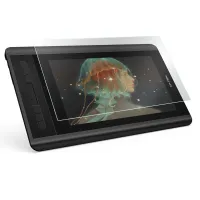
Q1: Does the Artist 12 come with a screen protector?
Q2: Does the Artist 12 need to be connected to a computer?
Q3: Which operating systems are compatible with the Artist 12?
Q4: Does the Artist 12 support touch input?
Q5: What are the dimensions of the Artist 12?
Q6: Is the screen of the Artist 12 fully-laminated?
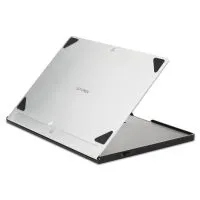
Q7: Does the Artist 12 come with a stand?
Q8: Which pen is compatible with the Artist 12?
Q9: What\'s the difference between a non-laminated screen and a full-laminated screen?