


Getting started with your
XP-Pen Artist display
1/7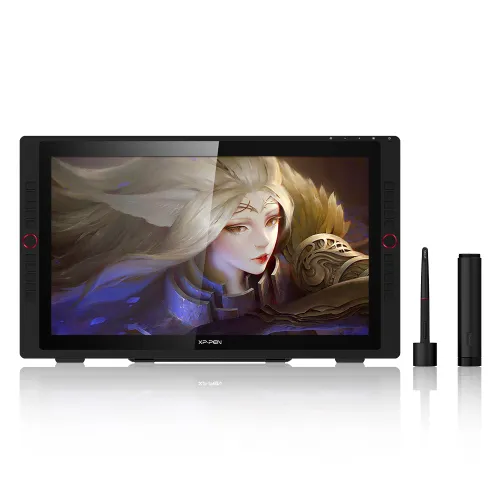
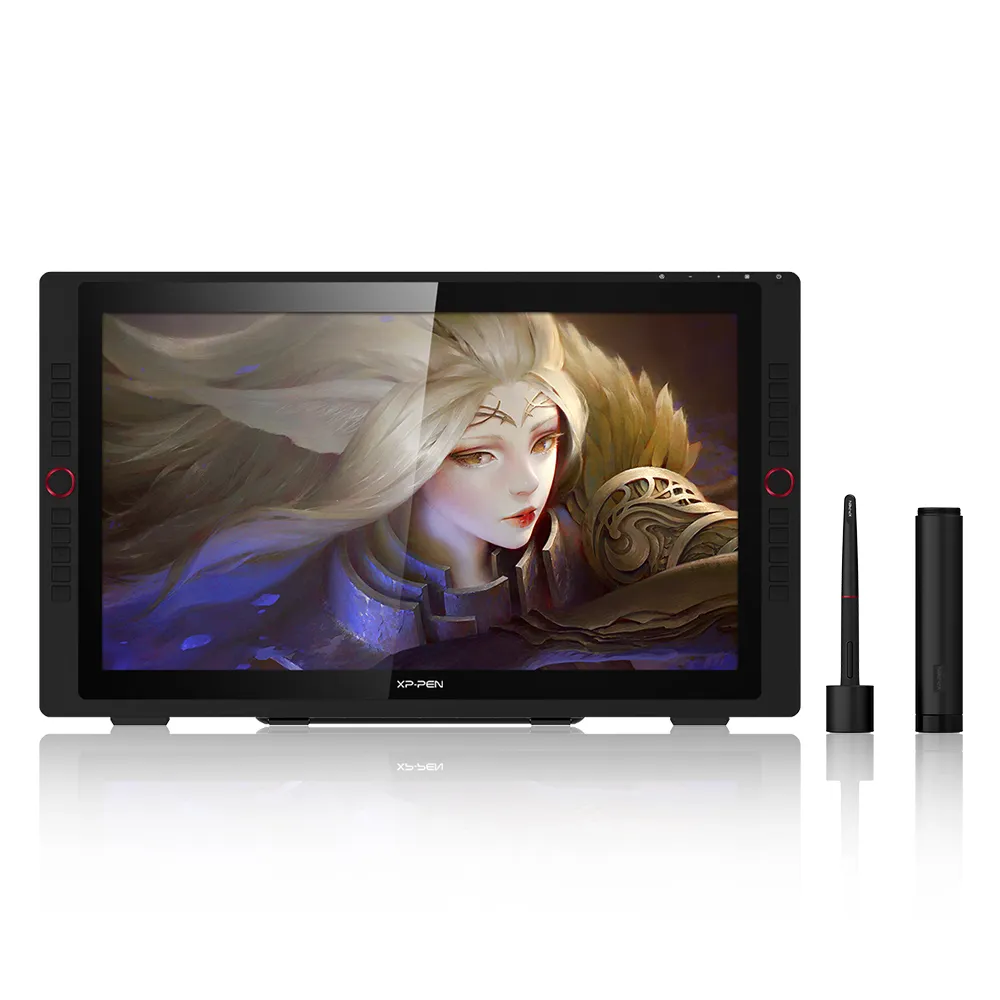
Artist 24 Pro
Artist 24 Pro Key Features
2.5K QHD
23.8-Inch Display
16.7M Colors Depth
20 Shortcut Keys
Device Connection Required
$699.99$899.99
Ends in
❋Lifetime Technical Support❋
❋Paypal Pay in 4 interest-free payment❋
❋18-Month Warranty+ Free Shipping❋
❋Free Drawing Software Redemption❋
FAST & FREE
7-day delivery sitewide.
SECURE PAYMENT
Buy now, pay later. Secured by PayPal.
TECH SUPPORT
service@xp-pen.com
18-MONTH WARRANTY
18-month warranty only for official E-store
Pen Display:
Artist 24 Pro
Artist 24 Pro (Gen2) 165Hz
Extended Warranty:
N/A
1 Year Extended Warranty
Optional Accessories
Quantity:
Total
$0.00
 Log in and purchase to receive an estimated 0 X-Coins








Worry-Free Delivery® available with seel
Estimate:
Feature Highlights
Artist 24 Pro 2.5K QHD
23.8" | 16.7M Colors Depth | 20 Shortcut Keys | PA2 Battery-Free Stylus
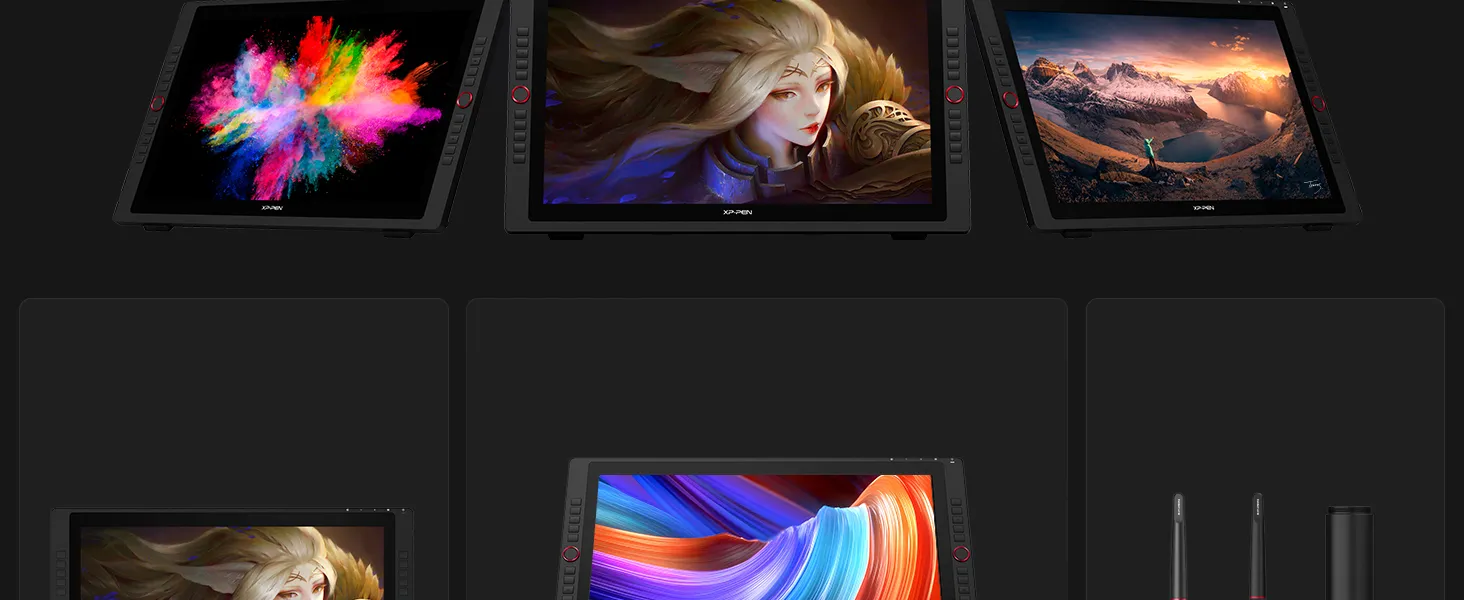
2.5K QHD Resolution
(2560 x1440)
16.7M Color Depther
118% sRGB
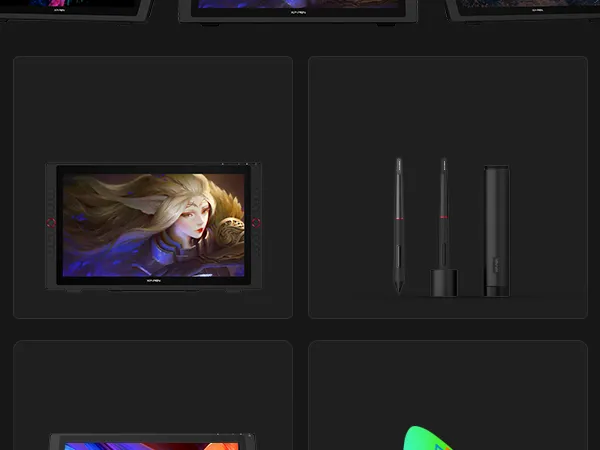
PA2 Battery-Free
Stylus
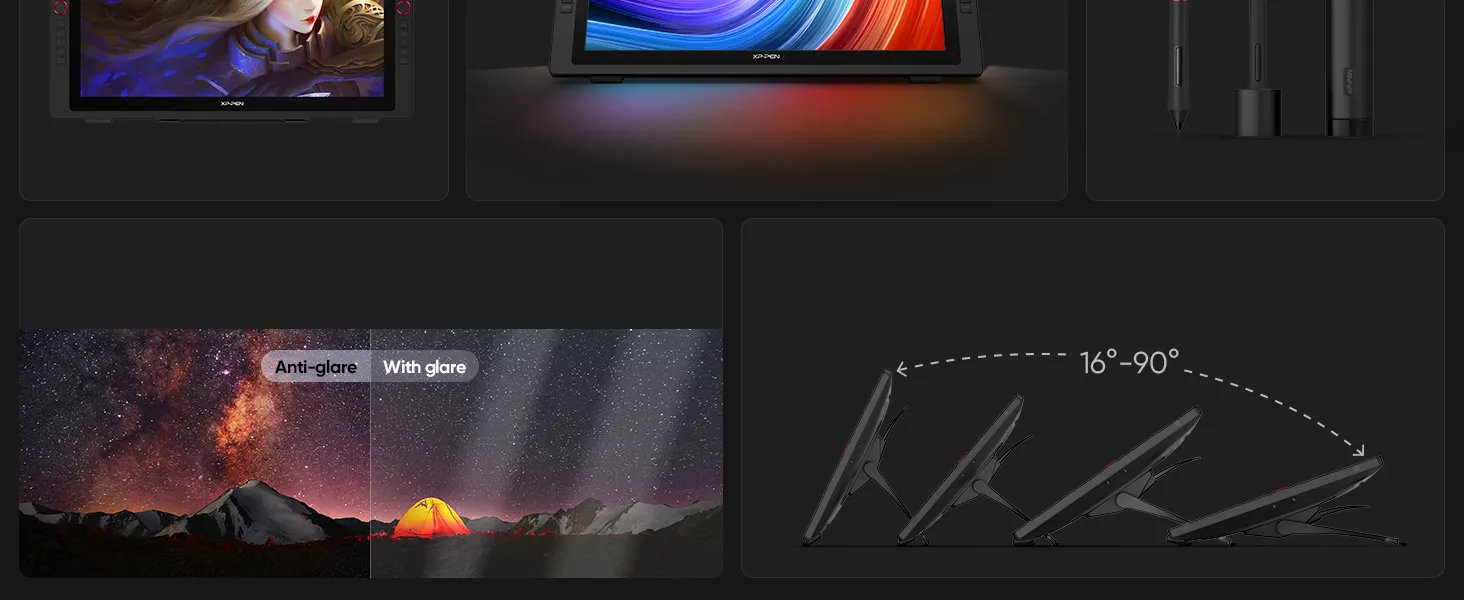
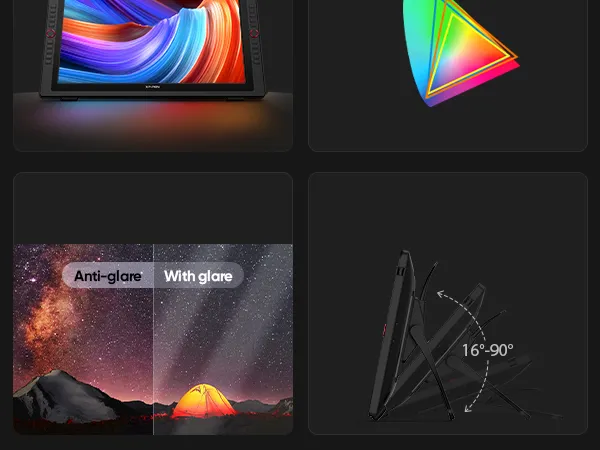
Anti-Glare Film
Adjustable Stand
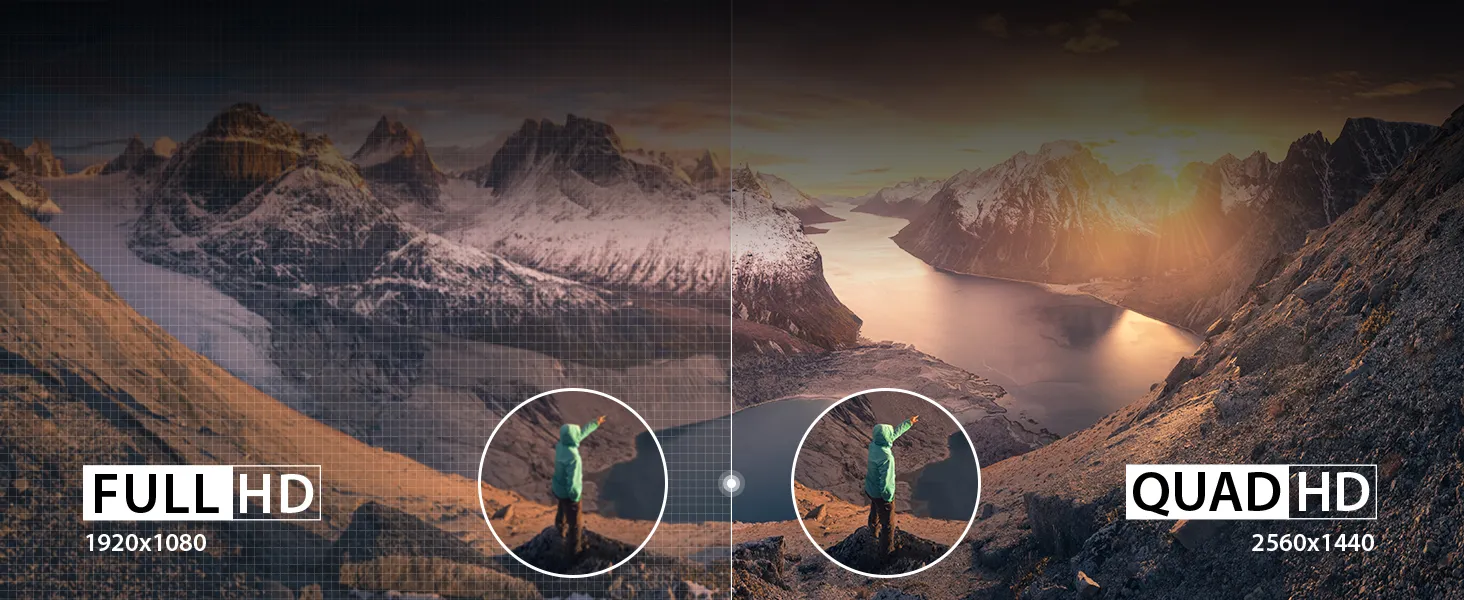
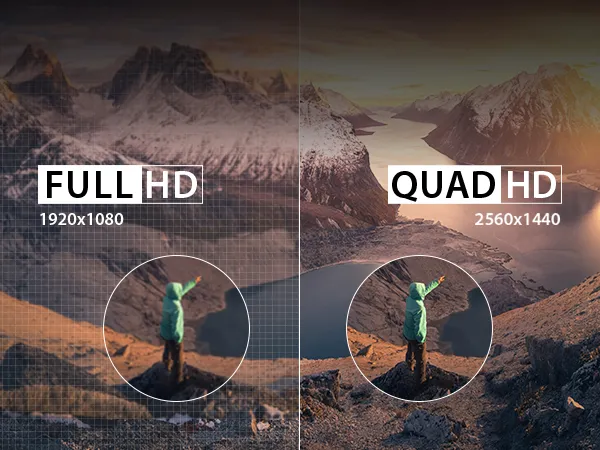
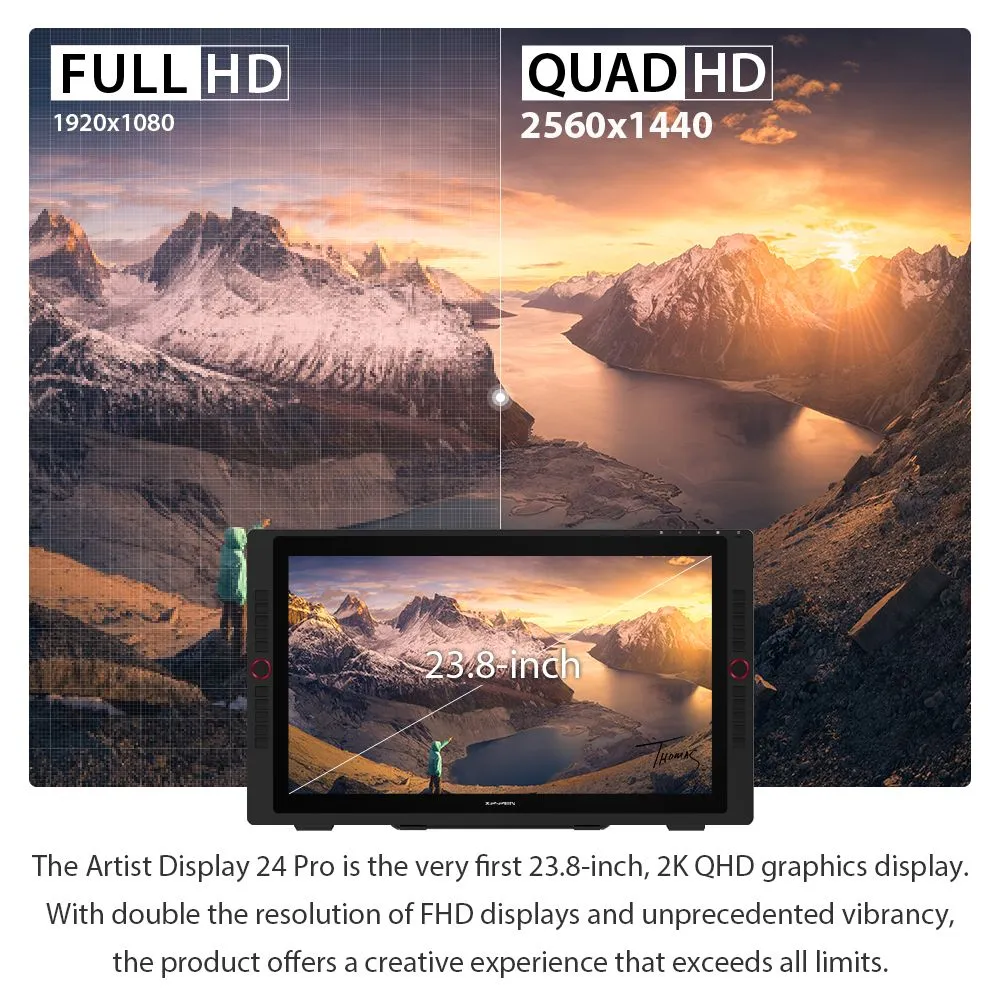
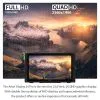
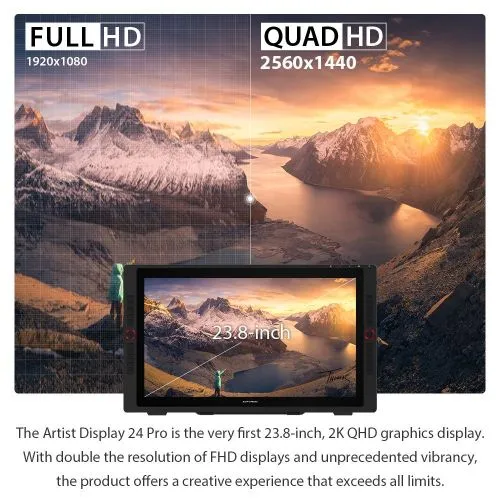
Create in 2K QHD (2560 X 1440)
The Artist Display 24 Pro is the very first 23.8-inch 2K QHD graphics display. With double the resolution of FHD displays
and unprecedented vibrancy, the Artist 24 Pro offers a creative experience that exceeds all limits.
Artist Display 24 Pro: 23.8-inch 2K QHD display.
Double the resolution of FHD.
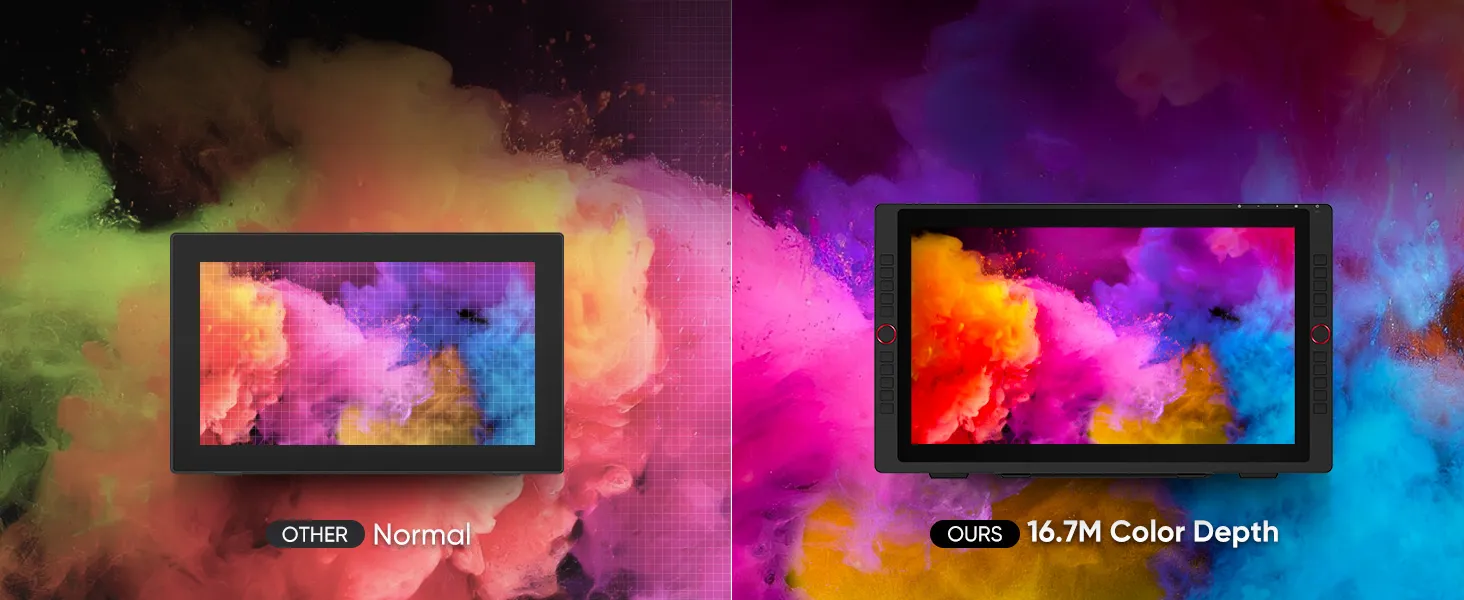
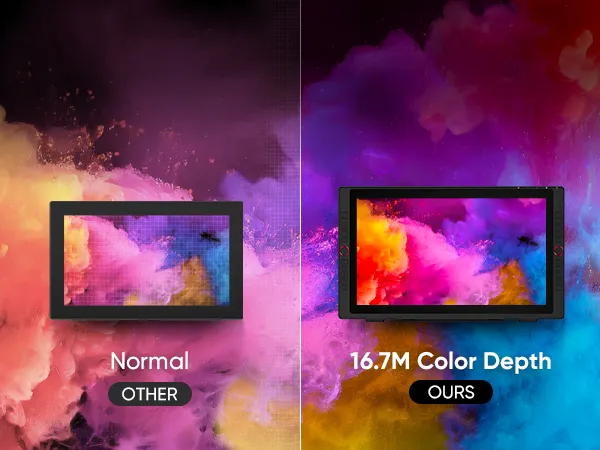
16.7M Color Depth, Creative Precision
The XPPen 24 Pro delivers rich, accurate colors with 118% sRGB, 84% NTSC , and 90% Adobe RGB . Its 16.7M color depth and 1000:1 contrast ratio ensure smooth gradients and sharp detail, perfect for color grading, digital painting, and creative professionals seeking true-to-life visuals.
XPPen Artist 24 Pro: 118% sRGB, 84% NTSC, 90% Adobe RGB
coverage; 16.7M colors; 1000:1 contrast ratio.


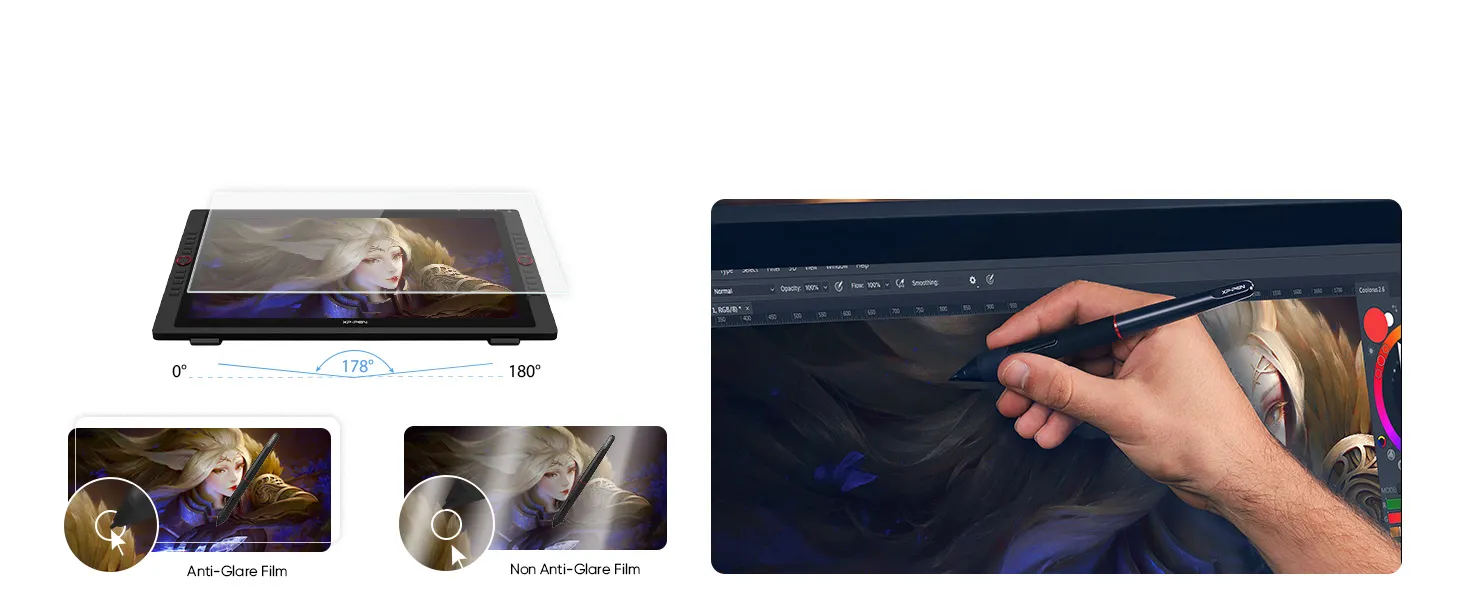
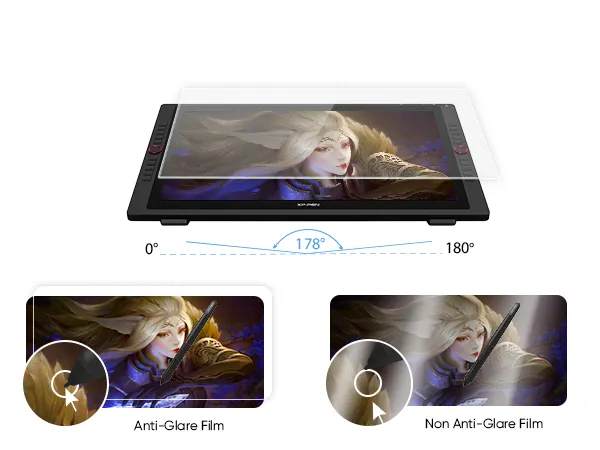
Anti-Glare Display and 178° Viewing Angle
Artist 24 Pro features an anti-glare screen and a 178° wide viewing angle, reducing reflections and ensuring sharp,
consistent visuals—perfect for artists, illustrators, animators, and video editors who value precision.
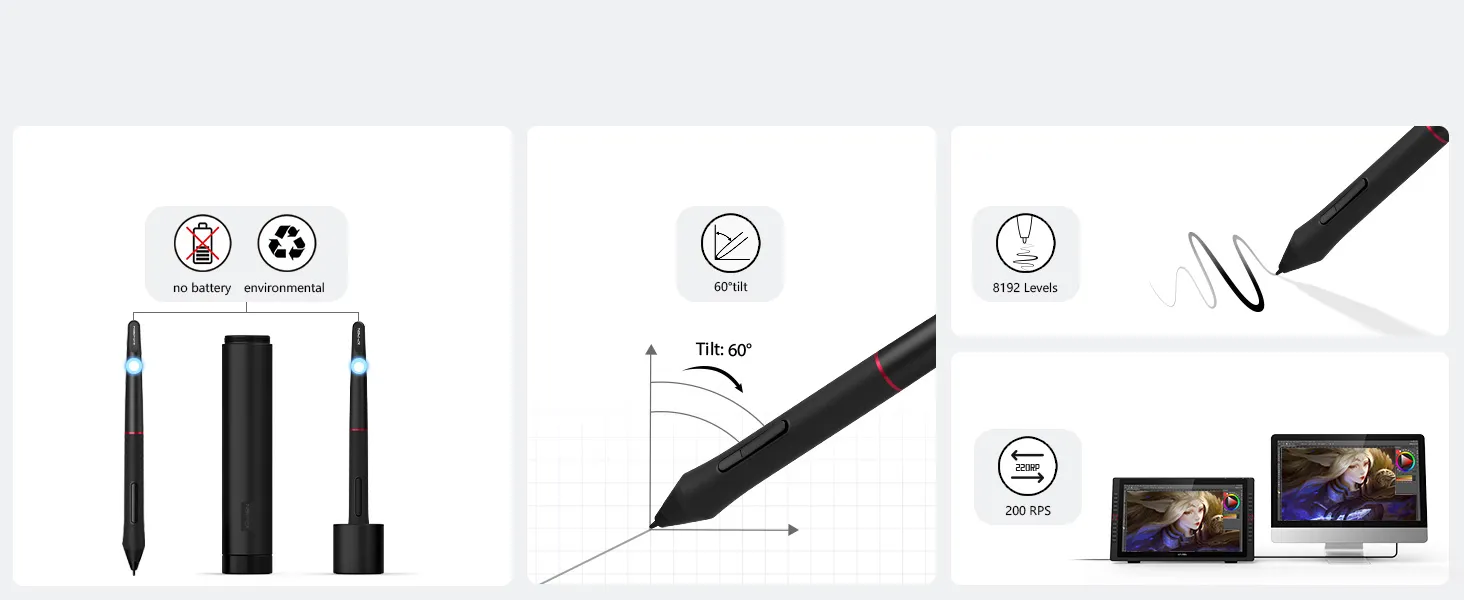
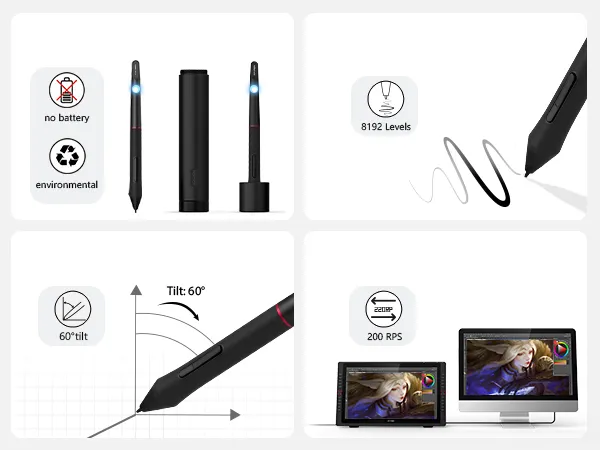
An intelligently designed stylus
60° Tilt Function
8192 pressure levels
200 RPS report rate
PA2 Battery-Free Stylus
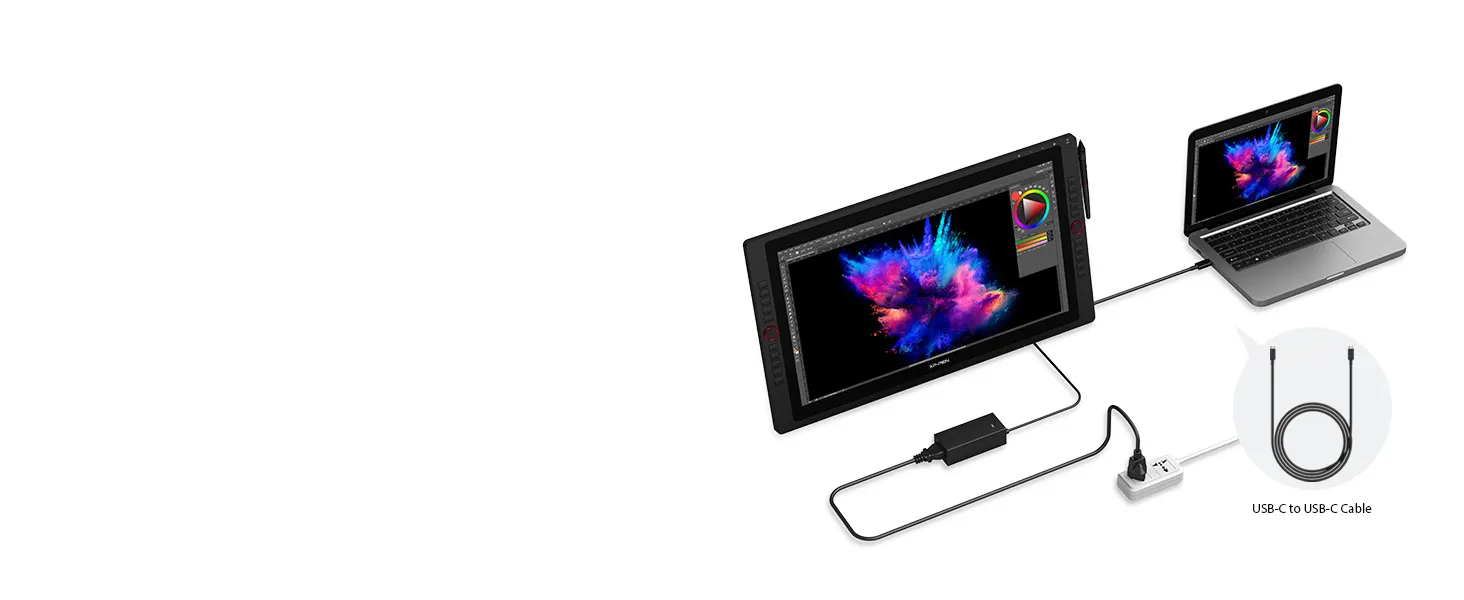
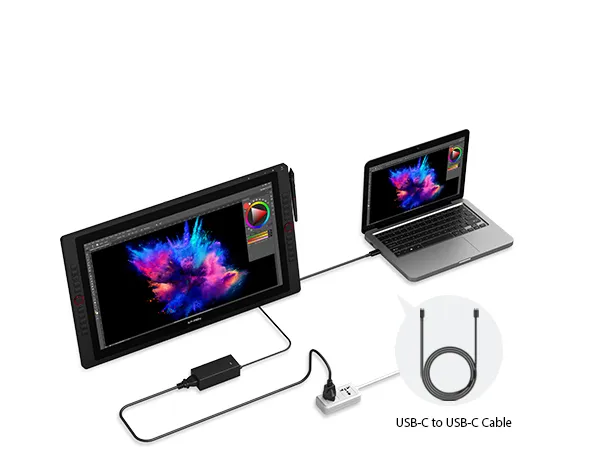
Versatile and Hassle-Free
Connections with Artist 24 Pro
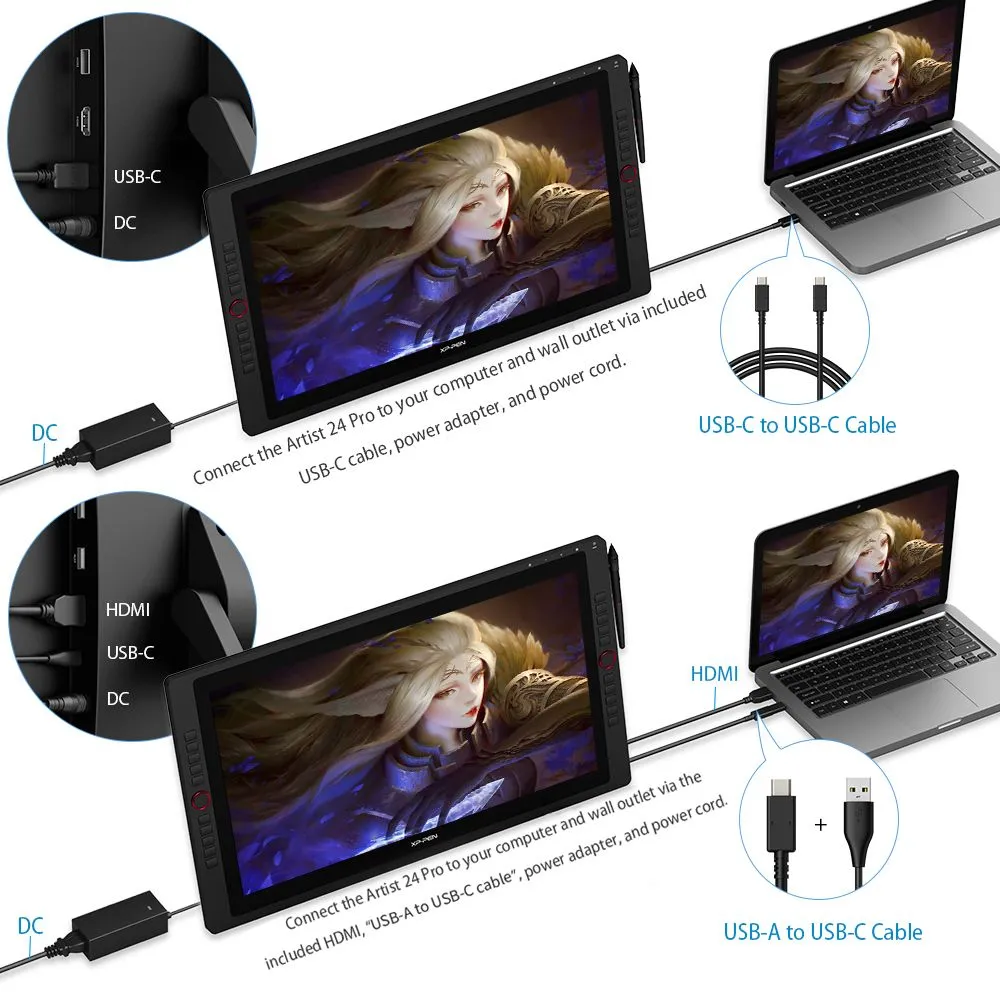
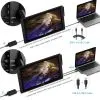
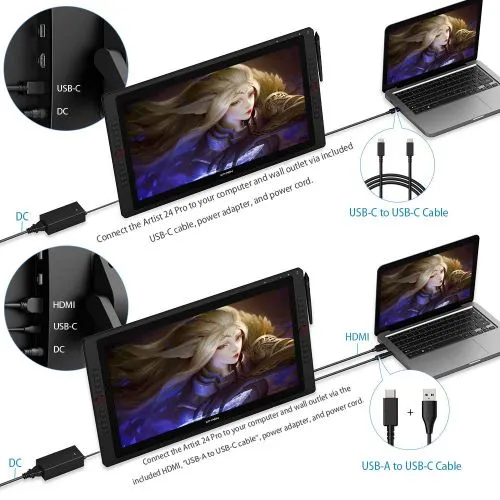
Enjoy flexible HDMI and USB-C connections, including
direct USB-C to USB-C support for iMac, MacBook Pro,
and Windows—no adapters required.
HDMI, USB-C; direct USB-C to USB-C for Mac/Windows (no adapter).
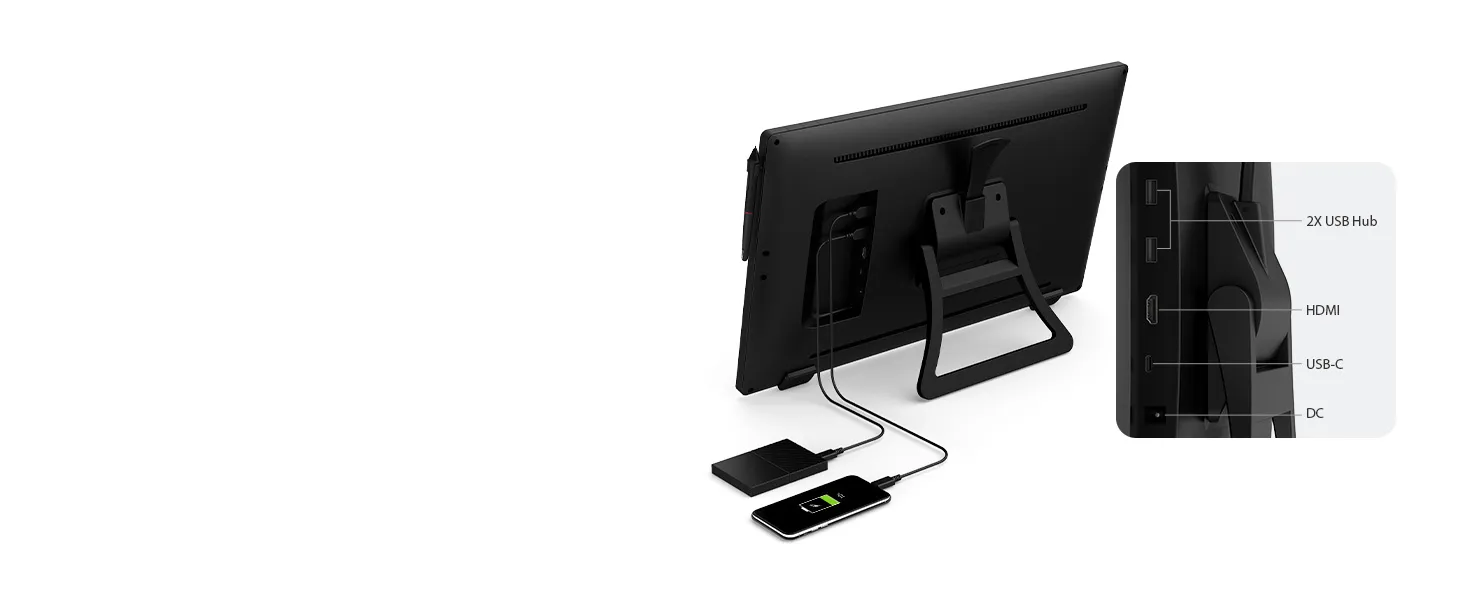
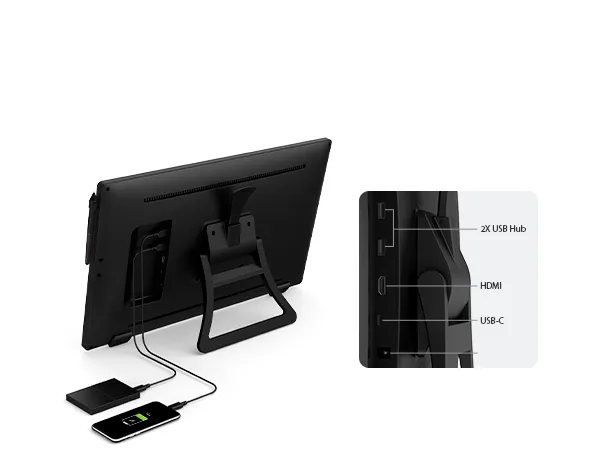
Versatile and Hassle-Free
Connections with Artist 24 Pro
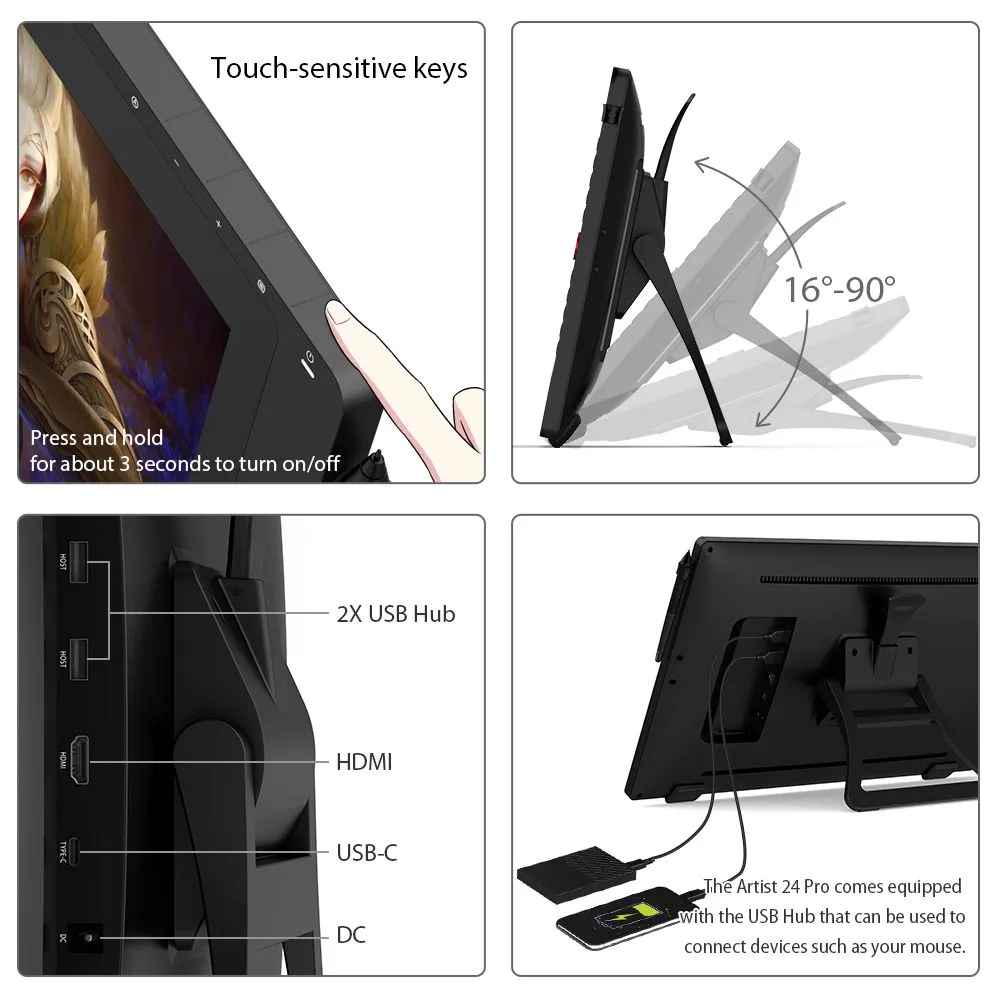
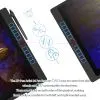
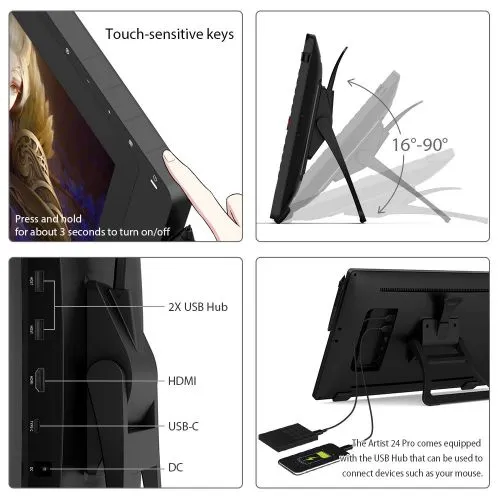
Built-in USB Hub allows easy connection of peripherals like
your mouse, while touch-sensitive keys ensure smooth,
stick-free control for a reliable creative workflow.
Support USB-C Cable, Easy Connectio


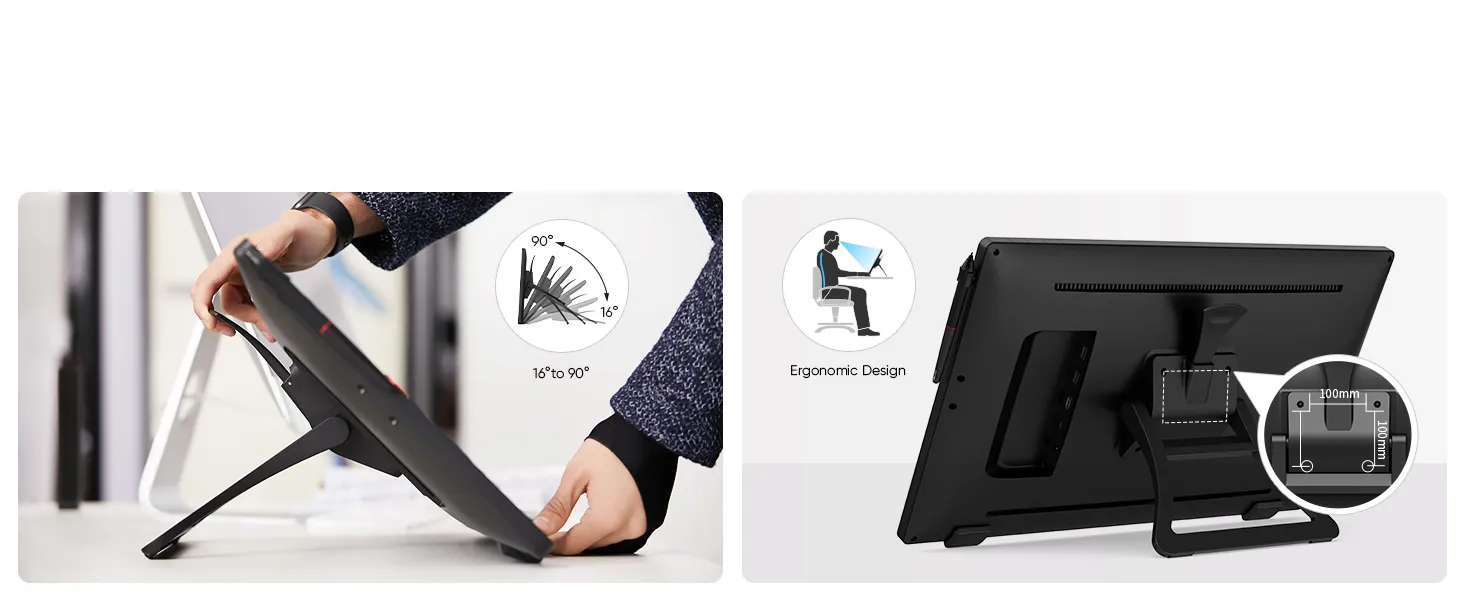
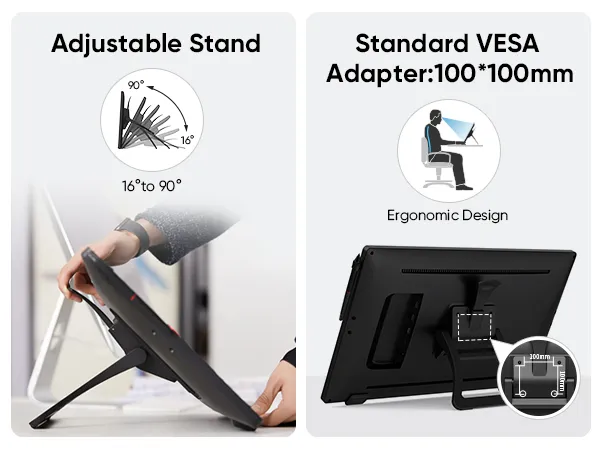
Ultimate Display for Creative Professionals
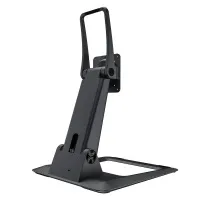
A 90° adjustable stand helps you find the perfect angle for long creative sessions,
while 100x100mm VESA mount support offers flexible setup options for any workspace.
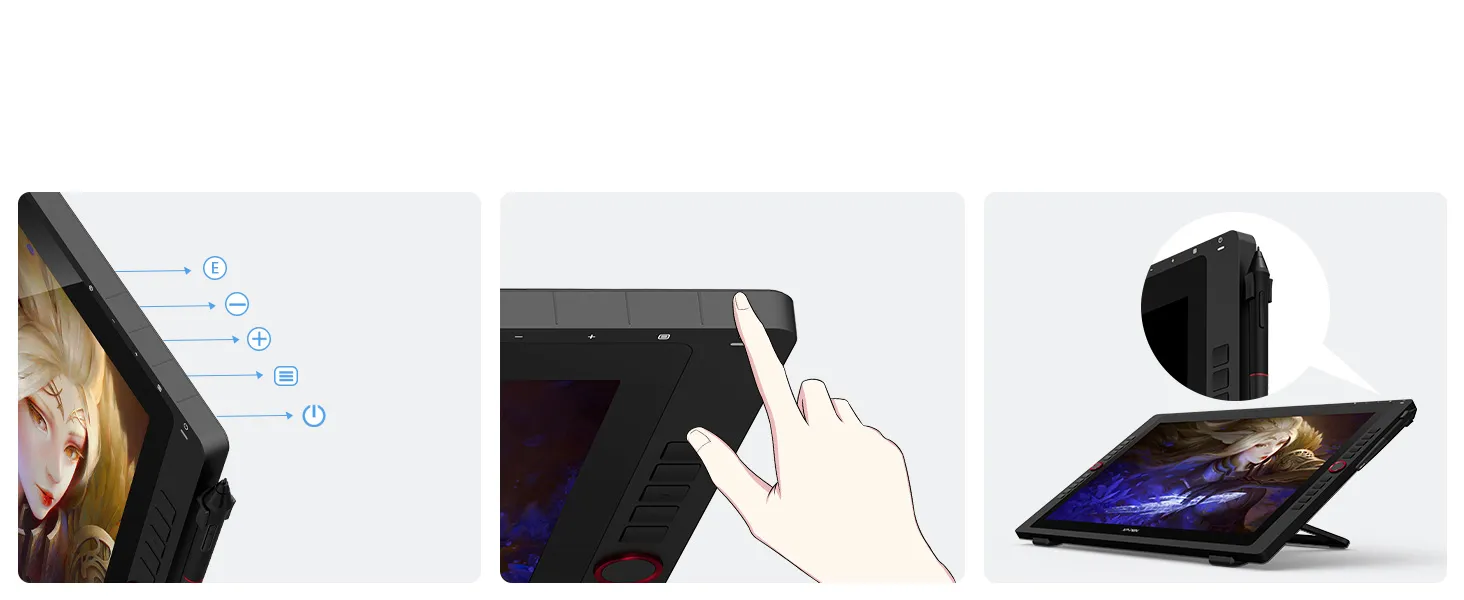
Ultimate Display for Creative Professionals
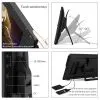
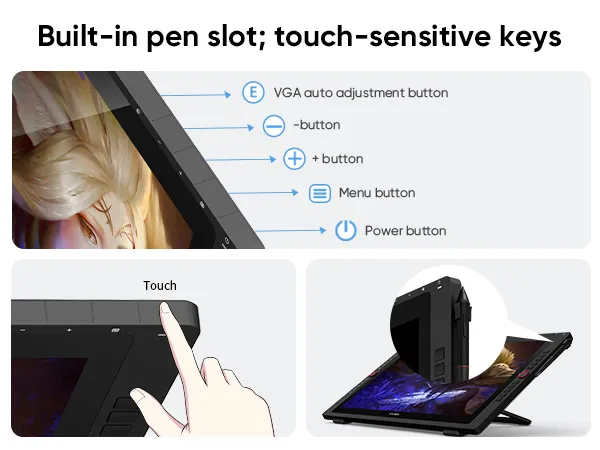
A built-in pen slot keeps your stylus within reach, while touch-sensitive keys prevent sticking for a smooth,
uninterrupted drawing experience.
VGA auto adjustment button
- button
+ button
Menu button
Power button
Touch
Ultimate Display for Creative Professionals
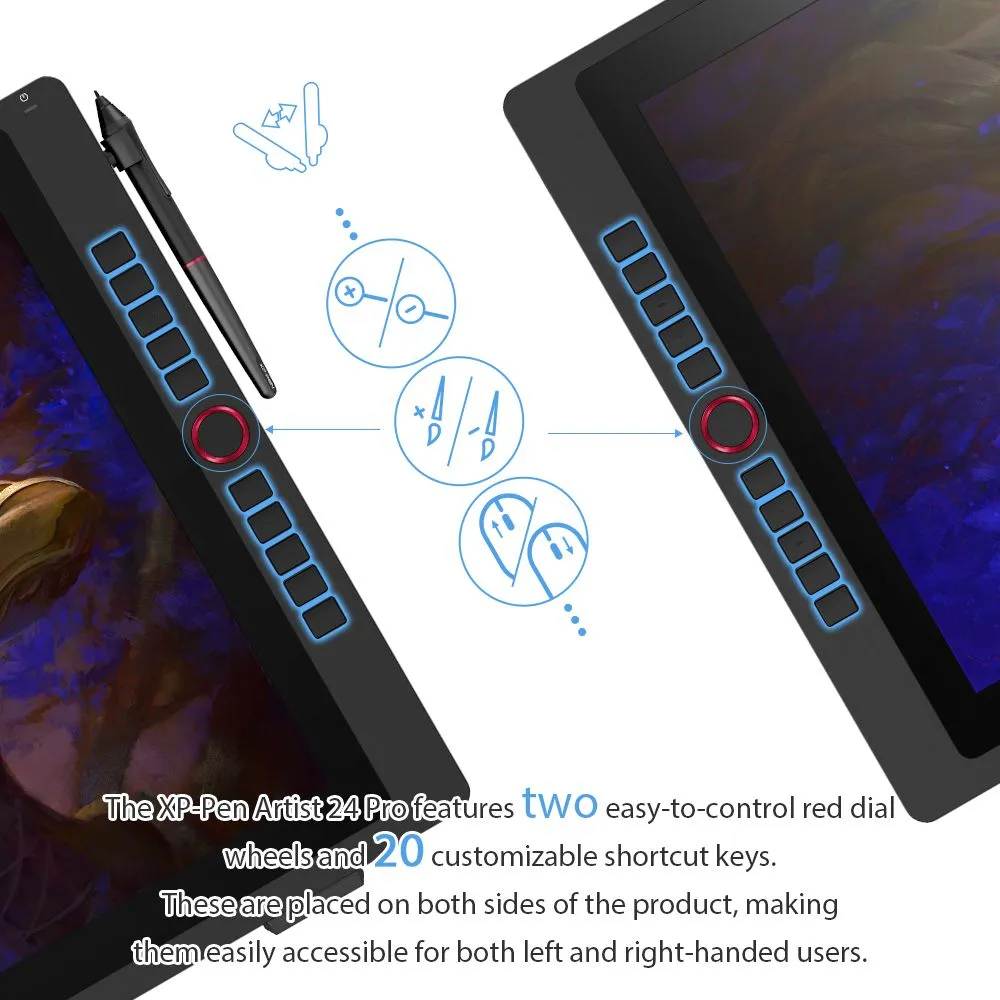
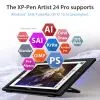
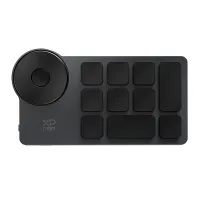
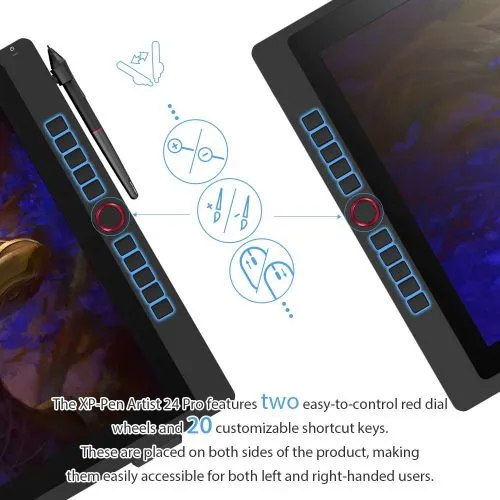
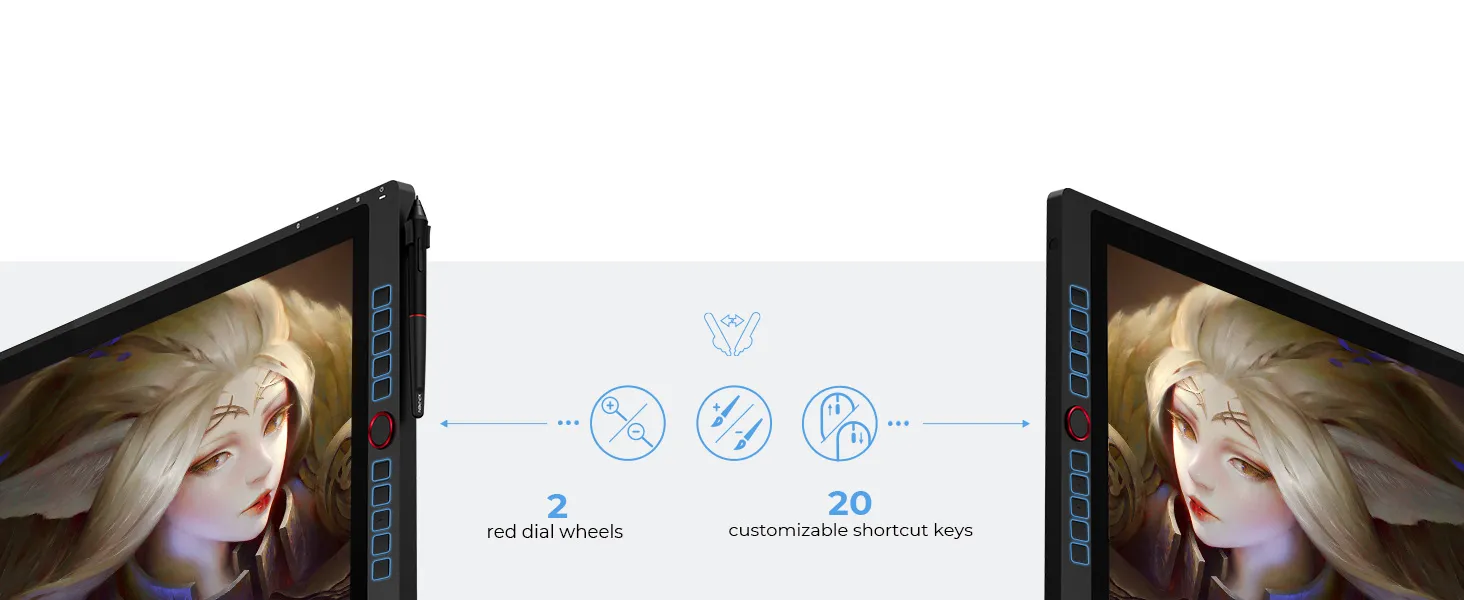
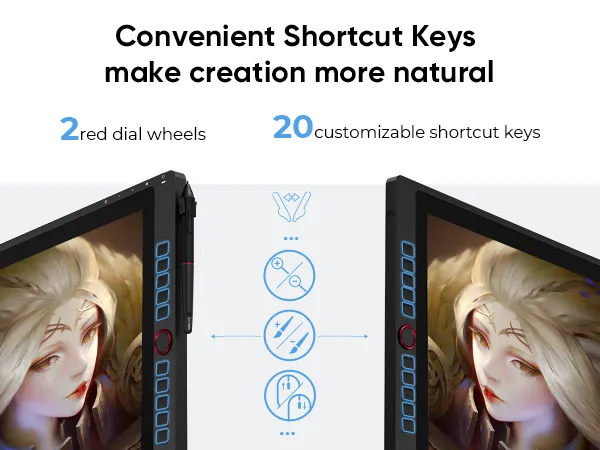
Includes 20 customizable shortcut keys and two red dial wheels—ideal for streamlining tasks in Photoshop and more.
High Compatiblity,
More Possibility
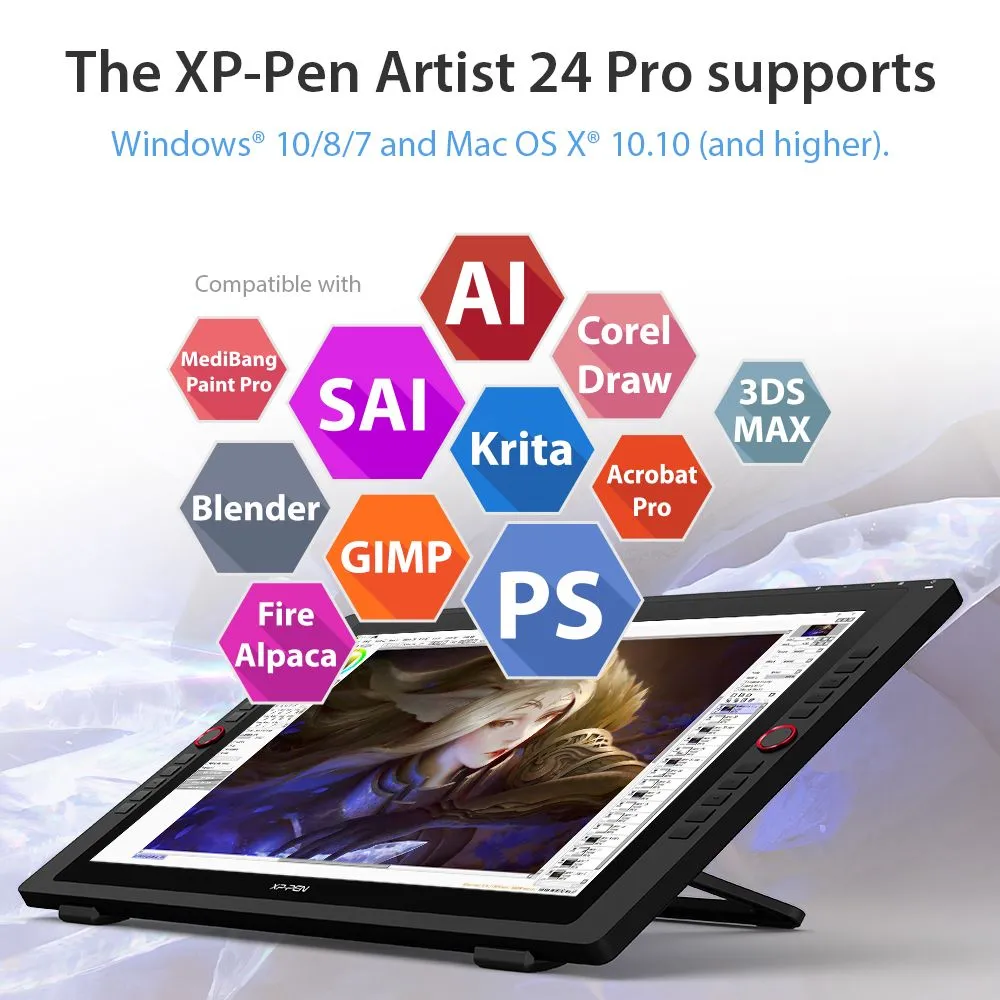
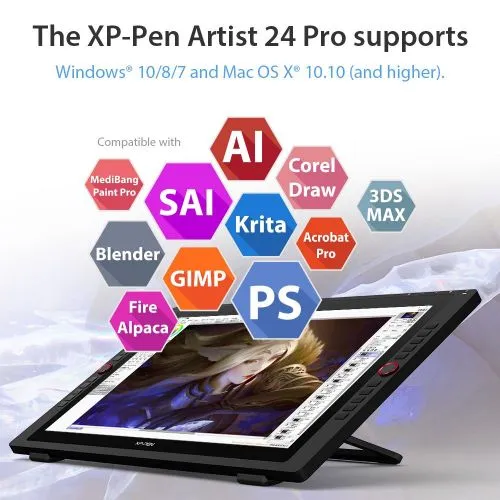
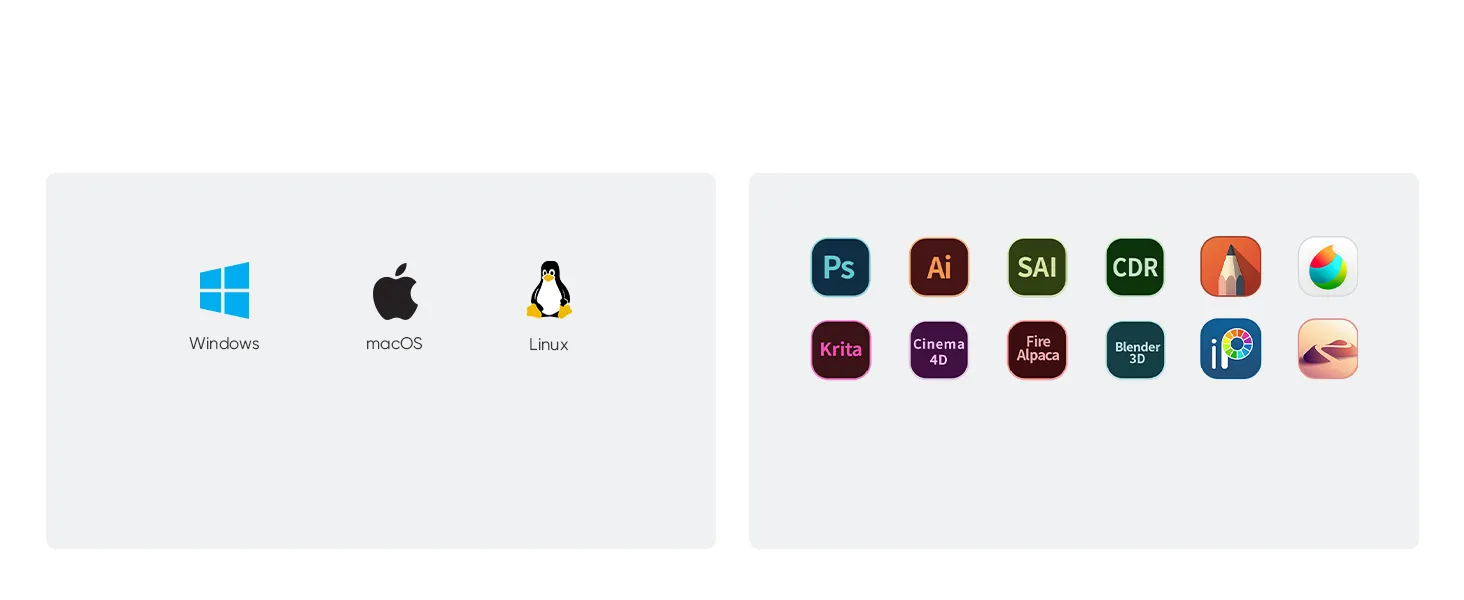
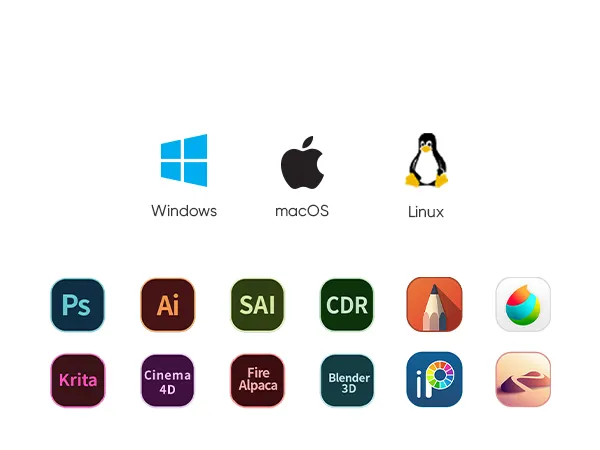
Works smoothly with various systems and software.
Windows 7 (or later), Linux (Detailed versions)
macOS 10.10 (and higher)
Adobe® Photoshop®, Illustrator®, SAI®, CDR®, GIMP®, Krita®, Medibang®, Fire Alpaca® and Blender® 3D.
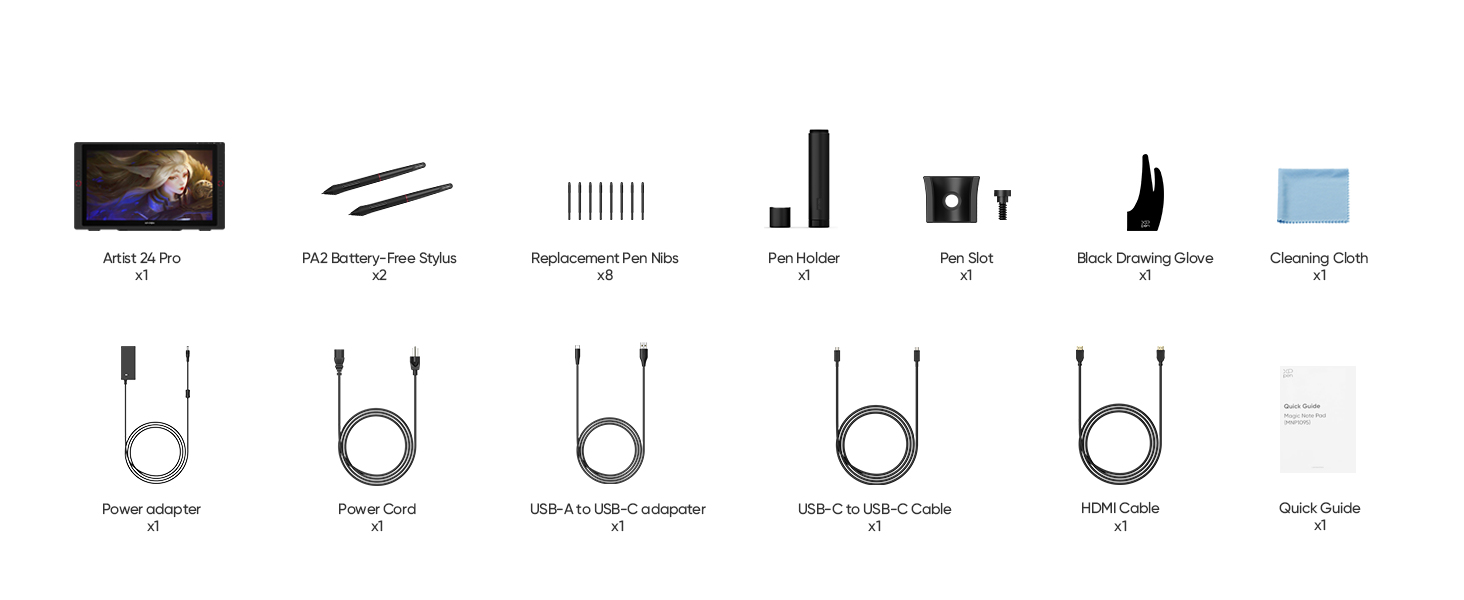
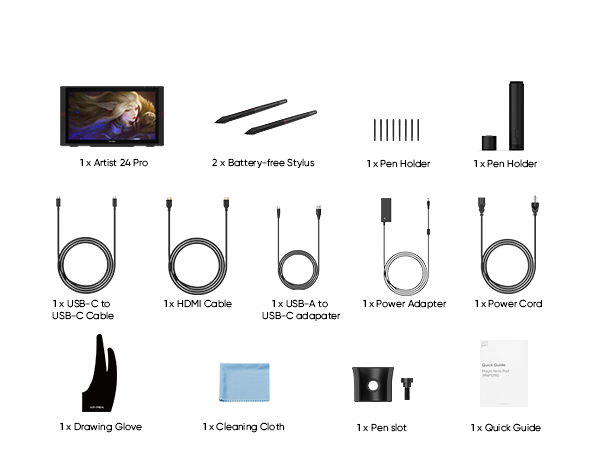
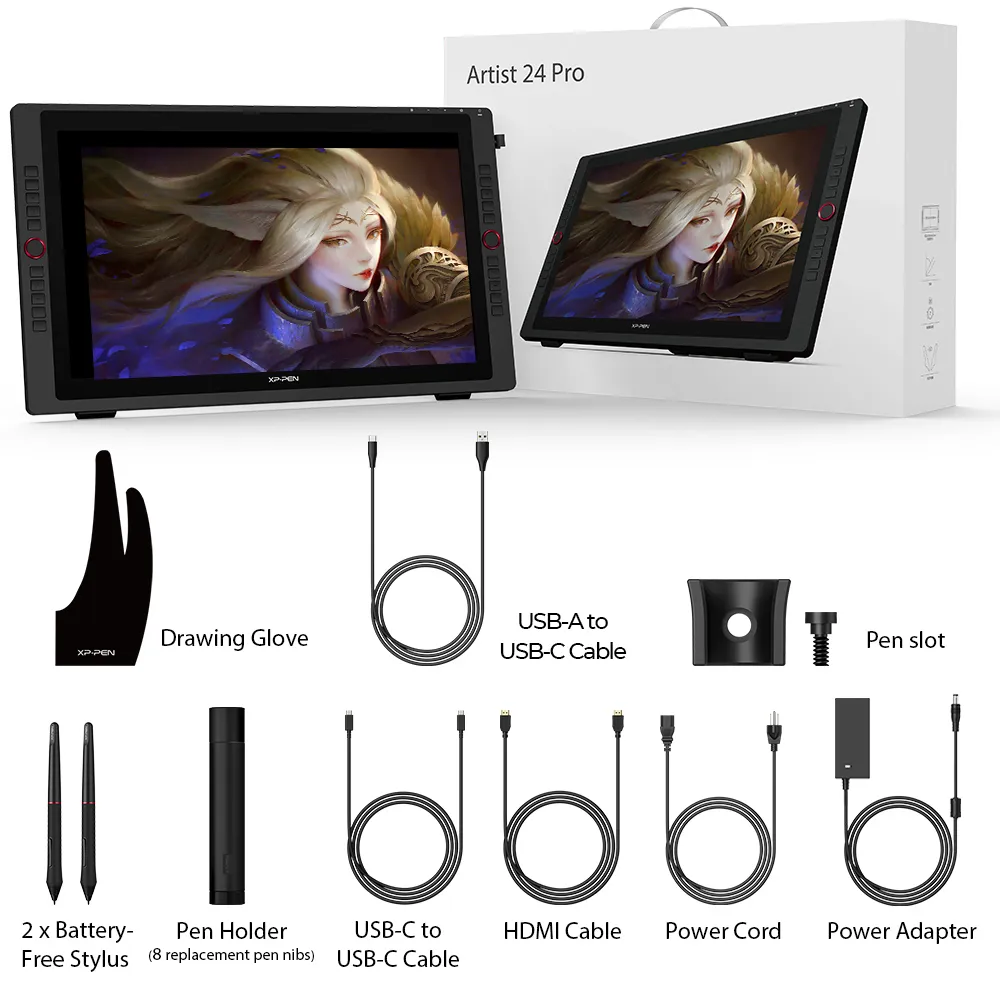
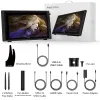
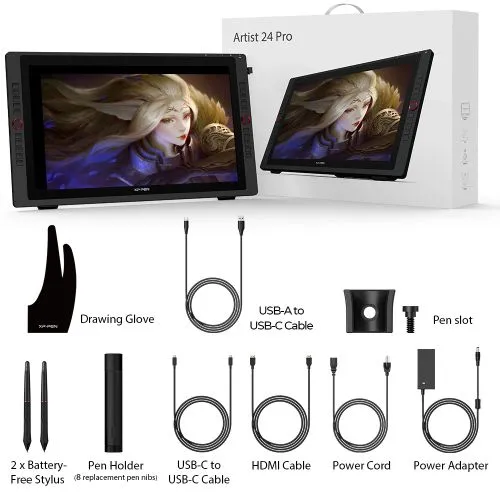
In the Box
Specifications
Tutorials
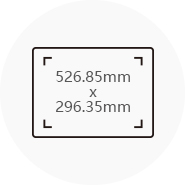
Dimensions
632x370x44.8mm
Display Resolution
2560x1440
Color Gamut
90% Adobe®RGB
2 Red Dial Wheel
20 Shortcut Keys
Battery-free Stylus
Tilt:60°
Show more

| Linux OS | Version | Package Format | Supported Software |
| Arch | Arch Linux2019.12.01(64-bit) | .deb, .sh | GIMP, Krita |
| Centos | Centos7.0(64-bit) | .rpm, .sh | GIMP |
| Centos8(64-bit) | .rpm, .sh | GIMP, Krita | |
| Debian | debian-9.5.0-amd64-netinst(64-bit) | .deb, .sh | GIMP, Krita |
| elementary OS | elementary OS 5.0(64-bit) | .deb, .sh | GIMP, Krita |
| ezgo Linux | ezgo14(64-bit) | .deb, .sh | GIMP, Krita |
| Fedora | Fedora32(64-bit) | .rpm, .sh | GIMP, Krita |
| Mageia | Mageia-7.1(64-bit) | .rpm, .sh | GIMP, Krita |
| Manjaro | manjaro-xfce-20.1.2-201019(64-bit) | .deb, .sh | GIMP |
| Mint | linuxmint-18.2-cinnamon-64bit | .deb, .sh | GIMP, Krita |
| OpenSUSE | openSUSE-Tumbleweed(64-bit) | .rpm, .sh | GIMP, Krita |
| Pop!_OS | pop-os_19.10(64-bit) | .deb, .sh | GIMP, Krita |
| Red Hat | Red Hat7(64-bit) | .rpm, .sh | GIMP |
| Ubuntu | Ubuntu14.04(64-bit) | .deb, .sh | GIMP, Krita |
| Ubuntu16.04(64-bit) | .deb, .sh | GIMP, Krita | |
| Ubuntu17.04(64-bit) | .deb, .sh | GIMP, Krita | |
| Ubuntu18.04(64-bit) | .deb, .sh | GIMP, Krita | |
| Ubuntu19.04(64-bit) | .deb, .sh | GIMP, Krita | |
| Ubuntu20.04(64-bit) | .deb, .sh | GIMP, Krita |
| Function | Krita 4.3.0 | Gimp 2.10.20 | Inkscape 0.92 |
| Pen Pressure Sensitivity | |||
| Tilt | |||
| Mouse Function | |||
| Eraser Button (Stylus:PH01, P06) | |||
| Switch between Pen and Eraser Modes | |||
| *If you have any further queries, please do not hesitate to contact us at service@xp-pen.com. | |||
Linux OS
Arch
Version
Arch Linux2019.12.01(64-bit)
Package Format
.deb, .sh
Supported Software
GIMP, Krita
Centos
Version
Centos7.0(64-bit)
Centos8(64-bit)
Centos8(64-bit)
Package Format
.rpm, .sh
.rpm, .sh
.rpm, .sh
Supported Software
GIMP
GIMP, Krita
GIMP, Krita
Debian
Version
debian-9.5.0-amd64-netinst(64-bit)
Package Format
.deb, .sh
Supported Software
GIMP, Krita
elementary OS
Version
elementary OS 5.0(64-bit)
Package Format
.deb, .sh
Supported Software
GIMP, Krita
ezgo Linux
Version
ezgo14(64-bit)
Package Format
.deb, .sh
Supported Software
GIMP, Krita
Fedora
Version
Fedora32(64-bit)
Package Format
.rpm, .sh
Supported Software
GIMP, Krita
Mageia
Version
Mageia-7.1(64-bit)
Package Format
.rpm, .sh
Supported Software
GIMP, Krita
Manjaro
Version
manjaro-xfce-20.1.2-201019(64-bit)
Package Format
.deb, .sh
Supported Software
GIMP
Mint
Version
linuxmint-18.2-cinnamon-64bit
Package Format
.deb, .sh
Supported Software
GIMP, Krita
OpenSUSE
Version
openSUSE-Tumbleweed(64-bit)
Package Format
.rpm, .sh
Supported Software
GIMP, Krita
Pop!_OS
Version
pop-os_19.10(64-bit)
Package Format
.deb, .sh
Supported Software
GIMP, Krita
Red Hat
Version
Red Hat7(64-bit)
Package Format
.rpm, .sh
Supported Software
GIMP
Ubuntu
Version
Ubuntu14.04(64-bit)
Ubuntu16.04(64-bit)
Ubuntu17.04(64-bit)
Ubuntu18.04(64-bit)
Ubuntu19.04(64-bit)
Ubuntu20.04(64-bit)
Ubuntu16.04(64-bit)
Ubuntu17.04(64-bit)
Ubuntu18.04(64-bit)
Ubuntu19.04(64-bit)
Ubuntu20.04(64-bit)
Package Format
.deb, .sh
.deb, .sh
.deb, .sh
.deb, .sh
.deb, .sh
.deb, .sh
.deb, .sh
.deb, .sh
.deb, .sh
.deb, .sh
.deb, .sh
Supported Software
GIMP, Krita
GIMP, Krita
GIMP, Krita
GIMP, Krita
GIMP, Krita
GIMP, Krita
GIMP, Krita
GIMP, Krita
GIMP, Krita
GIMP, Krita
GIMP, Krita
Function
Pen Pressure Sensitivity
Krita 4.3.0
Gimp 2.10.20
Inkscape 0.92
Tilt
Krita 4.3.0
Gimp 2.10.20
Inkscape 0.92
Mouse Function
Krita 4.3.0
Gimp 2.10.20
Inkscape 0.92
Eraser Button(Stylus:PH01, P06)
Krita 4.3.0
Gimp 2.10.20
Inkscape 0.92
Switch between Penand Eraser Modes
Krita 4.3.0
Gimp 2.10.20
Inkscape 0.92
*If you have any further queries, please do not hesitate to contact us at service@xp-pen.com.
4.7


Based on 60
78%(47)

15%(9)
3%(2)
3%(2)
0(0)
Thomas Wilf
Jun 19 ,2020 AM 05:54 Artist 24 Pro
Cintiq 13hd Upgrade
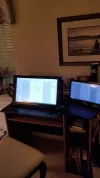
I recently bought the 24Pro as an upgrade from my Wacom Cintiq 13hd. I had not really heard of XP-Pen before, and after purchasing a tablet monitor in the past from a different company-- while receiving a much less-than-desirable product-- I was skeptical about buying anything other than Wacom. After watching a few reviews on youtube (notably Teoh Yi Chie and Nadiaxel) and seeing the price on the 24Pro I decided I would give XP-Pen a shot... and I am so glad I did. This is a quality product. Even with the 'rona going on it arrived quickly, packaged with care. The monitor worked right out of the box, installed drivers and was good to go. The QHD screen quality is bright, crisp, and vibrant. No dead pixels or scratches. Monitor comes with an attached stand that is sturdy and allows for a good range of angles to draw from. Parallax is similar to my Cintiq. Screen is textured so it doesn't feel like drawing on glass, and glare doesn't seem to be a problem for me. Pens are as high quality as Wacom's, very responsive, with the only difference so far being XP stylus doesn't have an eraser end. The hotkeys are helpful, and the 2 scroll wheels on the side are awesome for quick zooming or changing brush size.
Overall, I would not hesitate to recommend anyone in the market for a monitor-tablet to consider XP-Pen. What small differences there are from Wacom is more than made up in the savings cost.
Useful(2)+1
Official mall
Jun 19 ,2020 PM 14:09
Thank you so much for the kind words.
We are very glad to hear that you are satisfied with our product. Your compliment means a great deal to us. We strive to provide even better products and services, and your opinion can bring us here.
Have a nice day : )
Kevin Gentzsch
Jun 20 ,2020 AM 03:16
How do you have one already when they dont start shipping tell the 20th?
Thomas Wilf
Jun 22 ,2020 AM 09:04
I ordered/fully paid for mine on June 8th. All the wording online stated shipping would start taking place on June 15th, and that mine would arrive on June 22nd. To my surprise, I got an email on the 12th saying my order had already been shipped. Package arrived on the evening of June 16th. I am not sure why I got a head start, maybe because I had pre-ordered it.
Dokledee
Jan 14 ,2024 AM 10:42 Artist 24 Pro
My first large display tablet
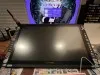
I've been using an ipad for a decade so this was my first display tablet that I bought to connect to my 2021 imac. I bought it July 2023 and have been using it for a few months now.
The transition was a little awkward only because I was used to drawing in a small space, and the stylus change was also a massive change of pace. HOWEVER, I have come to absolutely love the shortcut keys and they have been so helpful. As a left-handed user, having keys on both side of the tablet helps tremendously with tablet adjustment. Pardon the stylus placement as I used the weighted pen cap to stick onto the corner.
I haven't had any problems with the tablet performance wise. It runs exactly how it is supposed to and even adds as a great second monitor when I'm not using it to draw. The image is clear, and despite minor color disparities it matches fairly well.
My only vices are the lack of nib variety and pricing of screen protectors as the screen is slippery akin to how an ipad is without a matte screen protector. The tablet comes with a pre-installed protector but it's mostly for protection. This is only a personal taste though and in no way does it negatively affect the quality of the tablet.
I wish that xp-pen provided felt nibs that were compatible with the PA2 stylus (the stylus compatible with this display) I feel like making those products would give consumers more choice if there is more variety to choose from instead of limiting it to newer products.
Useful(5)+1
Cassidy Sivertson
Jun 23 ,2020 AM 09:02 Artist 24 Pro
Excellent Display!
Love this pen display! It pairs excellent with my 27" iMac! Works great with Corel Painter 2020, Clip Studio Paint EX and Adobe Photoshop! Shipping was ridiculously fast!
Useful(1)+1
Official mall
Jun 23 ,2020 AM 09:34
Thank you for your recognition of our XP-PEN products.
We will continue to improve and provide the best quality products and services to our consumers.
Have a nice day : )
Learn More
FAQs
Q1: Can the Artist 24 Pro be used without a computer? Can it connect to a phone?
Q2: What are the dimensions and weight of the Artist 24 Pro?
Q3: What is the screen resolution of the Artist 24 Pro?
Q4: Is there a screen protector available for the Artist 24 Pro?
Q5: Can I mount the Artist 24 Pro on a stand or arm?
Q6: Does the Artist 24 Pro stylus support brush rotation for elongated brushes?
Q7: Do I need to connect HDMI if I’m using USB-C with the Artist 24 Pro?
Q8: How long are the USB-C cables for the Artist 24 Pro?
Q9: Can I use the Artist 24 Pro as a second monitor when not drawing?
Q10: Is the Artist 24 Pro fully laminated? What’s the parallax distance?