



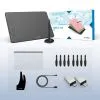


Getting started with your
XPPen Deco 01 V2 Pen Tablet.
1/7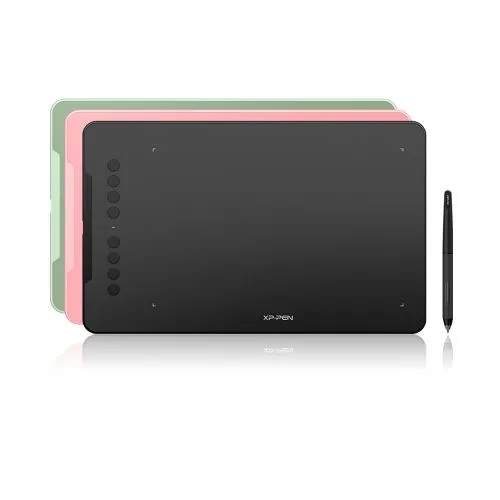
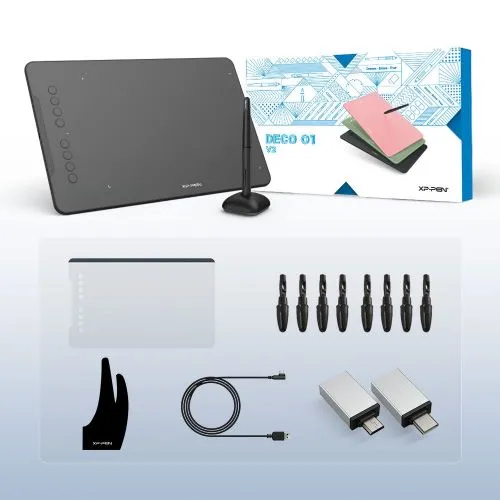
Deco 01 V2
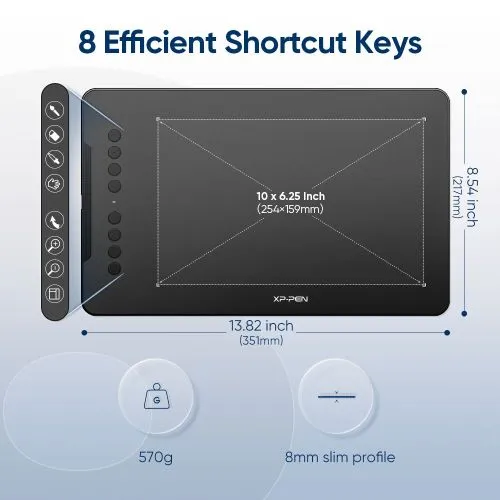
10 x 6.25 inches working area. Battery-free pen, 8192 Levels Pressure, 60° of tilt function. 8 customizable shortcut keys. Windows/Mac/Android/Chromebook Supported.
$59.99
This Product Is No Longer Available
This product has been discontinued. Explore our recommended alternatives to find the right drawing tablet for your needs.
Recommended Alternatives
FAST & FREE
7-day delivery sitewide.
SECURE PAYMENT
Buy now, pay later. Secured by PayPal.
TECH SUPPORT
service@xp-pen.com
18-MONTH WARRANTY
18-month warranty only for official E-store
Product:
Deco 01 V2
Colour:
 Classic Black
 Apple Green
 Carmine Red
Upgrade for free:
N/A
Optional Accessories
Quantity:
Total
$59.99
 Log in and purchase to receive an estimated 59 X-Coins








Worry-Free Delivery® available with seel
Estimate:
Deco 01 V2
New compatibility, new potential. More color, more brilliance.
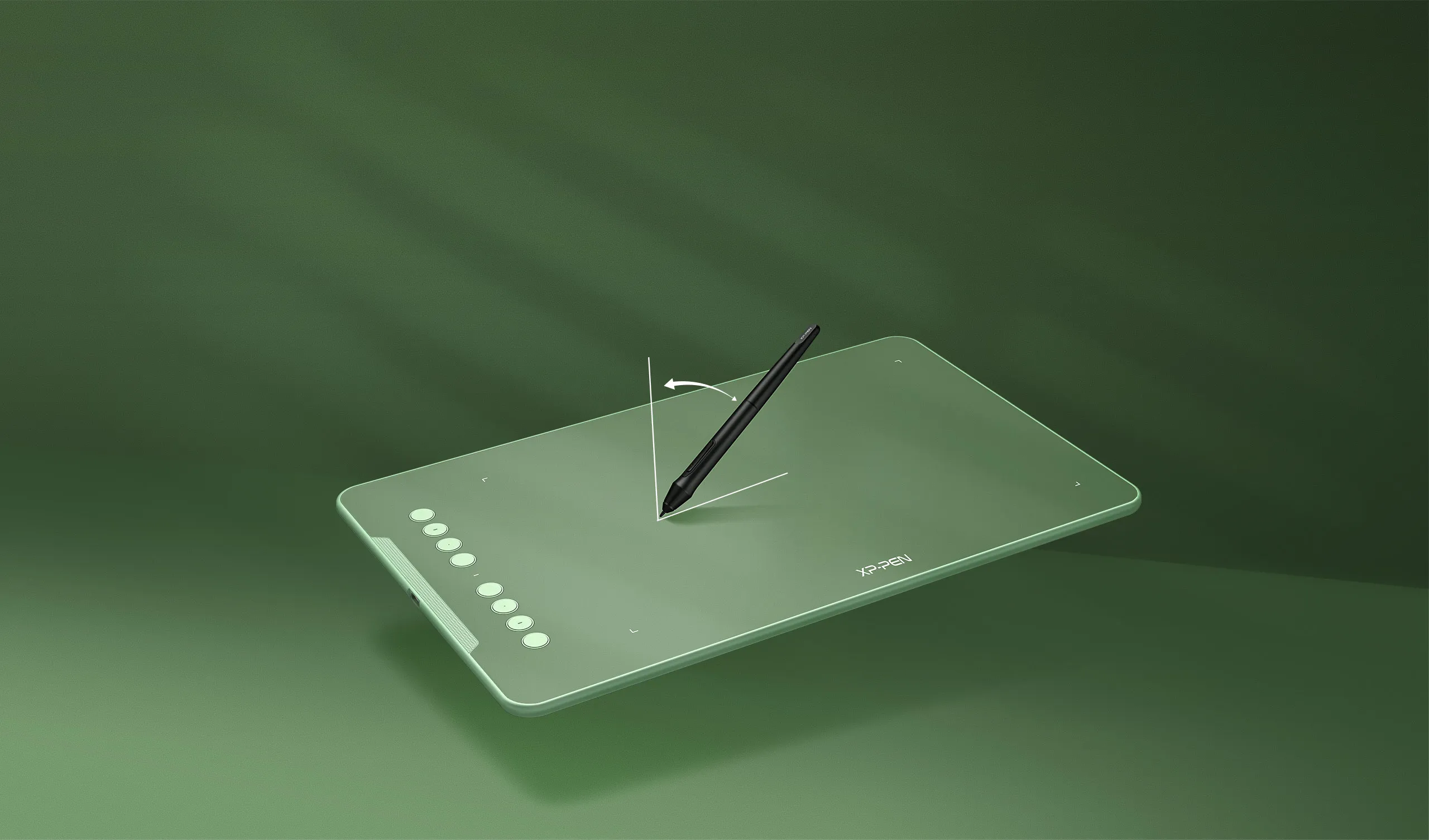
Enjoy a natural drawing experience.
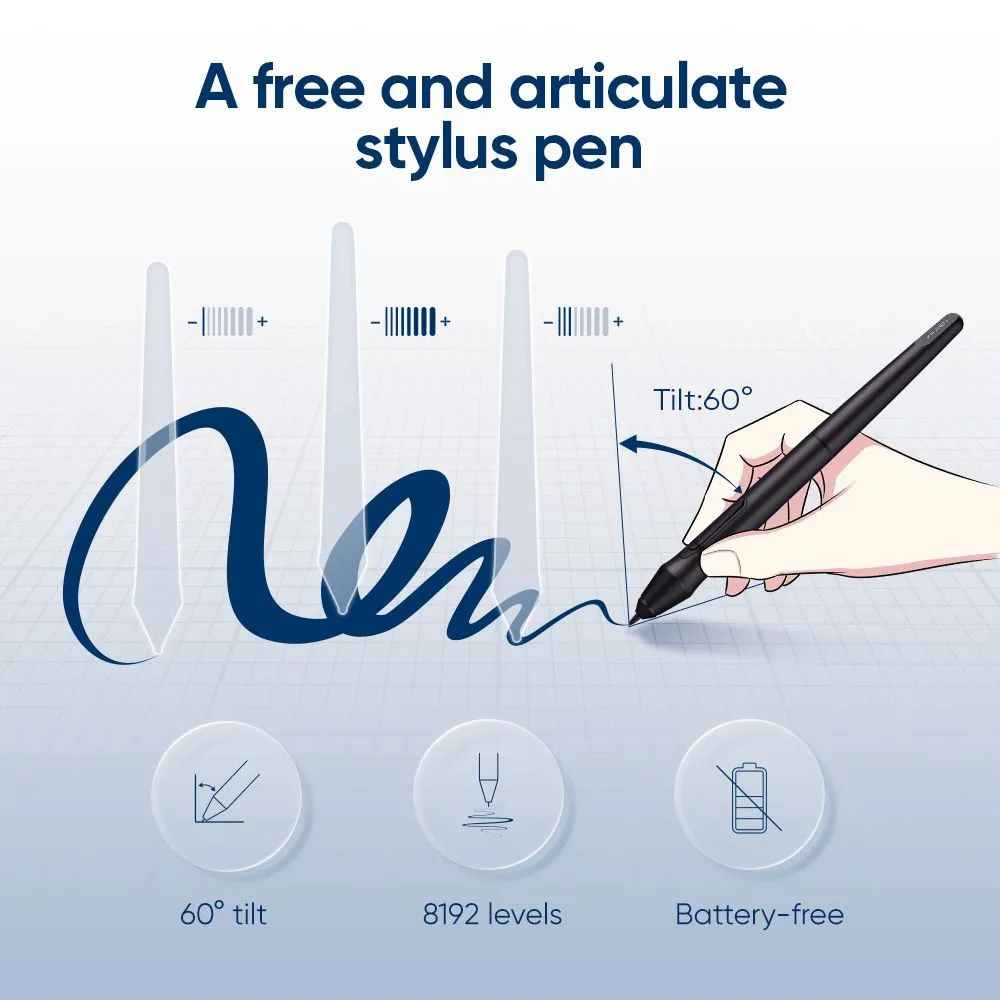
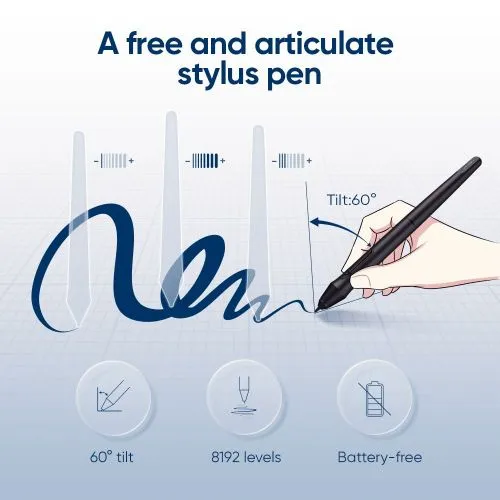
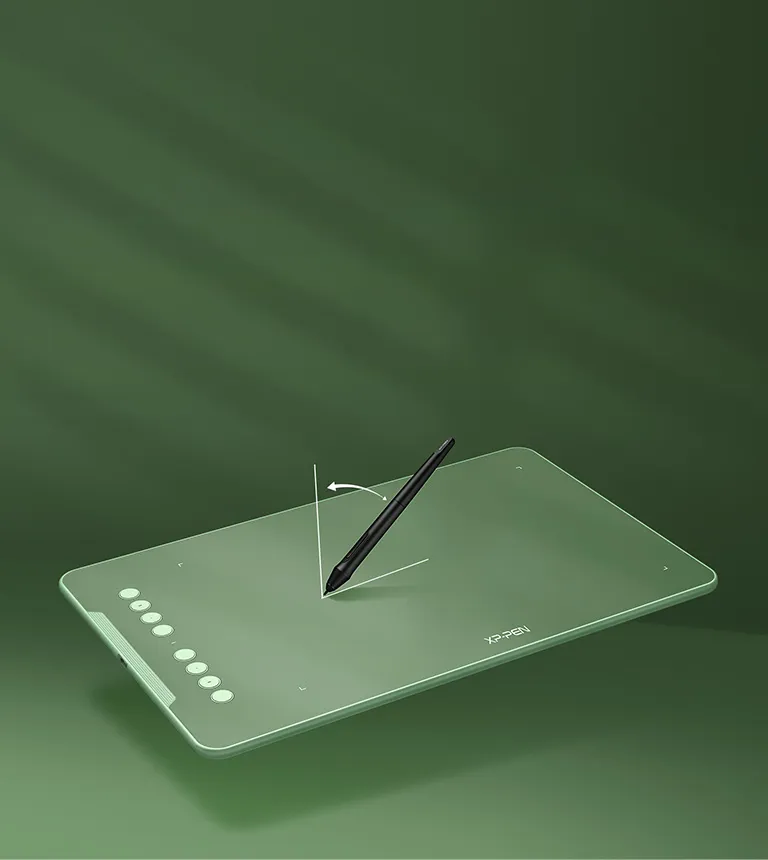
The stylus supports up to 60 degrees of tilt brush effect and delivers smoother and more natural lines and strokes, while also giving you the ability to add shading to your creation and offering a more natural writing and drawing experience.
Tilt:60°
Expand your world.
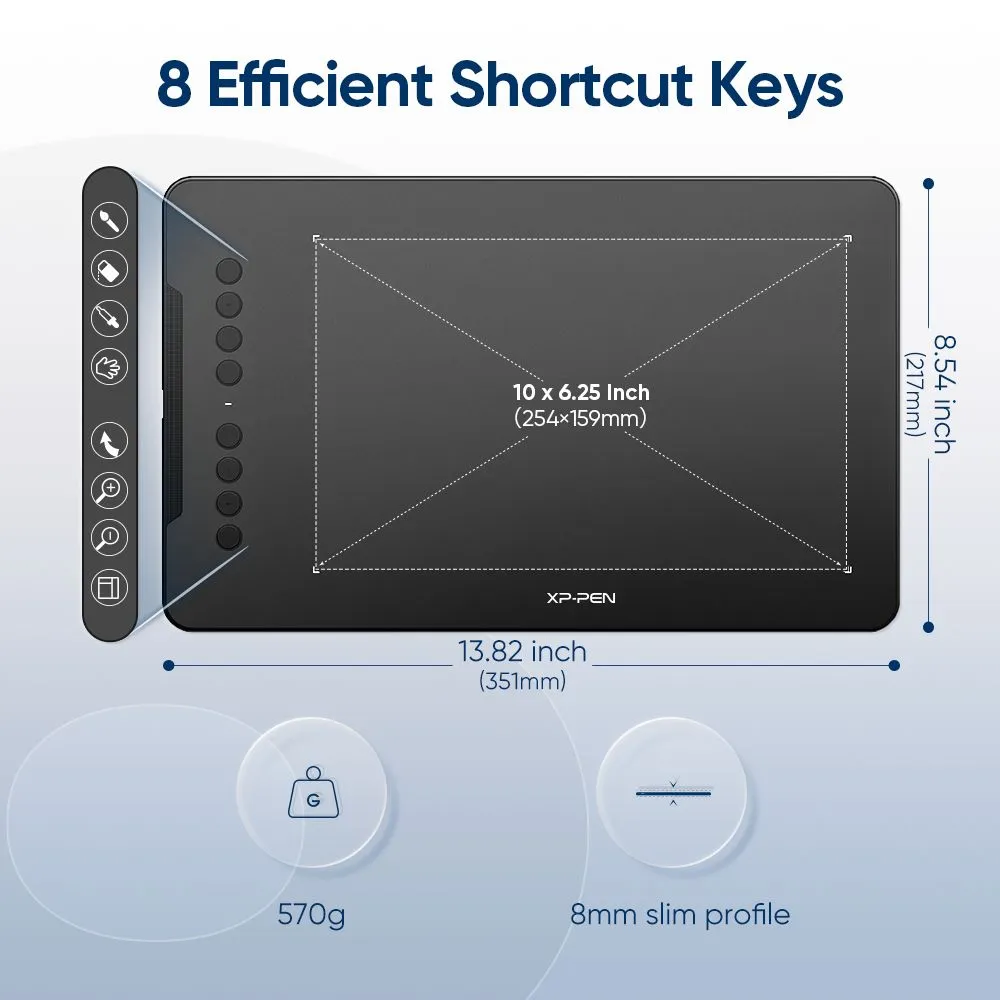
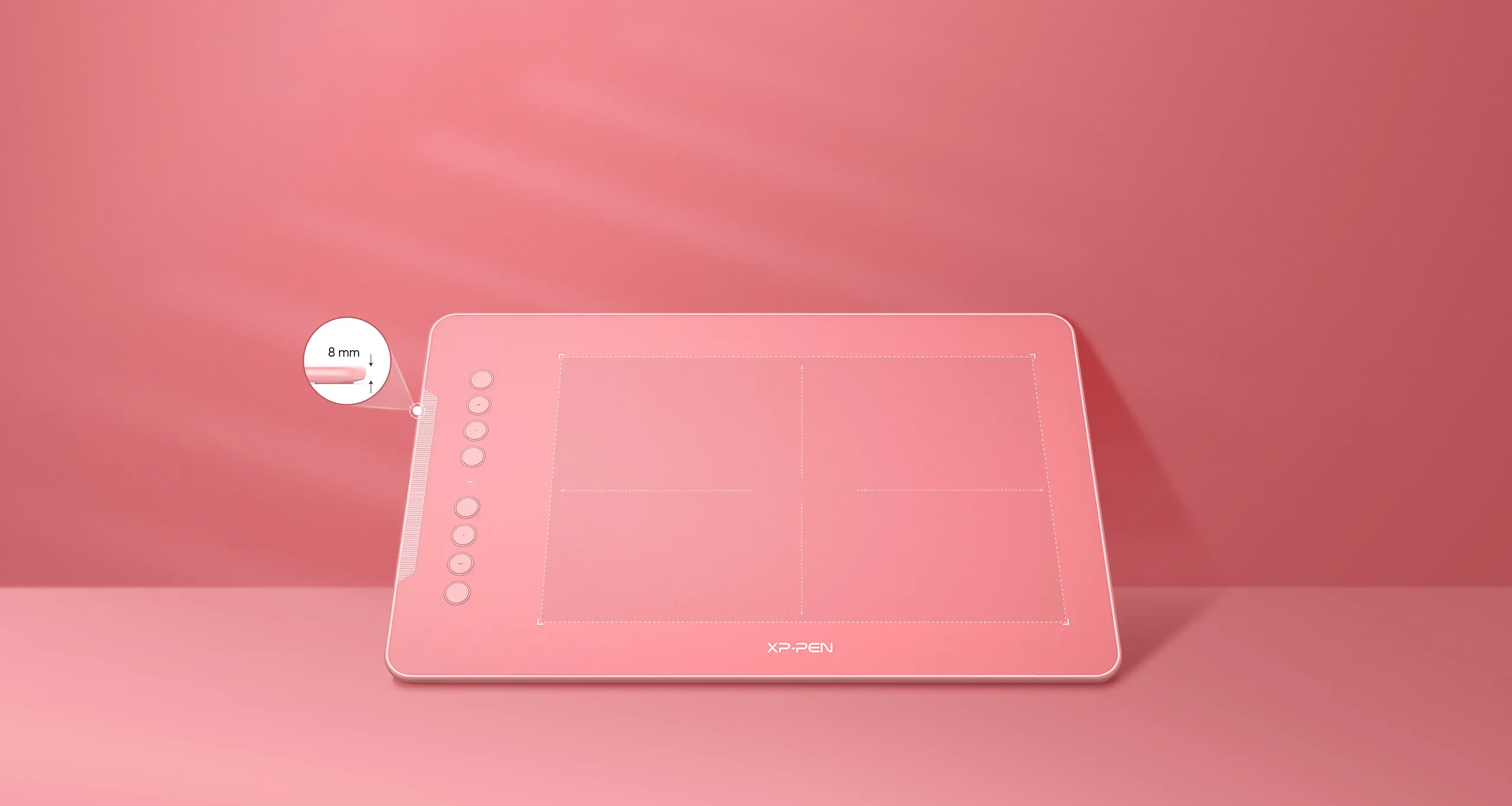
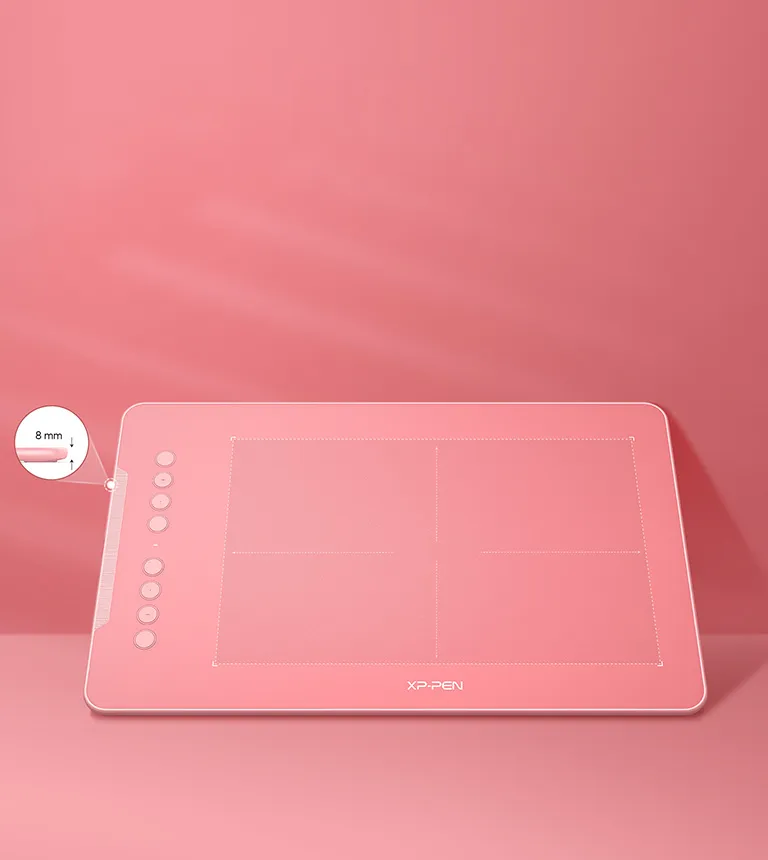
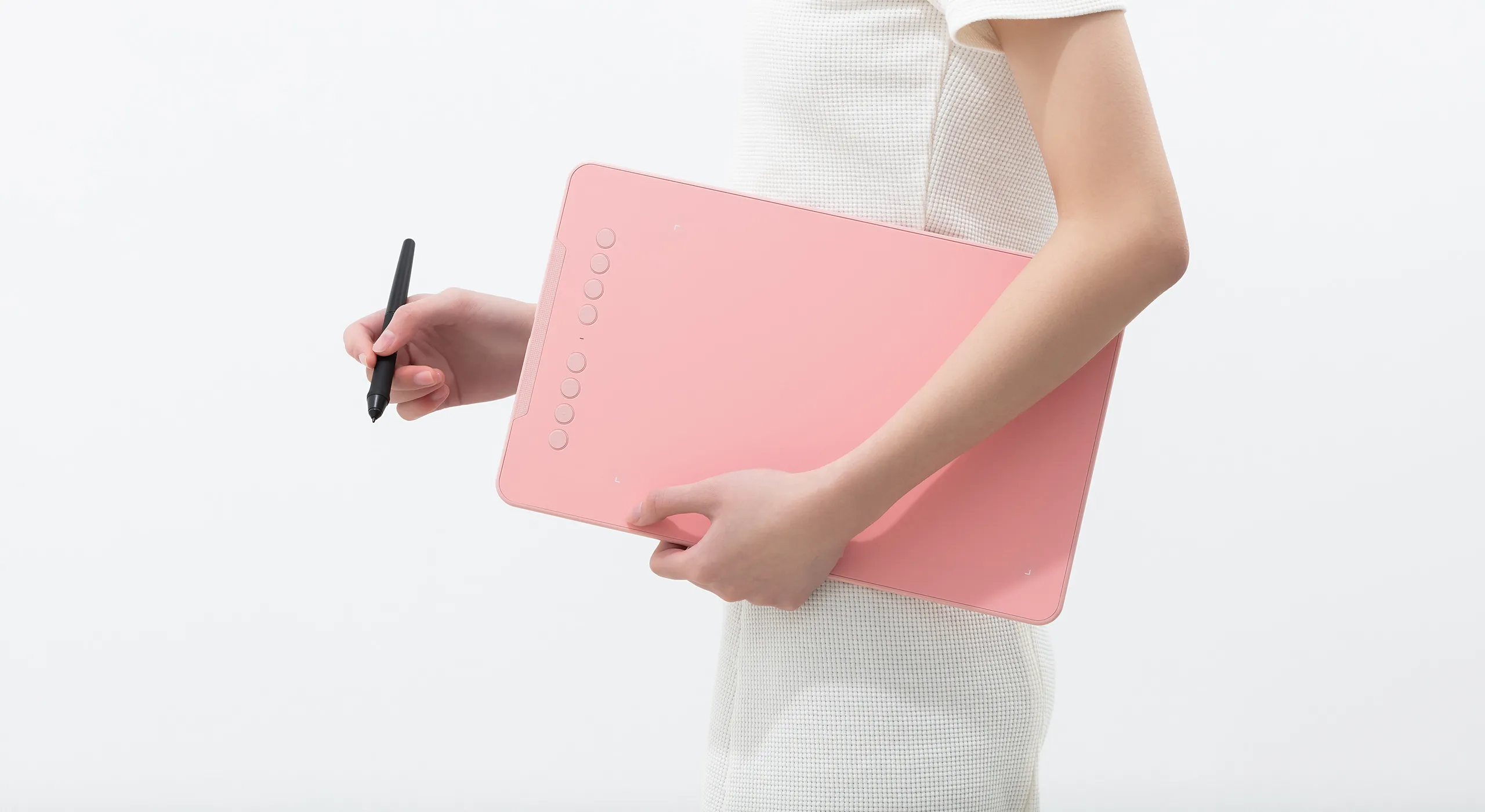
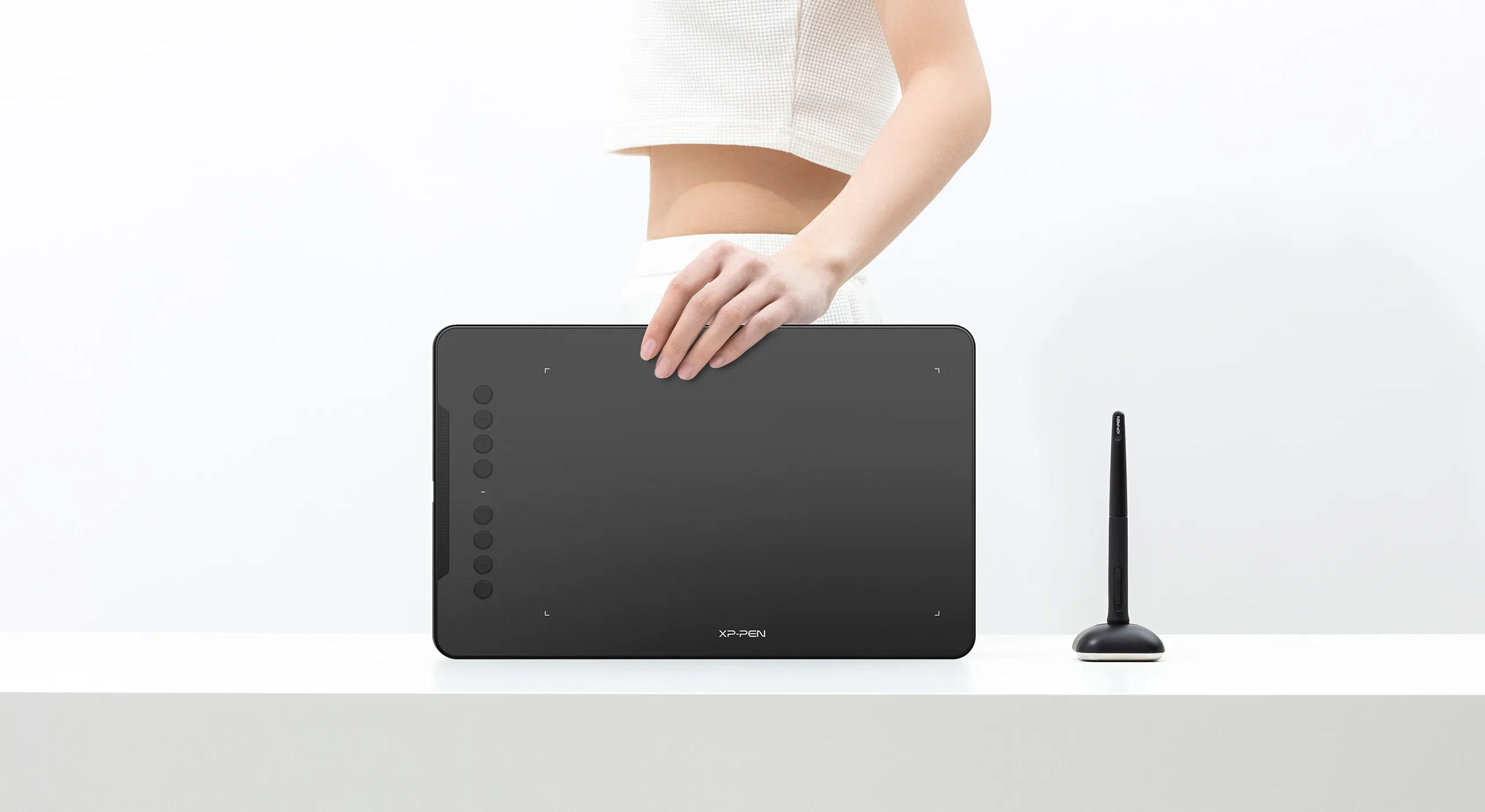
The Deco 01 V2's expansive tablet is big and brilliant! It comes with a 10 x 6.25 inch working area so you have more space to create and get work done. But with only 8 mm thickness, you can take it anywhere without the burden of lugging around a heavy tablet!
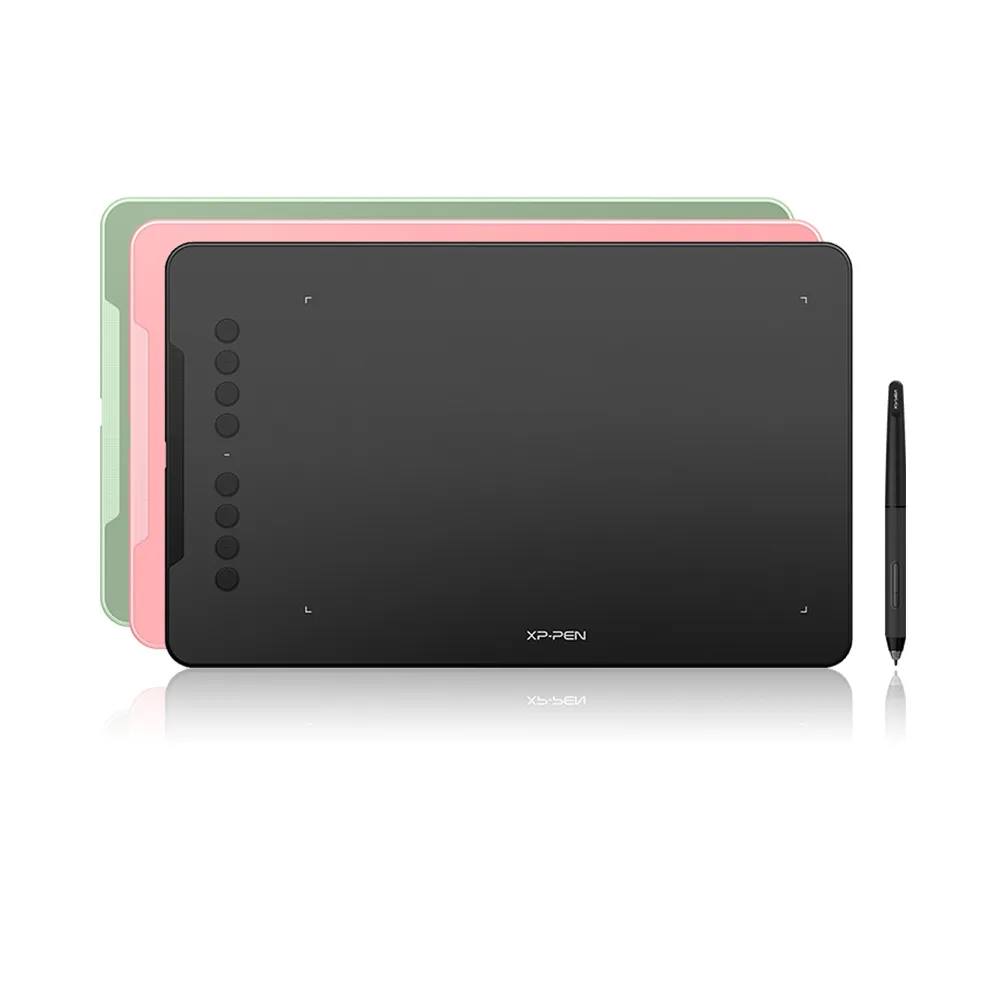
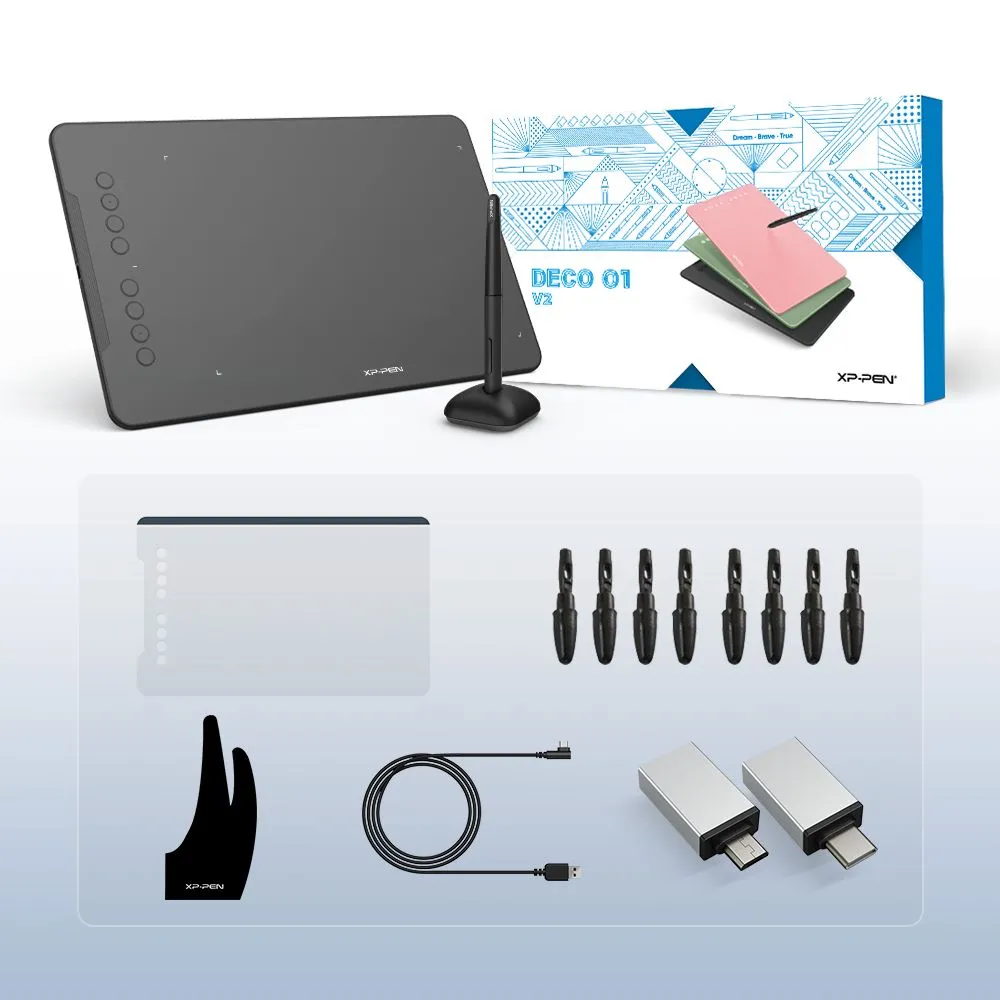
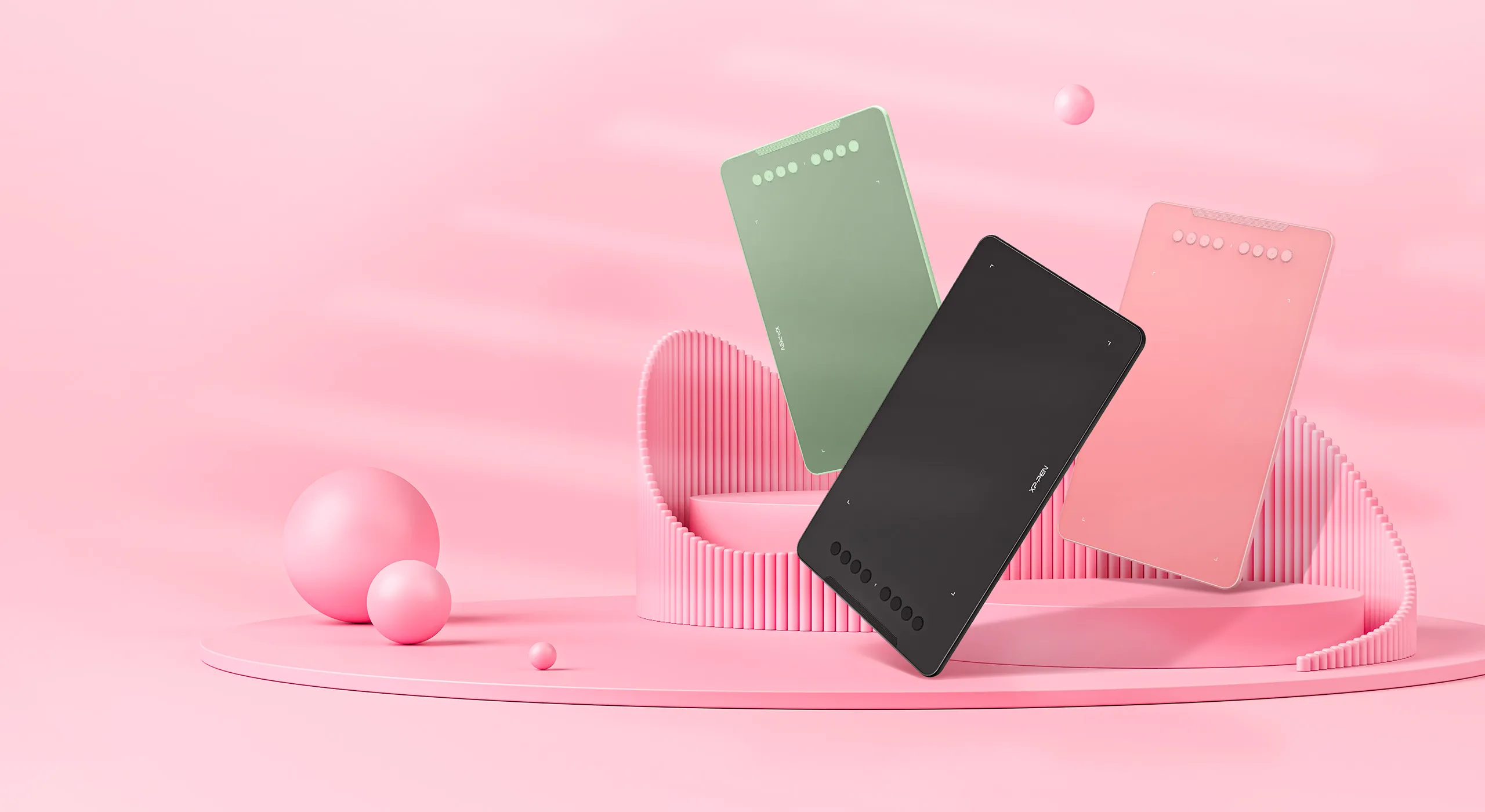
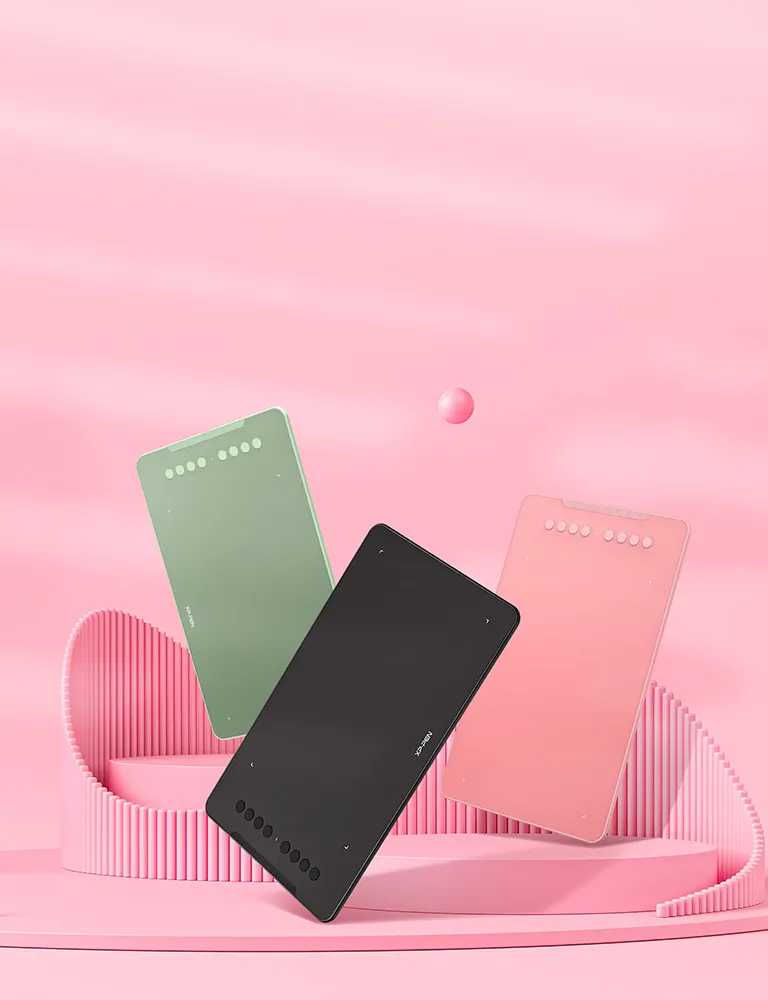
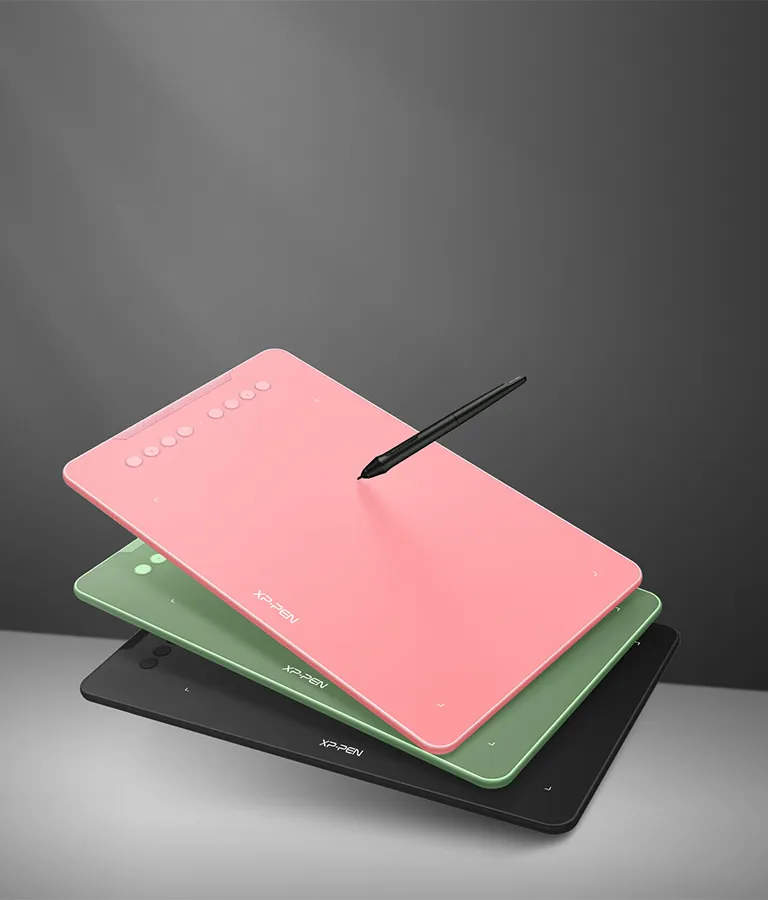
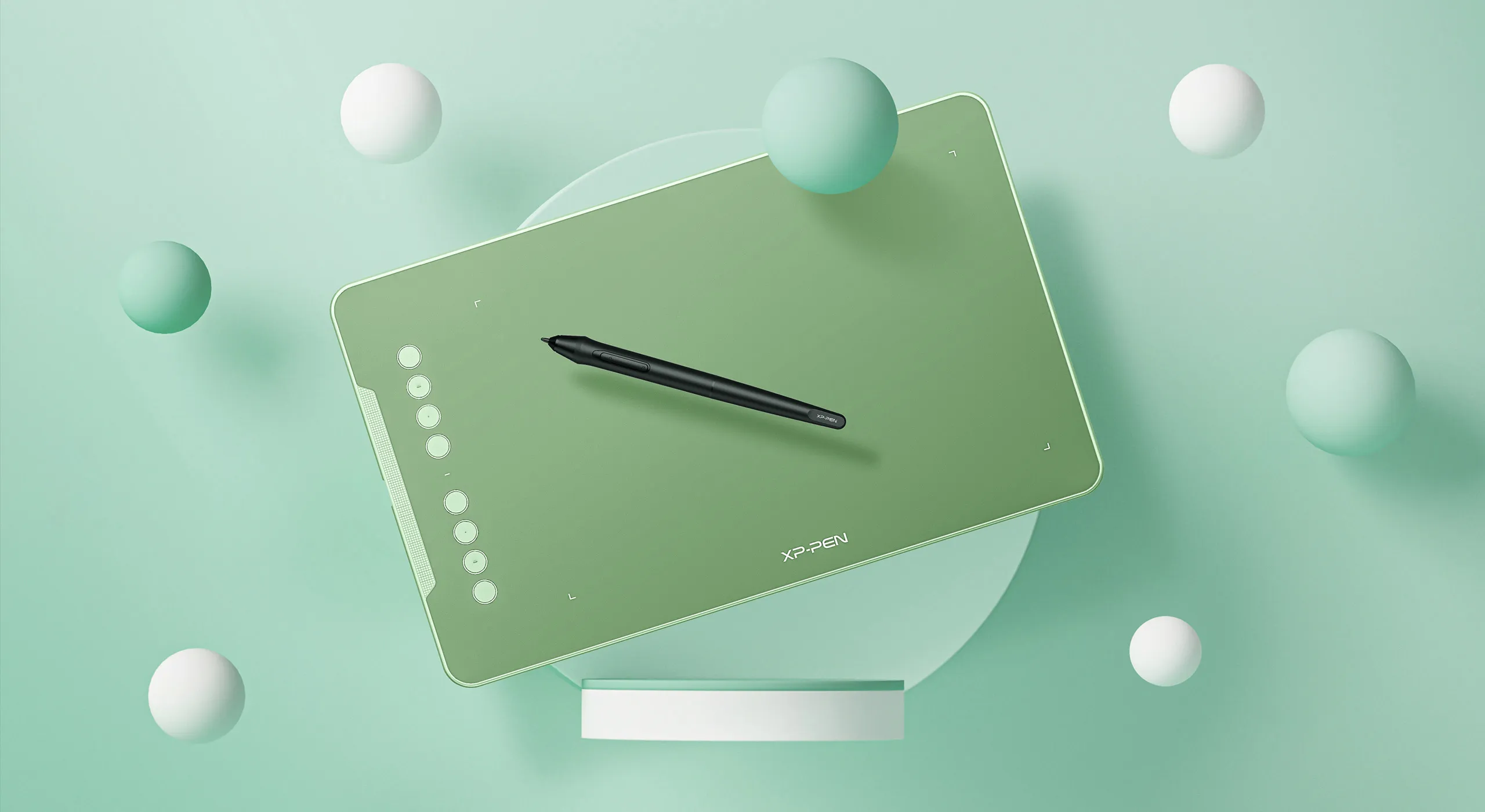
Three vibrant colors, for creative inspiration.
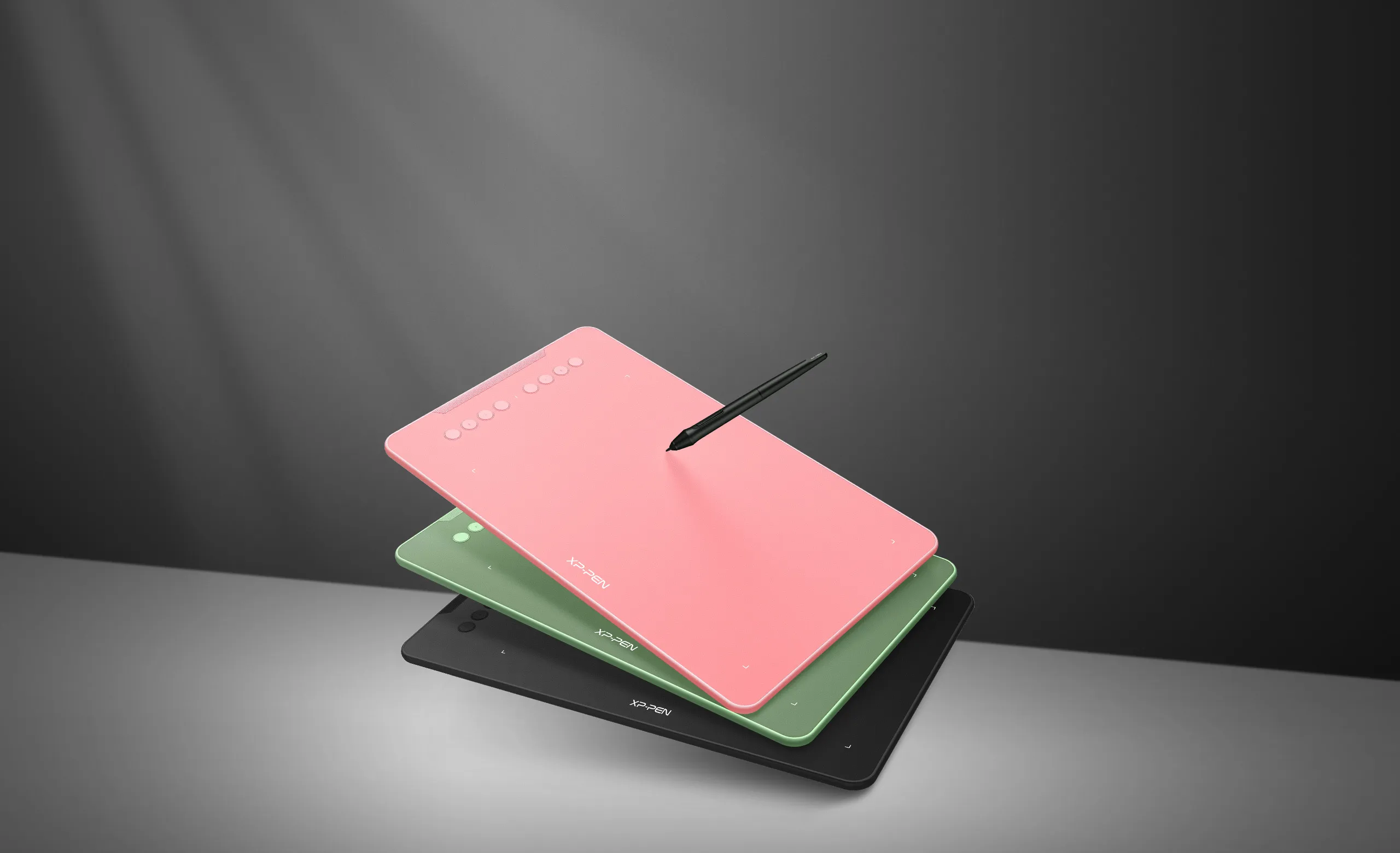
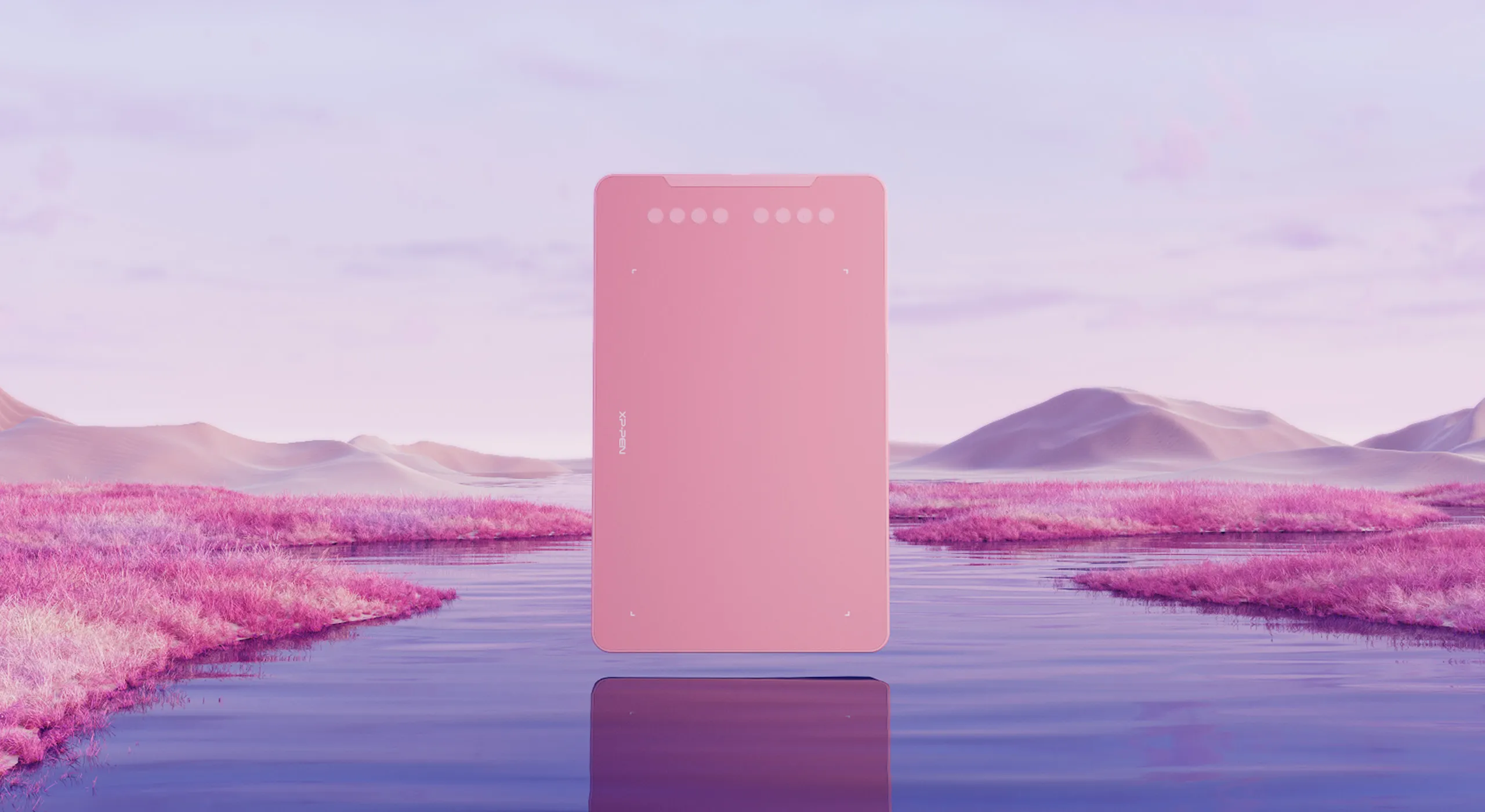
Deco 01 V2 now is available in three vibrant colors. Choose your color, personalize your style, and show your unique creativity.
Pink
Green
Black
Versatility
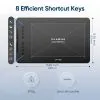
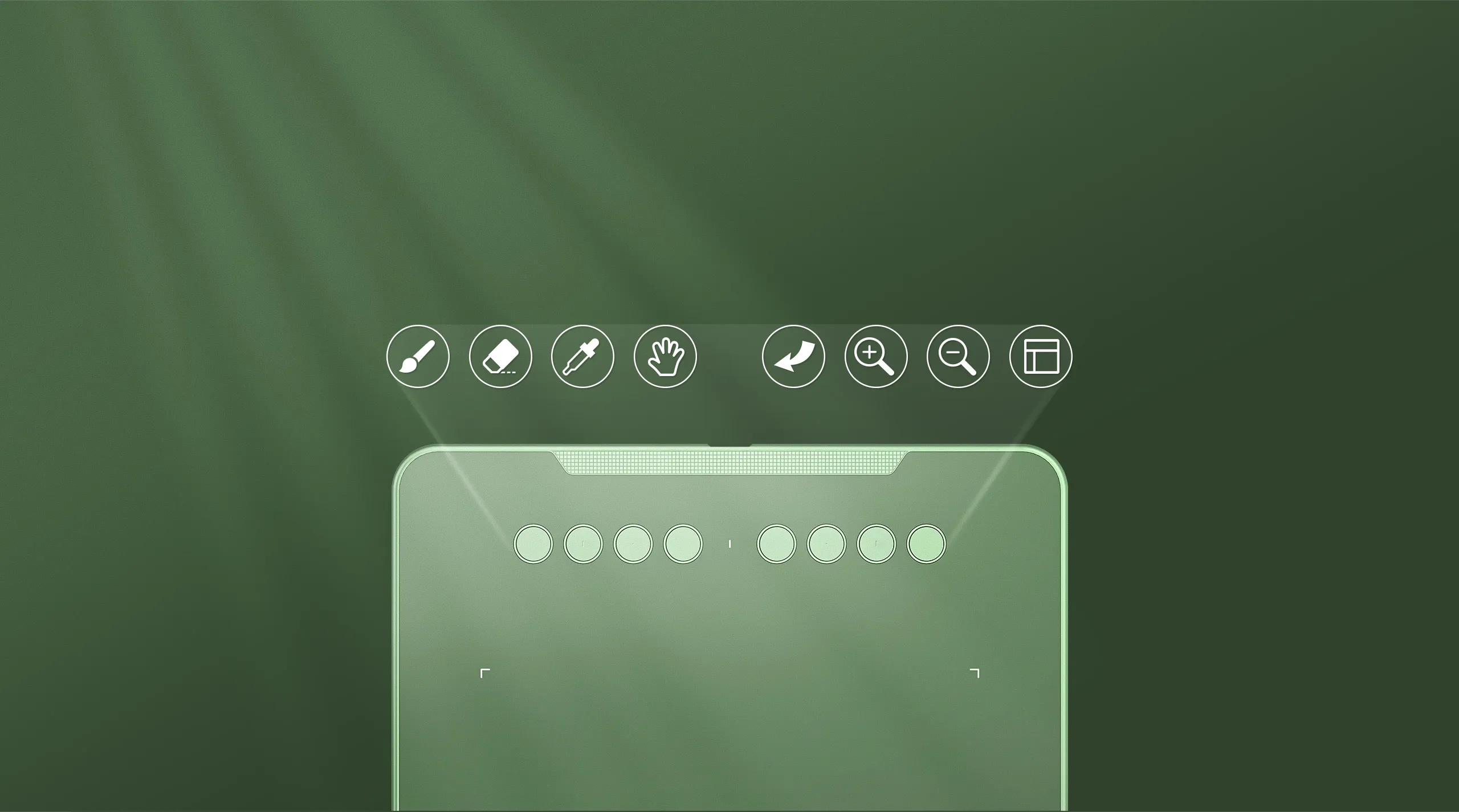
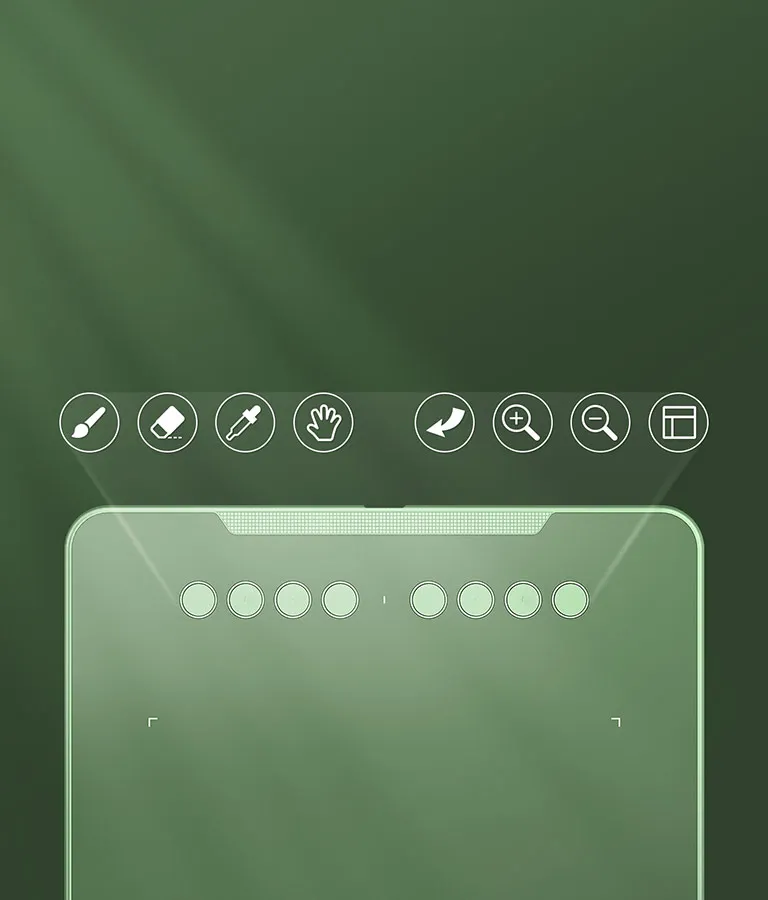
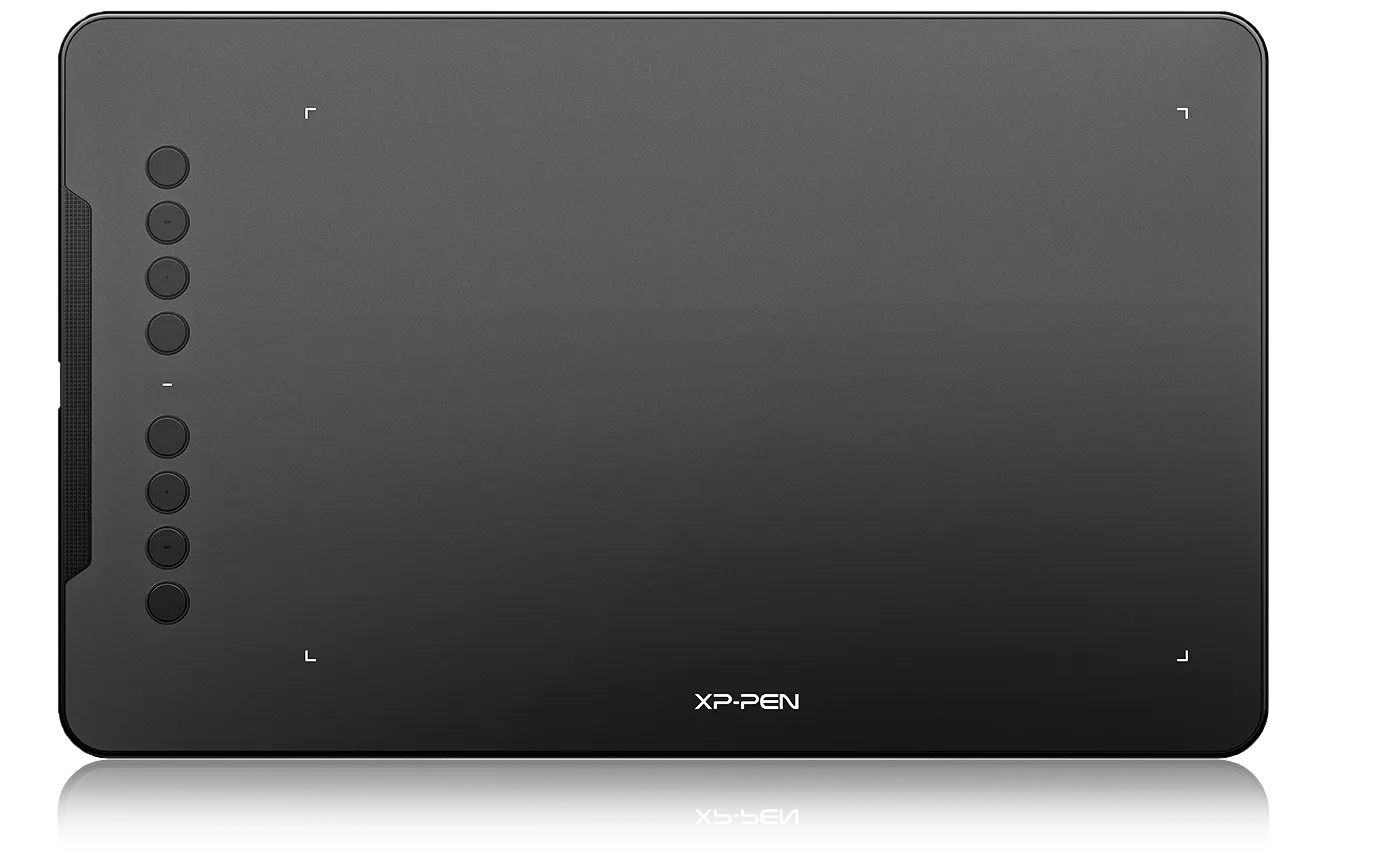
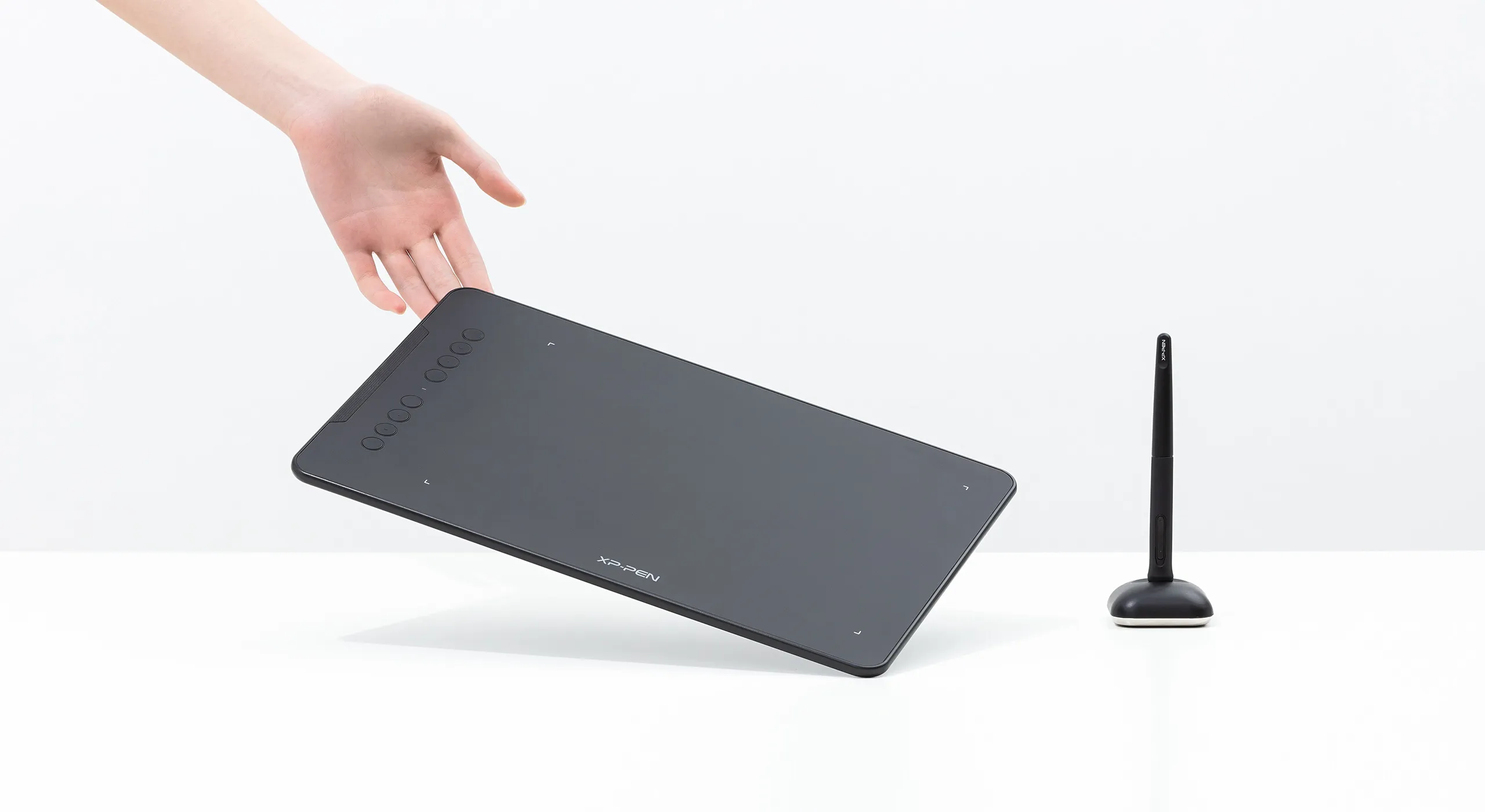
The Deco features eight, round, customizable express keys that fit easily to your fingertips.
With its blind spot reduction design,
you can find the position of your express keys efficiently and the shortcut keys can be programmed to many different software programs.
Ultra-thin ultra-portable
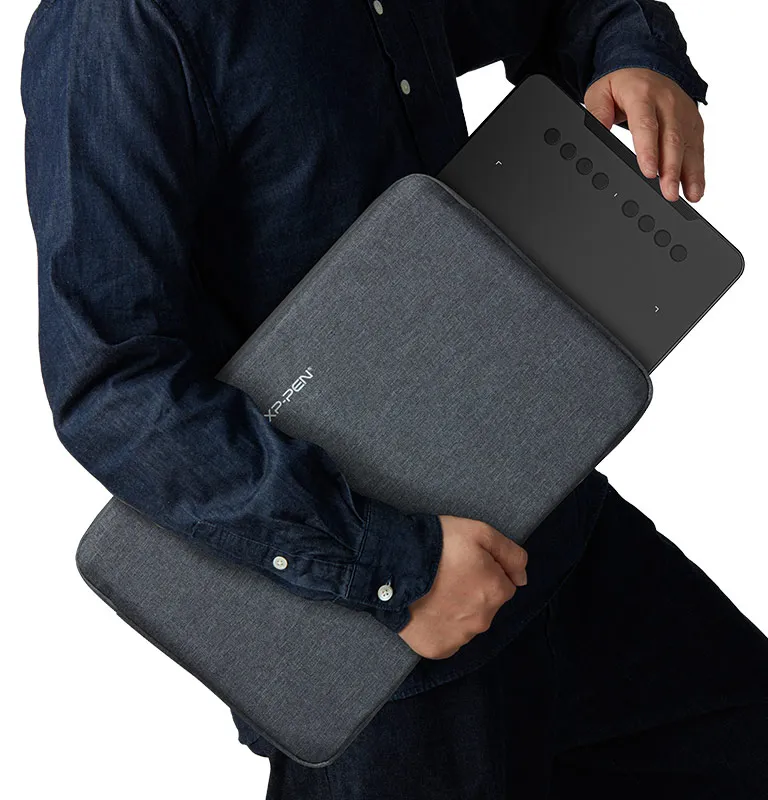
Only 8 mm thinness of the Deco 01 V2 tablet, more lightweight and portable. Slip it into the back of your backpack for a moment of inspiration.

Inspiration with a glimmer.
The Deco 01 V2 lights up at the ends of the drawing area, and comes with adjustable brightness levels, so you can work and create in your preferred lighting environment.





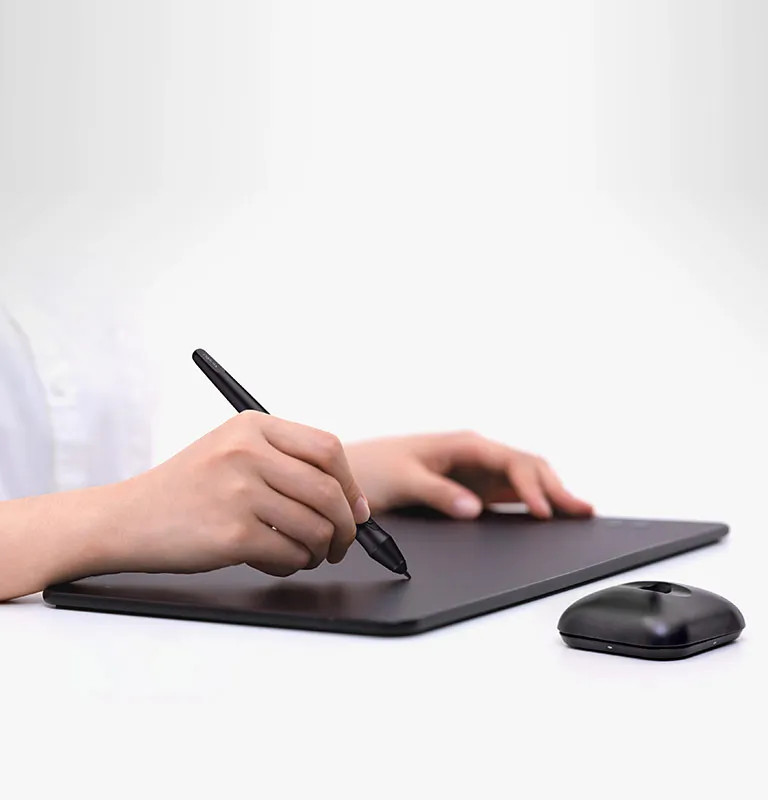
A free and articulate stylus pen.
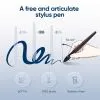
The stylus works just like a real pen, no battery and no charging required! The stylus is true-to-life with 8,192 levels of pressure sensitivity, giving it the intelligence to modify, navigate and create with a full pallet of brushes and pens.

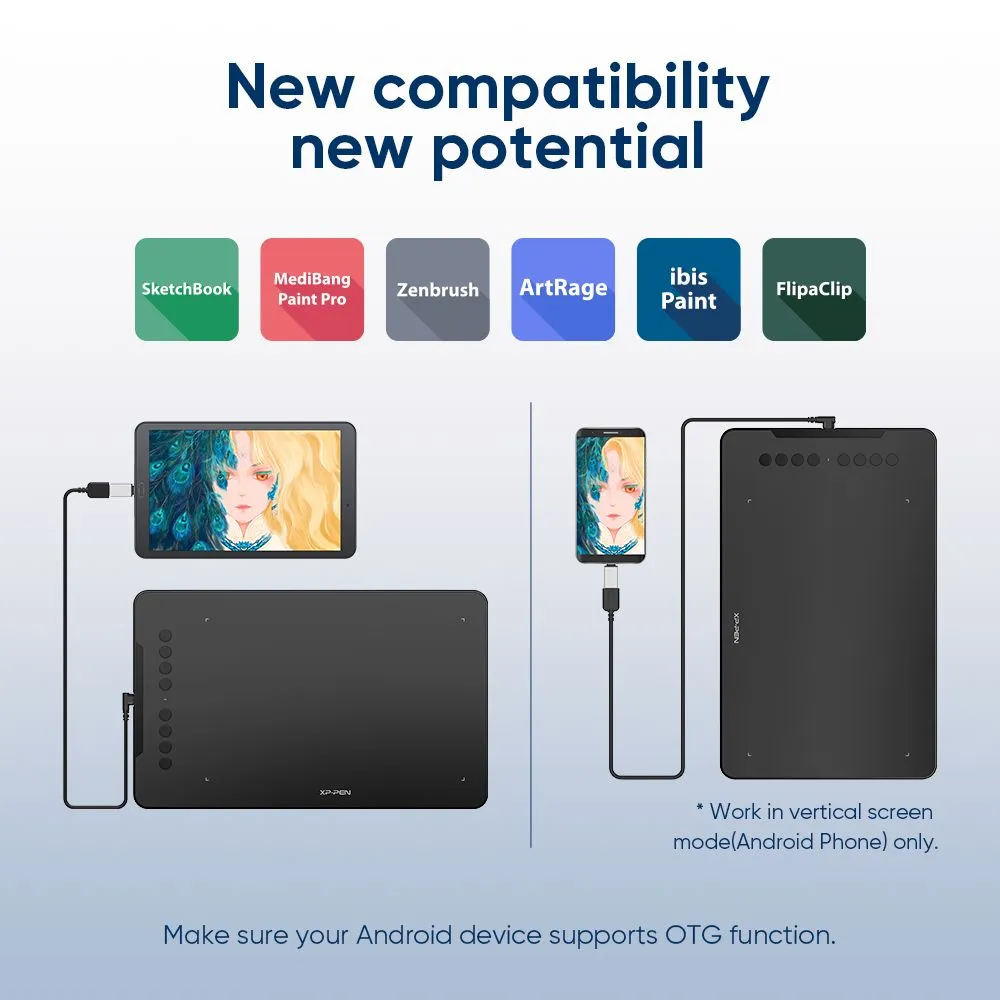
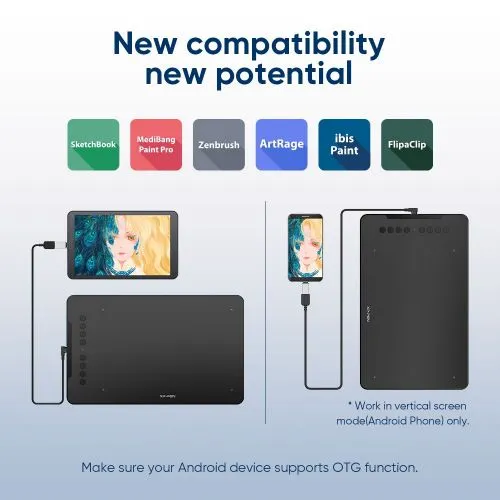
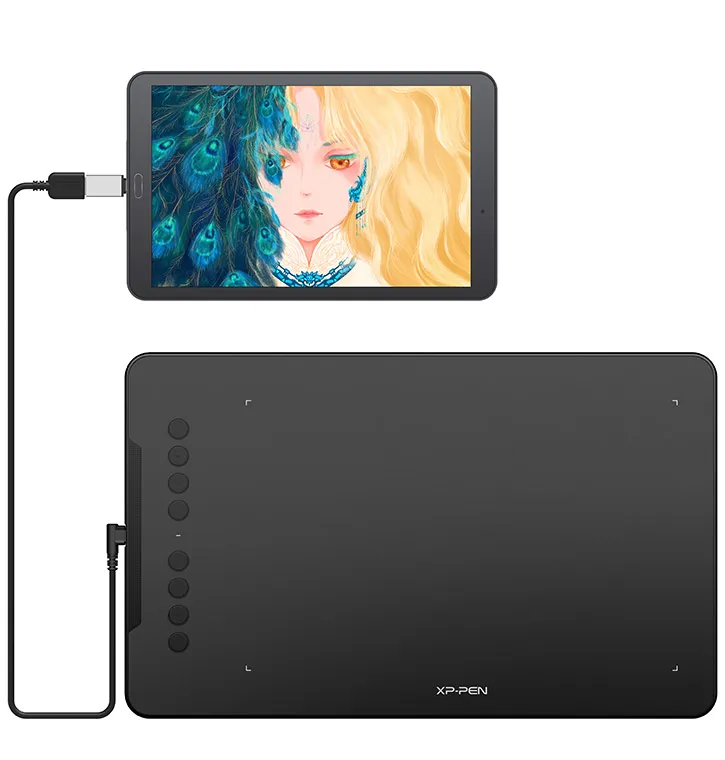
New compatibility, new potential.
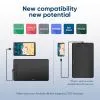
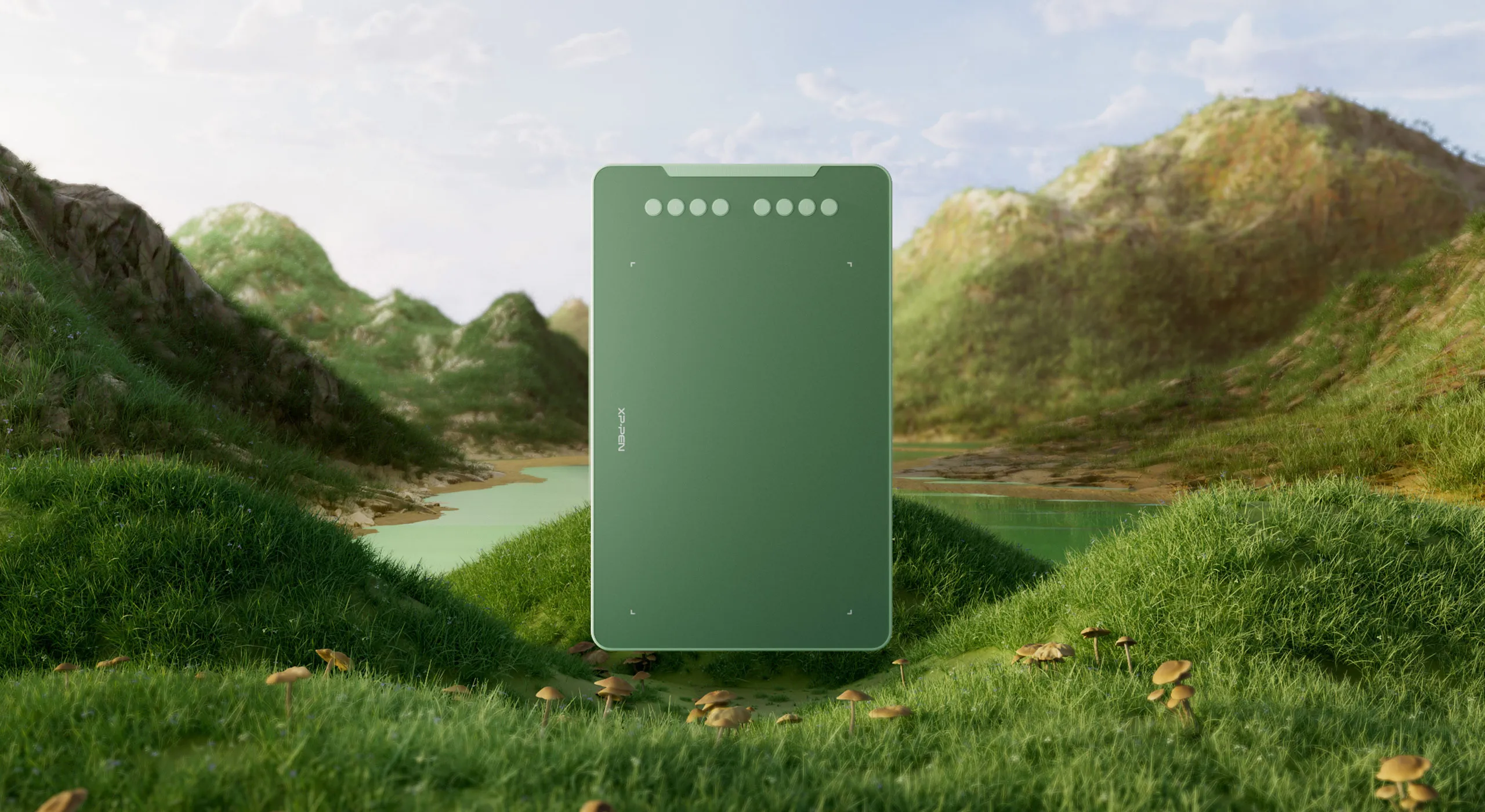
The XPPen Deco 01 V2 supports connections with Android devices 6.0 and above.
It works with most major software including: ibis Paint X, FlipaClip, Medibang, Autodesk Sketchbook, Zenbrush and Artrage, etc.,
bringing you an all new creative experience with extreme portability and potential.
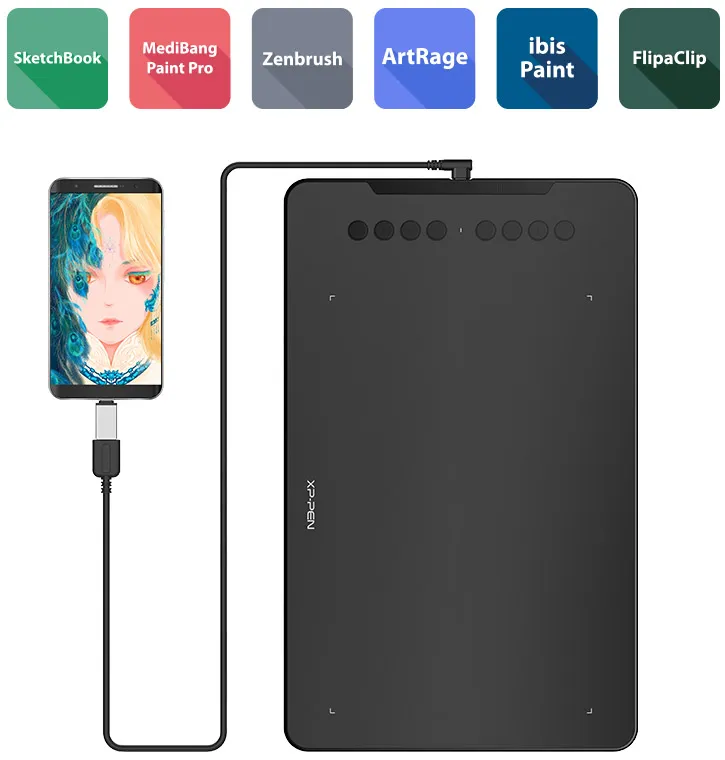
* Works in vertical screen mode only. Make sure your Android device supports OTG function.
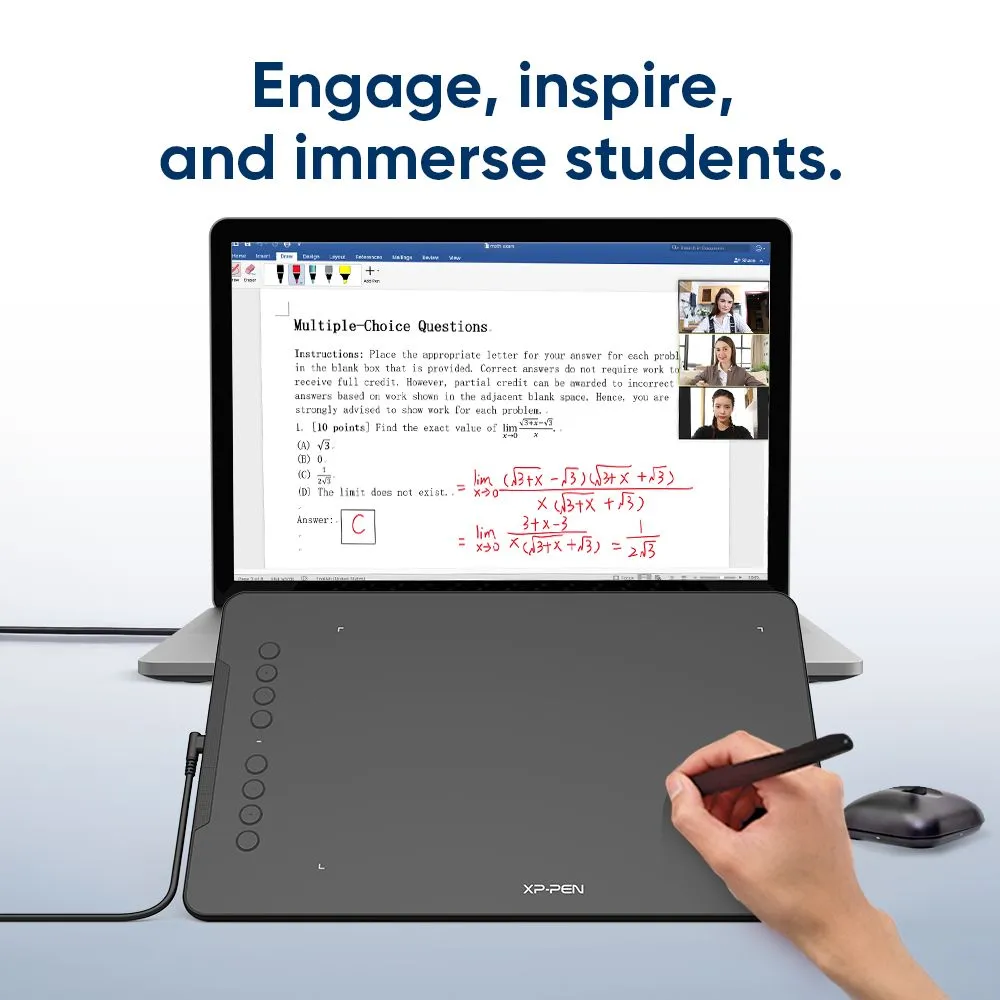
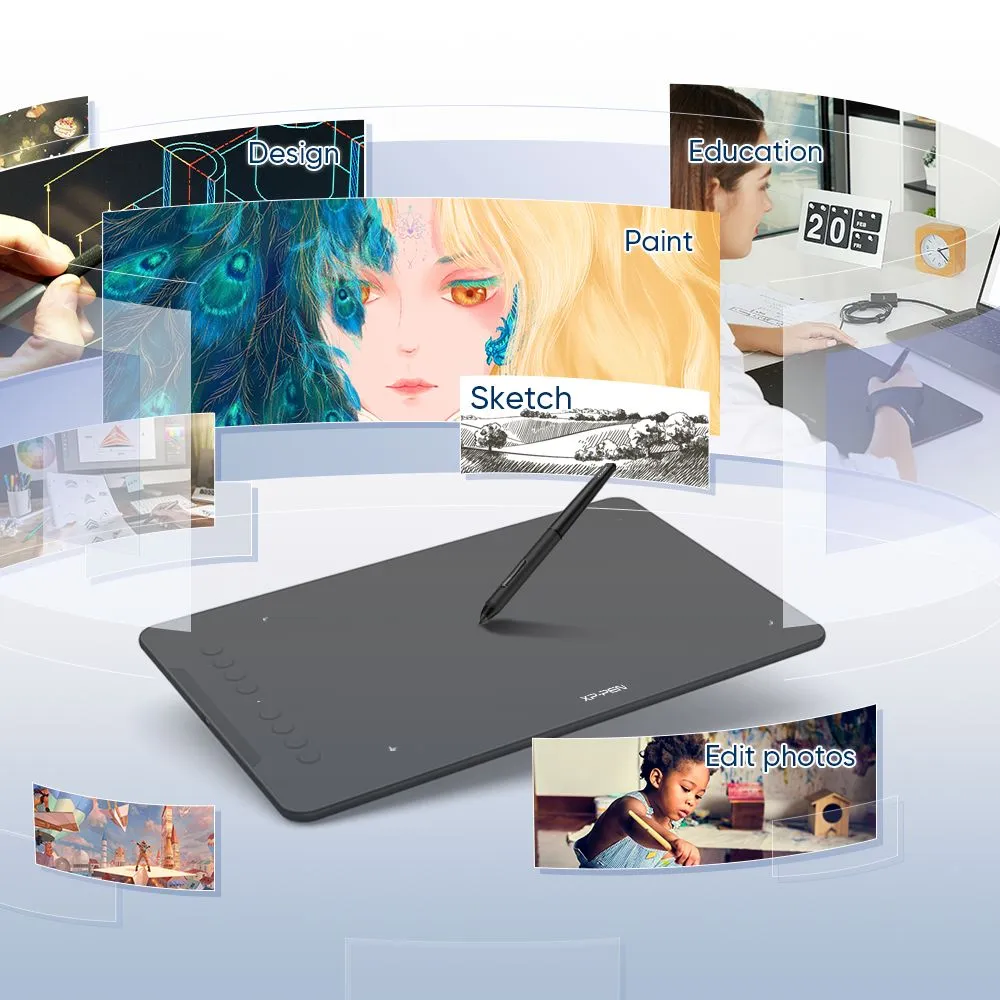
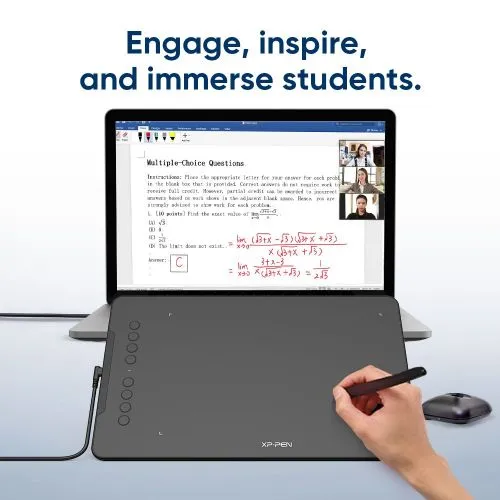
Engage, inspire, and immerse students and attendees like never before.
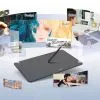
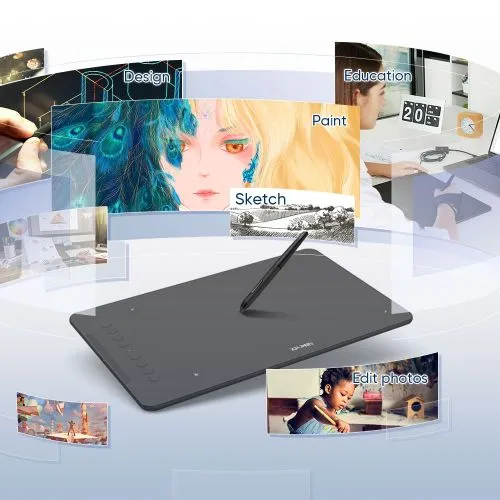
Sketch, paint, design, and edit photos on your tablet. A unit powerful enough to help you take your ideas even further, annotating directly in files and sharing their screen in real time while streaming, broadcasting, or web conferencing.
This flexibility allows the flow of creative ideas and the problem-solving process to be presented intuitively and efficiently.
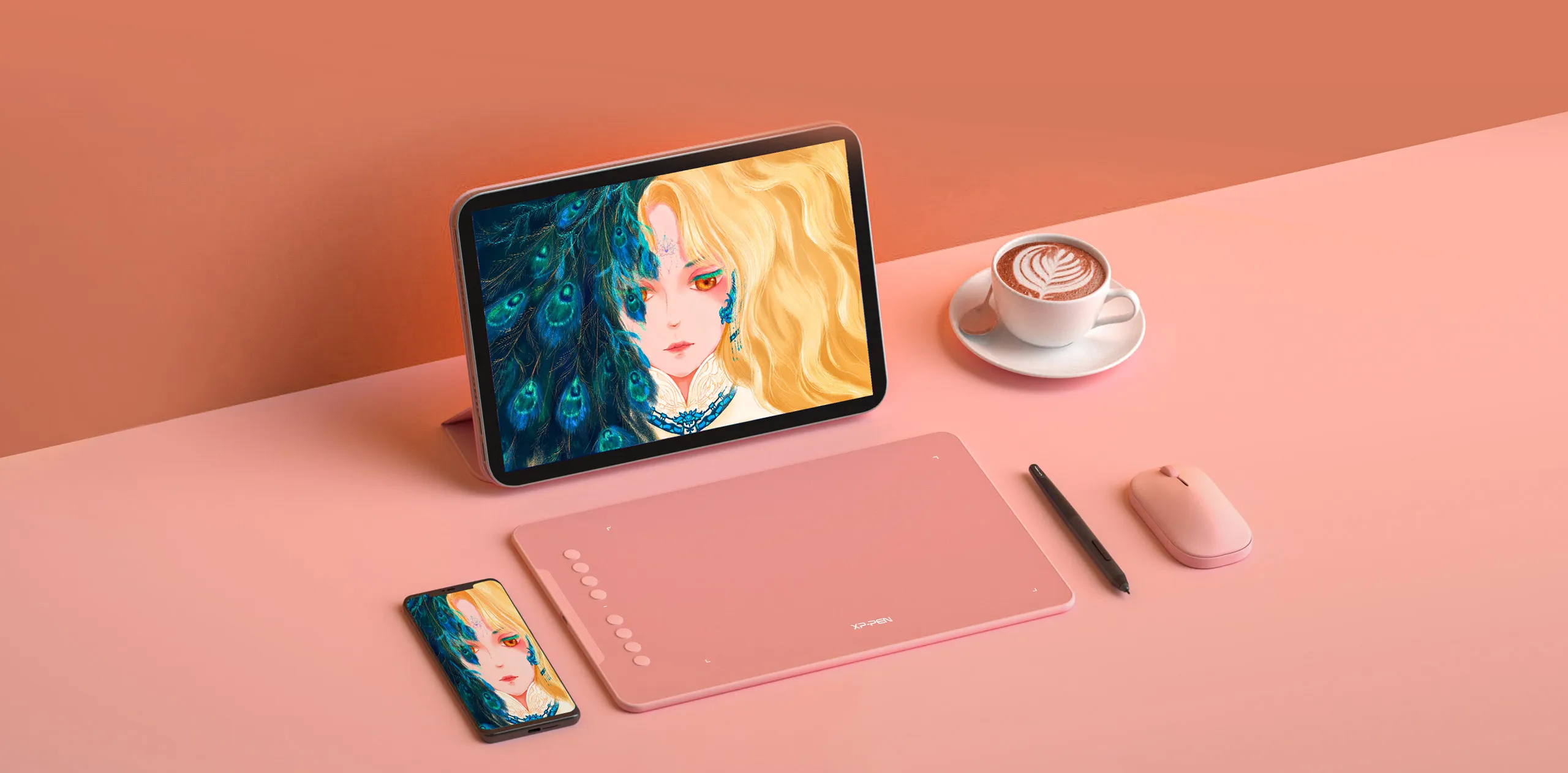
Extensive compatibility.
Compatible with Windows 7 (or later), Android 6.0 (or later), Mac OS 10.10 (or later), Chrome OS 88 (or later) and Linux (Detailed versions).

Also compatible with many major designer software such as Photoshop, SAI, Painter, Illustrator and Clip Studio, etc.
* Please update your Windows to version 11 or Mac OS to version 12 first.
Product Gallery


Specifications
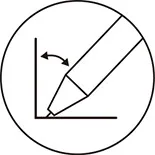
60° tilt
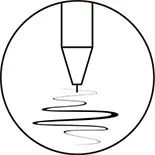
8192 levels

Battery-free EMR stylus
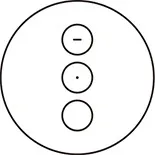
Customizable shortcut keys

Windows / Mac / Android / Chrome OS / Linux
Show More

4.8


Based on 55
84%(46)

15%(8)
2%(1)
0(0)
0(0)
Wilson Nocon
Jan 05 ,2021 PM 13:41 Deco 01 V2
Amazing!
Bought this tablet for my daughter to get her started in digital art and she loves it!!! She would draw and paint for hours with this tablet !!!
Useful(0)+1
Official mall
Jan 05 ,2021 PM 19:02
Thank you so much for your support.
We will work harder to provide products and services that make our customers more satisfied.
Drawing with this item and having fun~
Alexander Salcedo
Jan 08 ,2020 PM 22:48 Deco 01 V2
Excelente Deco 01 V2 Review
Gracias XP-PEN por hacer una tableta tan maravillosa a un precio tan maravilloso. ¡Es totalmente recomendable!
Useful(0)+1
Official mall
Jan 09 ,2020 AM 10:29
Querido Alejandro
Gracias por su reconocimiento de nuestros productos XP-PEN.
Continuaremos mejorando y brindando productos y servicios de la mejor calidad a nuestros consumidores.
Que tengas un buen día : )
XFANSxoribqk9
Nov 10 ,2021 AM 11:30 Deco 01 V2
A great tablet!
I've had this tablet since August and it's one of my favorites! Would definitely recommend for a beginner artist.
Useful(0)+1
Official mall
Nov 11 ,2021 AM 11:47
Thank you so much for your support. It\'s very pleasing to hear that you\'re satisfied with our product.
Enjoy this item and have a nice day : )
Learn More
XFANSxprw0kb1
Jul 13 ,2025 AM 09:53 Deco 01 V2
Would this tablet be compatible with a Macbook air on Krita?
Reply1
Official mall
Jul 14 ,2025 AM 11:06
Hello
Deco 01 V2 is compatible with MAC OS X 10.10 (or later). If your MacBook is one of the above models, then Deco 01 V2 is compatible with your computer and supports Krita.
Reply to this review
XFANSmqahw9r0
Jul 11 ,2025 PM 16:32 Deco 01 V2
Hello
Is there shipping to jordan ?
Reply1
Official mall
Jul 11 ,2025 PM 17:28
Hello
The US Official Online Store does not support delivery to Jordan, please purchase through the Middle East and Africa Official Store.
https://www.storexppen.net/buy/deco-01-v3.html
Reply to this review
XFANSkaflpwth
Nov 06 ,2024 AM 06:37 Deco 01 V2
where can i order the pen only because my pen got lost its no where to be found
Reply1
Official mall
Nov 06 ,2024 PM 17:13
Hello
The following is the link for the Deco 01 V2 stylus.
https://www.xp-pen.com/store/buy/p05-p05s-battery-free-stylus.html?variant=5030355f33
Reply to this review
XFANSpfy1grhs
Oct 25 ,2024 AM 02:51 Deco 01 V2
Can this also connect to a iPhone?
Reply1
Official mall
Oct 25 ,2024 PM 16:10
Hello
No, it is not compatible with IOS system, so it cannot be connected to iPhone for use.
Reply to this review
XFANSo9d8ykdv
Oct 16 ,2024 PM 22:48 Deco 01 V2
does this work well with Chromebook and ibis paint?
Reply1
Official mall
Oct 18 ,2024 AM 10:28
Hello
Deco 01 V2 is compatible with Chrome OS 88 (or later). If your Chromebook is compatible with ibis paint, then Deco 01 V2 is compatible with ibis paint.
Reply to this review
XFANSrlmj159w
Sep 21 ,2024 AM 04:57 Deco 01 V2
Does it work with Blender 2D Animation?
Reply1
Official mall
Sep 23 ,2024 PM 14:38
Hello
Yes, Deco 01 V2 is compatible with Blender and 2D Animation software.
Reply to this review
XFANScnk7xuo5
Sep 17 ,2024 AM 11:43 Deco 01 V2
How do you set up the shortcut buttons on the stylus and tablet when using with Android? Using a Deco 01 V2 with a Lenovo P12 and mainly want to use Krita, in which you can use mouse buttons to drag the canvas (middle-click) and bring up the colour/tool changer (right-click). I can't find how to set the stylus buttons to act as these mouse-buttons, as there's no driver for Android just plug & play. Or if this isn't possible, I can always change the button functions in Krita, but I need to know what the default inputs of the stylus buttons are, where can I find this out?
Reply1
Official mall
Sep 18 ,2024 PM 17:19
Hello
Due to Android OS limitations, there is no tablet drivers for Android, don’t worry, the tablet will work plug and play on Android. It is the same for other brands in the market.
For Android, you won't be able to set the Express Keys, they do have defaults but they may not work in all programs and most may not support Express Keys. For the Deco 01 V2, I believe the defaults are as follows:
K1: B Key
K2: E Key
K3: Alt key
K4: Space (Space bar key)
K5: No Function
K6: Undo (Ctrl + 'Z')
Reply to this review
XFANS3ww7e15t
Aug 28 ,2024 AM 00:48 Deco 01 V2
Is Deco 01 V2 is the one and only version of this pen tablet? because in my country there seems to another product with the name Deco 01 V2(Vers 2), i just want to make sure there are no two version of this pen tablet right?
Reply1
Official mall
Aug 28 ,2024 PM 17:21
Hello
Yes, there is only one version of Deco 01 V2.
Reply to this review
XFANS3ww7e15t
Aug 28 ,2024 AM 00:44 Deco 01 V2
Hi, im on the fence between buying this and Deco Fun L, can you tell me what is the notable difference between the those two?
Reply1
Official mall
Aug 28 ,2024 PM 17:21
Hello
The parameters and performance of Deco Fun L and Deco 01 V2 are basically the same.
Deco 01 V2 has 8 Shortcut Keys while Deco Fun L does not.
You can view detailed parameter information through the following link.
https://www.xp-pen.com/compare.html
Reply to this review
XFANS3by81y73
Jul 07 ,2024 AM 11:31 Deco 01 V2
Hey. I have had my drawing pad for a little under a week and I can not figure out how to customise the buttons. It says I have to use PenTablet but I cannnot find that anywhere. what do I do?
Reply1
Official mall
Jul 10 ,2024 PM 17:44
Hello
1. Please install driver first: https://www.xp-pen.com/download/deco-01-v2.html
2. Open driver, click Custmoize.
3. For example, if you use Photoshop app, we can set pen/Eraser shortcut
If you like other shortcuts, such as ctrl+z, we can custmozie
If you need more professional help, please contact the technical team. (service@xp-pen.com)
Reply to this review
Learn More