



Getting started with your
XP-PEN Artist display
1/9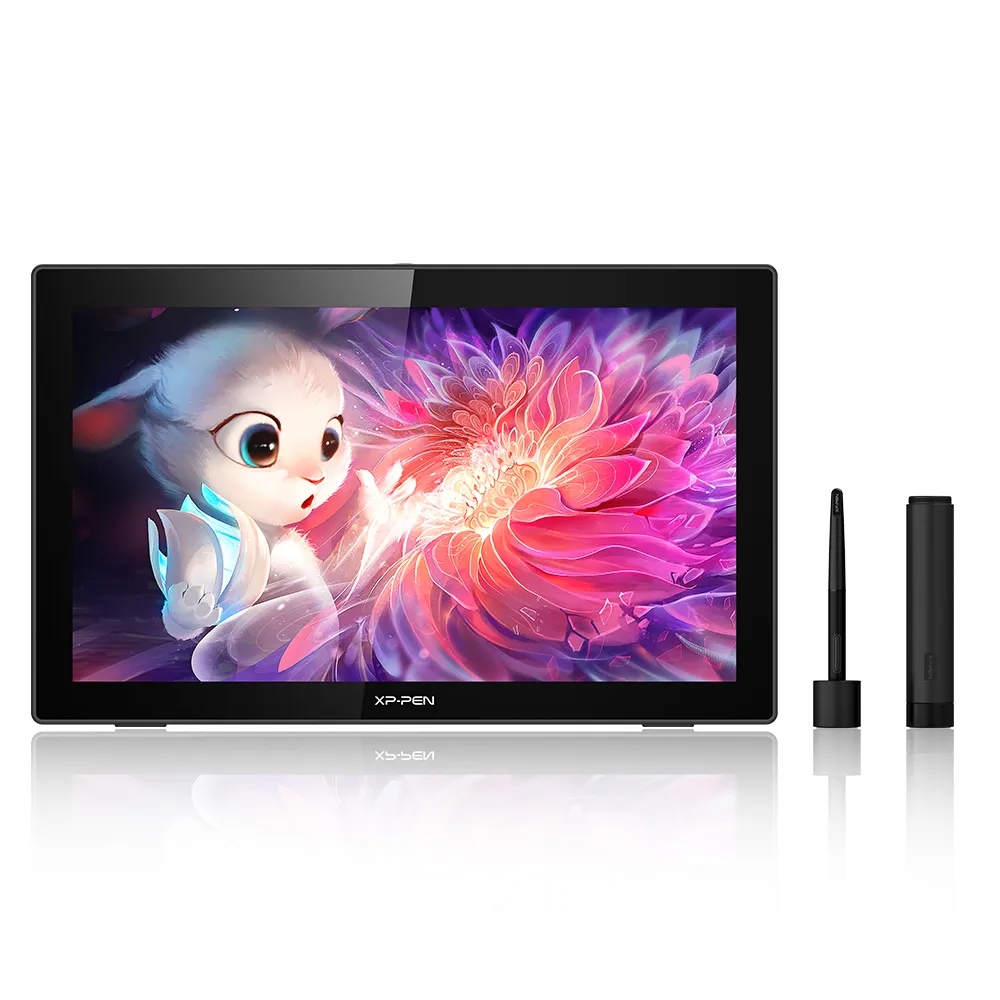
![https://resource.xp-pen.com/Uploads/goods/20220614/97784a2d48e2c30ea833983c14527808.webp]()
![https://resource.xp-pen.com/Uploads/thumb/goods_photo/192/9d5f5e0a11cb8131ad8508d1ce594996_thumb_500_500.webp]()
![https://resource.xp-pen.com/Uploads/thumb/goods_photo/192/932426c1ed9c503b5d70b6c9f29a0676_thumb_500_500.webp]()
![https://resource.xp-pen.com/Uploads/thumb/goods_photo/192/53e2a817141f63ff74af6ae7d23bdd6c_thumb_500_500.webp]()
![https://resource.xp-pen.com/Uploads/thumb/goods_photo/192/5d7acb302eeb0ca6d5068ca360a18d80_thumb_500_500.webp]()
![https://resource.xp-pen.com/Uploads/thumb/goods_photo/192/11591ed75bba2d9db8562e0dfe857c14_thumb_500_500.webp]()
![https://resource.xp-pen.com/Uploads/thumb/goods_photo/192/0923d9d92dc4fea924a9df0a5fde199b_thumb_500_500.webp]()
![https://resource.xp-pen.com/Uploads/thumb/goods_photo/192/f87b0e7eebdaa71655cd6805aeb793b7_thumb_500_500.webp]()
Artist 22 (Gen 2)
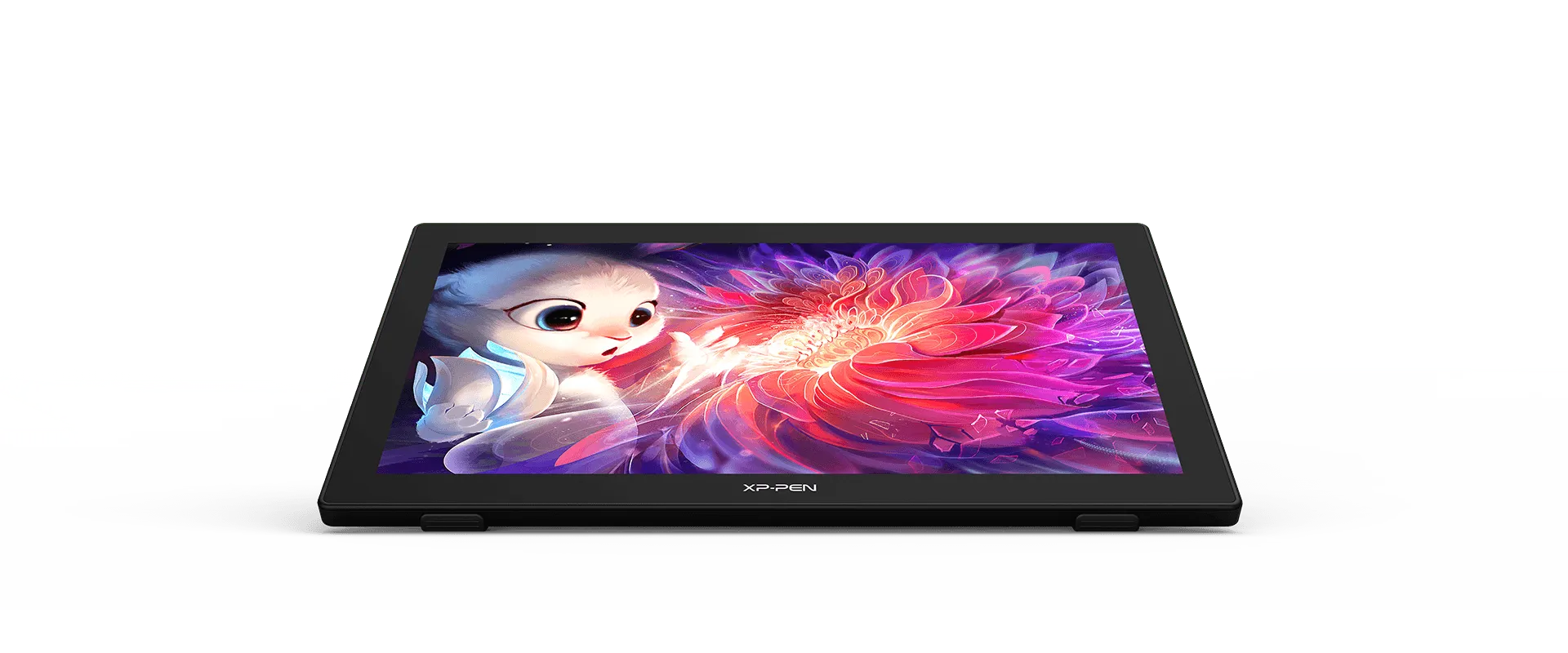
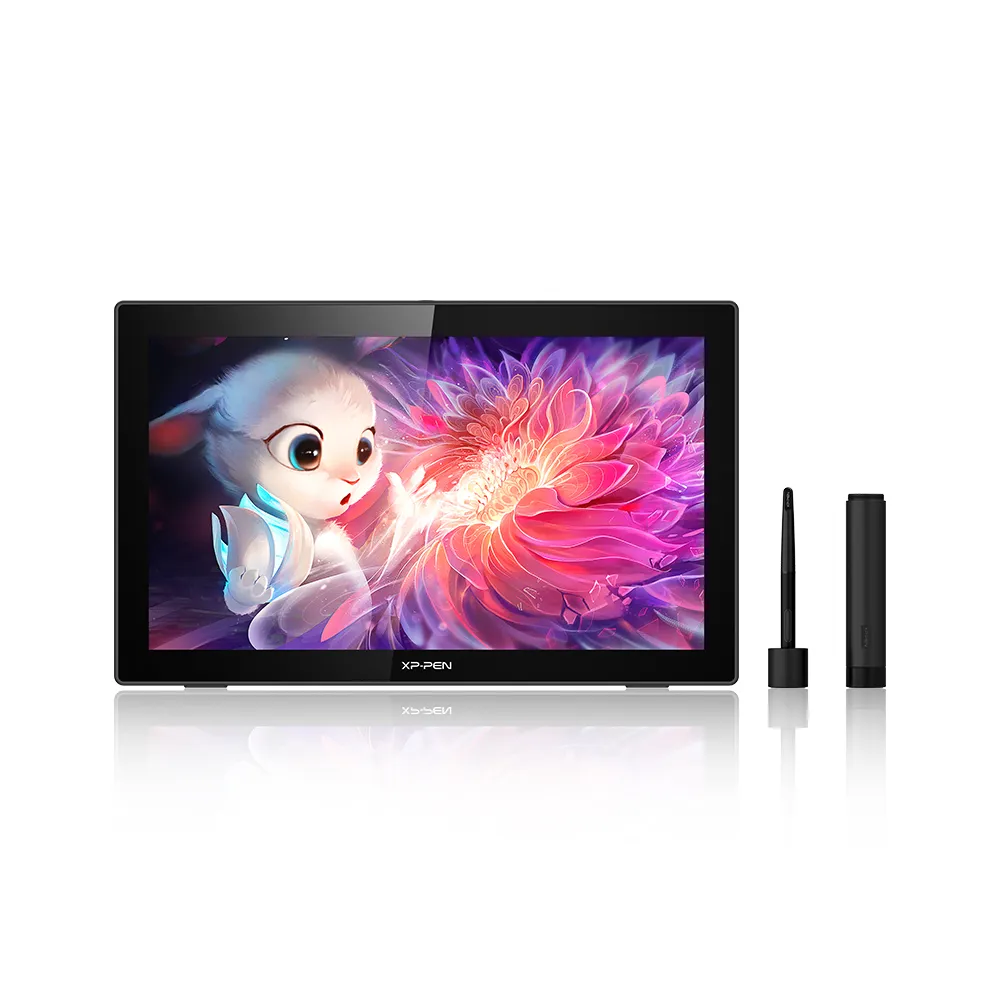
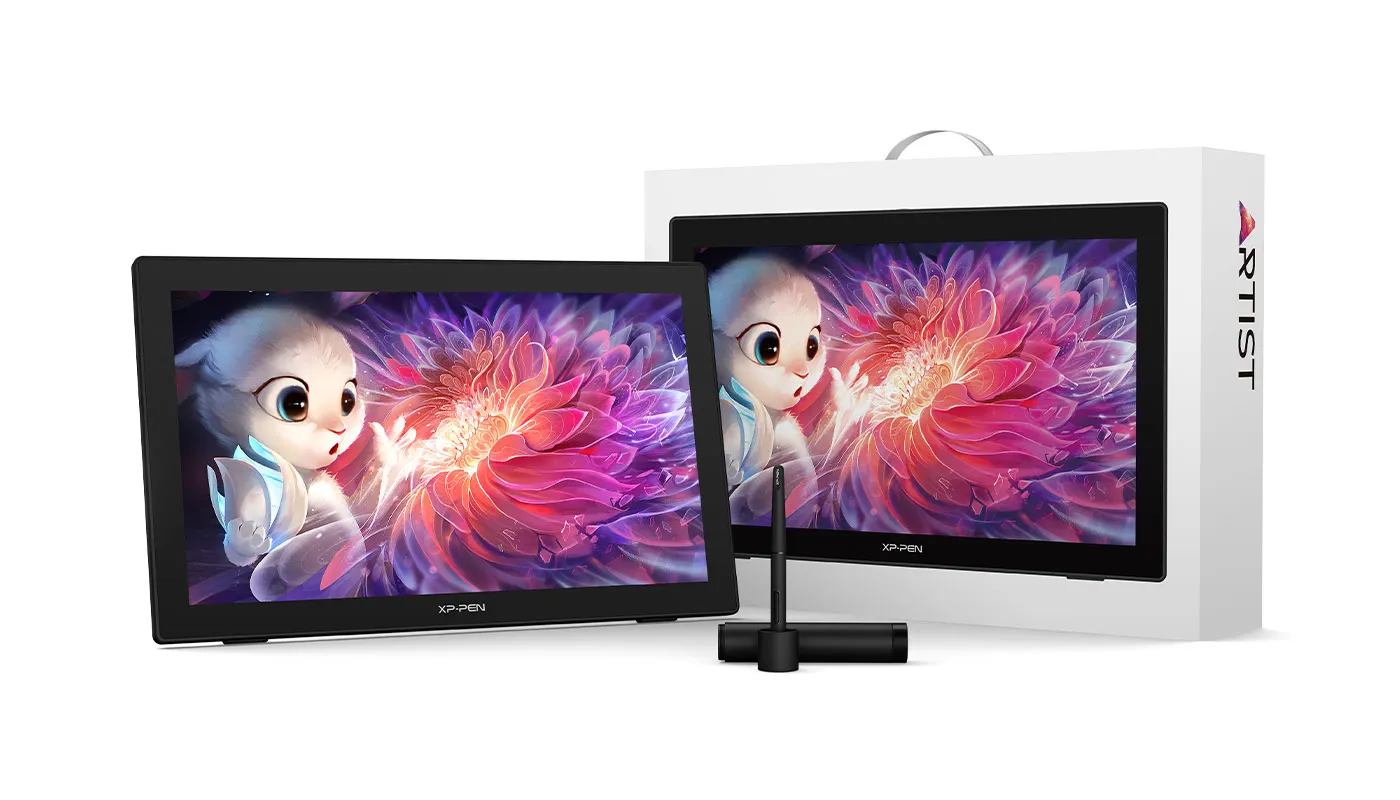
21.5-inch 1920*1080 display, 86% NTSC, Adobe® RGB≥90%,sRGB≥122%. Supports a USB-C to USB-C connection, 60° tilt, and 8192 levels of pressure sensitivity. 16°-90° adjustable stand. More precise cursor positioning. 8ms response time.
$349.99$499.99
Ends in
❋Lifetime Technical Support❋
❋Paypal Pay in 4 interest-free payment❋
❋18-Month Warranty+ Free Shipping❋
❋Free Drawing Software Redemption❋
FAST & FREE
7-day delivery sitewide.
SECURE PAYMENT
Buy now, pay later. Secured by PayPal.
TECH SUPPORT
service@xp-pen.com
18-MONTH WARRANTY
18-month warranty only for official E-store
Extended Warranty:
N/A
1 Year Extended Warranty
Optional Accessories
Quantity:
Total
$0.00
 Log in and purchase to receive an estimated 0 X-Coins








Worry-Free Delivery® available with seel
Estimate:
Feature Highlights


Bigger screen, better vision
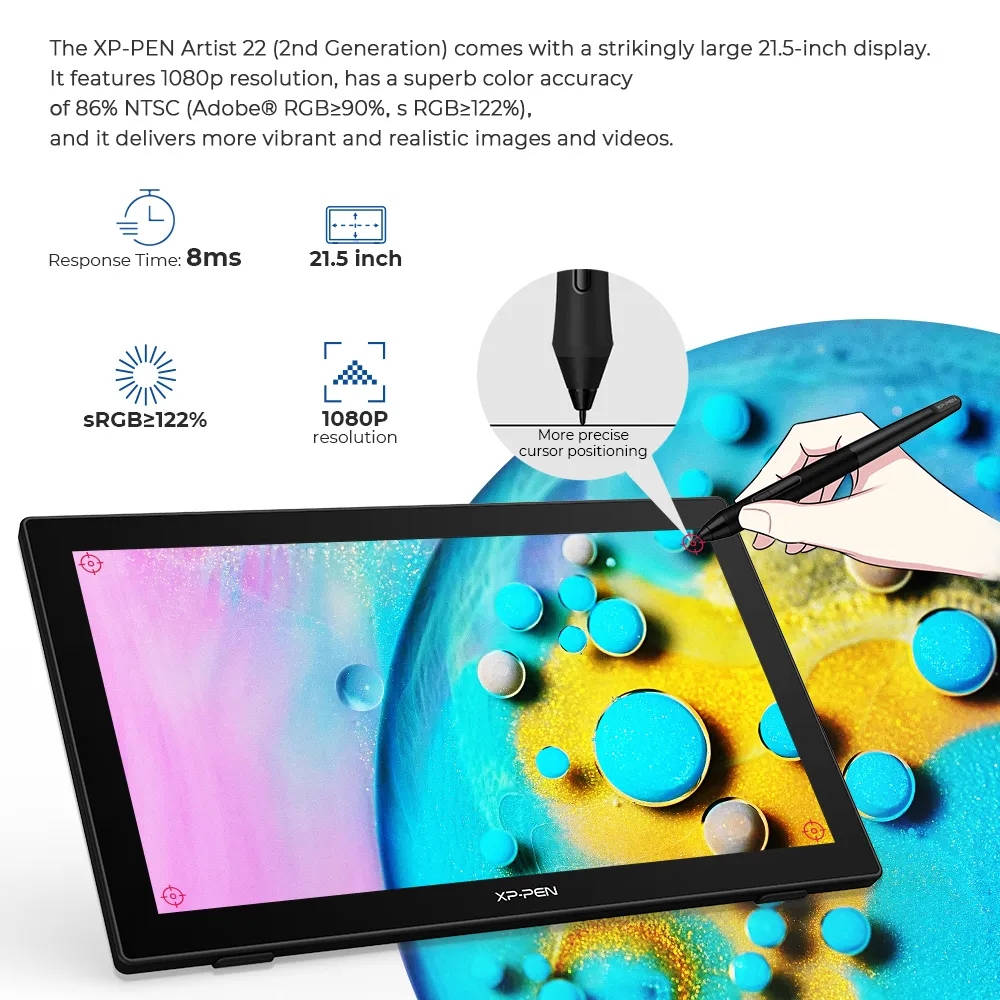
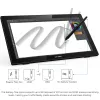
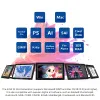
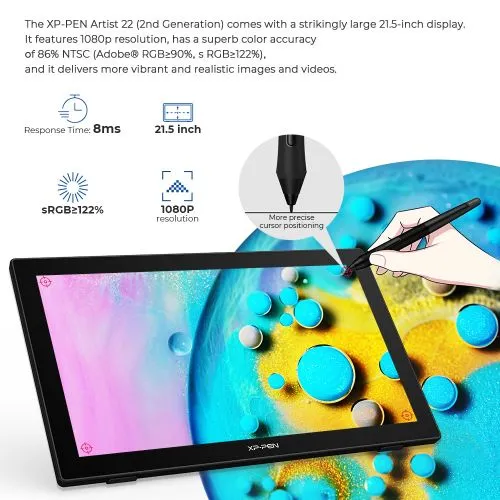
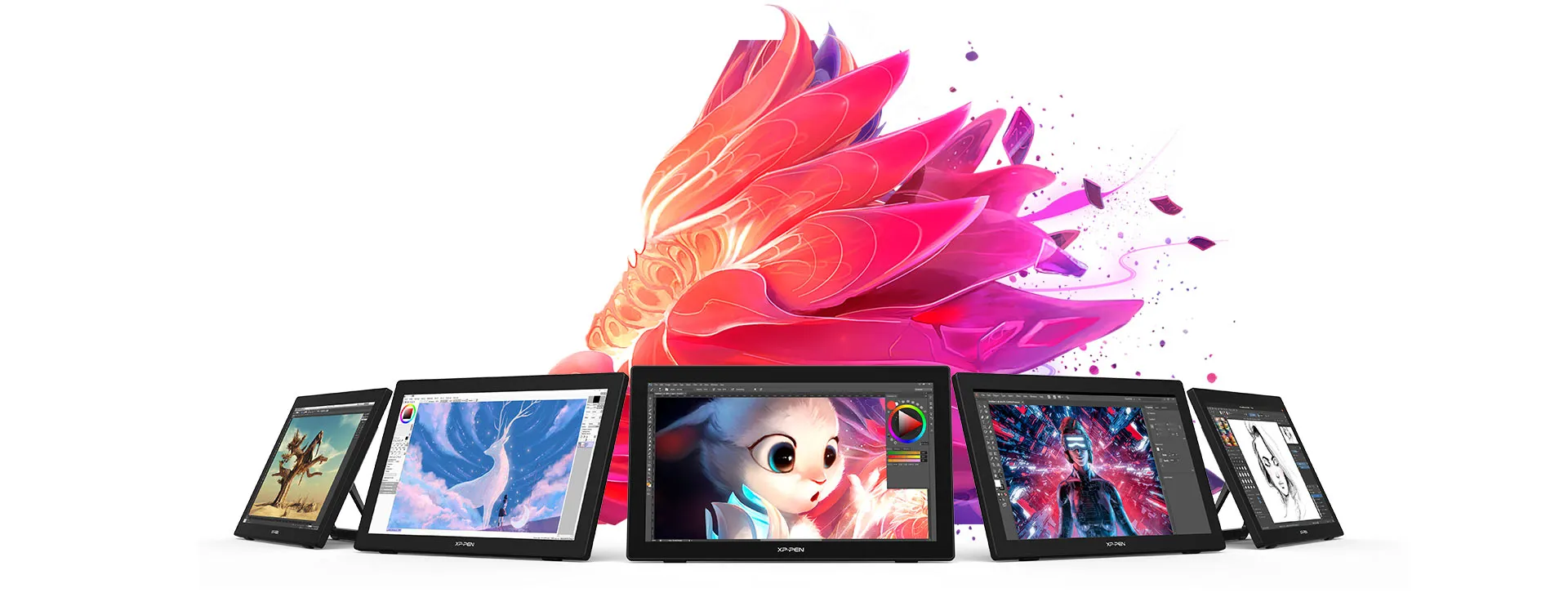
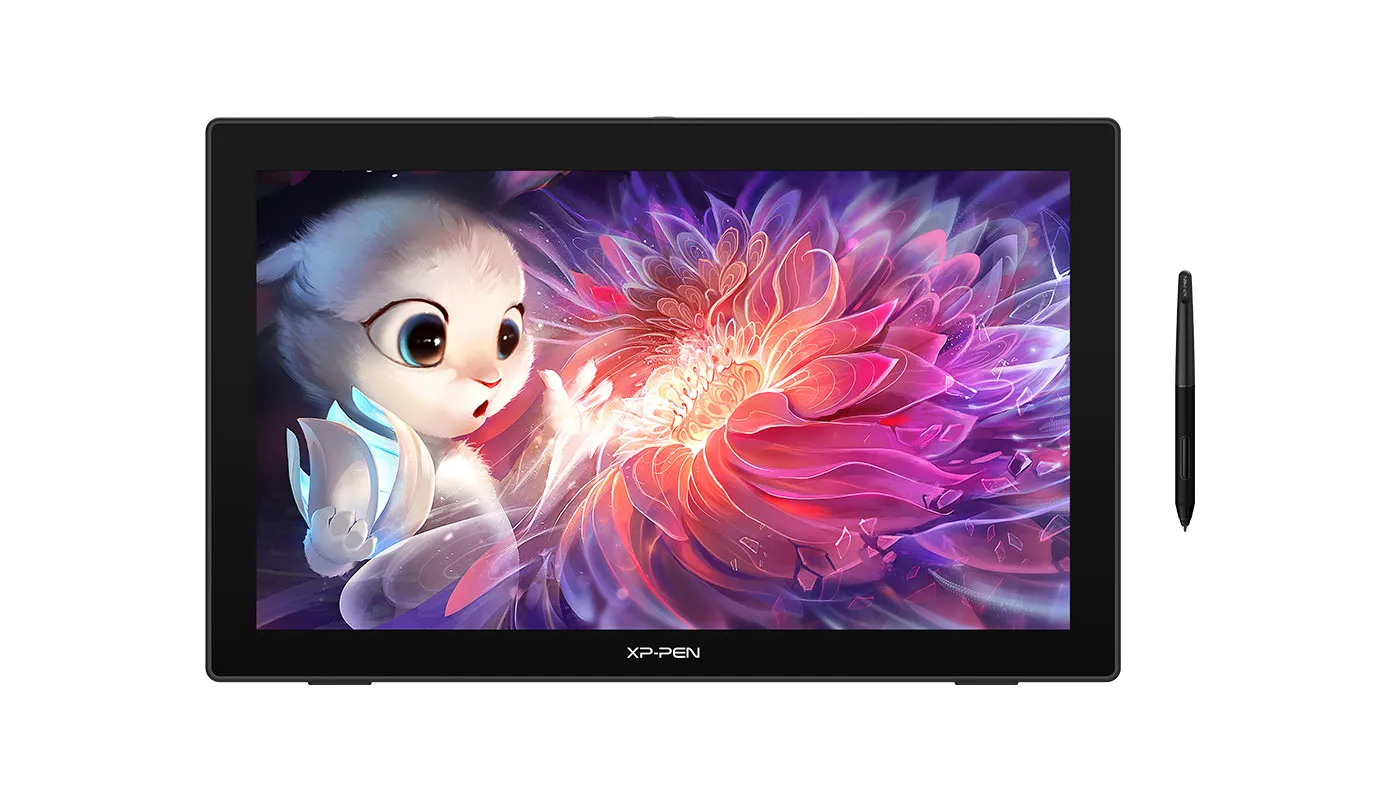
The XP-PEN Artist 22 (2nd Generation) comes with a strikingly large 21.5-inch display. It features 1080p resolution, has a superb color accuracy of 86% NTSC (Adobe® RGB≥90%,sRGB≥122%), and it delivers more vibrant and realistic images and videos.

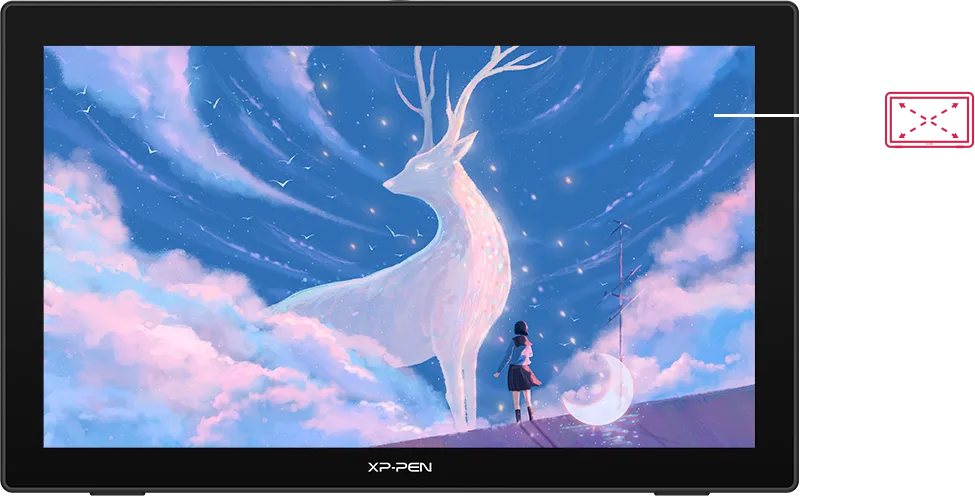
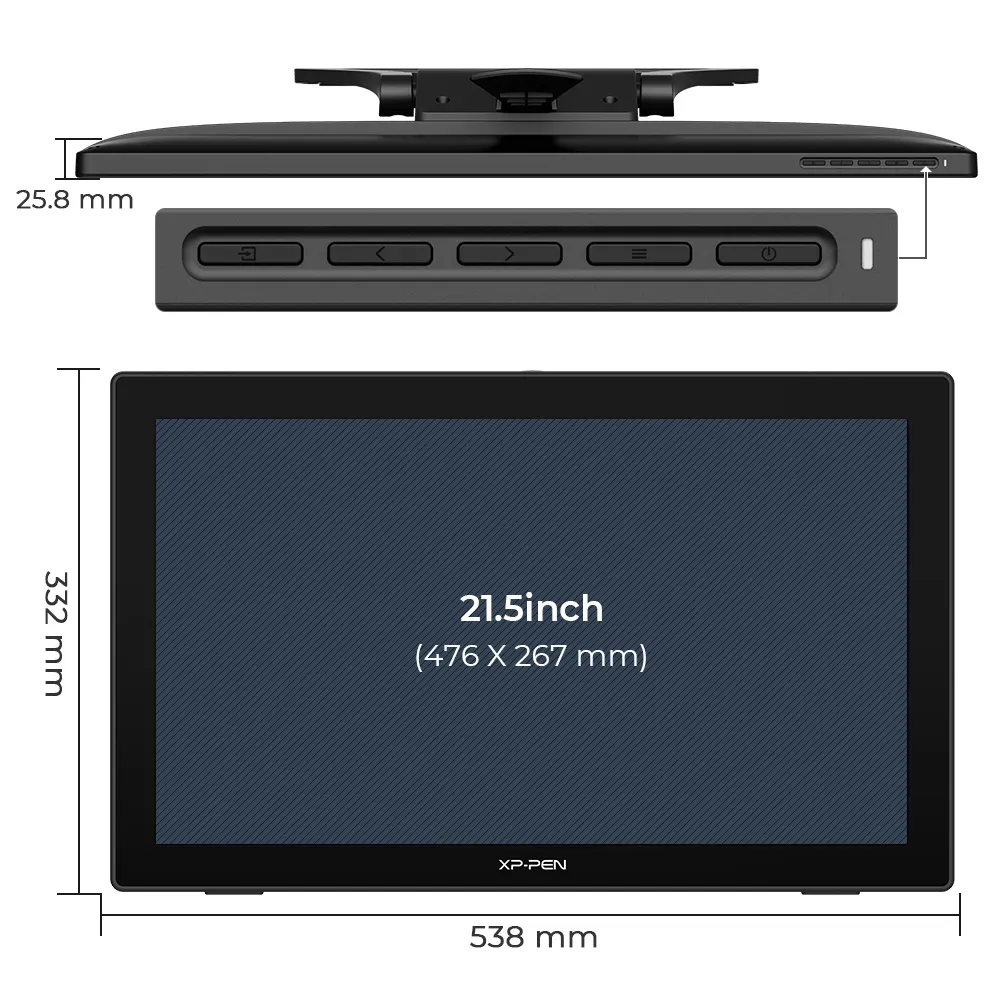
21.5 inch
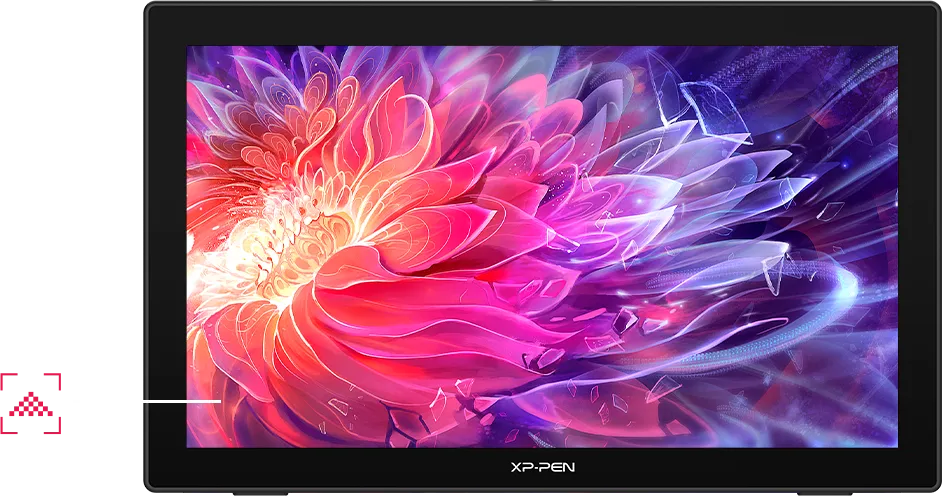
1080P resolution
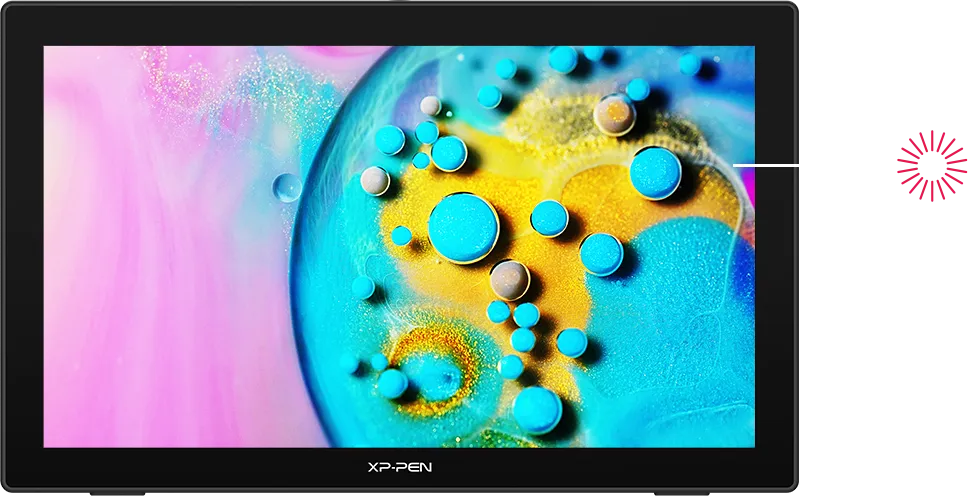
sRGB≥122%
Easy and fast connection
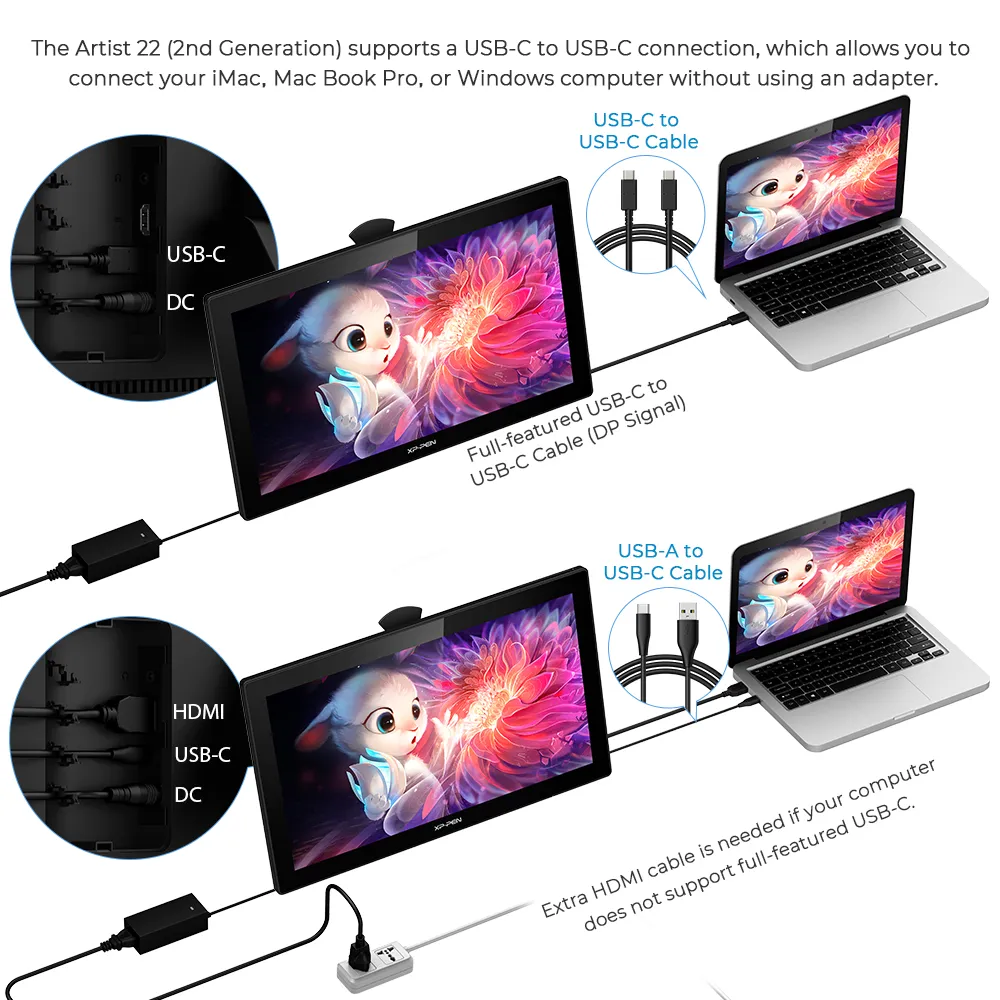
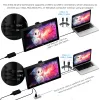
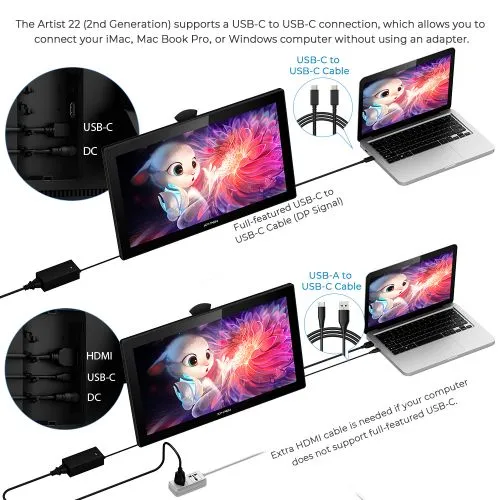
The XP-PEN Artist 22 (2nd Generation) supports a USB-C to USB-C connection, which allows you to connect your iMac, Mac Book Pro, or Windows computer without using an adapter.
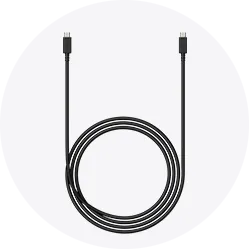

Enhance your drawing experience
With better accuracy, the Artist 22 (2nd Generation) lets you draw with more precise cursor positioning, even at the four corners. This ensures a satisfying drawing experience.
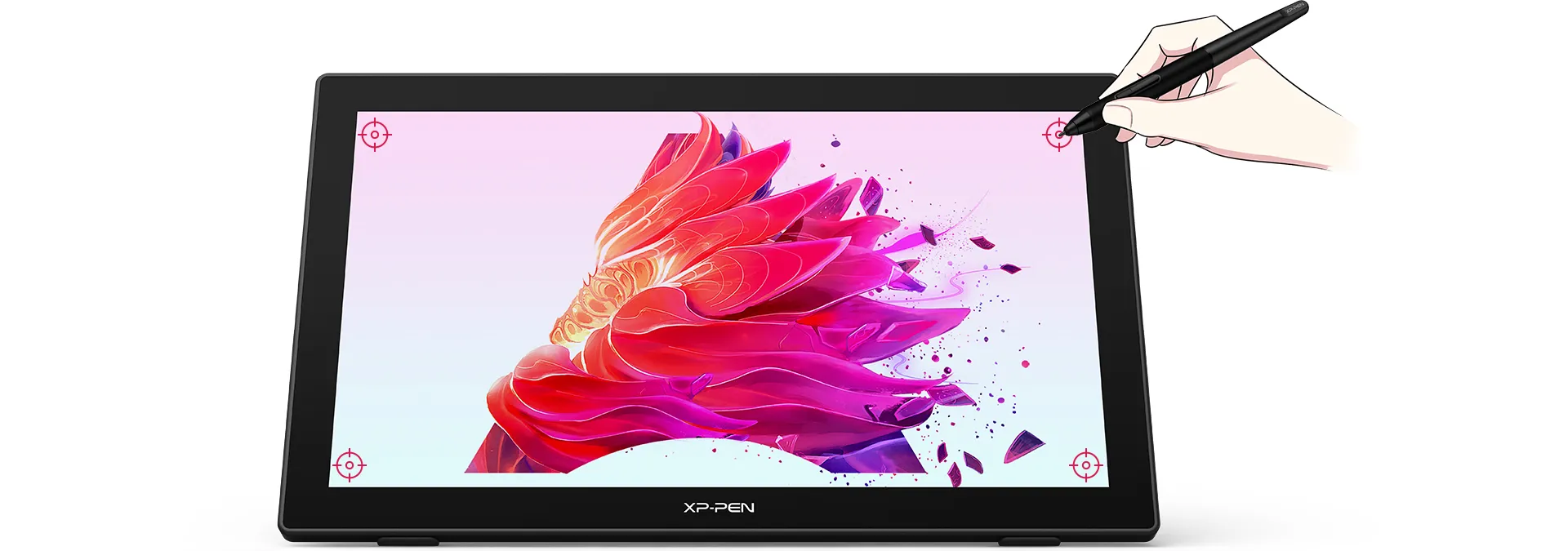
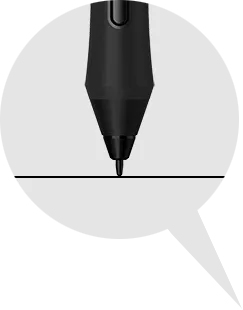
More precise
cursor positioning
Sync your creativity
With a response time of 8ms, it responds nimbly to any pen movement and ensures the swift and smooth presentation of every line and stroke input onto the screen, bringing you a familiar drawing experience.
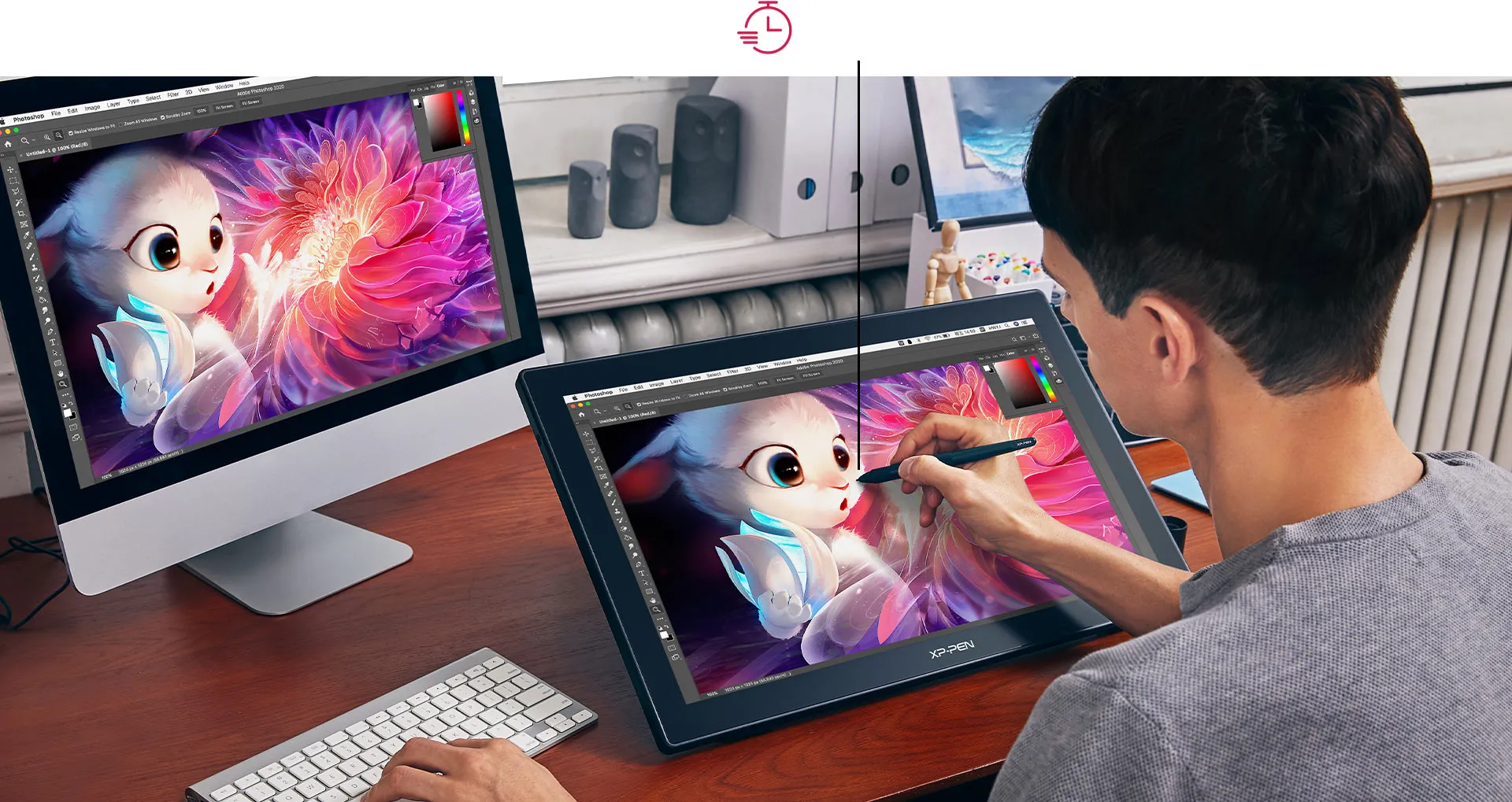
Response Time: 8ms
Always ready for your inspiration flow
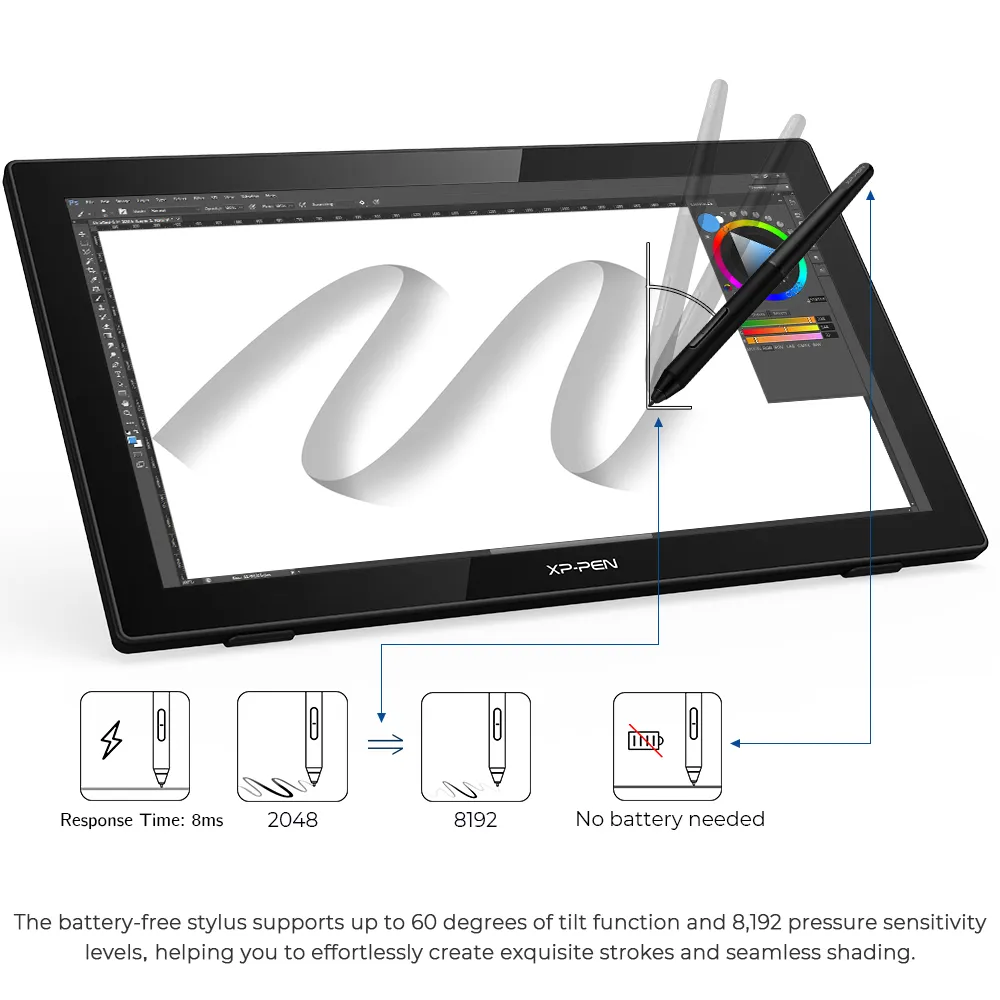
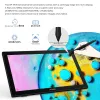
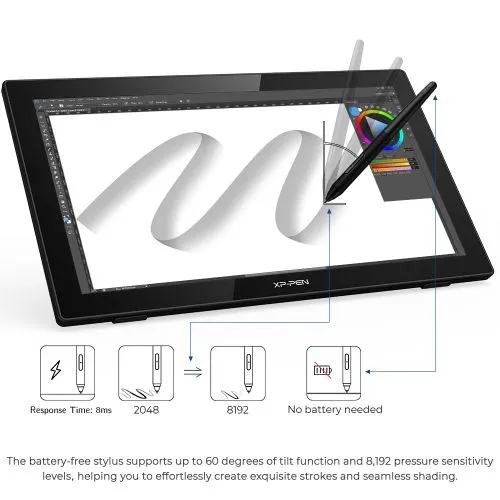
The battery-free stylus supports up to 60 degrees of tilt function and 8,192 pressure sensitivity levels, helping you to effortlessly create exquisite strokes and seamless shading.
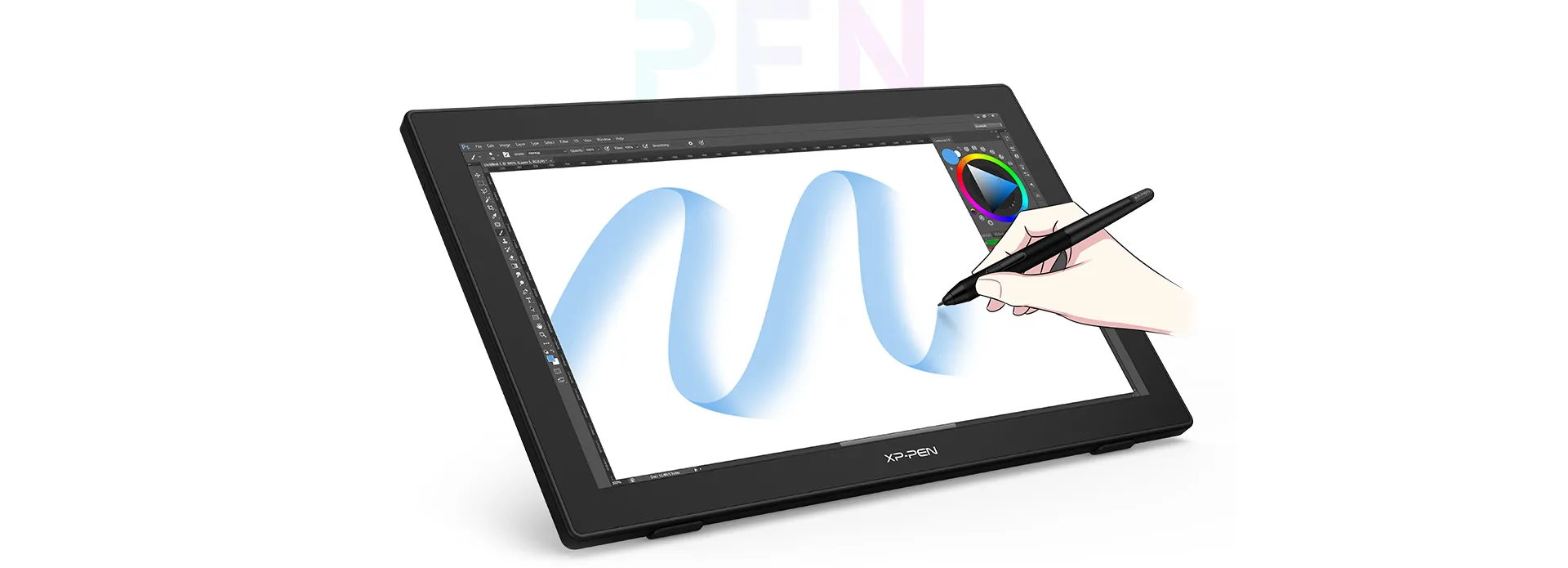
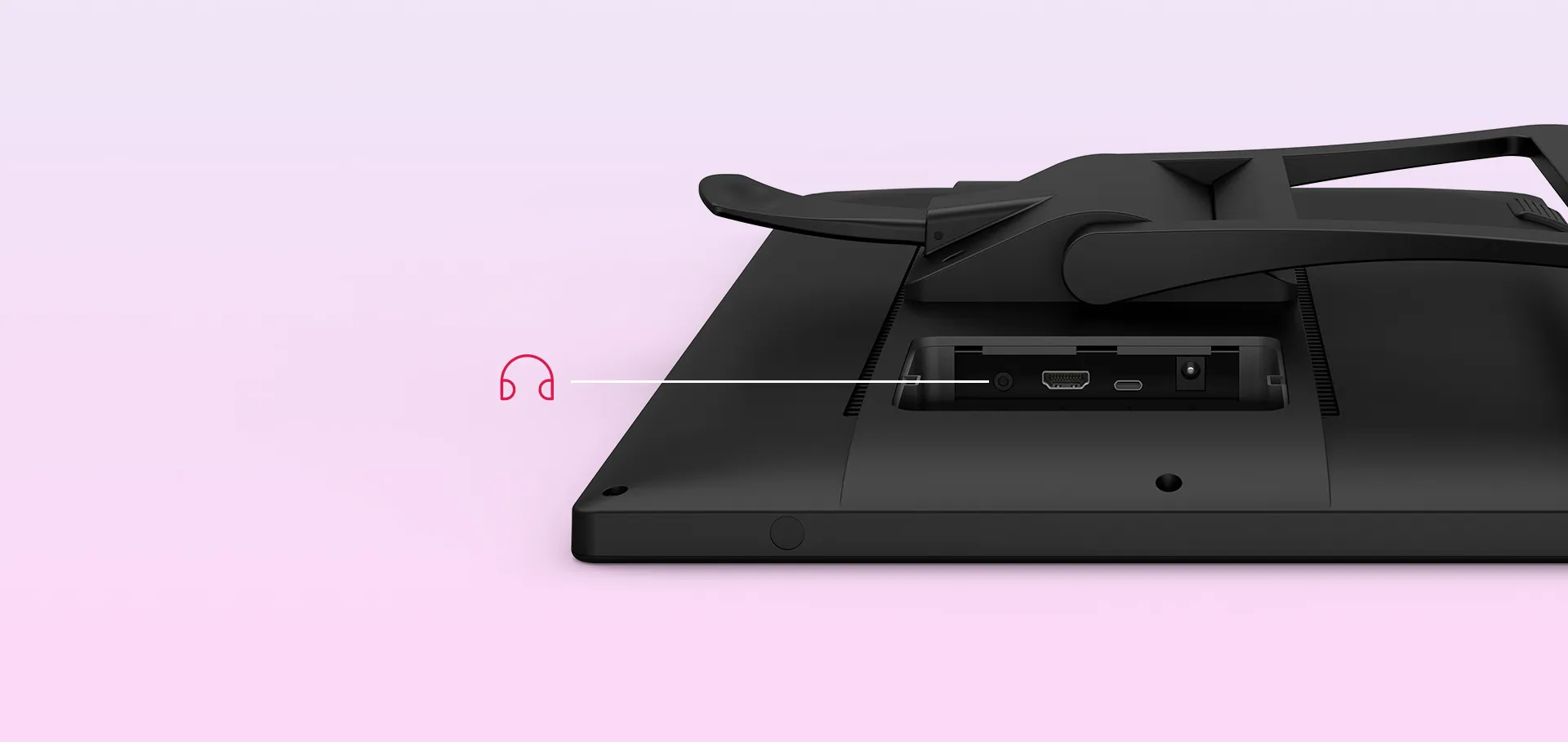
Headphone Jack
Adapts to you
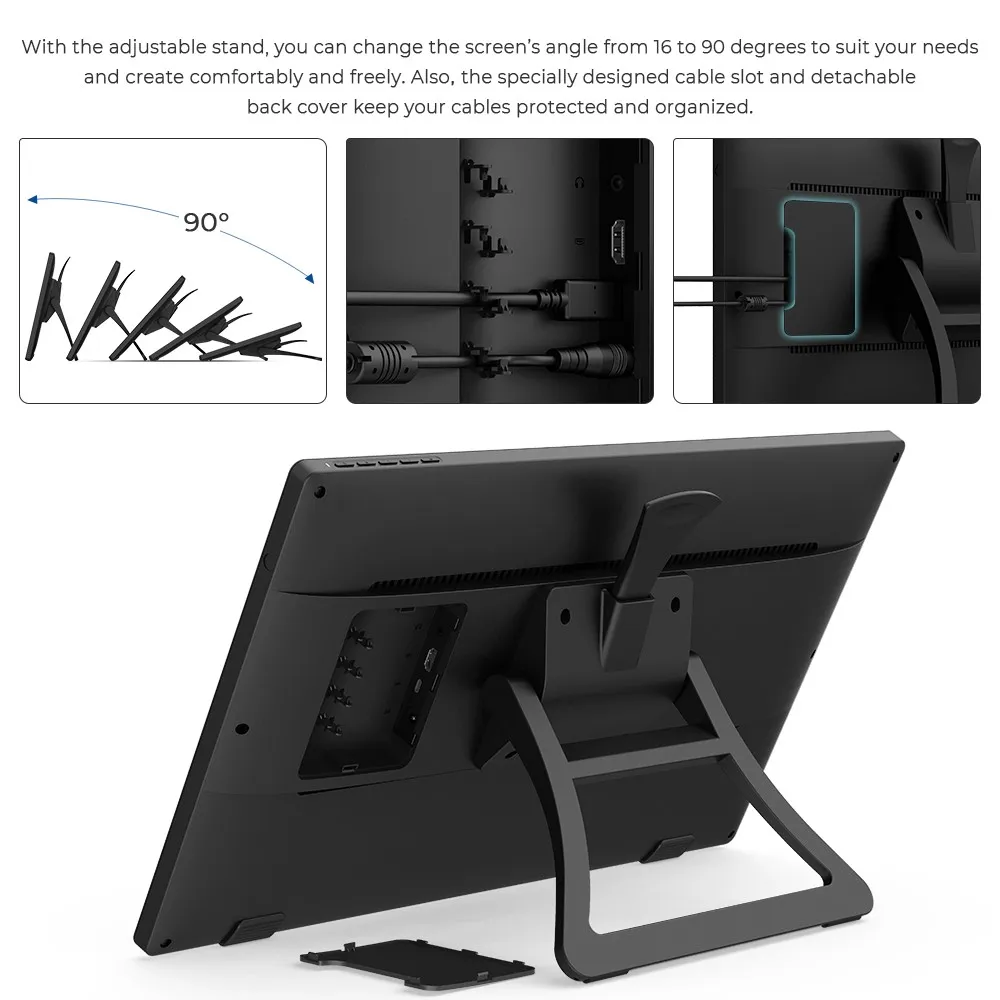
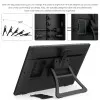
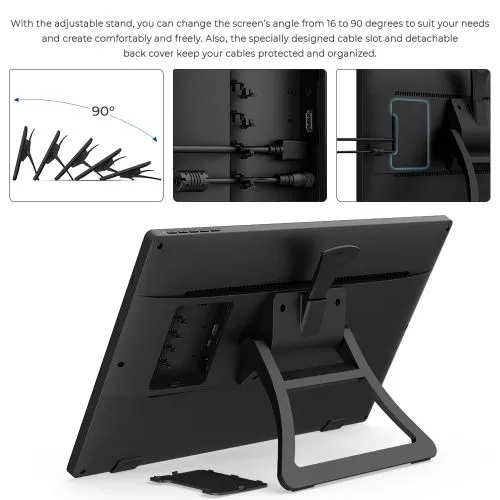
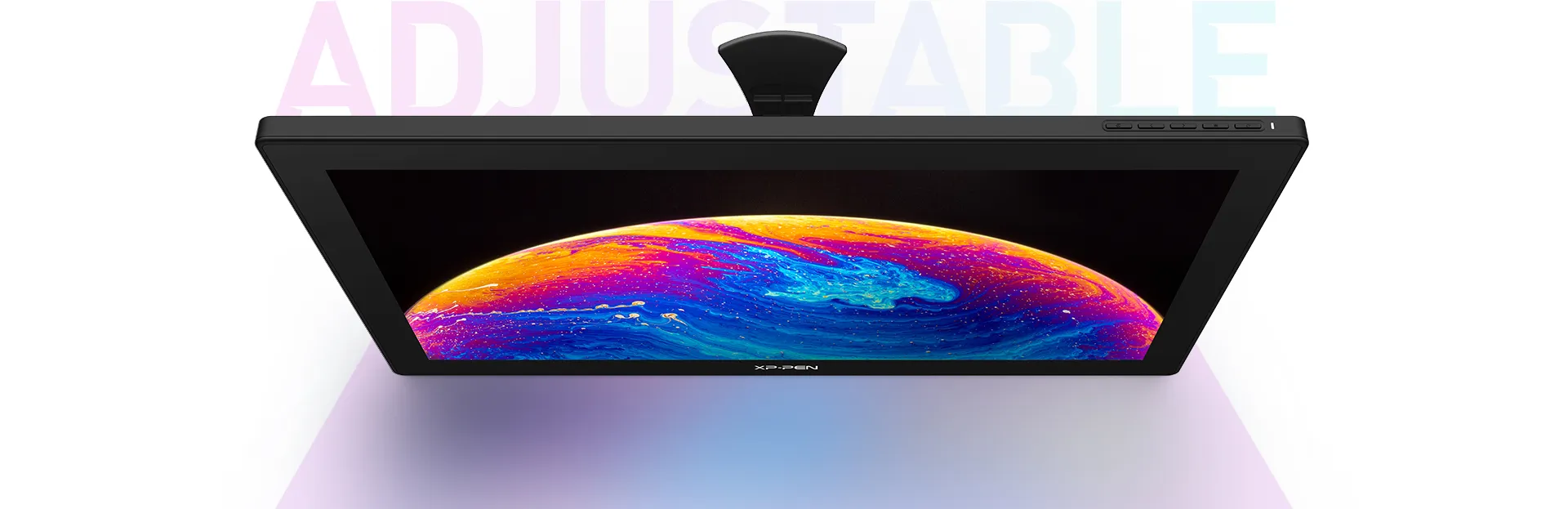
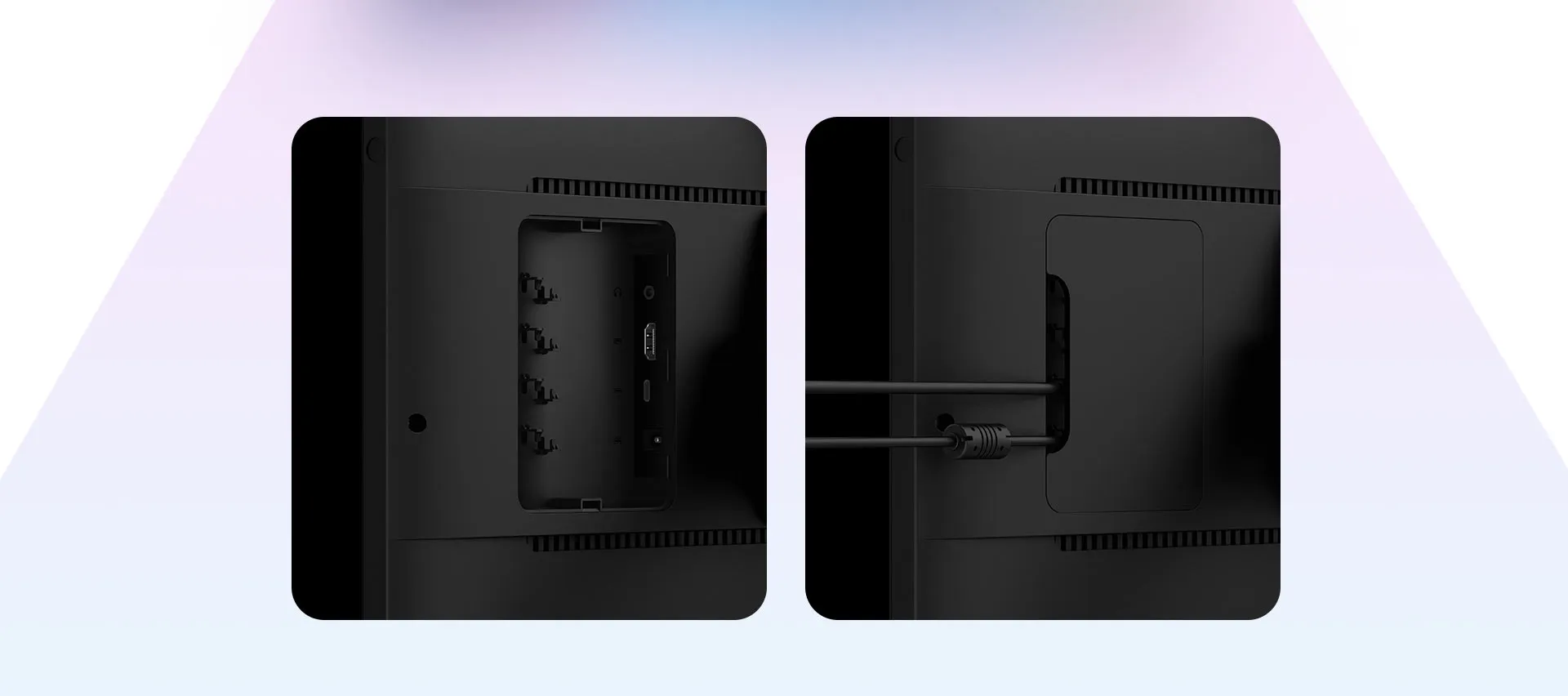
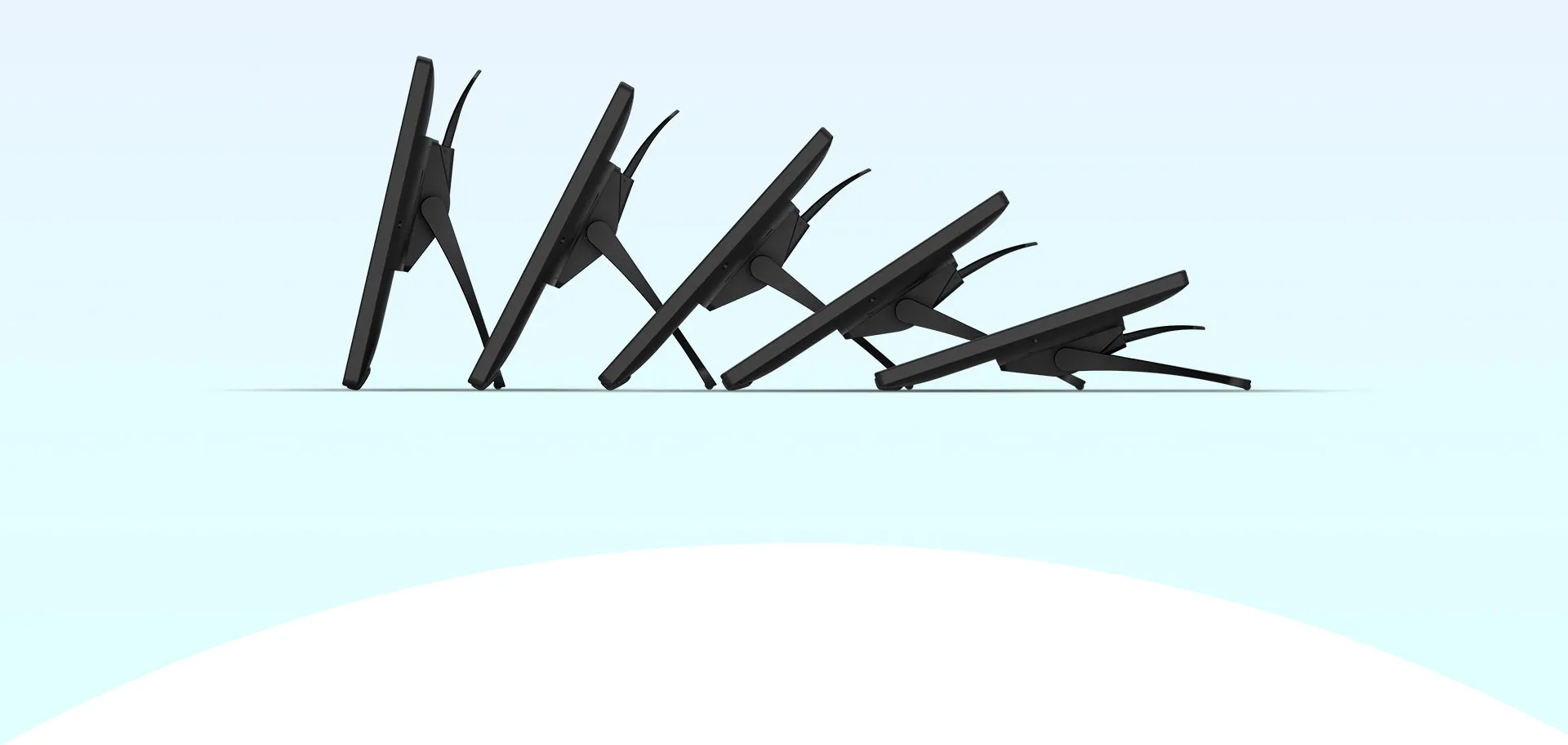
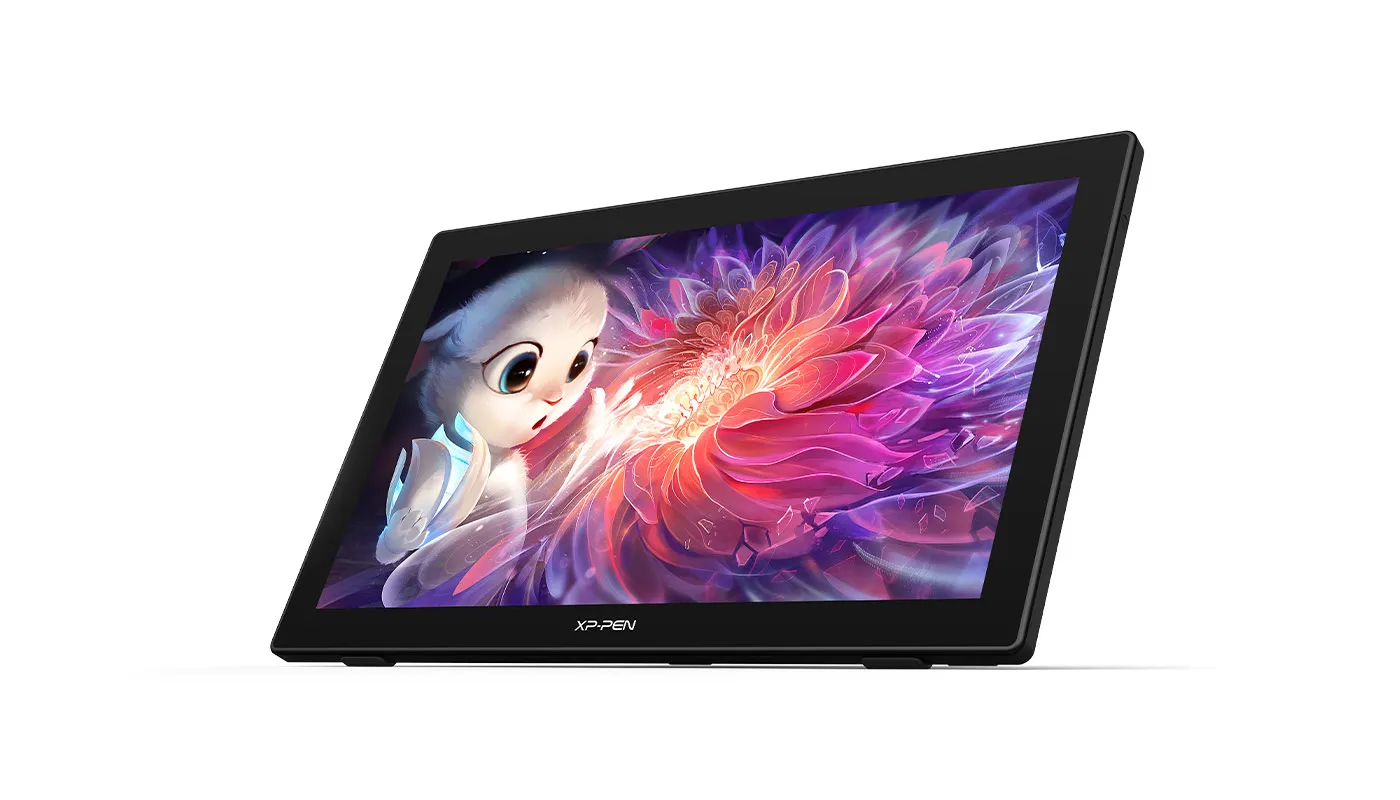
With the adjustable stand, you can change the screen's angle from 16 to 90 degrees to suit your needs and create comfortably and freely. Also, the specially designed cable slot and detachable back cover keep your cables protected and organized.
Extensive compatibility
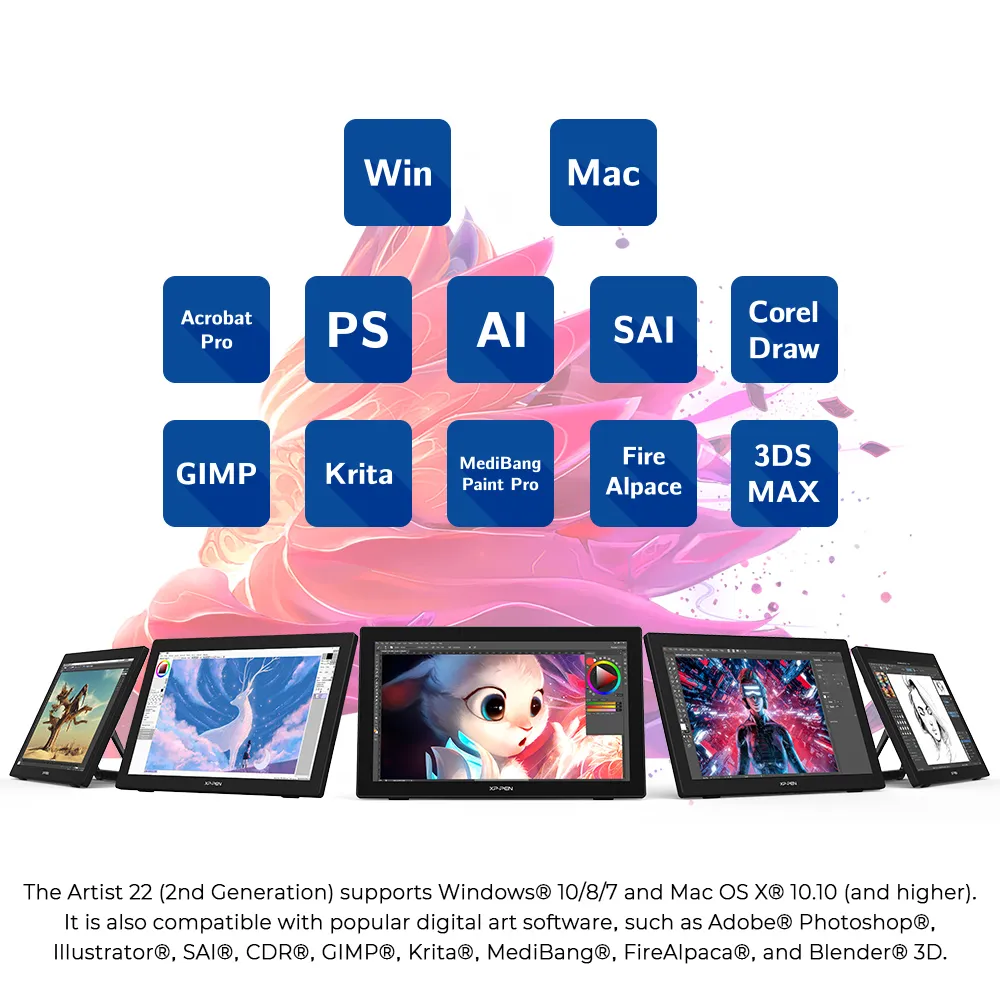
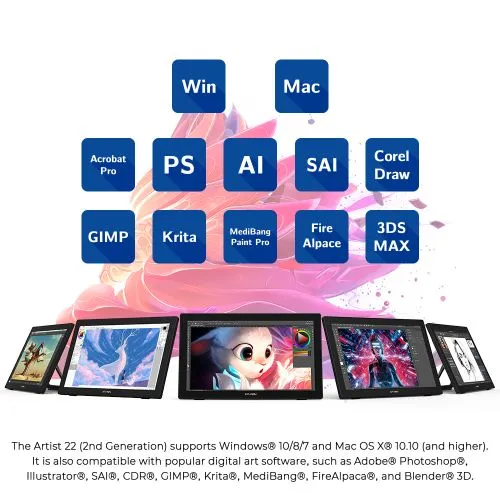
The Artist 22 (2nd Generation) supports Windows 7 (or later), Linux (Detailed versions) and Mac OS X® 10.10 (and higher). It is also compatible with popular digital art software, such as Adobe® Photoshop®, Illustrator®, SAI®, CDR®, GIMP®, Krita®, MediBang®, FireAlpaca®, and Blender® 3D.
Product Gallery

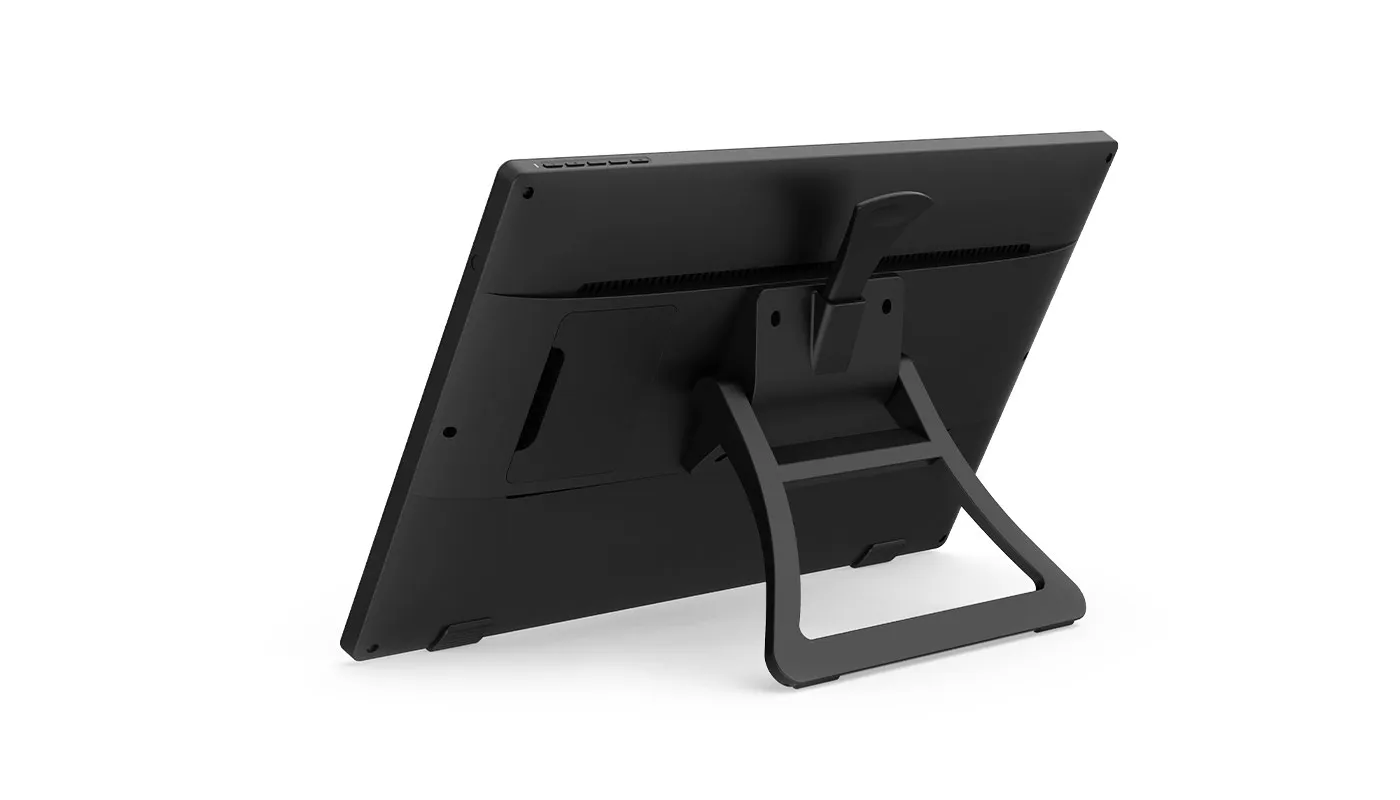
/22(2nd-6.webp)


Specifications
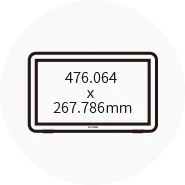
Dimensions
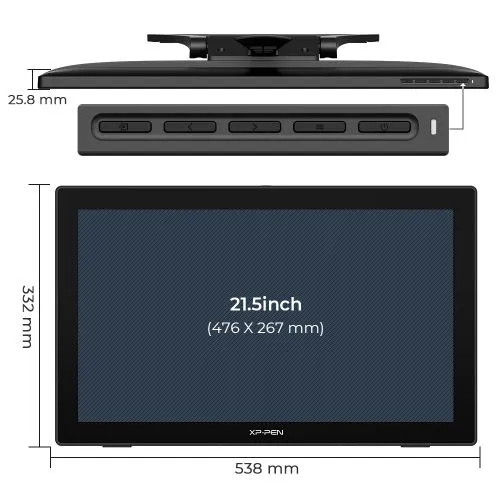
538 x 332 x 25.8mm
Display Resolution
1920 x 1080

Battery-free
Tilt: 60°

86% NTSC, Adobe® RGB≥90%, sRGB≥122%

Response Time
8ms
Show more

| Linux OS | Version | Package Format | Supported Software |
| Arch | Arch Linux2019.12.01(64-bit) | .deb, .sh | GIMP, Krita |
| Centos | Centos7.0(64-bit) | .rpm, .sh | GIMP |
| Centos8(64-bit) | .rpm, .sh | GIMP, Krita | |
| Debian | debian-9.5.0-amd64-netinst(64-bit) | .deb, .sh | GIMP, Krita |
| elementary OS | elementary OS 5.0(64-bit) | .deb, .sh | GIMP, Krita |
| ezgo Linux | ezgo14(64-bit) | .deb, .sh | GIMP, Krita |
| Fedora | Fedora32(64-bit) | .rpm, .sh | GIMP, Krita |
| Mageia | Mageia-7.1(64-bit) | .rpm, .sh | GIMP, Krita |
| Manjaro | manjaro-xfce-20.1.2-201019(64-bit) | .deb, .sh | GIMP |
| Mint | linuxmint-18.2-cinnamon-64bit | .deb, .sh | GIMP, Krita |
| OpenSUSE | openSUSE-Tumbleweed(64-bit) | .rpm, .sh | GIMP, Krita |
| Pop!_OS | pop-os_19.10(64-bit) | .deb, .sh | GIMP, Krita |
| Red Hat | Red Hat7(64-bit) | .rpm, .sh | GIMP |
| Ubuntu | Ubuntu14.04(64-bit) | .deb, .sh | GIMP, Krita |
| Ubuntu16.04(64-bit) | .deb, .sh | GIMP, Krita | |
| Ubuntu17.04(64-bit) | .deb, .sh | GIMP, Krita | |
| Ubuntu18.04(64-bit) | .deb, .sh | GIMP, Krita | |
| Ubuntu19.04(64-bit) | .deb, .sh | GIMP, Krita | |
| Ubuntu20.04(64-bit) | .deb, .sh | GIMP, Krita |
| Function | Krita 4.3.0 | Gimp 2.10.20 | Inkscape 0.92 |
| Pen Pressure Sensitivity | |||
| Tilt | |||
| Mouse Function | |||
| Eraser Button (Stylus:PH01, P06) | |||
| Switch between Pen and Eraser Modes | |||
| *If you have any further queries, please do not hesitate to contact us at service@xp-pen.com. | |||
Linux OS
Arch
Version
Arch Linux2019.12.01(64-bit)
Package Format
.deb, .sh
Supported Software
GIMP, Krita
Centos
Version
Centos7.0(64-bit)
Centos8(64-bit)
Centos8(64-bit)
Package Format
.rpm, .sh
.rpm, .sh
.rpm, .sh
Supported Software
GIMP
GIMP, Krita
GIMP, Krita
Debian
Version
debian-9.5.0-amd64-netinst(64-bit)
Package Format
.deb, .sh
Supported Software
GIMP, Krita
elementary OS
Version
elementary OS 5.0(64-bit)
Package Format
.deb, .sh
Supported Software
GIMP, Krita
ezgo Linux
Version
ezgo14(64-bit)
Package Format
.deb, .sh
Supported Software
GIMP, Krita
Fedora
Version
Fedora32(64-bit)
Package Format
.rpm, .sh
Supported Software
GIMP, Krita
Mageia
Version
Mageia-7.1(64-bit)
Package Format
.rpm, .sh
Supported Software
GIMP, Krita
Manjaro
Version
manjaro-xfce-20.1.2-201019(64-bit)
Package Format
.deb, .sh
Supported Software
GIMP
Mint
Version
linuxmint-18.2-cinnamon-64bit
Package Format
.deb, .sh
Supported Software
GIMP, Krita
OpenSUSE
Version
openSUSE-Tumbleweed(64-bit)
Package Format
.rpm, .sh
Supported Software
GIMP, Krita
Pop!_OS
Version
pop-os_19.10(64-bit)
Package Format
.deb, .sh
Supported Software
GIMP, Krita
Red Hat
Version
Red Hat7(64-bit)
Package Format
.rpm, .sh
Supported Software
GIMP
Ubuntu
Version
Ubuntu14.04(64-bit)
Ubuntu16.04(64-bit)
Ubuntu17.04(64-bit)
Ubuntu18.04(64-bit)
Ubuntu19.04(64-bit)
Ubuntu20.04(64-bit)
Ubuntu16.04(64-bit)
Ubuntu17.04(64-bit)
Ubuntu18.04(64-bit)
Ubuntu19.04(64-bit)
Ubuntu20.04(64-bit)
Package Format
.deb, .sh
.deb, .sh
.deb, .sh
.deb, .sh
.deb, .sh
.deb, .sh
.deb, .sh
.deb, .sh
.deb, .sh
.deb, .sh
.deb, .sh
Supported Software
GIMP, Krita
GIMP, Krita
GIMP, Krita
GIMP, Krita
GIMP, Krita
GIMP, Krita
GIMP, Krita
GIMP, Krita
GIMP, Krita
GIMP, Krita
GIMP, Krita
Function
Pen Pressure Sensitivity
Krita 4.3.0
Gimp 2.10.20
Inkscape 0.92
Tilt
Krita 4.3.0
Gimp 2.10.20
Inkscape 0.92
Mouse Function
Krita 4.3.0
Gimp 2.10.20
Inkscape 0.92
Eraser Button(Stylus:PH01, P06)
Krita 4.3.0
Gimp 2.10.20
Inkscape 0.92
Switch between Penand Eraser Modes
Krita 4.3.0
Gimp 2.10.20
Inkscape 0.92
*If you have any further queries, please do not hesitate to contact us at service@xp-pen.com.
4.8


Based on 13
85%(11)

15%(2)
0(0)
0(0)
0(0)
Tino Gonzalez
May 10 ,2022 PM 18:29 Artist 22 (Gen 2)
Really good for a Beginner
Been working on my ink drawing and wanted to have a drawing tablet for when I feel ready to start doing digital, this thing is awesome! It has great color accuracy for the price, good image clarity and a super responsive pen. It’s been fun to play Osu! and to just have an all around great digital drawing surface, let alone how easy it is to use with photoshop/illustrator etc.
Useful(4)+1
Nambce
Nov 28 ,2024 PM 17:54 Artist 22 (Gen 2)
Love it so much I got one for my friend
We love how it feels and is the perfect size.
Useful(3)+1
XFANS6uzykysu
May 05 ,2021 PM 13:09 Artist 22 (Gen 2)
Great Screen Tablet for beginner/Intermediate artists on a budget
This was actually recommended to me by an artist acquaintance who knew I wanted to get into digital art. I could not get used to normal tablets because I need to see what I'm drawing at the contact point, so I needed a screen tablet. I looked around quite a bit, comparing various reviews done by amateur and professional artists and came to the conclusion that for the price point and features offered, this tablet was the best choice for me. It does have its problems, such as needing many cables if you don't have a thunderbolt USBC port. Also due to its size, you can easily see the pixels of its 1080p screen, but those are matters of personal preference.
Pros:
- Cheaper
- Great response time
- Lightweight Pen
- Minimal hassle with setup
- Good quality build
- VESA compatible
Cons:
- Many wires
- Only 1080p (Pixels are easier to spot due to size)
Official mall
May 05 ,2021 PM 14:31
Thank you for your positive comment.
Your encouragement will keep us moving forward. We sincerely hope that we\'ll have more chances to serve you.
Have a nice day : )
Useful(3)+1
Learn More
FAQs
Q1: Does the Artist 22 (Gen 2) come with a screen protector?
Q2: Does the Artist 22 (Gen 2) need to be connected to a computer?
Q3: Which operating systems are compatible with the Artist 22 (Gen 2)?
Q4: Does the Artist 22 (Gen 2) support touch input?
Q5: What are the dimensions of the Artist 22 (Gen 2)?
Q6: Is the screen of the Artist 22 (Gen 2) fully-laminated?
Q7: Does the Artist 22 (Gen 2) support VESA mounting?
Q8: Can the Artist 22 (Gen 2) be used as a monitor?
Q9: What is the difference between a non-laminated screen and a full-laminated screen?