



Getting started with your
XP-PEN Star Tablet
1/8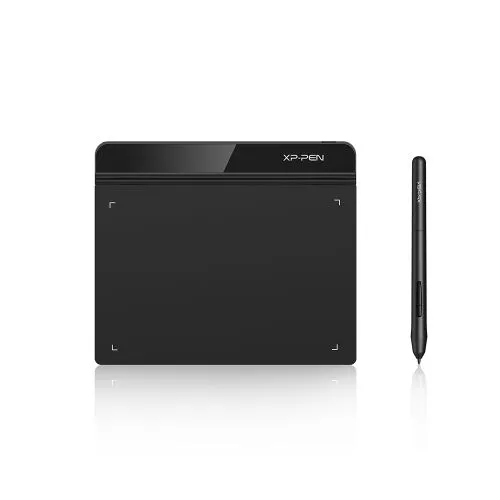
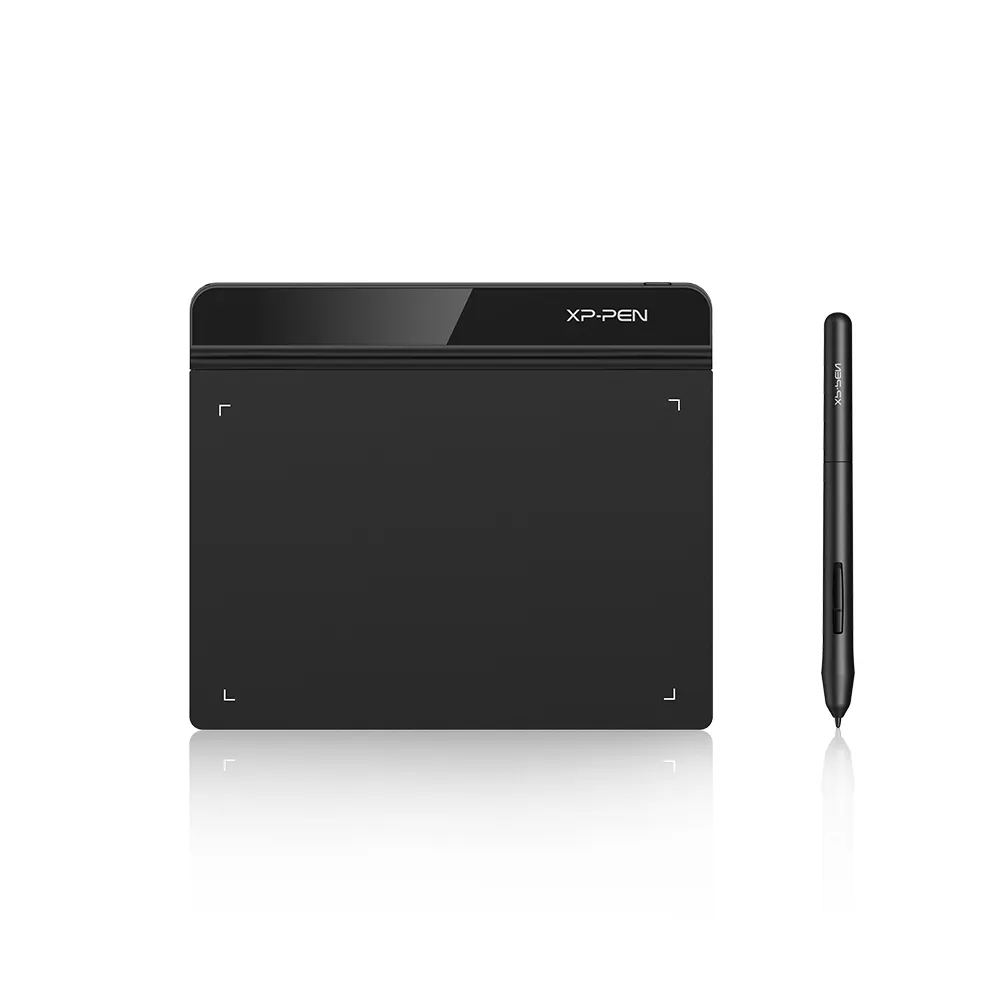
Star G640
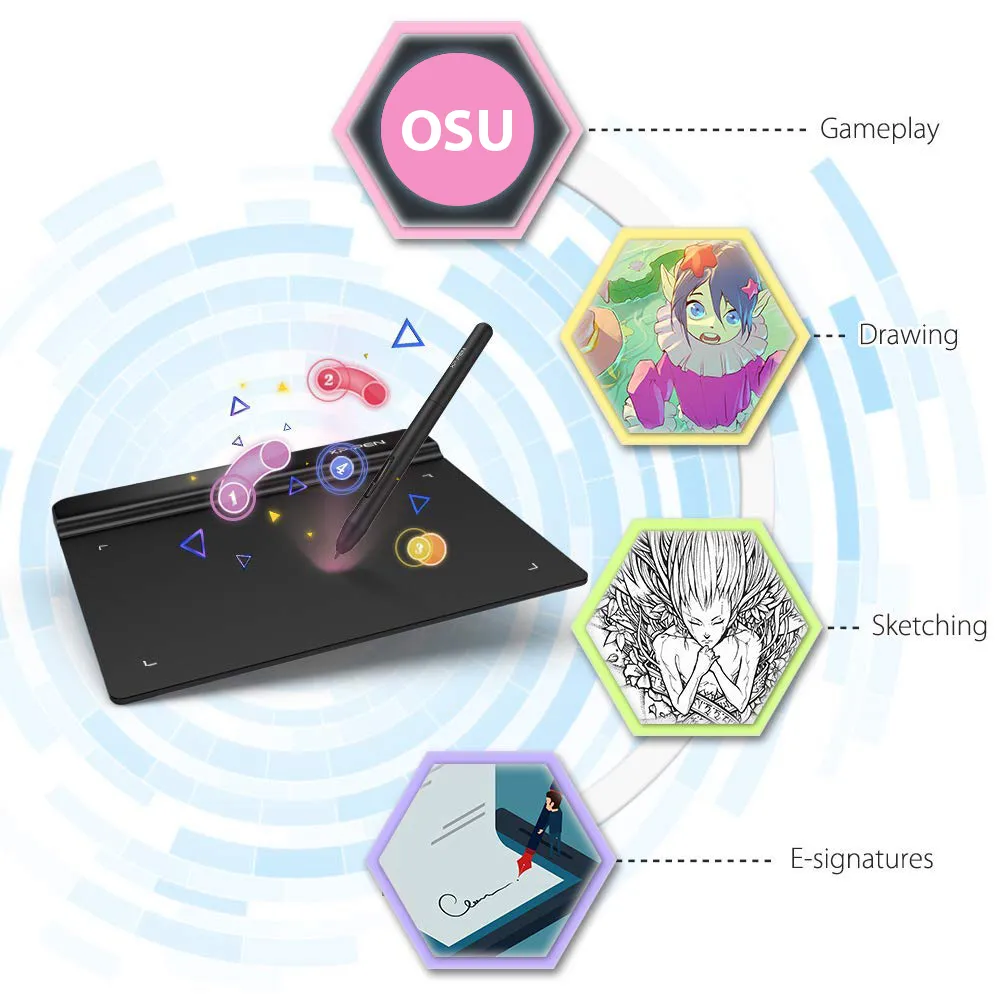
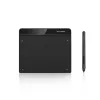
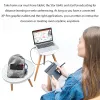
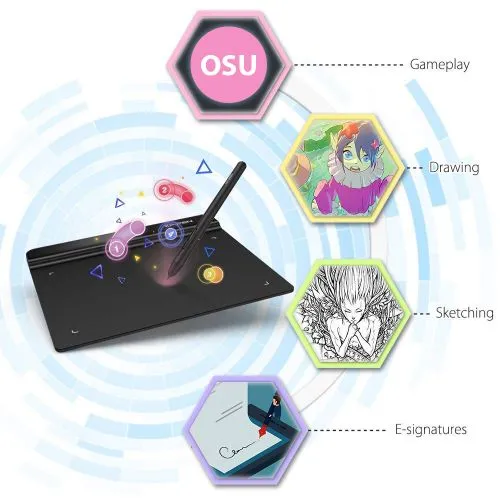
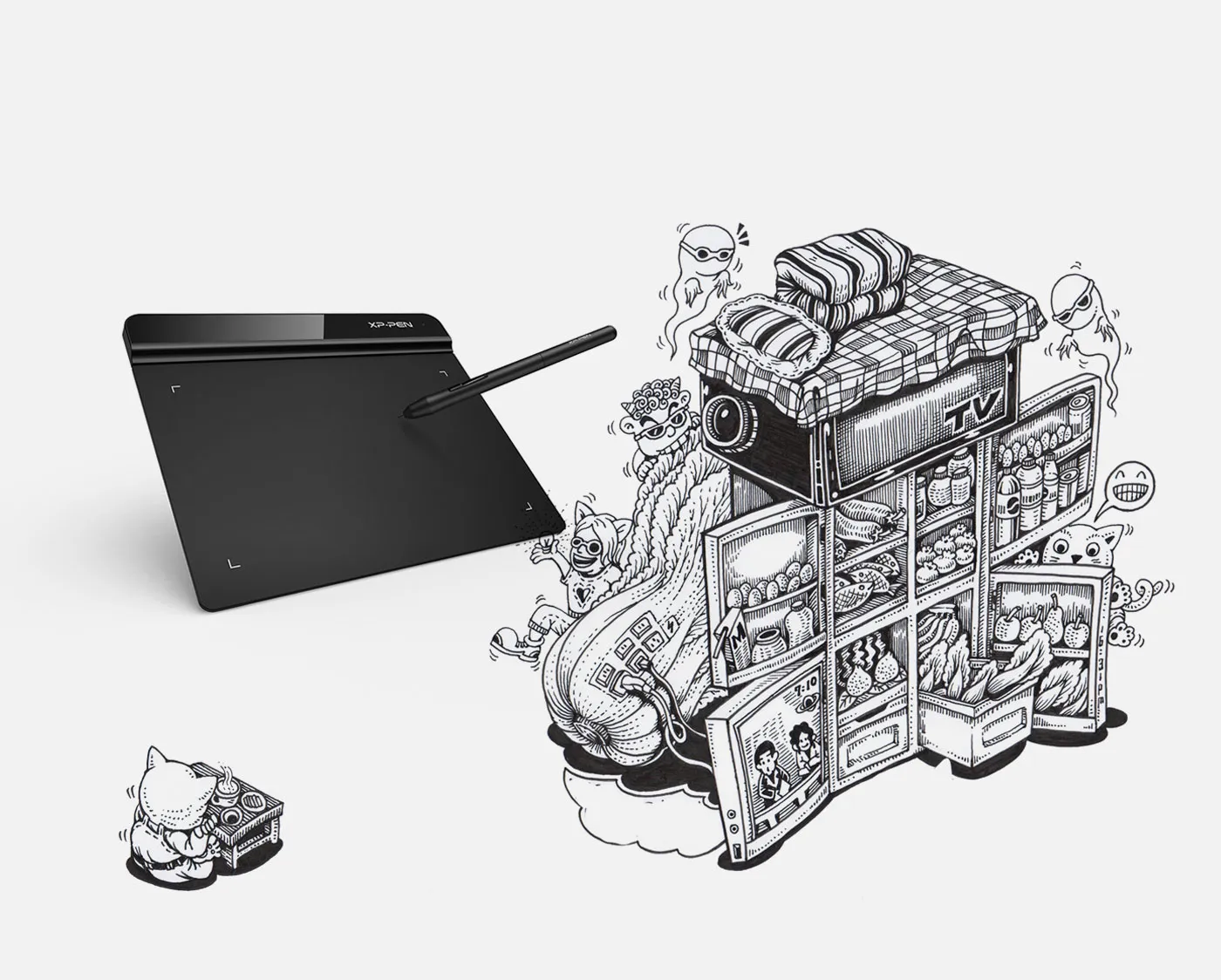
6 x 4 inches drawing area. Battery-free stylus, 8192 levels of pressure sensitivity. Compatible with Mac, Windows, and Chromebook. Designed for playing OSU! Game, drawing, painting, sketching, e-signature. Only 2mm thick, compact and portable.
$31.99$39.99
Ends in
❋Lifetime Technical Support❋
❋Paypal Pay in 4 interest-free payment❋
❋18-Month Warranty+ Free Shipping❋
❋Free Drawing Software Redemption❋
FAST & FREE
7-day delivery sitewide.
SECURE PAYMENT
Buy now, pay later. Secured by PayPal.
TECH SUPPORT
service@xp-pen.com
18-MONTH WARRANTY
18-month warranty only for official E-store
Product:
Rev B
Optional Accessories
Quantity:
Total
$0.00
 Log in and purchase to receive an estimated 0 X-Coins








Worry-Free Delivery® available with seel
Estimate:
Star G640
Just for fun.
Concise and sleek.
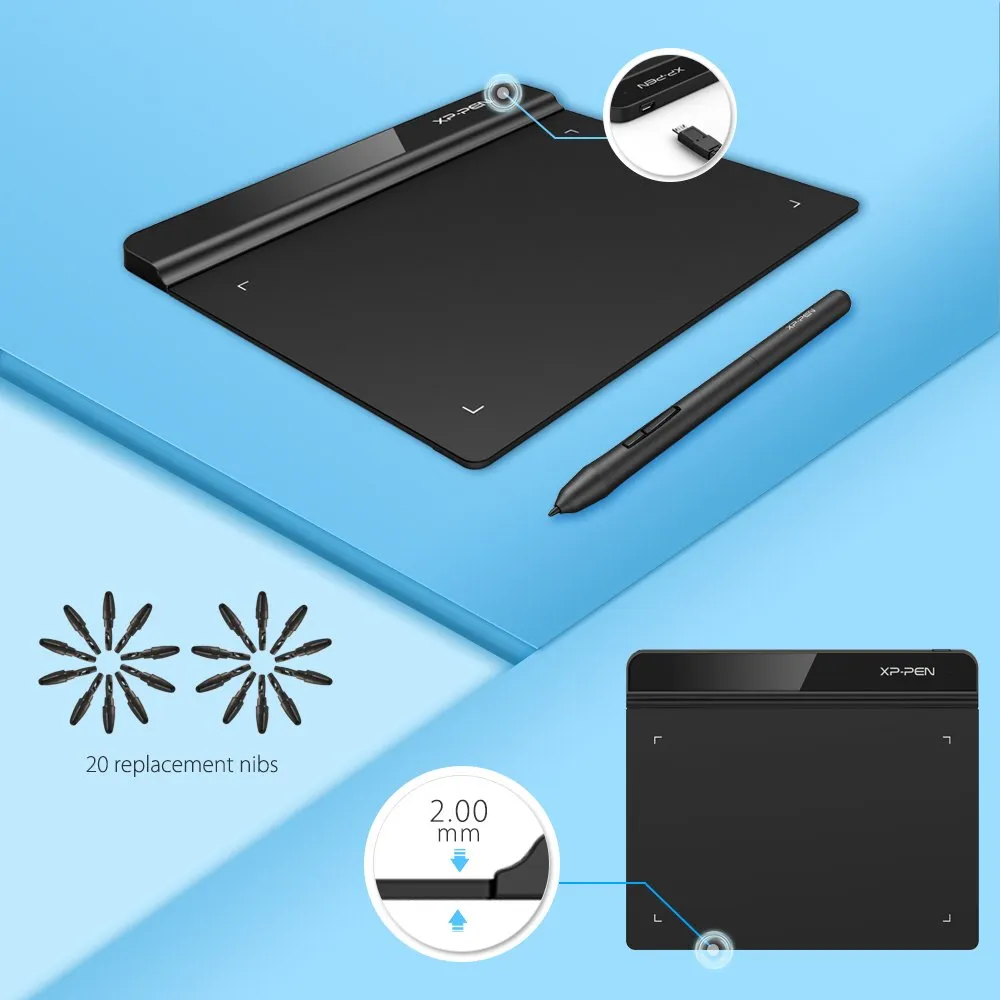
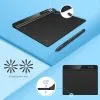
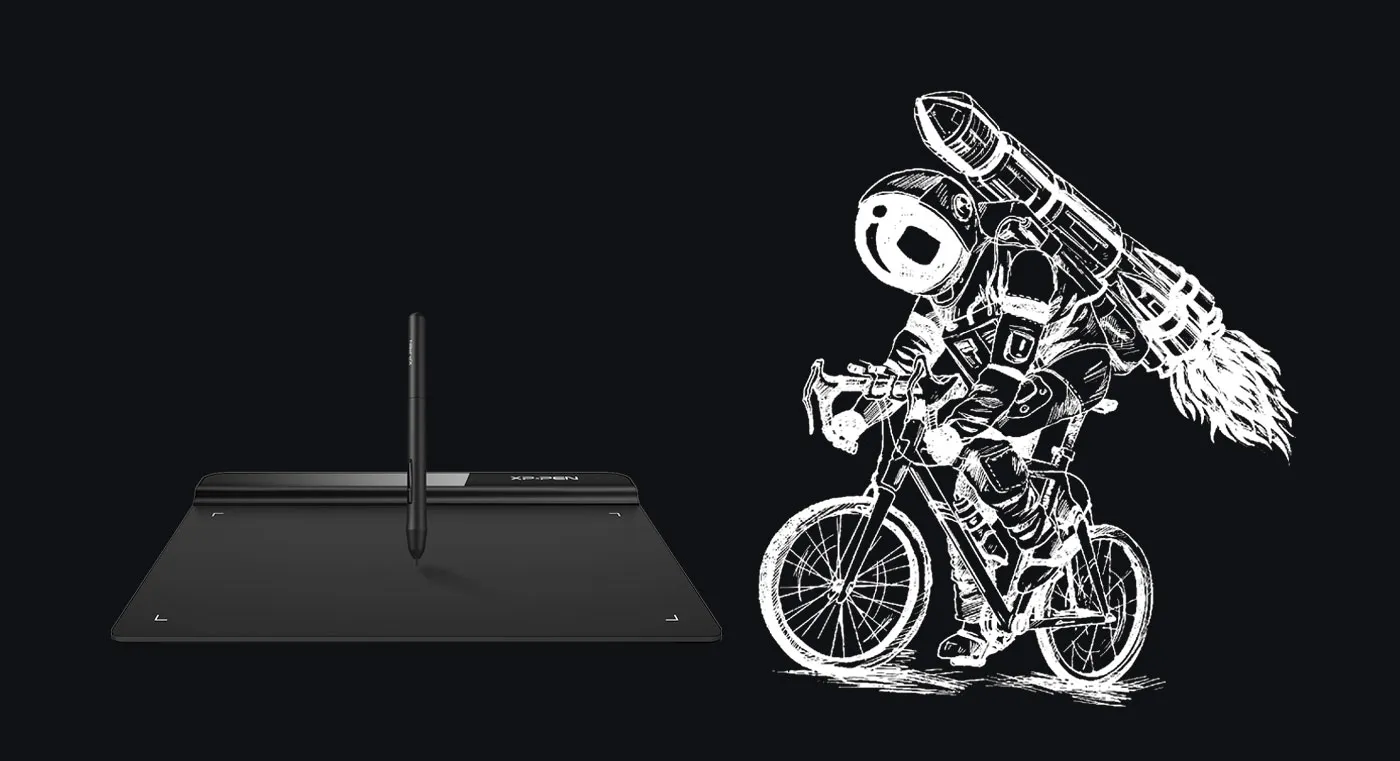
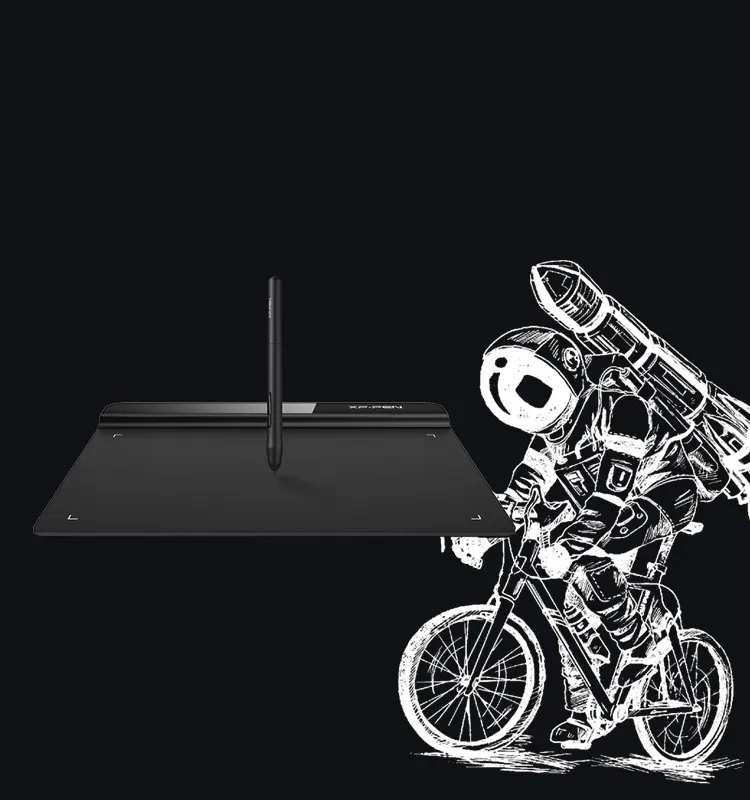
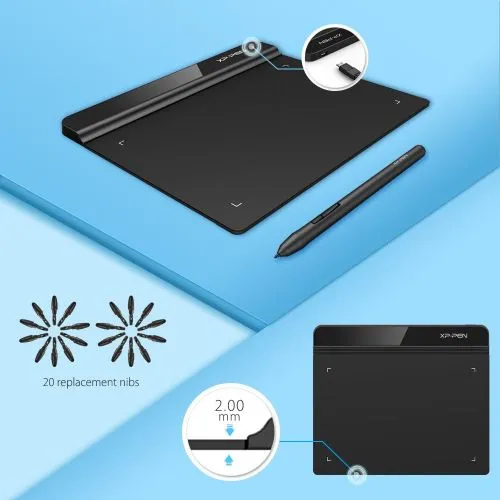
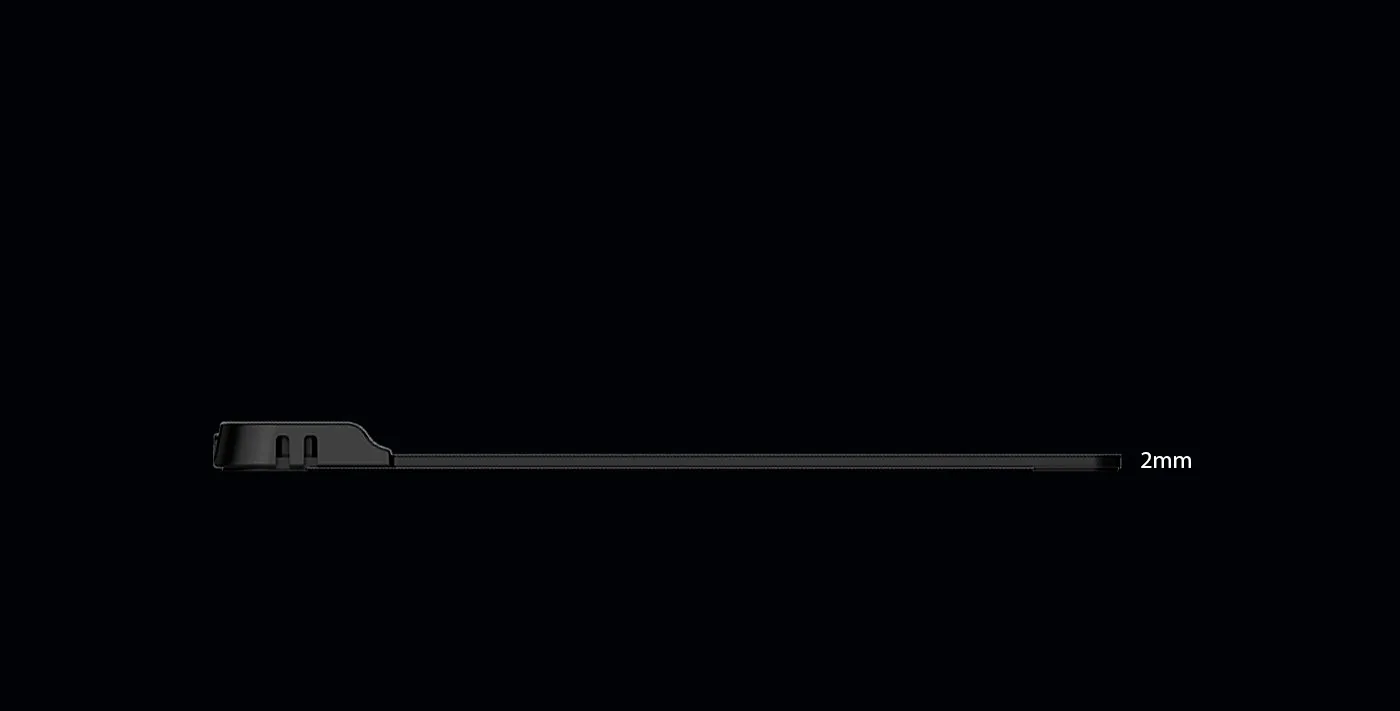
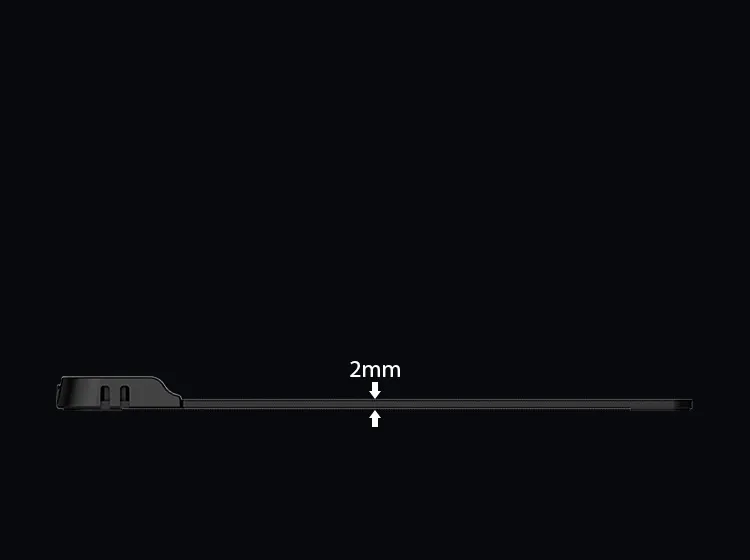
Enjoy the light weight and sleek design of the new G640. The G640 is only 2mm thick, it’s as slim as all primary level graphic tablets, allowing you to carry it with you on the go.
Wider active area
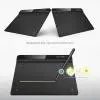
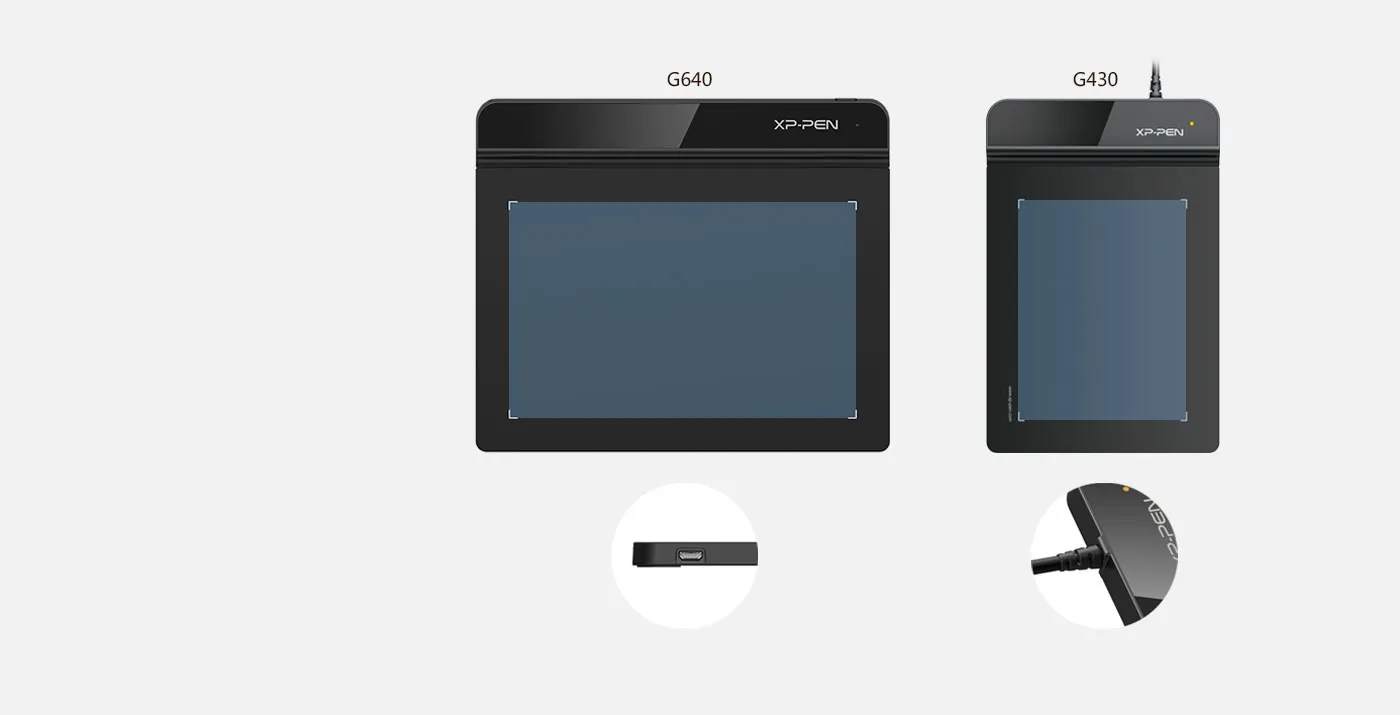
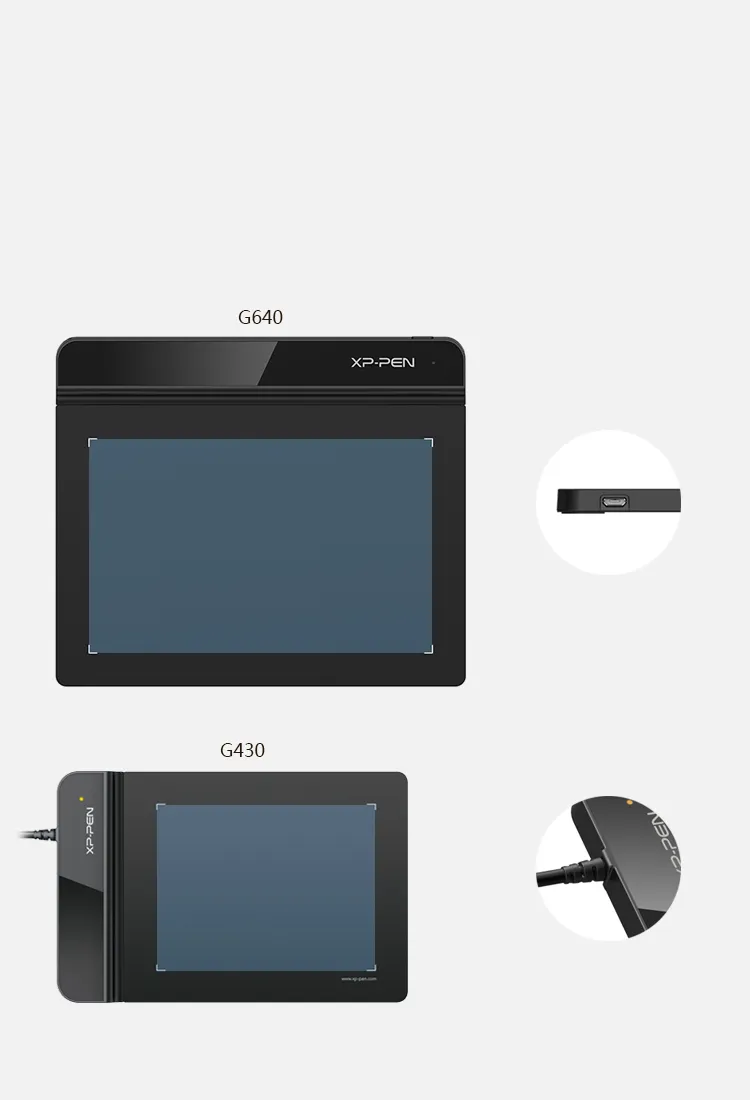
Compare to the G430, the G640 provides a wider active area for drawing & gameplay! Down to the position of the USB cable, the G640 is designed to fit your drawing and playing lifestyle.
G640 interfaces
G430 interfaces
6x4 inch
4x3 inch
8192 levels of pressure sensitivity.
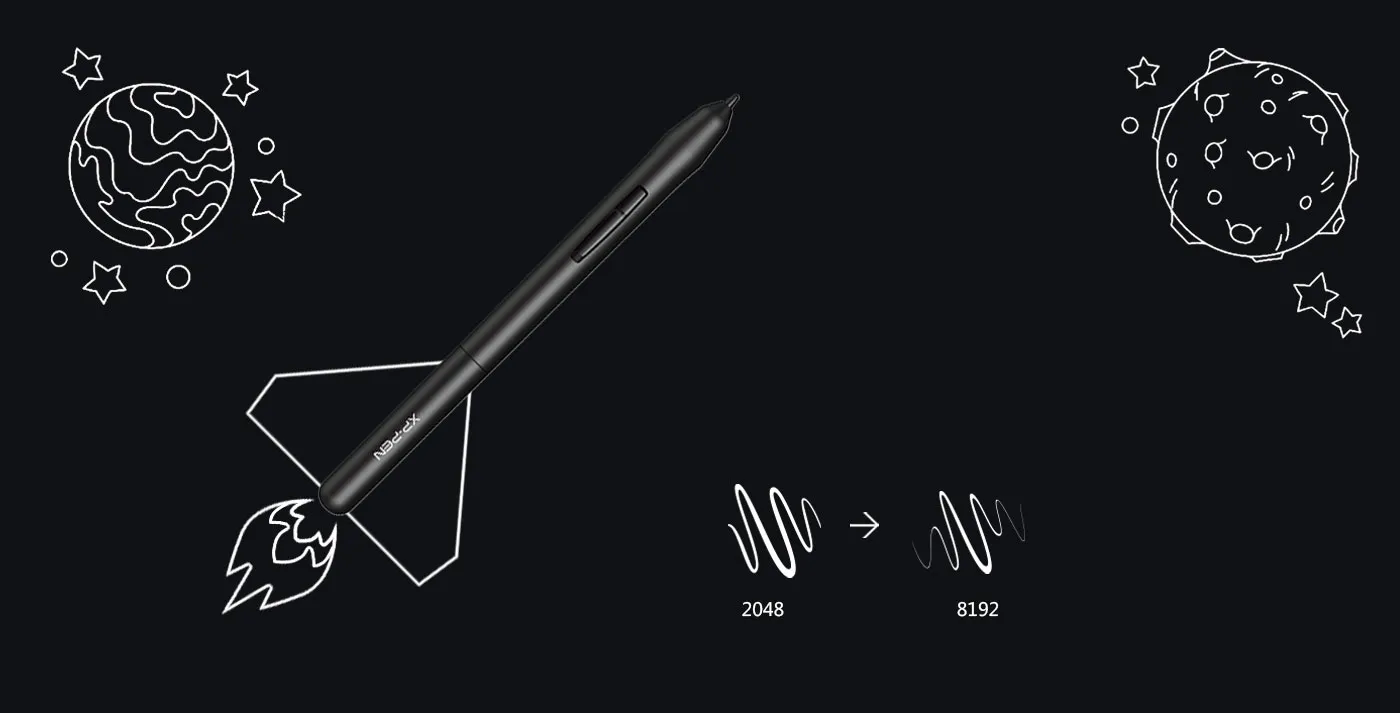
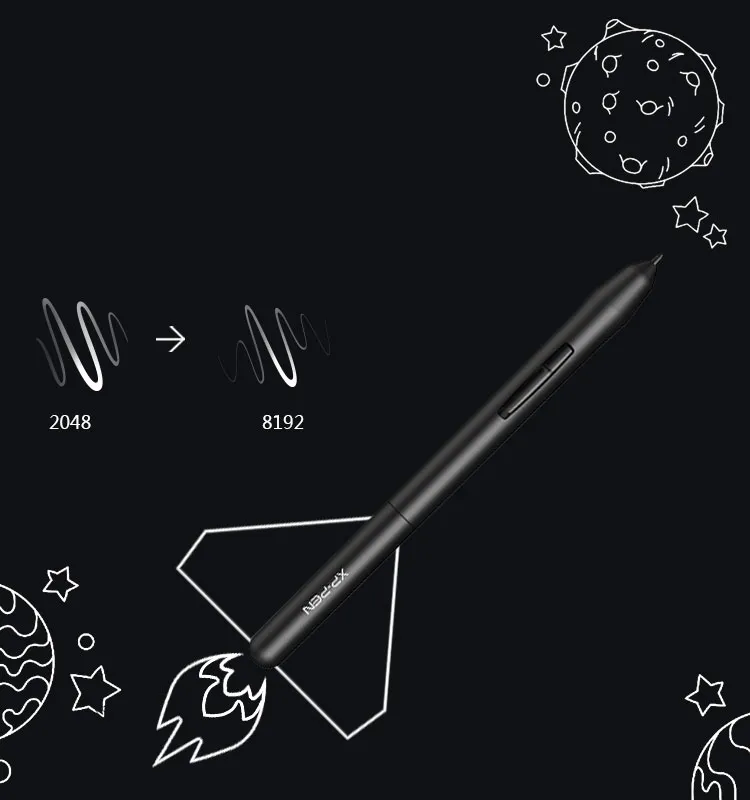
8192 levels of pressure sensitivity, giving it the intelligence to modify, navigate and create with a full pallet of brush and pens.
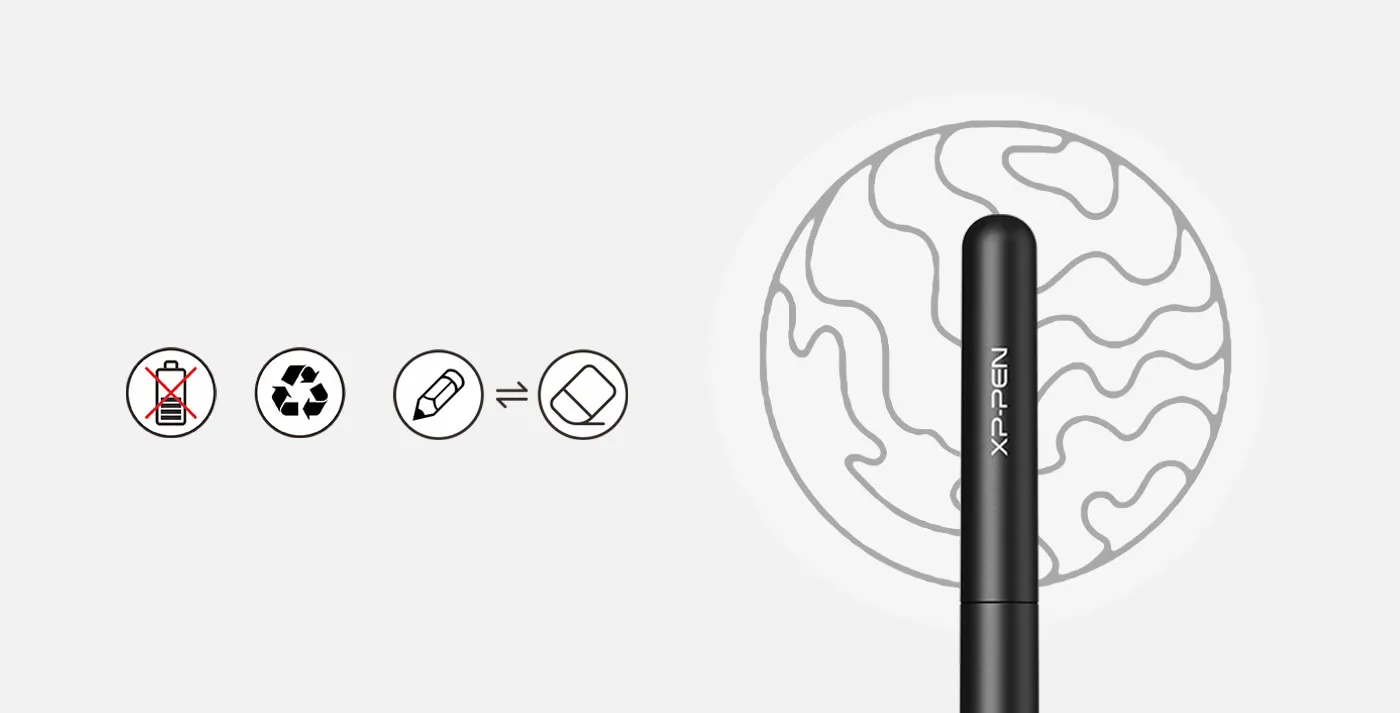
Battery-free stylus.
The P01 works just like a real pen, no battery and no charging required!
no battery
environmental
quick switch
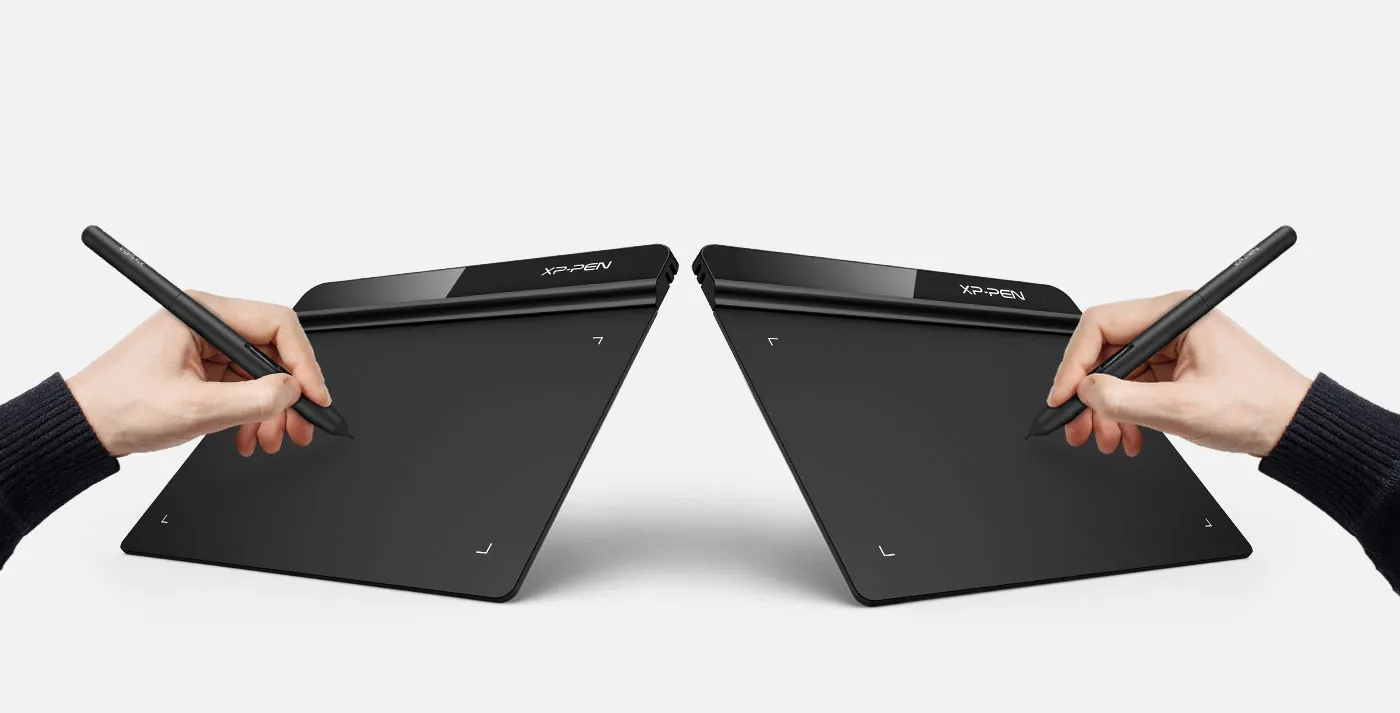
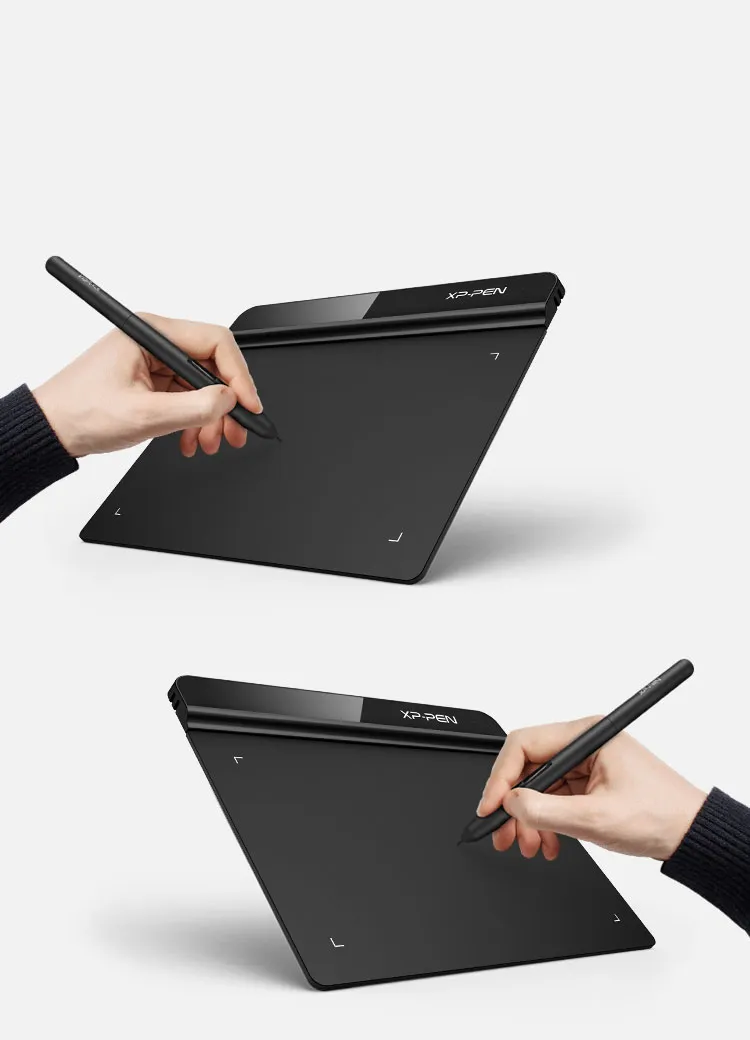
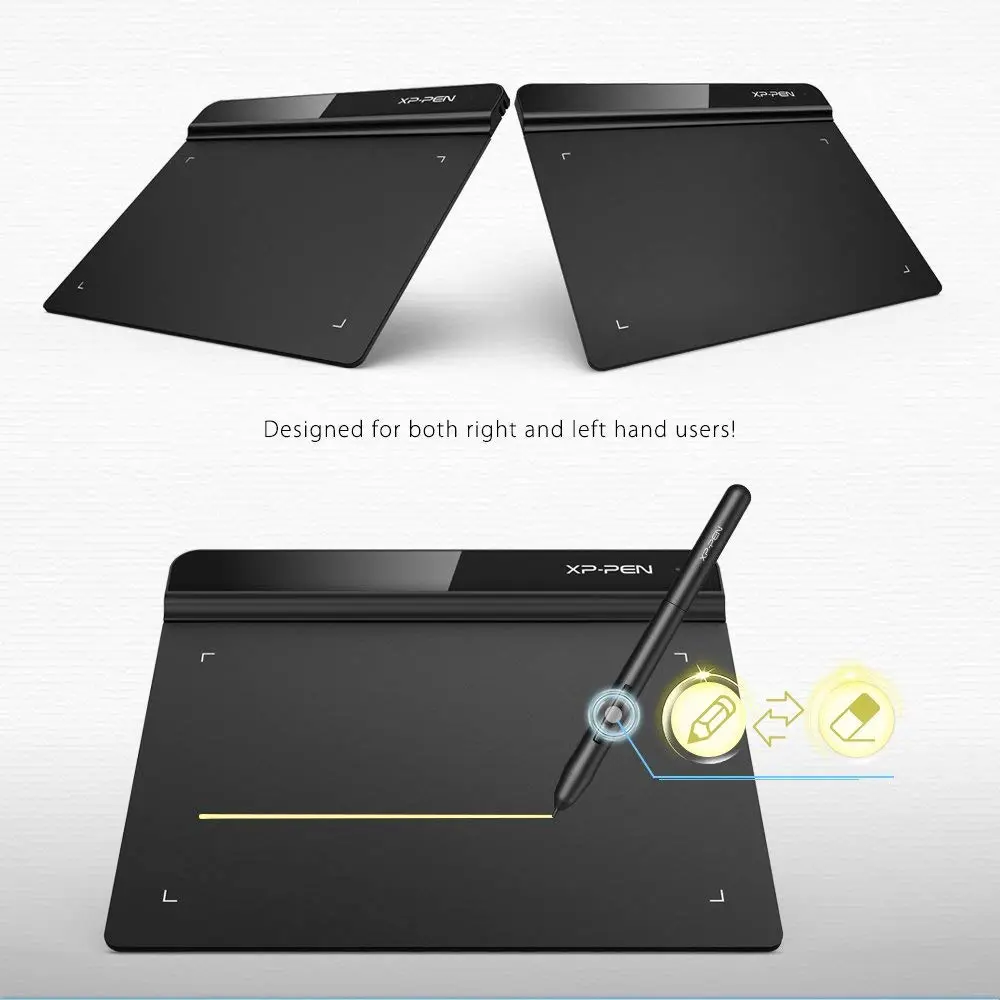
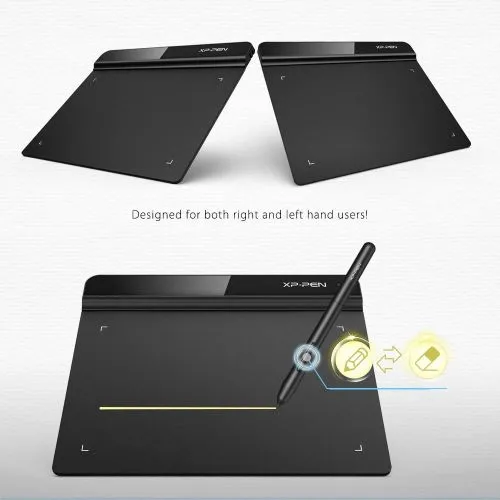
Both right and left hand use.
Designed for both right and left hand users, now you can set it to left hand or right hand mode through easy access.
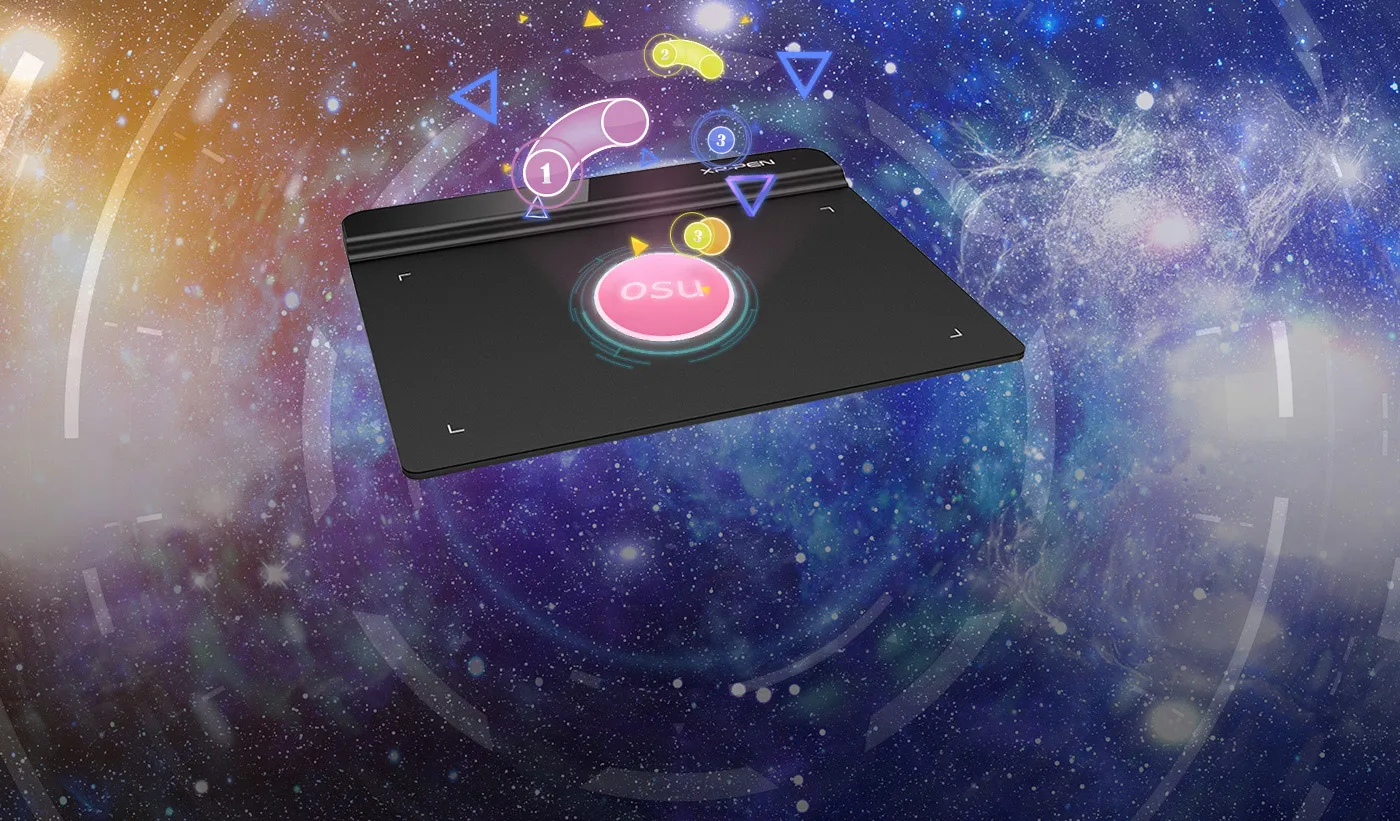

OSU!Assistant
Special for OSU! gamer! You do not need to any driver software
to use the tablet for OSU! . Battery free, sensitive brush,
allowing you to play with music and enjoy the game.
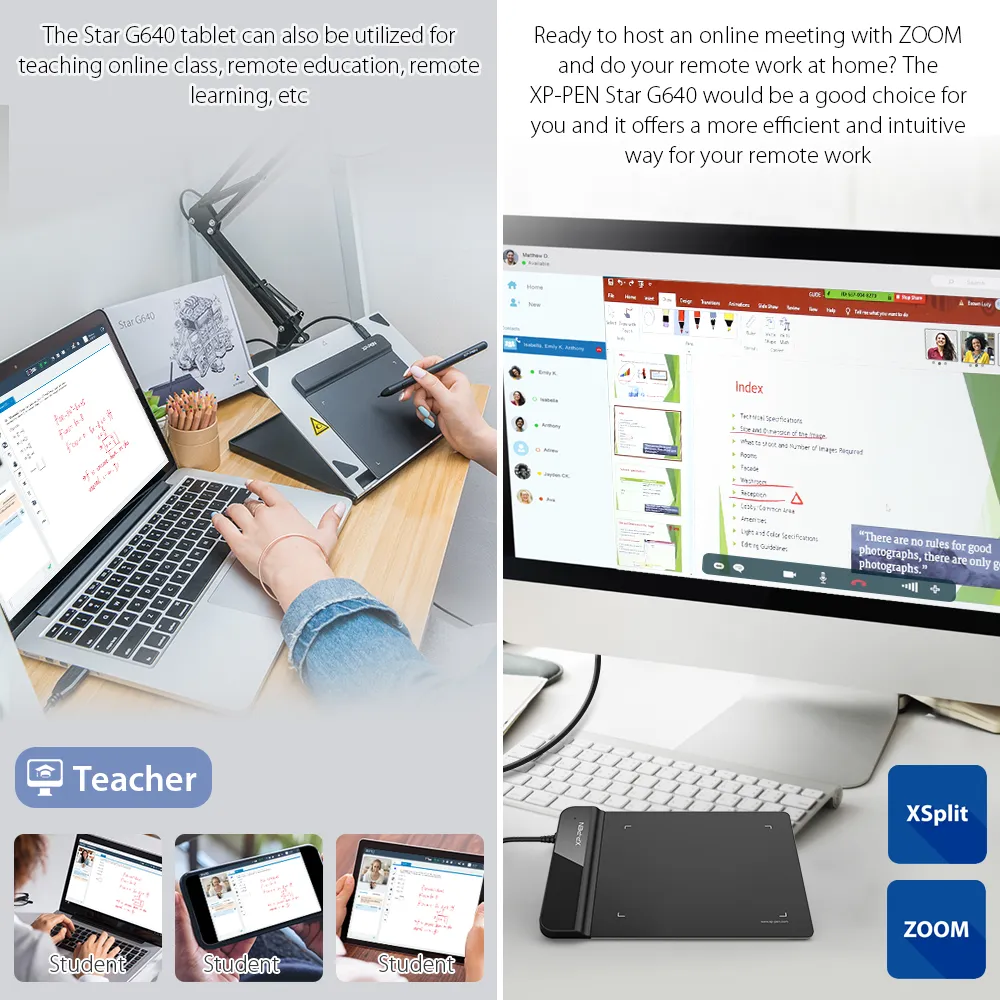
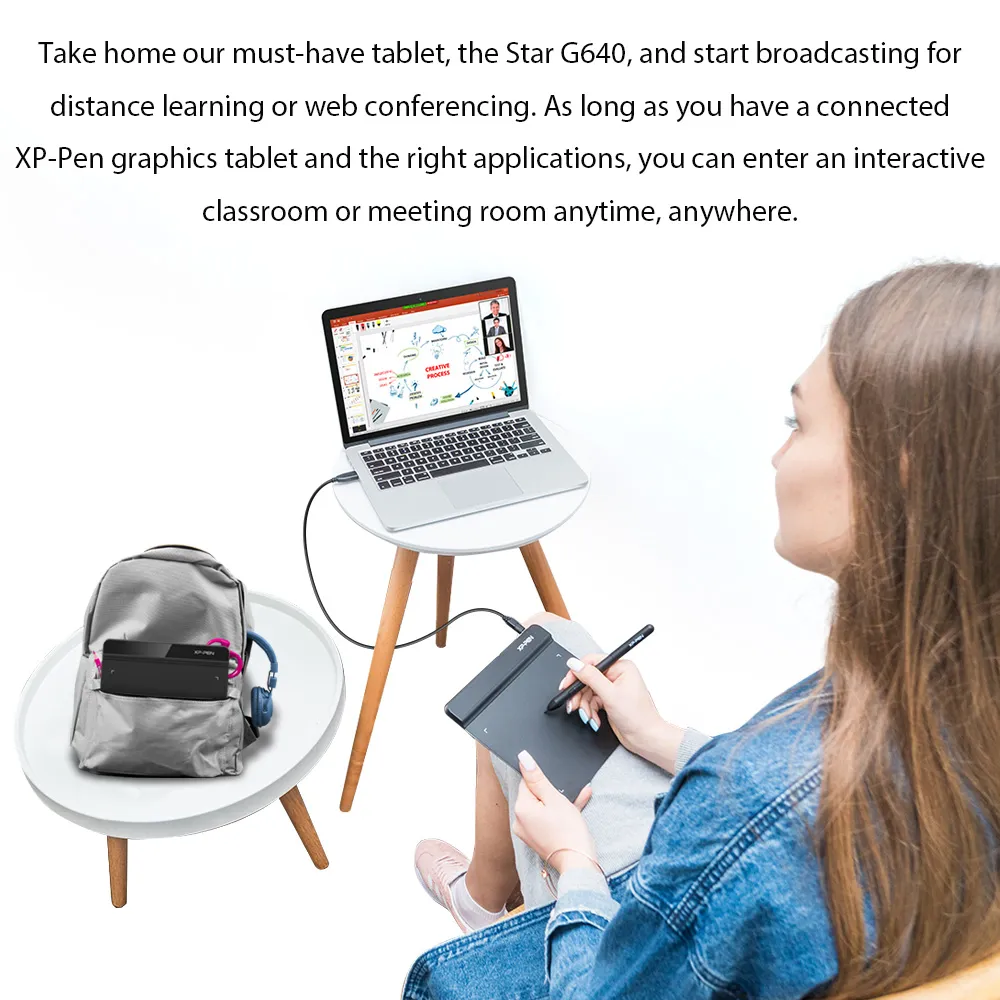
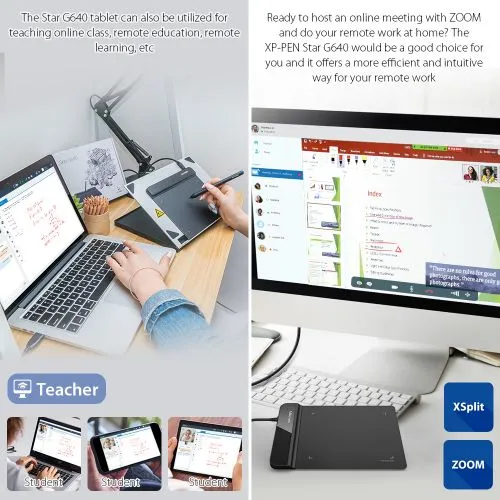
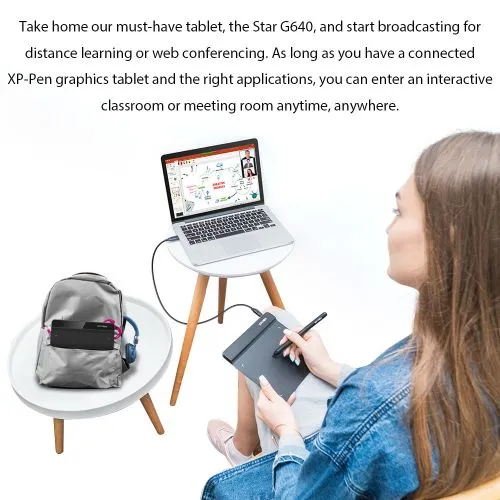
Ideal for your web conferencing or distance learning.
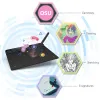
Simultaneous digital inking with an XP-Pen graphics tablet compatible with Microsoft Office apps like Word, PowerPoint, OneNote and more. Visually present your handwritten notes and signatures precisely – ideal for your web conferencing or online teaching needs.
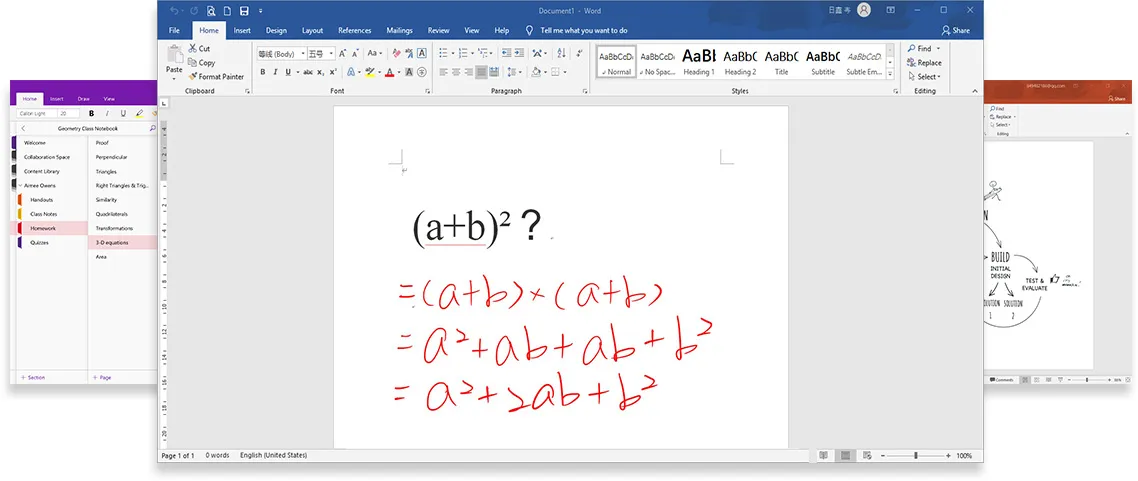
Engage, inspire, and immerse students and attendees like never before.
Teachers and speakers can create and explain interactive content visually by writing, editing, and annotating directly in files and sharing their screen in real time while streaming, broadcasting, or web conferencing. This flexibility allows the flow of creative ideas and the problem-solving process to be presented intuitively and efficiently.


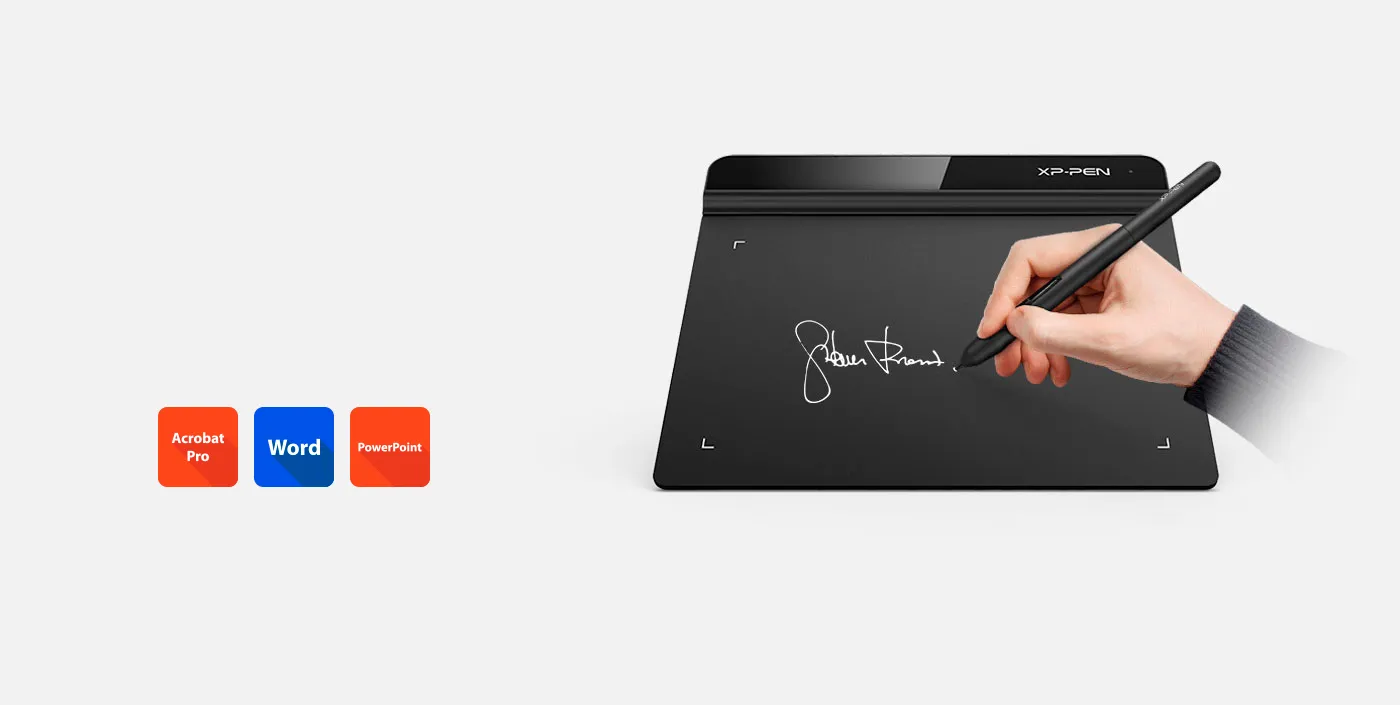
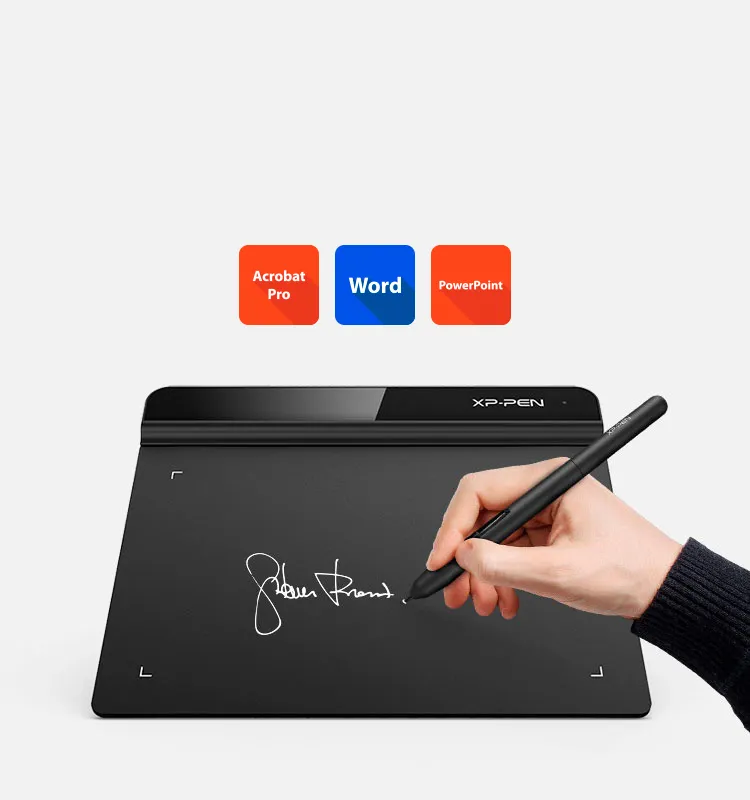
Business Signature
Synchronize with Adobe Acrobat Reader DC® signature Application, satisfied with the need of digital business signature.
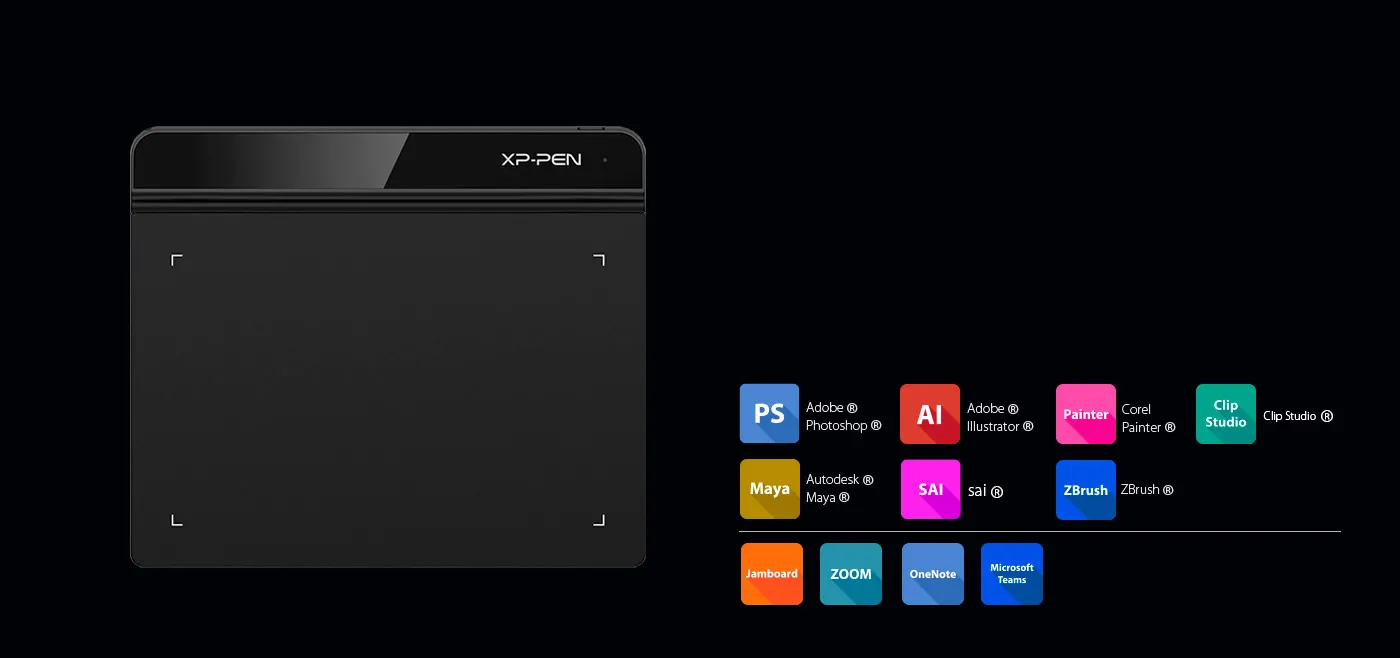
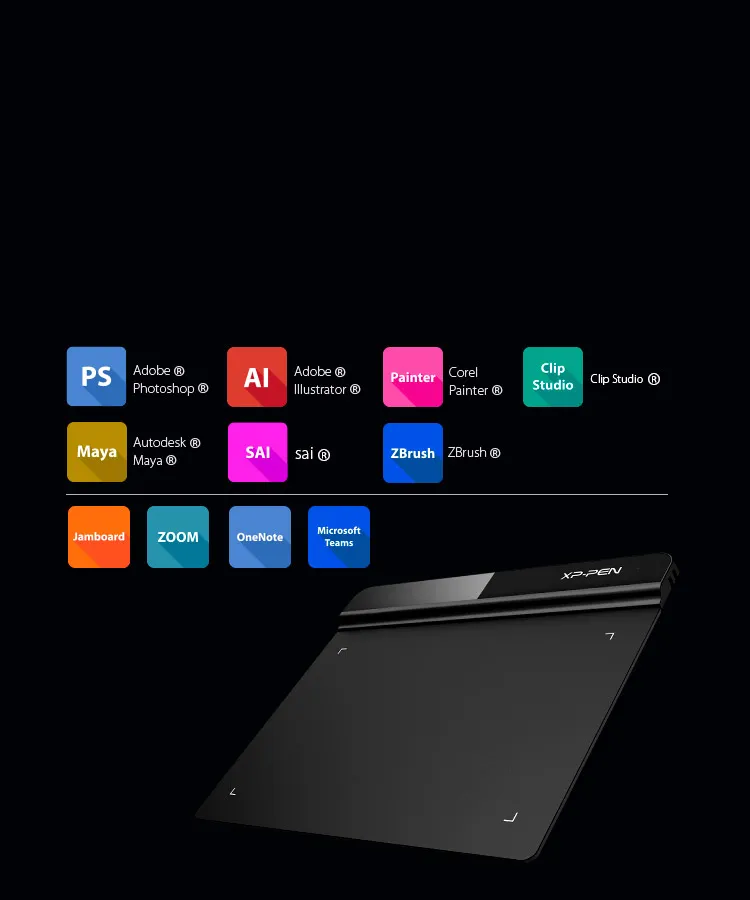
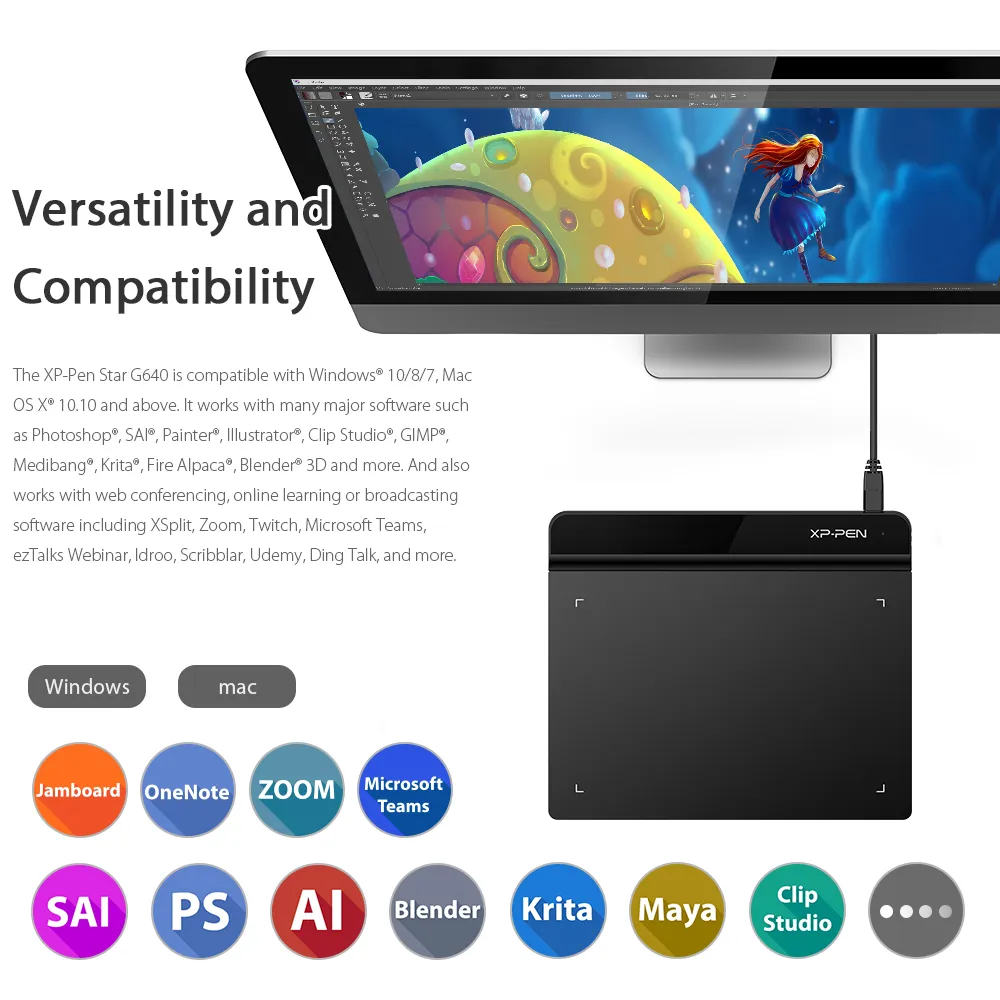
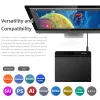
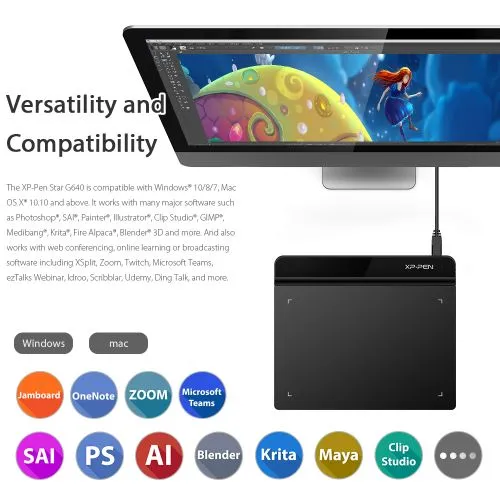
Compatible with most Operating Systems and applications.
Compatible with Windows 7 (or later), Linux (Detailed versions), Mac OS X® 10.10 and above. Also compatible with many major designer software such as Photoshop®, SAI®, Painter®, Illustrator®, Clip Studio®, and more.
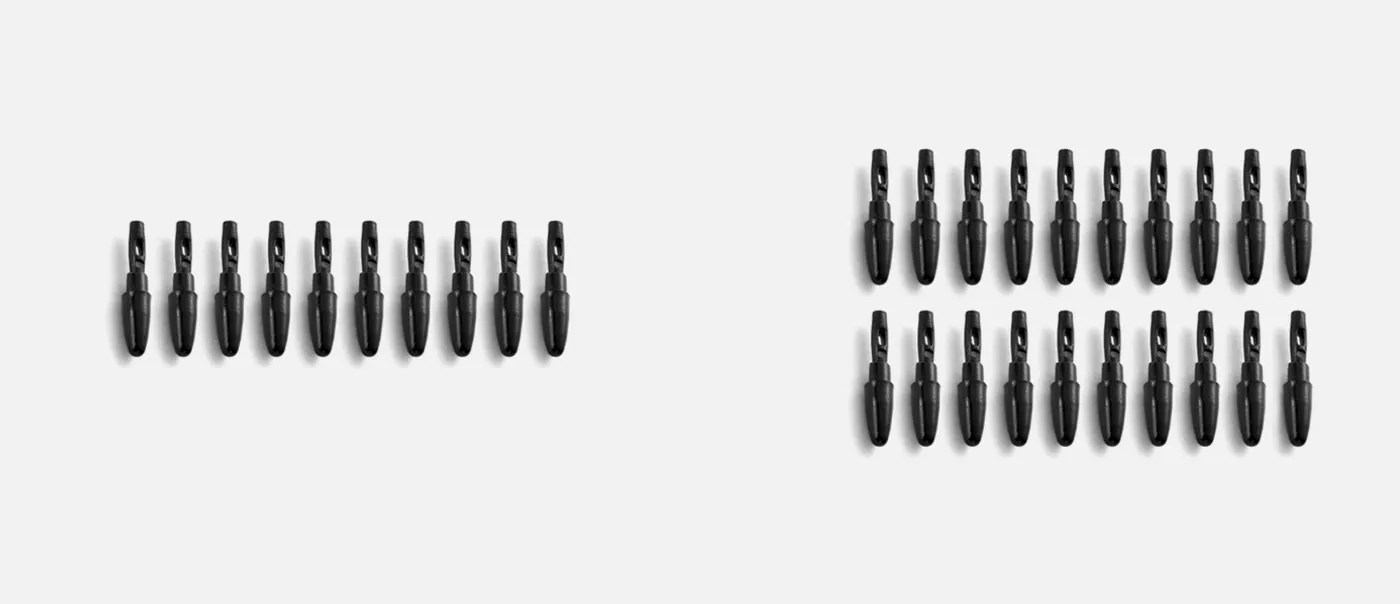
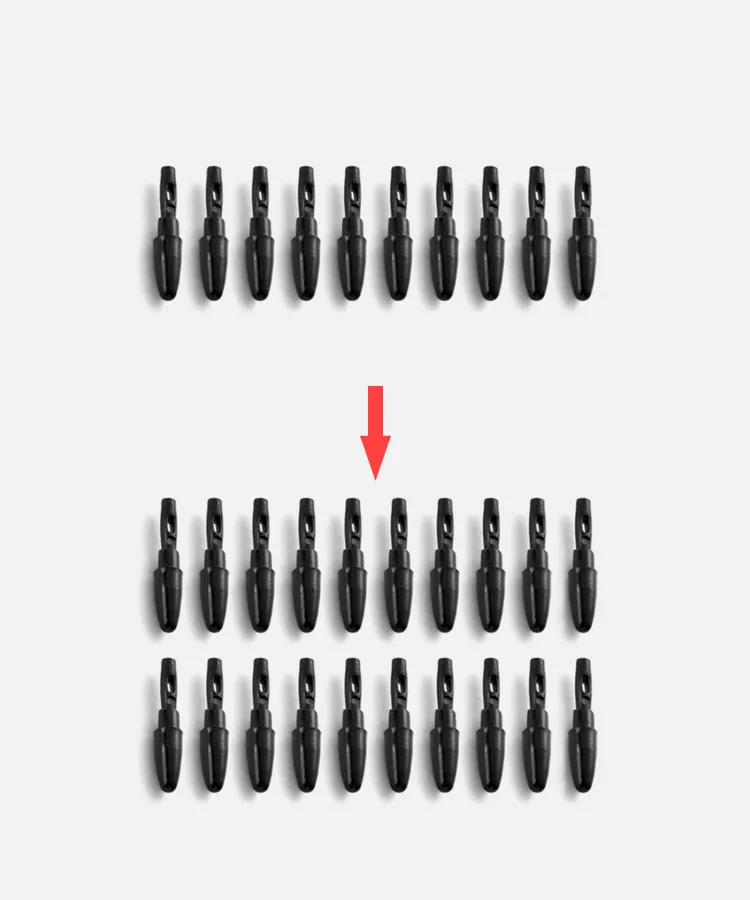
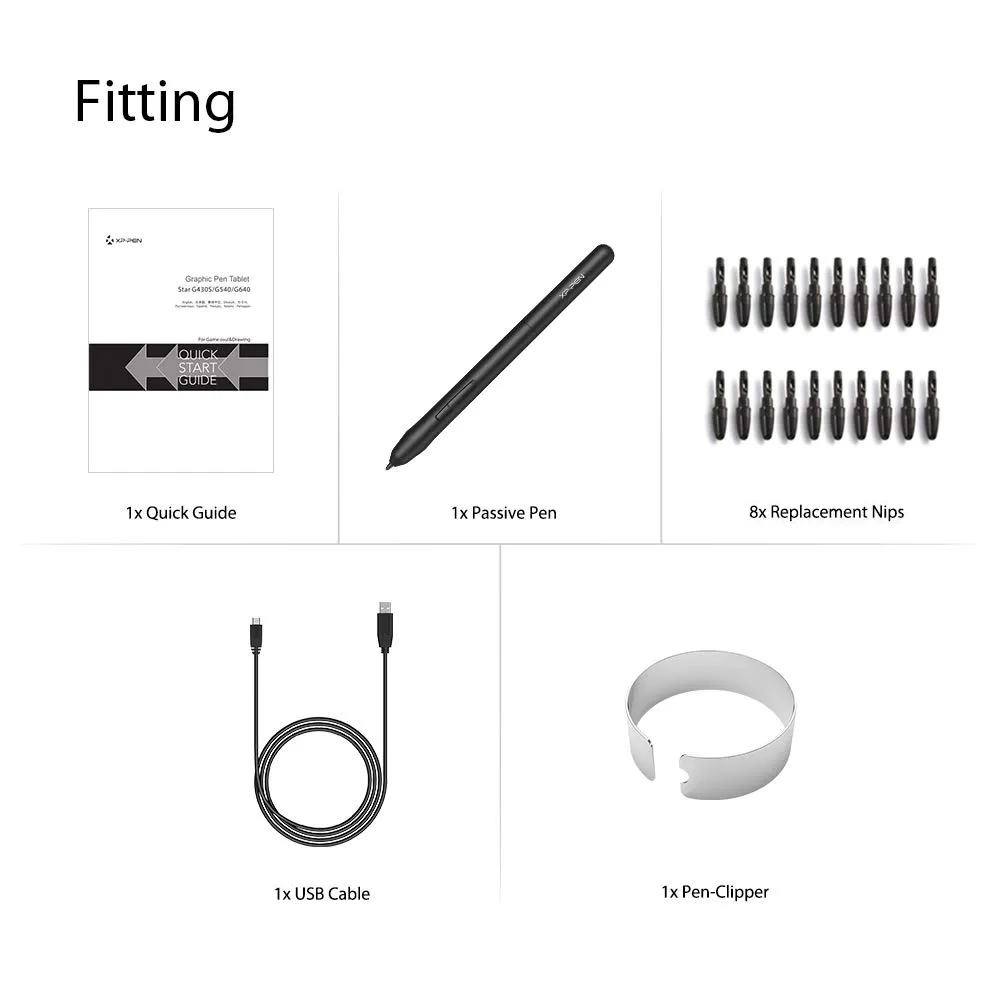
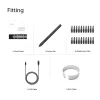
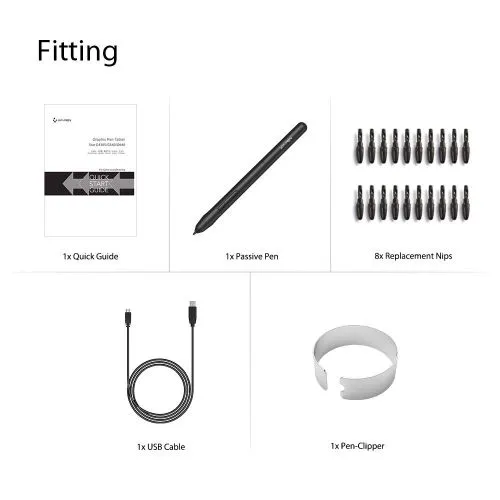
More nibs for you
G430 10 nibs
G640 20 nibs
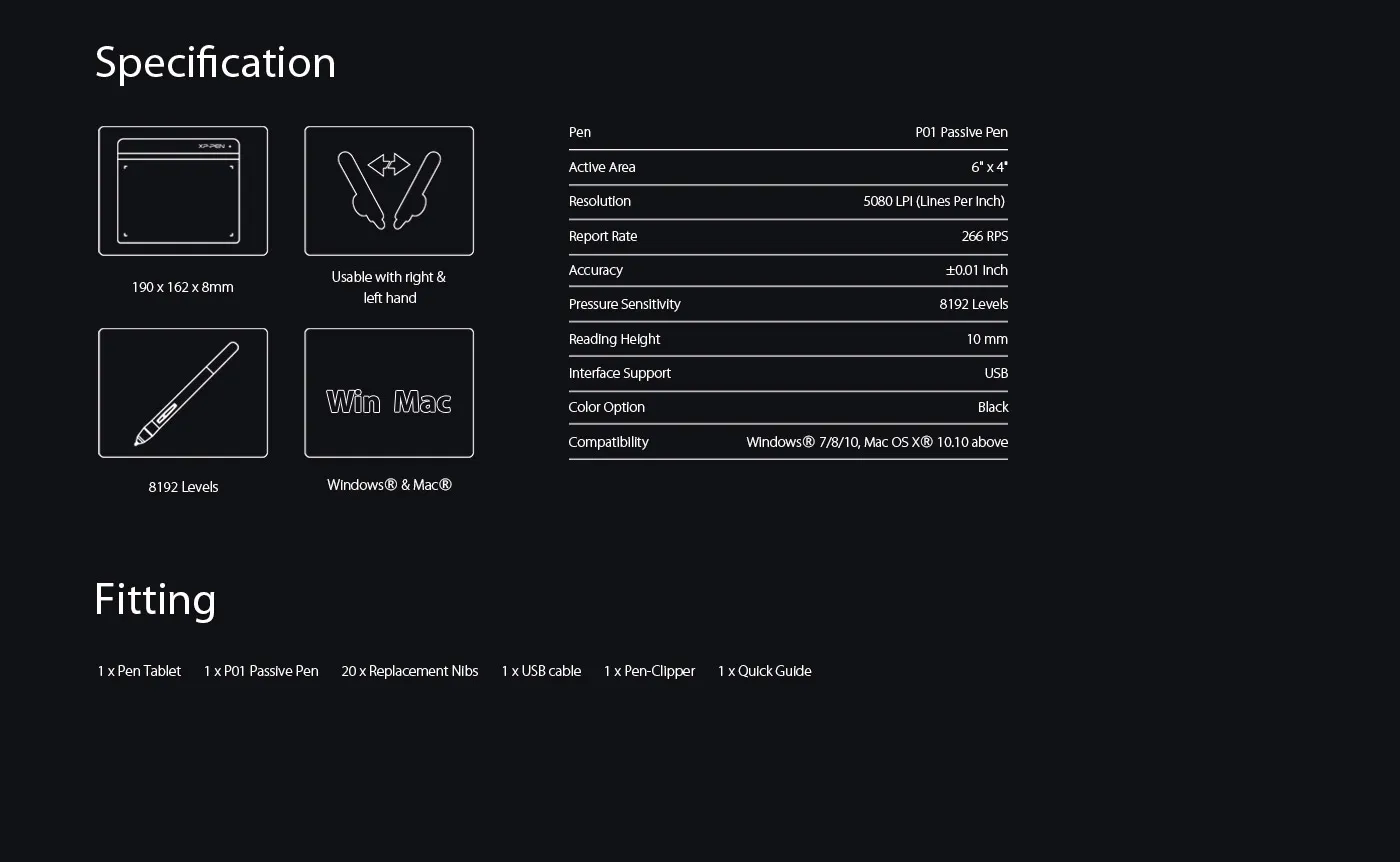
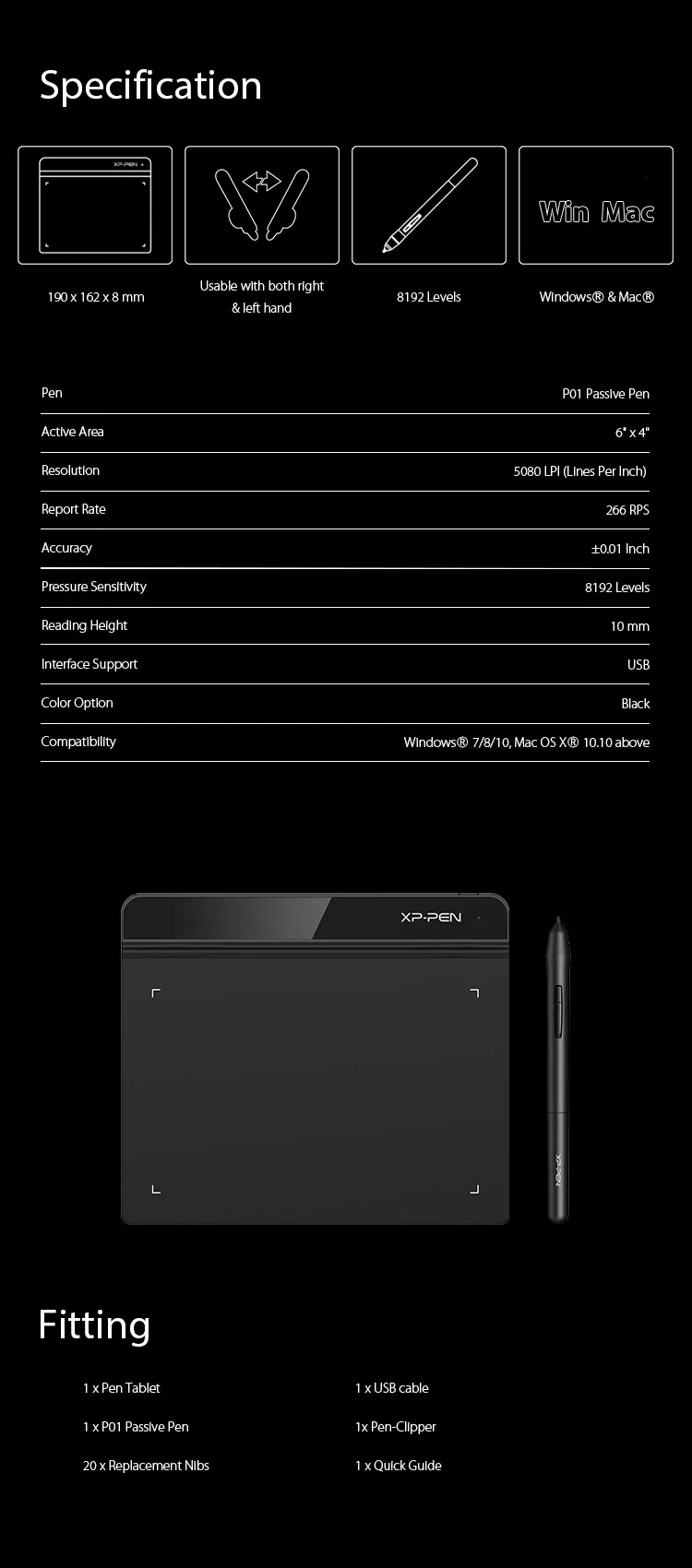
| Linux OS | Version | Package Format | Supported Software |
| Arch | Arch Linux2019.12.01(64-bit) | .deb, .sh | GIMP, Krita |
| Centos | Centos7.0(64-bit) | .rpm, .sh | GIMP |
| Centos8(64-bit) | .rpm, .sh | GIMP, Krita | |
| Debian | debian-9.5.0-amd64-netinst(64-bit) | .deb, .sh | GIMP, Krita |
| elementary OS | elementary OS 5.0(64-bit) | .deb, .sh | GIMP, Krita |
| ezgo Linux | ezgo14(64-bit) | .deb, .sh | GIMP, Krita |
| Fedora | Fedora32(64-bit) | .rpm, .sh | GIMP, Krita |
| Mageia | Mageia-7.1(64-bit) | .rpm, .sh | GIMP, Krita |
| Manjaro | manjaro-xfce-20.1.2-201019(64-bit) | .deb, .sh | GIMP |
| Mint | linuxmint-18.2-cinnamon-64bit | .deb, .sh | GIMP, Krita |
| OpenSUSE | openSUSE-Tumbleweed(64-bit) | .rpm, .sh | GIMP, Krita |
| Pop!_OS | pop-os_19.10(64-bit) | .deb, .sh | GIMP, Krita |
| Red Hat | Red Hat7(64-bit) | .rpm, .sh | GIMP |
| Ubuntu | Ubuntu14.04(64-bit) | .deb, .sh | GIMP, Krita |
| Ubuntu16.04(64-bit) | .deb, .sh | GIMP, Krita | |
| Ubuntu17.04(64-bit) | .deb, .sh | GIMP, Krita | |
| Ubuntu18.04(64-bit) | .deb, .sh | GIMP, Krita | |
| Ubuntu19.04(64-bit) | .deb, .sh | GIMP, Krita | |
| Ubuntu20.04(64-bit) | .deb, .sh | GIMP, Krita |
| Function | Krita 4.3.0 | Gimp 2.10.20 | Inkscape 0.92 |
| Pen Pressure Sensitivity | |||
| Tilt | |||
| Mouse Function | |||
| Eraser Button (Stylus:PH01, P06) | |||
| Switch between Pen and Eraser Modes | |||
| *If you have any further queries, please do not hesitate to contact us at service@xp-pen.com. | |||
Linux OS
Arch
Version
Arch Linux2019.12.01(64-bit)
Package Format
.deb, .sh
Supported Software
GIMP, Krita
Centos
Version
Centos7.0(64-bit)
Centos8(64-bit)
Centos8(64-bit)
Package Format
.rpm, .sh
.rpm, .sh
.rpm, .sh
Supported Software
GIMP
GIMP, Krita
GIMP, Krita
Debian
Version
debian-9.5.0-amd64-netinst(64-bit)
Package Format
.deb, .sh
Supported Software
GIMP, Krita
elementary OS
Version
elementary OS 5.0(64-bit)
Package Format
.deb, .sh
Supported Software
GIMP, Krita
ezgo Linux
Version
ezgo14(64-bit)
Package Format
.deb, .sh
Supported Software
GIMP, Krita
Fedora
Version
Fedora32(64-bit)
Package Format
.rpm, .sh
Supported Software
GIMP, Krita
Mageia
Version
Mageia-7.1(64-bit)
Package Format
.rpm, .sh
Supported Software
GIMP, Krita
Manjaro
Version
manjaro-xfce-20.1.2-201019(64-bit)
Package Format
.deb, .sh
Supported Software
GIMP
Mint
Version
linuxmint-18.2-cinnamon-64bit
Package Format
.deb, .sh
Supported Software
GIMP, Krita
OpenSUSE
Version
openSUSE-Tumbleweed(64-bit)
Package Format
.rpm, .sh
Supported Software
GIMP, Krita
Pop!_OS
Version
pop-os_19.10(64-bit)
Package Format
.deb, .sh
Supported Software
GIMP, Krita
Red Hat
Version
Red Hat7(64-bit)
Package Format
.rpm, .sh
Supported Software
GIMP
Ubuntu
Version
Ubuntu14.04(64-bit)
Ubuntu16.04(64-bit)
Ubuntu17.04(64-bit)
Ubuntu18.04(64-bit)
Ubuntu19.04(64-bit)
Ubuntu20.04(64-bit)
Ubuntu16.04(64-bit)
Ubuntu17.04(64-bit)
Ubuntu18.04(64-bit)
Ubuntu19.04(64-bit)
Ubuntu20.04(64-bit)
Package Format
.deb, .sh
.deb, .sh
.deb, .sh
.deb, .sh
.deb, .sh
.deb, .sh
.deb, .sh
.deb, .sh
.deb, .sh
.deb, .sh
.deb, .sh
Supported Software
GIMP, Krita
GIMP, Krita
GIMP, Krita
GIMP, Krita
GIMP, Krita
GIMP, Krita
GIMP, Krita
GIMP, Krita
GIMP, Krita
GIMP, Krita
GIMP, Krita
Function
Pen Pressure Sensitivity
Krita 4.3.0
Gimp 2.10.20
Inkscape 0.92
Tilt
Krita 4.3.0
Gimp 2.10.20
Inkscape 0.92
Mouse Function
Krita 4.3.0
Gimp 2.10.20
Inkscape 0.92
Eraser Button(Stylus:PH01, P06)
Krita 4.3.0
Gimp 2.10.20
Inkscape 0.92
Switch between Penand Eraser Modes
Krita 4.3.0
Gimp 2.10.20
Inkscape 0.92
*If you have any further queries, please do not hesitate to contact us at service@xp-pen.com.
4.6


Based on 70
69%(48)

29%(20)
1%(1)
0(0)
1%(1)
rds vinix
Jan 09 ,2021 AM 05:32 Star G640
great for osu
it is a very good tablet for osu i recommend it for those who are looking for a affordable tablet for osu
Useful(25)+1
Official mall
Jan 09 ,2021 PM 16:43
Thank you so much for your support. It\'s very pleasing to hear that you\'re satisfied with our product.
Enjoy this item and have a nice day : )
Ethan Ehler
Feb 27 ,2019 AM 06:54 Star G640
Great!!
I use the Star G640 Sketch for Osu!. I was mainly a hovering player. And my other Huion tablet broke randomly. And I decided to give XP-Pen a try. This Tablet is extremely cheap for everything you would be getting out of it. It was pretty easy for me personally to adapt using it. My pen sometimes makes some type of high pitch sound :/ But that does not make it worse. (I saw some others having problems with it.) Drivers are pretty bad to be honest but usable. I was able to spin I mean like a lot better than before for some reason :/ And helped me improve. The item shipped very fast for me. (I live in Canada btw) And it was REALLY well packed. I also the one thing that I dislike and a problem I had. Was that the pen is really light so I do shake while hovering. So I am now sticking to dragging. I fully recommend this item to casual and people who like rankings.
Useful(24)+1
Official mall
Feb 28 ,2019 PM 12:21
Hi, thanks for your review.
Star G640 is good for playing Osu! You can play Osu! without installing the driver.
The driver is used for get pen pressure while drawing.
Hope you will enjoy playing with this item.
Brandon Ali
Jan 21 ,2021 AM 10:10 Star G640
Amazing Product
I ordered this tablet for OSU and asked for the older version to be shipped since it's better for OSU. They listened to my request and I got my tablet with no problem. It feels great to use and this company is extremely friendly. Thank you!
Useful(2)+1
Official mall
Jan 21 ,2021 PM 14:36
Thank you so much for your support. It\'s very pleasing to hear that you\'re satisfied with our product.
Enjoy this item and have a nice day : )
Learn More
XFANSm0roveeq
Sep 20 ,2026 PM 14:26 Star G640
I plan on using this on my school MacBook. It can't download any drivers. I want to use it for OSU. Is it possible to use the pen without drivers or software?
Reply0
XFANS32qxluq4
Jul 22 ,2025 AM 10:45 Star G640
Is the REV A version of the tablet not currently available ? because i can only select the REV B.
Reply1
Official mall
Jul 22 ,2025 PM 12:05
Hello
Thank you for your inquiry.
Star G640 Rev A has been discontinued and cannot be restocked.
We are deeply sorry for the inconvenience this may cause you.
Reply to this review
XFANSopls5ubf
Jun 11 ,2025 AM 04:45 Star G640
Hello. Is this Star G640 compatible in any way with android devices?
Reply1
Official mall
Jun 11 ,2025 AM 09:23
Hello
No, Star G640 is not compatible with Android devices.
Deco 640 is compatible with Android 10.0 (or later).
https://www.xp-pen.com/store/buy/deco-640.html
Reply to this review
XFANS8khm0rm5
Nov 01 ,2024 PM 12:12 Star G640
I have an issue with my tablet/pen. I never had the software installed for it, and was able to draw fine. I was curious and installed the software, and shortly after, my pen started lagging. I usually use it to play gartic on browser with friends, but now it's almost impossible due to the lag. I uninstalled the XPPEN software, but it still lags. Is there anything I can do?
Reply1
Official mall
Nov 01 ,2024 PM 18:01
Hello
We\'re sorry to hear there\'s a problem with your product. We\'d be happy to help you resolve this issue.
Our technical team will contact you as soon as possible to provide professional assistance.
Reply to this review
XFANS5sv84m24
Aug 04 ,2024 PM 18:28 Star G640
How do I check if my tablet is rev A or B?
Reply1
Official mall
Aug 05 ,2024 PM 14:29
Hello
Star G640 Rev B is compatible with Chromebook, but Rev A is not.
You can distinguish the models by whether they can connect to Chromebook.
Reply to this review
XFANSrcv9tzlx
Jul 31 ,2024 PM 22:37 Star G640
I was looking to buy the tablet for Osu, but the Amazon shop doesn't have the option for Rev A or Rev B. If I buy the tablet from Amazon how do I ensure I will receive the Rev A?
Reply1
Official mall
Aug 02 ,2024 AM 09:22
Hello
Rev A version has been discontinued and only a small amount is available.
The version sold on Amazon\'s official online store is Rev B version.
Reply to this review
XFANS2gm4ra2f
Feb 15 ,2024 AM 01:15 Star G640
What is the trick to get the pen to write ON the tablet? I have the STAR G640. My pen will not make contact with the tablet, it just hovers over it. This makes it very difficult to write.
Reply1
Official mall
Feb 18 ,2024 PM 17:50
Hello
Please provide a video of the stylus problem and send it to service@xp-pen.com.
Technical engineers will provide you with professional help.
Reply to this review
XFANS52yxj8ri
Apr 09 ,2023 AM 11:44 Star G640
Are you able to exchange the Rev. B model for the Rev. A model?
Reply1
Official mall
Apr 10 ,2023 PM 17:36
Hello,
Please contact our technical support email (shop@xp-pen.com)
Our customer service staff will further handle it for you.
Reply to this review
XFANSftyqs67d
Mar 31 ,2023 AM 09:35 Star G640
Do you sell it in the Dominican republic?
Reply1
Official mall
Apr 11 ,2023 PM 16:19
Hello
We are very sorry that we are unable to ship to the Dominican Republic.
Thank you for your understanding and support.
Reply to this review
XFANSgcujhd6z
Sep 24 ,2022 AM 01:10 Star G640
If I have a G640 Rev A, can I just return it and get a Rev B for free? Just wondering!
Reply1
Official mall
Sep 26 ,2022 AM 10:03
Yes, you can return it and get a Rev B.
Reply to this review
Learn More