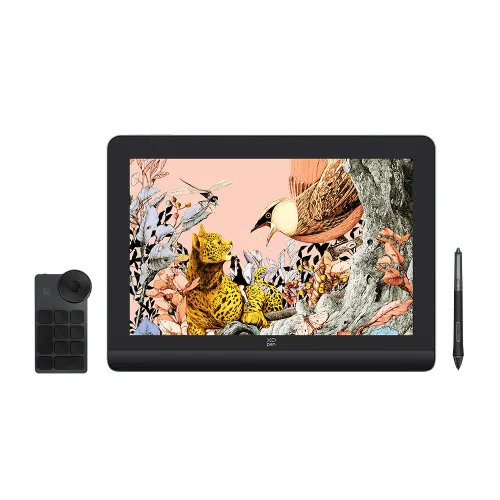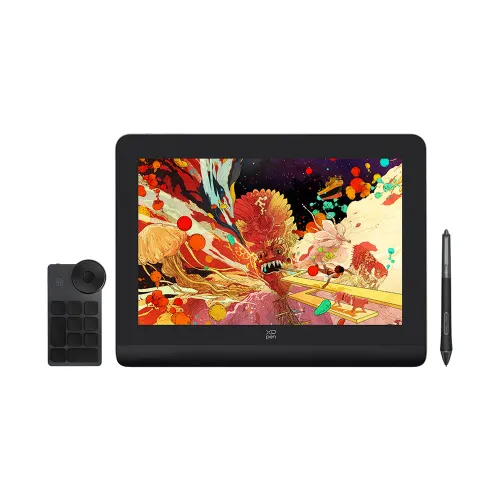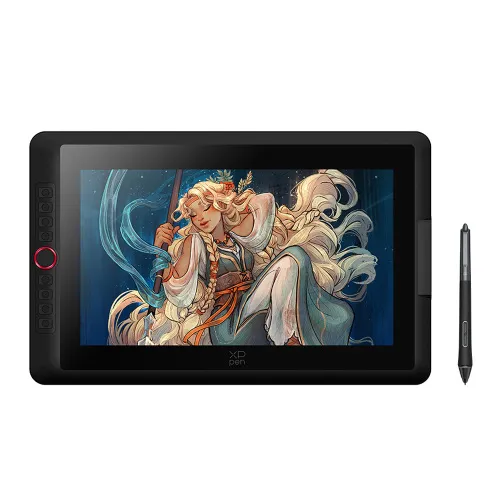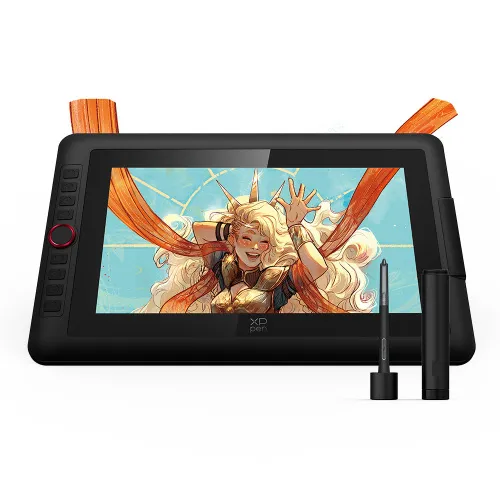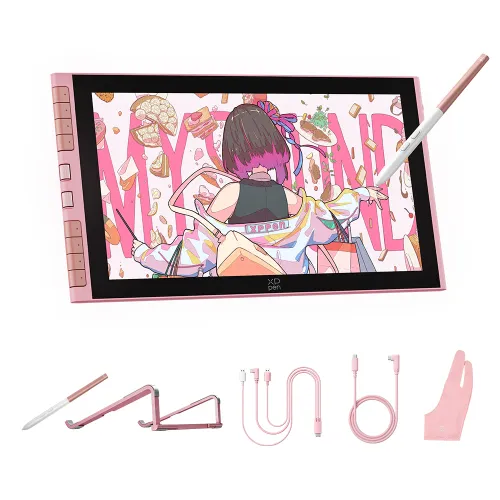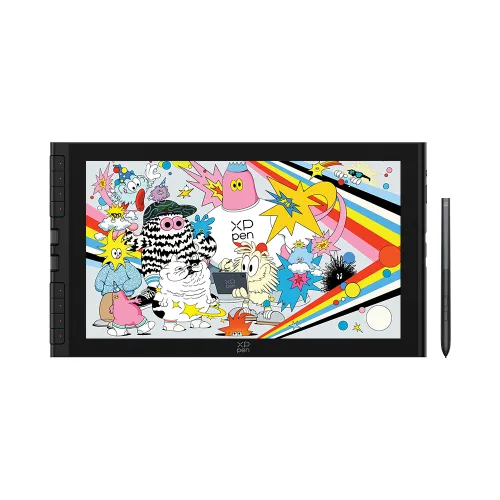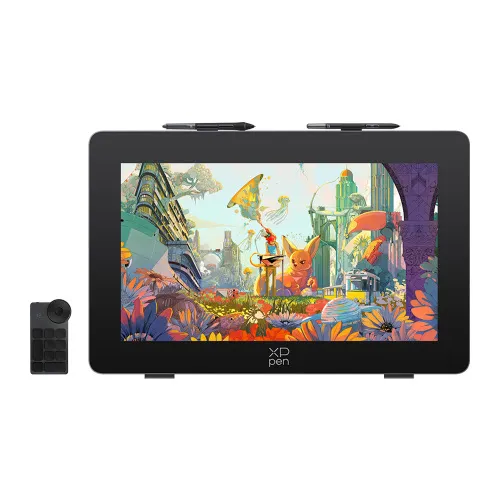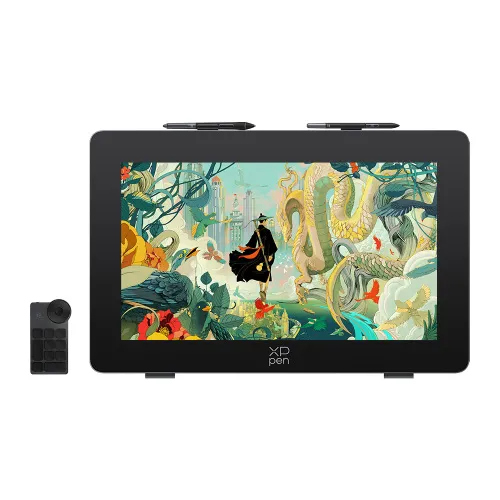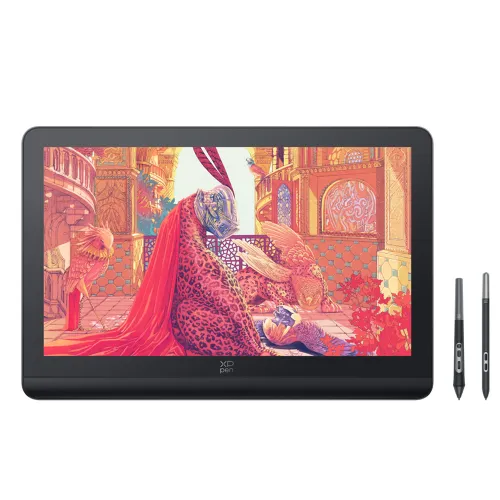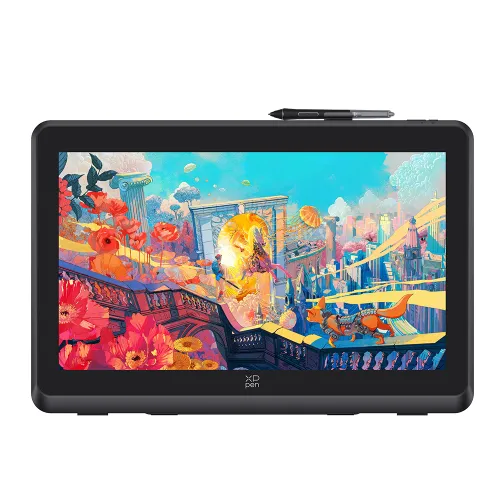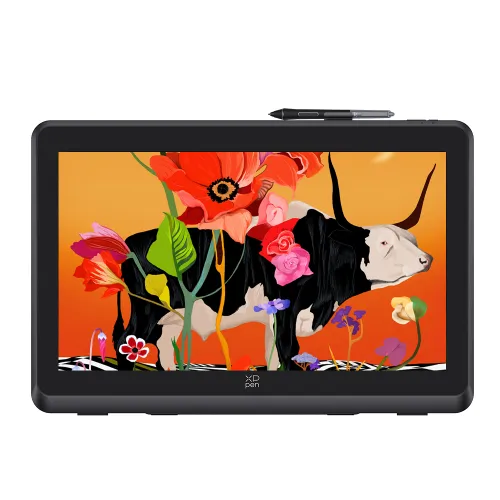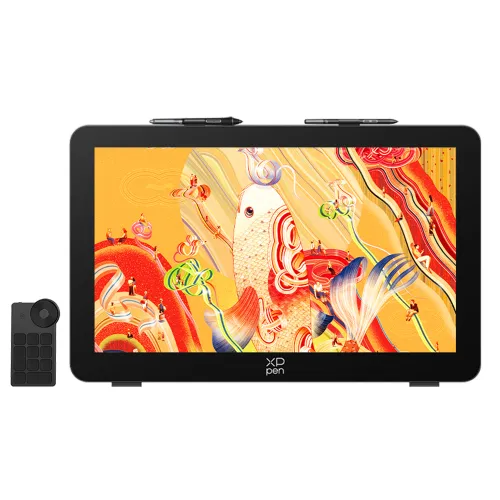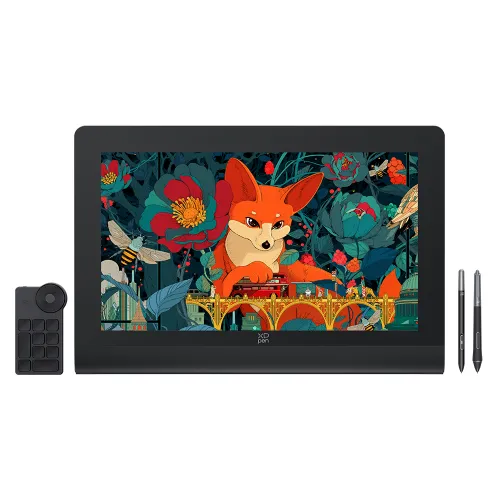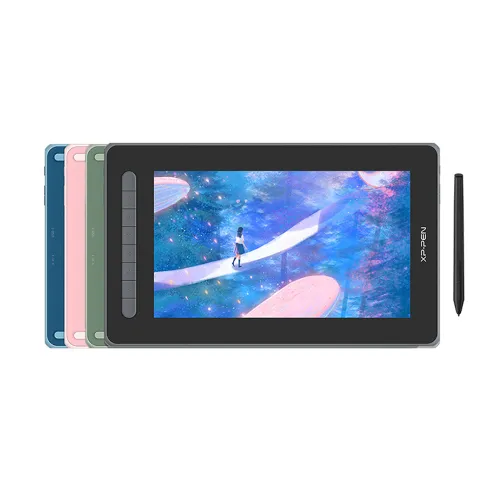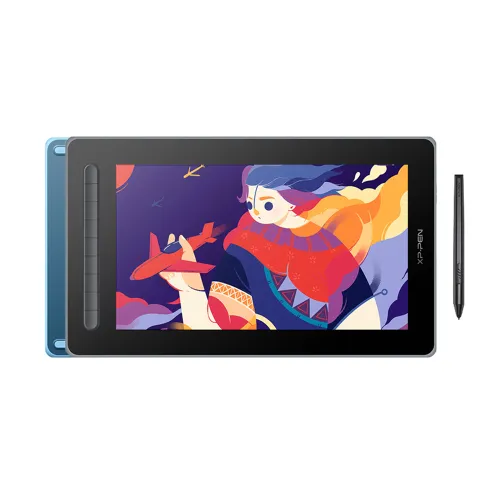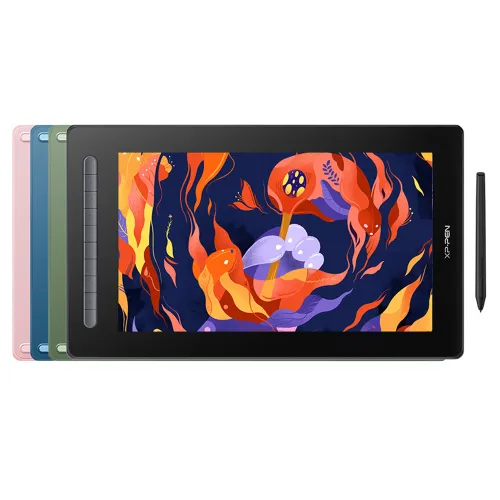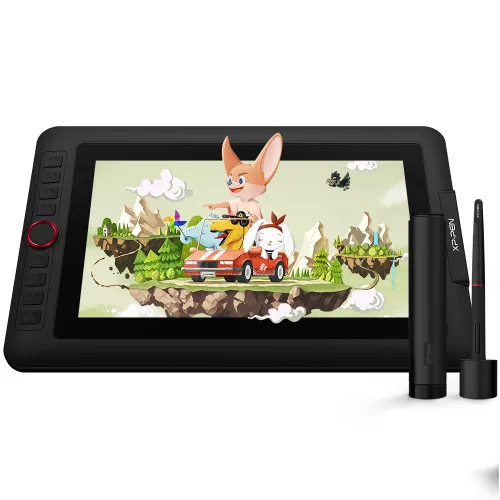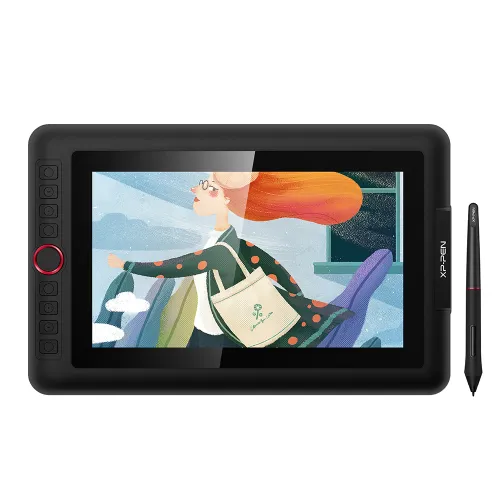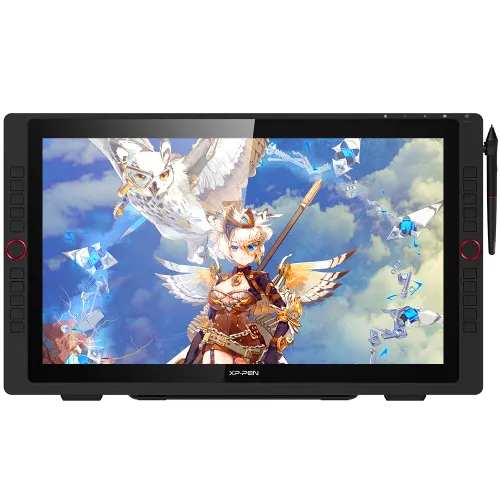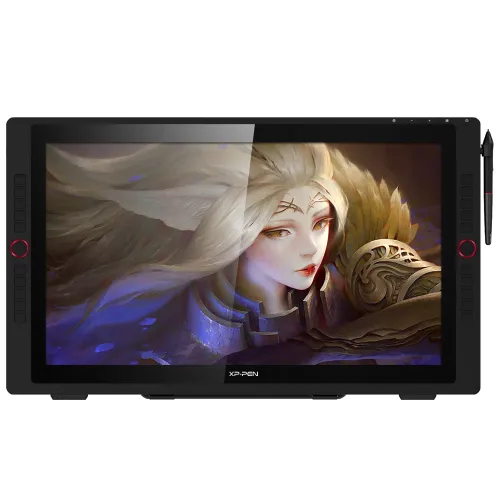

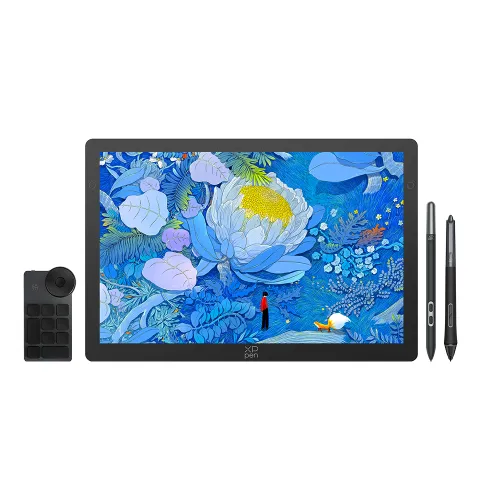
Artist 22 (2nd Generation)

21.5-inch display, Adobe® RGB≥90%,sRGB≥122% Supports a USB-C to USB-C connection, 8192 levels of pressure sensitivity.

Artist 22 (2nd Generation) requires connection to a computer or laptop to function.

AU$559.99AU$699.99

FREE DELIVERY

We offer free shipping

SECURE PAYMENT

Your payment information is processed securely

TECH SUPPORT

service@xp-pen.com

18-MONTH WARRANTY

18-month warranty only for official AU-store

Optional Accessories

https://resource.xp-pen.com/Uploads/au/goods/20210322/2671a582ec1ede4df90c668612b58ef4_200_200.webp

Protective Film for Artist 22 2nd (Pack of 2)

+AU$49.99AU$59.99

17% Off
https://resource.xp-pen.com/Uploads/au/goods/20230602/74aaa731054839eba9a5c51be84f064e_200_200.webp

ACK05 Wireless Shortcut Remote

+AU$59.99AU$69.99

14% Off
https://resource.xp-pen.com/Uploads/goods/20171115/aad4191ed345b0fde9394d0a024eca79_200_200.webp

AC20 Cable Case

+AU$19.99AU$27.88

28% Off

Quantity:

Payment icon 0Payment icon 1Payment icon 2Payment icon 3
seel-icon

Worry-Free Delivery® available with seel

Estimate:
image
image
image

Artist 22 (2nd Generation)

Create better, dream bigger
Watch the video >>
image
image

Bigger screen, better vision

The XP-PEN Artist 22 (2nd Generation) comes with a strikingly large 21.5-inch display. It features 1080p resolution, has a superb color accuracy of 86% NTSC (Adobe® RGB≥90%,sRGB≥122%), and it delivers more vibrant and realistic images and videos.

image
image

21.5 inch

image

1080P resolution

image

sRGB≥122%

Easy and fast connection

The XP-PEN Artist 22 (2nd Generation) supports a USB-C to USB-C connection, which allows you to connect your iMac, Mac Book Pro, or Windows computer without using an adapter.

image
image

Enhance your drawing experience

With better accuracy, the Artist 22 (2nd Generation) lets you draw with more precise cursor positioning, even at the four corners. This ensures a satisfying drawing experience.

imageimage

More precise
cursor positioning

Sync your creativity

With a response time of 8ms, it responds nimbly to any pen movement and ensures the swift and smooth presentation of every line and stroke input onto the screen, bringing you a familiar drawing experience.

image

Response Time: 8ms

Always ready for your inspiration flow

The battery-free stylus supports up to 60 degrees of tilt function and 8,192 pressure sensitivity levels, helping you to effortlessly create exquisite strokes and seamless shading.

image
image

Headphone Jack

Adapts to you

With the adjustable stand, you can change the screen's angle from 16 to 90 degrees to suit your needs and create comfortably and freely. Also, the specially designed cable slot and detachable back cover keep your cables protected and organized.

imageimageimage

Extensive compatibility

The Artist 22 (2nd Generation) supports Windows® 10/8/7, Linux (Detailed versions)  and Mac OS X® 10.10 (and higher). It is also compatible with popular digital art software, such as Adobe® Photoshop®, Illustrator®, SAI®, CDR®, GIMP®, Krita®, MediBang®, FireAlpaca®, and Blender® 3D.

image

Product Gallery

image
image
image
image
image
image
image
image
image
  • Specifications

image

Dimensions
538 x 332 x 25.8mm

image

Display Resolution
1920 x 1080

image

Battery-free
Tilt: 60°

image

86% NTSC, Adobe® RGB≥90%, sRGB≥122%

image

Response Time
8ms

  • Show more

image
Getting started with your
XP-PEN Artist display
Learn more >
image
All Artist displays come
with one free creative software
Learn more >
Linux OSVersionPackage FormatSupported Software
ArchArch Linux2019.12.01(64-bit).deb, .shGIMP, Krita
CentosCentos7.0(64-bit).rpm, .shGIMP
Centos8(64-bit).rpm, .shGIMP, Krita
Debiandebian-9.5.0-amd64-netinst(64-bit).deb, .shGIMP, Krita
elementary OSelementary OS 5.0(64-bit).deb, .shGIMP, Krita
ezgo Linuxezgo14(64-bit).deb, .shGIMP, Krita
FedoraFedora32(64-bit).rpm, .shGIMP, Krita
MageiaMageia-7.1(64-bit).rpm, .shGIMP, Krita
Manjaromanjaro-xfce-20.1.2-201019(64-bit).deb, .shGIMP
Mintlinuxmint-18.2-cinnamon-64bit.deb, .shGIMP, Krita
OpenSUSEopenSUSE-Tumbleweed(64-bit).rpm, .shGIMP, Krita
Pop!_OSpop-os_19.10(64-bit).deb, .shGIMP, Krita
Red HatRed Hat7(64-bit).rpm, .shGIMP
UbuntuUbuntu14.04(64-bit).deb, .shGIMP, Krita
Ubuntu16.04(64-bit).deb, .shGIMP, Krita
Ubuntu17.04(64-bit).deb, .shGIMP, Krita
Ubuntu18.04(64-bit).deb, .shGIMP, Krita
Ubuntu19.04(64-bit).deb, .shGIMP, Krita
Ubuntu20.04(64-bit).deb, .shGIMP, Krita
FunctionKrita 4.3.0Gimp 2.10.20Inkscape 0.92
Pen Pressure Sensitivity
Tilt
Mouse Function
Eraser Button
(Stylus:PH01, P06)
Switch between Pen
and Eraser Modes
*If you have any further queries, please do not hesitate to contact us at service@xp-pen.com.

Linux OS

Arch
Version
Arch Linux2019.12.01(64-bit)
Package Format
.deb, .sh
Supported Software
GIMP, Krita
Centos
Version
Centos7.0(64-bit)
Centos8(64-bit)
Package Format
.rpm, .sh
.rpm, .sh
Supported Software
GIMP
GIMP, Krita
Debian
Version
debian-9.5.0-amd64-netinst(64-bit)
Package Format
.deb, .sh
Supported Software
GIMP, Krita
elementary OS
Version
elementary OS 5.0(64-bit)
Package Format
.deb, .sh
Supported Software
GIMP, Krita
ezgo Linux
Version
ezgo14(64-bit)
Package Format
.deb, .sh
Supported Software
GIMP, Krita
Fedora
Version
Fedora32(64-bit)
Package Format
.rpm, .sh
Supported Software
GIMP, Krita
Mageia
Version
Mageia-7.1(64-bit)
Package Format
.rpm, .sh
Supported Software
GIMP, Krita
Manjaro
Version
manjaro-xfce-20.1.2-201019(64-bit)
Package Format
.deb, .sh
Supported Software
GIMP
Mint
Version
linuxmint-18.2-cinnamon-64bit
Package Format
.deb, .sh
Supported Software
GIMP, Krita
OpenSUSE
Version
openSUSE-Tumbleweed(64-bit)
Package Format
.rpm, .sh
Supported Software
GIMP, Krita
Pop!_OS
Version
pop-os_19.10(64-bit)
Package Format
.deb, .sh
Supported Software
GIMP, Krita
Red Hat
Version
Red Hat7(64-bit)
Package Format
.rpm, .sh
Supported Software
GIMP
Ubuntu
Version
Ubuntu14.04(64-bit)
Ubuntu16.04(64-bit)
Ubuntu17.04(64-bit)
Ubuntu18.04(64-bit)
Ubuntu19.04(64-bit)
Ubuntu20.04(64-bit)
Package Format
.deb, .sh
.deb, .sh
.deb, .sh
.deb, .sh
.deb, .sh
.deb, .sh
Supported Software
GIMP, Krita
GIMP, Krita
GIMP, Krita
GIMP, Krita
GIMP, Krita
GIMP, Krita

Function

Pen Pressure Sensitivity
Krita 4.3.0
Gimp 2.10.20
Inkscape 0.92
Tilt
Krita 4.3.0
Gimp 2.10.20
Inkscape 0.92
Mouse Function
Krita 4.3.0
Gimp 2.10.20
Inkscape 0.92
Eraser Button(Stylus:PH01, P06)
Krita 4.3.0
Gimp 2.10.20
Inkscape 0.92
Switch between Penand Eraser Modes
Krita 4.3.0
Gimp 2.10.20
Inkscape 0.92

*If you have any further queries, please do not hesitate to contact us at service@xp-pen.com.

Reviews
4.8
starstarstarstarstar
Based on 5
starstarstarstarstar
80%(4)
starstarstarstarstar
20%(1)
starstarstarstarstar
0(0)
starstarstarstarstar
0(0)
starstarstarstarstar
0(0)
missinact
starstarstarstarstar
Nov 07 ,2021 PM 21:30 Artist 22 (2nd Generation)
A satisfying purchase
The Artist 22 (2nd Generation) is a very solid device. As a hobbyist who was using a Surface Pro 5 to practice art before making the purchase, the first thing I noticed was that the Artist 22 had less pen resistance when drawing compared to the Surface Pro 5. It took a few hours before I was able to control my hand better on the Artist 22, but overall, the drawing experience became very comfortable. Since I am only a hobbyist and since this is my first graphics pen display, I cannot compare it to any of the other similar devices (aside from the SP5), but these are my observations. Pen: The pen is comfortable to hold and the buttons don't get in the way. The weight is pretty good. I have been practicing a lot and I noticed the pen nib does wear out very fast even though I am used to drawing lightly. No scratches on my screen so far, but I wipe a cloth over it to keep the screen as scratch-free as long as possible. Drawing Performance & Apps: I have only tried the Artist 22 on Sketchbook Pro and Clipart Studio. The tablet works great on both applications. Drawing Angles: The drawing angles available are comfortable to work on. Cables: Very convenient to be able to connect to a pc with only the type-C usb. Overall, I am very satisfied for purchasing this over the smaller Artist Pro 16. I'm a pretty new artist and am very satisfied that this tablet gets everything I want to do done.
Useful(0)+1
MrPUFF
starstarstarstarstar
Jul 03 ,2022 PM 16:35 Artist 22 (2nd Generation)
Great tablet
so far I been using it since last year when I got it, compared to other brands this is the best tablet that I have purchased so far as well as a good upgrade from my artist 12 with screen size for work space and response from the pen to scree. No issues what so ever, driver soft were or anything concerning the artist 22. It is also a good as it works as a 2nd monitor. Colour on it is Great. would recommend if you are looking the upgrade and don't want to pay much.
Useful(0)+1
XFANSuu9yvdo6
starstarstarstarstar
Jun 22 ,2023 PM 18:47 Artist 22 (2nd Generation)
Awesome Graphic tablet without a hitch!
Awesome Graphic tablet without a hitch! Very responsive pre-sale team, awesome responses even via emails (thought it would take days but within same day all emails was answered) I meant it literally super quick! Now regards to the Artist 22 2nd Gen. Have ran it without an issue at all on most drawing packages. Accuracy, colours etc is awesome. Having the bigger screen for me was ideal since I've also have the Artist pro 12 unit, so much larger and easier to the eyes. Would definitely recommend XP-Pen products. Will keep tap to see what XP-Pen brings in the future. Thank you XP-Pen!
Useful(0)+1
Learn More
Q & A
XFANSea4uylyp
Jul 27 ,2023 PM 15:45 Artist 22 (2nd Generation)
will there be any more sales on this? the 20% sale ends soon but i can only buy it later next month
Reply0
XFANS6p0ndhu0
Feb 20 ,2023 PM 17:54 Artist 22 (2nd Generation)
I have recently bought and tried using the Artist 22 (2nd Generation) drawing tablet that you sell however the drivers, at least the windows ones and the only ones I have tried as I have a windows pc, have only been showing me the AC19 application and nothing regarding the actual screen product or even the pen. I have tried looking through the manual to see what I have done wrong but nothing implicates that besides the software possibly being the issue. The AC19 application is the only thing I see as well, I can’t backspace or try reinstalling or restarting my pc as it keeps showing me the same screen no matter my attempts. I have also tried using the online chat feature but have only received more confusion and no sign of help despite giving it my name and email and trying to explain the situation. That was on the 1st of February. I even tried emailing but that came back with some sort of rejection. This is my first time buying any of your products so I don’t have anything previously downloaded that may interfere with the program. If I could get an explanation on how to solve the issue ASAP that would be awesome.
Reply0
XFANS2uk6pf5d
Jul 03 ,2022 PM 12:38 Artist 22 (2nd Generation)
Is the pen rechargeable or does it come with a battery or anything like that,
Reply0
XFANSut14fjrk
Feb 05 ,2022 PM 13:45 Artist 22 (2nd Generation)
I've also heard it comes with a film attached to the tablet, is it true? Or do you have to buy them seperately? And would they work well with ClipStudio?
Reply1
Official mall
Feb 09 ,2022 PM 22:33
Hi, Artist 22 (2nd Generation) comes with a matte screen protector on the screen. No need to purchase them seperately. And this product can work with ClipStudio! Hope it helps:)
Reply to this review
XFANSut14fjrk
Feb 05 ,2022 PM 13:36 Artist 22 (2nd Generation)
Hi, when would be the 10% off sale last until?
Reply1
Official mall
Feb 15 ,2022 PM 17:05
Hi, Valentine's Day sale will last until February 28. Hope it is helpful to you. Best Regards XP-PEN
Reply to this review
XFANSnzcse8zy
Dec 25 ,2021 PM 23:18 Artist 22 (2nd Generation)
Is the screen on this product laminated?
Reply1
Official mall
Dec 31 ,2021 PM 16:31
Hi, All our 22 inch display are not full laminated. But 22 2nd comes with a more precise cursor positioning. Hope it helps:)
Reply to this review
XFANS8ymom9g2
Nov 24 ,2021 AM 06:27 Artist 22 (2nd Generation)
Hi, I was wondering, alot of the items say they work with Adobe photoshop, do they also work with Adobe lightroom and other software or only the software stated in the description? Thank you for you time
Reply1
Official mall
Nov 24 ,2021 PM 18:31
Hi, Thank you for your inquiry.Yes,our display can work with Adobe lightroom.In addition to the those stated in the listing,our products support Artrage 5,openCanvas,Cartoon Animator and so on.If there is any other software question,You can ask us before you purchase. Best Regards, XP-PEN
Reply to this review
XFANSq1y9l6o6
Aug 16 ,2021 AM 10:00 Artist 22 (2nd Generation)
i am wondering if this device has the fuction to to finger gestures like (rotating canvas and zoom in and zoom out) in the photoshop .
Reply1
Official mall
Aug 17 ,2021 PM 14:40
Dear Customer, No, Artist22(2nd) don't have a touch function, if you want to rotate canvas and zoom in and zoom out with finger, you may think about our new released product Artist Pro 16TP:https://www.xp-pen.com/au-store/buy/128.html Hope it is helpful to you. XP-PEN
Reply to this review
XFANS9h0kqofr
Jul 23 ,2021 PM 16:54 Artist 22 (2nd Generation)
Is the back stand on the Artist 22 (2nd generation) removable? I like drawing with the tablet in my lap so i dont want that to get in the way.
Reply1
Official mall
Jul 28 ,2021 PM 15:54
Dear Customer, Thank you for your inquiry. Yes, the stank on the Artist22 2nd can be removed. If you like drawing with the tablet in your lap, we recommend buying 15.6Pro or Innavator 16, because Artist22 2nd is too heavy :) Have a nice day! XP-PEN
Reply to this review
XFANS6rbhxf1k
Jul 20 ,2021 PM 15:36 Artist 22 (2nd Generation)
Hi, I have been using the 22Pro for about 5 years now. It's been trouble free, reliable and quite fantastic. I would highly recommend this to anyone. I have a few questions: 1. I'd like to adjust (recalibrate) the pen-tip offset parallax. It seems to have drifted from the point of contact. Can you advise how to do that? Since it's been quite a few years, I can't seem to find the drivers or app where this would be done. Could you advise how and where I could do this, please. 2. Is it possible to use any of the new battery-free pens? If so, which model would work with my older graphic tablet. 3. Since I don't have programmable buttons on my model, would the AC 19 Shortcut Remote work? That would be a great improvement. It's been a solid product, and I'd like to keep it updated and current. Thanks in advance.
Reply1
Official mall
Jul 28 ,2021 PM 16:11
Dear Customer, Thank you for loving XP-PEN product. For question 1: please try to install this driver: https://drive.google.com/file/d/1KAi4oJ4itMNEpiqoOHR5puGergvf6kik/view?usp=sharing If still can't solve this proble,, please help to contact our technical support team: service@xp-pen.com. For question 2: You may consider our new released Artist22 2nd, it will come with a battery-free pen: https://www.xp-pen.com/au-store/buy/116.html For question 3: Yes, AC19 can be equivalent to a shortcut key: https://www.xp-pen.com/au-store/buy/36.html Hope it is helpful to you. Best Regards XP-PEN
Reply to this review
Learn More
Payment icon 0Payment icon 1Payment icon 2Payment icon 3

Copyright© 2025 HANVON UGEE (HK) TECHNOLOGY CO., LIMITED All Rights Reserved.

Payment icon 0Payment icon 1Payment icon 2Payment icon 3