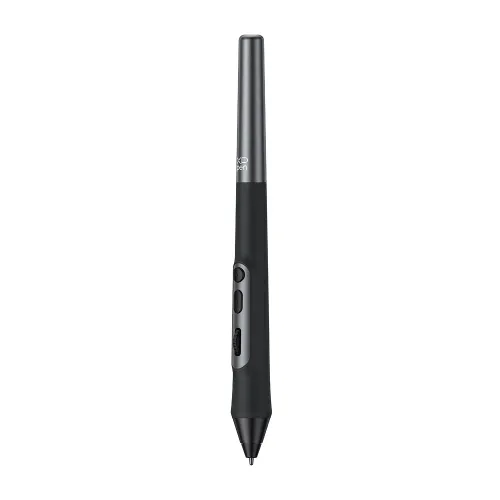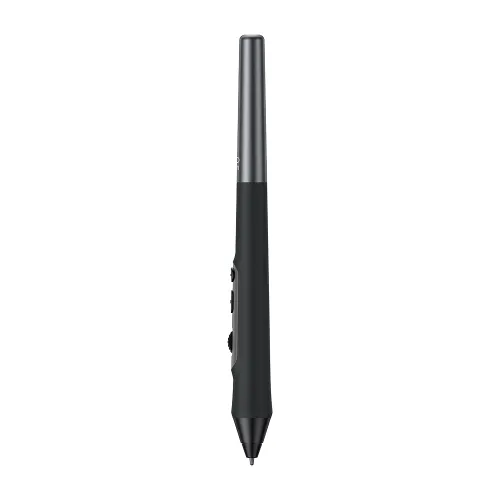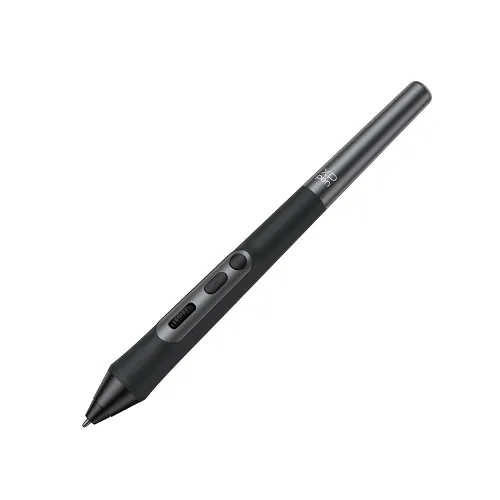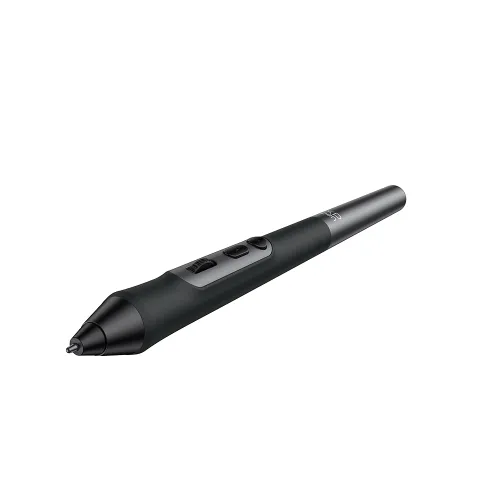
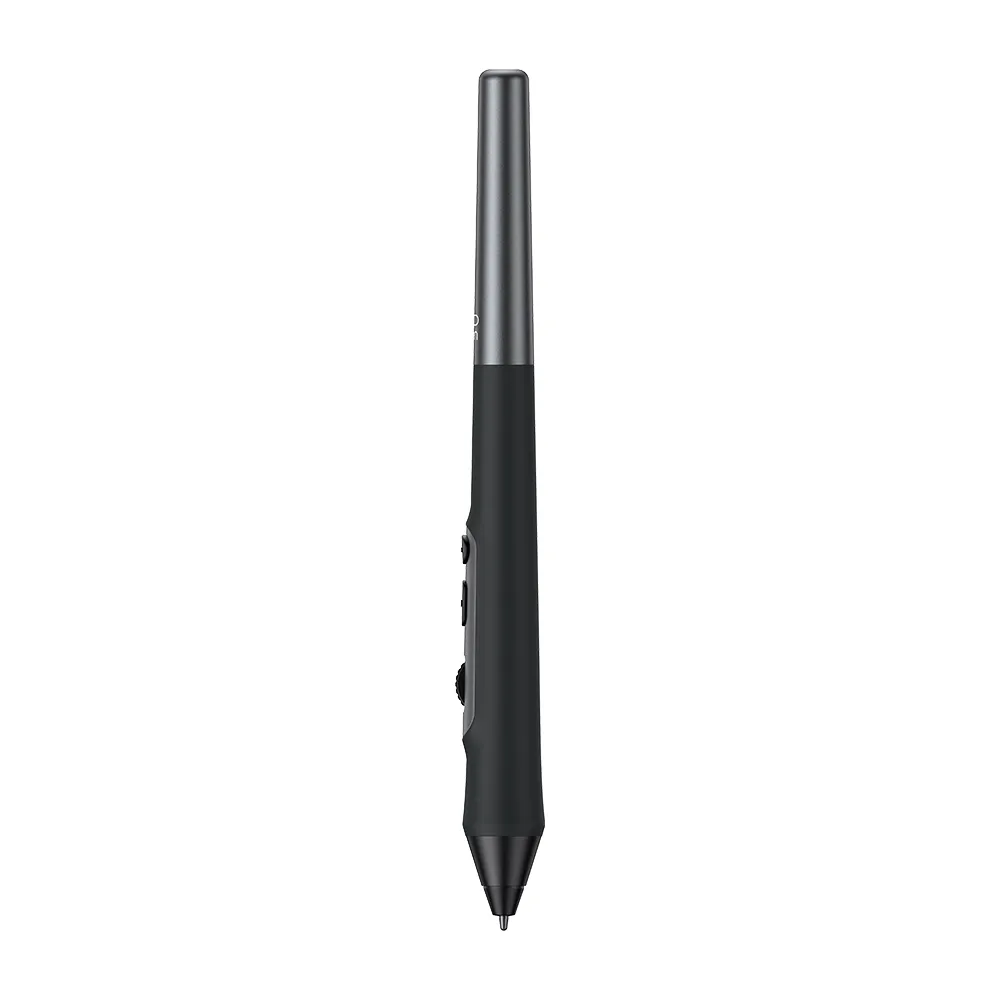
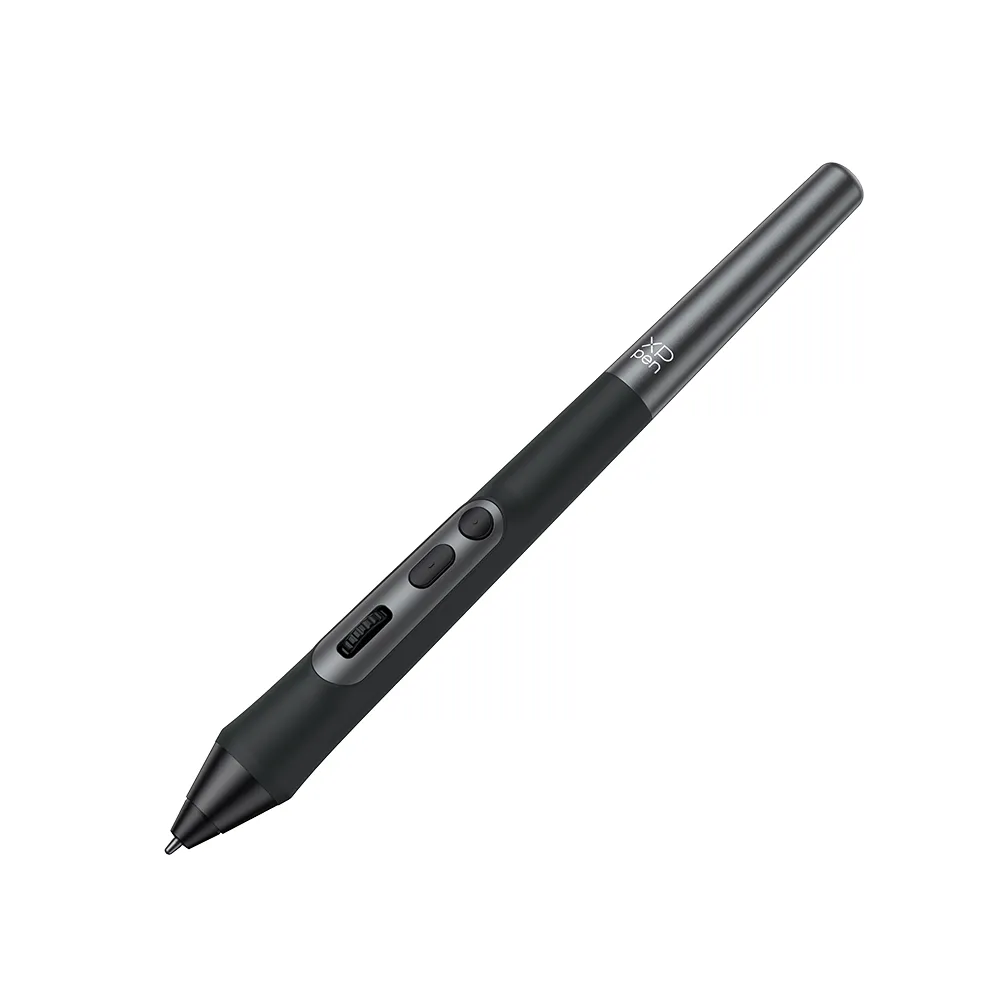
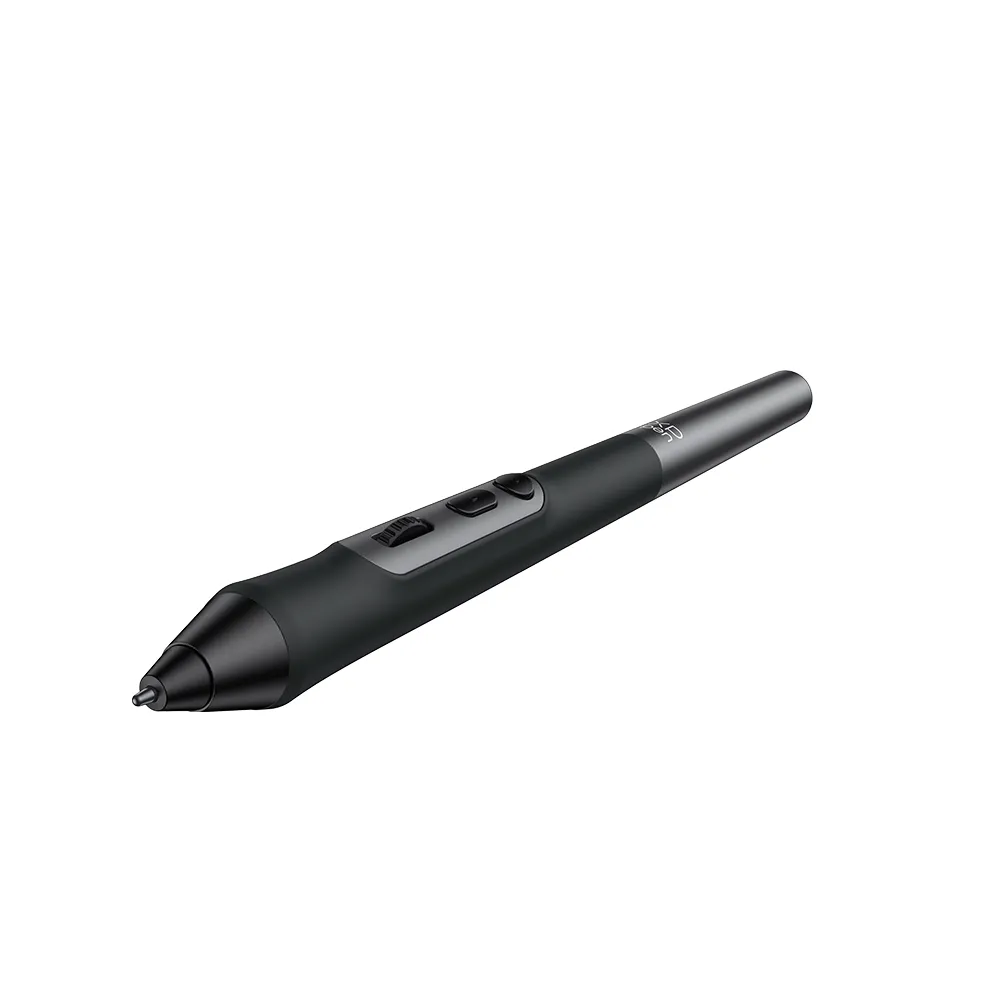
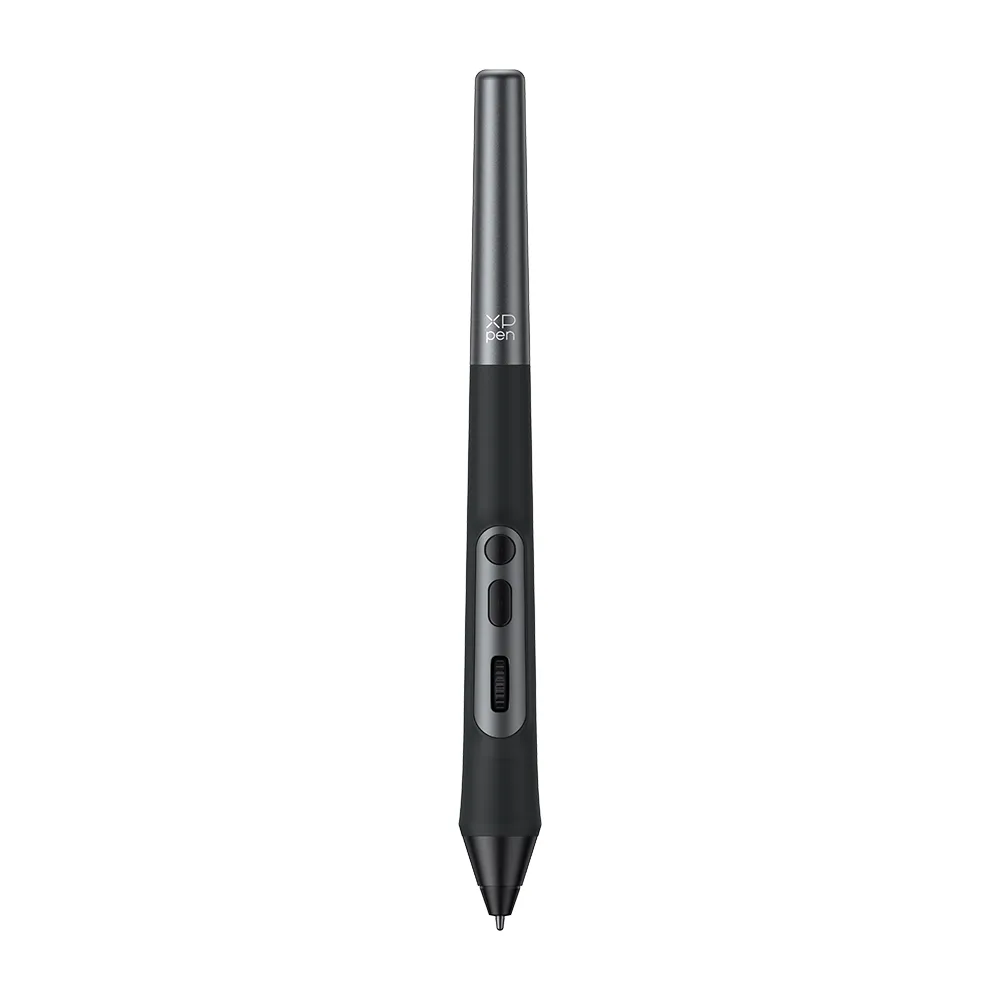
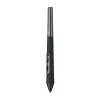





X3 Pro Roller Stylus (PD22)

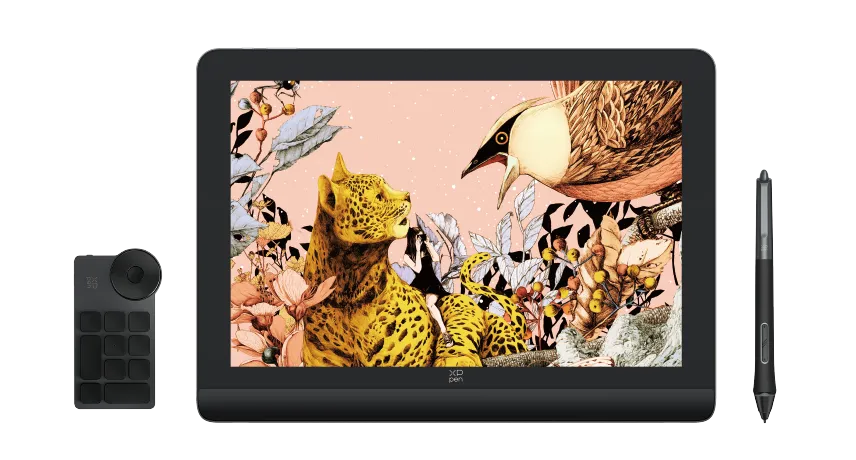
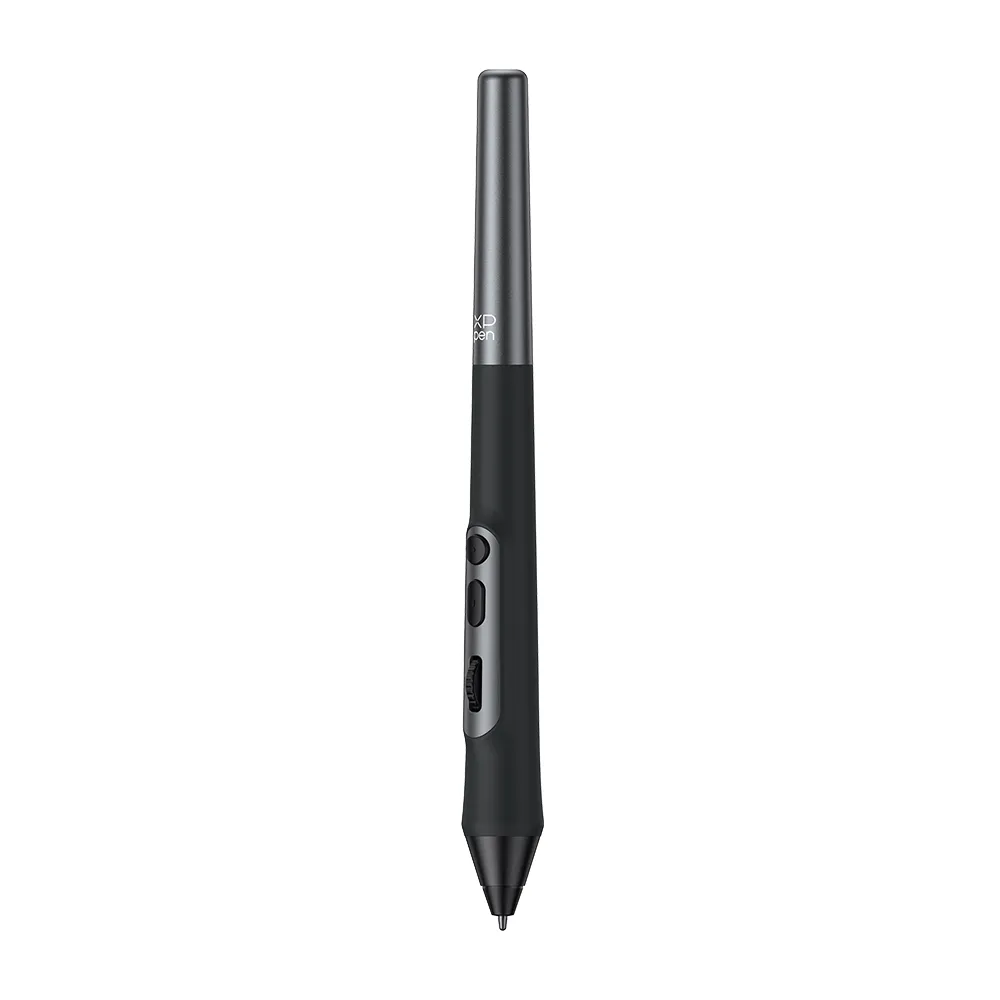
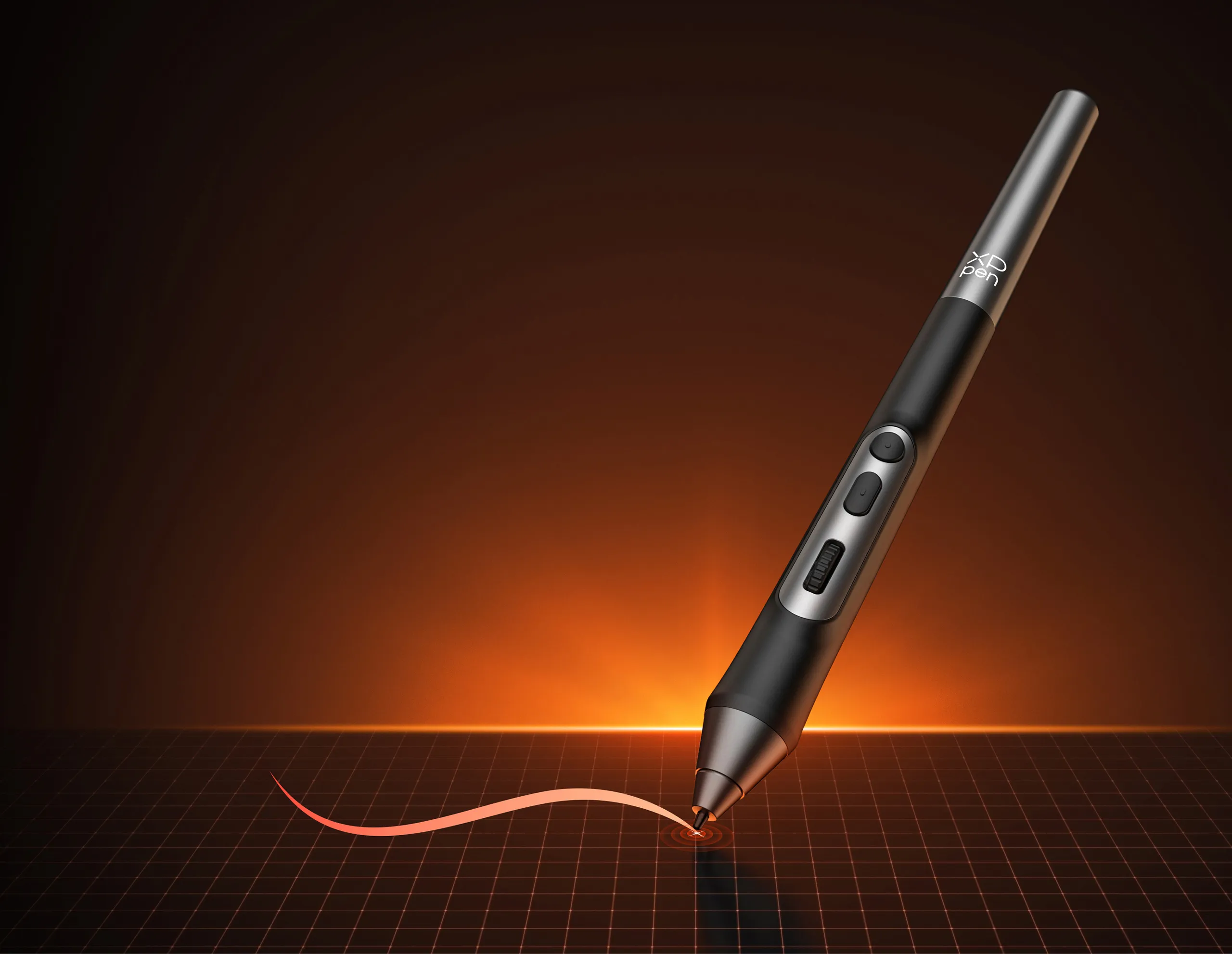
Only for Artist 22 PLUS 、Artist Pro Gen 2 & Deco Pro Gen 2. Industry-first 16K pressure levels. Battery-free, wireless, EMR. 20% higher accuracy. Skin-friendly silica-gel grip.

$49.99

FAST & FREE

7-day delivery sitewide.

SECURE PAYMENT

Buy now, pay later. Secured by PayPal.

TECH SUPPORT

service@xp-pen.com

18-MONTH WARRANTY

18-month warranty only for official E-store

Quantity:

Payment icon 0Payment icon 1Payment icon 2Payment icon 3Payment icon 4Payment icon 5Payment icon 6Payment icon 7
Estimate:

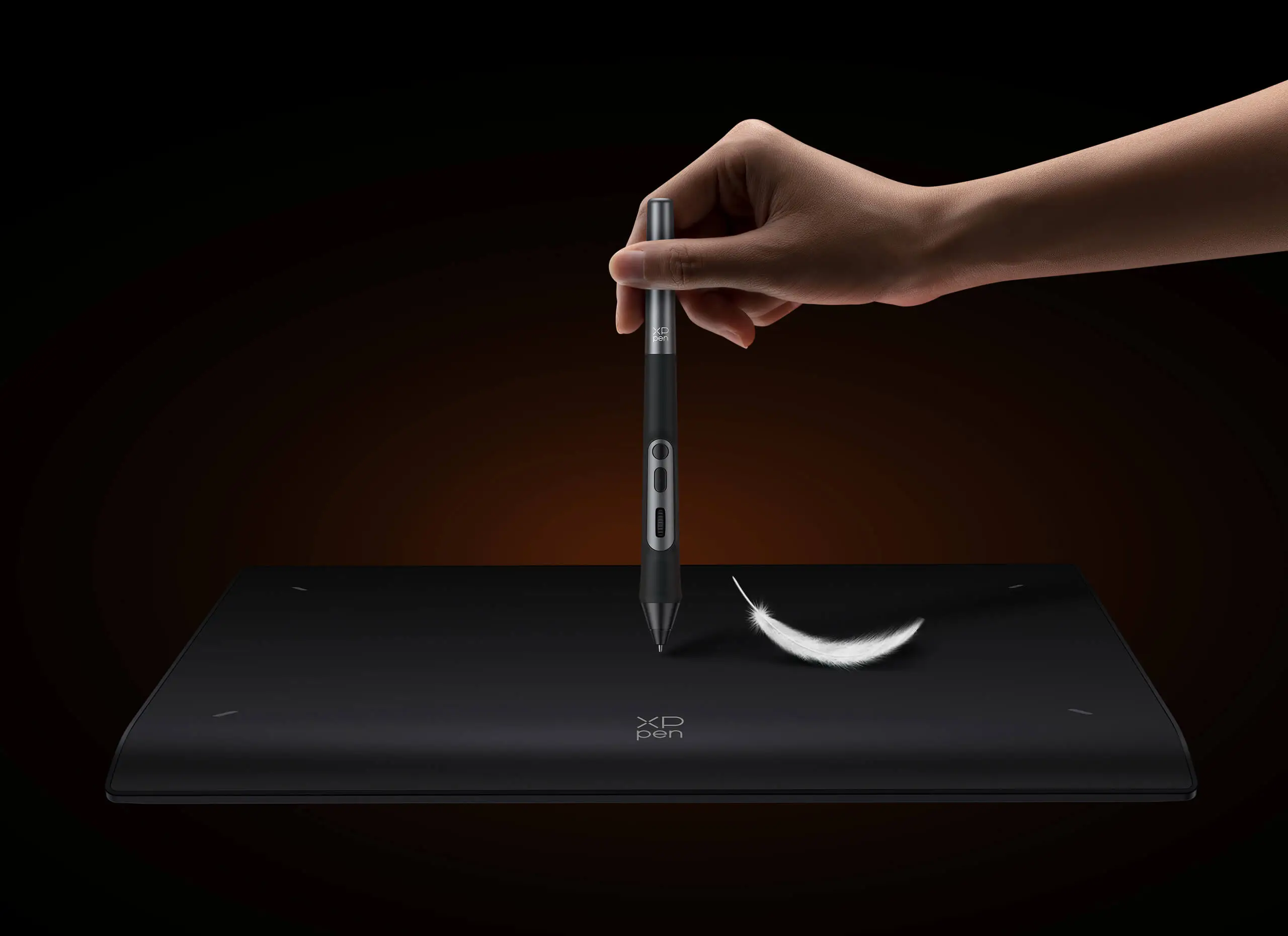
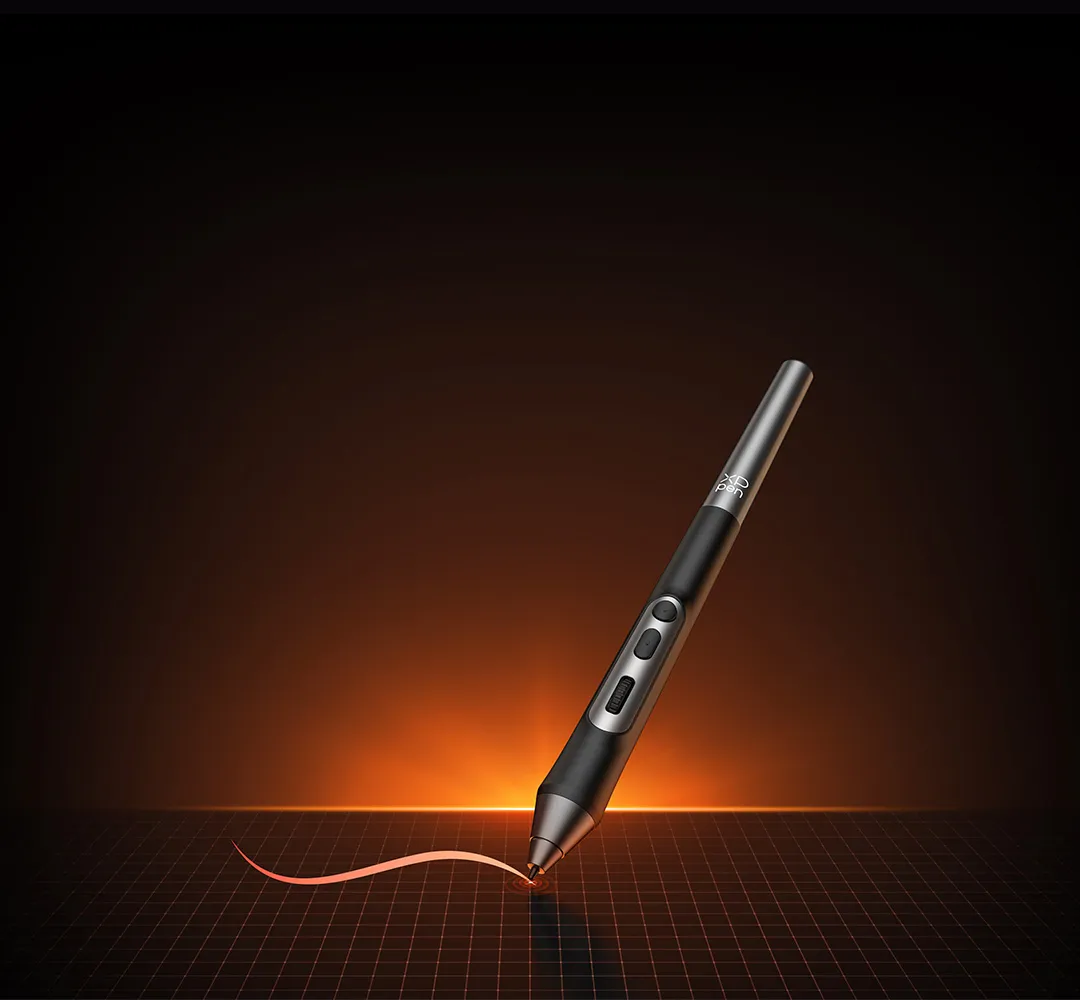
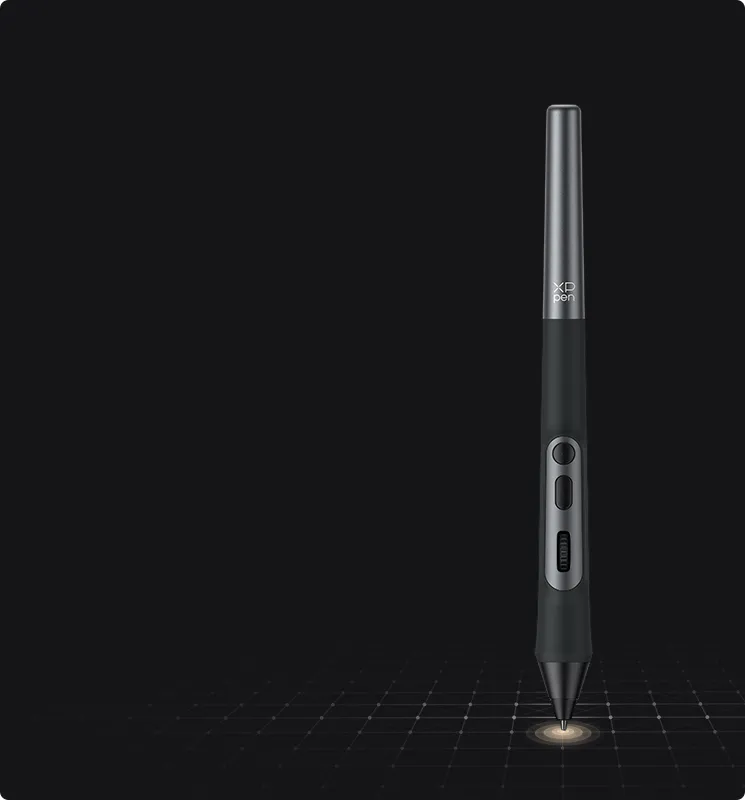
X3 Pro Roller Stylus

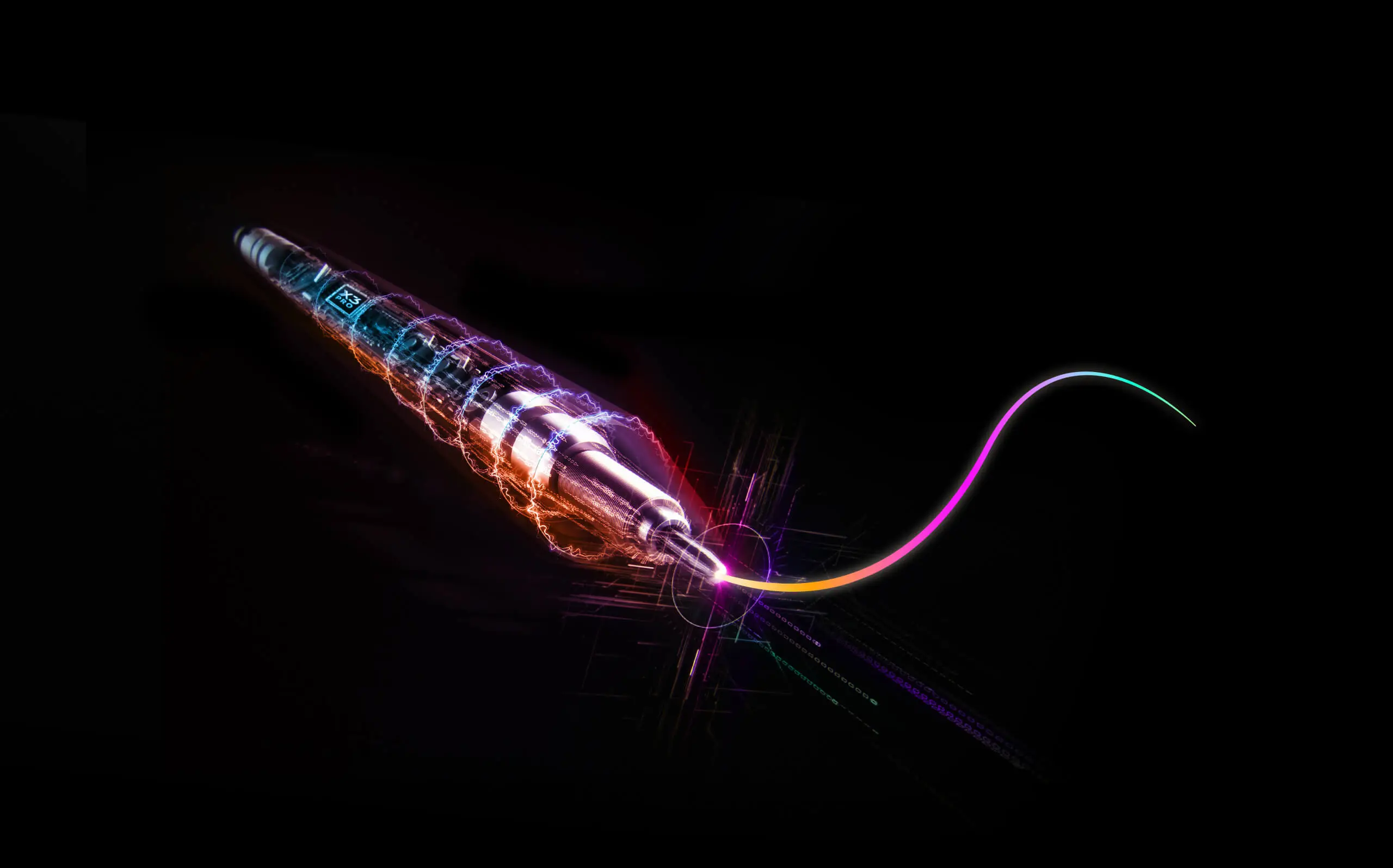
Powered by X3 Pro Smart Chip

Scroll Your Way to Masterpiece

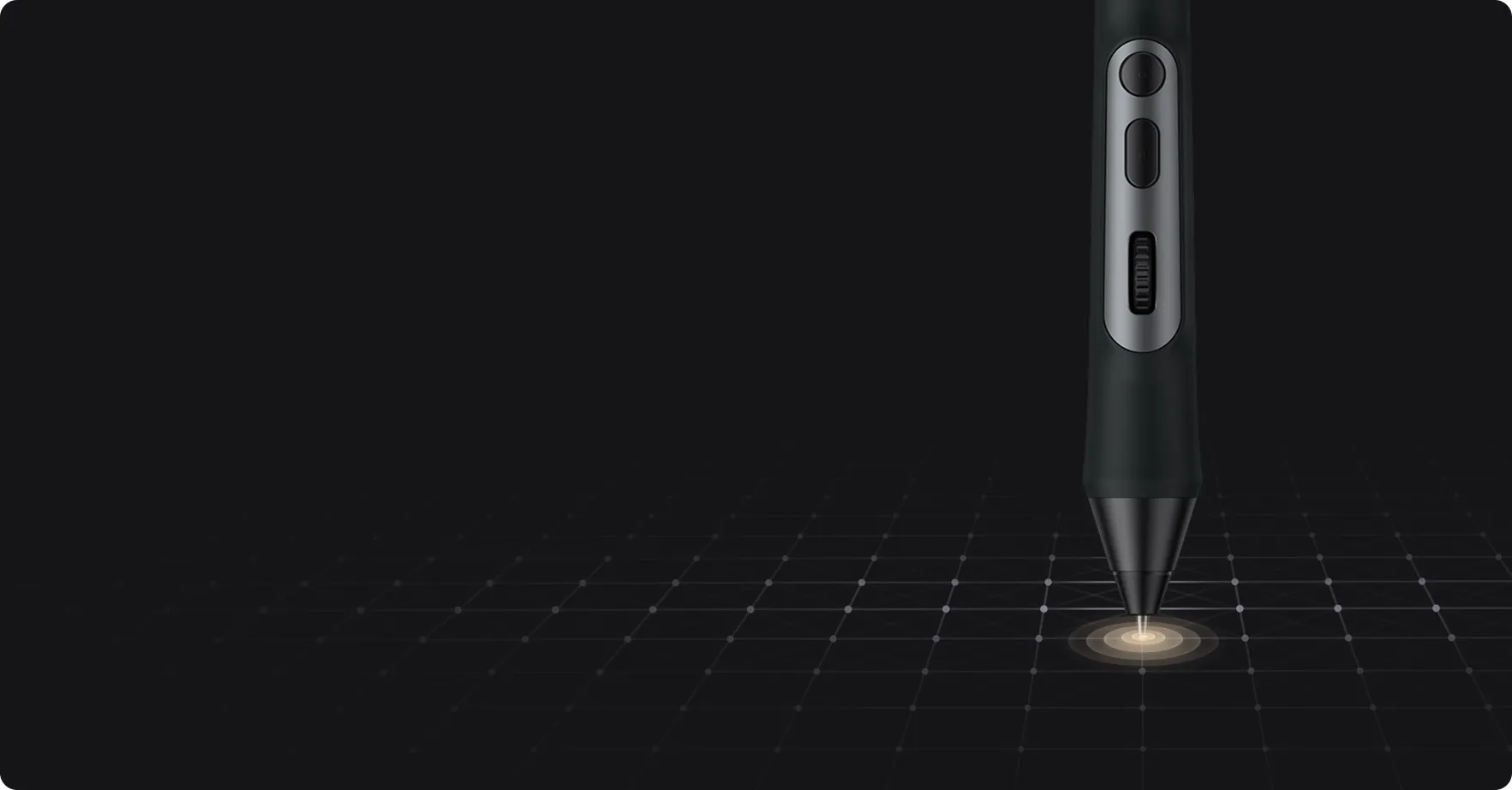
Customized scroll wheel | X3 Pro smart chip | World’s first 16K pressure levels

imageimage

Game-changing scroll wheel.
Flying creativity at your fingertips.

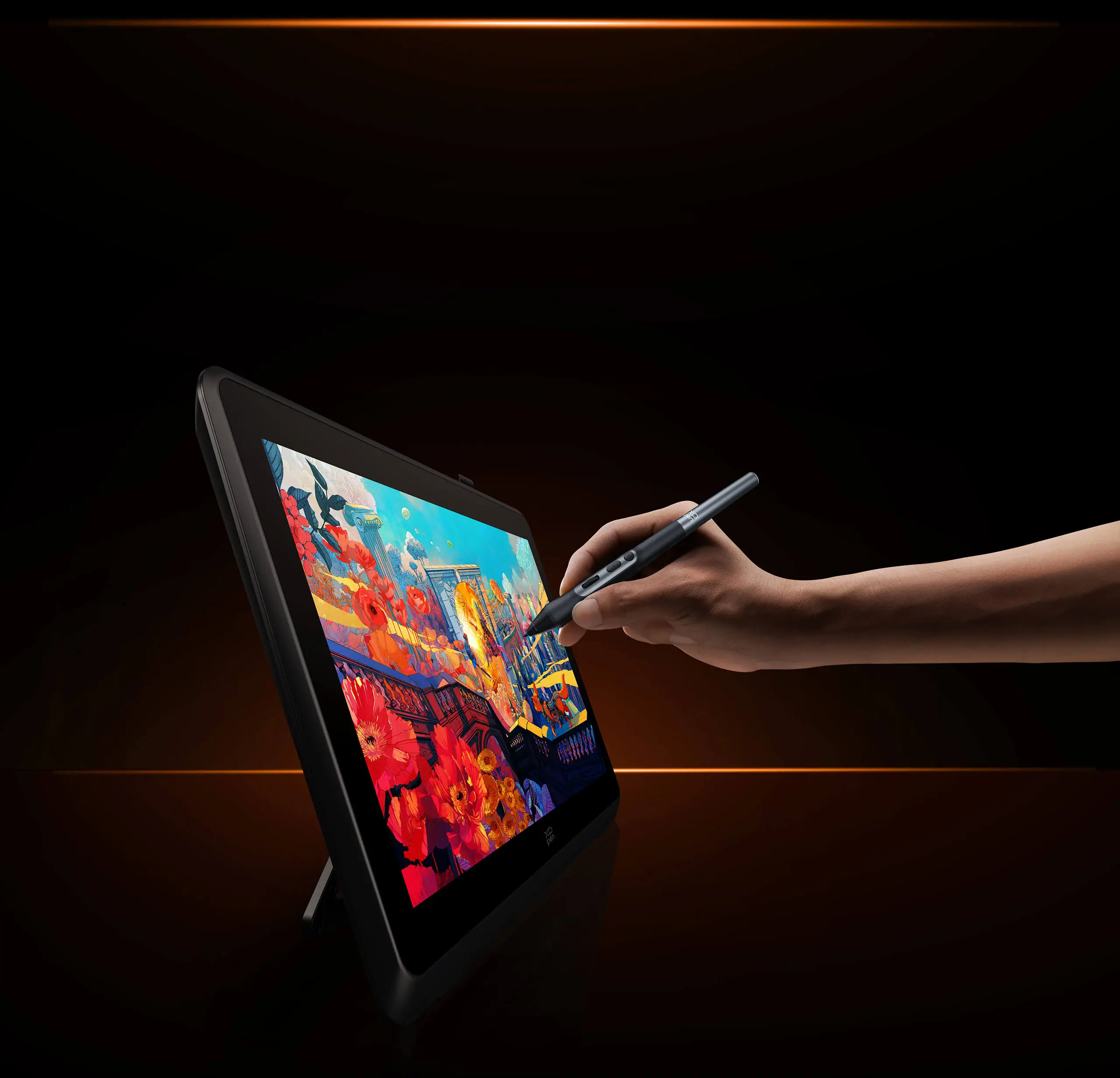
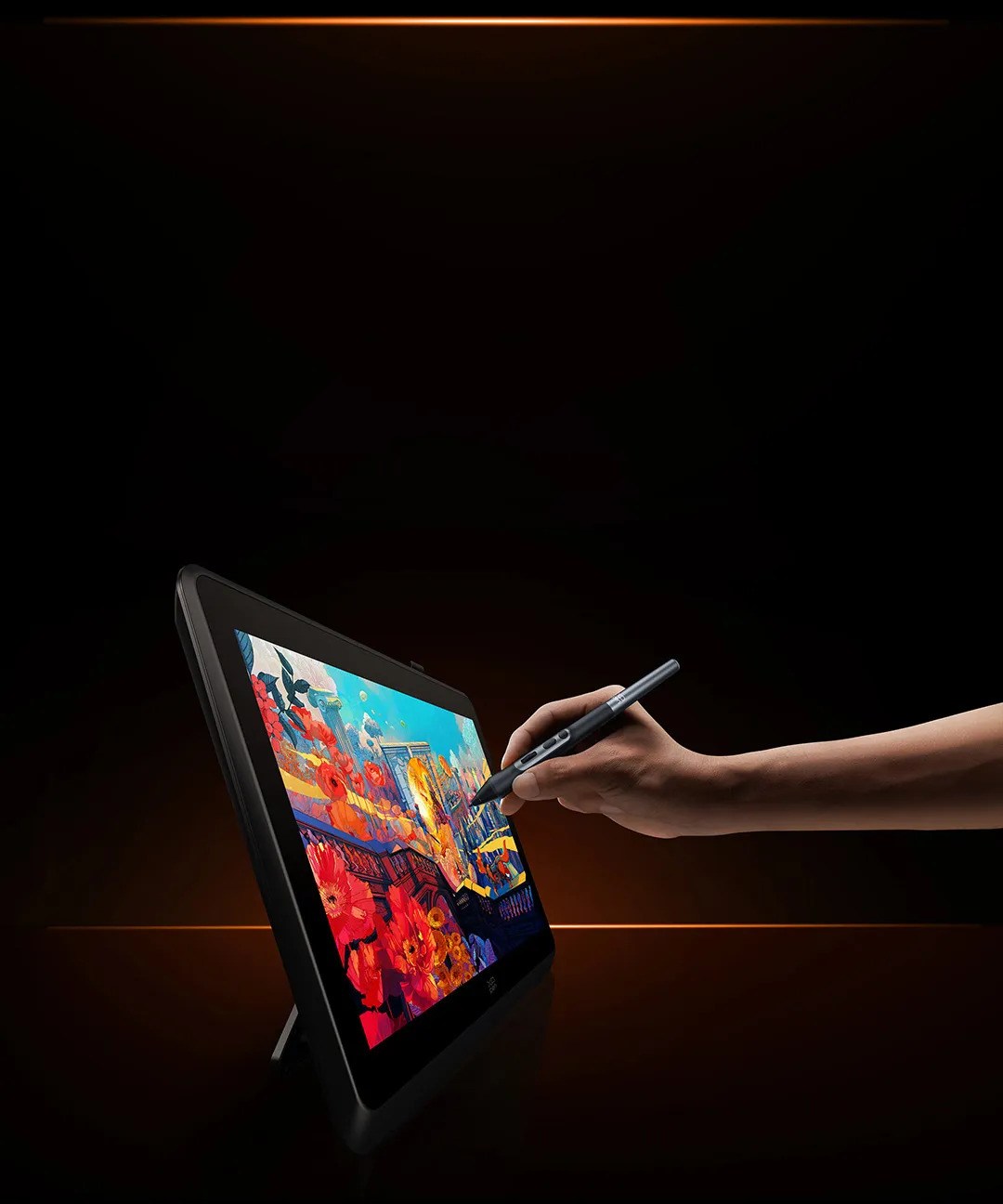
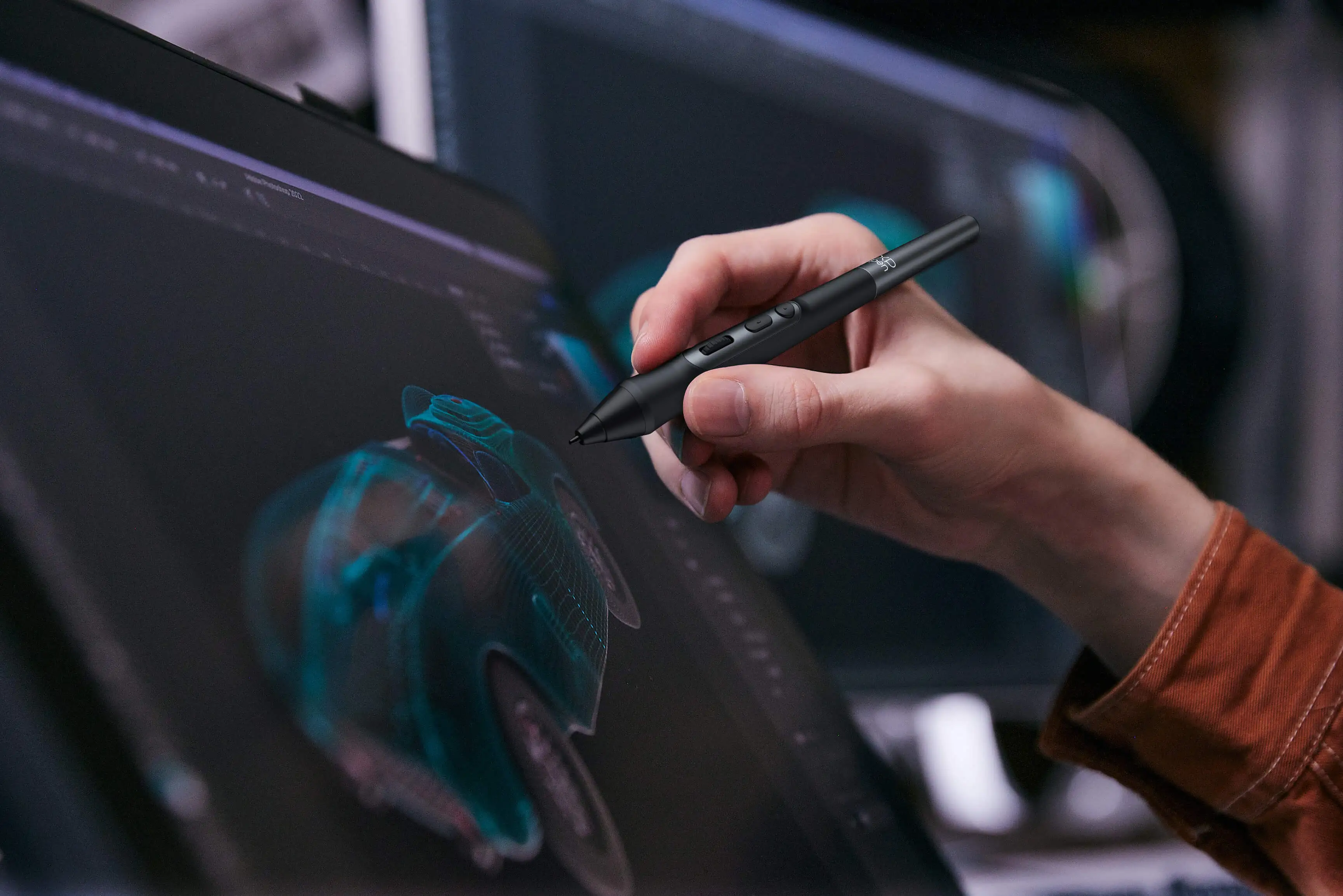
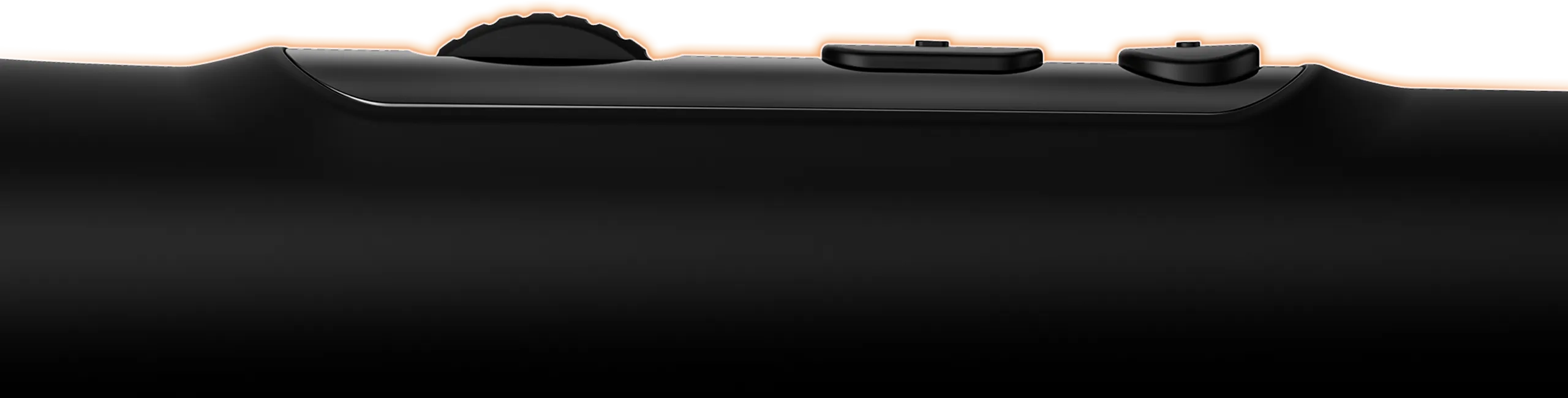
A new upgrade comes to X3 Pro Smart Chip Stylus. Meet X3 Pro Roller Stylus — featuring a game-changing scroll wheel,
paired with dual shortcut keys — now you can access all common functions right on the pen, without clicking the mouse.
And it’s programmable. So you can totally work your way.

image

Scroll

image

Zoom

image

Rotate

image

Brush
adjustment

Scroll wheel

image

Down key -
Right click mouse

image

Upper key -
Double click mouse

image
image

Default: Upper key - Double click mouse; Down key - Right click mouse; Scroll wheel - Scroll

16K pressure levels. 
Groundbreaking innovation.

X3 Pro Roller Stylus raises the bar for what a digital stylus can do — delivering 100% higher pressure levels
for mind-blowing fine detail in your art piece. It produces the smoothest and
most precise lines ever, empowering you to excel in hyper-nuanced creation and beyond.

image

More responsive. 
More accurate.

Accuracy increases by 20%*, bringing out every art project precisely what you want. Virtually no lag or broken lines. Smooth and efficient.

3g*

IAF

60°*

tilt 

0.6mm*

retraction distance

Accuracy:  ±0.4 mm* (center)

imageimage

100% higher pressure levels

16384

X3 Pro Smart Chip Stylus

16384

8192

X3 Smart Chip Stylus

8192

20% higher accuracy

±0.4 mm

(center)

X3 Pro Smart Chip Stylus

±0.4 mm (center)

±0.5 mm (center)

X3 Smart Chip Stylus

±0.5 mm (center)

* The data is based on the X3 Smart Chip Stylus for comparison. They were taken from laboratory simulation tests and may vary depending on the operating environment.

X3 Pro smart chip
Smart ID recognition

The X3 Pro smart chip has advanced ID recognition, so it can recognize X3 Pro Smart Chip Stylus and
X3 Pro Roller Stylus intelligently, as well as their settings. Pressure curve and shortcut keys can be respectively programmed.

image

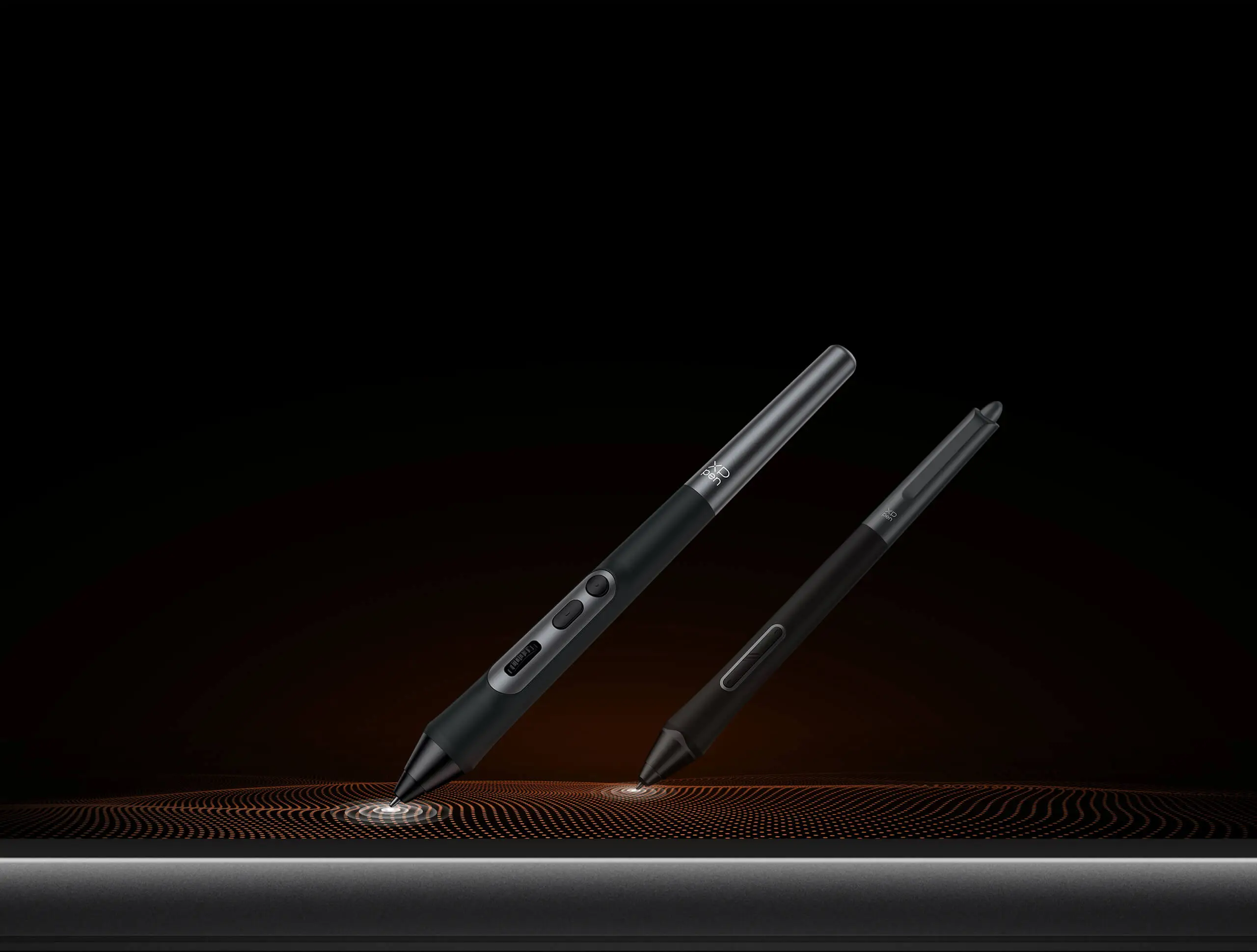
X3 Pro Roller Stylus

image

X3 Pro Smart Chip Stylus

image

Ergonomic and smooth.
Designed to fit.

Cone shape. Skin-friendly silicone grip. Raised function zone. Optimized layout. 
All this combines to provide great comfort on each stroke.

imageimage

EMR technology.
Battery-free. Charging-free. 

The EMR (Electro-magnetic Resonance) technology accurately pinpoints the pen tip position and
makes every stroke appear exactly where you expect it. It’s free of charging, so you can get your work done at one stretch,
from concept to completion.

image

Lightweight yet durable.
Create in comfort.

At length of 147.17 mm,
weight of 16 g,
it makes drawing for hours like a breeze.

imageimage

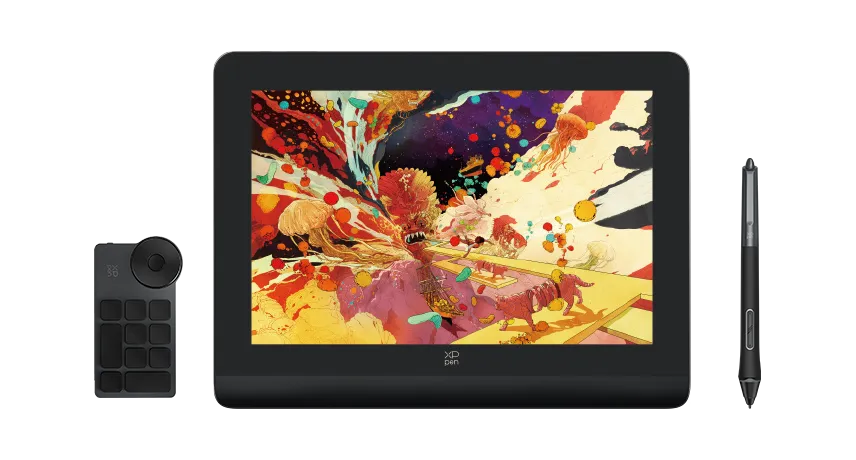
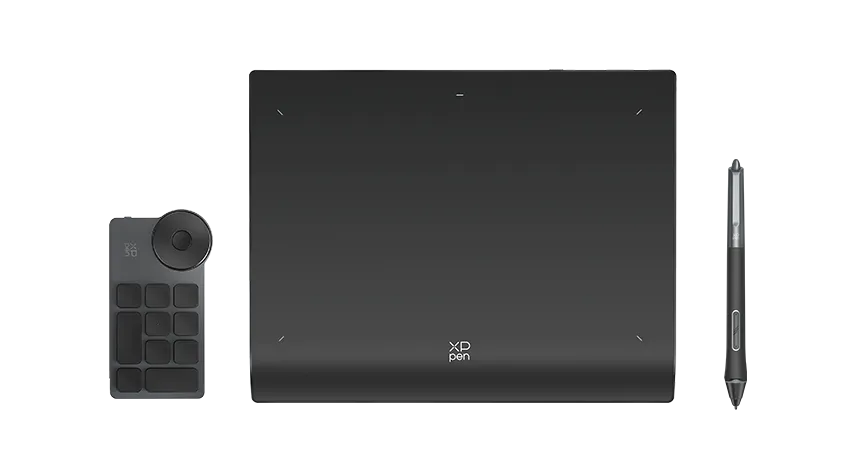
Products that work with X3 Pro Roller Stylus
Available now

image

Artist Pro 14 (Gen 2) Drawing Display

Learn more
image

Deco Pro Series (Gen 2) Drawing Tablet

Learn more
image

Artist Pro 16 (Gen 2) Drawing Display

Learn more
image

Artist 22 Plus Drawing Display

Learn more
image
image
image
Reviews
0
11111
Based on 0
11111
0(0)
11111
0(0)
11111
0(0)
11111
0(0)
11111
0(0)
no-evaluation No review
Q&A
azucarArts
Dec 27 ,2025 PM 17:36 X3 Pro Roller Stylus (PD22)
Hello! I was wondering if we're able to be mailed a replacement if our product starts malfunctioning if it hasn't been a year yet. I bought my roller stylus on Jan 11th but for the past month or two it hasn't been registering with my tablet, even with a new connector wire for the tablet itself + uninstalling and reinstalling drives. I don't get any issues when I use my pro slip stylus, only this one
Reply1
Official mall
Dec 31 ,2025 PM 14:24
Hello, We apologize for the inconvenience. Please send your details (along with any pictures or videos) directly to service@xp-pen.com so we can assist you more quickly. Please feel free to ask any questions.
Reply to this review
XFANSanqddzi0
Dec 13 ,2025 AM 05:50 X3 Pro Roller Stylus (PD22)
Hi, I'm trying to see what stylus is compatible with the Magic Drawing Pad due to losing my previous stylus. Is this compatible? Or any other potential stylus' that are compatible? I'm struggling to find the proper info for them.
Reply1
Official mall
Dec 22 ,2025 PM 18:01
Hello Yes, the X3 Pro Roller Stylus (PD22) is compatible with MDP. Please note that the button and eraser functions will not work because the MDP cannot install the driver.
Reply to this review
TarzanCapota
Dec 06 ,2025 PM 23:24 X3 Pro Roller Stylus (PD22)
Hello. Is this pen compatible with the Artist 16 pro gen 2?
Reply1
Official mall
Dec 10 ,2025 PM 17:56
Hello Yes, the Artist Pro 16 (Gen 2) is compatible with this stylus.
Reply to this review
XFANS2dm84rj0
Nov 25 ,2025 PM 18:38 X3 Pro Roller Stylus (PD22)
Is this compatible with Artist 22 Pro Gen 2 2.5K QHD?
Reply1
Official mall
Nov 26 ,2025 PM 15:30
Hello, Yes, the PD22 is compatible with the Artist 22 Pro Gen 2. Please feel free to contact us if you have any questions.
Reply to this review
XFANSf66ldbh4
Nov 14 ,2025 AM 05:32 X3 Pro Roller Stylus (PD22)
Is this stylus compatible with ipad air m2 chip?
Reply1
Official mall
Nov 14 ,2025 AM 10:37
Hello. No, this stylus is not compatible with iPad.
Reply to this review
XFANS3a9ic8c0
Nov 09 ,2025 AM 07:20 X3 Pro Roller Stylus (PD22)
Will this work with the Artist 22E pro?
Reply1
Official mall
Nov 10 ,2025 PM 17:51
Hello No, this stylus is not compatible with the Artist 22E Pro.
Reply to this review
XFANSelfuzw37
Nov 04 ,2025 AM 02:15 X3 Pro Roller Stylus (PD22)
Is this pen compatible with the artist 22 plus?
Reply1
Official mall
Nov 04 ,2025 AM 09:15
Hello No, this stylus is not compatible with the Artist 22 Plus.
Reply to this review
Gentlethey
Nov 01 ,2025 AM 03:13 X3 Pro Roller Stylus (PD22)
Is the pen compatible with the Artist 12 Pen Display (2nd Gen)?
Reply1
Official mall
Nov 03 ,2025 PM 12:17
Hello No, this stylus is not compatible with the Artist 12 Pen Display (2nd Gen).
Reply to this review
XFANS51ydkp00
Oct 04 ,2025 PM 23:27 X3 Pro Roller Stylus (PD22)
Is this compatible with magic note pad?
Reply1
Official mall
Oct 09 ,2025 PM 14:39
Hello No, this stylus is not compatible with the Magic Note Pad.
Reply to this review
XFANSiq6pye5z
Sep 09 ,2025 AM 06:19 X3 Pro Roller Stylus (PD22)
Is the X3 Pro Roller Stylus (PD22) compatible with the artist 22e pro. Could you provide a list of which Stylus's are?
Reply1
Official mall
Sep 09 ,2025 PM 14:33
Hello No, this stylus is not compatible with the Artist 22E Pro. The P02S Battery Stylus is the only stylus compatible with the Artist 22E Pro. https://www.xp-pen.com/store/buy/p02s-battery-stylus.html
Reply to this review
Learn More