



Getting started with your
XPPen Deco mini7 V2 Pen Tablet.
1/8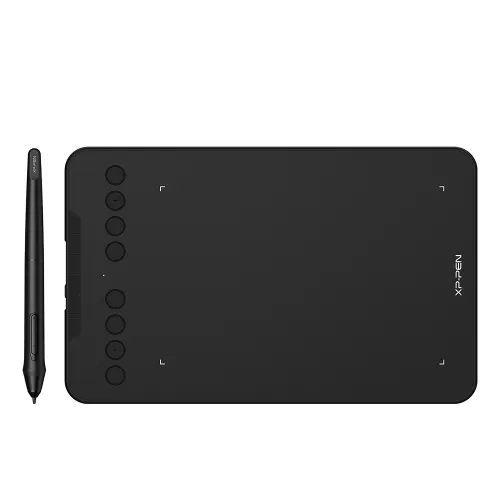
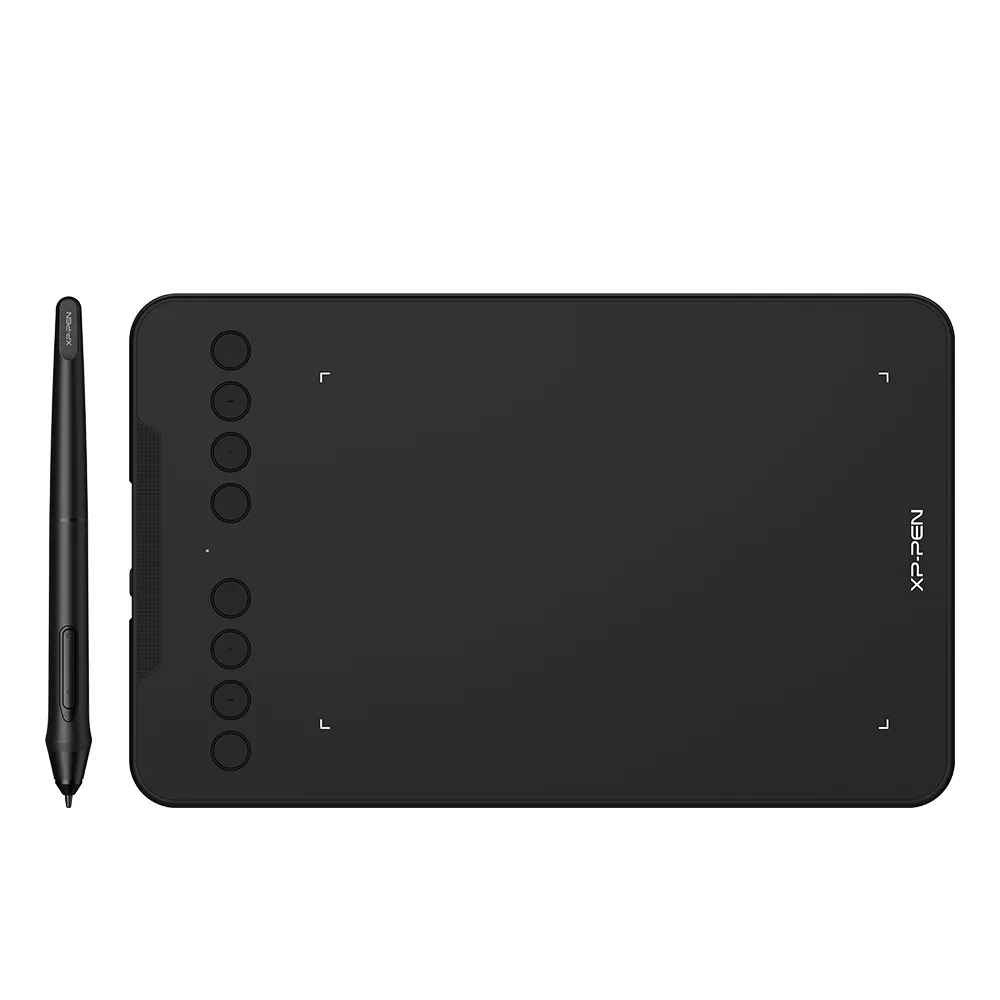
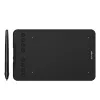
Deco mini7 V2
16K Pen Pressure, Support Tilt Function, Battery-Free Passive Stylus,
Compatible with Windows 7/8/10, MAC OS 10.10 (and higher), Android 6.0 (and higher), Chrome
AU$50.99AU$59.99
FREE DELIVERY
We offer free shipping
SECURE PAYMENT
Your payment information is processed securely
TECH SUPPORT
service@xp-pen.com
18-MONTH WARRANTY
18-month warranty only for official AU-store
Optional Accessories
Quantity:
Total
AU$50.99
 Log in and purchase to receive an estimated 35 X-Coins




Worry-Free Delivery® available with seel
Estimate:
Deco mini7 V2
Create anytime, anywhere
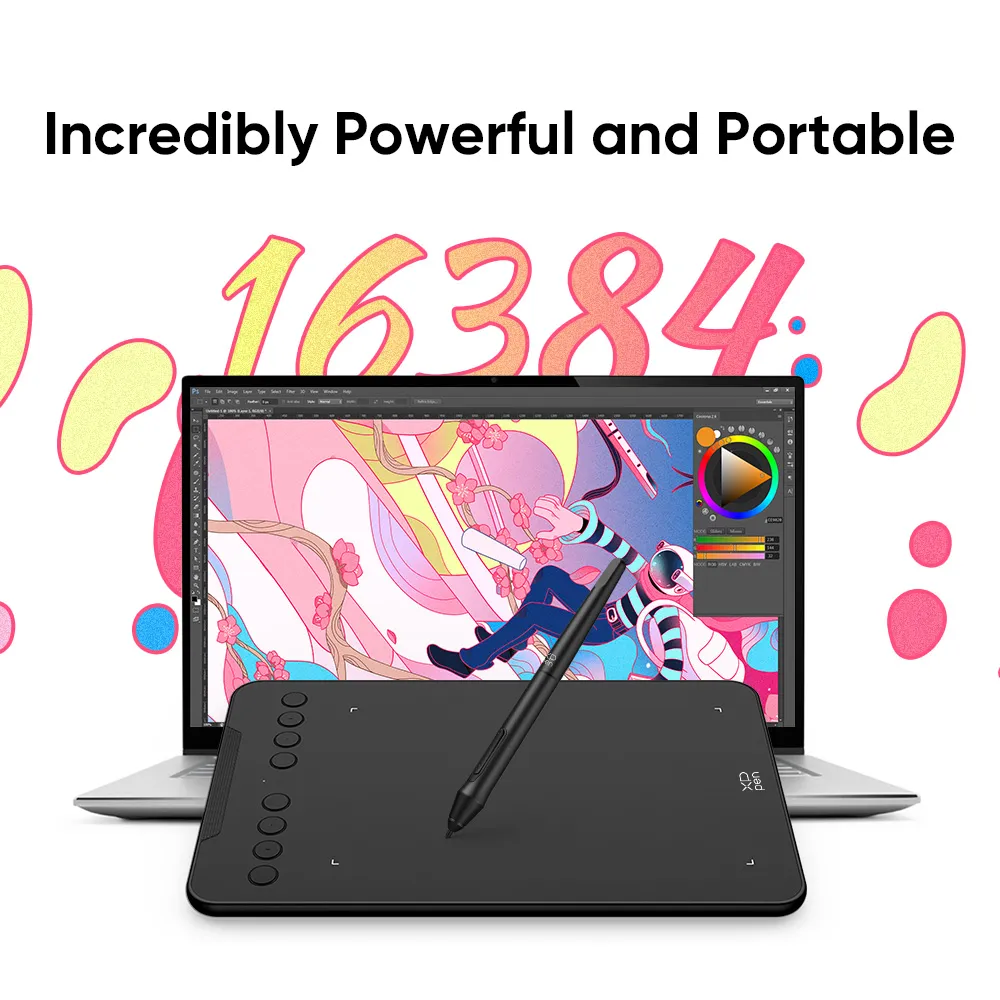
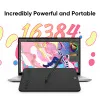
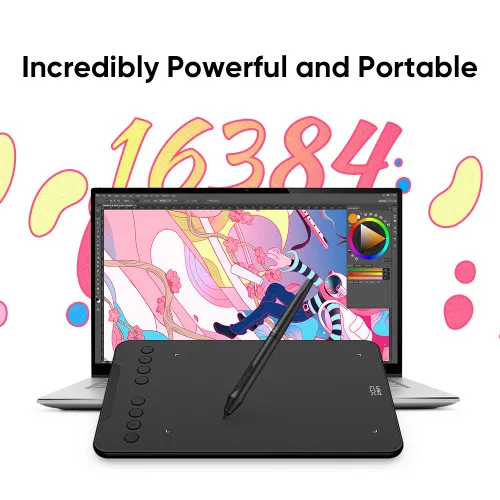
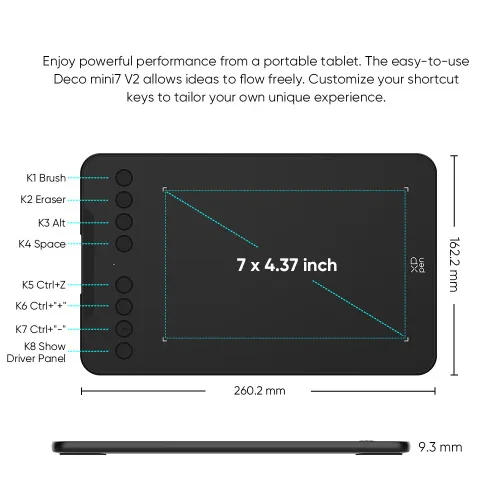
Incredibly Powerful and Portable
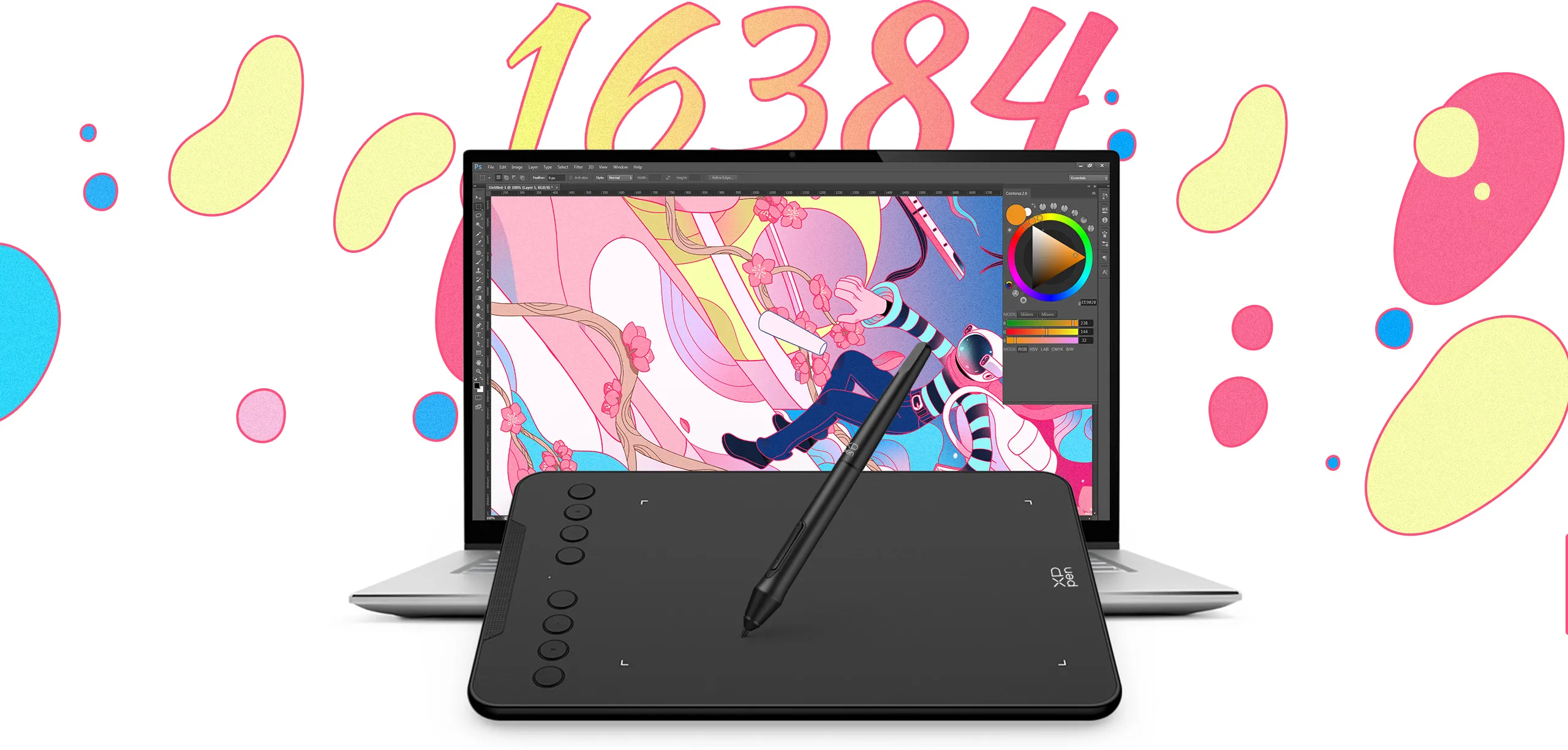
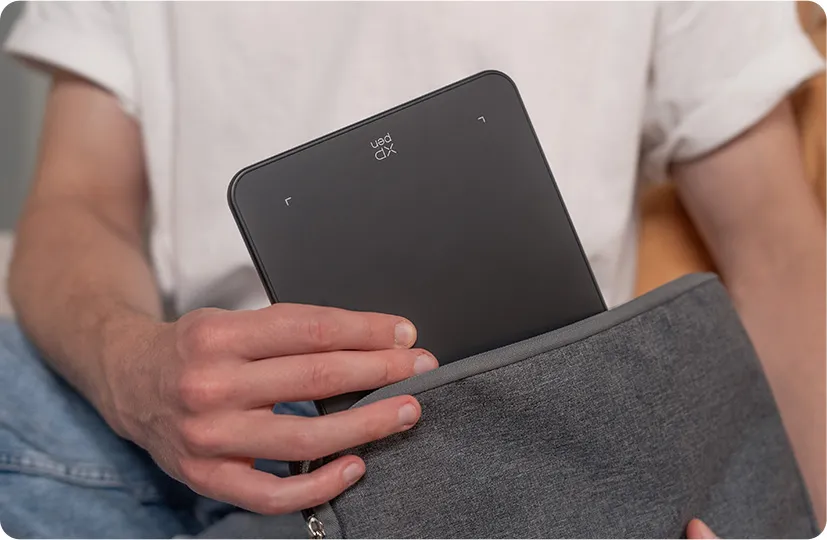
The ultra-portable tablet supports 16,384 levels of pressure sensitivity so you can enjoy the power of performance. With the affordable Deco mini7 V2, you can capture inspiration wherever you go and keep your creativity on the go.
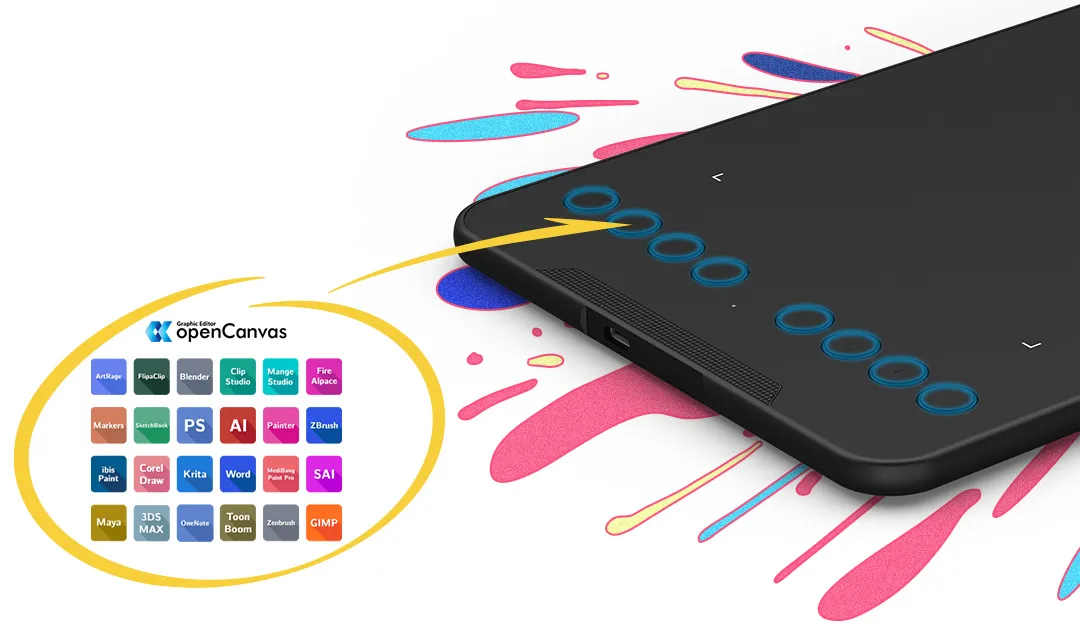
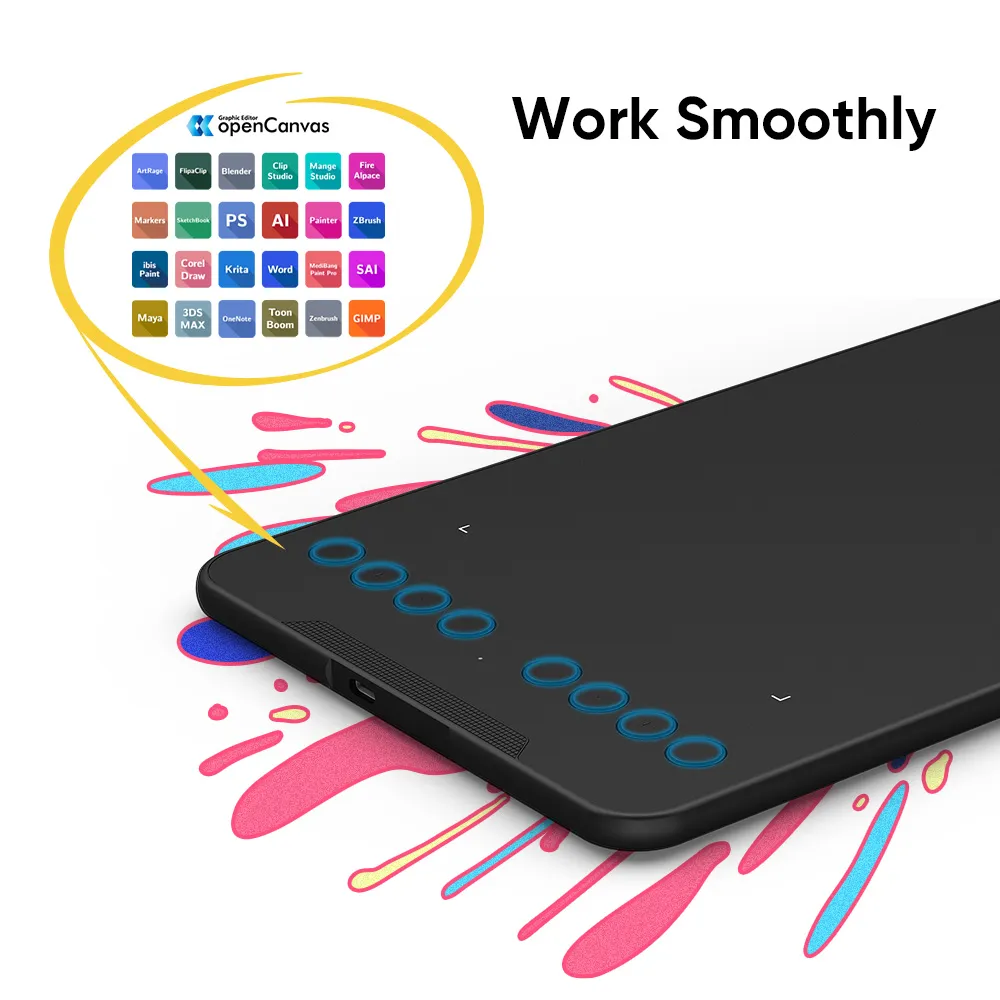
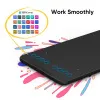
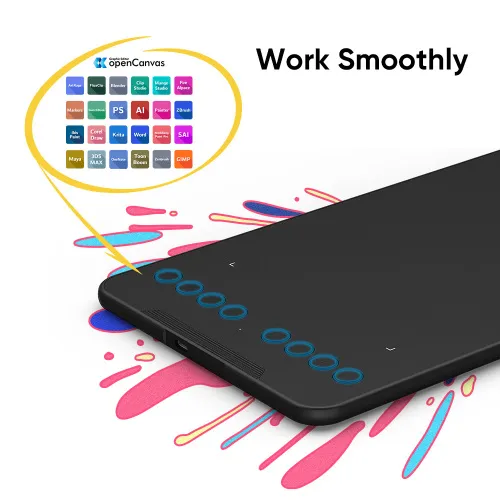
Work smoothly
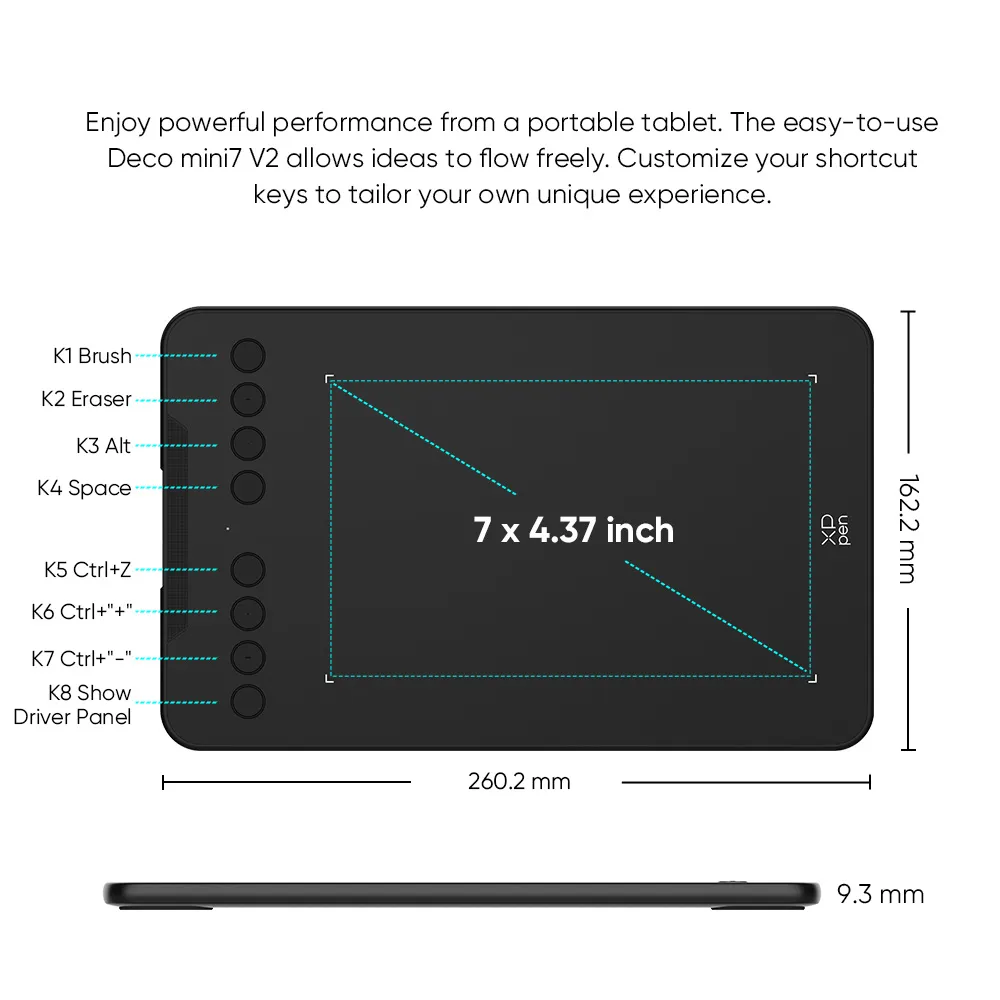
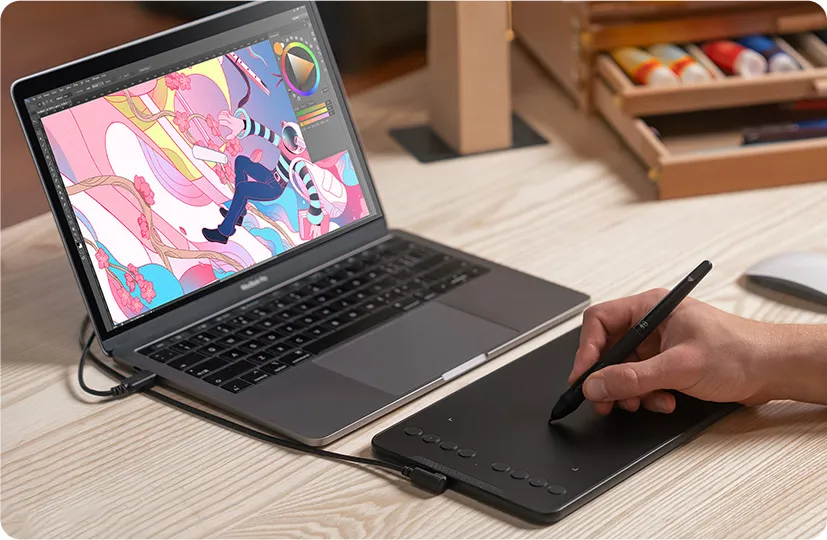
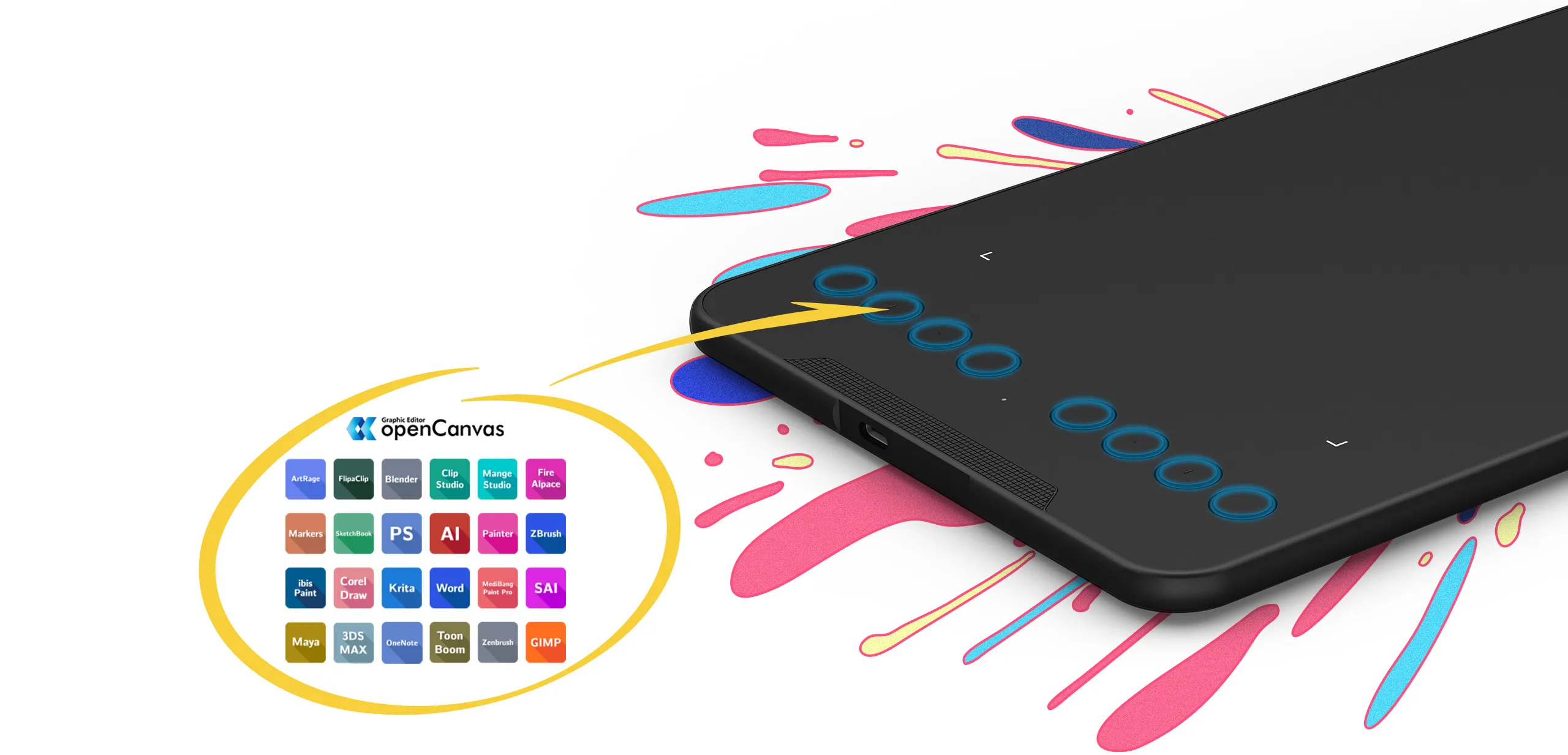
The easy-to-use Deco mini7 V2 allows ideas to flow freely. Customize your shortcut keys to tailor your own unique experience.
Fulfil your creative needs
The Deco mini7 V2 comes with a Battery-Free Passive Stylus P05D that lasts for long hours, allowing you to create without interruption. The stylus also supports up to 60 degrees of tilt action, making shading easy and effective.
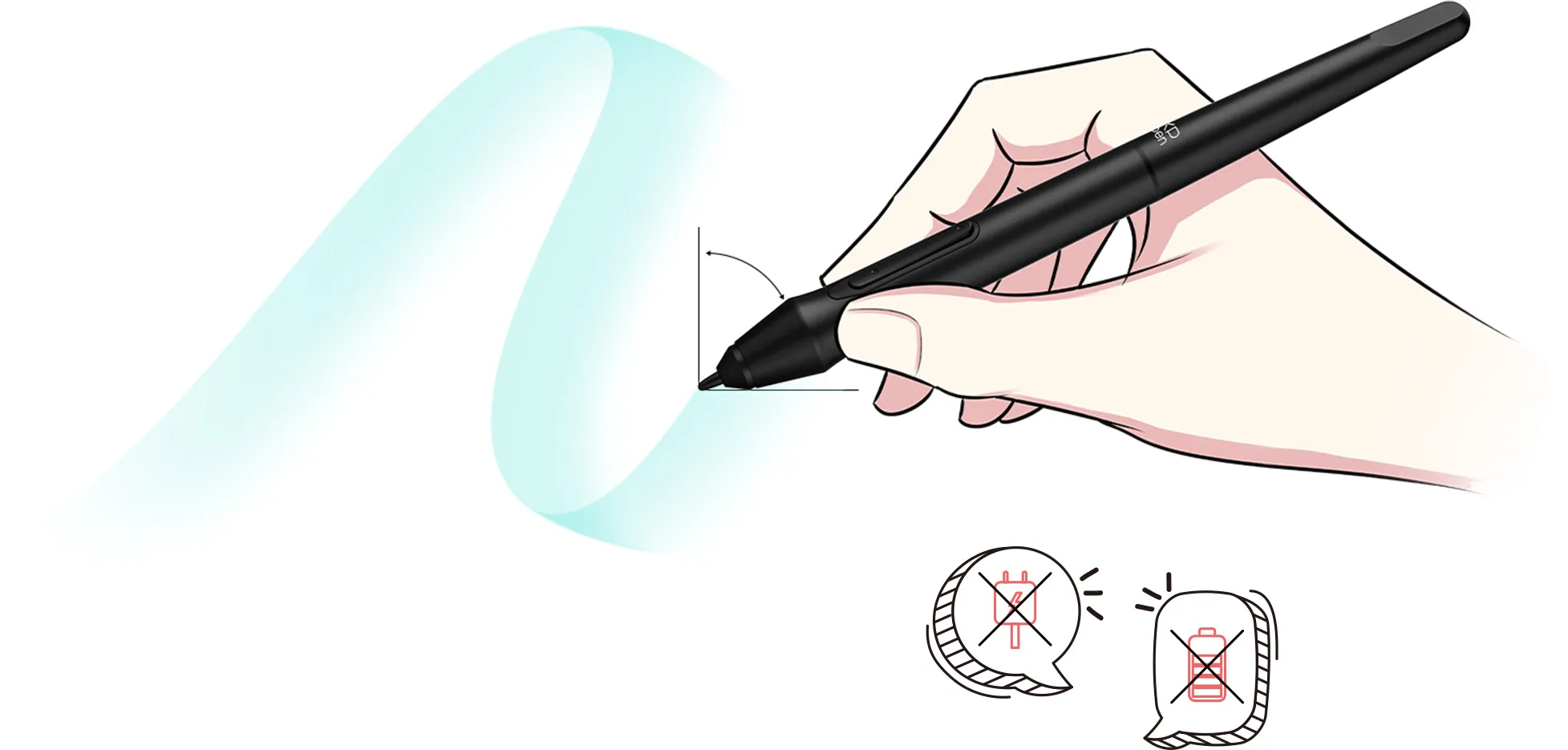
Tilt
No need charging
No battery
Exquisite expression
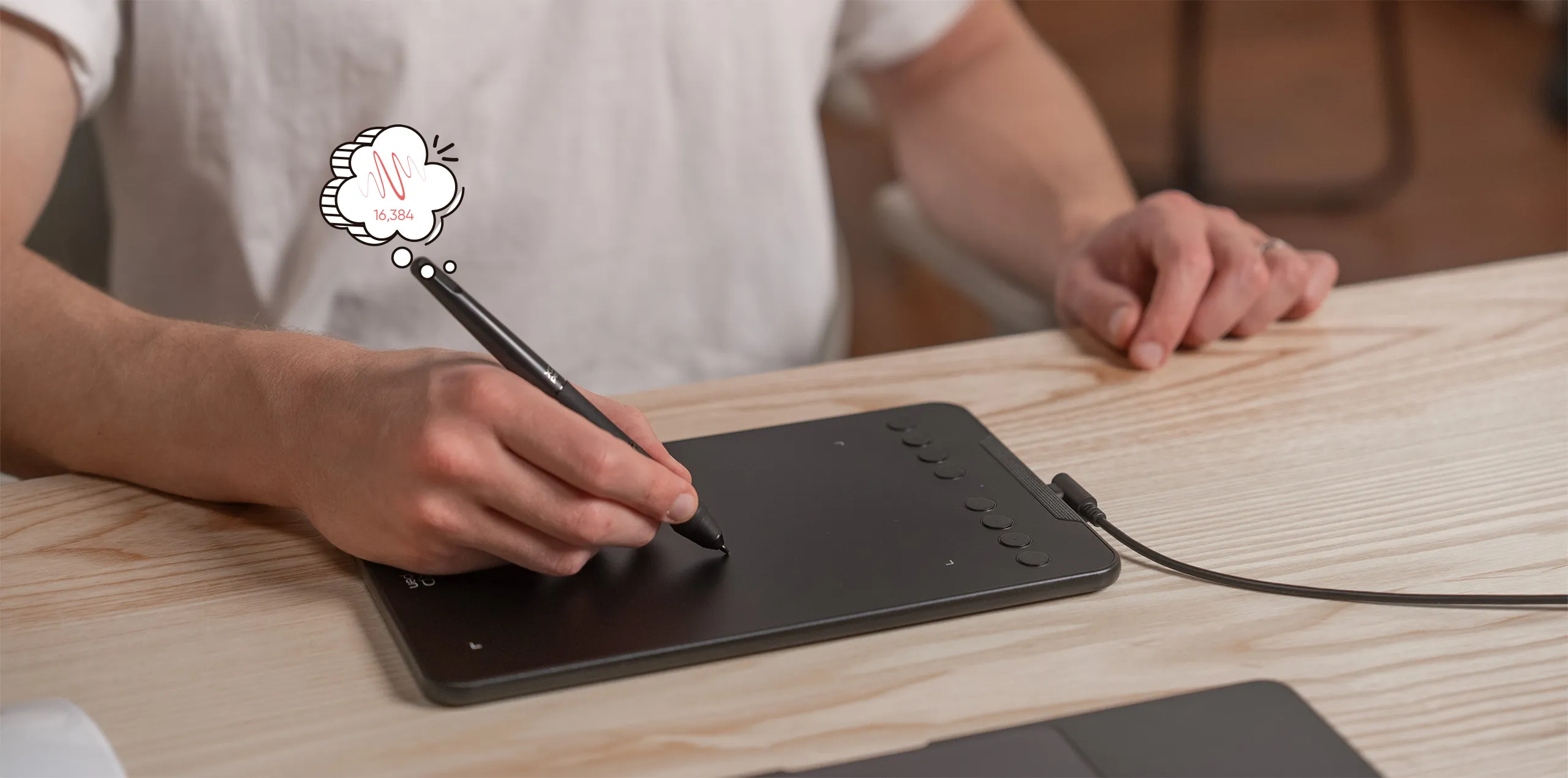
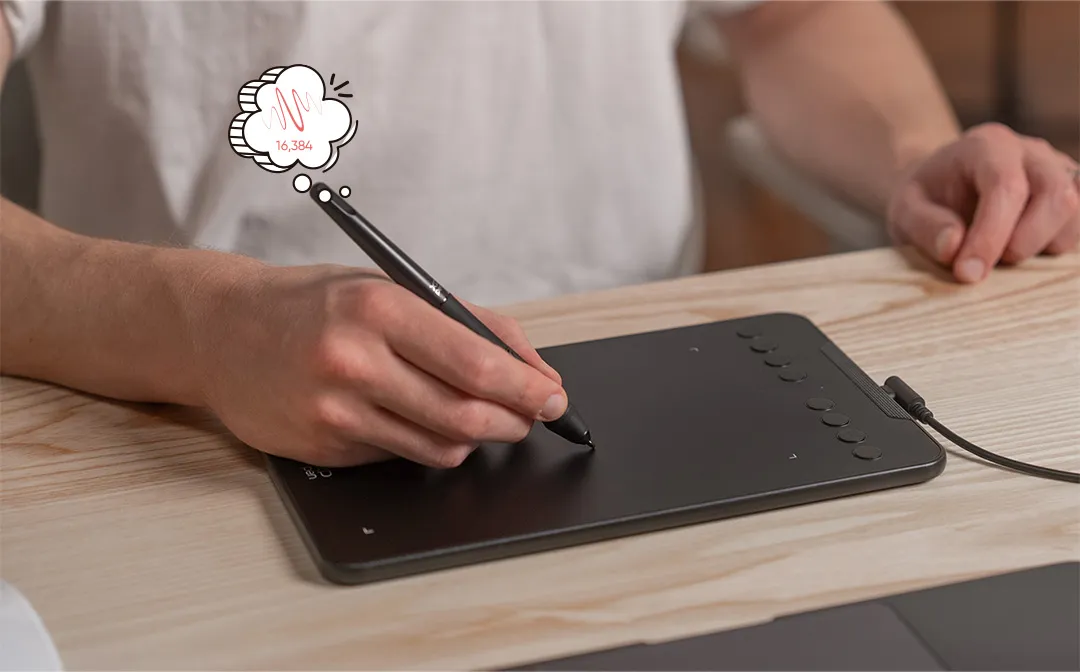
With up to 16,384 pressure sensitivity levels, the stylus creates natural-looking lines of various widths, allowing you to produce exquisite strokes with ease.
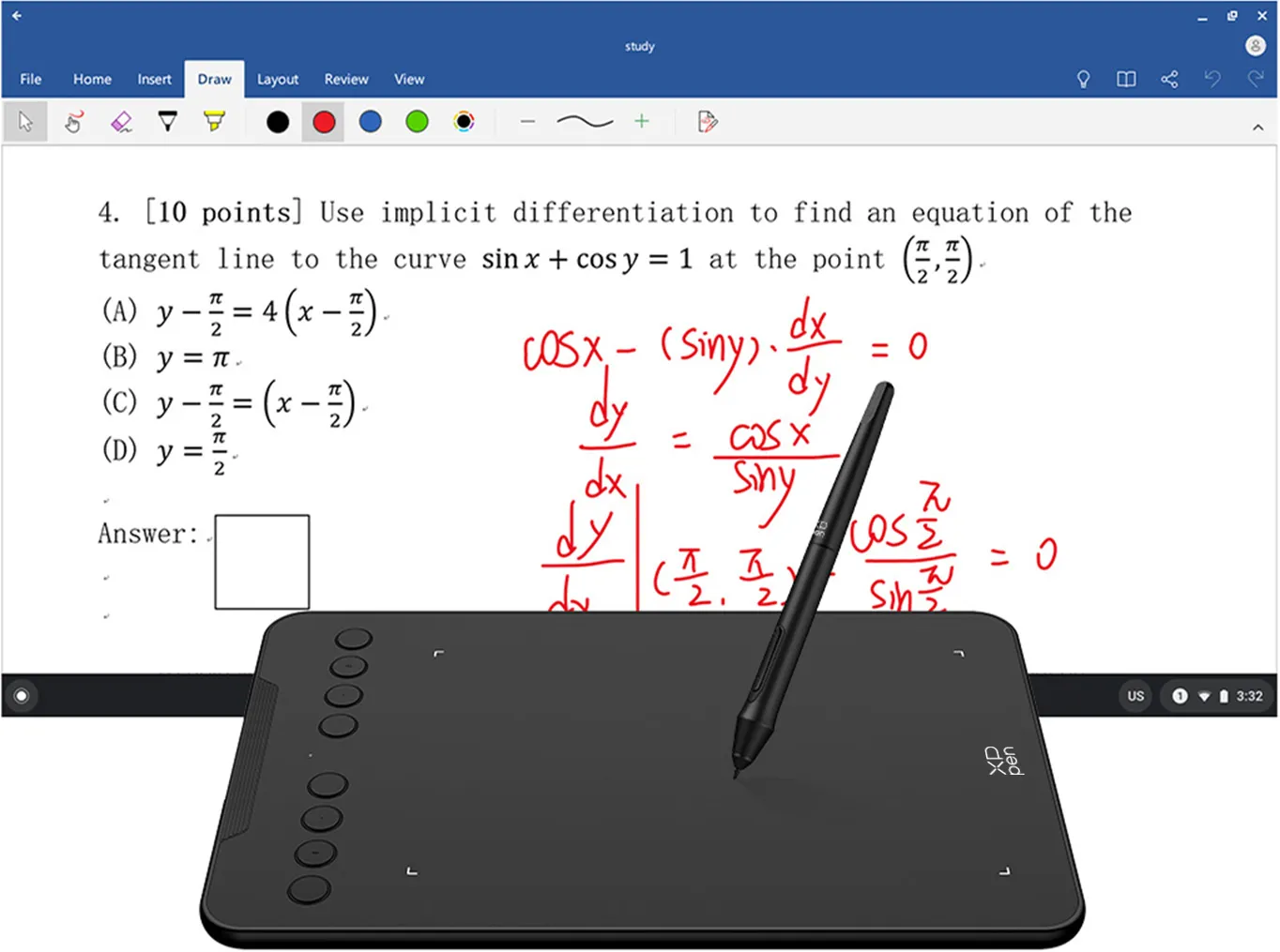
Enhance your
Chromebook experience
You can now use Chrome OS on your XPPen Deco mini7 V2, allowing you to write and create digitally effortlessly.
You can then share and collaborate with teachers and classmates, creating an interactive class atmosphere even in a virtual learning environment.
The stylus offers the functionality of a standard mouse, meaning that you can write, edit, draw and navigate on your Chromebook with ease.
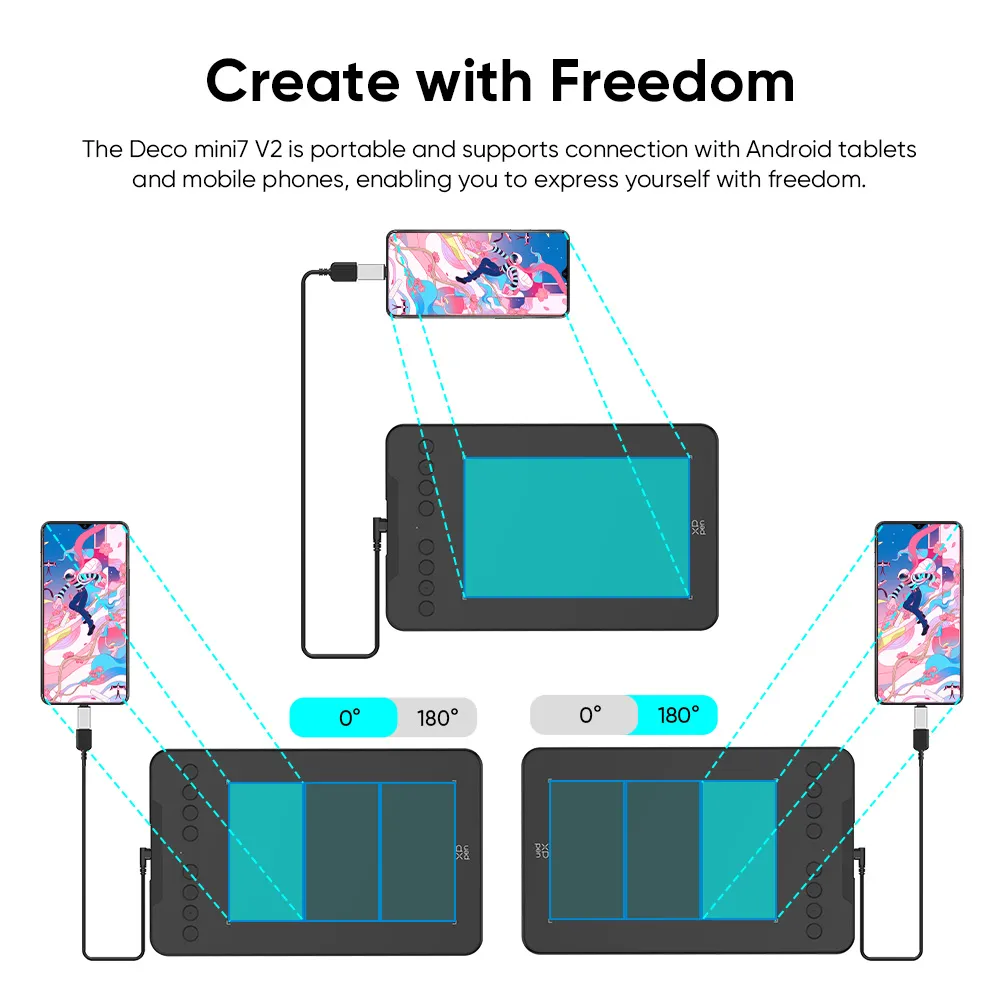
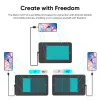
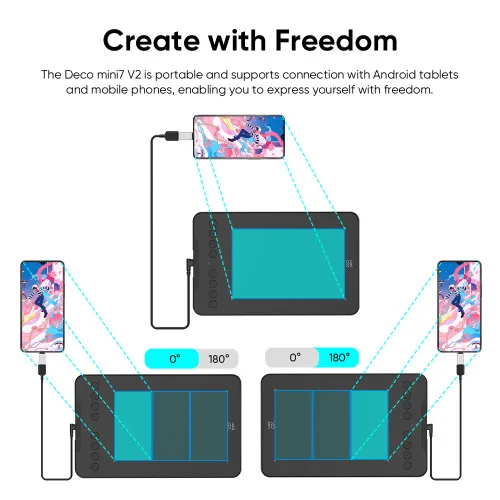
Create with freedom
The Deco mini7 V2 is portable and supports connections with Android 10.0 tablets and mobile phones, enabling you to express yourself with freedom.
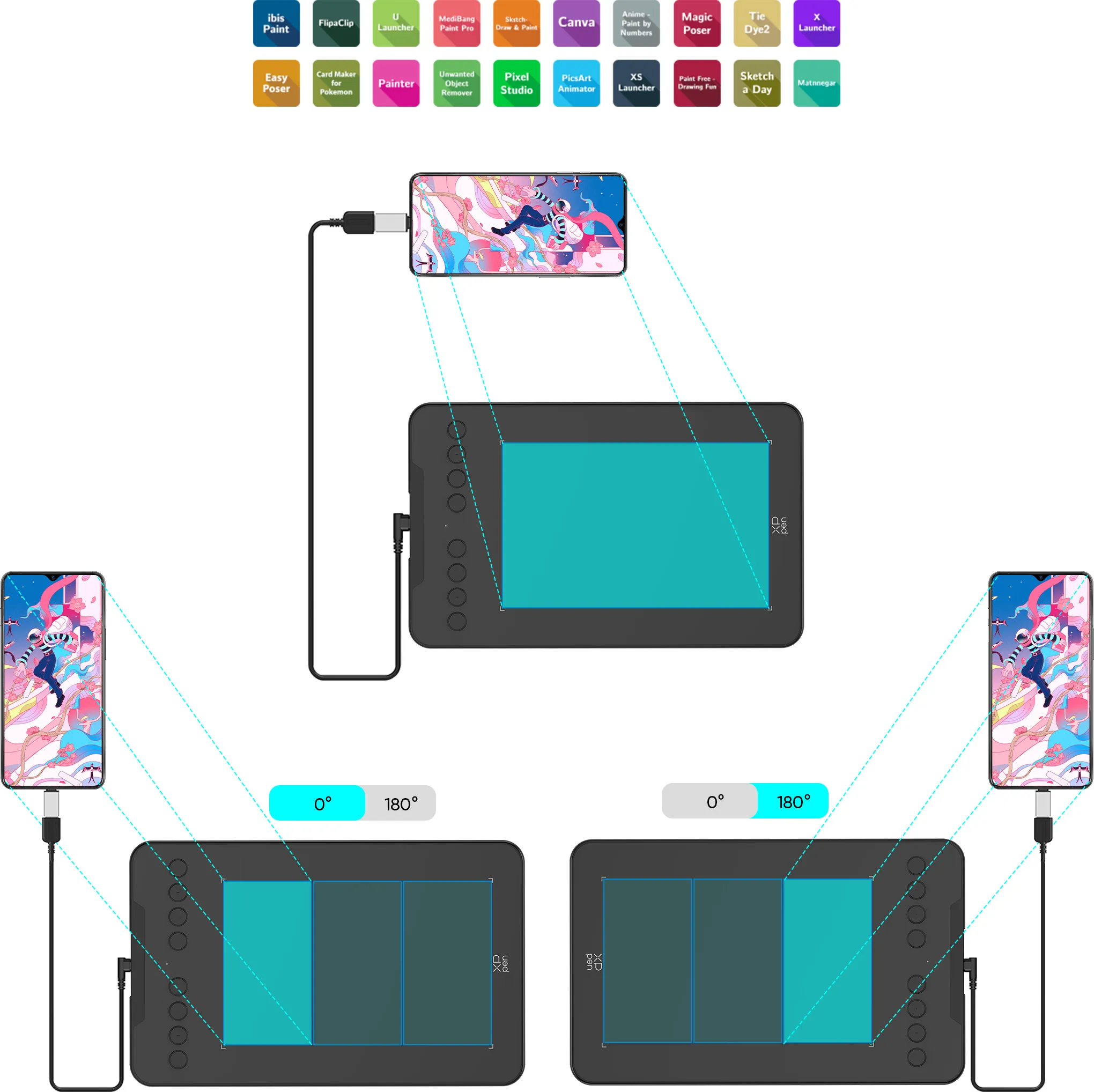
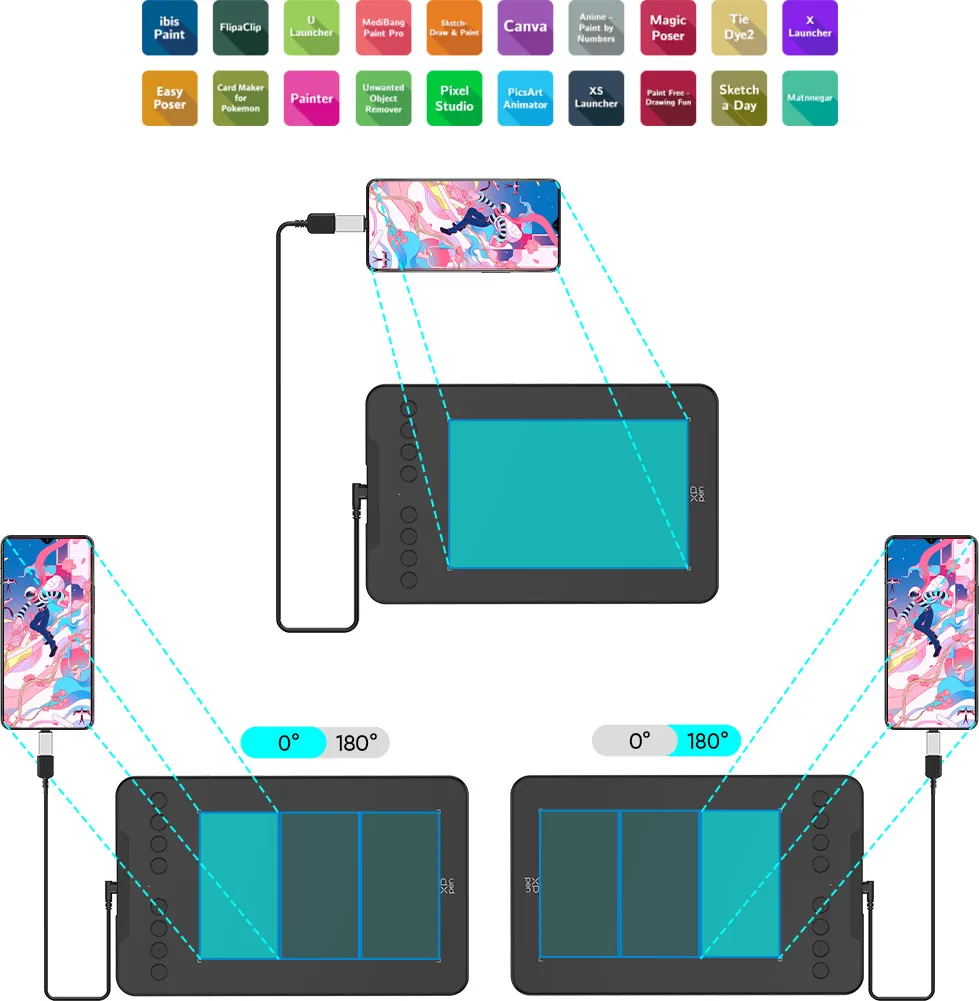
Recommend downloading: "XPPen tools" Android application. Adapts to the aspect ratio of your smartphone screen, ensuring accurate mapping. Supports mapping on Android screens with different aspect ratios in portrait mode.
*Not compatible with foldable smartphones
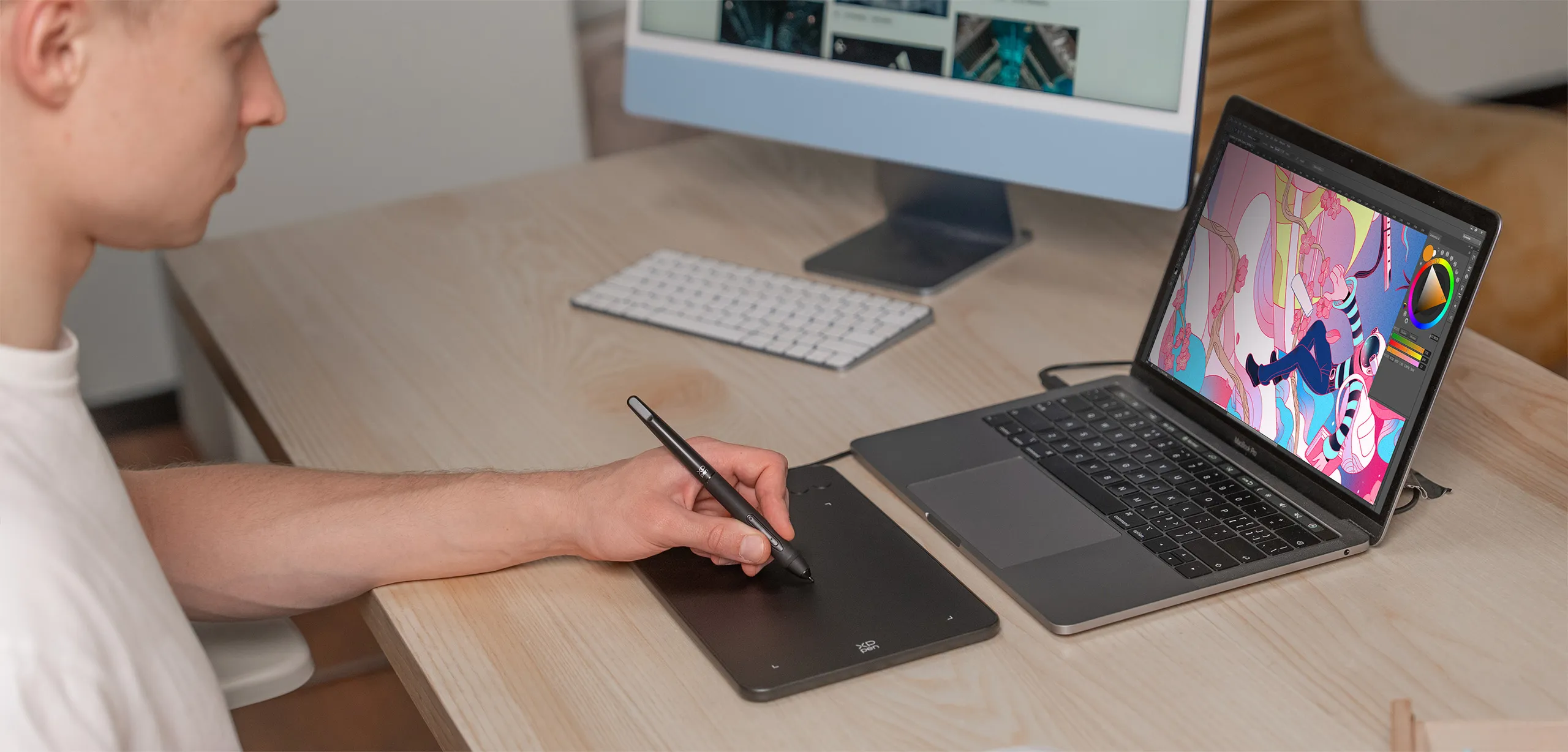
Connect your devices with ease
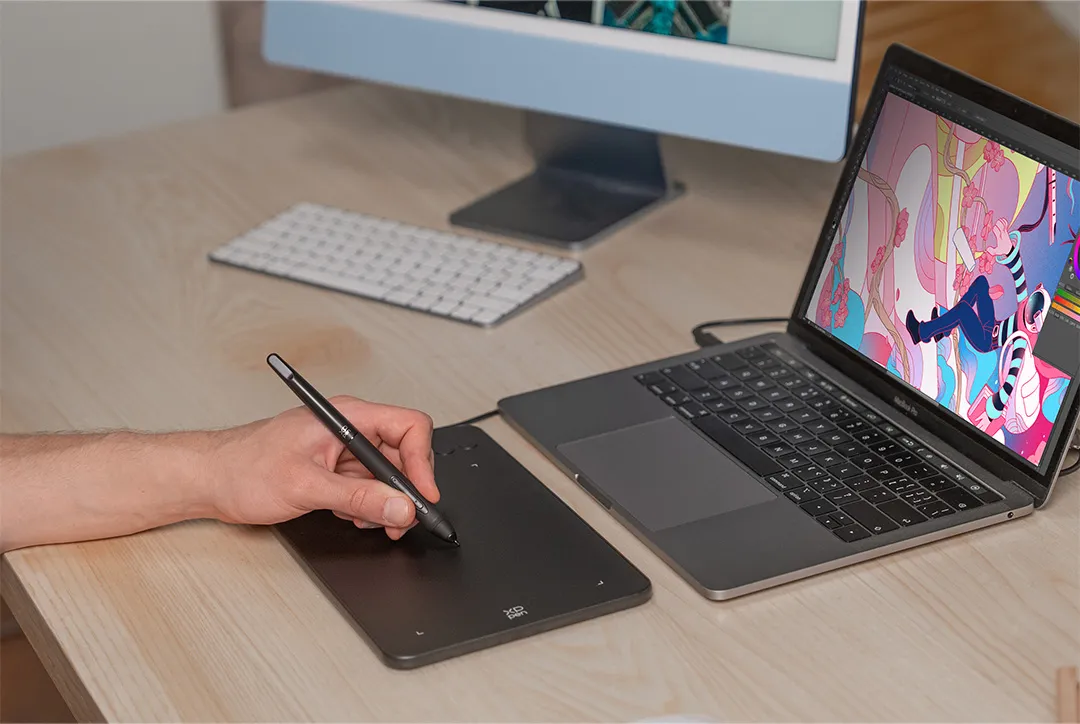
The Deco mini7 V2 supports a USB-C to USB-C connection (with the included adapter), allowing you to connect the tablet to various computing devices depending on your own need.
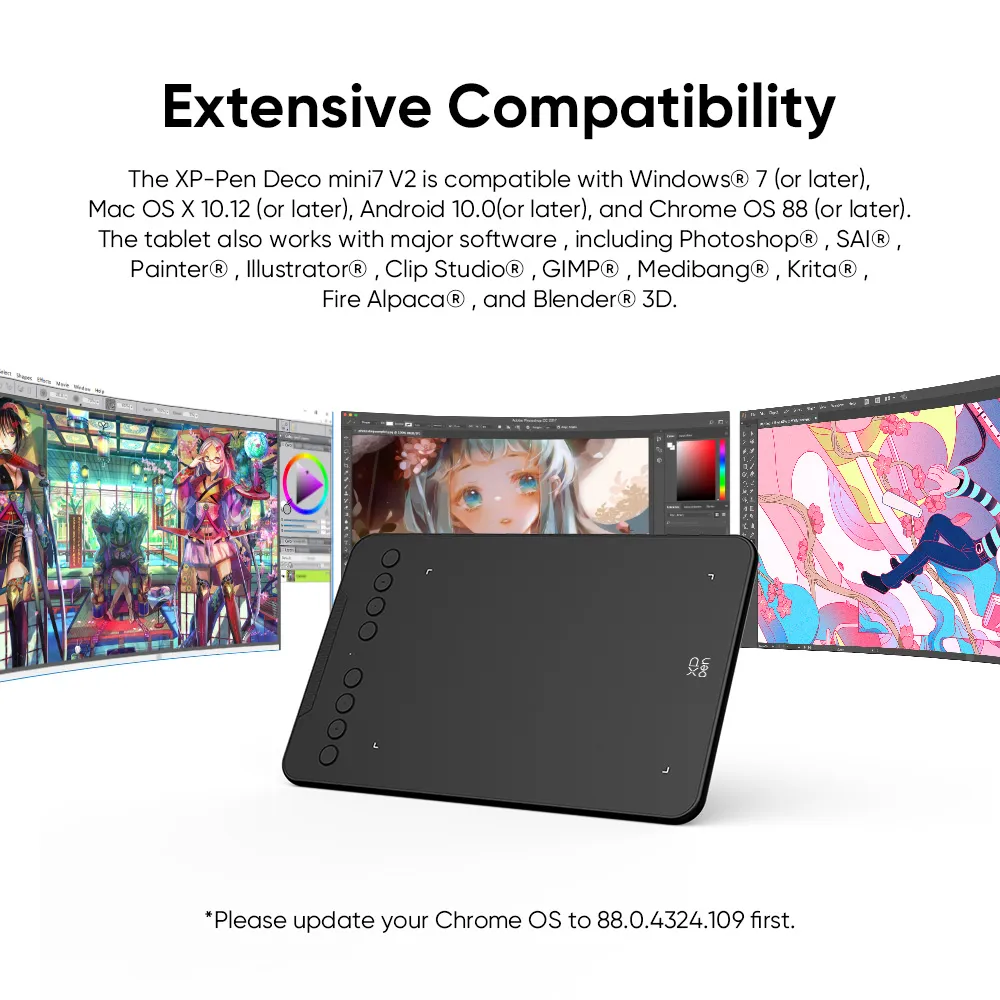
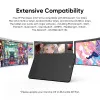
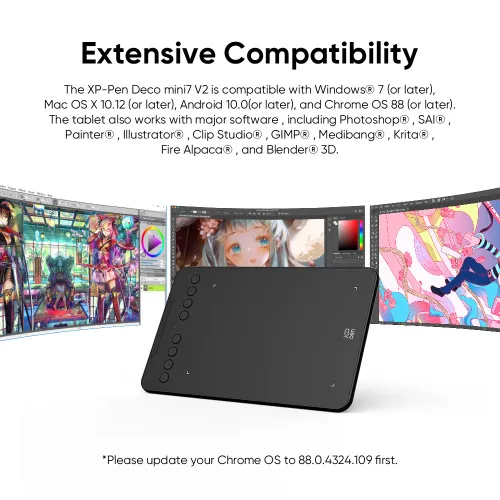
Extensive compatibility
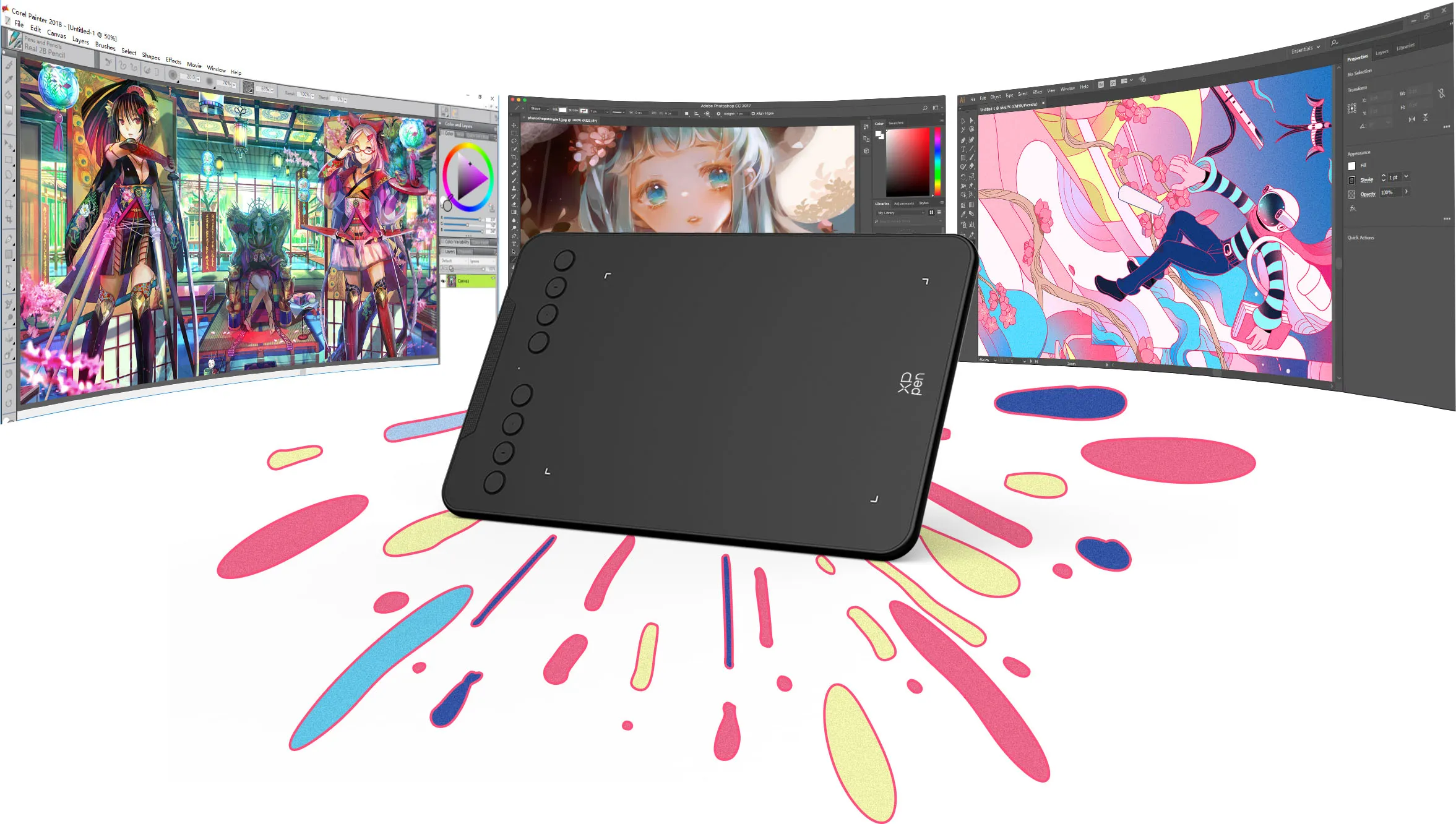
The XPPen Deco mini7 V2 is compatible with Windows 7 (or later), Linux (Detailed versions), macOS X 10.12 (or later), Android 10.0 (or later), and Chrome OS 88 (or later). The tablet also works with major software, including Photoshop®, SAI®, Painter®, Illustrator®, Clip Studio®, GIMP®, Medibang®, Krita®, Fire Alpaca®, and Blender® 3D.
* Please update your Chrome OS to 88.0.4324.109 first.
Product Gallery
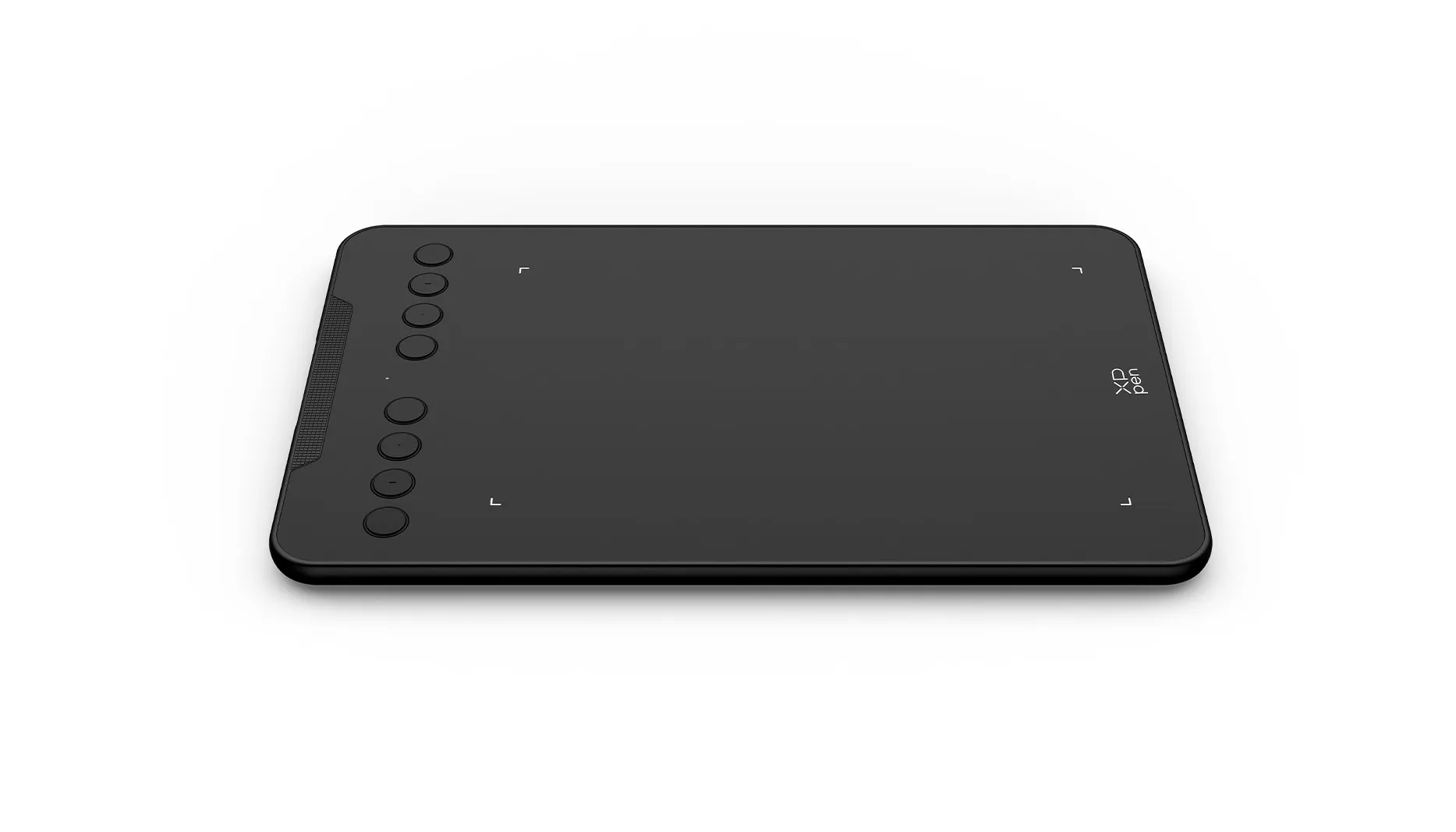
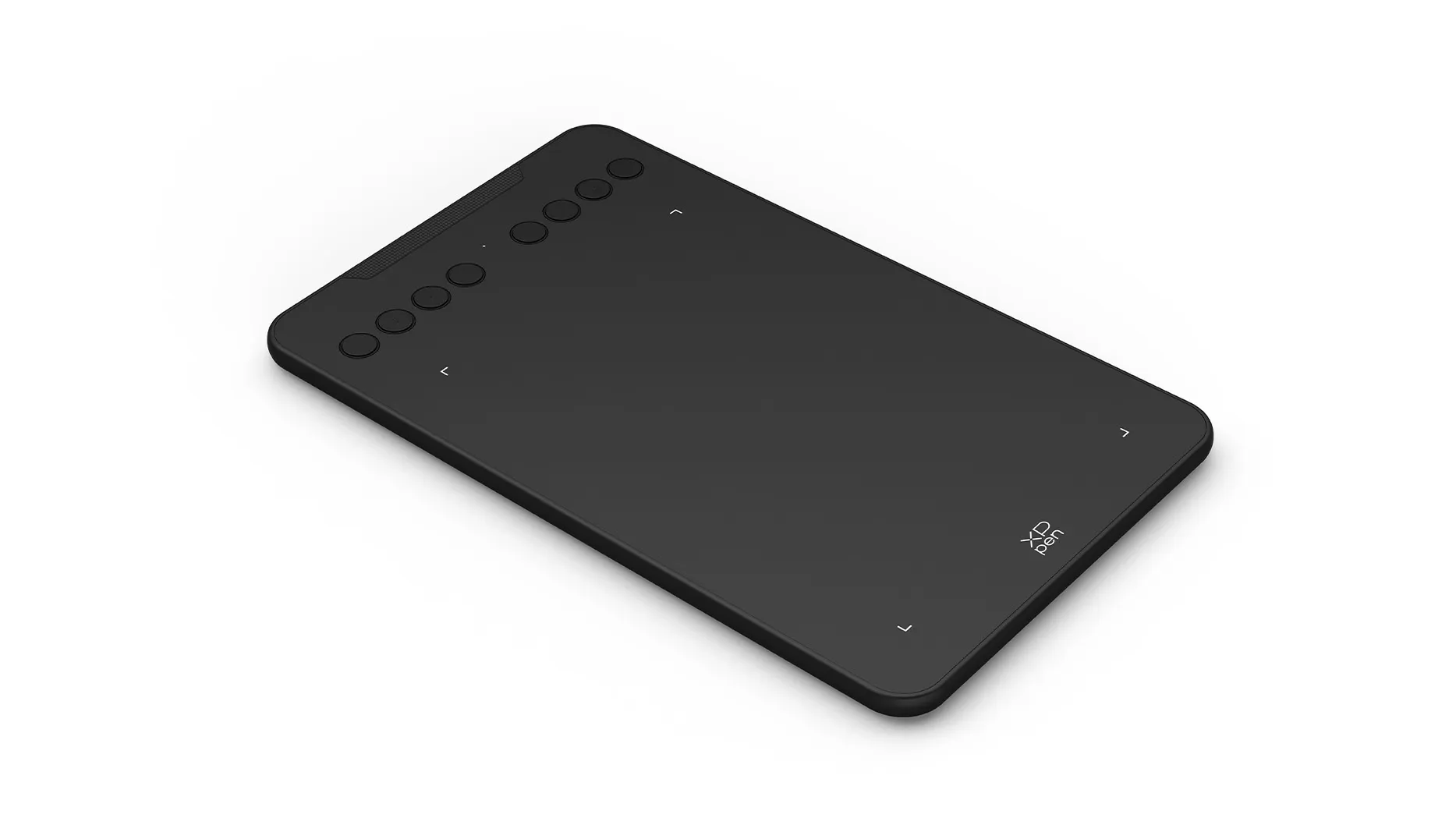



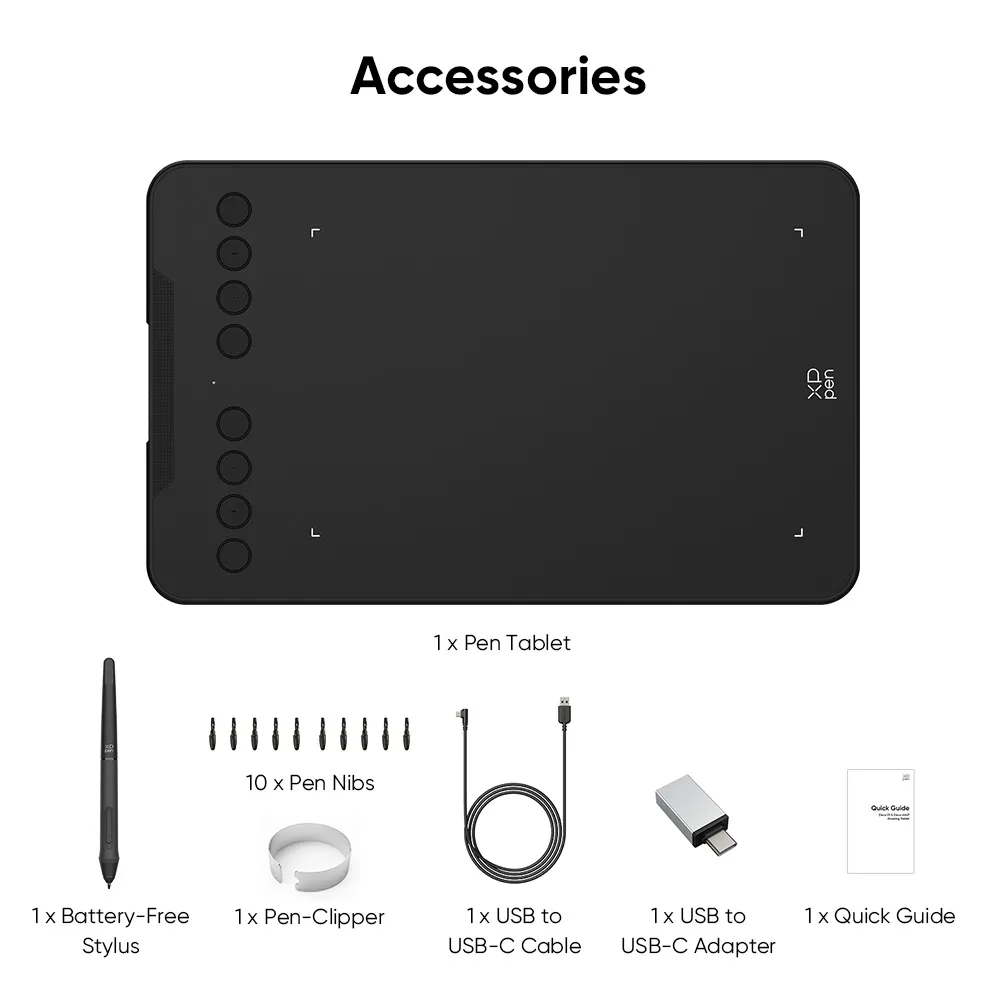
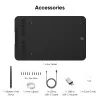
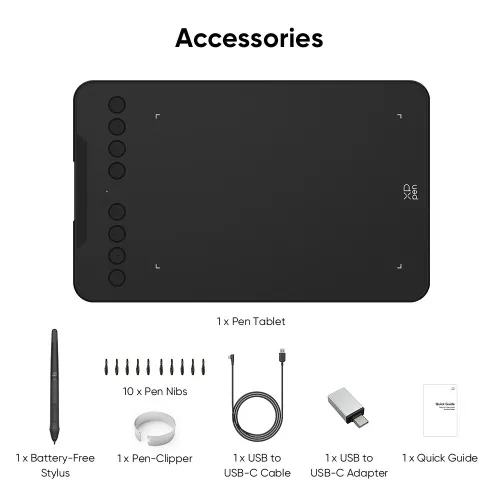
Package includes:
1 x Pen Tablet
1 x Battery-Free Stylus
1 x Pen-Clipper
10 x Pen Nibs
1 x USB to USB-C Cable
1 x USB to USB-C Adapter
1 x Quick Guide
Specifications
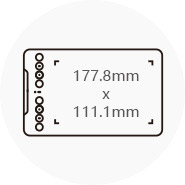
Dimensions
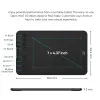
260.2 x 162.2 x 9.3mm
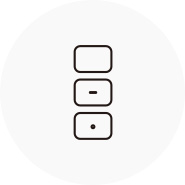
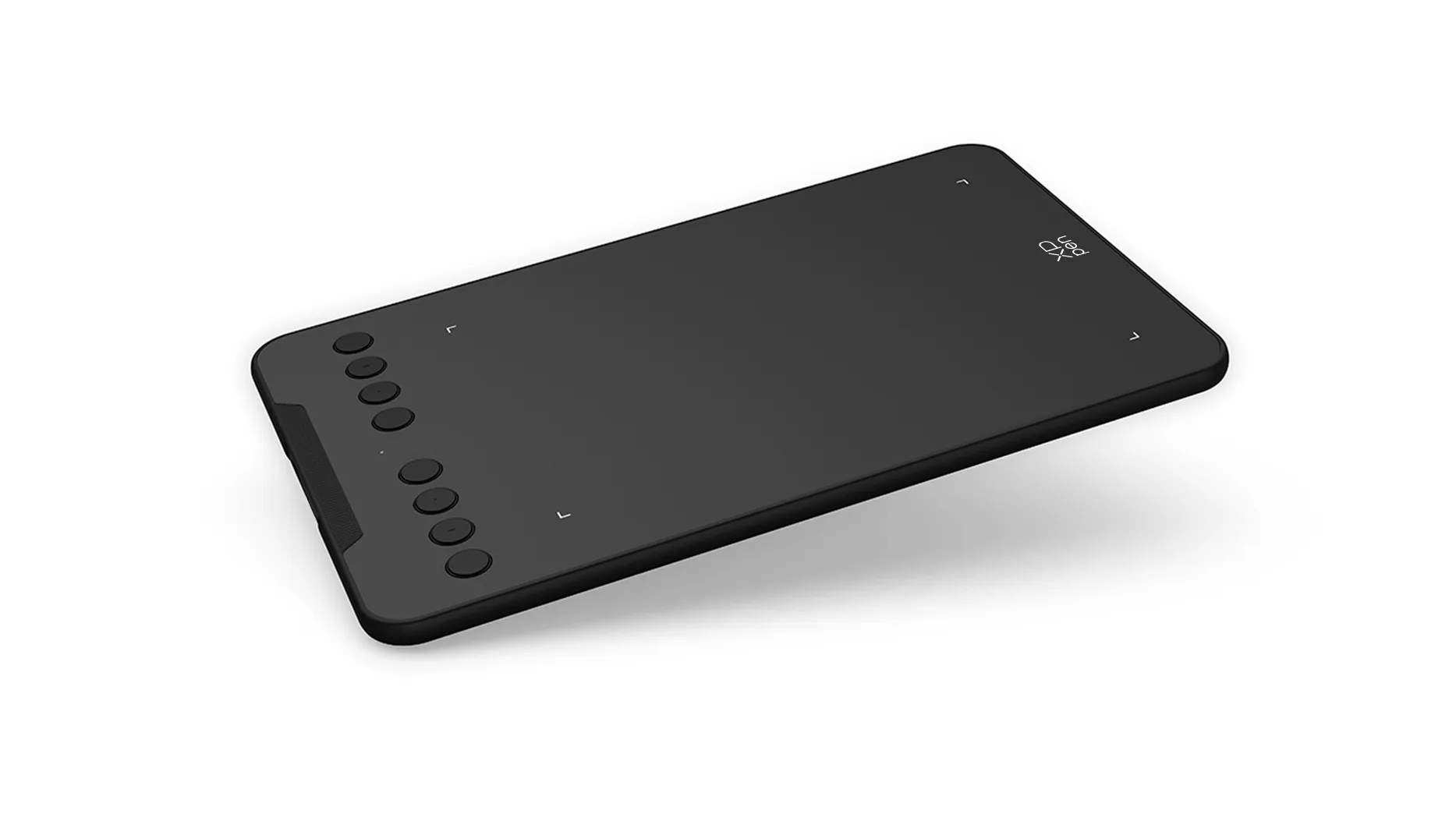
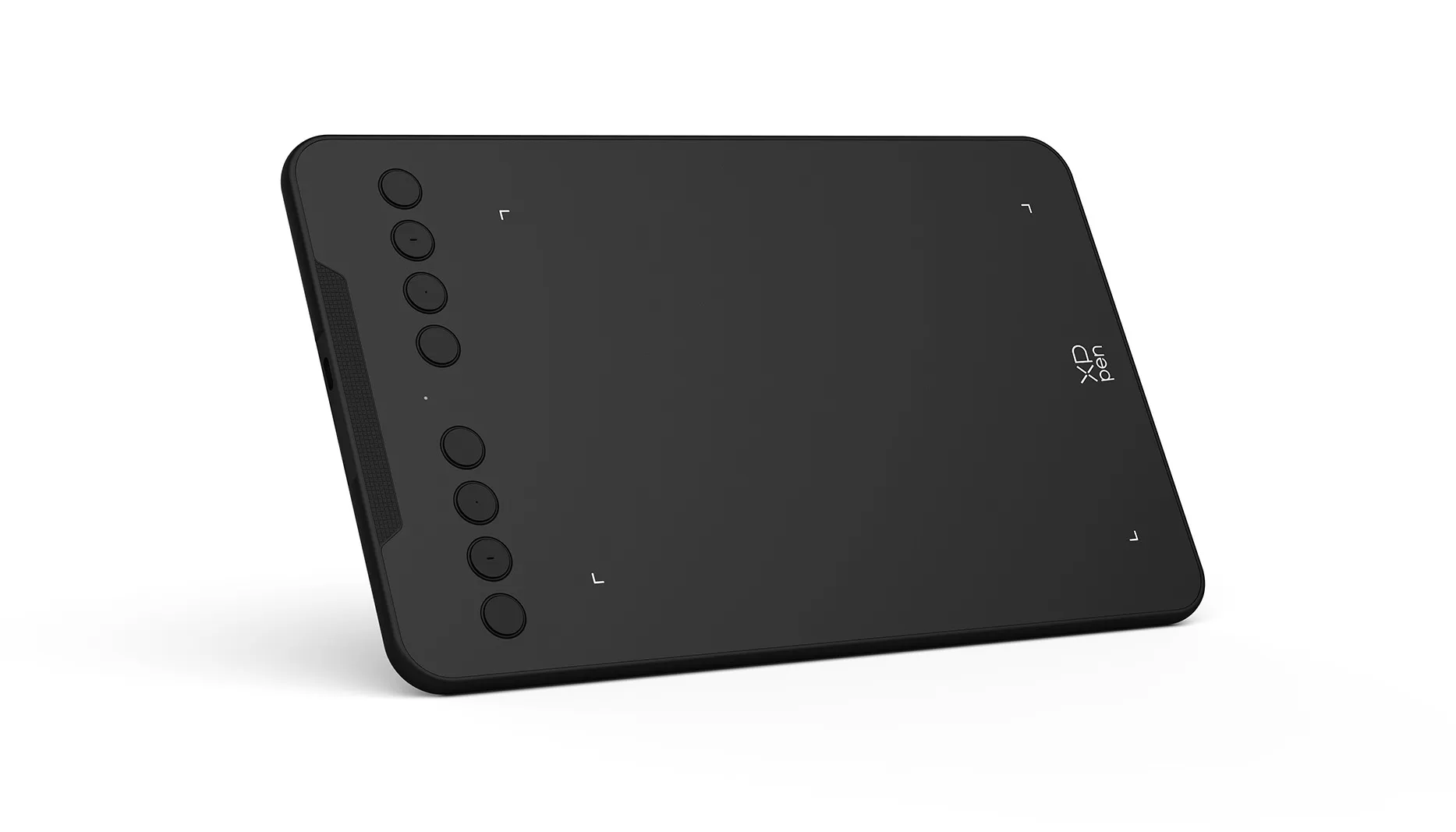
8 Shortcut Keys

Net Weight
307g
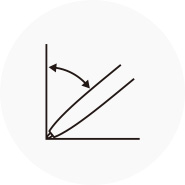
Battery-free Stylus
Tilt:60°
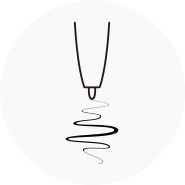
Pressure Sensitivity
16384 levels
Show more
| Linux OS | Version | Package Format | Supported Software |
| Arch | Arch Linux2019.12.01(64-bit) | .deb, .sh | GIMP, Krita |
| Centos | Centos7.0(64-bit) | .rpm, .sh | GIMP |
| Centos8(64-bit) | .rpm, .sh | GIMP, Krita | |
| Debian | debian-9.5.0-amd64-netinst(64-bit) | .deb, .sh | GIMP, Krita |
| elementary OS | elementary OS 5.0(64-bit) | .deb, .sh | GIMP, Krita |
| ezgo Linux | ezgo14(64-bit) | .deb, .sh | GIMP, Krita |
| Fedora | Fedora32(64-bit) | .rpm, .sh | GIMP, Krita |
| Mageia | Mageia-7.1(64-bit) | .rpm, .sh | GIMP, Krita |
| Manjaro | manjaro-xfce-20.1.2-201019(64-bit) | .deb, .sh | GIMP |
| Mint | linuxmint-18.2-cinnamon-64bit | .deb, .sh | GIMP, Krita |
| OpenSUSE | openSUSE-Tumbleweed(64-bit) | .rpm, .sh | GIMP, Krita |
| Pop!_OS | pop-os_19.10(64-bit) | .deb, .sh | GIMP, Krita |
| Red Hat | Red Hat7(64-bit) | .rpm, .sh | GIMP |
| Ubuntu | Ubuntu14.04(64-bit) | .deb, .sh | GIMP, Krita |
| Ubuntu16.04(64-bit) | .deb, .sh | GIMP, Krita | |
| Ubuntu17.04(64-bit) | .deb, .sh | GIMP, Krita | |
| Ubuntu18.04(64-bit) | .deb, .sh | GIMP, Krita | |
| Ubuntu19.04(64-bit) | .deb, .sh | GIMP, Krita | |
| Ubuntu20.04(64-bit) | .deb, .sh | GIMP, Krita |
| Function | Krita 4.3.0 | Gimp 2.10.20 | Inkscape 0.92 |
| Pen Pressure Sensitivity | |||
| Tilt | |||
| Mouse Function | |||
| Eraser Button (Stylus:PH01, P06) | |||
| Switch between Pen and Eraser Modes | |||
| *If you have any further queries, please do not hesitate to contact us at service@xp-pen.com. | |||
Linux OS
Arch
Version
Arch Linux2019.12.01(64-bit)
Package Format
.deb, .sh
Supported Software
GIMP, Krita
Centos
Version
Centos7.0(64-bit)
Centos8(64-bit)
Centos8(64-bit)
Package Format
.rpm, .sh
.rpm, .sh
.rpm, .sh
Supported Software
GIMP
GIMP, Krita
GIMP, Krita
Debian
Version
debian-9.5.0-amd64-netinst(64-bit)
Package Format
.deb, .sh
Supported Software
GIMP, Krita
elementary OS
Version
elementary OS 5.0(64-bit)
Package Format
.deb, .sh
Supported Software
GIMP, Krita
ezgo Linux
Version
ezgo14(64-bit)
Package Format
.deb, .sh
Supported Software
GIMP, Krita
Fedora
Version
Fedora32(64-bit)
Package Format
.rpm, .sh
Supported Software
GIMP, Krita
Mageia
Version
Mageia-7.1(64-bit)
Package Format
.rpm, .sh
Supported Software
GIMP, Krita
Manjaro
Version
manjaro-xfce-20.1.2-201019(64-bit)
Package Format
.deb, .sh
Supported Software
GIMP
Mint
Version
linuxmint-18.2-cinnamon-64bit
Package Format
.deb, .sh
Supported Software
GIMP, Krita
OpenSUSE
Version
openSUSE-Tumbleweed(64-bit)
Package Format
.rpm, .sh
Supported Software
GIMP, Krita
Pop!_OS
Version
pop-os_19.10(64-bit)
Package Format
.deb, .sh
Supported Software
GIMP, Krita
Red Hat
Version
Red Hat7(64-bit)
Package Format
.rpm, .sh
Supported Software
GIMP
Ubuntu
Version
Ubuntu14.04(64-bit)
Ubuntu16.04(64-bit)
Ubuntu17.04(64-bit)
Ubuntu18.04(64-bit)
Ubuntu19.04(64-bit)
Ubuntu20.04(64-bit)
Ubuntu16.04(64-bit)
Ubuntu17.04(64-bit)
Ubuntu18.04(64-bit)
Ubuntu19.04(64-bit)
Ubuntu20.04(64-bit)
Package Format
.deb, .sh
.deb, .sh
.deb, .sh
.deb, .sh
.deb, .sh
.deb, .sh
.deb, .sh
.deb, .sh
.deb, .sh
.deb, .sh
.deb, .sh
Supported Software
GIMP, Krita
GIMP, Krita
GIMP, Krita
GIMP, Krita
GIMP, Krita
GIMP, Krita
GIMP, Krita
GIMP, Krita
GIMP, Krita
GIMP, Krita
GIMP, Krita
Function
Pen Pressure Sensitivity
Krita 4.3.0
Gimp 2.10.20
Inkscape 0.92
Tilt
Krita 4.3.0
Gimp 2.10.20
Inkscape 0.92
Mouse Function
Krita 4.3.0
Gimp 2.10.20
Inkscape 0.92
Eraser Button(Stylus:PH01, P06)
Krita 4.3.0
Gimp 2.10.20
Inkscape 0.92
Switch between Penand Eraser Modes
Krita 4.3.0
Gimp 2.10.20
Inkscape 0.92
*If you have any further queries, please do not hesitate to contact us at service@xp-pen.com.
0

Based on 0

0(0)
0(0)
0(0)
0(0)
0(0)
 No review
XFANSw998b2jj
Jul 16 ,2023 AM 11:42 Deco mini7 V2
does it work with Windows 11?
Reply0
XFANSh5pyr27g
Oct 15 ,2022 AM 11:09 Deco mini7 V2
Does the deco mini7 need OTG? Or can it just work by connecting the cable to my device? (I am using Samsung A52) Curious because i have had issues connecting to my other xp-pen tablet because i do not have an OTG setting.
Reply1
Official mall
Oct 19 ,2022 PM 16:15
Hi,
If you want to connect your phone, then it need to be connected via OTG.
You can test the connection of the mouse, to see if the mouse can control the cursor. If not, so your phone does not support OTG.
Best Regards
Zoe
Reply to this review
XFANSbueoxb5w
Sep 25 ,2021 PM 16:35 Deco mini7 V2
Hi Eddie.
Thanks for clarifying. One more Q please - Do I need to keep the device connected to a laptop or phone while using or can I save my work locally in the device and transfer it later.
Thanks,
Ram
Reply1
Official mall
Sep 25 ,2021 PM 19:28
Hi Ram,
Deco mini 7 doesn't have a system and cannot work alone and save files, so it needs to be connected with laptop/computer/Android 6.0 (and higher) while working. When you finish writing,you can save it on your laptop or Android phone and then convert it by MS Word software.
Hope it's helpful to you.
Best Regards,
Edie
Reply to this review
XFANSbueoxb5w
Sep 24 ,2021 AM 11:03 Deco mini7 V2
Hi.
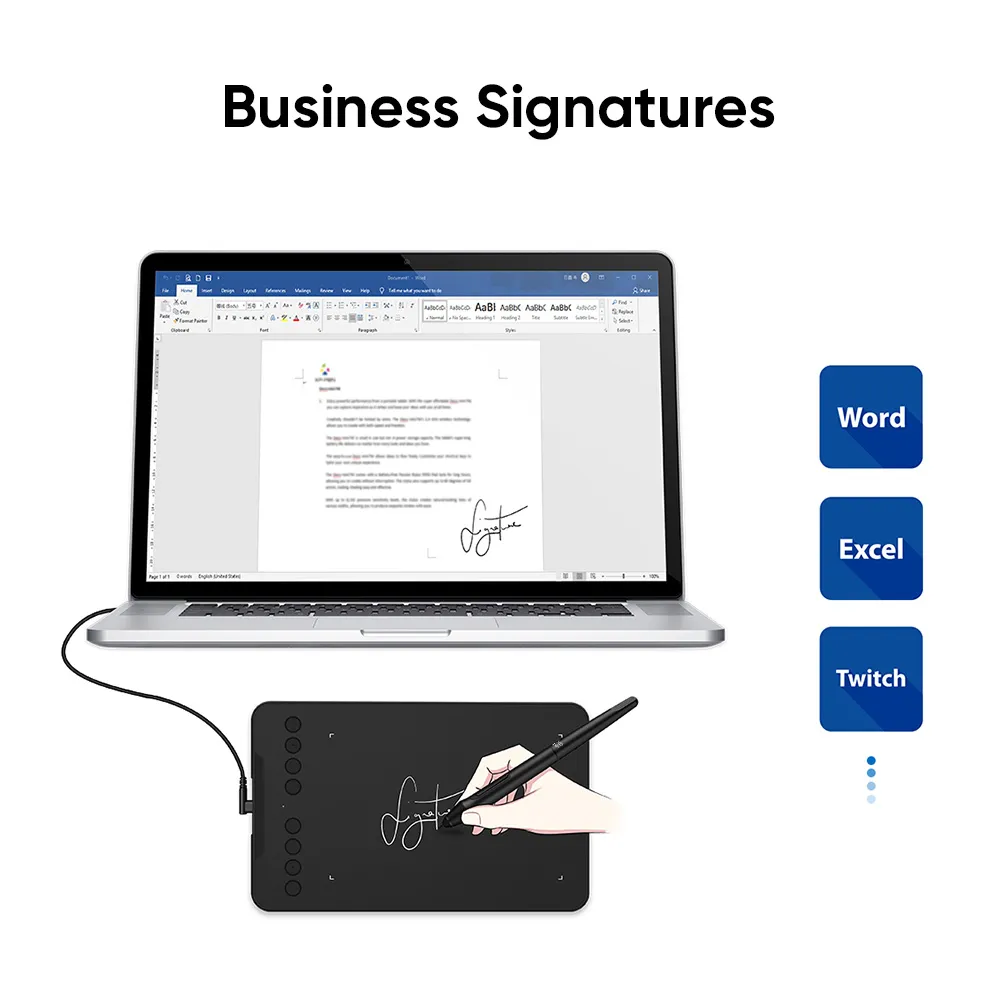
I am a writer and not a designer. Can I transfer my writing to MS Word or can I directly write in MS Word with your device? If so can I use the device without having to buy your software?
Thanks,
Ram
Reply2
See more answers(1)
Official mall
Sep 24 ,2021 PM 16:43
Hi Ram,
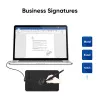
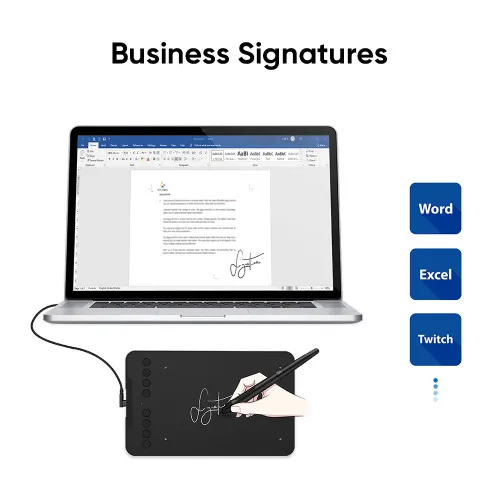
Our products can work with MS Office for handwriting text input.And you can wrtie it directly on Word with our tablet and then convert the handwriting to text by MS Word.All softwares provided on our official website are free.You can download what you need at no charge.
Best Regards,
Edie
Reply to this review
XFANSlogok539
Jul 27 ,2021 PM 15:58 Deco mini7 V2
Hello,
Does delivery for this product able for post office or residential address only?
Reply1
Official mall
Jul 27 ,2021 PM 19:10
Dear Customer,
Thank you for your inquiry.
It depends on you what kind of address left, if you leave a residential address for us, the Au post will deliver to your home.
Hope it is helpful to you.
Have a nice day!
XP-PEN
Reply to this review
KS
May 07 ,2021 AM 11:45 Deco mini7 V2
Hi,
How many years the normal warranty for this Deco Mini 7 ?
What free Drawing Software redemption do I get if I purchase this? Does the drawing software normally included in the package?
Please explain "ExplainEverything - Free trial for 3 months($20.99)", what is this for?
Thank you.
Reply2
See more answers(1)
Official mall
May 14 ,2021 PM 14:43
Dear Customer,
Thank you for your question.
Regarding to the free software, please click this link for a reference: https://www.xp-pen.com/topic/FreeSoftware
If you purchase a Deco mini7, you can get a free ArtRage Lite and three months free trial on ExplainEverything whiteboard software.
If you buy "ExplainEverything" software by yourself, it will cost $6.99 USD per month, so we are helping customers save $20.99 USD.
Kindly note: In order not to be misunderstood, the prices in the store are all listed in Australian dollars:)
Have a nice day~
XP-PEN
Reply to this review