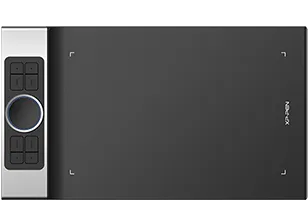

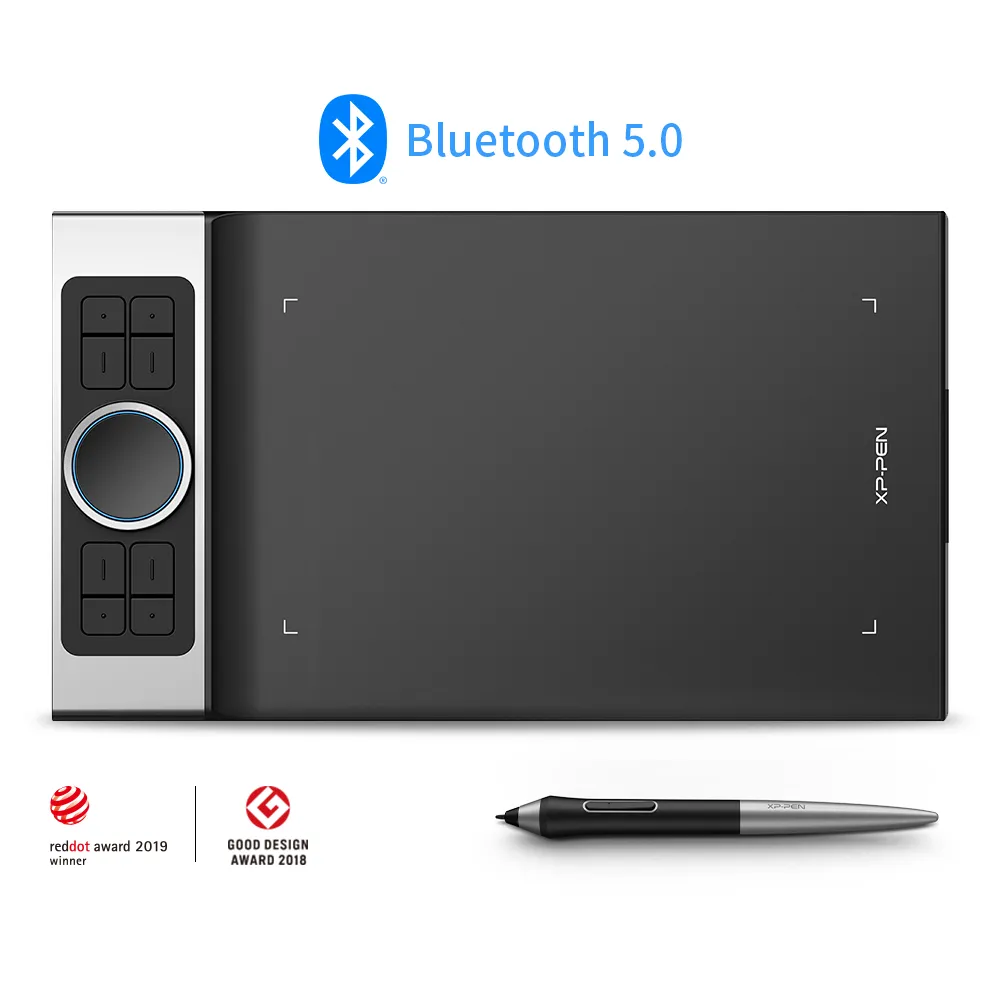




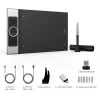
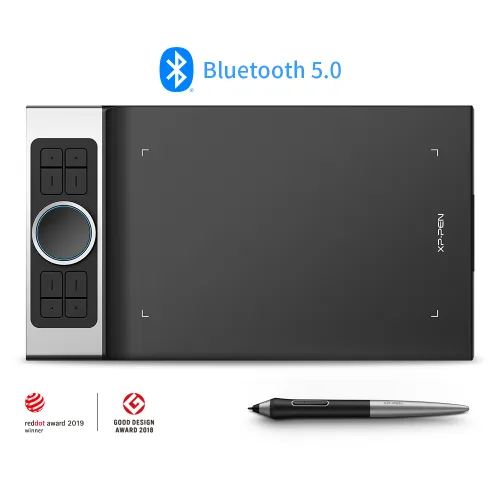

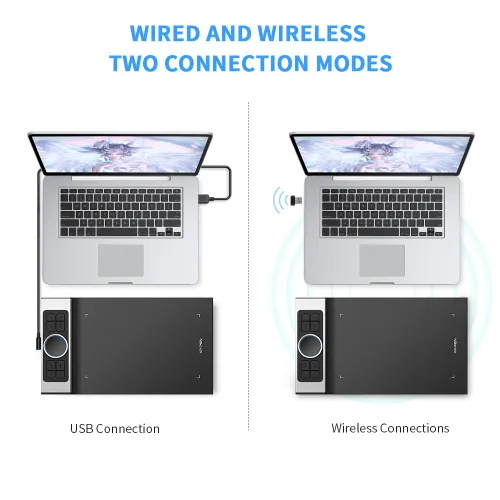
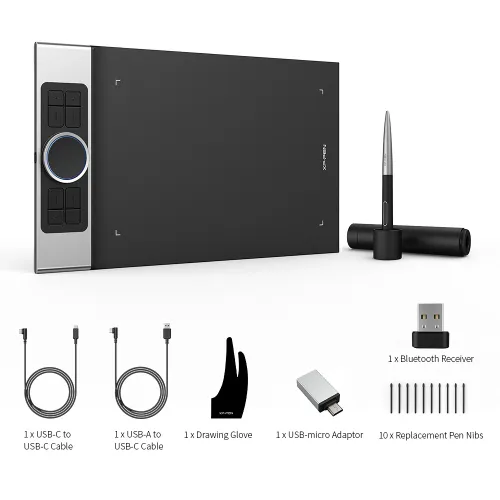
Deco Pro SW/MW Bluetooth wireless

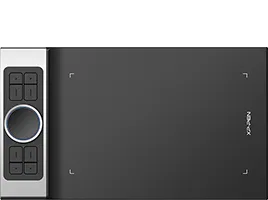
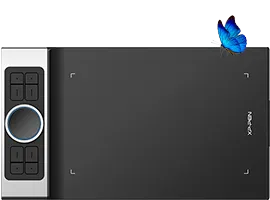
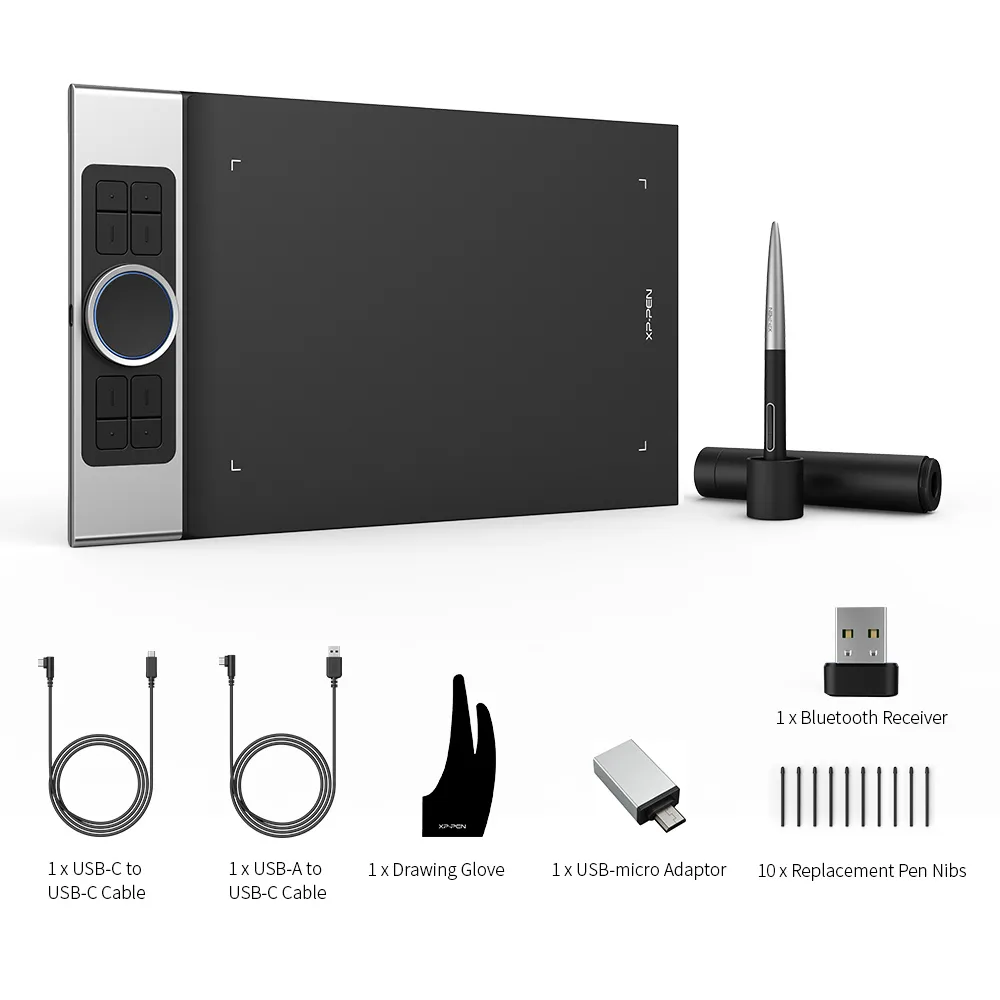
Wireless Bluetooth models, Support Tilt function, Support USB-C port 1* Mechanic Wheel+1*Virtual Wheel +8*shortcut keys

AU$189.99

FREE DELIVERY

We offer free shipping

SECURE PAYMENT

Your payment information is processed securely

TECH SUPPORT

service@xp-pen.com

18-MONTH WARRANTY

18-month warranty only for official AU-store

DECO PRO:
Deco Pro_SW
Deco Pro_MW

Optional Accessories

https://resource.xp-pen.com/Uploads/goods/20180913/a57fbb14d888e274afaa2d2a0d7f212e_200_200.webp

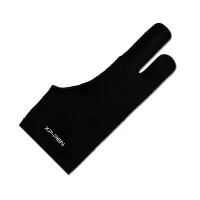
AC 08 S/M/L Drawing Glove

+AU$9.99AU$12.99

23% Off
https://resource.xp-pen.com/Uploads/au/goods/20220416/4c3704da0cc9fc0b230a9302dc10f9b4_200_200.webp

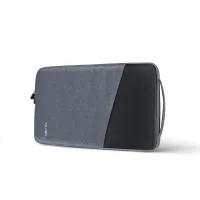
ACJ02 Protective Case

+AU$35.99AU$39.99

10% Off
https://resource.xp-pen.com/Uploads/au/goods/20230602/74aaa731054839eba9a5c51be84f064e_200_200.webp

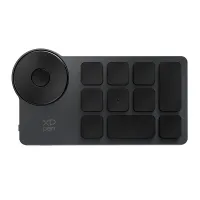
ACK05 Wireless Shortcut Remote

+AU$59.99AU$69.99

14% Off

Quantity:

Payment icon 0Payment icon 1Payment icon 2Payment icon 3
seel-icon

Worry-Free Delivery® available with seel

Estimate:

Deco Pro Series
Wireless  Limitless

Our Deco Pro series of pen tablets has newly launched two wireless Bluetooth models: Deco Pro SW and MW, to expand your creativity. Use its innovative dual wheels and eight shortcut keys to greatly improve your workflow. The ultra-thin and streamlined design has won two international awards. Everything has been meticulously crafted for bringing you the ultimate drawing experience.


image
imageimage

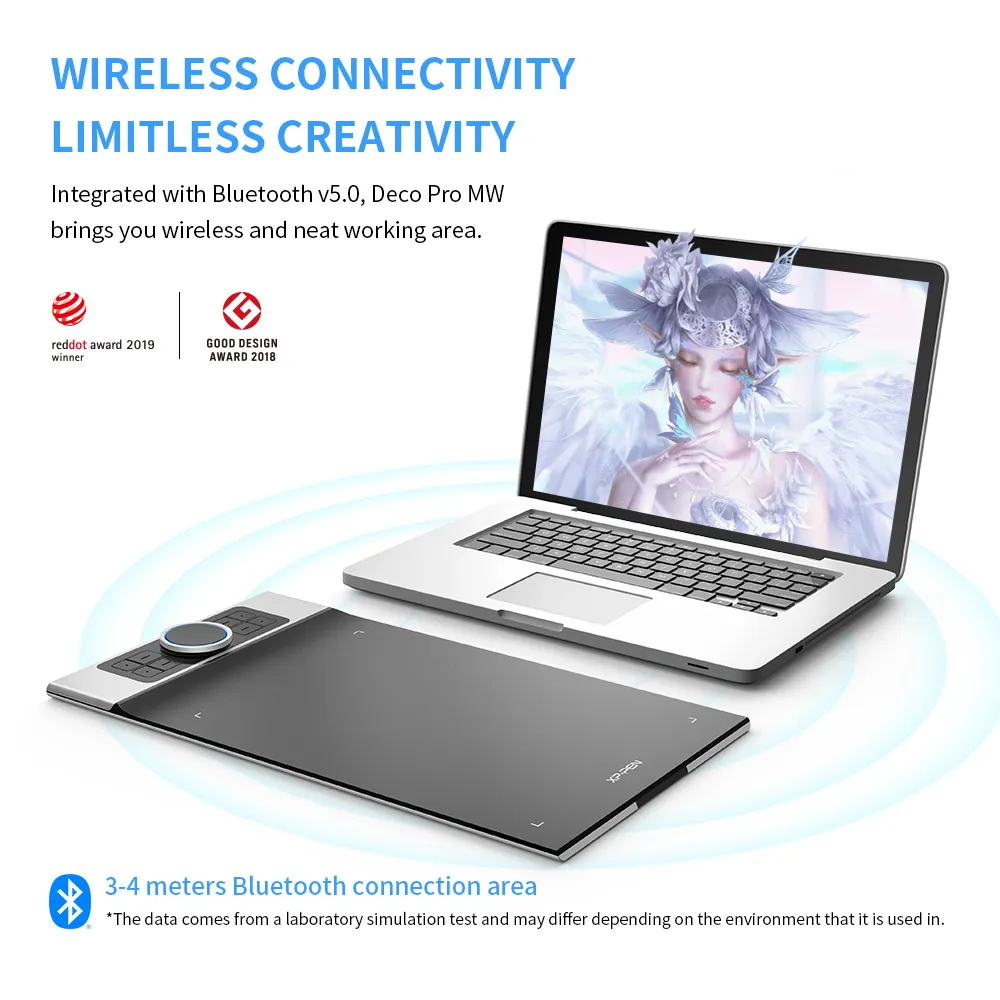
Wireless Connectivity
Limitless Creativity

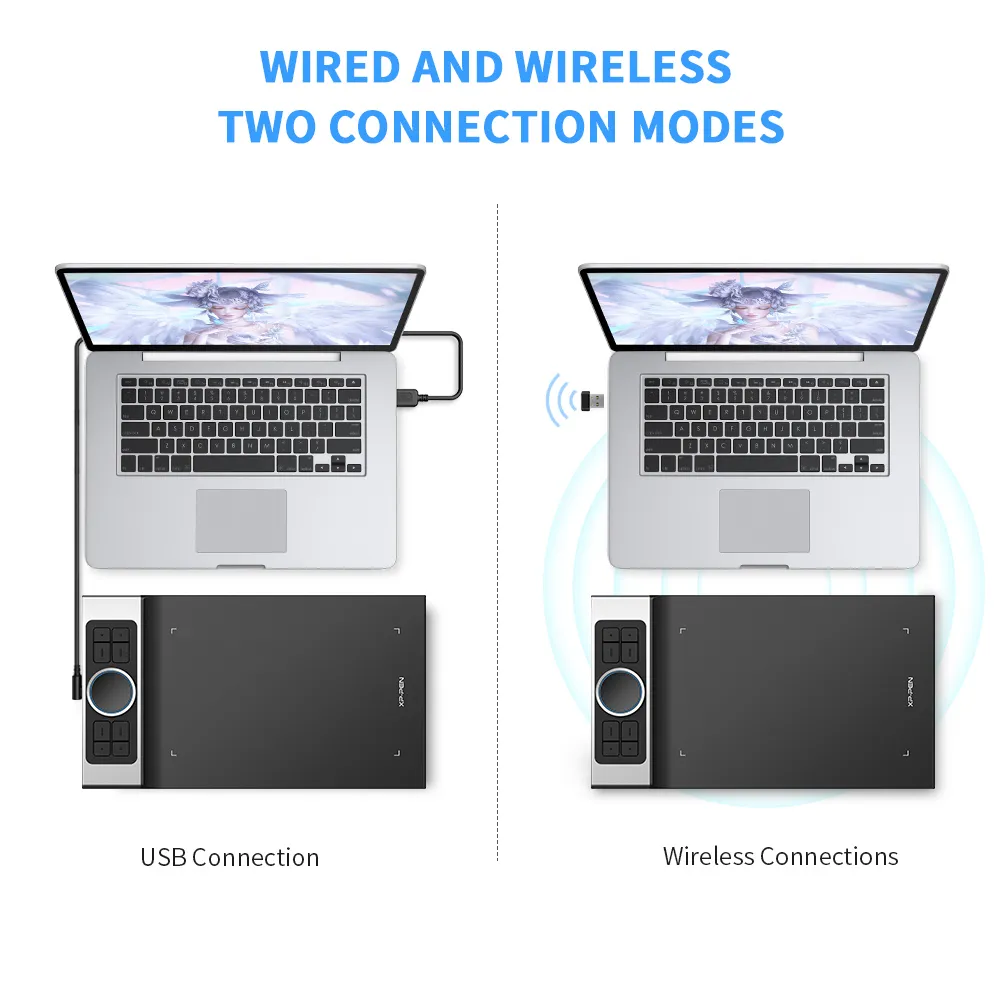
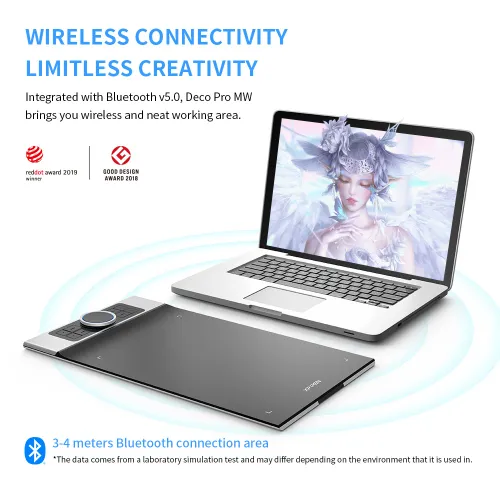
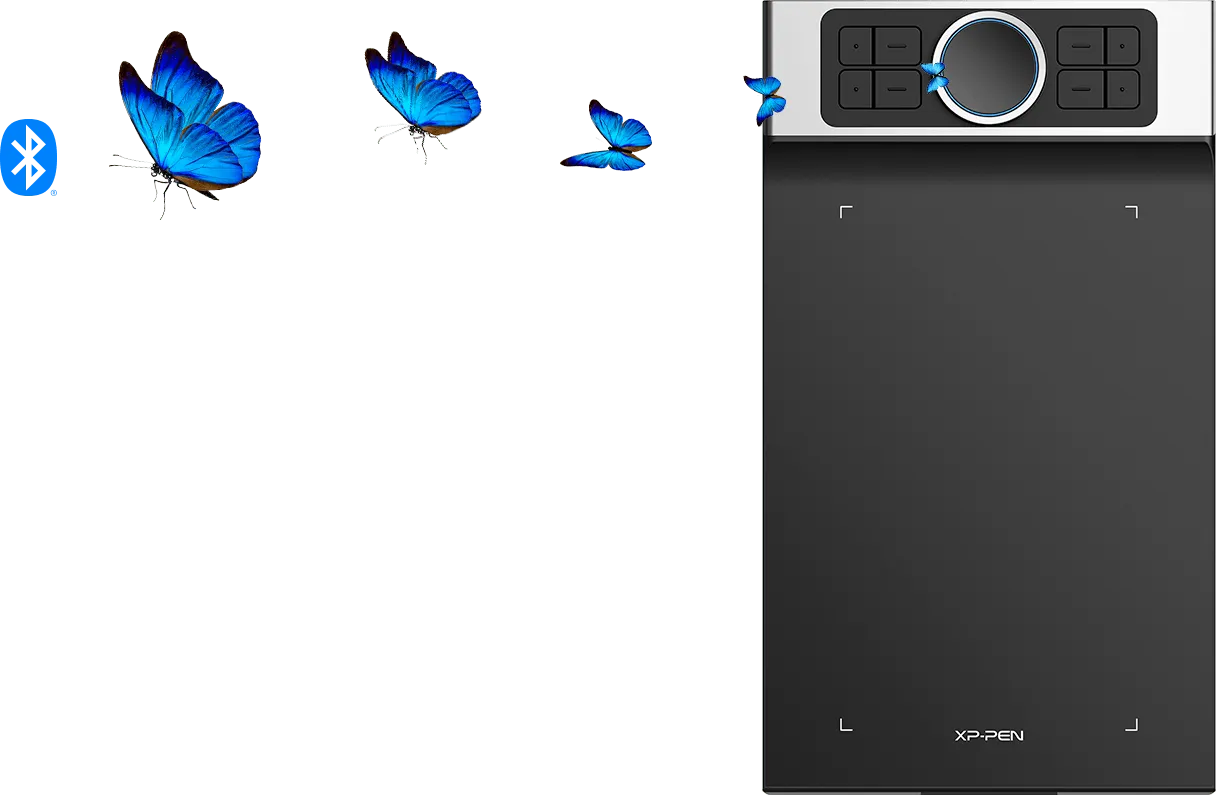
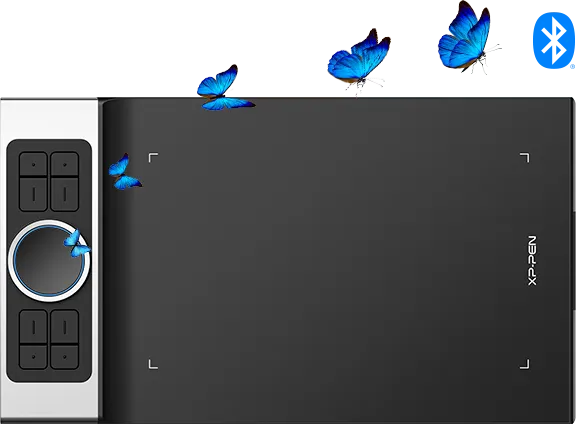
Deco Pro SW and MW are delicately integrated with advanced Bluetooth v5.0 chips for reliable wireless connections. With 3–5 meters of indoor wireless working area, there is more space for your creation. Feel free to capture your inspiration without limitation.

*The data comes from a laboratory simulation test and may differ depending on the environment that it is used in.
imageimage

7mm Slim
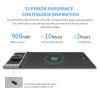
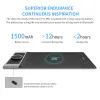
Superior Endurance
Continuous Inspiration

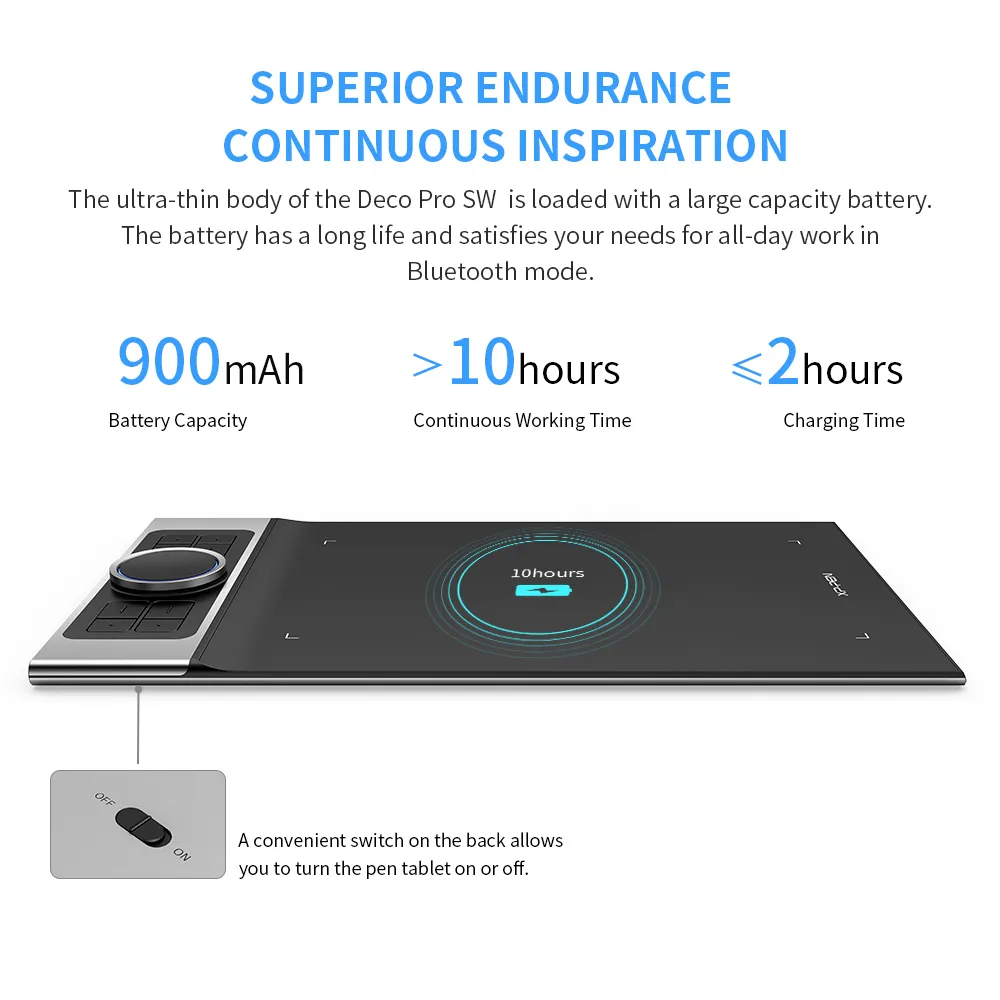
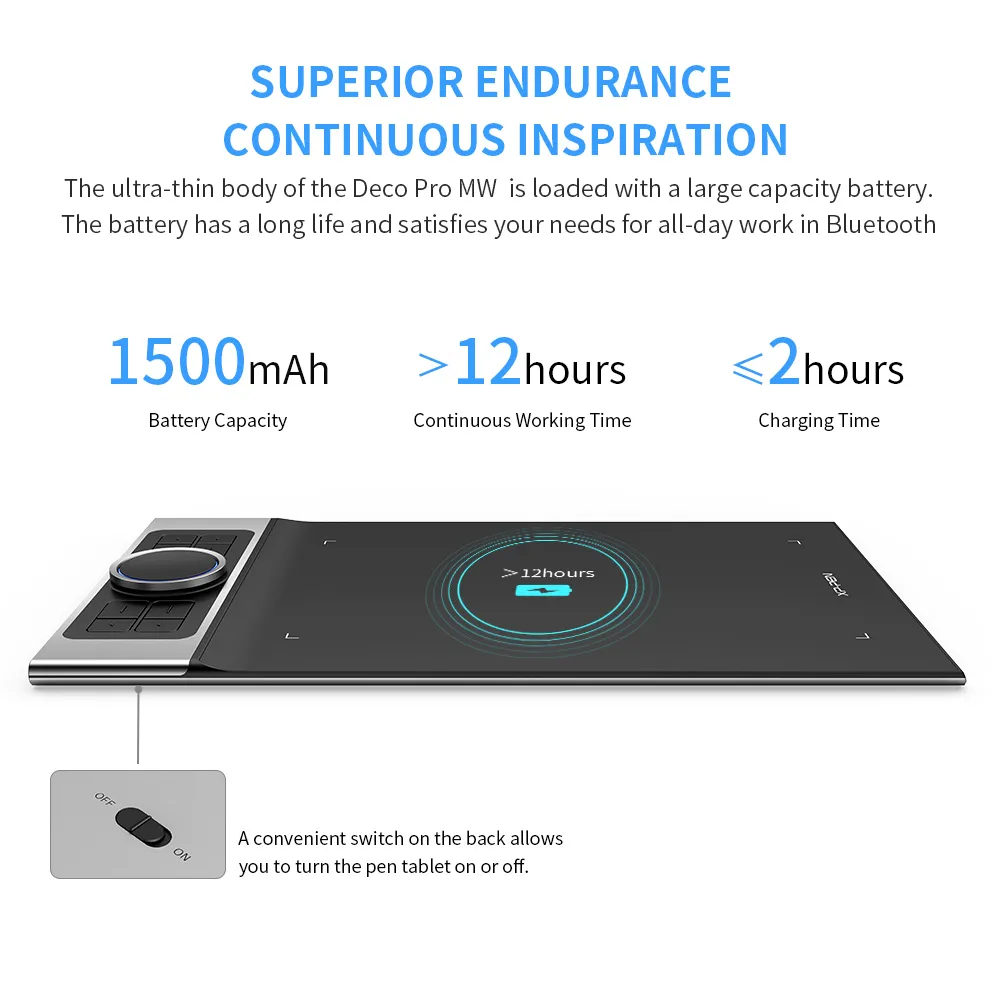
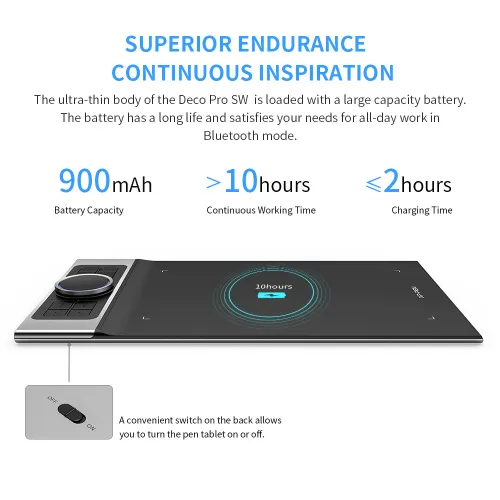
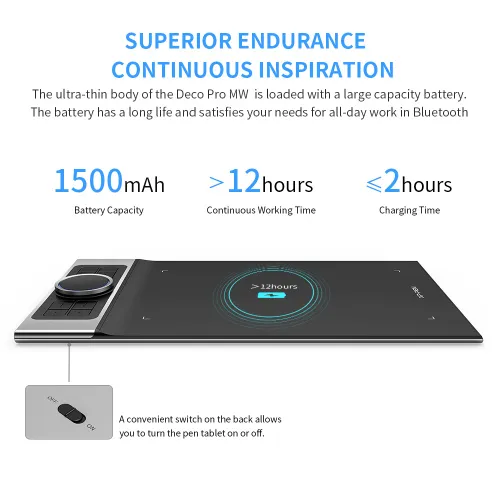
The ultra-thin 7mm body of the Deco Pro SW and MW is loaded with a large capacity battery. The battery has a long life and satisfies your needs for all-day work in Bluetooth mode. A convenient switch on the back allows you to turn the pen tablet on or off. Slim size, mighty endurance.

*The data comes from a laboratory simulation test and may differ depending on the environment that it is used in.

imageHours
image
image

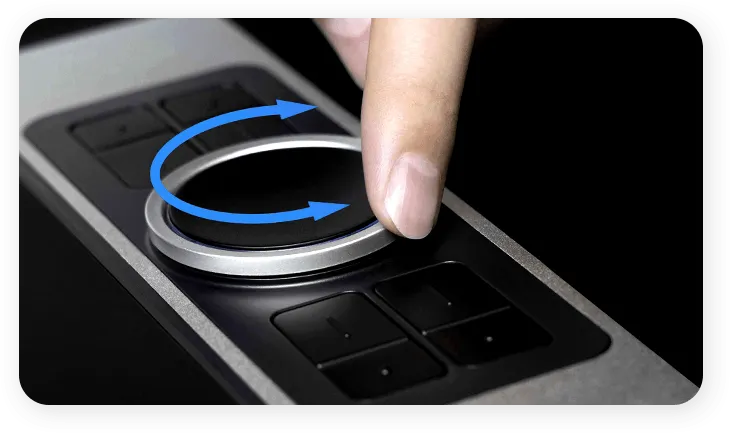
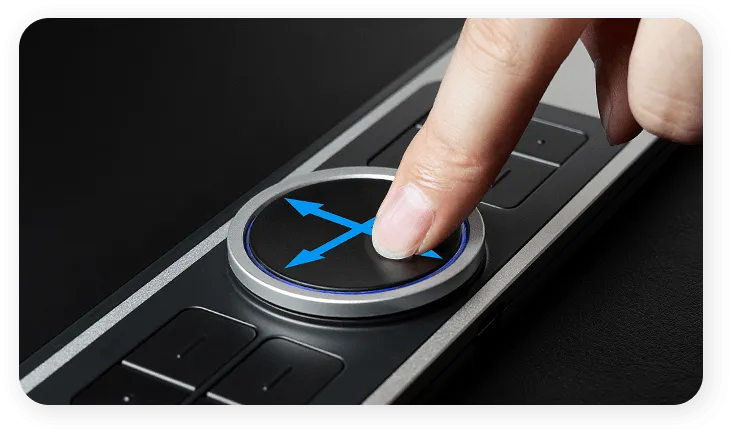
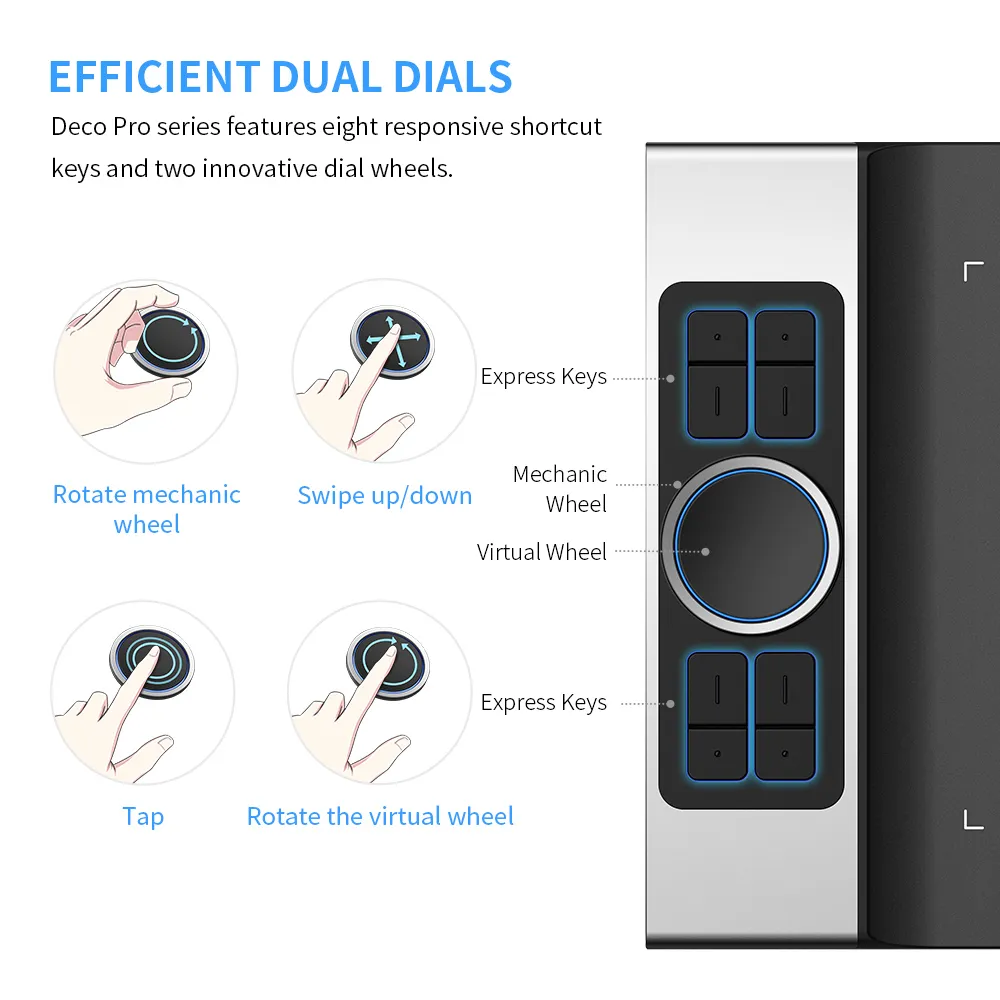
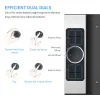
Efficient Dual Dials

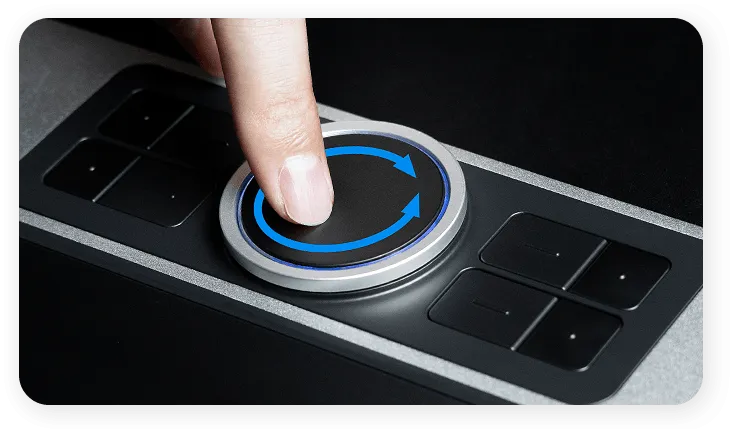
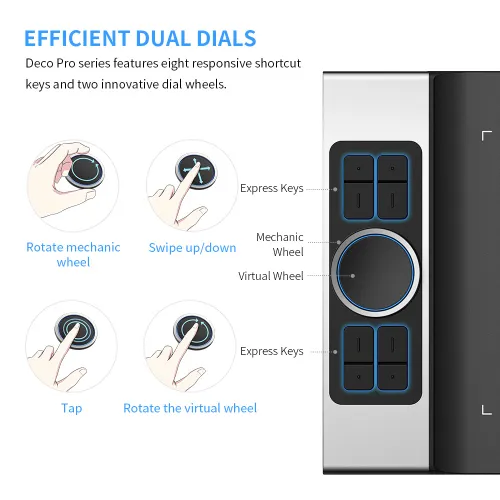
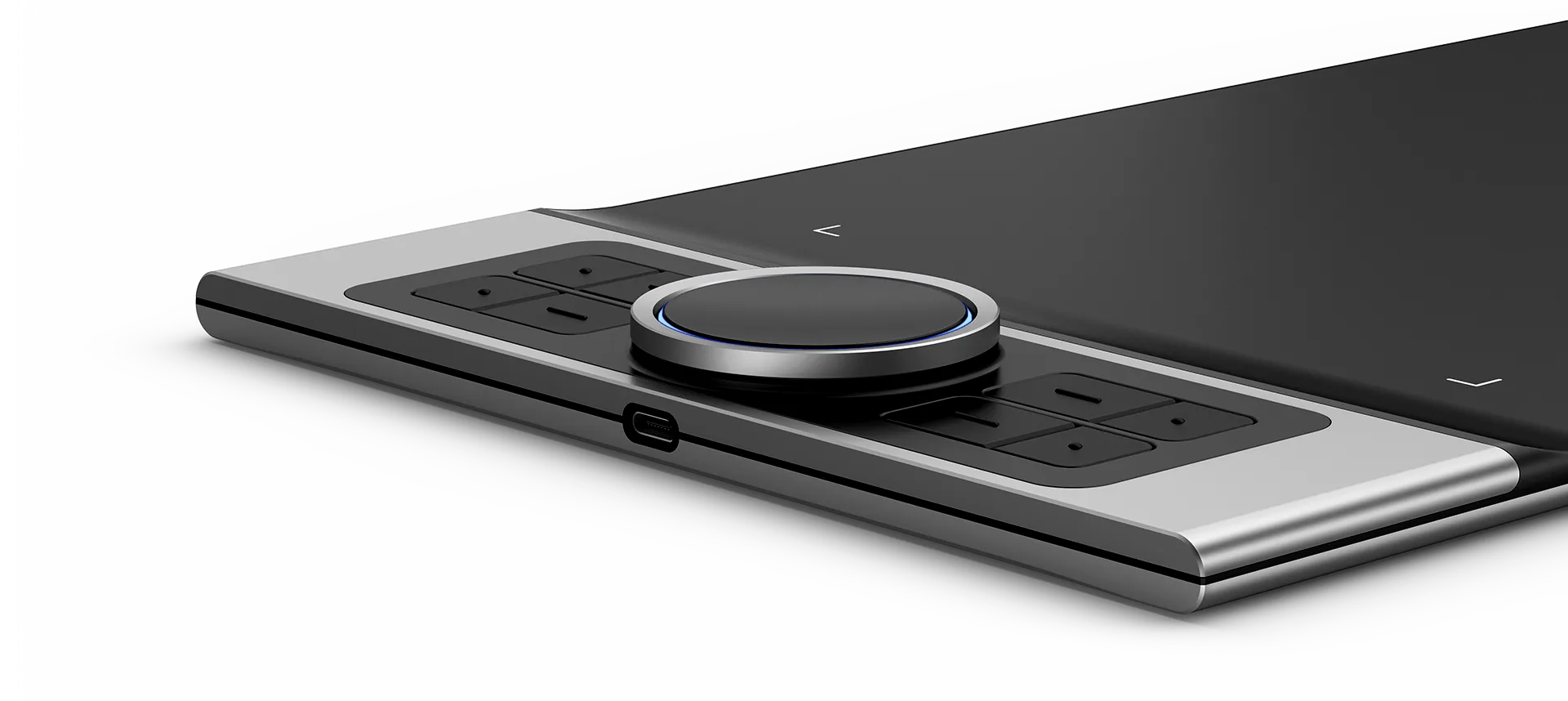
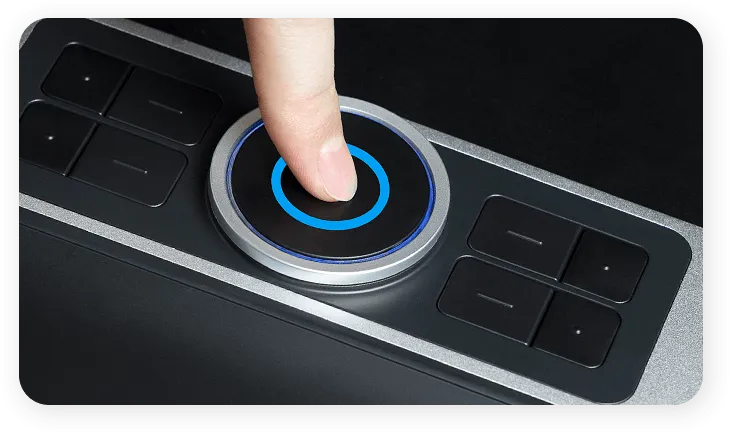
Deco Pro series features eight responsive shortcut keys and two innovative dial wheels. You can easily program them to fit and improve your workflow. Map them to different shortcut combinations in different software. With Deco Pro, smarter control, greater achievement.
image
image

Tap

image

Rotate the virtual wheel

image

Rotate the mechanic wheel

image

Swipe up/down

More Compatibility
More Possibilities

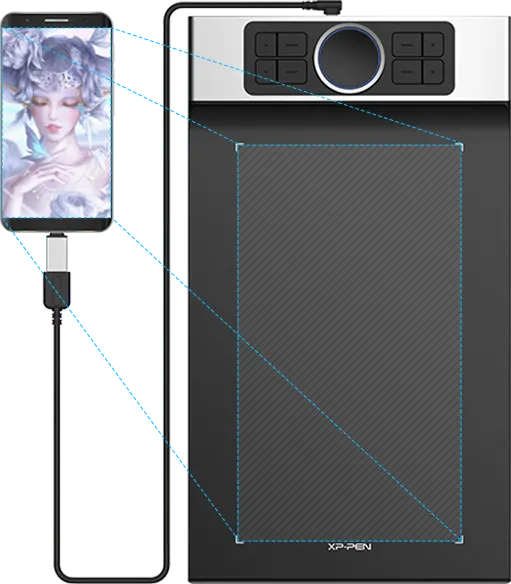
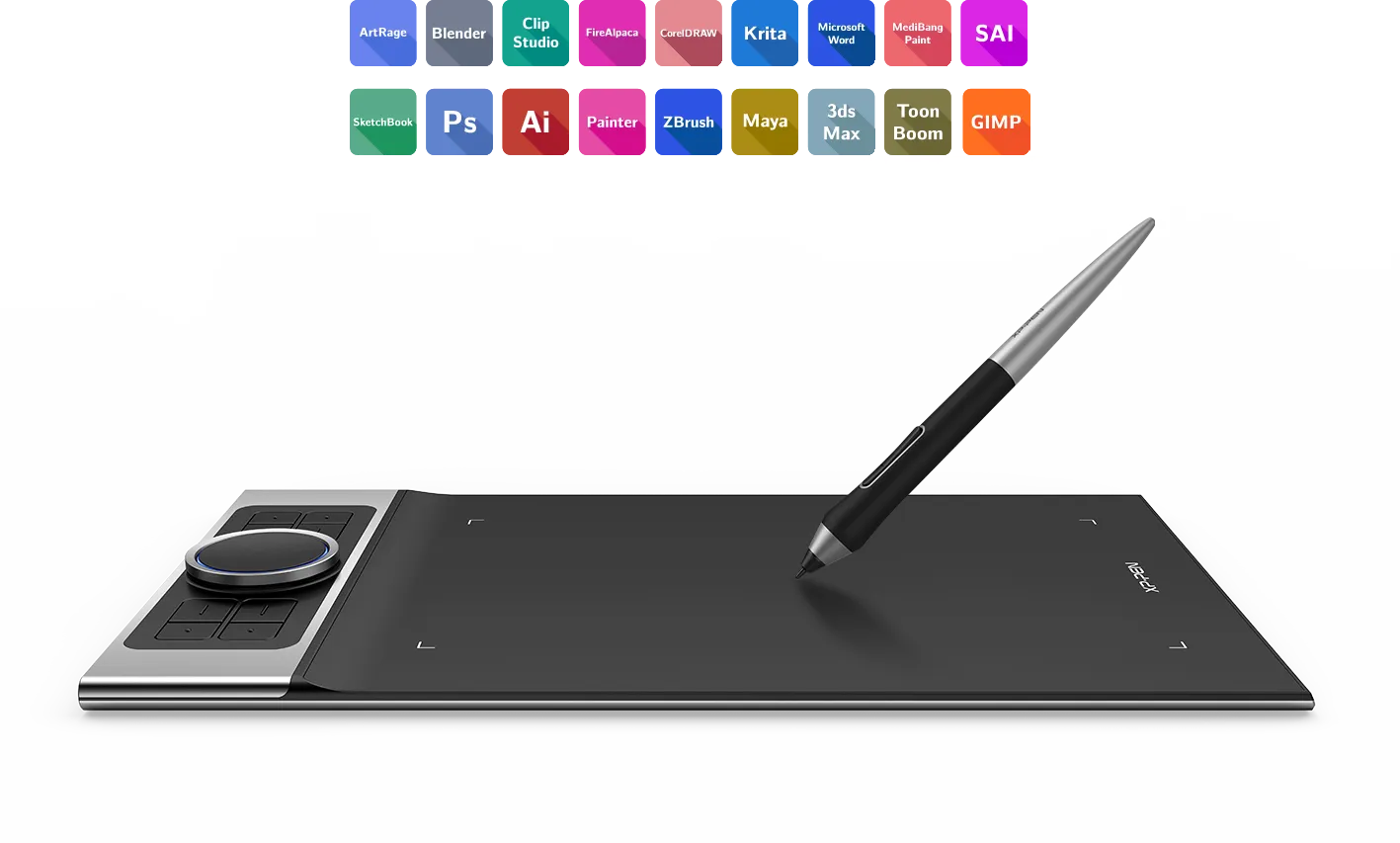
The Deco Pro series supports Windows, Mac OS, Android, Chrome OS and Linux systems.
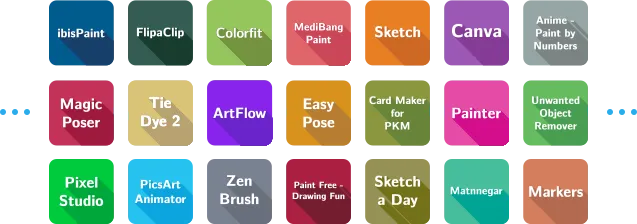
It's compatible with most drawing and design software, including Photoshop, SAI, Painter, Illustrator, and more. Empower your creativity with more possibilities.

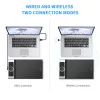
*Regarding the connection methods of Deco Pro SW and MW, the Bluetooth connection is available on Windows and Mac OS; the wireless receiver or wired connection is available on Windows, Mac OS, Android, Chrome OS, and Linux systems.
image

Use with Android applications.

The device is set to vertical mode by default.
image
image

Smooth and Sleek

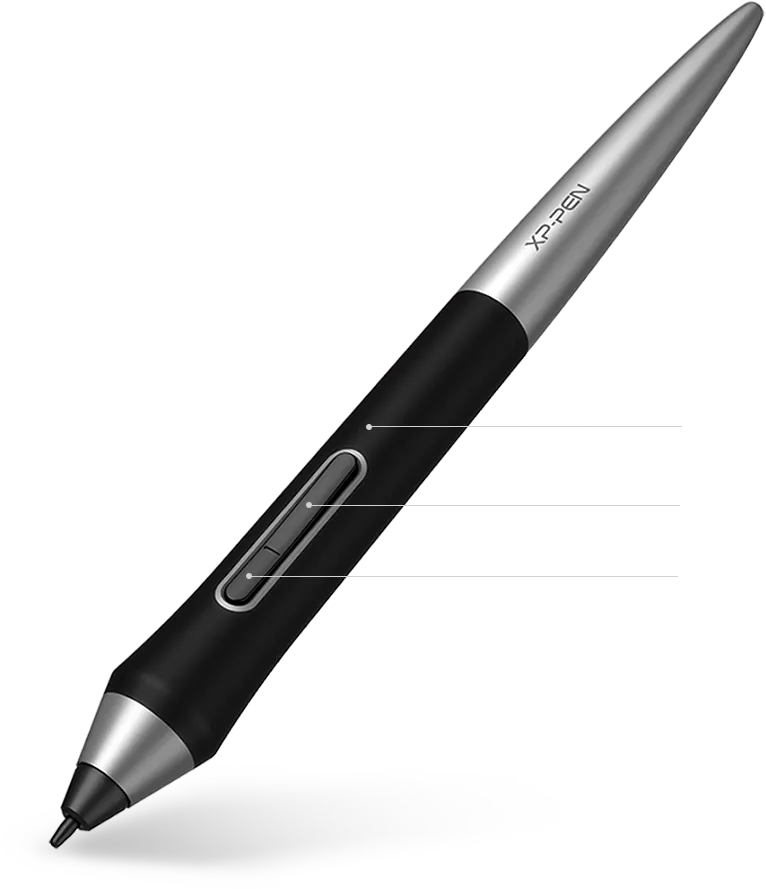
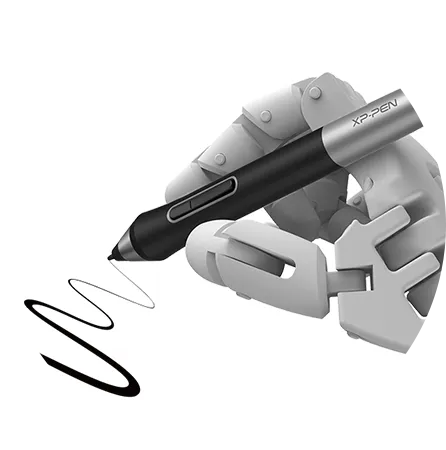
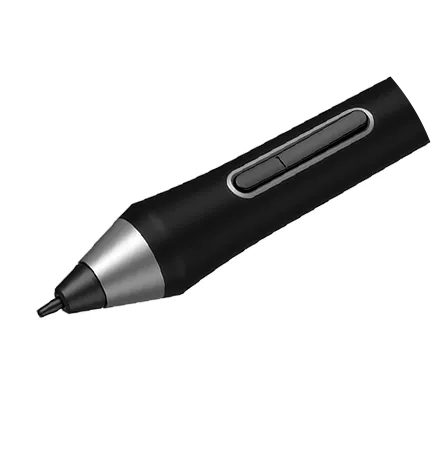
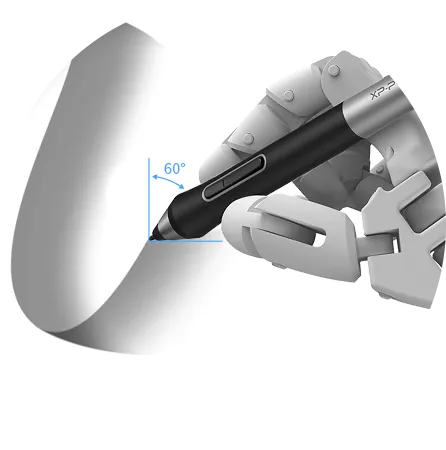
The PA1 battery-free stylus features a 60-degree tilt function and 8,192 levels of pressure sensitivity. You can shadow easily, draw delicate brushstrokes and lines, and express and present every subtle detail.

image

No battery

image

No charging

image

Anti-slip design

One click to switch

Right click
image

60° tilt

image

8192 pressure sensitivity levels

image

2 shortcut keys

Winner of Two
International Design Awards

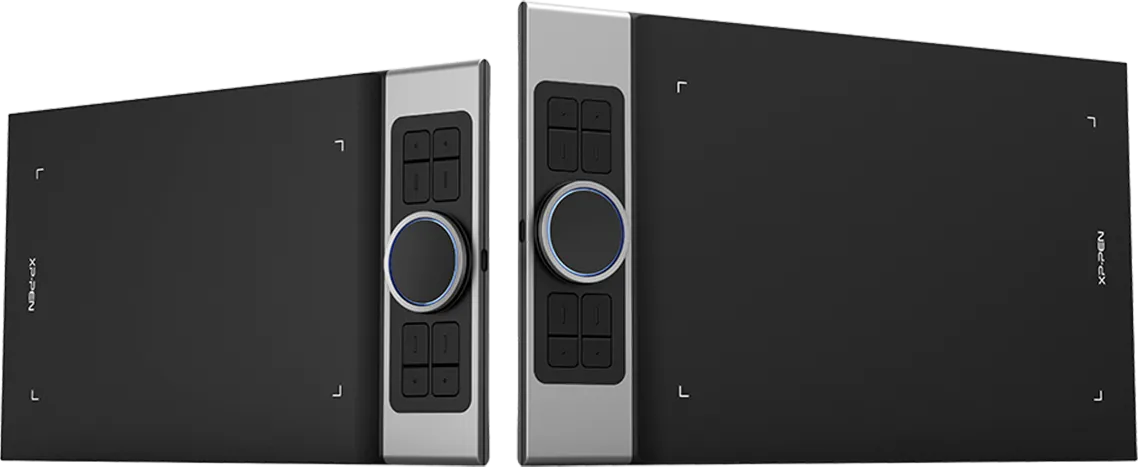
Feel the high-class texture and the light weight of the Deco Pro aluminum case. The black and the silver blend perfectly into its streamlined and dual-dial design. Deco Pro series won the 2019 Red Dot Design Award and the 2018 Good Design Award. Complement your splendid artwork with this award-winning design.

image
image
image
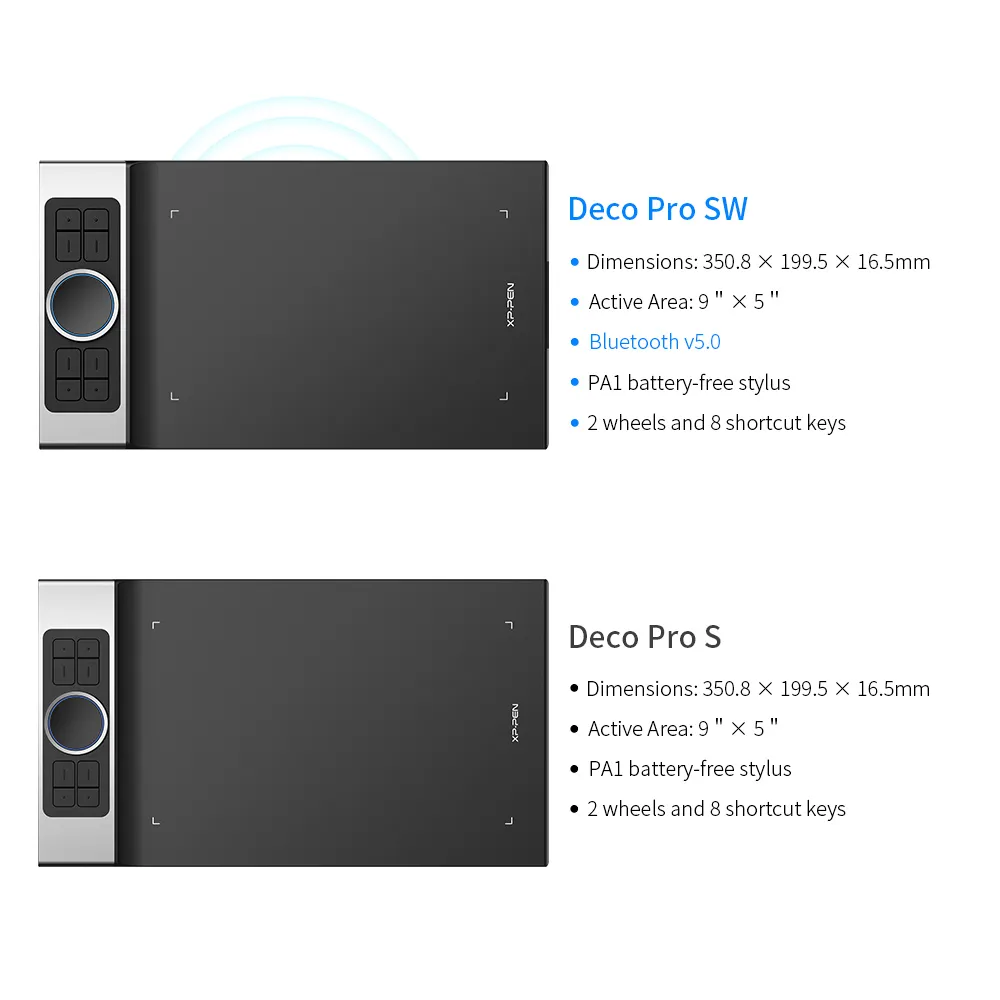
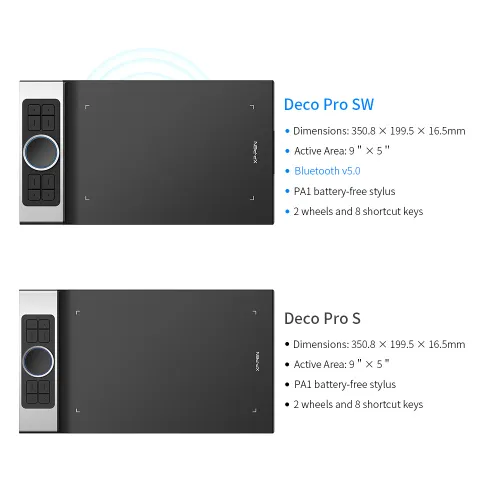
Deco Pro S
  • Dimensions: 350.8 × 199.5 × 16.5mm

  • Active Area: 9"× 5"

  • PA1 battery-free stylus

  • 2 wheels & 8 shortcut keys

image
Deco Pro SWimage
  • Dimensions: 350.8 × 199.5 × 16.5mm

  • Active Area: 9"× 5"

  • Bluetooth v5.0

  • PA1 battery-free stylus

  • 2 wheels & 8 shortcut keys

image
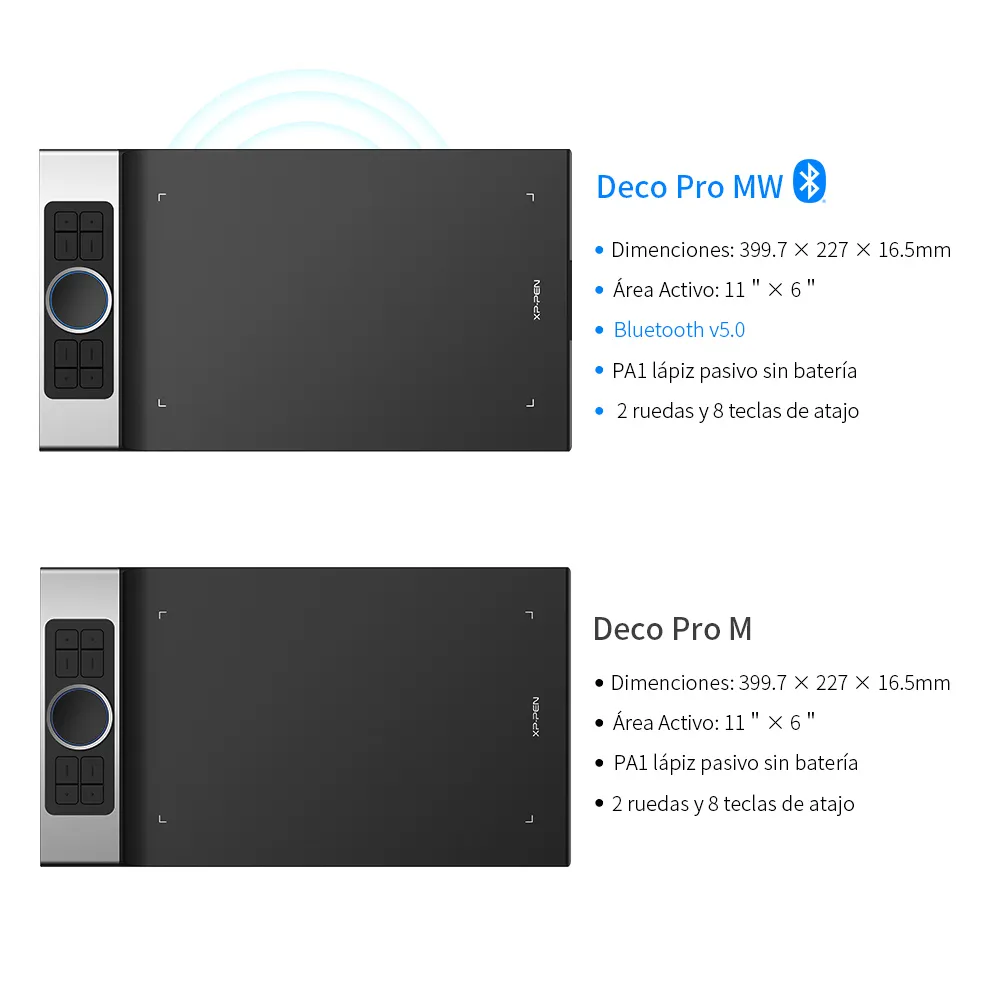
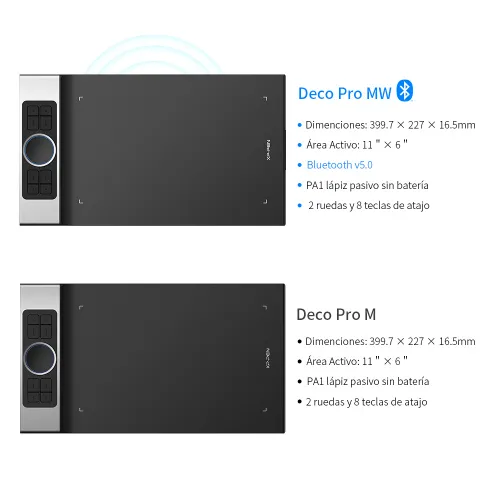
Deco Pro M
  • Dimensions: 399.7 × 227 × 16.5mm

  • Active Area: 11"× 6"

  • PA1 battery-free stylus

  • 2 wheels & 8 shortcut keys

image
Deco Pro MWimage
  • Dimensions: 399.7 × 227 × 16.5mm

  • Active Area: 11"× 6"

  • Bluetooth v5.0

  • PA1 battery-free stylus

  • 2 wheels and 8 shortcut keys

  • Show More

Linux OSVersionPackage FormatSupported Software
ArchArch Linux2019.12.01(64-bit).deb, .shGIMP, Krita
CentosCentos7.0(64-bit).rpm, .shGIMP
Centos8(64-bit).rpm, .shGIMP, Krita
Debiandebian-9.5.0-amd64-netinst(64-bit).deb, .shGIMP, Krita
elementary OSelementary OS 5.0(64-bit).deb, .shGIMP, Krita
ezgo Linuxezgo14(64-bit).deb, .shGIMP, Krita
FedoraFedora32(64-bit).rpm, .shGIMP, Krita
MageiaMageia-7.1(64-bit).rpm, .shGIMP, Krita
Manjaromanjaro-xfce-20.1.2-201019(64-bit).deb, .shGIMP
Mintlinuxmint-18.2-cinnamon-64bit.deb, .shGIMP, Krita
OpenSUSEopenSUSE-Tumbleweed(64-bit).rpm, .shGIMP, Krita
Pop!_OSpop-os_19.10(64-bit).deb, .shGIMP, Krita
Red HatRed Hat7(64-bit).rpm, .shGIMP
UbuntuUbuntu14.04(64-bit).deb, .shGIMP, Krita
Ubuntu16.04(64-bit).deb, .shGIMP, Krita
Ubuntu17.04(64-bit).deb, .shGIMP, Krita
Ubuntu18.04(64-bit).deb, .shGIMP, Krita
Ubuntu19.04(64-bit).deb, .shGIMP, Krita
Ubuntu20.04(64-bit).deb, .shGIMP, Krita
FunctionKrita 4.3.0Gimp 2.10.20Inkscape 0.92
Pen Pressure Sensitivity
Tilt
Mouse Function
Eraser Button
(Stylus:PH01, P06)
Switch between Pen
and Eraser Modes
*If you have any further queries, please do not hesitate to contact us at service@xp-pen.com.

Linux OS

Arch
Version
Arch Linux2019.12.01(64-bit)
Package Format
.deb, .sh
Supported Software
GIMP, Krita
Centos
Version
Centos7.0(64-bit)
Centos8(64-bit)
Package Format
.rpm, .sh
.rpm, .sh
Supported Software
GIMP
GIMP, Krita
Debian
Version
debian-9.5.0-amd64-netinst(64-bit)
Package Format
.deb, .sh
Supported Software
GIMP, Krita
elementary OS
Version
elementary OS 5.0(64-bit)
Package Format
.deb, .sh
Supported Software
GIMP, Krita
ezgo Linux
Version
ezgo14(64-bit)
Package Format
.deb, .sh
Supported Software
GIMP, Krita
Fedora
Version
Fedora32(64-bit)
Package Format
.rpm, .sh
Supported Software
GIMP, Krita
Mageia
Version
Mageia-7.1(64-bit)
Package Format
.rpm, .sh
Supported Software
GIMP, Krita
Manjaro
Version
manjaro-xfce-20.1.2-201019(64-bit)
Package Format
.deb, .sh
Supported Software
GIMP
Mint
Version
linuxmint-18.2-cinnamon-64bit
Package Format
.deb, .sh
Supported Software
GIMP, Krita
OpenSUSE
Version
openSUSE-Tumbleweed(64-bit)
Package Format
.rpm, .sh
Supported Software
GIMP, Krita
Pop!_OS
Version
pop-os_19.10(64-bit)
Package Format
.deb, .sh
Supported Software
GIMP, Krita
Red Hat
Version
Red Hat7(64-bit)
Package Format
.rpm, .sh
Supported Software
GIMP
Ubuntu
Version
Ubuntu14.04(64-bit)
Ubuntu16.04(64-bit)
Ubuntu17.04(64-bit)
Ubuntu18.04(64-bit)
Ubuntu19.04(64-bit)
Ubuntu20.04(64-bit)
Package Format
.deb, .sh
.deb, .sh
.deb, .sh
.deb, .sh
.deb, .sh
.deb, .sh
Supported Software
GIMP, Krita
GIMP, Krita
GIMP, Krita
GIMP, Krita
GIMP, Krita
GIMP, Krita

Function

Pen Pressure Sensitivity
Krita 4.3.0
Gimp 2.10.20
Inkscape 0.92
Tilt
Krita 4.3.0
Gimp 2.10.20
Inkscape 0.92
Mouse Function
Krita 4.3.0
Gimp 2.10.20
Inkscape 0.92
Eraser Button(Stylus:PH01, P06)
Krita 4.3.0
Gimp 2.10.20
Inkscape 0.92
Switch between Penand Eraser Modes
Krita 4.3.0
Gimp 2.10.20
Inkscape 0.92

*If you have any further queries, please do not hesitate to contact us at service@xp-pen.com.

Reviews
3.7
starstarstarstarstar
Based on 3
starstarstarstarstar
67%(2)
starstarstarstarstar
0(0)
starstarstarstarstar
0(0)
starstarstarstarstar
0(0)
starstarstarstarstar
33%(1)
Qu1nnt3y
starstarstarstarstar
Nov 14 ,2025 PM 14:40 Deco Pro SW/MW Bluetooth wireless
gorgeous
I am more than pleased with this product, it is light and slim, easy to carry around. the buttons and wheel are smooth and quiet. I previously got a Star G640, this is the perfect upgrade. The grips are stable. The pen isn't as harsh on the screen, currently no marks and I've been using it flat. It is also so smooth running across the screen. A little larger than expected, just too big for my personal bag. So many options for connecters I LOVE IT. It sometimes has connectivity issues, but it's an easy fix, flicking it on and off. Takes 2 seconds and rarely happens in my experience so far. The only thing I don't like personally is the fact it flashes on and off every time you bring the pen to it, a little distracting in class. Long battery life, i've been using it all day and it's only lost 2 bars.
Useful(0)+1
XFANSn8cj02a4
starstarstarstarstar
Feb 14 ,2022 AM 07:16 Deco Pro SW/MW Bluetooth wireless
excellent
It is a very good product for the price.
Useful(0)+1
SRH
starstarstarstarstar
Apr 22 ,2024 AM 07:52 Deco Pro SW/MW Bluetooth wireless
Laggy and malfunctioning software
I recently bought an XPPEN Deco Pro MW tablet, but I'm extremely dissatisfied with the product. When using it with either the wire or Bluetooth connection and rotating the canvas to 90 or 180 degrees even with proper settings, the entire painting or handwriting stretches awkwardly. Additionally, all settings reset after each close/open or restart, requiring me to reconfigure everything repeatedly. I've installed the latest driver version and tested it on both Windows 10 and Windows 11 across various laptops and PCs, but the same issues persist. I'm very disappointed and frustrated with this experience. Now, XPPEN website doesn't even let me upload the screenshot of the problem!!!
Useful(1)+1
Q & A
XFANS4vr7rc7e
Oct 21 ,2025 AM 09:02 Deco Pro SW/MW Bluetooth wireless
Is this compatible with Tux Paint. Please answer quickly!
Reply0
XFANSbbopvwco
Aug 20 ,2023 AM 05:11 Deco Pro SW/MW Bluetooth wireless
Does your product support modeling for 3d printers Can you given information on this please
Reply0
XFANS98j9iuxz
May 16 ,2023 PM 14:00 Deco Pro SW/MW Bluetooth wireless
Can I connect this to my iPad
Reply0
XFANSvb28kfso
Jan 02 ,2023 AM 11:16 Deco Pro SW/MW Bluetooth wireless
can I use a stand with deco pro mw and if so which one do you recommend?
Reply0
XFANS7sdrno3h
Dec 01 ,2022 AM 09:48 Deco Pro SW/MW Bluetooth wireless
Does this model support Linux as well?
Reply0
XFANSvxeyfzod
Jun 12 ,2022 PM 13:18 Deco Pro SW/MW Bluetooth wireless
Would the Deco-Pro MW be able to be hooked up to PC? Is it also compatible with drawing apps such as FireAlpaca?
Reply0
XFANSk6vku582
Jan 14 ,2022 AM 06:56 Deco Pro SW/MW Bluetooth wireless
Are there any functions that work with Lightroom CC or is it completely incompatible?
Reply1
Official mall
Jan 14 ,2022 PM 12:00
Hi, Yes, Deco pro sw/mw can work with Lightroom CC, please rest assured to buy. Best Regards XP-PEN
Reply to this review
XFANS8hthtp6c
Nov 14 ,2021 PM 21:27 Deco Pro SW/MW Bluetooth wireless
Hey just wondering what's the weight difference between the two sizes?
Reply1
Official mall
Nov 15 ,2021 AM 11:33
Dear customer, Thank you for your inquiry, Deco Pro SW tablet weights 0.65kg and Deco Pro MW is 0.87kg. Hope it helps:) Edie
Reply to this review
XFANSp8jvooxu
Nov 01 ,2021 AM 10:27 Deco Pro SW/MW Bluetooth wireless
Hi I am looking a purchasing but I need to know is this device compatible with Hatch Embroidery software
Reply1
Official mall
Nov 02 ,2021 AM 10:39
Dear customer, Deco Pro SW/MW is compatible with Hatch Embroidery software. Hope it helps. Best Regards, Edie
Reply to this review
XFANSo6pryeub
Sep 14 ,2021 PM 16:32 Deco Pro SW/MW Bluetooth wireless
Hey same question but with a link to the website Hey I’m thinking about buying one. I found a website I don’t know if it’s official but it said it can connect by Bluetooth to an iPhone and could only draw on ibis paint x so I was wondering if I could use ibis paint x on iPad with the tablet https://www.xp-pen.com/product/915.html
Reply1
Official mall
Sep 16 ,2021 PM 15:09
Dear customer, The website you found is our XPPEN US Store. Deco Pro SW/MW comes with Bluetooth connection function,which can be connected with iphone or ipad.Normally,the tablet supports ibis paint x on ipad. Hope it is helpful to you. Best Regard, Edie
Reply to this review
Learn More
Payment icon 0Payment icon 1Payment icon 2Payment icon 3

Copyright© 2025 HANVON UGEE (HK) TECHNOLOGY CO., LIMITED All Rights Reserved.

Payment icon 0Payment icon 1Payment icon 2Payment icon 3