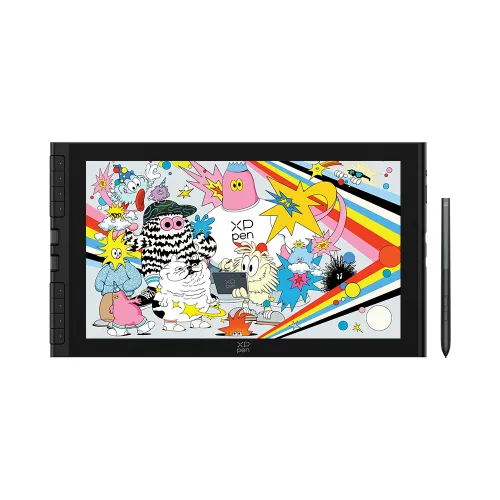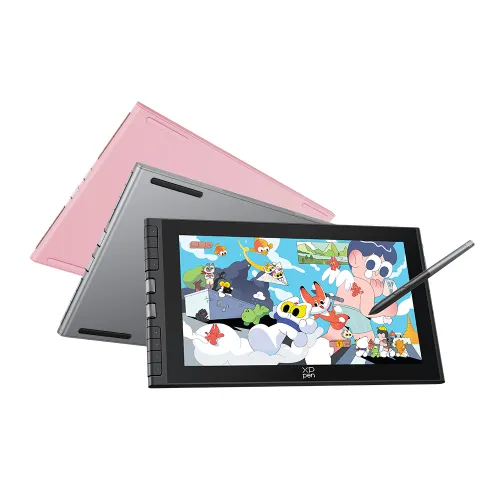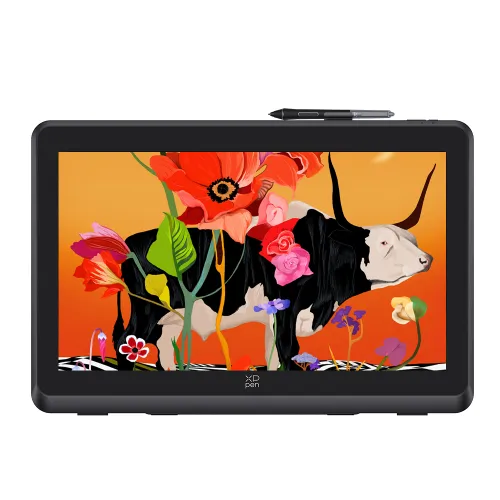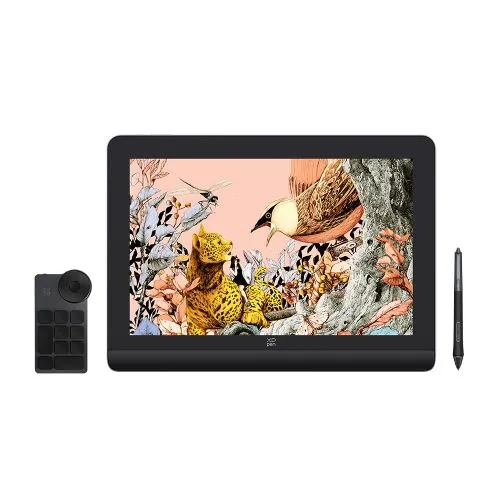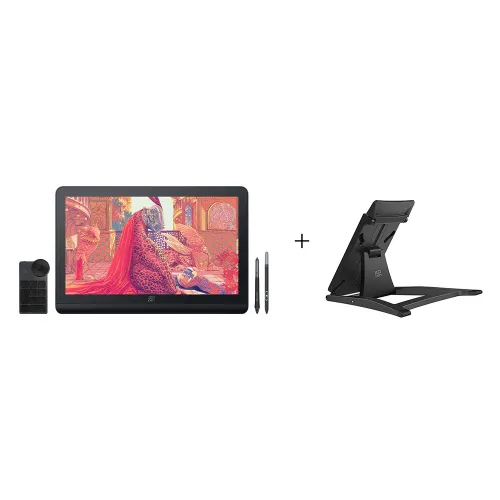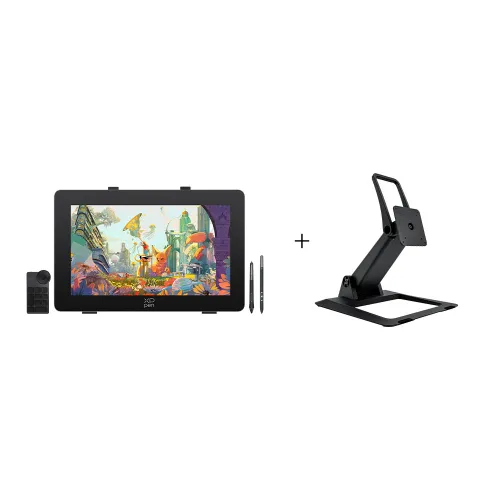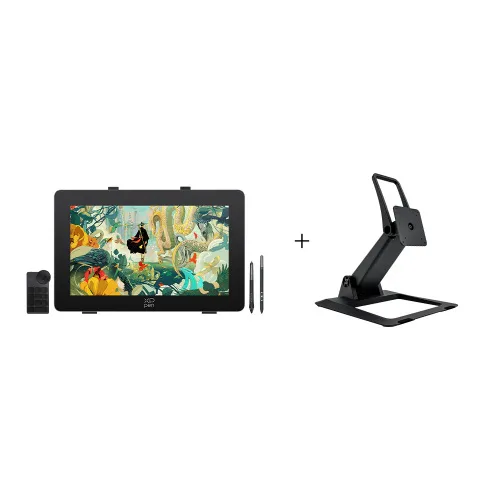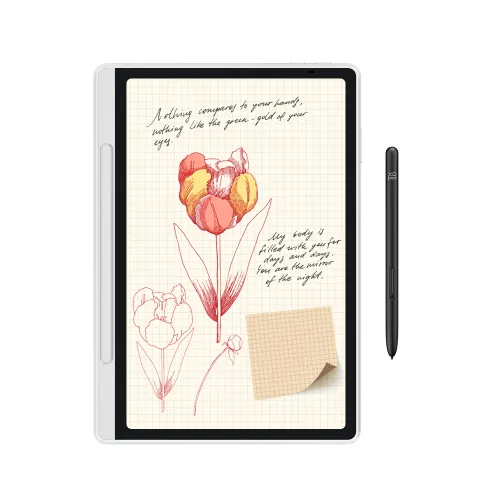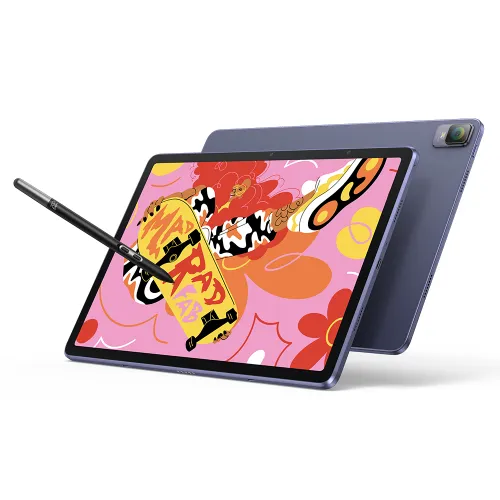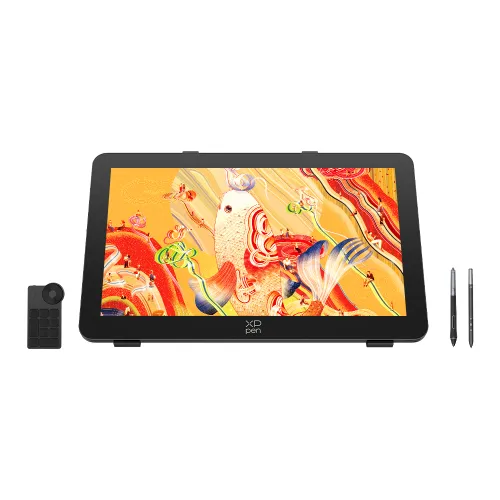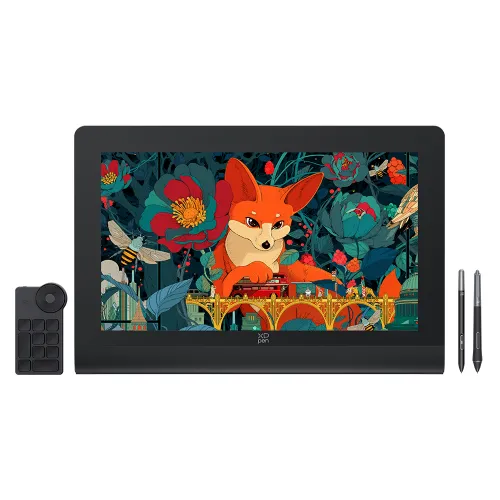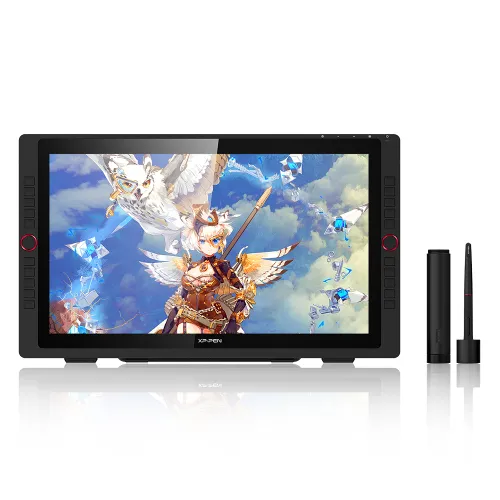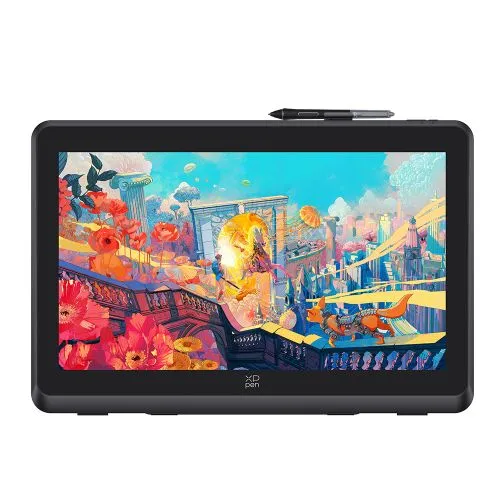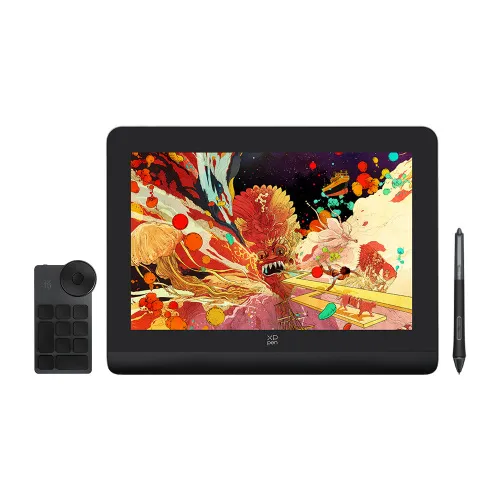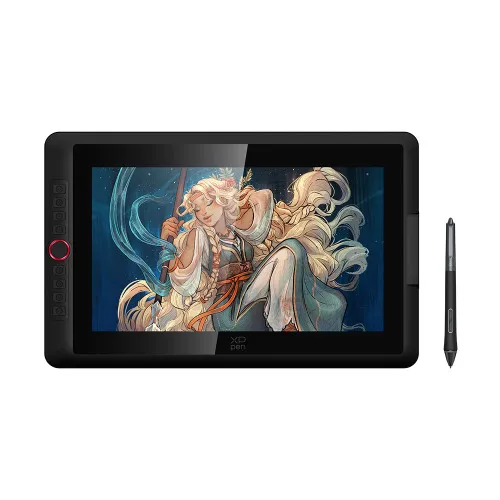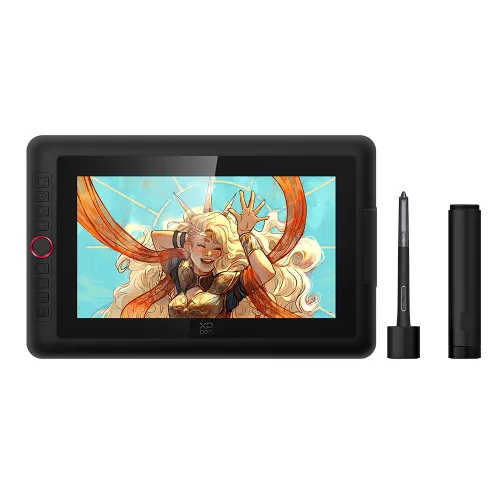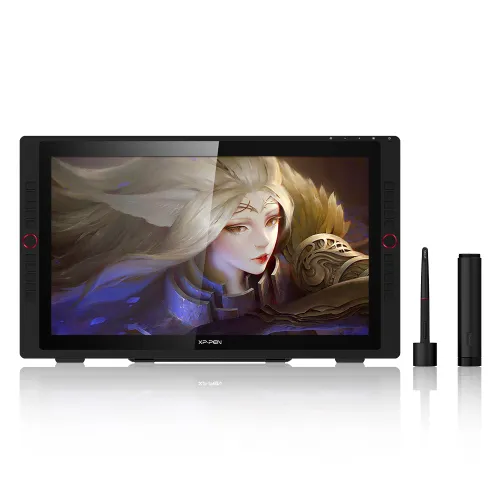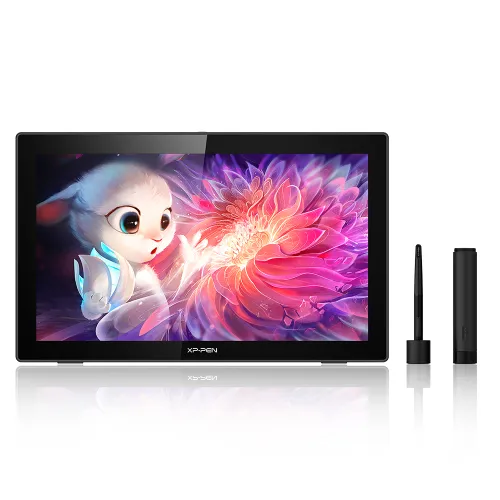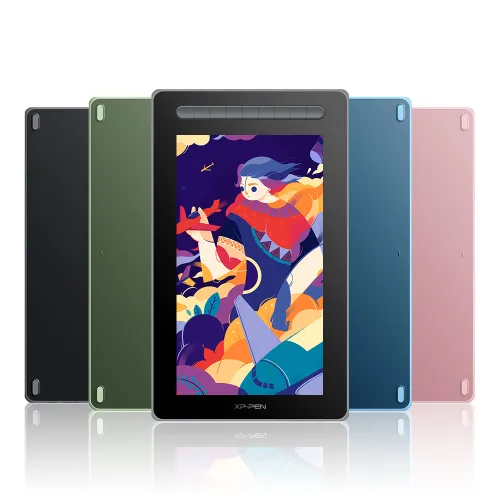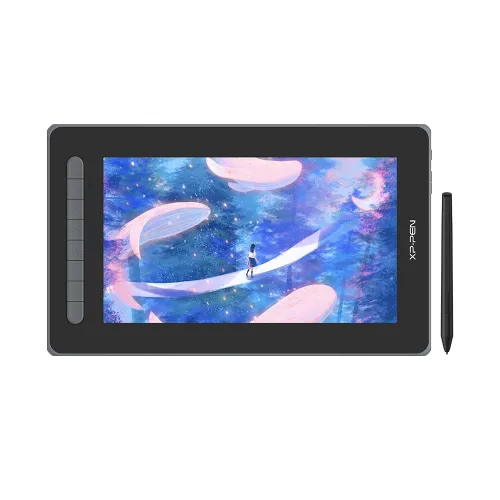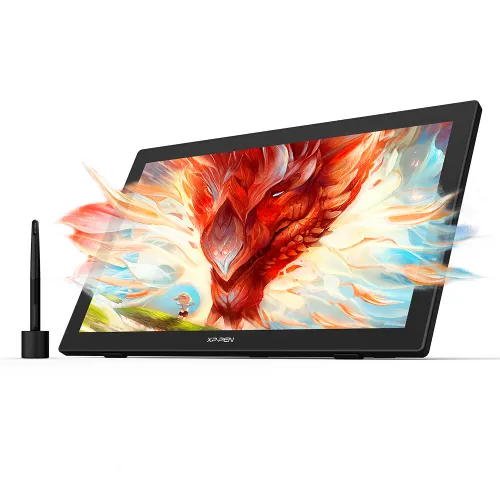
Innovator 16

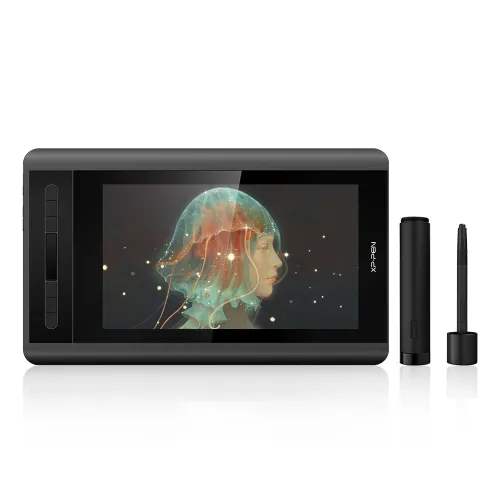
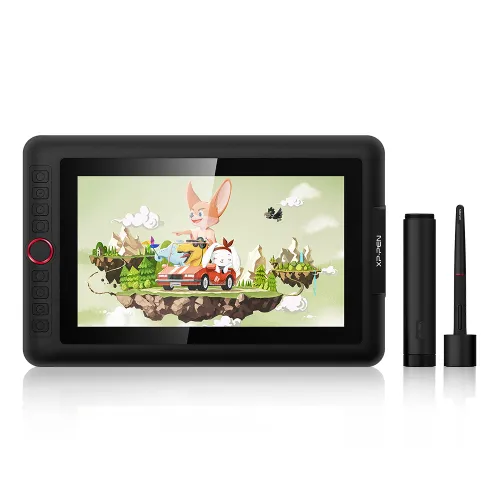
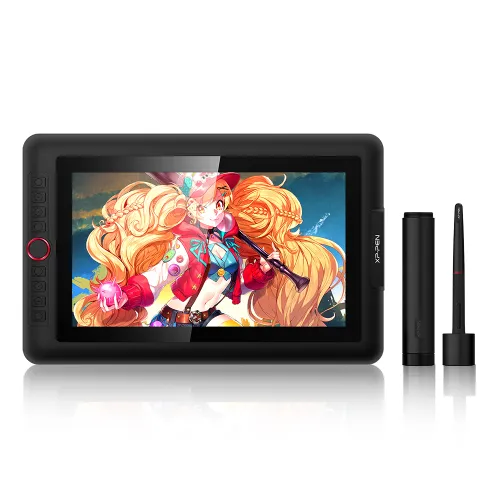
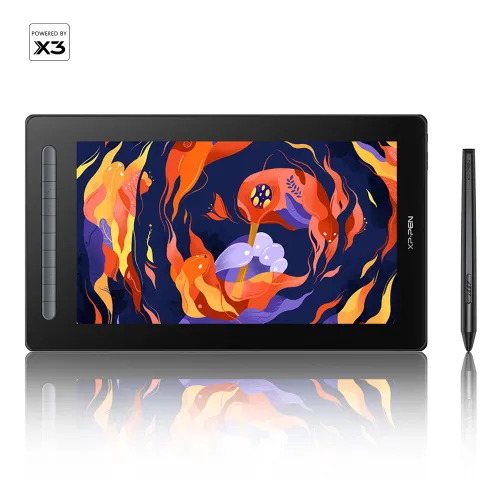
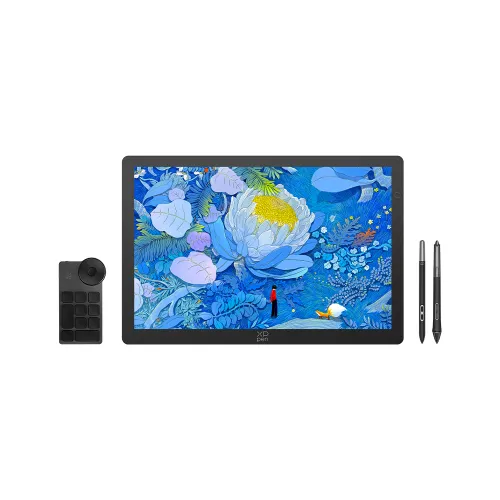
15.6-inch full laminated 1920*1080 FHD display. 92% Adobe® RGB, 125% sRGB. Battery-free stylus, tilt function. Industry-leading 9 mm profile with sleek black and silver design. Features both a mechanical and a virtual wheel. 8 customized express keys.

$399.99

FAST & FREE

7-day delivery sitewide.

SECURE PAYMENT

Buy now, pay later. Secured by PayPal.

TECH SUPPORT

service@xp-pen.com

18-MONTH WARRANTY

18-month warranty only for official E-store

Extended Warranty:
N/A
1 Year Extended Warranty

Optional Accessories

https://resource.xp-pen.com/Uploads/goods/20211028/d2dfc152e2f09f7a4e4f2b6c24eb56a4_60_60.webp

Artist Anti-fouling Glove SE

+$8.99$9.99

10% Off
https://resource.xp-pen.com/Uploads/goods/20171115/aad4191ed345b0fde9394d0a024eca79_60_60.webp

AC20 Cable Case

+$16.99$19.99

15% Off
https://resource.xp-pen.com/Uploads/goods/20200807/7cd21e4ea8682c9c44343b3c6789d2ab_60_60.webp

ACJ01 Case

+$33.99$39.99

15% Off

Quantity:

Payment icon 0Payment icon 1Payment icon 2Payment icon 3Payment icon 4Payment icon 5Payment icon 6Payment icon 7
Estimate:

Innovator Display 16
Slim, swift and sleek

image

Contemporary Good Design Award

Contemporary Good Design Award, abbreviated as CGD, is an international design award organized by Red Dot. CGD is the indication of outstanding designs.

More details

image

The slimmest ever graphics display

With its industry-leading 9 mm profile and sleek black and silver design, the 15.6" Innovator Display 16 is perfect for drawing on the go.

image

15.6 inch

9 mm

image

Be creative and productive

The Innovator Display 16 features both a mechanical and a virtual wheel, allowing you to zoom in/out of your canvas, adjust the brush size, and more with the two wheels.

image

Powerful technology for a stimulating visual experience

The Innovator Display 16 features full lamination technology. This seamless combination of glass and screen creates minimal parallax.

image

Minimal parallax

Vibrantly expressive

With a screen color gamut of 92% Adobe® RGB, the Innovator Display 16 delivers a diverse and vibrant spectrum of colors, allowing you to create vivid artwork enriched by lifelike hues and sharp details.

image
image

125% sRGB

image

92% Adobe RGB

image

88% NTSC

image

Be empowered

The Innovator Display 16 features 8 shortcut keys that can be programmed to many different software programs, such as Adobe® Photoshop®, SAI®, and Maya®, helping you to realize your ideas and streamline your workflow.

A stylus that offers freedom and precision

The Innovator Display 16 comes with a battery-free stylus that never needs charging, allowing for hours of uninterrupted drawing. The stylus supports up to 60 degrees of tilt action, helping you to create natural and seamless shading.

image

Tilt

Create whenever, wherever

The Innovator Display 16’s convenient three-in-one cable frees you from messy bundles of wire, helping to create a sleeker creative space and inspire creativity on the go.

image

Every accessory matters

The Innovator Display 16 comes with a portable stand, designed to prevent shaking and reduce eye fatigue and hand stiffness. The pen holder keeps your pen and pen nibs safe, making it a convenient tool to take wherever you go.

image
image

Extensive compatibility

The Innovator Display 16 supports Windows 7 (or later), Linux (Detailed versions), and Mac OS X® 10.10 (and higher). It is also compatible with popular digital art software, including Adobe® Photoshop®, Illustrator®, SAI®, CDR®, GIMP®, Krita®, Medibang®, Fire Alpaca® and Blender® 3D.

image

Product Gallery

image
image
image
image
image
image
image
image
image
image
  • Specifications

image

Dimensions
443.27x256.45x9mm

image

8 Shortcut Keys
1 Mechanic Wheel
1 Virtual Wheel

image

92% Adobe® RGB
88% NTSC
125% sRGB

image

Battery-free Stylus
Tilt: 60°

  • Show more

image
Getting started with your
XP-Pen Innovator display
Learn more >
image
All Innovator display come
with one free creative software
Learn more >
Linux OSVersionPackage FormatSupported Software
ArchArch Linux2019.12.01(64-bit).deb, .shGIMP, Krita
CentosCentos7.0(64-bit).rpm, .shGIMP
Centos8(64-bit).rpm, .shGIMP, Krita
Debiandebian-9.5.0-amd64-netinst(64-bit).deb, .shGIMP, Krita
elementary OSelementary OS 5.0(64-bit).deb, .shGIMP, Krita
ezgo Linuxezgo14(64-bit).deb, .shGIMP, Krita
FedoraFedora32(64-bit).rpm, .shGIMP, Krita
MageiaMageia-7.1(64-bit).rpm, .shGIMP, Krita
Manjaromanjaro-xfce-20.1.2-201019(64-bit).deb, .shGIMP
Mintlinuxmint-18.2-cinnamon-64bit.deb, .shGIMP, Krita
OpenSUSEopenSUSE-Tumbleweed(64-bit).rpm, .shGIMP, Krita
Pop!_OSpop-os_19.10(64-bit).deb, .shGIMP, Krita
Red HatRed Hat7(64-bit).rpm, .shGIMP
UbuntuUbuntu14.04(64-bit).deb, .shGIMP, Krita
Ubuntu16.04(64-bit).deb, .shGIMP, Krita
Ubuntu17.04(64-bit).deb, .shGIMP, Krita
Ubuntu18.04(64-bit).deb, .shGIMP, Krita
Ubuntu19.04(64-bit).deb, .shGIMP, Krita
Ubuntu20.04(64-bit).deb, .shGIMP, Krita
FunctionKrita 4.3.0Gimp 2.10.20Inkscape 0.92
Pen Pressure Sensitivity
Tilt
Mouse Function
Eraser Button
(Stylus:PH01, P06)
Switch between Pen
and Eraser Modes
*If you have any further queries, please do not hesitate to contact us at service@xp-pen.com.

Linux OS

Arch
Version
Arch Linux2019.12.01(64-bit)
Package Format
.deb, .sh
Supported Software
GIMP, Krita
Centos
Version
Centos7.0(64-bit)
Centos8(64-bit)
Package Format
.rpm, .sh
.rpm, .sh
Supported Software
GIMP
GIMP, Krita
Debian
Version
debian-9.5.0-amd64-netinst(64-bit)
Package Format
.deb, .sh
Supported Software
GIMP, Krita
elementary OS
Version
elementary OS 5.0(64-bit)
Package Format
.deb, .sh
Supported Software
GIMP, Krita
ezgo Linux
Version
ezgo14(64-bit)
Package Format
.deb, .sh
Supported Software
GIMP, Krita
Fedora
Version
Fedora32(64-bit)
Package Format
.rpm, .sh
Supported Software
GIMP, Krita
Mageia
Version
Mageia-7.1(64-bit)
Package Format
.rpm, .sh
Supported Software
GIMP, Krita
Manjaro
Version
manjaro-xfce-20.1.2-201019(64-bit)
Package Format
.deb, .sh
Supported Software
GIMP
Mint
Version
linuxmint-18.2-cinnamon-64bit
Package Format
.deb, .sh
Supported Software
GIMP, Krita
OpenSUSE
Version
openSUSE-Tumbleweed(64-bit)
Package Format
.rpm, .sh
Supported Software
GIMP, Krita
Pop!_OS
Version
pop-os_19.10(64-bit)
Package Format
.deb, .sh
Supported Software
GIMP, Krita
Red Hat
Version
Red Hat7(64-bit)
Package Format
.rpm, .sh
Supported Software
GIMP
Ubuntu
Version
Ubuntu14.04(64-bit)
Ubuntu16.04(64-bit)
Ubuntu17.04(64-bit)
Ubuntu18.04(64-bit)
Ubuntu19.04(64-bit)
Ubuntu20.04(64-bit)
Package Format
.deb, .sh
.deb, .sh
.deb, .sh
.deb, .sh
.deb, .sh
.deb, .sh
Supported Software
GIMP, Krita
GIMP, Krita
GIMP, Krita
GIMP, Krita
GIMP, Krita
GIMP, Krita

Function

Pen Pressure Sensitivity
Krita 4.3.0
Gimp 2.10.20
Inkscape 0.92
Tilt
Krita 4.3.0
Gimp 2.10.20
Inkscape 0.92
Mouse Function
Krita 4.3.0
Gimp 2.10.20
Inkscape 0.92
Eraser Button(Stylus:PH01, P06)
Krita 4.3.0
Gimp 2.10.20
Inkscape 0.92
Switch between Penand Eraser Modes
Krita 4.3.0
Gimp 2.10.20
Inkscape 0.92

*If you have any further queries, please do not hesitate to contact us at service@xp-pen.com.

Reviews
4.0
11111
Based on 18
11111
61%(11)
11111
6%(1)
11111
11%(2)
11111
17%(3)
11111
6%(1)
CDrago
11111
Apr 17 ,2022 PM 22:17 Innovator 16
First Display Tablet
My friend had recommended i get an XP Pen for my first time getting a display and so far after a few days, i love it! I didn't have to change much straight out of the box other than my own un-surety in color accuracy across devices I'm happy I made this purchase when I did!
Official mall
Apr 18 ,2022 PM 18:09
Thank you so much for the kind words. We are very glad to hear that you are satisfied with our product. Your compliment means a great deal to us. We strive to provide even better products and services, and your opinion can bring us here. Have a nice day : )
Useful(0)+1
Andrew Hicks
11111
Dec 31 ,2020 AM 01:39 Innovator 16
Best upgrade I could have made!
I used an XP-Pen artist 22HD since around 2013 and this was the best upgrade I could have made. Much easier to carry around, does everything my old monitor did but can now fit in my backpack and is no bigger than the Surface that I bring with me when travelling. The pen sensitivity is MUCH smoother, The screen is excellent, there is very little bezel but enough space to not worry about running pen strokes. The Hotkeys are a wonderful bonus, but the default assignment in the software is a little ugly when changing from the default to a custom mapping. Not a big deal but is something to note. Works with everything, but getting it to work with a smartphone didn't work for me, but that's not really the reason I bought it, but it would be nice if it worked through a single USB-C cable and could adapt to the 3-tree USB-A+HDMI cable. Overall, Super impressed, and hope I don't have to upgrade from this for years to come!
Official mall
Dec 31 ,2020 PM 18:09
Thank you so much for the kind words. We are very glad to hear that you are satisfied with our product. Your compliment means a great deal to us. We strive to provide even better products and services, and your opinion can bring us here.  Have a nice day : )
XFANSitxwdijz
Nov 02 ,2021 AM 11:51
撒旦士大夫士大夫士大夫地方设置
XFANSrchjbsvd
Dec 31 ,2021 AM 11:56
himmmm
XFANSrchjbsvd
Dec 31 ,2021 PM 12:03
nnnnnn
Useful(0)+1
Marcus McGlone
11111
Jul 17 ,2020 PM 22:39 Innovator 16
Fun to use
I've used a graphic tablet before in a class, but this is the first one I've purchased. So far it's really enjoyable. It seems well made and everything works like you'd expect. In fact it's so enjoyable to use that I feel like I could just draw all day without stopping and be fine, just because it's that fun. I do have a few nitpicks with it though. The stand it comes with should really have more than one position. Sometimes it feels like the pen doesn't always pick up inputs if you press too lightly. Overall great product.
Official mall
Jul 18 ,2020 PM 13:05
Thank you so much for your support. We will work harder to provide products and services that make our customers more satisfied. Don\'t worry, if you have any using problem, please feel free to contact our tech support: service@xp-pen.com, they will provide professional help. Drawing with this item and having fun~
Useful(1)+1
Learn More
Q&A
Admin
Feb 18 ,2022 PM 17:33 Innovator 16
Is it a standalone graphic display or do I need to plug it to a computer to use it?
Reply1
Official mall
Feb 18 ,2022 PM 17:37
It is not a standalone product, it needs to be connected to a computer to work. It supports Windows 10/8/7(32/64bit), Mac OS X version 10.10 or later.
Reply to this review
XFANSknrrsl91
Nov 26 ,2025 AM 05:04 Innovator 16
I got this as a goft a couple years ago and havent really used it until now, but the screen keeps glitching and shutting off :( how can i fix this? i havent dropped it or damaged it, it always stays in the box it came in when not being used!
Reply1
Official mall
Nov 26 ,2025 PM 15:31
Hello, For product hardware issues, please contact our technical support team: service@xp-pen.com Please feel free to ask any questions.
Reply to this review
Kurai
Nov 18 ,2023 AM 03:35 Innovator 16
Cuanto es que pesa la tableta?
Reply1
Official mall
Nov 20 ,2023 AM 10:33
Hola El peso del Innovator 16 es de 3450 g.
Reply to this review
XFANScvaxq75z
Mar 20 ,2023 PM 23:45 Innovator 16
I have two questions. 1. Is it compatible with chromebooks/androids? 2. Does it support IbisPaint X?
Reply1
Official mall
Mar 21 ,2023 PM 15:47
Hello,
Innovator 16 is not compatible with Android and therefore does not support IbisPaint X.
It is compatible with Chrome OS 88 (or later).
Reply to this review
XFANS7fox1si5
Jun 08 ,2022 AM 11:25 Innovator 16
I got mine for Christmas and after a while I started using it not even a month in and all of a sudden it shut off I tried leaving it alone for a while thinking it may overheated but that wasn't it I tried turning it on again but it would just show a black screen. The we're connected right but I don't think it's that either or maybe I would have to move the wires to make the screen work again. But more more I do that it just doesn't work anymore what do I do?
Reply1
Official mall
Jun 08 ,2022 PM 17:34
Thanks for your review. We have read your review carefully. In XP-PEN, we care about the customer\'s experience in the use of our product, and we strive to provide even better products and services, and your opinion can bring us here. For the issue of your item, could you please contact our tech support at service@xp-pen.com with a description or a video of the issue? They are willing to provide professional help. We provide 18 months warranty for our products, which starts from the date of purchase and we are able to arrange a replacement unit if the problem of your item can\'t be fixed online. We sincerely hope that we can remedy this issue and provide a satisfying shopping experience for you. Your understanding and cooperation are much appreciated.
Reply to this review
XFANSg80f97i7
Apr 27 ,2022 AM 09:10 Innovator 16
I saw that the tablet will work with windows 10/8/7, but will it work with windows 11? If it is not, are there any digital display tablets from XP pen you can recommend that are compatible with windows 11 around the same price point?
Reply1
Official mall
Apr 27 ,2022 AM 10:33
Hello, xppen tablet can work with windows 11.
Reply to this review
XFANSkfojln4e
Apr 26 ,2022 AM 06:31 Innovator 16
Hii, before I make a purchase does is the Innovator 16 compatible with Clip Studio Paint??
Reply1
Official mall
Apr 26 ,2022 PM 18:34
Hello, the Innovator 16 is compatible with Clip Studio Paint.
Reply to this review
XFANSp69zbpj7
Feb 06 ,2022 PM 14:12 Innovator 16
Does this product come with a free glove? Or is that specific to the anniversary edition? if it is specific to the anniversary edition, is that version currently available?
Reply1
Official mall
Feb 08 ,2022 AM 10:52
Hello, the Innovator 16 come with a free glove, compared with the anniversary edition, it is only different in the product packaging.
Reply to this review
JtAnimates
Jan 20 ,2022 PM 12:02 Innovator 16
How do I connect the innovator 16 to the MacBook pro?
Reply1
Official mall
Jan 22 ,2022 AM 11:01
Hello, You need to download the corresponding driver from this webpage, then connect the innovator 16 with your MacBook to use it https://www.xp-pen.com/download-523.html If you require further assistance, please feel free to contact us. Have a nice day:)
Reply to this review
JtAnimates
Jan 05 ,2022 AM 06:40 Innovator 16
Do the side keys get warm or hot?
Reply1
Official mall
Jan 07 ,2022 PM 19:47
Thanks for your inquiry. The shortcut keys will not get warmer under proper use. Please feel free to let us know if you have other questions, we are glad to help.
Reply to this review
Learn More