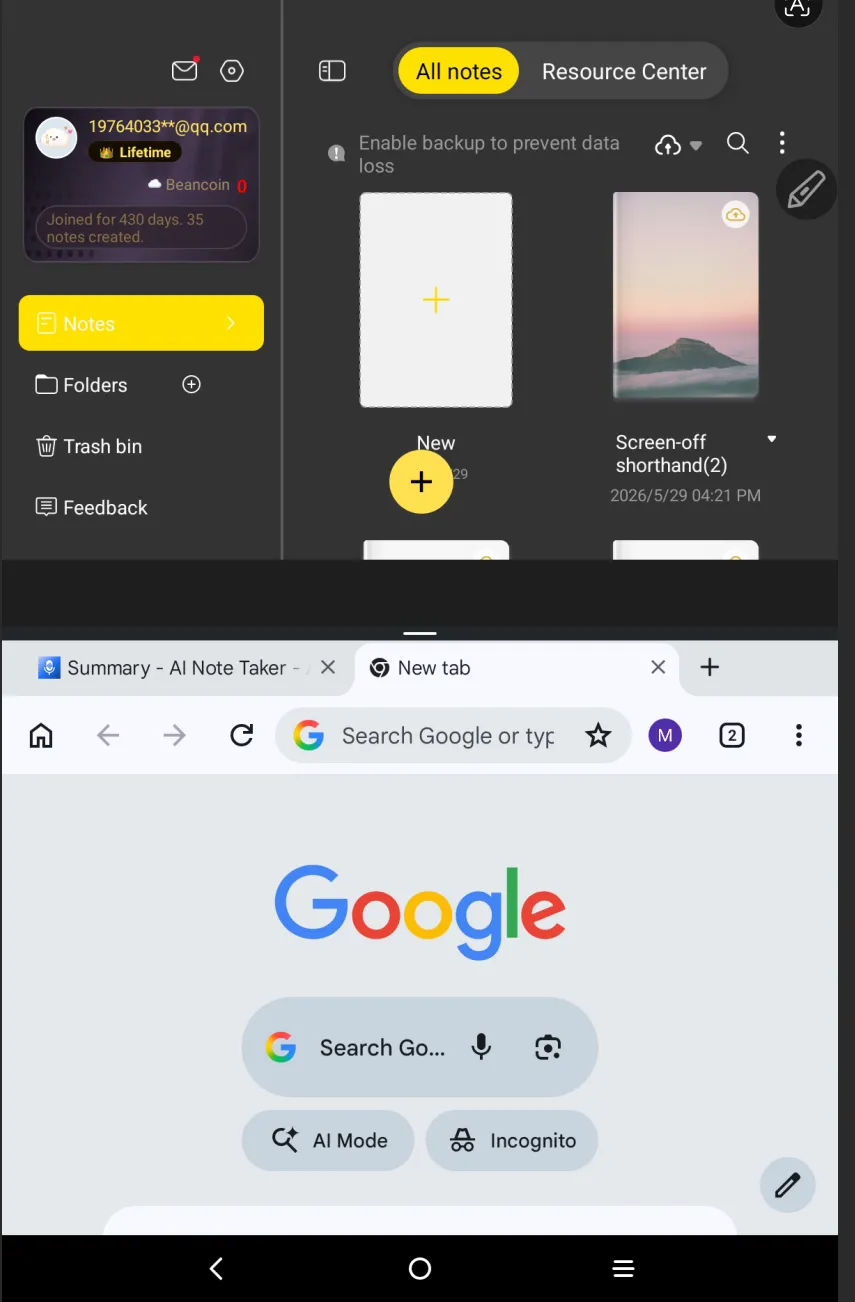
How to Split screen on Magic Note Pad
Applicable Model:Magic Note Pad
How to Split screen on Magic Note Pad
1. Make sure nothing is running in the background in Magic Note Pad.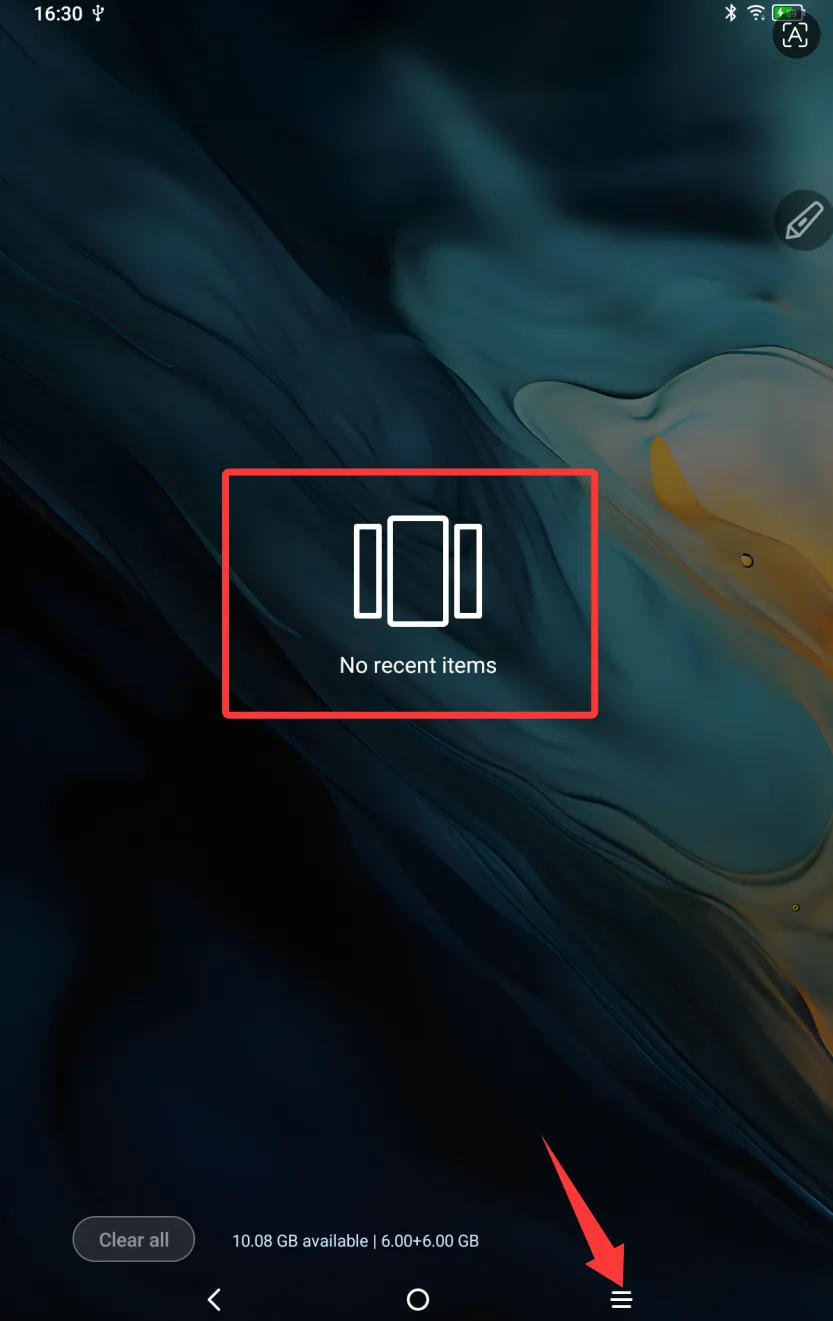
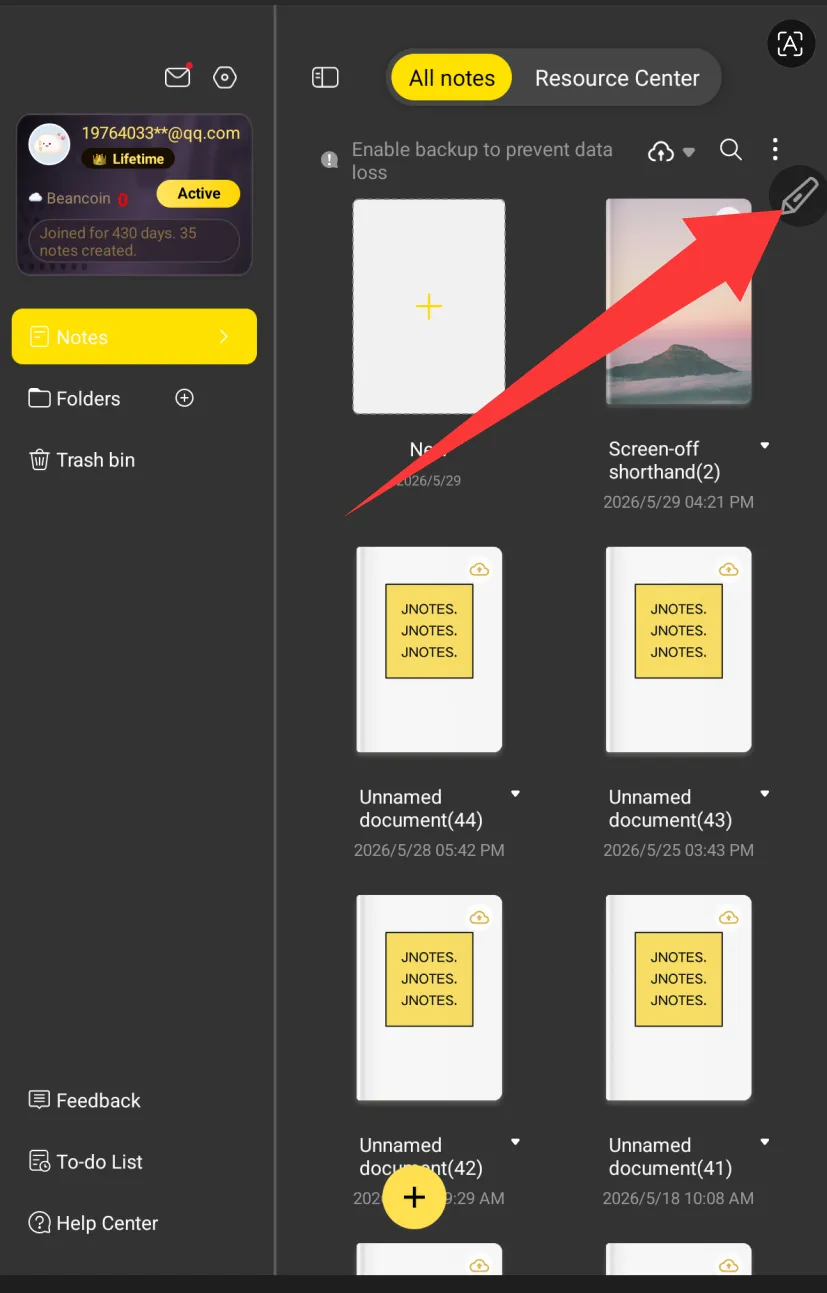
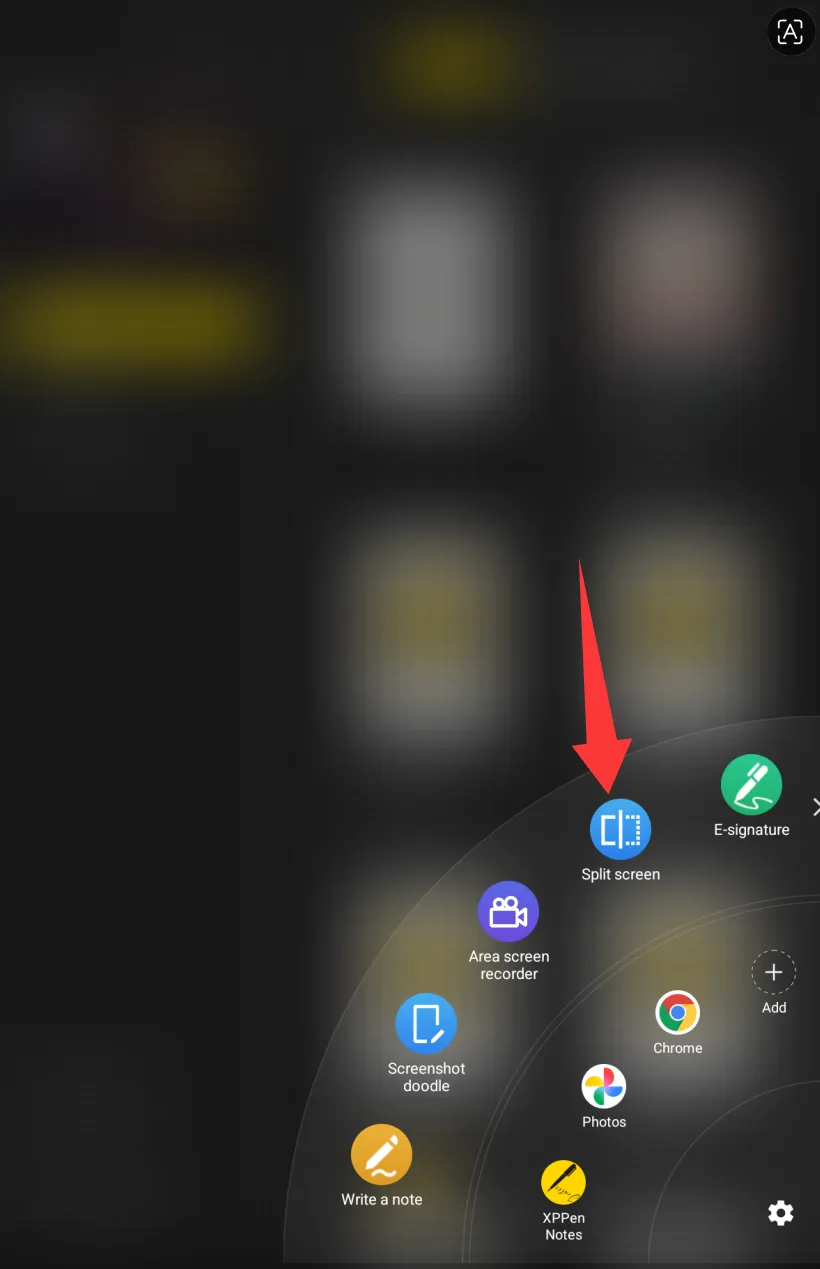
2.Open two apps (e.g., XPPen Notes app and Chrome) you want to split one by one, then click on the “pen” icon, and select “Split screen.”