How to connect Deco Pro Gen 2 to computer via bluetooth
Applicable Model:Deco Pro (Gen 2) Series
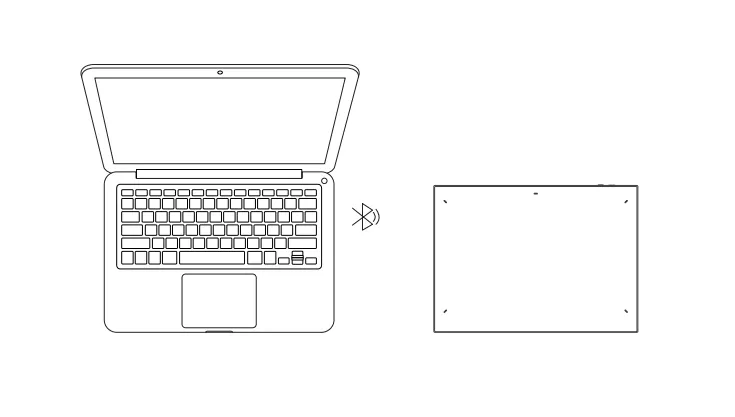
How to connect Deco Pro Gen 2 to computer via Bluetooth
- To power on the drawing tablet, simply press and hold the power button for 3 seconds, and the indicator light will light up. For pairing, long-press the power button for 6 seconds, and the indicator light (blue) will flash quickly.
- Turn on the Bluetooth on the computer, set up and add the Bluetooth device, search for the device name: Deco Pro (Gen 2) Series, and complete Bluetooth pairing by clicking the device name (with the blue indicator always on).
- Toggle the power key to turn the drawing tablet off after use.
Bluetooth connection only works with Windows and mac os. On a Linux system, the tablet needs to be connected with a USB cable.
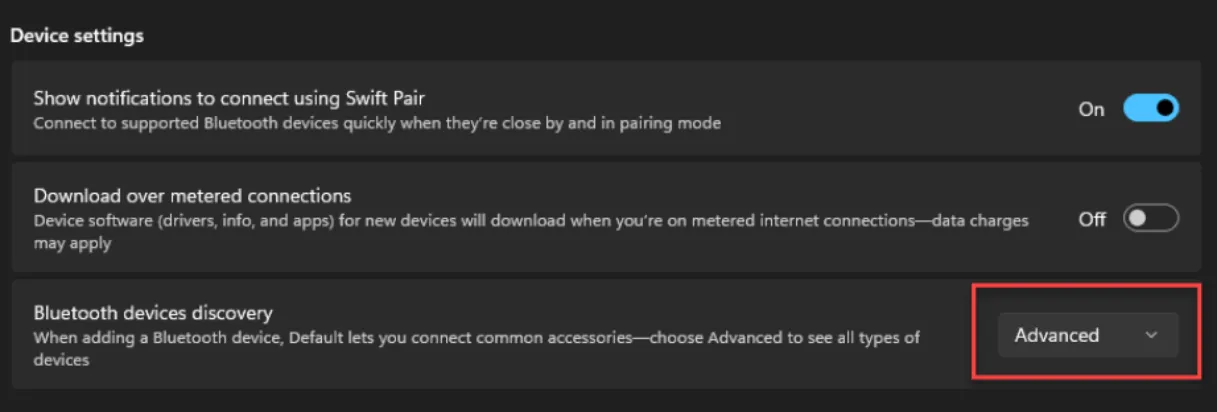
For Windows 11, if the Bluetooth device can’t be found by the computer settings, please open computer settings, go to the Windows Bluetooth & Devices settings > Devices > Device settings > Bluetooth devices discovery, and change the option from 'default' to 'advanced'.