How to pair USB dongle with ACK05 shortcut remote
Applicable Model:ACK05
How to pair USB dongle with ACK05 shortcut remote
Please follow the steps below to pair the USB receiver with the shortcut remote:
- Visit the link https://www.xp-pen.com/download/ack05.html to download the Wireless Pairing Tool for Win or Wireless Pairing Tool for Mac.


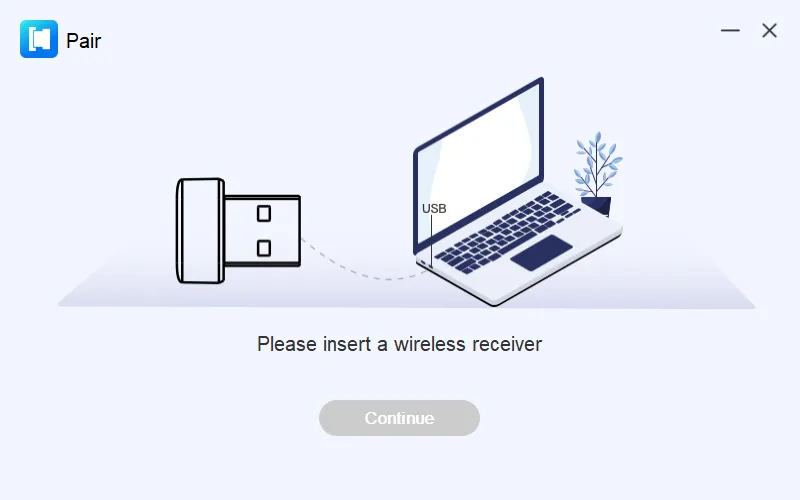
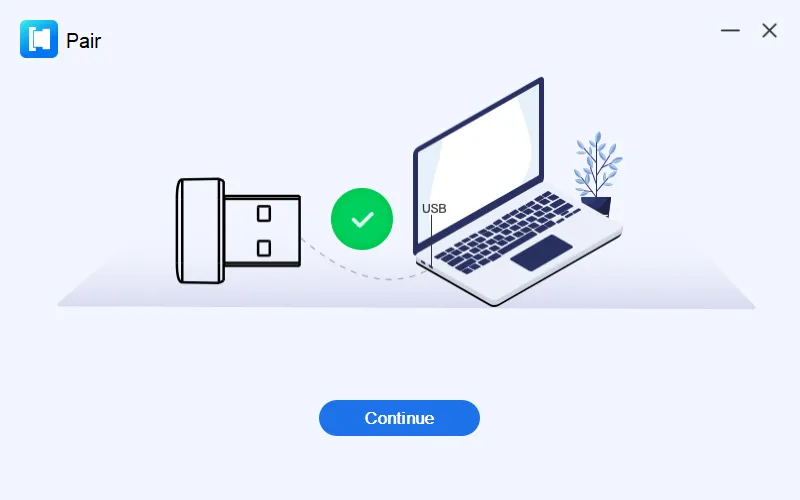
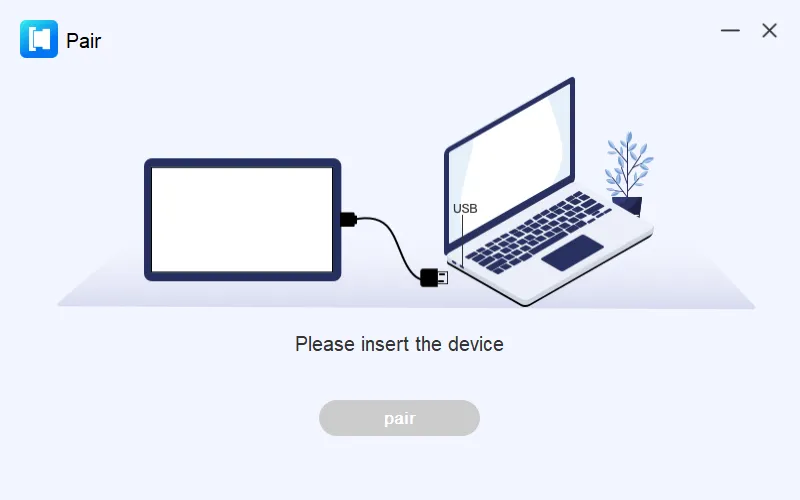
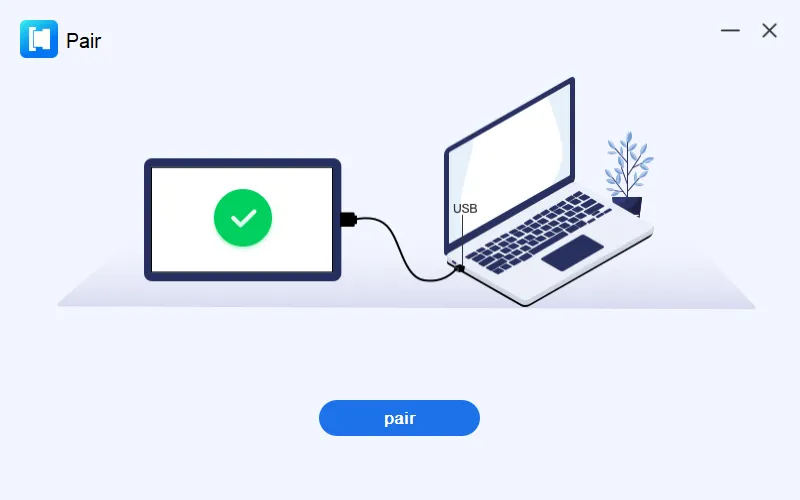
- Open the pairing tool, and follow the on-screen instructions to insert the corresponding devices one by one. Then wait for the pair process to complete.
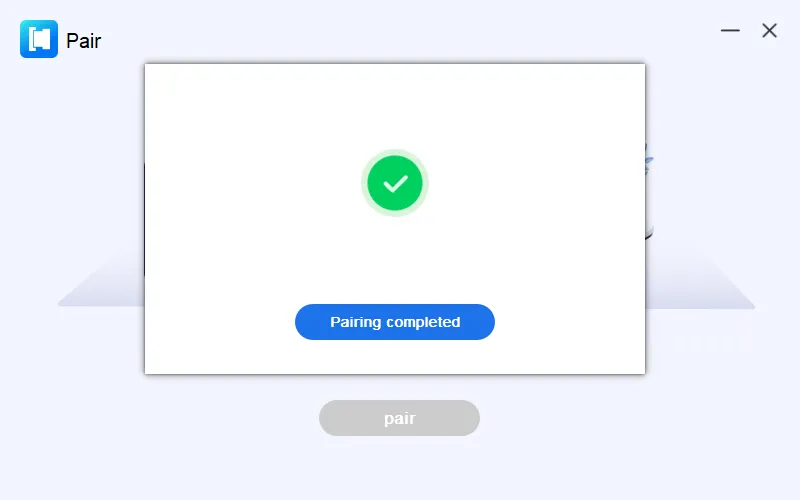
- After the pairing process, you can connect the remote with USB cable or USB receiver.