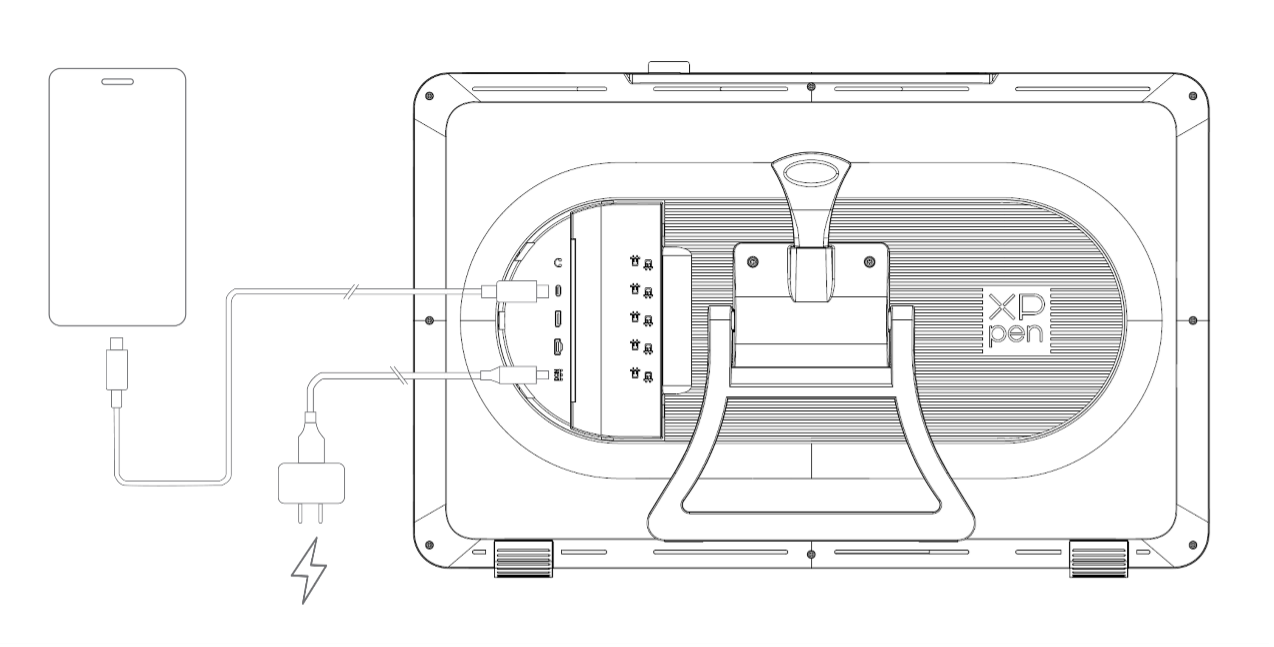
How to connect Artist Pro 27 (Gen 2) to my Android phone or tablet?
Applicable Model:Artist Pro 27 (Gen 2)
You can follow the steps below to connect the device to your Android device:
1. Connect your device to a power outlet via a power cord and power adapter;
2. Use a USB-C to USB-C cable to connect your phone/tablet to the drawing display.