How to change the background for Magic Drawing Pad
How to change the background for Magic Drawing Pad
For MDP 1221
Go to “Settings”->> “Home screen & lock screen” ->> “Wallpaper & style” ->> “Change wallpaper”, then you can select one picture there to set it as background image.
If you would like to customize the background image to the one you prefer not those provided by MDP system, please follow the steps below.
1.Go to “Photos” app to find the one you want
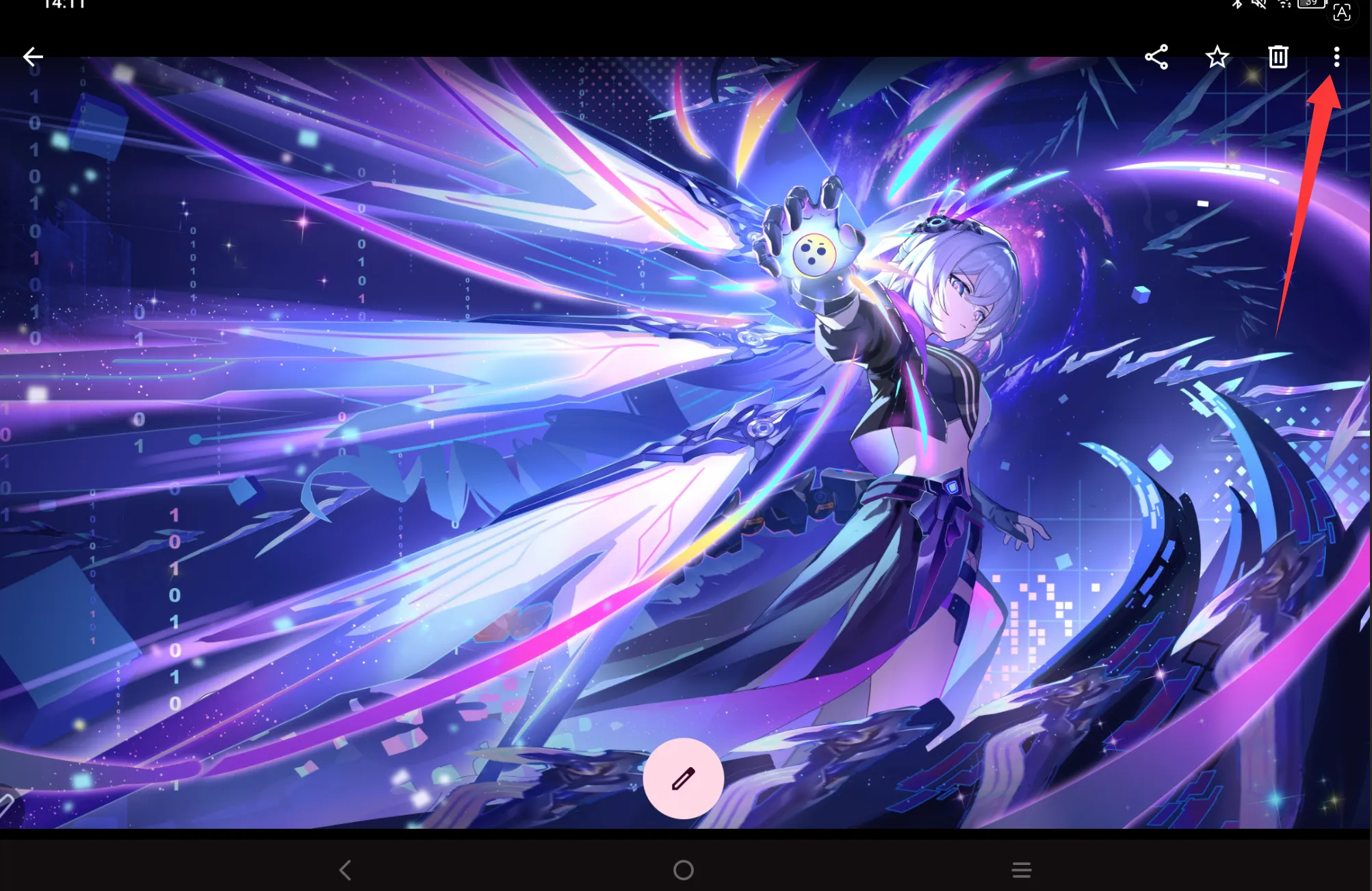
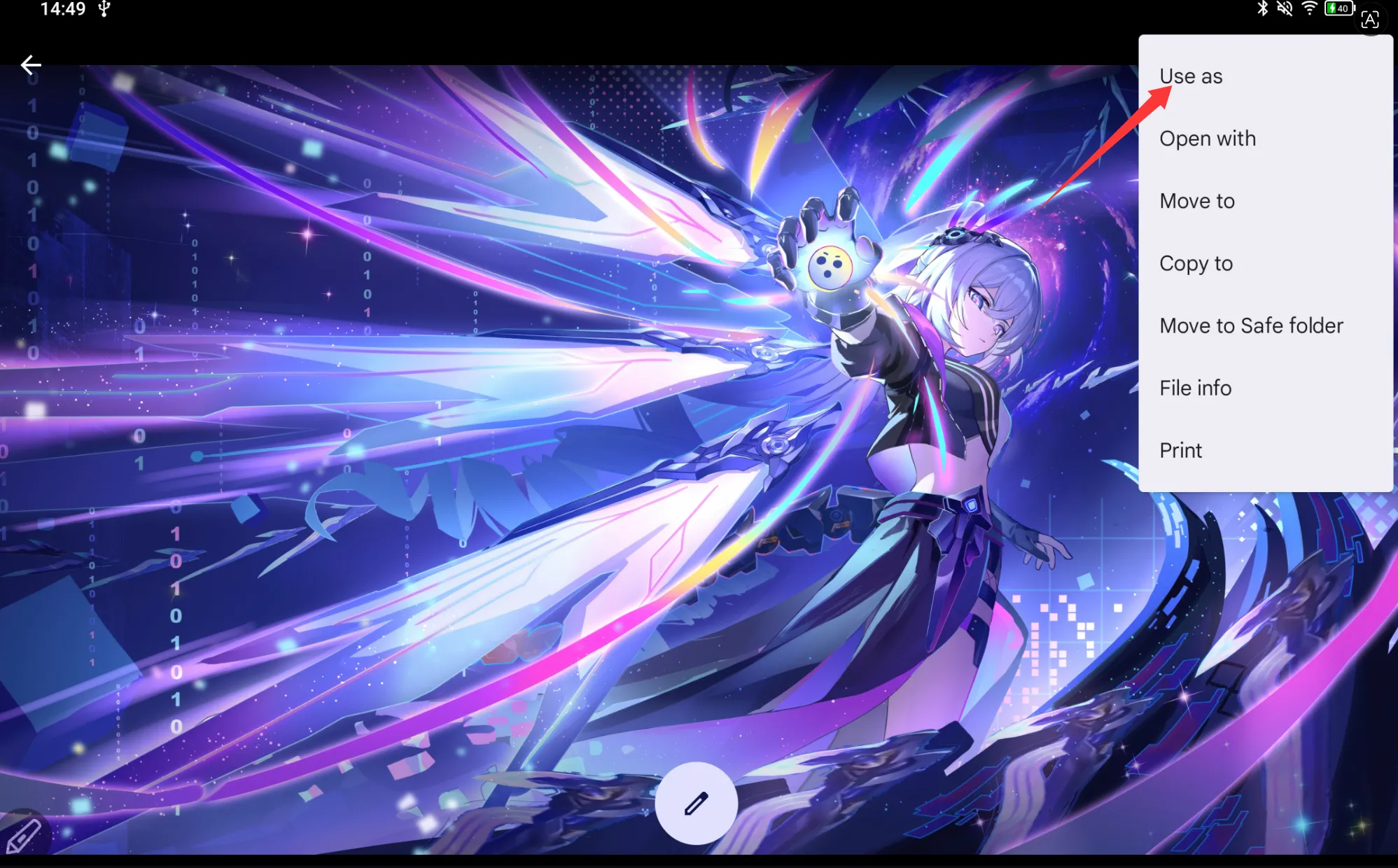
2.Tap the three dots in the top-right corner of the image, select "Use as", then tap Wallpaper.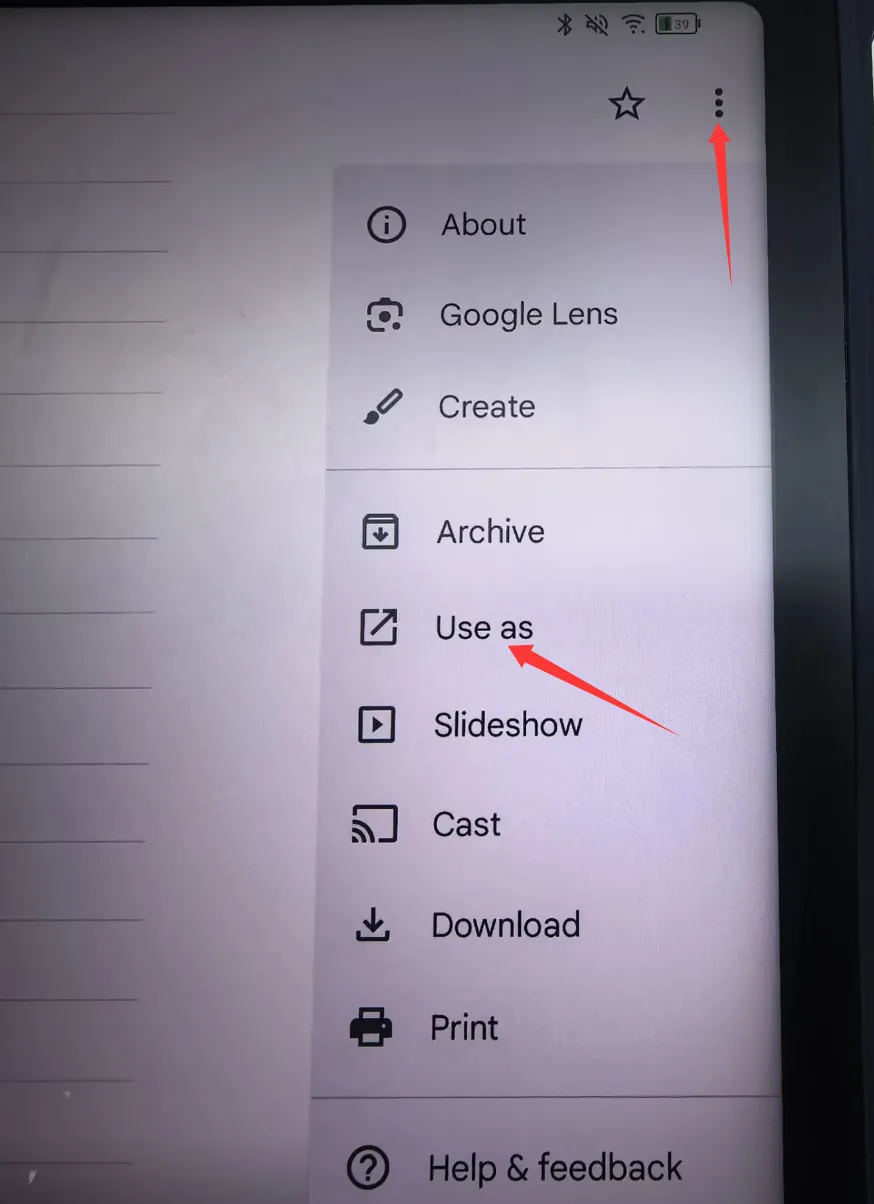
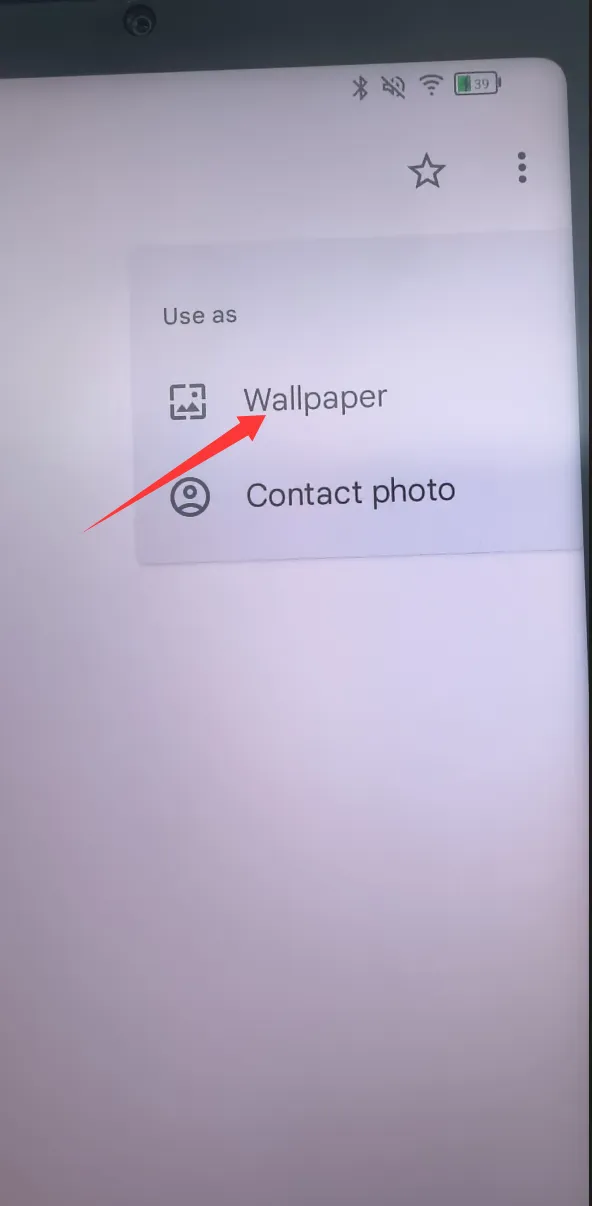
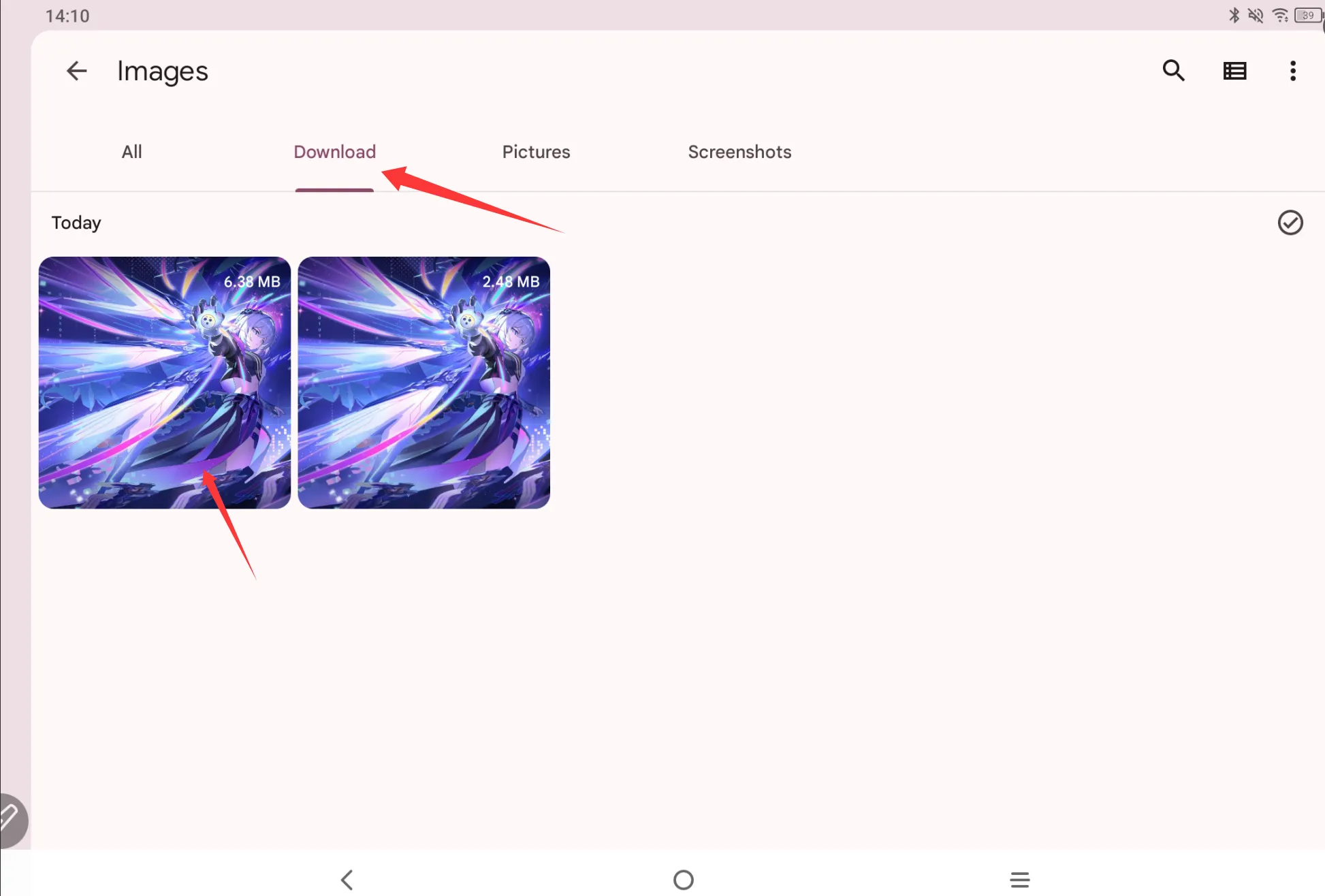
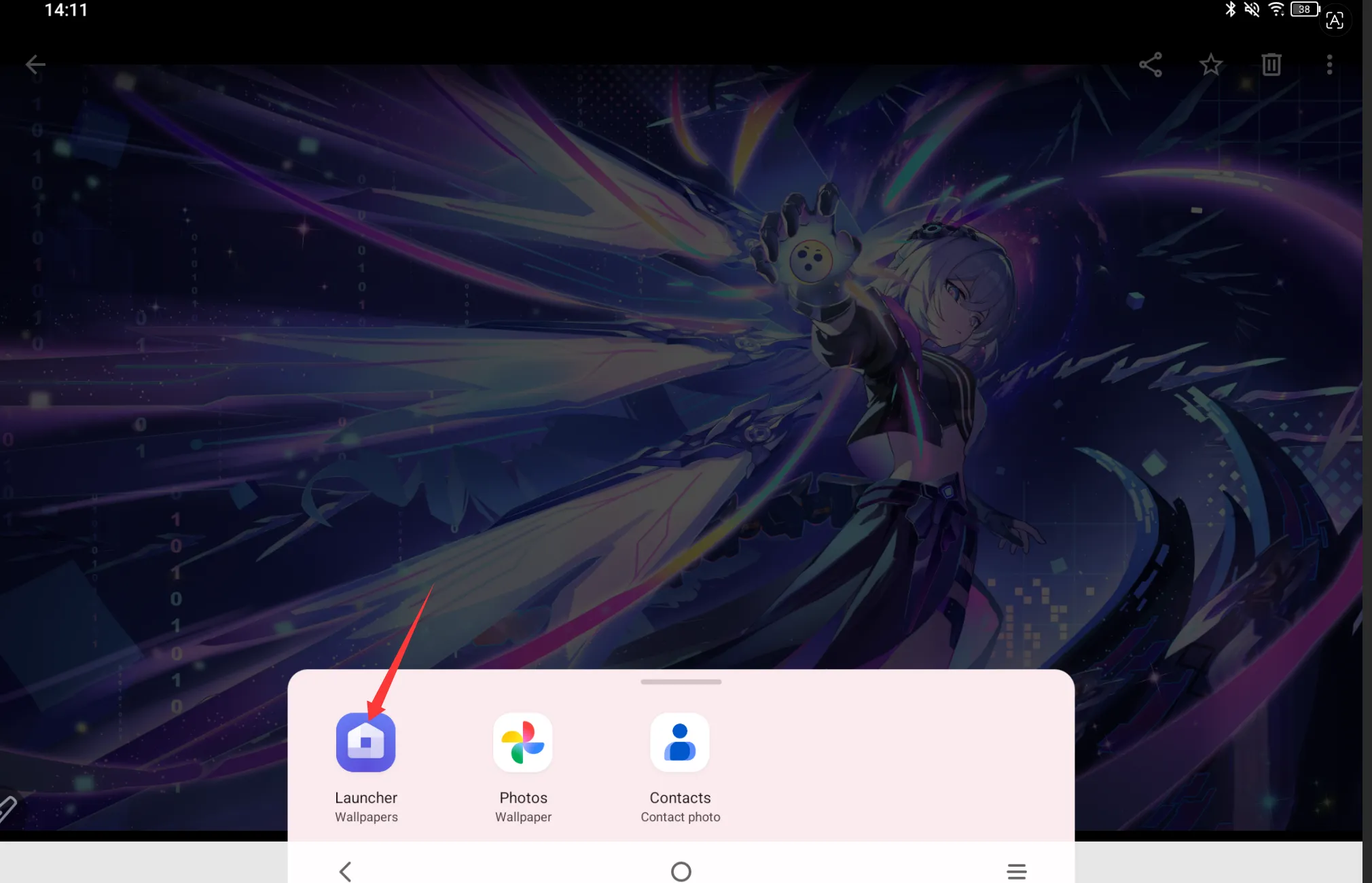
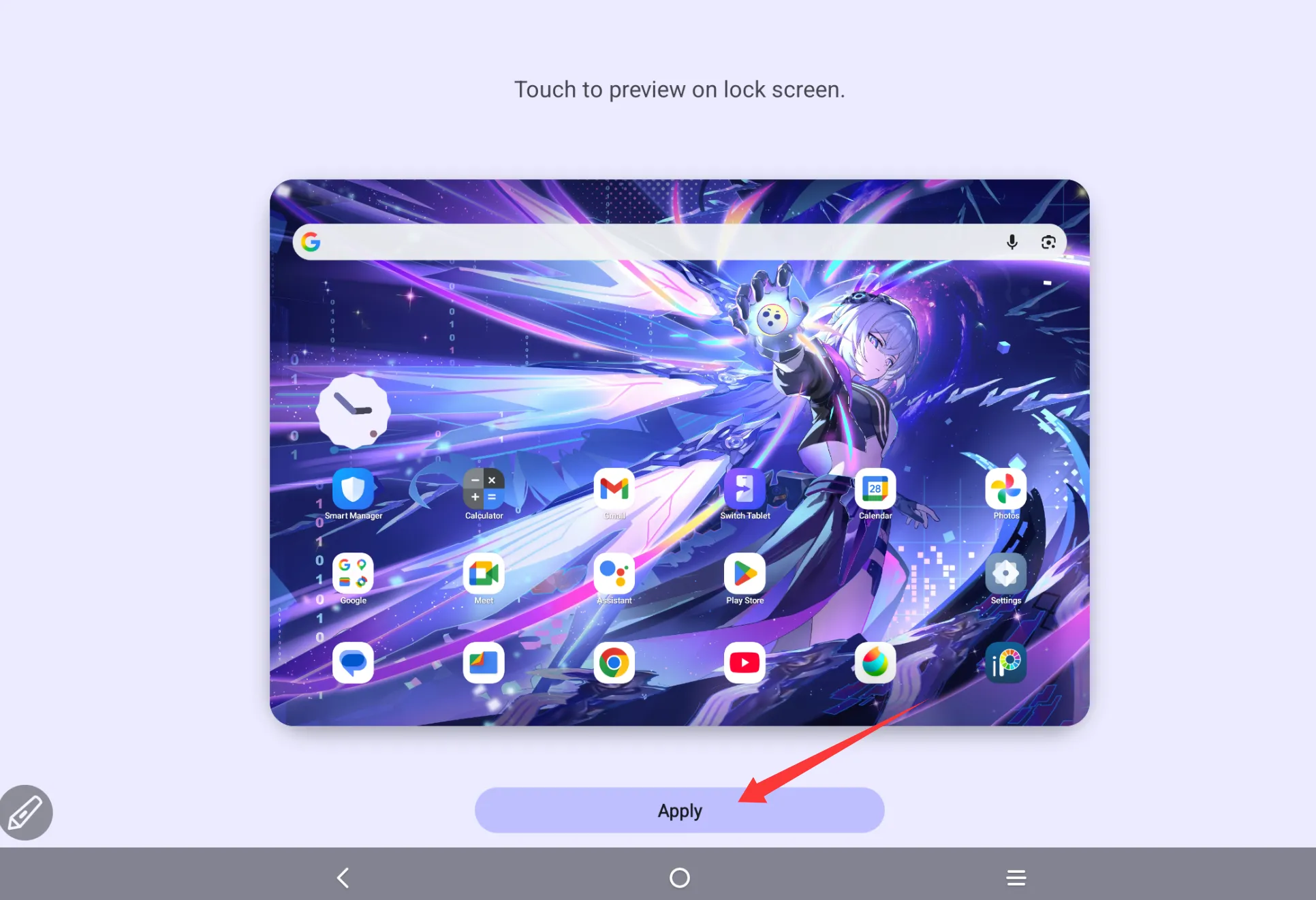
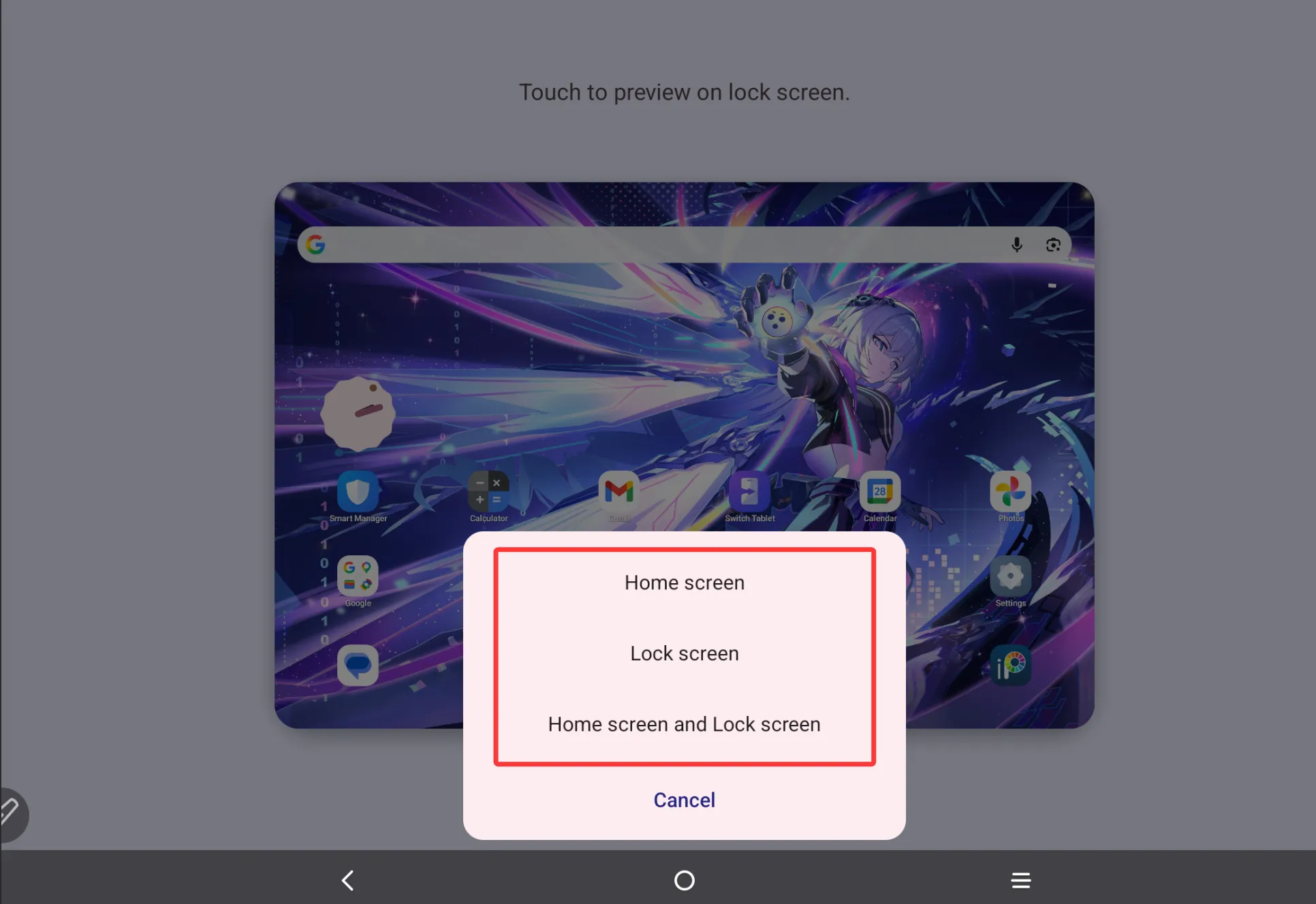
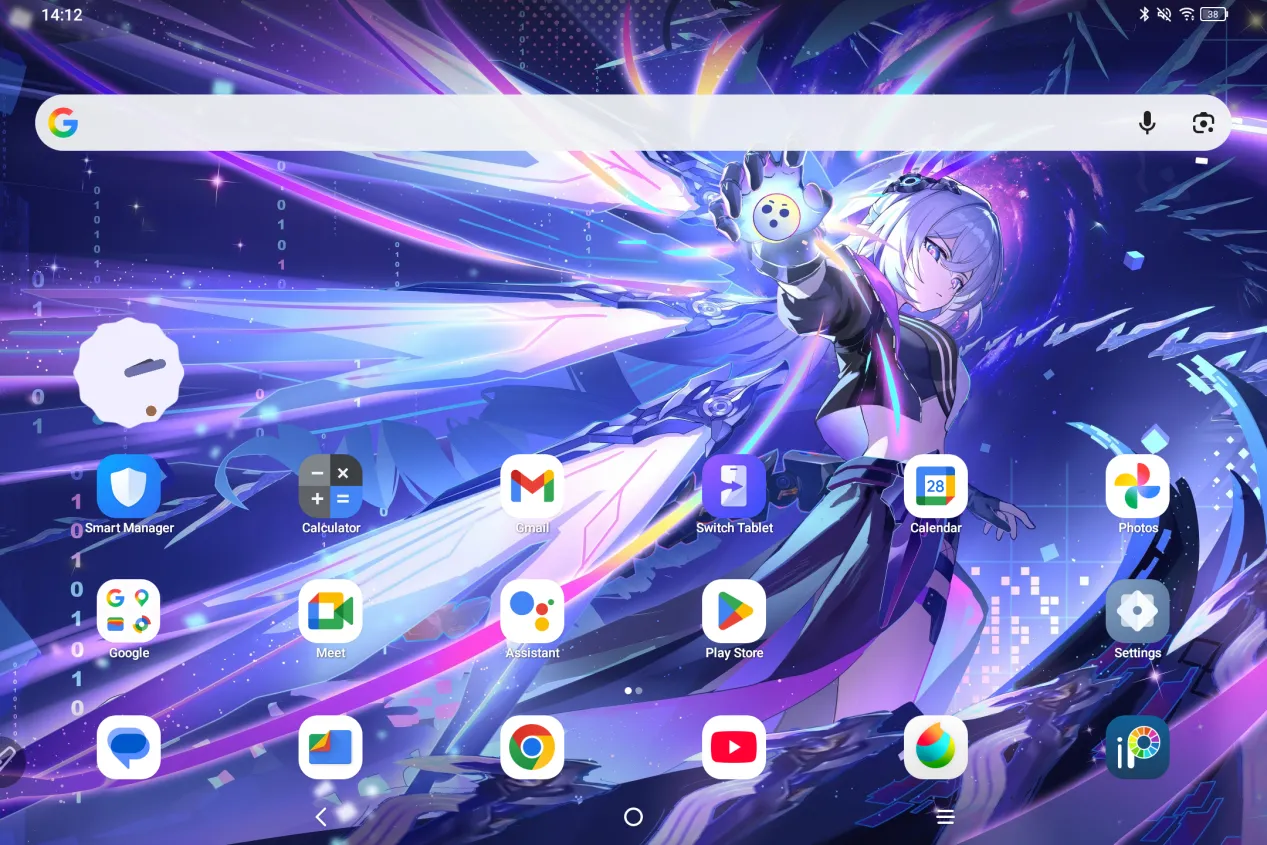
If the image you want to set as the background is not located in Photos app but downloaded from online, then please go to “Settings” ->> “Storage” ->>”Images” ->> “Download” to find the image you downloaded from online before., click on the image, tap the three dots in the top-right corner of the image, select “Use as” ->> “Launcher Wallpapers” and apply it. See pictures below for reference.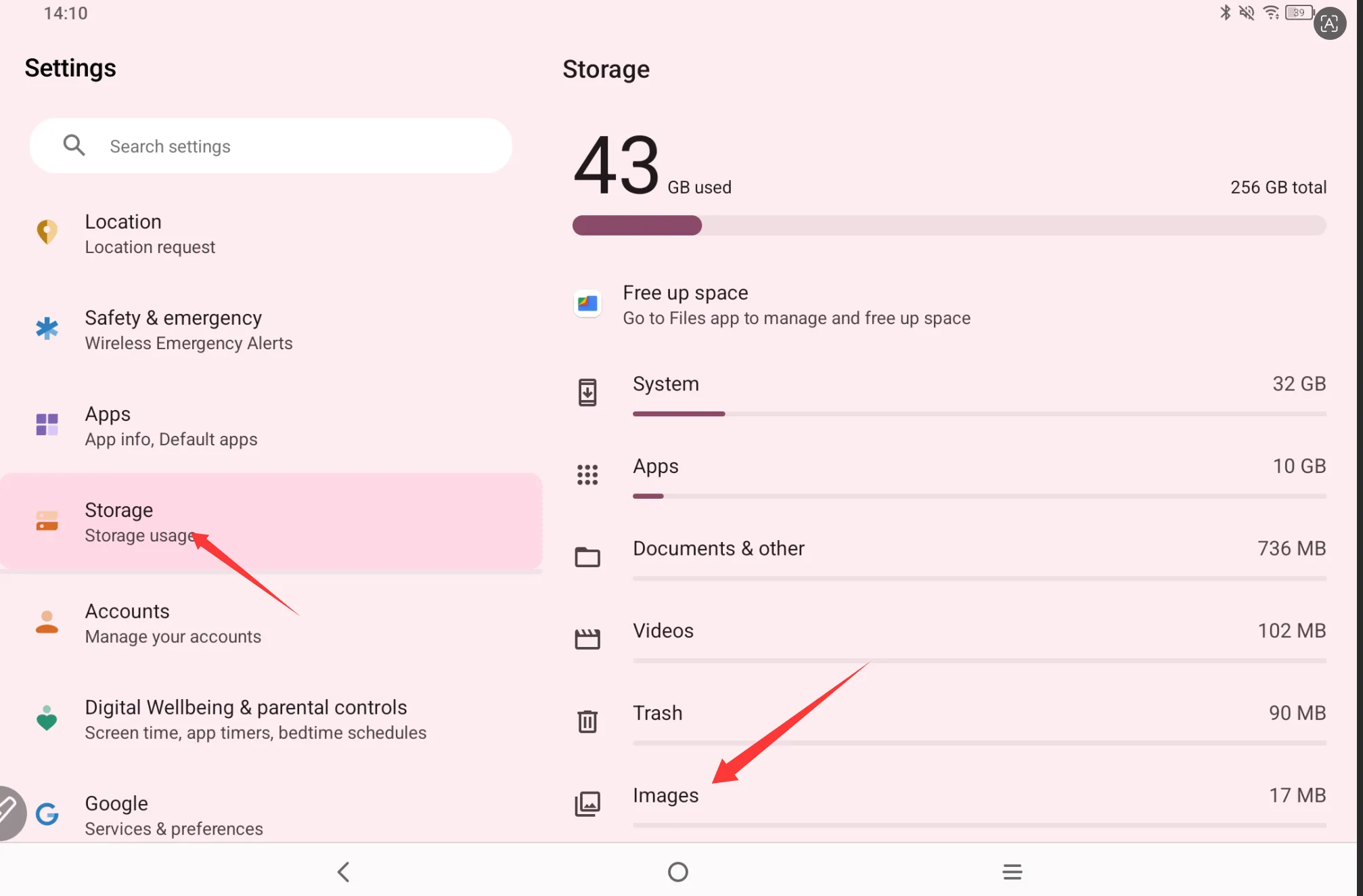
For MDP 9494G
Go to “Settings” ->> “Home screen & lock screen” ->> “Wallpapers” ->> “Static wallpapers” or ” Live wallpapers” or “My Photos” to select the one you like.