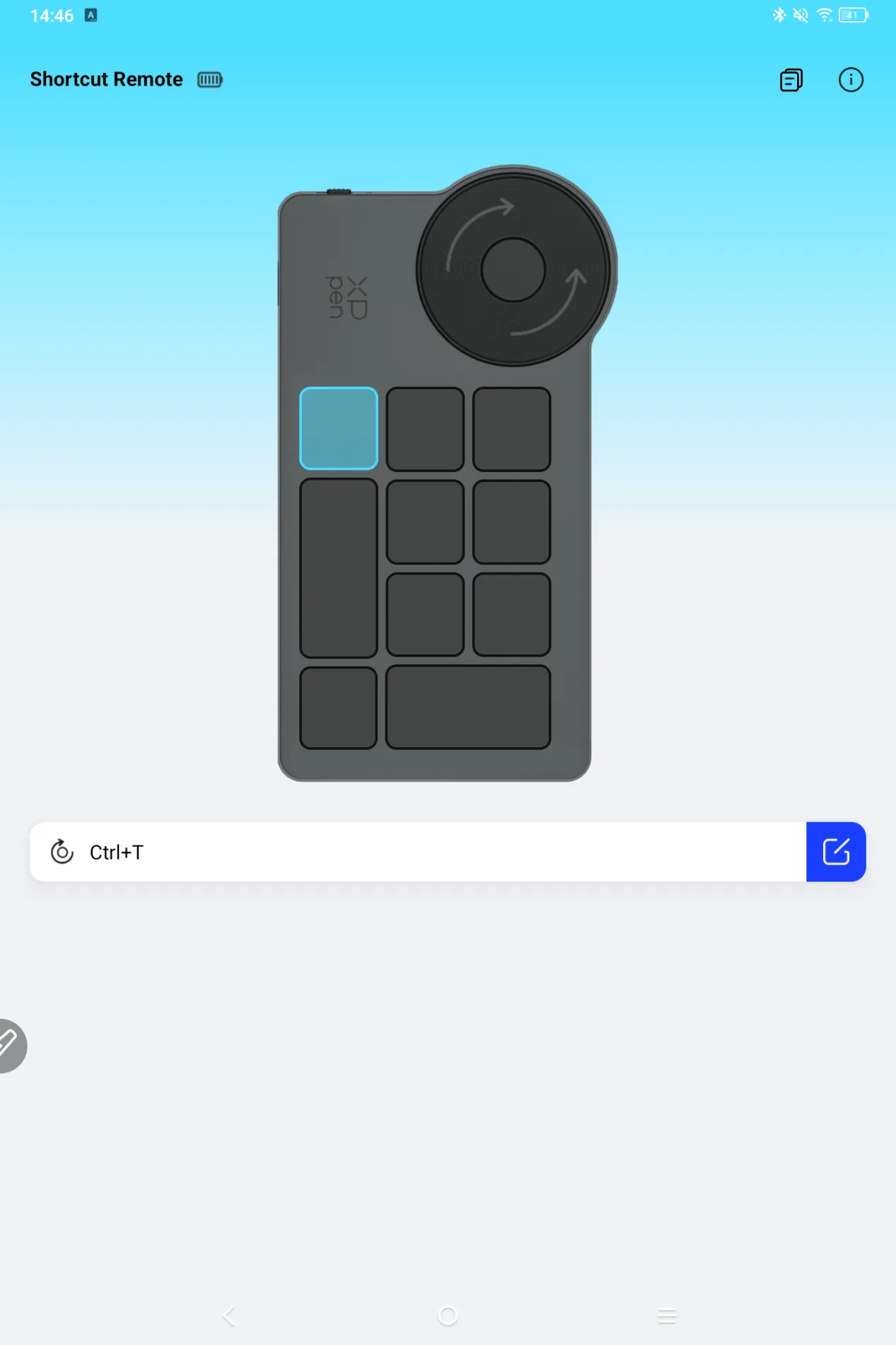
How to Connect ACK05 to an Android Device via Bluetooth
Applicable Model:ACK05
How to Connect ACK05 to an Android Device via Bluetooth
- Toggle the switch next to ACK05 to turn on its Bluetooth.
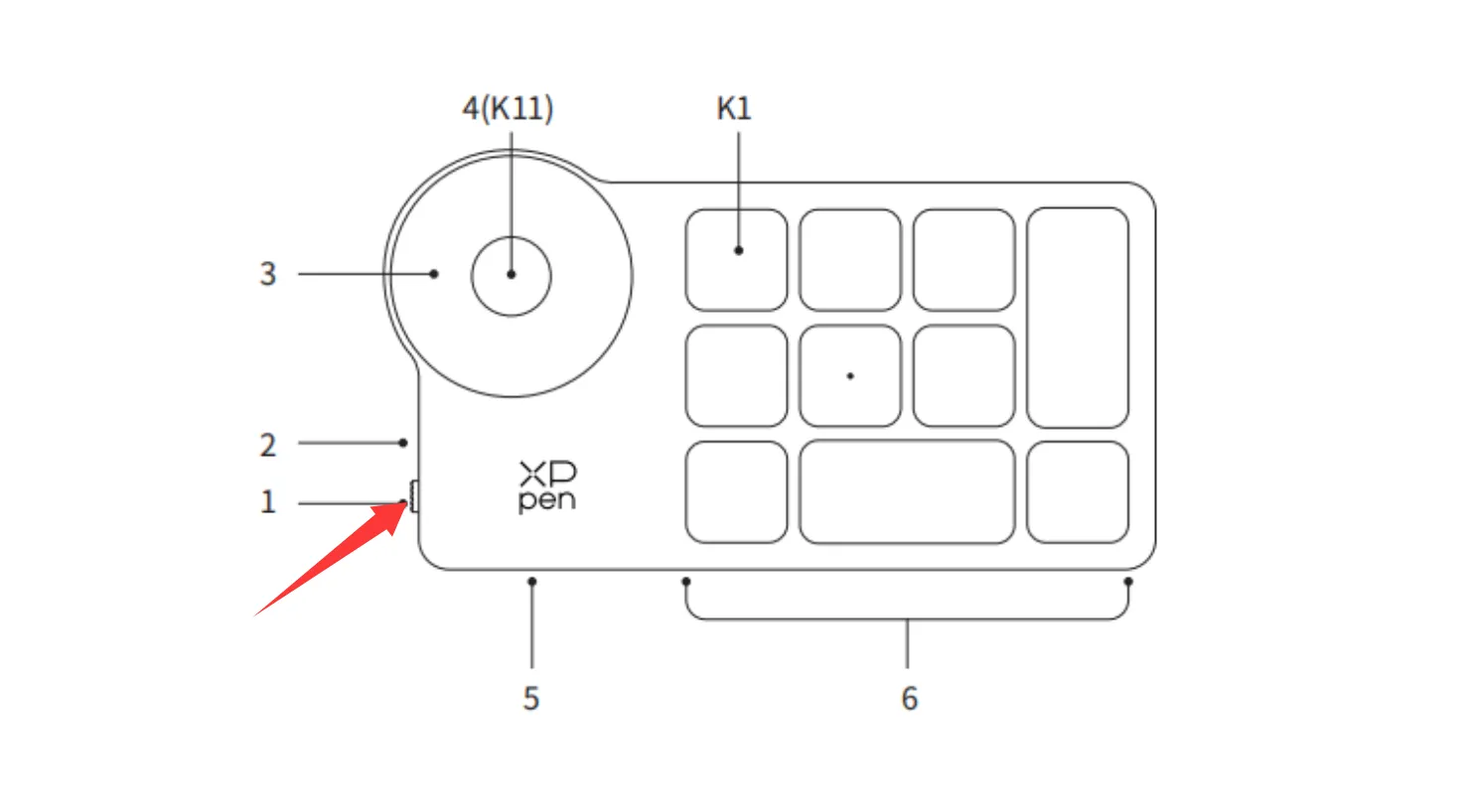
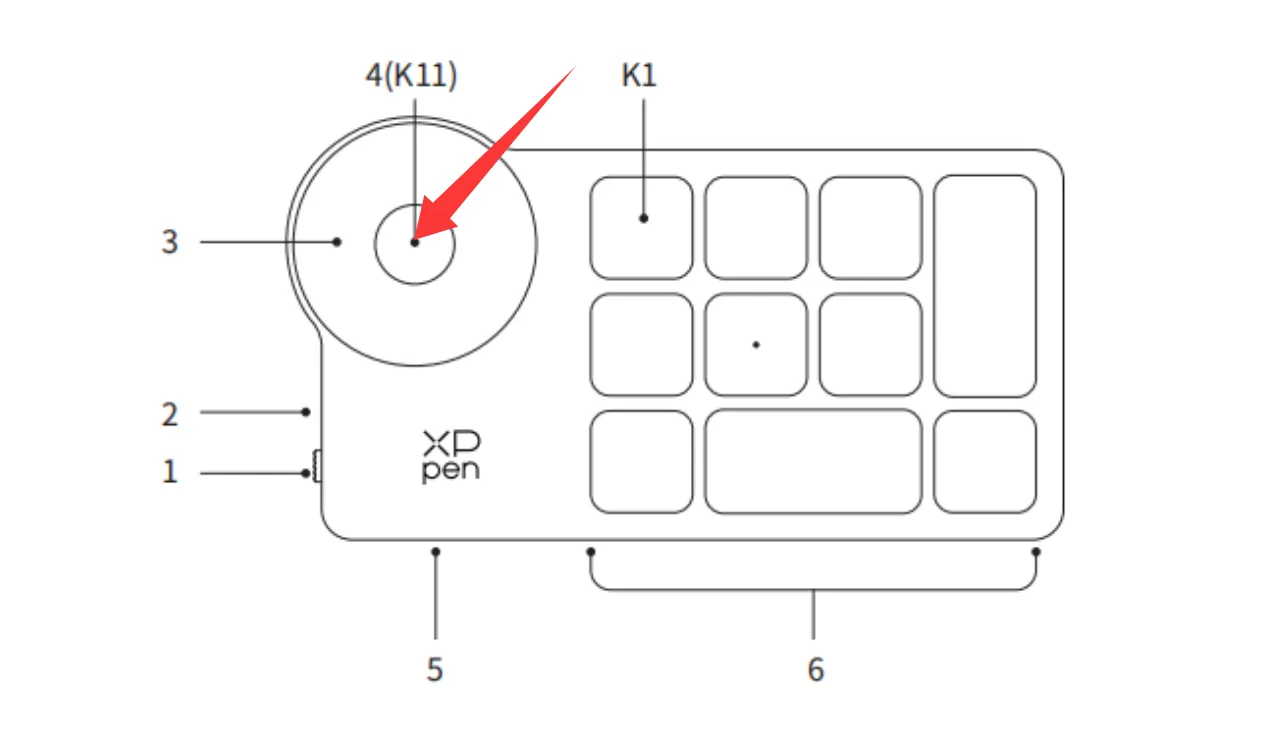
- Press and hold the middle button on the ACK05 scroll wheel without releasing it, until the Bluetooth indicator light flashes rapidly.
- Enable Bluetooth on your Android device.
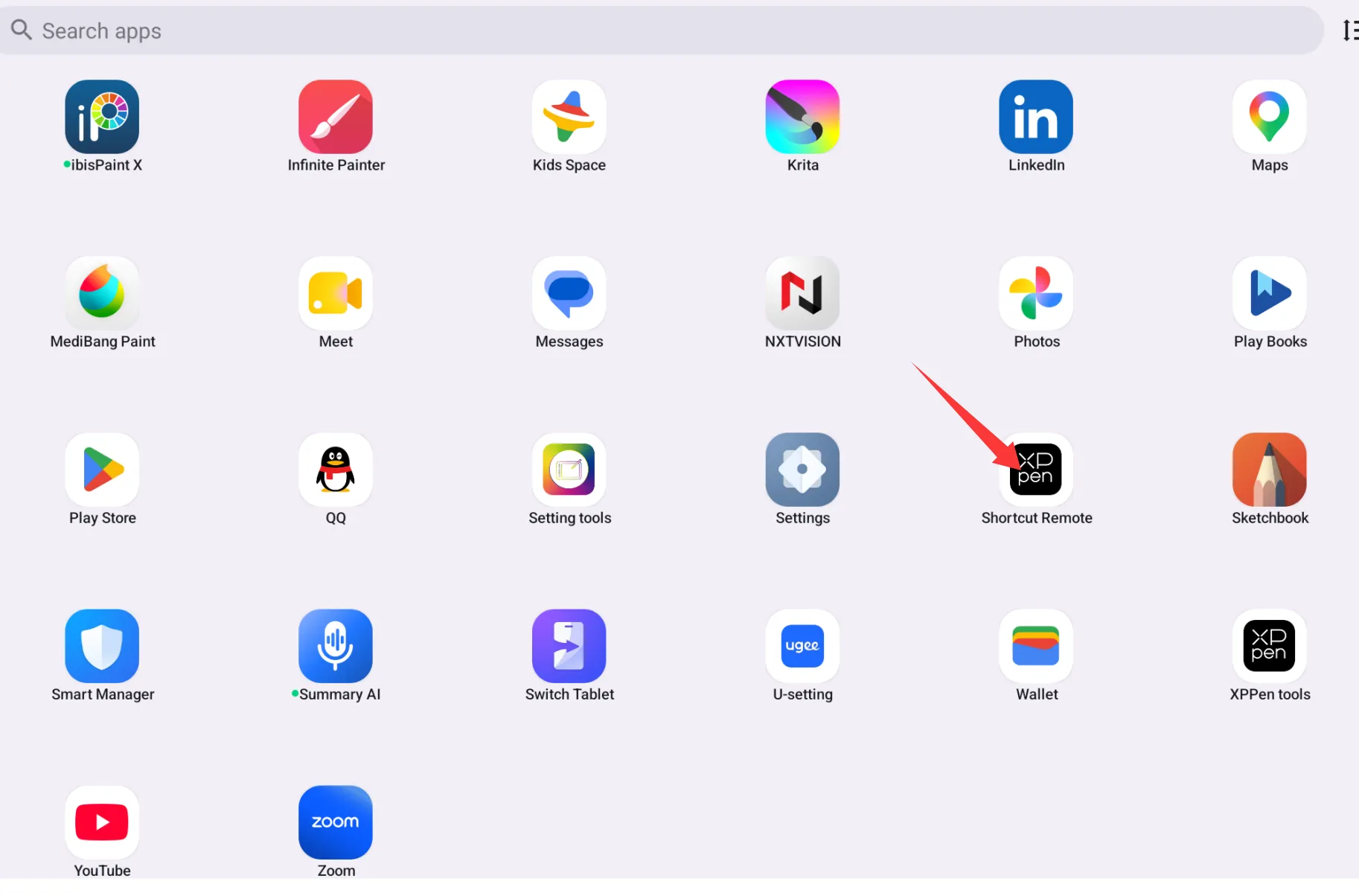
- On the Android device, confirm that the Shortcut Remote app is already installed, then open it to complete the Bluetooth pairing and connection with ACK05. (The shortcut remote app can be found in Google Play store or on XPPen driver download website.)
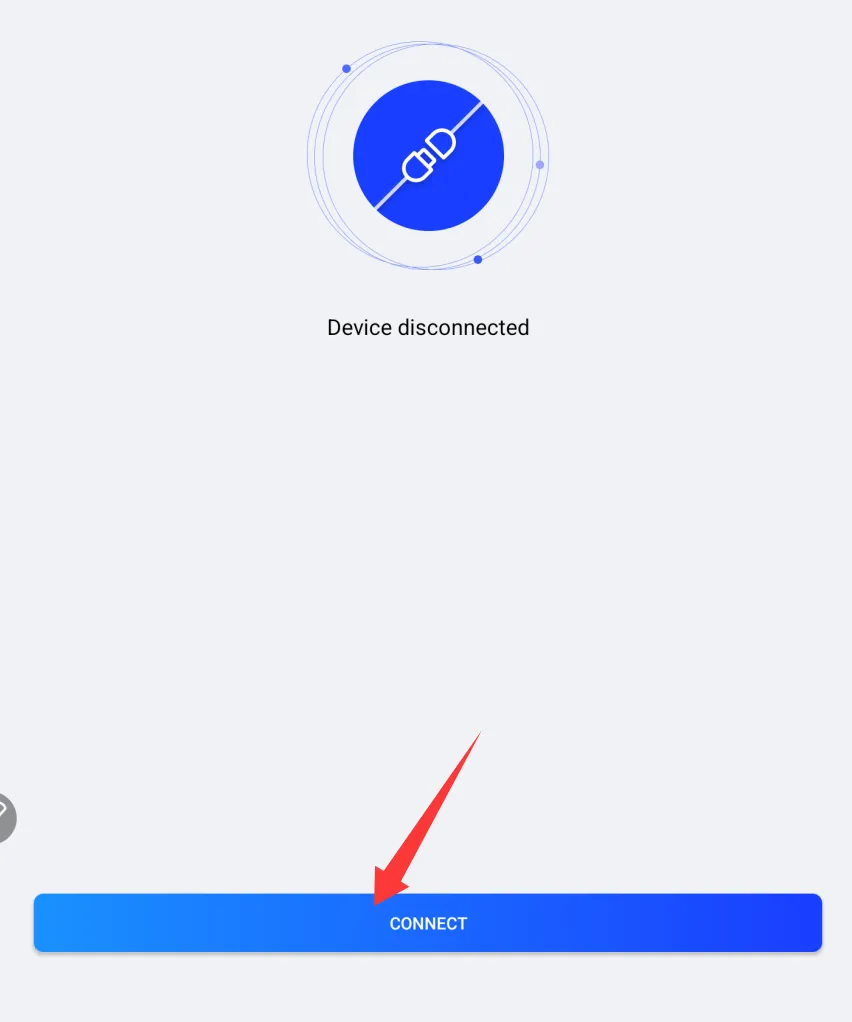
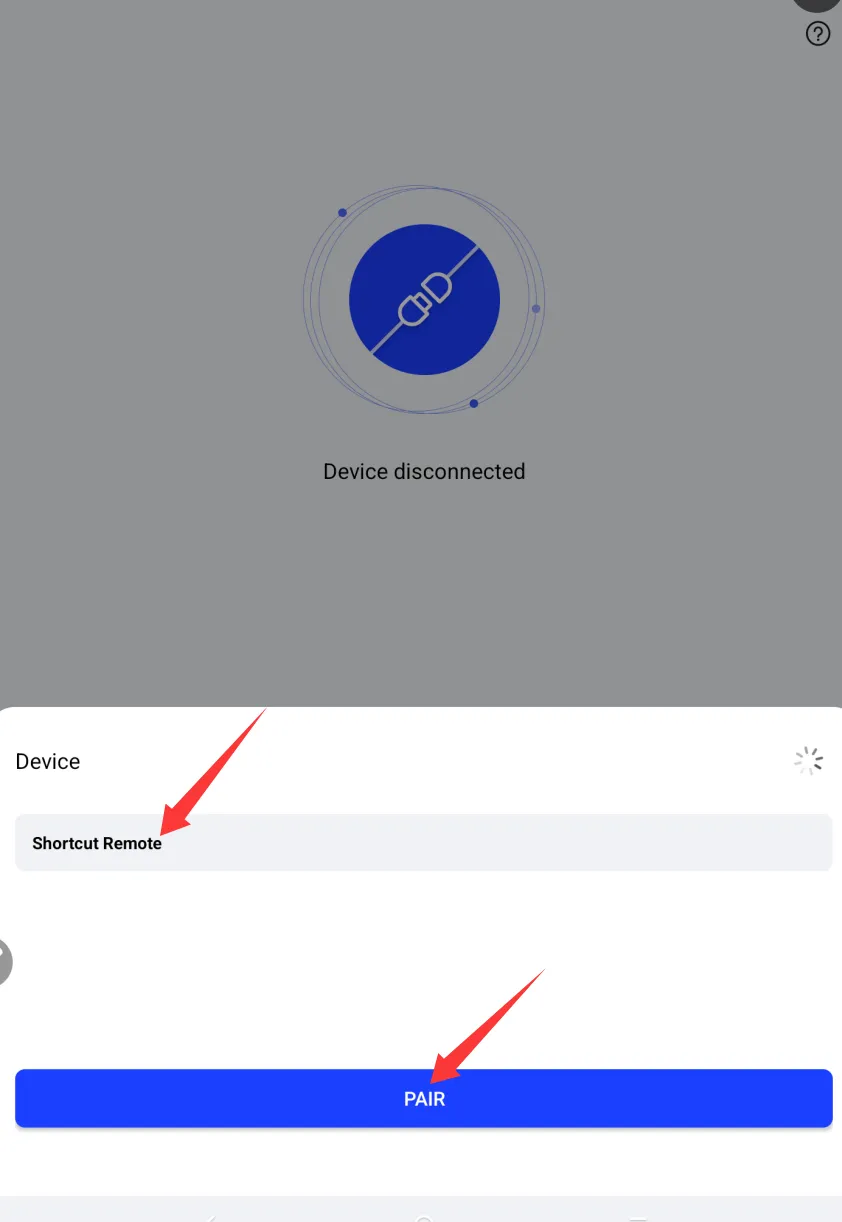
- You can start using it once the connection is successful.