How to connect Deco Pro Gen2 to ibis Paint on iPhone
Applicable Model:Deco Pro (Gen 2) Series
How to connect Deco Pro Gen2 to ibis Paint on iPhone
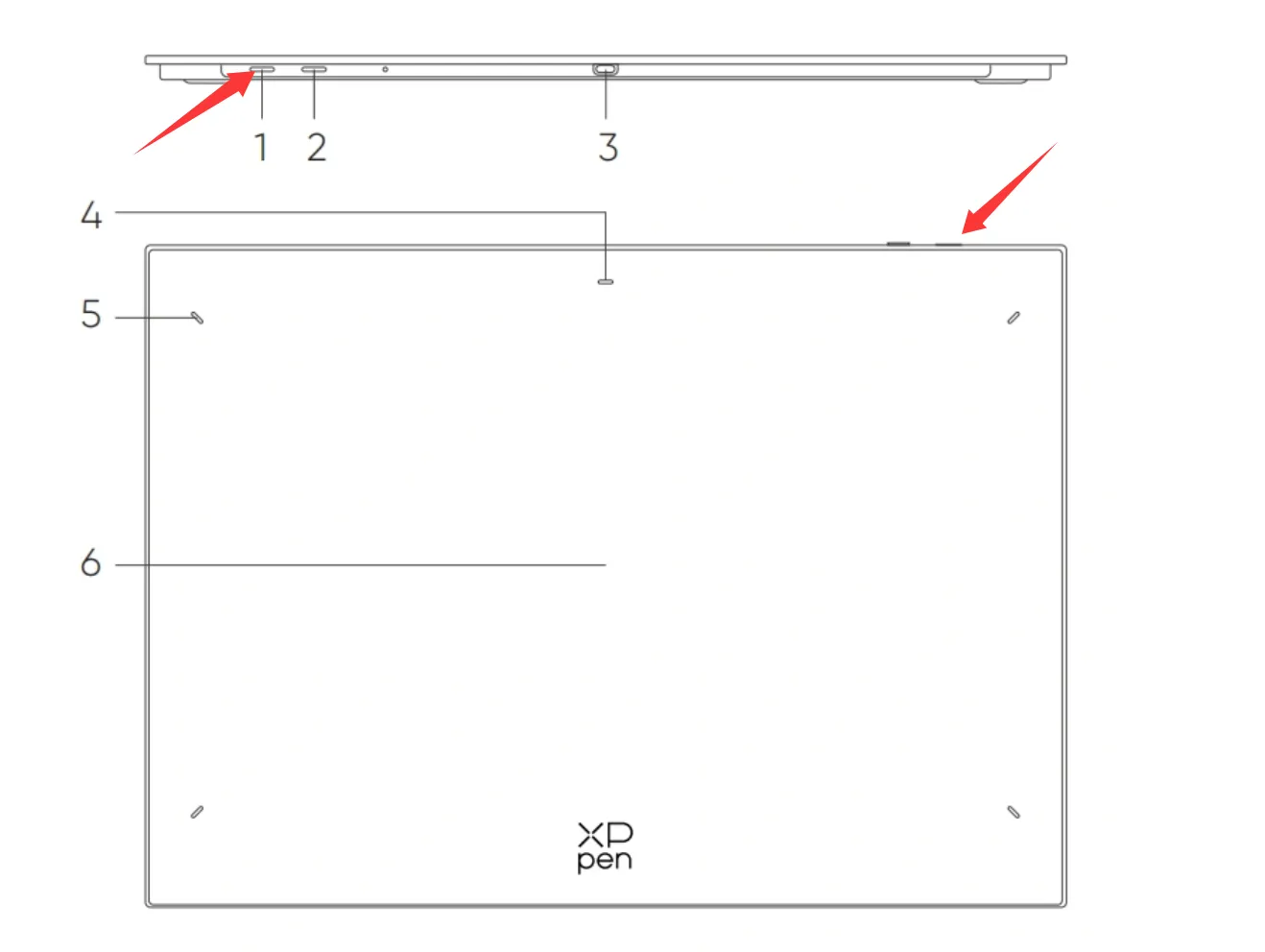
- Long press the power button (Position 1) for 3 seconds to turn it on, then long press the power button for 6 seconds to enter pairing mode. The indicator light (Position 4) will flash very rapidly.
2. Turn on Bluetooth on your iPhone, search for devices, find "Dece Pro Gen2" and tap to pair and connect.
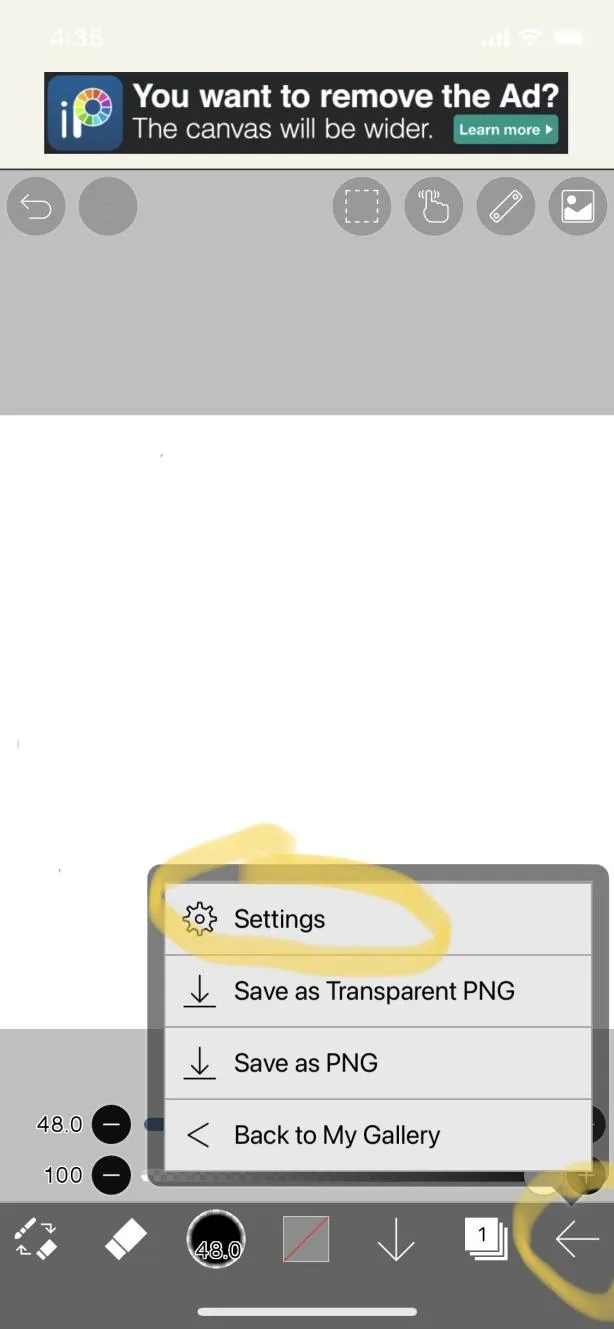
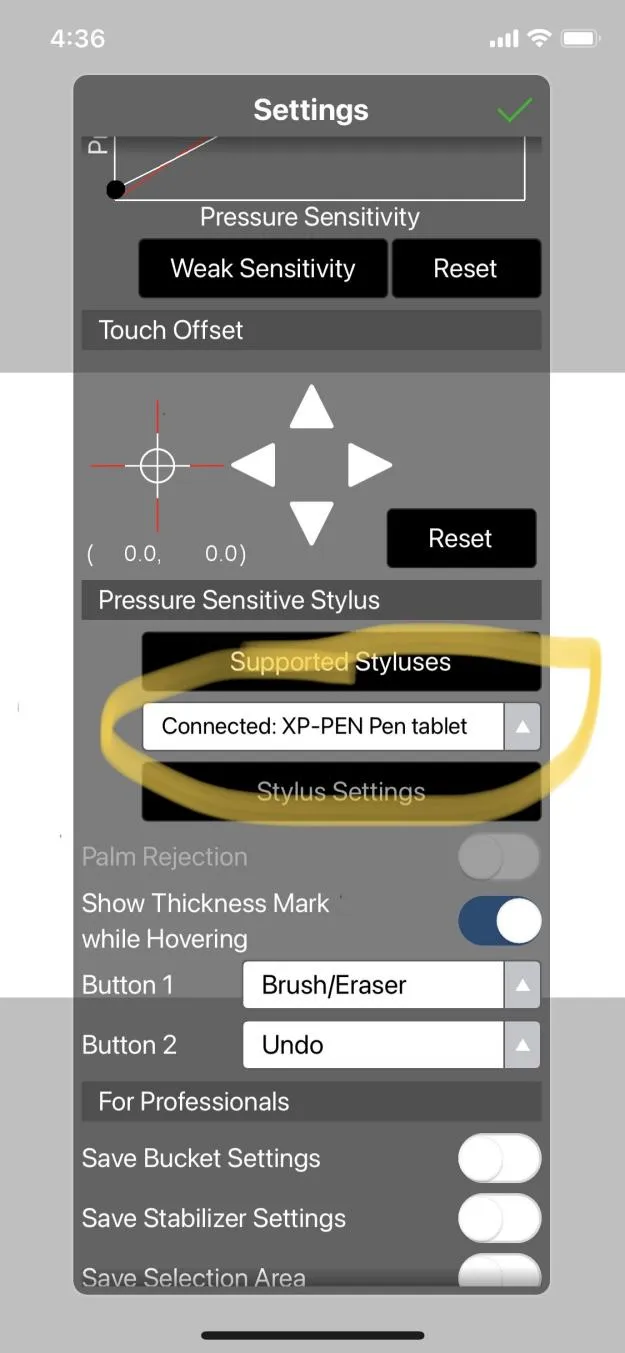
3. Open the ibis Paint app, go to Settings, find the Pressure Sensitivity Pen settings, and select "XP-PEN Pen Tablet."