How to Connect the ACK05 to a Device via Bluetooth Wireless
Applicable Model:ACK05
How to Connect the ACK05 to a Device via Bluetooth Wireless
I. Bluetooth Connection
- Turn on the power switch on the side of the ACK05. When the indicator light enters a fast blue flashing state, press and hold the K11 key for about 6 seconds to enter Bluetooth pairing mode. The indicator light will flash blue rapidly.
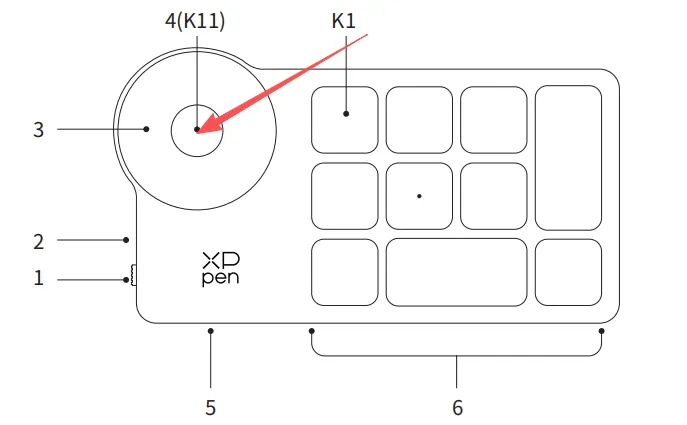
2. Turn on Bluetooth on the device(like windows or mac) you want to connect. Search for the device name "ShortcutRemote", click to complete the Bluetooth pairing. The indicator light turns solid, indicating a successful pairing. (The light turns off after 30 seconds of solid illumination.)
II. Wireless Receiver Connection
- Plug the wireless receiver into the computer, then turn on the power switch on the side of the ACK05. The indicator light turns solid, indicating a successful connection. (The light turns off after 30 seconds of solid illumination.)
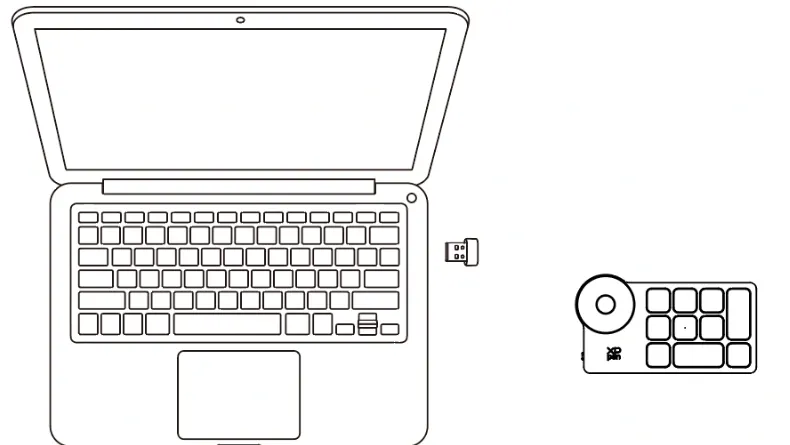
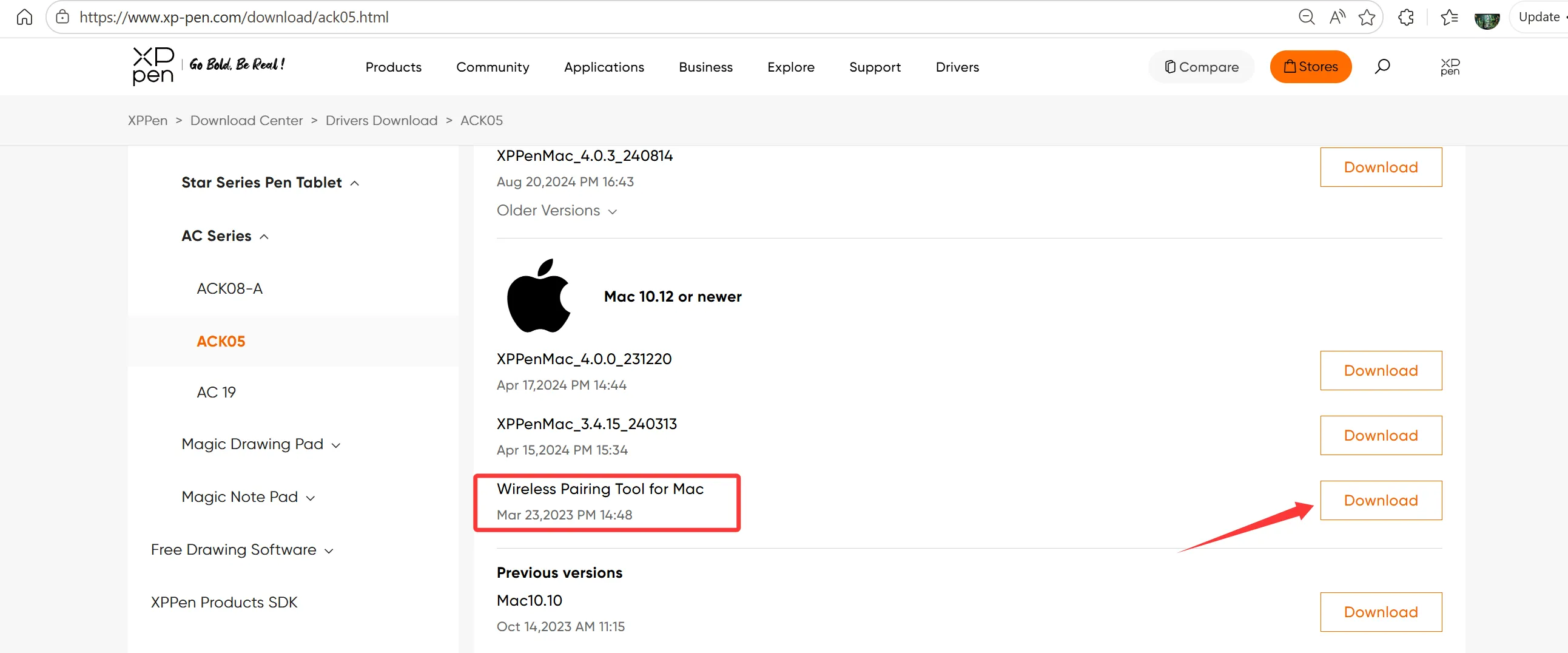
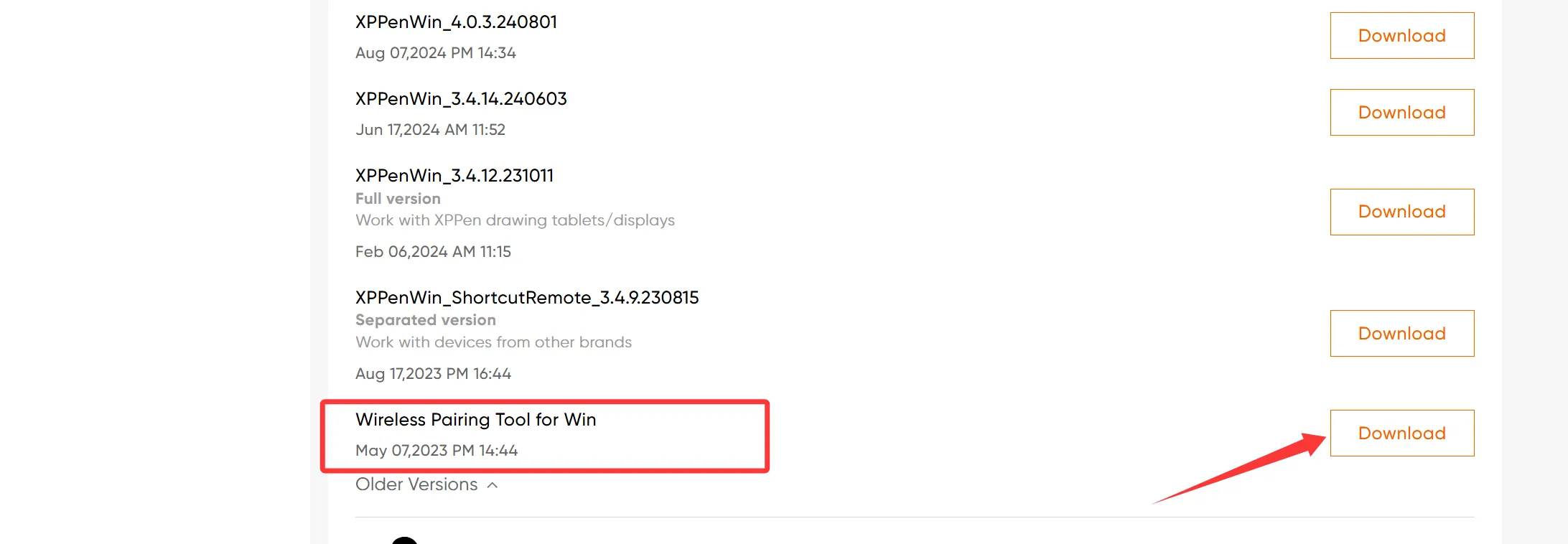
- If the original USB receiver is lost or damaged and you need to pair a new wireless receiver, download the pairing tool from the official website first to re-pair.