How to Customize the Touch Area on Artist Ultra 16
Applicable Model:Artist Ultra 16
How to Customize the Touch Area on Artist Ultra 16
- Connect the device and confirm that the driver is properly recognized.
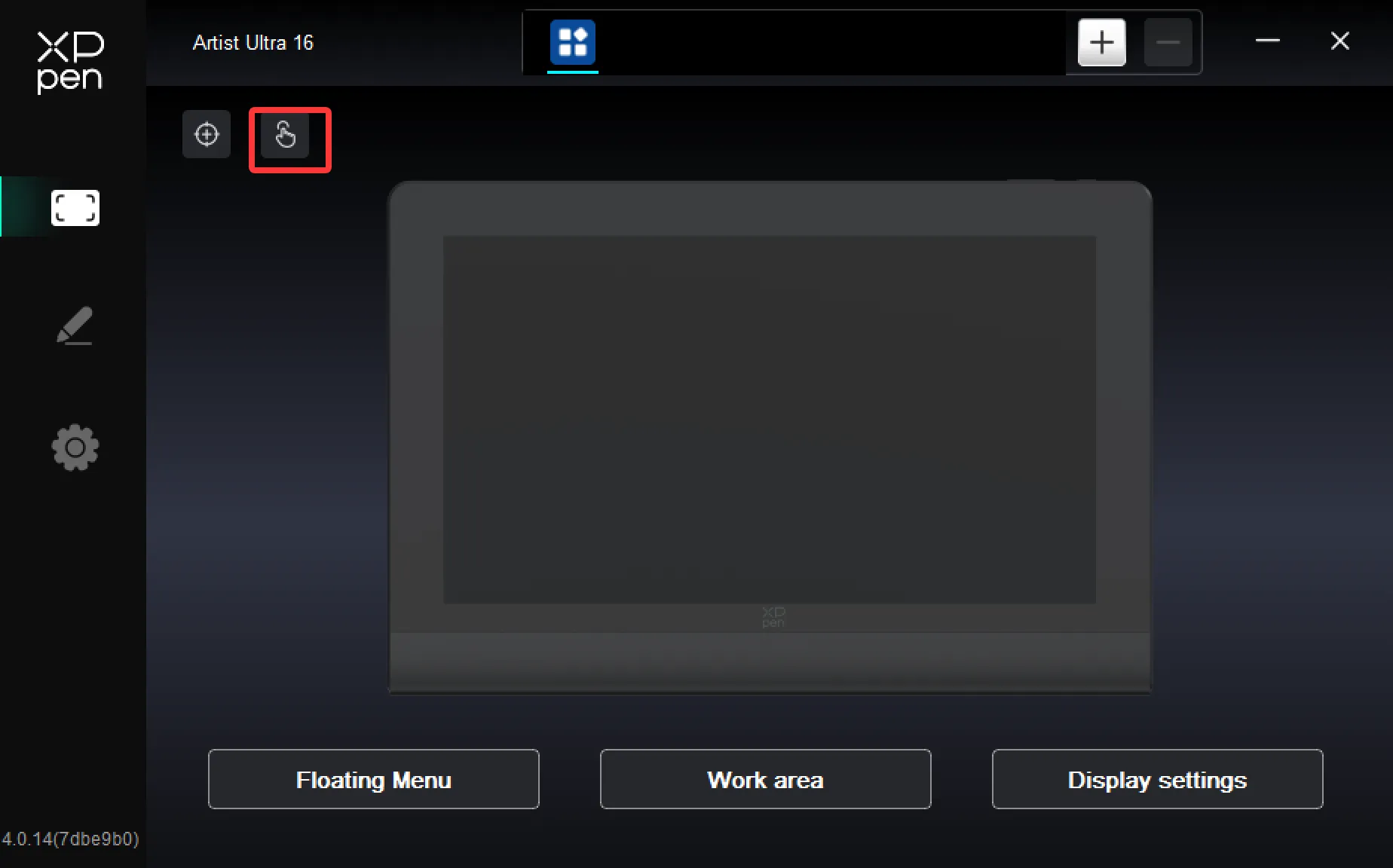
- Locate the touch function settings.
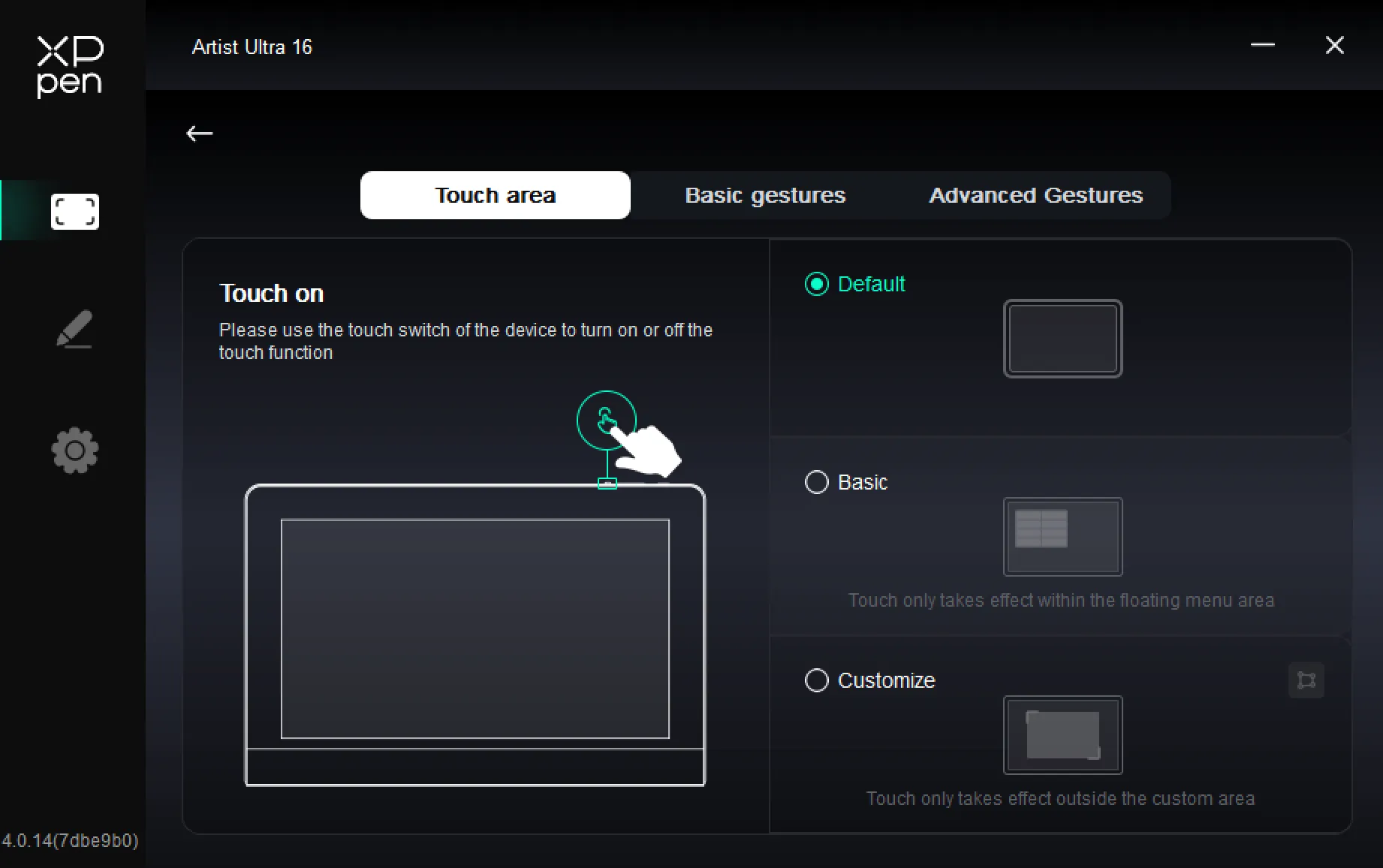
3. Select the touch area and enable the touch switch.
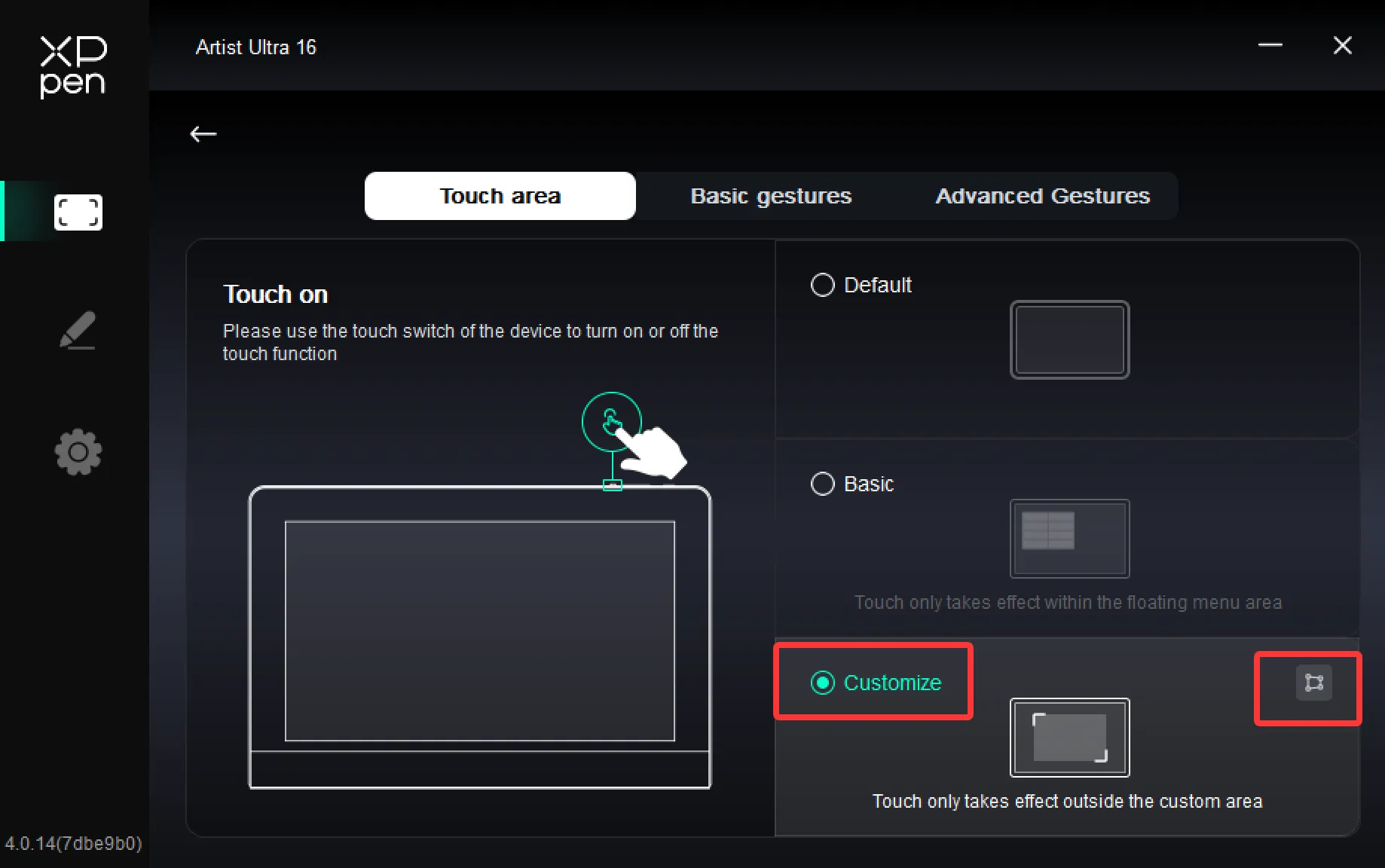
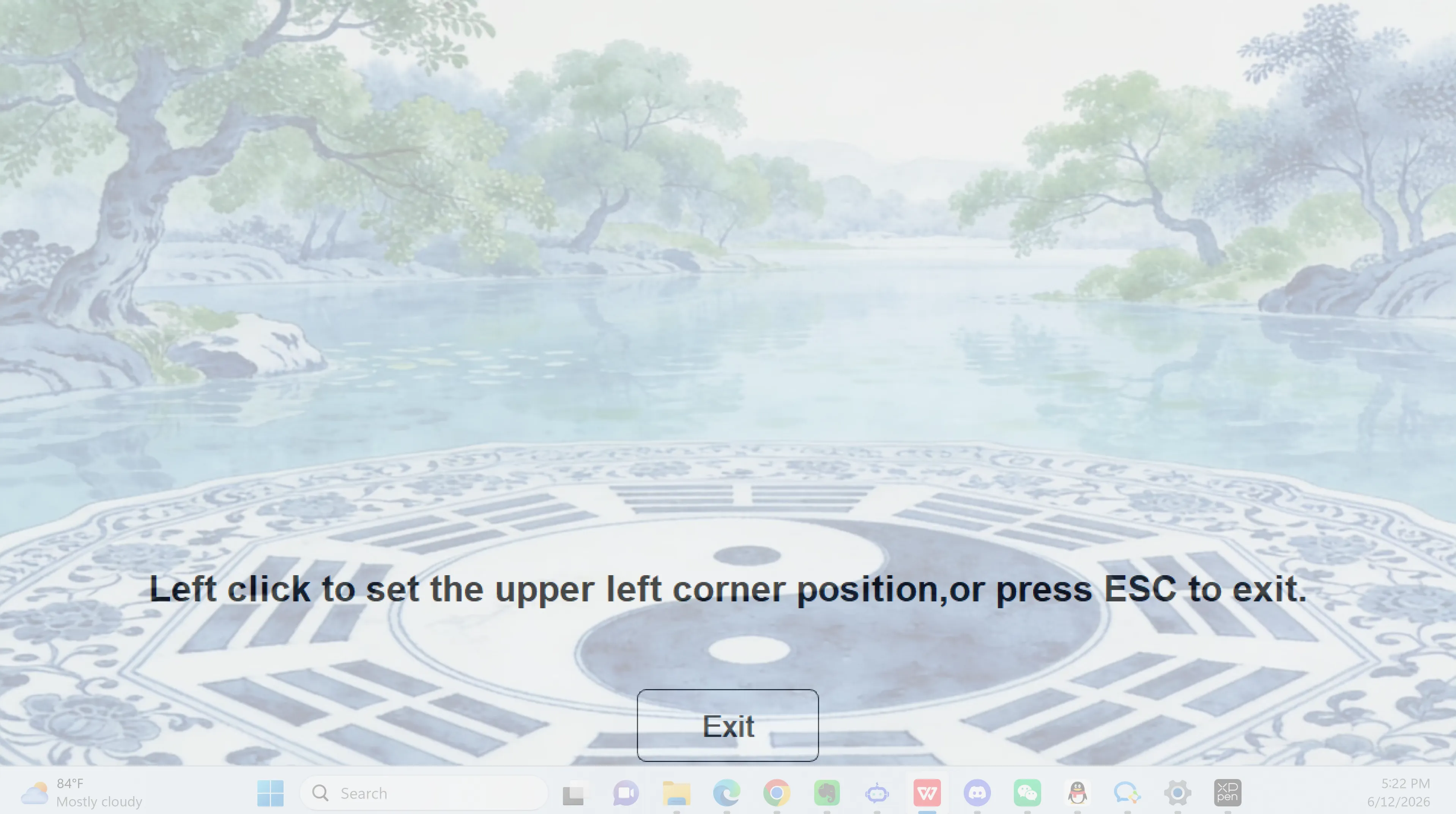
4. Choose "Customize," then right-click the custom area icon on the right. In the pop-up window, click the area you want to set, followed by the top-left and bottom-right corners, to complete the fully customized touch area configuration.