How to Customize Touch Shortcuts on Artist Ultra 16
Applicable Model:Artist Ultra 16
How to Customize Touch Shortcuts on Artist Ultra 16
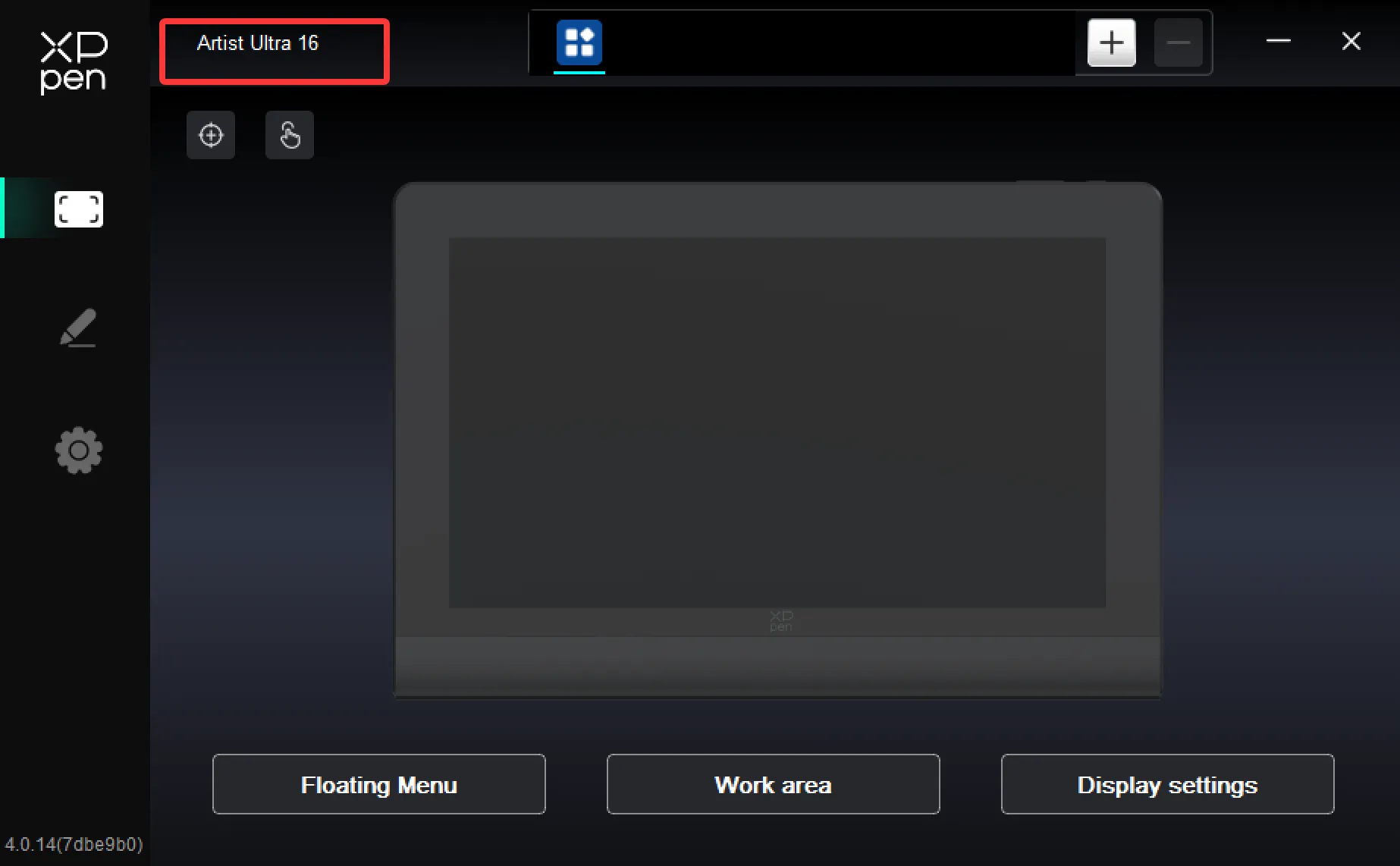
- First, connect the pen display to your computer. The connection is successful when the driver can detect the device.
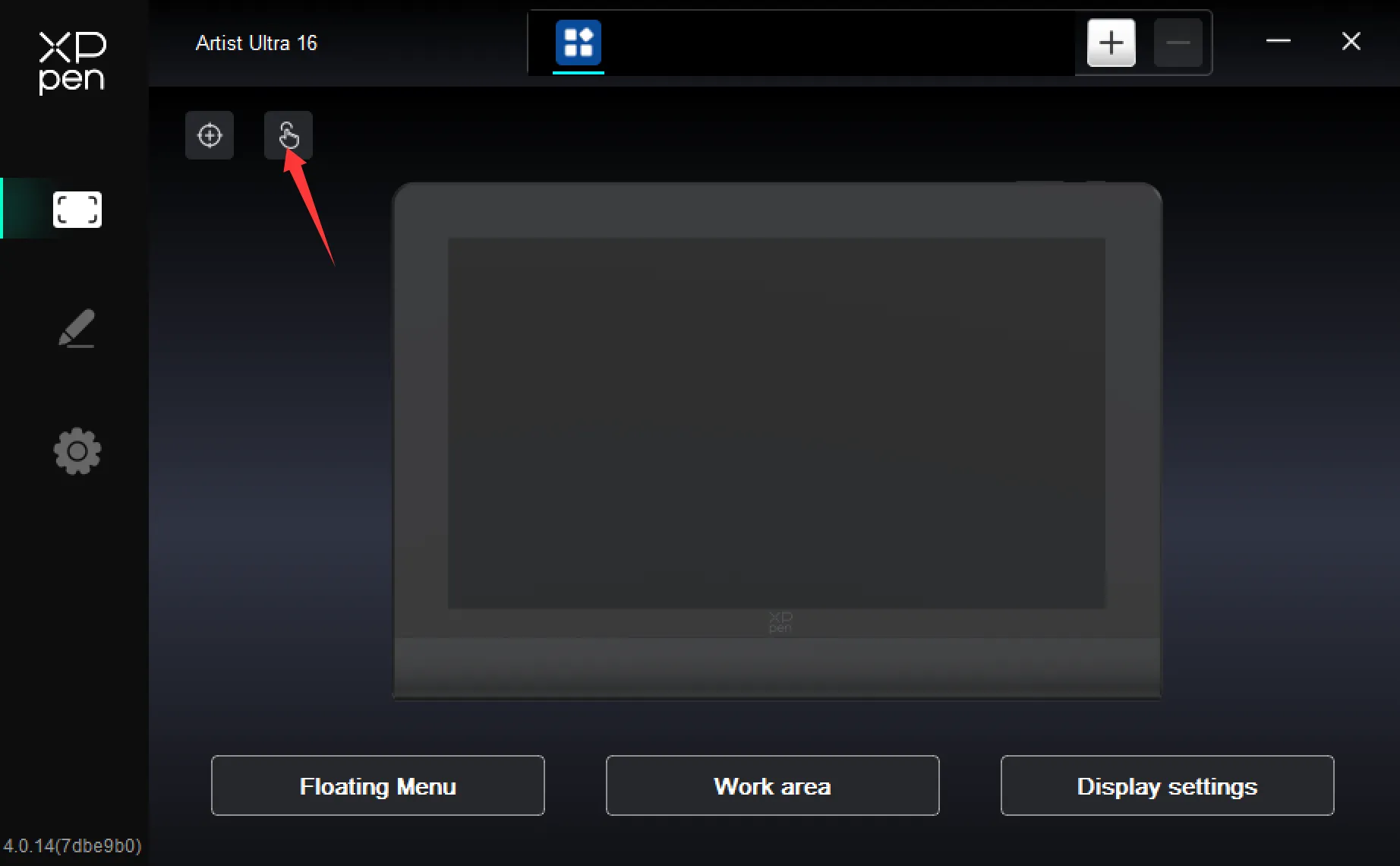
2. Go to the touch settings and select the "Advanced Gestures" tab.
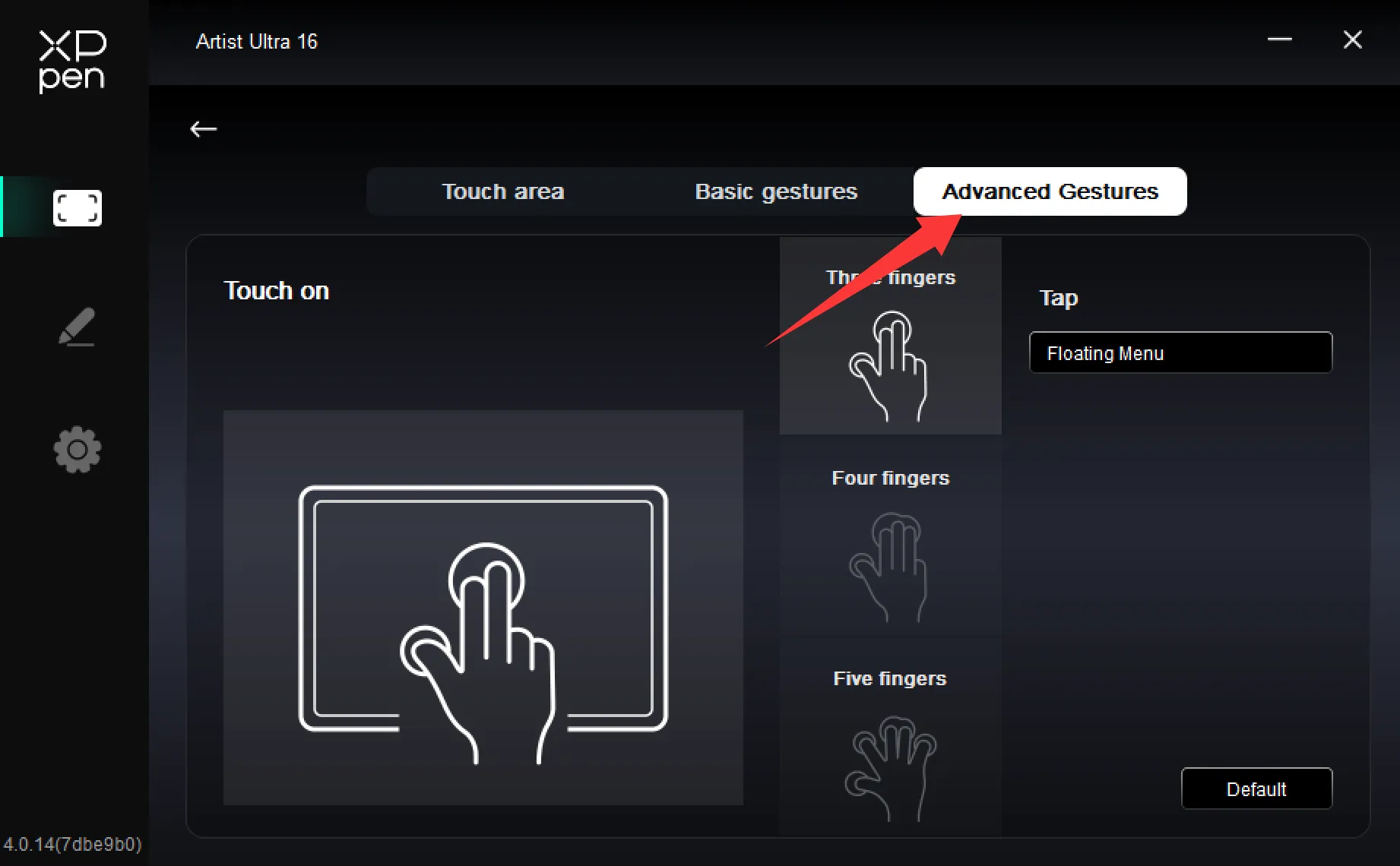
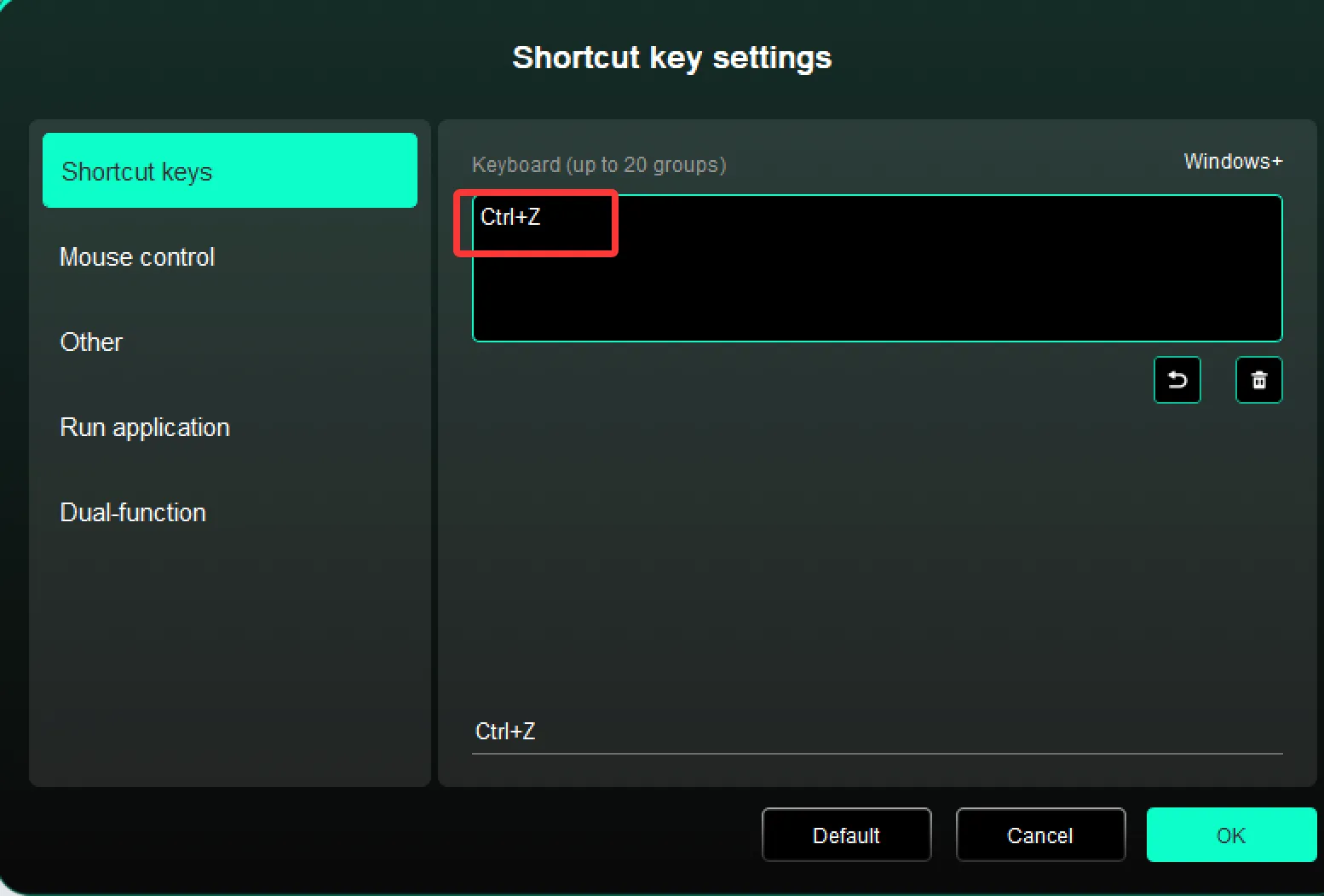
3. Take the three-finger gesture as an example. By default, a three-finger tap triggers the floating menu. Click into it to customize it to Ctrl+Z, and now a three-finger tap acts as the Photoshop Undo function. The same applies to four-finger or five-finger gestures — just customize accordingly, with each using a different touch method.