How to disable and enable finger touch on Magic Drawing Pad
Applicable Model:Magic Drawing Pad
How to disable and enable finger touch on Magic Drawing Pad
Open Settings, scroll down to Advanced features, and click on it
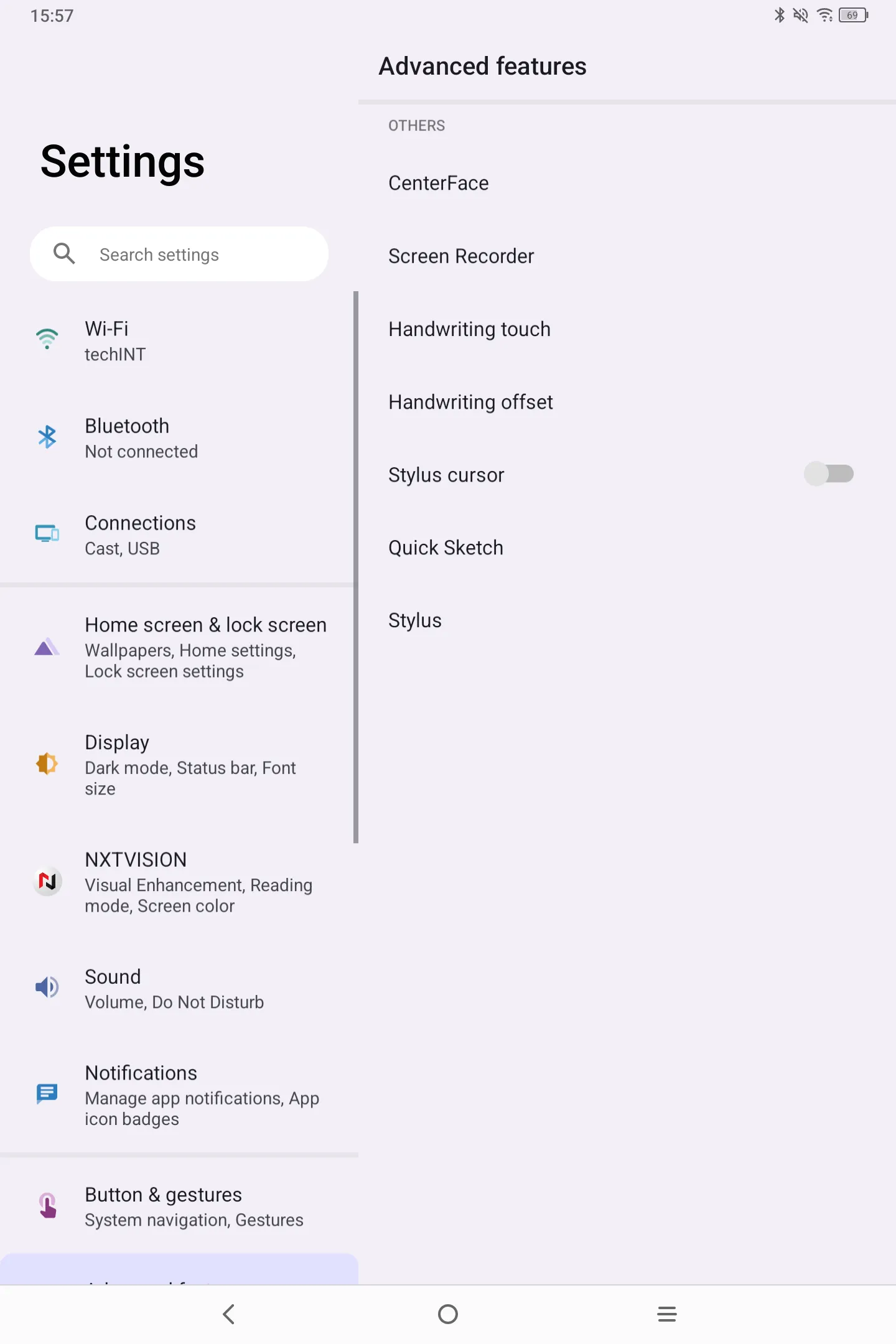
2. choose handwriting touch
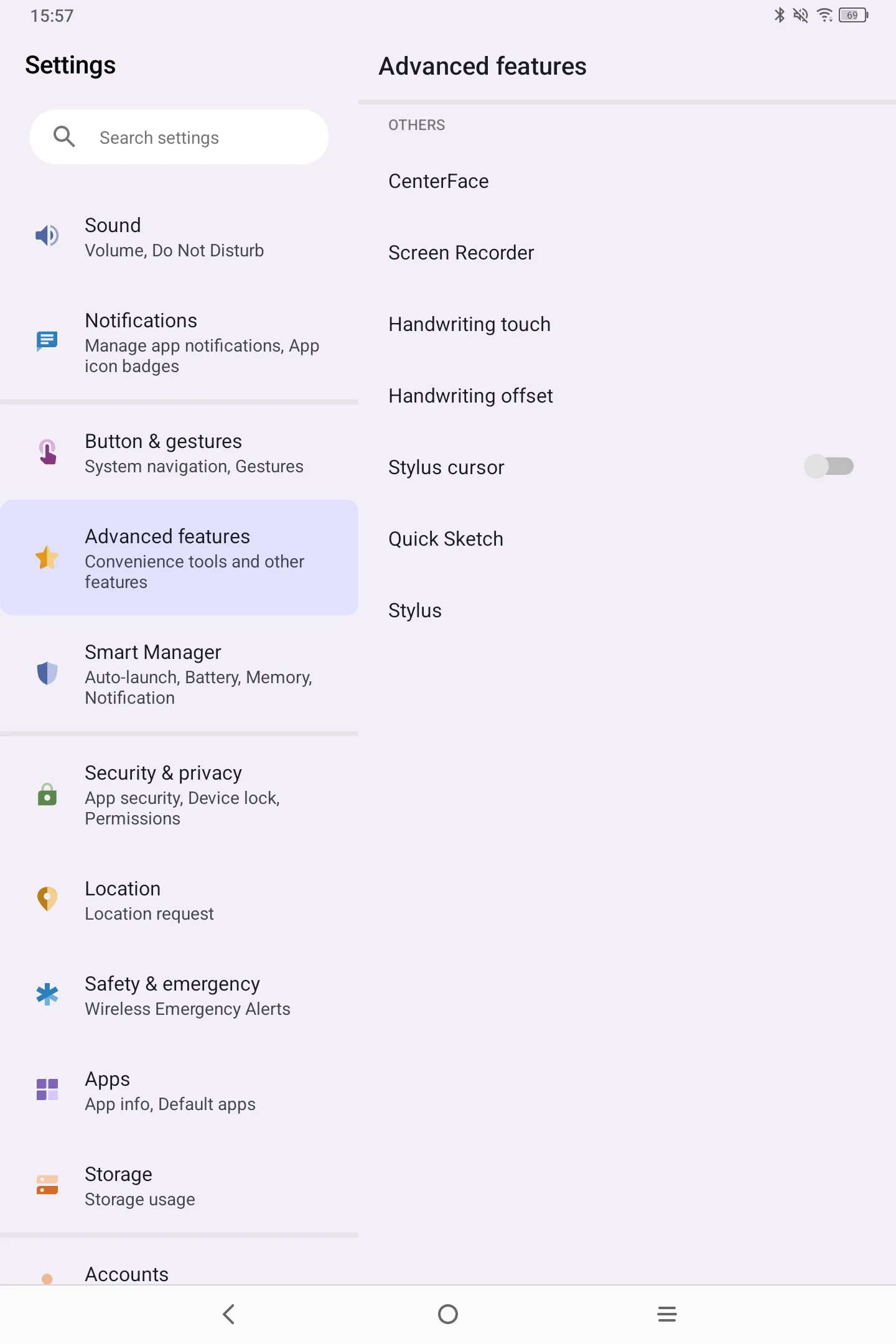
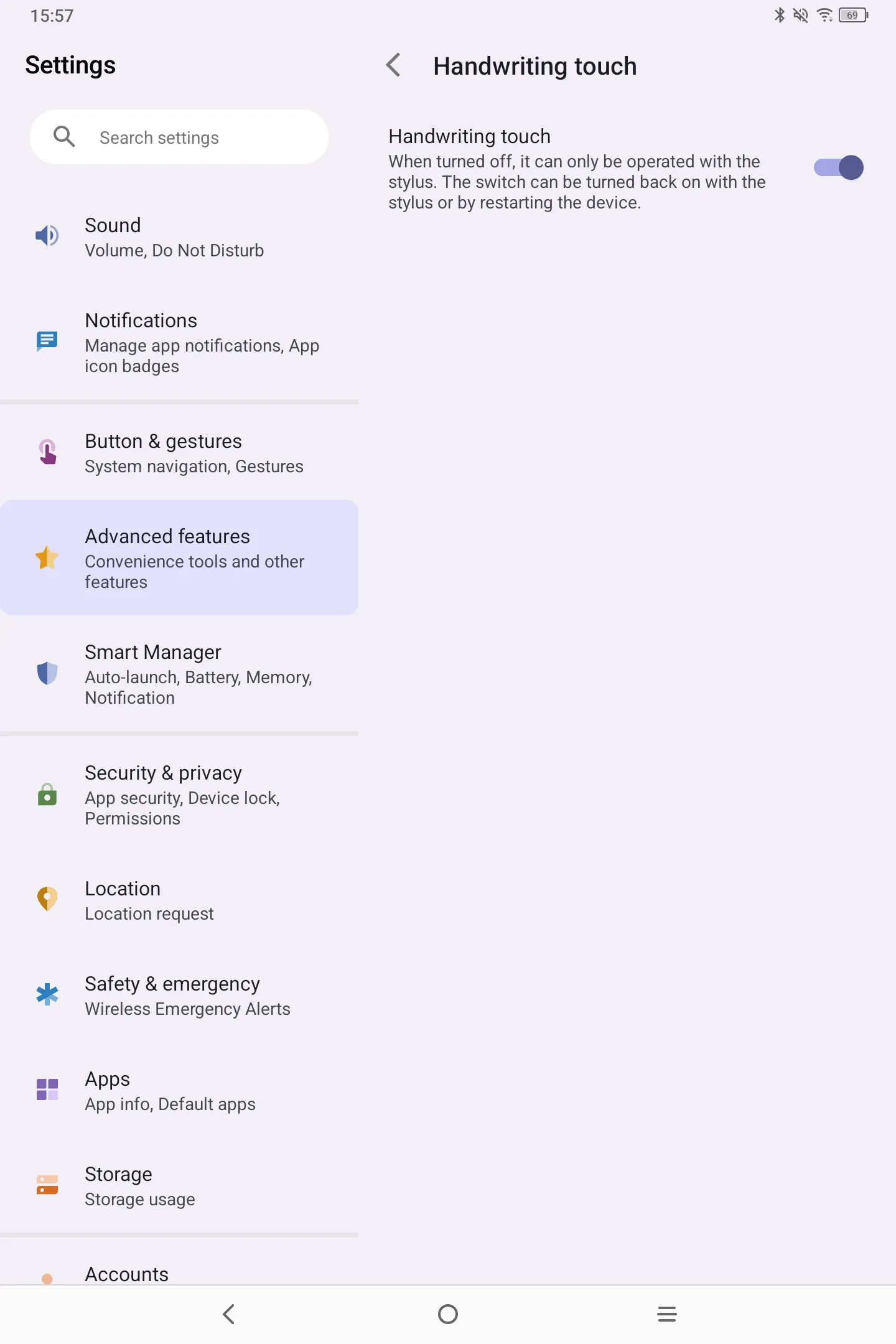
3. Click the button on the right side to toggle it off
4. When the handwriting touch is off, there are two ways to turn it on: a, click the toggle in the same place to turn it on b, press and hold the power button for around 10 seconds to restart the tablet, the finger touch will work again.