How to enable Eye Comfort Mode on an Android tablet
Applicable Model:Magic Drawing Pad,Magic Note Pad
How to enable Eye Comfort Mode on an Android tablet
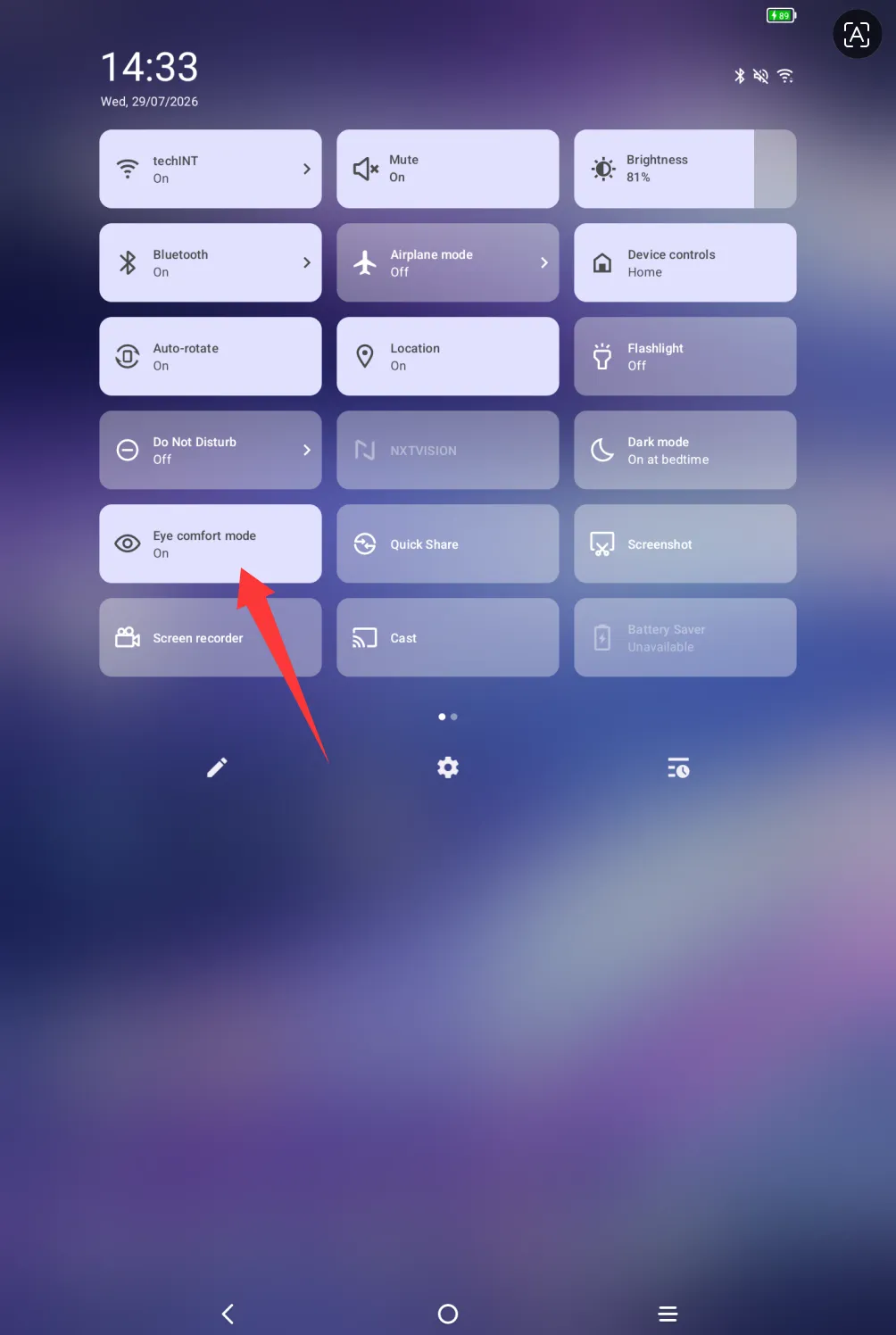
Swipe down from the top of the tablet screen with your finger or stylus to open the quick settings panel, and check if Eye Comfort Mode is available there.
If Eye Comfort Mode is not found in the quick settings panel, tap the Settings icon as shown in the illustration to add it.


3. Long press the Eye Comfort Mode tile, drag it to the upper display area, then turn it on — the setup is completed successfully.