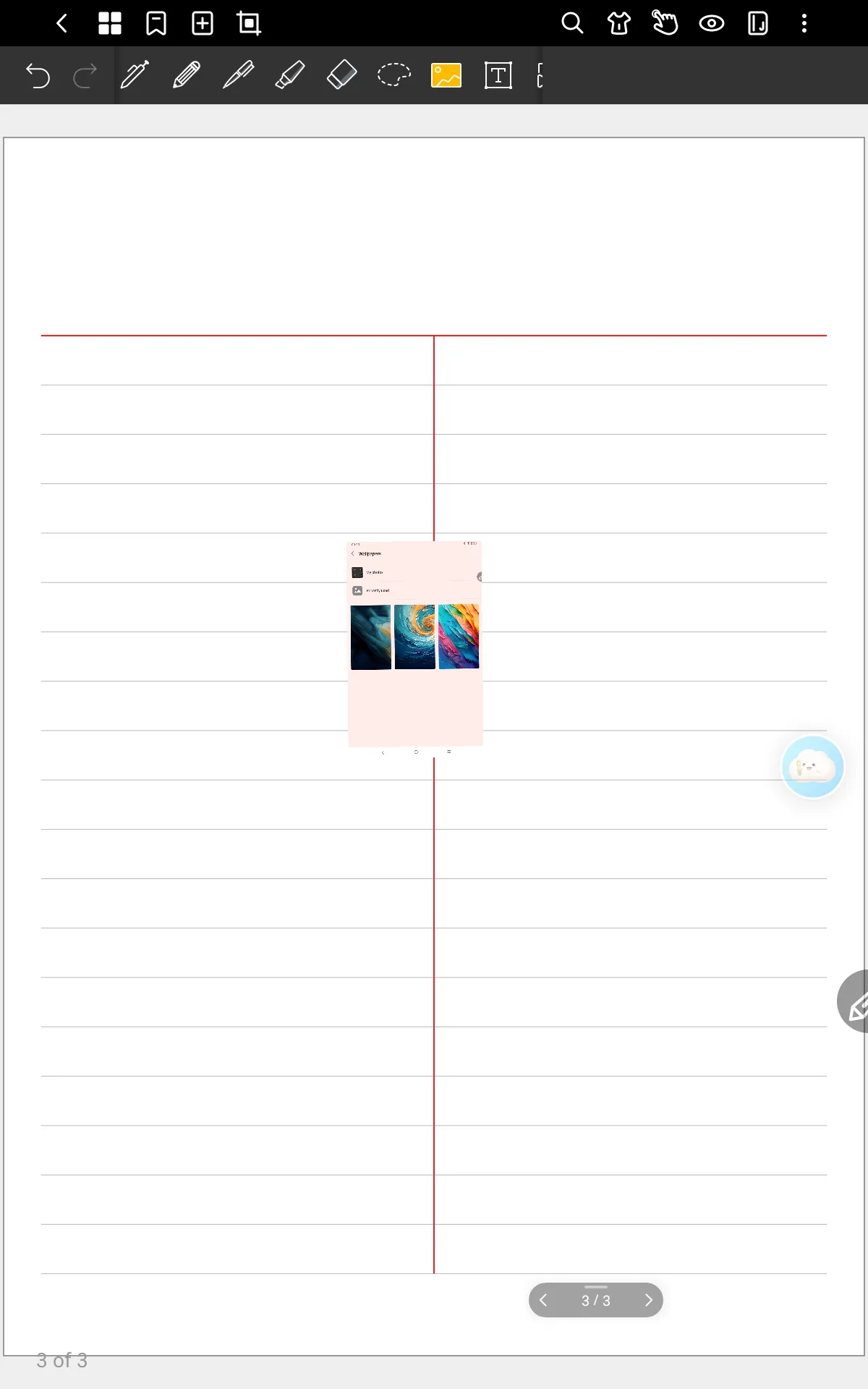
How to Insert Images in XPPen Notes App with Magic Note Pad
Applicable Model:Magic Note Pad
How to Insert Images in XPPen Notes App with Magic Note Pad
1. Open the XPPen Notes app and create a new note.
2. Locate the Insert Image function in the toolbar as shown in the figure.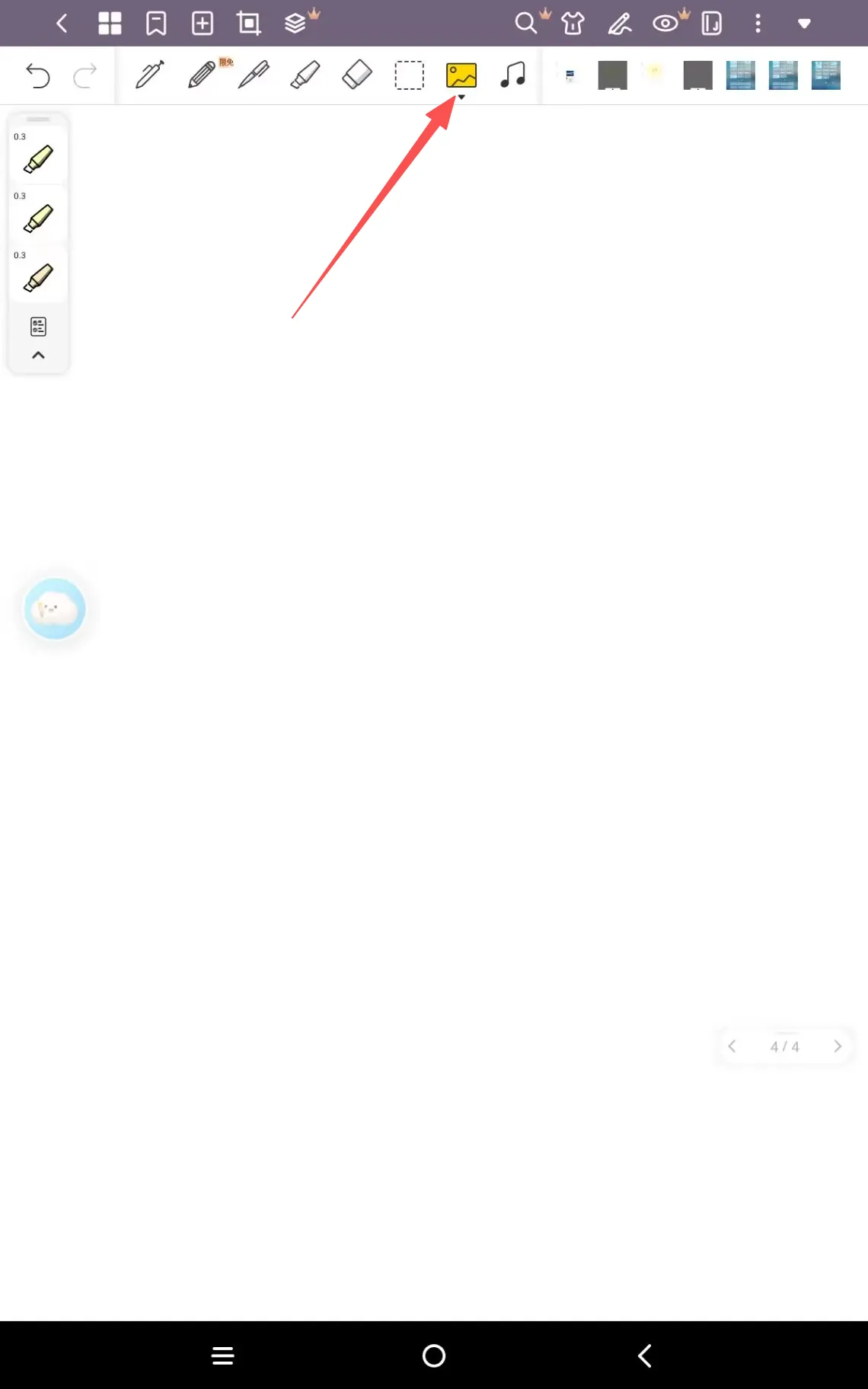
3. Tap the Camera or Gallery to add the picture.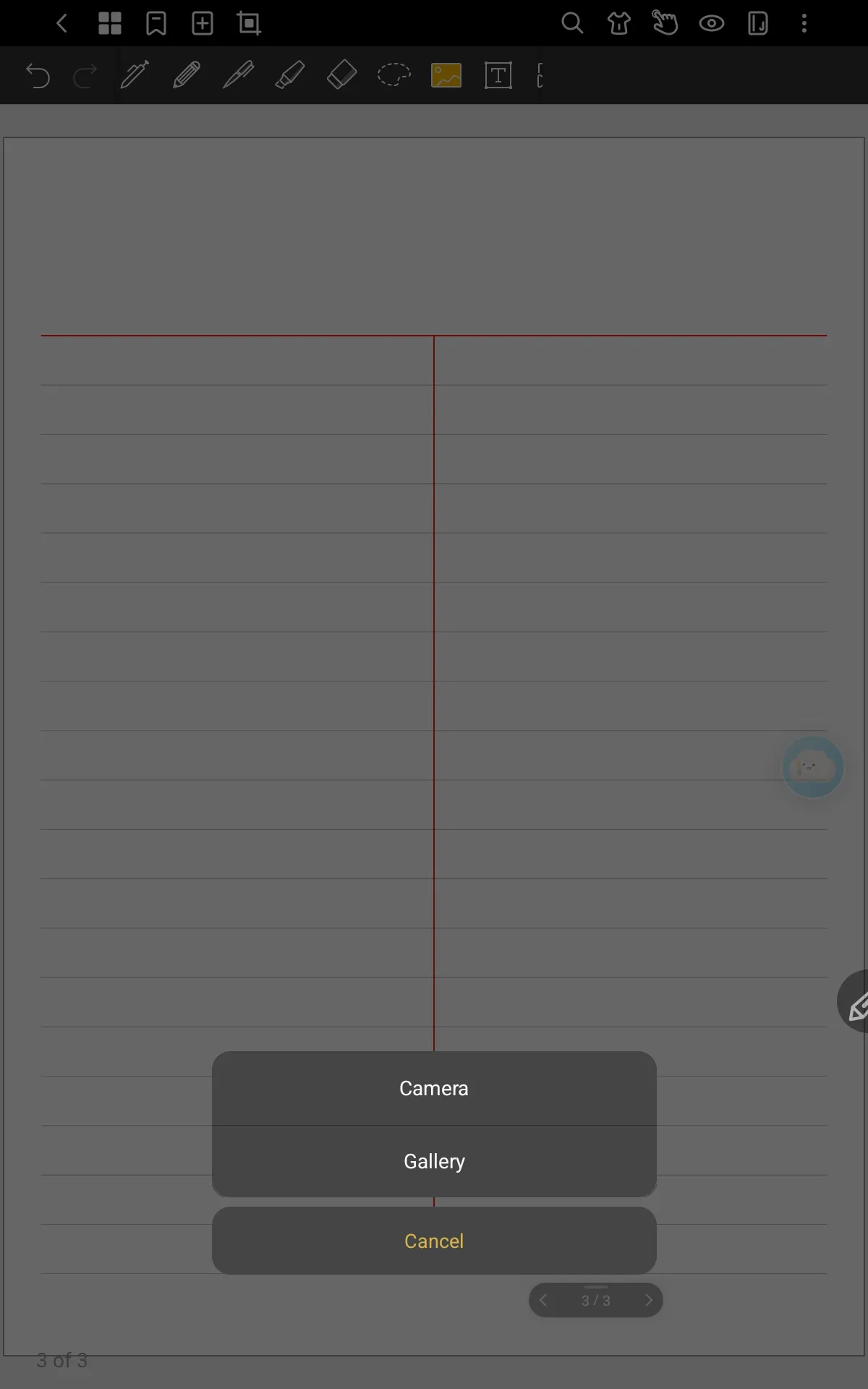
4. Select the image you need to complete the operation.