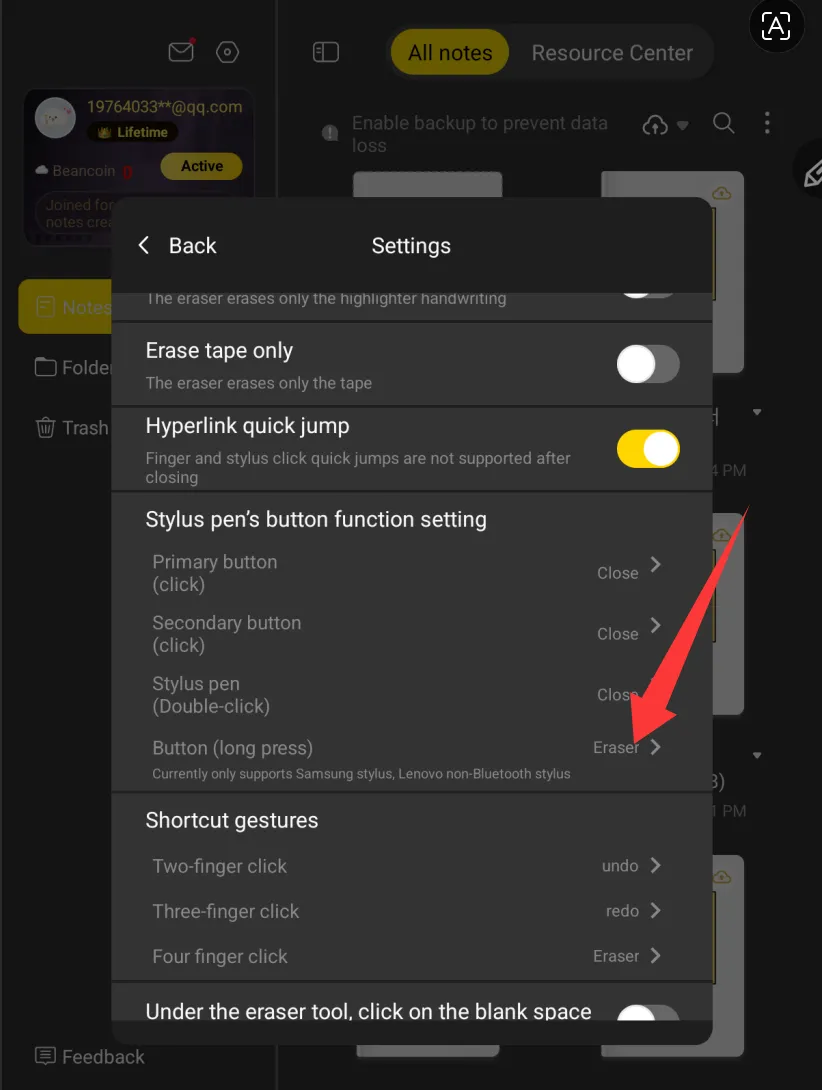
How to set the pen button as eraser in XPPen Notes for Magic Note Pad
Applicable Model:Magic Note Pad
How to set the pen button as eraser in XPPen Notes for Magic Note Pad
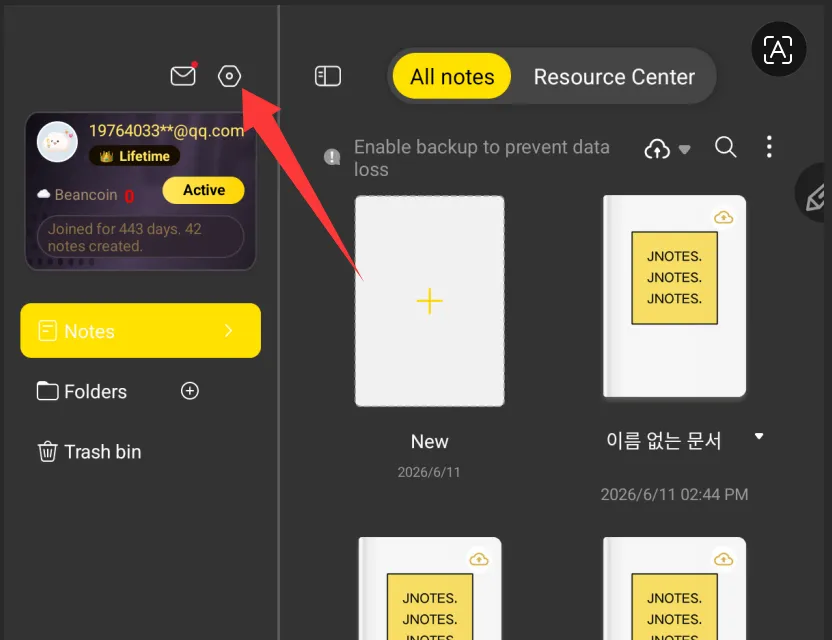
- Open the XPPen Notes app, and find the settings function in the top-left corner.
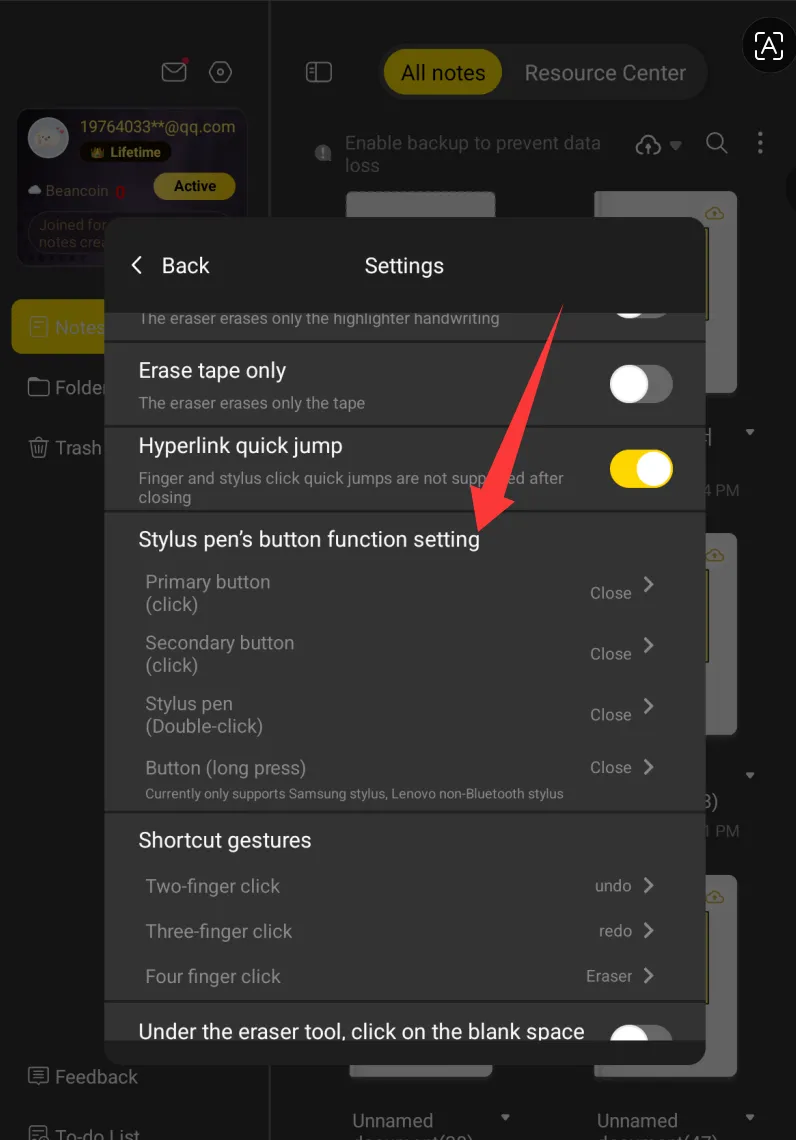
- Scroll down to "Stylus pen’s button function setting."
- Click the button(long press) to enable the eraser function.
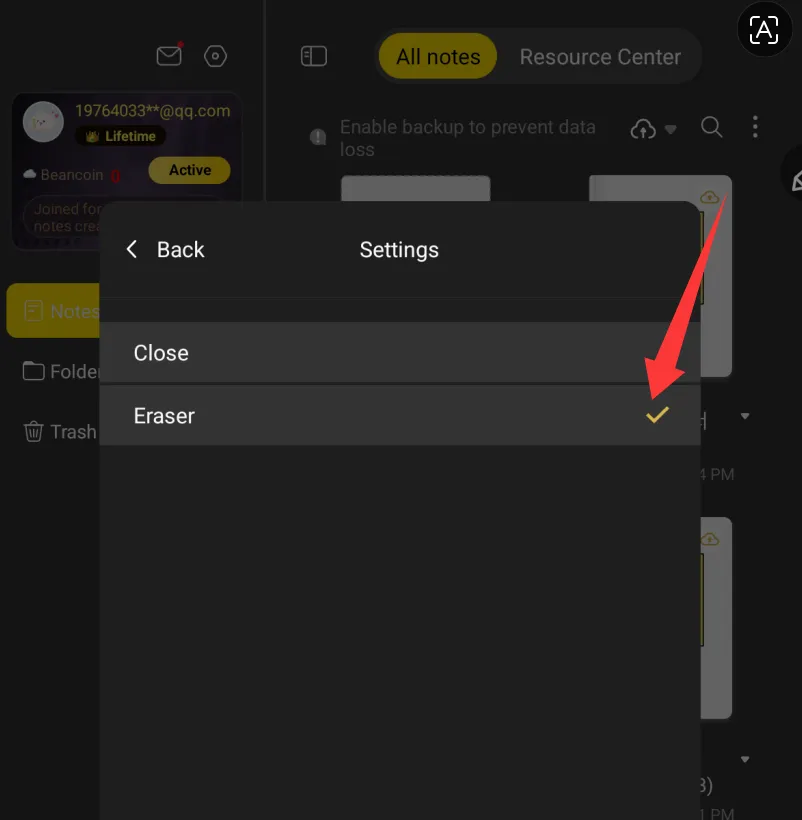
- Once set, it should look as shown in the image.