How to set up Magic Drawing Pad Wallpaper and Style
Applicable Model:Magic Drawing Pad
How to set up Magic Drawing Pad Wallpaper and Style
Open the tablet's settings, then select Home screen & lock screen.
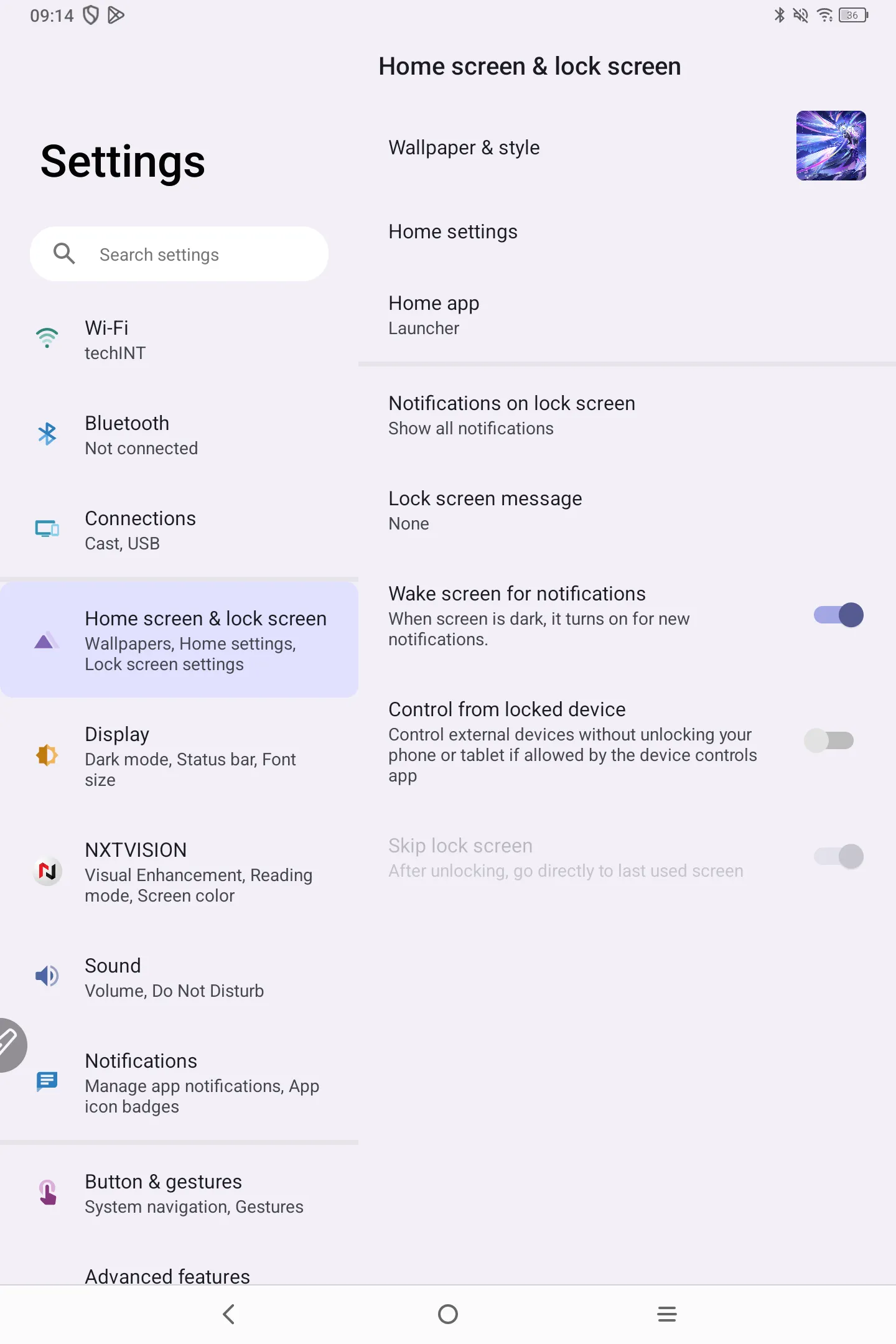
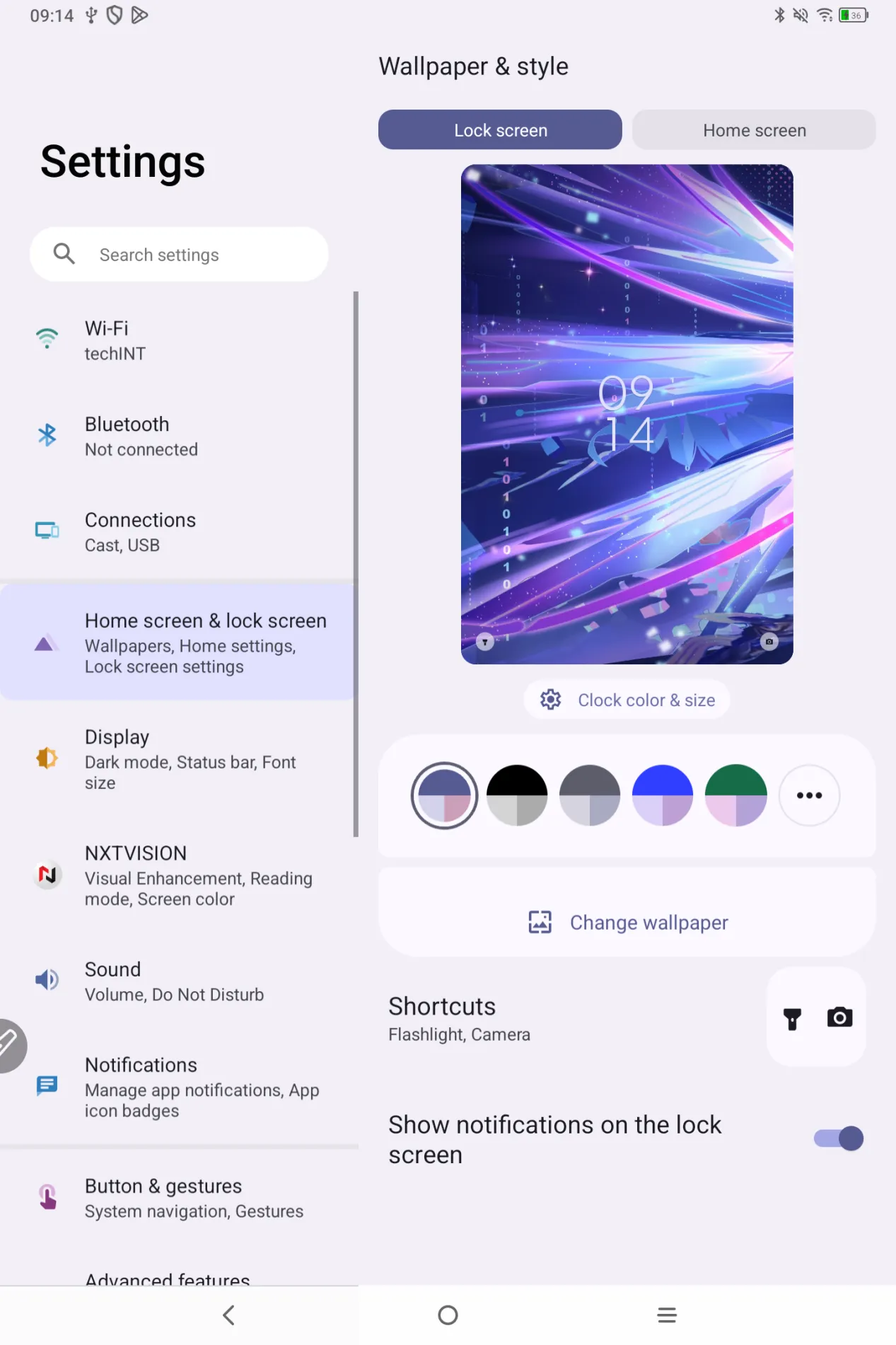
click on Wallpaper & Styles. On this page, you can set the wallpaper images for the lock screen and home screen , change the desktop color, and enable or disable the flashlight, camera shortcuts, and lock screen notifications.
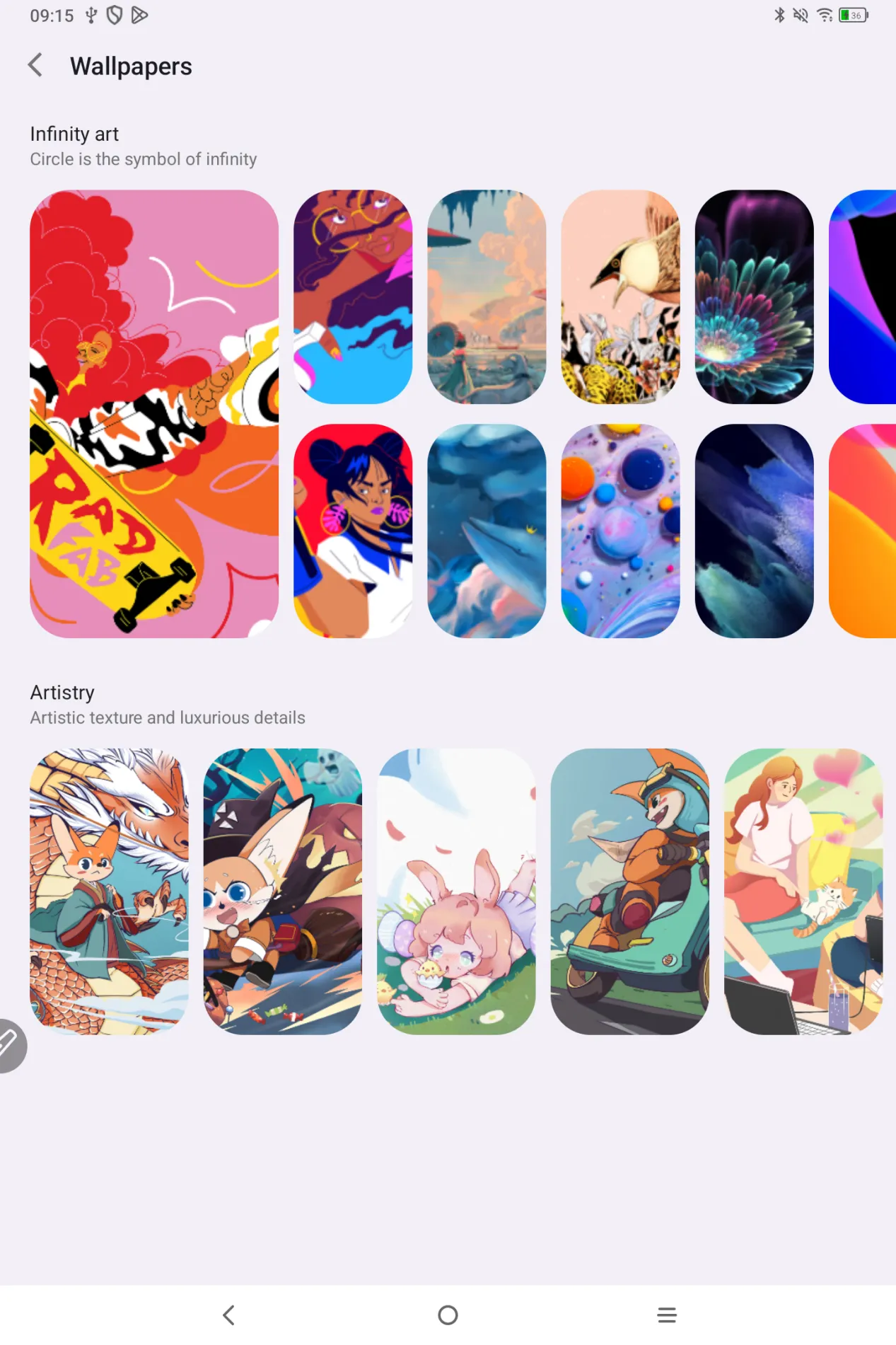
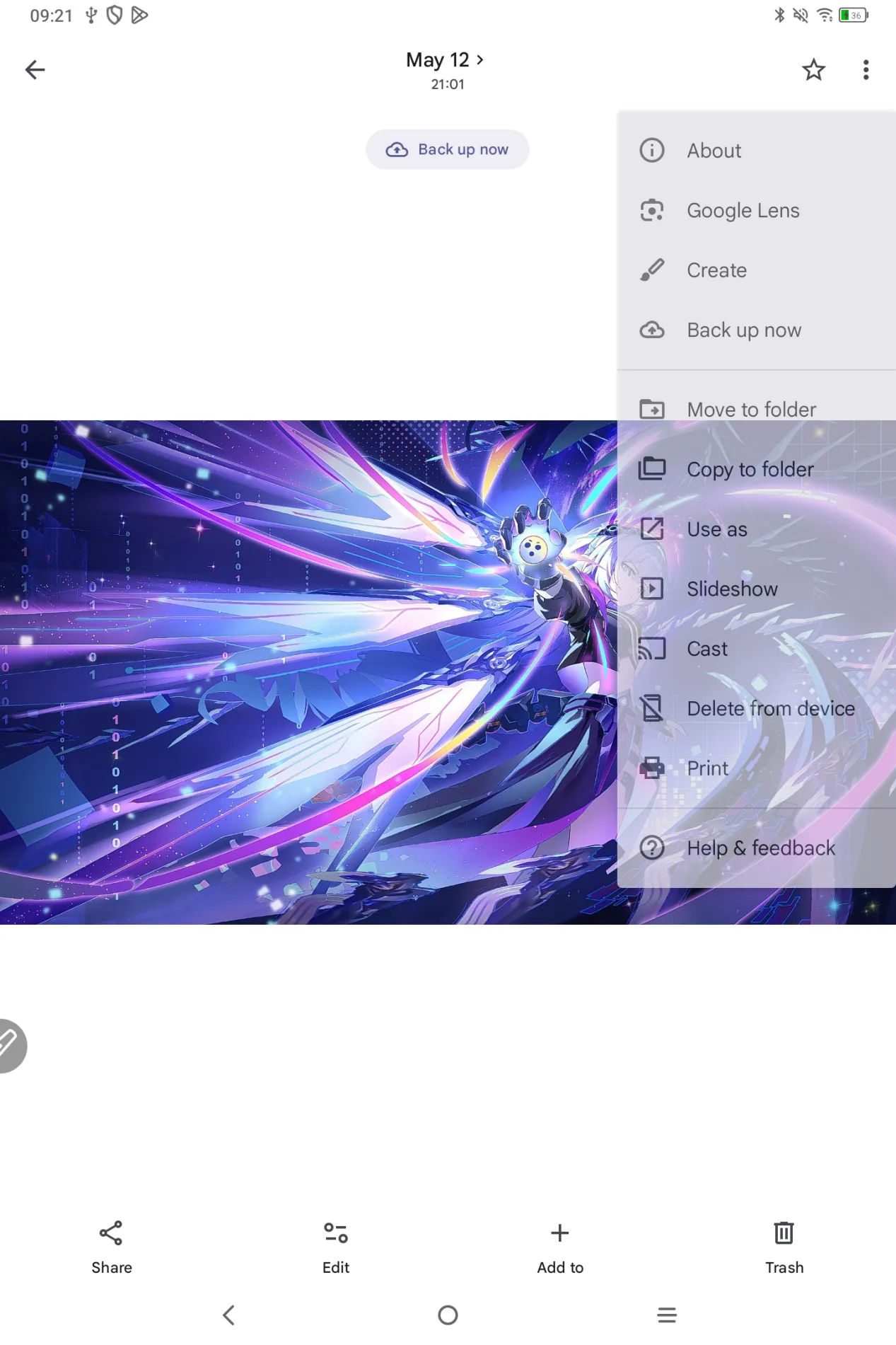
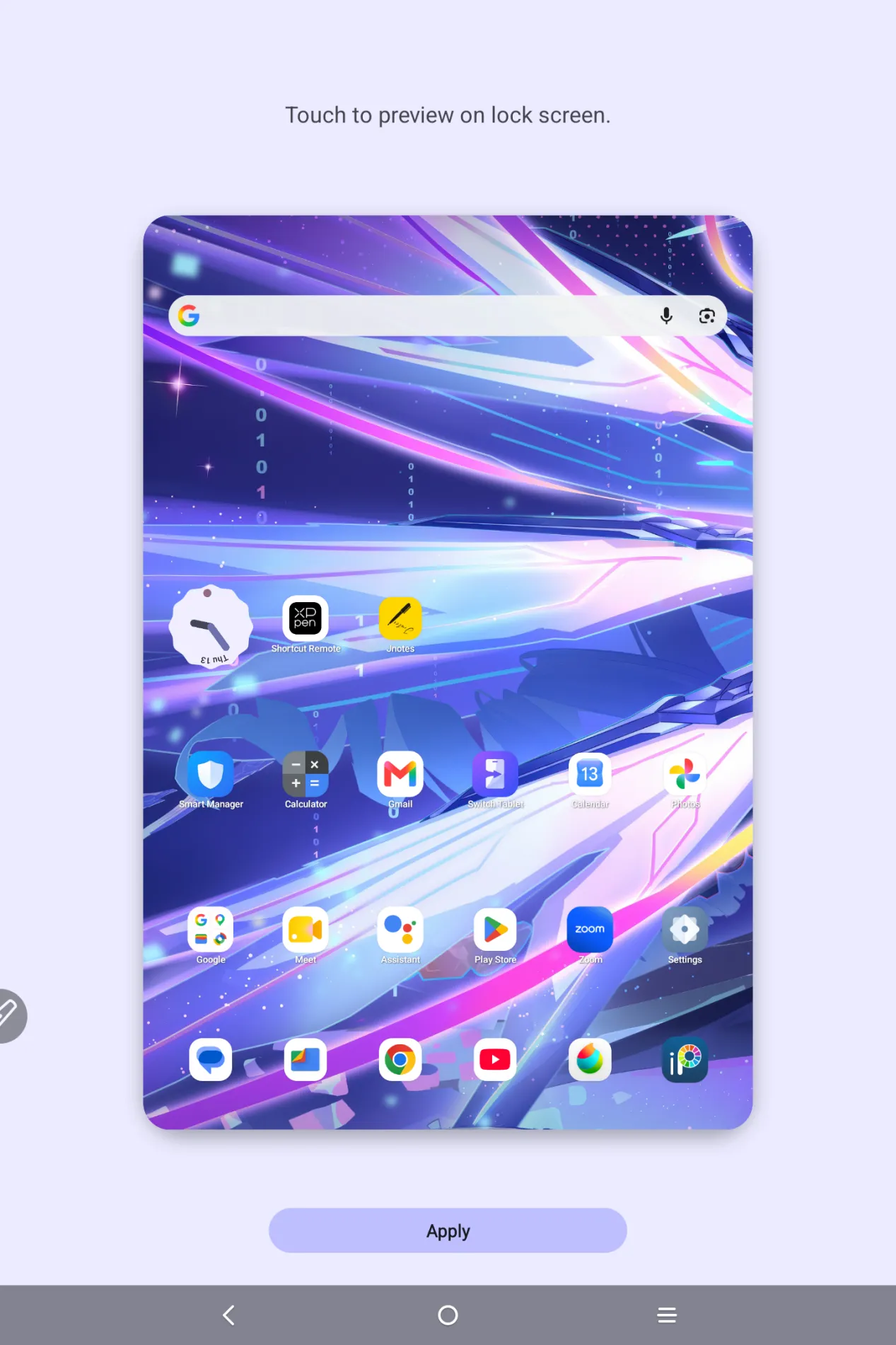
If you don’t want to use preset wallpapers, please open your prefered image on Photos, click on the ... on top right side of the screen, then choose ‘use as’, select ‘wallpaper’. Adjust the image size and place, then click on ‘Apply’.