How to Switch Color Modes on Magic Note Pad
Applicable Model:Magic Note Pad
How to Switch Color Modes on Magic Note Pad
You can switch color modes with one tap using the X-Paper Key physical button.
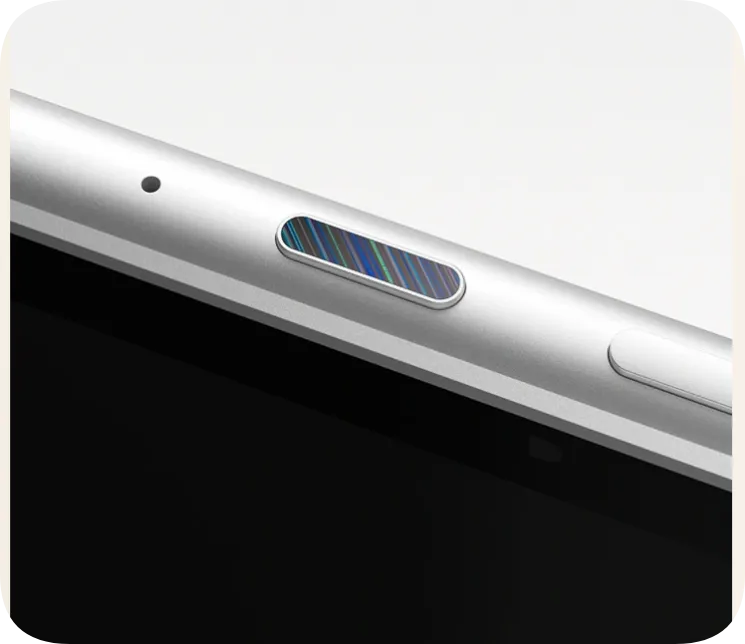
Short press the X-Paper Key to enter the interface for switching between the three modes.
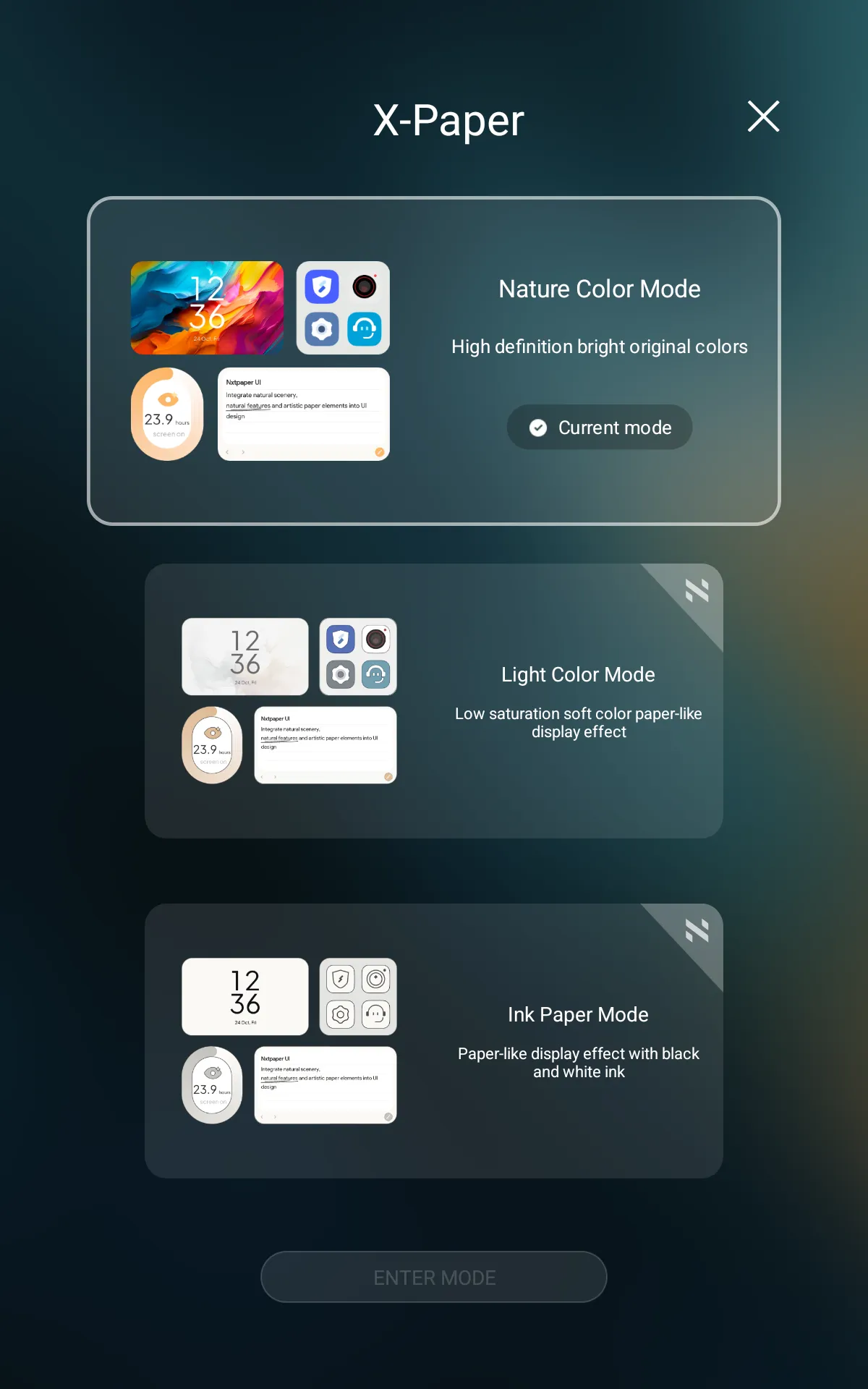
Long press the X-Paper Key to directly toggle between the Light Color Mode and True Color Mode.