How to quickly adjust the HUD's size, transparency, and skin?
Applicable Model:Pilot Pro Editing Console
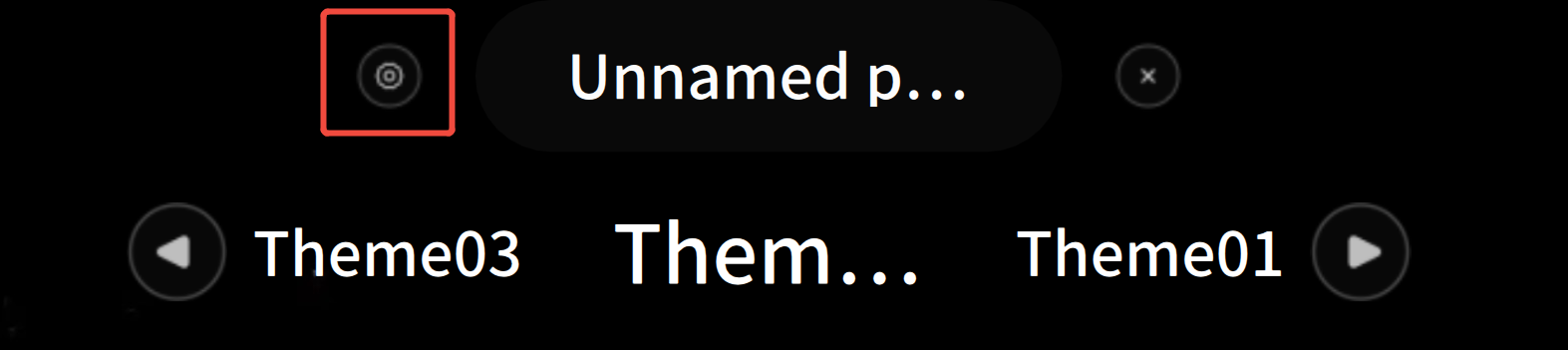
Click the upper-left corner of the HUD floating window (see the figure below) to open the parameter settings dialog, where you can make quick adjustments.